Cricut Explore 5 Review (+ Essential Bundle)
Summary: The Cricut Explore Essential Bundle is the affordable answer to mid-range cutting!
4
Pure imagination
Welcome to the next range of smart electronic cutting machines from Cricut, led by their new Cricut Explore 5 (reviewed) and Cricut Joy 2.
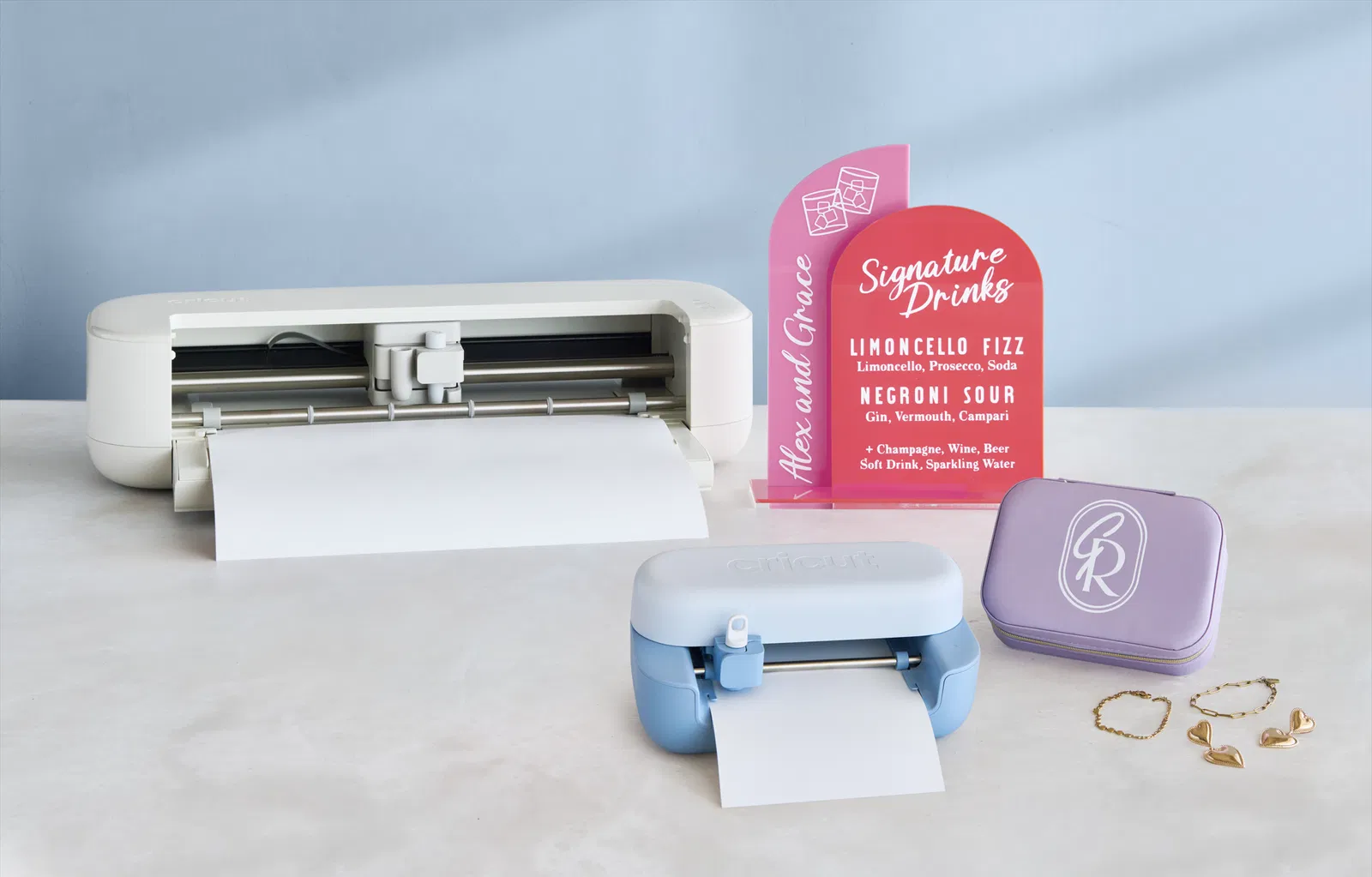
If you’re new to this space “Design Space” (one for those familiar with Cricut) and wondering what a cutting machine actually does, think of it as your all‑in‑one creative sidekick or portable DIY (do it yourself) factory. It lets you design and make all sorts of DIY projects from custom t-shirts and personalised stickers to greeting cards, labels and even home décor.
So, whether you’re crafting for fun, running a small business or just love the satisfaction of making something uniquely yours, the Cricut Explore 5 opens the door to a world of creativity that’s truly only limited by your imagination. And to tweak a song from a famous chocolatier of the last century, welcome to a world of pure imagination.
Before I jump into the review, let’s quickly talk about the differences between the Cricut Explore 5 and Cricut Joy 2. Both are smart cutting machines however the Cricut Explore 5 is a full-size 12-inch cutting machine ideal for both small and large projects with increased capacity regarding what it can create, whereas the Cricut Joy 2 is a considerably smaller and more compact machine that is perfect for small and quick projects.
The Review
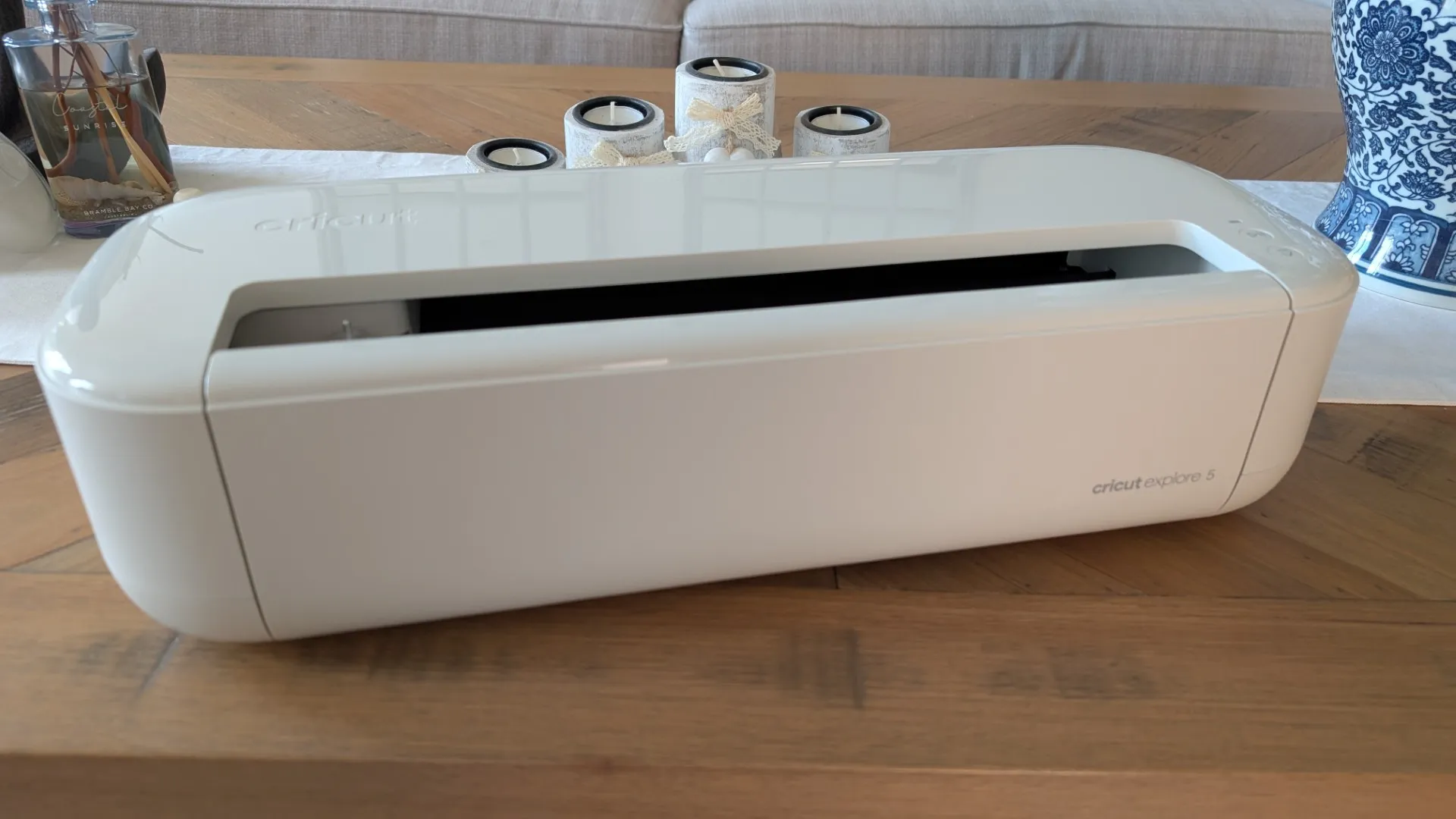
As mentioned and at its core, the Cricut Explore 5 is a compact 12-inch cutting machine that delivers a 30% boost in space efficiency over the previous model while still offering the precision and power to cut more than 100 materials. It’s not limited to cutting either as it can write, draw, foil and score which greatly increases the scope of what this smart cutting machine can do.

Cricut has also simplified the experience via the interface, connectivity and ability to access the Design Space app where the creative magic happens. The company has even included AI-driven design tools (e.g. a dog wearing a party hat) plus an extensive library of templates.
Best of all for both newcomers and those returning to Cricut, the Essential Bundle rounds things out with Smart materials and core tools, giving users everything they need to start creating personalised, professional‑looking projects straight out of the box.
.
Unboxing
Compared to the previous model, the Cricut Explore 4, the new Explore 5 is a more streamlined device that measures 50.2 cm x 19.05 cm x 11.9 cm with a weight of 4.5 kg. Whereas the Cricut Explore 4 measures 56.4 cm x 17.8 cm x 15 cm with a weight of 5.03 kg which makes the Explore 5 around 30% smaller.
In terms of cost, the Cricut Explore 5 Essentials Bundle (retails for $528 AUD) comes with a wealth of extras and besides the main unit the bundle includes all of the following:
- Cricut Explore 5 machine
- Premium Fine Point Cutting Tool
- Scoring Tool
- Dual-Sided Marker (0.4 mm & 1.0 mm) in Black
- Light Grip Machine Mat, 12 in x 12 in (30.5 cm x 30.5 cm)
- Welcome card
- USB cable
- Power adapter
- Free trial subscription to Cricut Access™ (for new subscribers)
- Materials for a practice cut
- Cricut Manufacturer Warranty
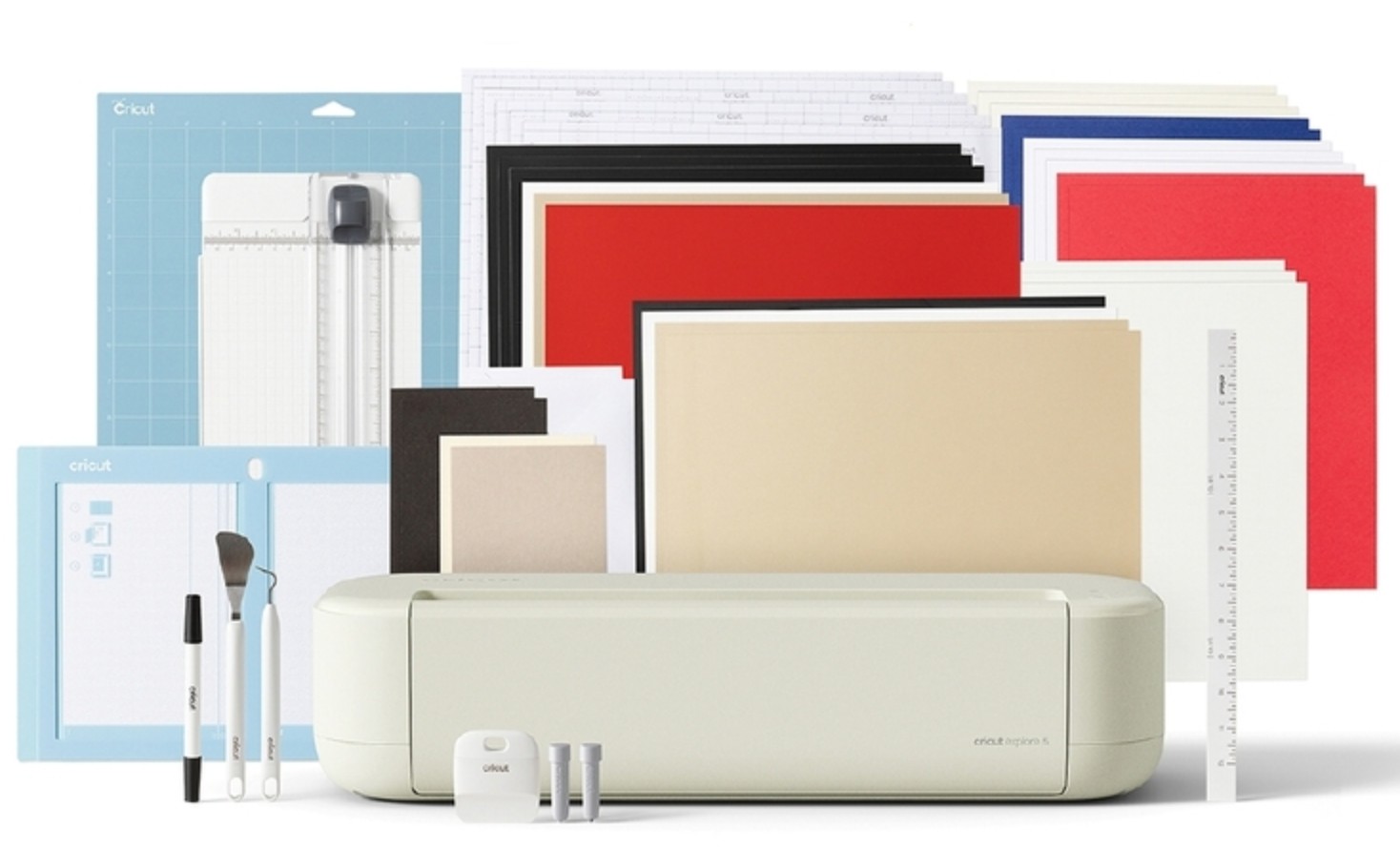
Bundled with:
- Card Mat, 13 in x 16.25 in (33 cm x 41.2 cm)
- Portable Trimmer
- Weeder
- Scraper
- Spatula
- Paper Ruler, 12 in (30.5 cm)
- Smart Iron-On™, 2 sheets 9.5 in x 13 in (24 cm x 33 cm) in Gold
- Smart Iron-On™, 2 sheets (2 colours, 1 each) 9.5 in x 13 in (24 cm x 33 cm) in White, Black
- Smart Vinyl™, 3 sheets 9.5 in x 13 in (24 cm x 33 cm) in Black
- Smart Vinyl™, 3 sheets (3 colours, 1 each) 9.5 in x 13 in (24 cm x 33 cm) in White, Gold, Red
- Transfer Tape, 6 sheets 9.5 in x 13 in (24 cm x 33 cm)
- Insert Card Set, 2 sets 4.25 in x 5.5 in (10.8 cm x 13.9 cm) in Taupe/Black, Cream/Black
- Value Cardstock, 6 sheets (2 colours, 3 each) 8.5 in x 11 in (21 cm x 27.9 cm) in White, Cream
- Value Cardstock, 4 sheets (4 colours, 2 each) 8.5 in x 11 in (21.6 cm x 27.9 cm) in Red, Middle Blue Printable Vinyl (A4), 3 sheets 8.3 in x 11.7 in (21 cm x 29.7 cm) in White
As you can see from the above contents, it’s a true bundle of joy from Cricut!
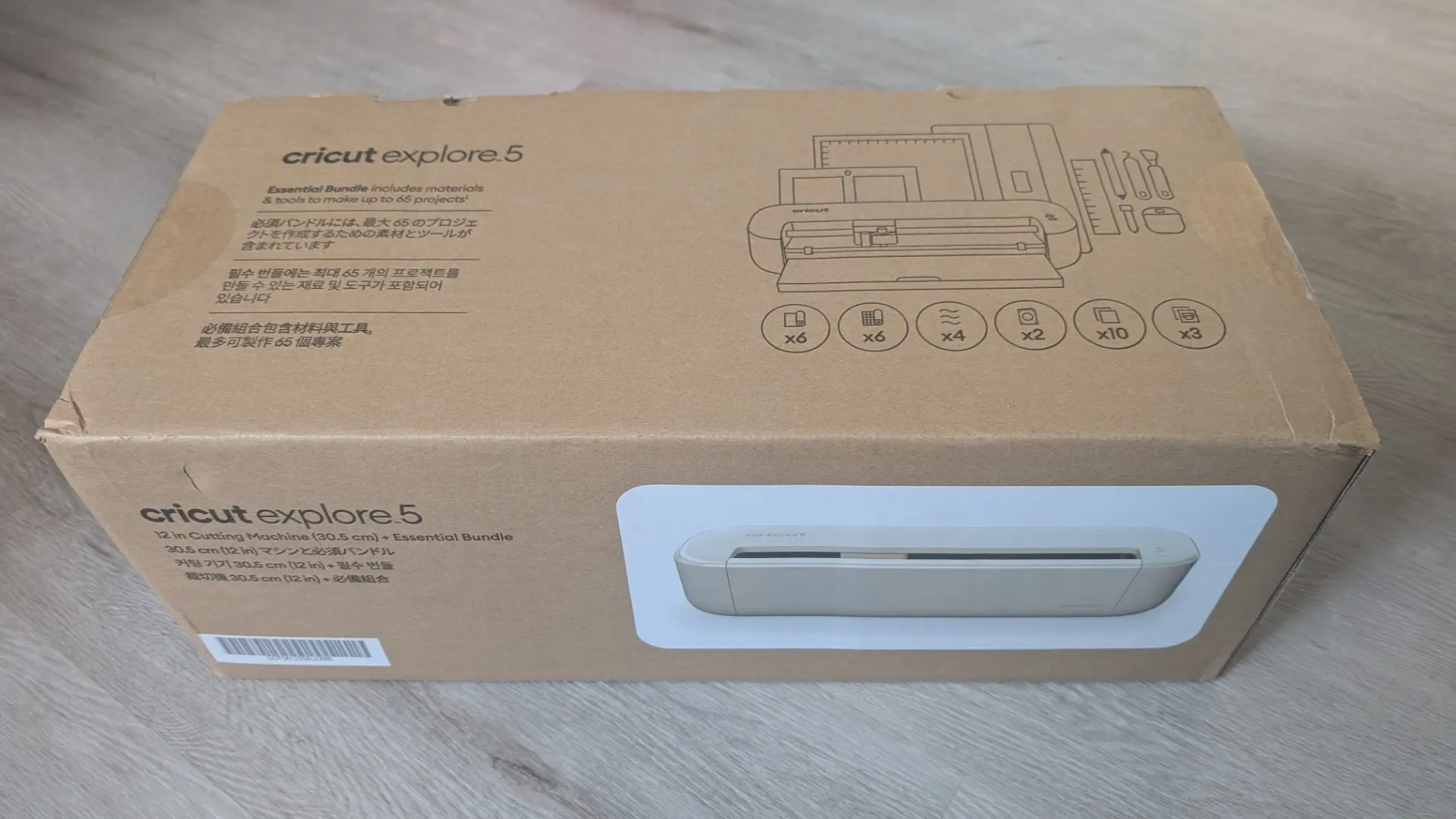
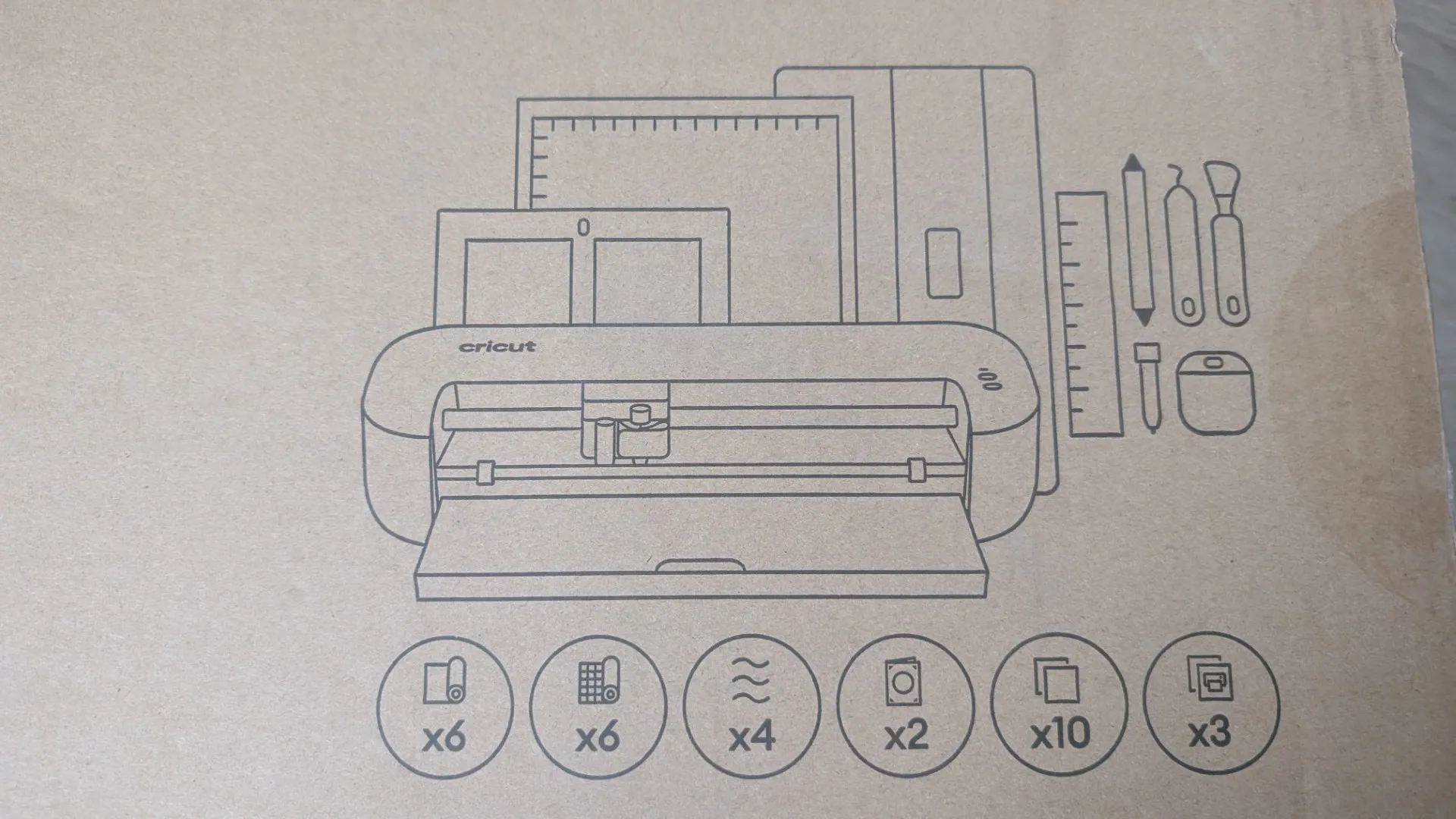
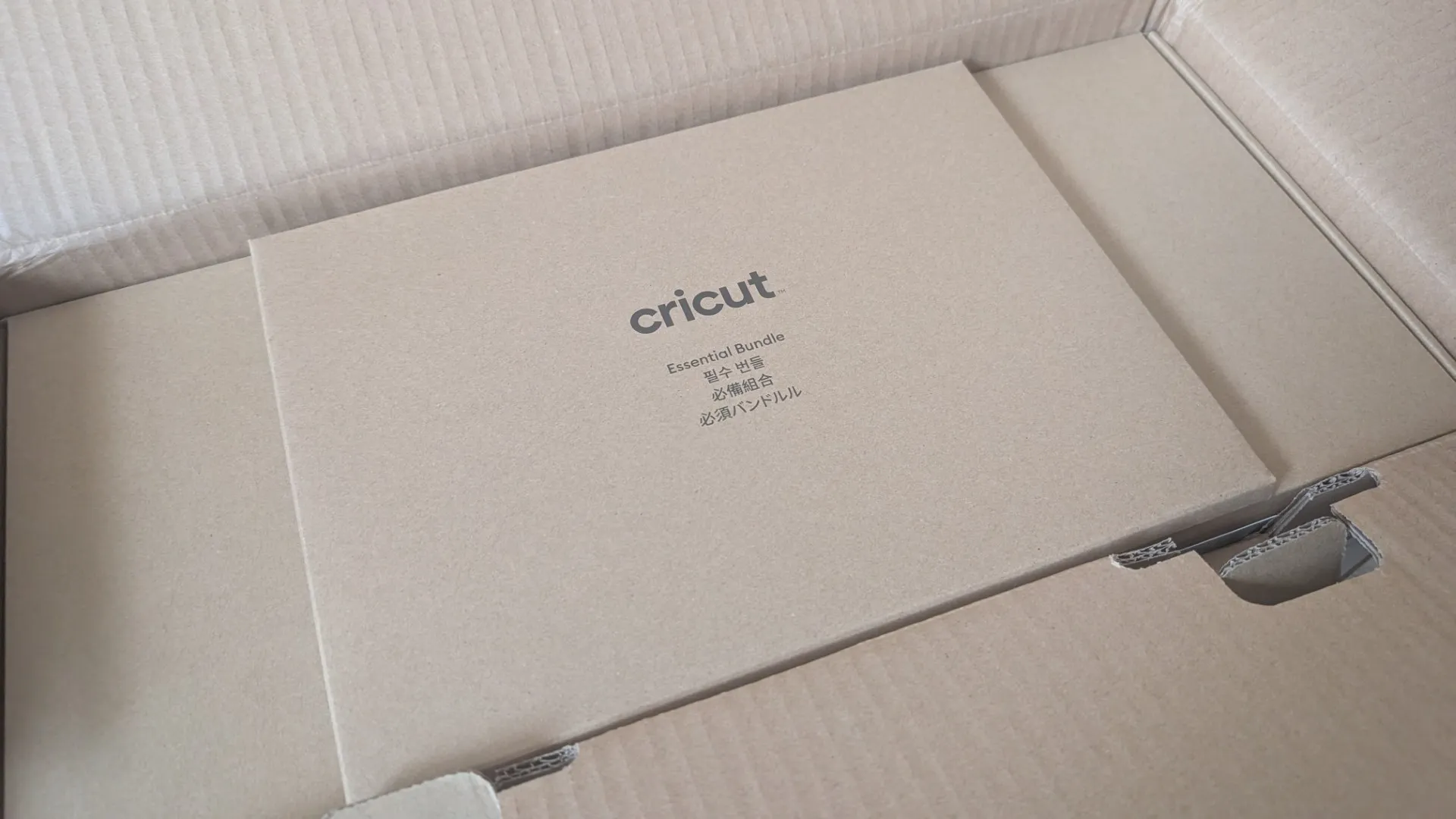
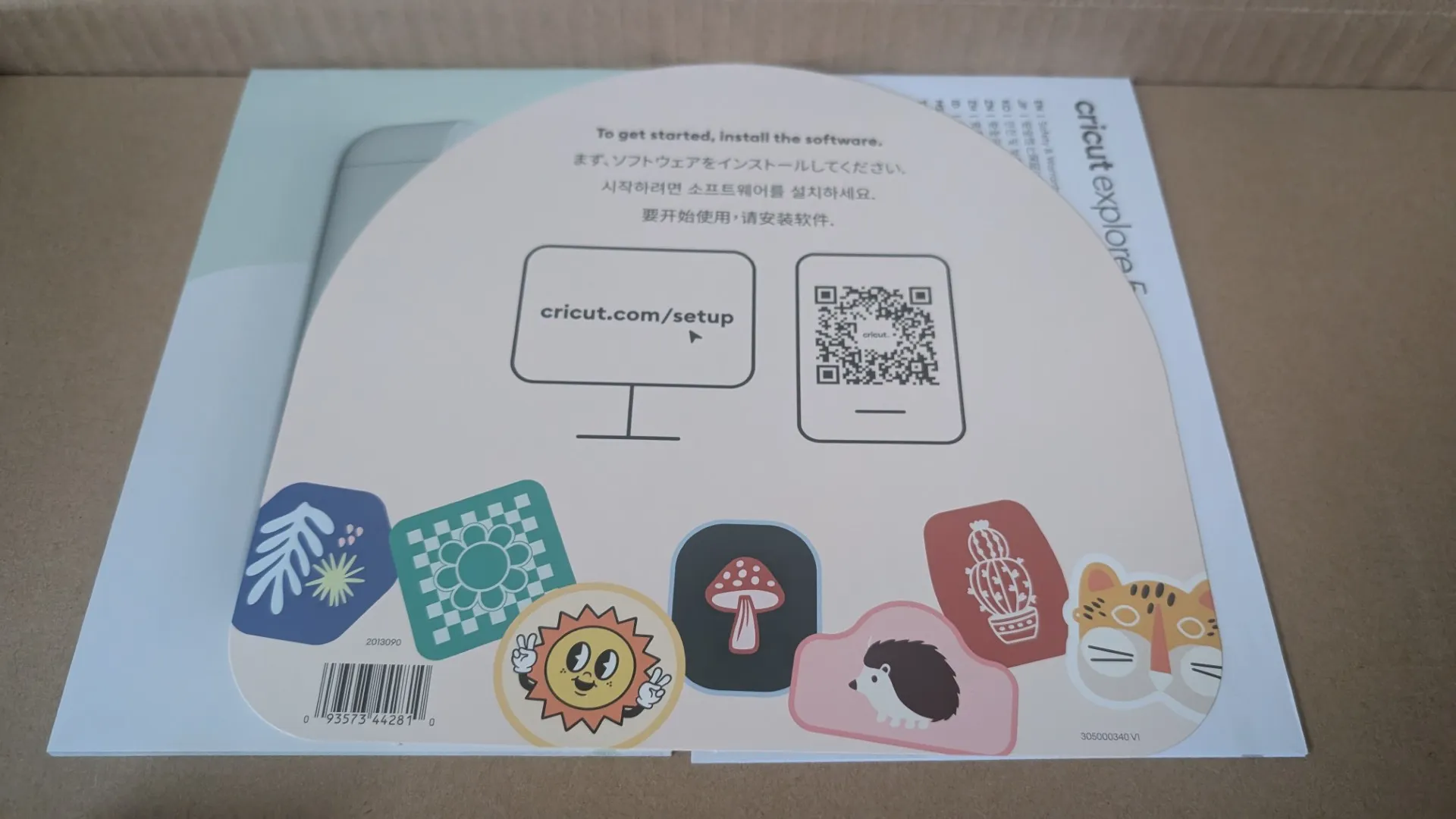
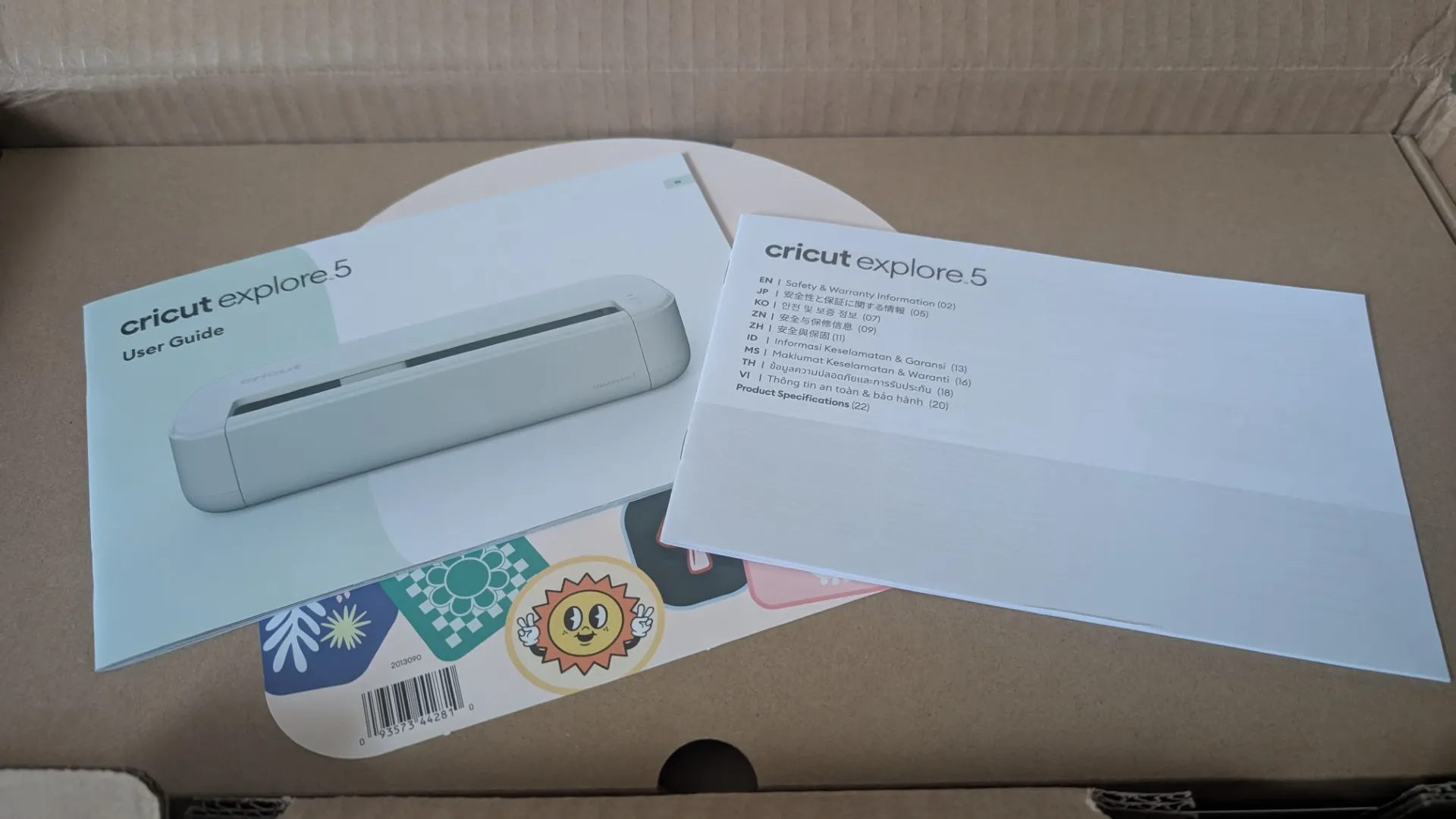
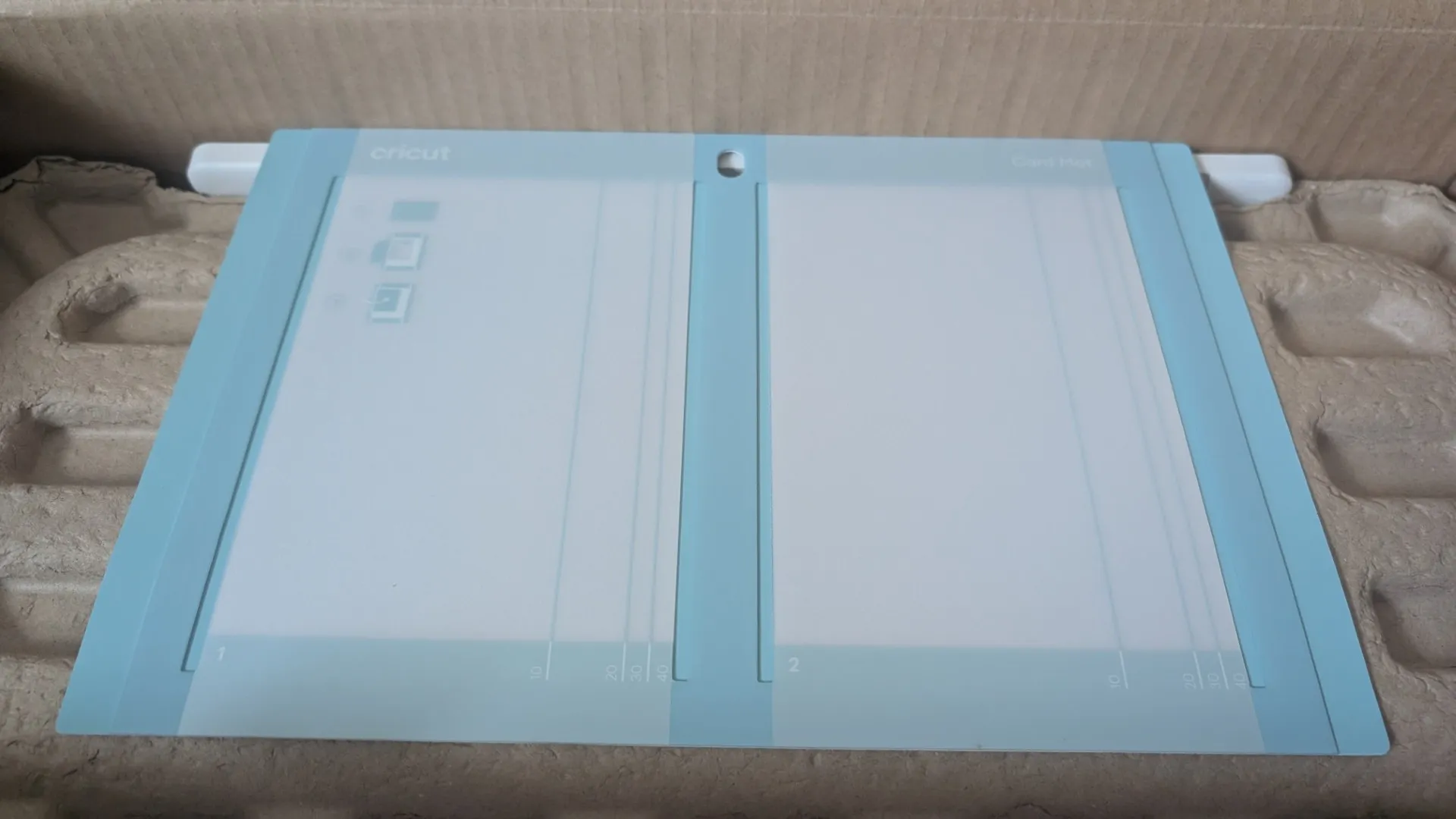
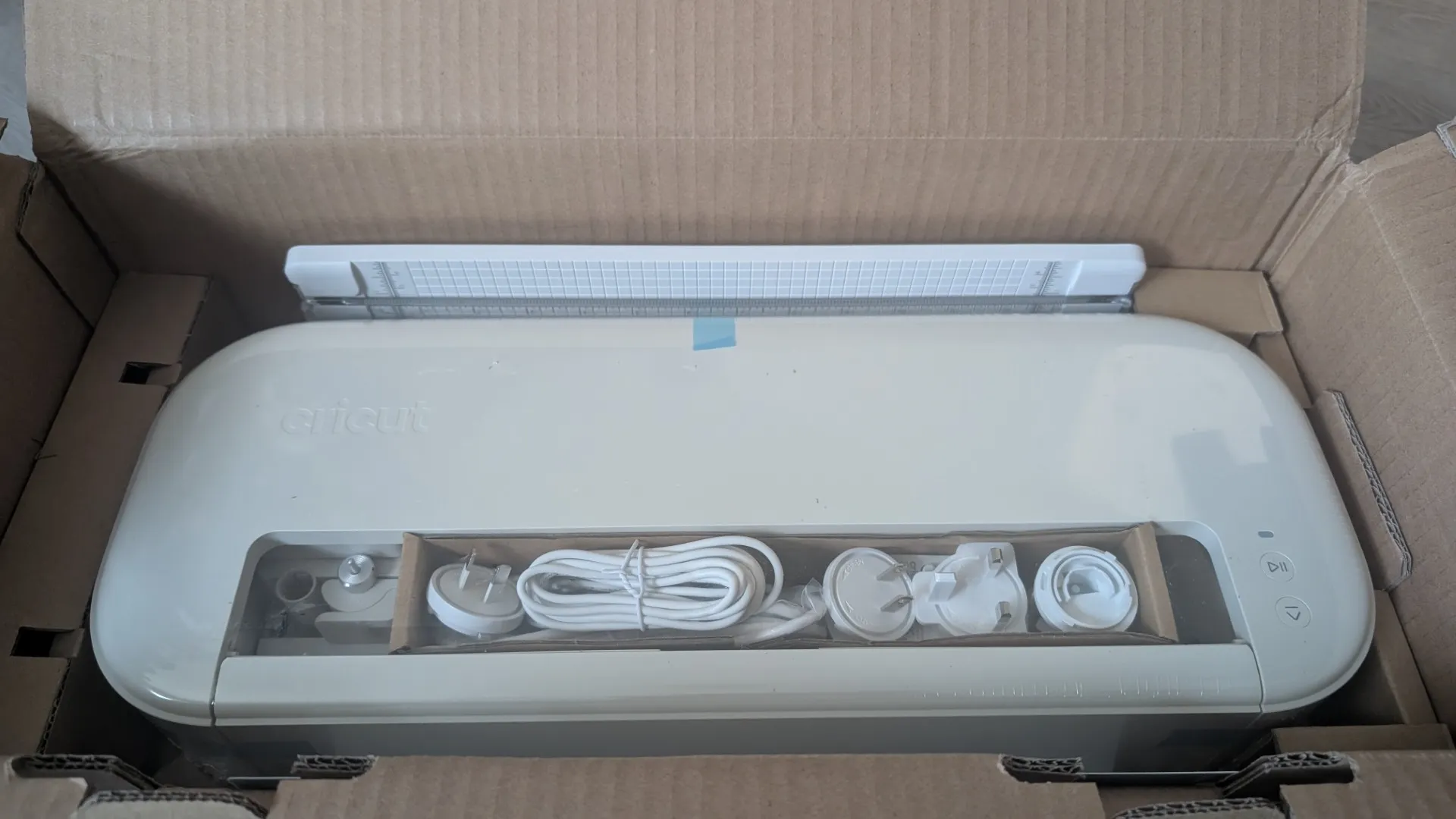
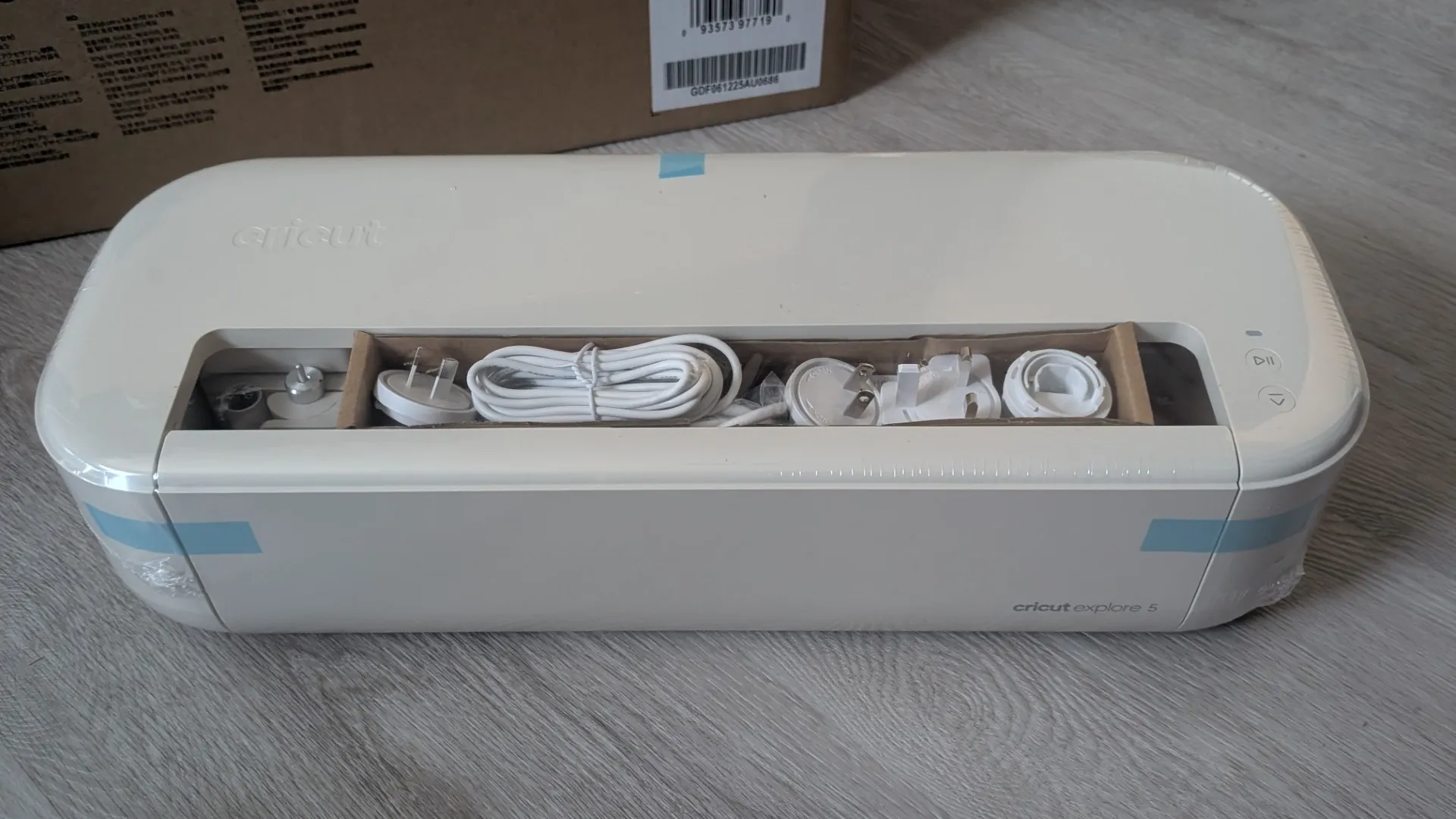
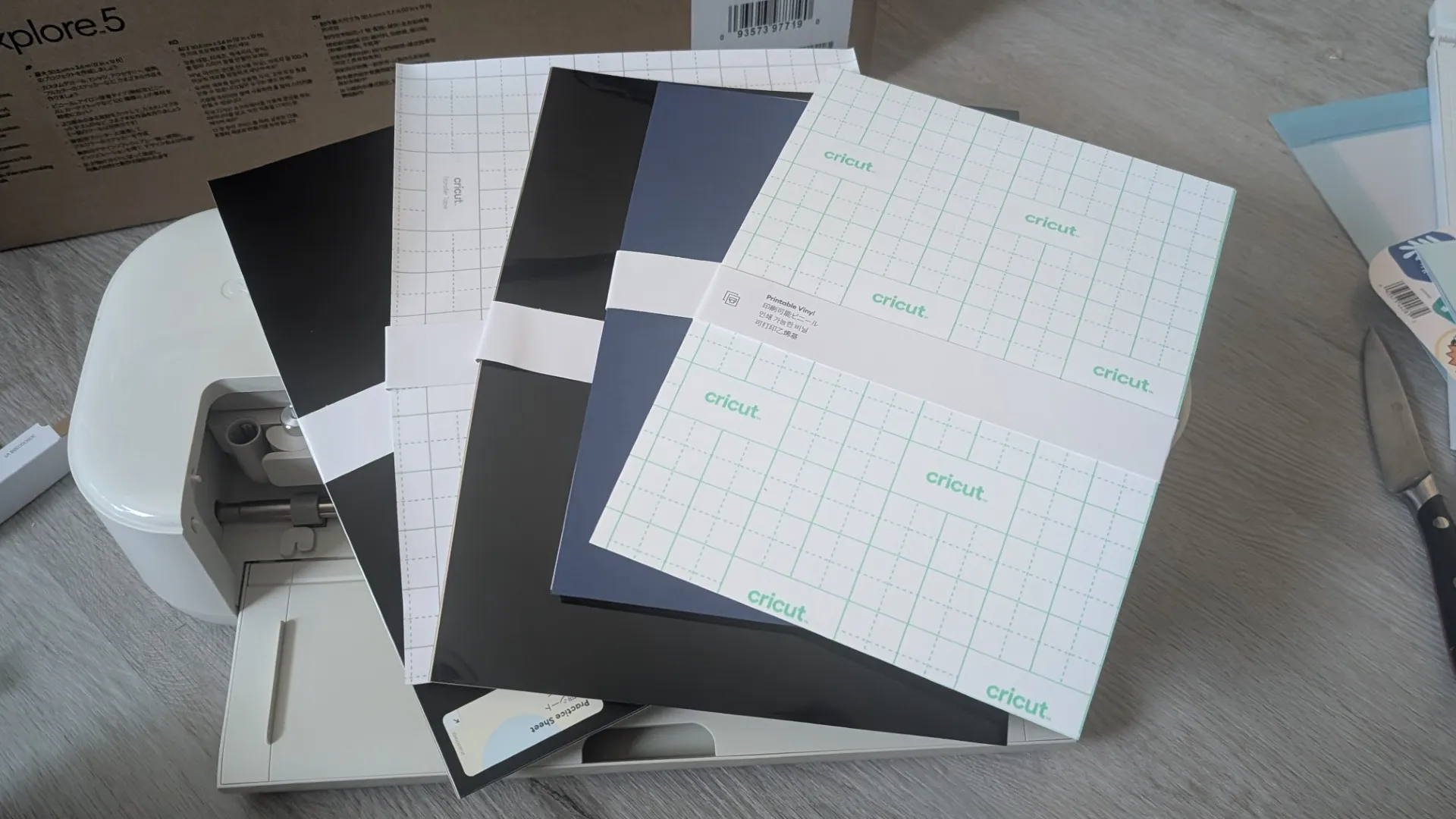
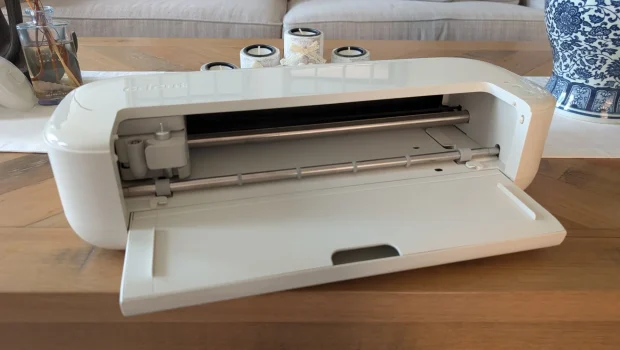
Once unboxed, the first thing that I noticed about the Cricut Explore was its reduced size compared to the previous two models which makes it considerably more streamlined. The machine may seem a little intimidating but rest assured that it is not.
Once unboxed, you simply connect the included power cable into the unit and then the mains. If you’re on a PC, you can connect it via the included USB cable or use Bluetooth (perfect for smartphones) and then either go to design.cricut.com/setup on a PC to download Design Space or via your app store on your phone. This will require you to create a Cricut ID to access Design Space and register the unit. This will take you through a wizard in order for the app to access the Cricut Explore 5, including creating a test cut.
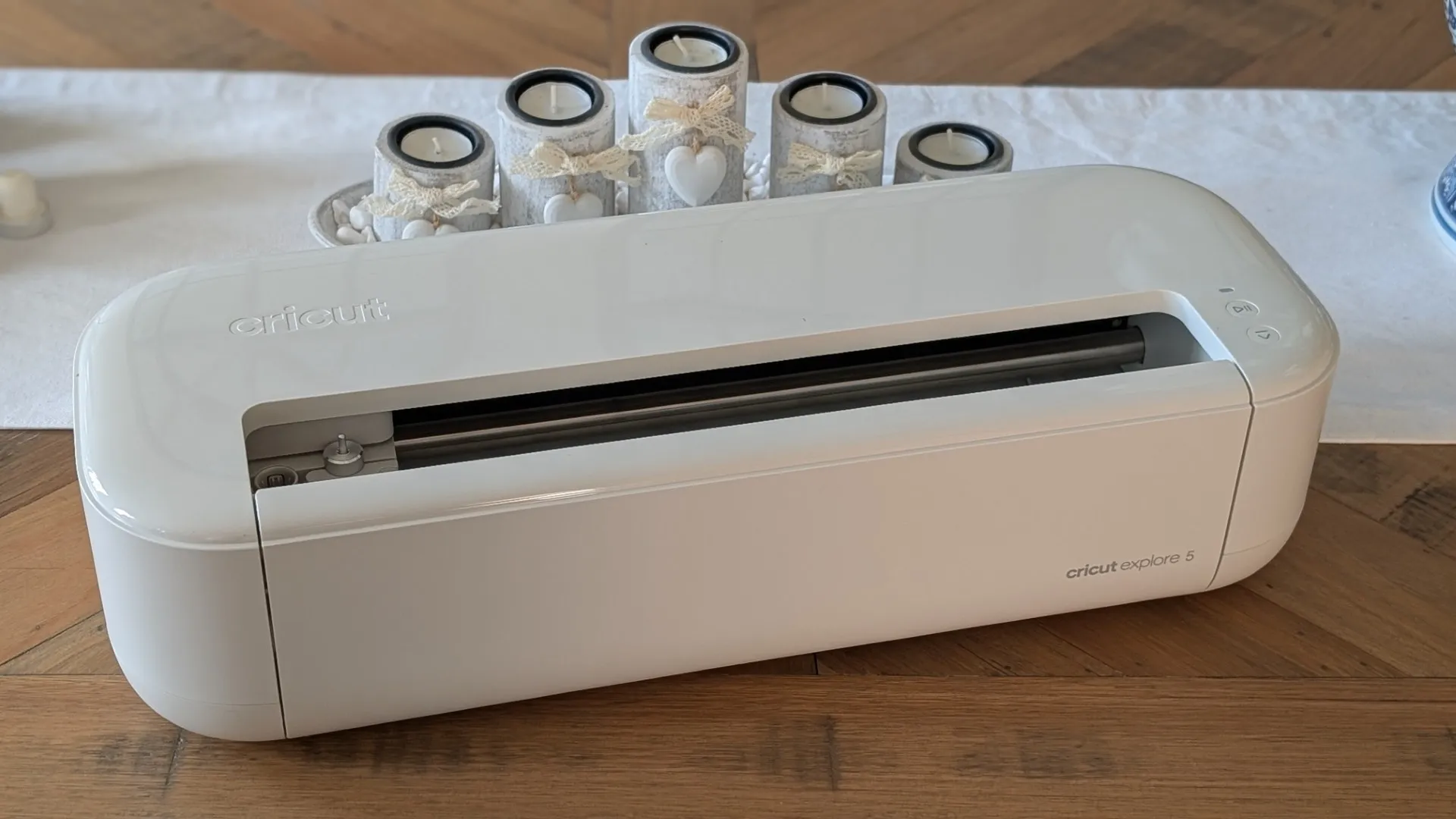
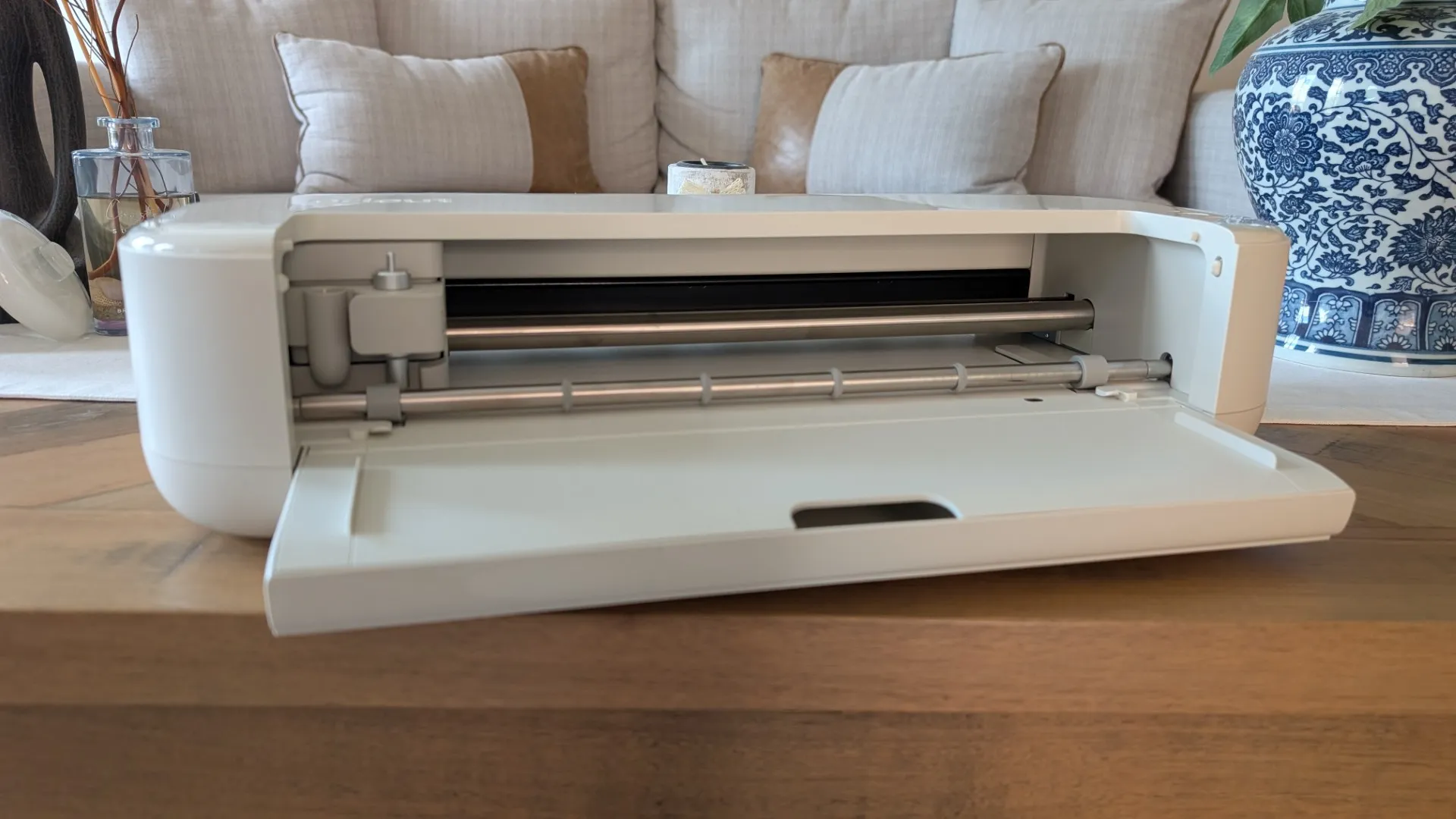
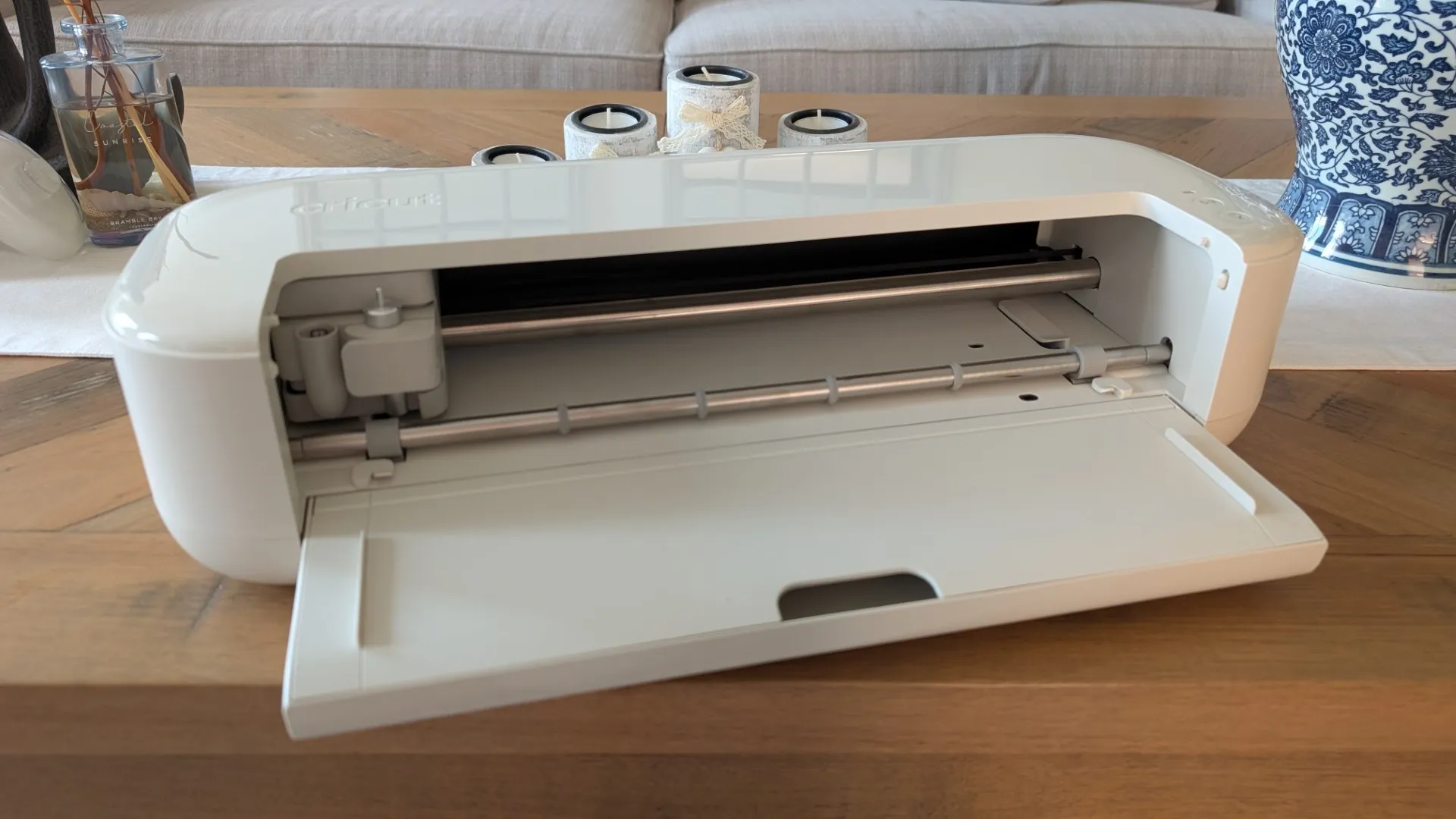
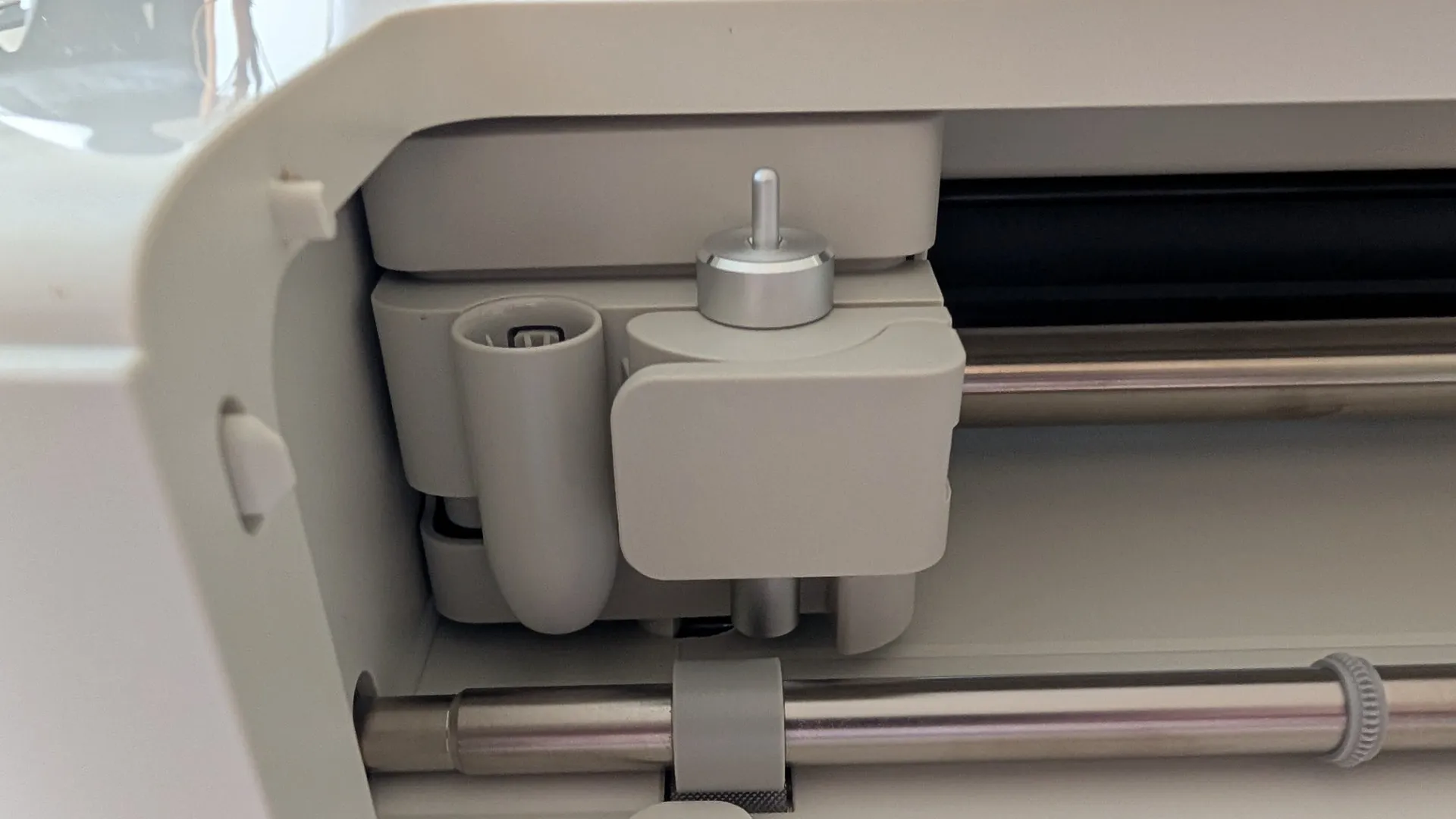
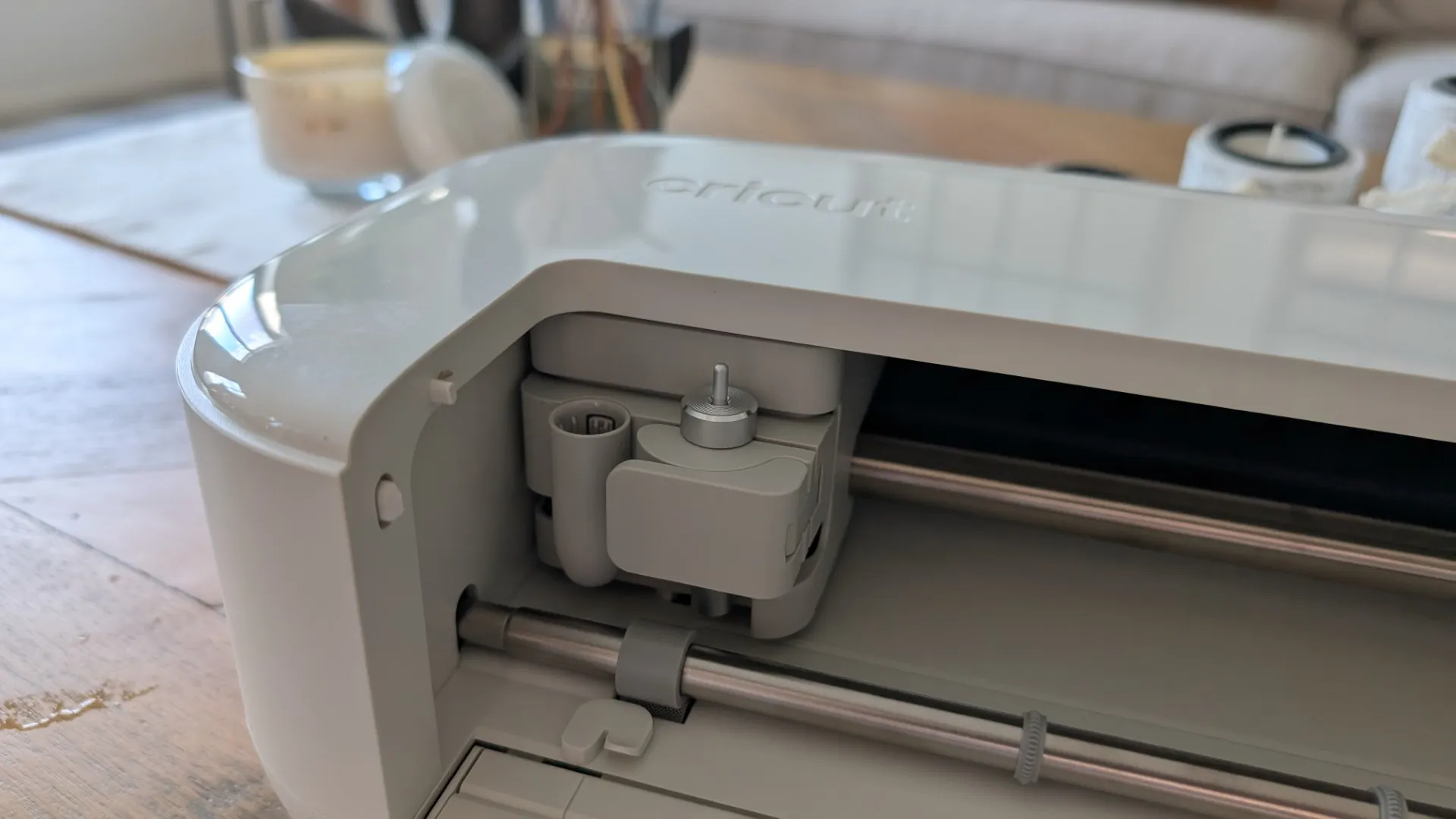
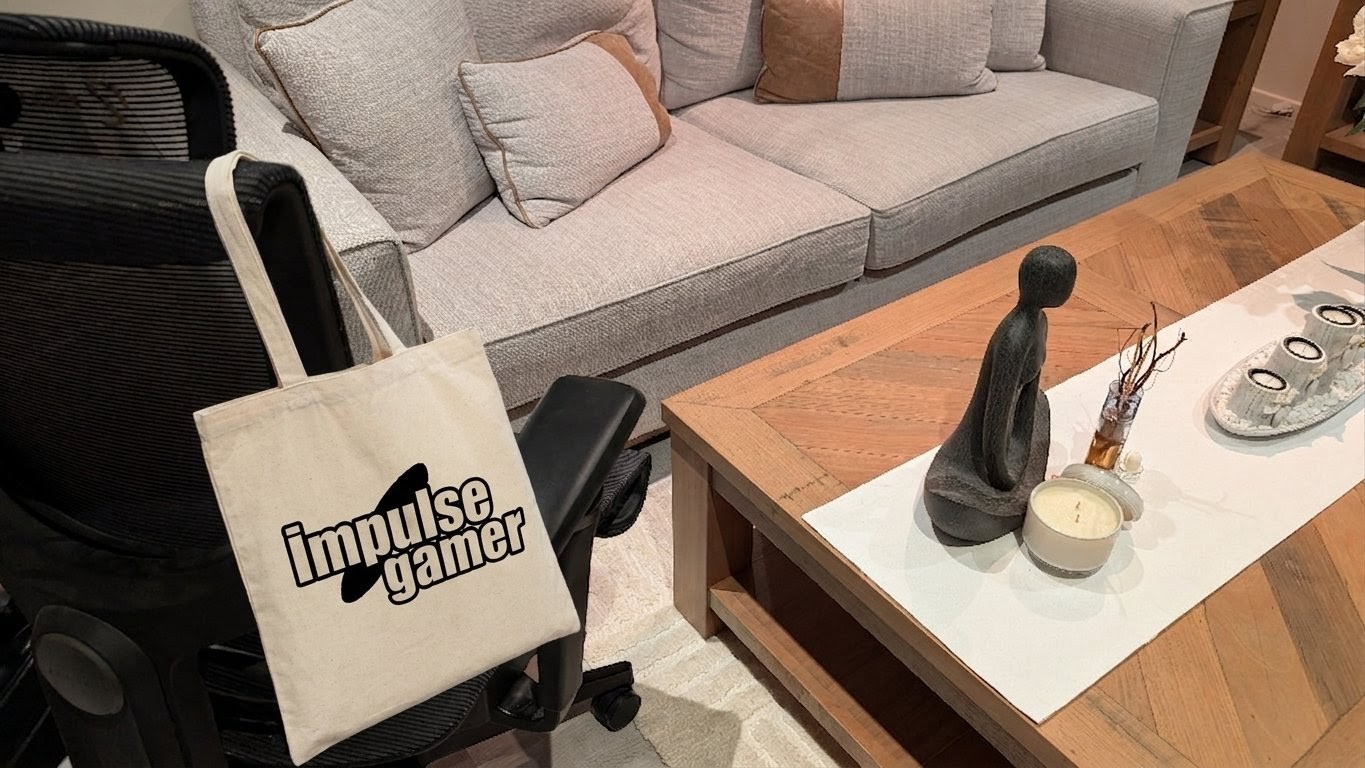
Once the Cricut Explore 5 is connected to your PC (USB, Bluetooth) or smartphone (Bluetooth), it’s time to start planning for your next project via Design Space which offers a wide gamut of pre-existing designs or you can create your own. While this app is free, a membership will give you access to additional content plus you get free 30-day access when you register a new machine.
.
As you have probably guessed by now, it is great that this bundle comes with everything to start “cutting” such as the scoring tool, dual-tip marker, LightGrip mat and card mat which lets you start creating from just one initial purchase.
The Explore 5 also introduces a universal pen holder and integrated blade tools which streamline compatibility across Cricut’s ecosystem and eliminate the need to handle tiny blade tips. Additionally, when paired with the optional Deep Cutting Tool, it can handle materials up to 1.5 mm thick, such as foam, magnet sheets, poster board and even heavy cardstock. And continuous cuts are insane — up to 12 feet for Smart Materials — which makes it perfect for larger projects like shirts, decals, signs and full‑size sticker sheets.
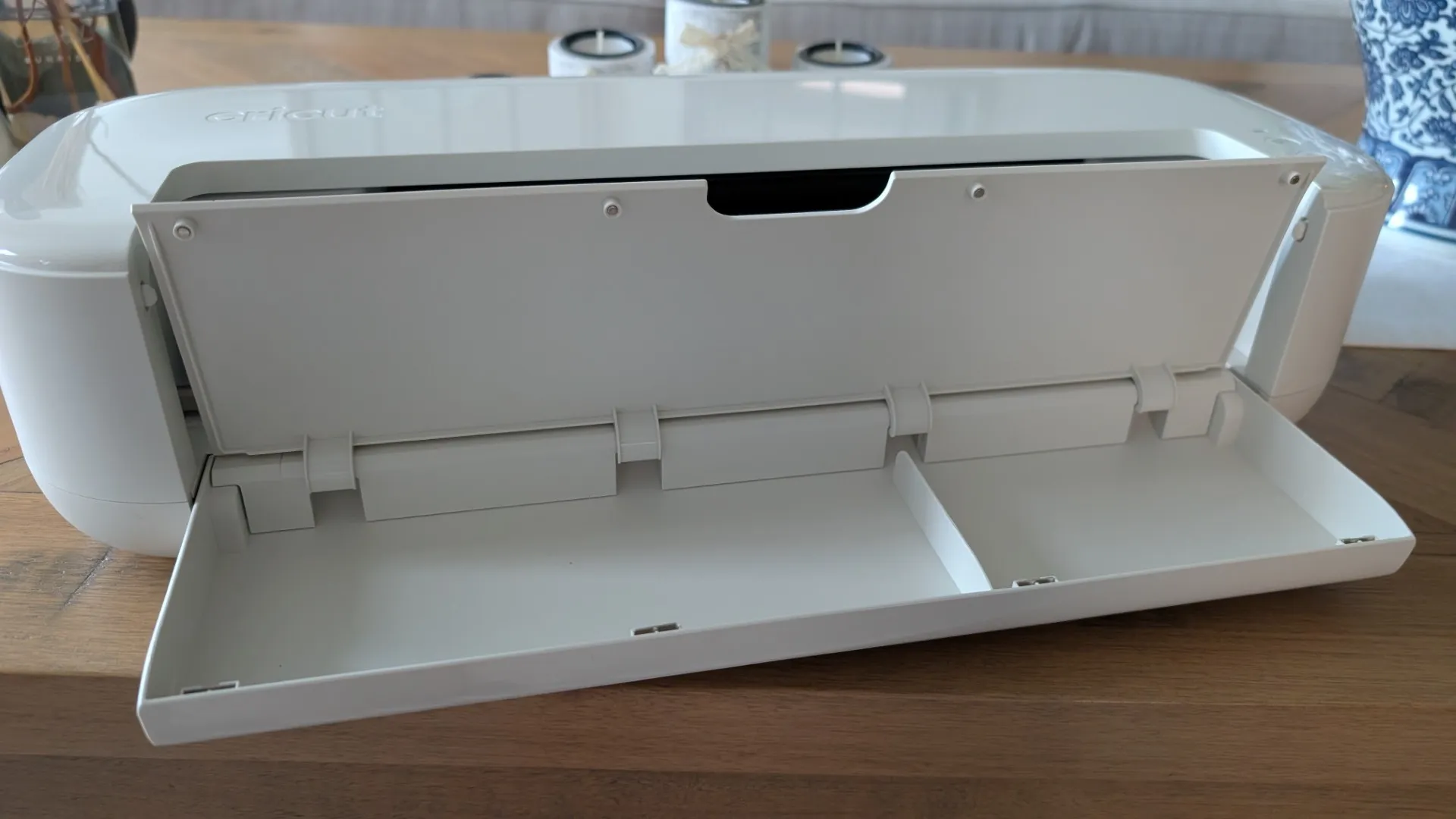
There are some cons with the Cricut Explore 5 as it does require more tool swapping than previous generations and the pen needs to be removed prior to cutting. Also, I’m not sure why Cricut removed the lid on their latest model which does make it more susceptible to dust and dirt which may affect the cutting capabilities in the future; as with our previous model that sits on our craft desk, the Explore 5 will need to be covered.

Unlike the Cricut Explore 4 that had the dual clamps, the Explore 5 uses a single-clamp that will require you to swap between tools for cutting and scoring. This adds an extra layer of manual handling but I’m guessing this would have increased the cost and regardless, it is not a deal breaker.
And how loud is the Cricut Explore 5? Compared to the previous generation, it is much quieter as the motor has been dampened that will hopefully allow many cricuteers the chance to craft late into the night.
But apart from that, the Cricut Explore 5 works like a charm and is relatively fast for what it does. The Design Space is great to work with and the more time you spend in it, the more impressive your designs will be or you can just download them and even use Vector images.
Final Thoughts?
The Cricut Explore 5 is an all-in-one solution for new crafters, offering versatility and accessibility in a compact, affordable package. As a result, it’s an ideal choice for beginners and hobbyists who want to focus on paper, vinyl, transfers and stickers. It is also a great mid-range option for those who want room to grow without the higher cost of the Maker line and without needing access to wood cutting or metal engraving.
If you do own the Cricut Explore 4 or Maker 4, there is no real need to upgrade yet, unless you own an older machine or are new to the crafting scene which makes the Explore 5 a capable creative workhorse for everyday projects. Best of all, it’s smaller, has a straightforward setup and has access to a plethora of materials for just about all your future DIY projects.
Solid!

Related Posts

Rokid Glasses Review →

iGulu Sparkling White Wine Fermentation Kit Review →
Hardware Reviews #TechReviews →