

MediaMonkey Review
Summary: MediaMonkey provides power to the collector!
5
Powerful
If you’re looking for an all-in-one media solution for your PC (particularly if you have a lot of content), it’s seriously hard to look past MediaMonkey. It has the capability of managing over 100,000 audio files including music, podcasts, audiobooks and video files and supports a wide range of source destinations such as your hard drive(s), USB drive(s), network locations and even the cloud to create the perfect centralised home entertainment library. In terms of platforms, MediaMonkey is available on both PC and Android although it also offers synchronisation with Apple devices.
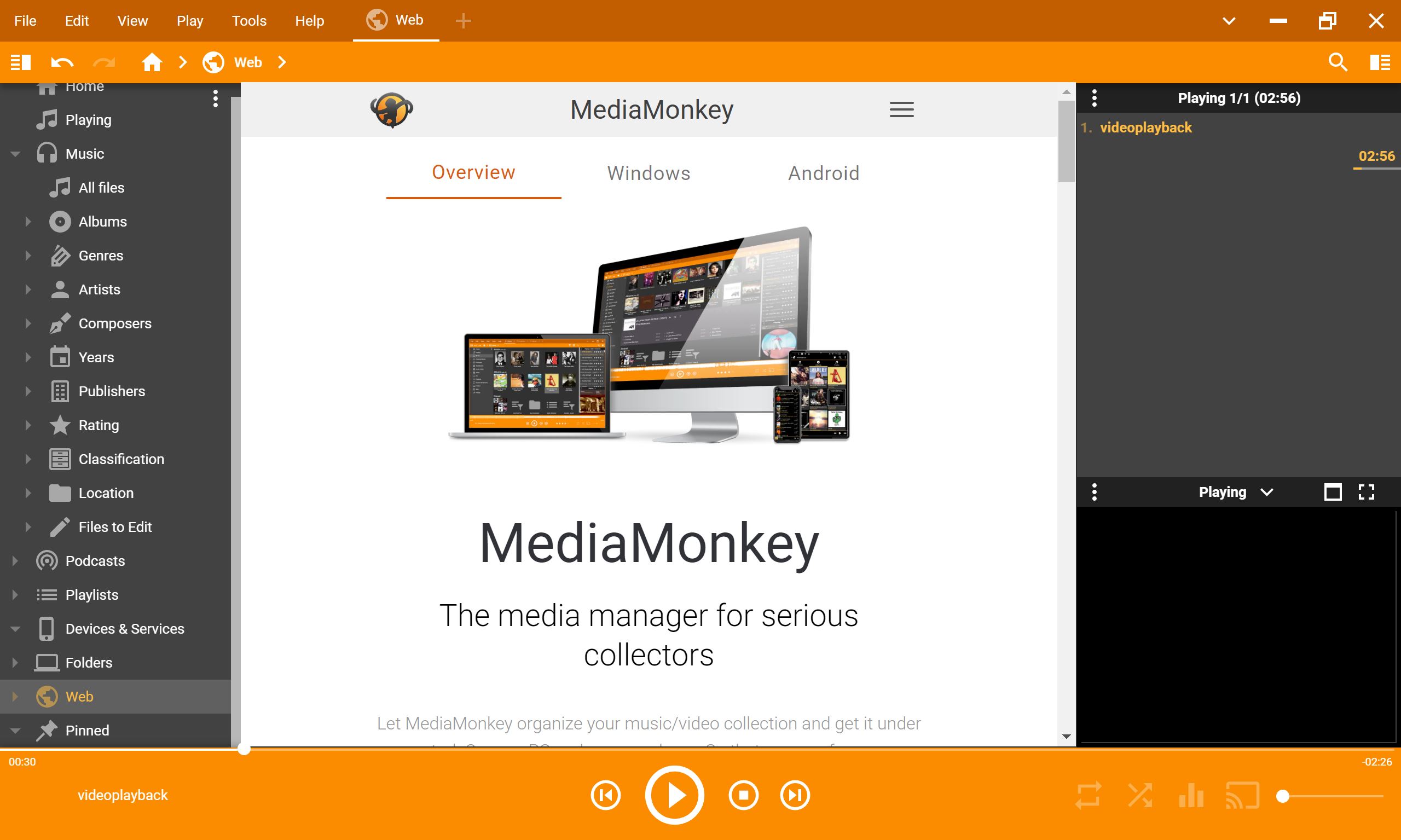
Given all the various streaming platforms such as Netflix, Disney+, Deezer and Spotify, MediaMonkey may not be for everyone. However, if you want access to your digital data without relying on a third party, this app is a must-have. Another highlight of MediaMonkey is its automatic metadata lookup which searches for missing artwork, titles and artist information. This helps you manage your local and cloud content more easily including building playlists and removing duplicates with minimal effort. MediaMonkey also includes full audio and video conversion tools, letting users convert formats so their content plays on multiple devices. While many apps attempt to be everything and fail, this is not the case with MediaMonkey as each attribute is purpose-built.
To set up, you simply download MediaMonkey from its official page at https://www.mediamonkey.com/download and then follow the installation wizard. On Android, this is done via the Play Store. Once installed on the PC, the interface may be a little intimidating at first although everything does have a place and it will take a few attempts to become familiar with it.
You can also personalise the interface with a range of skins and extend the functionality through add-ons that introduce features like smarter tagging, improved file organisation and more powerful playlist tools. I also like that with the UI (user interface), you can get to the right section in just a click or two of the mouse. The built-in equaliser and DSP plug-ins allow for fine tuning while the playlist system remains one of the most flexible available.
Gallery (PC)
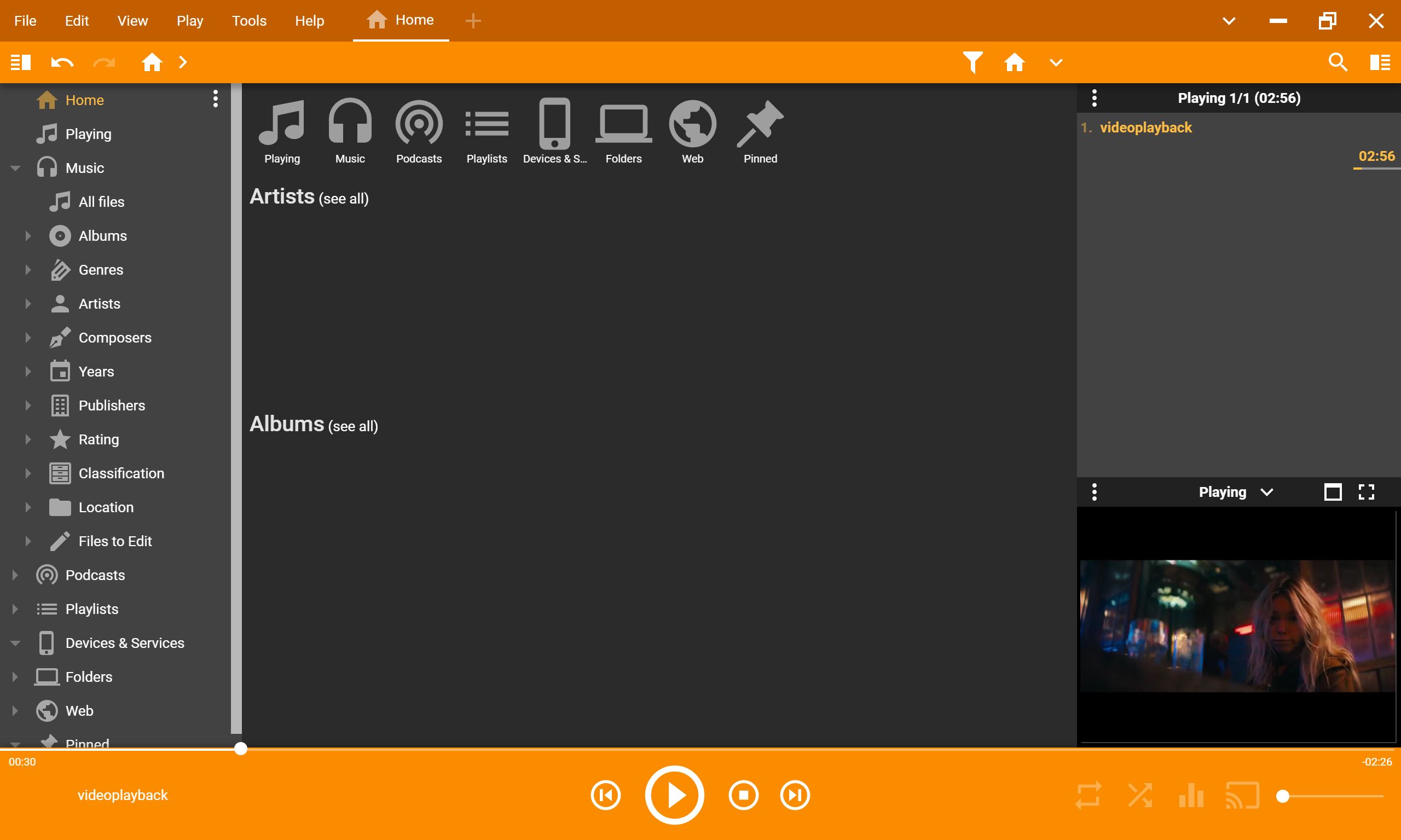
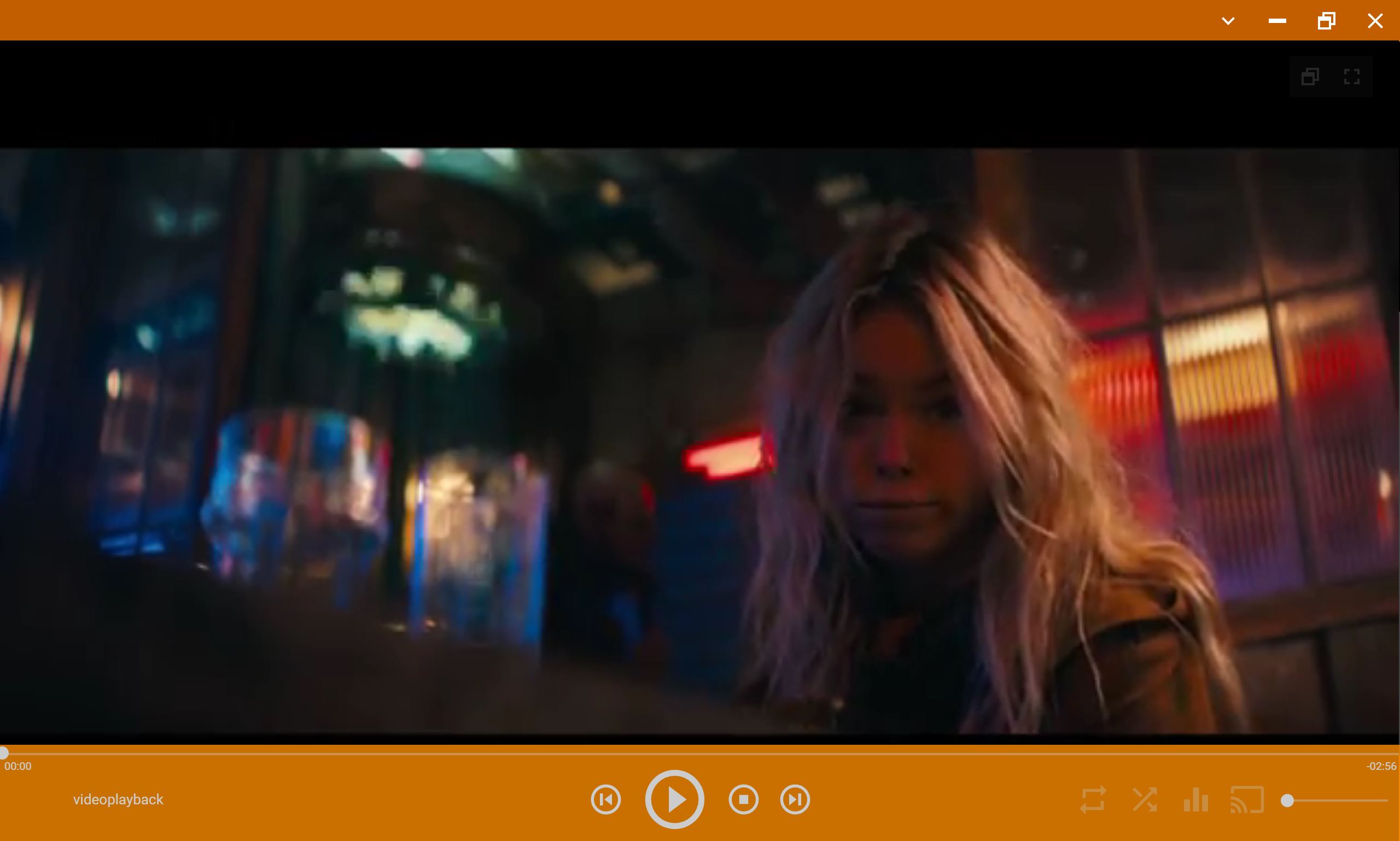
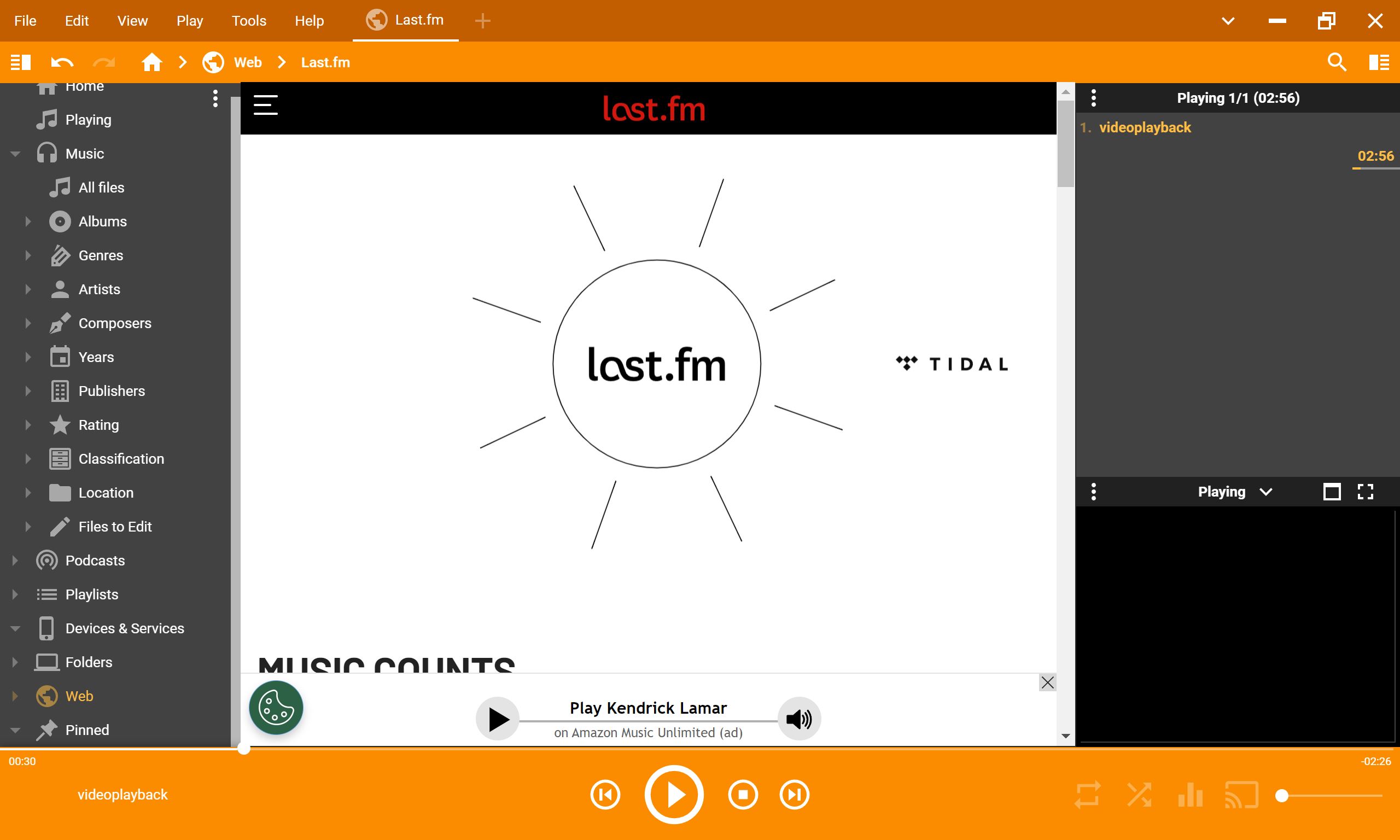
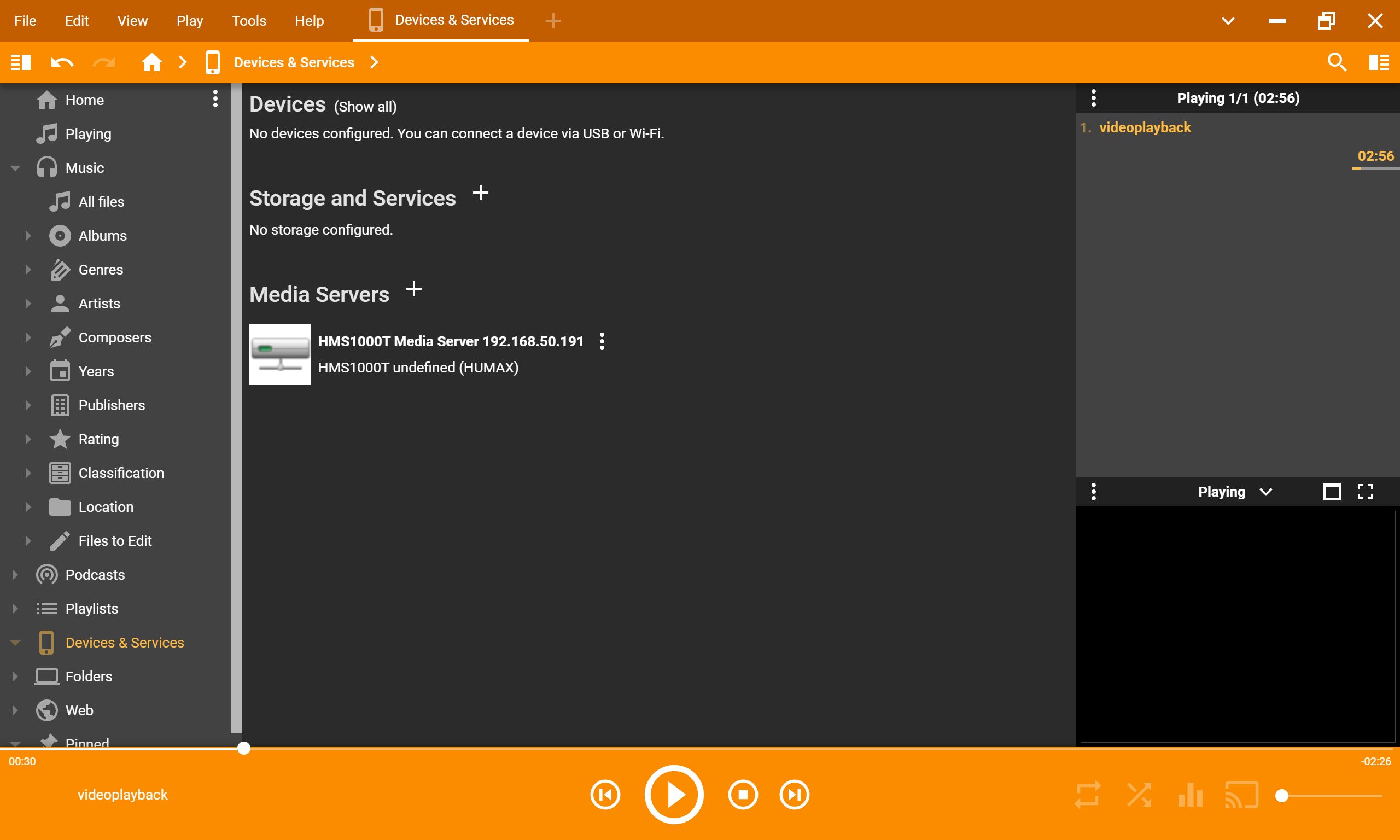
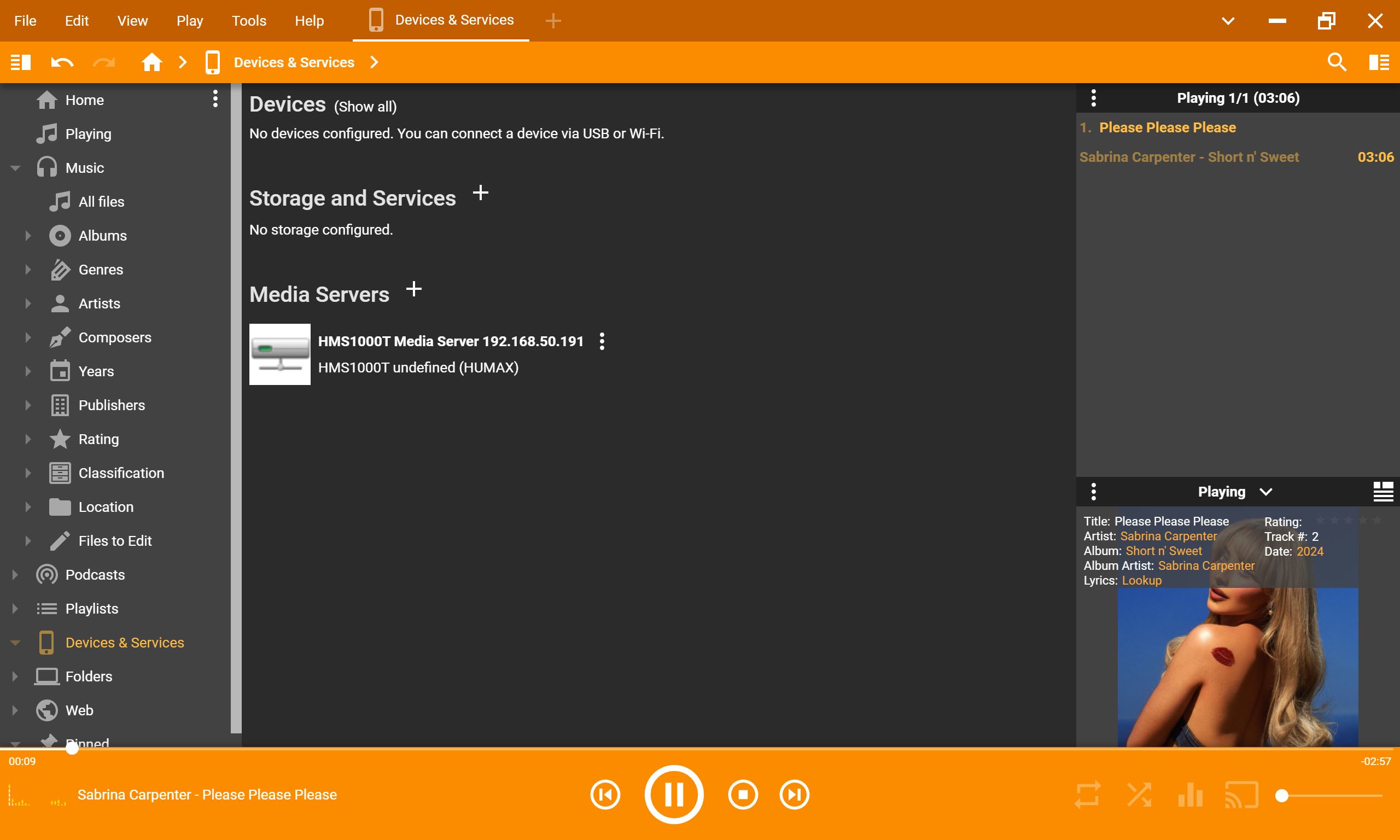
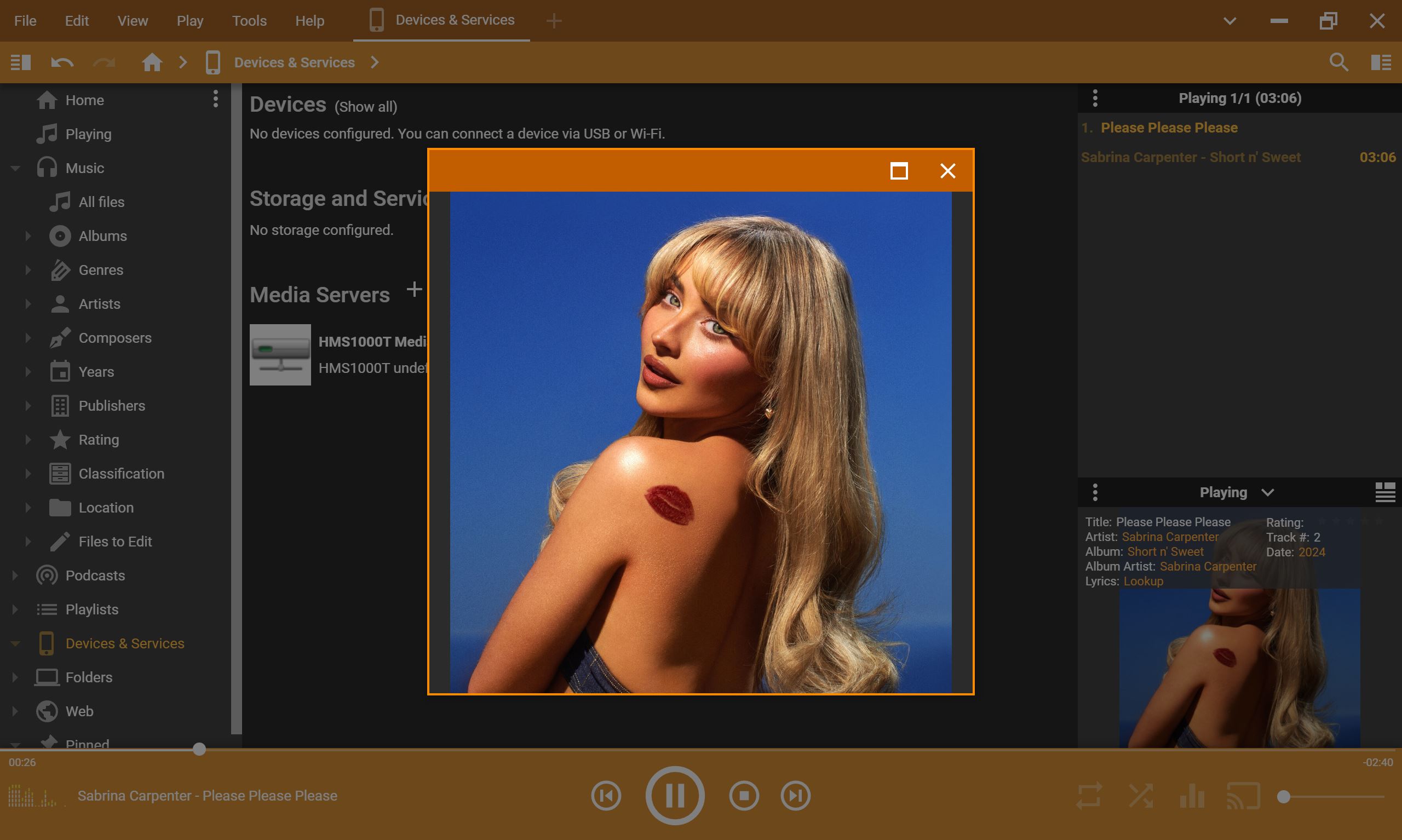
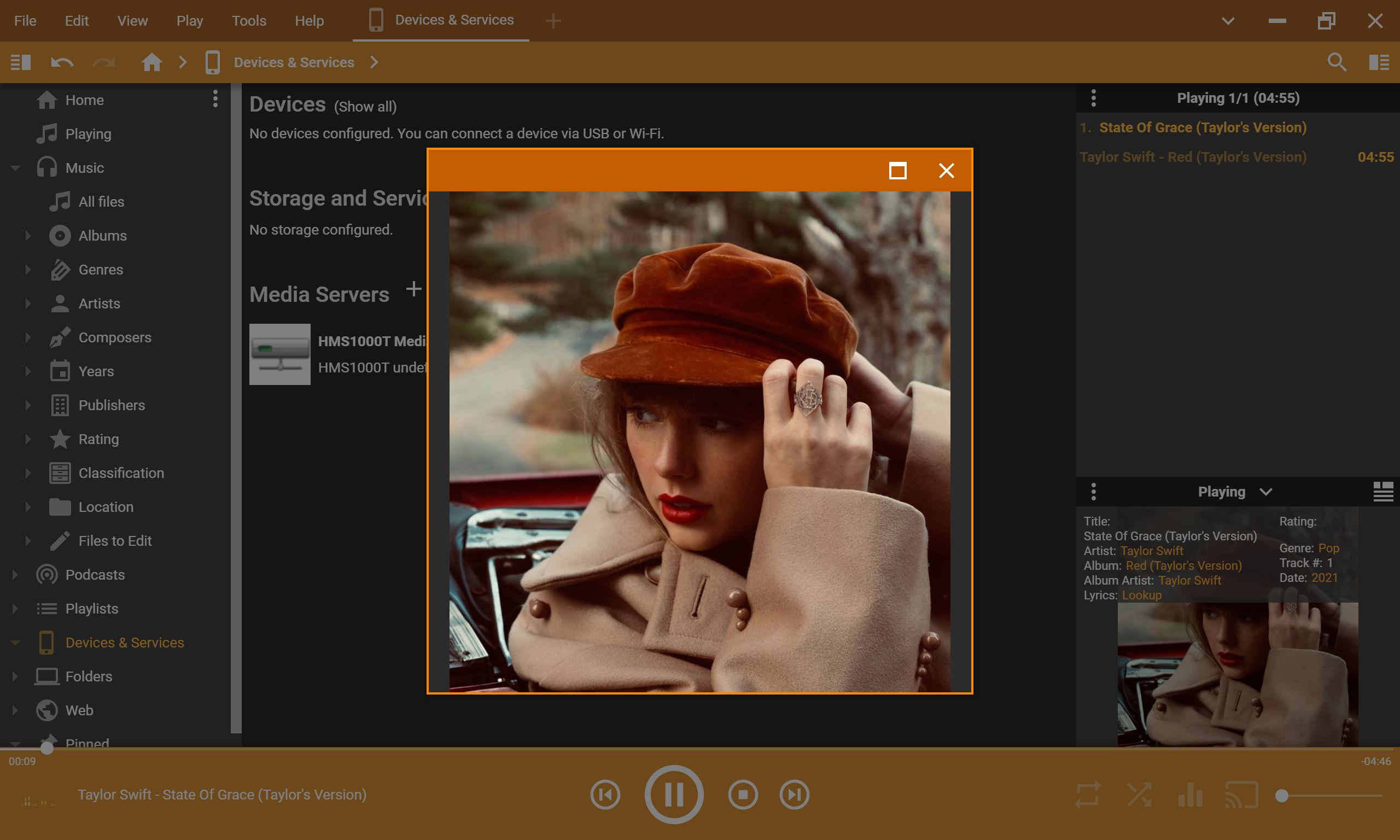
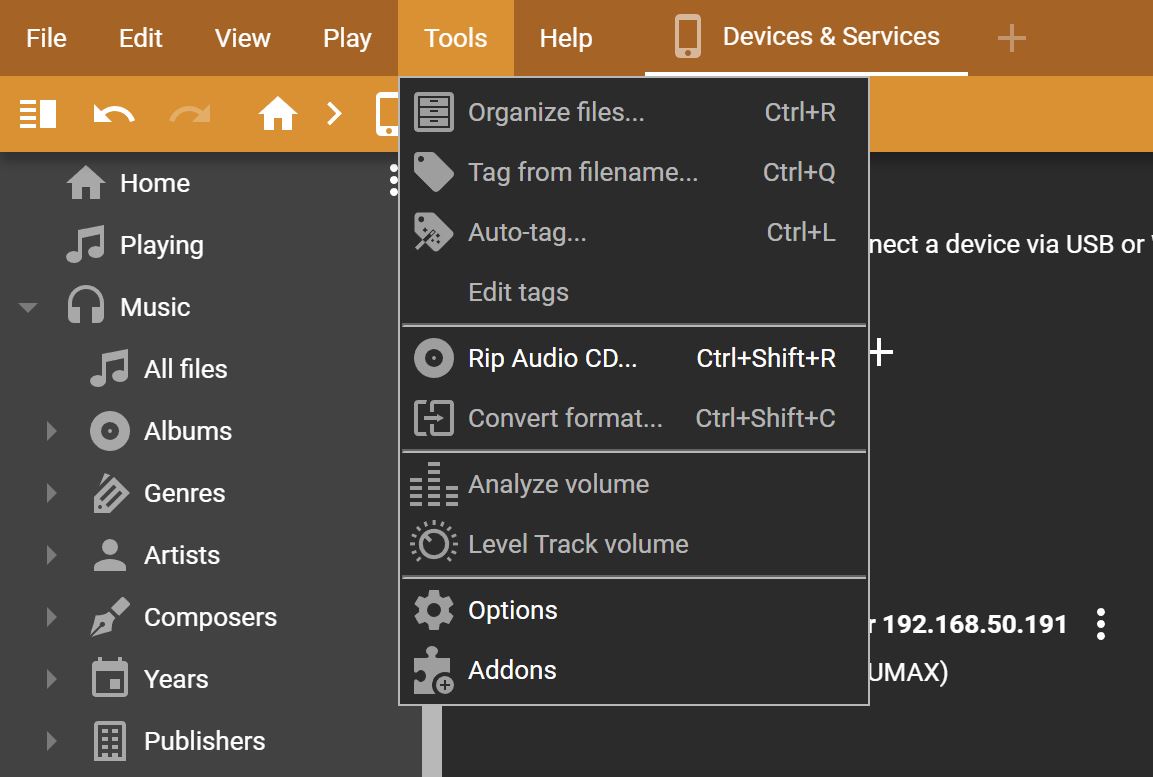
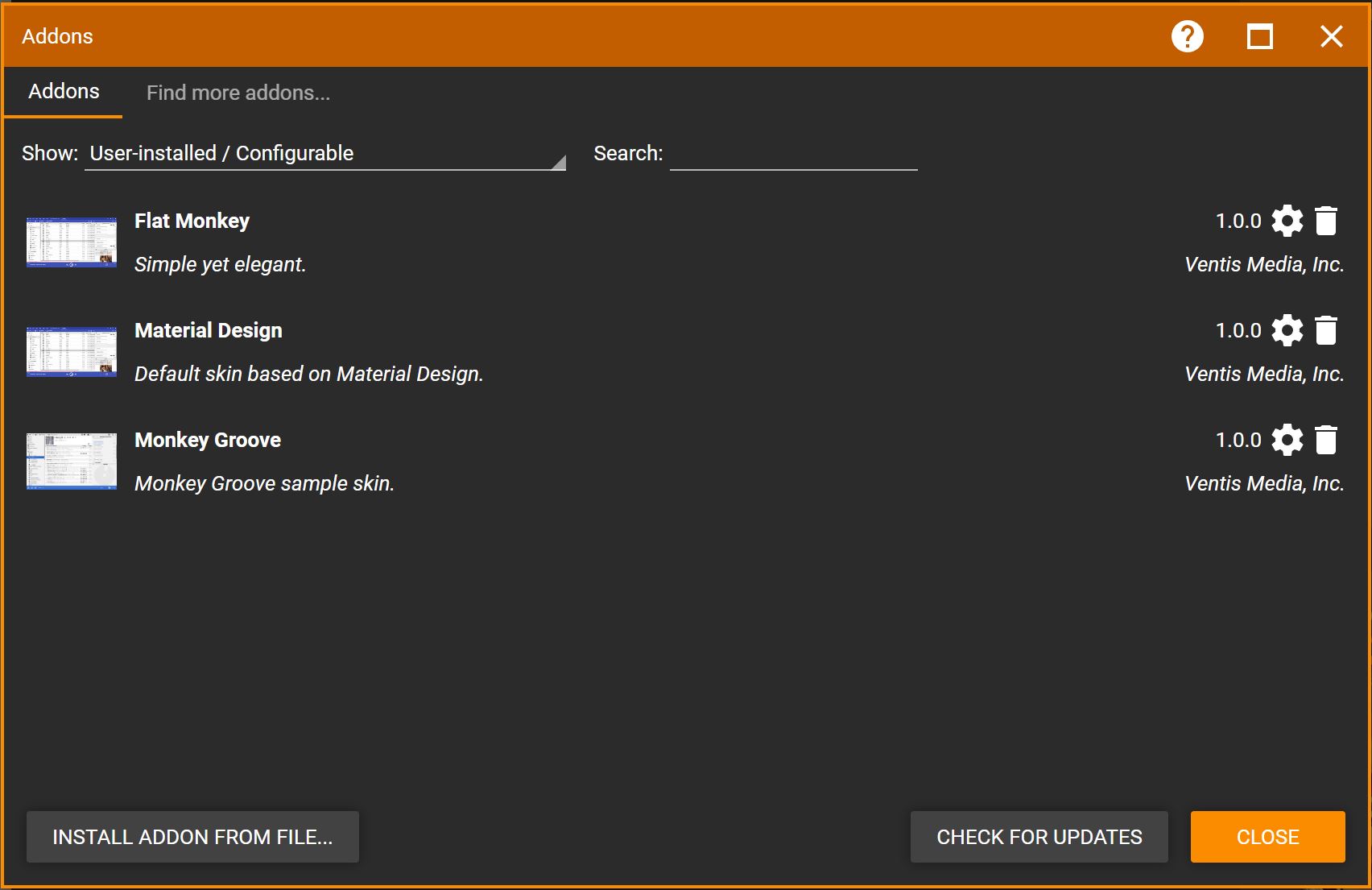
The video and audio quality of MediaMonkey is excellent, supporting high quality audio playback and a wide range of video and audio formats such as MP3, FLAC, AAC, AVI, MP4 and MKV. We had no issues viewing videos or listening to audio content as most of our files were high quality. MediaMonkey does not upscale lower quality formats as converting or playing them cannot increase their original fidelity.
Besides viewing and listening to content from your PC or smartphone, another feature is the ability to stream your library across Windows, Android and Apple devices plus to your TV and other DLNA devices. This puts the Windows “cast to device” feature to shame and even remembers where you were up to when you stop your media.
While you can take my word for it, MediaMonkey offers a free version that removes some of the features from the Gold Edition. Even though it comes with limitations, it is a great way to see if this app will suit your needs so kudos to the developers for offering it. For example, the Gold Edition allows for unrestricted streaming to Chromecast and DLNA devices whereas the free version imposes time limits on casting sessions although you can’t complain about free.
Android
MediaMonkey for Android feels like the natural extension of the desktop experience that is fast, organised and designed for people who want control over their media rather than relying on streaming services. The UI is clean, easy to navigate and responsive and library management on Android mirrors the PC version as it provides information on tracks, albums, artists, genres, years, composers, ratings and folder locations.
Gallery (Android)
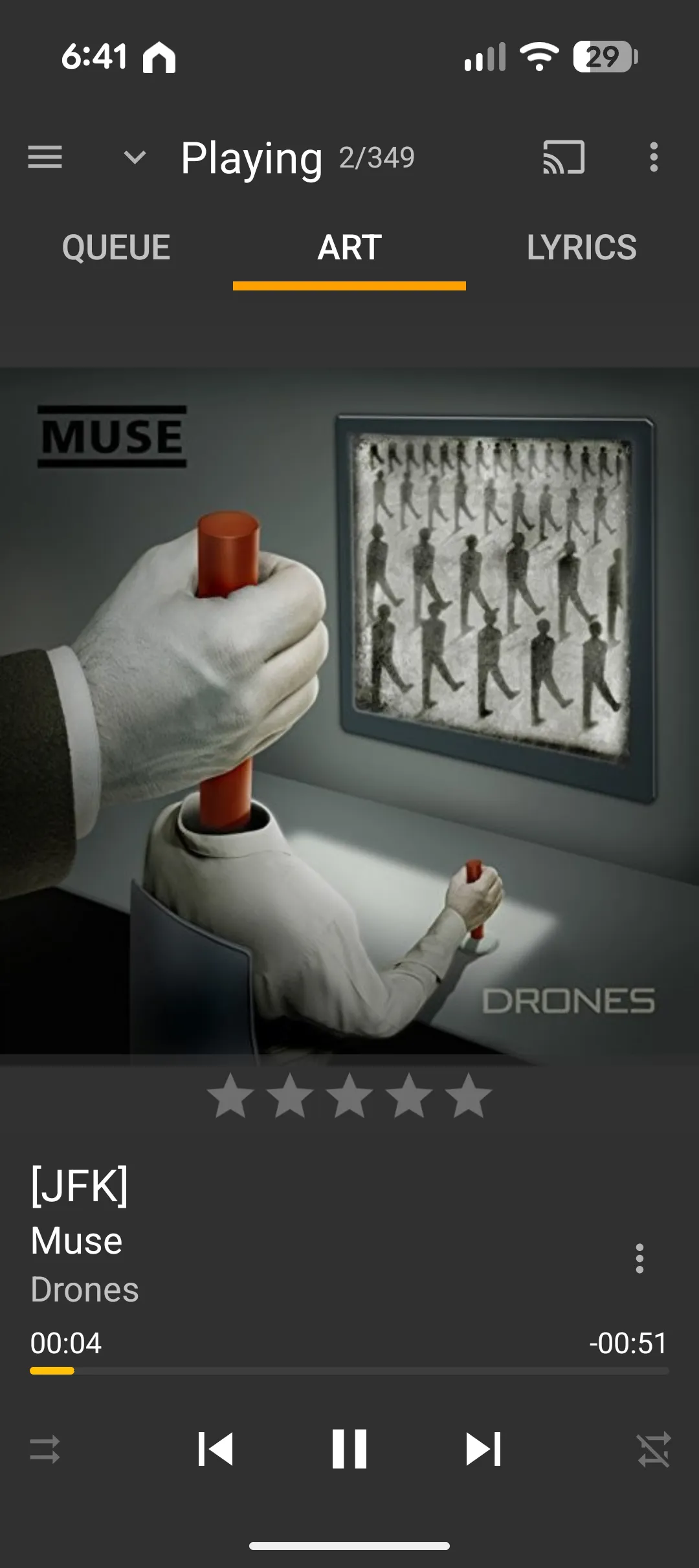
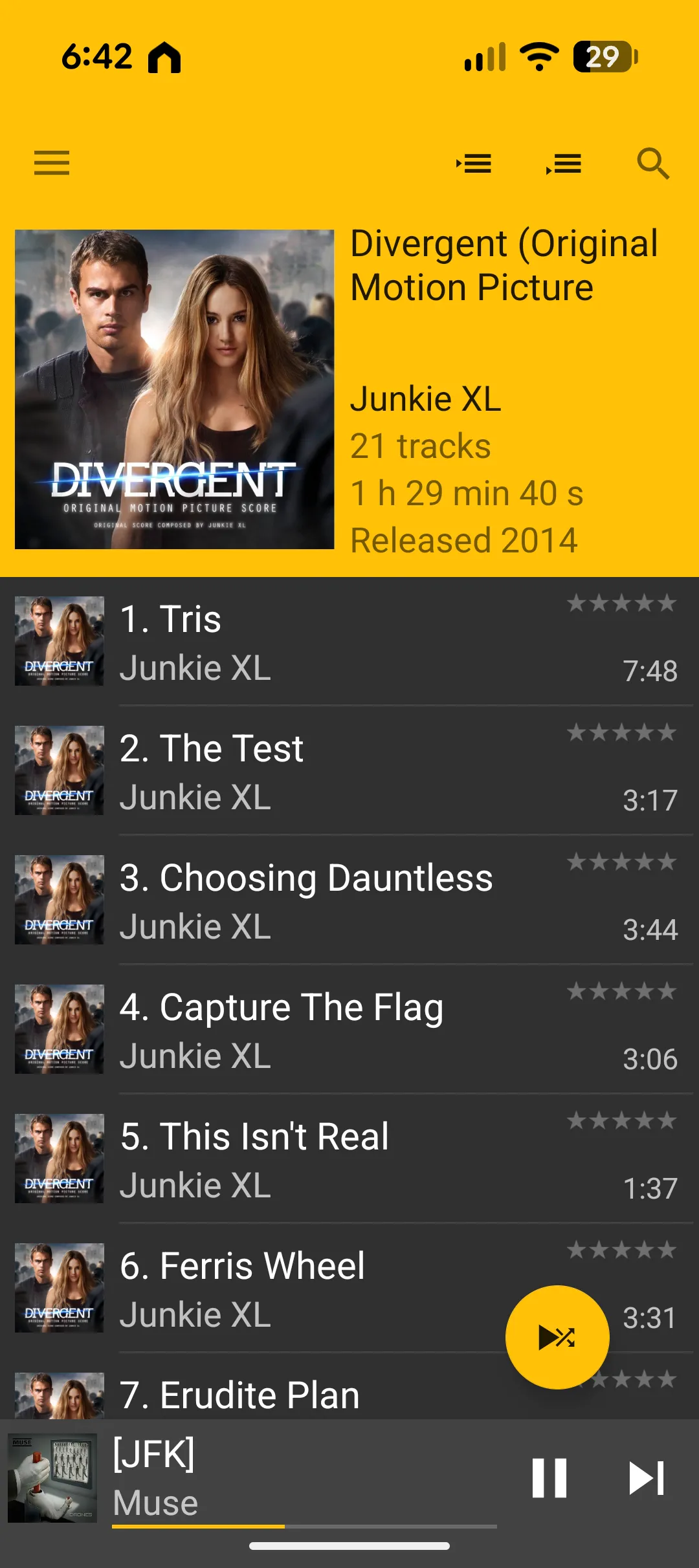
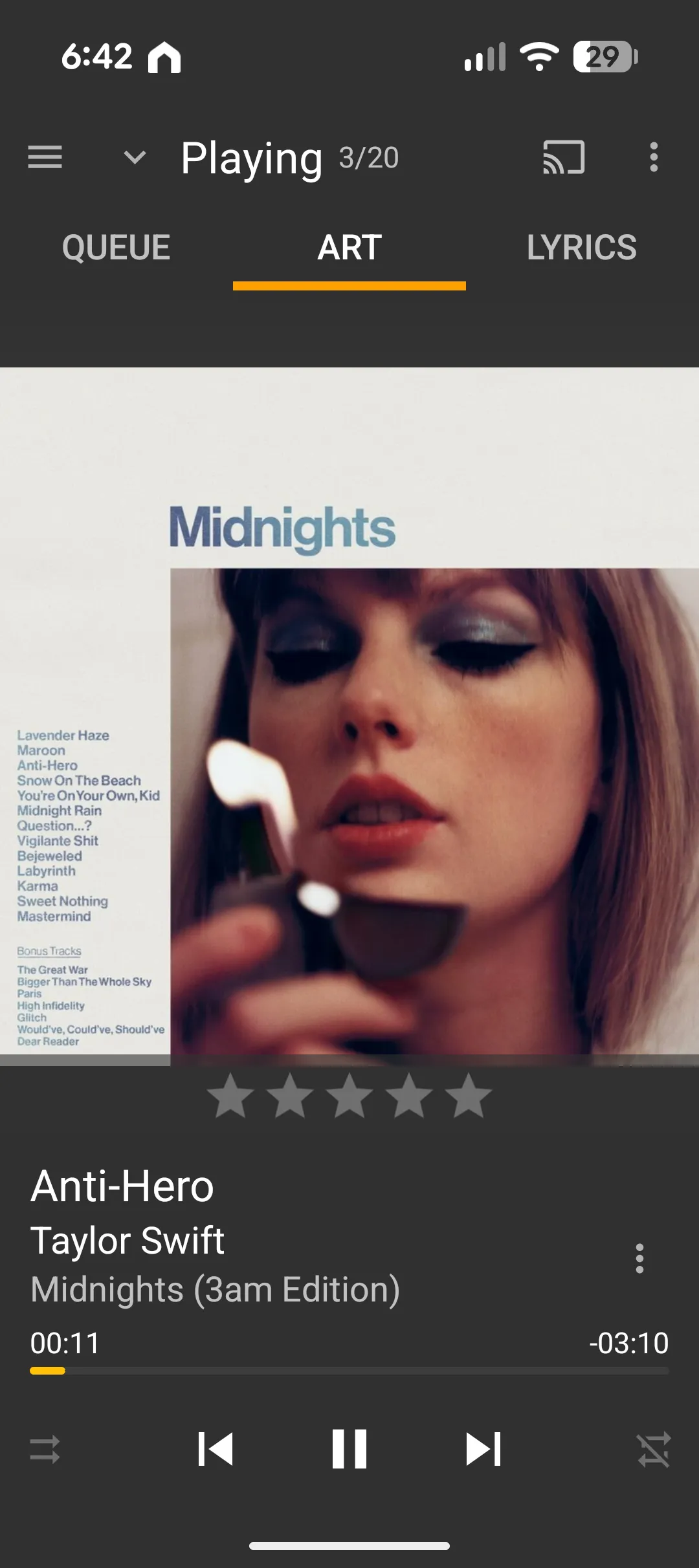
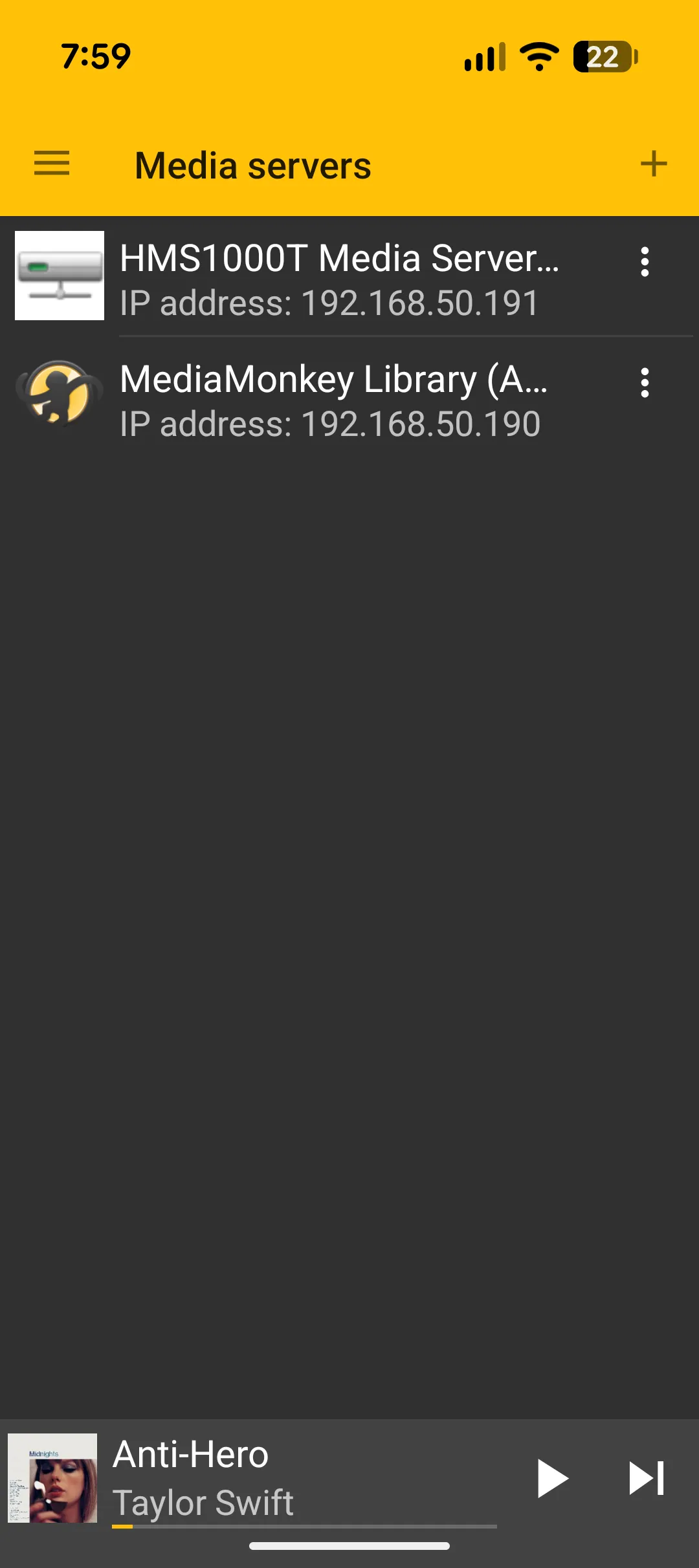
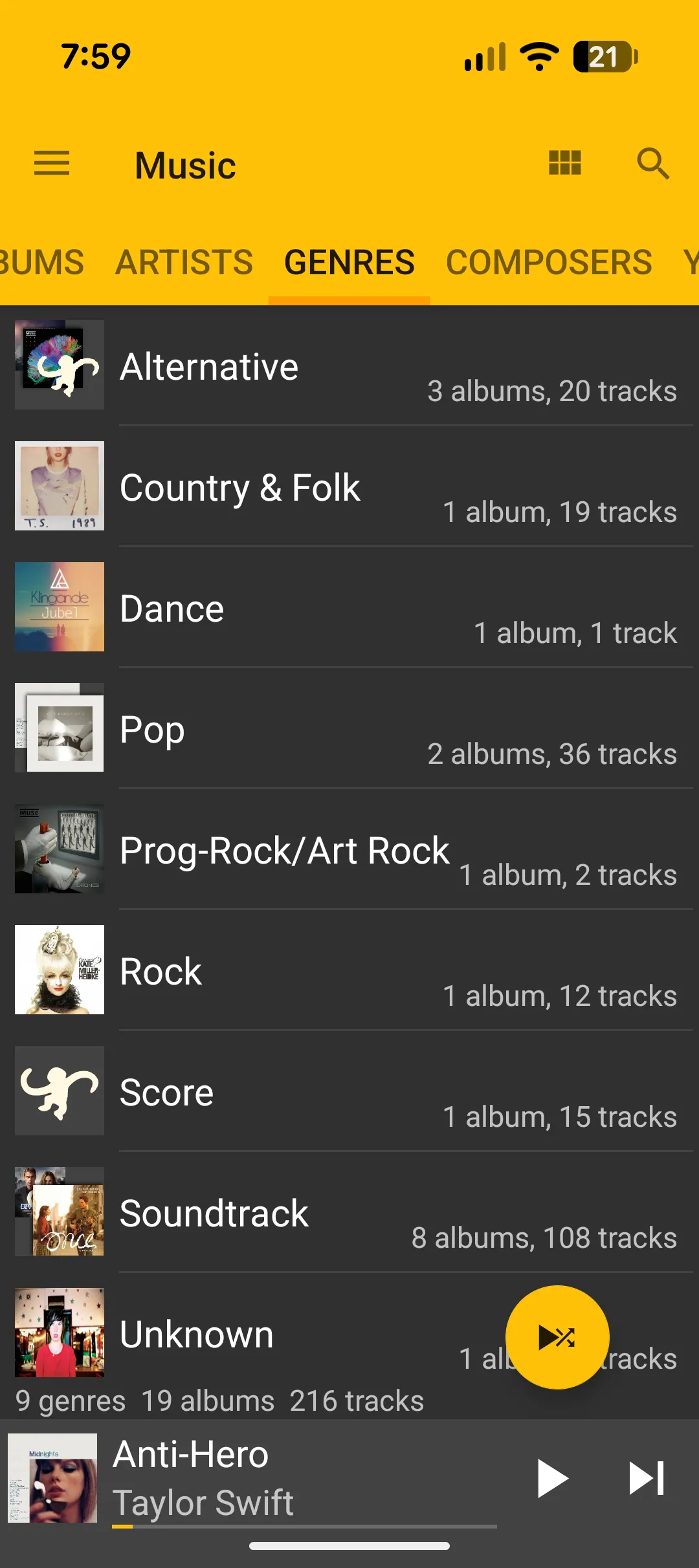
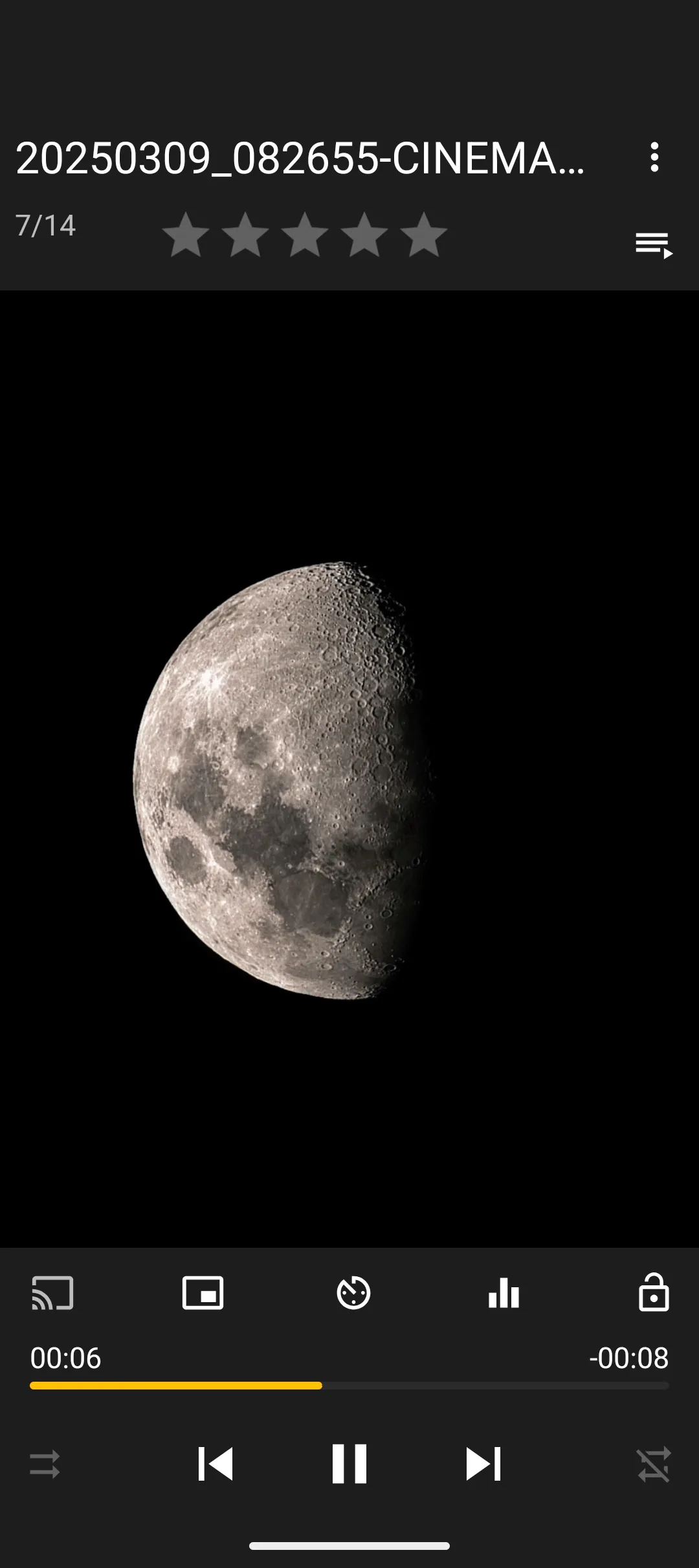
Casting is another standout feature. MediaMonkey connects quickly to TVs and DLNA or UPnP devices and playback remains stable with no dropouts or buffering issues. Selecting a device is simple and the app remembers previous connections which makes repeat casting almost instant. For anyone running a home media server or using MediaMonkey on PC as a central hub, the Android app becomes a powerful remote player.
Upgrading to the Pro version unlocks Wi Fi syncing, advanced library tools and enhanced casting features. It is a worthwhile addition for anyone already using MediaMonkey on PC as it turns the Android app into a full companion rather than a standalone player.
Overall, MediaMonkey for Android is one of the strongest mobile companions for users who manage their own media libraries. It is fast, stable, easy to navigate and its casting performance is excellent and when paired with the PC version, it forms a complete multimedia ecosystem.
Final Thoughts
MediaMonkey is a must-have software package for all PC (and Android) users who want a very capable media management system with the ability to stream across multiple devices including accessing your content both locally and on the cloud. Additionally, it supports excellent playback quality and more importantly works from the get-go.
Highly Recommended
Latest Features of MediaMonkey (2026)
Enhanced Media Management and Performance
- Large Library Support: Optimised to manage 100,000+ to over 2.5 million audio or video files without performance issues
- Intelligent Matching (MatchMonkey Add-on): Advanced fuzzy matching using Spotify or ReccoBeats to scan local libraries and accurately match or fill in missing metadata including BPM, musical key, danceability and energy
- Improved Auto-Tagging: Automatically searches for and fixes missing artwork, lyrics and metadata
- Support for Modern Codecs: Full support for DSD formats and WebP images
Advanced Playback and Audio
- Auto-DJ with Discovery: Smart Auto-Queue modes that suggest similar music from your library or Last.fm or ReccoBeats when a playlist ends
- Playback Control: Enhanced playback speed and pitch control
- High-Fidelity Audio: Continued support for WASAPI drivers for high-end digital audio equipment
- Gapless Playback: Seamless playback now supported for both local and casting scenarios
Sync, Cloud and Mobility
- iOS 18+ Support
- Android Synchronisation (MMA 2.0+): Improved sync between Windows and Android with a Pro unlocker app for wireless sync
- Cloud Storage Integration: Enhanced support for Dropbox, Google Drive and OneDrive
- Wireless Sync: Refined Wi Fi synchronisation for seamless mobile updates
UI and Customisation
- Modernised UI with new compact skins and redesigned Auto-Playlists and navigation panes
- Configurable toolbars for personalised workflow
New Add-ons and Tools
- Smart Discovery or MatchMonkey: Uses ReccoBeats API for discovering music based on mood, activity or similarity
- Backup and Restore: Native functionality to safeguard library data
- Traktor DJ Data Export: Direct integration with DJ software
About the Author

Adrian Gunning Adrian lives in Melbourne Australia and has a huge passion for gaming, technology and pop culture. He recently finished his a Bachelor of Journalism and is currently focusing on games journalism. When not writing and playing video games, Adrian can be found in Comics 'R' Us debating the pros of the DC Universe and cons of the Marvel Universe.
Related Posts

Bitdefender Digital Identity Protection Review →

Bitdefender Total Security Review (2025) →

Bitdefender Total Security 2024 Review & Bitdefender Premium VPN 2024 Review →