
Logitech Mobi Fold Review
Summary: The Logitech Mobi Fold has been designed for portability to the max!
4
Mouse fold!
Foldables are back … well, in the smartphone market, and Logitech has just launched its new Mobi Fold ($79.99 USD / $129.95 AUD) that has been designed specifically for remote workers and frequent travelers who want an alternative to a laptop trackpad without taking up valuable bag space. This is done by providing a folding chassis design that condenses into a tiny, pocketable footprint.
In other words, it’s a foldable wireless mouse!
Logitech Mobi Fold Technical Specifications
| Feature | Specification |
| Price | $79.99 USD / $129.95 AUD |
| Weight | 2.79 oz (79 g) |
| Unfolded Dimensions | 1.3 × 2.2 × 4.8 inches |
| Folded Dimensions | 0.83 × 2.2 × 2.6 inches |
| Sensor | PixArt PAW3222 Optical Sensor (Up to 4,000 DPI) |
| Connectivity | Bluetooth (up to 3 devices), Logi Bolt Receiver, Google Fast Pair |
| Battery Life | Up to 30–32 days (1-minute charge yields ~22 hours) |
| Color Options | Graphite, Off-White, Lilac, Sand |
| OS Compatibility | Windows, macOS, iPadOS, ChromeOS, Android, Linux |
Gallery
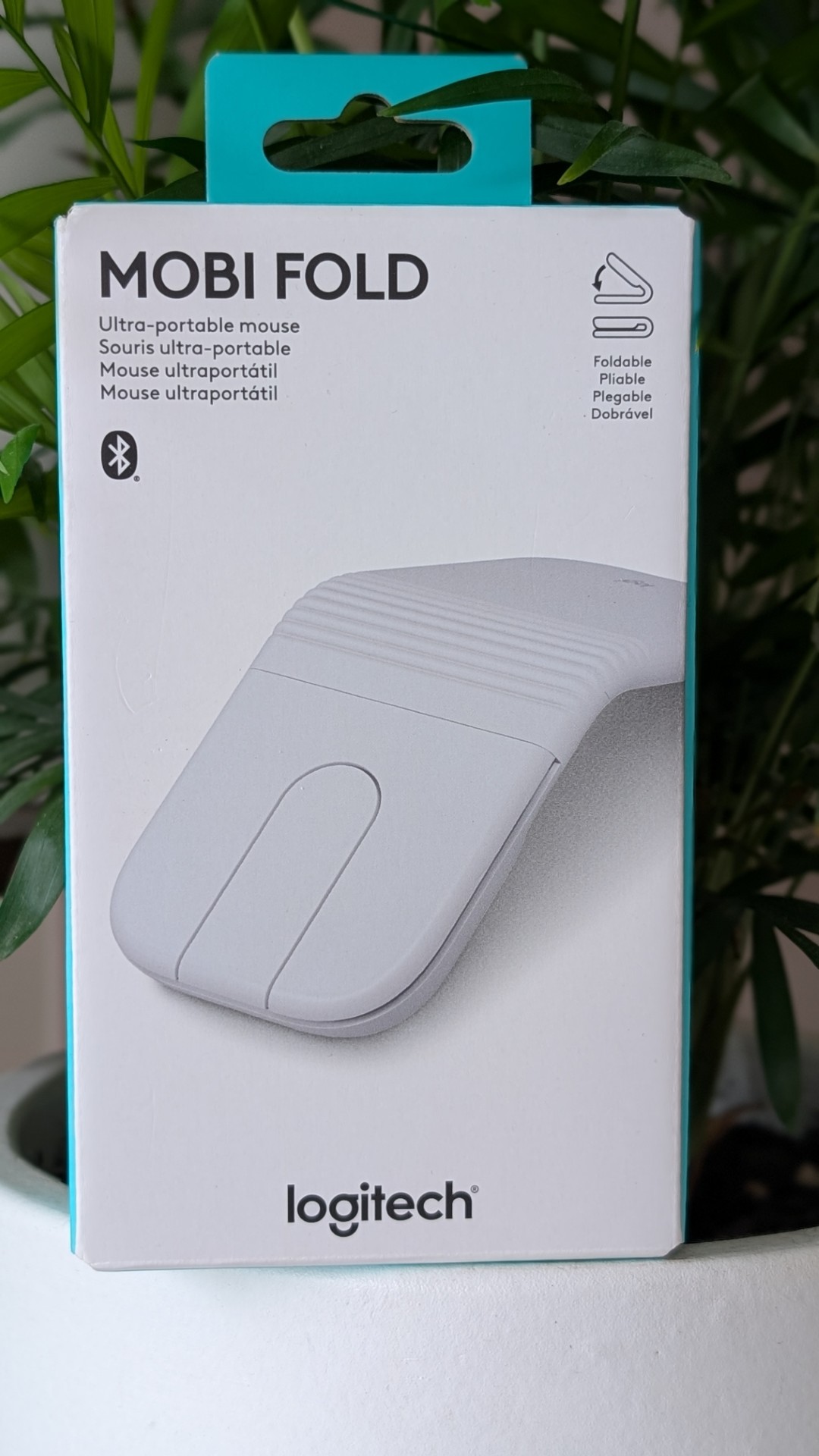
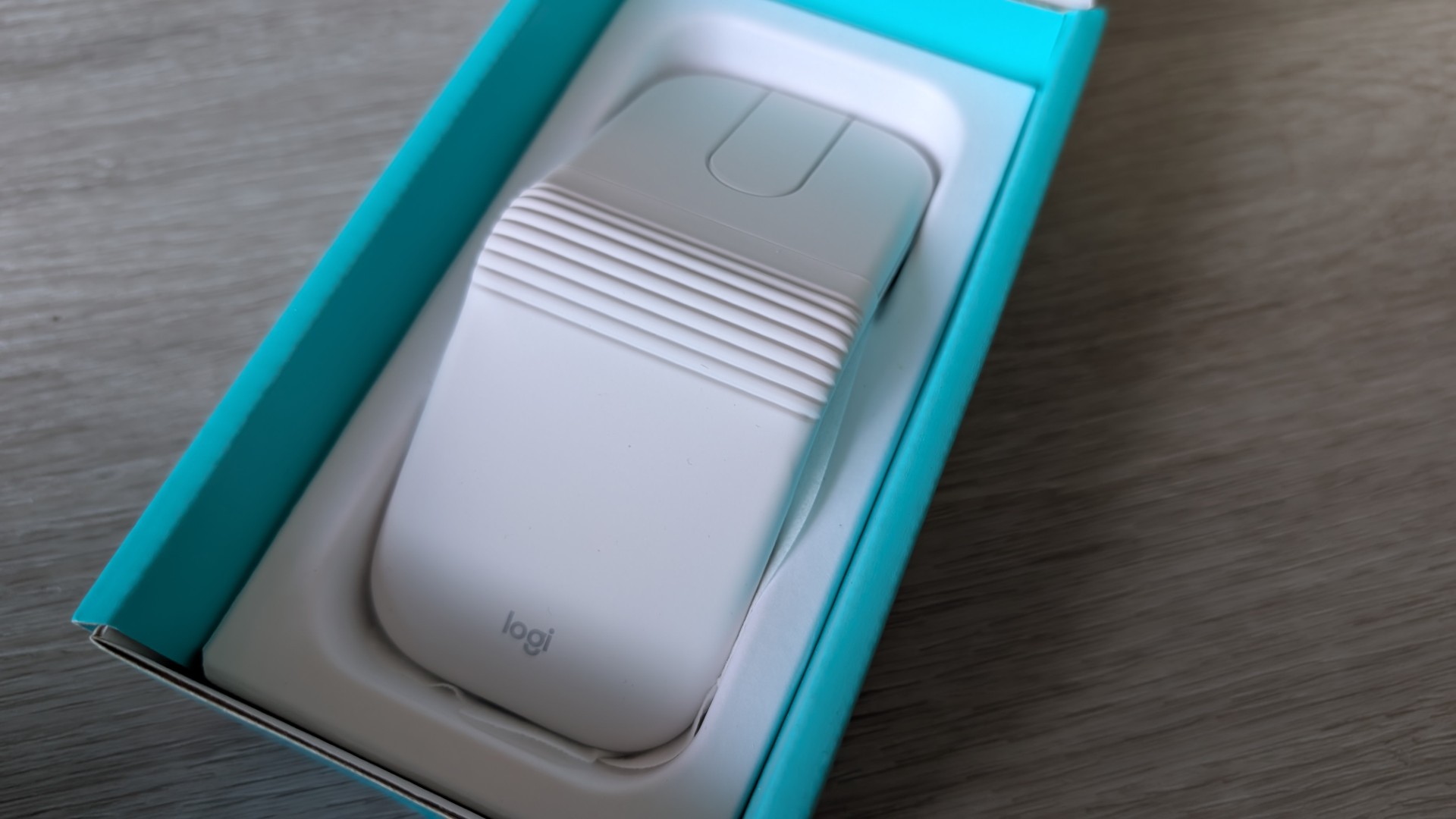
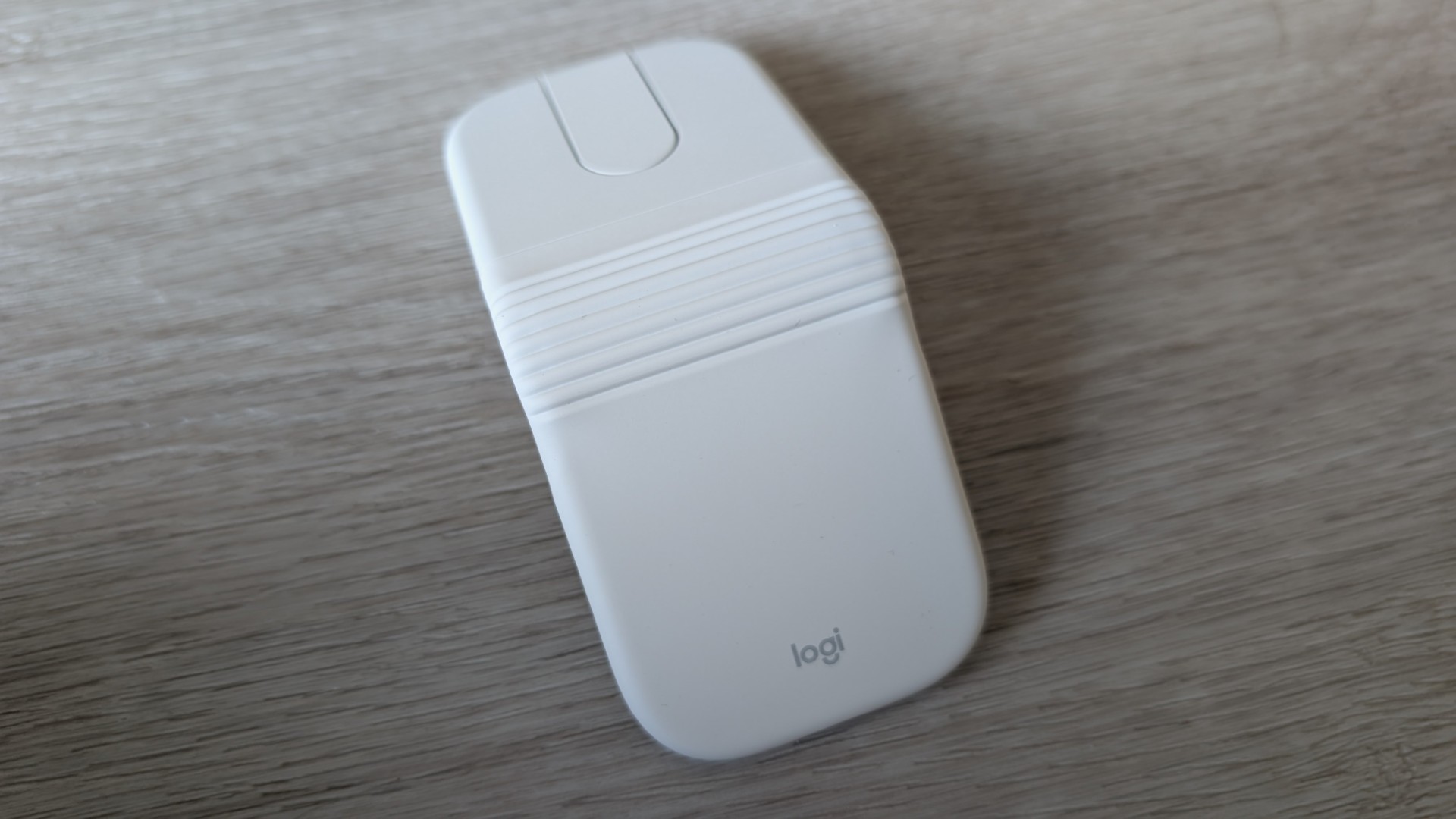
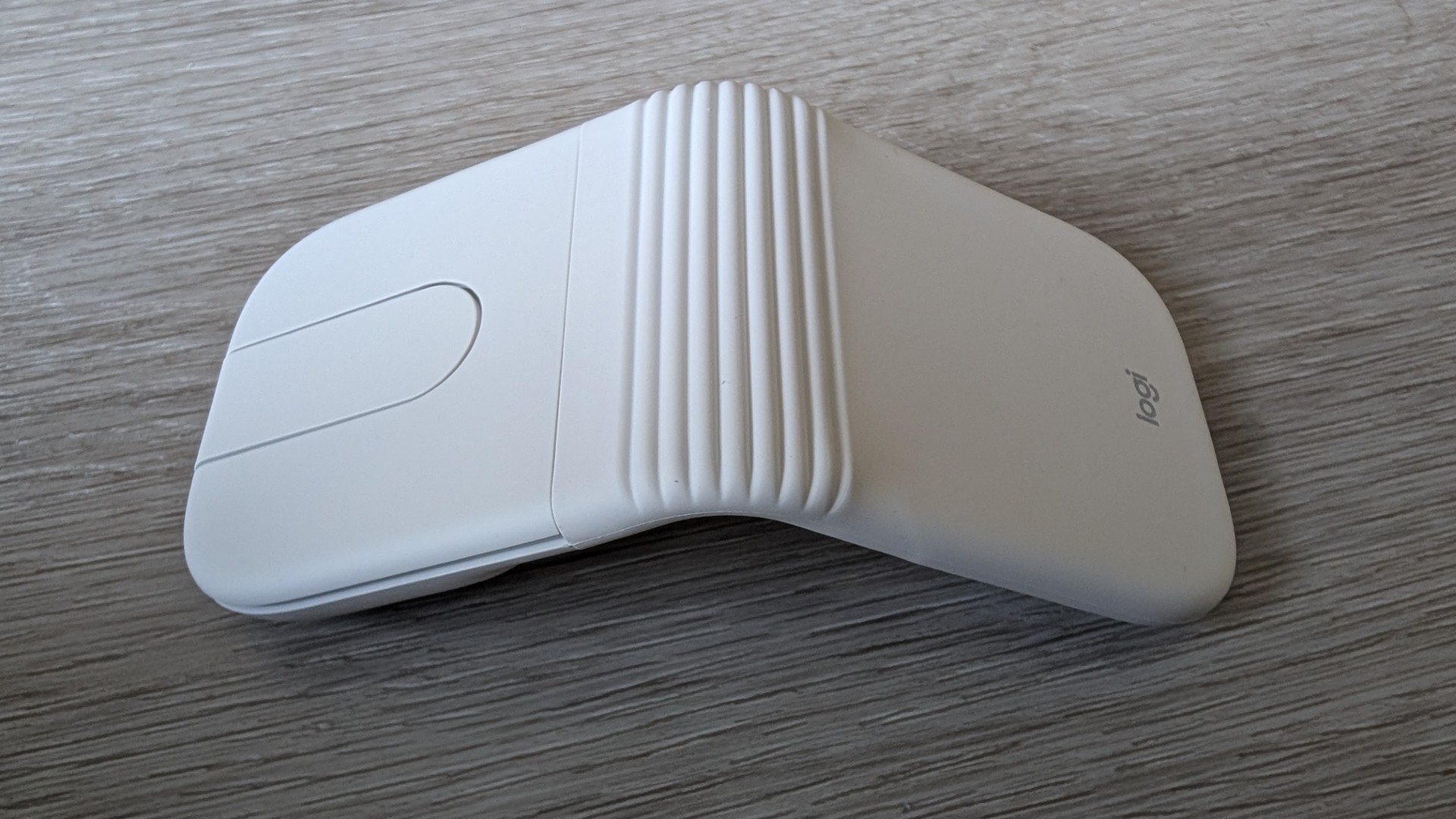
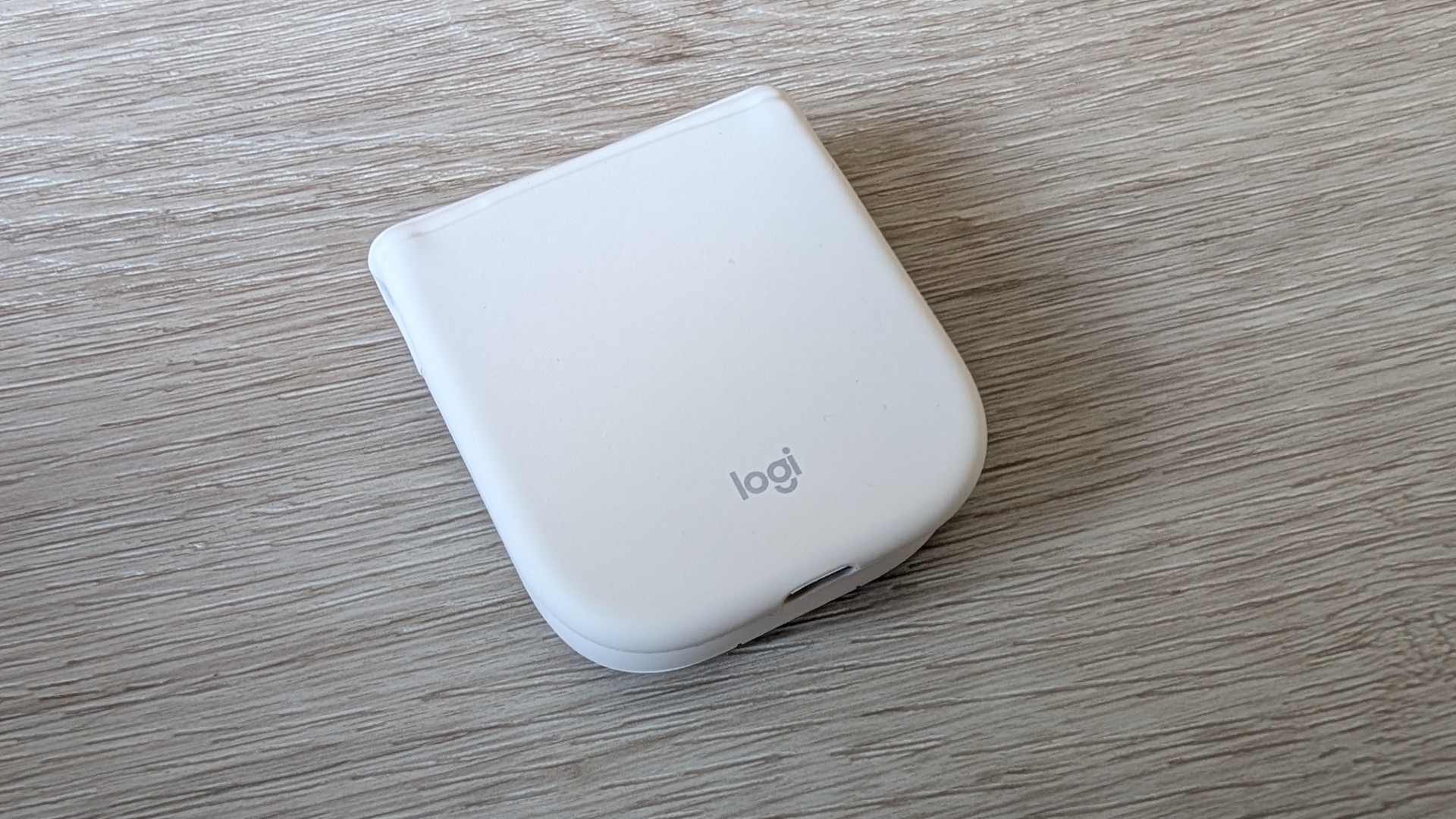
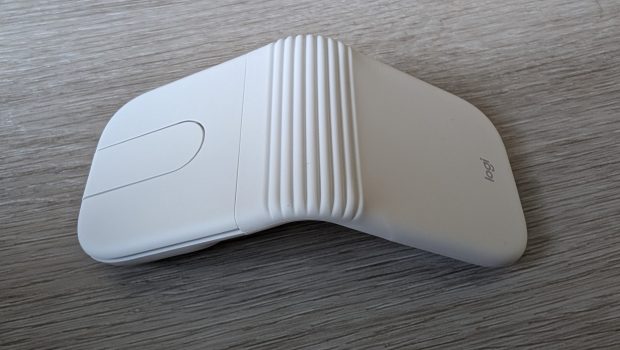
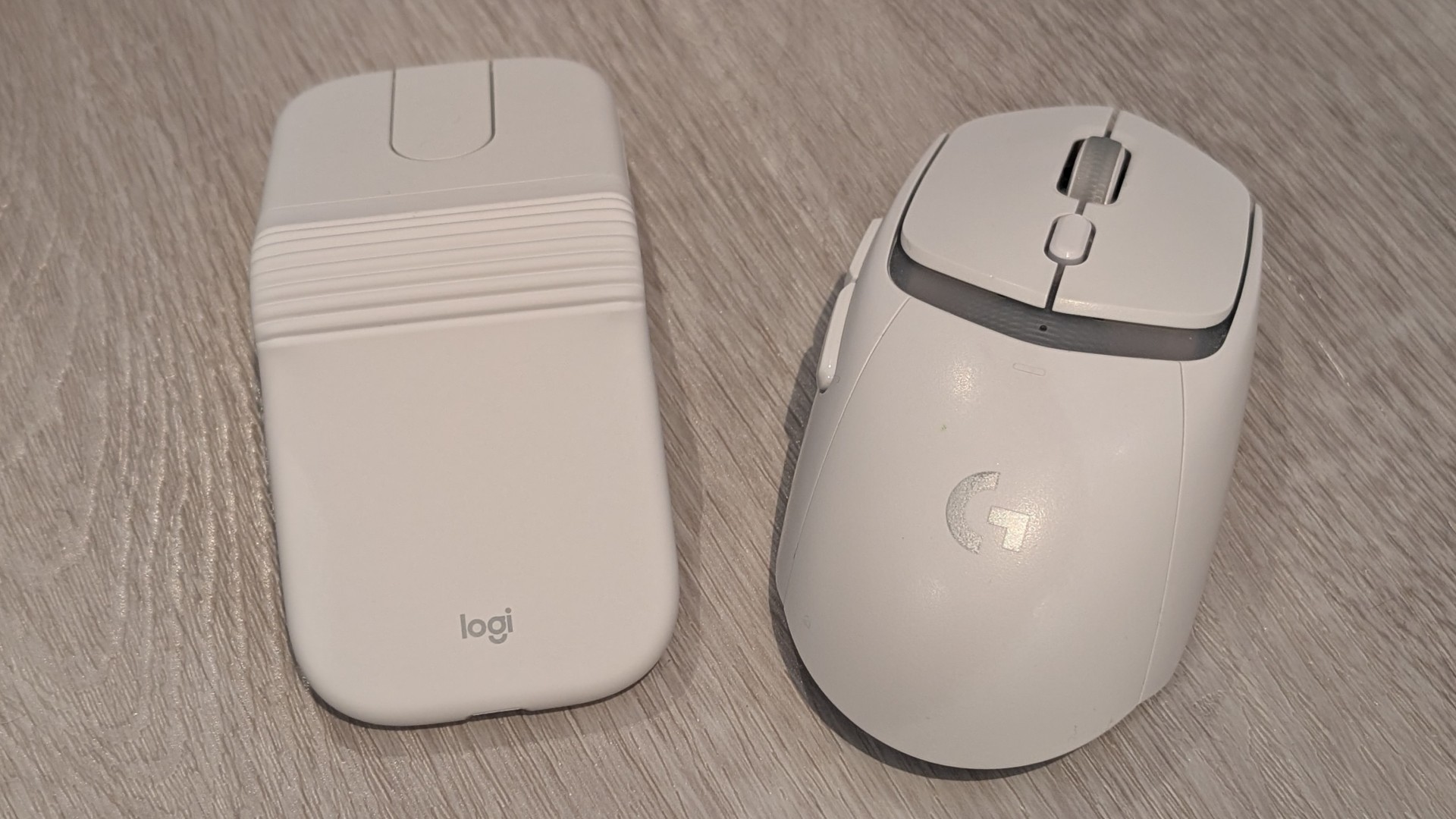
The primary distinction of the Mobi Fold compared to a traditional mouse lies in its physical transformation. When you collapse the device, internal magnets securely fasten the two halves together into a compact rectangle that measures under an inch thick. As a result, this tiny mouse becomes very portable, easily allowing you to carry it in your pocket, a handbag, or anywhere for that matter. The outer silicone casing also provides a comfortable slip-resistant texture, and its off-white colouring makes it quite unassuming.
Logitech claims the hinge mechanism can withstand up to 50,000 folding cycles, which translates to roughly 15 years of standard daily use. Best of all, unfolding the mouse operates as its primary power switch, automatically turning the unit on and reconnecting it to your computer. Clamping the mouse shut powers it down instantly, which prevents unintended cursor movements or accidental clicks while it rests inside a bag.
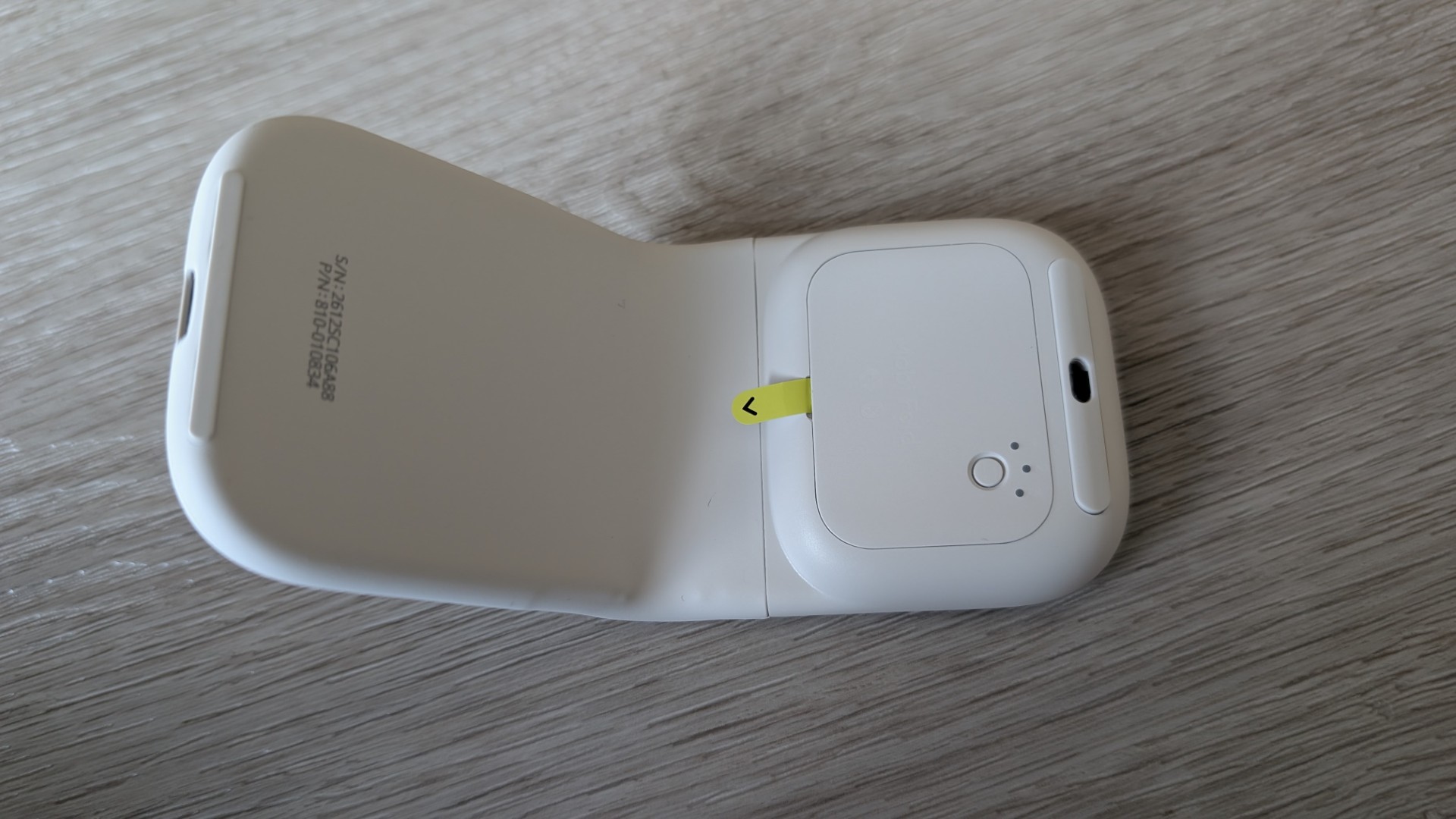
To set up, simply remove the battery sticker. Connectivity is primarily via Bluetooth, allowing pairing for up to three separate devices such as a PC, Chromebook, and smartphone. It is important to note that while the mouse supports a Logi Bolt Receiver, the dongle is only included in the “Mobi Fold for Business” edition. The standard consumer version reviewed here relies purely on Bluetooth out of the box. When opened, the small LED will glow green to indicate it is powered on.
Interestingly, Logitech does not use physical switches or a traditional mechanical scroll wheel; rather, the Mobi Fold uses dampened quiet-click buttons alongside an adaptive central touch surface. The primary left and right click zones generate minimal noise during operation, making the device well-suited for quiet environments.
In terms of touch and navigation controls, the device utilizes an Adaptive Touch Scroll surface that delivers fluid directional scrolling via a smooth swipe action, alongside a programmable digital middle-click shortcut. Furthermore, it incorporates custom action buttons designed to streamline your workflow, providing dedicated forward and back navigation for rapid web and document paging, as well as an intuitive app-switching feature for seamlessly toggling between active windows. While the forward and back navigation functions are incredibly handy, users might initially be confused about where these buttons actually are. They are cleverly hidden underneath the top and bottom edges of the central touch strip.
Although Logitech claims the device reduces muscle strain by 22% compared to standard laptop trackpads, its low-profile shape requires clear physical trade-offs. Unfolding the mouse creates a tented shape with an open arch underneath, which leaves your thumb and pinky finger without dedicated resting ledges. However, the completely symmetrical body makes the Mobi Fold fully ambidextrous and equally functional for left- or right-handed users. The internal PixArt 4,000 DPI optical sensor delivers reliable cursor tracking across hard desk surfaces, laminate tables, and wood finishes, although movement across soft fabric mouse pads can feel slightly stiffer due to the bottom skate configuration.
Power management is handled by an internal 100mAh lithium-polymer battery that provides up to 30 days of daily use on a full charge. If the battery runs low while you are on the move, connecting a USB-C cable for just one minute supplies roughly 22 hours of continuous runtime. Keep in mind that Logitech does not include a USB-C charging cable in the standard retail box, so buyers will have to use their existing phone or laptop charger. Additionally, the internal battery is designed to be accessible for replacement, extending the overall service life of the hardware.
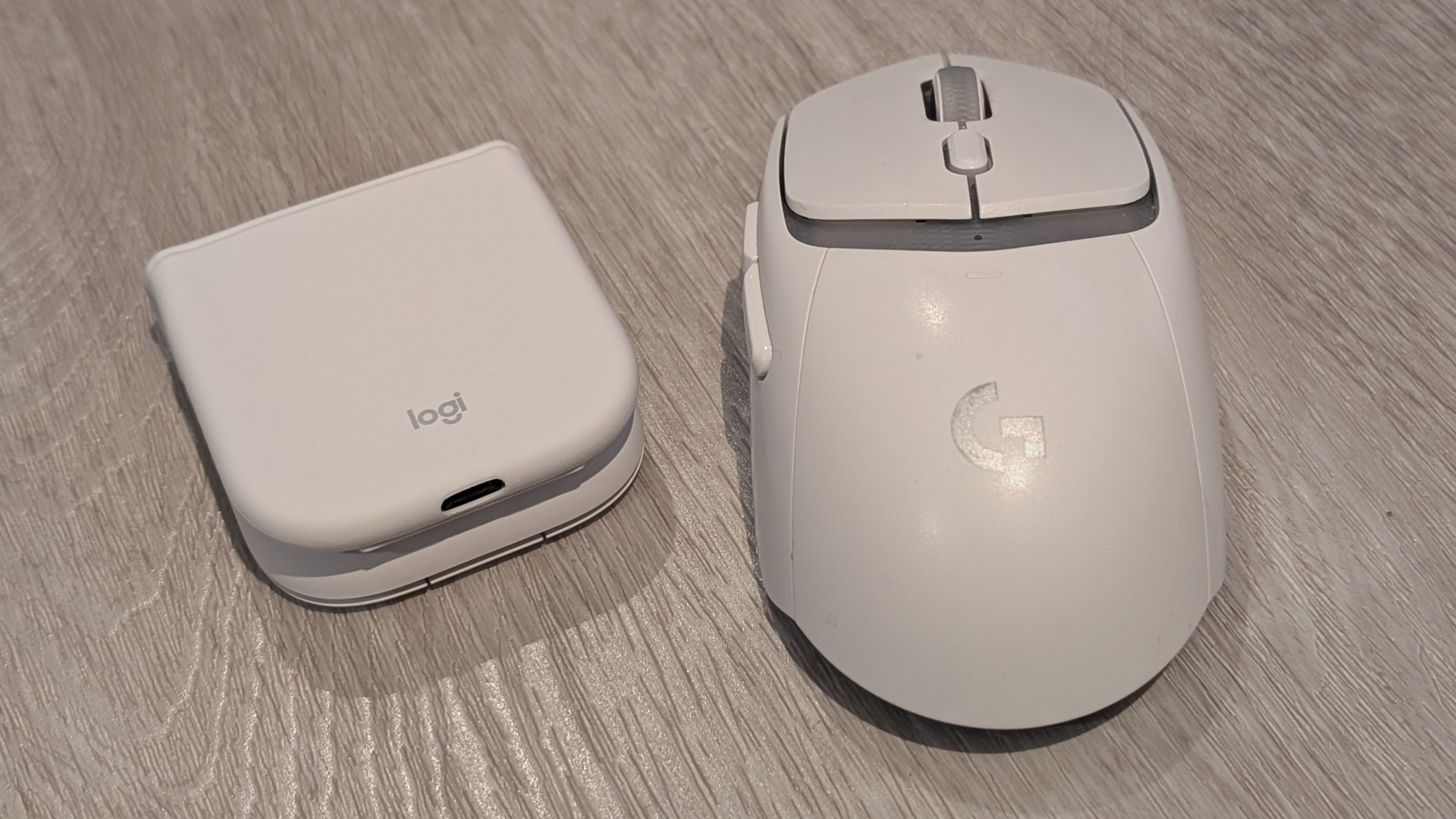
Final Thoughts
The Logitech Mobi Fold succeeds by minimising a traditional mouse and offering the smallest possible storage footprint. While it is not intended to replace a full-sized ergonomic desktop mouse, it has been designed for commuters and frequent travelers whose top priority is packing light and going beyond the standard notebook trackpad—and that, my friends, is where this product shines.

Related Posts

MOVA Expands Partnership with Essendon Football Club and Unveils New Premium Z70 Robot Vacuum →

The Nacelle Company & Oni Press Celebrate THE ART OF THE TOYS THAT MADE US →

AUNTY DONNA’S GROUSE HOUSE TV ADDS NEW AUSTRALIAN COMEDY →