
DJI Avata 360 Motion Fly More Combo Review
Summary: The DJI Avata 360 Motion Fly More Combo takes you to stellar heights in both FPV and RC modes!
5
Stellar Heights
Thanks to DJI, we’ve been given the opportunity to test their ultimate immersive drone toolkit, which is a massive upgrade to the FPV (First-Person View) scene. Led by their flagship DJI Avata 360, alongside a killer ecosystem of accessories designed to take flight experiences to a whole new dimension, this system has been designed to take drones to… well, new heights!
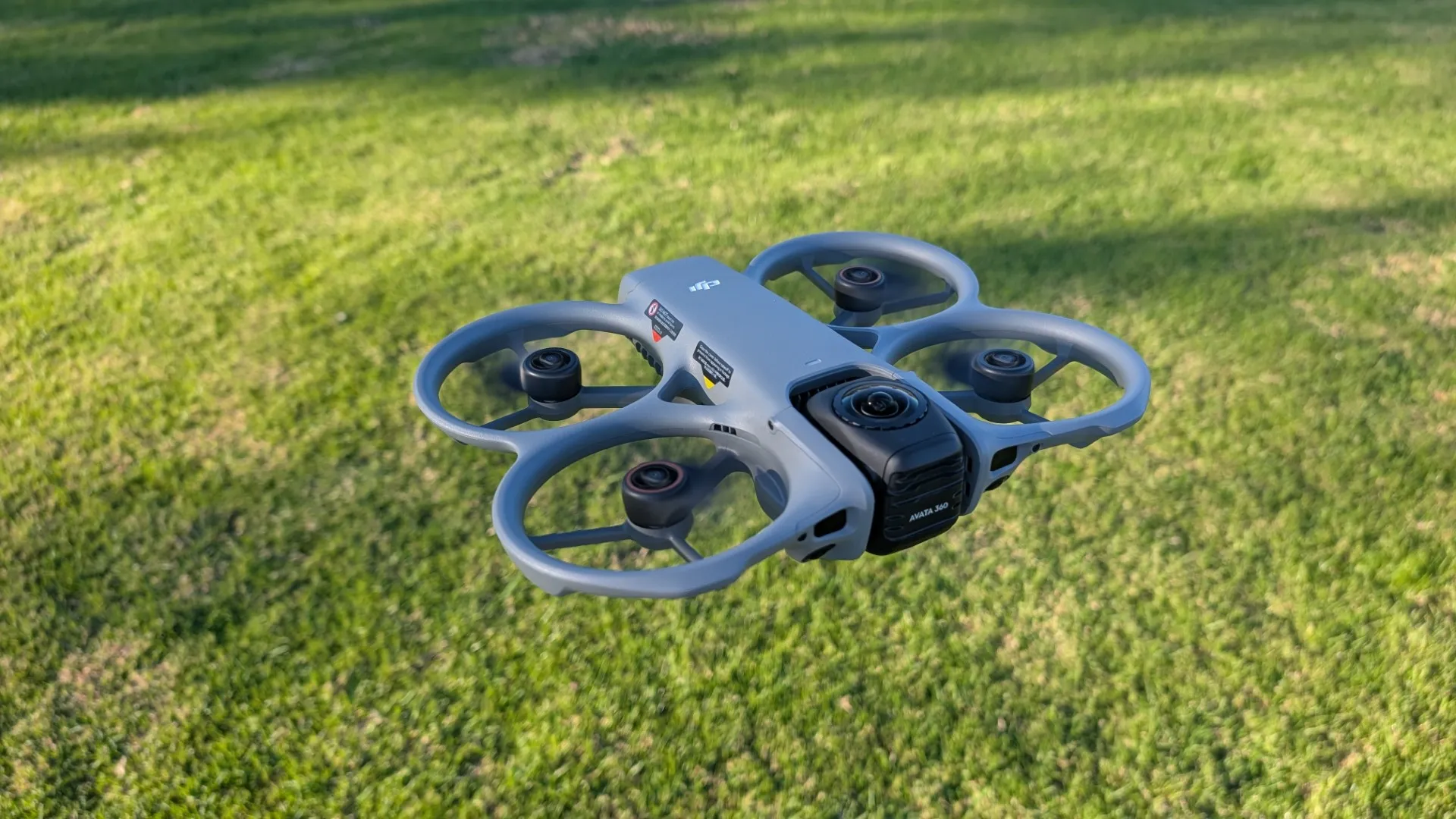
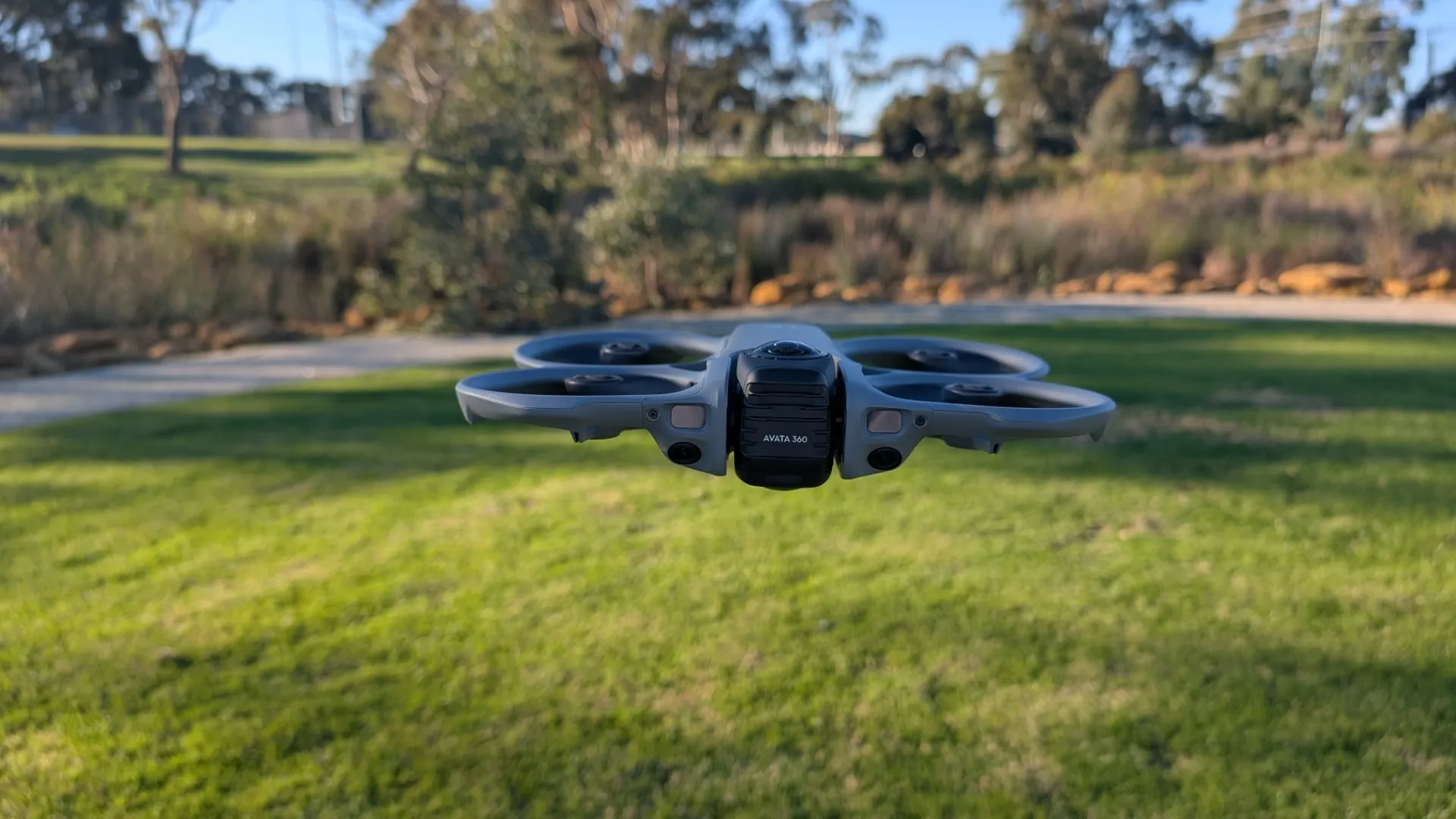
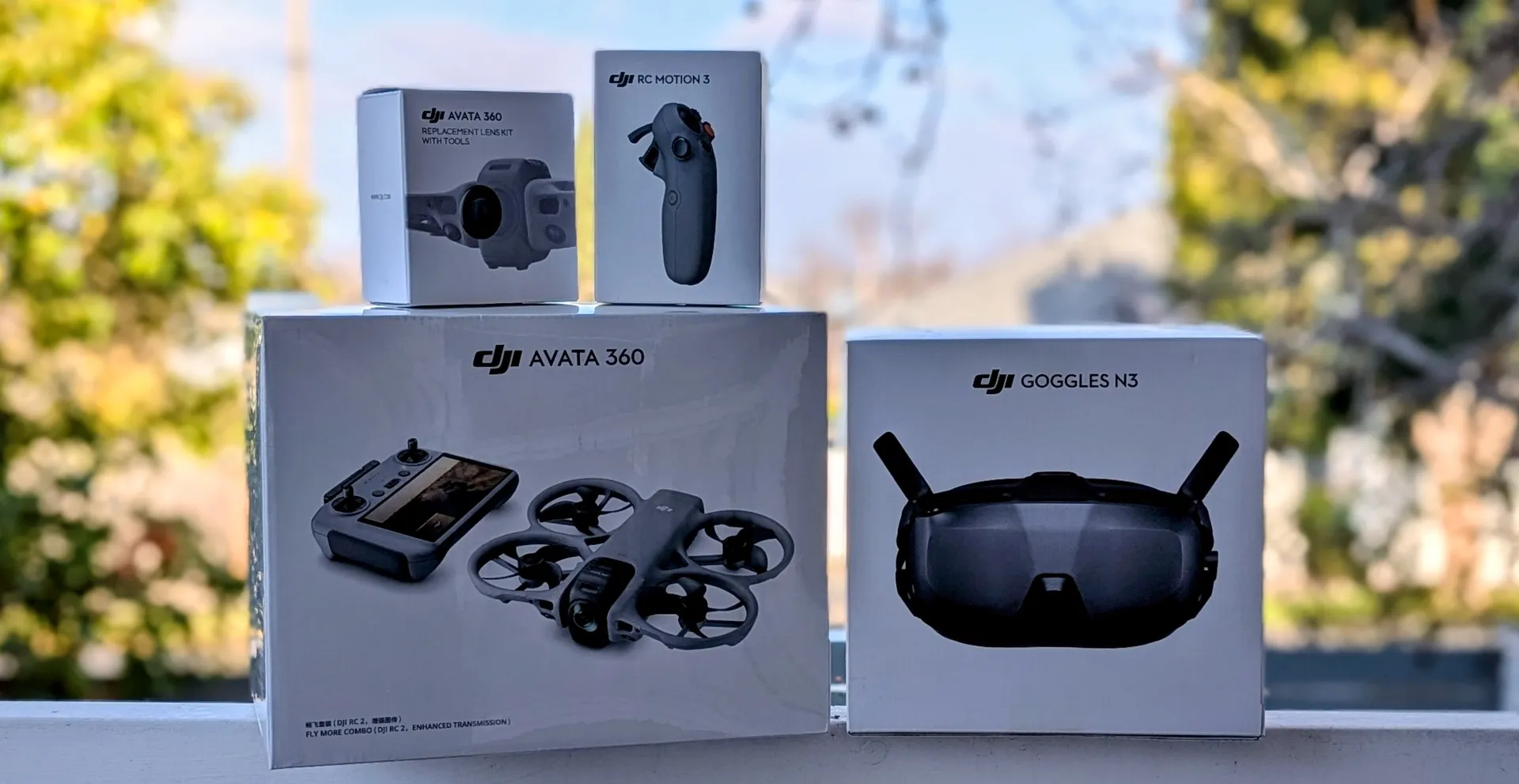
Here is exactly what we have stacked up and ready for action in this combo:
-
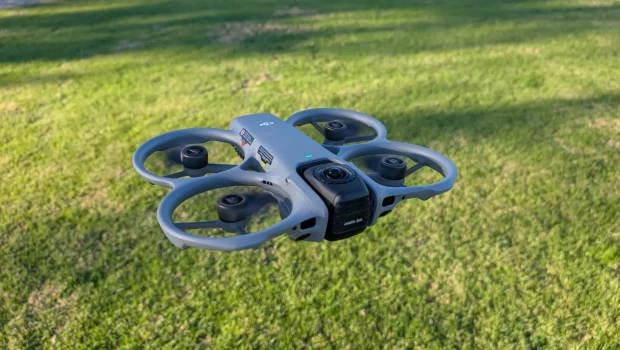
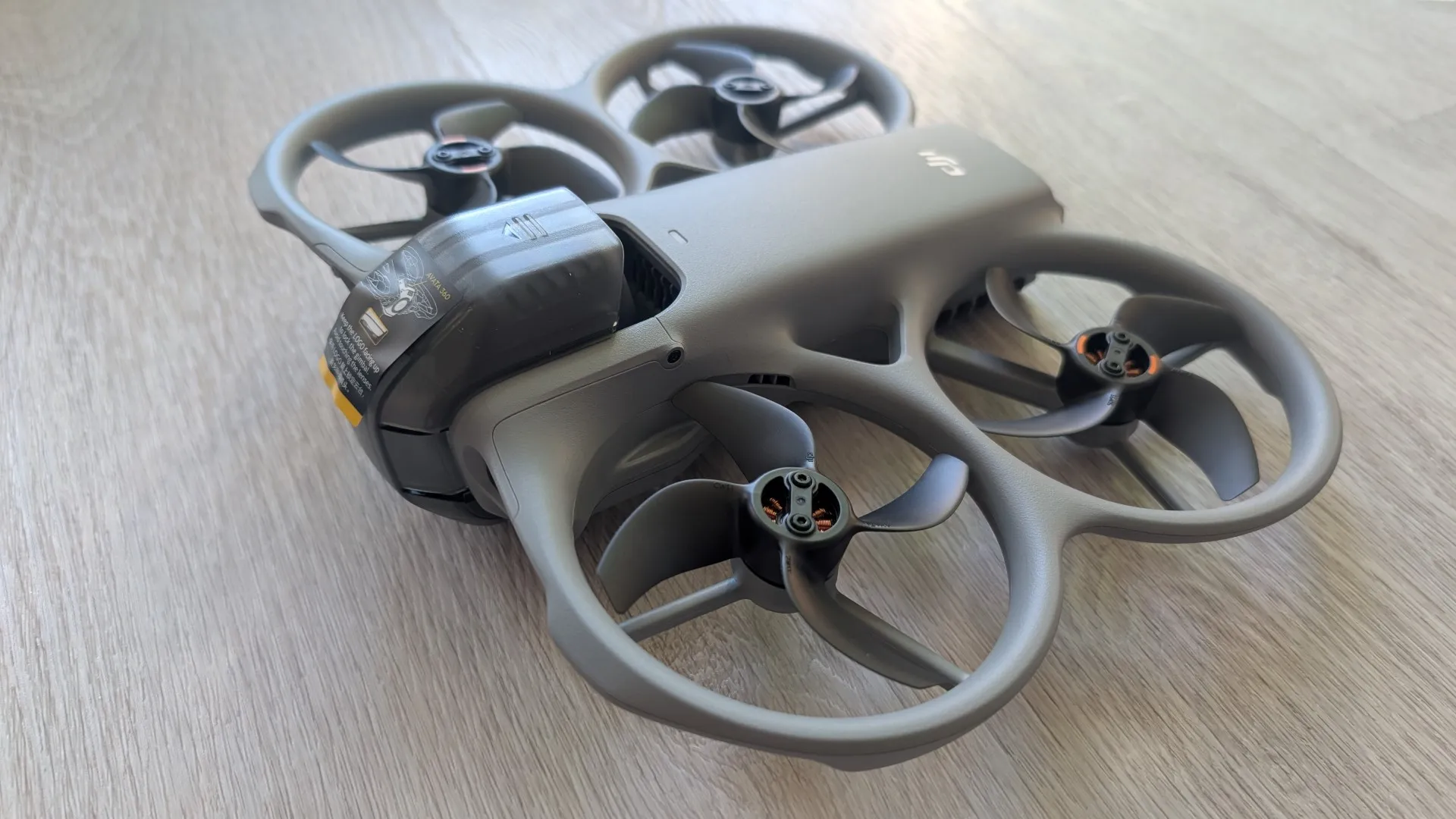
DJI Avata 360 Fly More Combo: The star of the show, bringing dual 1-inch-equivalent sensors capable of capturing an insane 8K/60fps HDR 360° perspective, paired with the DJI RC 2 controller (or the Motion Fly More variant including the goggles and motion wand). It features a rugged “cinewhoop” design with built-in propeller guards, plus a unique rotating camera block that keeps the glass safe on the ground and spins into position for full spherical capture. Because of the dual-lens stitching algorithms, the drone’s body and props completely disappear in the final footage, creating a seamless “floating camera” effect.
-
DJI Goggles N3: Offering a crystal-clear 1080p ultra-wide cockpit view with a roomy, glasses-friendly design—these are actually DJI’s first goggles that allow you to wear your prescription glasses inside the headset without separate diopter adjustments.
-
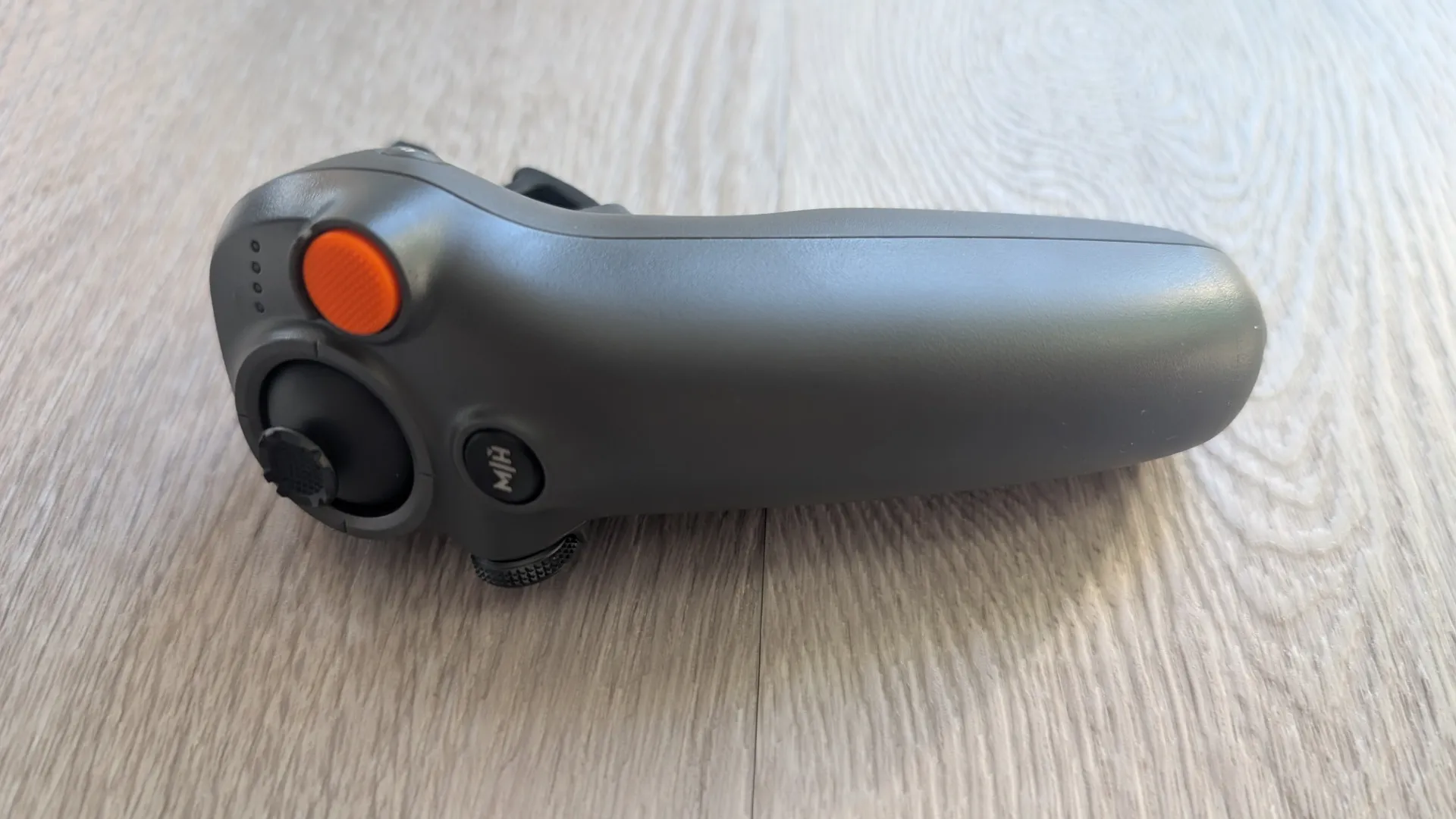
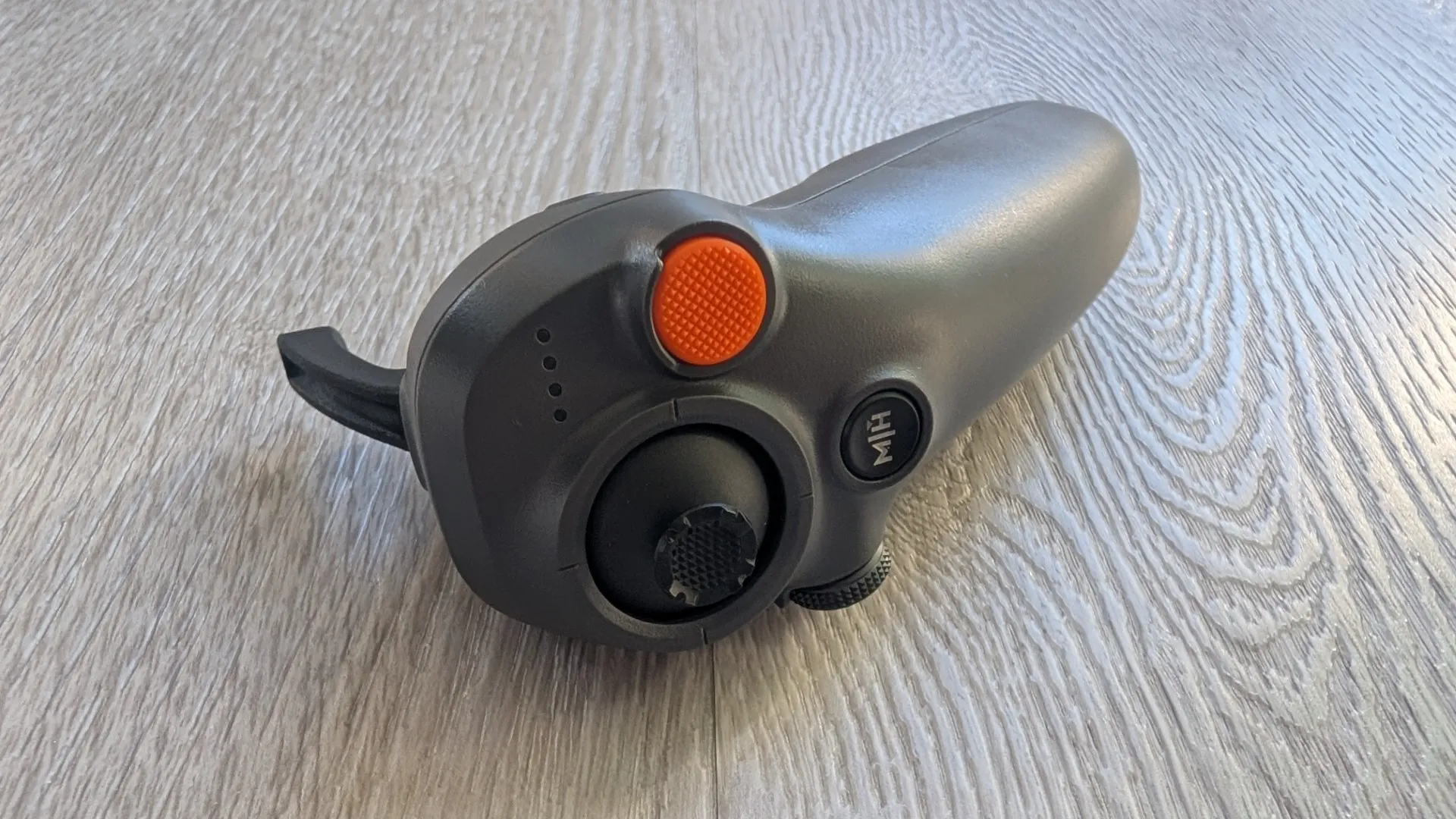
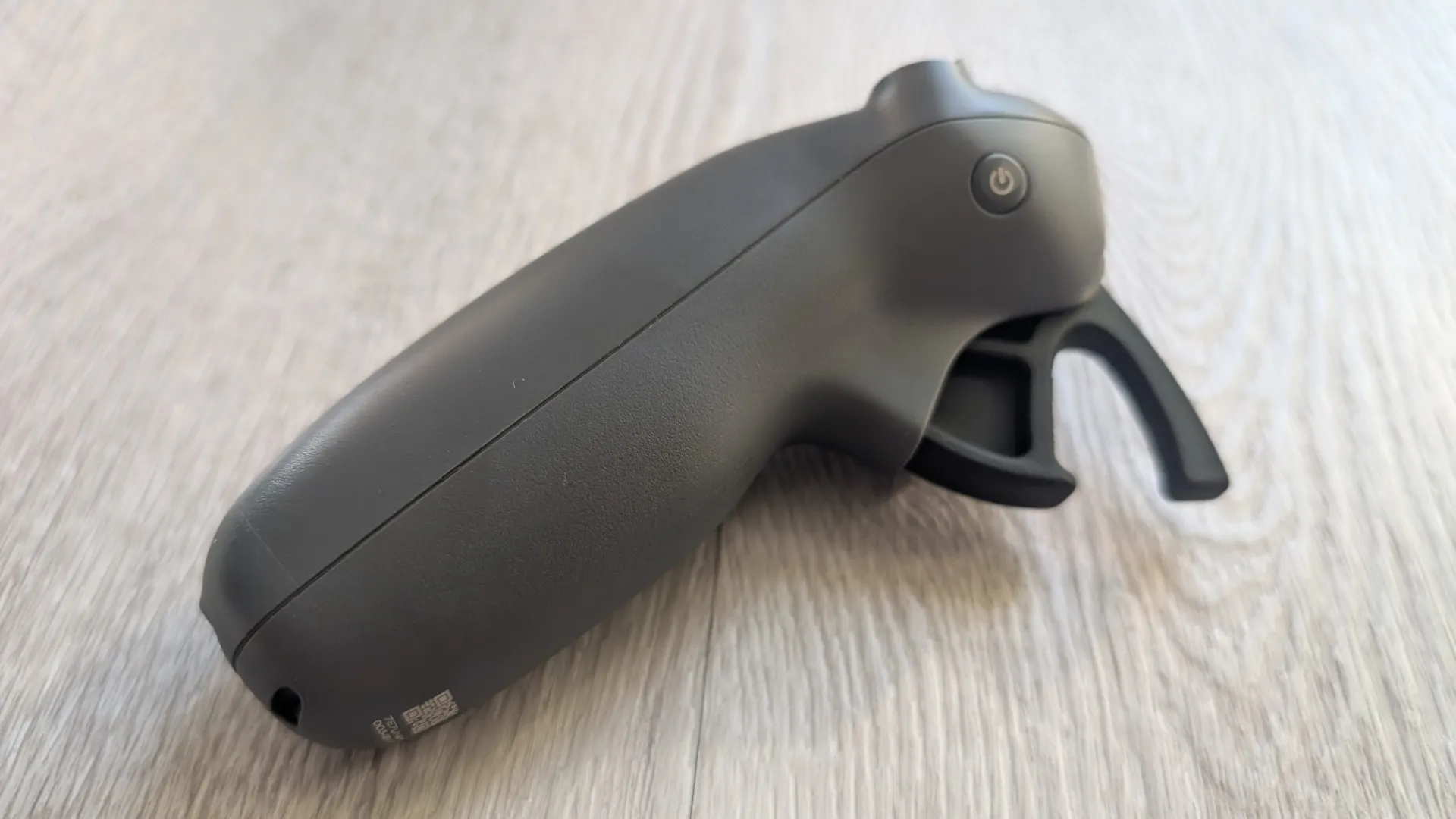
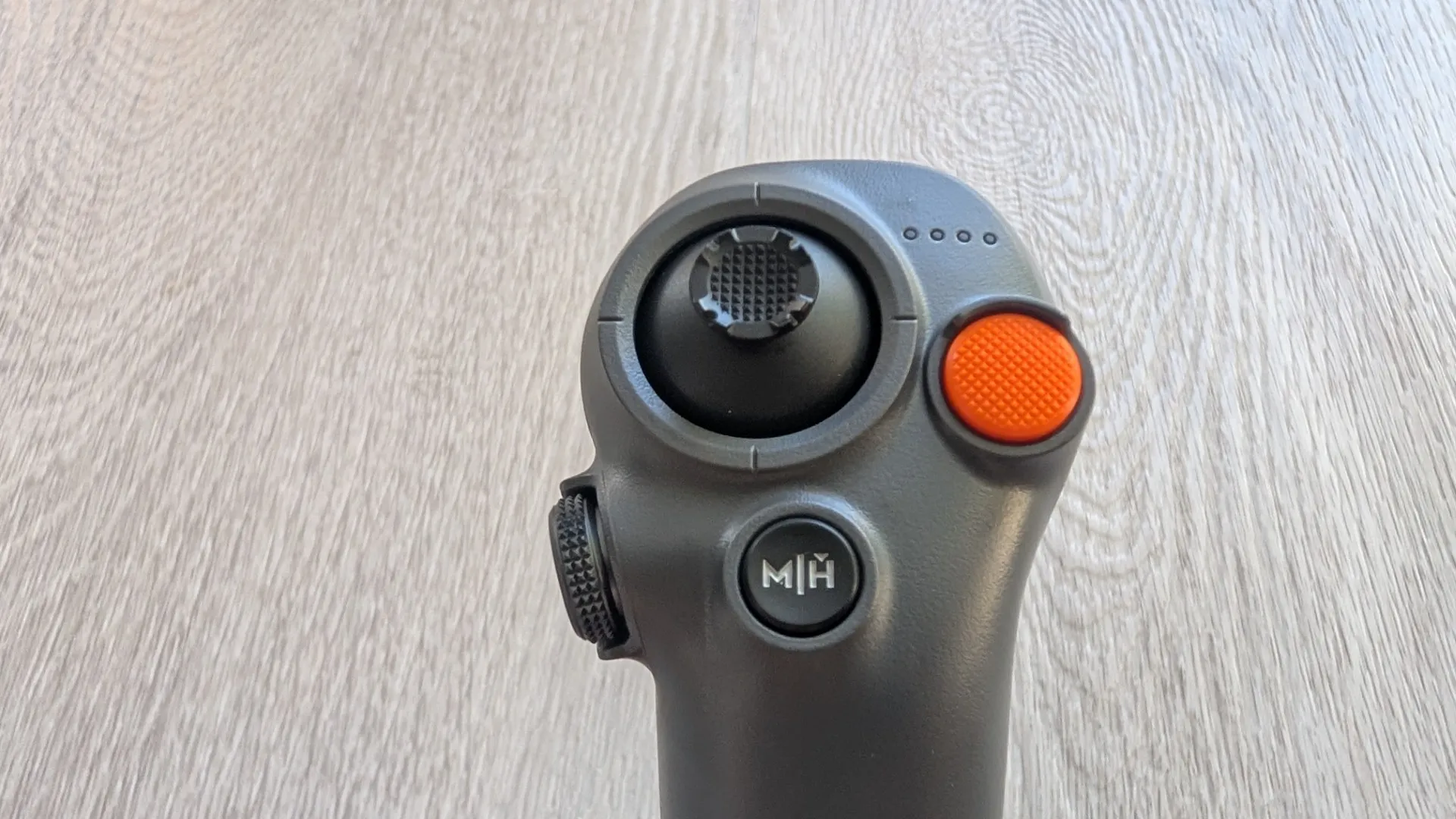
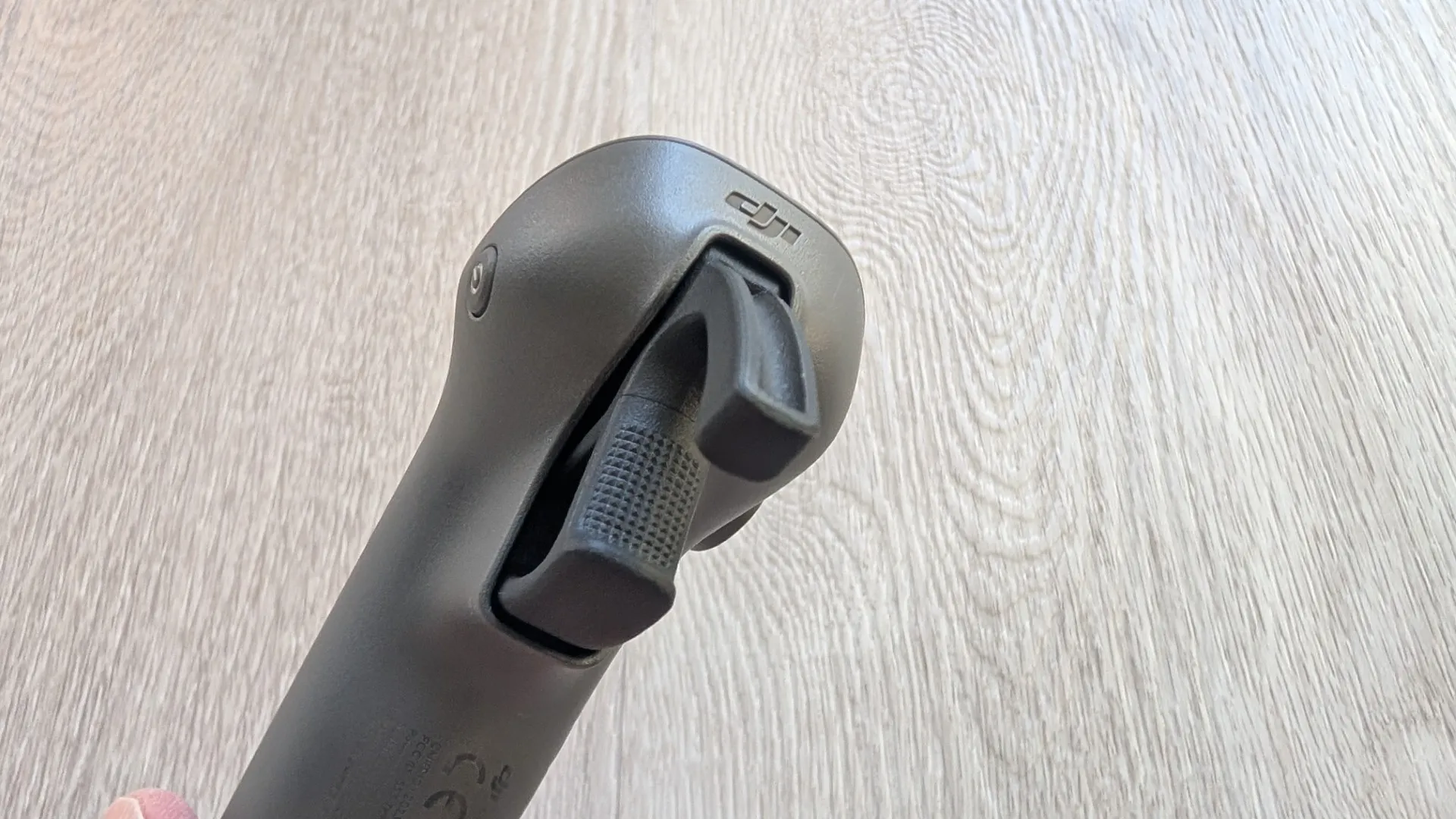
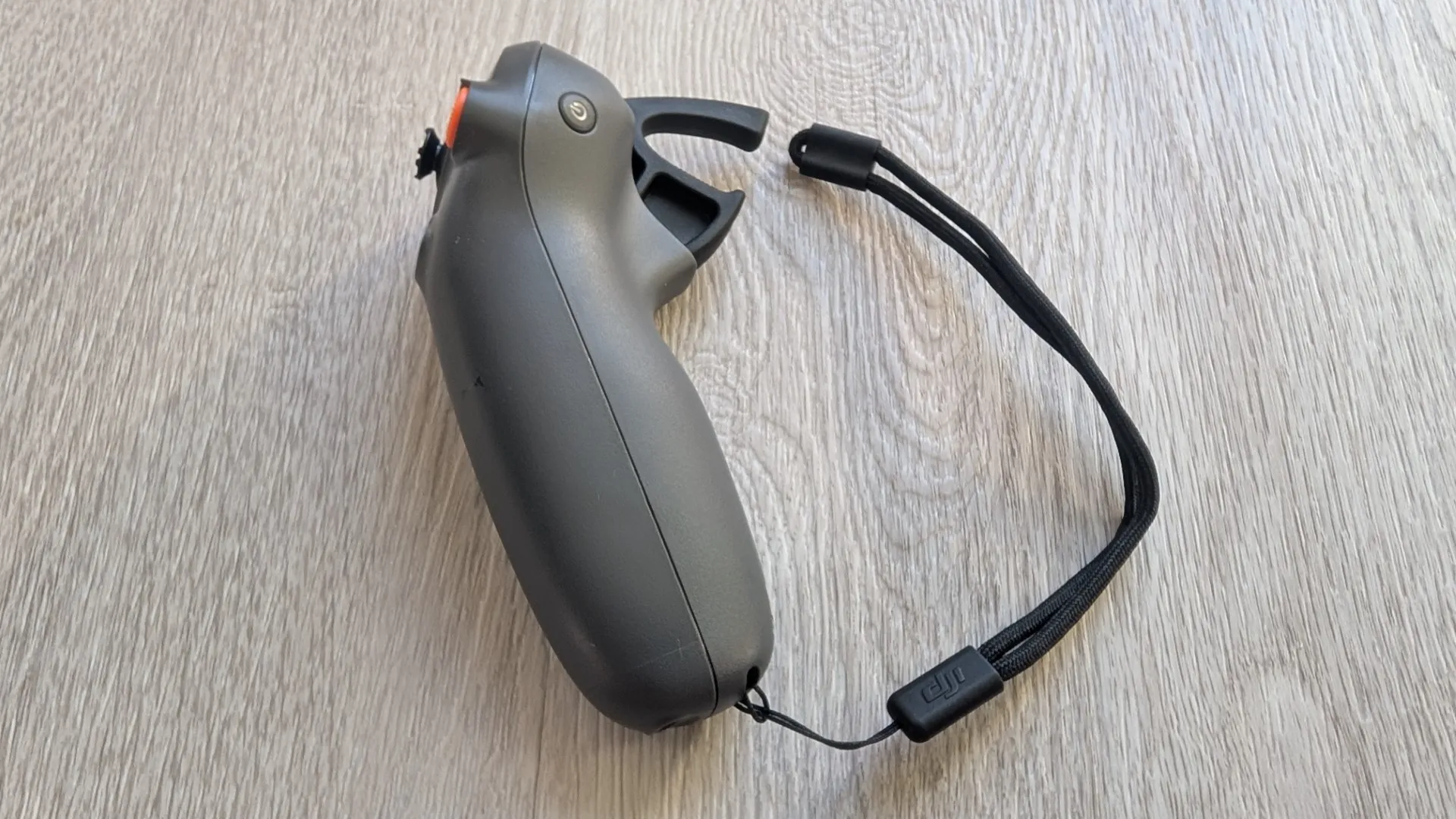
DJI RC Motion 3: Ready for intuitive, motion-based acrobatics, flips, and tight drifts.
-
DJI Avata 360 Replacement Lens Kit with Tools: Because when you’re pushing boundaries in FPV, staying prepared for the unexpected is a must (with user-replaceable front glass elements to prevent minor scuffs from ruining the system).
-
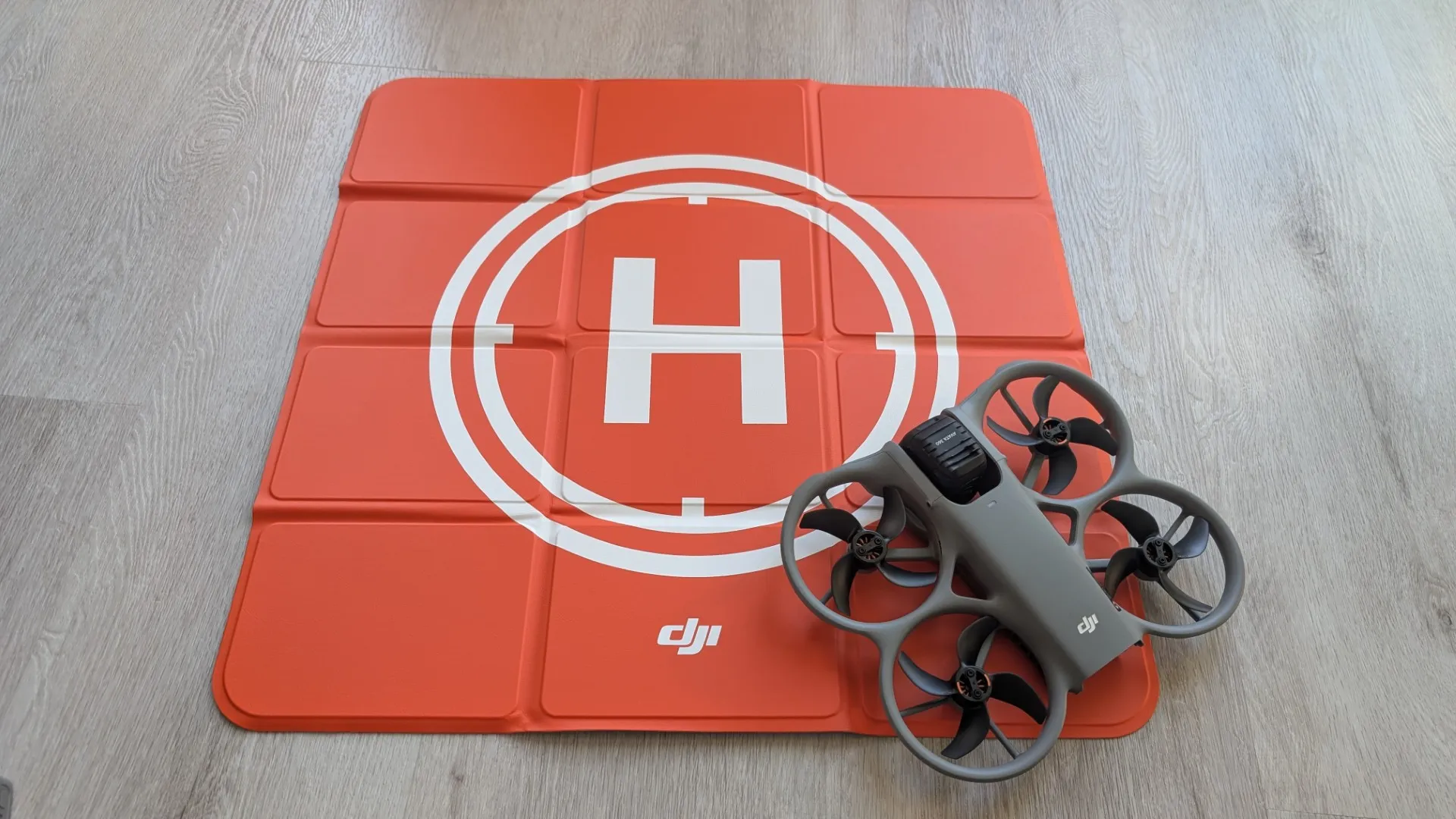
Foldable Landing Pad: Included to help launch safely from long grass or uneven terrain.
As you can see, there is some serious tech from DJI behind their Avatar 360 Motion Fly Combo!
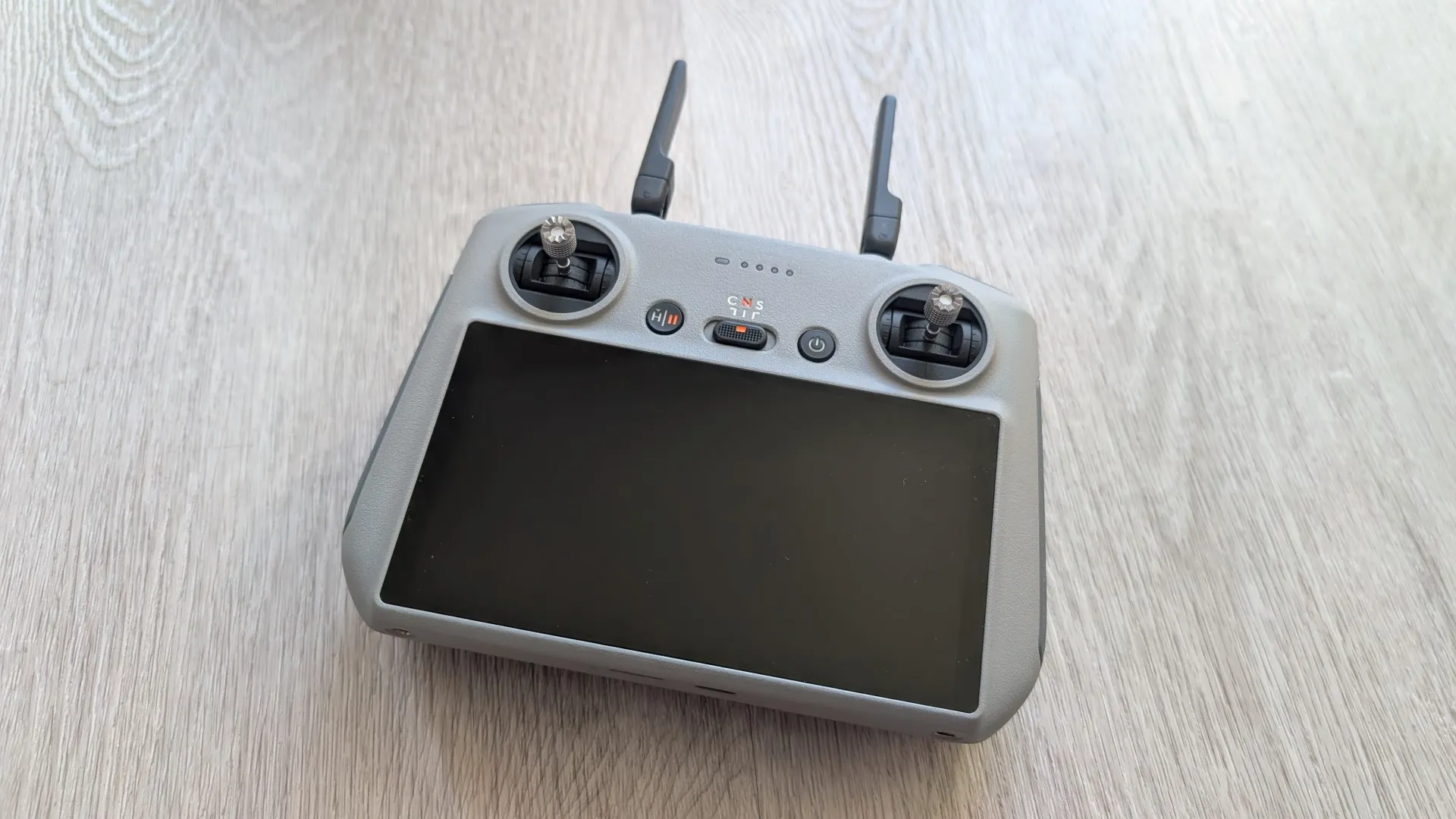
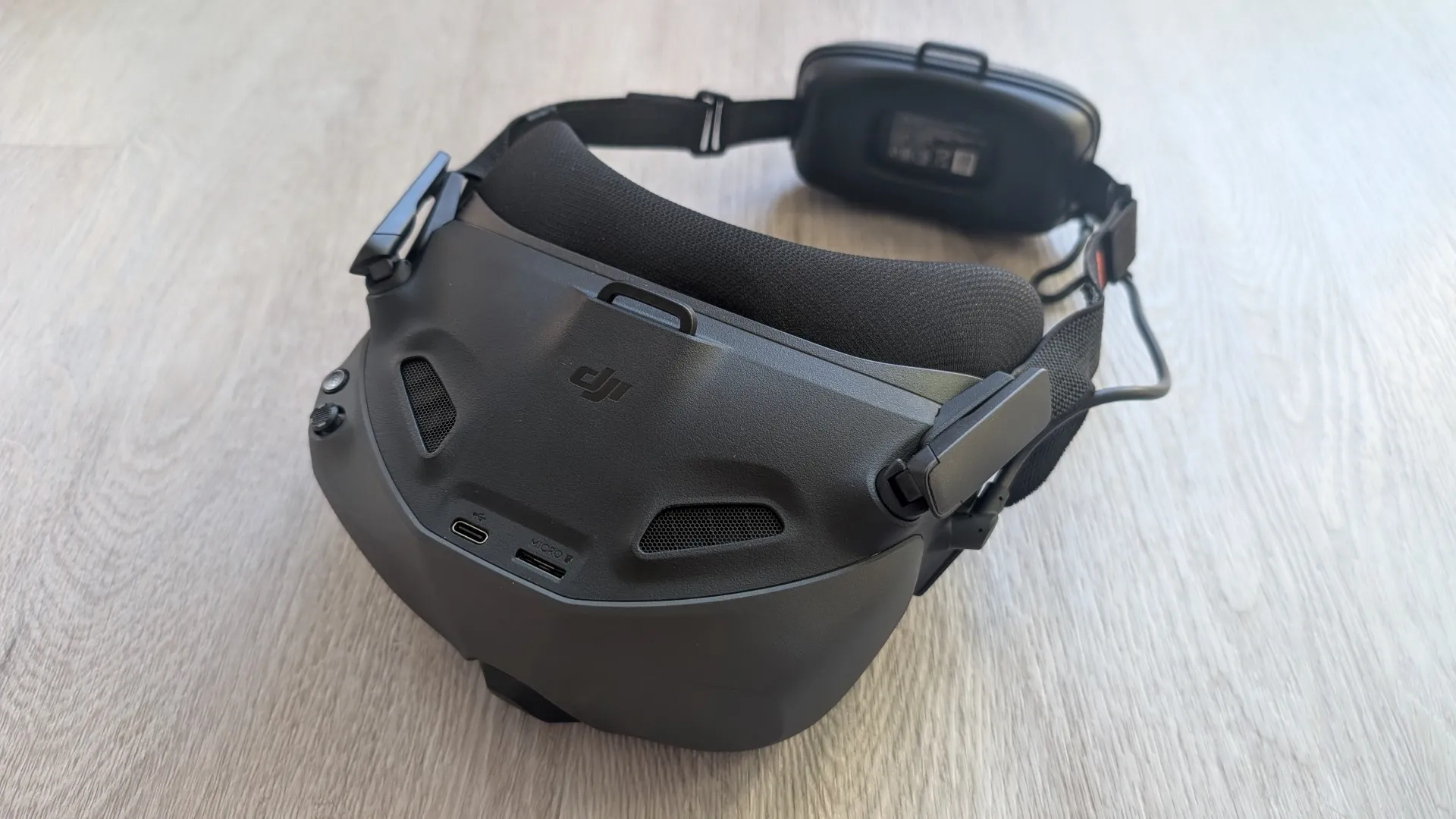
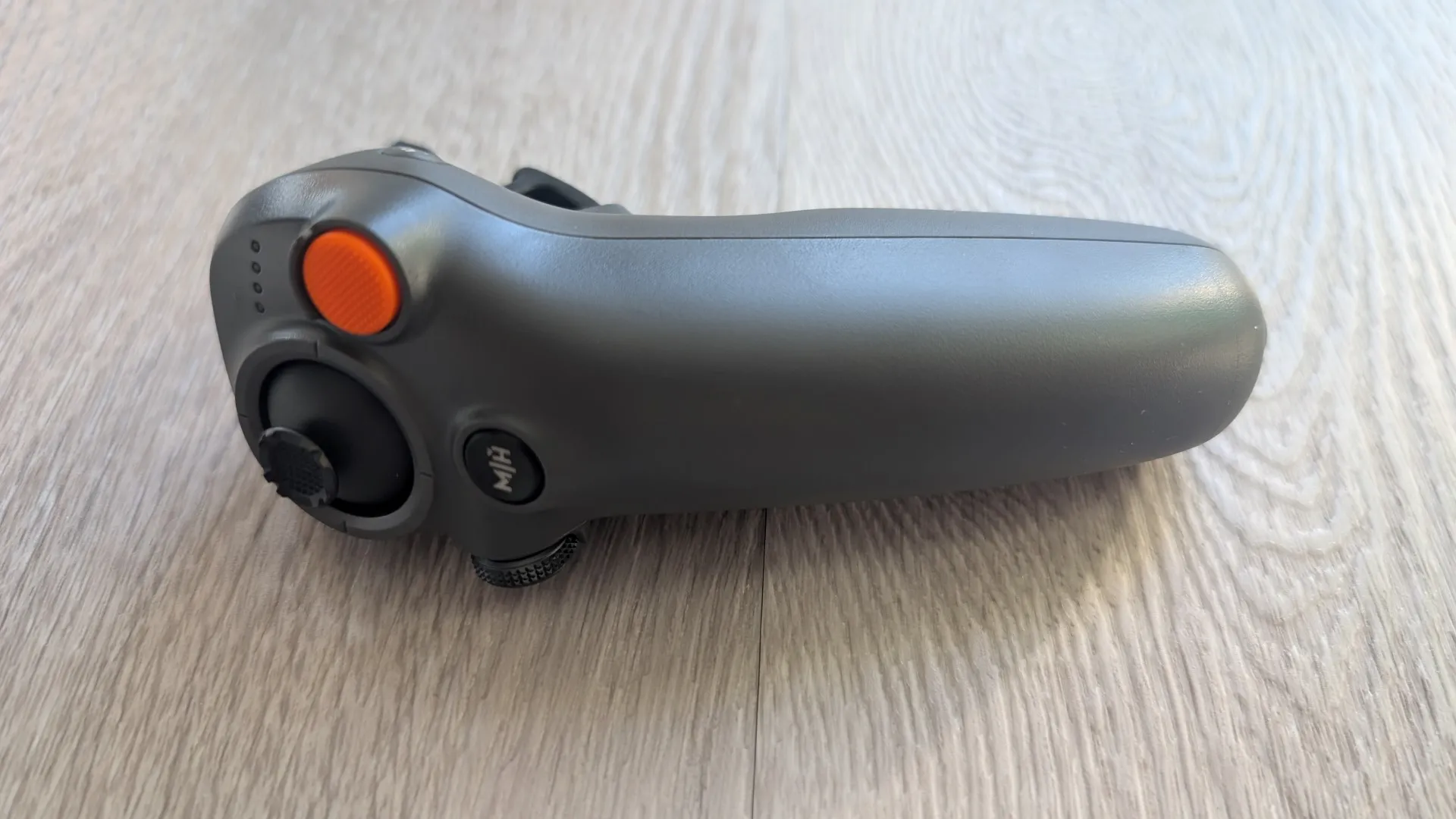
Official Technical Specifications
| Category | Feature | Specification |
| Aircraft | Takeoff Weight | Approx. 455 g |
| Max Flight Time | Approx. 23 mins | |
| Max Speed | 18 m/s (Sport mode) | |
| Camera | Sensors | Dual 1/1.1-inch Square CMOS |
| Max Resolution | 8K/60fps HDR (360°); 4K/60fps (Single) | |
| Photo Resolution | Up to 120 MP in 360° Mode | |
| Color Profiles | Normal, 10-bit D-Log M | |
| Gimbal | Stabilization | Single-Axis Mechanical (-60° to 60°) + 360° Virtual |
| Sensing | Obstacle Sensing | Omnidirectional vision + Forward LiDAR + Bottom ToF |
| Video Transmission | System | O4+ |
| Range | Up to 20 km (FCC) | |
| Storage | Internal | 42 GB (Supports microSD expansion) |
Unboxing Gallery
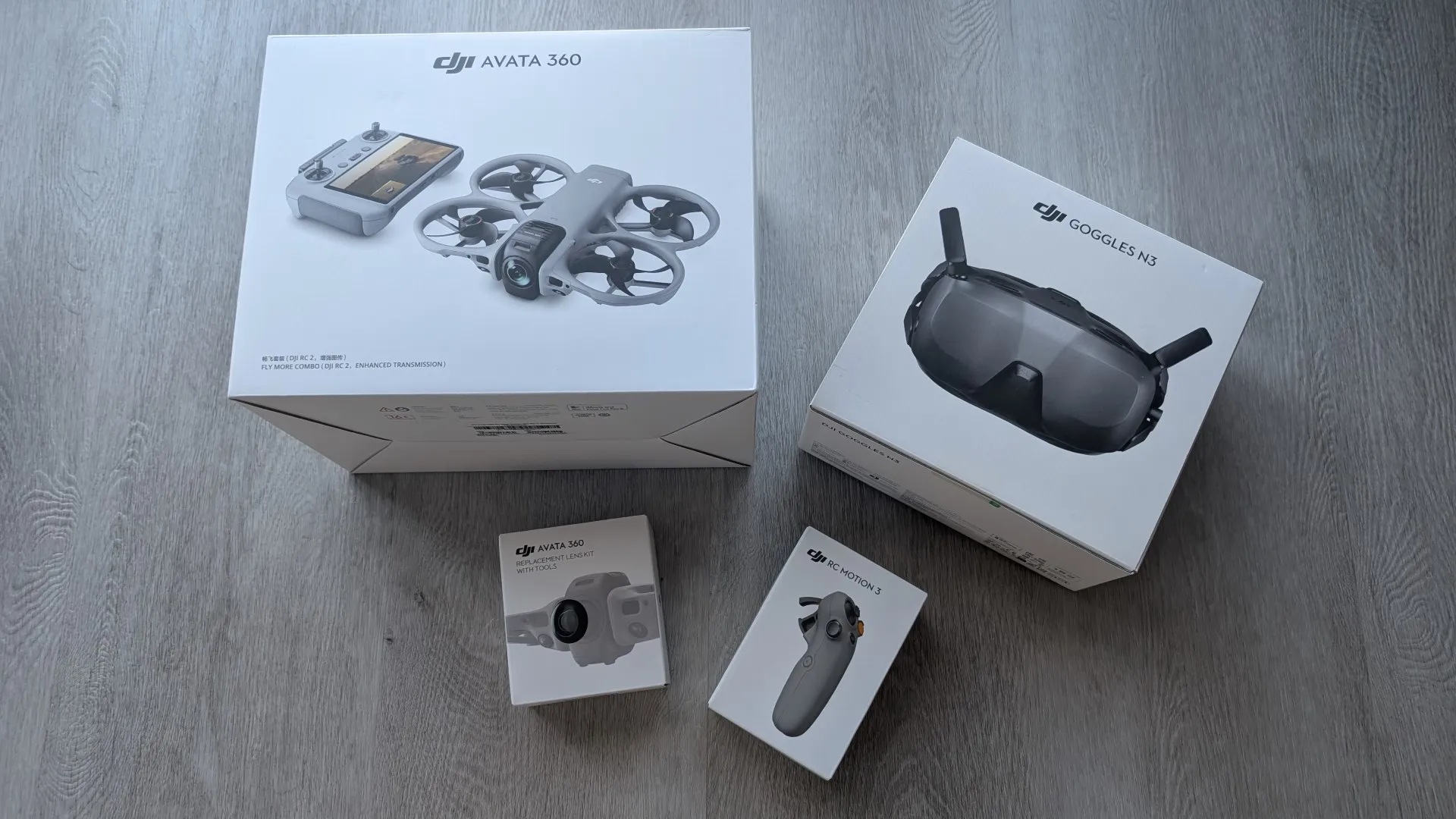
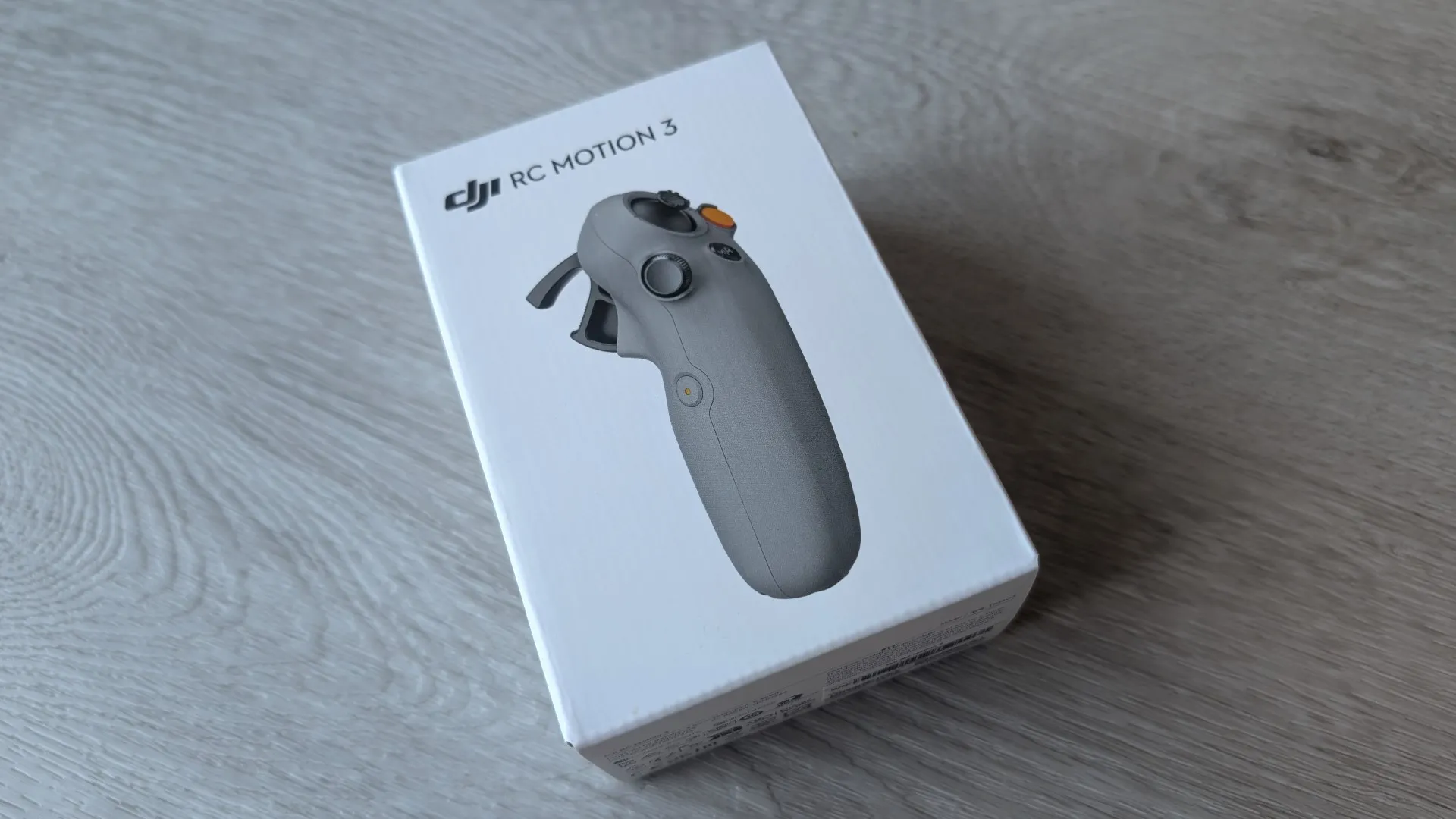
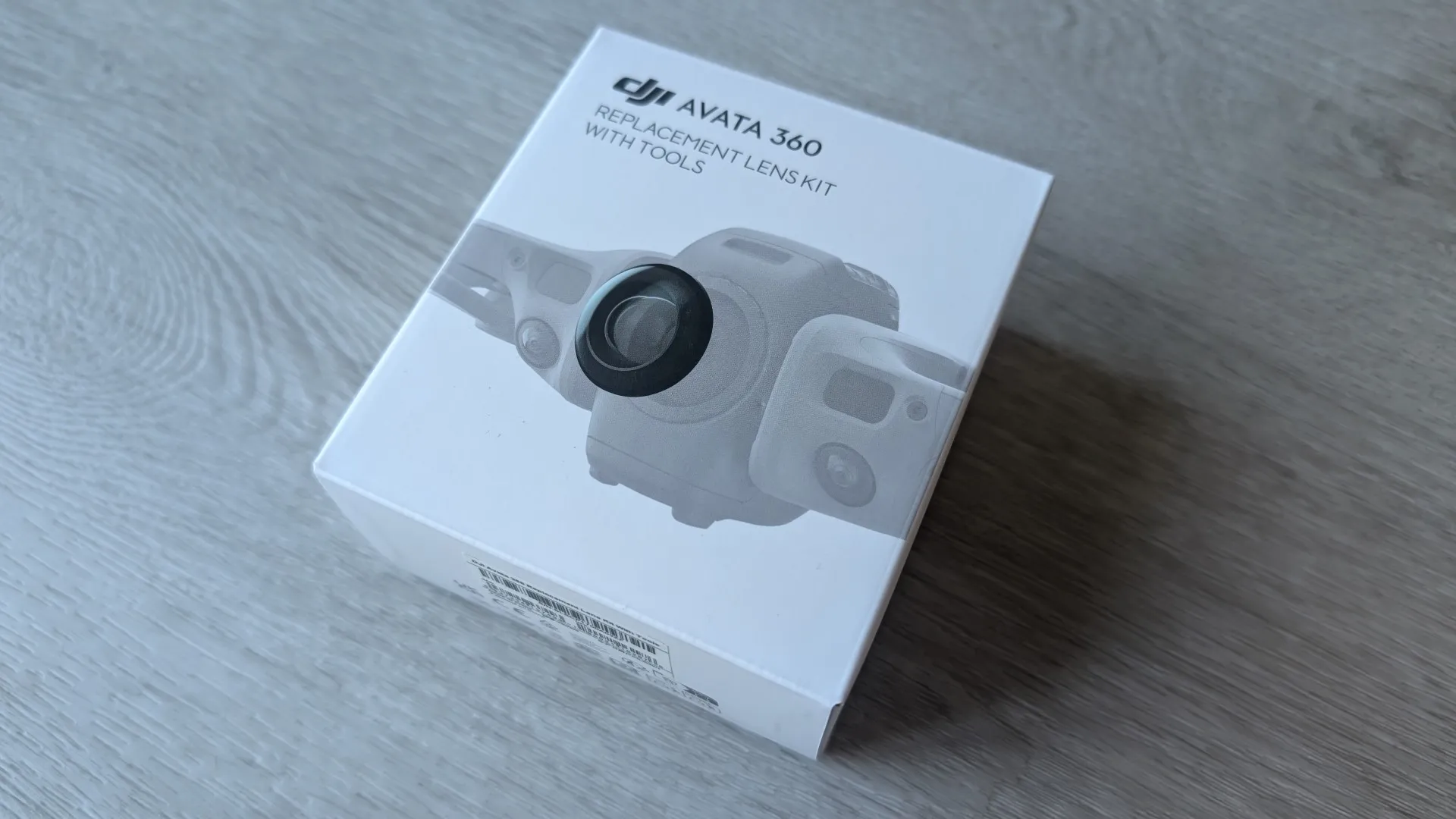
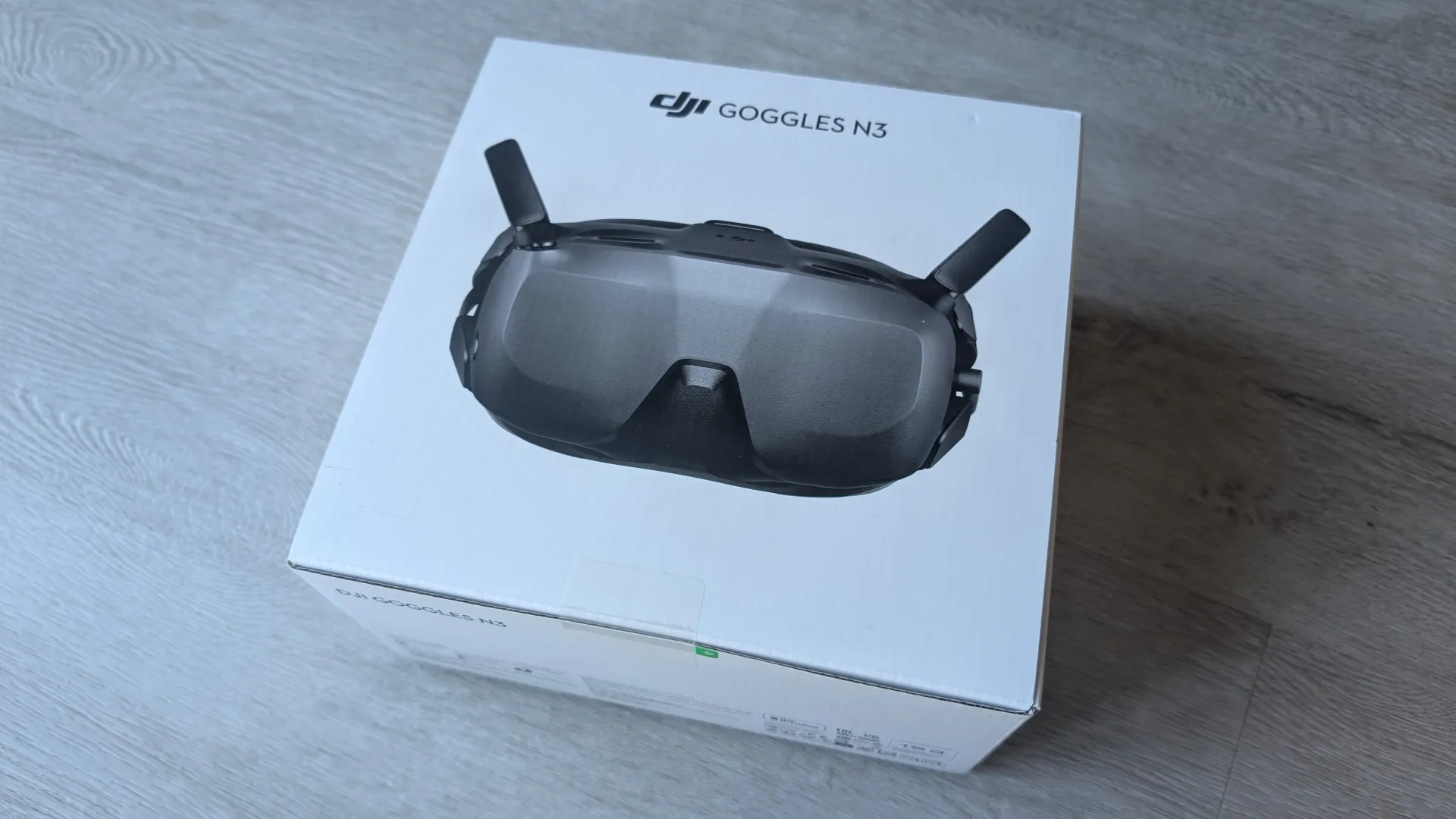
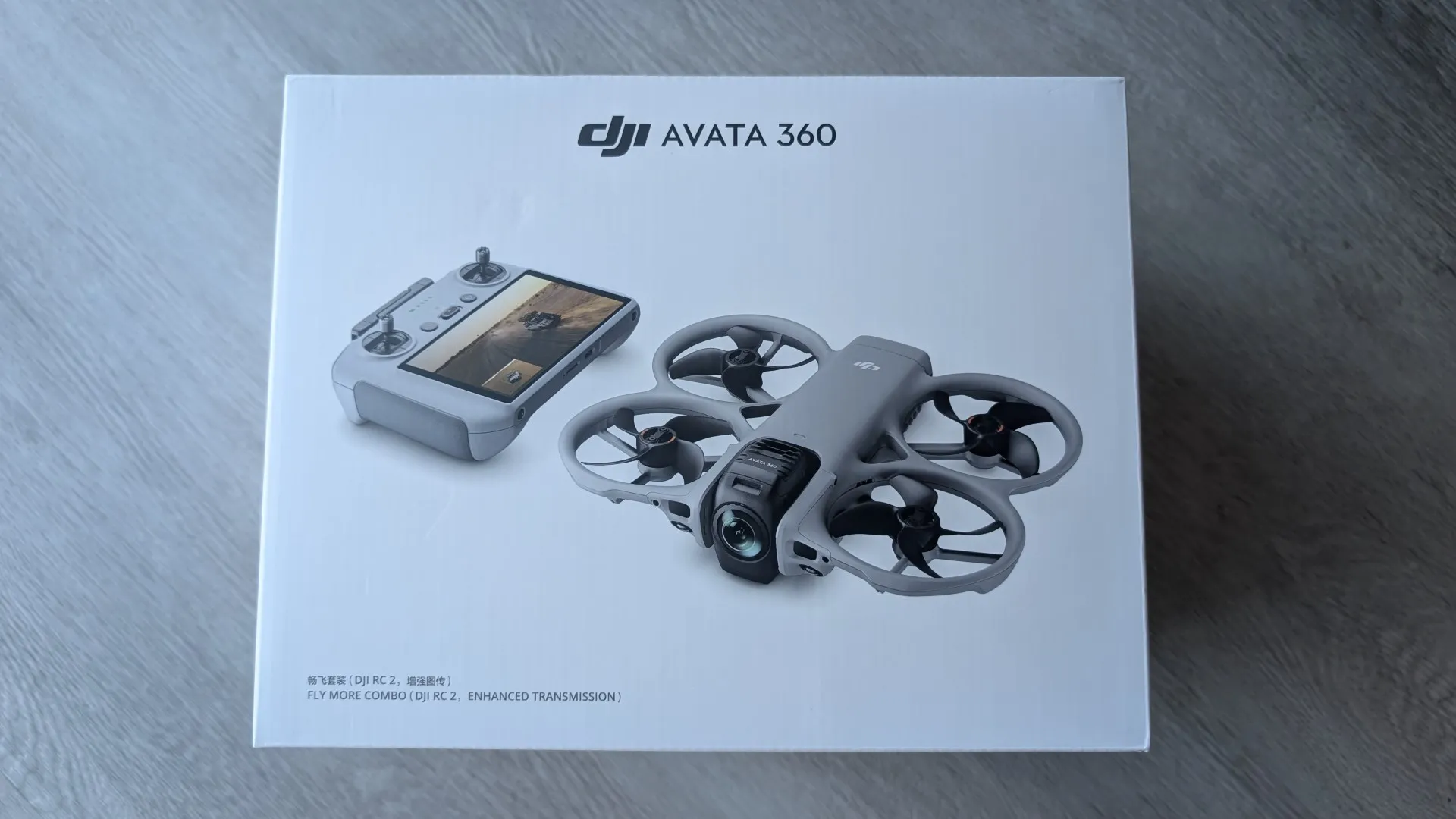
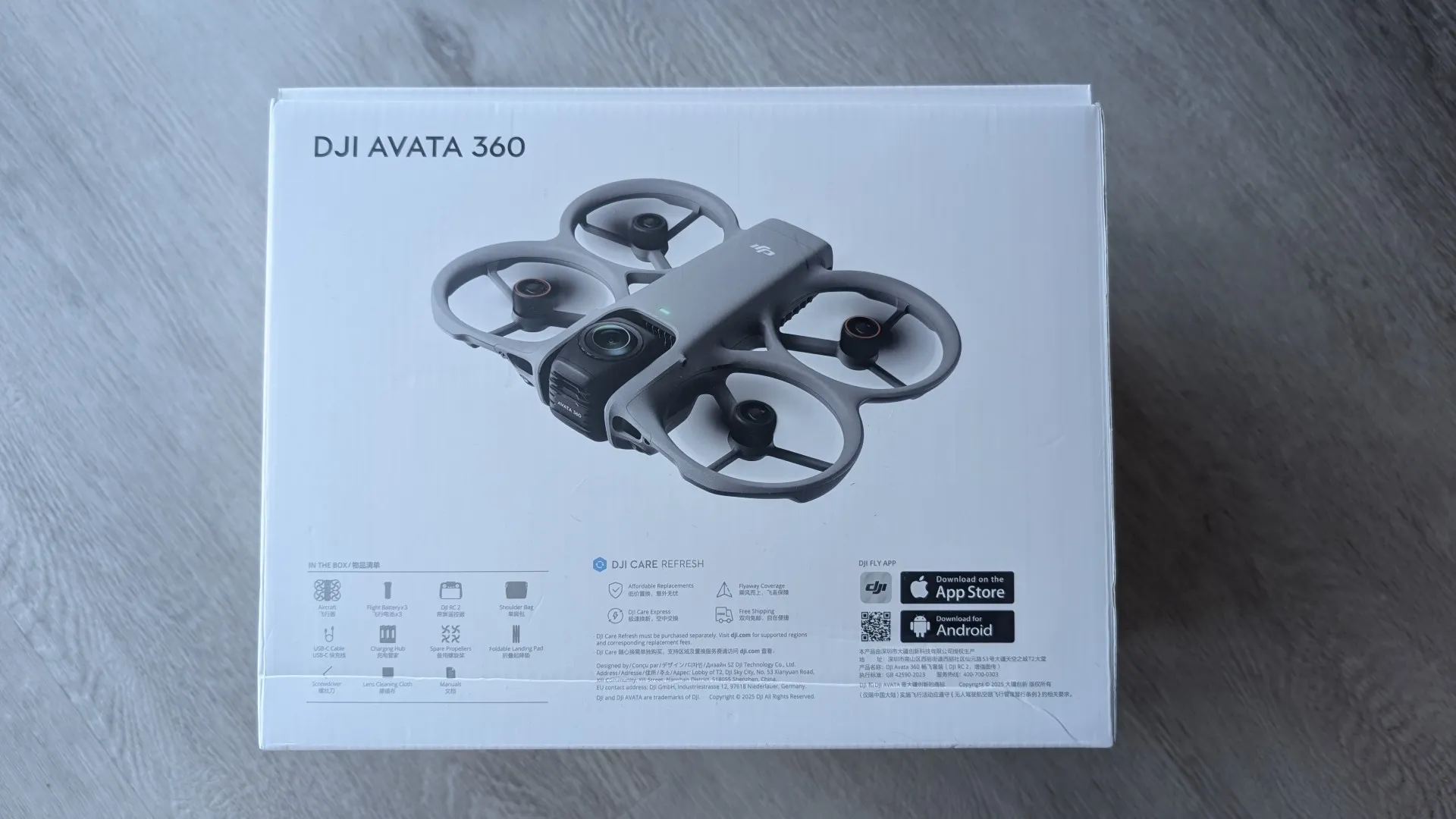
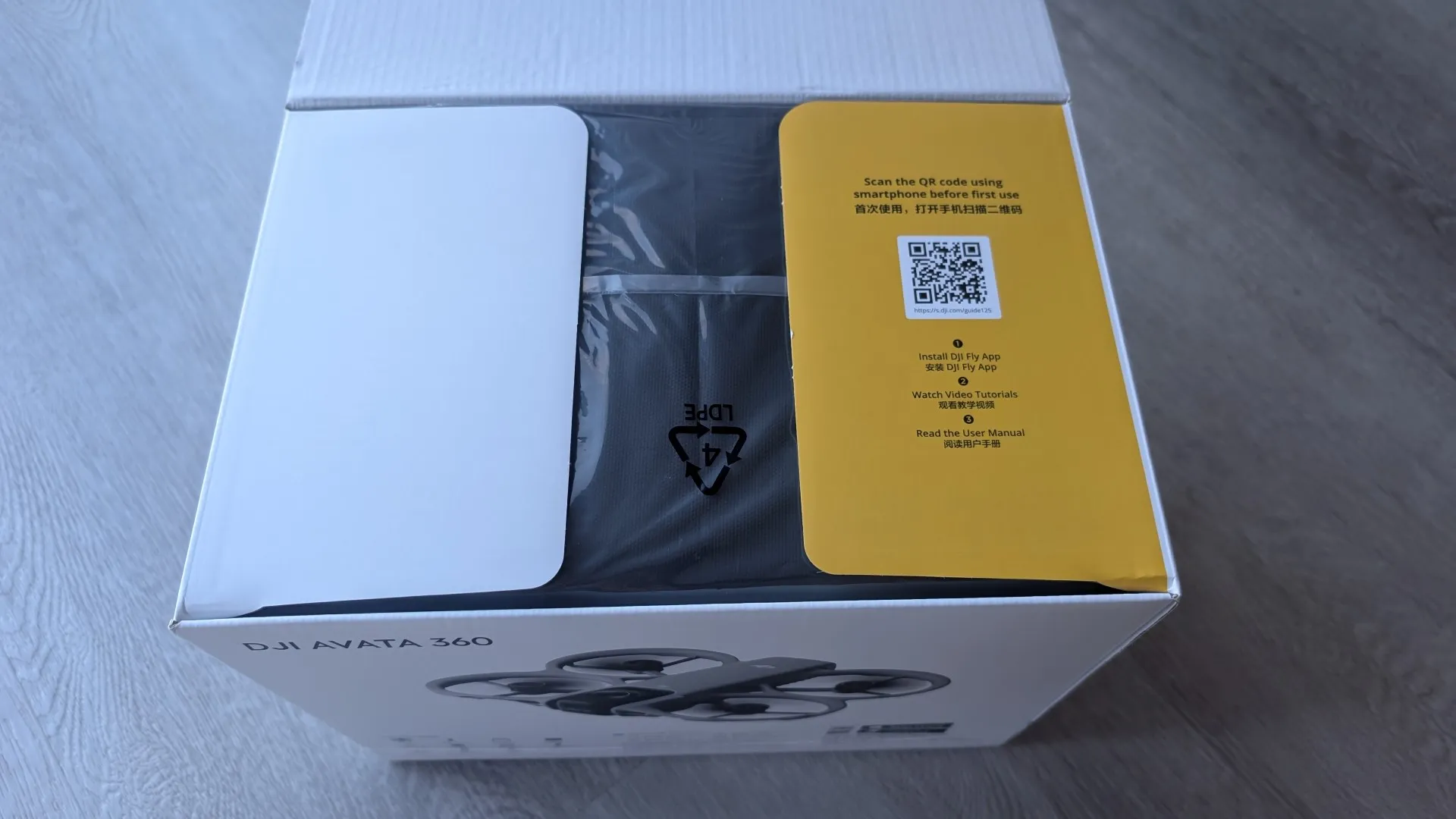
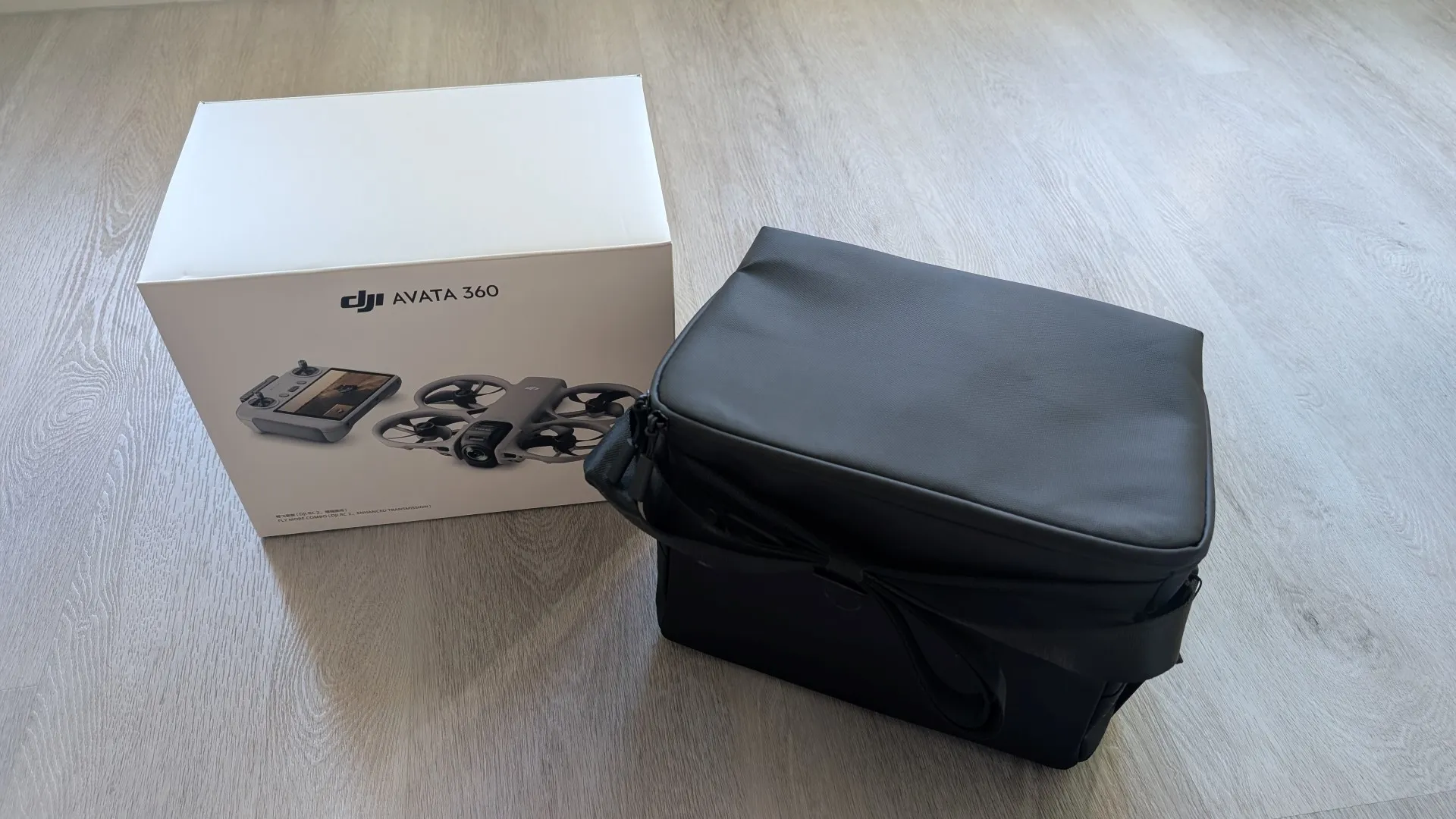
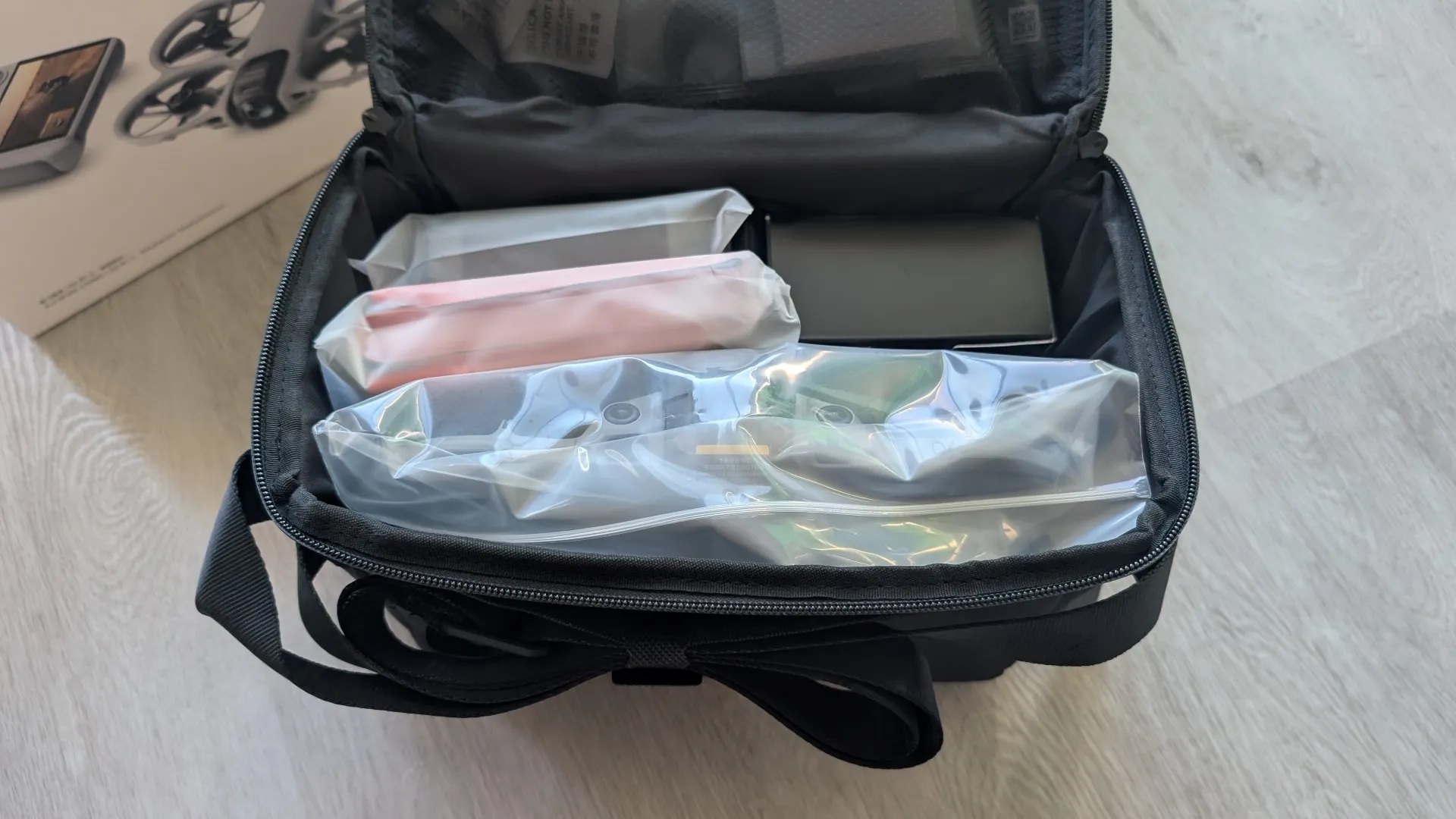
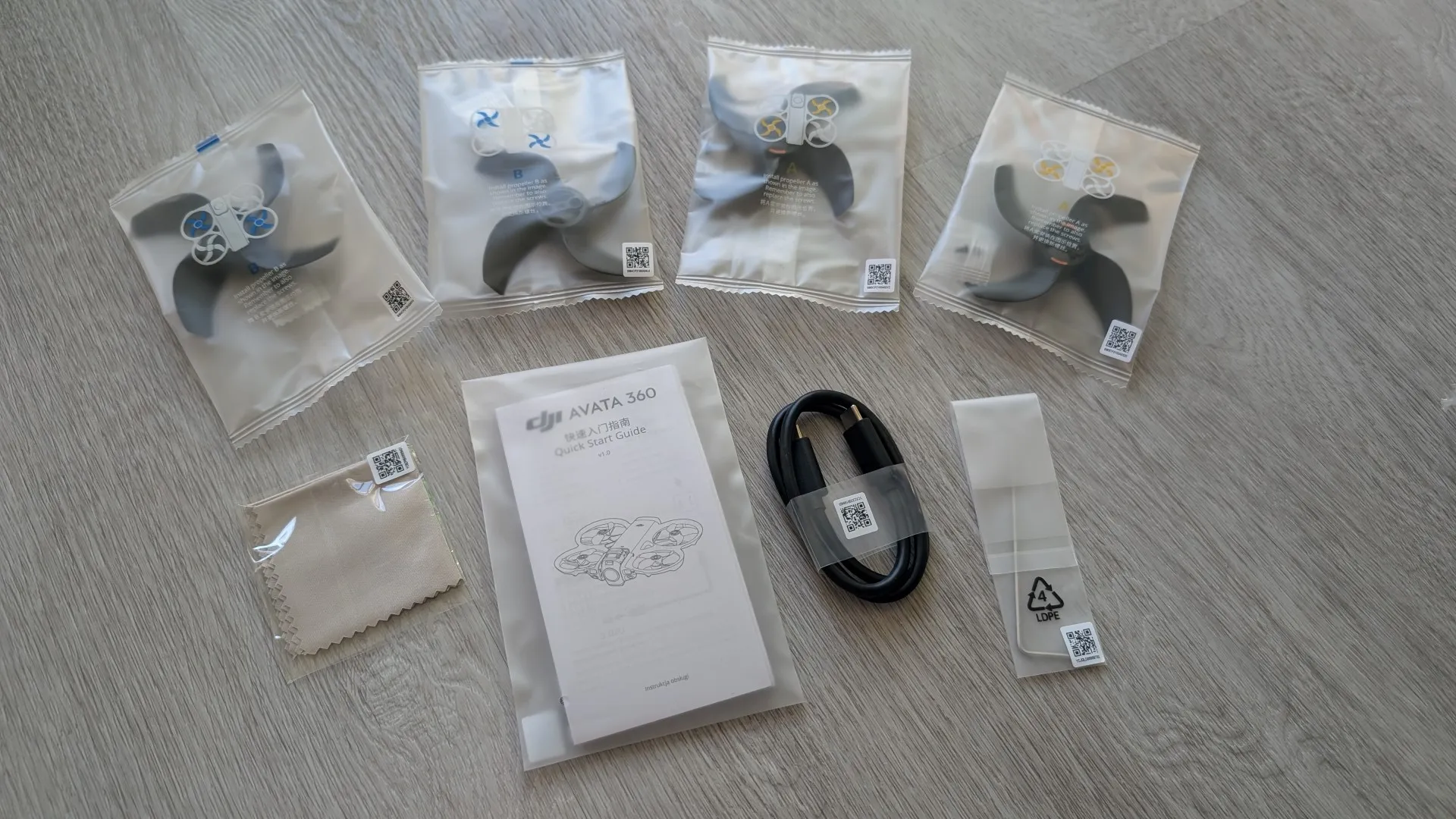
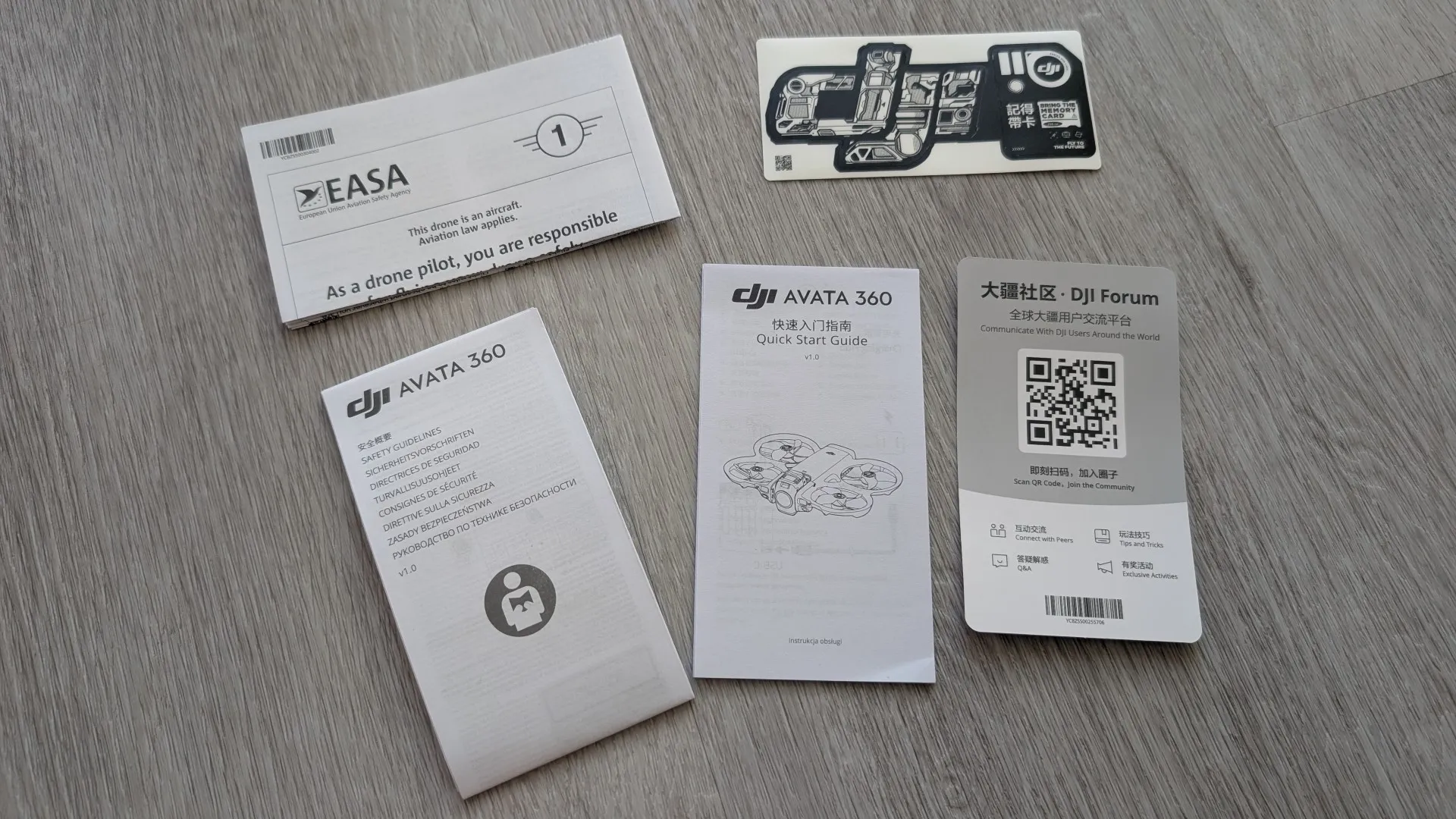
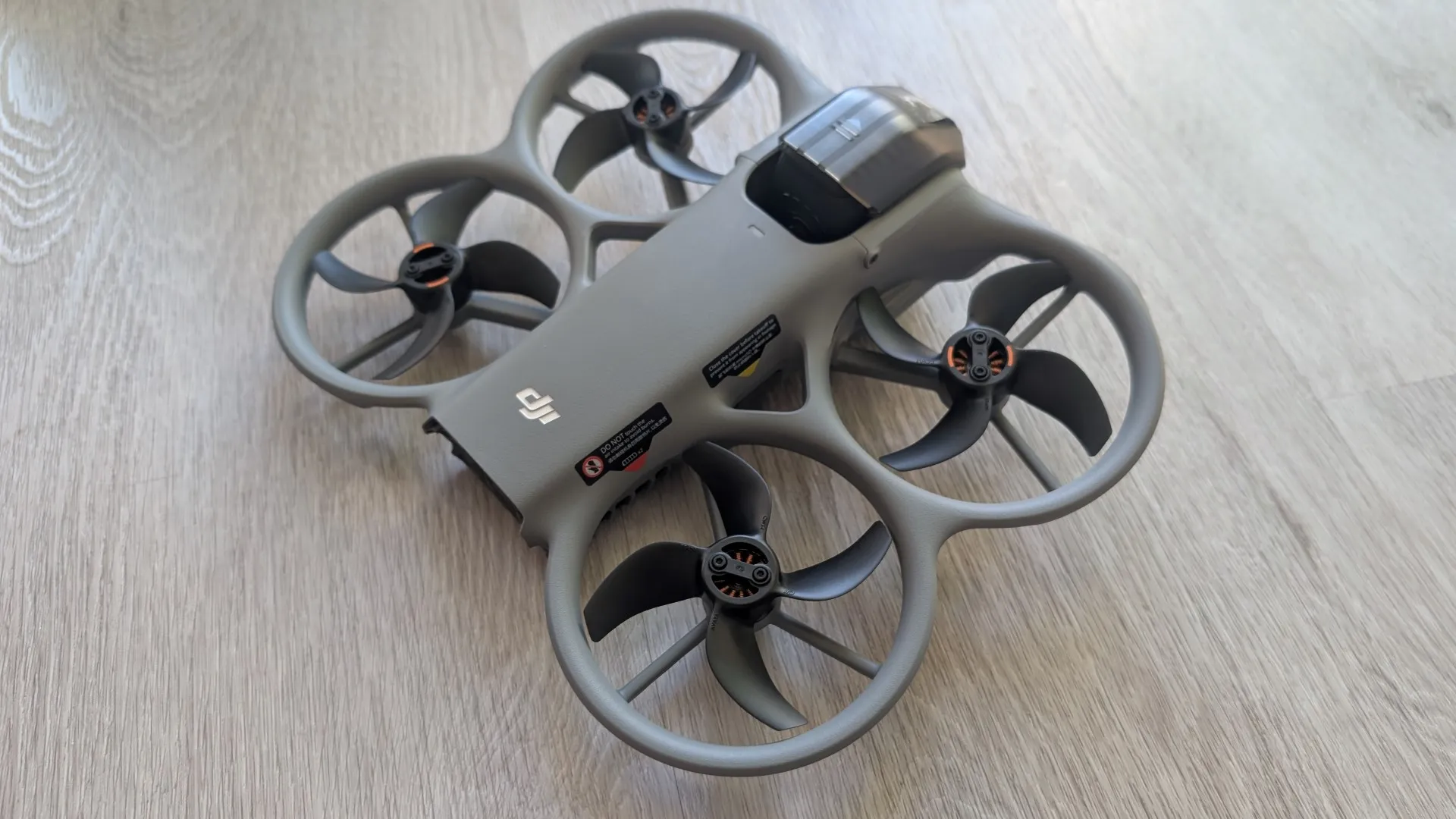
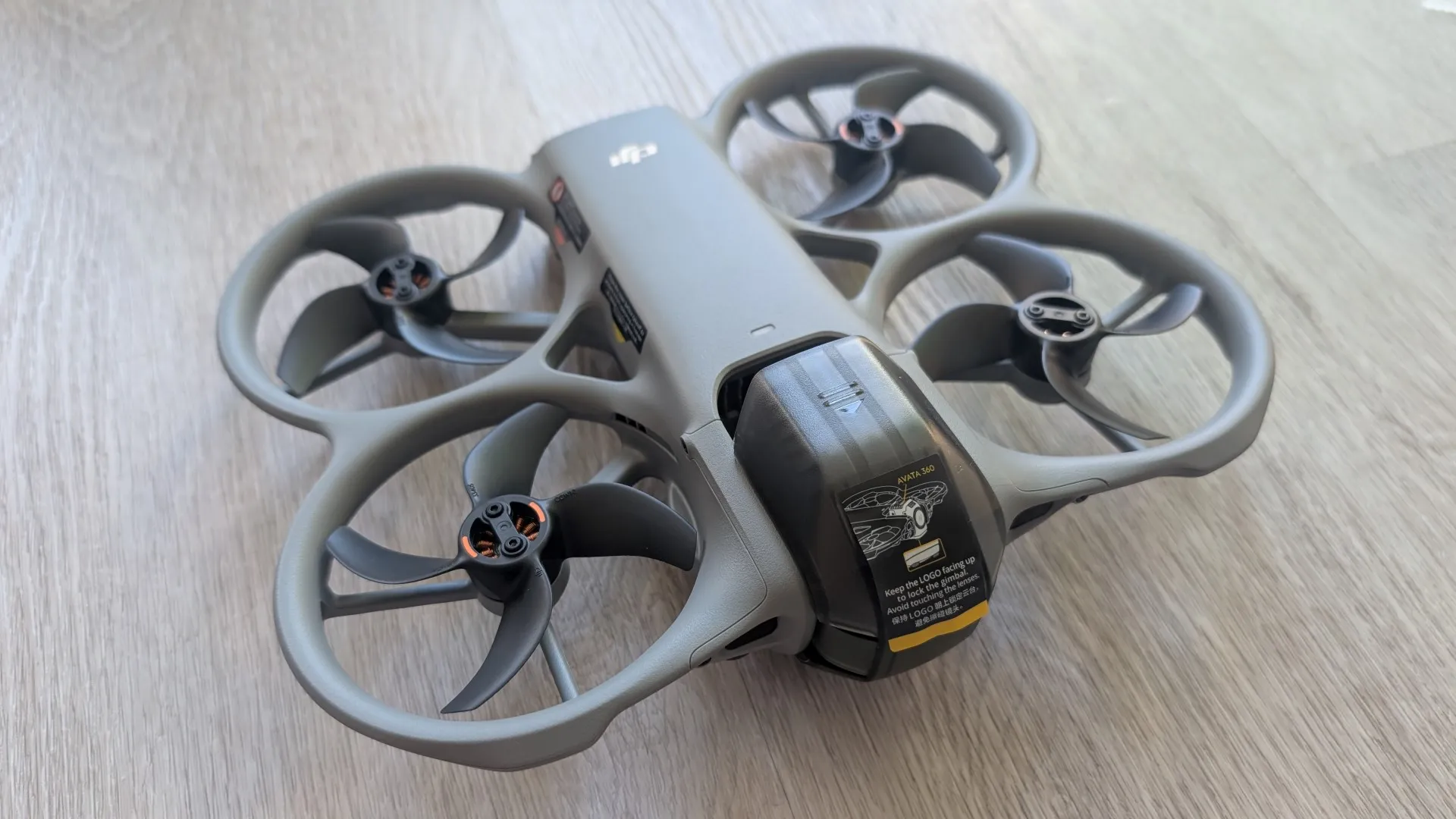
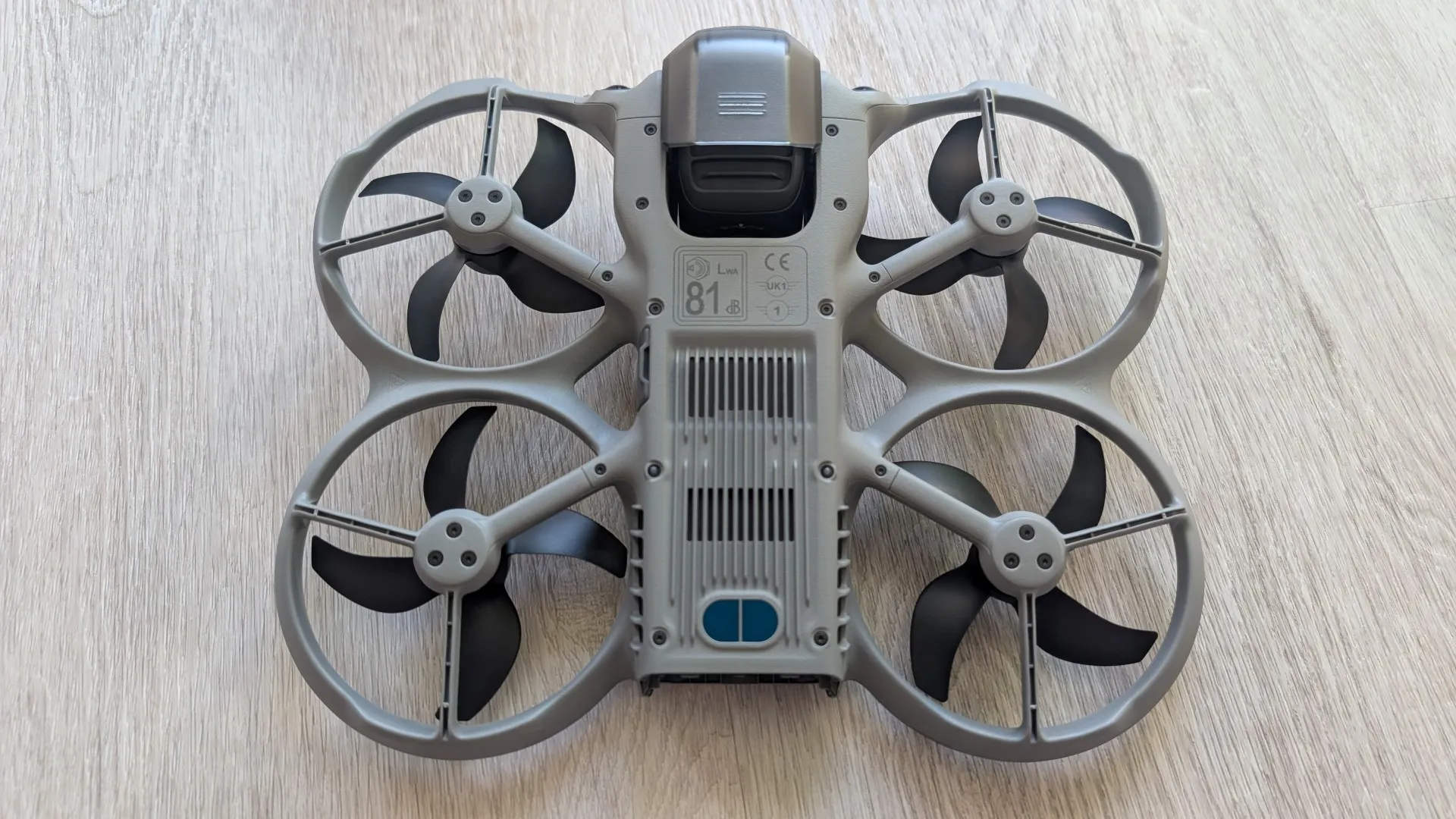
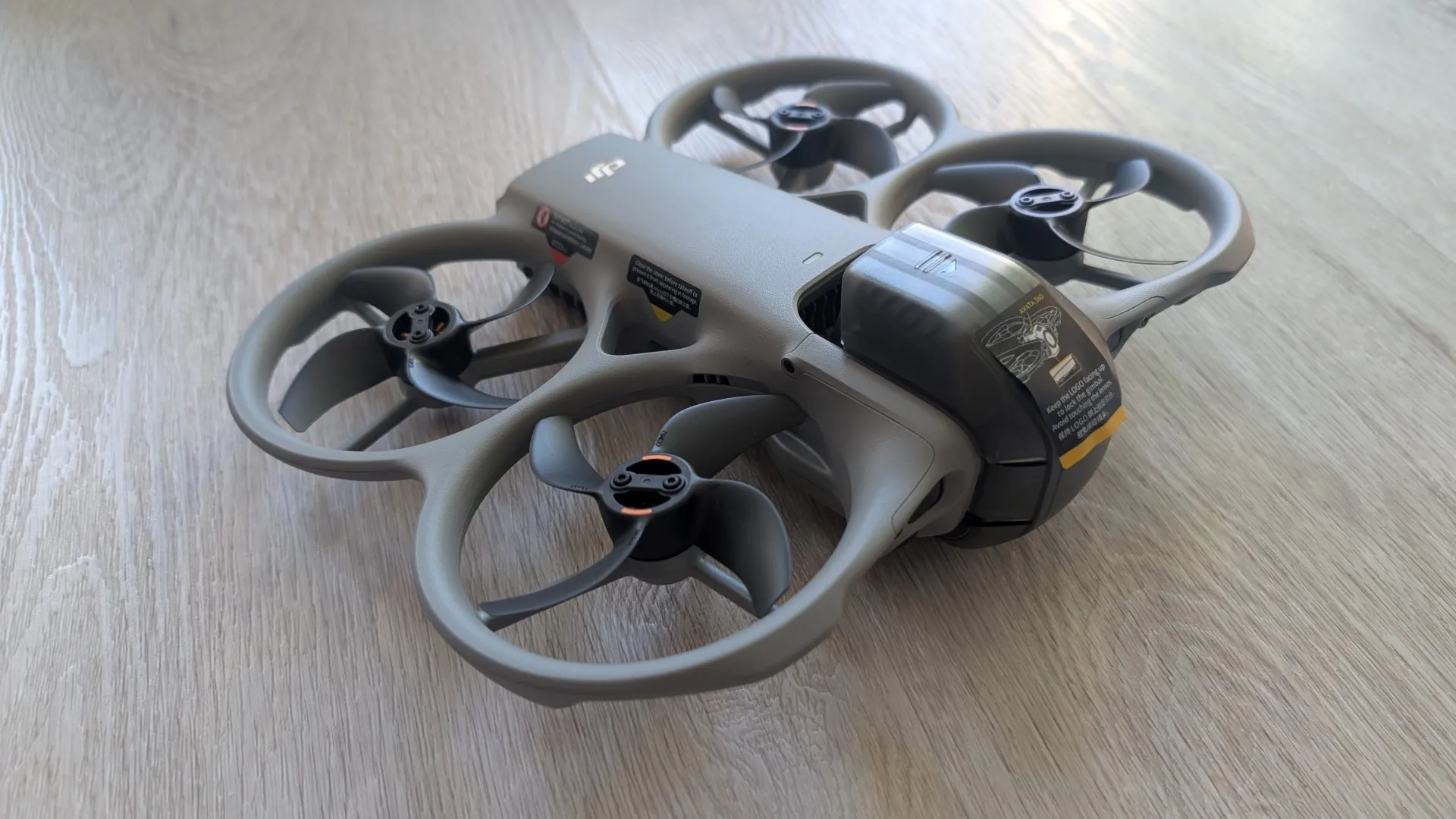
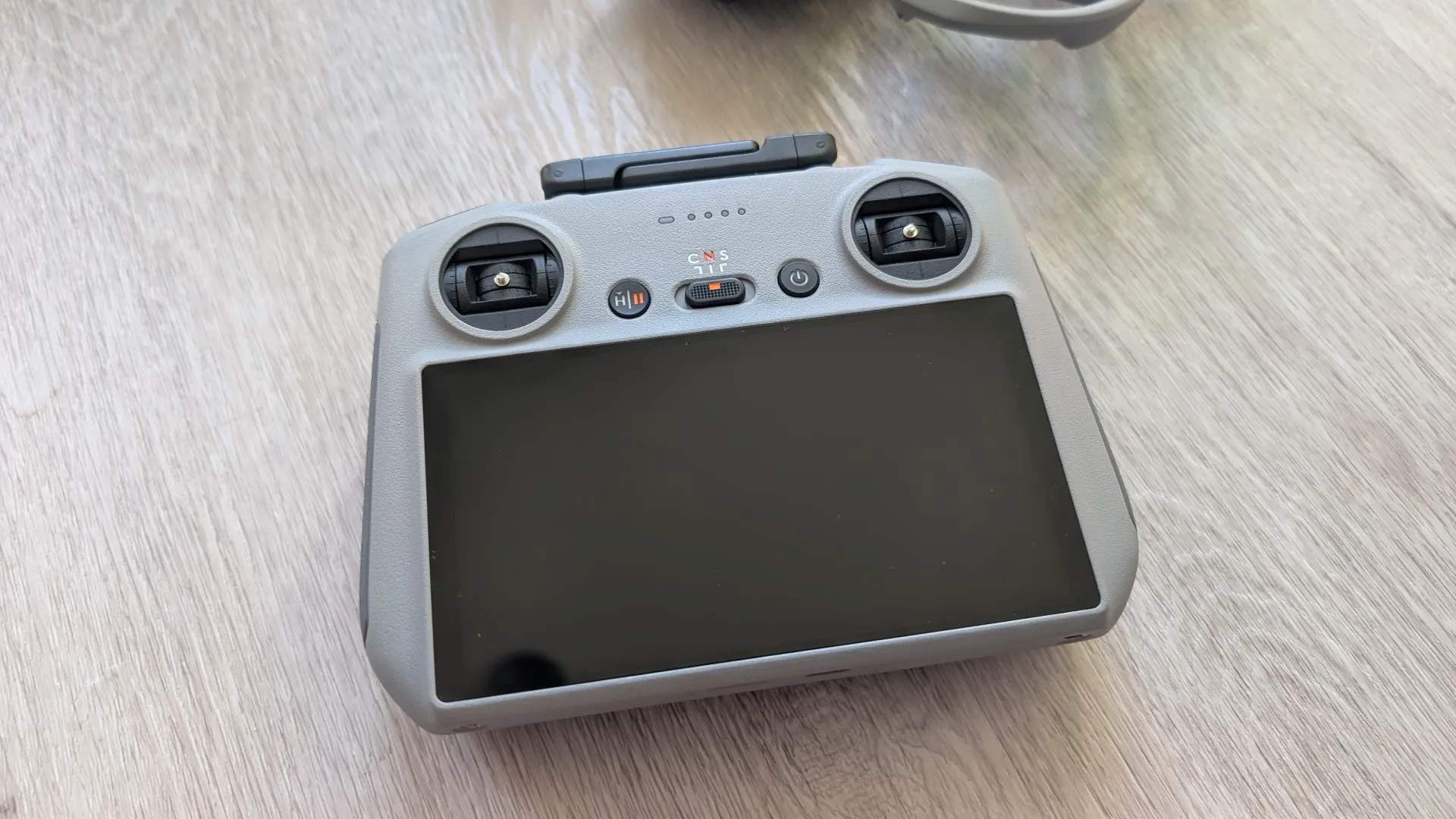
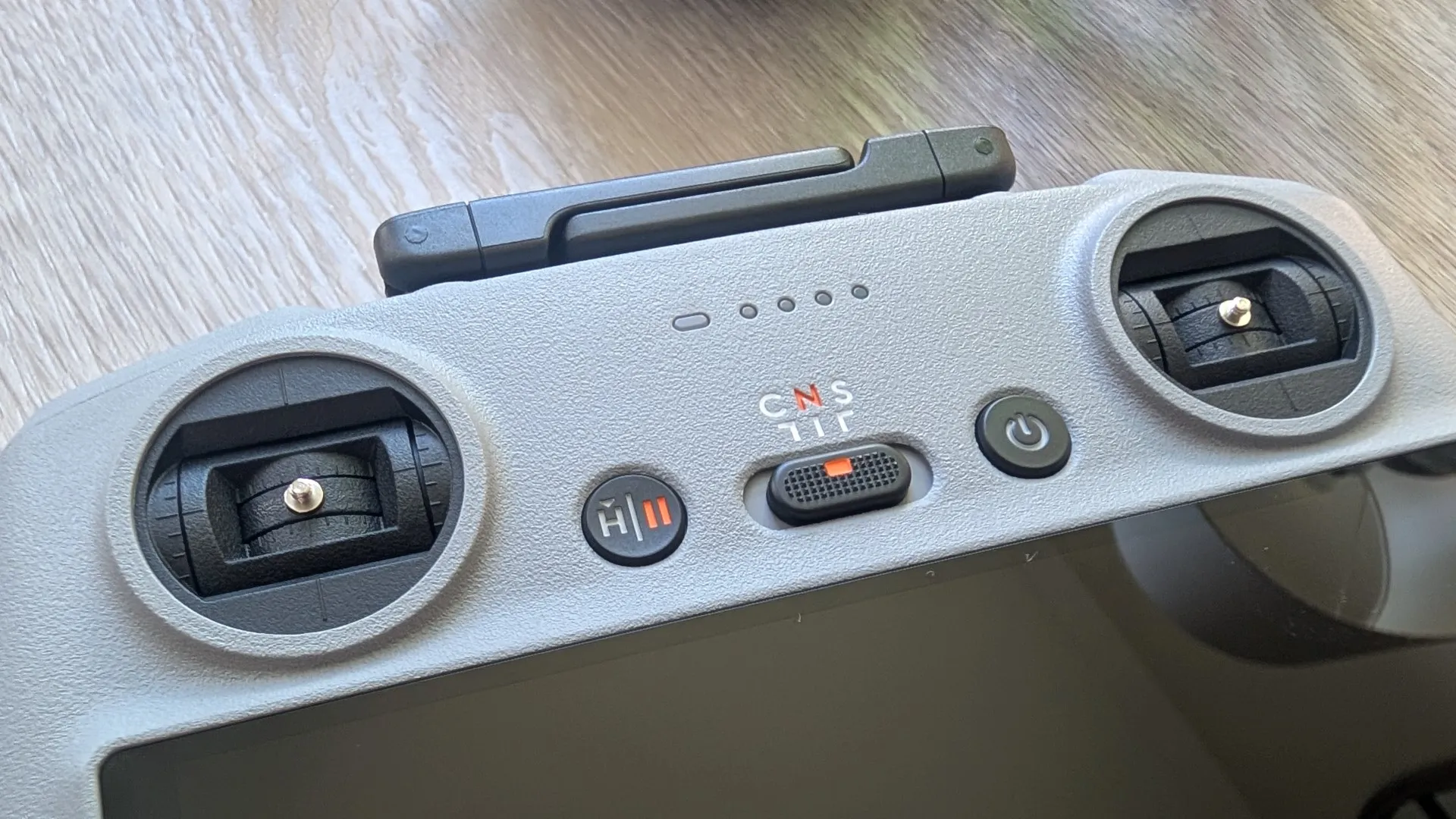
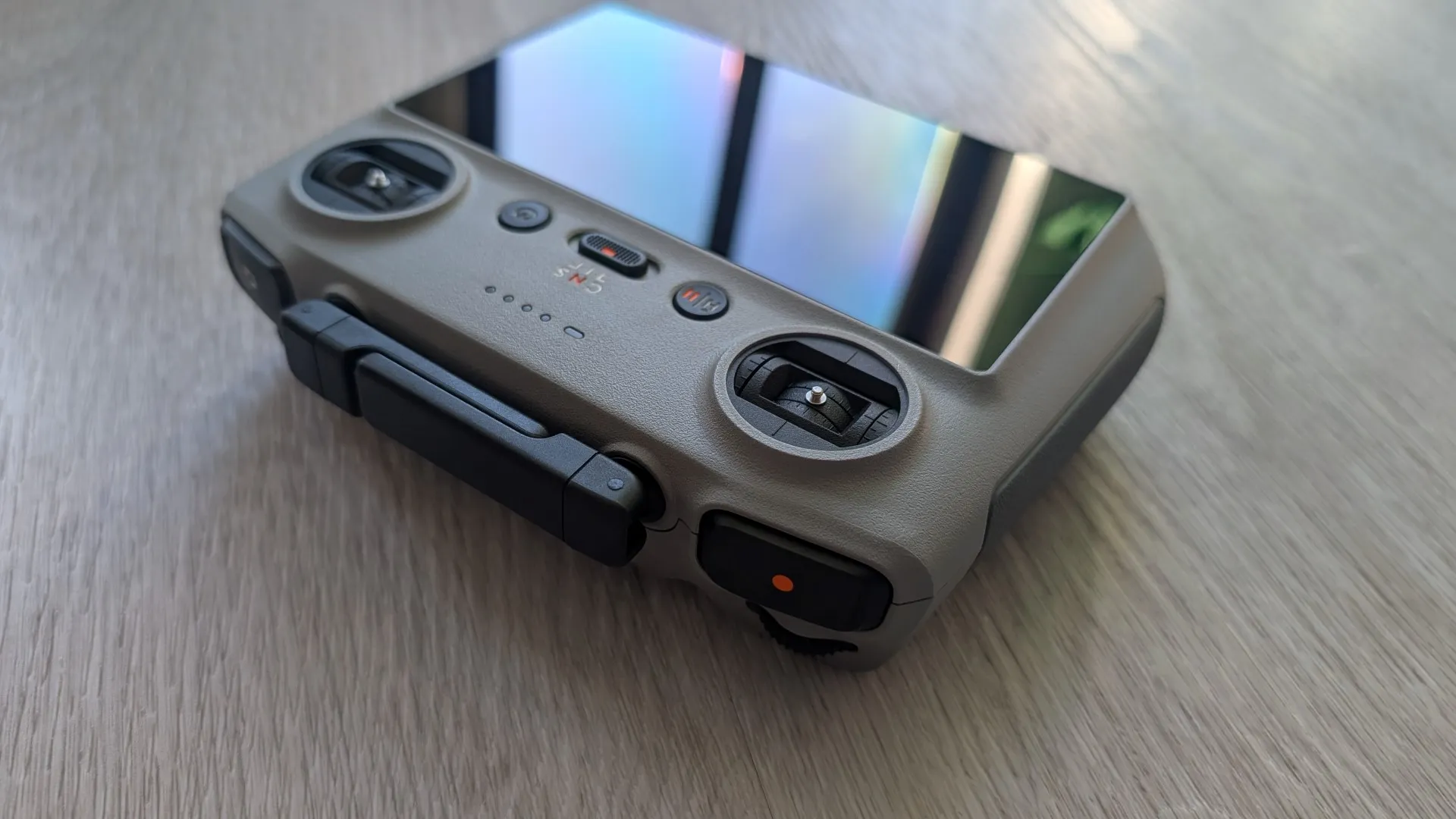
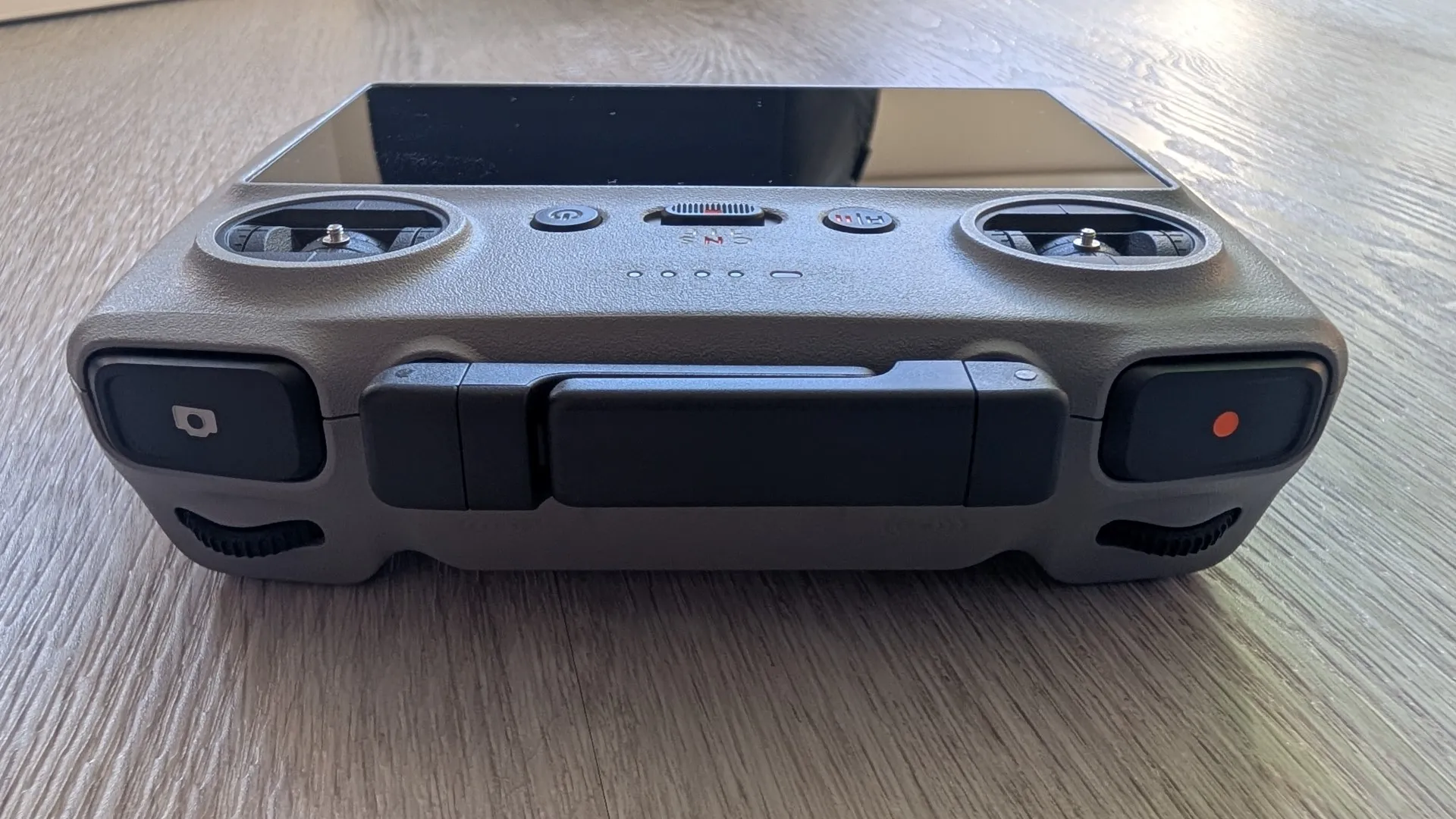
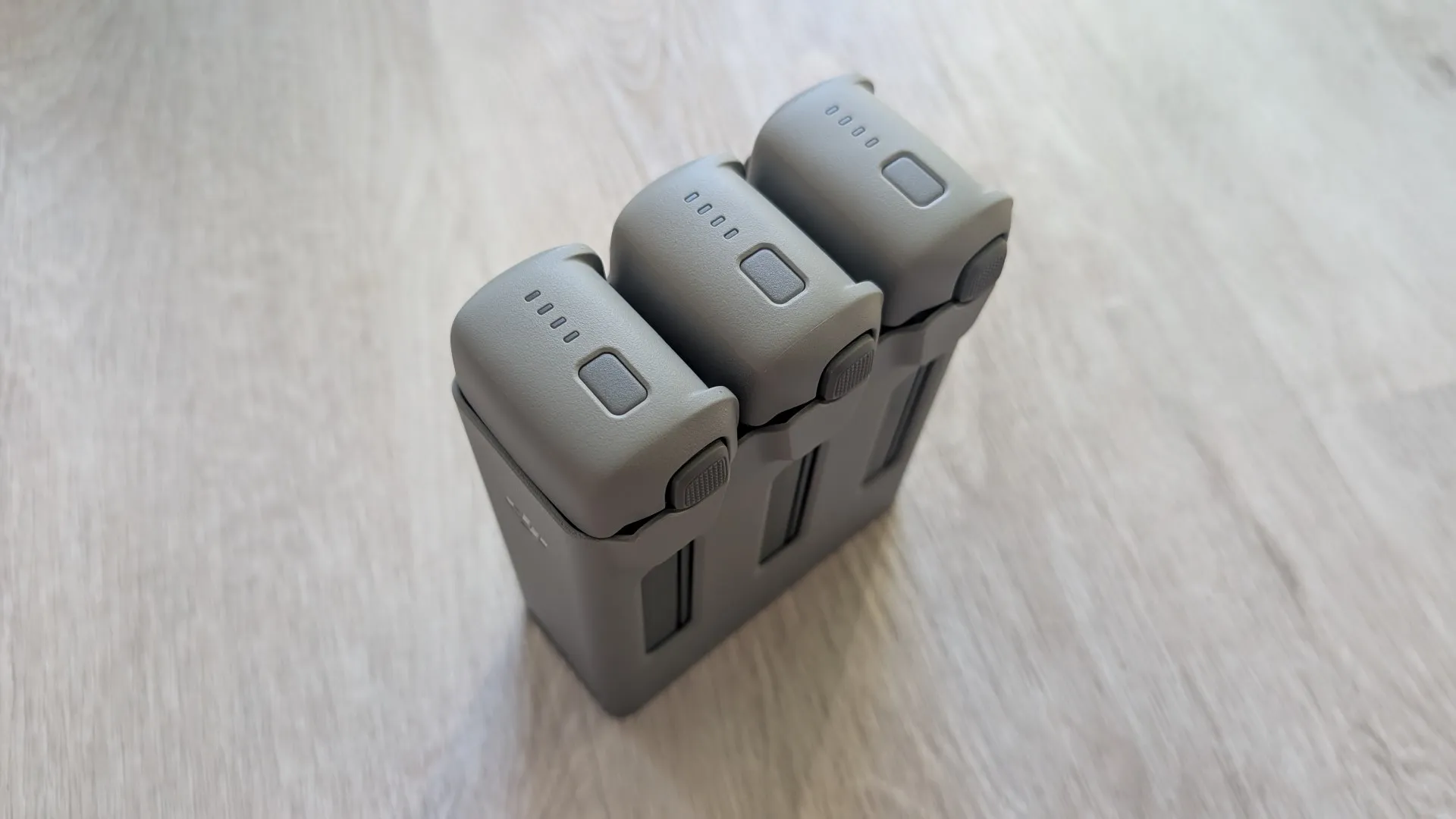
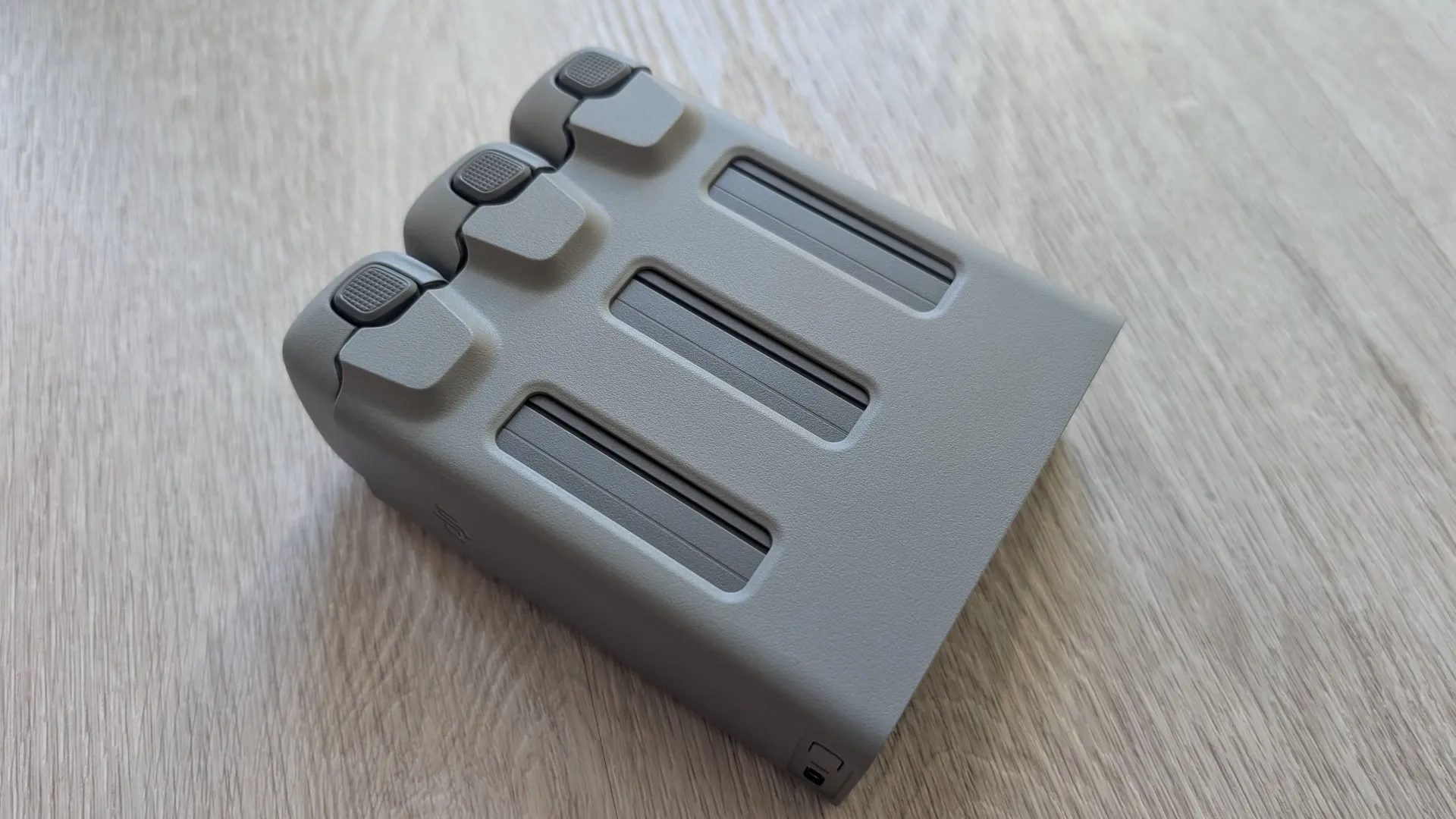
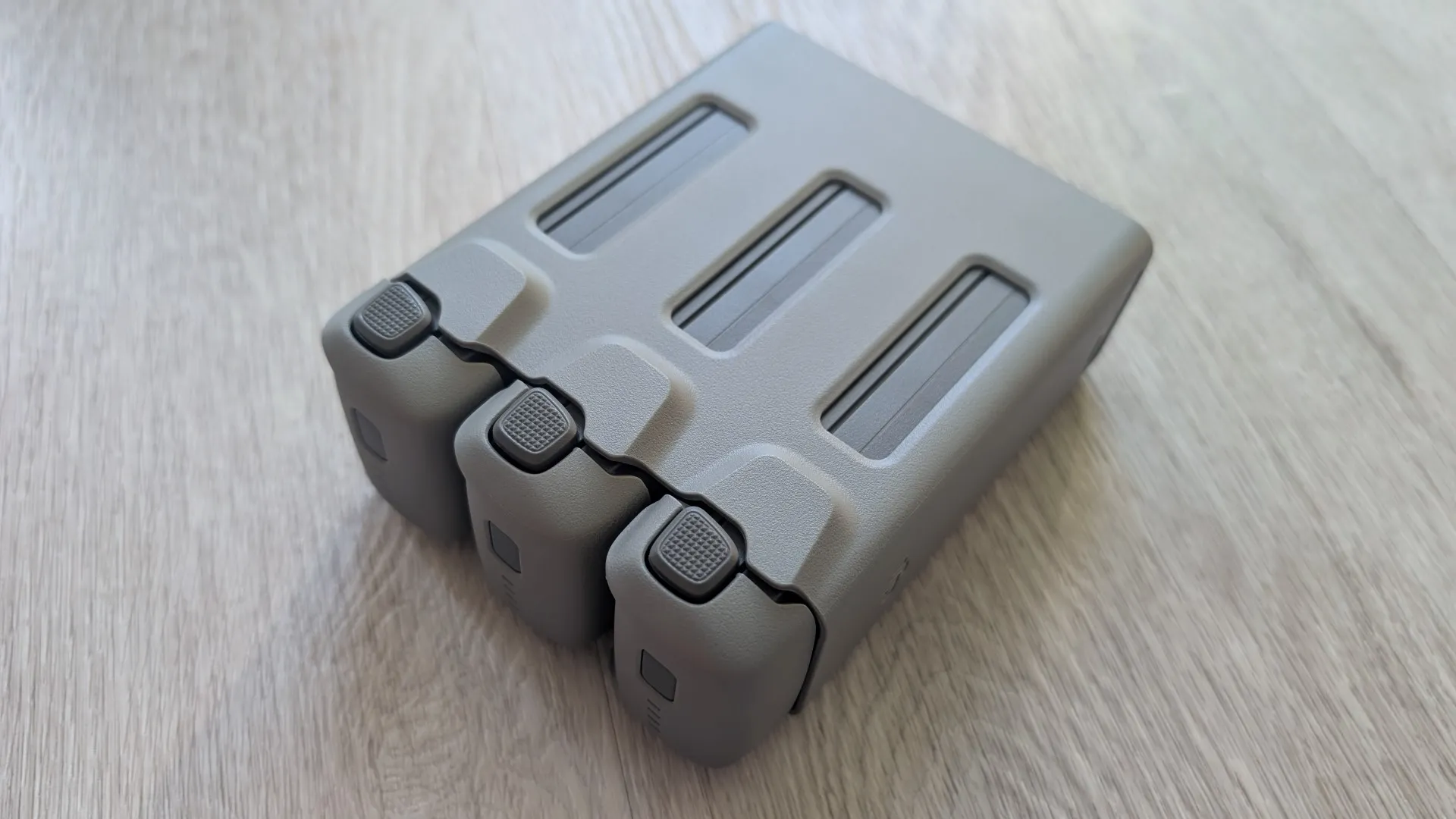
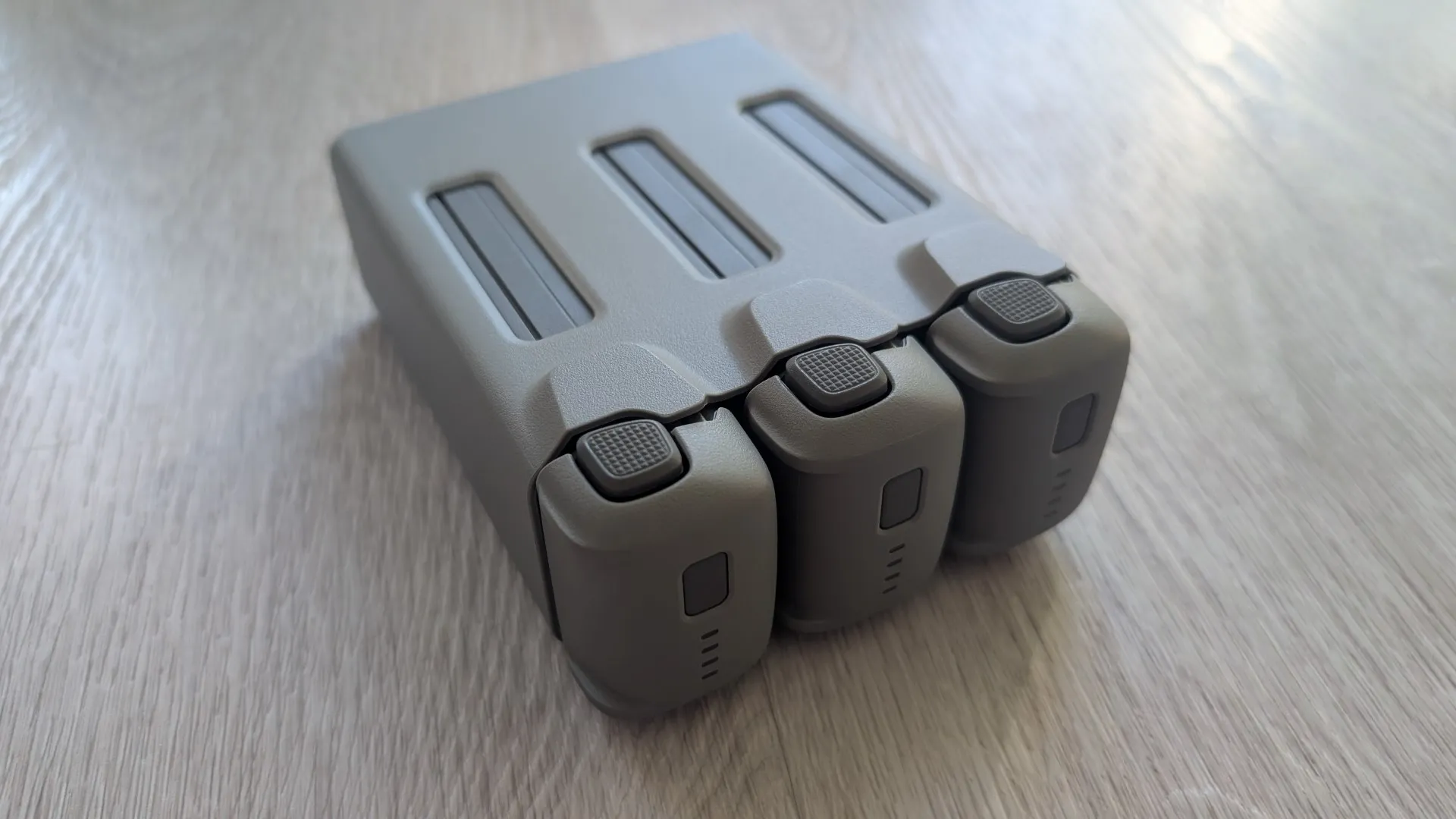
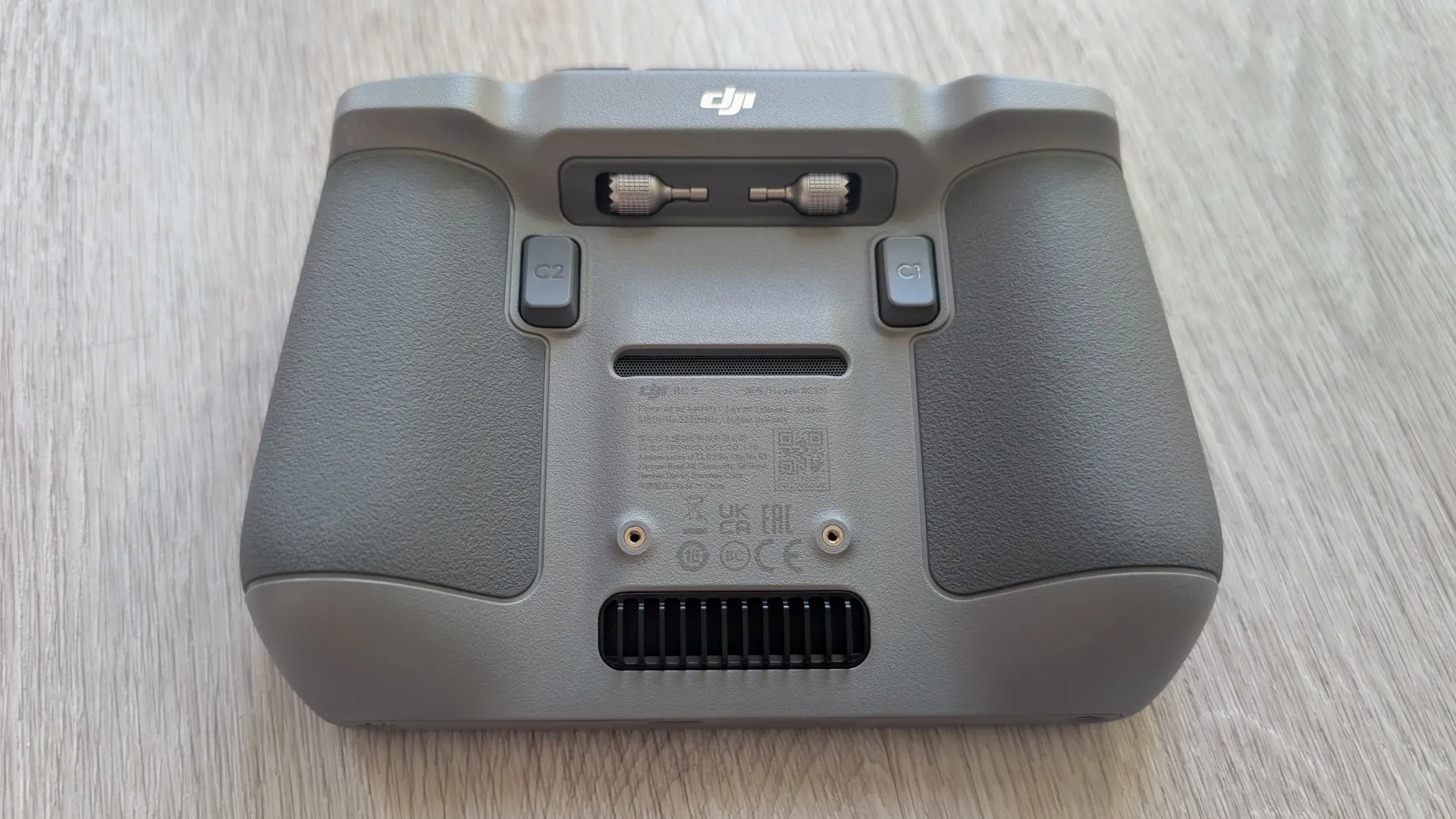
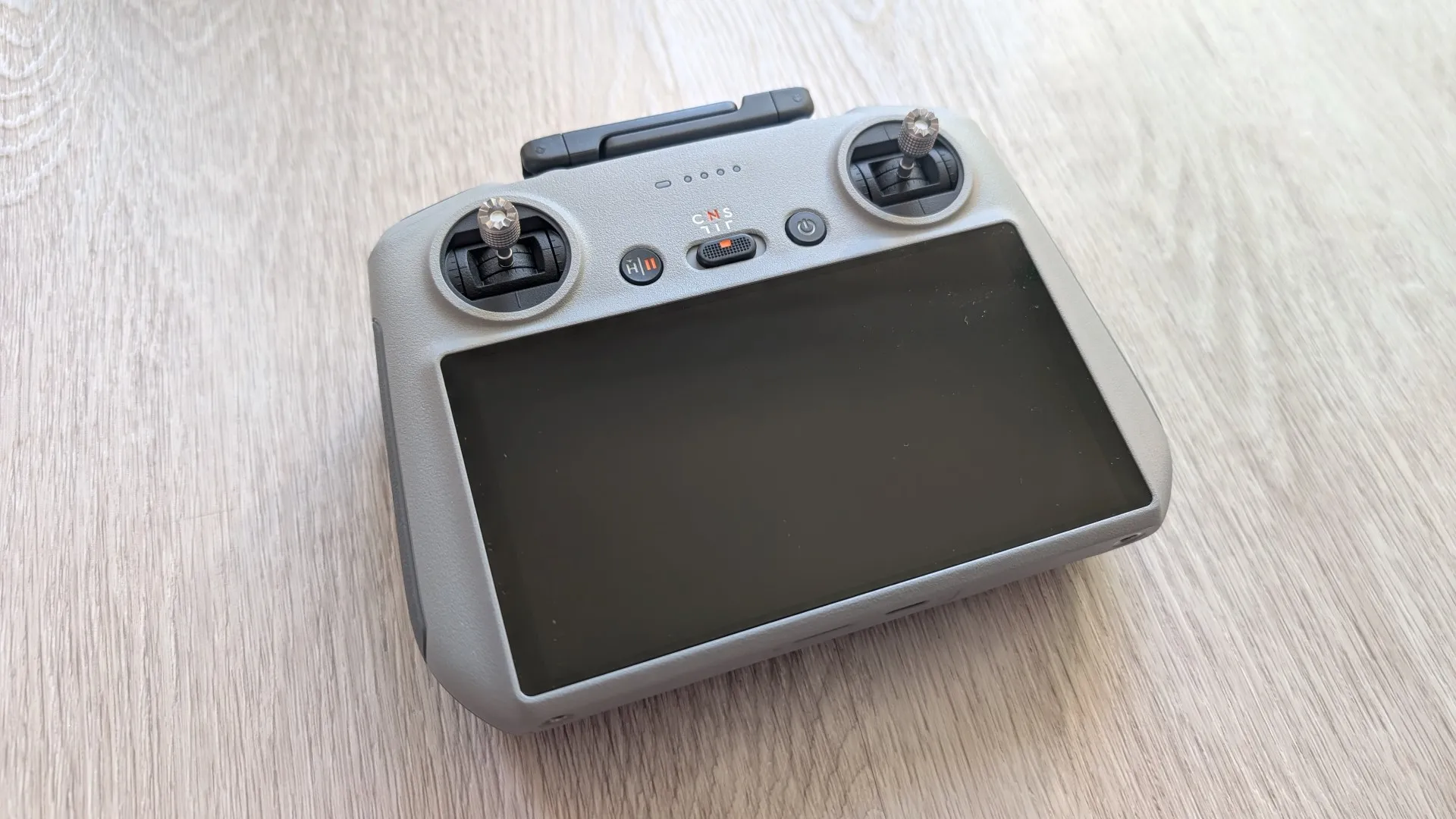
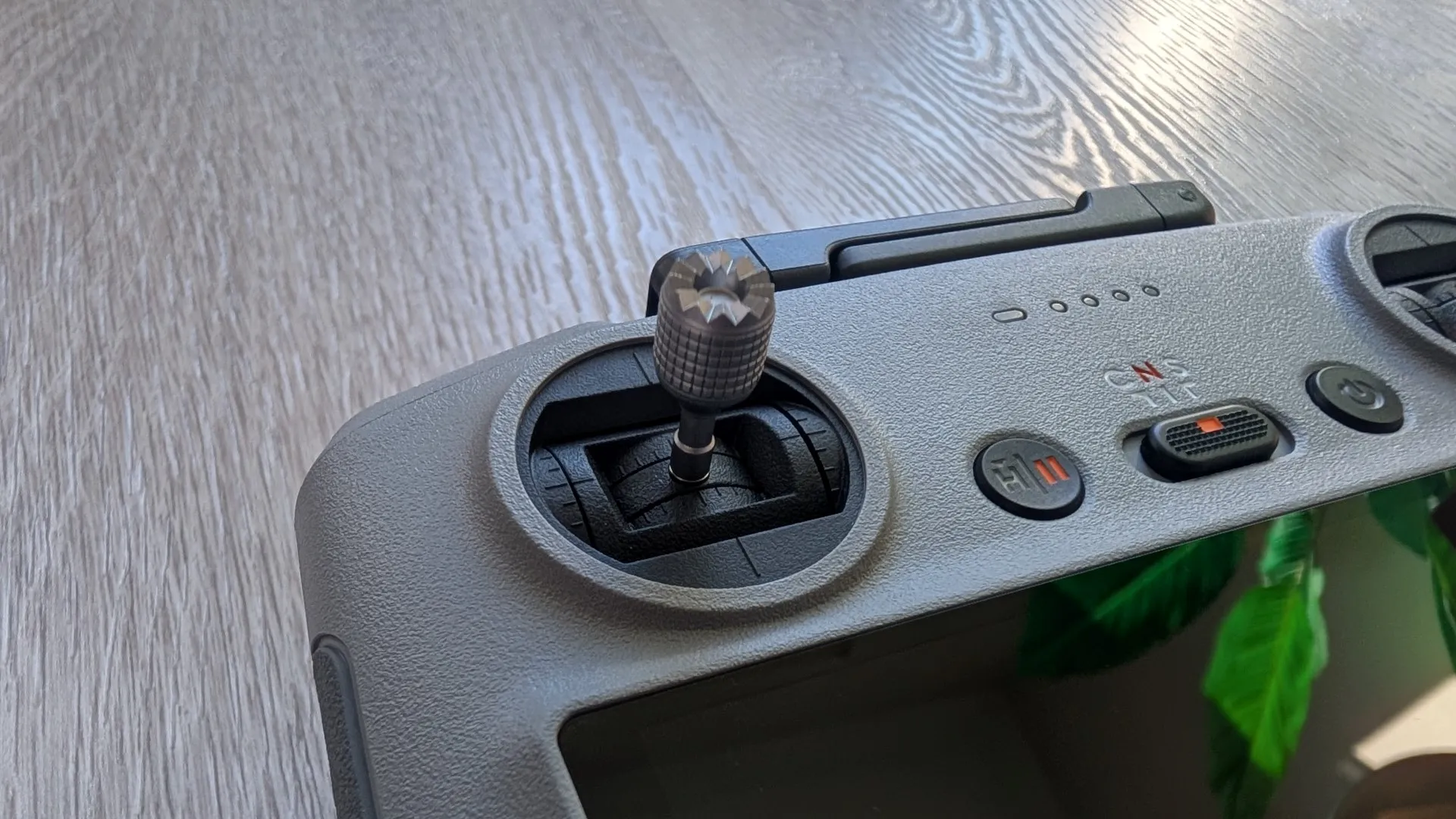
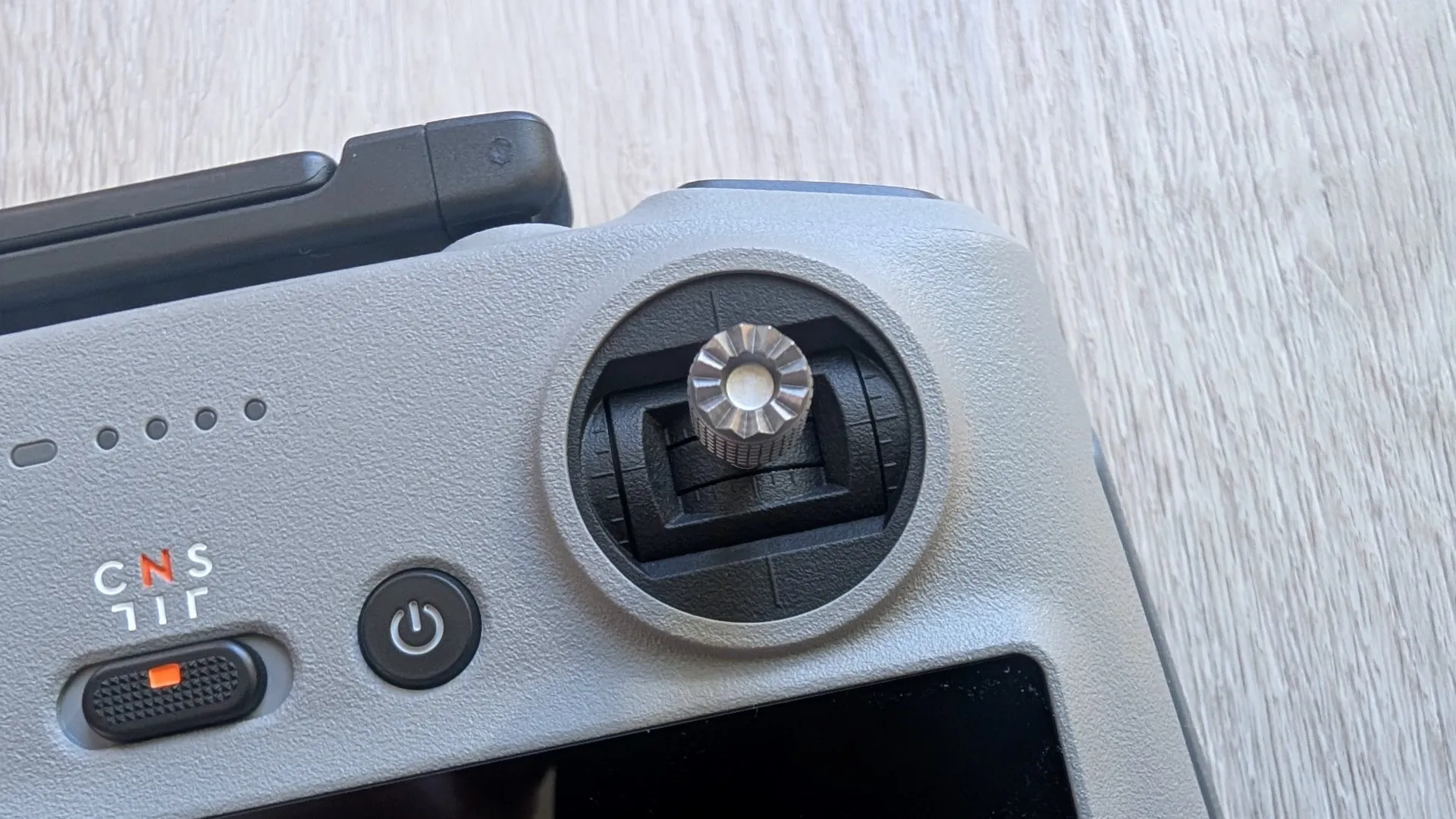
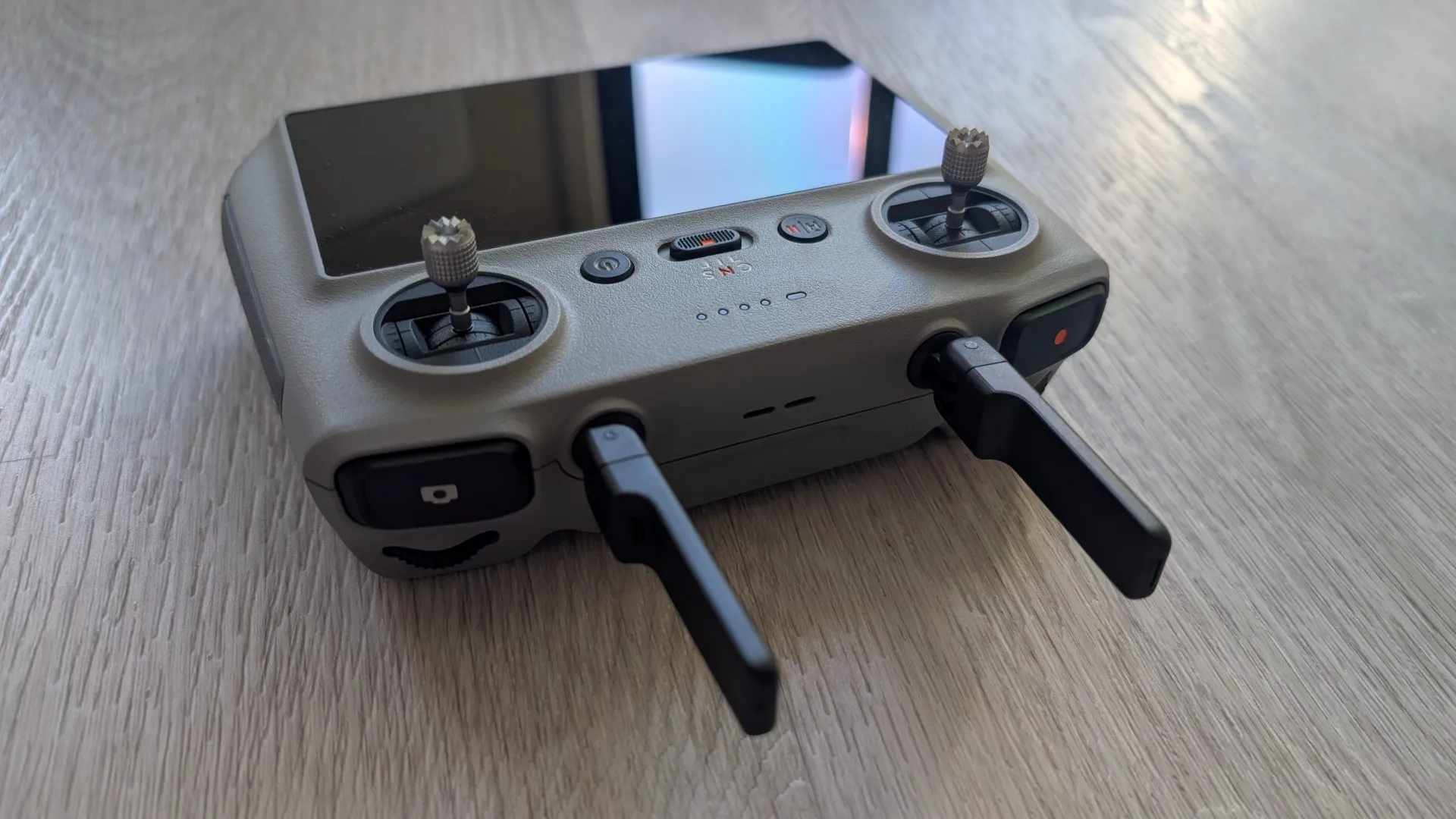
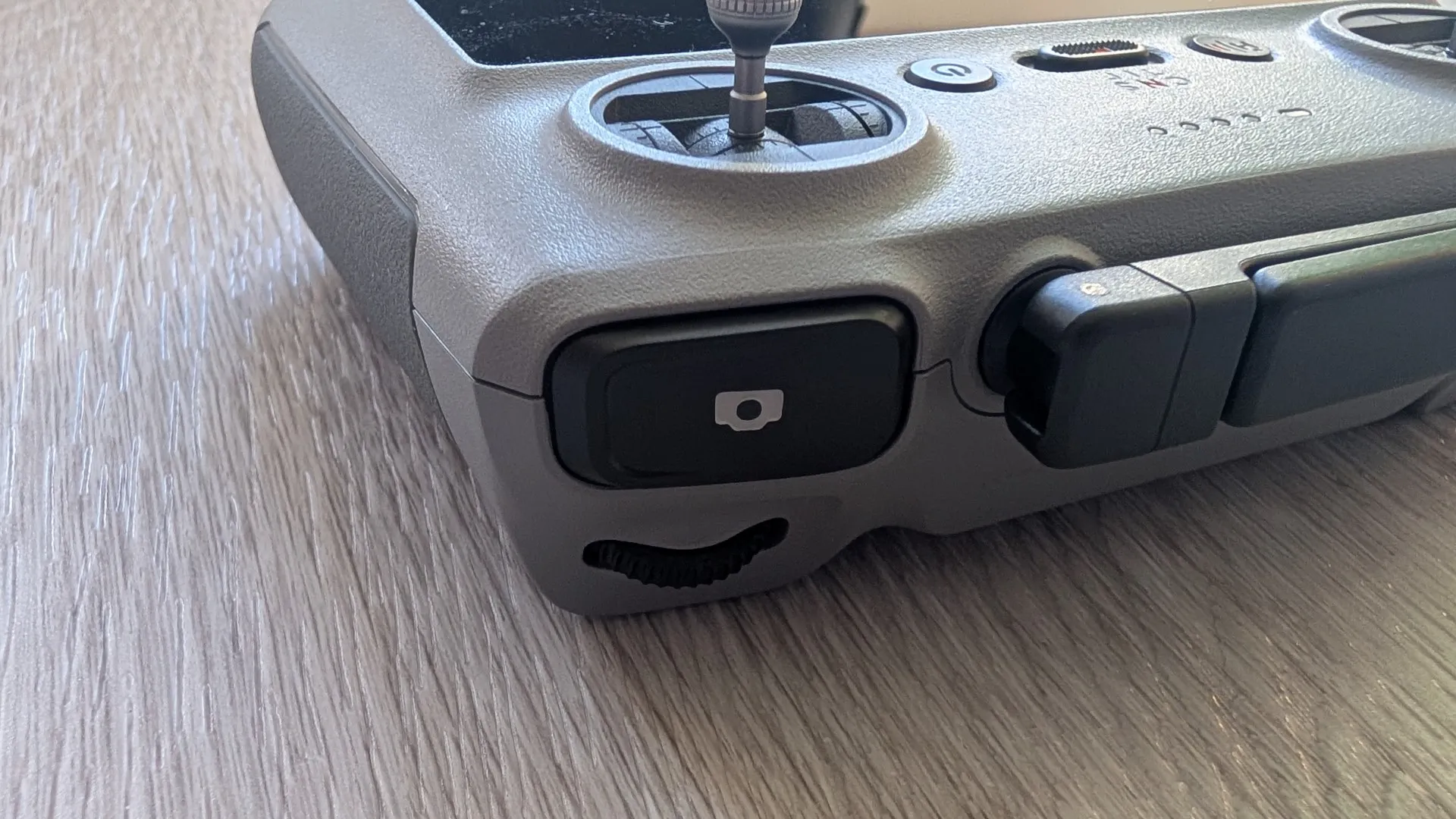
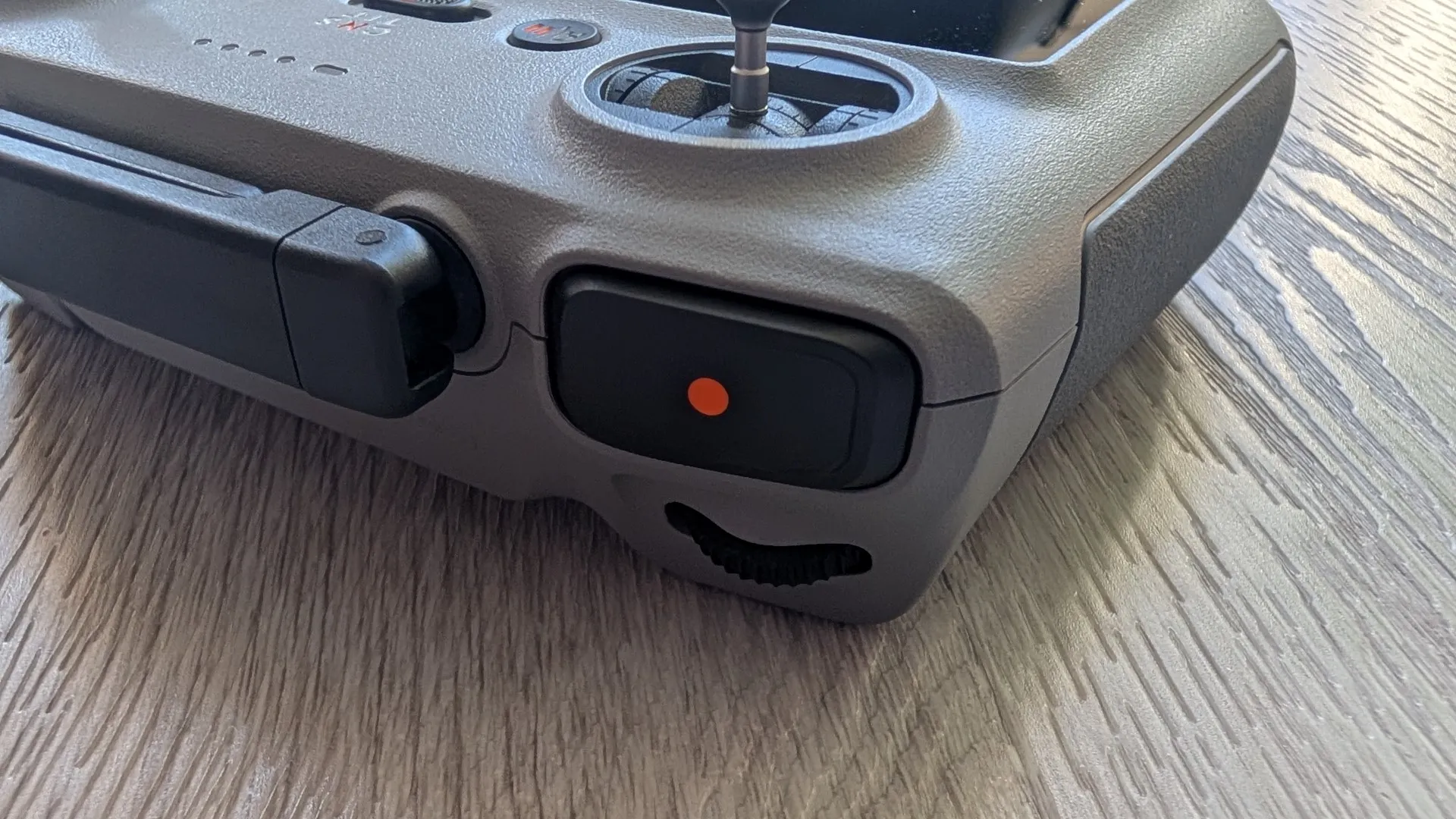
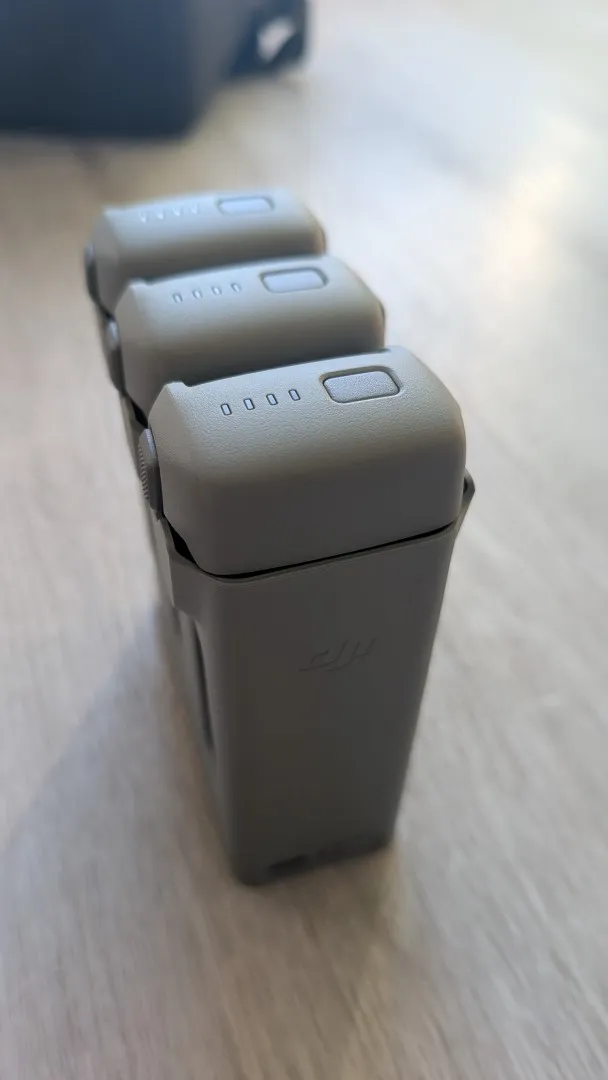
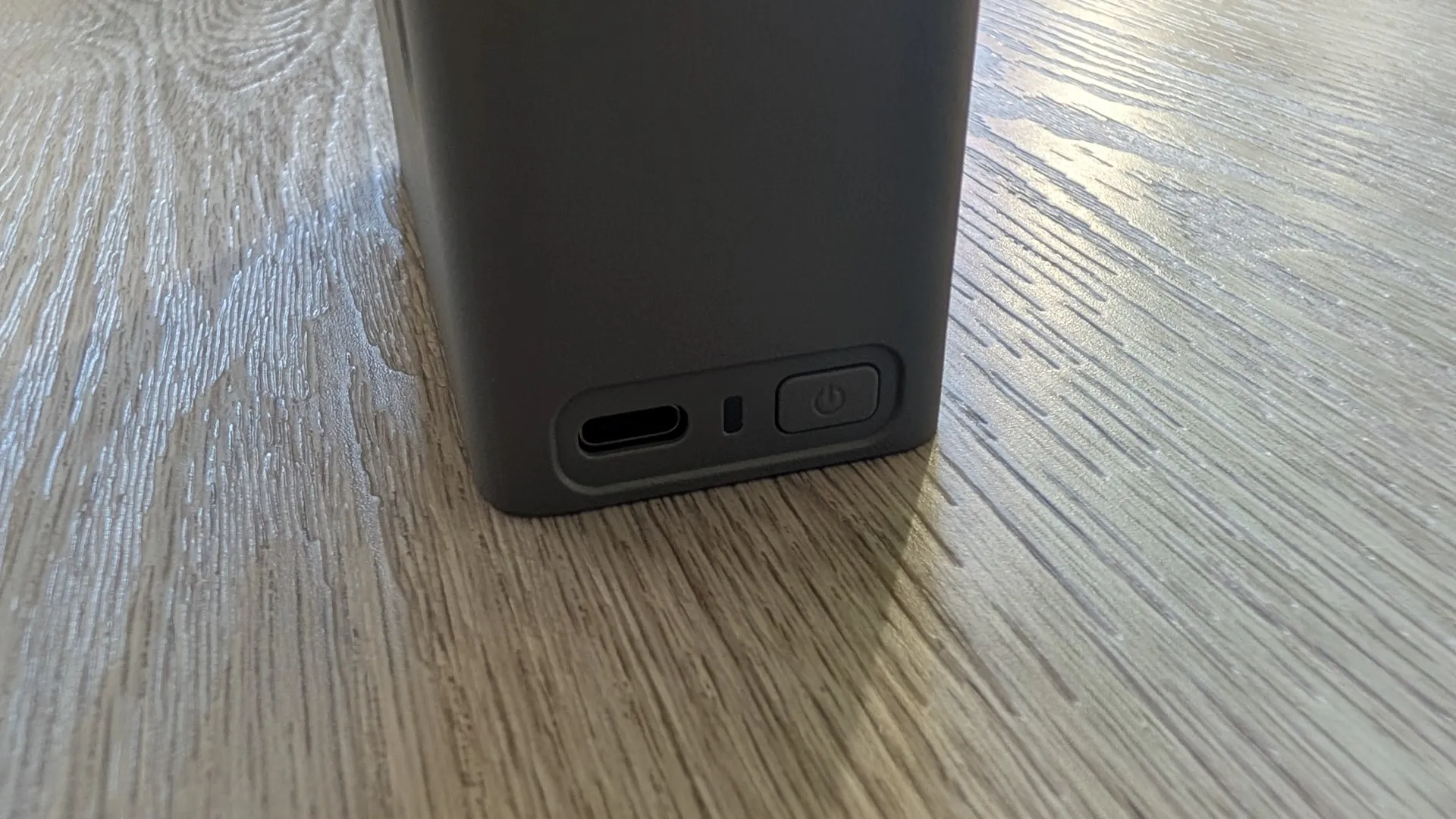
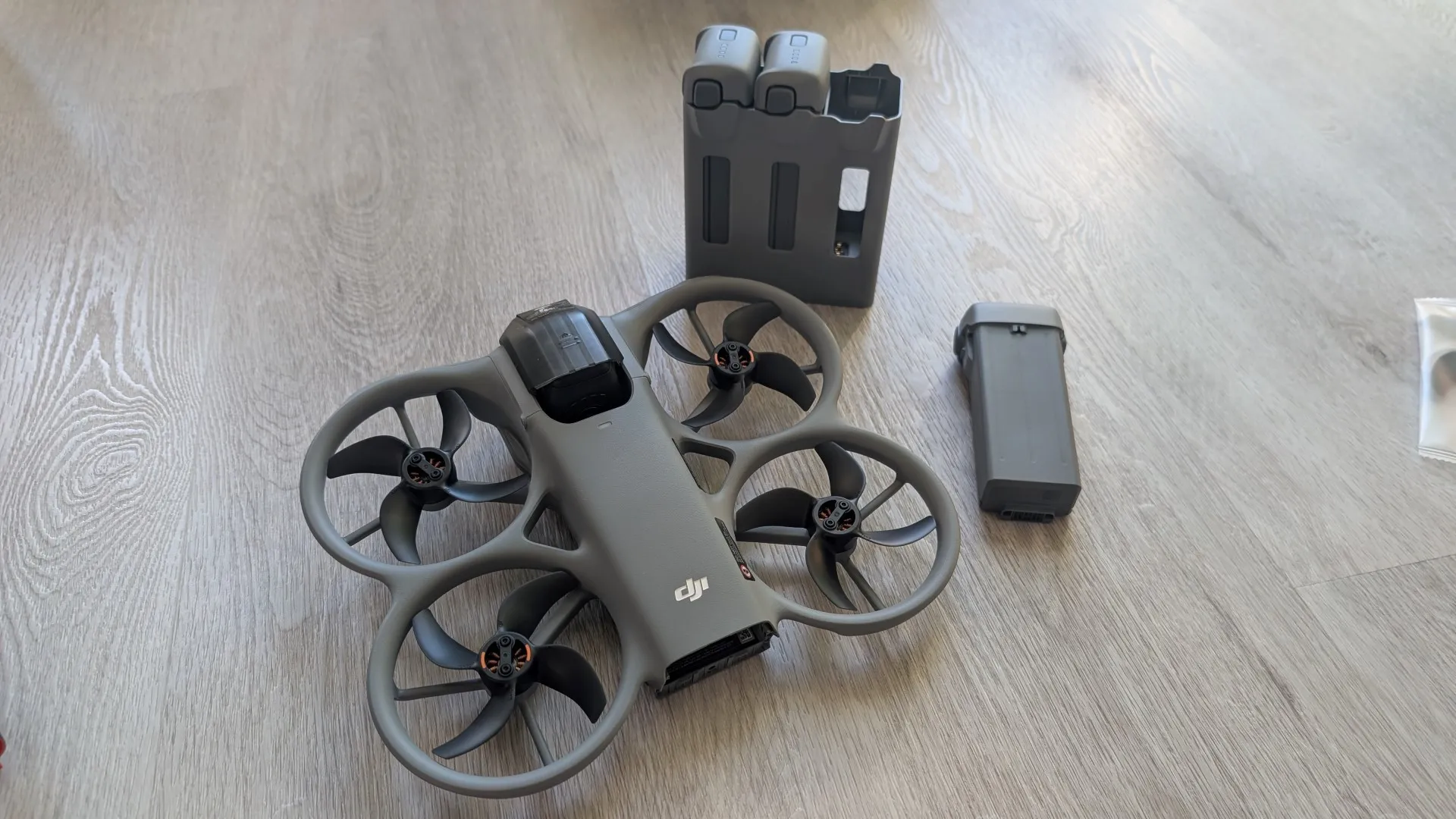
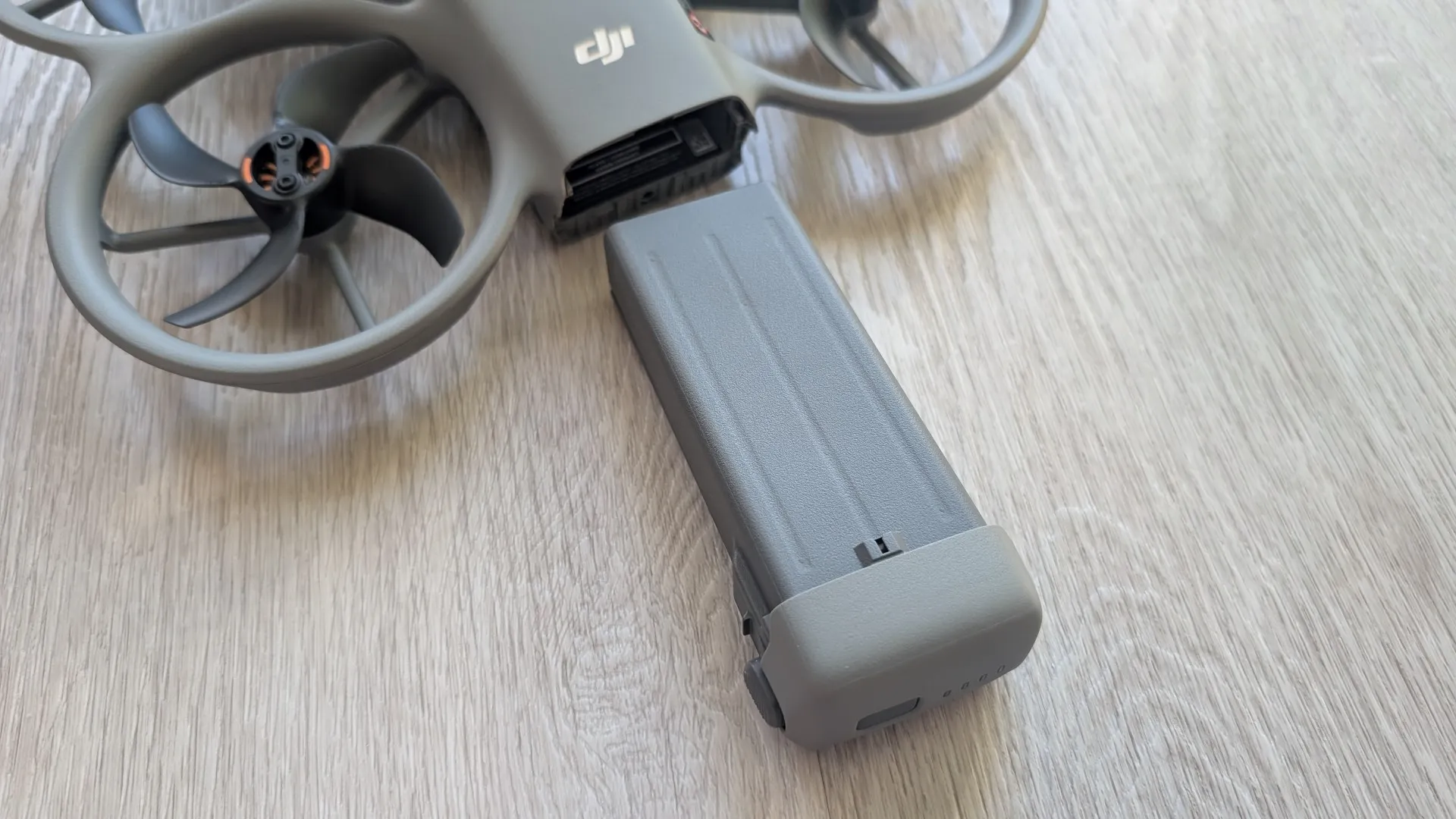
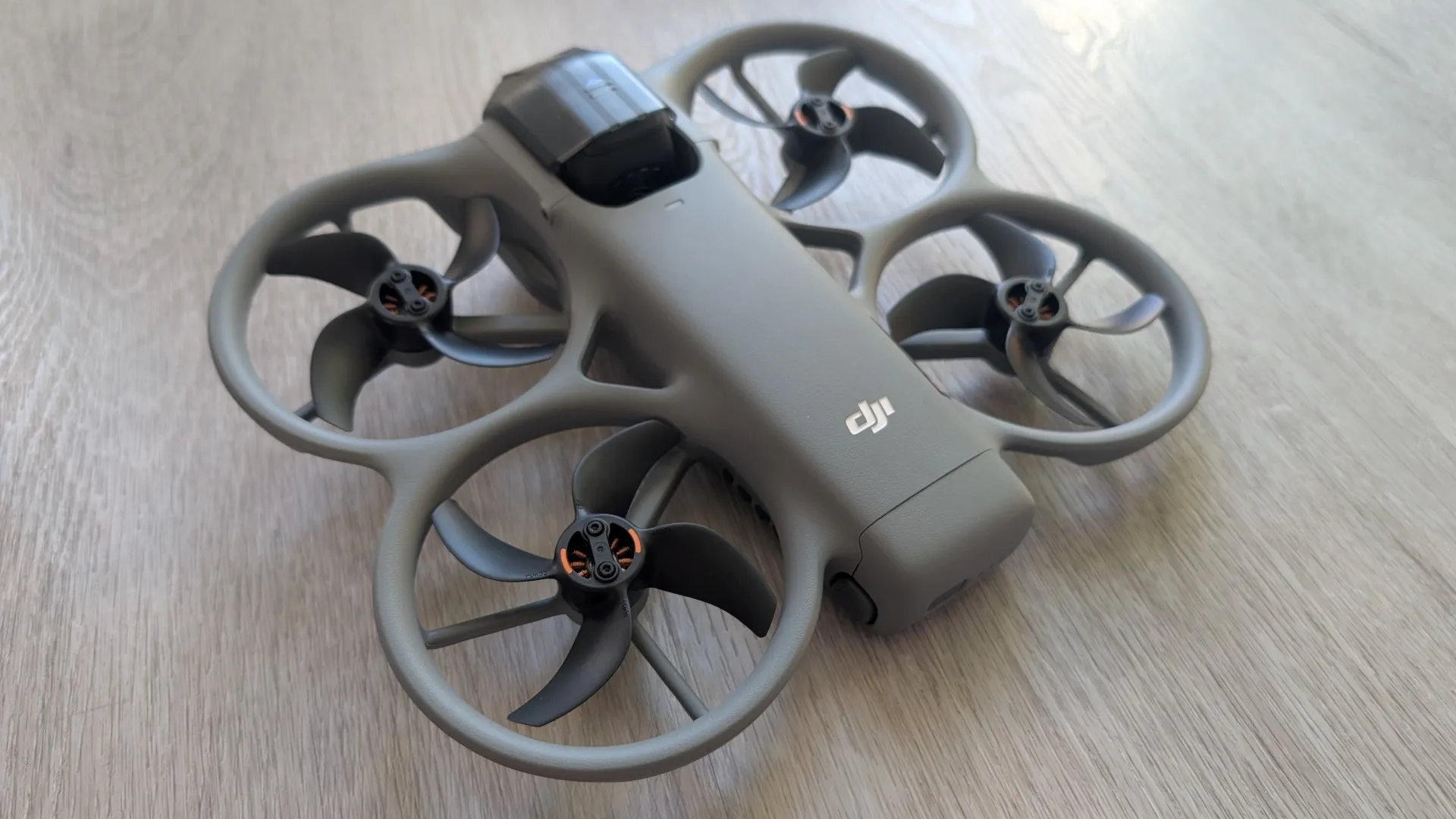

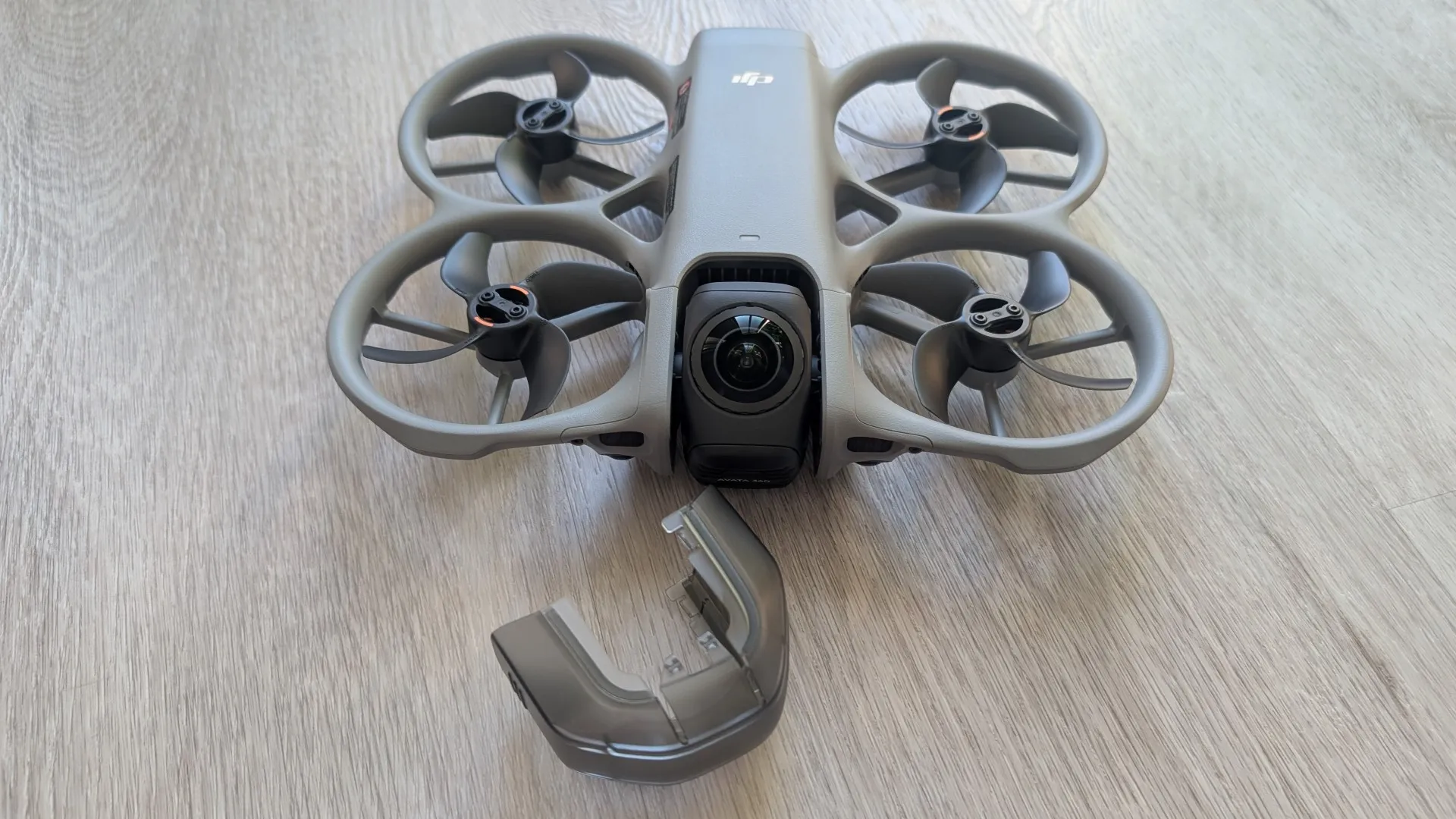
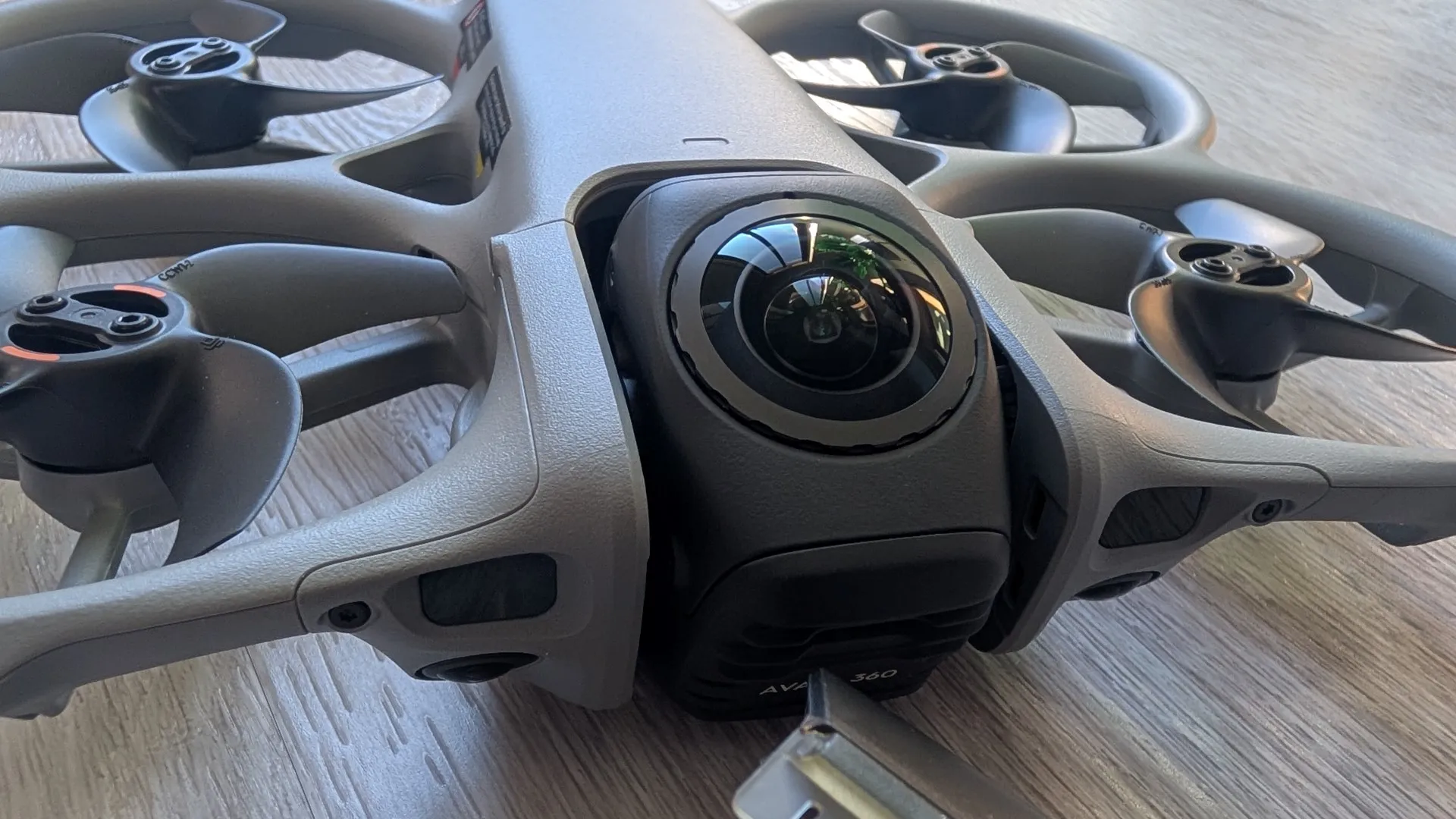
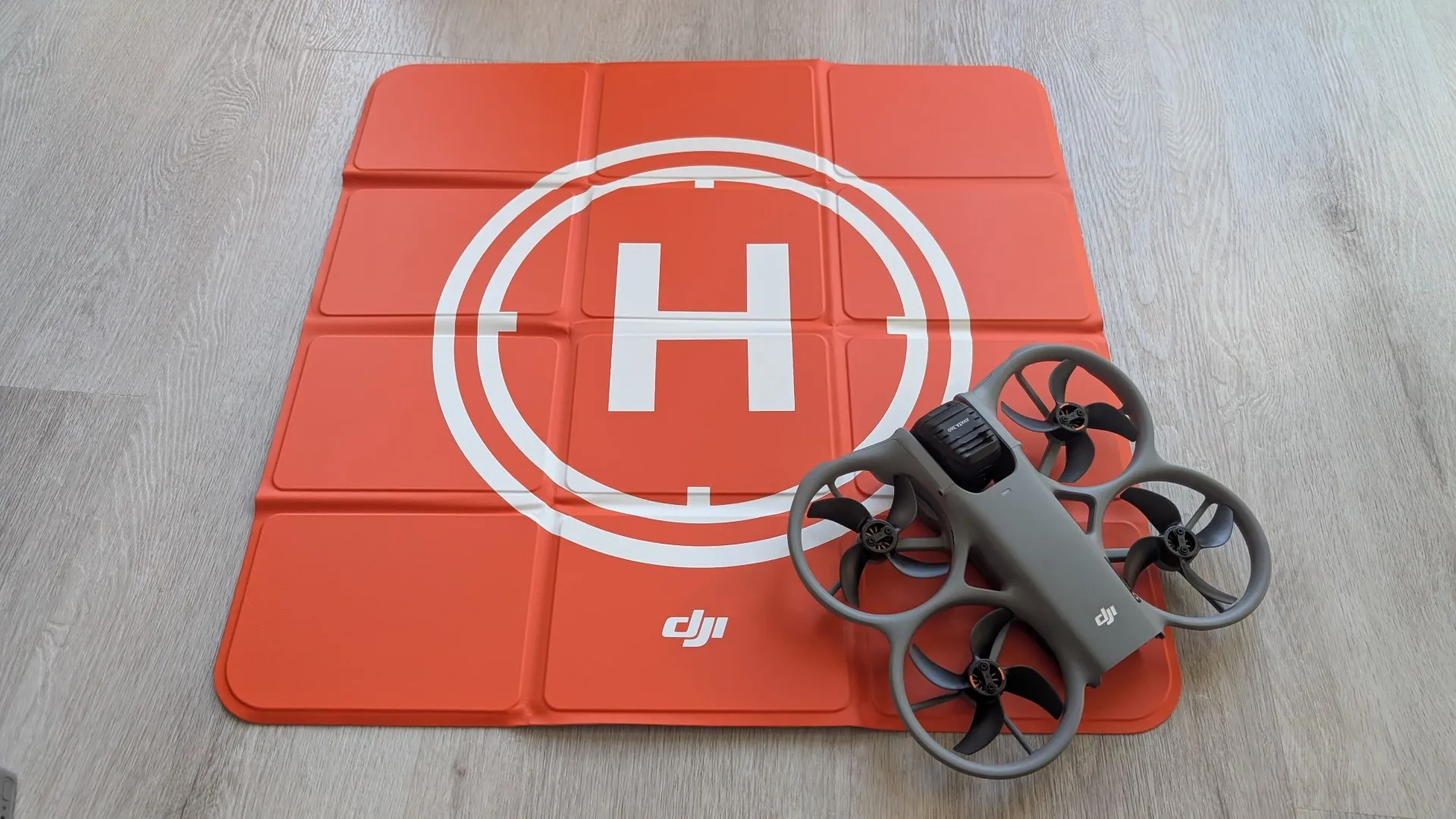
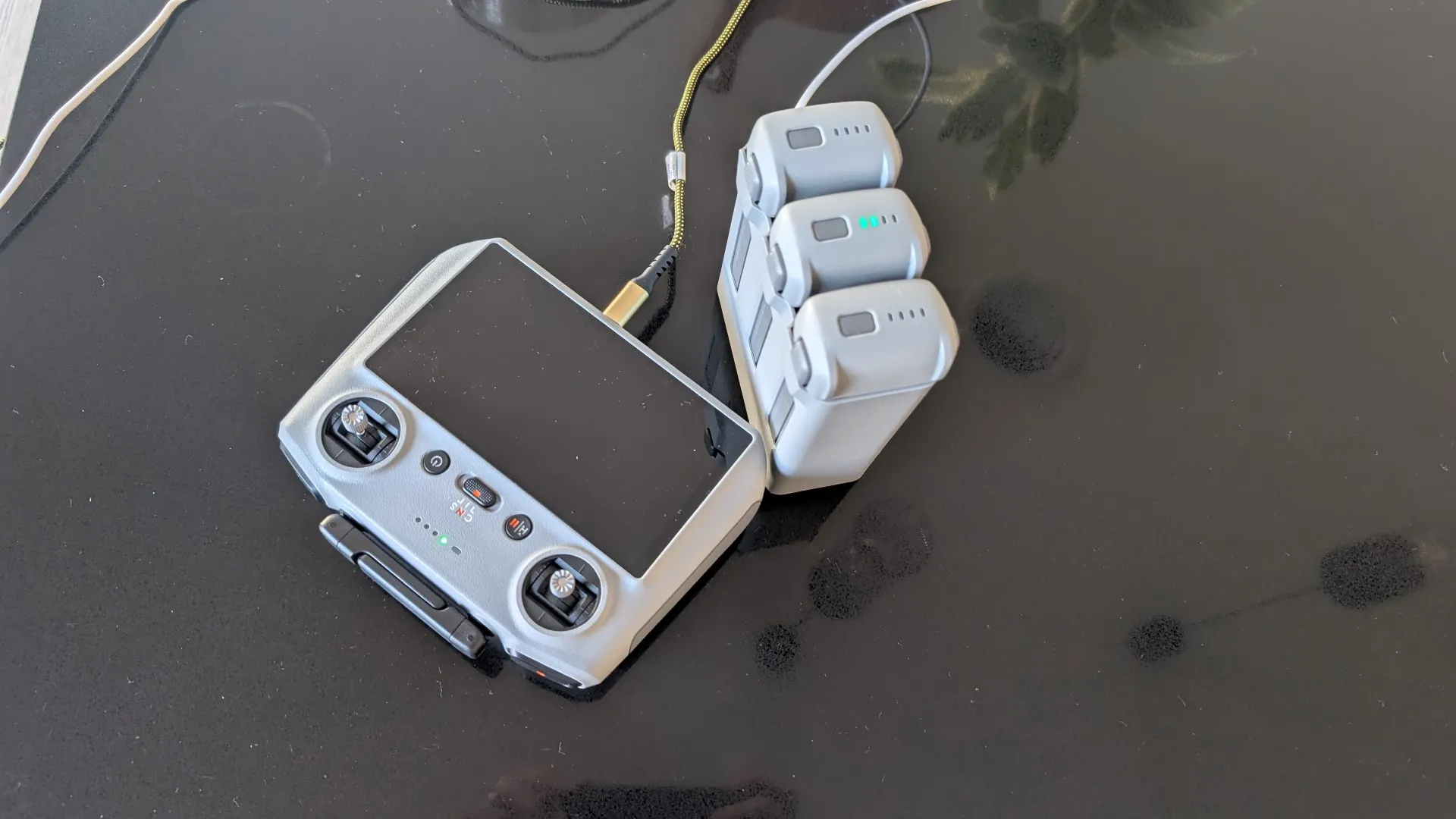
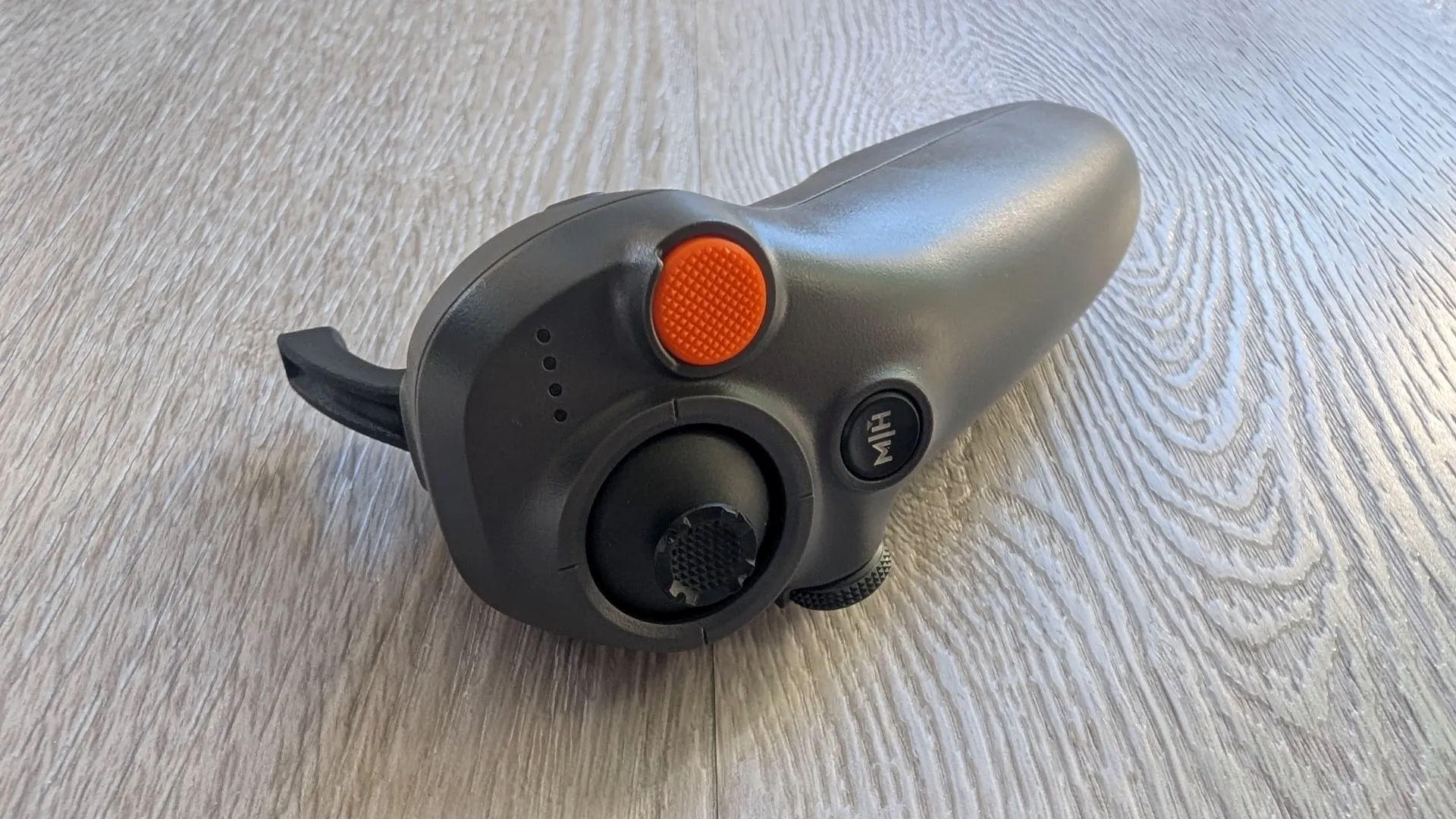
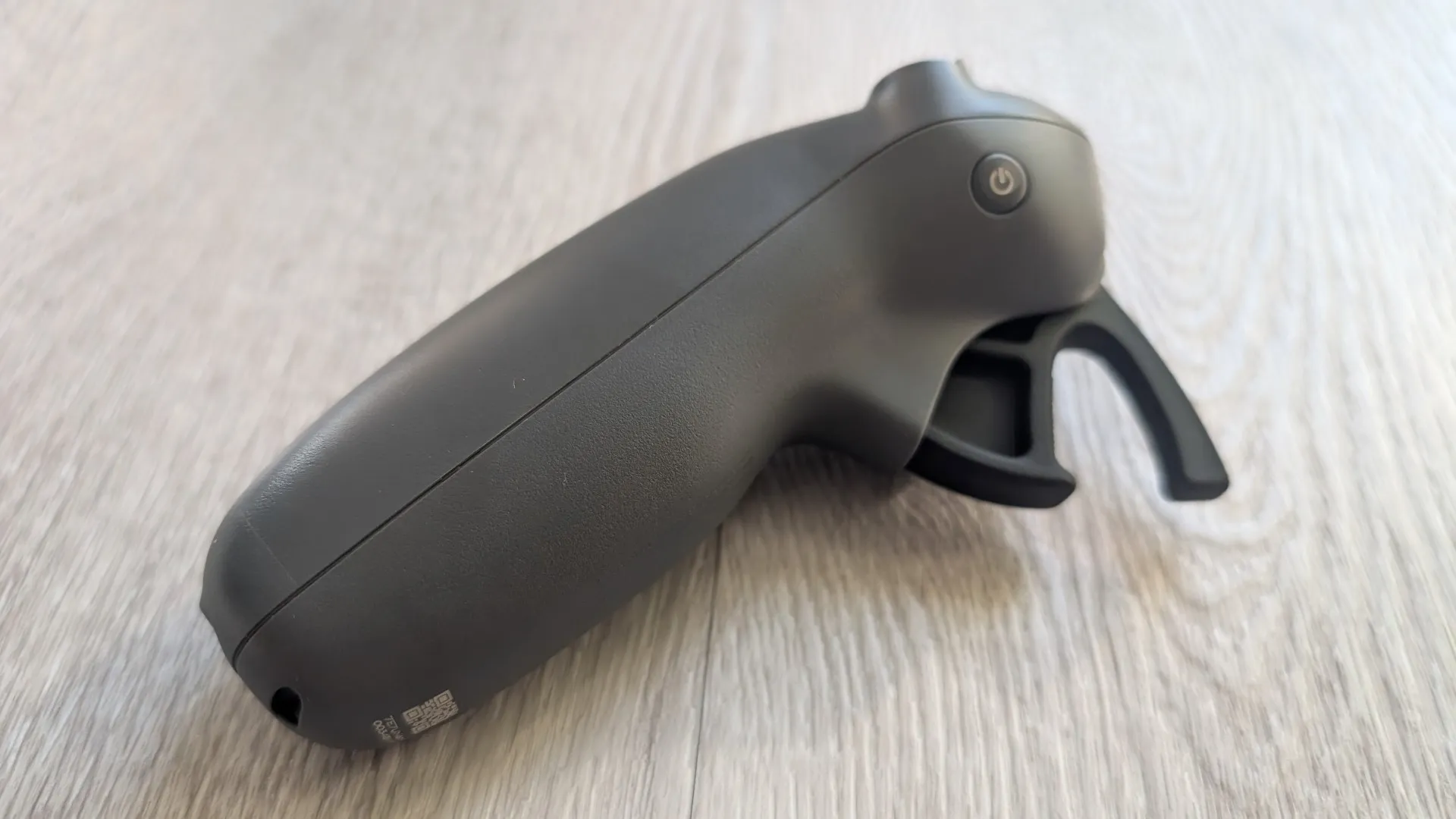
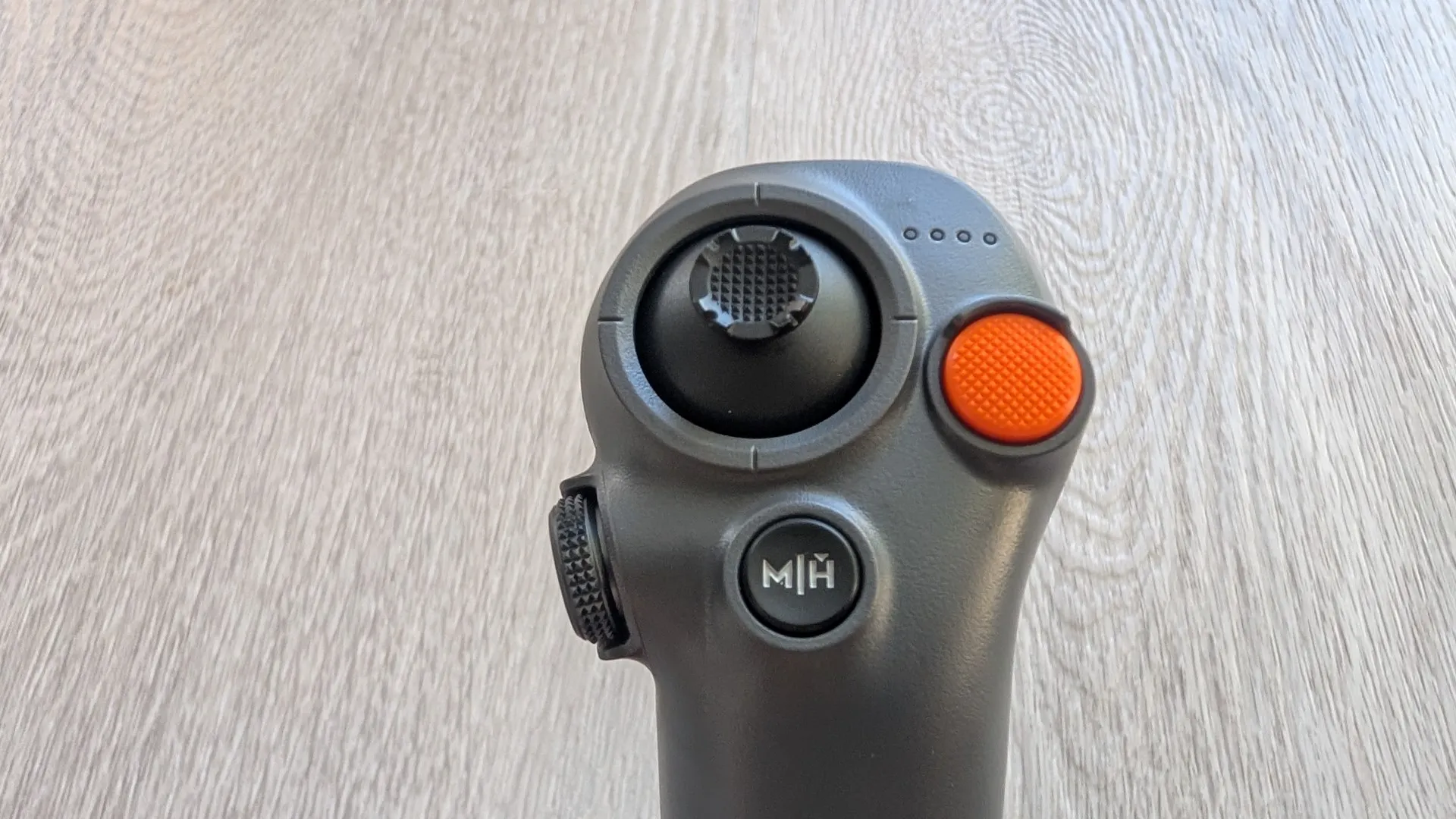
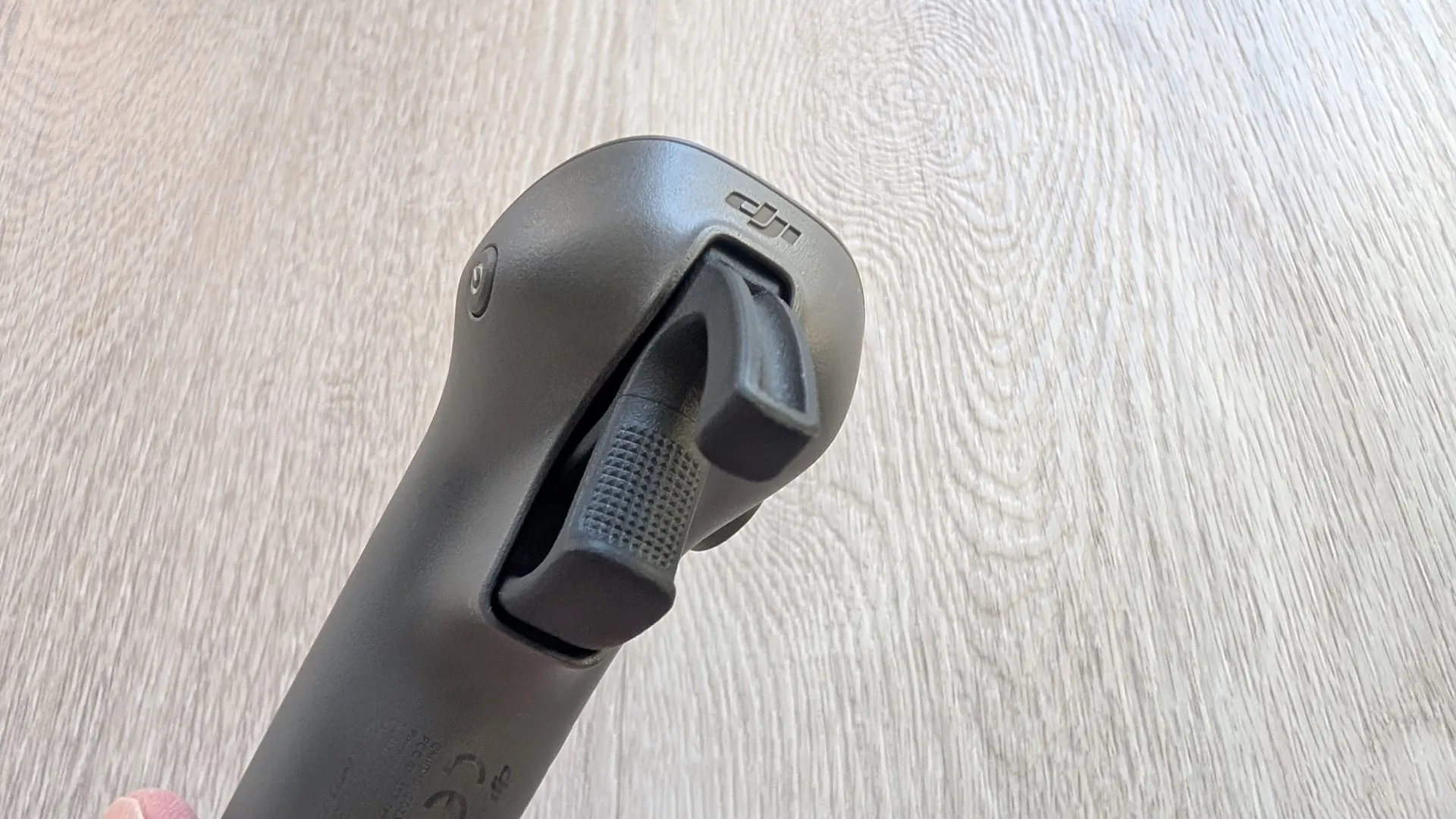
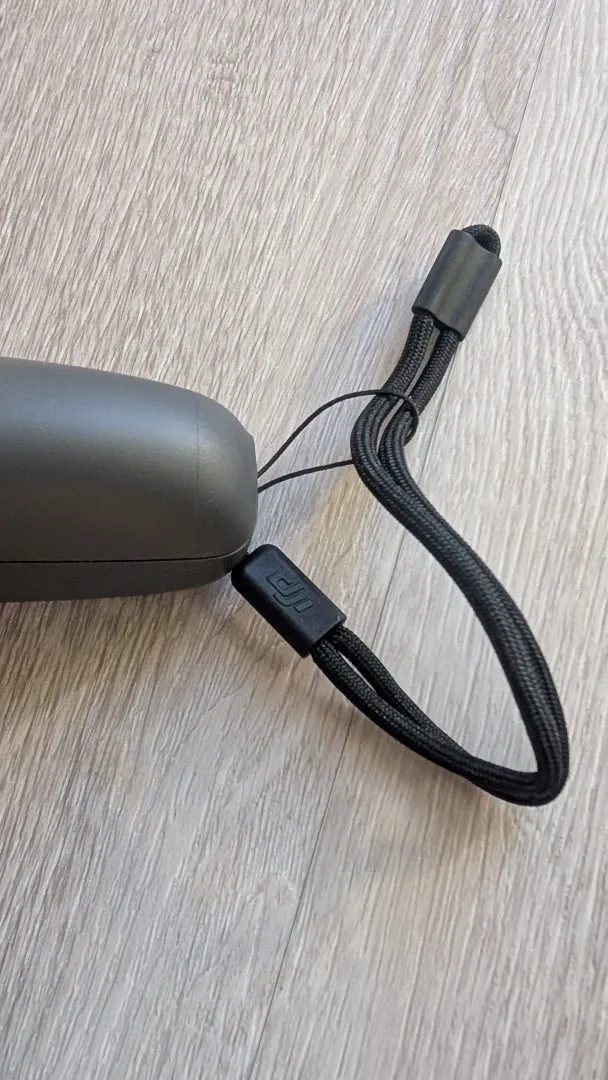
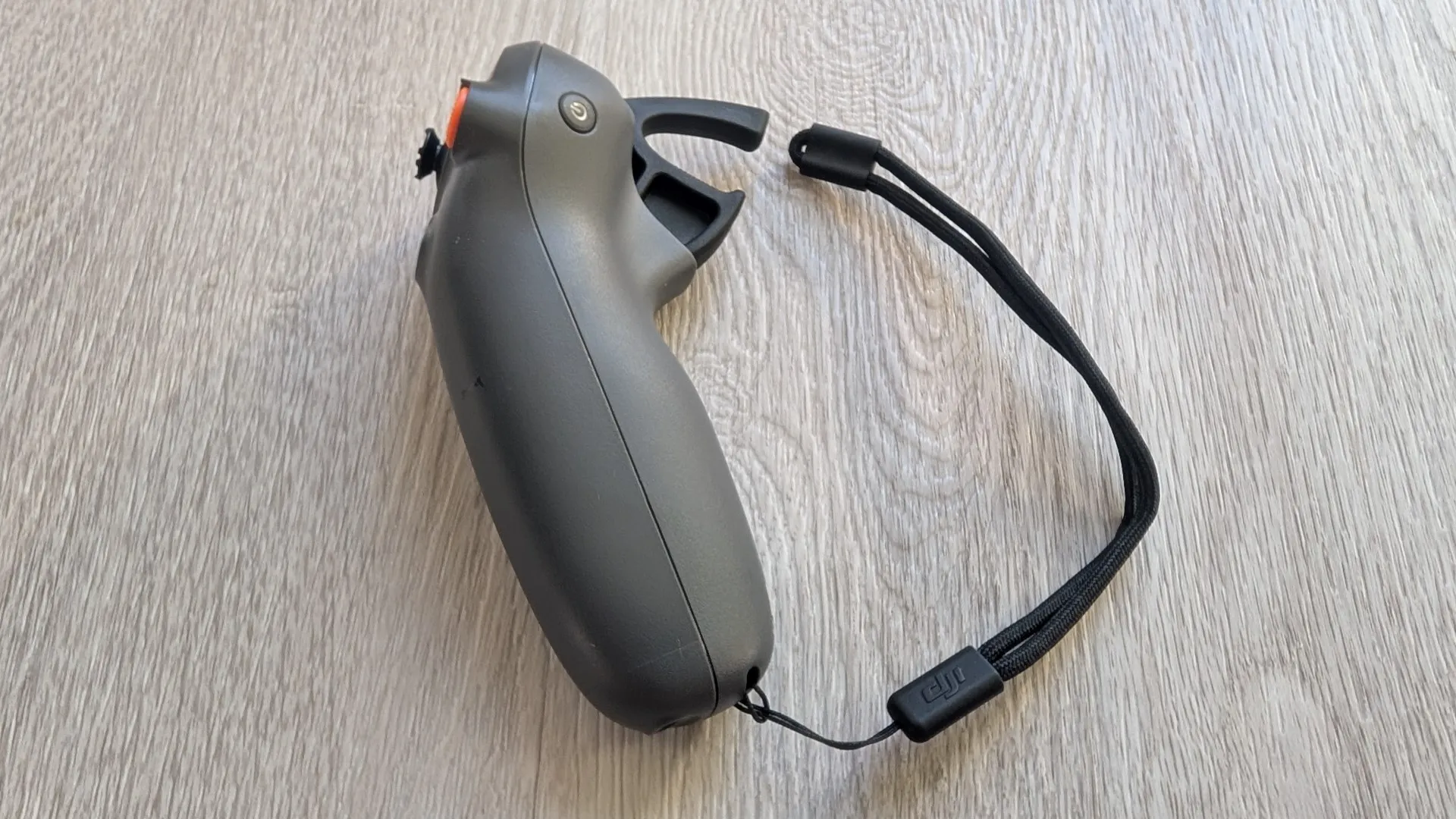
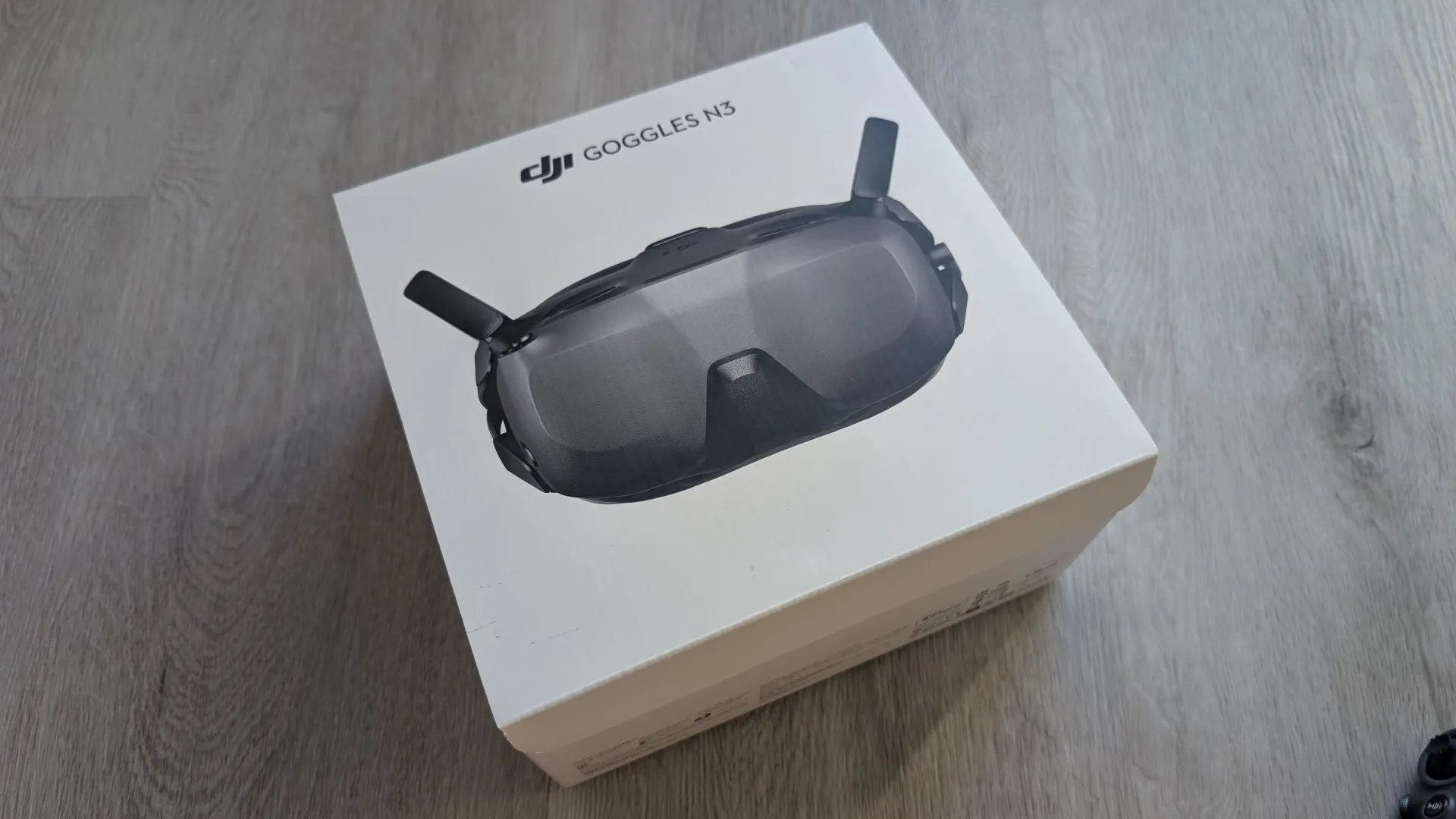

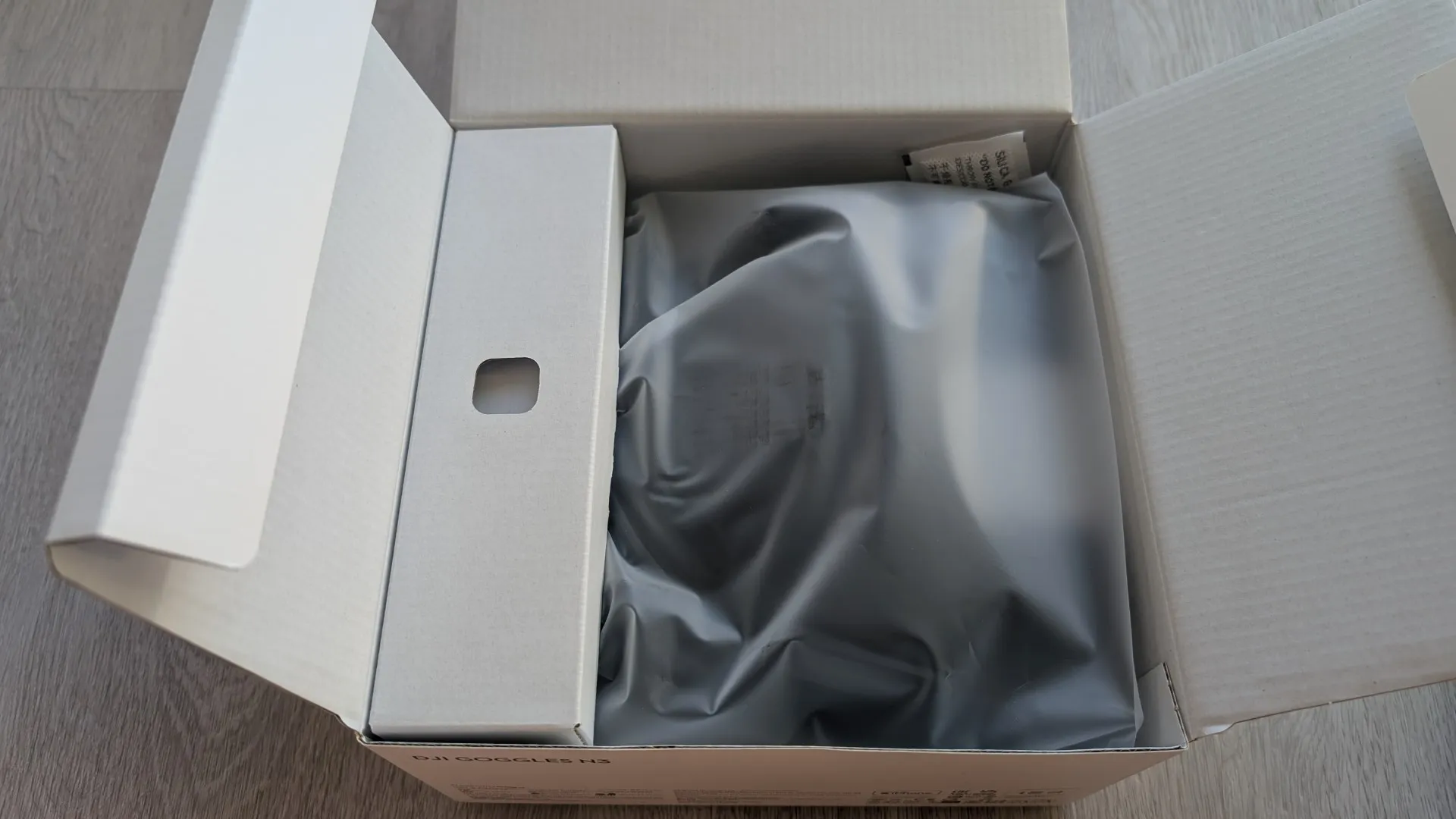
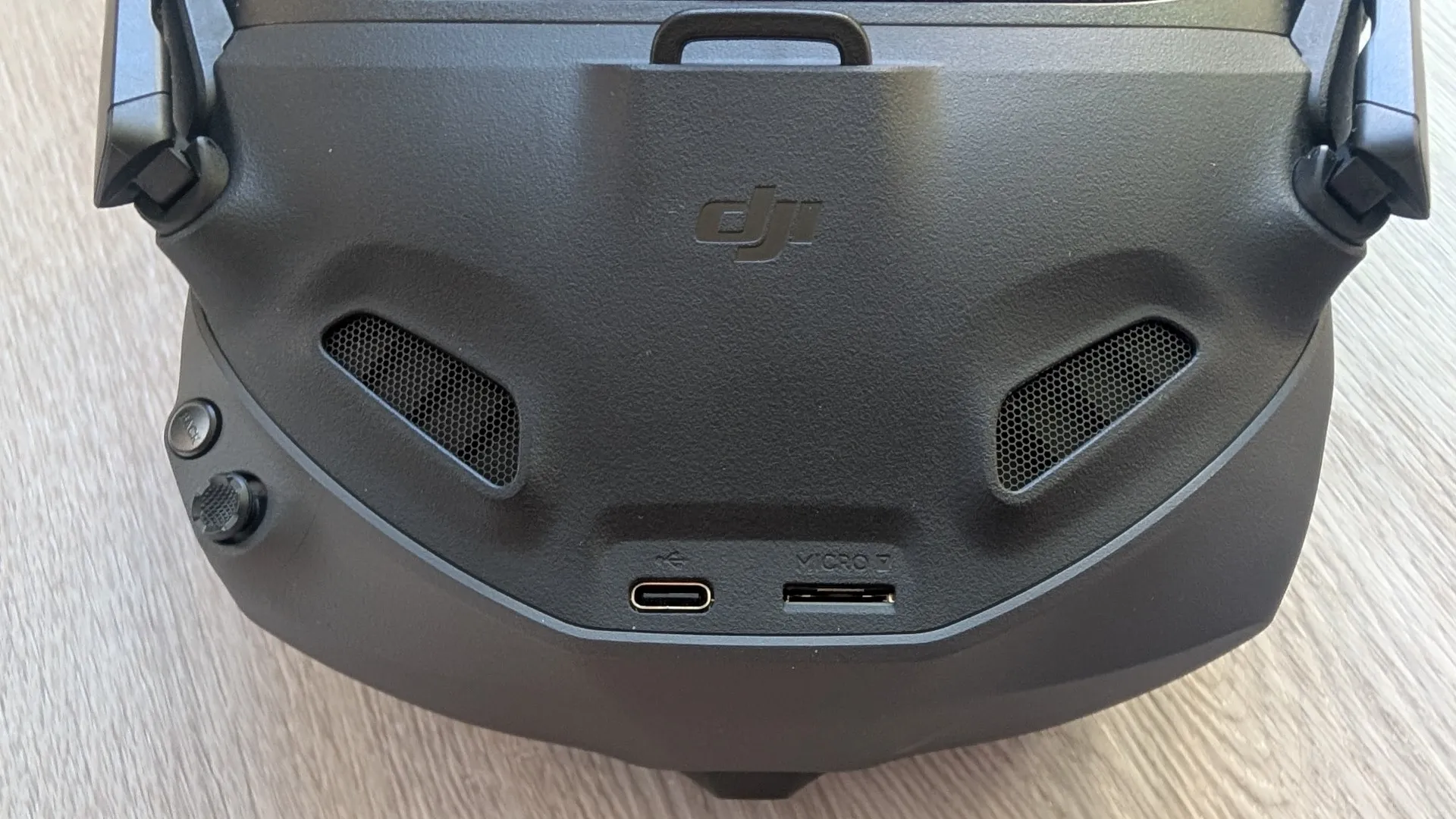
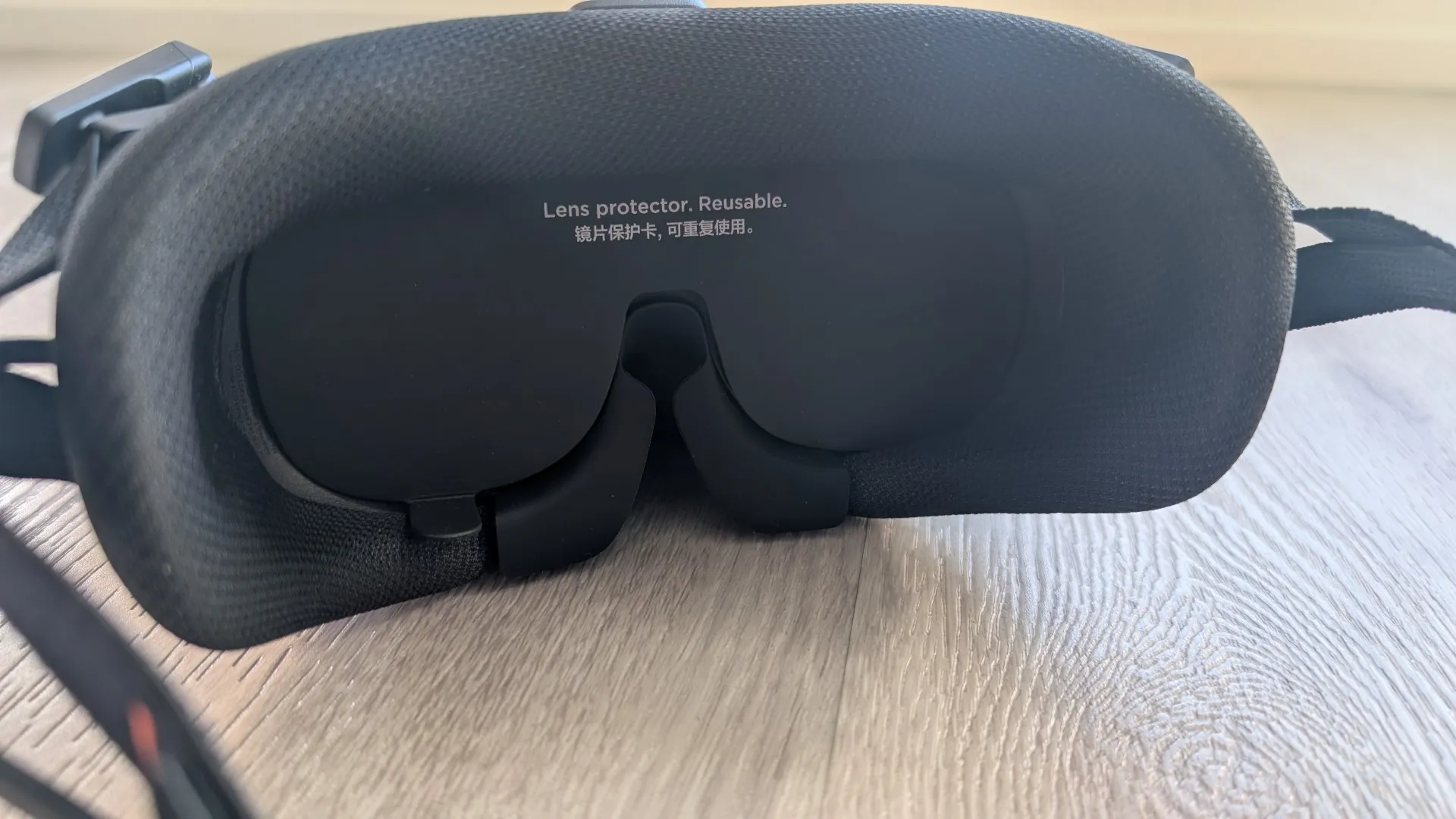
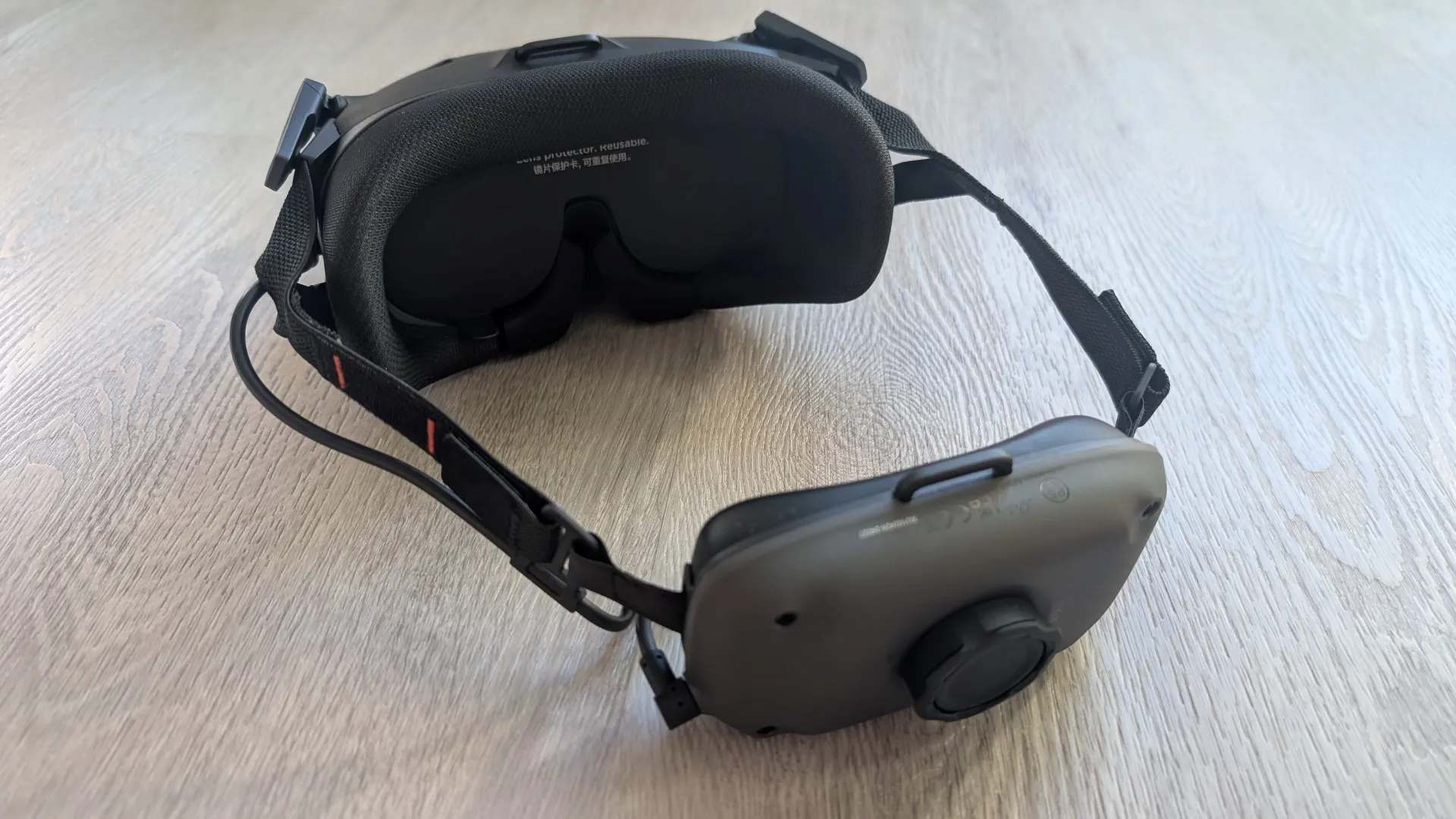
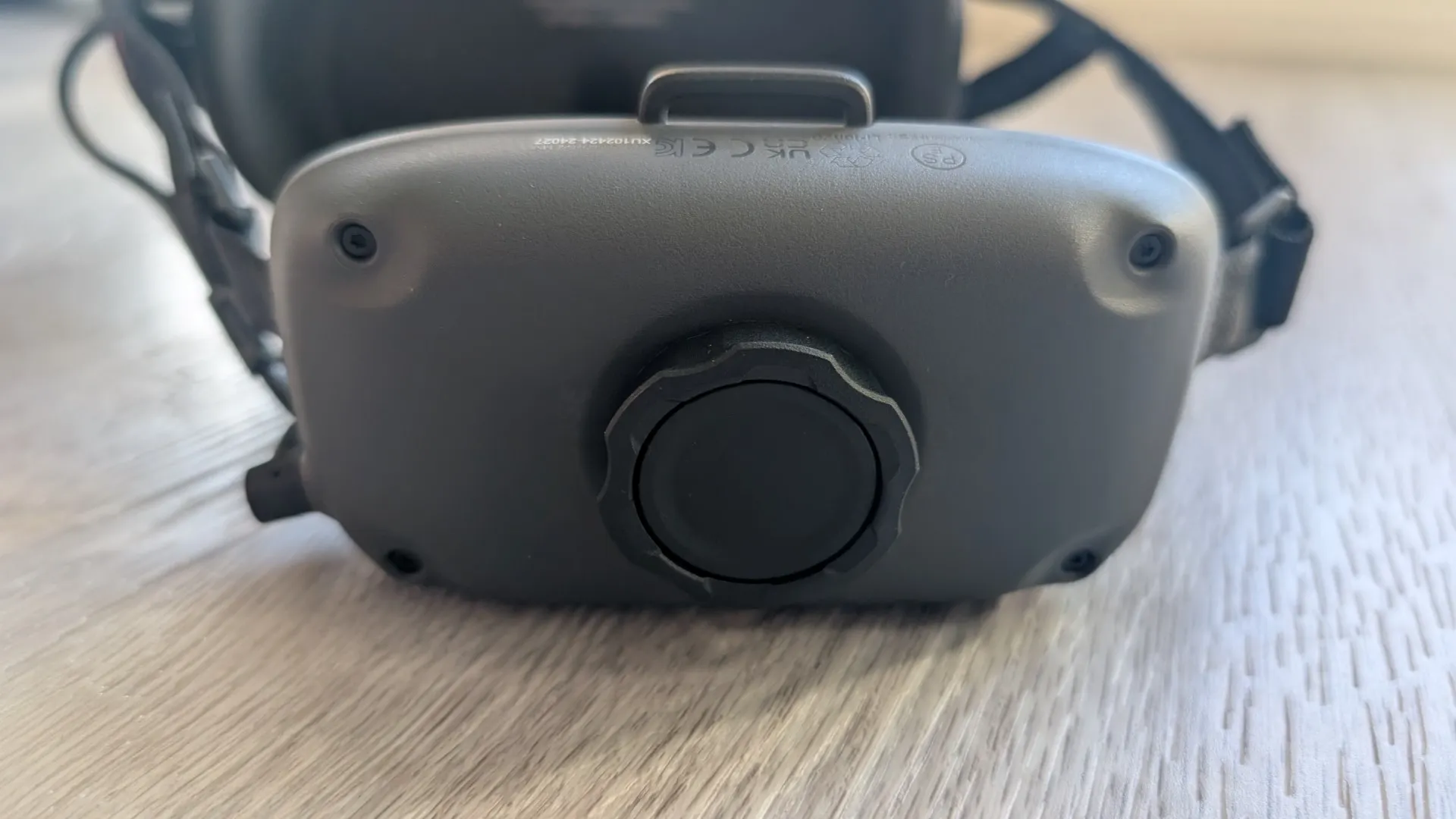
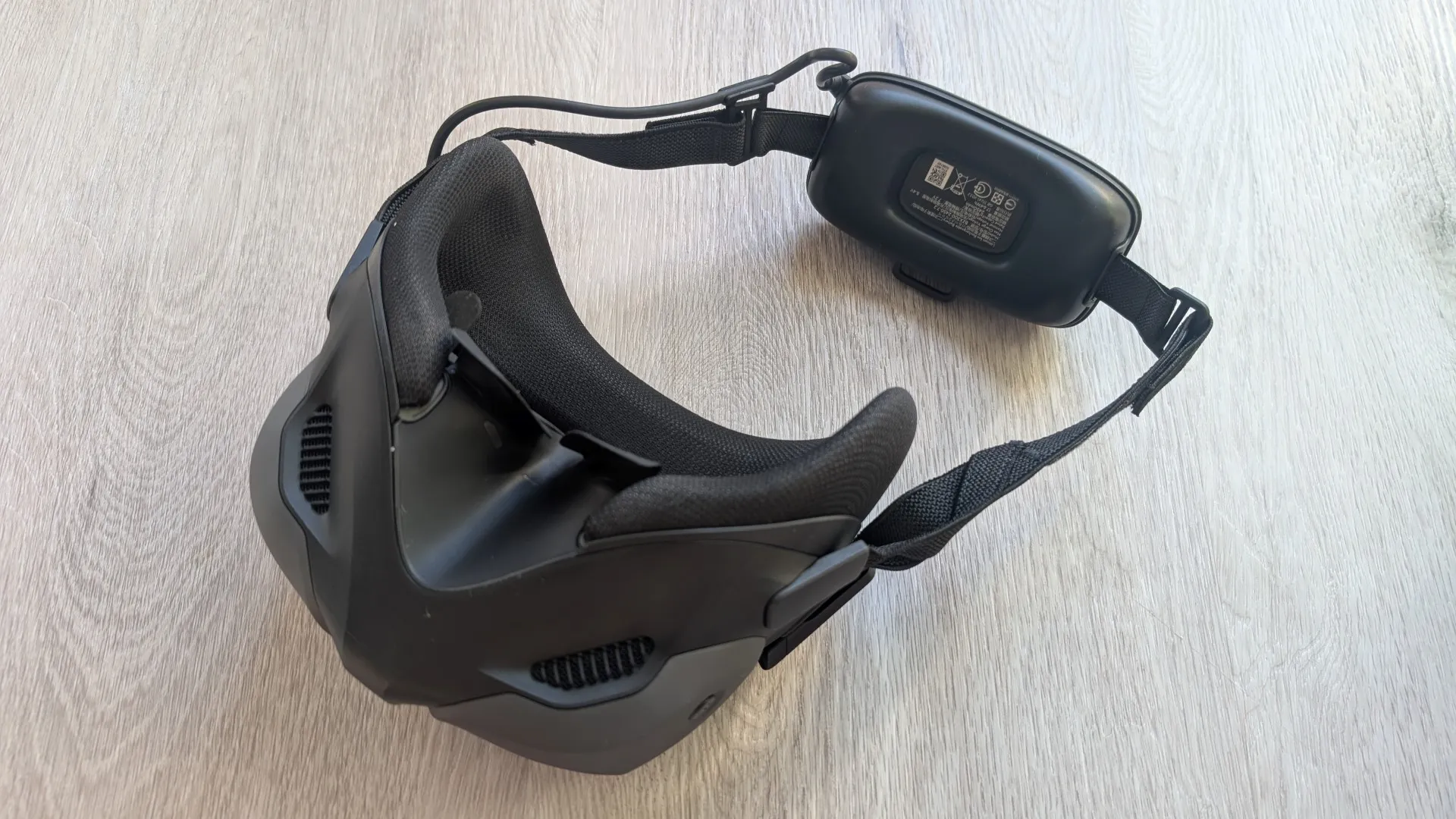
.
As most people will be using this for recreational purposes, you don’t need to register the drone, however, you still need to follow the CASA (Civil Aviation Safety Australia) rules. This means keeping the drone within visual line-of-sight which strictly requires a visual observer standing next to you when wearing the goggles outdoors, flying below 120 metres, staying at least 30 metres away from other people, keeping at least 5.5 kilometres away from controlled airports and not flying over restricted or private areas. Because the drone weighs 455 grams, it does not fall under the sub-250g ultralight category and additionally, be prepared for some noise as it is noticeably louder than traditional compact models like the DJI Mini series.
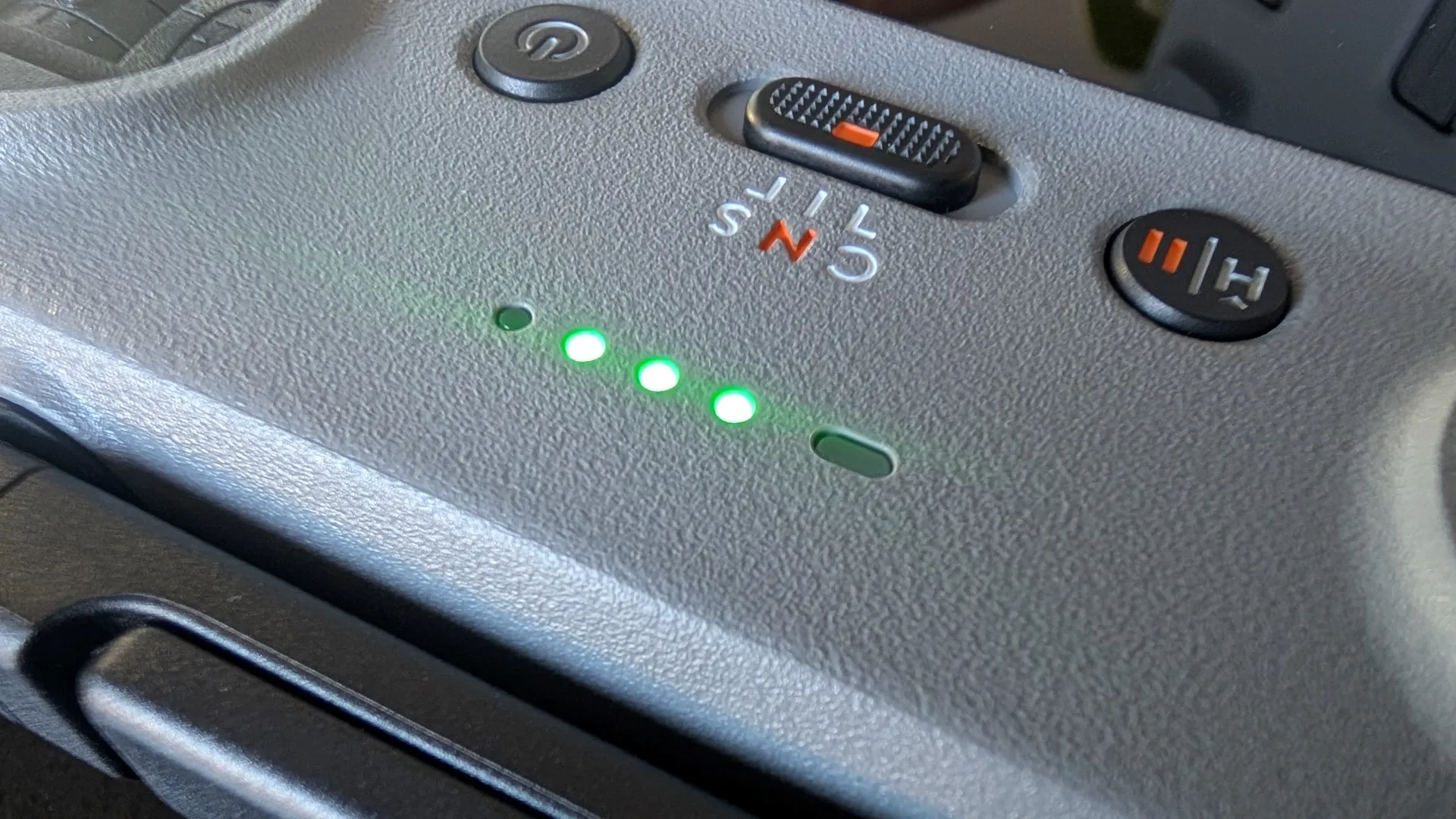
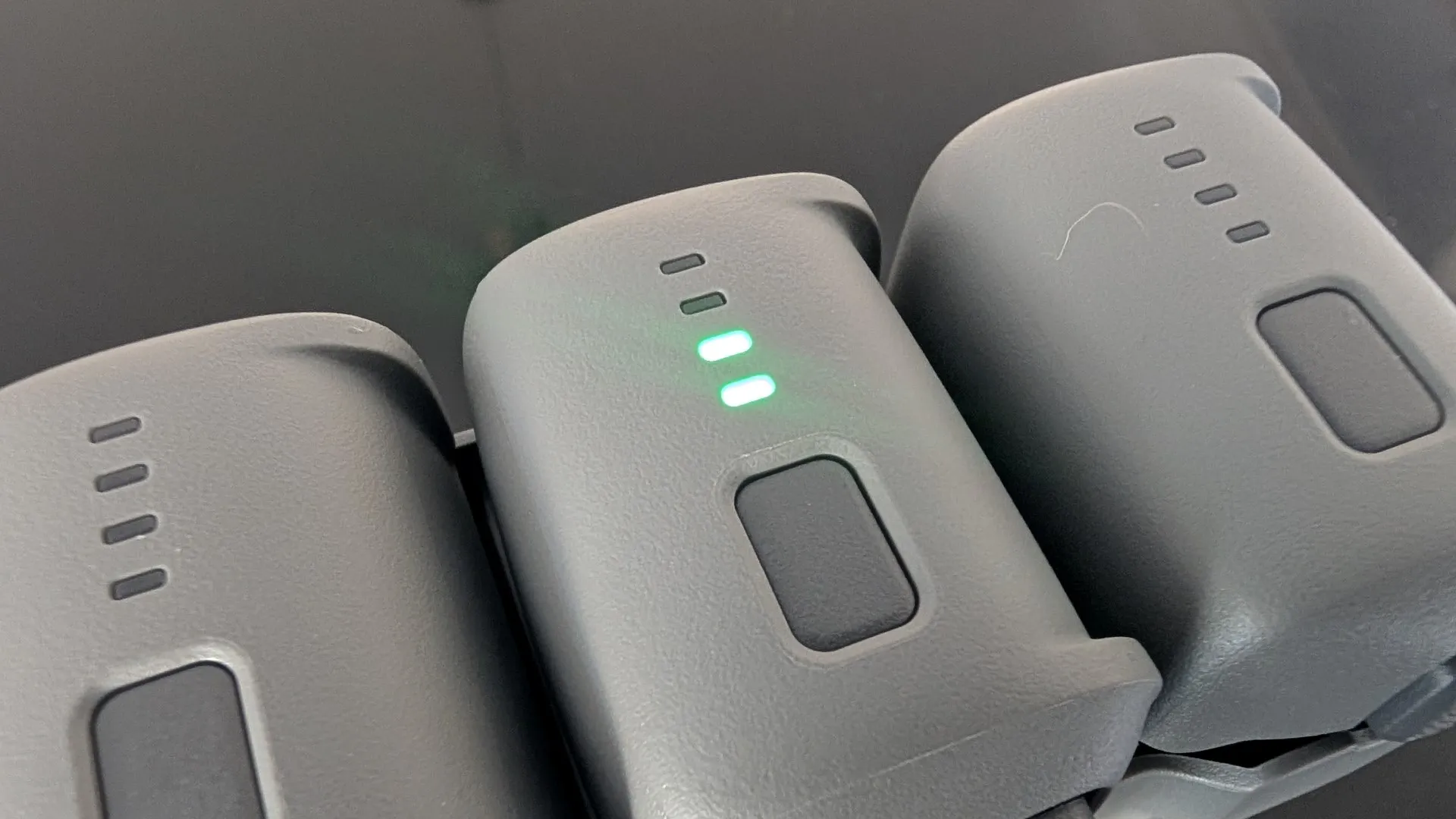
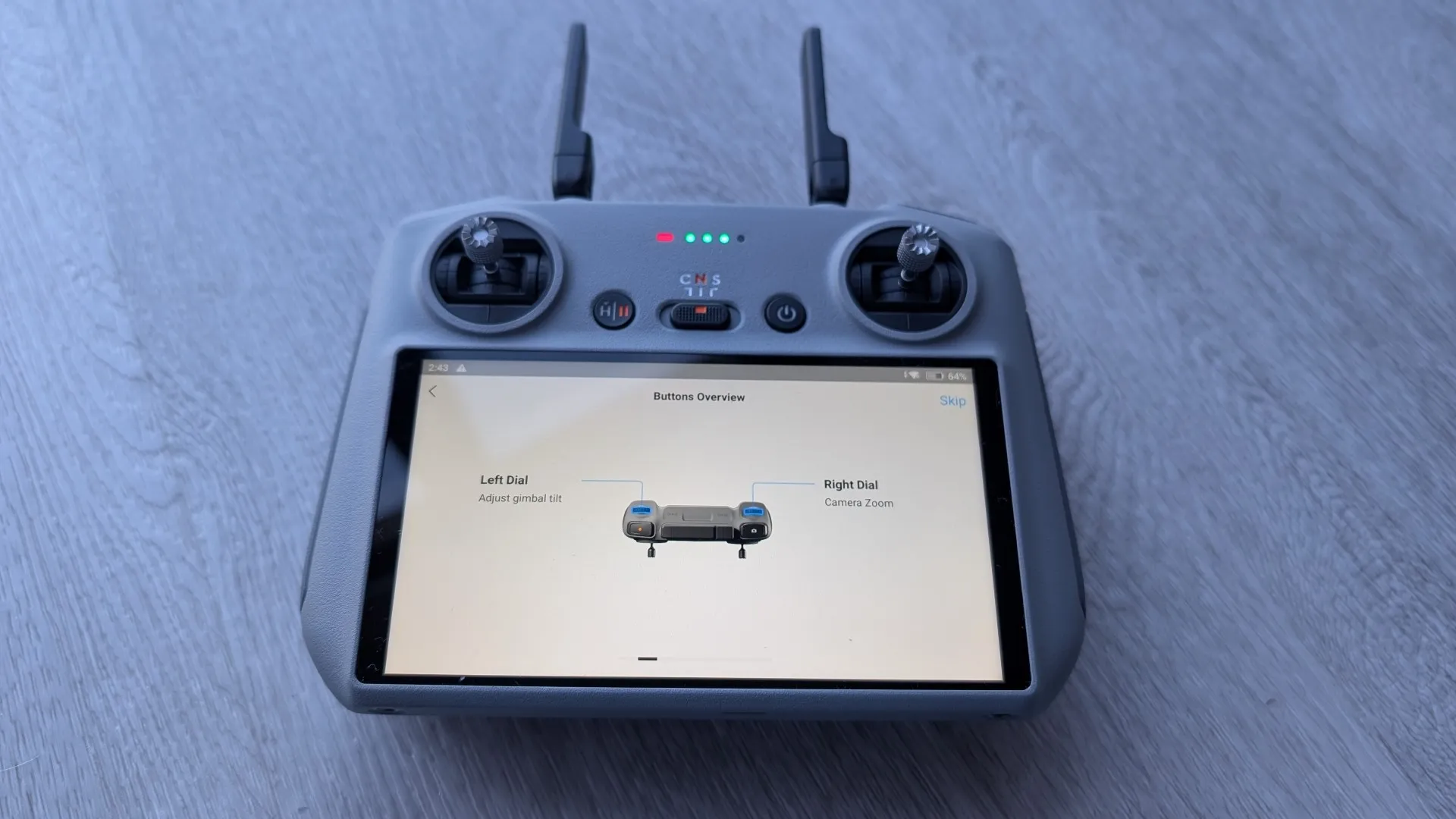
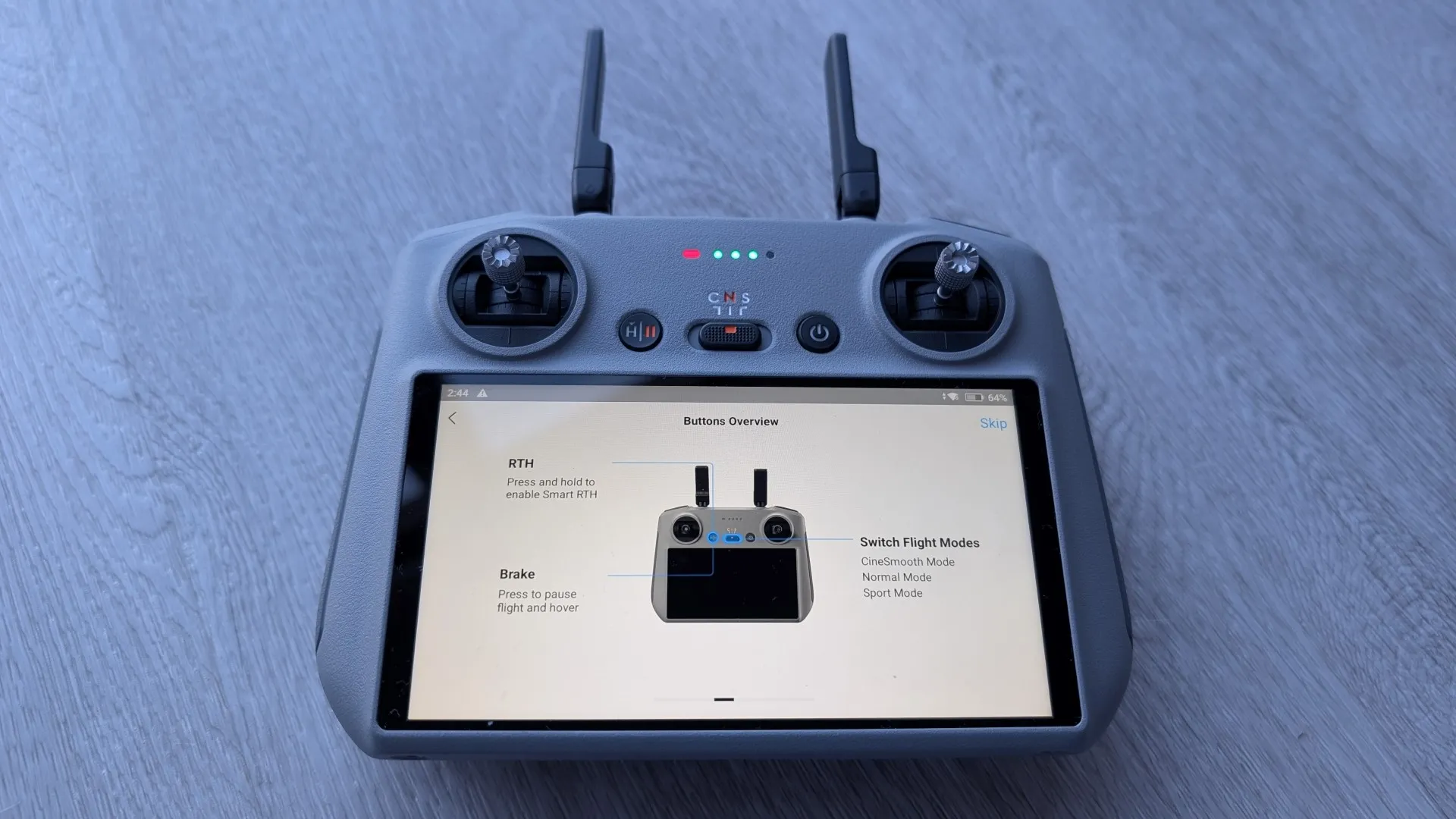
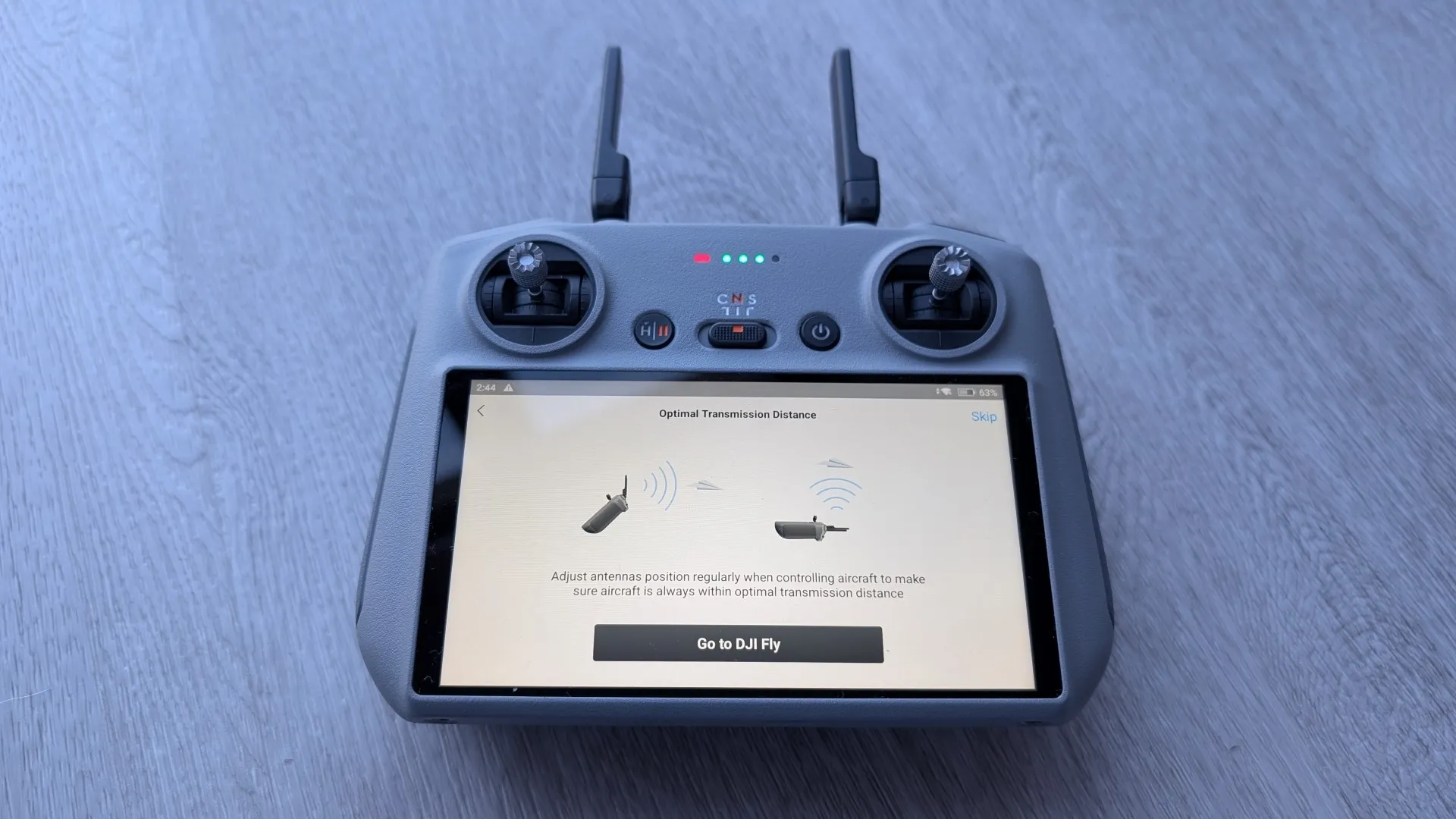
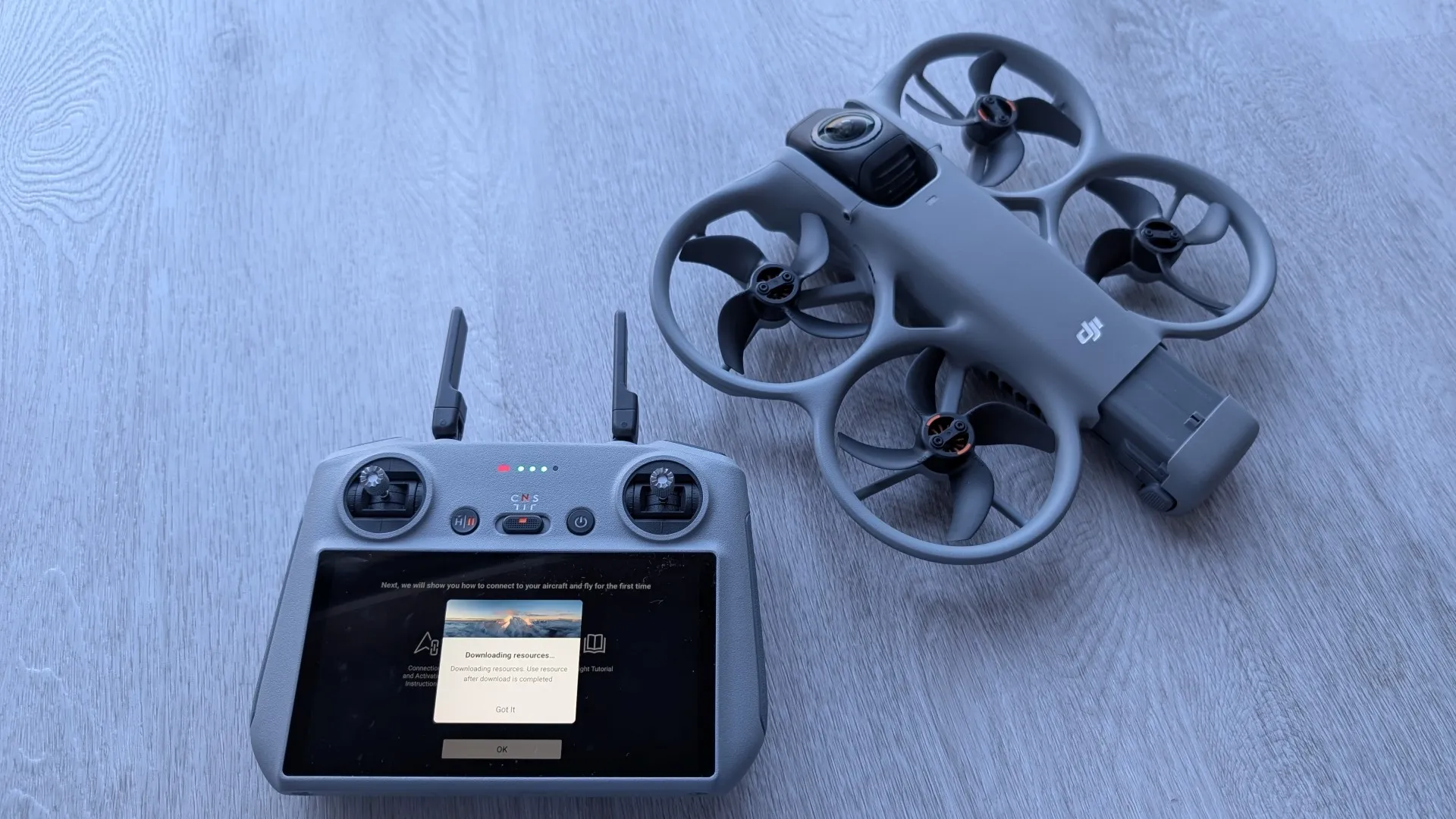
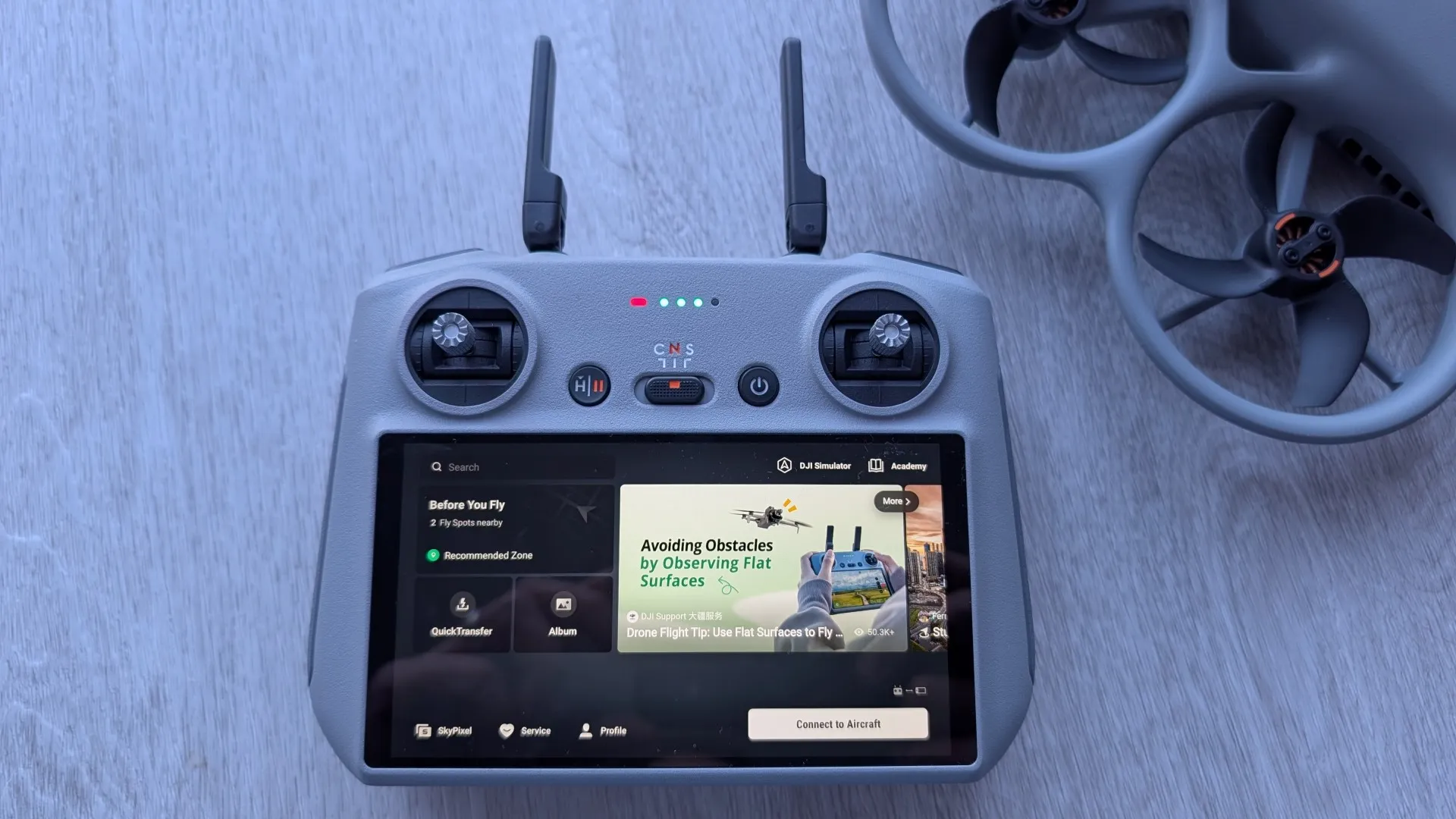
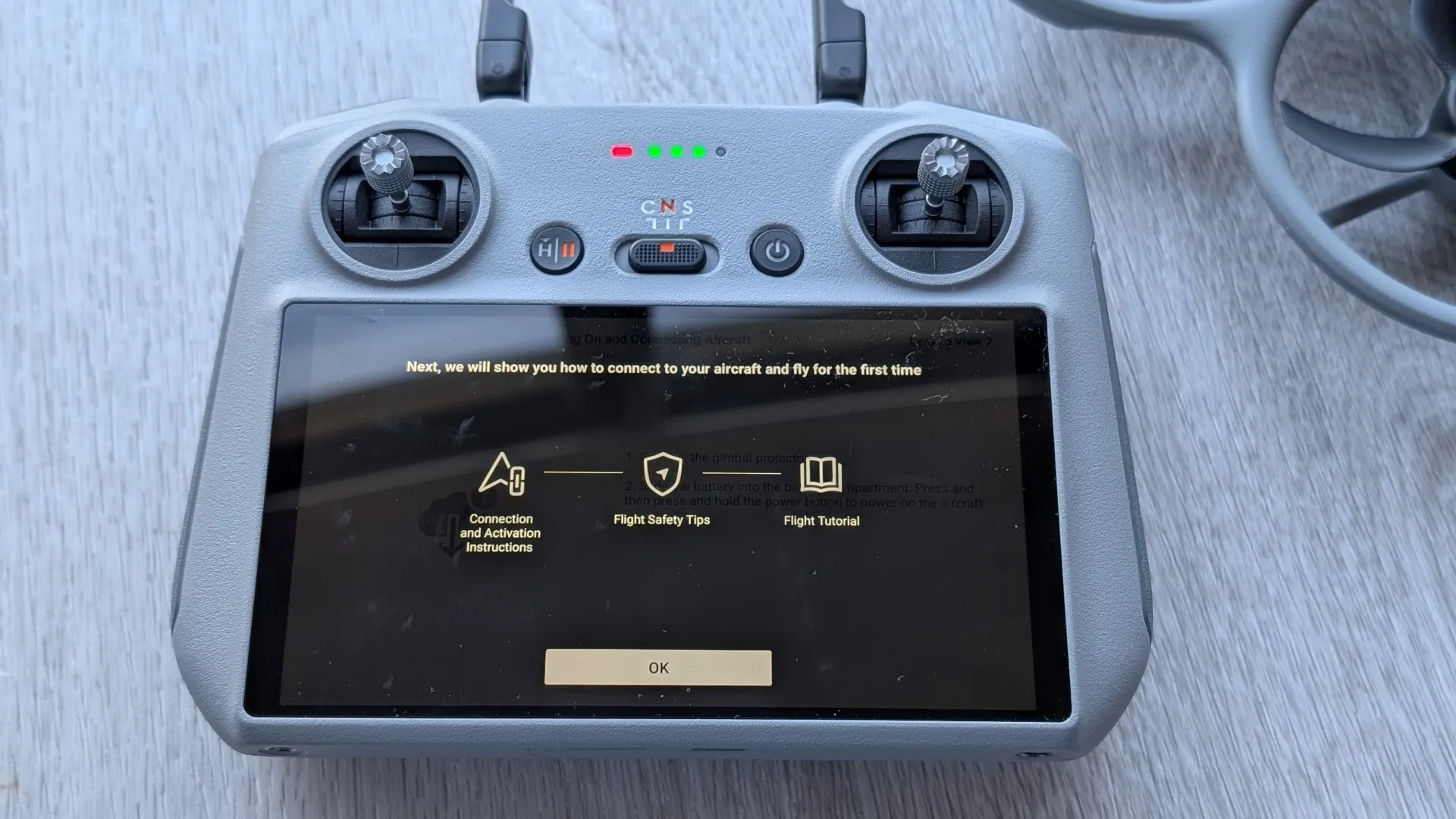
Connecting the drone to the RC2 is a relatively straightforward process and be aware that with the app, you need to sideload it due to the US Government ban in this company. However before you can connect it all together, you do need to charge the RC2 and the batteries for the Avata 360. There is also a brief tutorial to help new users and returning pilots to the infrastructure of DJI!
Taking Flight with the RC 2
Following up on our initial impressions, it was time to take the DJI Avata 360 to the skies to see how it handles in the wild. Testing the unit exclusively with the standard DJI RC 2, the performance was immediately impressive. Out of the gate, the drone is incredibly fast yet remarkably easy to control, responding to stick inputs with tight, predictable precision. Whether we were banking through tight turns or pushing the throttle on long straightaways, the resulting video was exceptionally clear and we managed to capture some genuinely stunning aerial shots, with the dual sensors effortlessly handling the sweeping landscapes and dynamic lighting to deliver mind-blowing clarity.
For the spec enthusiasts, here are five factual features that define this ultimate FPV setup from our hands-on time so far:
-
Massive Sensor Upgrade:
It packs dual 1-inch-equivalent sensors, which is a massive leap for capturing rich detail, dynamic range, and light. -
8K/60fps HDR 360° Video:
The footage is insanely high-resolution, allowing you to capture a full 360-degree perspective that looks fantastic right out of the drone. -
DJI Goggles N3 Cockpit View:
They deliver a crystal-clear 1080p ultra-wide view, complete with a roomy, glasses-friendly design. -
RC Motion 3 Acrobatics:
The system is built for intuitive, motion-based acrobatics, flips, and tight drifts via Easy ACRO. -
Replacement Lens Kit Included:
Essential for FPV flying, ensuring you stay prepared for the unexpected when pushing boundaries.
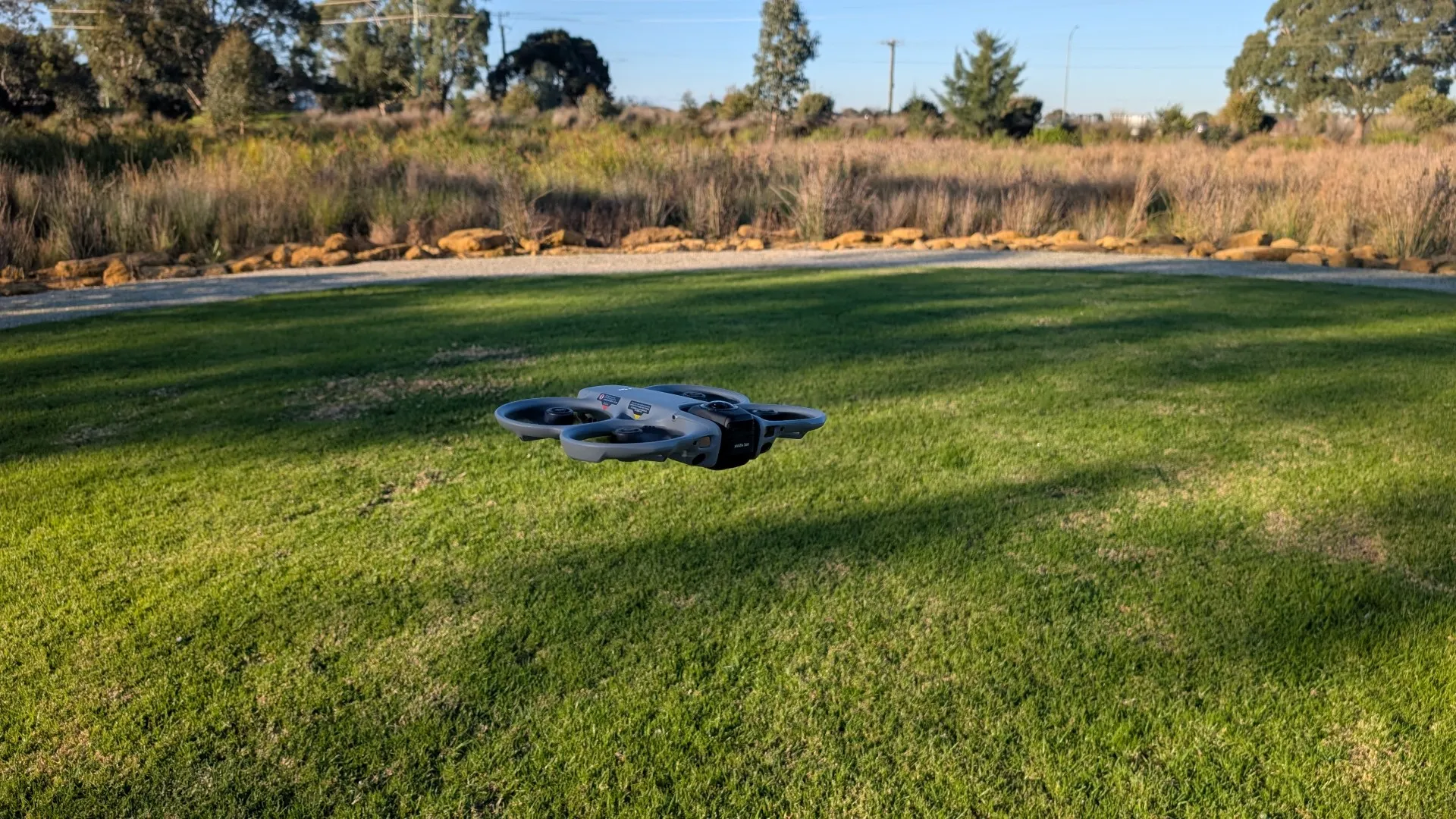
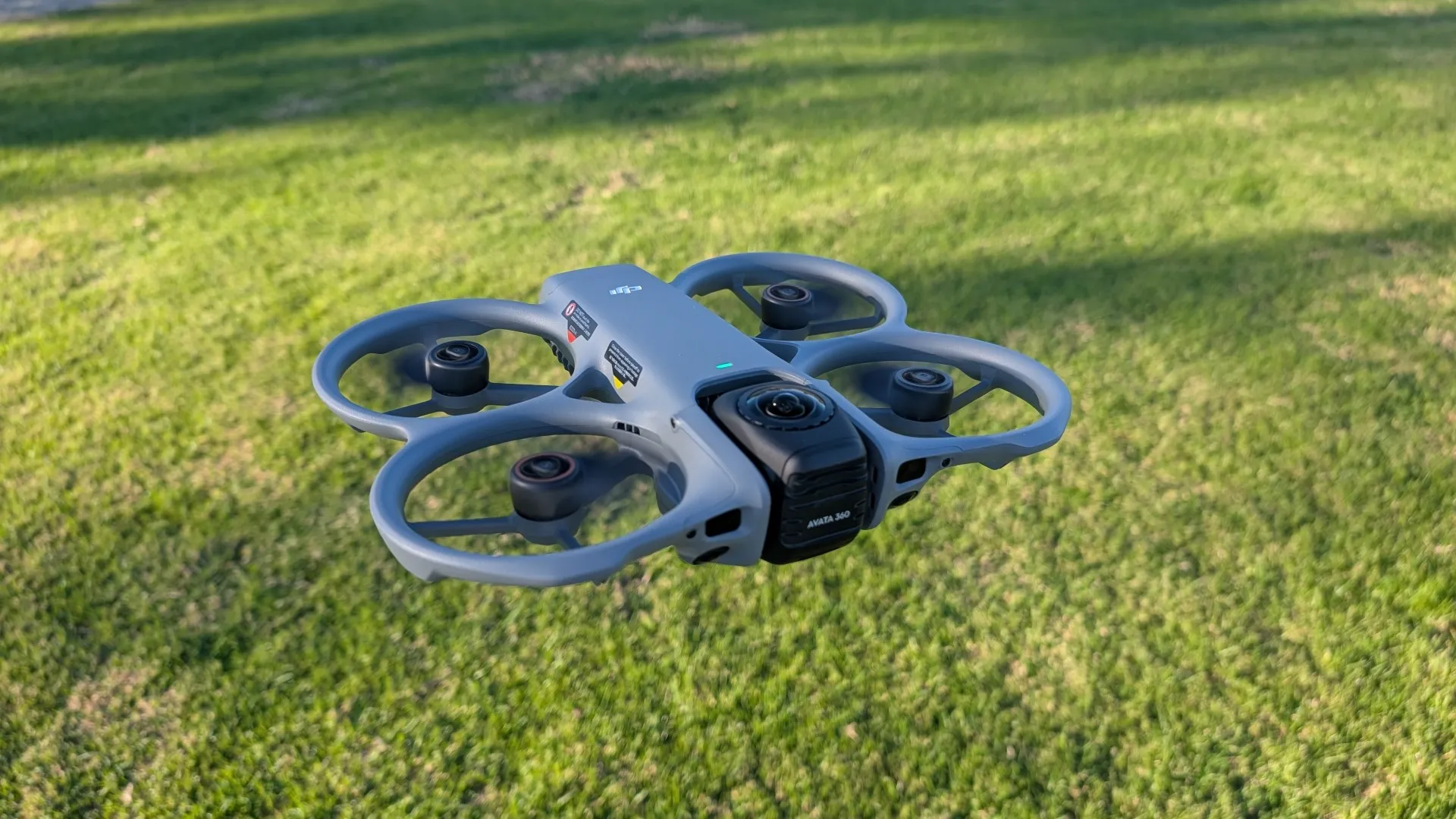
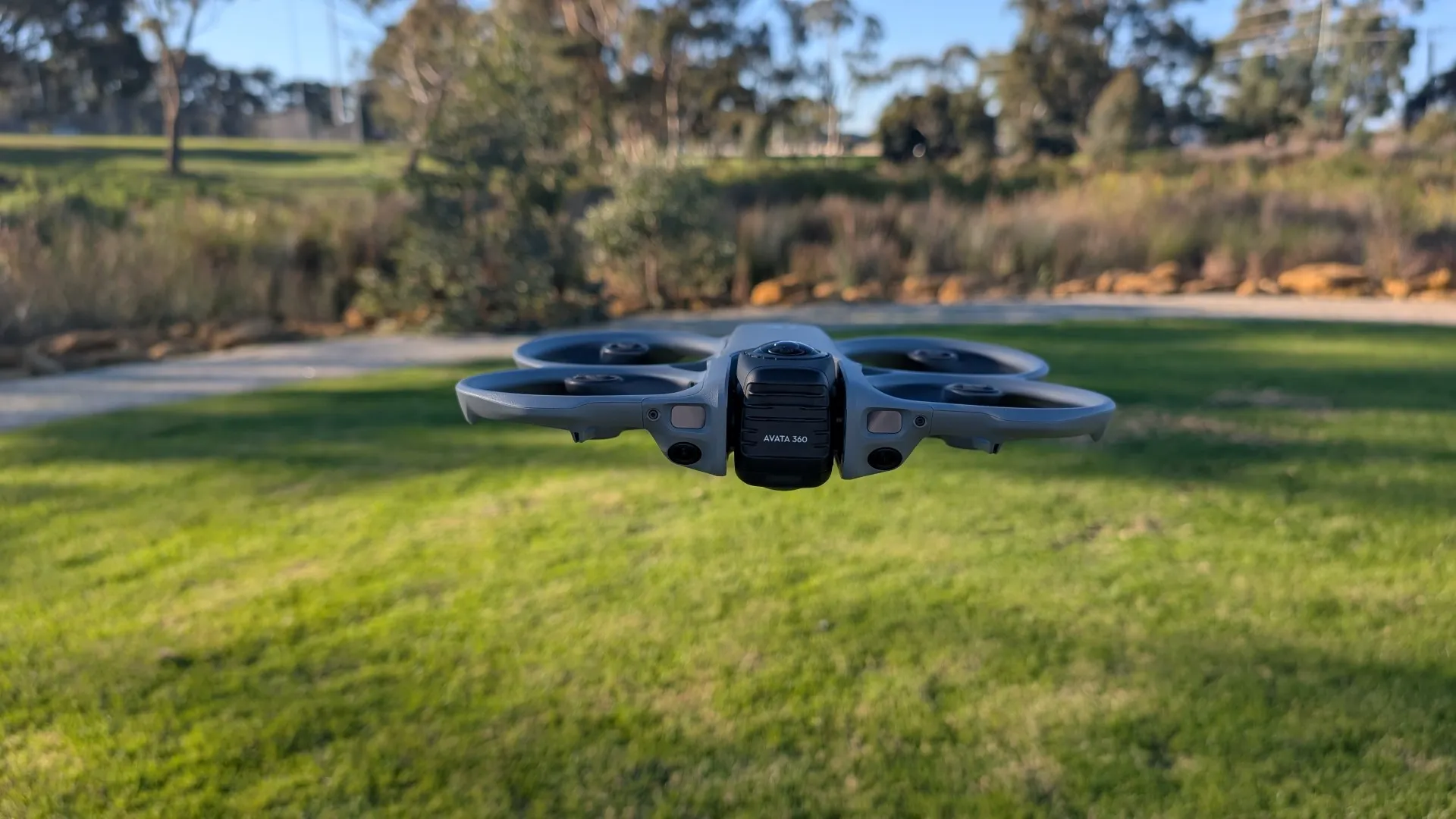
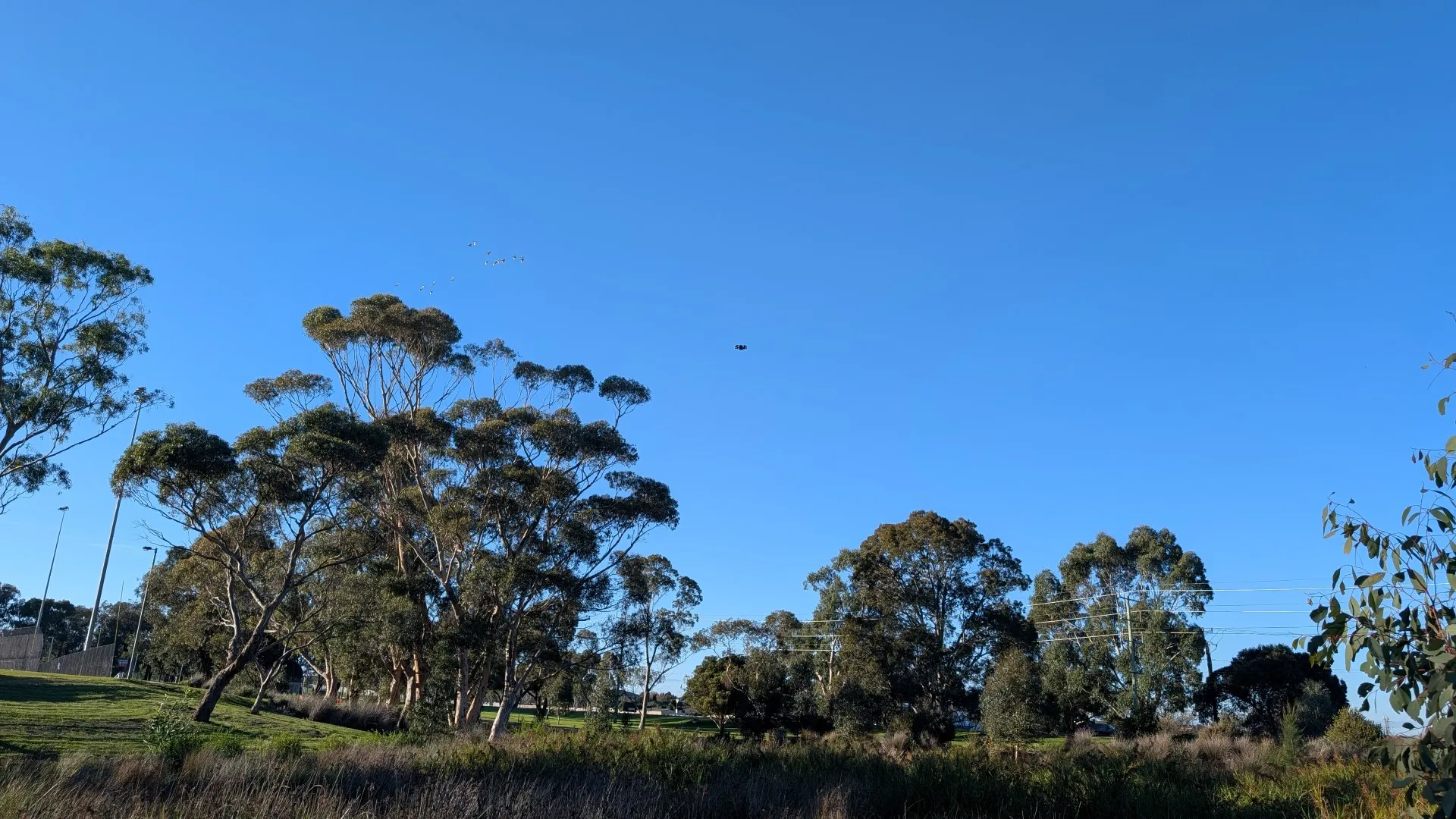
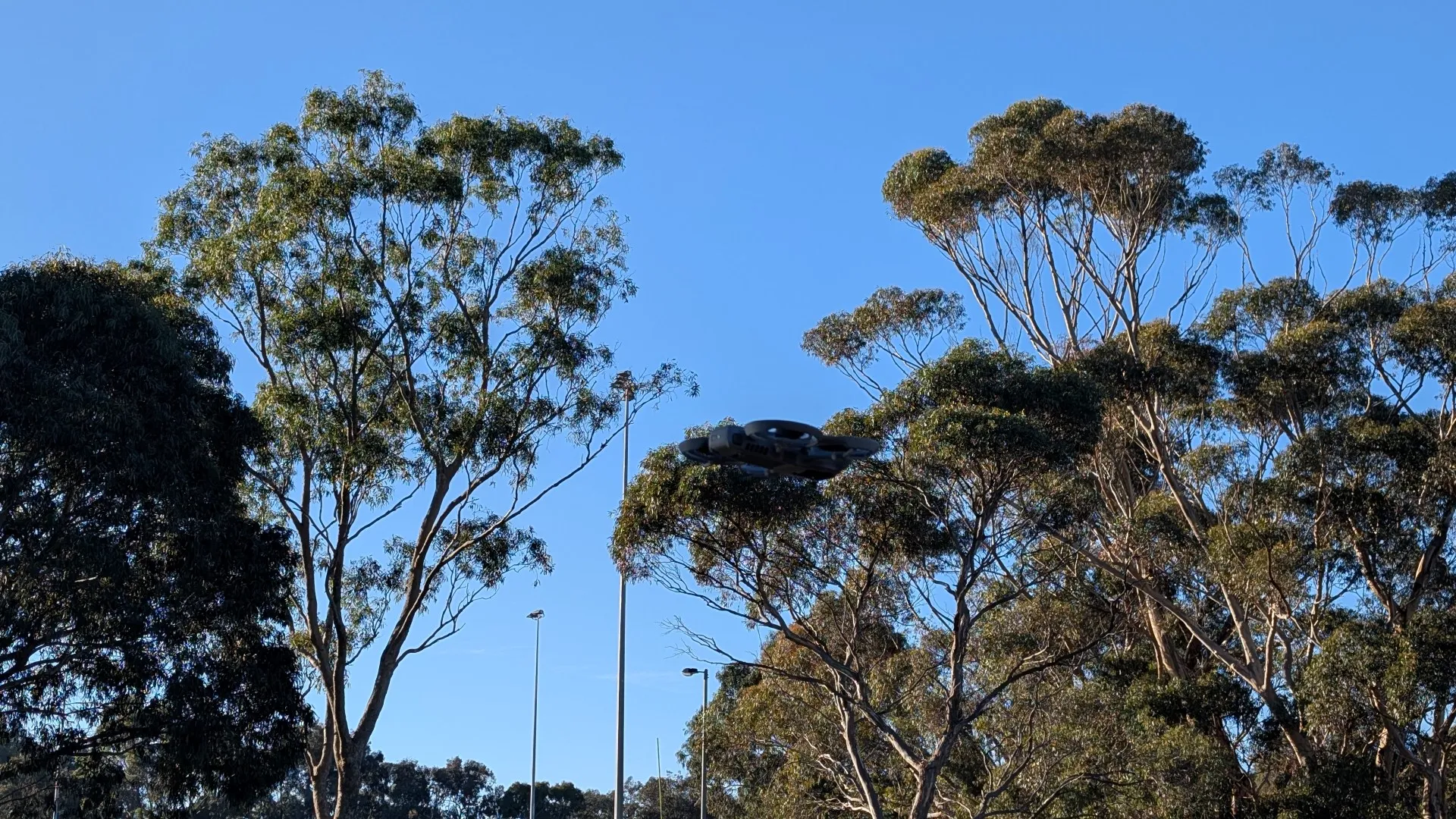
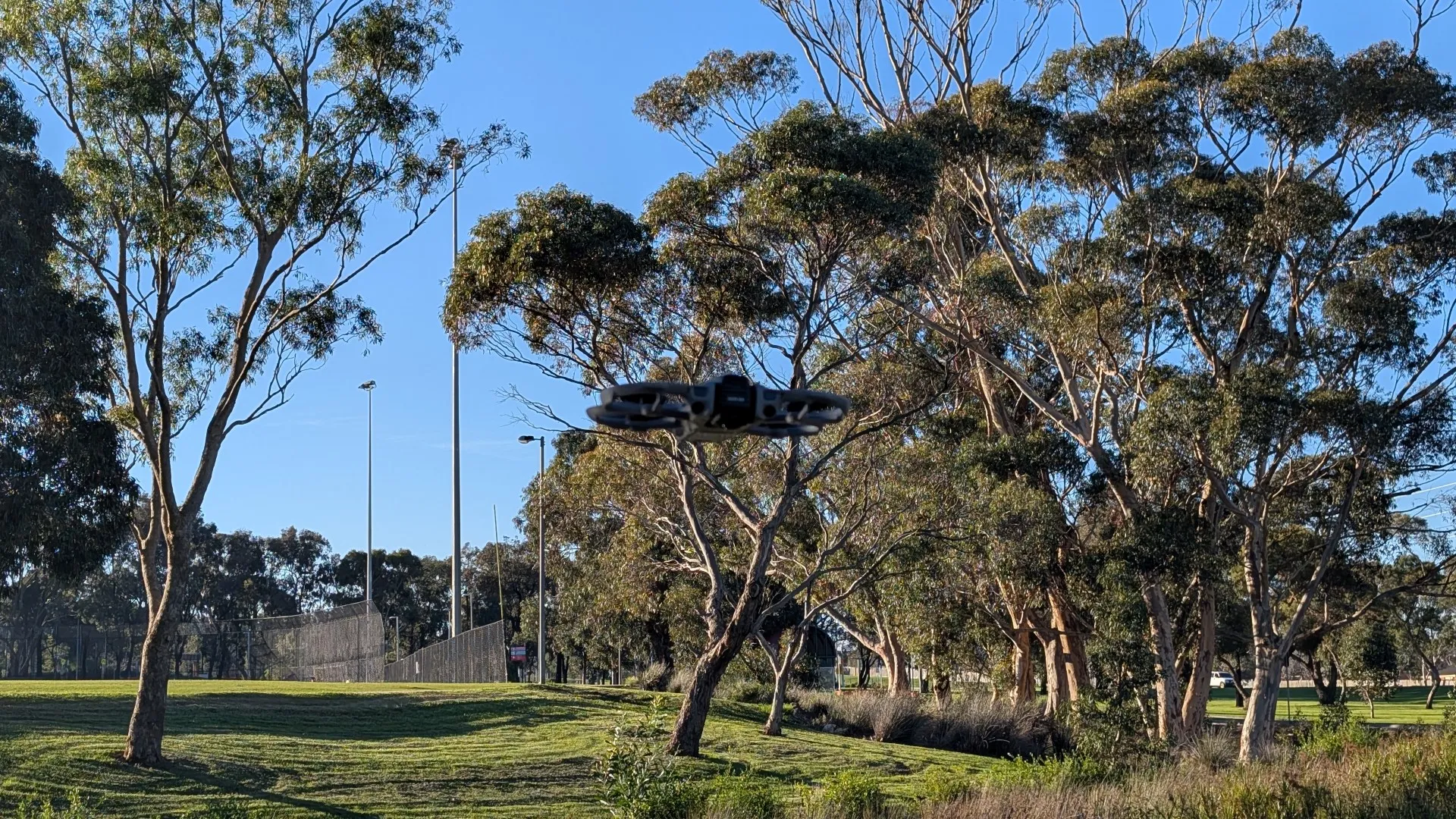
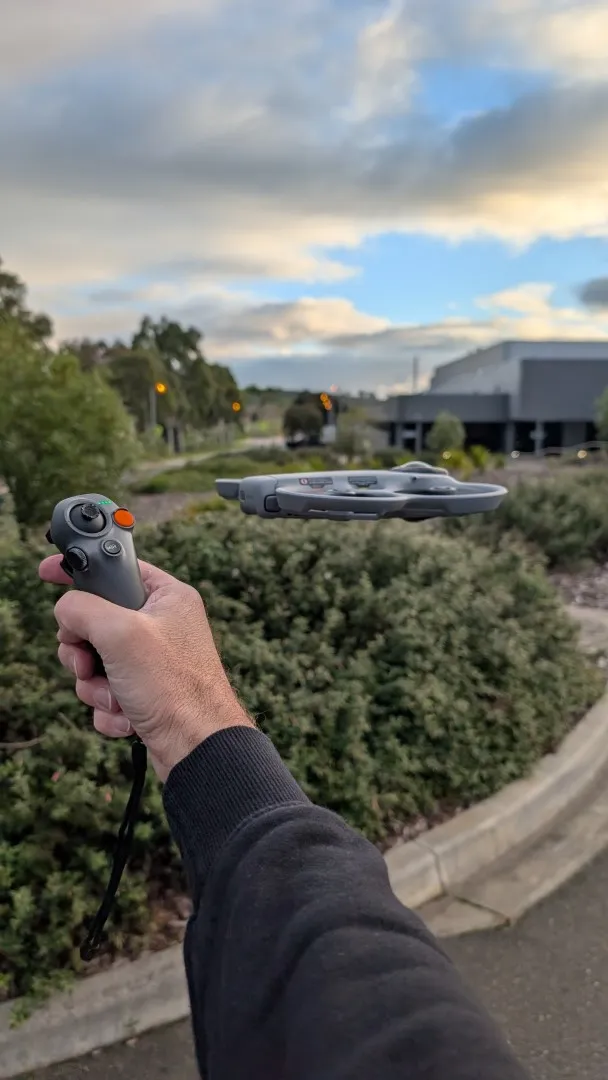
With the standard RC 2 testing wrapped up for the DJI Avata 360, it was time to step directly into the cockpit. DJI has effectively gamified the real-world flight experience, turning the sky into your own personal sandbox through the synergy of their headset and motion controller. In other words, you become the drone and just like the Ubisoft game Eagle Flight, you literally get a bird’s-eye view of what the Avata 360 is capturing that is not only in real-time, but you’re controlling it with the DJI RC Motion 3.
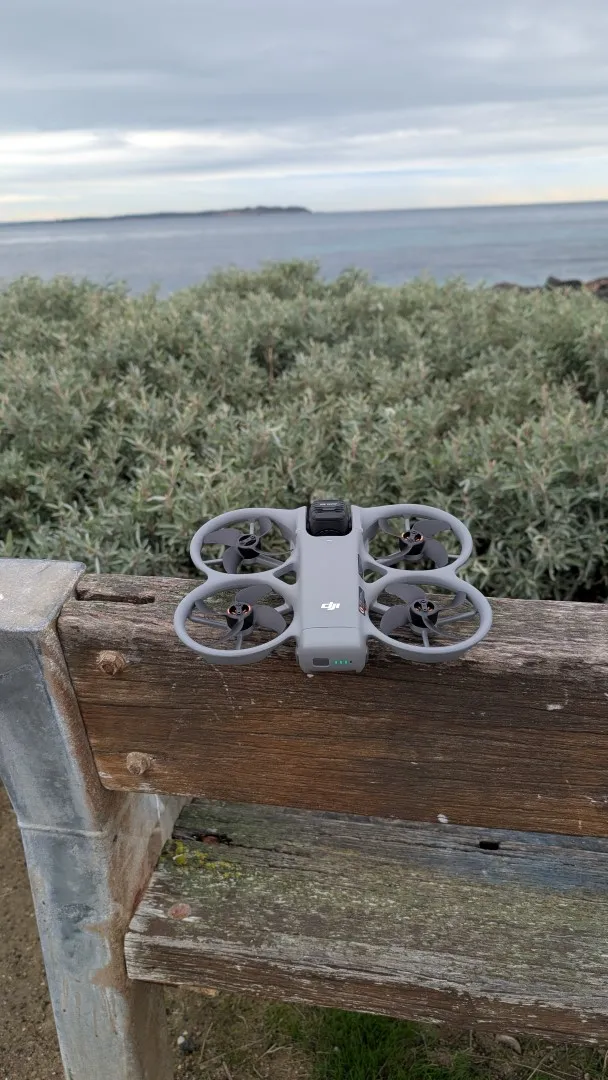
Setup
Getting airborne in full FPV mode is a relatively straightforward process, though keeping your hardware up to date is crucial. For the pairing to be successful, you need to ensure all your devices are updated to the latest firmware via the DJI Fly app on your smartphone before beginning. If you already own previous DJI FPV gear, the Avata 360 also supports backward compatibility with hardware like the DJI Goggles 3 and RC Motion 2.
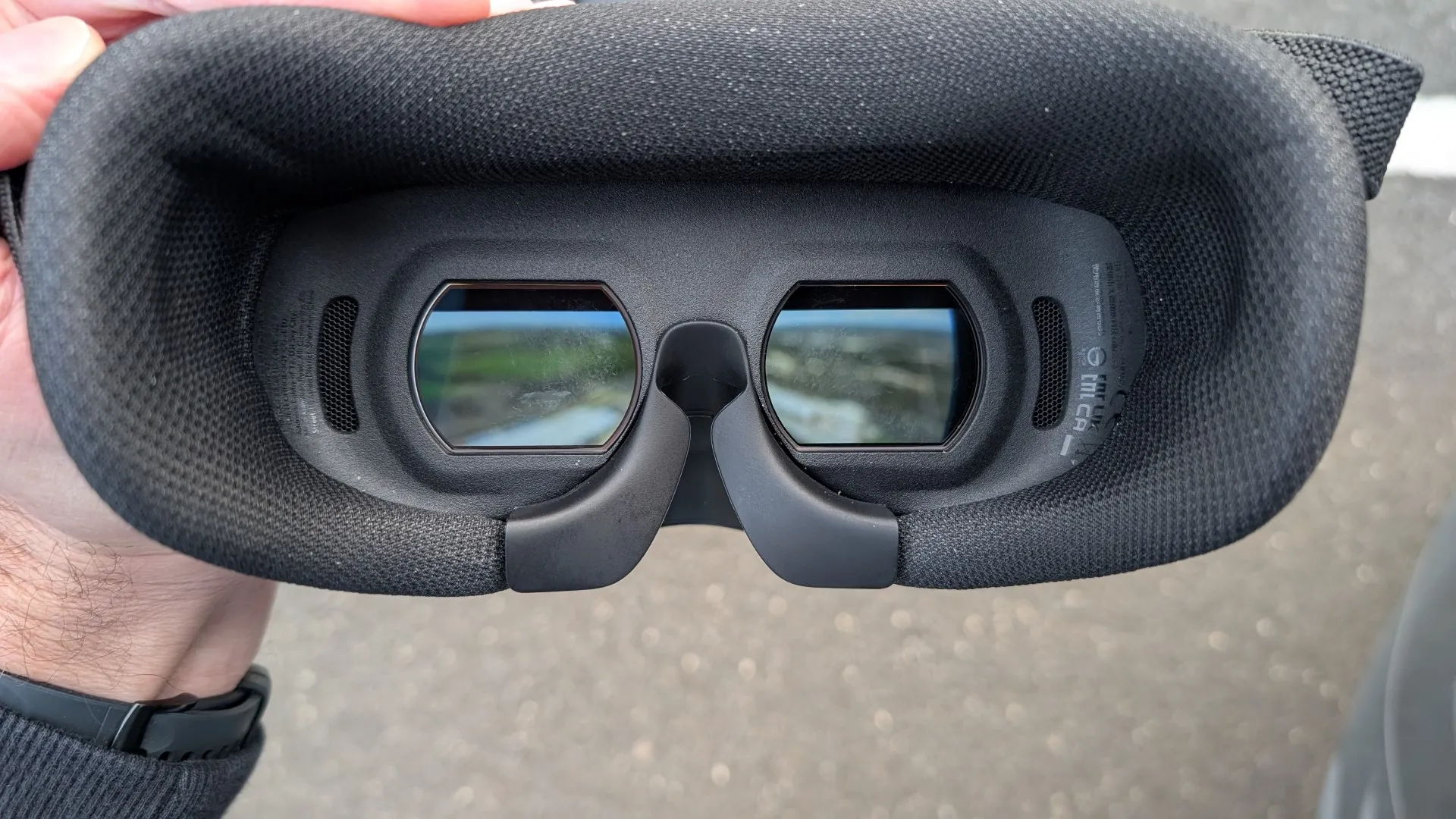
The next stage is even easier:
-
Power Up:
Turn on the DJI Avata 360, the DJI Goggles N3, and the DJI RC Motion 3 controller. -
Link Drone to Goggles:
Press and hold the power button on the Avata 360 until it beeps. Then, press and hold the power button on the Goggles N3 until they beep to link the two together. -
Link Controller to Goggles:
Press and hold the power button on the Goggles N3 again until it blinks yellow, then hold the power button on the RC Motion 3 until it begins to beep continuously, finalizing the control link. -
Calibrate and Fly:
Follow the on-screen setup wizard in the goggles to finalize the link and get ready to start channeling your inner eagle.
For FPV newcomers, which is basically everyone, DJI includes an excellent built-in tutorial that guides you through the nuances of the headset layout and, more importantly, mastering the motion controller before you take your first real-world risks.
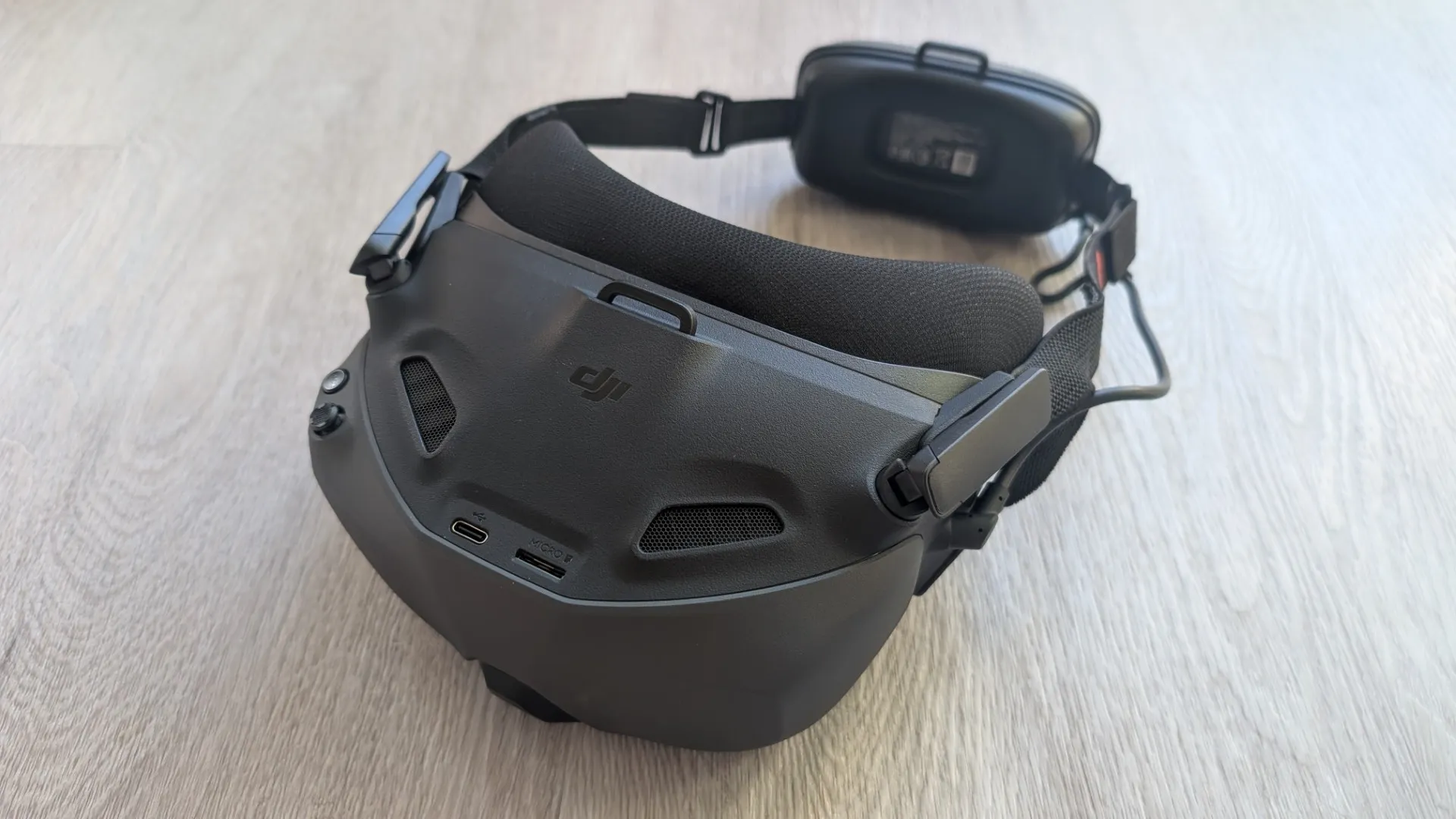
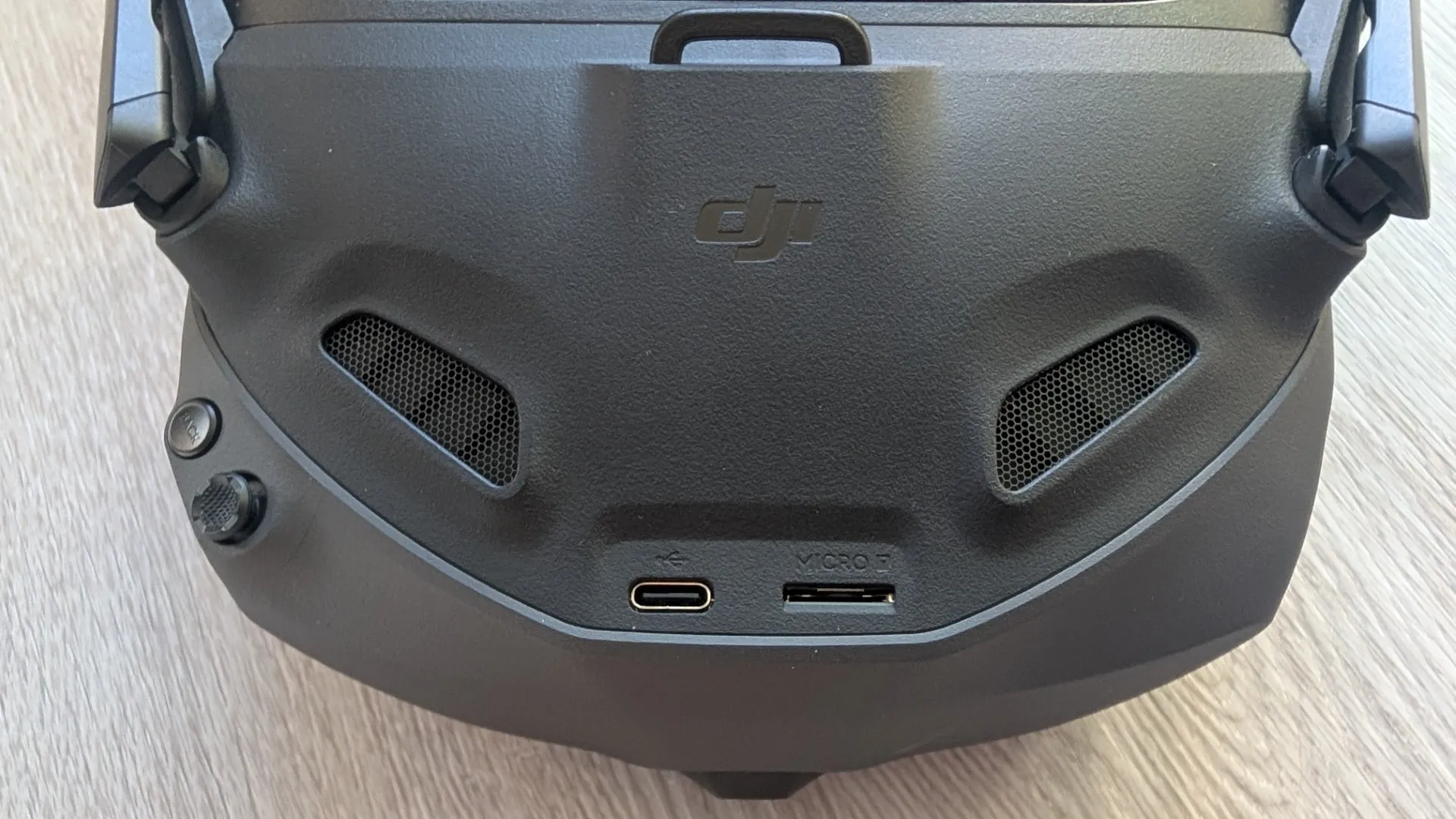
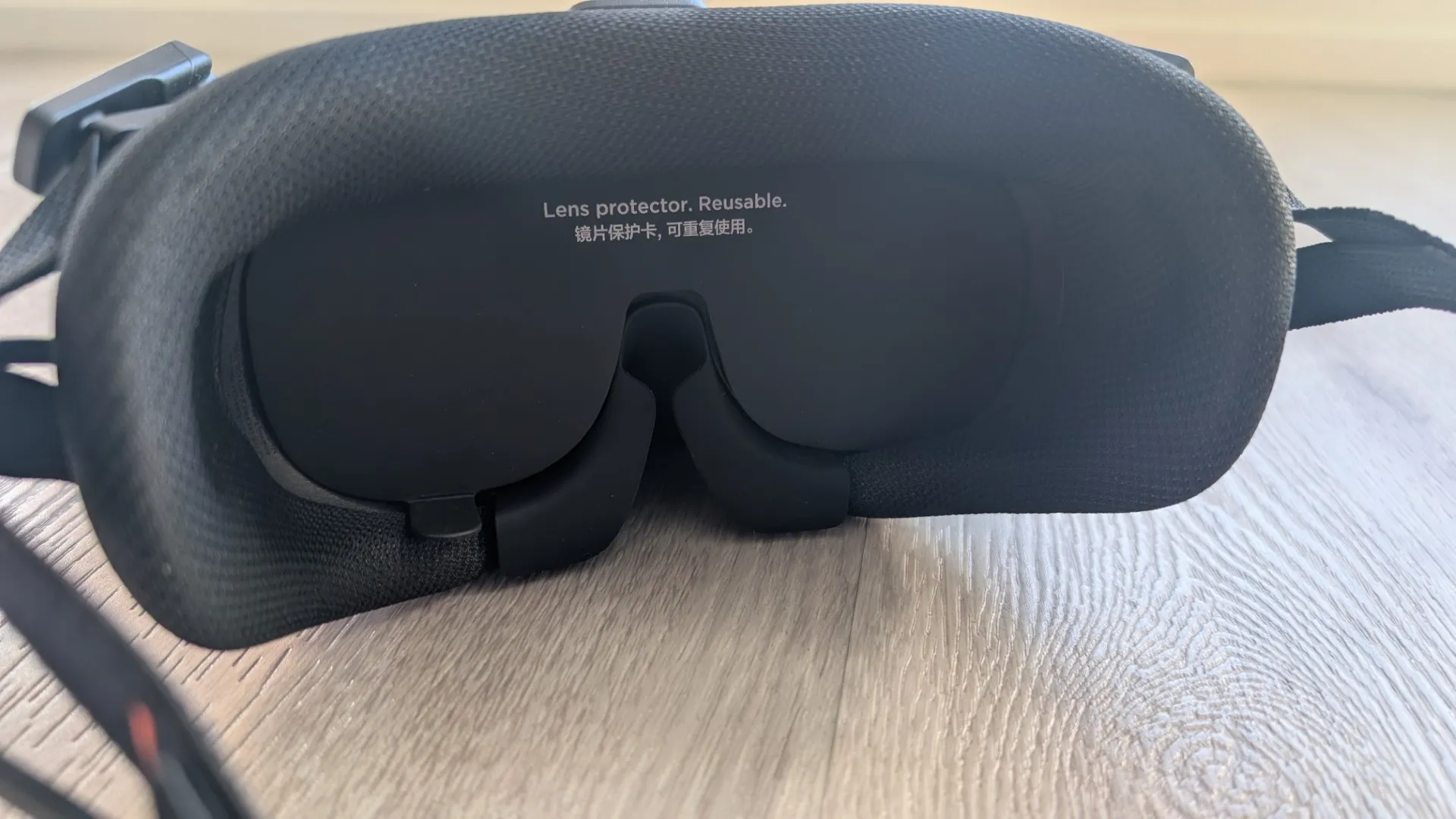
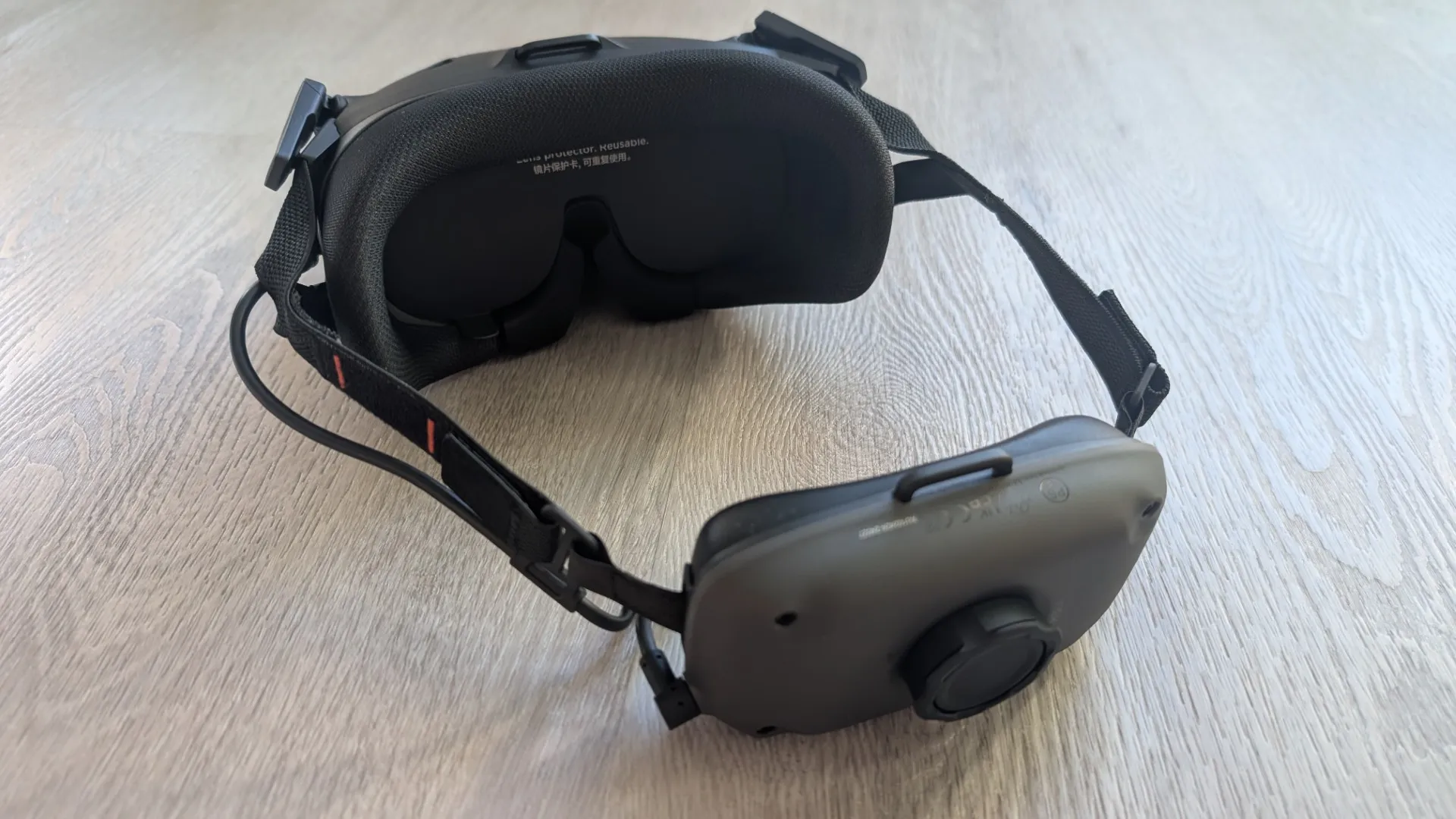
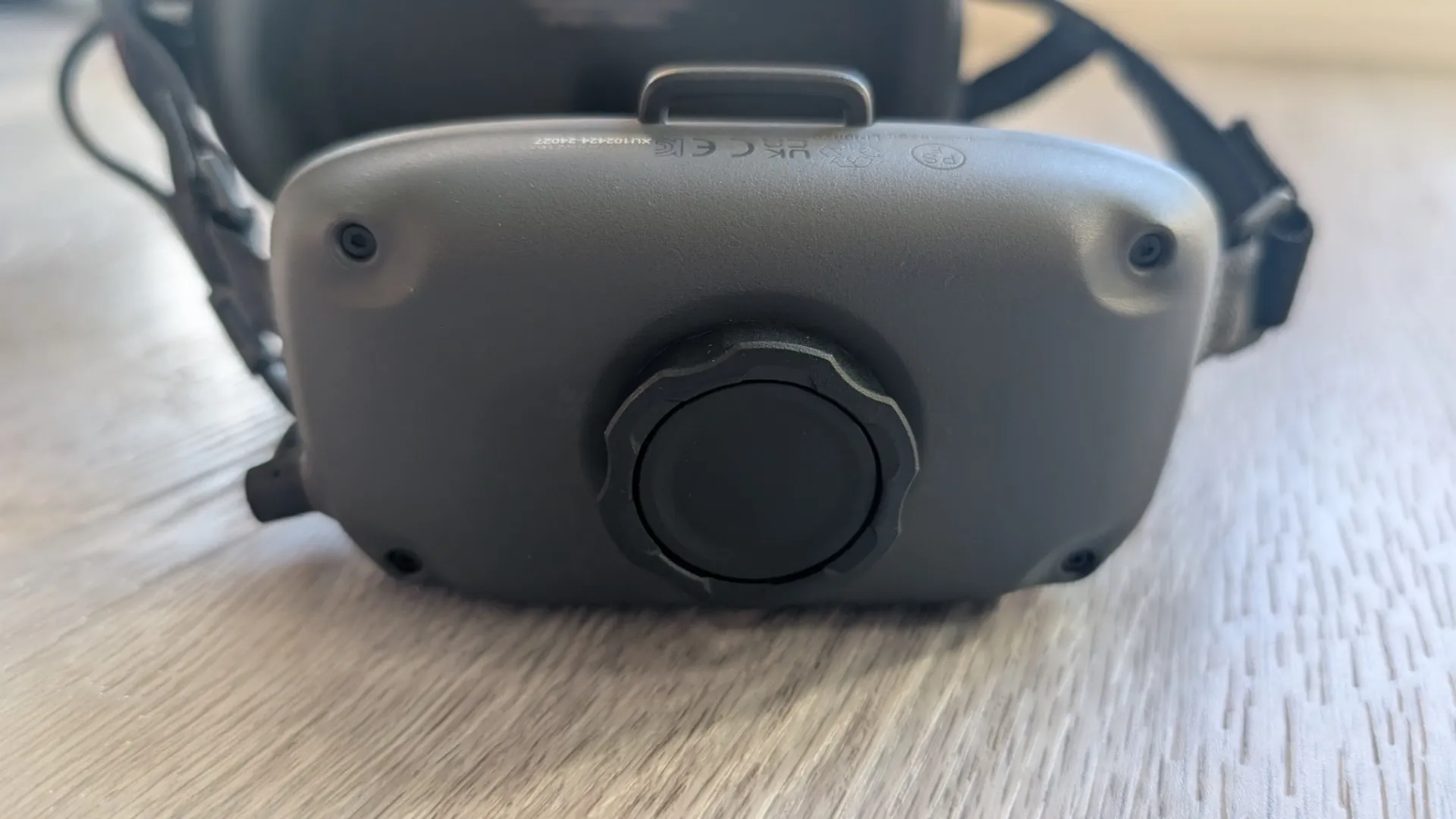
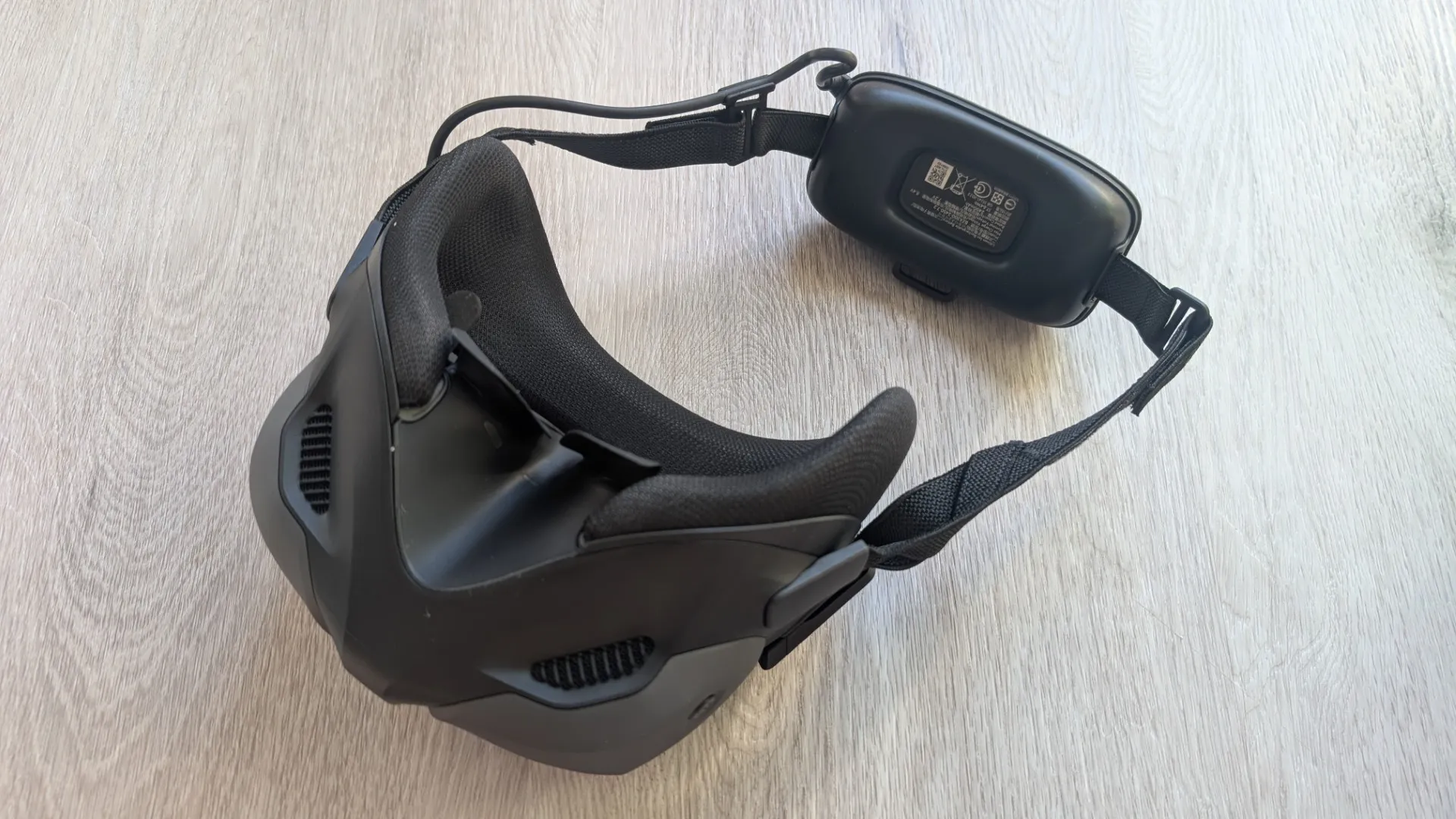
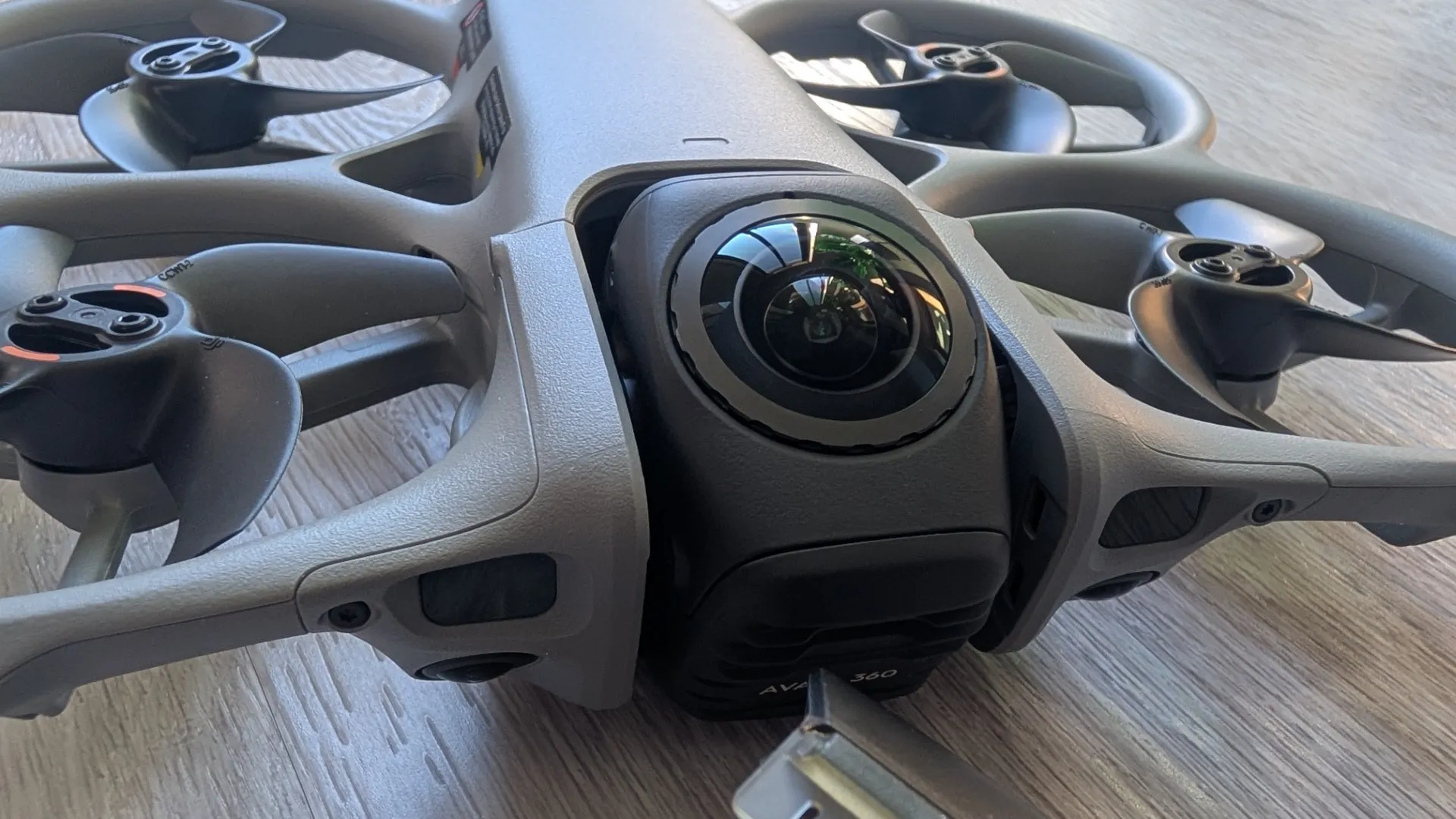
The In-Flight Experience
When you finally pull the DJI Goggles N3 over your eyes, you enter the “drone” in a way that feels less like operating machinery and more like a sci-fi transformation and to borrow a phrase from Neo in The Matrix, it’s time to “Free your mind”. The experience is nothing short of surreal, and the perspective delivered through the goggles is exceptionally clear and smooth, removing the barrier between pilot and aircraft. With the RC Motion 3 in hand, the Avata 360 ceases to feel like a remote-controlled device and instead becomes a literal extension of your own body. By simply tilting your wrist, you command a level of control that a traditional twin-stick RC cannot replicate.
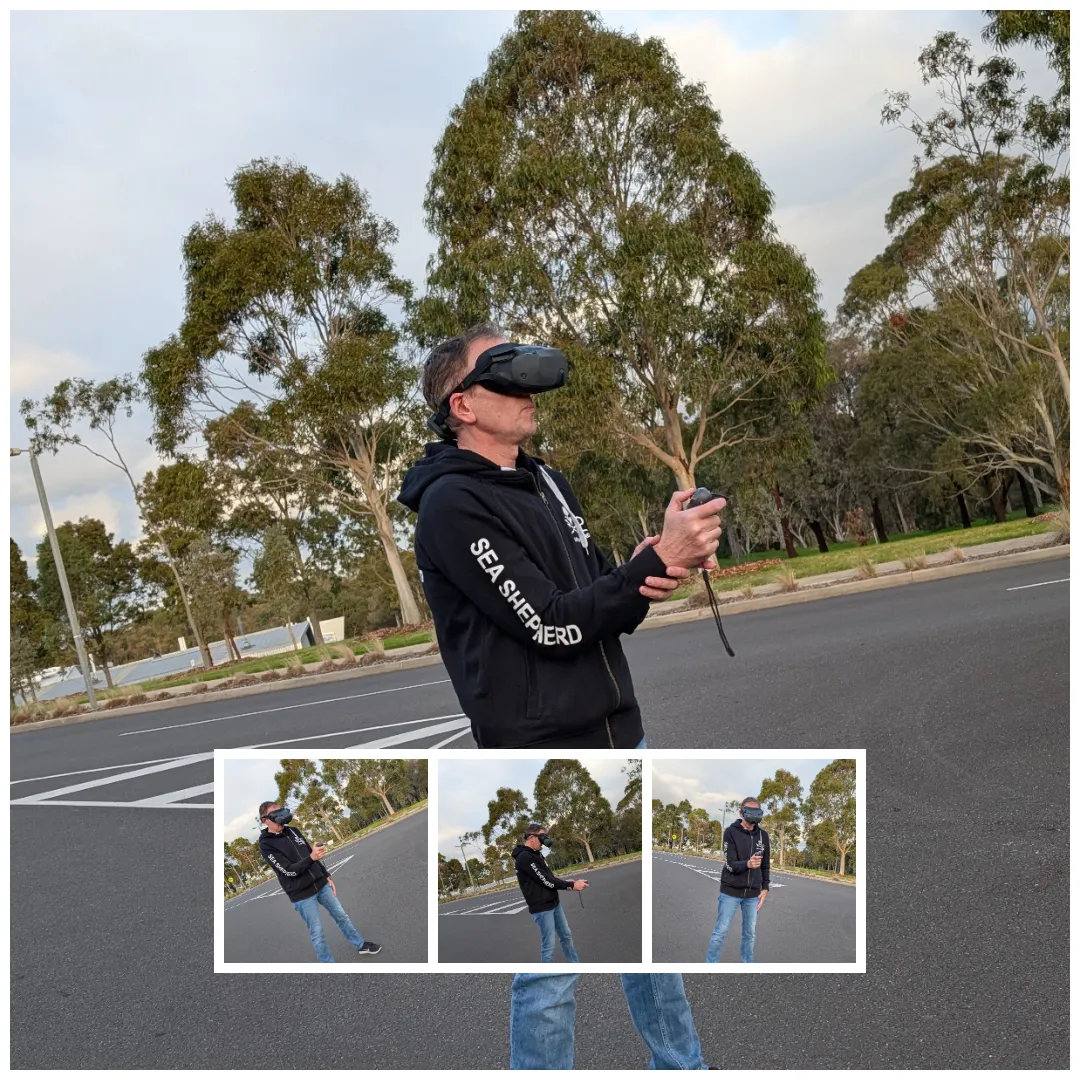
There is, of course, a brief learning curve as your brain adjusts to the sheer physics of first-person flight, but DJI’s intuitive design ensures you can comfortably take to the skies almost immediately. The system is built to scale directly with your confidence and the more you fly, the more skilled you become. You can easily level up from Beginner Mode to the balanced cadence of Normal Mode, before finally unleashing Sport Mode for some truly unparalleled speed, agility, and performance. When you push the throttle and slice through a tight turn in Sport Mode, only one word comes to mind—and again, another Neo quote from the Matrix—“Whoa”. This is also due to the RC Motion 3 controller thanks to its ergonomic motion tracking and smartly simplified layout. Every vital function sits right at your fingertips without cluttering your grip, including a two-stop throttle design and a perfectly placed side-mounted button to trigger your recording mid-flight. (Note: While ‘Easy Acro’ is the default with the Motion controller, the drone also fully supports true Manual acro mode if paired with the separate DJI FPV Remote Controller 3).
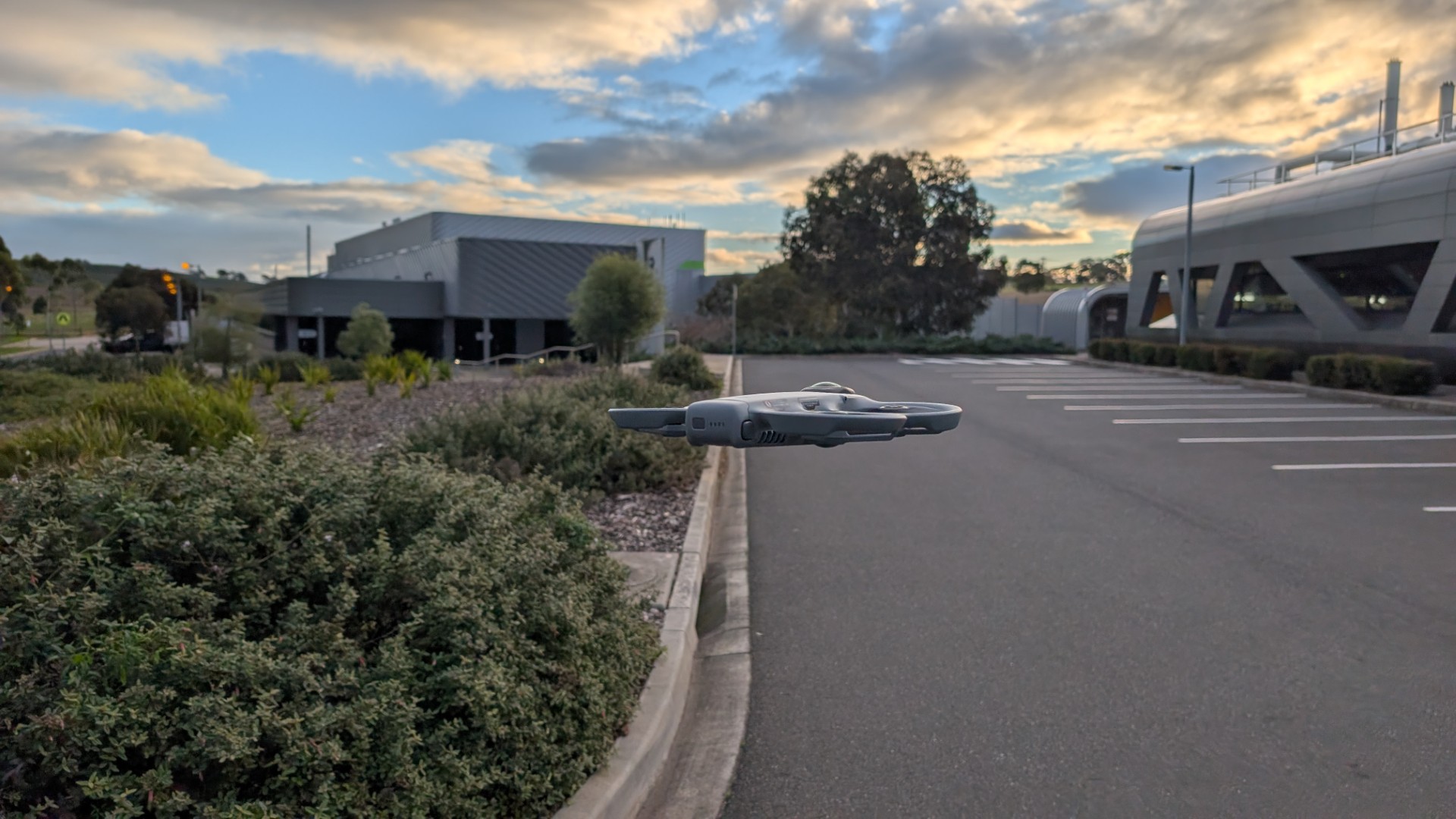
While flying, you are protected by a robust safety net: the drone features active nightscape omnidirectional vision sensing, supplemented by forward-facing LiDAR and bottom Time-of-Flight (ToF) sensors for low-light navigation and precision hovering.
Video
The quality of the video captured during these high-speed maneuvers is extraordinary due to the advanced dual 1/1.1-inch 64MP sensor configuration which definitely allows for cinematic drone footage. Paired with custom-engineered f/1.9 ultrawide lenses, this video technology captures a complete, seamless 360-degree canvas at an astonishing 8K resolution at 60 frames per second. For professional creators, the camera also supports a 10-bit D-Log M color profile for advanced grading, alongside RockSteady and HorizonBalancing stabilization.
.
.
And because the system records the entire environment simultaneously, it eliminates the traditional worry of framing the perfect shot while navigating tight spaces. The massive 1-inch-equivalent architecture ensures excellent dynamic range and low-light performance, preserving crisp textures, rich colors, and lifelike depth even during high-velocity sports tracking or dramatic lighting transitions.
If you don’t want to deal with full 360-degree reframing, the drone features a brilliant Single Lens Mode, rotating the camera forward to shoot classic, forward-facing 4K/60fps FPV video instead.
DJI Studio
Complementing all this accessible and impressive tech is DJI Studio, a fully functional desktop editing suite built specifically for DJI drones. It gives pilots the perfect way to elevate (pun intended) their footage, moving past basic cutting with advanced tools that add a true cinematic edge to aerial clips, including precise color correction, dynamic transitions, and seamless integration of high-quality music tracks to set the perfect mood.
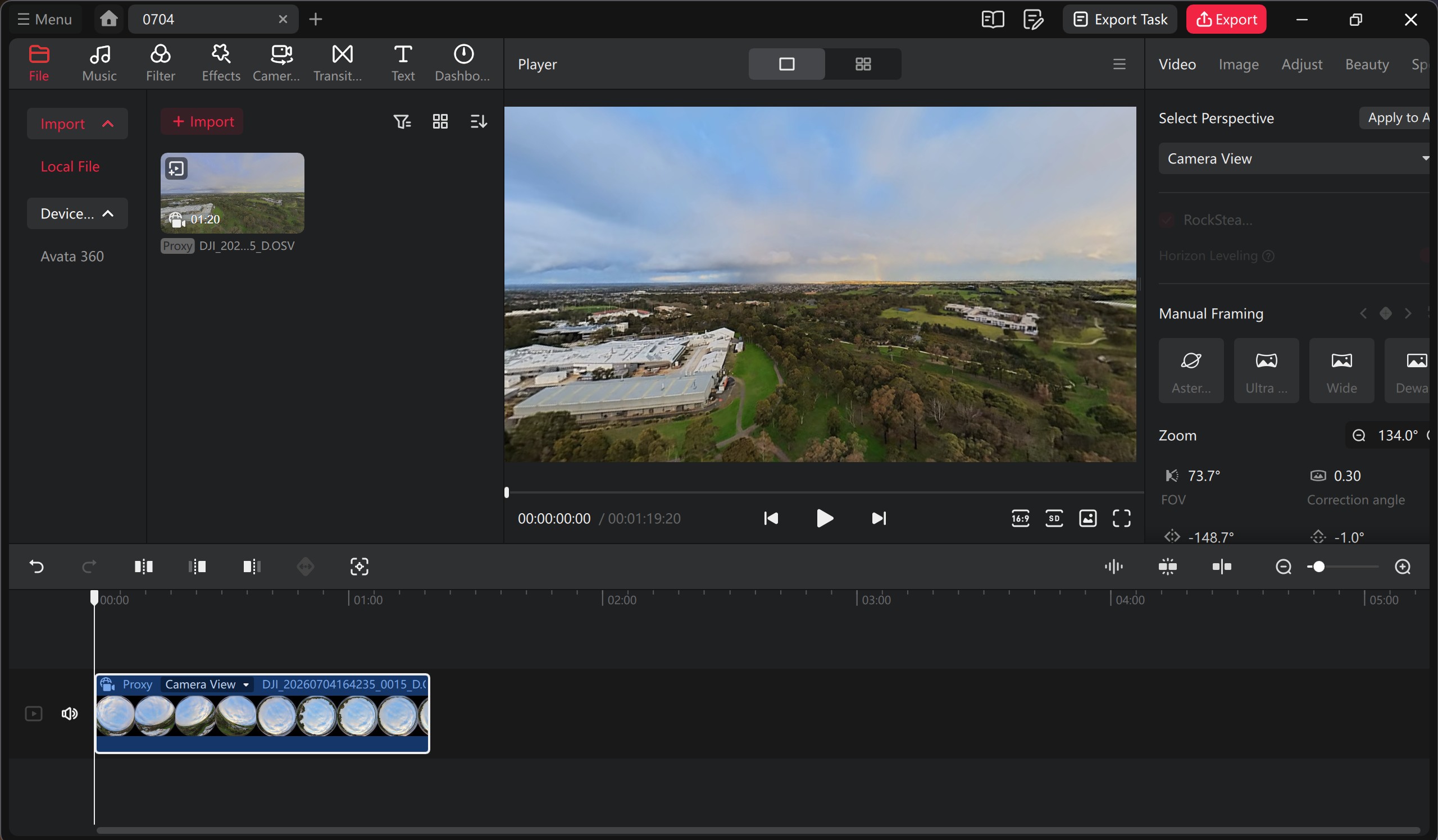

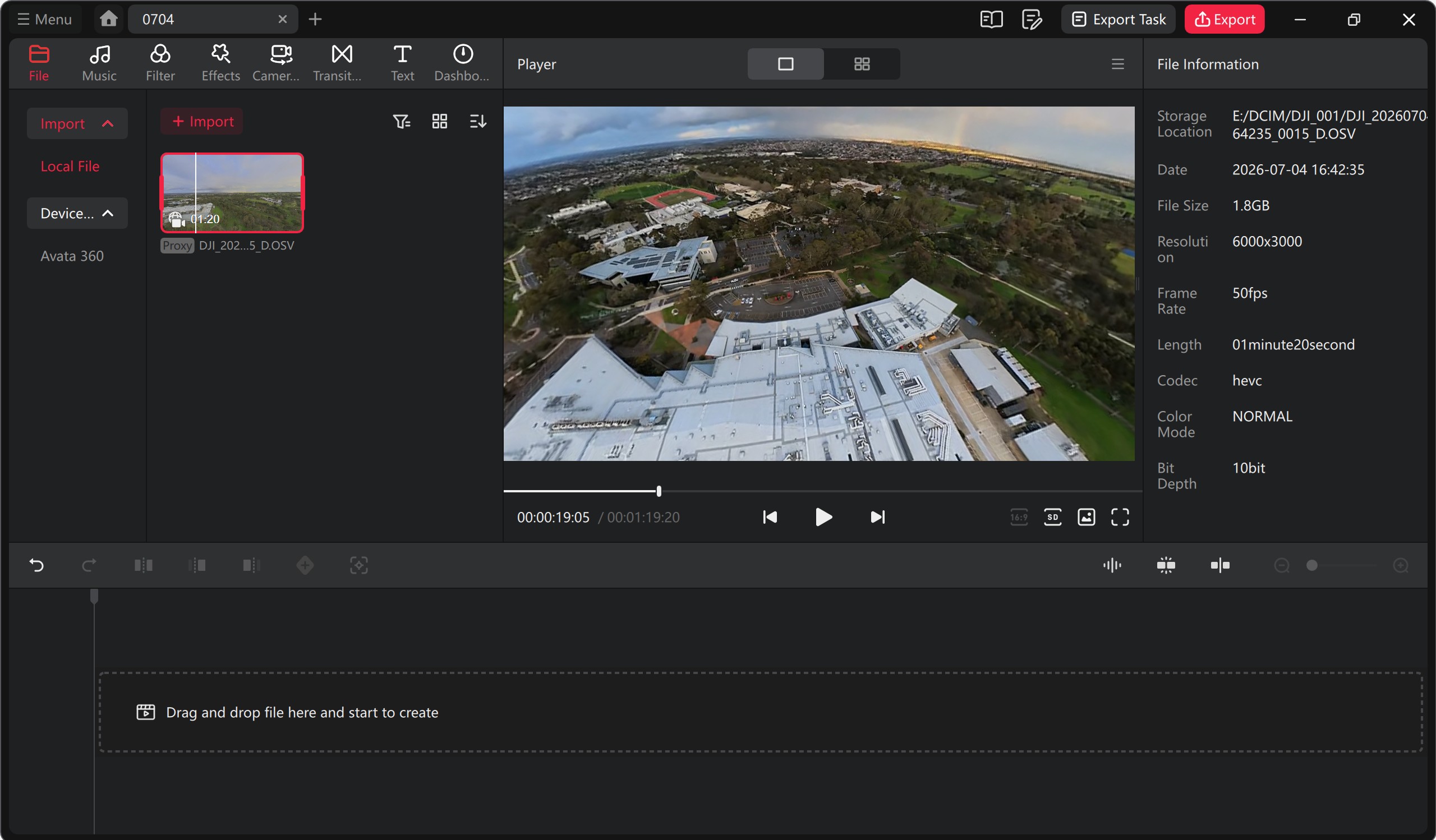
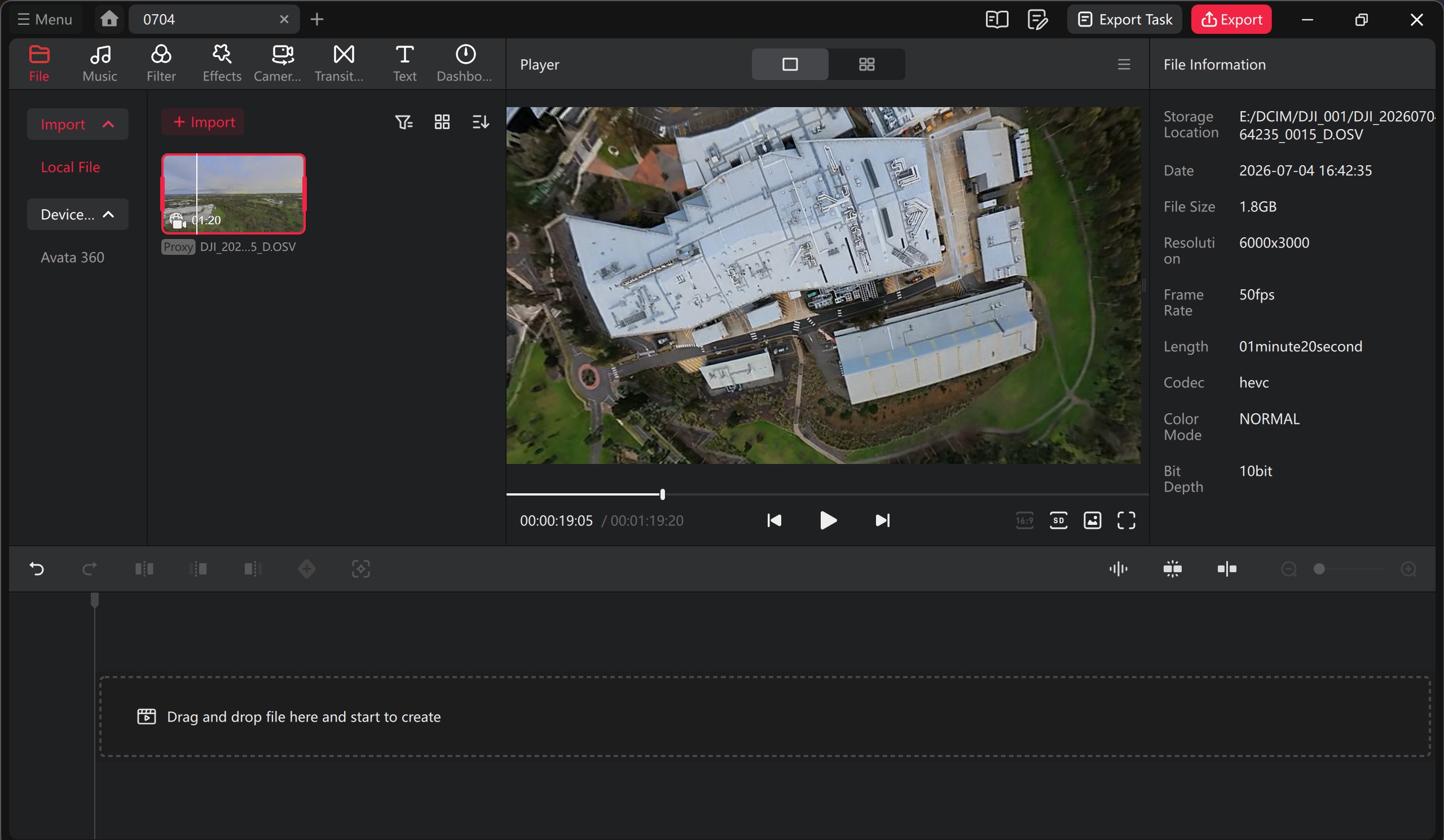
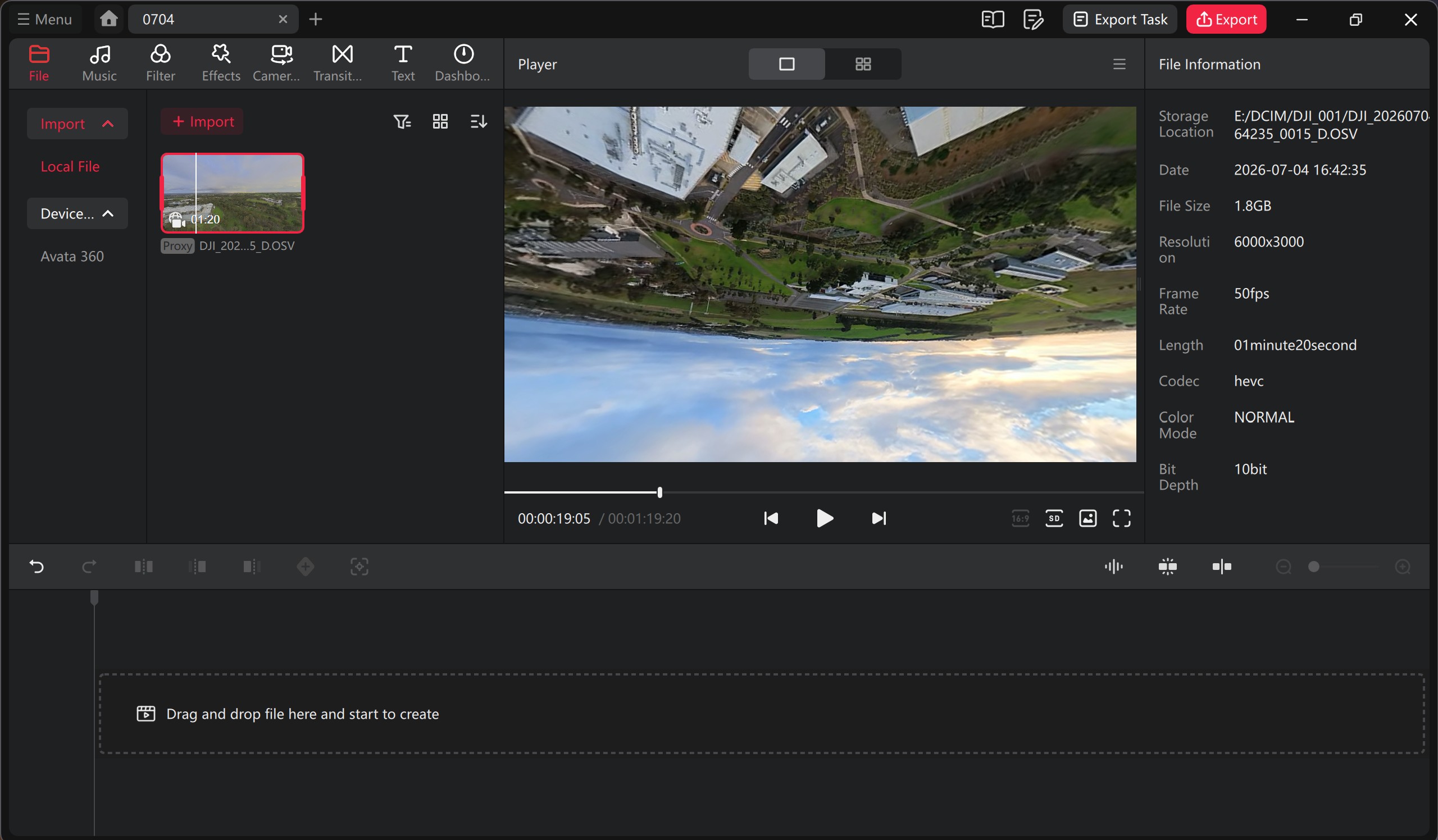
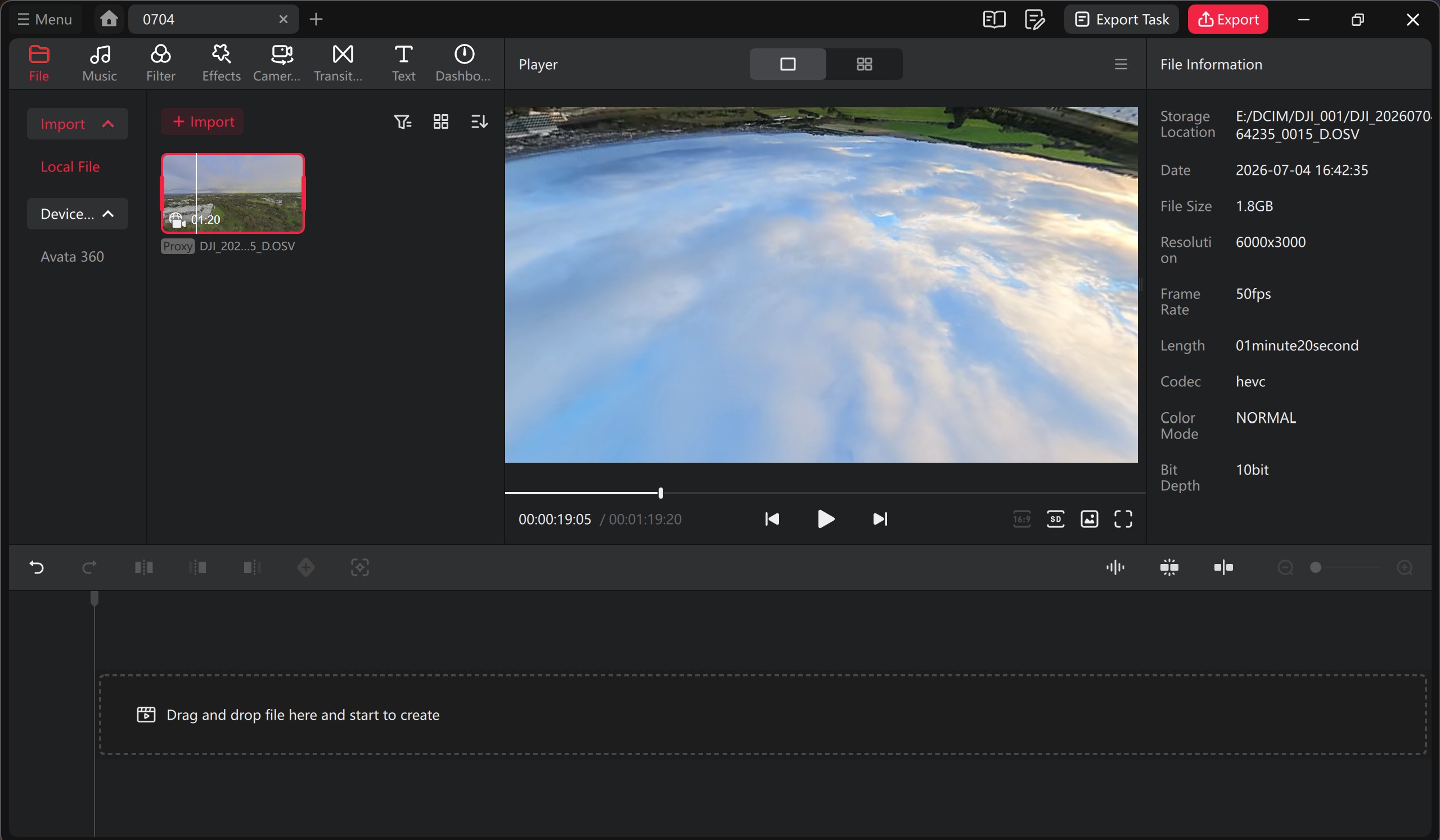
The software ecosystem also includes smart tracking features like ActiveTrack 360° and Spotlight Free, which lock onto a subject and keep them framed automatically. Plus, for professional editors who prefer staying in their native environments, DJI provides official Reframe Plugins for Adobe Premiere Pro and DaVinci Resolve.
Final Thoughts
The DJI Avata 360 FPV Bundle offers an affordable high-end drone experience with exceptional video that, with the headset and controllers, creates an almost game-like flying experience, but in the real world and in real time. By pairing the stunning 8K 360-degree capture with the incredibly intuitive RC Motion 3 and Goggles N3, DJI has stripped away the difficulty and clumsiness often associated with FPV flight. When stacked against alternatives like the sub-250g Antigravity A1, the Avata 360 is heavier (455g) but easily wins out with its crash-resistant ducted frame, larger 10-bit sensors, higher 60fps frame rates, and the unique flexibility to switch to single-lens 4K mode. So, whether you are a seasoned content creator hunting for the perfect panoramic shot or a newcomer looking to experience the sheer thrill of unhindered flight, the Avata 360 delivers on all fronts.
Recommended!

Related Posts
Kogan Omega 49″ Curved Ultrawide Gaming Monitor Review (KAMN49QDQUCQA) →
TEAMGROUP Launches The ACE 8K MicroSDXC Memory Card Unleash Device Performance to Capture Every Moment →
OPPO Bubble Lands in Australia as Reno16 Series Goes On Sale →