
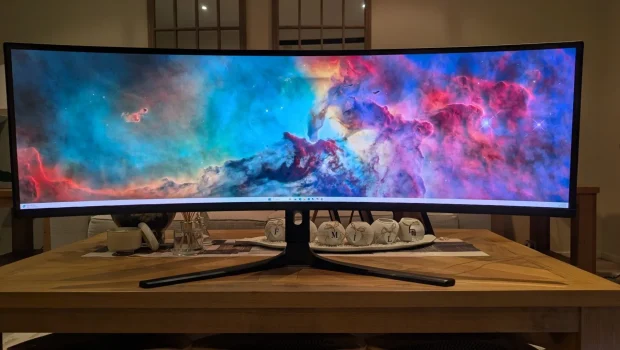
Kogan Omega 49″ Curved Ultrawide Gaming Monitor Review (KAMN49QDQUCQA)
Summary: The Kogan Omega 49" Curved Ultrawide Gaming Monitor (KAMN49QDQUCQA) provides amazing visual performance at an equally amazing budget!
5
Visual performance
Although the world is experiencing RAMageddon in the world of tech with shortages and prices that have skyrocketed, one company is still holding the line in Australia thanks to Kogan. For the uninitiated, Kogan.com is a major Australian public online retailer and e-commerce platform founded by Ruslan Kogan in 2006 that operates as a direct-to-consumer brand and marketplace, offering a massive catalog of consumer electronics, appliances and home goods at highly competitive prices. And gaming? Well, Kogan has a plethora of gaming peripherals and accessories available, and thanks to this bricks-and-mortar-less store, Impulse Gamer was given the chance to check out their 2025 display, the Kogan Omega 49 Curved Ultrawide QD-OLED Dual QHD 5K 240Hz 0.03ms USB-C Gaming Monitor (5120 x 1440) – (KAMN49QDQUCQA) *** phew *** which retails for $1299AUD for members or $1399 for non-members.
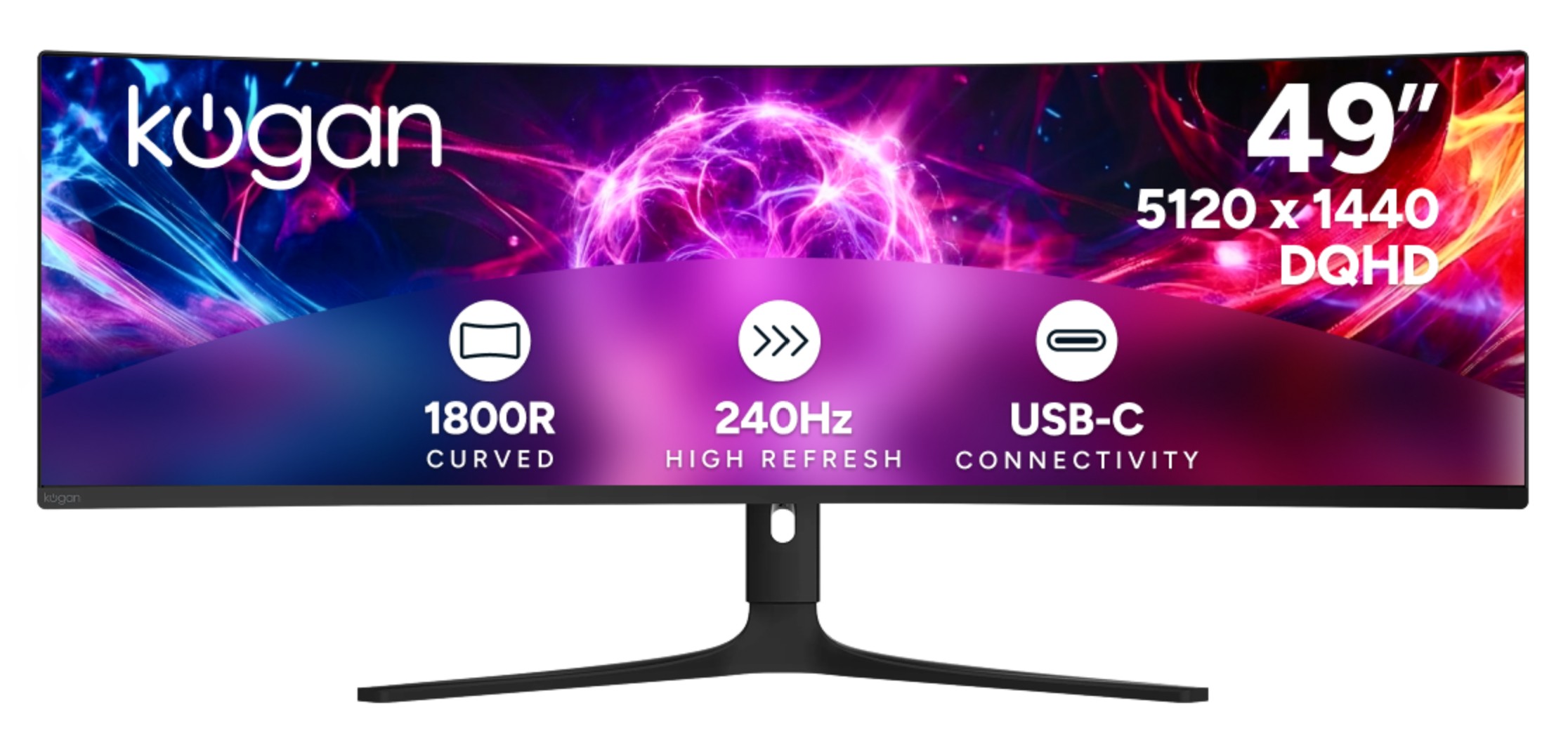
Kogan Omega 49″ Curved Ultrawide Gaming Monitor (KAMN49QDQUCQA) Features
- Dual QHD 5120 × 1440 resolution
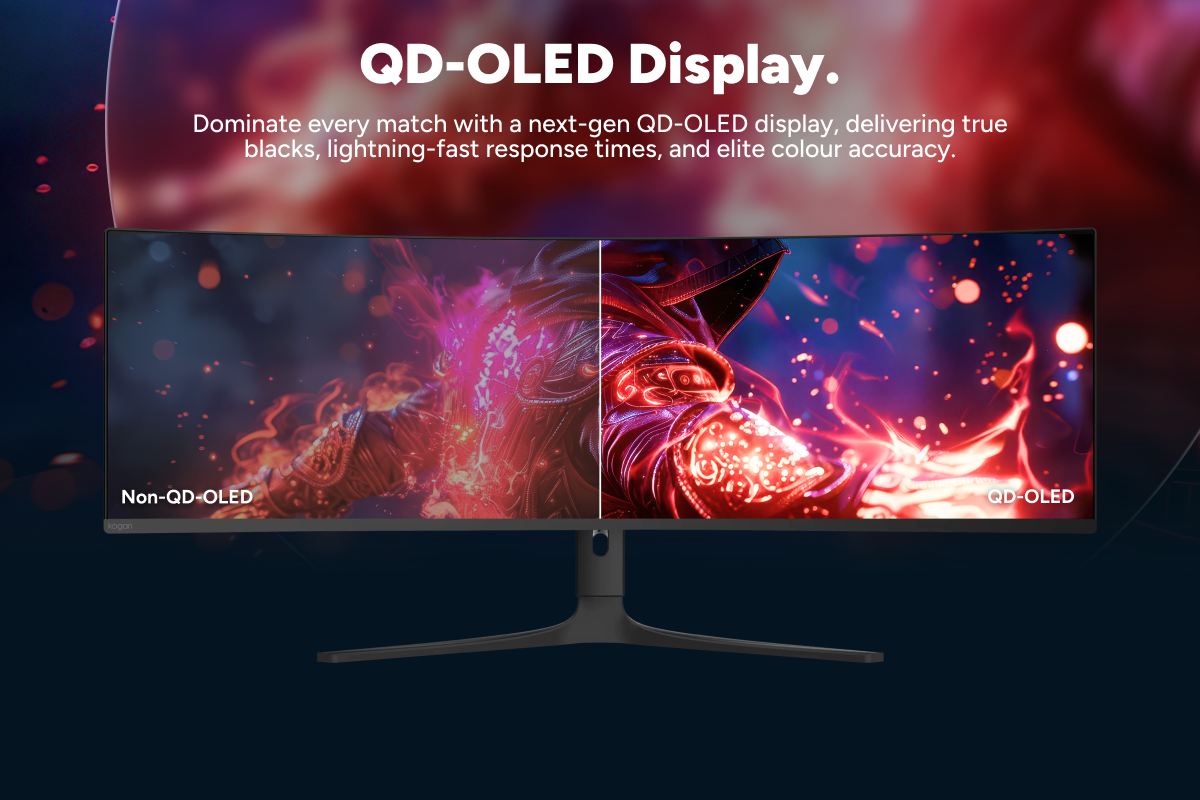
Massive clarity across an ultra-wide field of view - QD-OLED panel with HDR400
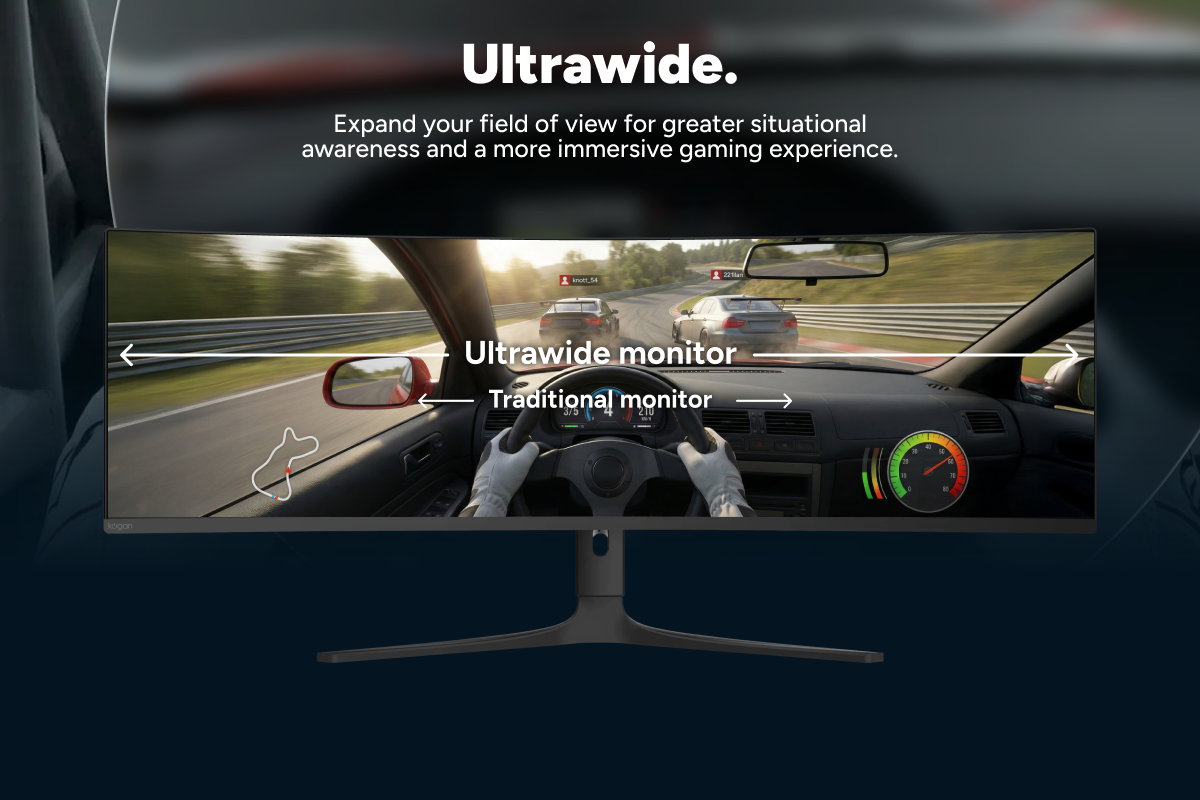
Deep blacks, vibrant colour and striking highlights - 49” 32:9 ultrawide format
See more of the game without splitting screens - Panel care burn-in protection
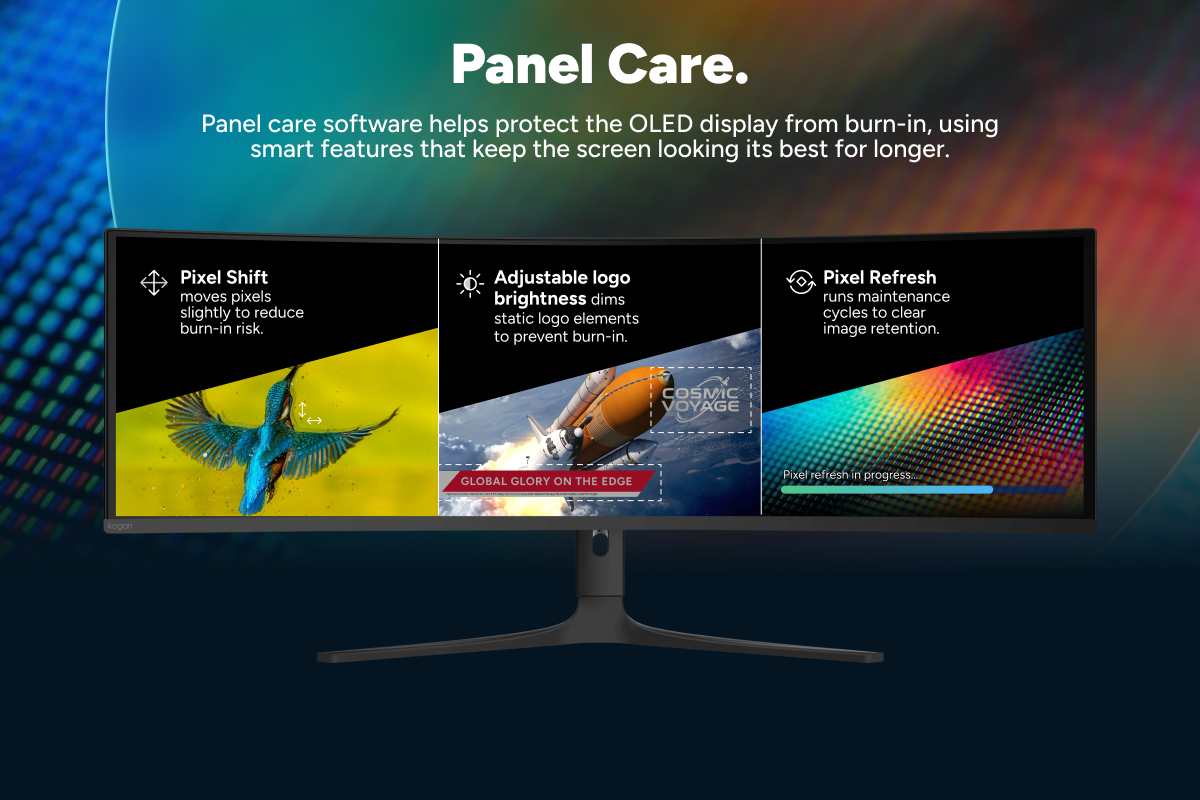
Pixel shift software helps maintain long-term OLED performance - 240Hz refresh rate
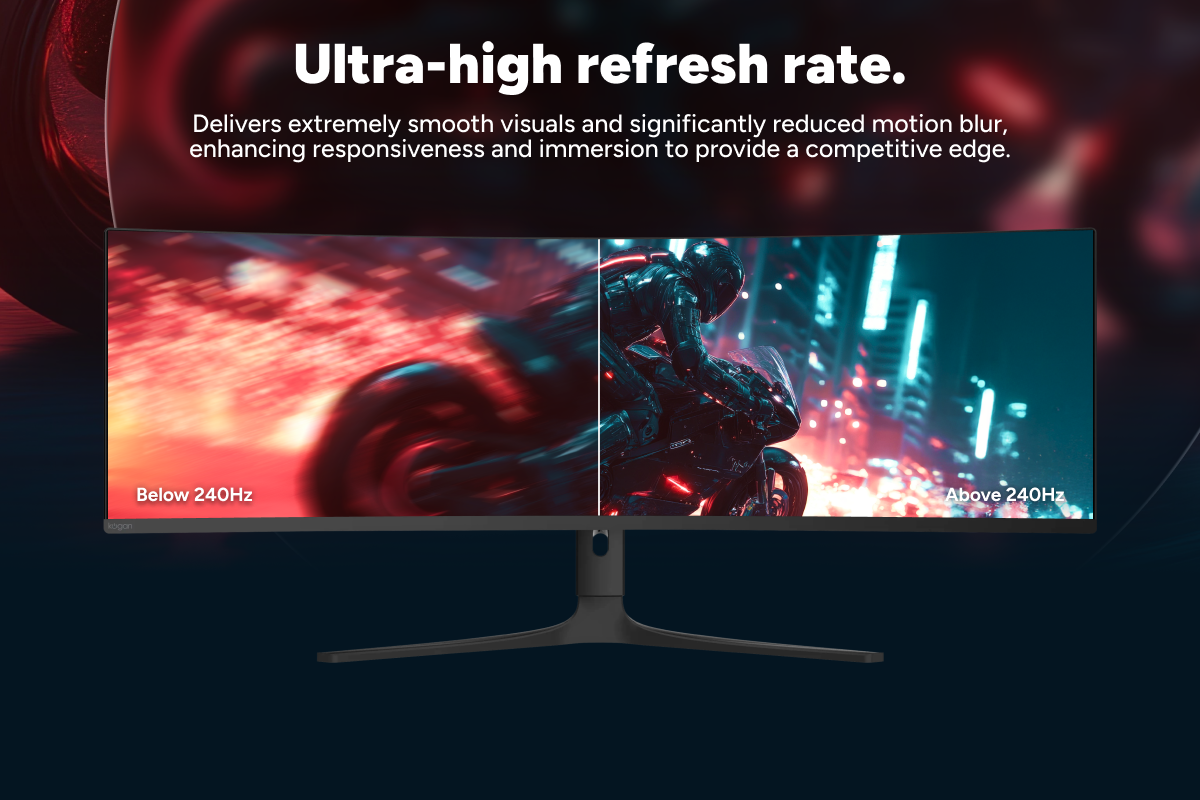
Ultra-smooth motion for fast-paced competitive play - 0.03ms OD response time
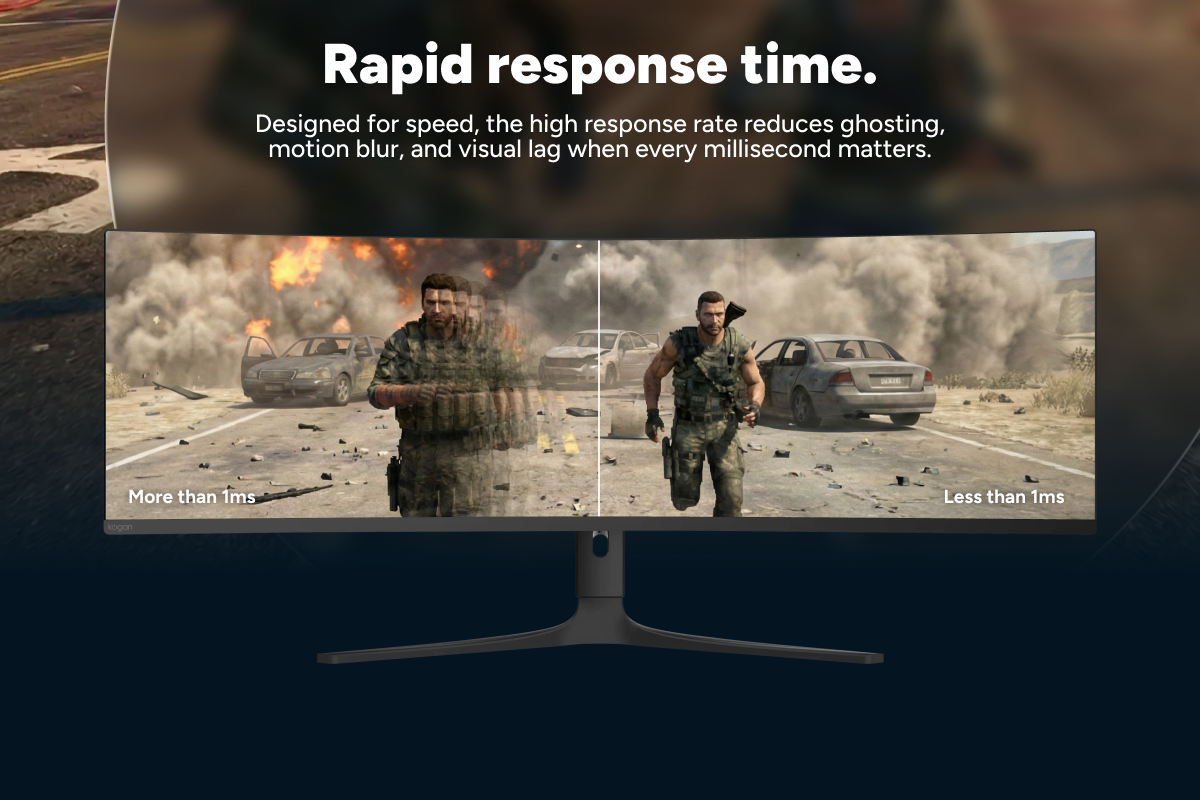
Near-instant pixel transitions with minimal blur - 1800R curved display
Wraparound immersion that keeps everything in focus - FreeSync support
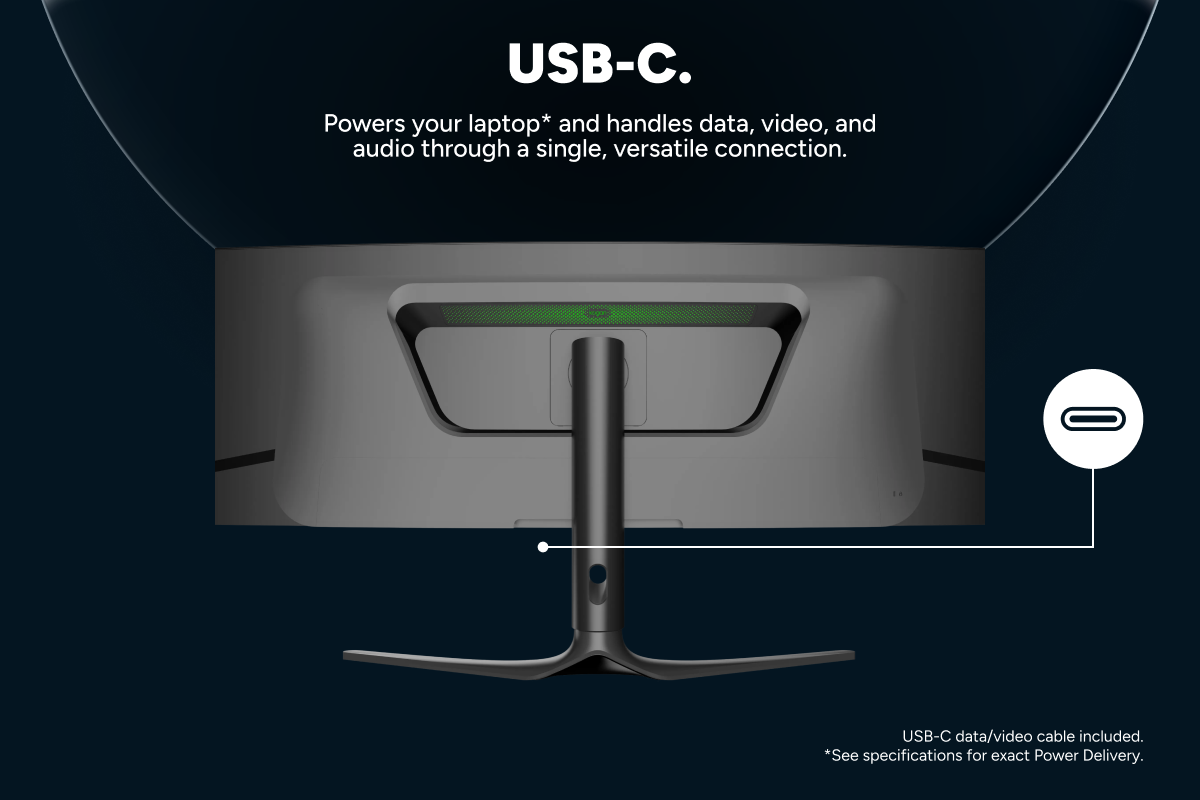
Tear-free, stutter-free gameplay during intense moments - USB-C with 90W power
One cable for display, data and laptop charging - HDMI 2.1 and DP 1.4 ports
High-bandwidth connections for modern GPUs and consoles
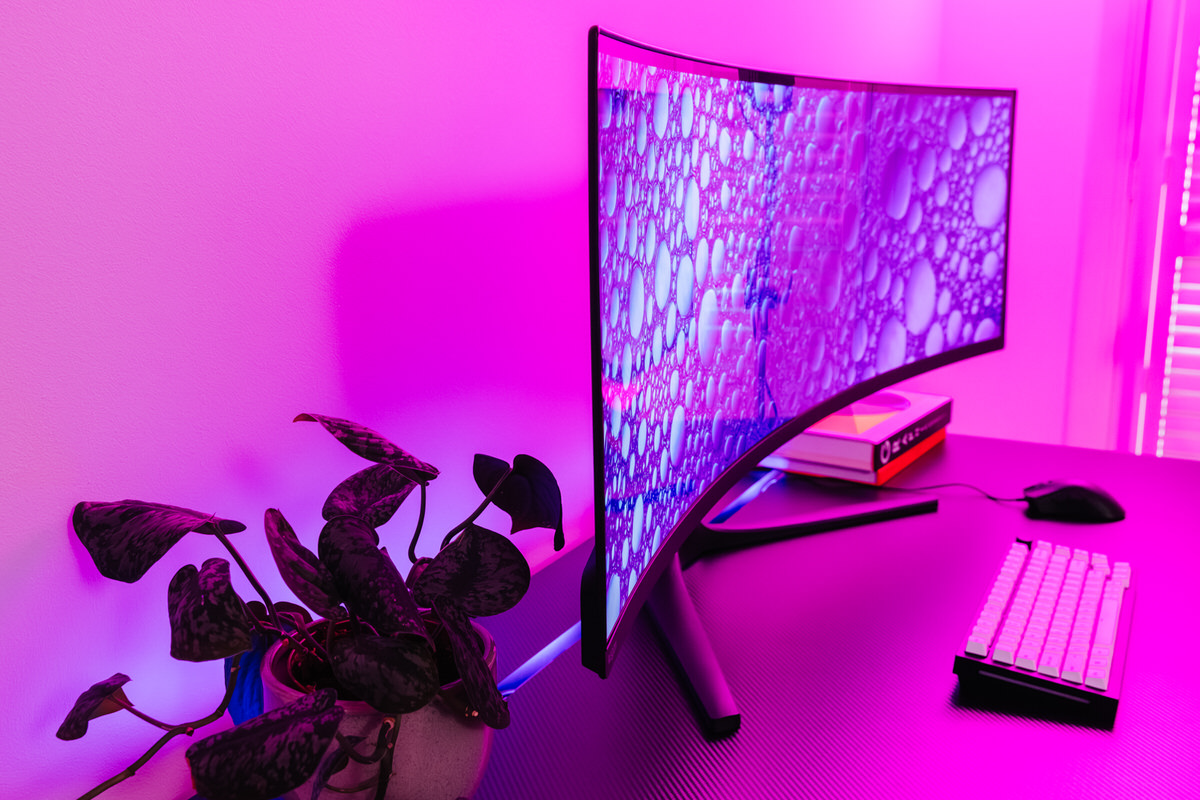
Compared to more established brands, the Kogan Omega 49″ Curved Ultrawide Gaming Monitor (KAMN49QDQUCQA) can save you between $500 and $1,300 AUD — and the display panel itself is actually manufactured by Samsung. While Samsung provides additional proprietary technology for its gaming displays, including a more premium and sturdier casing, the Kogan still delivers exceptional value for money.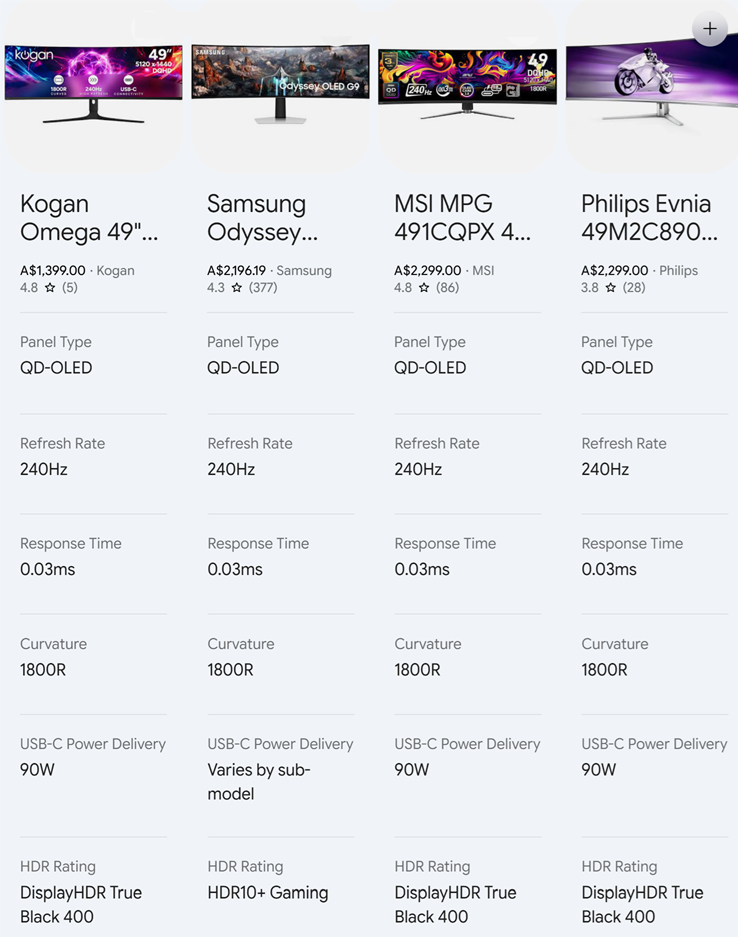
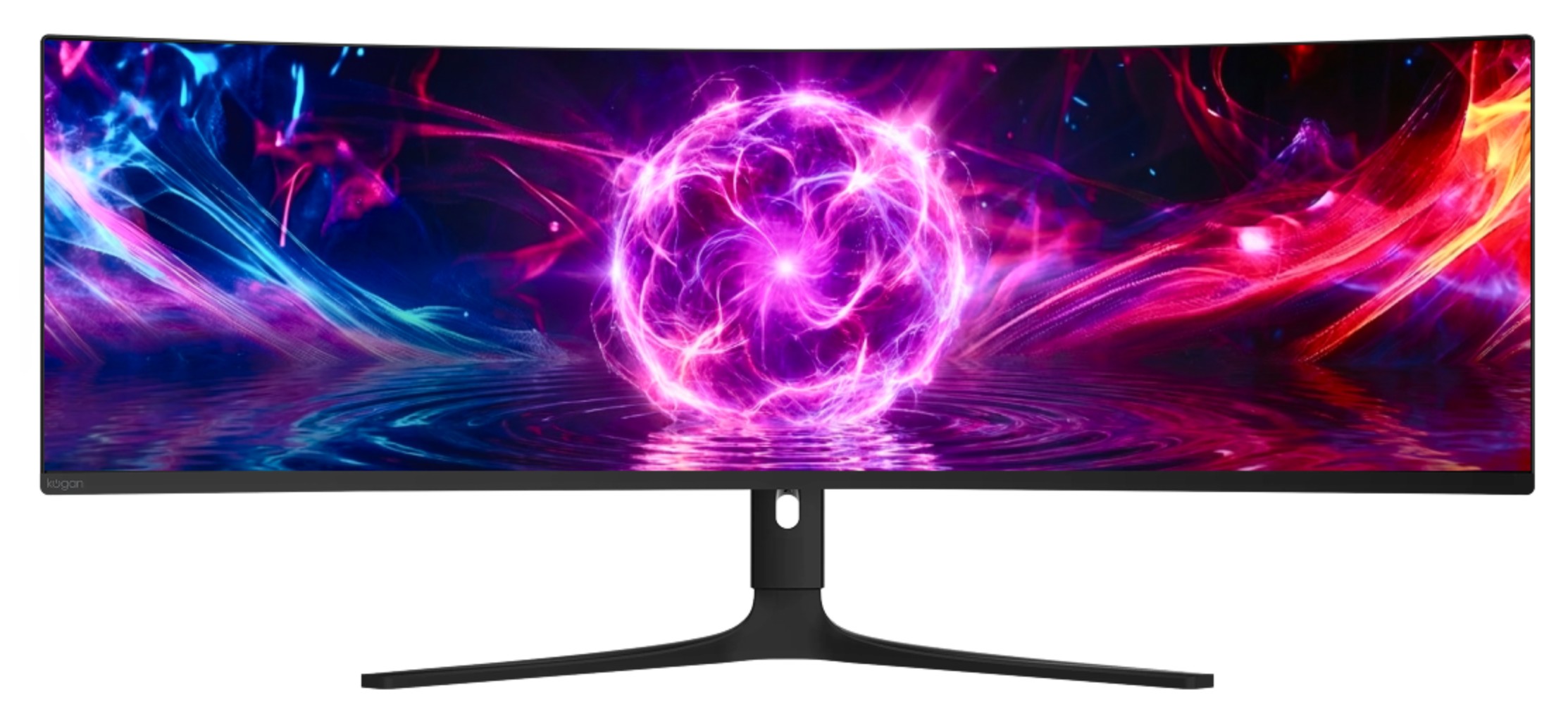
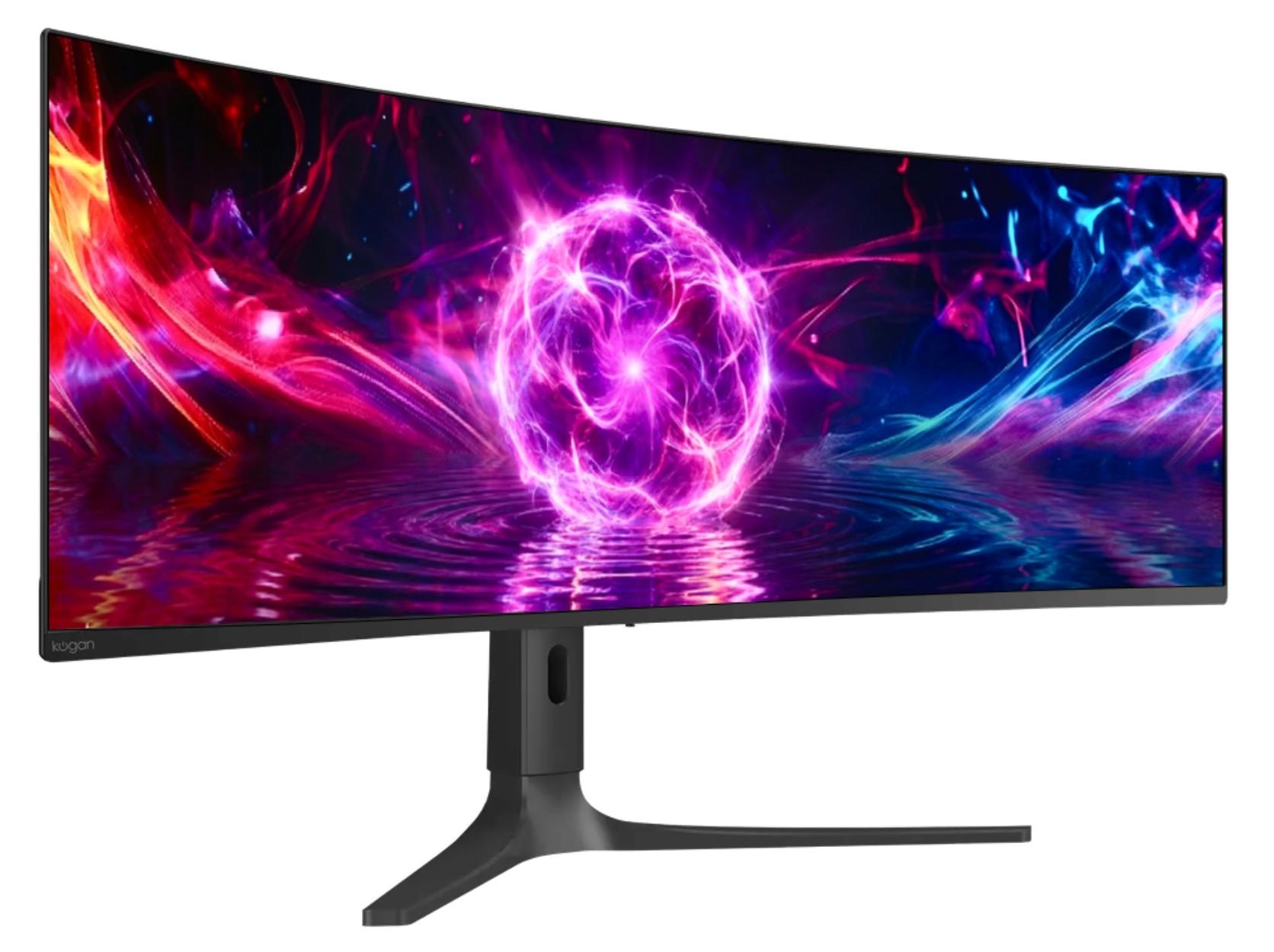
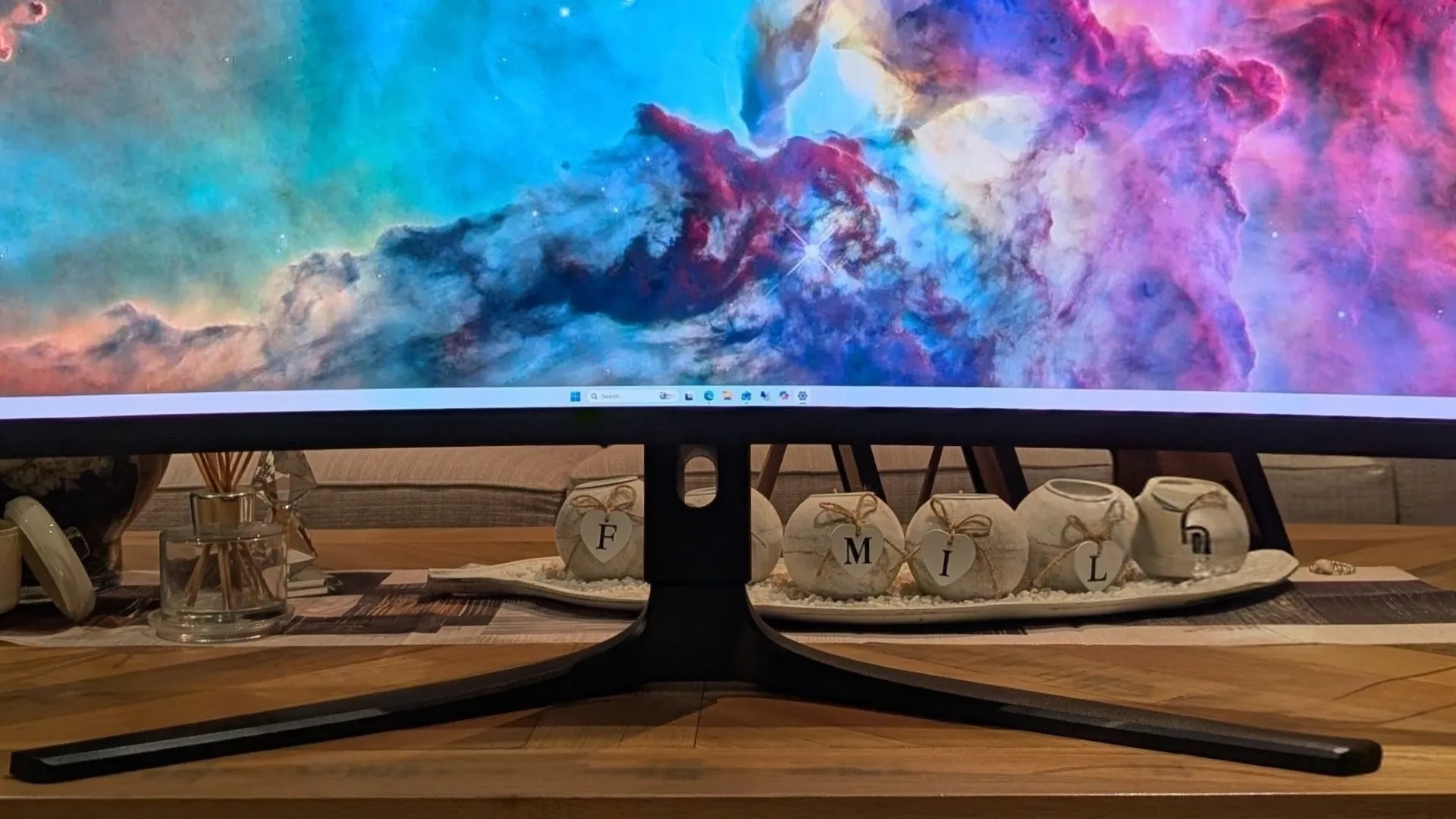
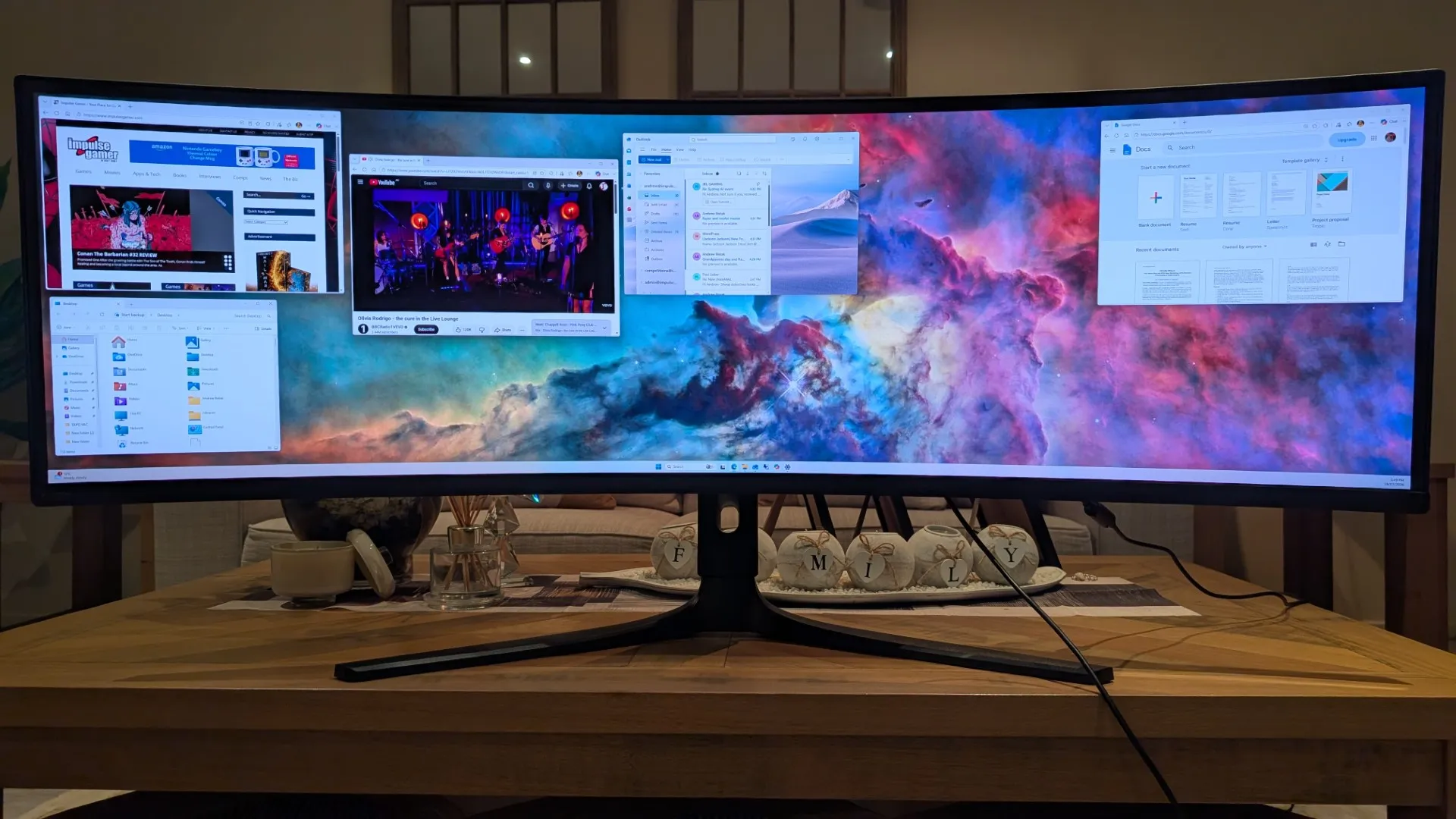
Having upgraded from an older 49″ Samsung unit, this monitor is clearly built not just for gaming, but also for productivity, offering vivid, bright colours, and deep blacks. More importantly, a gaming and work “space” aspect ratio of 32:9 with a resolution of 5120 x 1440 (Ultrawide 5K) is the equivalent of two 27-inch 2560 x 1440 QHD monitors side-by-side with no centre bezel. It also has a pixel density of ~109 PPI (Pixels Per Inch) with a pixel pitch of 0.233 mm, which boasts crisp and very readable text without display scaling.
Kogan Omega 49″ Curved Ultrawide Gaming Monitor (KAMN49QDQUCQA) Specifications
| Audio | |
|---|---|
| Audio Output | Yes |
| Speakers | No |
| Dimensions & Weight | |
| VESA Wall Mount Pattern | 100 x 100mm |
| Weight | 8.6kg |
| Dimensions (With Stand) | 1197 x 299.1 x 426.3-536.3mm |
| Dimensions (Without Stand) | 1197 x 169.5 x 370.7mm |
| Display | |
| Display Type | Curved Ultrawide display |
| Monitor Size | 49″ |
| Panel Type | QD-OLED |
| Panel Manufacturer | Samsung |
| Resolution | DQHD (5120 x 1440) |
| Native Aspect Ratio | 32:9 |
| Refresh Rate | 240Hz |
| Response Time | 0.03ms |
| Brightness | 250 nits |
| Static Contrast Ratio | 1,500,000:1 |
| HDR | HDR400 |
| Curvature | 1800R |
| Colour Depth | 10-bit (1.07B colours) |
| Colour Gamut | NTSC 95% | sRGB 100% | DCI-P3 98% | Adobe RGB 99% |
| Viewing Angle | 178° (V) / 178° (H) |
| Features & Functions | |
| Colour | Black |
| Flicker-free | Yes |
| FreeSync | Yes |
| Low Blue Light | Yes |
| Over Drive | Yes |
| Picture-in-Picture (PIP) / PBP | Yes |
| OnScreen Control (OSC) | Yes |
| LED Indicator Light | Yes |
| Modes | Standard, FPS, RPG, RCG, Movie, Text, E-book, DCI-P3, sRGB, Adobe RGB & For Mac |
| Inputs & Outputs | |
| DisplayPort | 1 x 1.4 |
| HDMI | 2 x 2.1 |
| USB Ports | USB 3.1, 2 x USB Type-A |
| USB Type-C | 1 (90W Power Delivery) |
| Headphone Jack | Yes |
| Ergonomics & Design | |
| Type | Gaming Monitor |
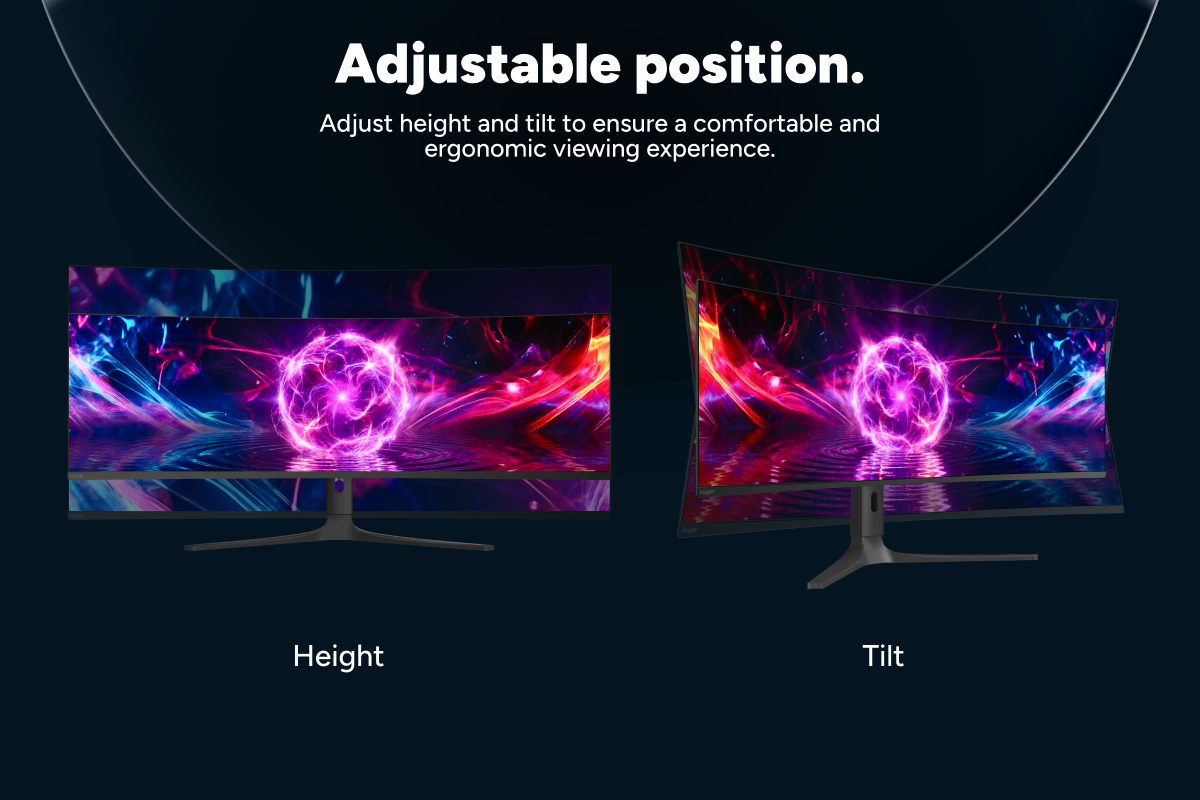
| Height Adjustable Stand | 43.7 ~ 56.2cm |
| Tilt Angle | -5° ~ 20° |
| Power | |
| Power Consumption | 280W |
| Power Supply | 100-240V, 50/60Hz |
| Standby Consumption | < 0.5W |
| Warranty | |
| Manufacturer Warranty | 1 Year |
.
.
Box Contents

Unboxing
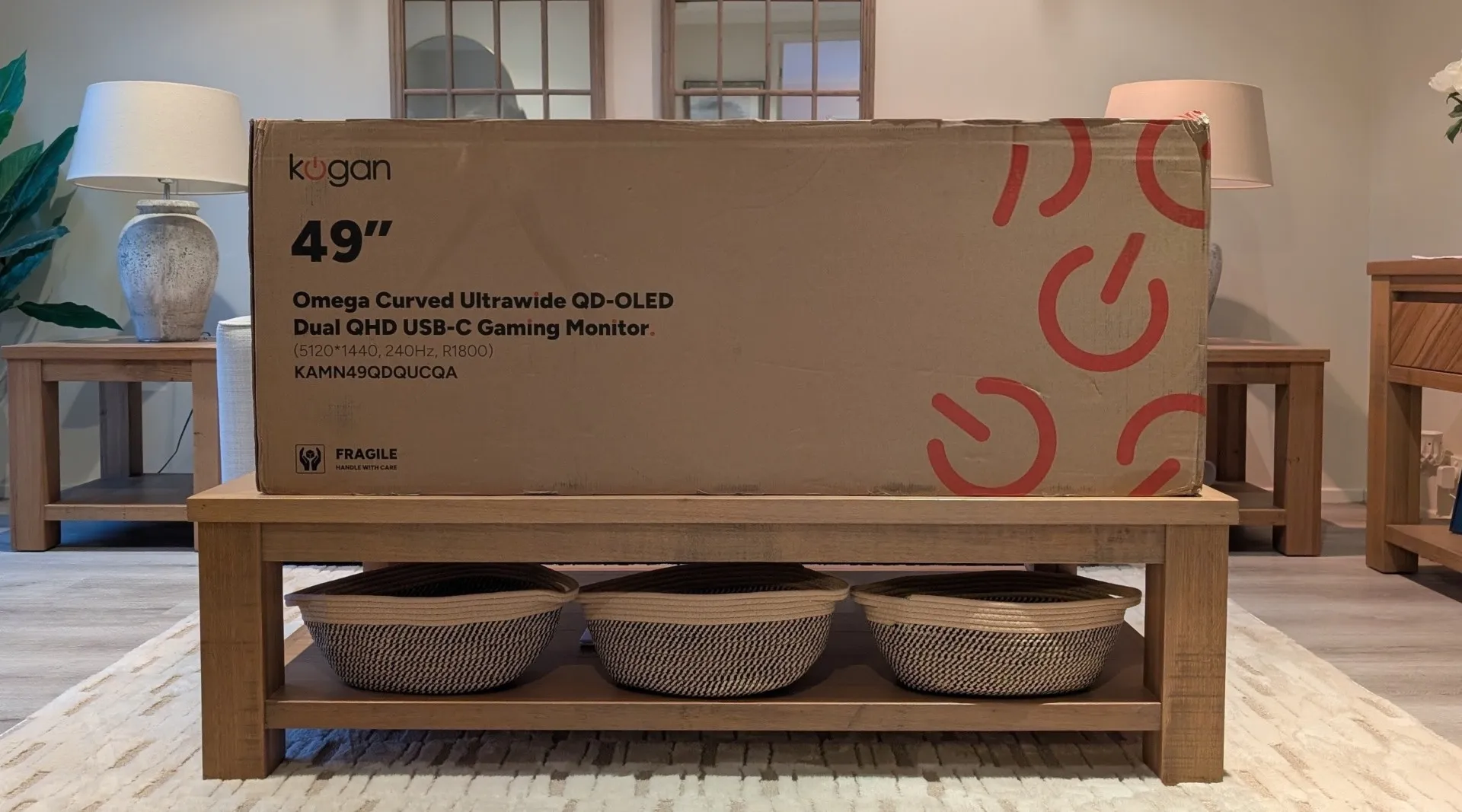
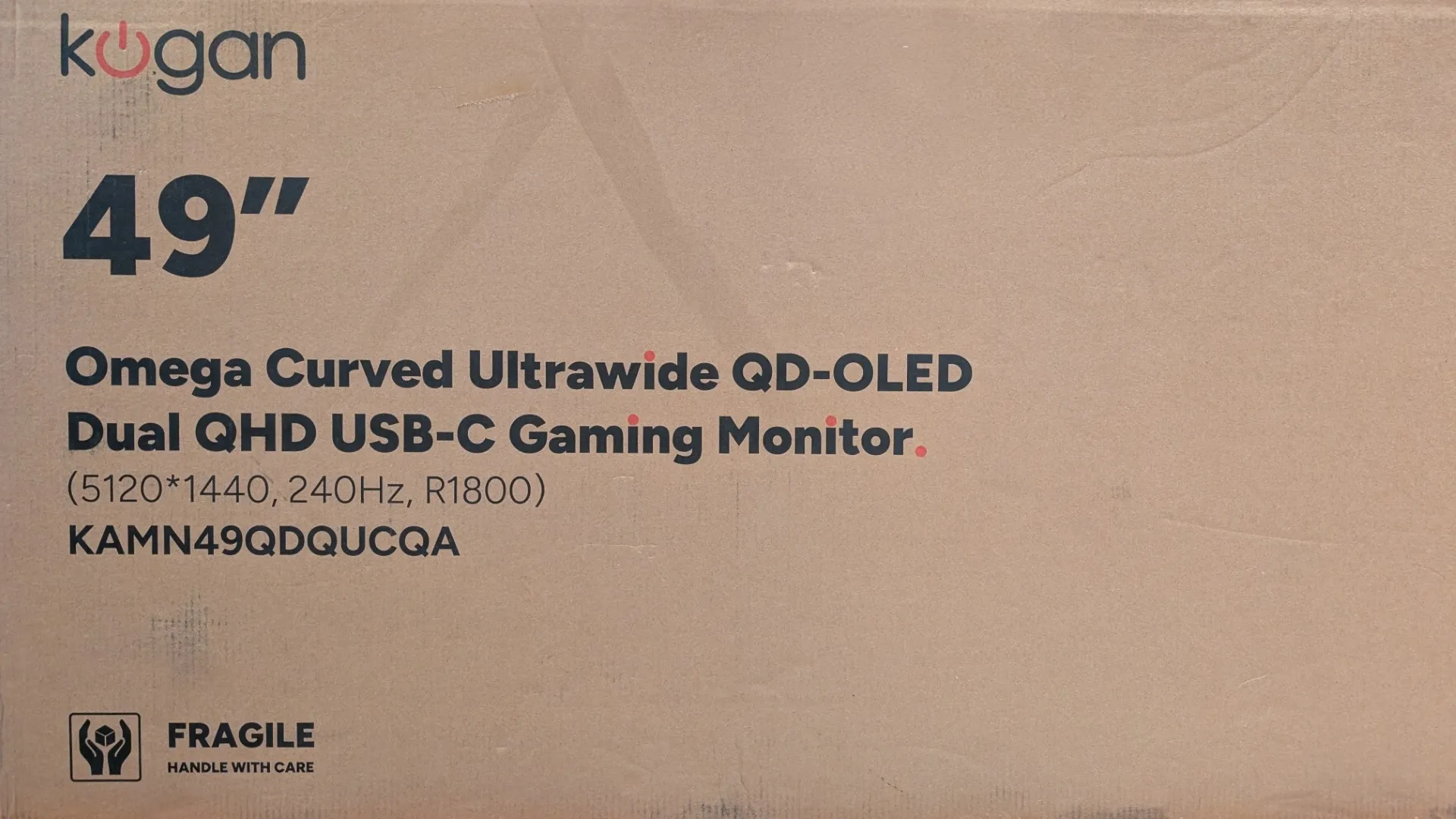
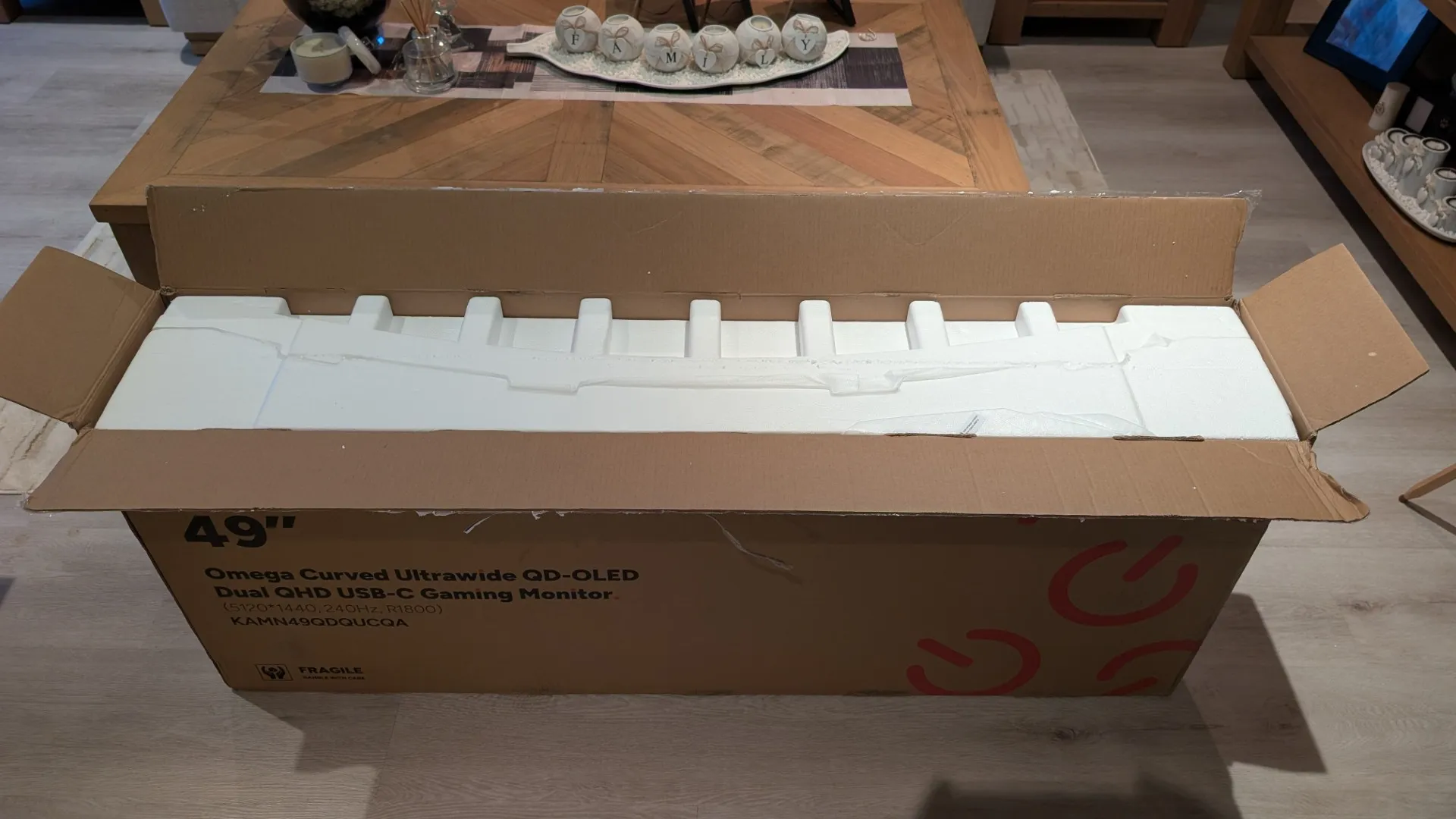
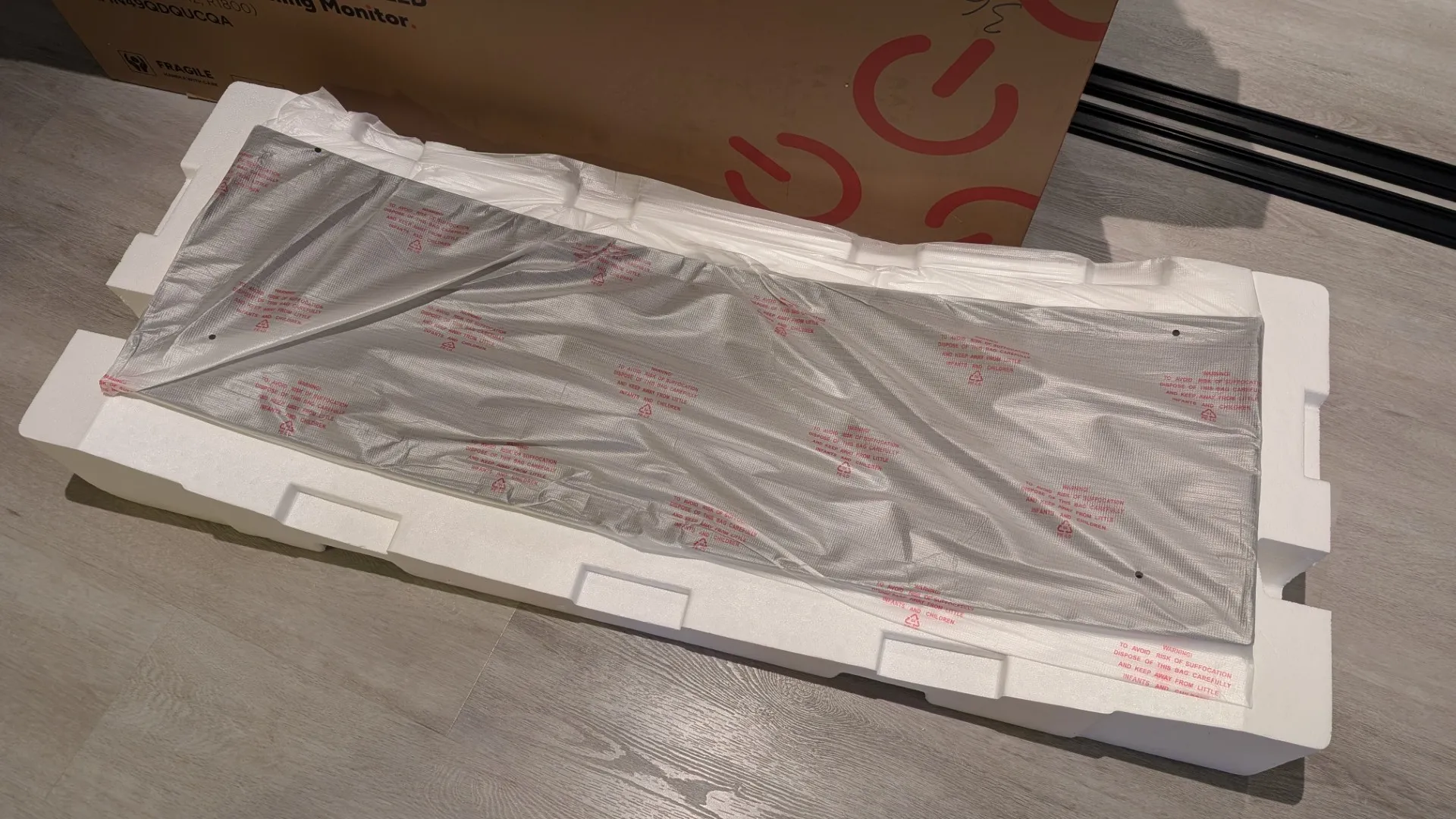
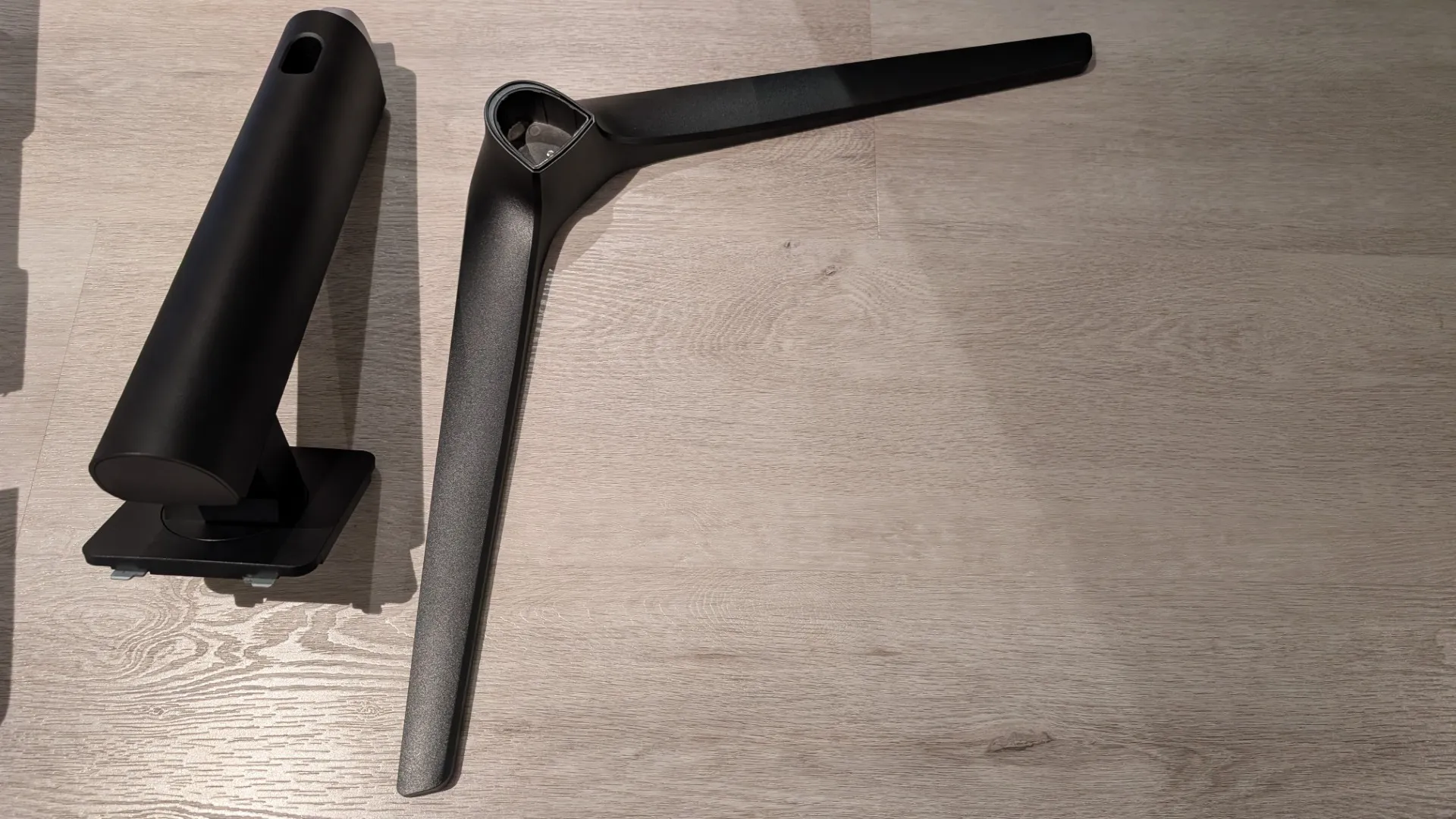
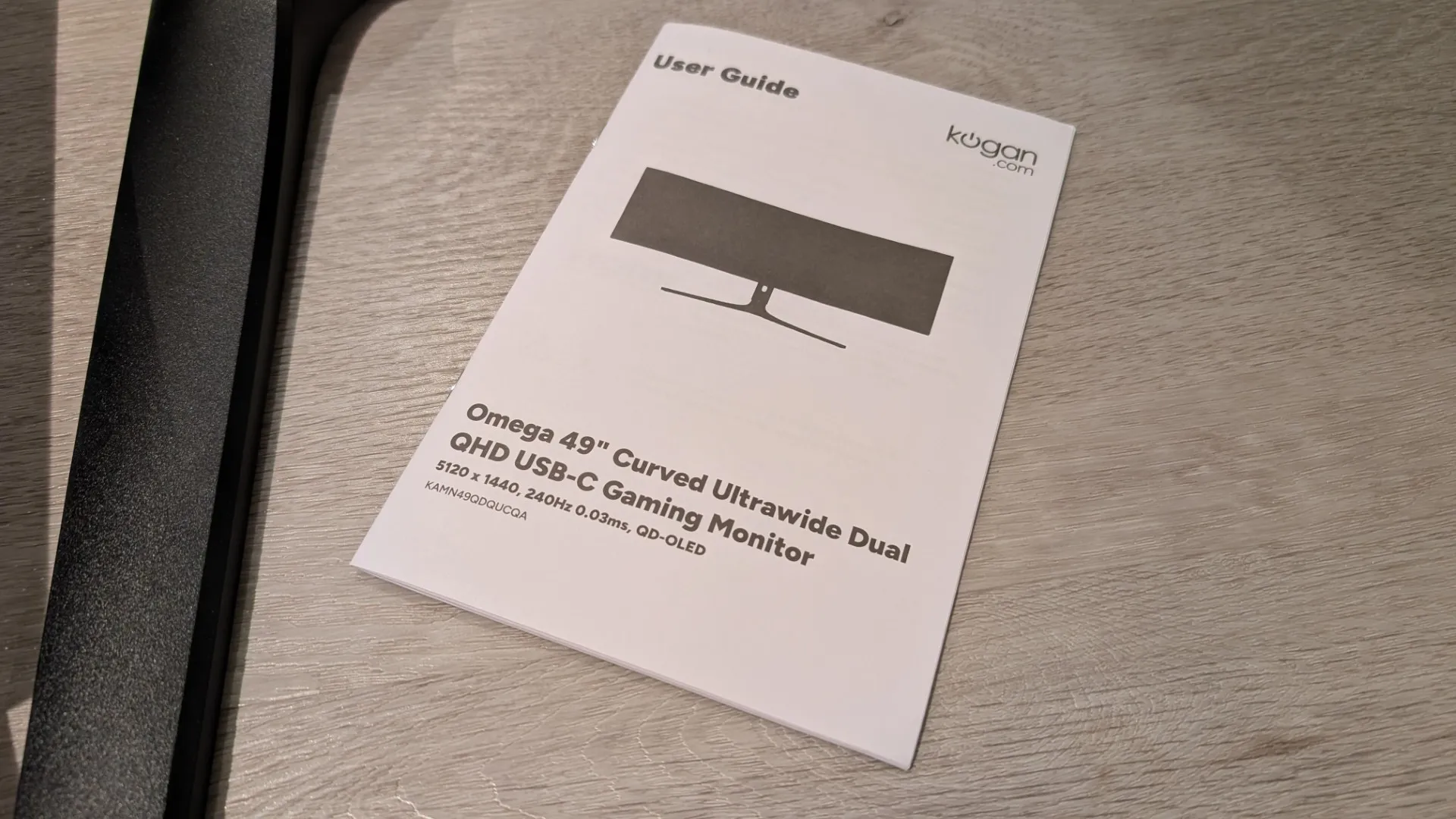
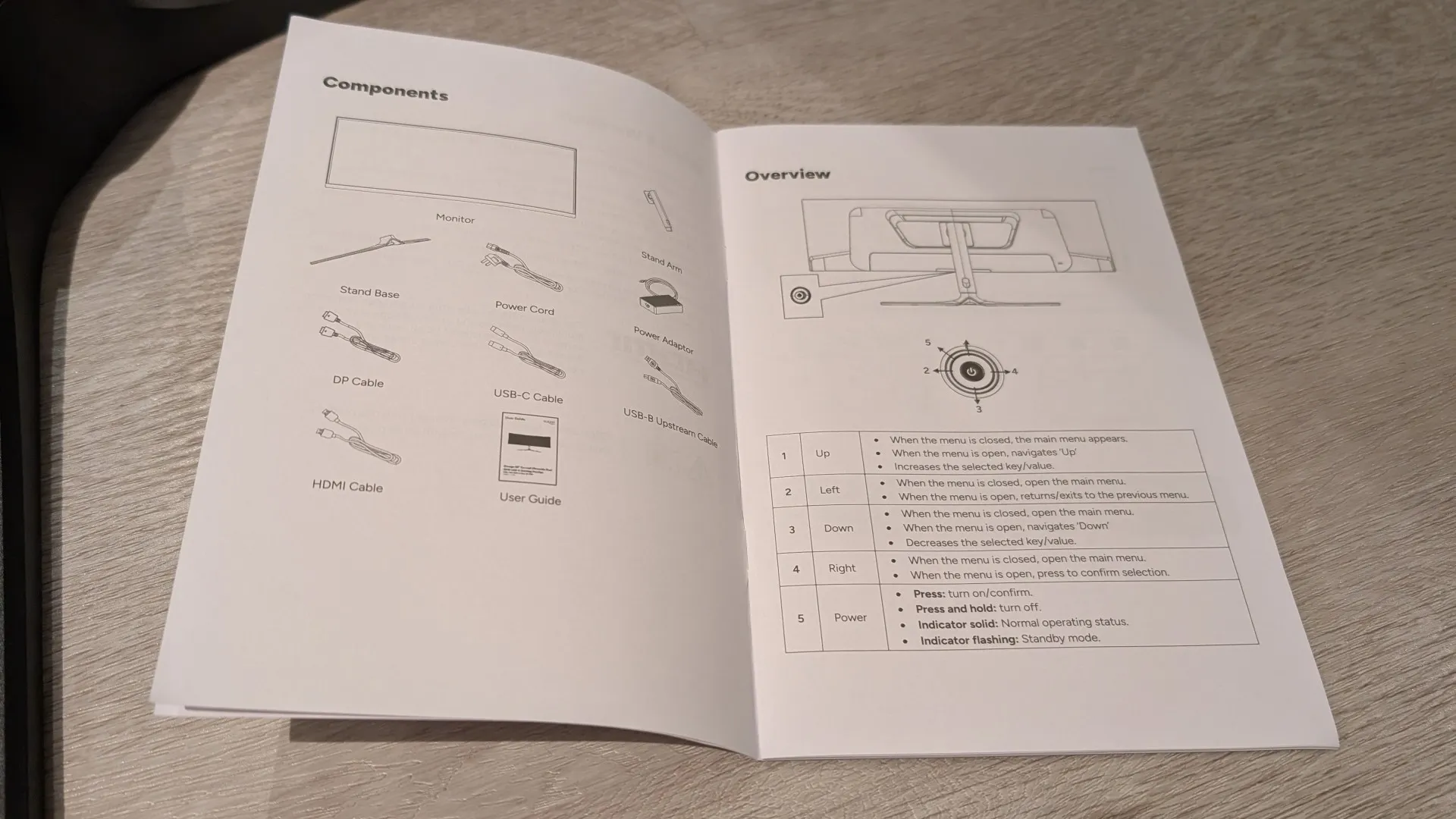
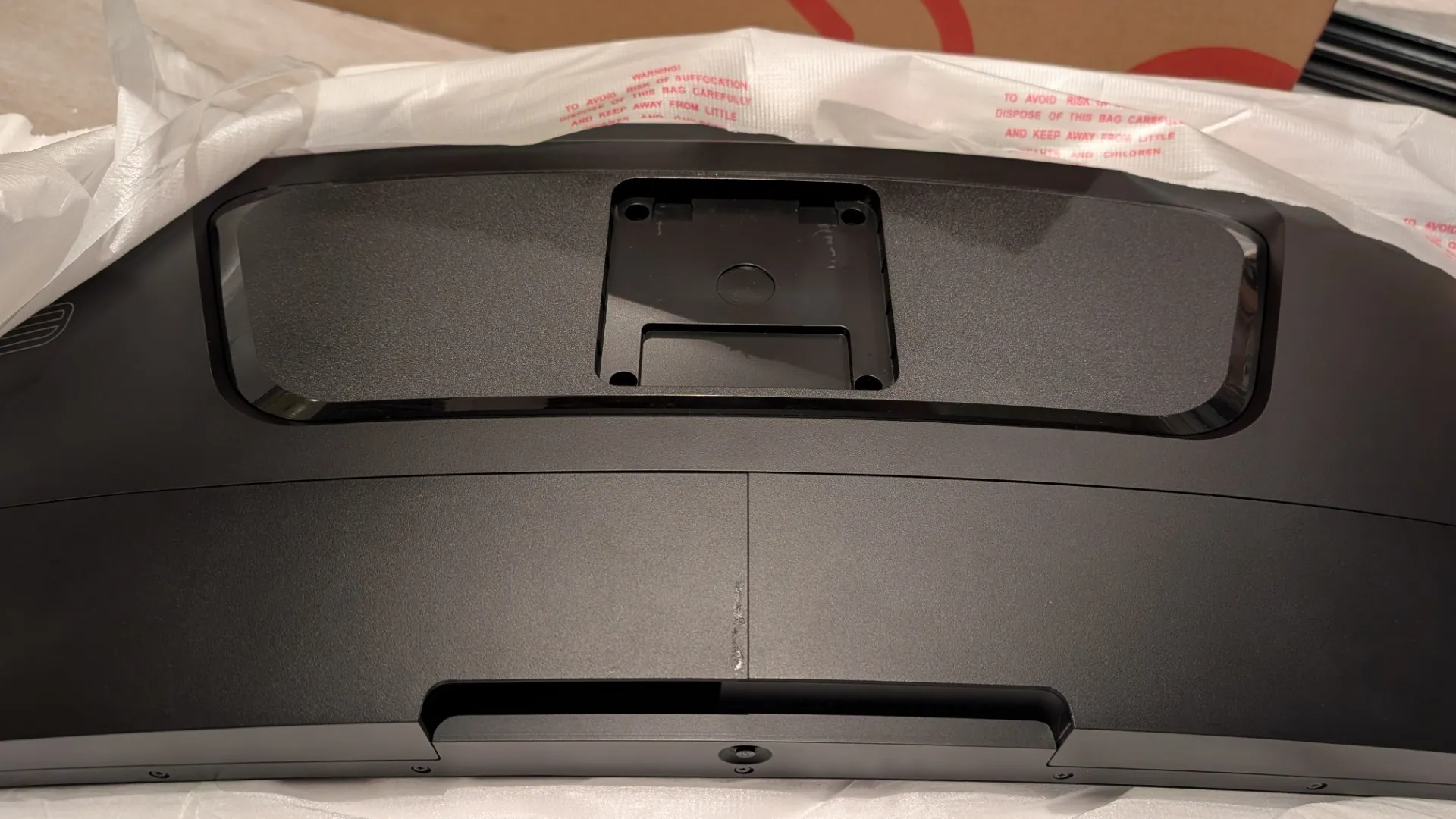
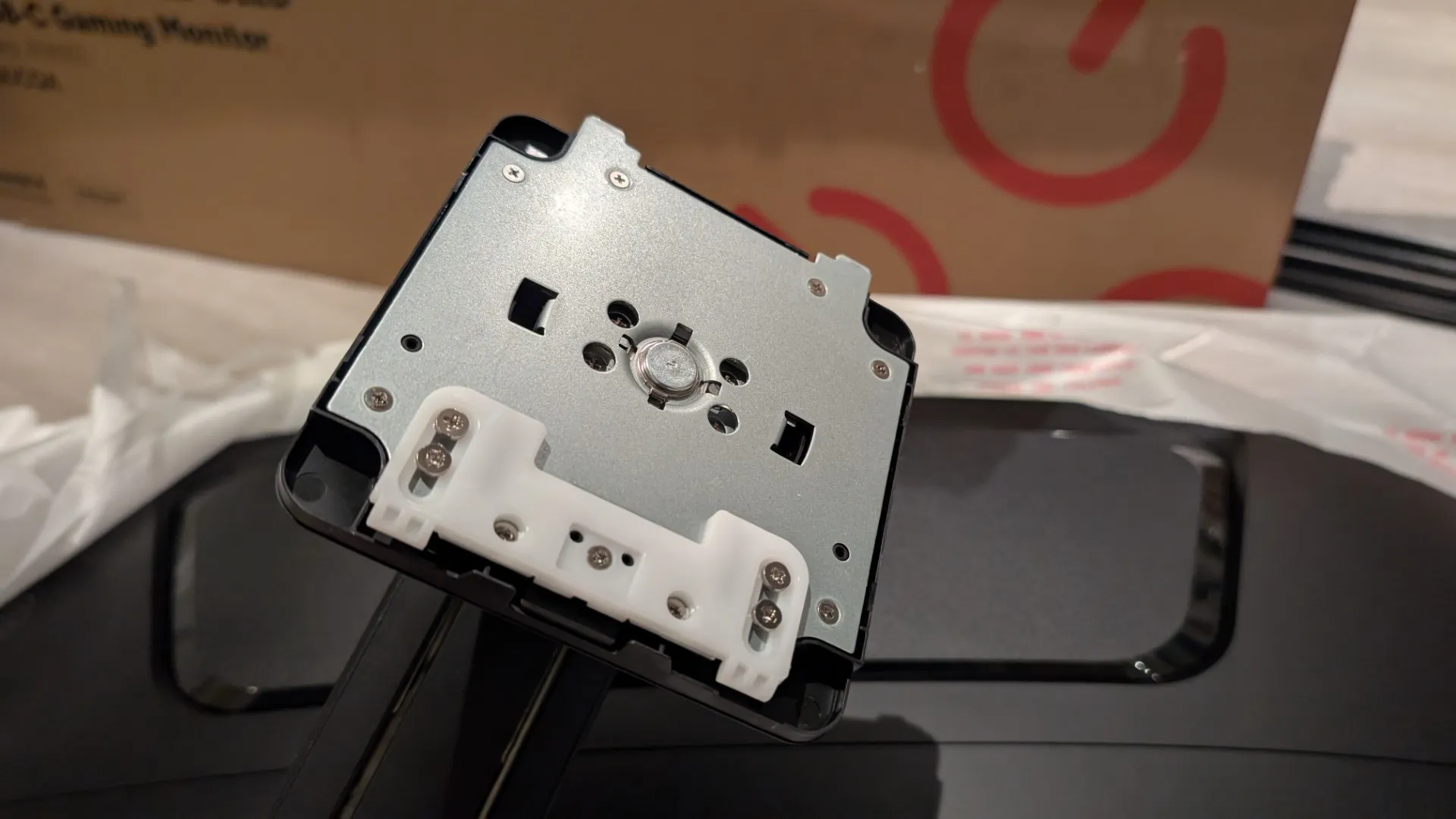
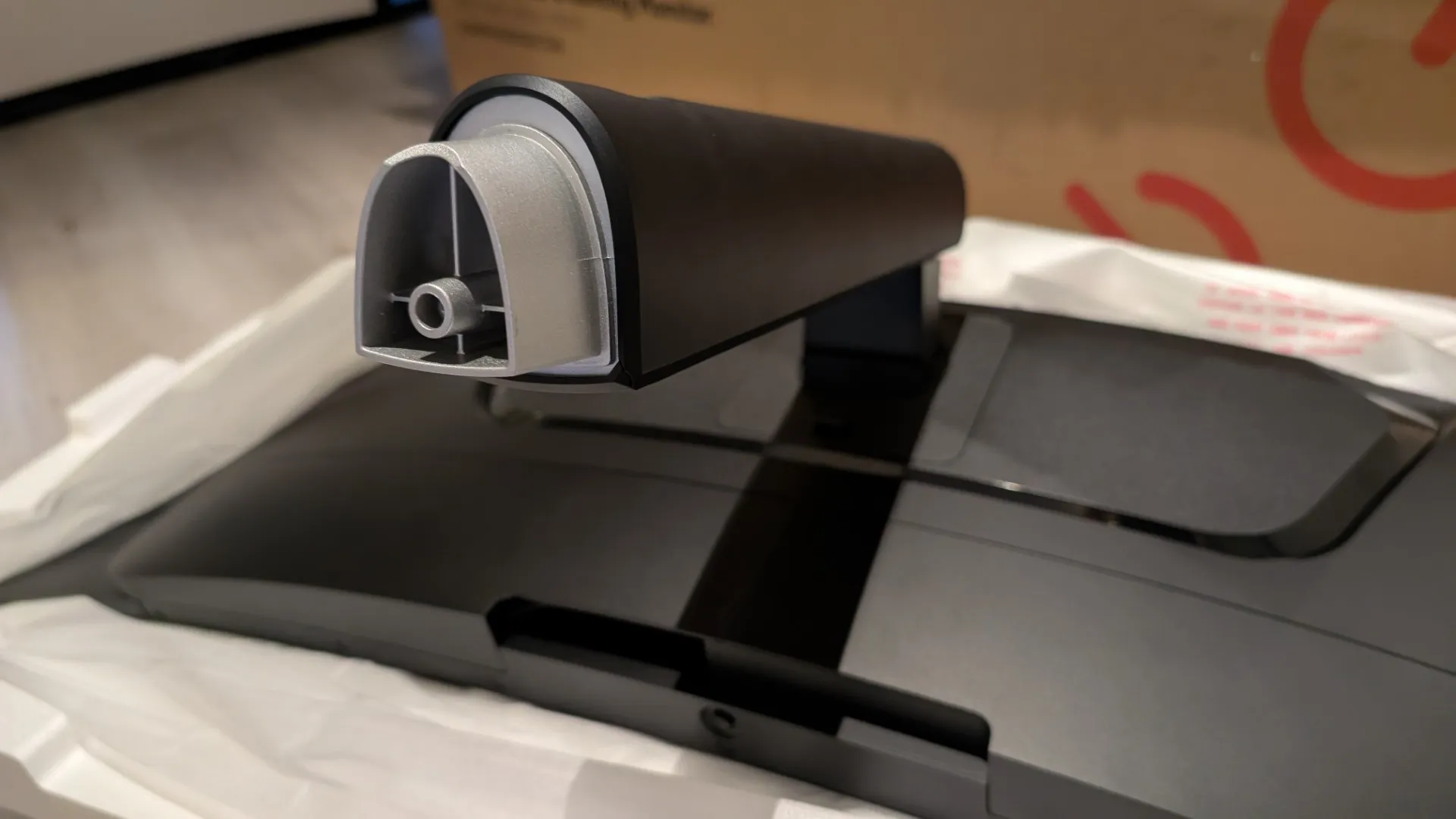
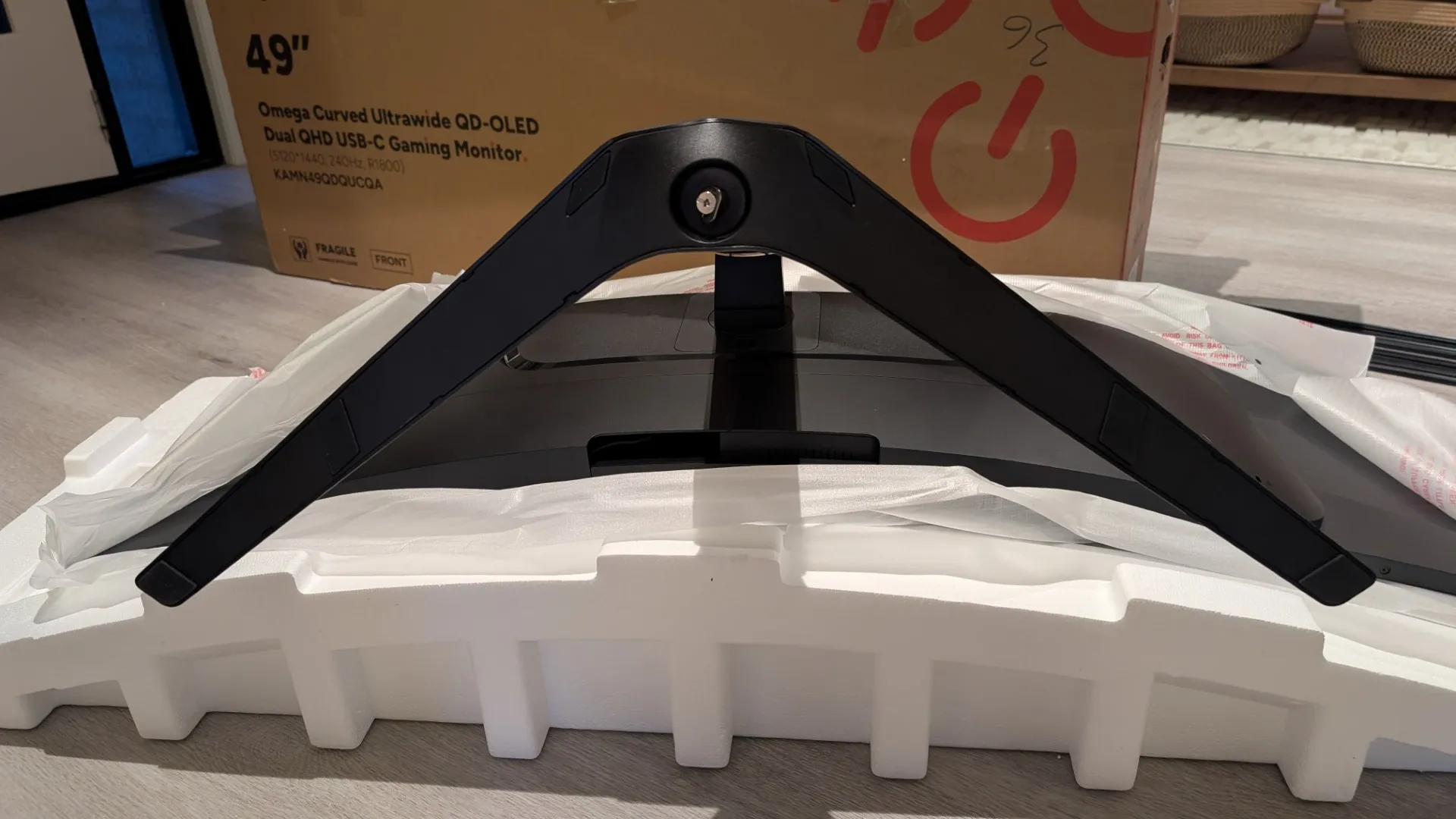
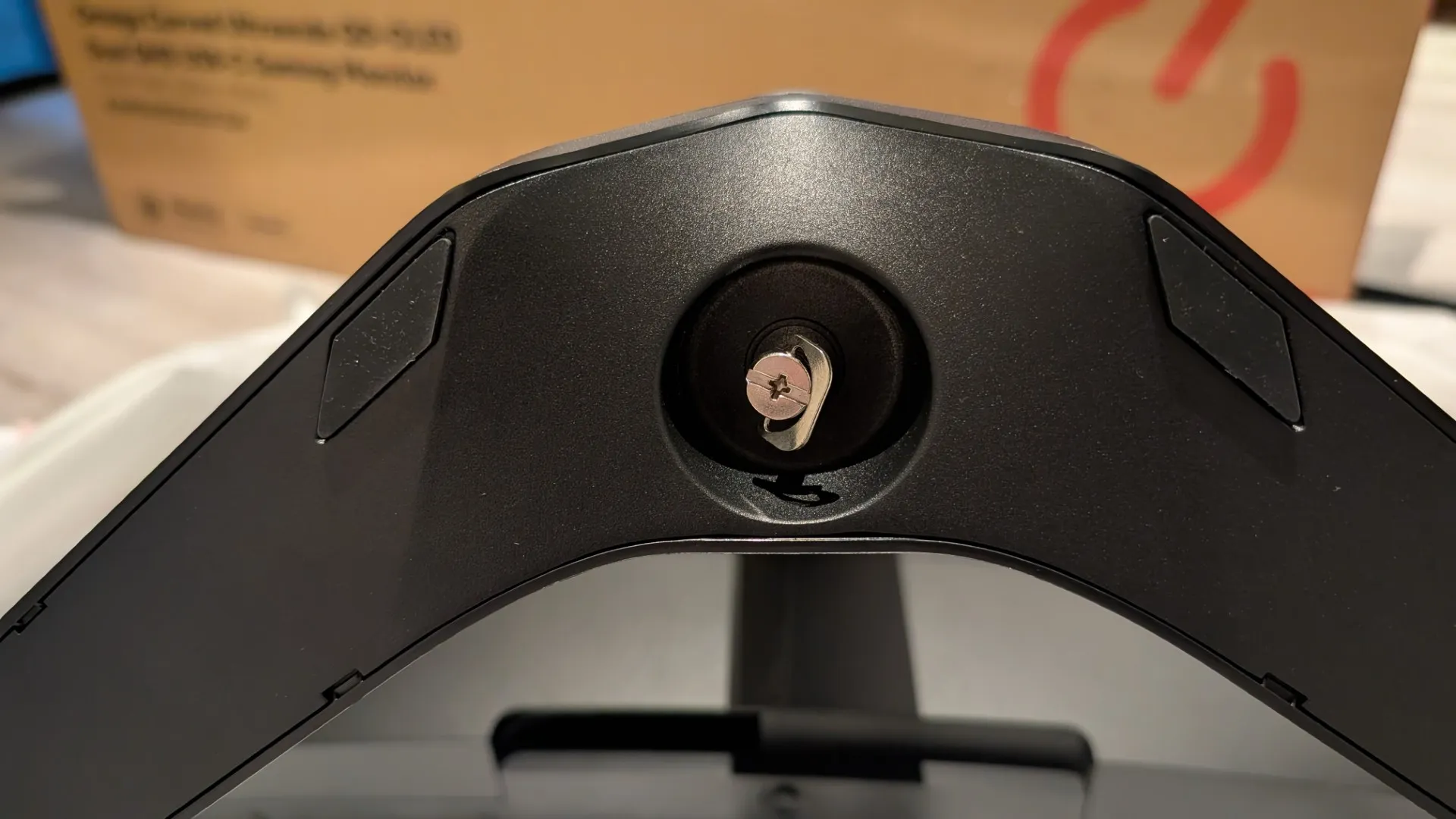
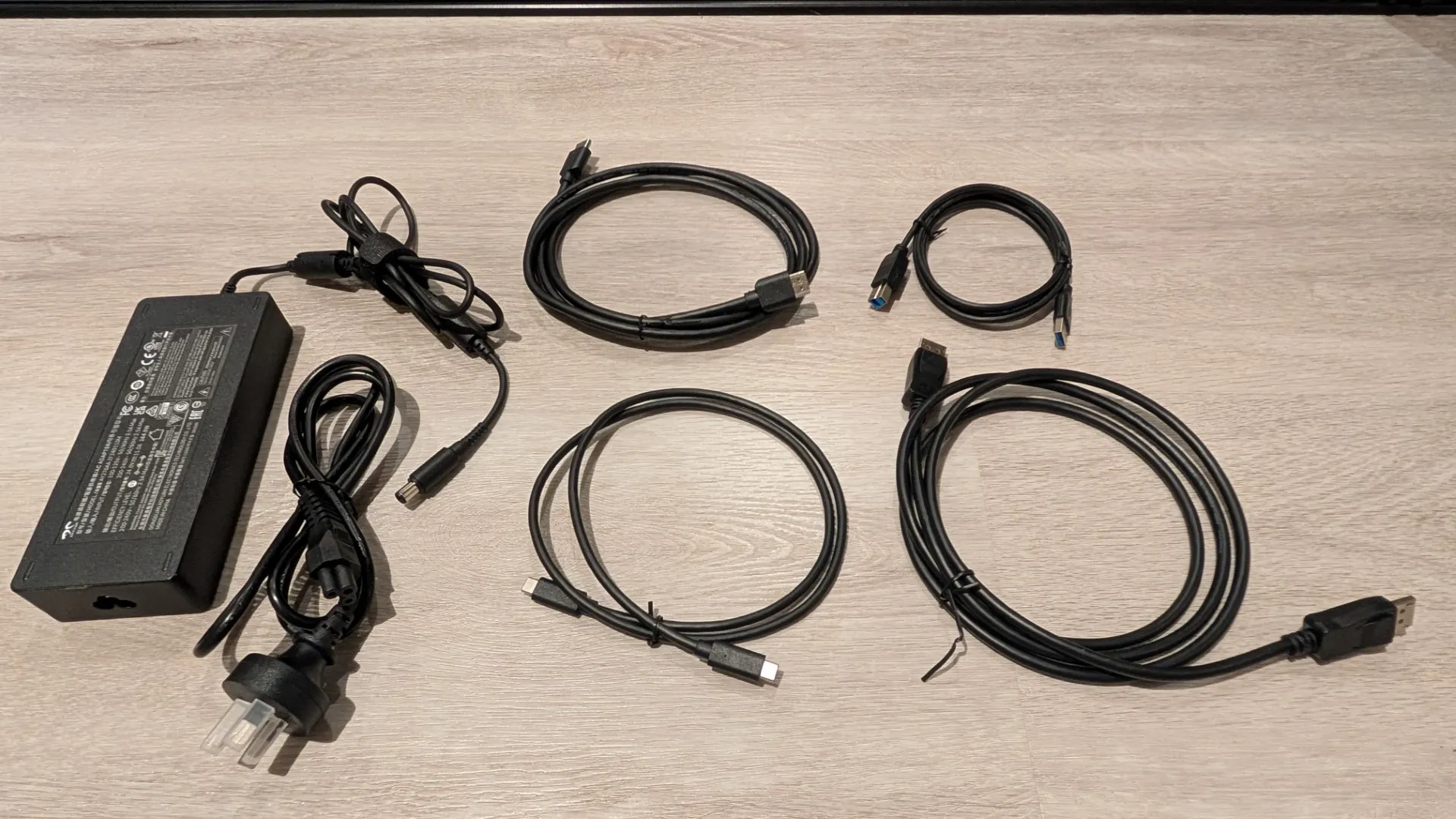
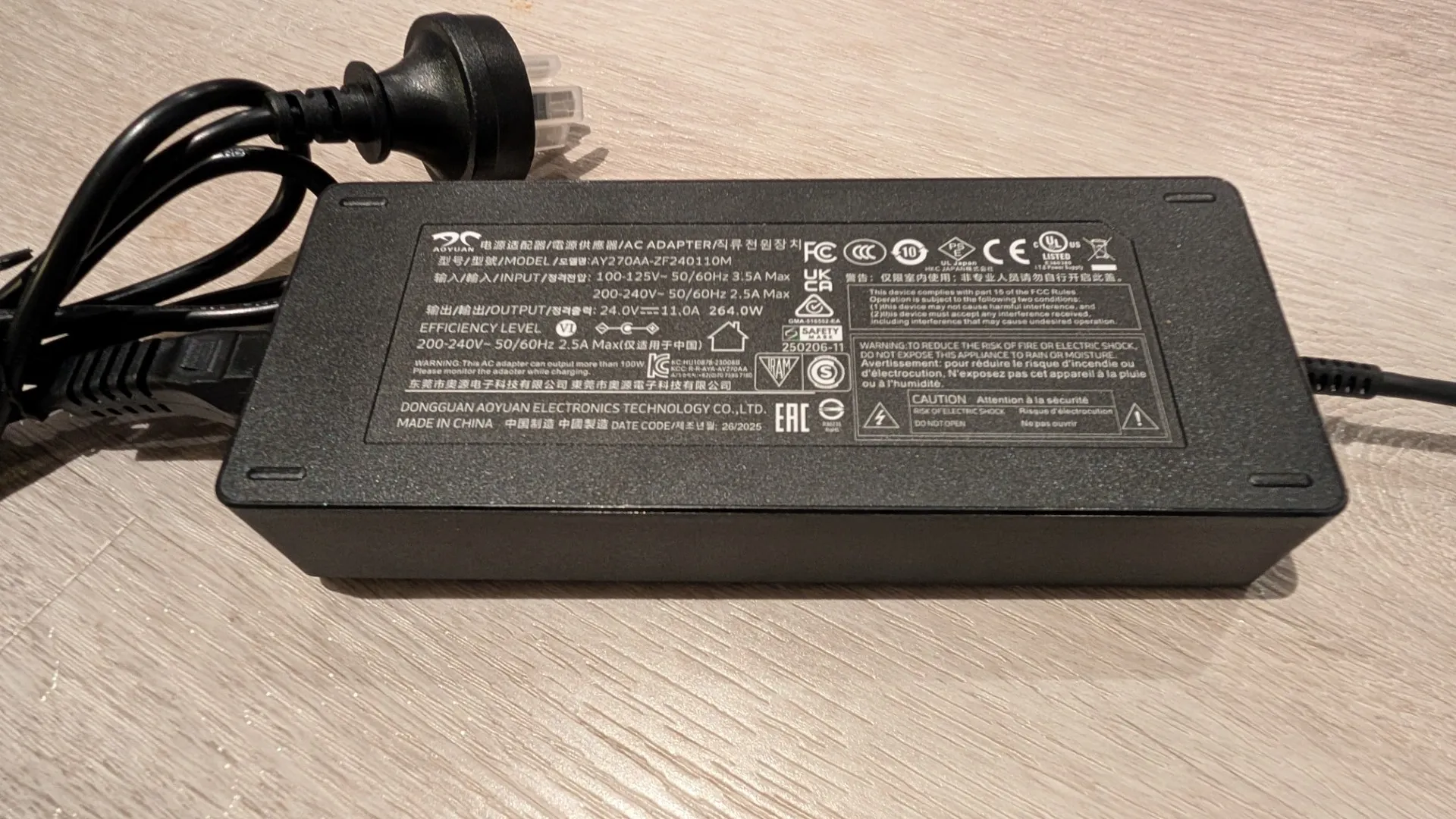
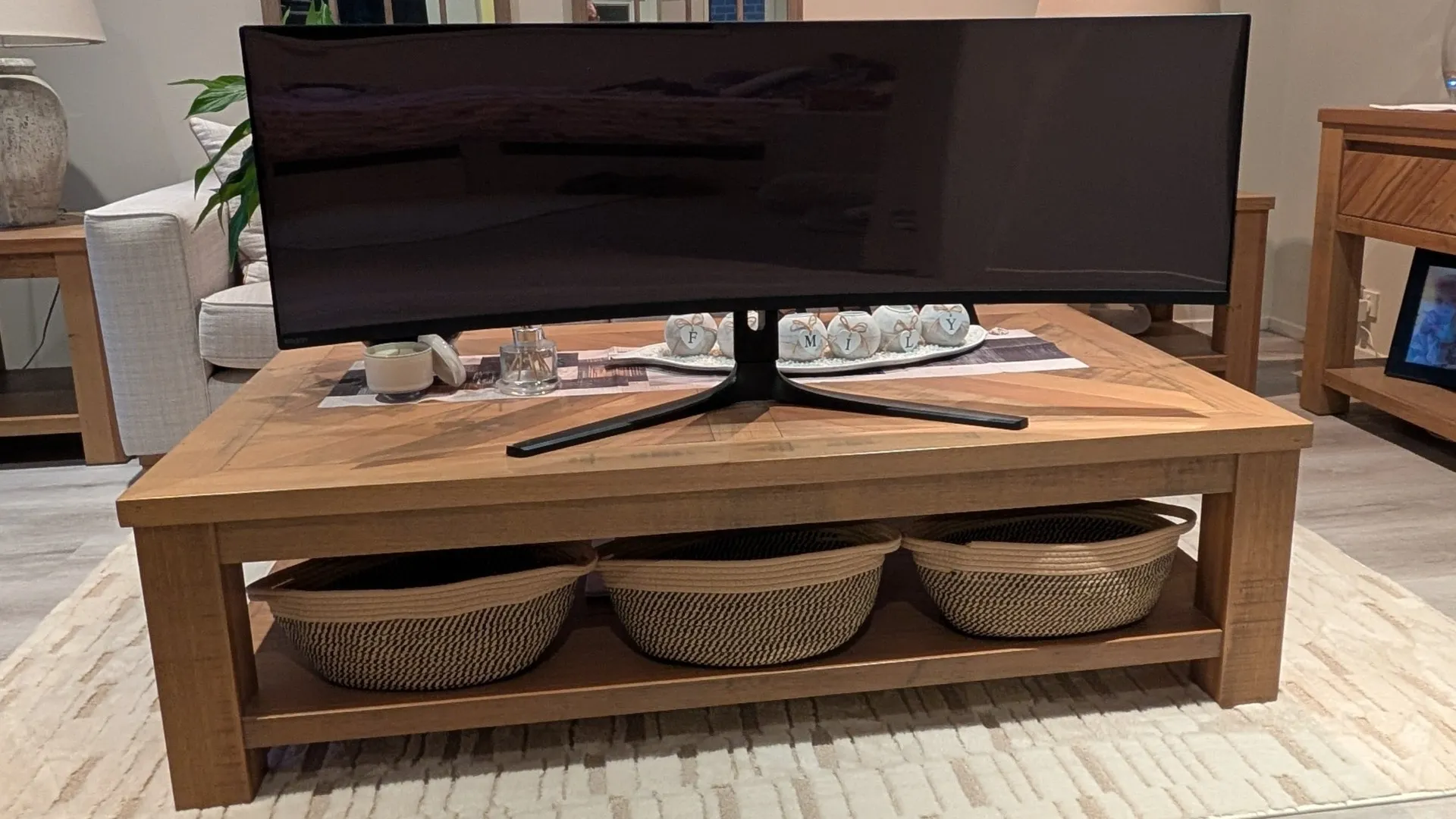
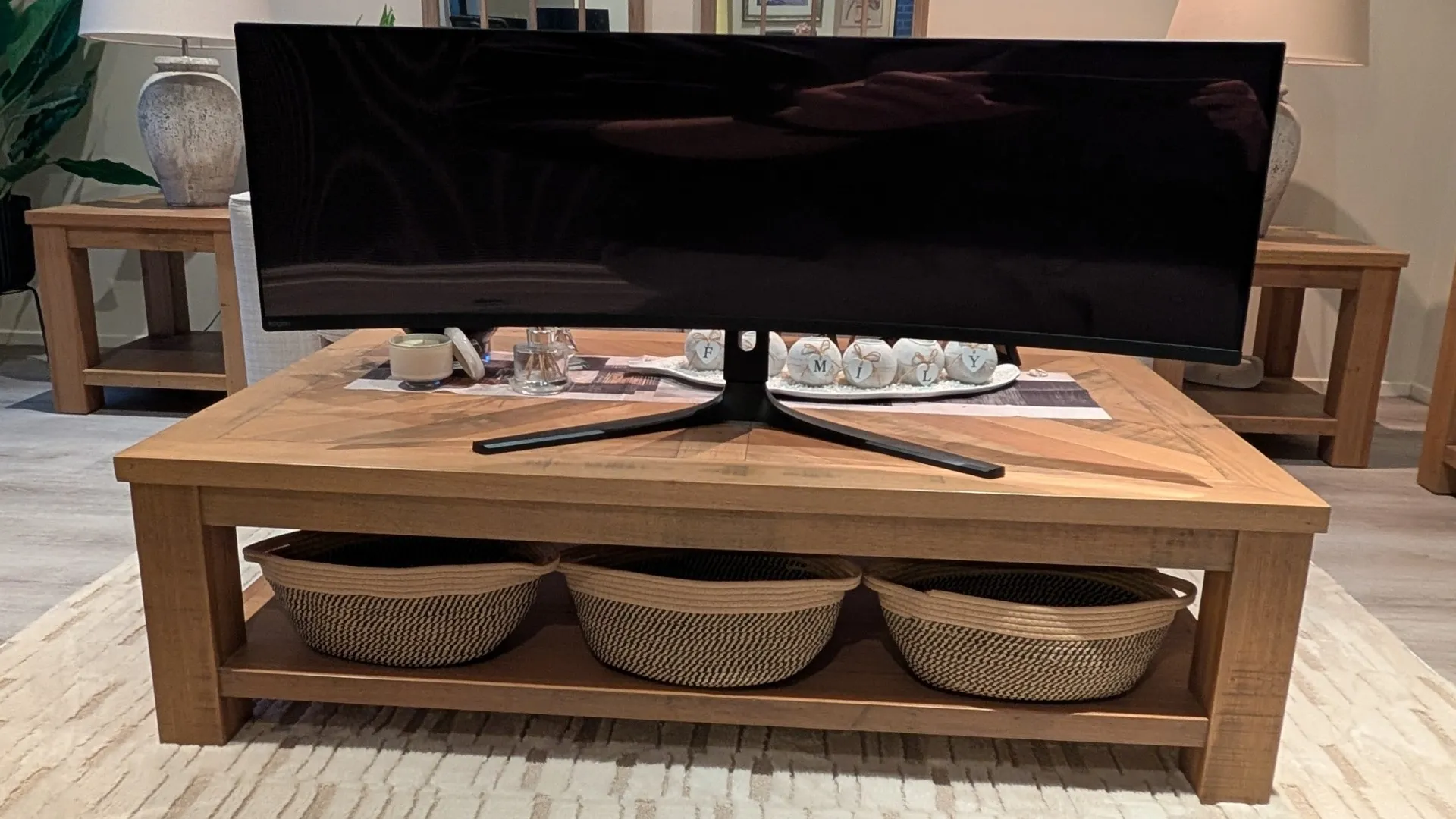
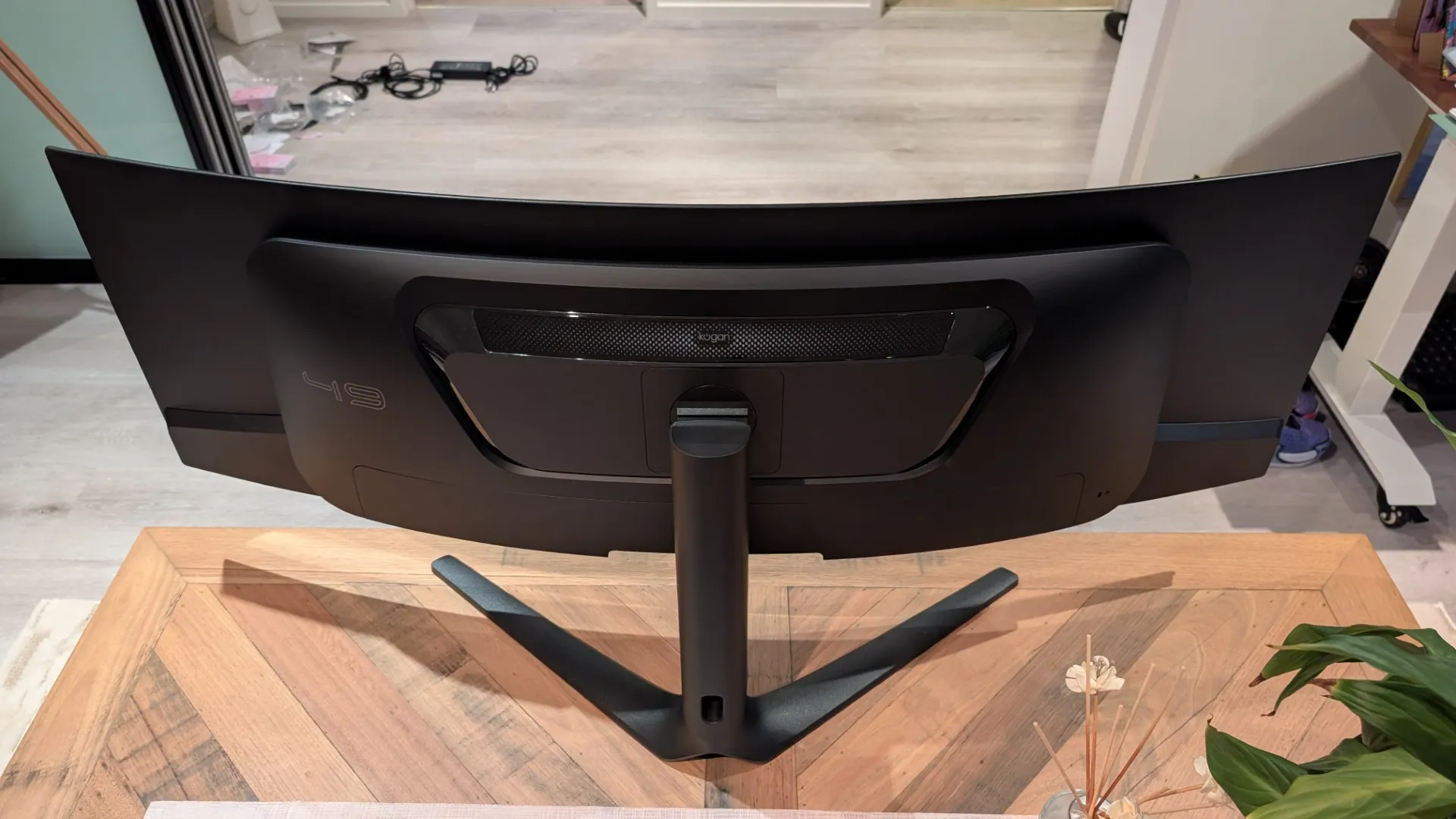
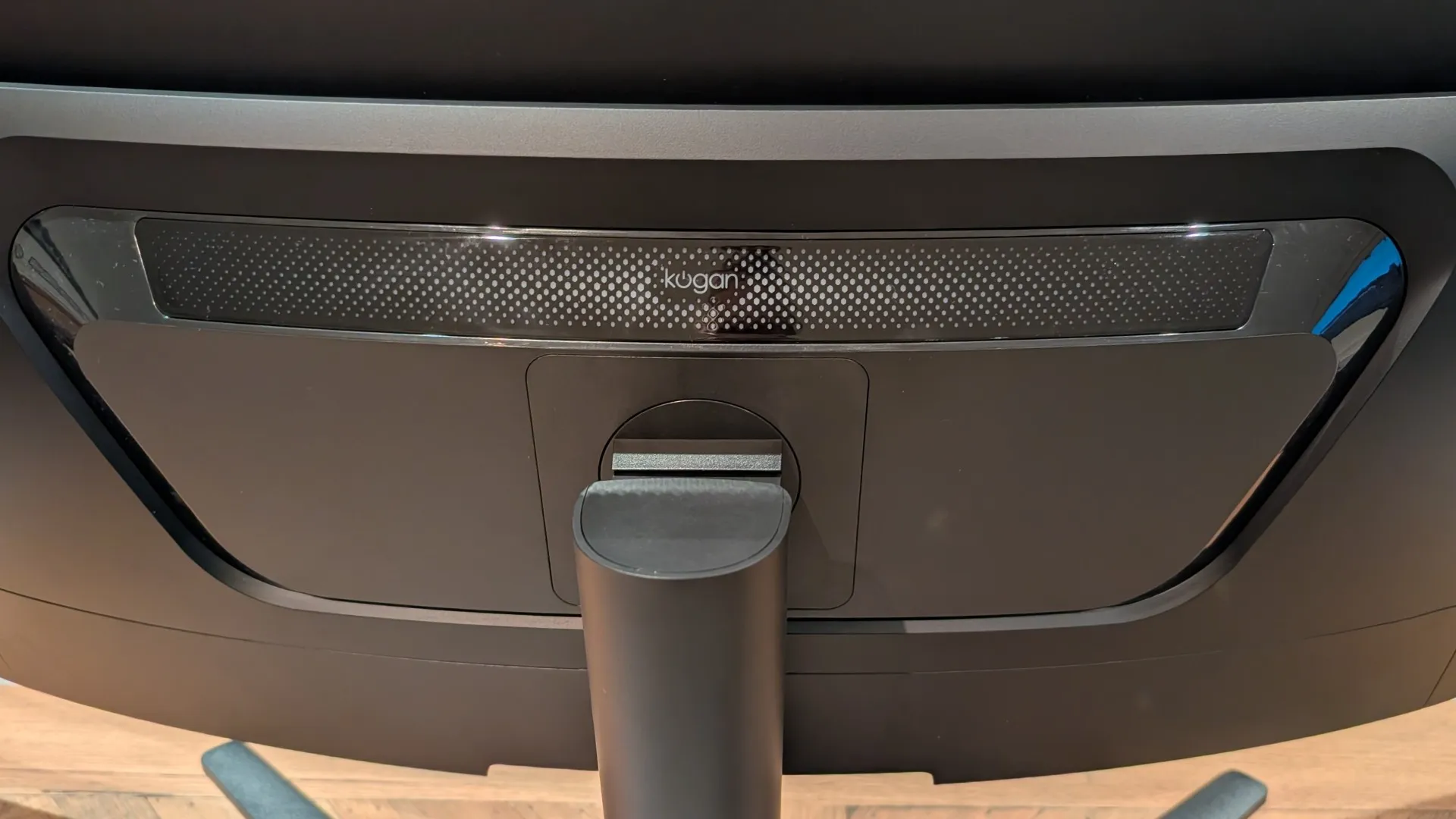
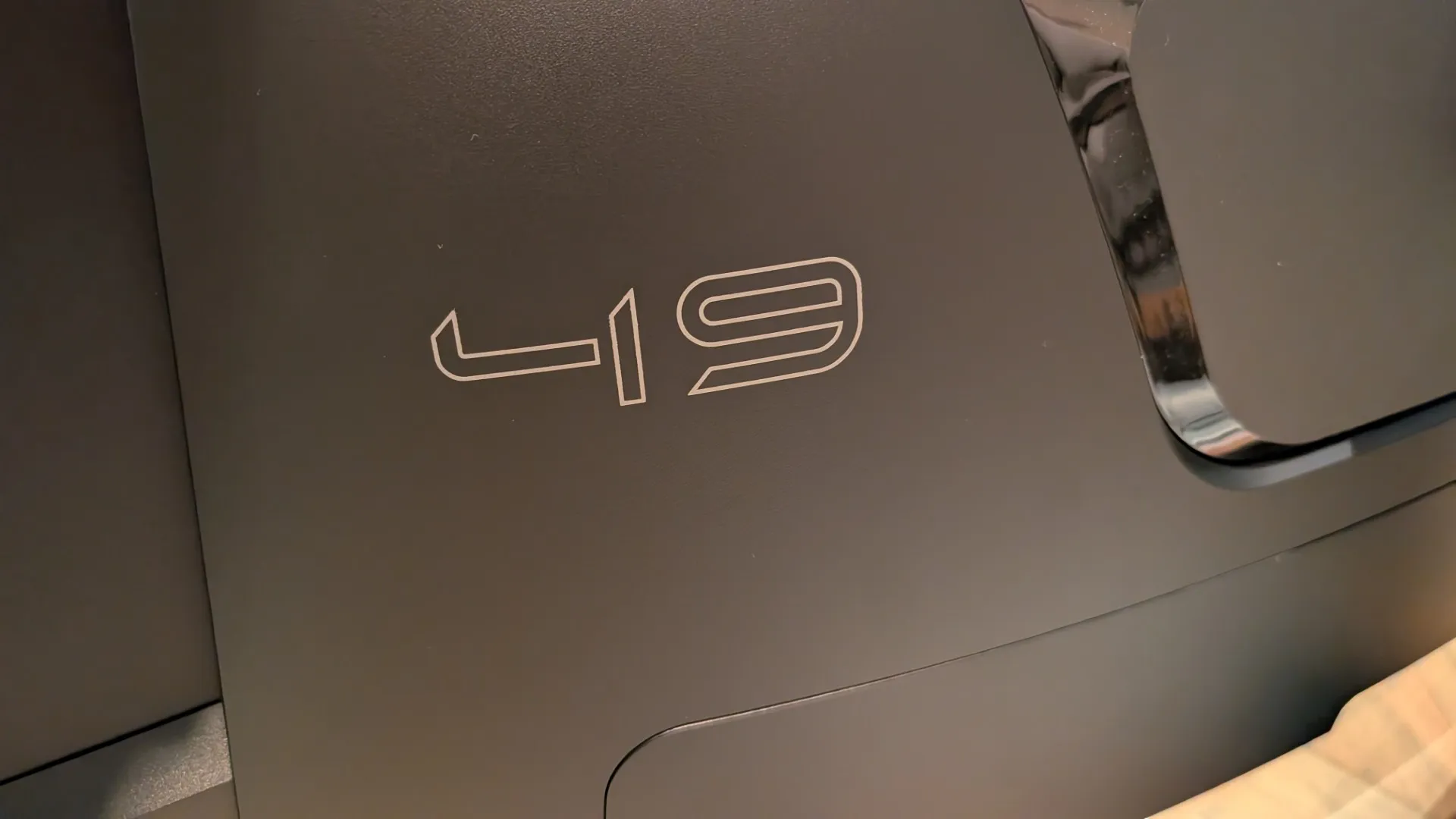
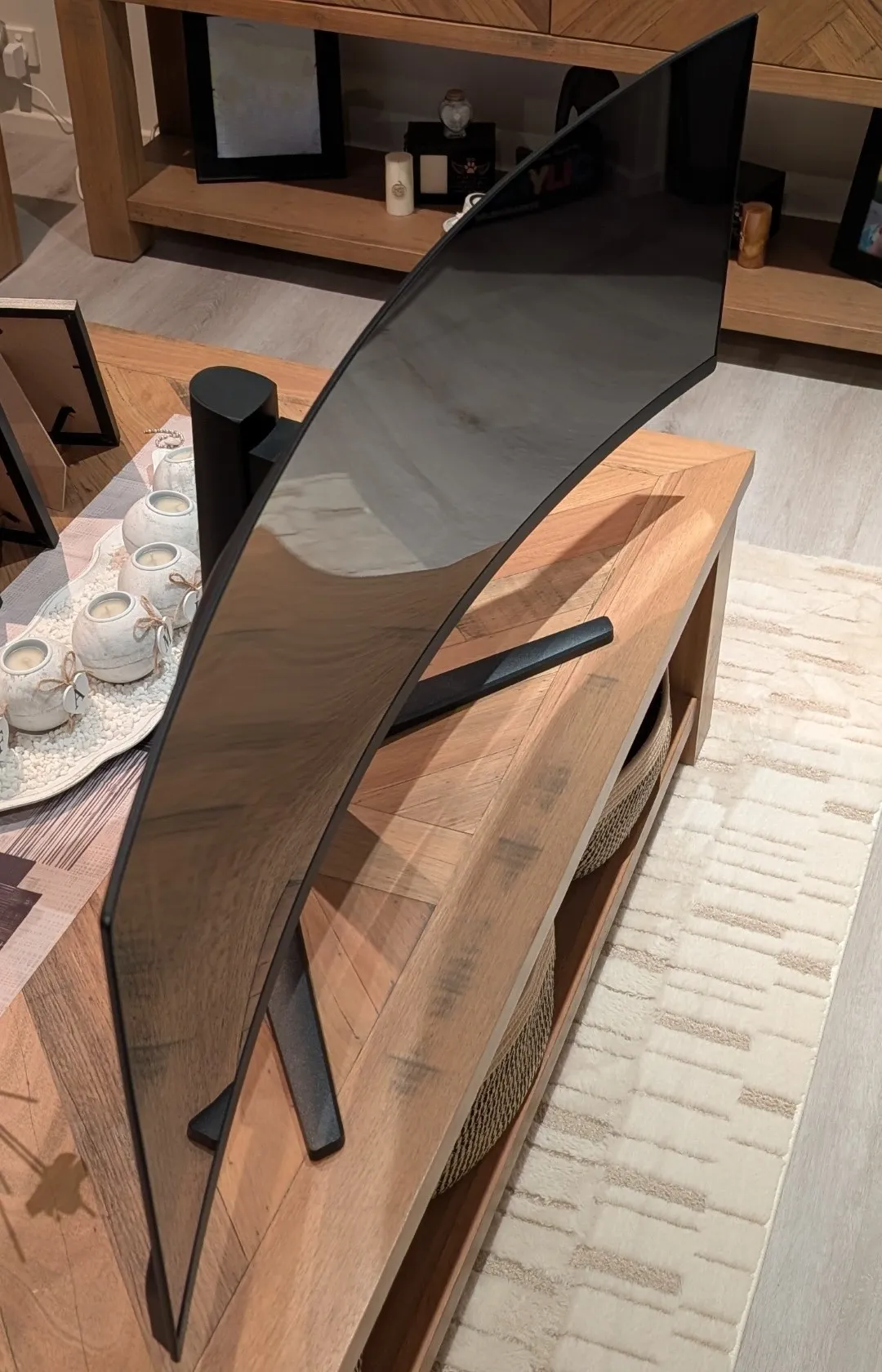
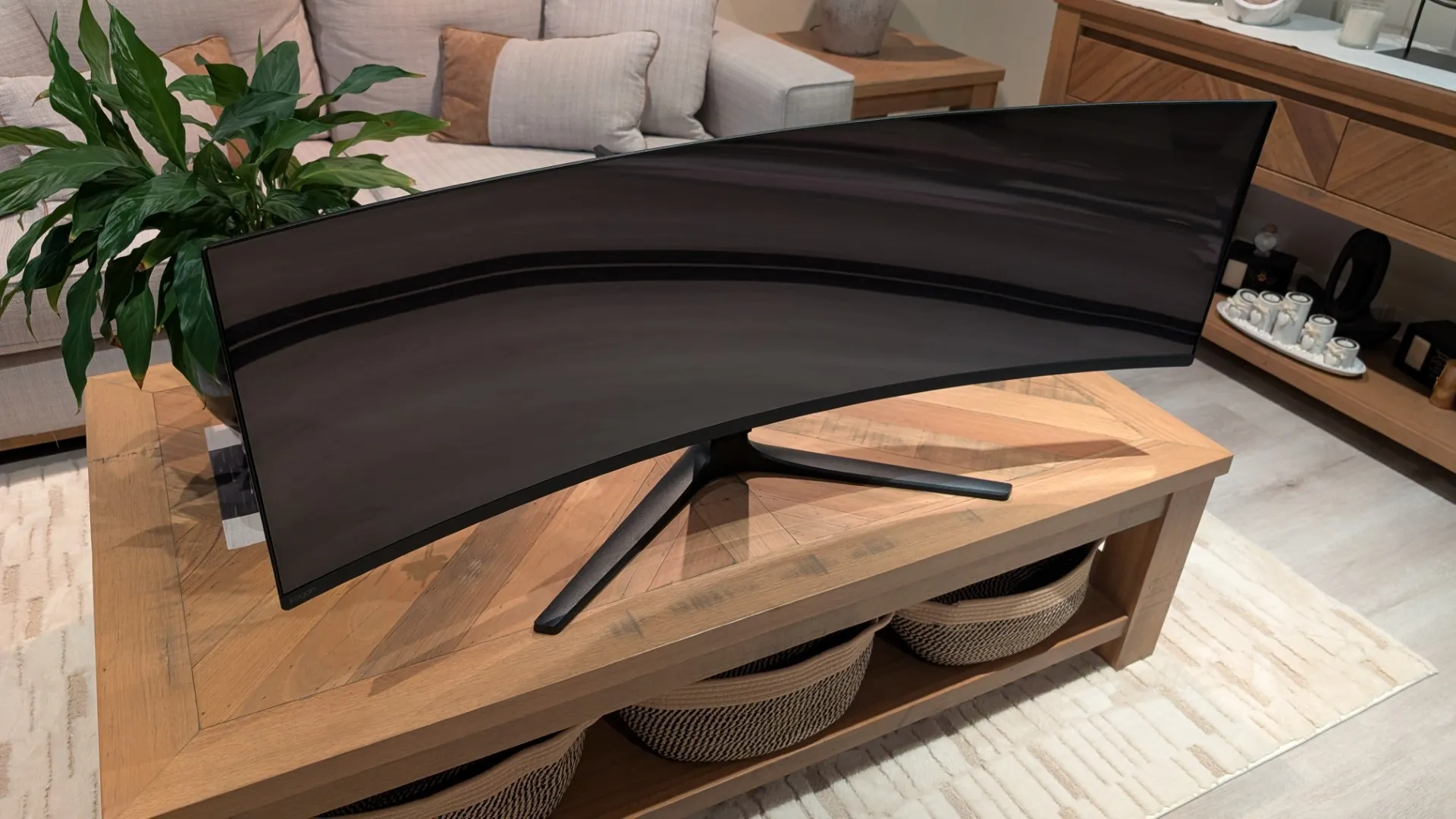
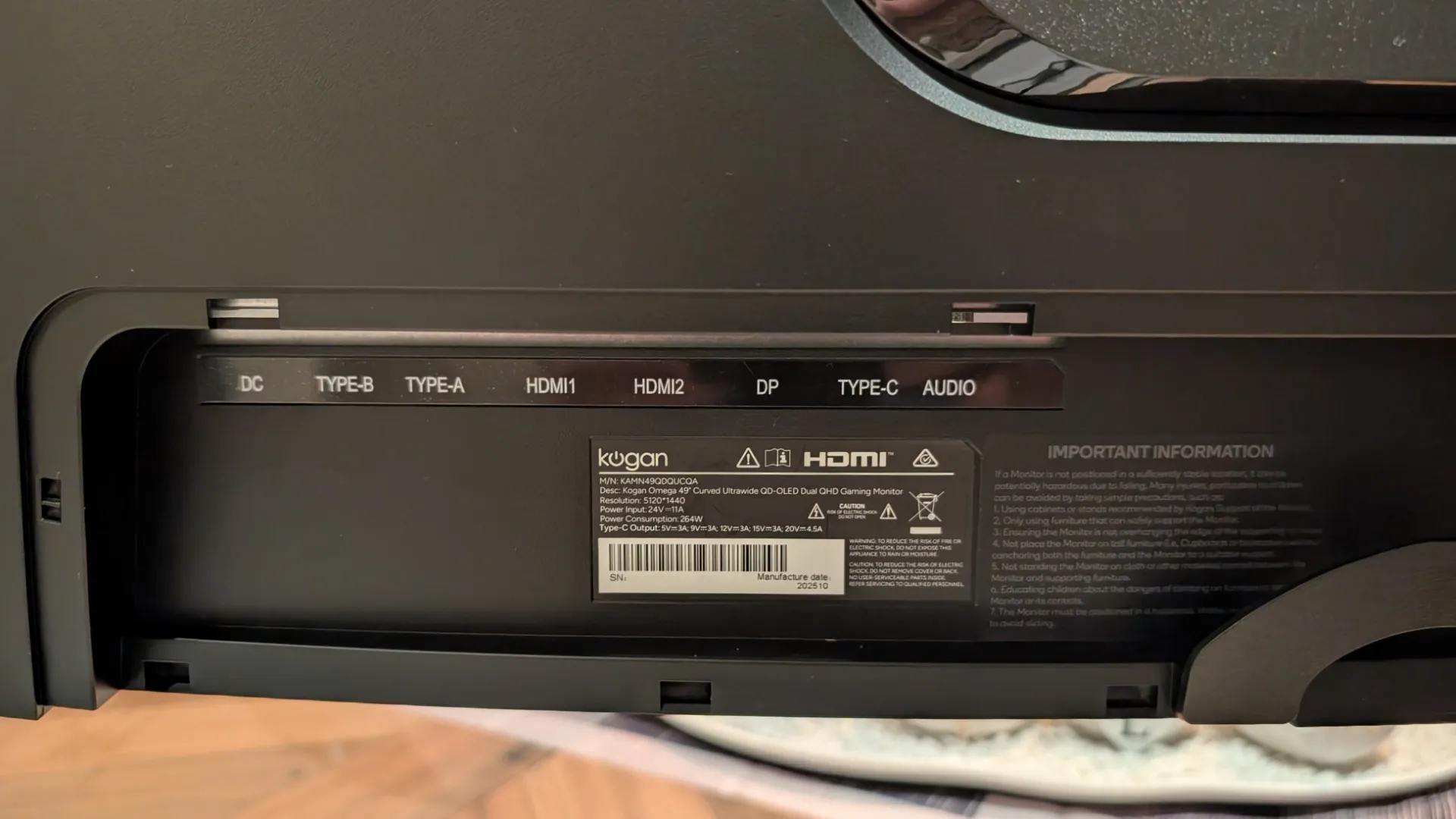
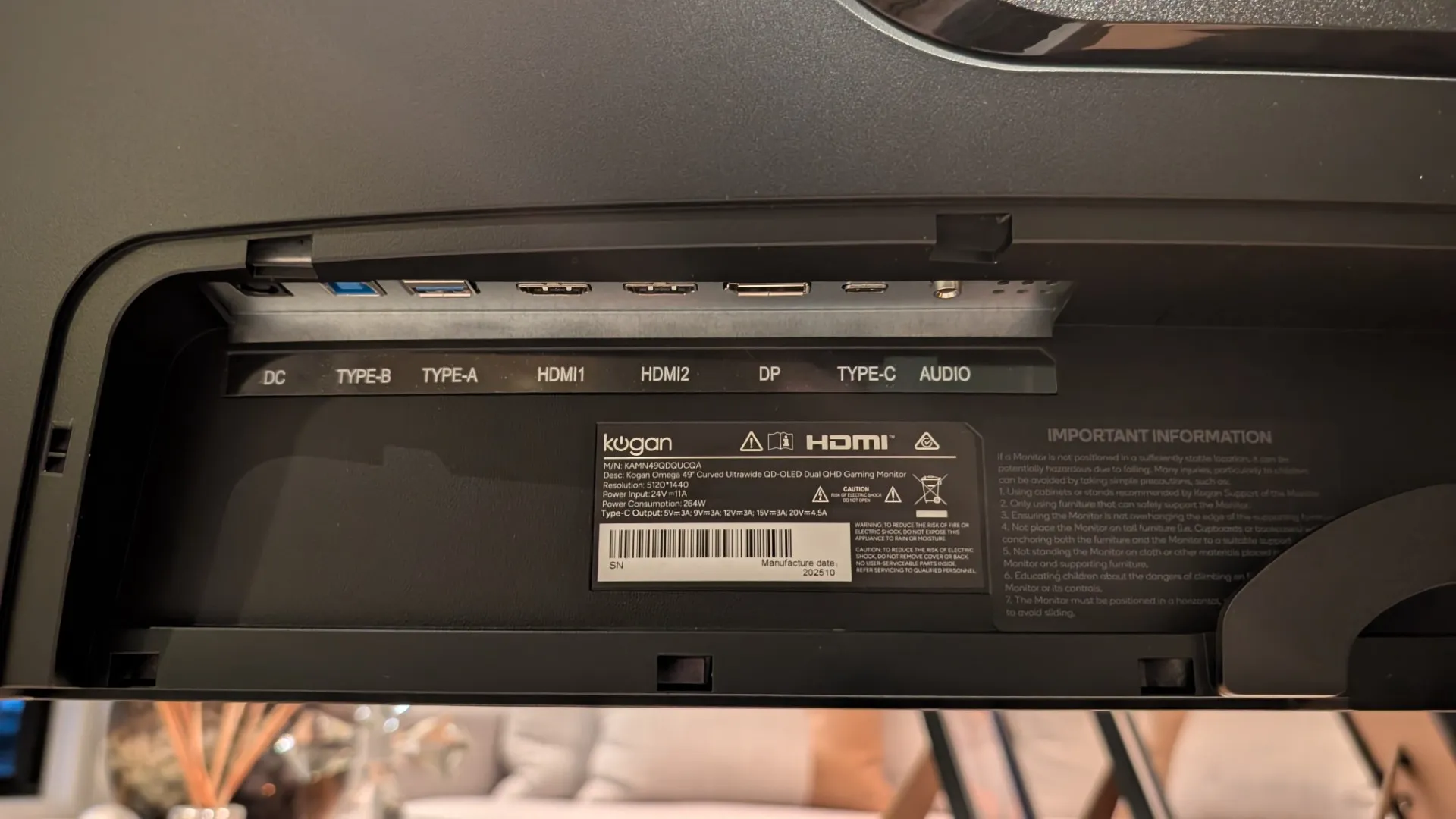
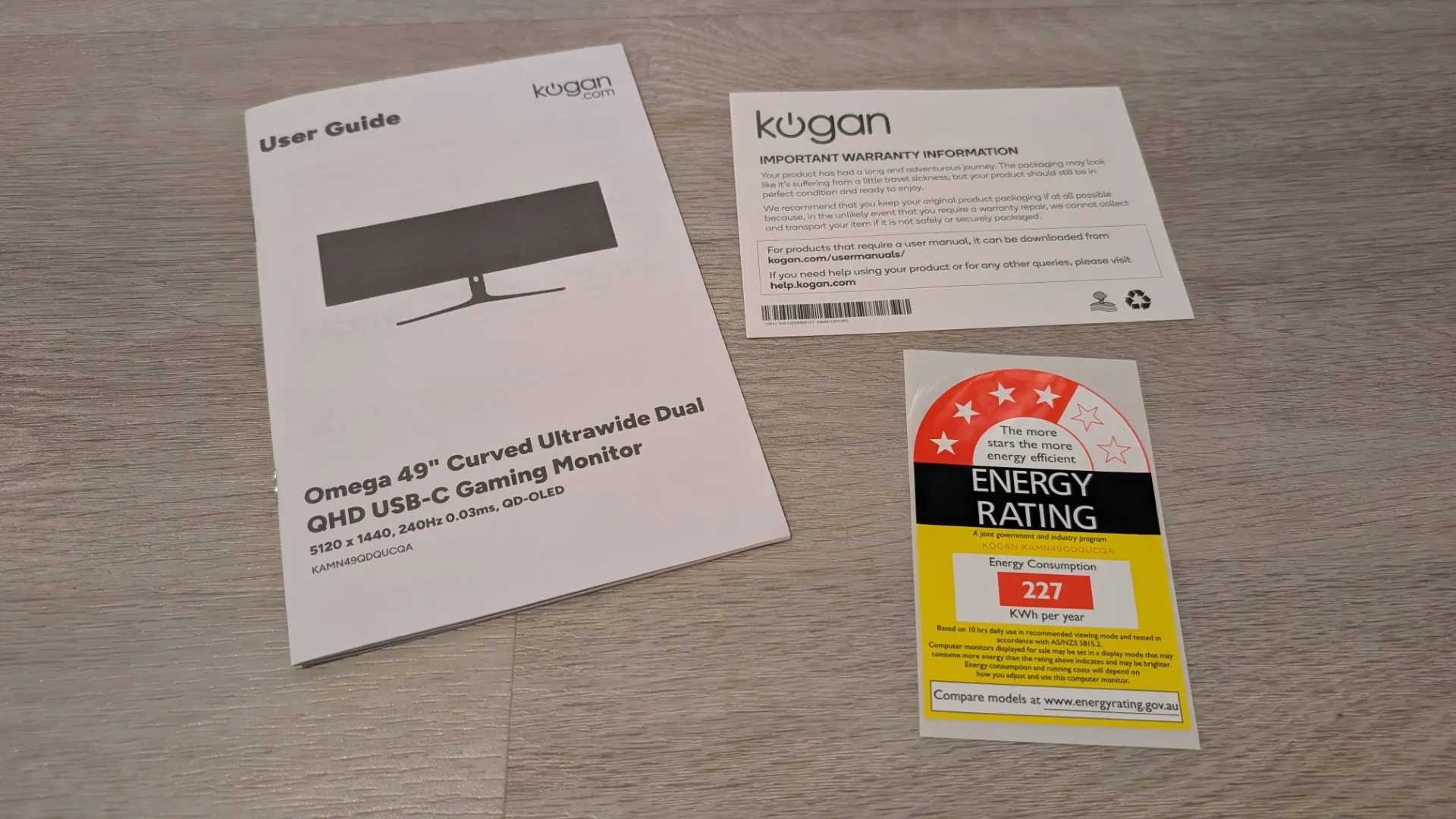
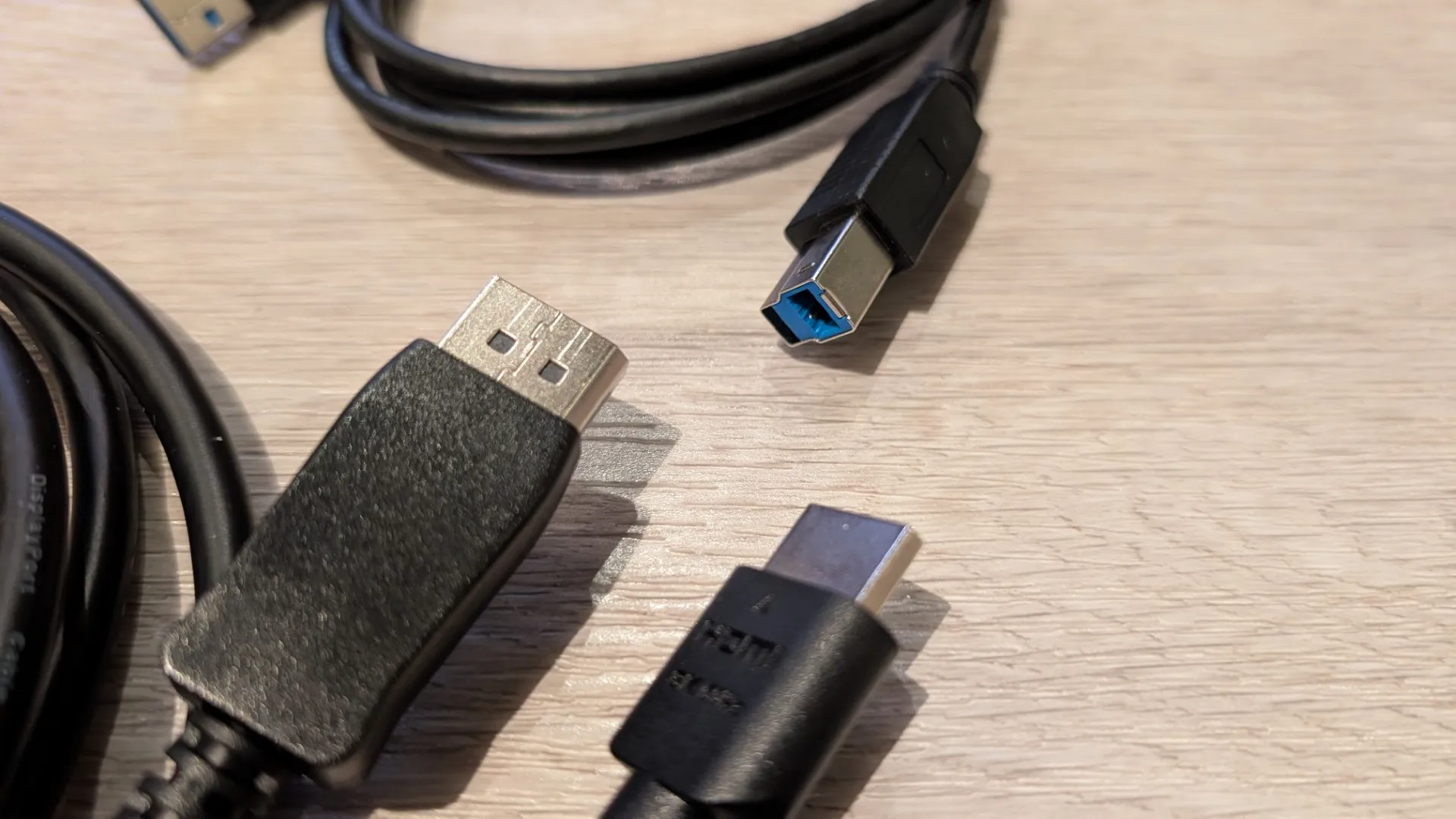
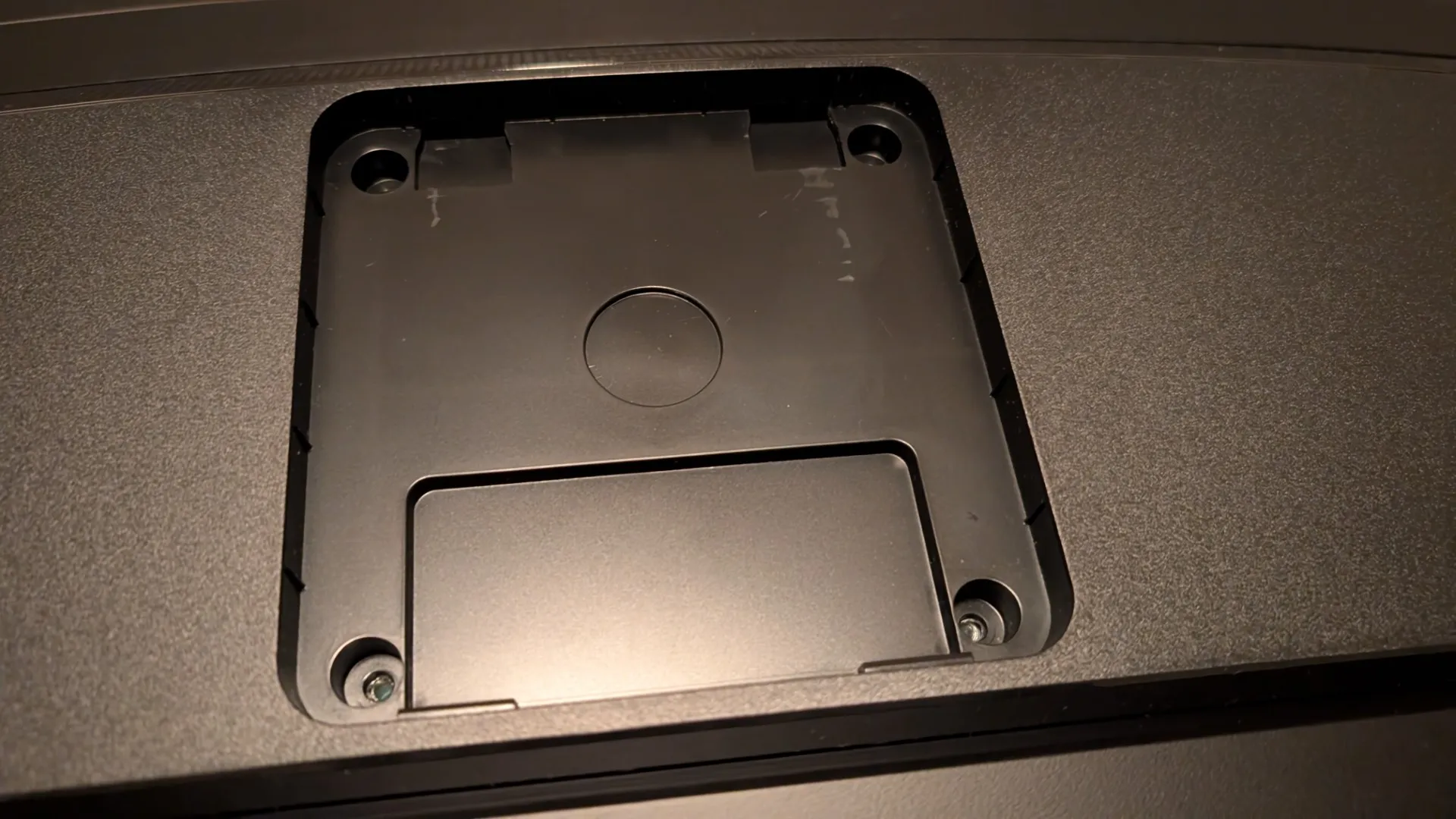
The Kogan Omega 49″ Curved Ultrawide Gaming Monitor is well packed and the display is very lightweight at just 8.6kg once unleashed from the box. Installation of the stand is super easy: provided you have opened the box with the display facing down into its Styrofoam packaging, the monitor arm just clicks into the back of the display. To install the stand, you just push it into the arm and then turn the quick-release lock until it is tightened. Once this step is completed, the gaming monitor is ready to be set up on your desk.
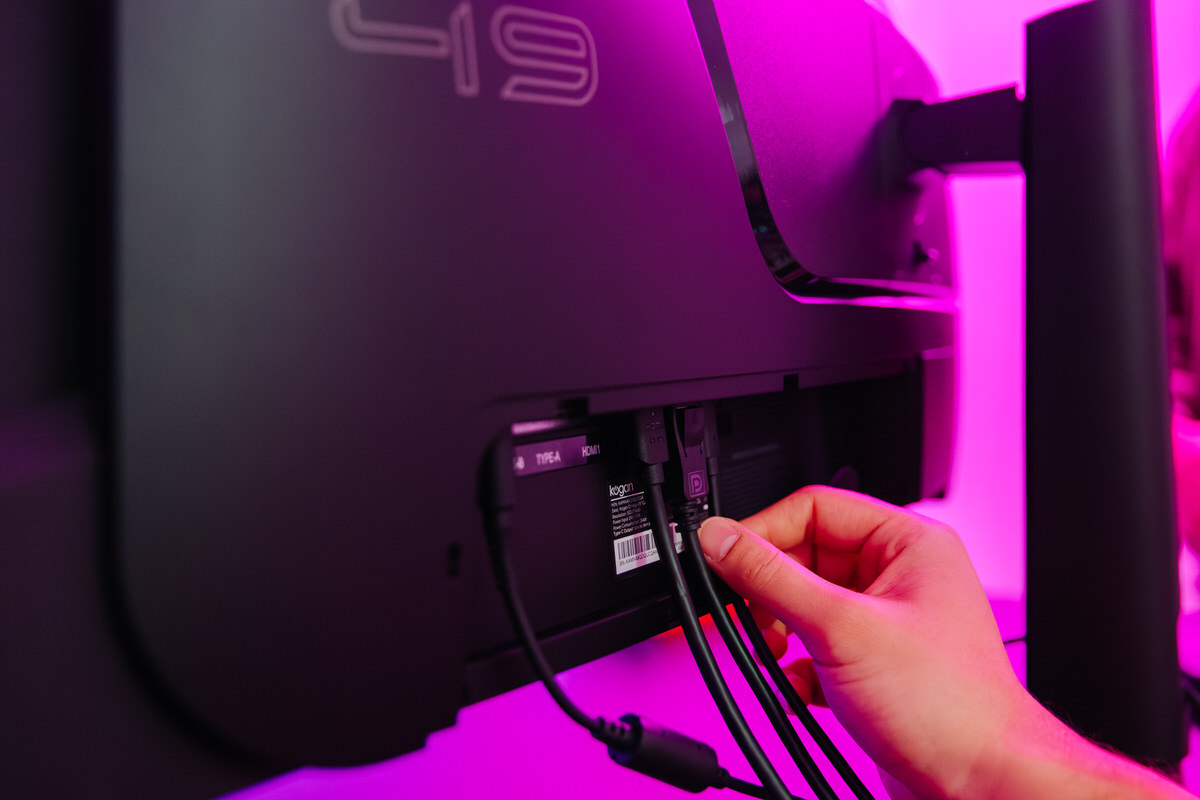
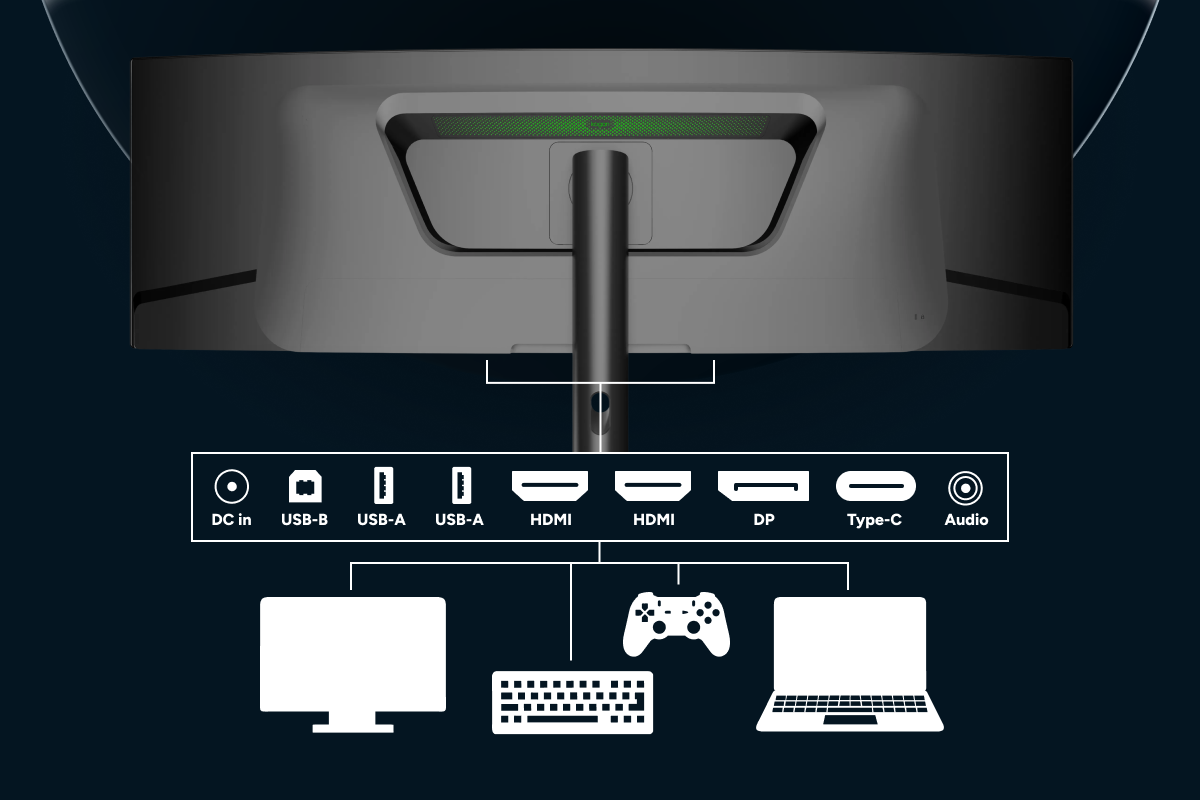
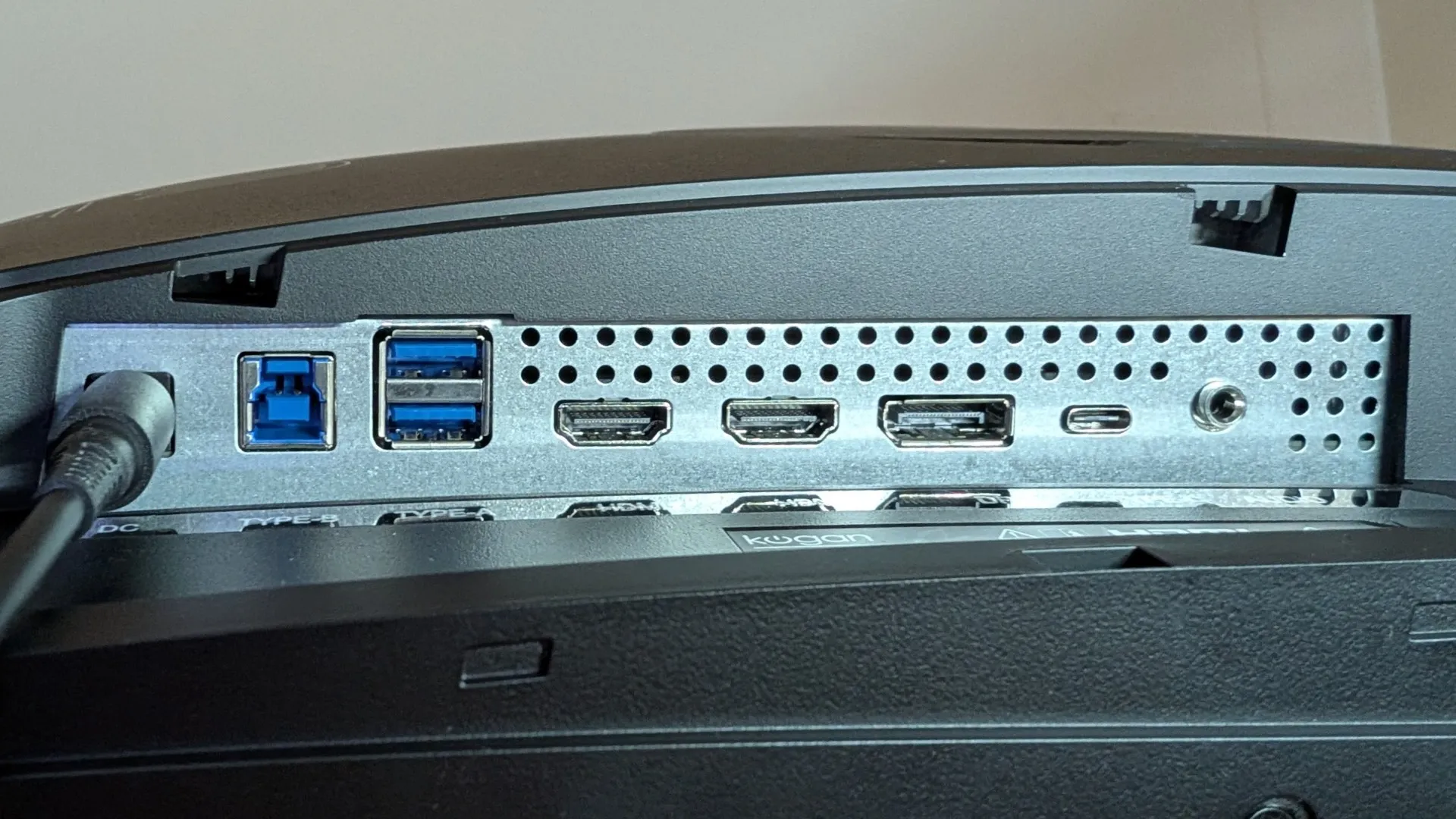
The screen can be adjusted by 5±2° forward and 15-20±2° backwards to help find your perfect angle. Aesthetically, it is a nice-looking gaming monitor with its small bezel and ultralight stand. The bottom right has the Kogan logo, and on the back (behind the input cover) is the input for the proprietary power brick that definitely reduces the weight of the screen by making this external, alongside a plethora of ports.
Kogan Omega 49″ Curved Ultrawide Gaming Monitor (KAMN49QDQUCQA) Ports
| Port | Maximum Resolution & Refresh Rate | HDR Support | Extra Functions | Best Use Case |
|---|---|---|---|---|
| HDMI 2.1 x2 | 5120 × 1440 @ 240Hz | Yes | FreeSync, Adaptive-Sync | Consoles and PCs with HDMI 2.1 |
| DisplayPort (DP) | 5120 × 1440 @ 240Hz | Yes | FreeSync, Adaptive-Sync | Primary Gaming PC (lowest latency and maximum stability) |
| USB-C | 5120 × 1440 @ 240Hz | Yes | 90W Power Delivery charging, data transfer, KVM switching | Laptops, MacBooks, and clean single-cable setups |
| USB-B Upstream & USB-A | — | — | Enables USB hub (keyboard, mouse, storage) | Productivity setups and KVM switching across multiple PCs |
| 3.5mm Audio Out | — | — | Connects headphones or external speakers | Audio passthrough directly from the active input source |
A major highlight for connectivity is the inclusion of two HDMI 2.1 inputs that support FreeSync for PC. This technology matches your monitor’s refresh rate with the FPS of your graphics card to eliminate tearing, minimise stuttering, and reduce lag. For next-gen consoles (PS5 and Xbox Series X), you can still enjoy smooth 120 FPS gameplay; however, you will experience pillarboxing (black bars on the sides) as these machines sadly don’t support Ultrawide 5K or Dual QHD resolutions.
So yes, you can console game on this monitor, but at its core, it is a PC gaming display. Pushing a resolution of 5120 × 1440 requires a decent graphics card. At a minimum, you will need an NVIDIA RTX 3070 / RTX 4060 Ti (16GB) or AMD RX 6700 XT / RX 7700 XT. For a comfortable mid-range experience, you would need an NVIDIA RTX 4070 Super / RTX 5070 / RTX 3080, or for AMD, an RX 7800 XT / RX 7900 XT. However, to knock your graphics and gameplay out of the park, you should look toward an NVIDIA RTX 4080 Super / RTX 5080 / RTX 4090, or an AMD RX 7900 XTX. The other highlight for ports is the inclusion of USB-C which supports 90W Power Delivery charging to charge even your most power hungry laptop.
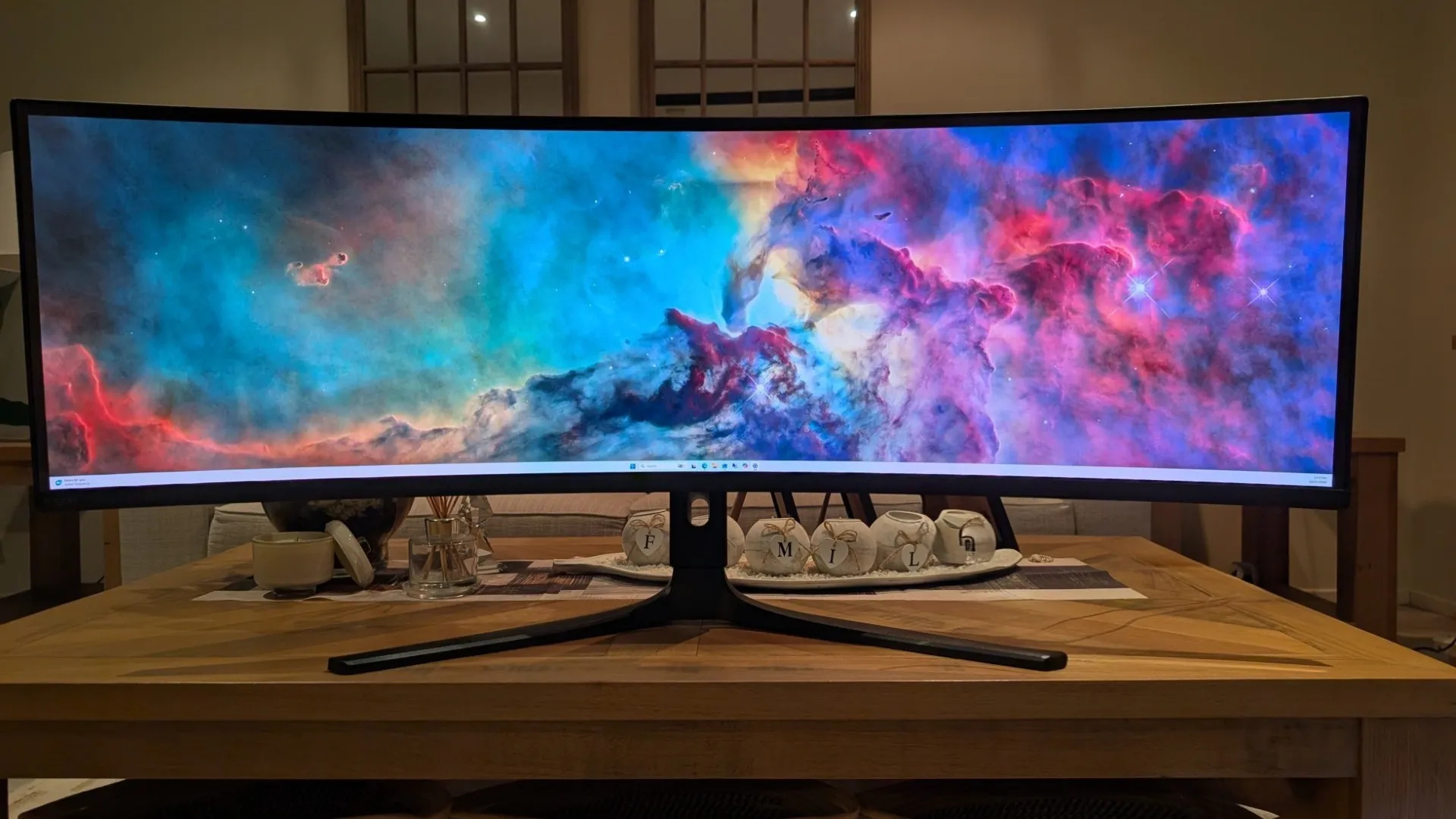
Navigating the Kogan Omega 49” is a breeze thanks to a small directional joystick positioned right under the centre of the display. It removes all the frustration of traditional multi-button setups, making it effortless to flick through the On-Screen Display (OSD). Beyond standard brightness and colour tuning, the OSD packs in some essential hardware controls:
-
KVM Switch Integration
Paired with the USB-C and USB-B ports, you can route your keyboard and mouse through the monitor to seamlessly control two separate PCs (like a work laptop and a gaming rig). -
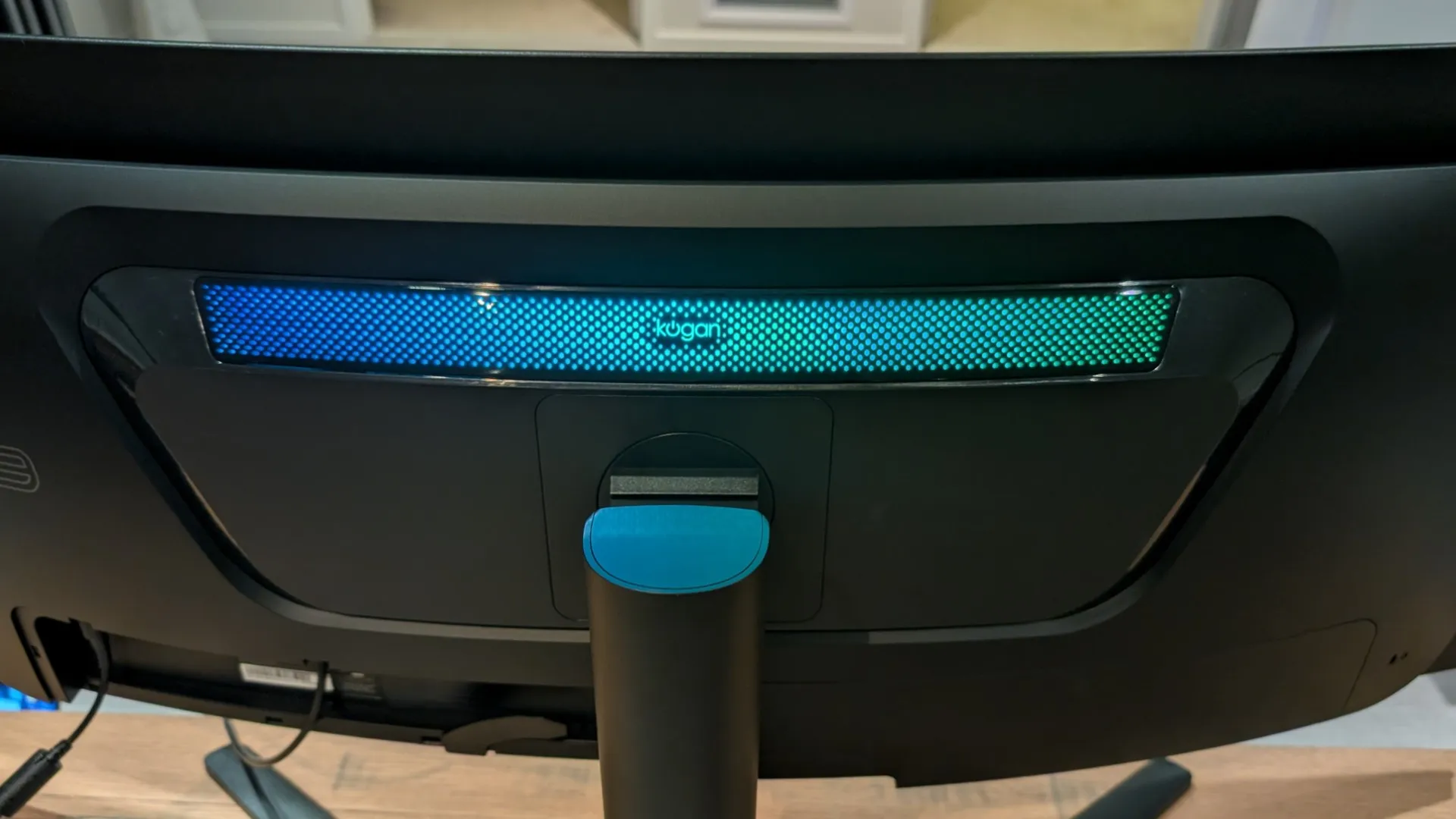
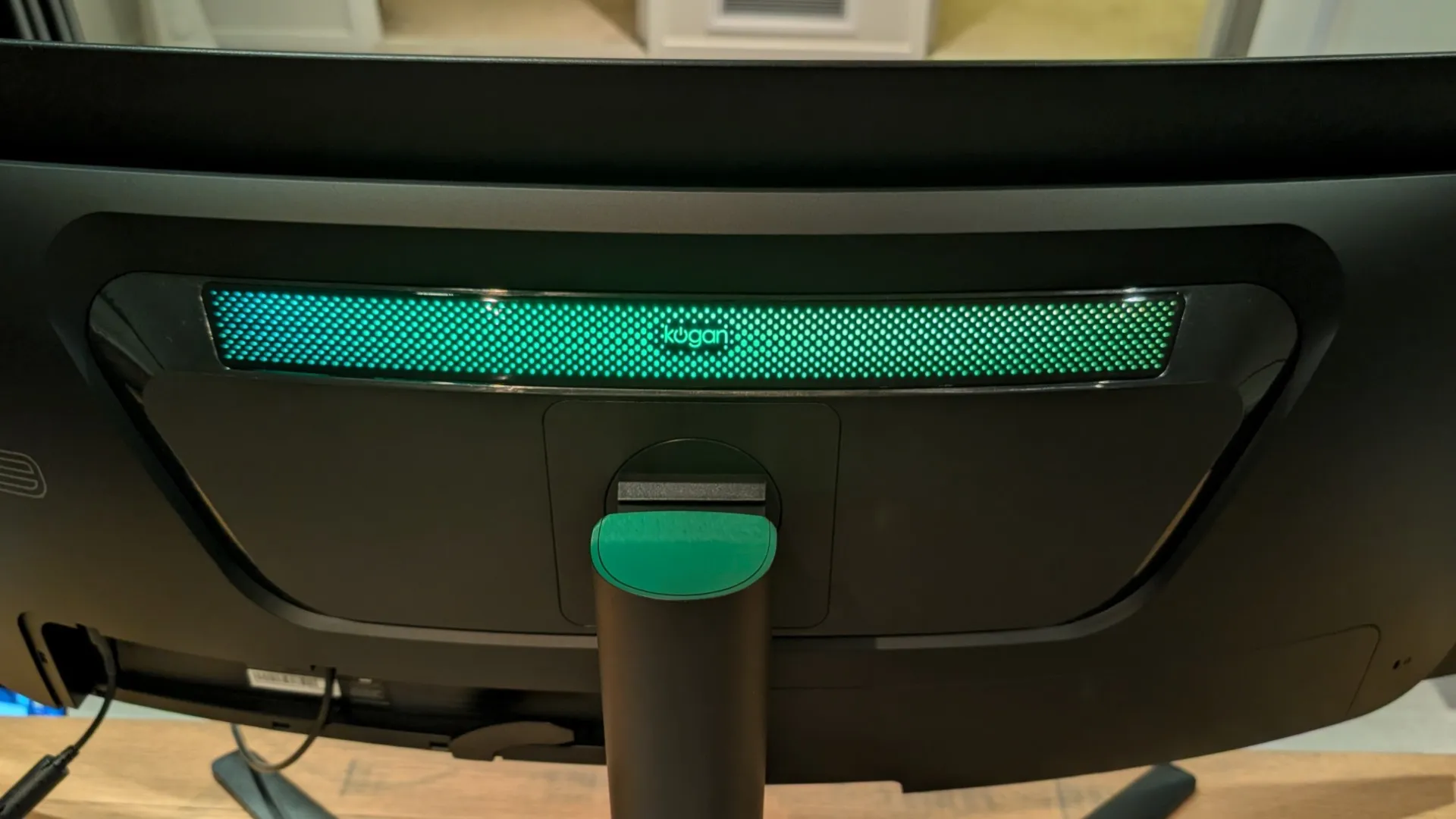
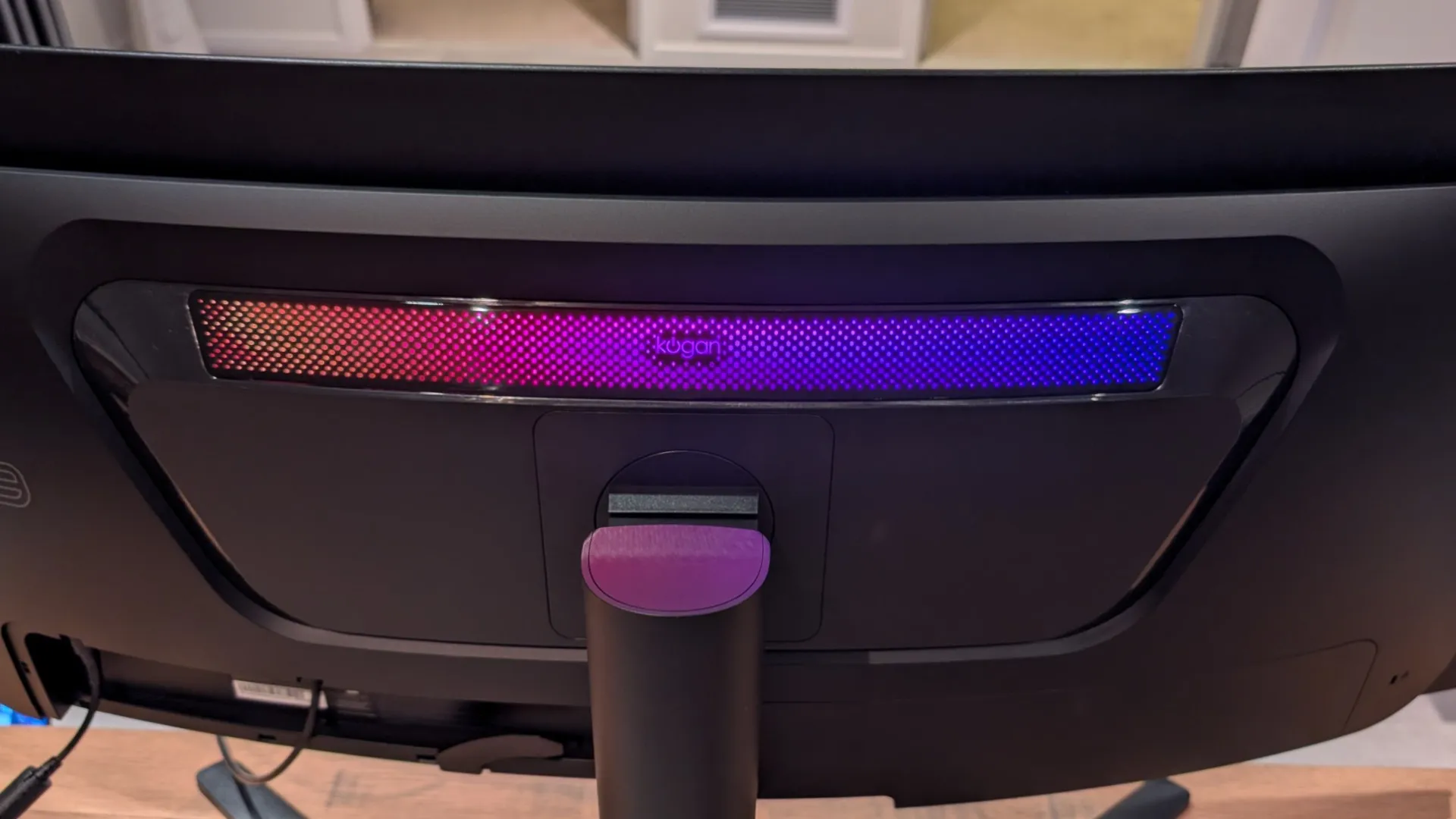
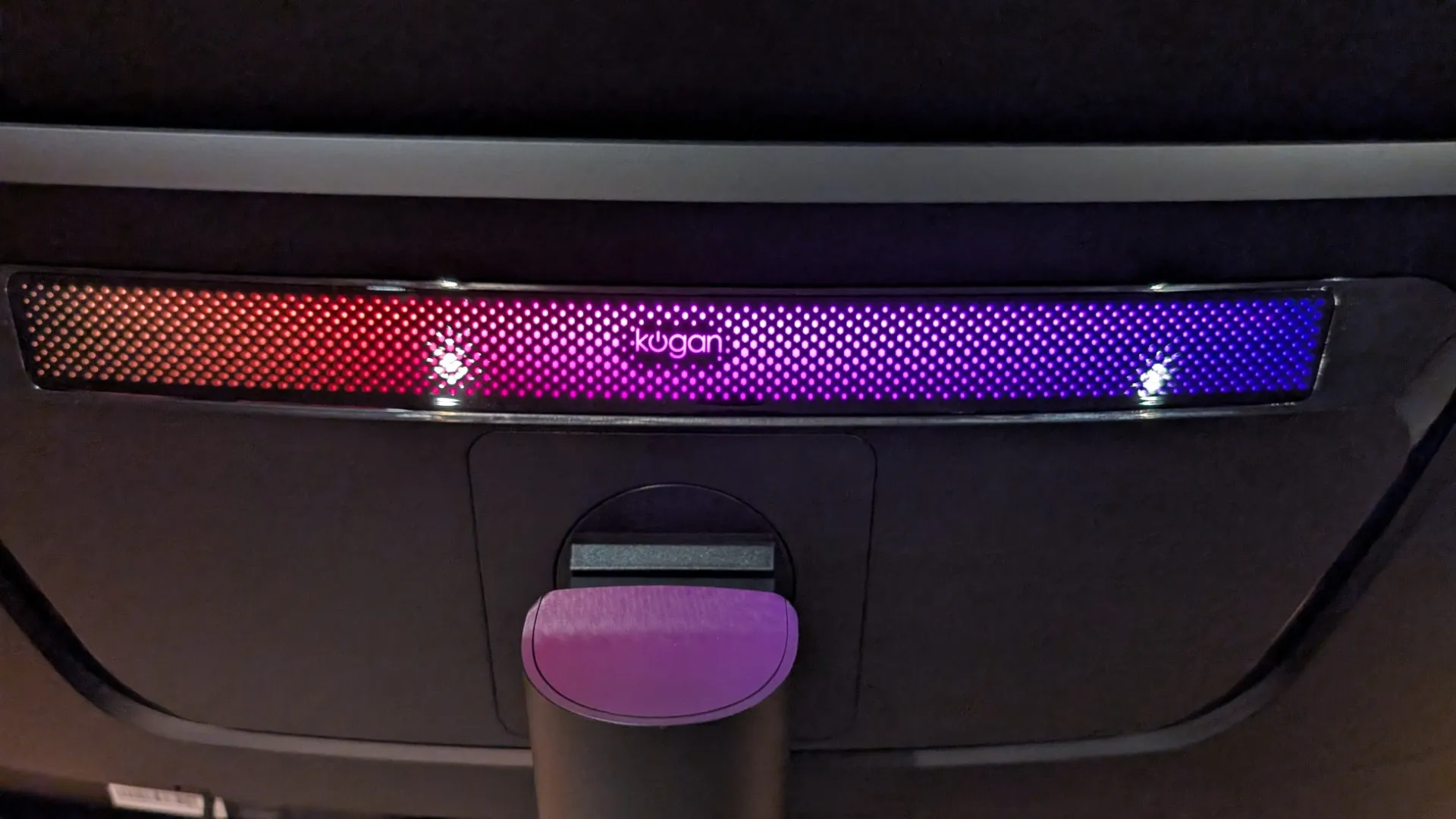
RGB Ambient Lighting
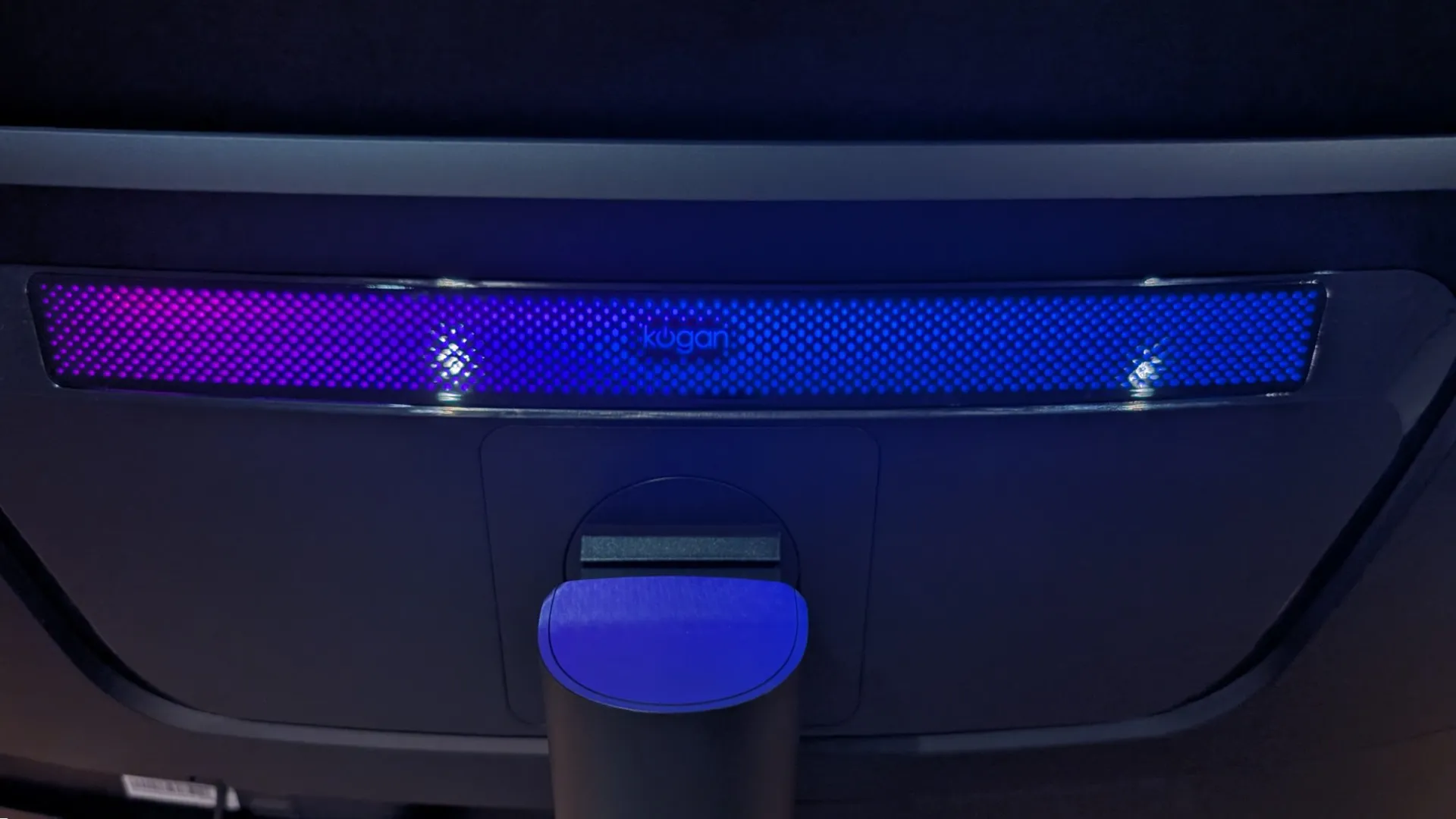
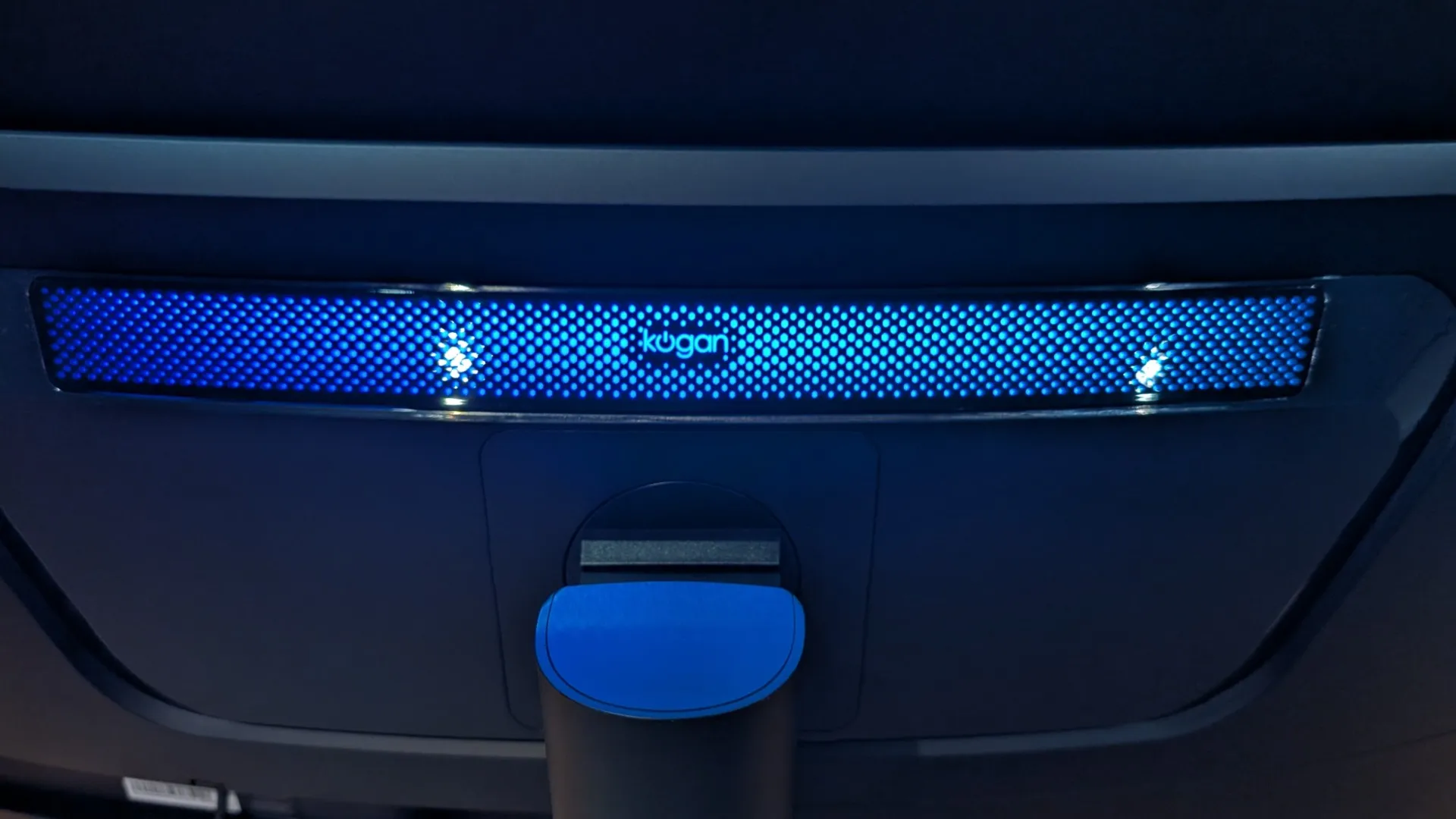
Customise the rear casing LEDs with Static Red, Static Blue, or dynamic modes like Breathing, Dazzling, and Running light for ambient desk flair. -
Gaming Support
Toggle FreeSync, on-screen crosshair overlays, or use the Dark Field Bright Effect to lift dark shadows and spot campers hiding in the dark.
.
.
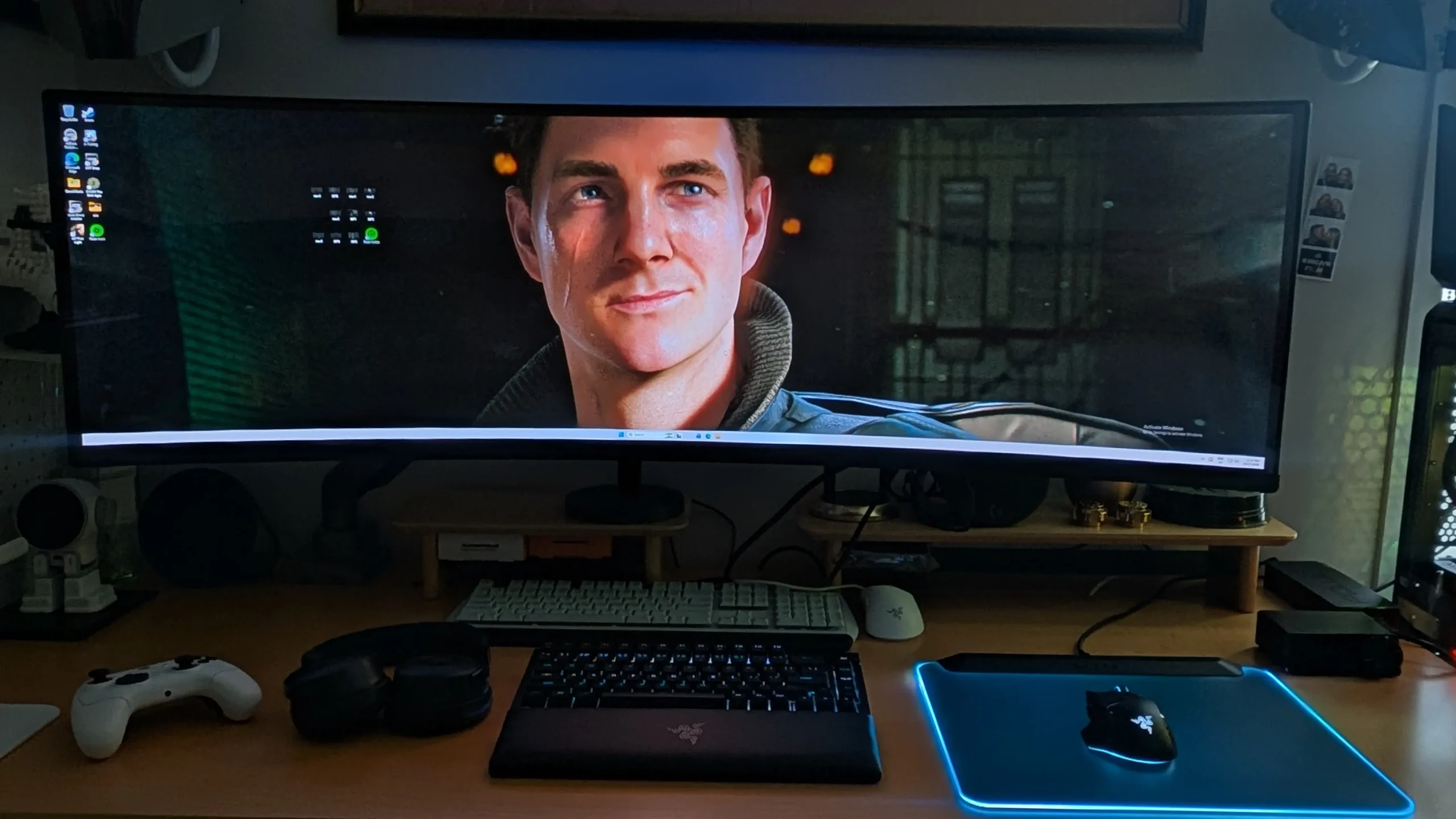
The menu also features a robust selection of Scenario Modes that instantly adapt the display to your workflow:
-
FPS & RCG Modes
Specifically tuned to boost shadow visibility in first-person shooters and enhance fast-motion clarity for racing sims. -
Pro & Creator Profiles
Dedicated DCI-P3, Adobe RGB, and “For Mac” modes that deliver accurate color space mapping for photo and video editing. -
Productivity & Media
Text and eBook modes adjust contrast and tone to protect your eyes during long reading/office sessions, while Movie Mode lowers screen glare for late-night viewing.
Beyond the surface-level specs, diving into the monitor’s On-Screen Display (OSD) reveals some fantastic quality-of-life features that really elevate the day-to-day experience. For multitaskers, streamers, or those running multiple systems, the monitor supports robust Picture-in-Picture (PIP) and Picture-by-Picture (PBP) modes, allowing you to seamlessly split the screen or overlay a secondary signal source.
Navigating the menus to find what you need is also remarkably streamlined thanks to two customizable shortcut keys. You can map “Shortcut Key 1” and “Shortcut Key 2” for instant access to your most frequently used settings—whether that’s tweaking brightness and contrast, swapping inputs, changing scenario modes, adjusting the volume, or throwing up the on-screen crosshair for competitive shooters. Speaking of gaming, the OSD includes a handy built-in Game Timer that can be set in intervals from 15 right up to 120 minutes to help you keep track of time during marathon sessions.
Finally, OLED maintenance is critical, and the manufacturer hasn’t skimped on protection. Expanding on the automated pixel shift software mentioned earlier, the advanced Panel Care menu gives you granular control over screen health. It includes specific manual options to trigger a “Pixel refresh” and “Adjust logo brightness,” giving you peace of mind and ensuring the panel stays pristine against burn-in over the long haul.
Stand vs Monitor Arm: The stand for the KAMN49QDQUCQA is super-light. However, if you want to reclaim more of your desk, including additional adjustments, a monitor arm is the way to go. VESA compatible, I successfully installed my previous monitor arm onto the Kogan display with just four screws, and given how lightweight it was, this was performed without any assistance.

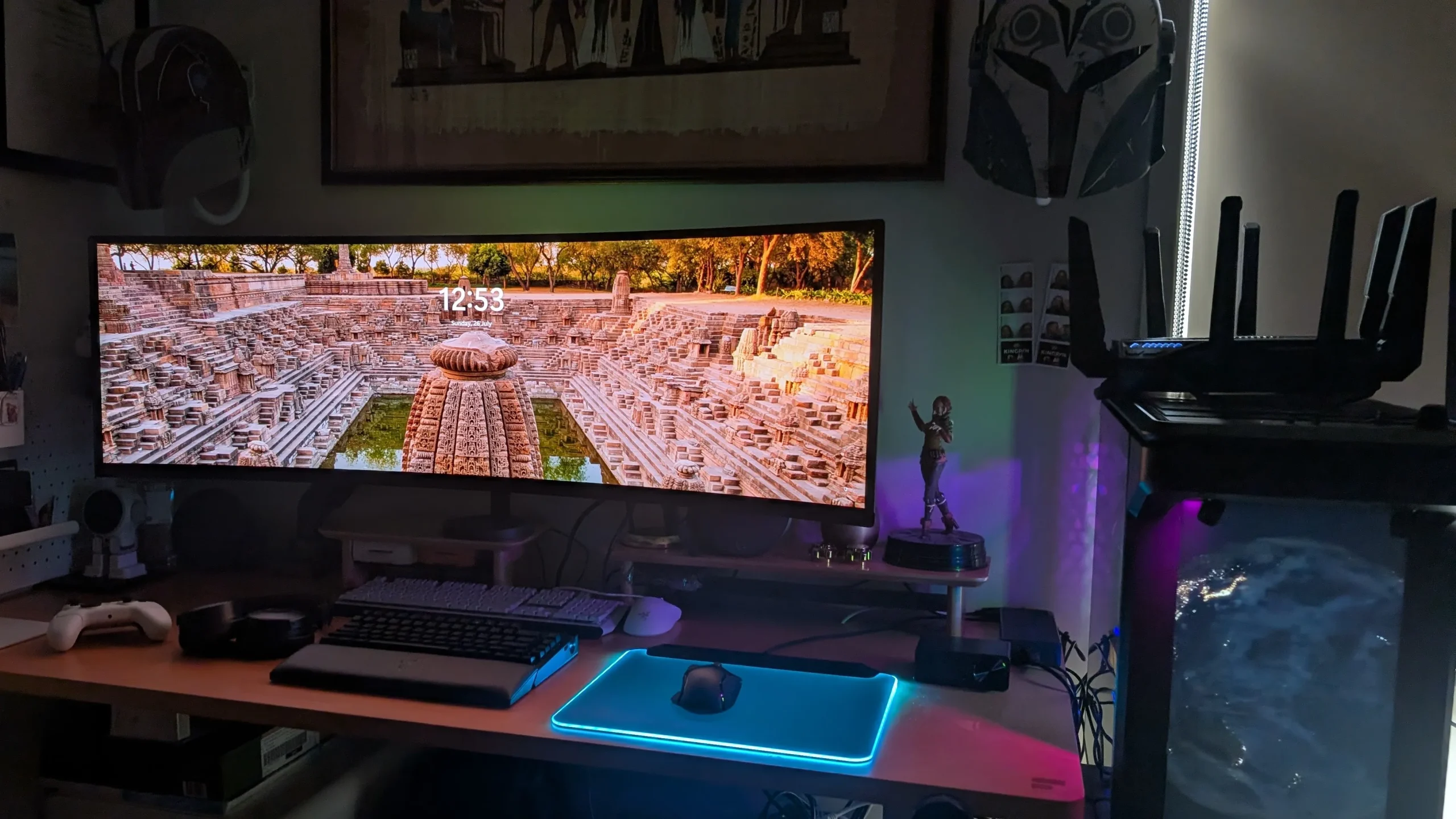
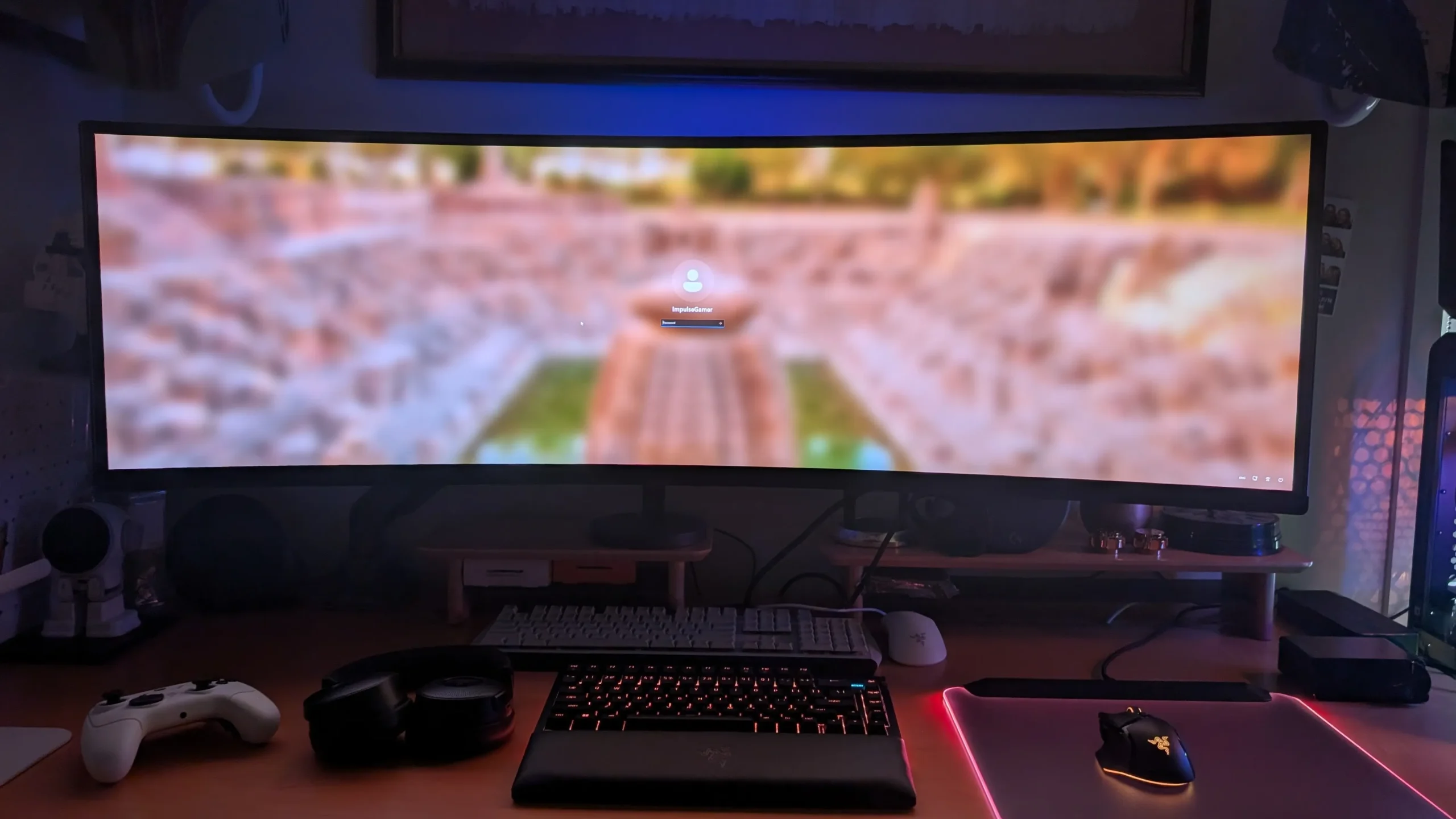
Gaming
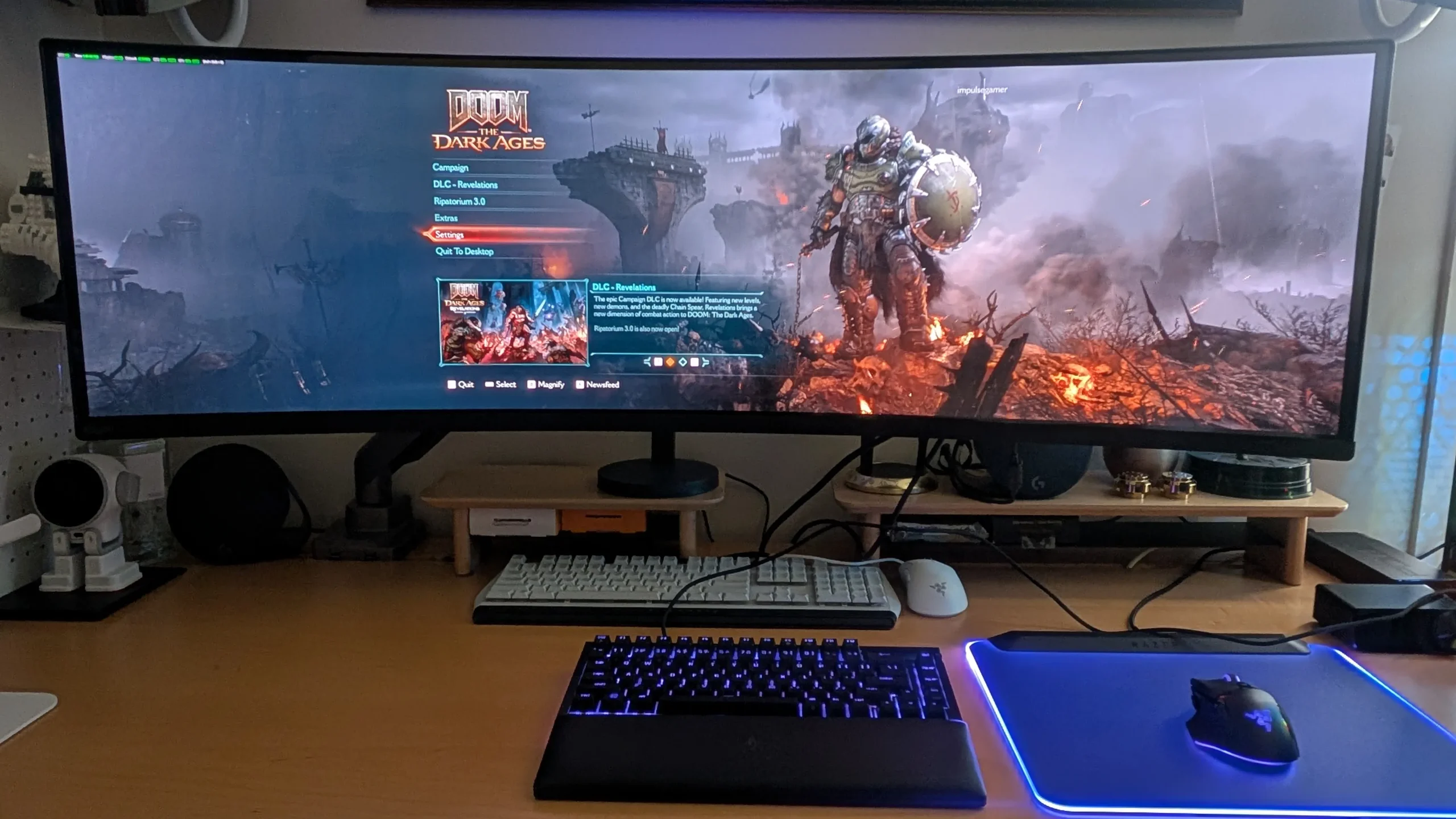
As a gaming display, the Kogan Omega 49″ Curved Ultrawide Gaming Monitor excels on all levels by providing crisp details, vibrant colours, deep blacks, and more importantly, very smooth gameplay. Although I’ve finished 007 First Light, which lets you play as the legendary spy, James Bond, revisiting this game on the KAMN49QDQUCQA provides an almost whole new experience, including how you play the game.
.
.
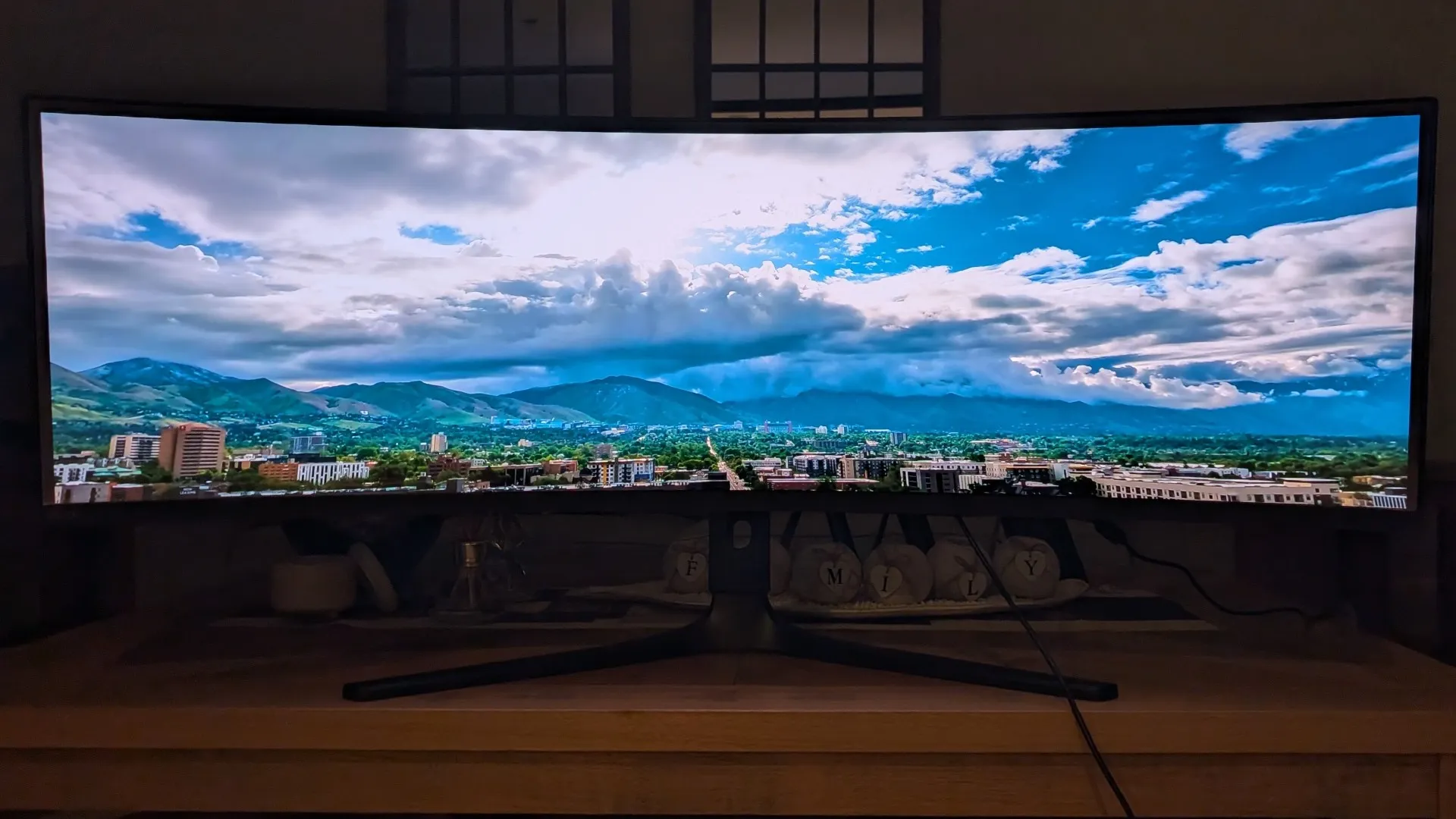
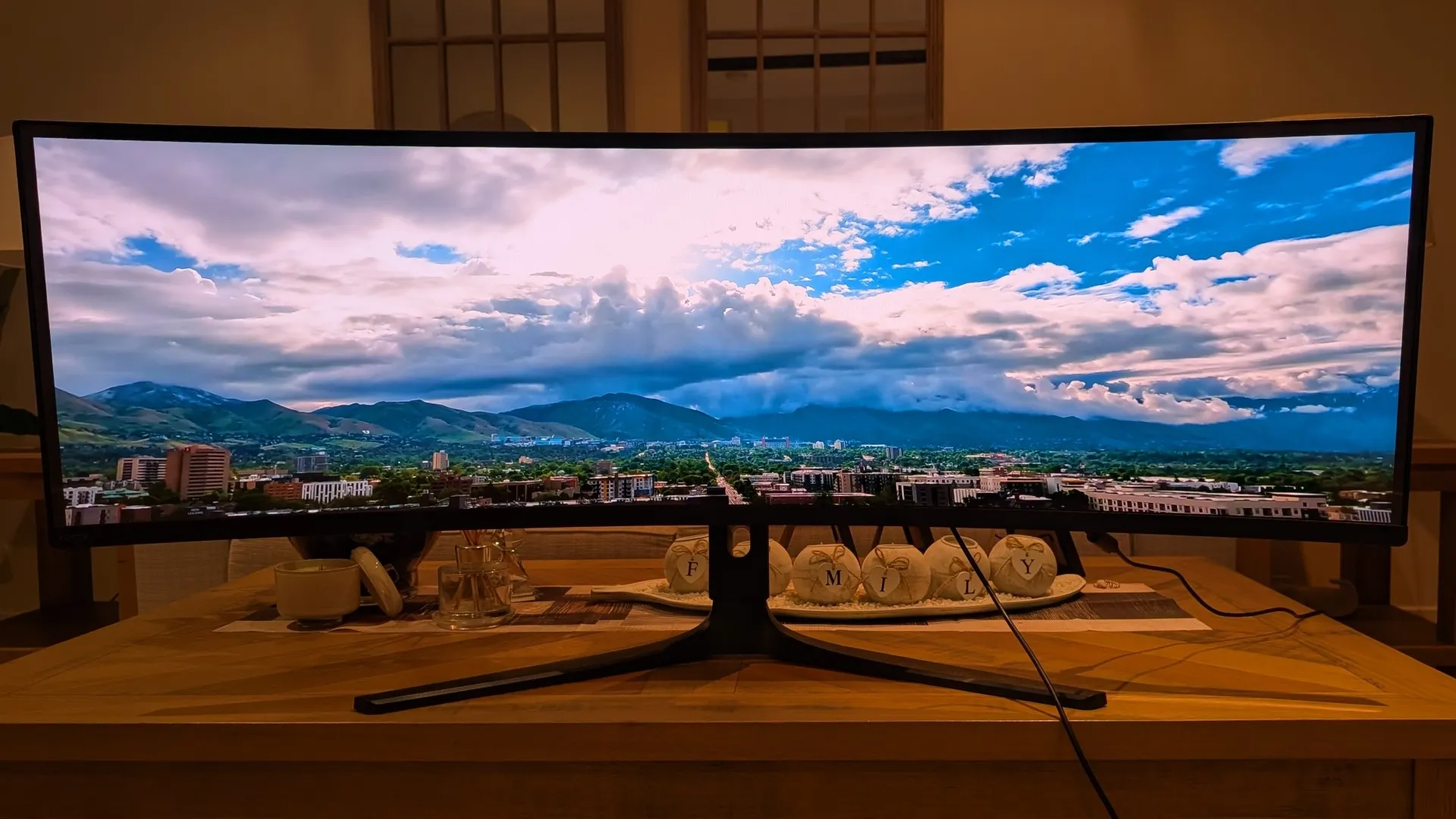
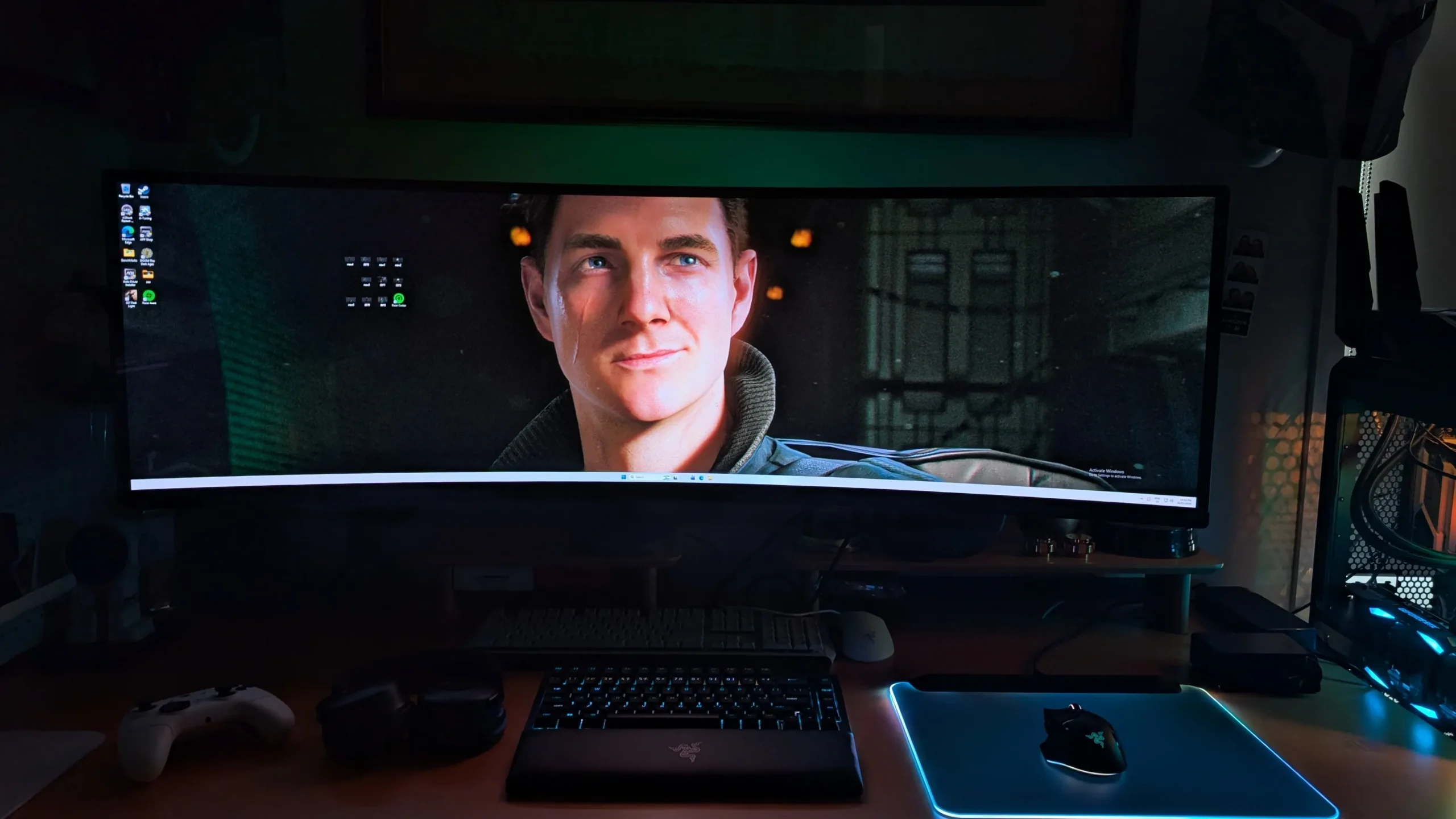
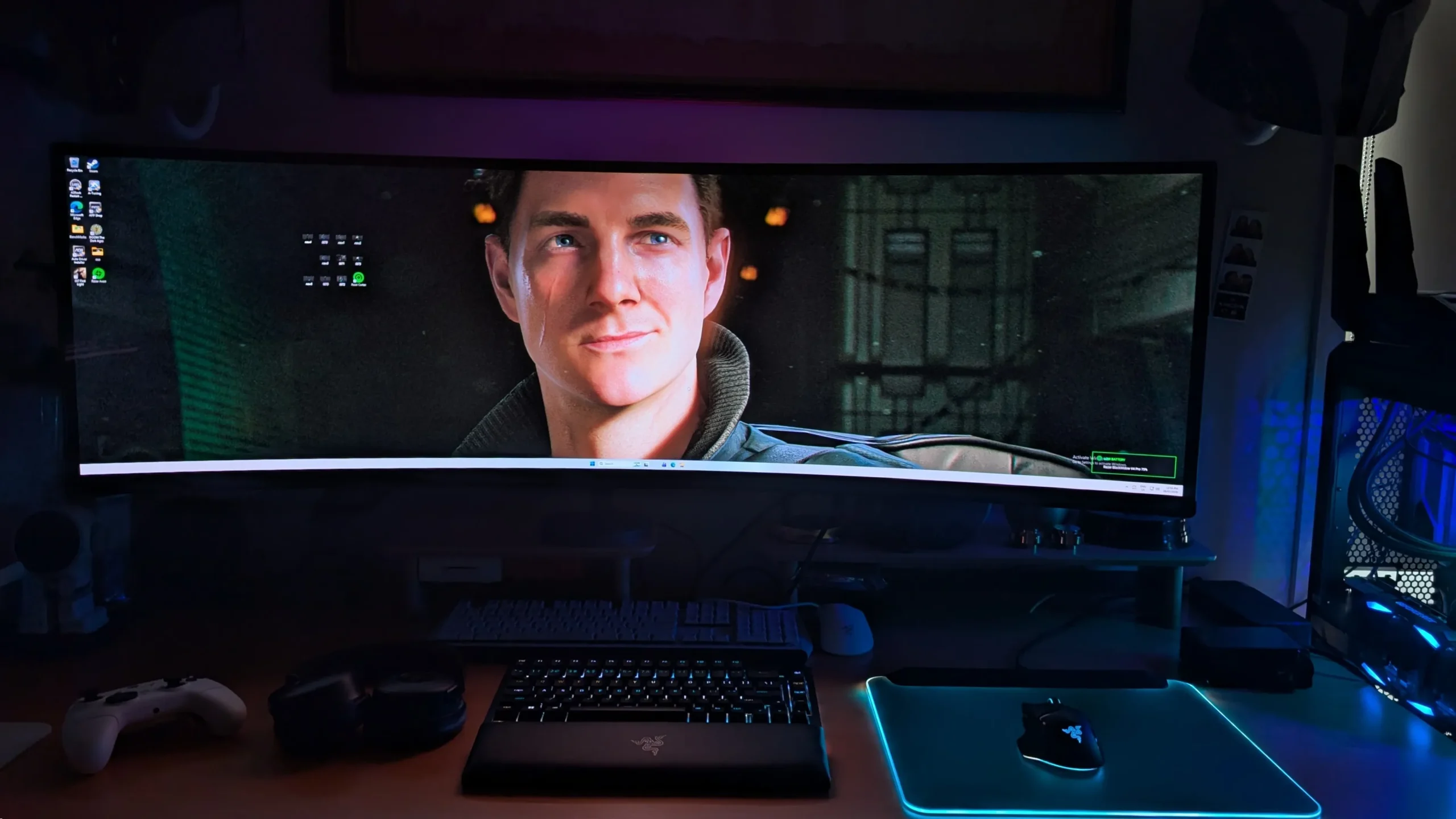
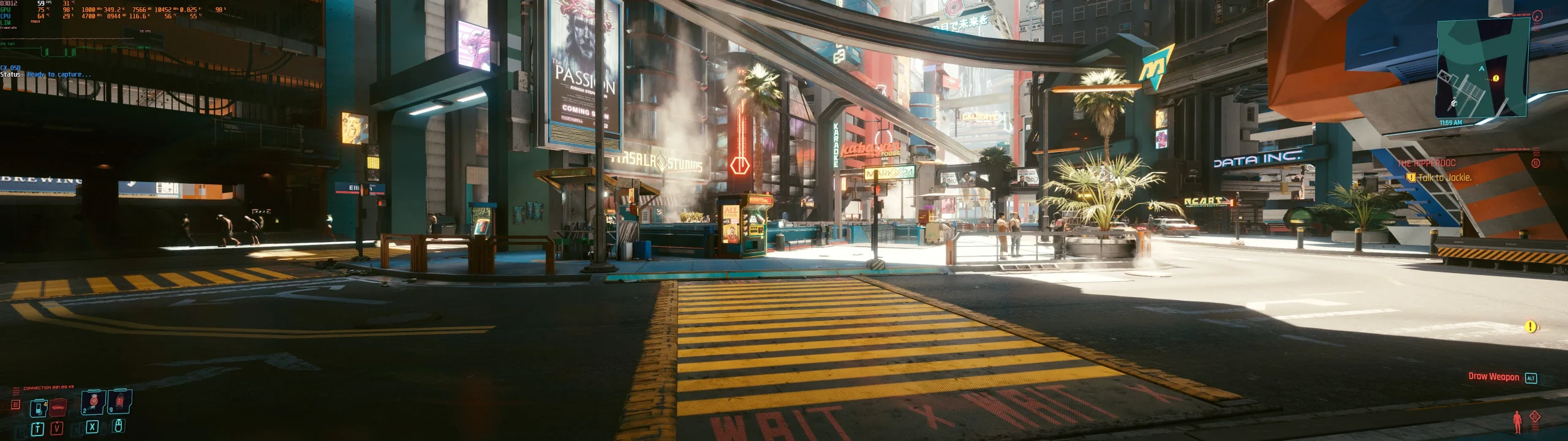
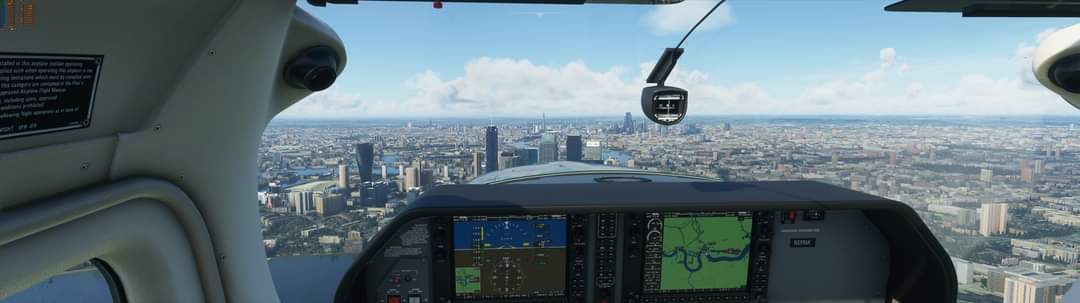
As you can see from the following photos of the KAMN49QDQUCQA of Doom: The Dark Ages, the amount of gaming visual real estate is impressive, particularly how close you are to the screen. Sadly, photos cannot do the screen justice because blacks and black, colours are vibrant and the detail is impressive. Further, the frame rate is fantastic thanks to my PC gaming rig, however on the flipside, the increased CPU and GPU performance is more noticeable with the fans in the computer, so I’m on the hunt for a new liquid cooler.
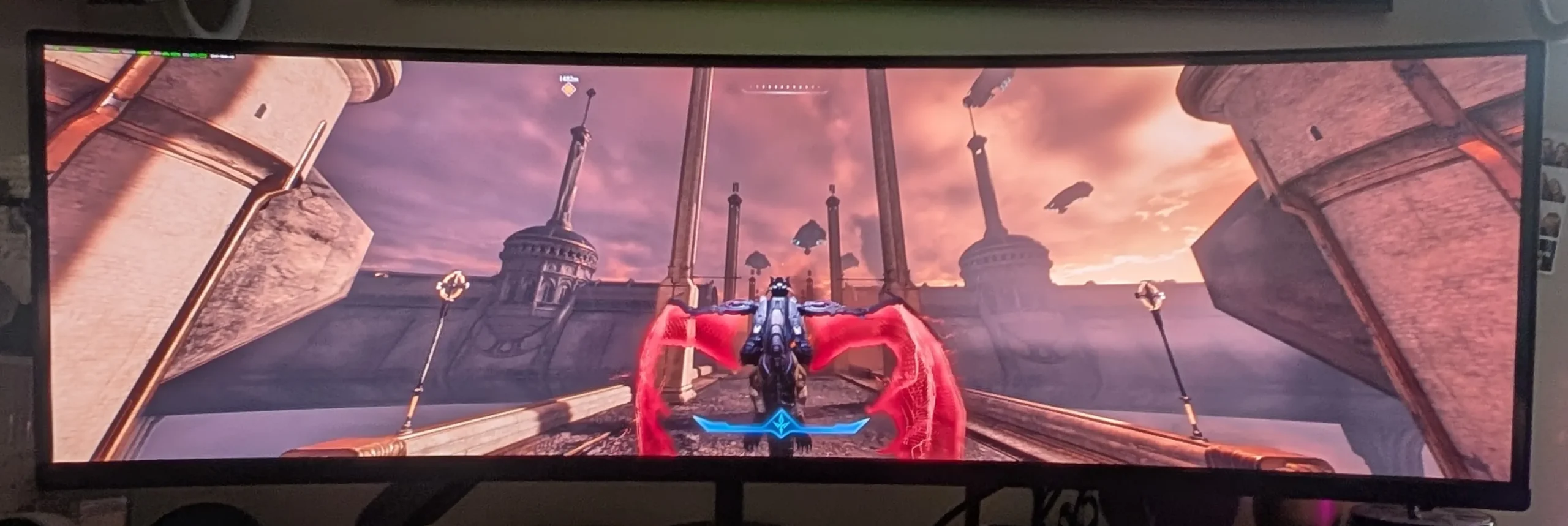
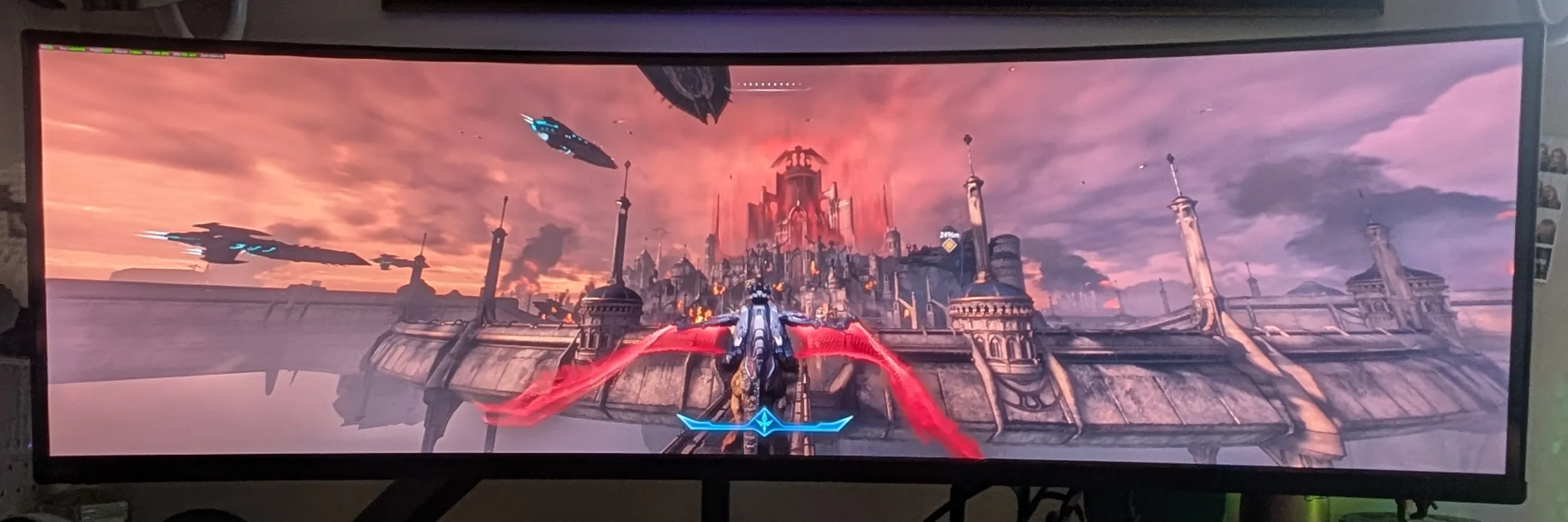
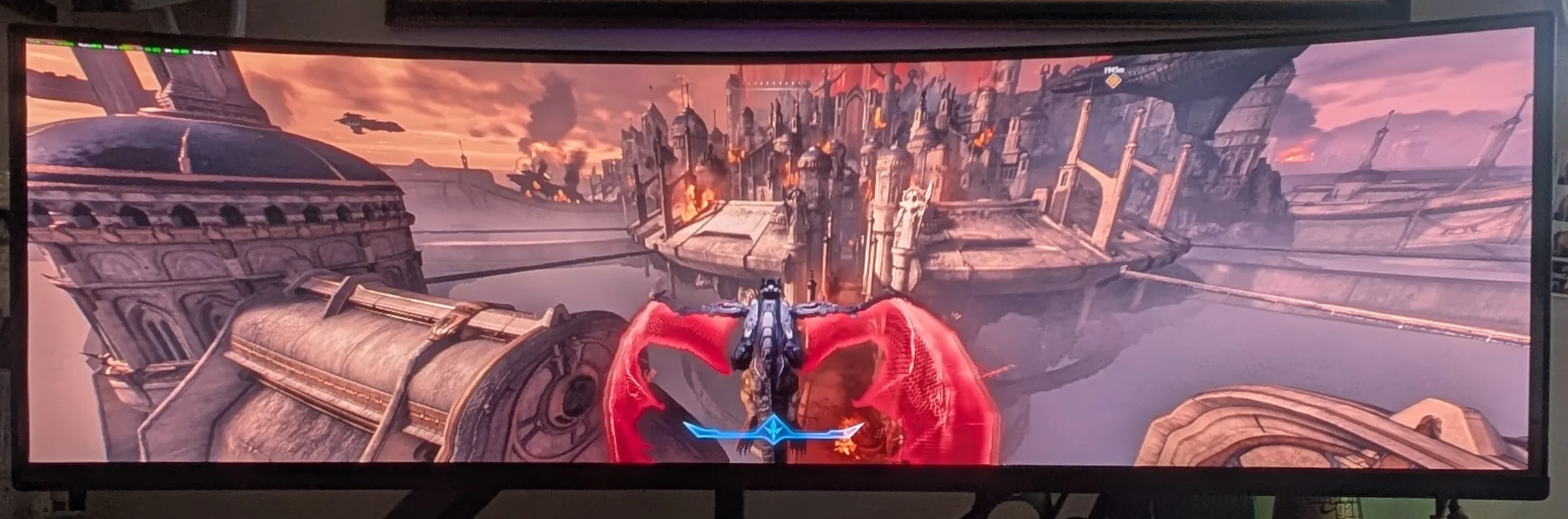
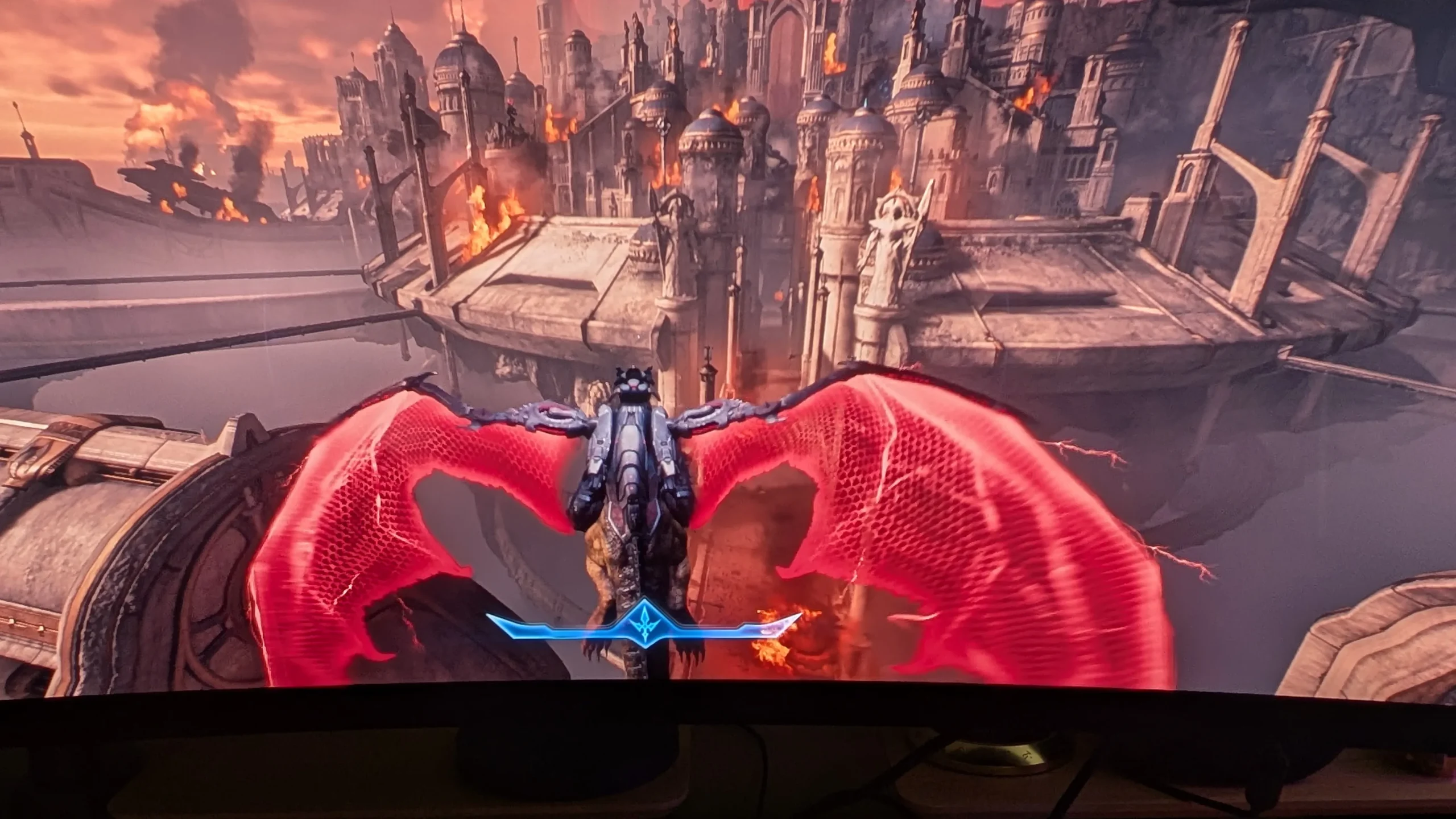
And other games? Cyberpunk 2077, Forza Horizon 5, Marvel’s Spider-Man, and Microsoft Flight Simulator are all titles that play phenomenally on this monitor. Microsoft Flight Simulator is of course a must-play experience as it almost makes you feel like you are in the cockpit of a plane. I’m also keen to check out Red Dead Redemption 2 for obvious reasons, and for that godlike view, Civilization VI will be another title that changes the way you play.

Final Thoughts
The Kogan Omega 49″ Curved Ultrawide Gaming Monitor (KAMN49QDQUCQA) is an absolute behemoth that successfully brings premium panel technology down to a much more accessible price point. By utilising a stunning Samsung QD-OLED panel, Kogan has delivered a monitor that doesn’t compromise on visual fidelity, offering infinite contrast, incredibly vibrant colors and a blistering 240Hz refresh rate. While it lacks some of the premium housing and built-in audio of its more expensive competitors, the pure screen-to-dollar value here is phenomenal and is seriously unbeatable. Whether you are splitting the screen for heavy productivity workflows or getting completely immersed in Doom: The Dark Ages, this display is a massive upgrade for any PC gaming enthusiast willing to make the desk space.
Highly Recommended!
About the Author

Andrew Bistak When he's not trying to save the world, Andrew enjoys travel (although loathes turbulence), going to the movies, reading and being a dad to his two dogs (and now twins) with his wife.
Related Posts

DJI Avata 360 Motion Fly More Combo Review →

TEAMGROUP Launches The ACE 8K MicroSDXC Memory Card Unleash Device Performance to Capture Every Moment →
OPPO Bubble Lands in Australia as Reno16 Series Goes On Sale →