
CoolerMaster MasterHub Review
Summary: The Cooler Master MasterHub is the fusion of innervation and modular design, combined with functionality that will completely change how you use your PC
4.5
Power House
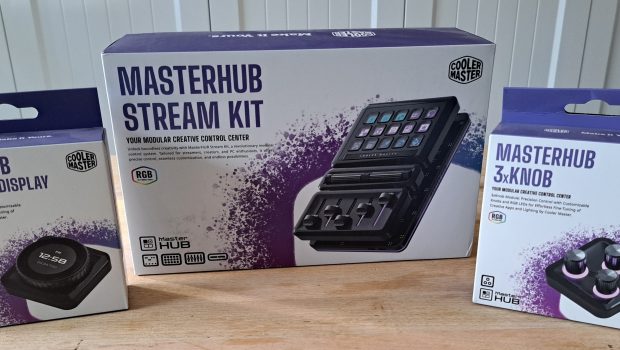
At first glance, the Cooler Master MasterHub may appear to be another challenger to the Stream Deck’s dominance, but spend a little time with it and you’ll quickly realise it’s aiming for something much more ambitious. Combining a modular hardware design with extensive software customisation, the MasterHub is less a streaming accessory and more a fully configurable command centre for your PC. Featuring a unique modular design, the MasterHub is an innovative control centre for all your computer needs, ranging from quick application access to managing complex macro and system controls.
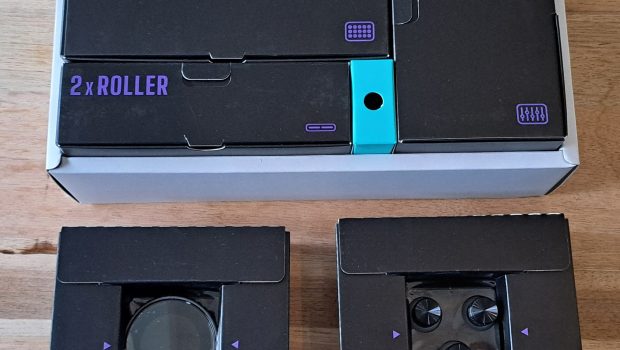
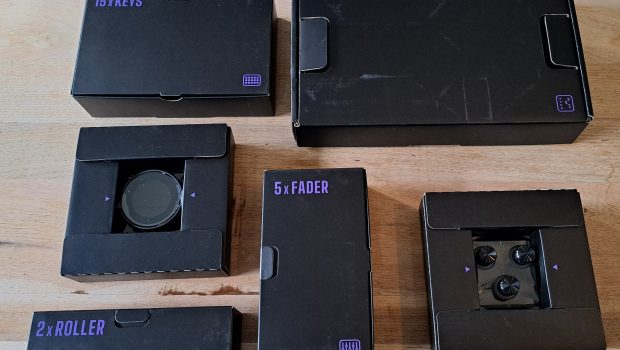
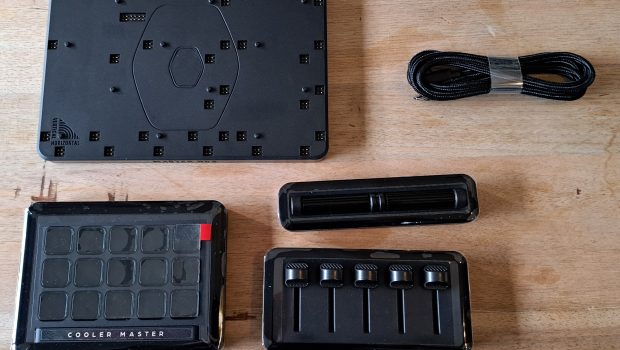
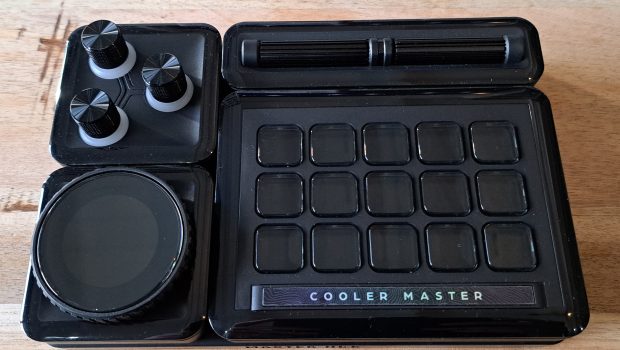
At its core, the MasterHub is a fully customisable, modular control panel that gives you unrivalled control over your entire computer, regardless of what or how you use your system. Every button and dial can be programmed to complete any number of tasks, from opening your most used programs to performing program‑specific tasks. The companion software features integration with a number of commonly used design and streaming programs, but also allows users to create their own commands for running system tasks or in‑game macros. But the real cherry on the cake for the MasterHub is just how many different functions can be programmed into one tiny device
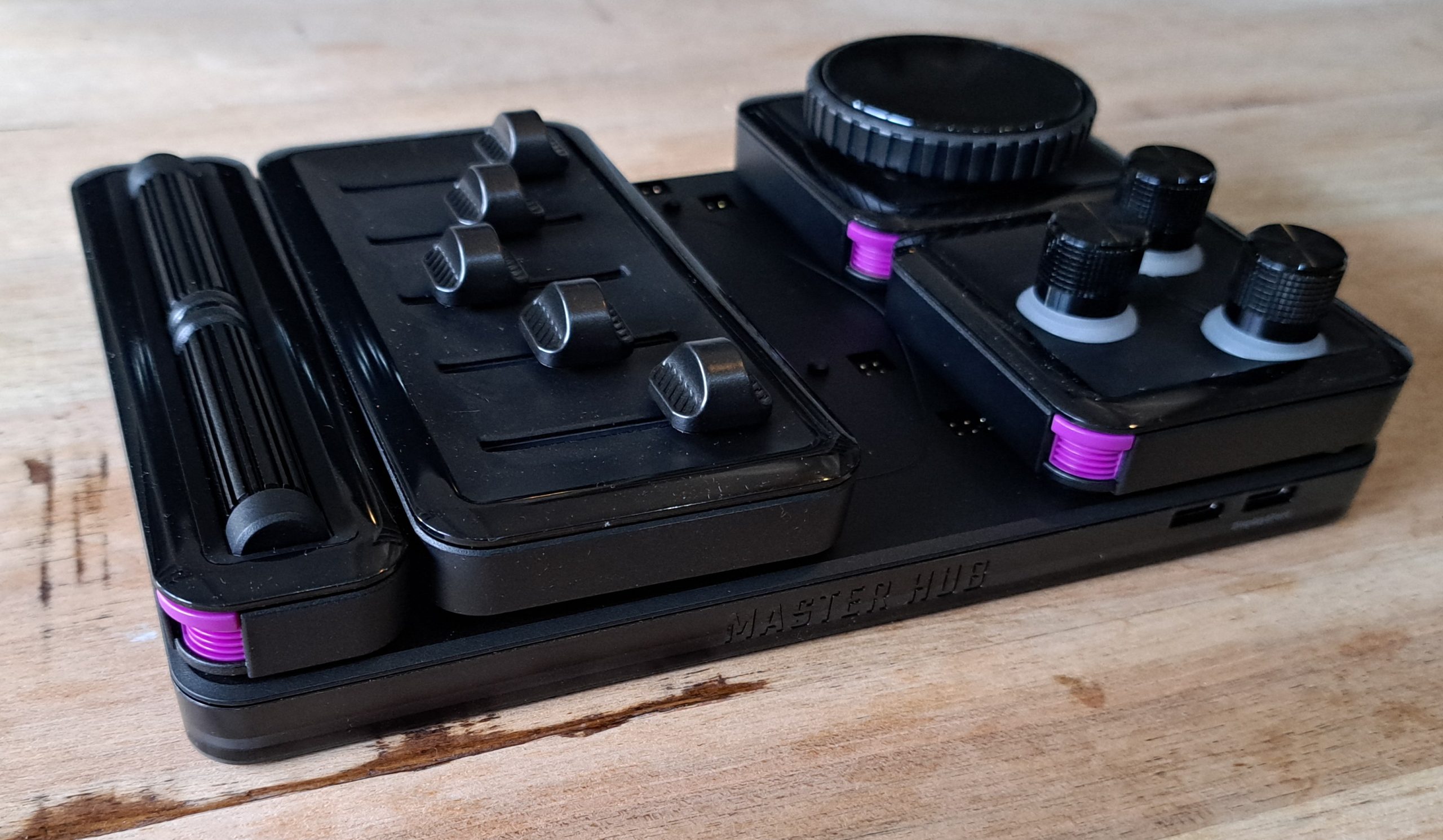
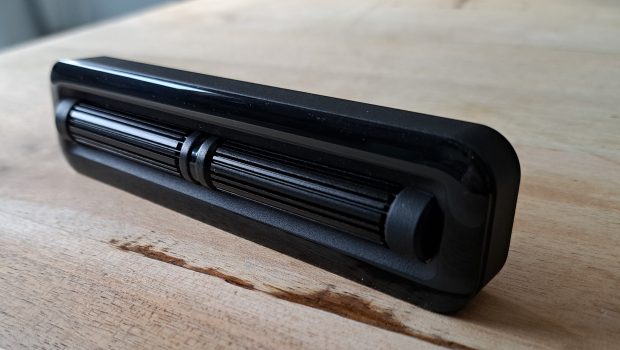
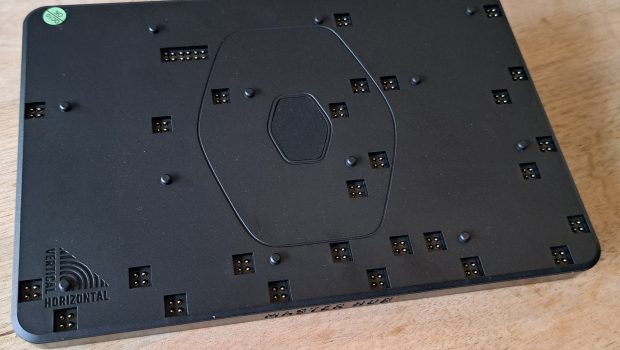
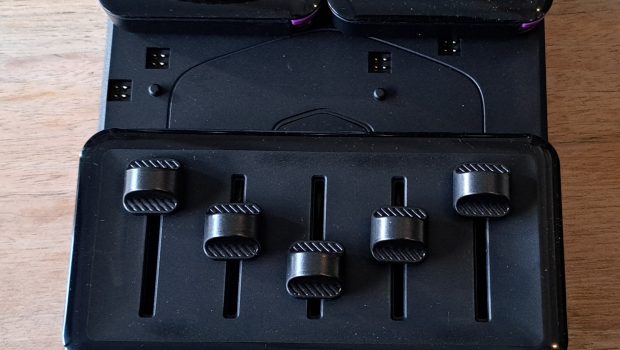
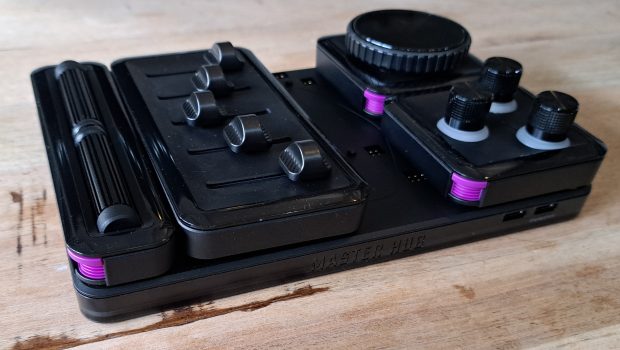
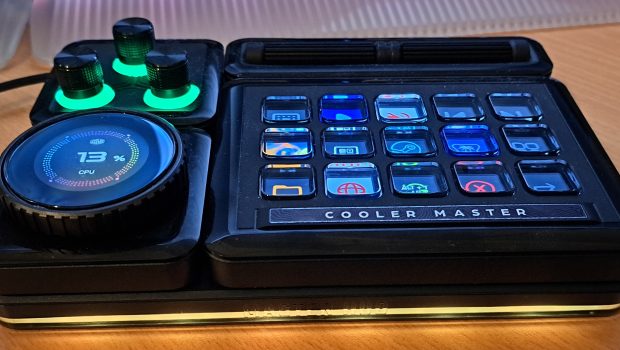
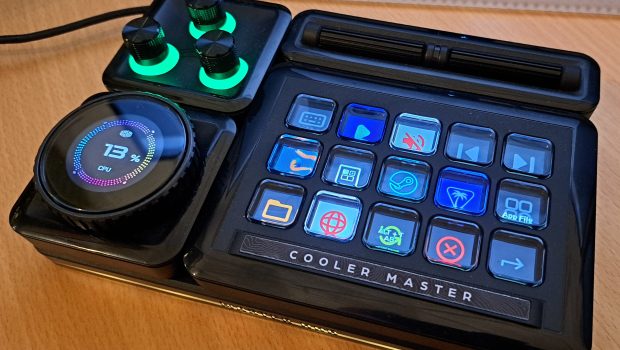
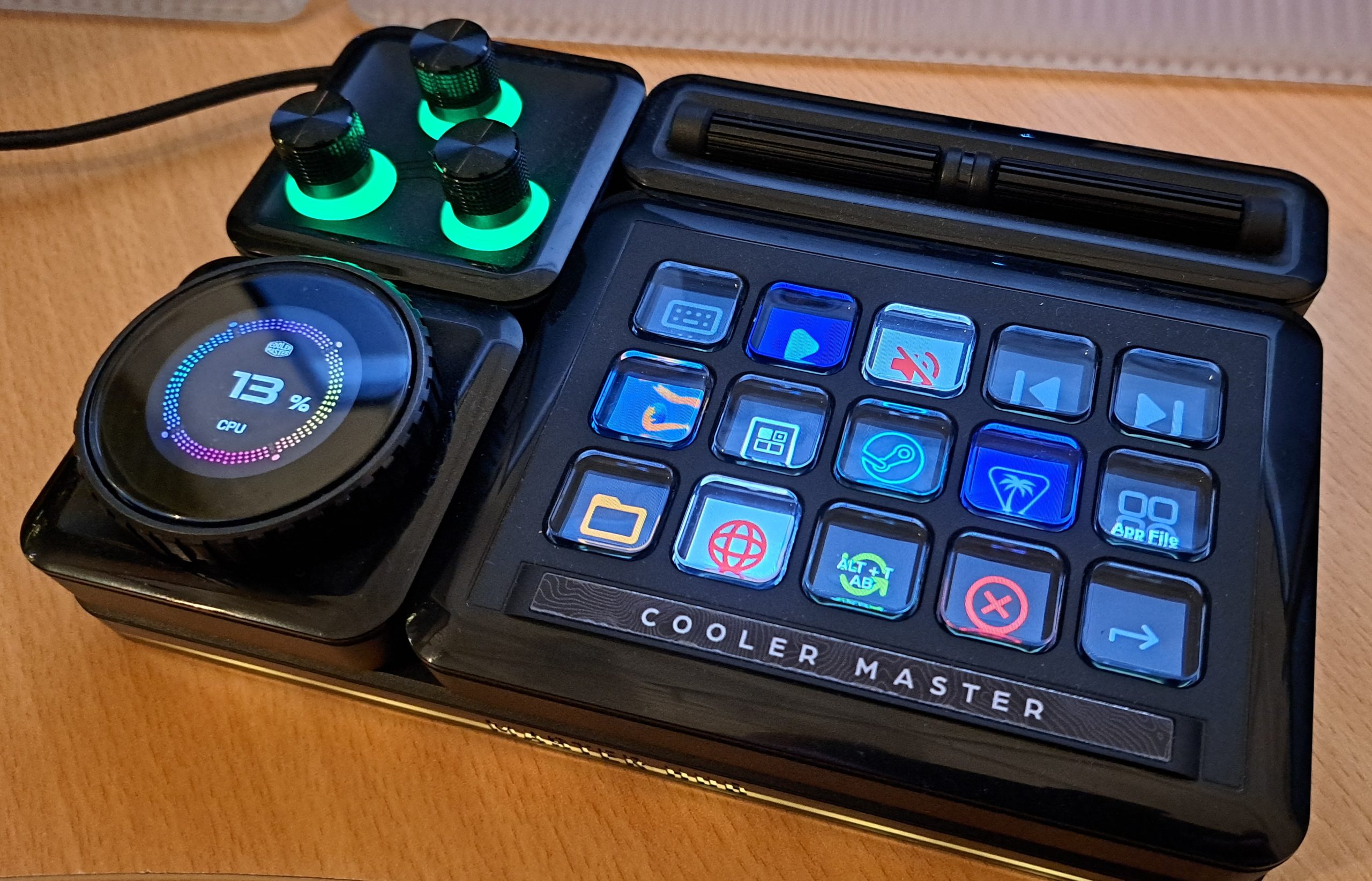
Unlike other computer control consoles, the MasterHub is designed to be fully modular, consisting of a magnetic base and a series of detachable input devices. By default, the MasterHub comes with a 15‑key IPS Display, a fader with five individual sliders, and a roller bar with two separate scroll bars that function like the scroll wheel on a computer mouse. Each controller can be placed anywhere on the base, allowing users to create different layouts in either a portrait or landscape orientation. This gives users complete flexibility in creating a layout that fits their needs and also the layout of their desk. Having a curved corner desk for my own PC setup, I found it refreshing being able to arrange the controls in a way that not only makes them more accessible but also prevents me from bumping the device every time I move my arms, especially given the limited amount of desk space.
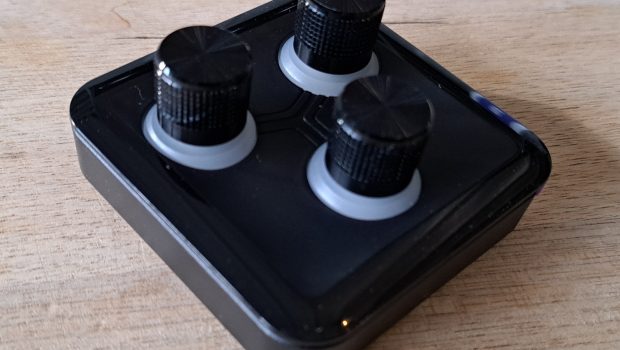
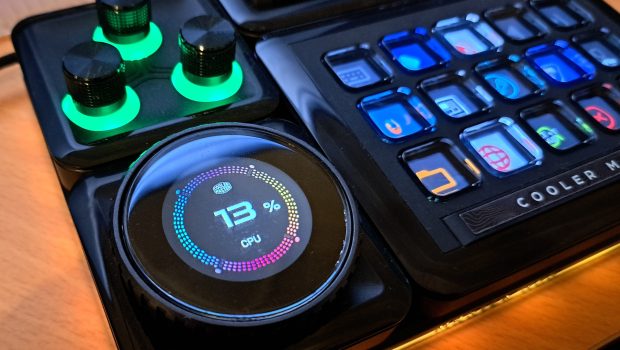
In addition to the base kit, users can also expand their options by buying either the Encoder IPS Display or 3‑knob module. These modules feature dials that can be programmed to perform a number of different tasks based on the direction they’re turned. Furthermore, pressing the dial lets you cycle through a list of additional functions, meaning that one dial can do everything from controlling speaker volume to cycling through inventory equipment in Horizon Forbidden West. The fact that you can assign keyboard shortcuts to a rotatable dial and have it trigger on rotation is a huge win in my book. As a gamer and designer, having a device control that accurately reflects the type of action that I’m undertaking, such as increasing or decreasing a brush size or adjusting flight controls, really makes the programs I use frequently much quicker to navigate and helps create a more immersive experience in games like Microsoft Flight Sim and Elite Dangerous. Sadly, the Encoder IPS Display is the only dial that shows you what the current control setting does. Toggling between functions on the 3‑knob module is going to require users to remember not only what the dials do but also what setting they’re currently on. However, if you have the MasterHub software open on screen, it will show you what each button is programmed to do in real time. That said, I would have loved a function that lets you set different RGB colours when toggling between each function.
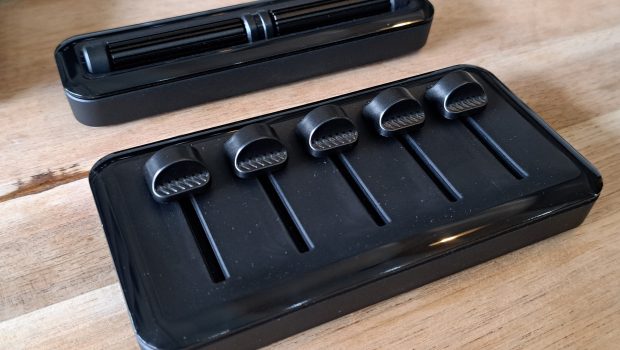
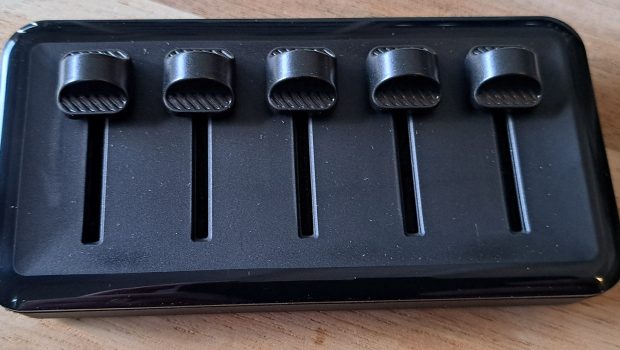
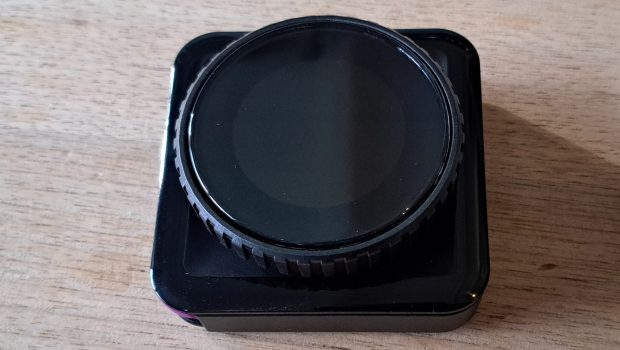
The modular design of the MasterHub, while only featuring a few modules, isn’t without some shortcomings. Due to the size and shape of the magnetic base, if you want to use the MasterHub in a landscape position, it is not possible to position the fader in a horizontal layout and also use the 15‑key IPS Display. This may not seem like a huge issue for some people, but having to move the sliders left and right to create an increase or decrease action feels rather unnatural in my opinion. The only way to get around this is to purchase the additional knob modules that are designed to work in any orientation.
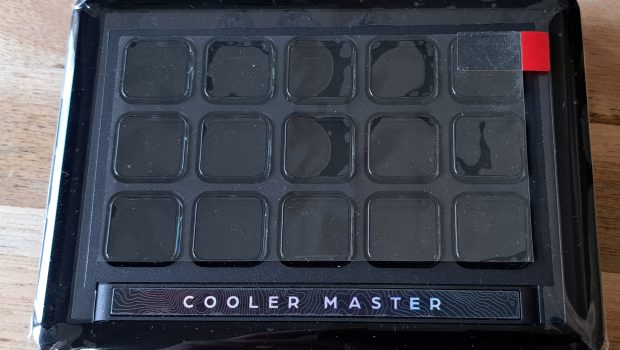
My only other issue with the MasterHub is the viewing angle of the 15‑key IPS Display, a 3 by 5 grid of translucent push buttons sitting above mini LCD screens. Each button can be individually customised with its own function and visual design. Using the companion software, users can change the colour, wording and background to display animated gifs or vibrant images or icons. I personally have had way too much fun searching the web for cool images to customise each button, but unless I am looking down directly at the display, I’m unable to view the full graphic. I won’t say that this is a deal breaker for me, but knowing this, it would have been great if some kind of angular stand was included in the kit, especially considering how strongly the modules are held on with the magnets. It’s not like they’re going to fall off if the base is placed at a 45‑degree angle. That said, the magnetic base does have grooves in the underside to accommodate mounting onto a stand.
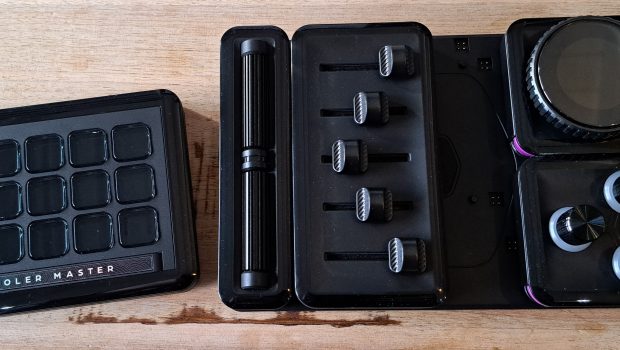
Setting up the MasterHub is surprisingly easy once you get the hang of what it is you’re trying to achieve. The MasterHub software uses a simple drag and drop system, where users are shown a real time top‑down display of their MasterHub and are then able to assign different actions depending on the type of input being selected. The MasterHub software already has an impressive number of preconfigured actions that integrate directly with commonly used streaming programs such as Stream Labs and OBS Studio plus Adobe Photoshop, Illustrator and Premiere Pro. However, in my opinion, the real power of the MasterHub software is the ability to apply keyboard macros and keyboard actions to every input type, including the roller bars and dials.
One fantastic feature of the MasterHub software is just how many functions can be programmed into the 15‑key IPS Display. Using the Folder and Page functions, users can create multiple pages or groupings of functions, going well over the standard 15 button limit. Furthermore, the MasterHub software allows the creation and switching of different profiles, instantly changing the programmable functions of all input modules. This is especially handy for users who want to be able to switch between complex function arrangements based on the program they’re currently using rather than having to manually cycle between different function groups.
Final Thoughts
The Cooler Master MasterHub is one of the most innovative PC accessories I’ve used in quite some time. Its modular design, strong software integration, and virtually endless customisation options allow it to adapt to almost any workflow, whether that’s content creation, graphic design, streaming, simulation gaming, or simply improving everyday productivity.
What makes the MasterHub stand out isn’t any single feature, but rather how well the hardware and software work together. The magnetic modules are easy to rearrange, the software is intuitive to configure, and the ability to assign macros, shortcuts, and multi-function controls creates a level of flexibility that few competing products can match.
However, the MasterHub isn’t a product everyone needs. If your current workflow rarely extends beyond basic keyboard and mouse inputs, much of its potential will likely go unused. Likewise, the current selection of modules can make the system feel more restrictive than its modular design initially suggests.
For users who regularly work with complex software, manage large numbers of shortcuts, stream content, edit media, or play simulation-heavy games, the MasterHub can become an invaluable part of their setup. It’s not the sort of device you buy simply because it looks interesting, it’s a tool designed to solve specific problems. But if those problems sound familiar, the Cooler Master MasterHub may quickly become one of the most useful accessories on your desk.
About the Author

John Werner Web Designer by day, Gamer by every other hour. No game is too big or too indie for this gamer. I review from the heart and an open mind. Every game is worth giving a go!
Related Posts

Reolink launches the Video Doorbell 2nd Gen as part of the Qualcomm series →

Australian founders used AI to build a sold-out business event and now they’re bringing it to Sydney →

Beats USB-C to USB-C Review (Pink Power) →