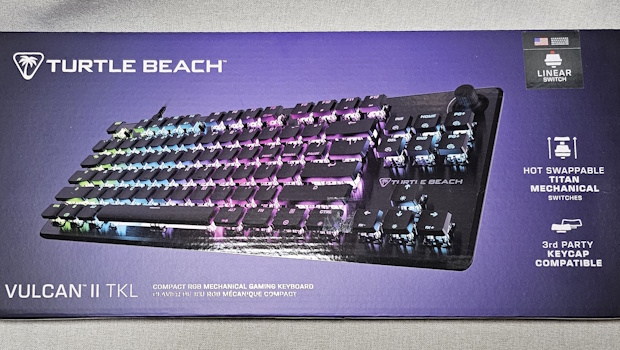
Turtle Beach Vulcan II TKL Review
Summary: A nearly full size (tenkeyless form) with a solid build and options to personalise... all at a decent price point.
4.5
Customizable Compact
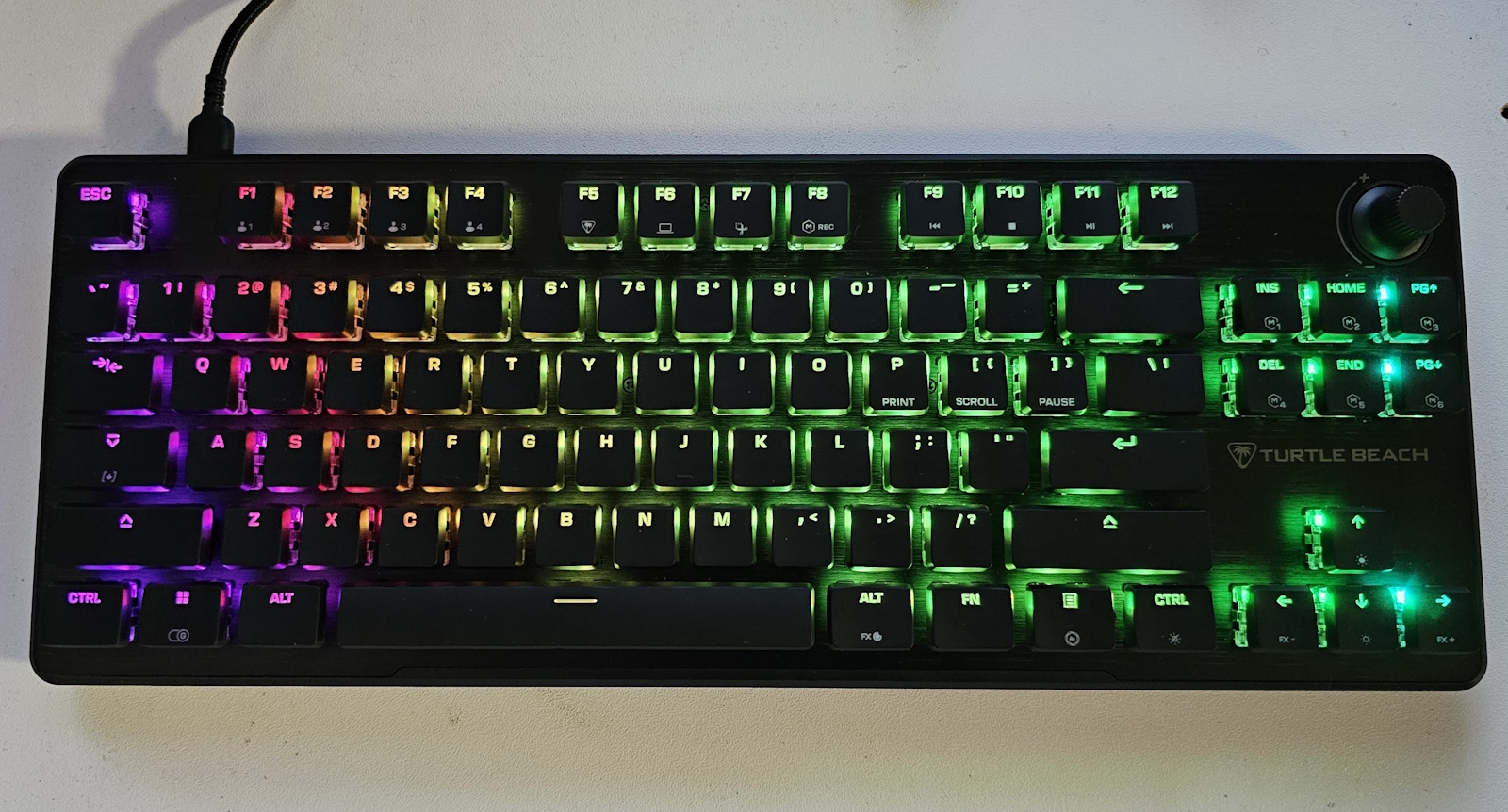
Long gone are the days of beige keyboards (ok fine… some people are keen to bring them back, or at least source old ones to add to their collection). These days we have full-size, 75%, split left and right-hand keyboards, and just about everything in between. In this case, we have Turtle Beach’s Vulcan II TKL, which is a “tenkeyless” keyboard (my maths might be out… but I’m not sure about the “ten.” My regular keyboard has the numpad plus seven or so other keys around it… but I’m splitting hairs).


The marketing blurb states:
- Tenkeyless design frees desk space for wider mouse movement
- TITAN HS switches: Smooth, quiet, and pre-lubed for responsiveness
- Durable brushed aluminium top plate with iconic low-profile Vulcan™ design
- Sound-dampened acoustic profile with premium typing feel
- ReacTap™ SOCD for fluid, responsive directional movement
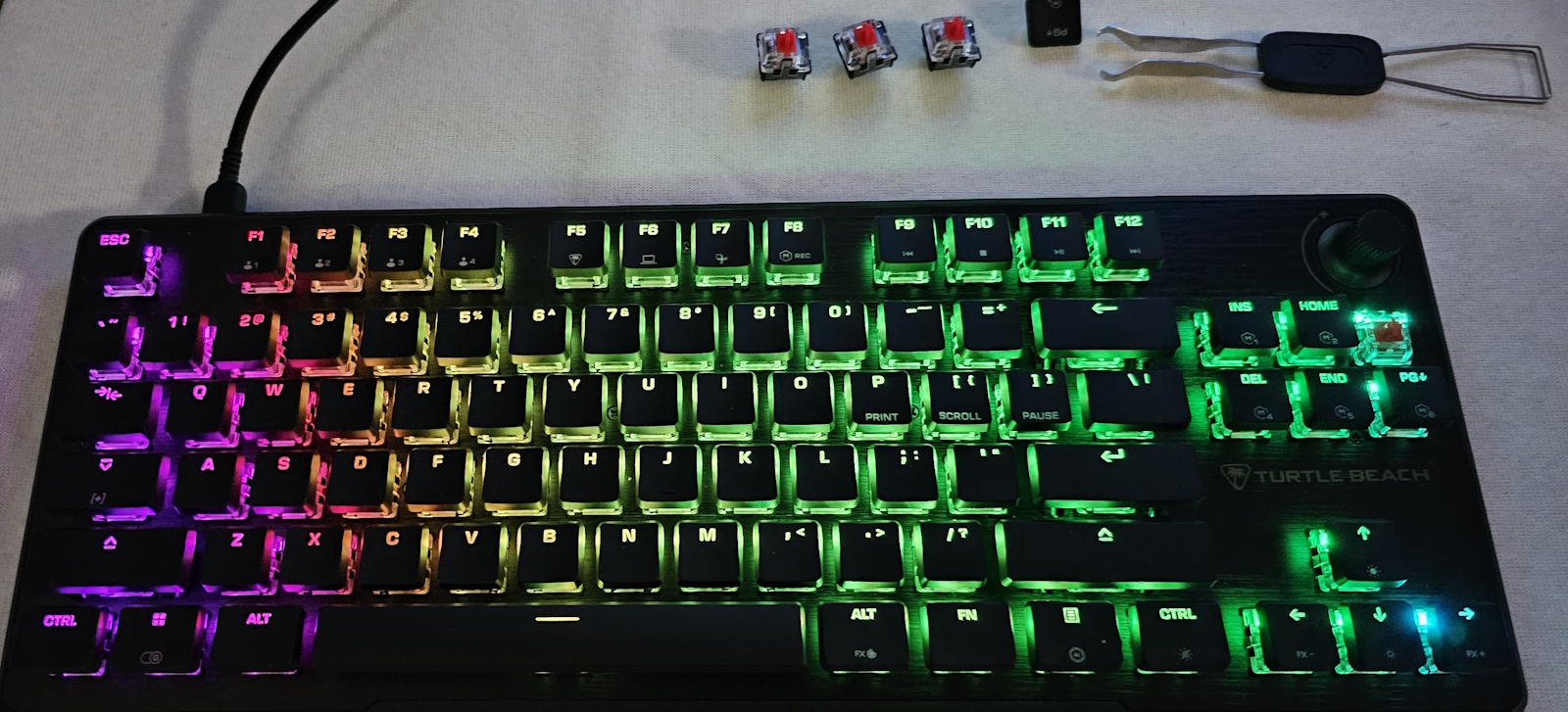
- Hot-swappable switch support (3-pin & 5-pin) for easy replacements & upgrades
- Compatible with third-party cross-mount keycaps for full customization
- Full Key (NKRO) with 100% Anti-Ghosting for accurate, high-speed keystrokes
- Game Mode with EASY-SHIFT[+]™ for macros and command layering
- Volume knob with push-to-mute for easy audio control
- Per-key RGB customization and AIMO™ lighting sync
- Detachable left-side USB-C cable for portability
- Five onboard profiles for macros and lighting
- Swarm™ II Software for Full Customization
That’s a lot to take in… so let’s strip it down to some key elements. That tenkeyless “frees desk space” claim… true, it’s not a huge space saver, but it does free up a bit of room. You still get the volume control onboard to make quick adjustments (something I appreciate when switching between audio sources, as volume levels can vary quite a bit… quick access is a big plus).
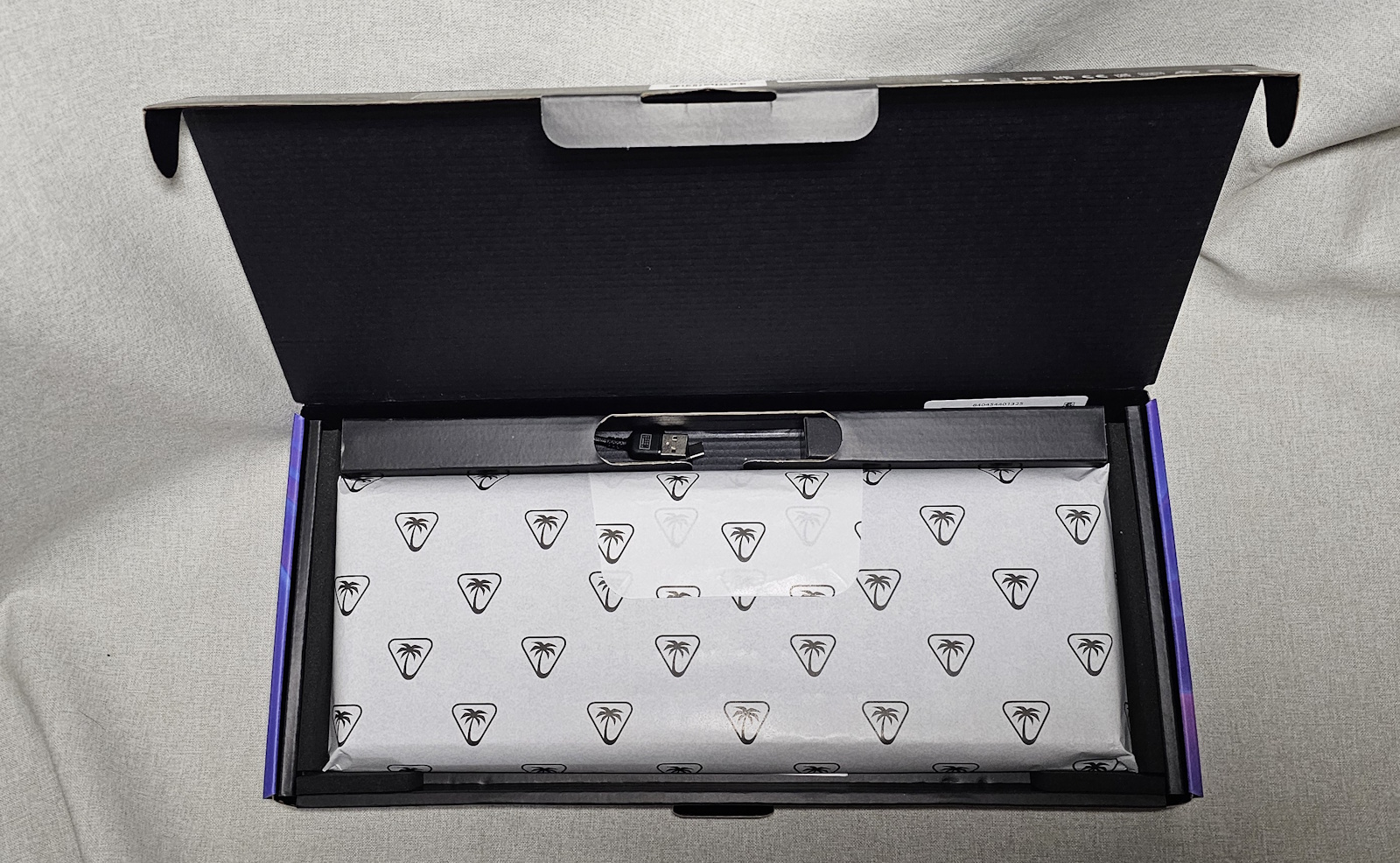

The brushed aluminium top plate gives the keyboard a nice solid, quality feel without really compromising on weight. The keys themselves are interesting. While many people grab a mechanical keyboard for the sound as much as anything (they love the clack), Turtle Beach has opted for a more muted approach. There’s still a bit of clack, but that “sound-dampened acoustic profile” means that if you’re a big fan of the full-on clack of keys, you might not be fully satisfied. For others, the fact that you don’t sound like you’re hammering away on a typewriter might be a welcome change, letting you type without annoying anyone nearby.
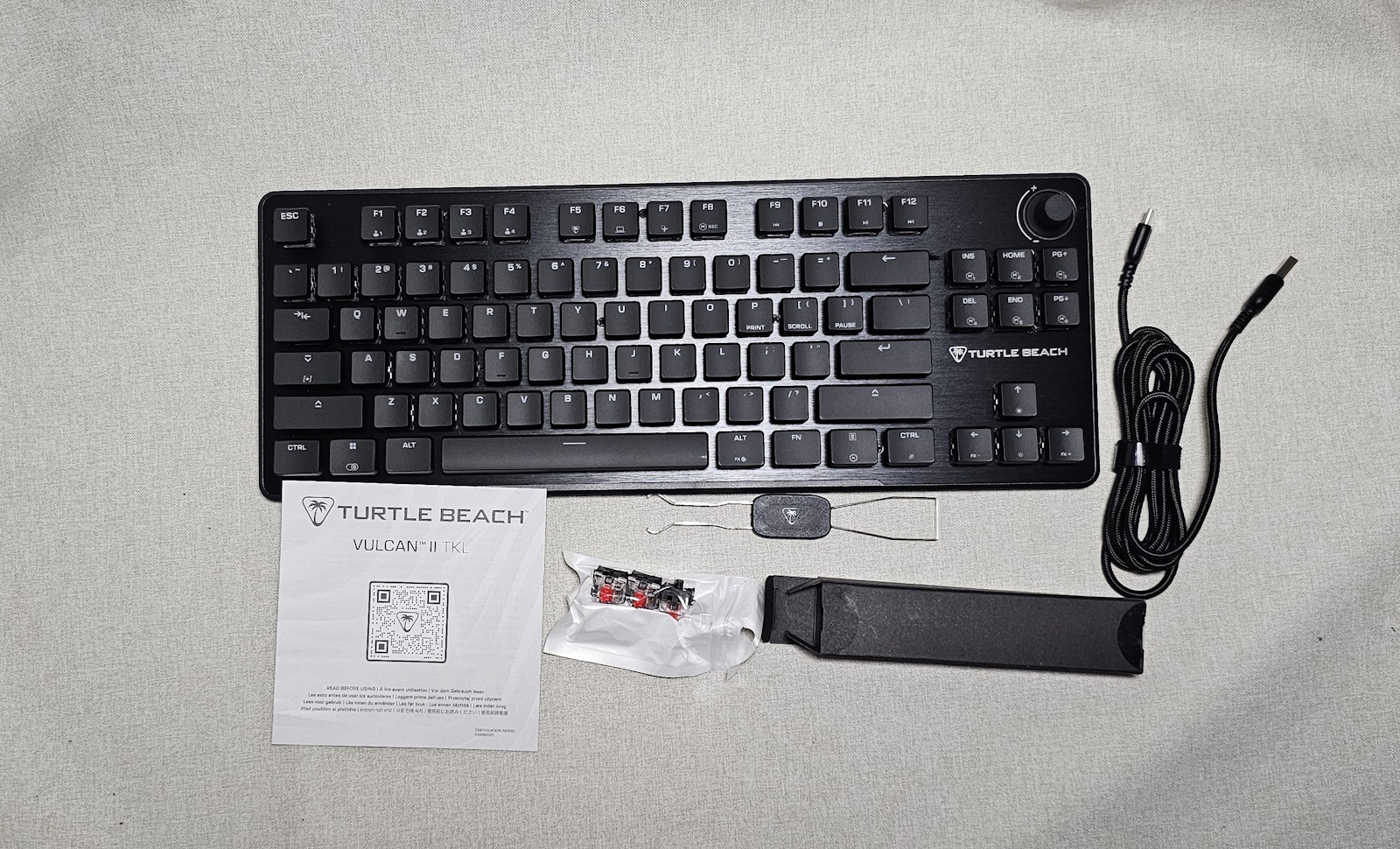

Still on the keys… they’re customisable in that you can swap them out. As it says, “3-pin or 5-pin,” the keyboard comes with a few spare switches. Essentially, this means you can adjust it from the start or, down the track, make repairs by simply swapping out old switches for new ones. The AIMO lighting tech (with the Swarm app) is a bit of fun and can sync the lights to the game you’re playing for extra immersion. It’s probably not something you’ll use long-term, but it’s nice to have.
Final Thoughts
Keyboards come in so many varieties now that it almost feels like there’s one for every taste. By making the Vulcan II TKL customisable, Turtle Beach ensures it fits more preferences than most. The somewhat muted keystrokes, for me, are a bonus, though some may prefer the noisier variety. RGB customisation is again a nice option, but not likely to be a deal breaker. Hot-swappable switches might well be a key (pun intended) selling point for some.
The main things that make the biggest difference for me are the volume control and the tenkeyless form factor. The volume control is a welcome addition… but as someone who actually uses the numberpad, I prefer to have that included. If this ticks the boxes for you, it should make a great addition to your computer setup, whether for gaming or working (those macros could really speed up your workflow). Definitely worth a look.
About the Author

Chris O'Connor Father of four, husband of one and all round oddity. Gaming at home since about 1982 with a Sinclair ZX Spectrum. Moving on to the more traditional PC genre in the years that followed with the classic Jump Joe and Alley Cat. CGA, EGA, VGA and beyond PC's have been central to my gaming but I've also enjoyed consoles and hand helds along the way (who remembers the Atari Lynx?). Would have been actor/film maker, jack of many trades master of none.
Related Posts
Aiper EcoSurfer S2 Review →
ASUS Republic of Gamers Announces New Strix OLED XG27ACDMS, and XG27AQDMES Monitors →

Taya Necklace Reimagines AI Wearables; Public Preorders Open →