
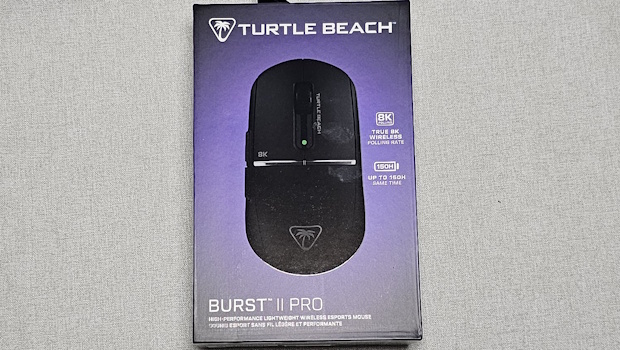
Turtle Beach Burst II Pro Review
Summary: Extremely impressive features for such a light mouse.
4.5
Power Packed
How many of those reading remember the days of mice with balls in them… you would have to periodically take the ball out, clean it, then put it back in before continuing your computing. These days we have laser tracking and ergonomics that can result in a mouse that looks like a modern art sculpture (and sometimes they don’t exactly look welcoming to any form of touch). Turtle Beach has brought the aesthetic back closer to that original mouse design but packed it with all the bells and whistles of modern mice.
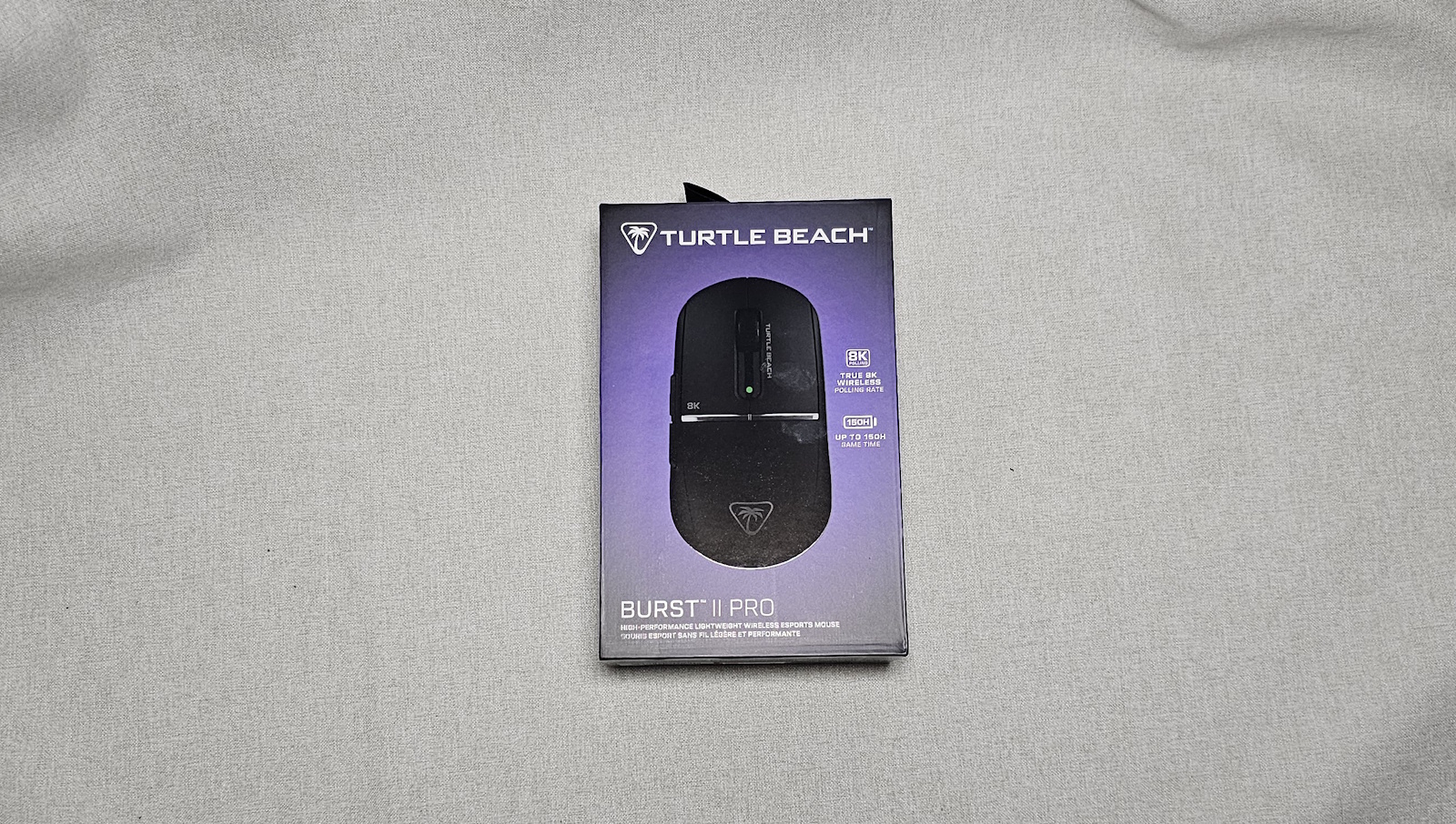
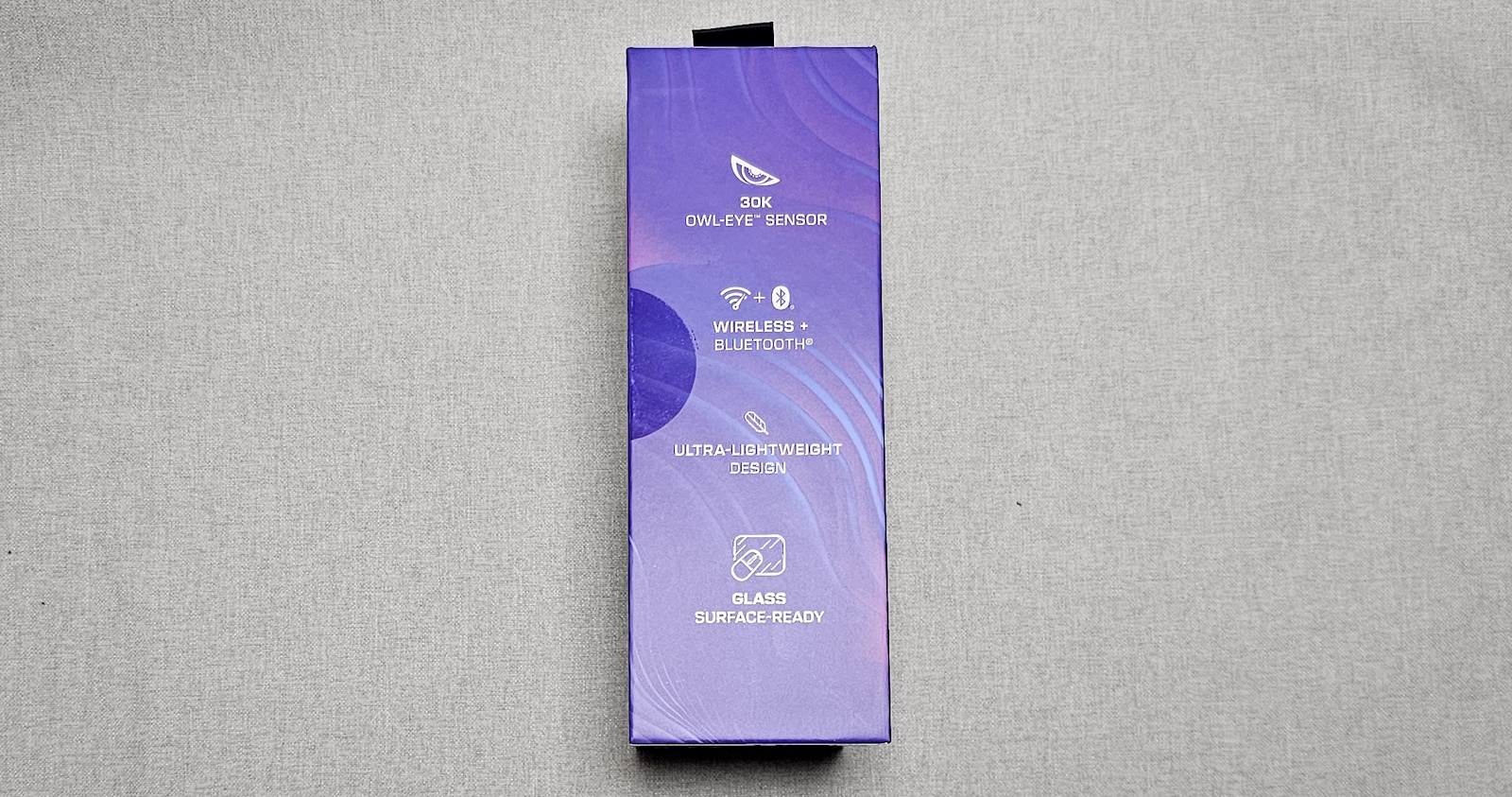
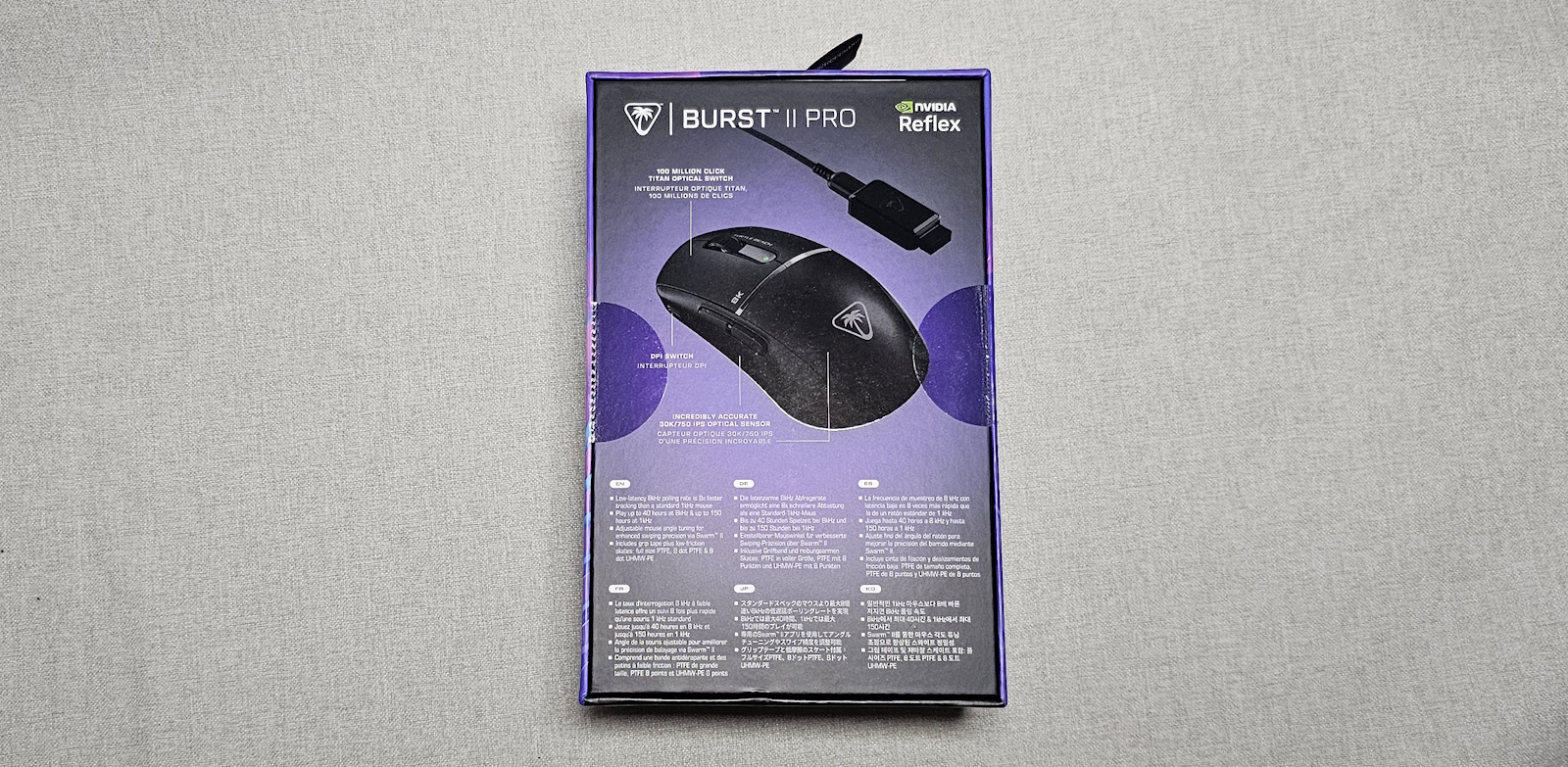
The spec sheet states:
- Unmatched Speed & Tracking: 8 kHz Wireless Polling Rate & 0.125ms Latency
- Owl-Eye™ 30K DPI Sensor, 750 IPS Tracking Speed, and 70g Acceleration
- Fast & Durable Titan Optical Switches Rated at 100 Million Click Life Cycle
- Up to 150 Hour Battery Life at 1 kHz & Up to 40 Hours at 8 kHz
- Symmetrical, Ultra Lightweight Design at just 57g
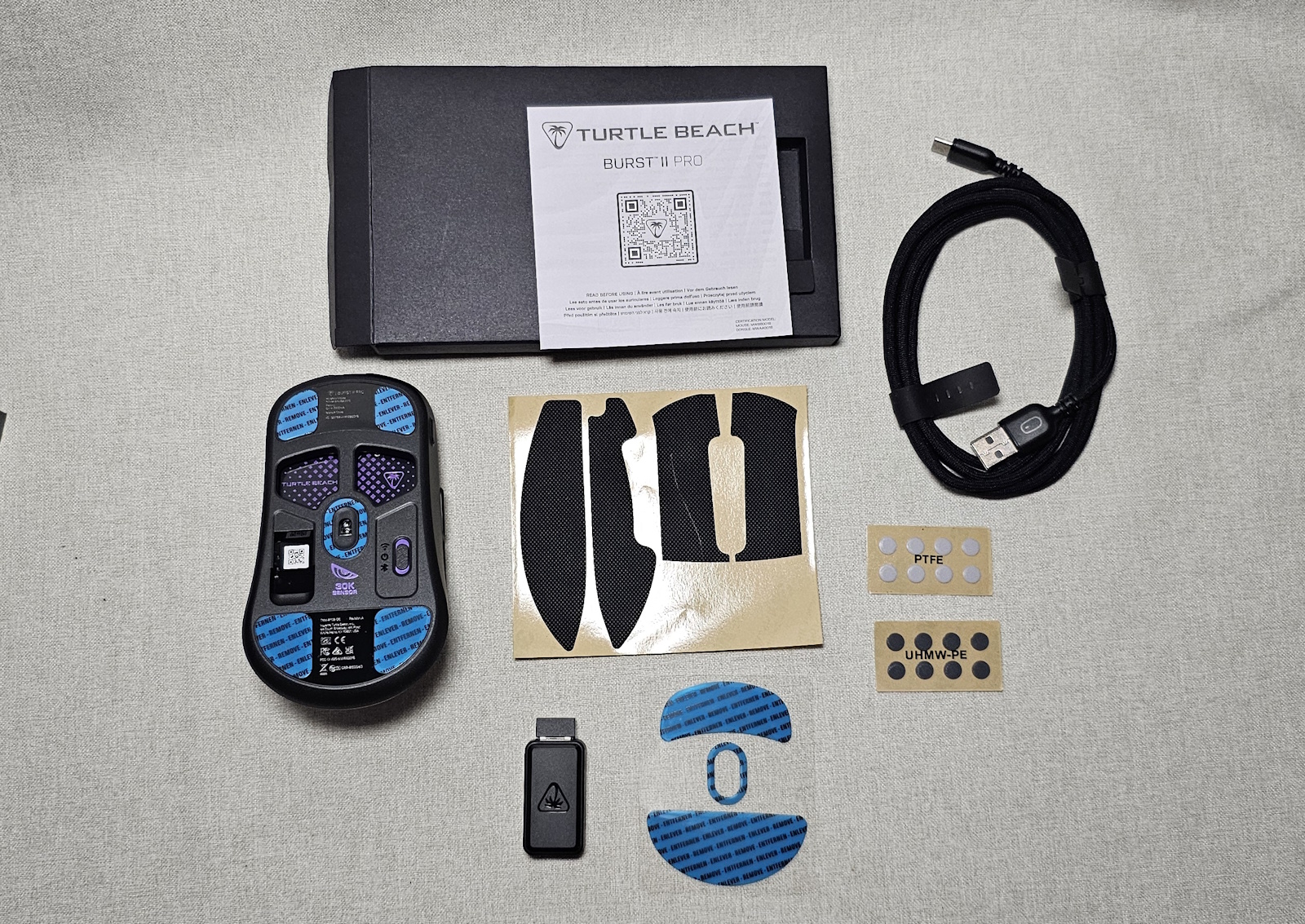
- Three Different Sets of Skates + Grip Tape Included
- Mouse Angle Tuning for Enhanced Swiping Precision + 8 Programmable Inputs
- PhantomFlex™ 8K Cable Places Wireless USB Near Mouse for Peak Performance
- NVIDIA Reflex Compatible for Sub-25ms Response & Enhanced Aim Precision
After taking it out of the box, the main thing that struck me was just how light this mouse is. At 57g, it feels too light to possibly be much more than a basic mouse… and yet, it packs a lot of functionality into its minimal weight.
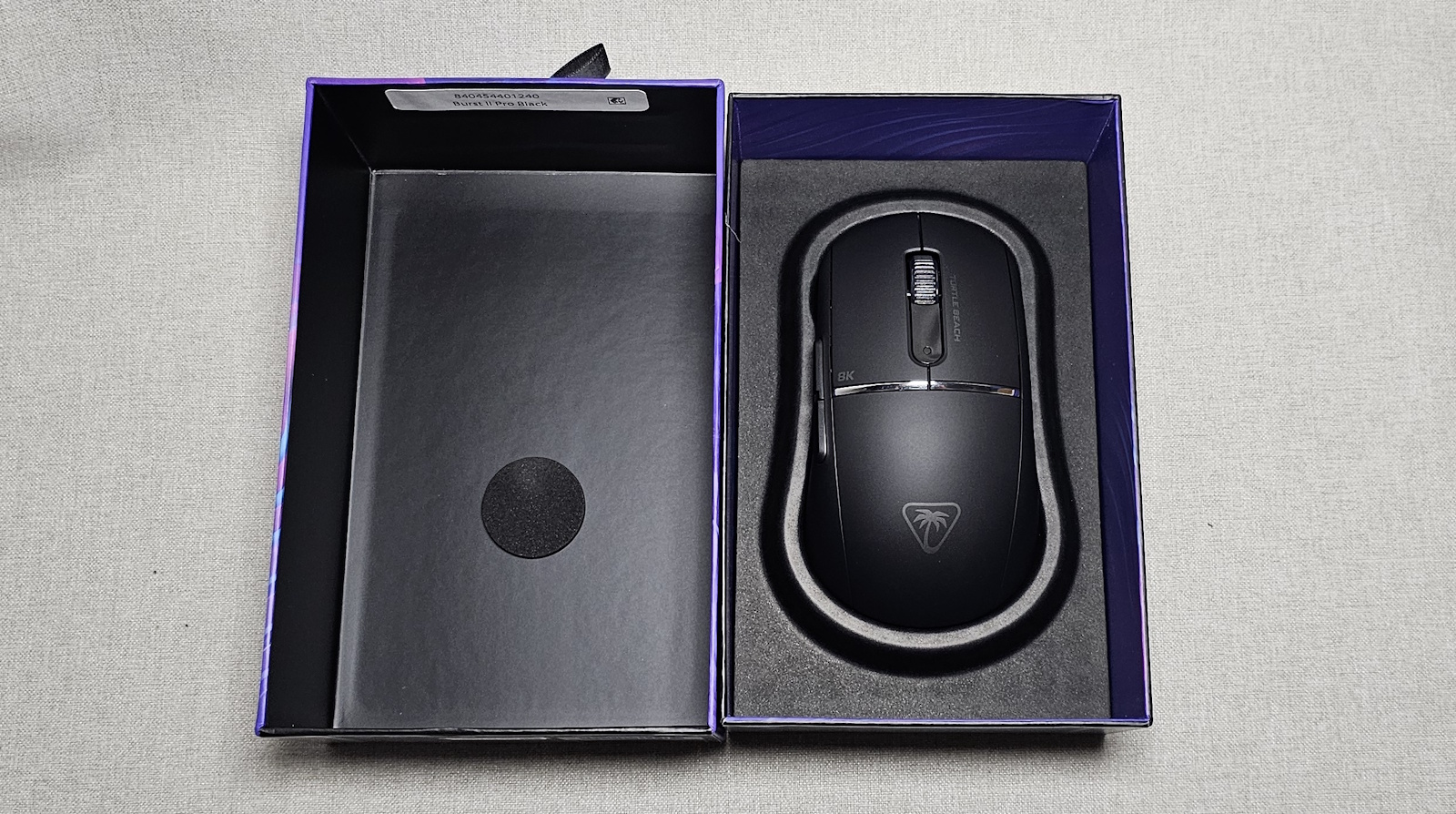
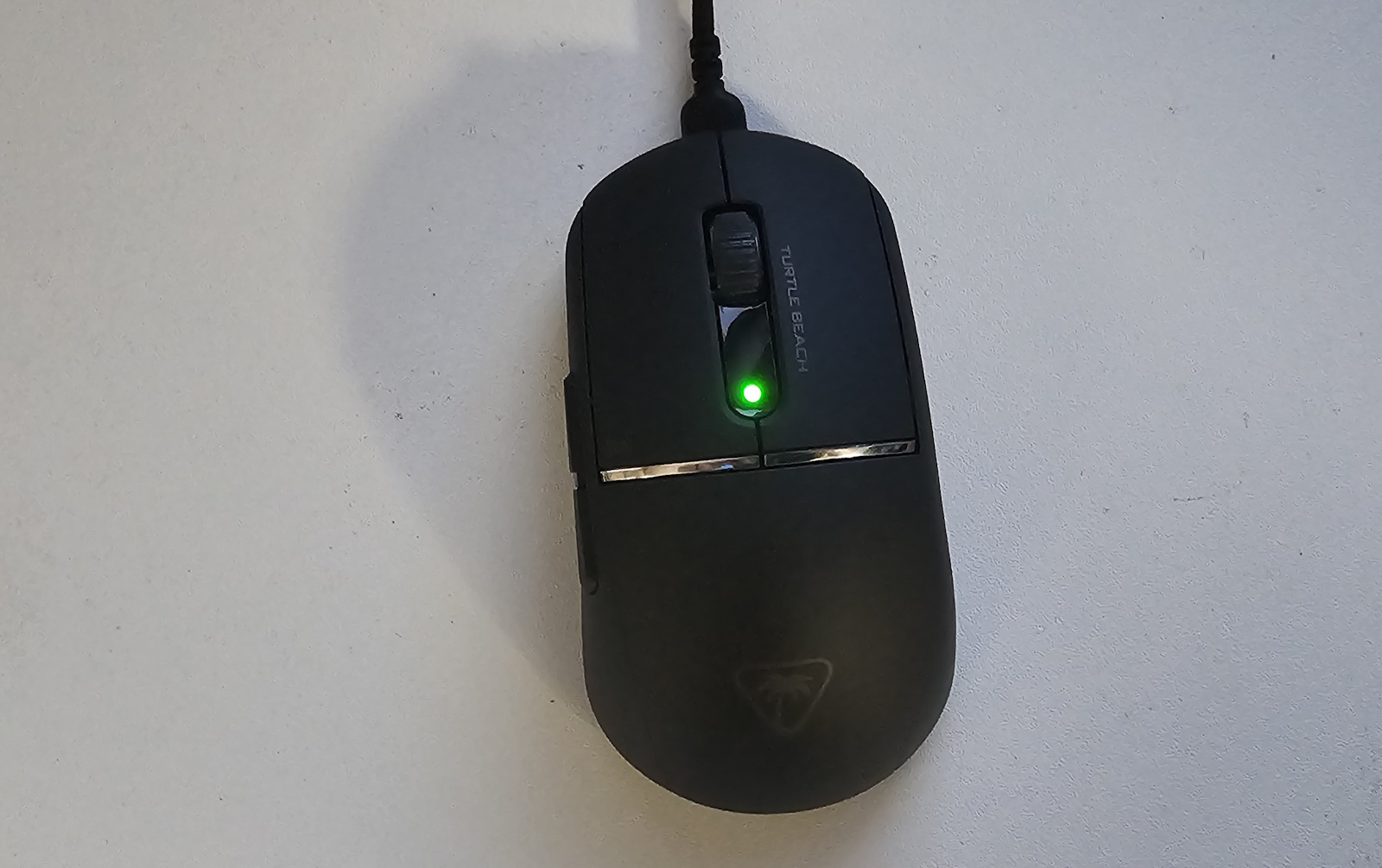
The main thing missing here compared to many modern peripherals is RGB lighting. Rather than having a pulsing show of colours, you simply get a functional LED to indicate if the mouse is active. Whilst this might be disappointing, it’s not a deal breaker for me—especially when you consider that during normal operation your hand covers the surface of the mouse, so you wouldn’t see any RGB lighting anyway.
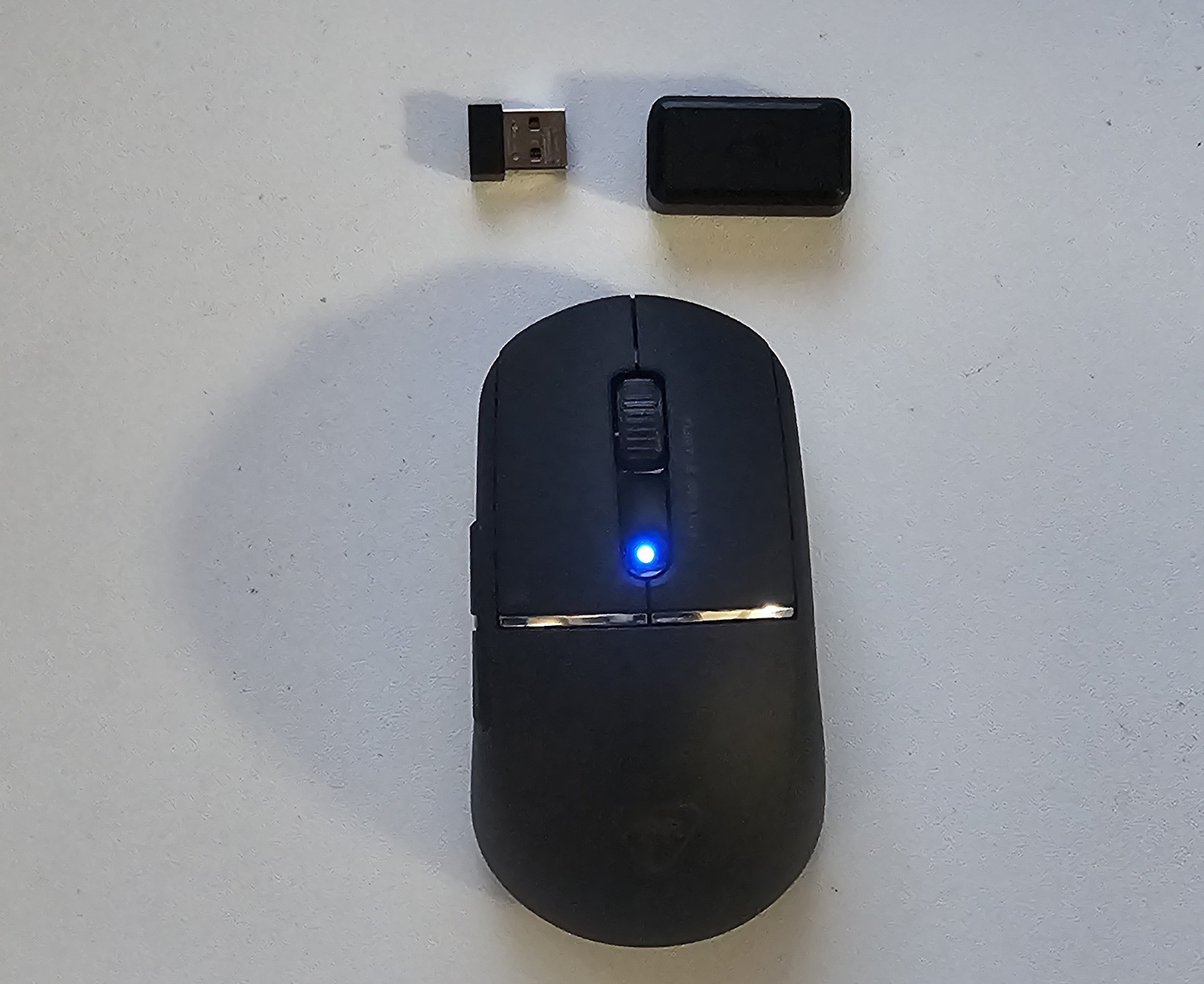
Not only is this mouse extremely lightweight, but it also offers customisation of the pads. In the box you get three different sets of skates and grip tape so you can adjust it to your liking. You can set the mouse to either standard (1K) or 8K polling. The higher polling rate does chew through the battery faster but provides much higher accuracy. It’s handy to be able to toggle between the two, as it means for normal operation you can save battery at 1K polling, but if you want to jump into some FPS action, you can set it to full 8K and make every shot count.
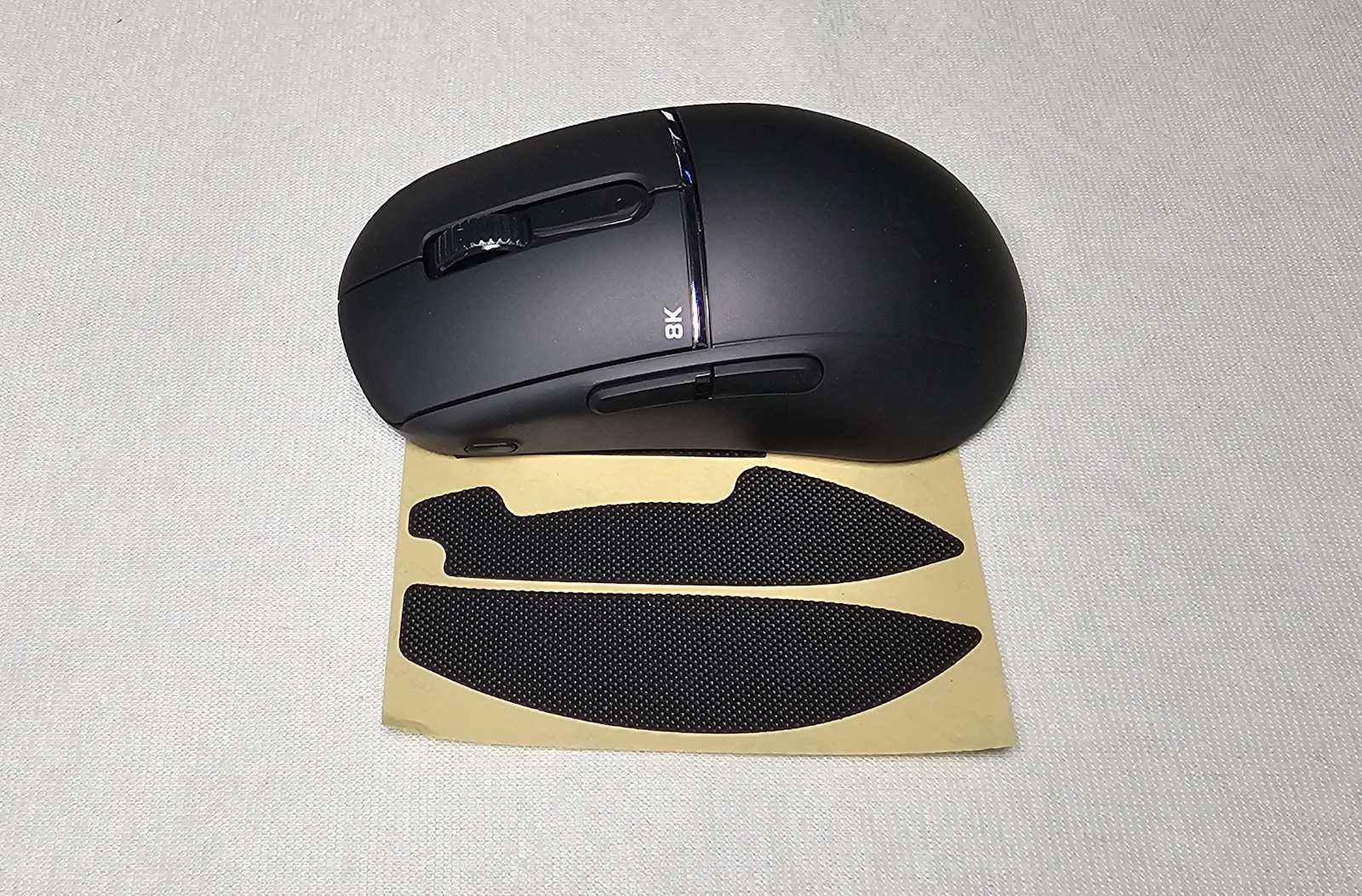

That customisation continues with the Swarm II software, which allows you to tinker with all the finer points of the mouse—adjusting the polling rate, lift-off distance, and other settings to your personal preferences. The fact that the mouse can be used in Wireless, Bluetooth, or wired mode via the supplied cable gives plenty of options and even enables you to continue using it while charging.
Final Thoughts
Honestly, I’m still surprised by just how light the Turtle Beach Burst II Pro is, especially considering all it packs into such a small frame. The design is far more traditional than many mice out there, which might be a negative for those who like their mouse flashy or aggressively styled… but it’s absolutely functional, and for me that’s a much bigger plus than any missing RGB or odd thumb grips.
The option to use it via Wireless, Bluetooth, or USB cable is a huge bonus, as I like having options and different situations call for different setups. For such an unassuming mouse, the Turtle Beach Burst II Pro packs a lot of punch and is absolutely worthy of your consideration.
About the Author

Chris O'Connor Father of four, husband of one and all round oddity. Gaming at home since about 1982 with a Sinclair ZX Spectrum. Moving on to the more traditional PC genre in the years that followed with the classic Jump Joe and Alley Cat. CGA, EGA, VGA and beyond PC's have been central to my gaming but I've also enjoyed consoles and hand helds along the way (who remembers the Atari Lynx?). Would have been actor/film maker, jack of many trades master of none.
Related Posts
Aiper EcoSurfer S2 Review →
ASUS Republic of Gamers Announces New Strix OLED XG27ACDMS, and XG27AQDMES Monitors →

Taya Necklace Reimagines AI Wearables; Public Preorders Open →