Reolink Solar Floodlight Cam Review
According to Precedence Research the Smart Home Security Camera global market is already above $35B USD per year. YouTube sensation Mark Rober recognised the rise in porch pirates and the increasing lack of social decency as he comically meted out justice to these thieves, all whilst being caught on camera.
And whilst many people are TikTok and YouTube sensations with their Ring doorbell camera antics, you won’t need to look far, as typically there are only three degrees of separation between you and somebody you know who has been the victim of a home invasion or burglary.
Although a camera won’t physically stop a morally bankrupt individual from breaking in, it will act as a visible deterrent, prompting would‑be offenders to reconsider. A well‑placed camera can also warn you when offenders are surveilling your home or otherwise uncover suspicious activity. However, as bleak as it sounds, the right camera and alarm solution can make enough of a difference to give you seconds to run or arm yourself to face an armed and aggressive intruder, ultimately being the difference between certain death or a ‘fighting chance’.
The recordings from these cameras are useful to police, but at night, all too often, these recordings are heavily scrutinised in courts and can still often be inadmissible for identification and may only help with the investigation of the crime, i.e. to prove time, numbers, and actions.
This is why many of us are looking for frictionless, cheap security solutions that are easy to use, easy to install, and offer the best reliability, functionality, and picture quality available for the price point. There are many considerations that can be overwhelming for the average consumer, least of which is how to power it, or where to install it, and with a saturated market with hundreds of options, it is very difficult to identify what to be concerned about, let alone navigate and pick the optimal product(s).
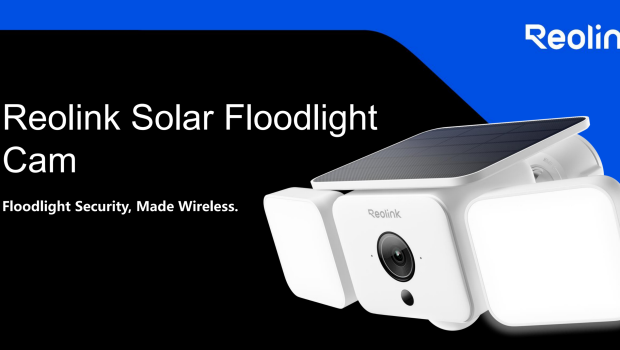
Reolink has merged two devices into a single solution with the Solar Floodlight Cam Model F310B. This camera is designed for outdoor use and is triggered by a motion sensor, whereby the camera will capture movement and the two large directional LED lights will light up the area at night.
Specifications
Video & Audio
- Image Sensor 1/3″ CMOS Sensors
- Resolution 2560 x 1440(4MP)@15fps
- Lens f=2.2mm fixed F=2.2
- Video Compression H.264/H.265
- Field of View H:124.5°,V:69.6°,D:150.5°
- Infrared Night Vision
- Up to 10 meters (33ft); LED: 1pcs/850nm (Auto-switching with IR-cut filter)
- Color Night Vision With Floodlights: 1000 Lumens
- Color Temperature 3000K~6000K
- Lumen Up to 1000 Lumens, Adjustable
- Audio
- Two-way audio
Power
- Battery Capacity 7800mAh
- Battery Life 3 months
- Solar Pannel 3W
- DC 5V 10w (Via USB-C) or Rechargeable Li-ion battery
Interface
- Power Port Type-C
- SD Card Slot √
- Supports Max. 512GB microSD card
- Reset Button √
- Audio In/Out Built-in microphone and speaker
Wi-Fi
- Wireless Standard IEEE 802.11 a/b/g/n/ac/ax
- Operating Frequency 2.4GHz/5GHz WiFi 6
- Wireless Security WPA/WPA2/WPA3
Software
- Supported OS PC:
- Windows, Mac OS; Smartphone: iOS, Android
- Protocols & Standards:
- SSL, TCP/IP, UDP, HTTPS, SMTP, NTP,
- P2P, FTP
- User Access:
- Max. 12 simultaneous streams (2 main & 10 sub streams)
Feature Highlights
- Pre-recording ×
- Smart Alarm √
- PIR Detection Range 10m、150°
- Recording Modes Motion-triggered recording
- Time Lapse √
- Smart Home Compatibility √
- Home Hub Compatibility √
- Cloud Storage √
Working Environment
- Operating Temperature -20°C~+55°C (-4°F~131°F)
- Operating Humidity 10% ~ 90%
- Weatherproof Rating IP66
Mechanical
- Dimensions 101.5x264x161.2mm
- Weight 799g(Included bracket)
Warranty
- 2-year limited warranty.
Unboxing & First Impressions
The box is well presented with basic consumer information.
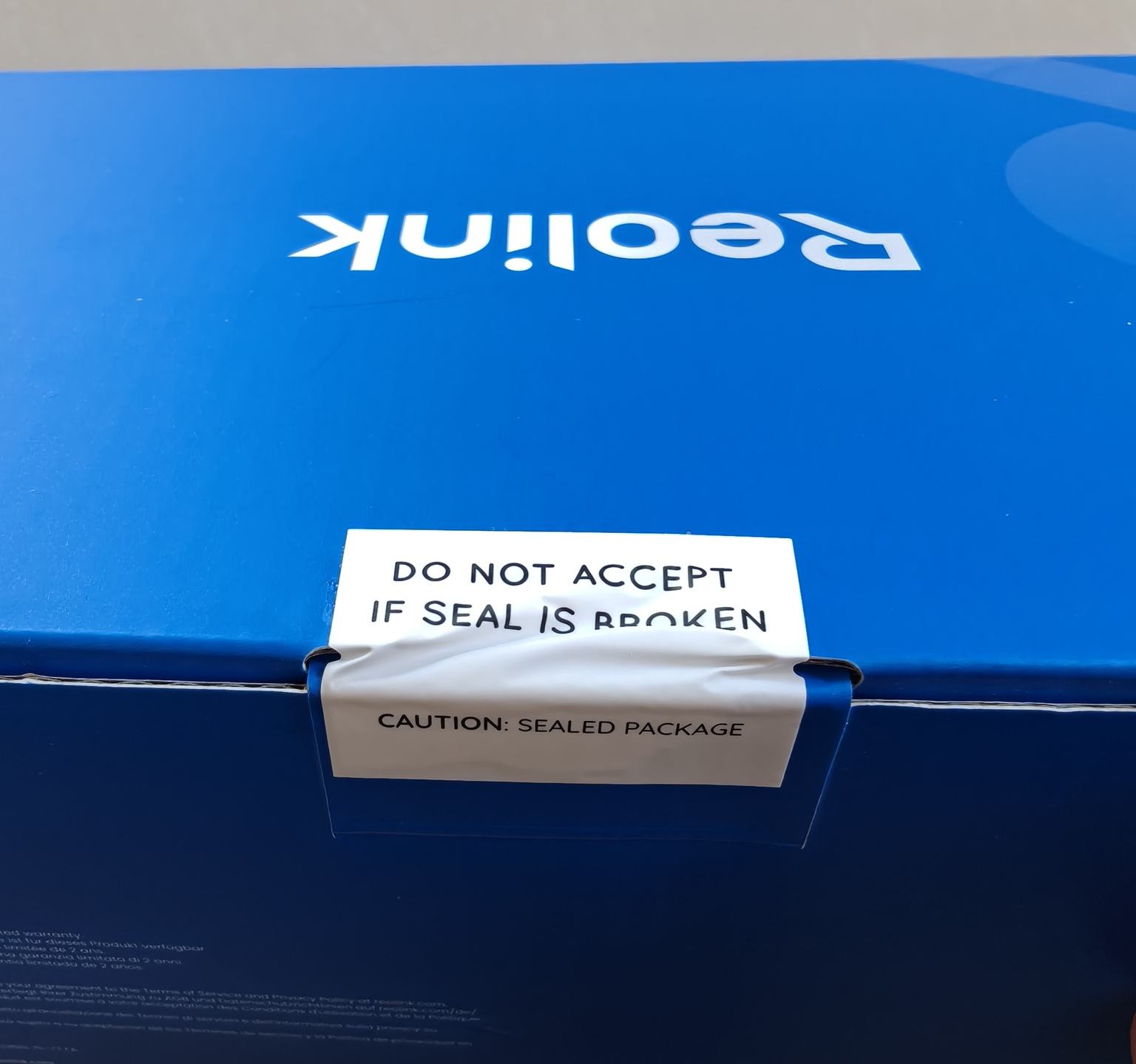
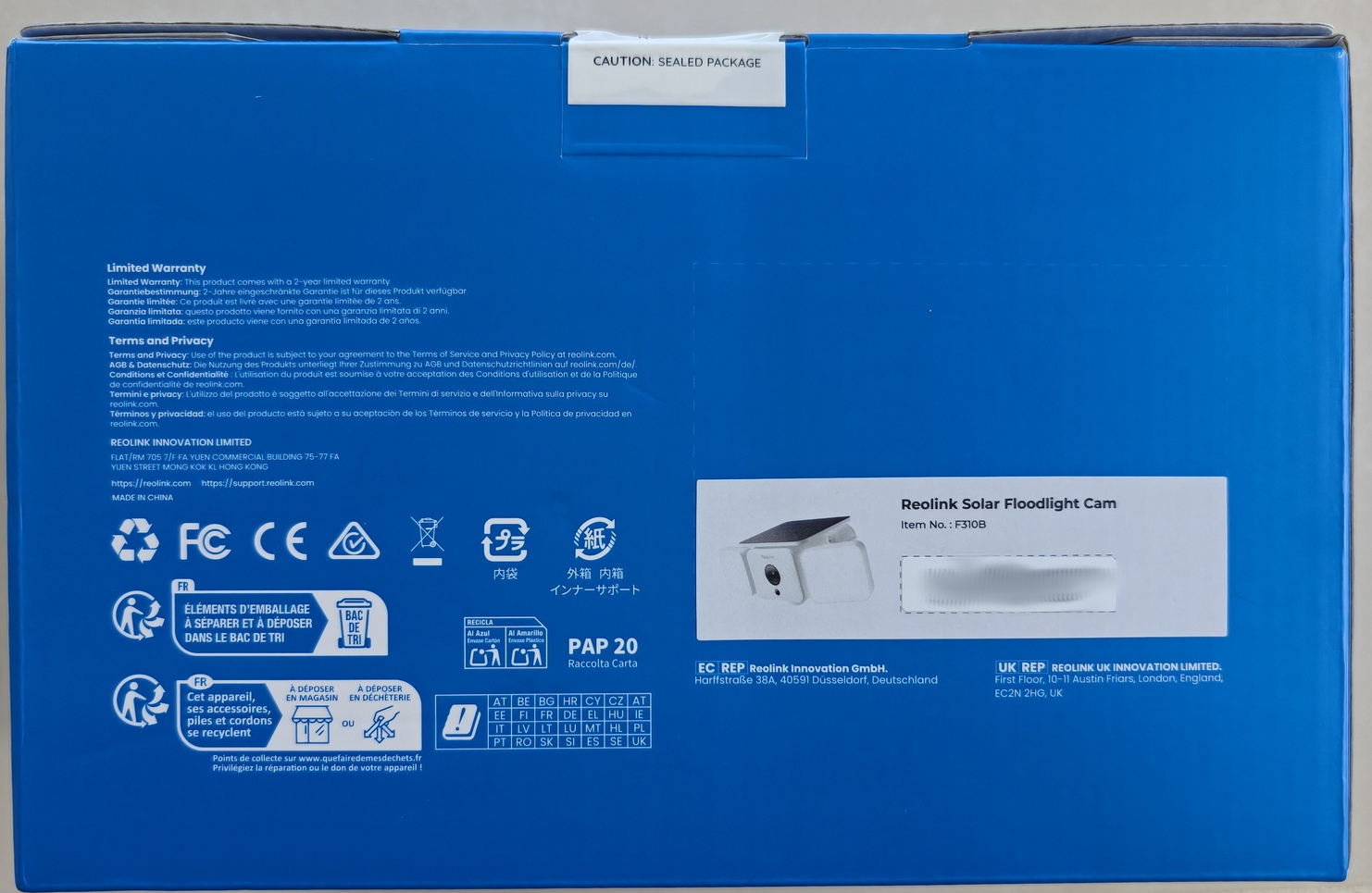
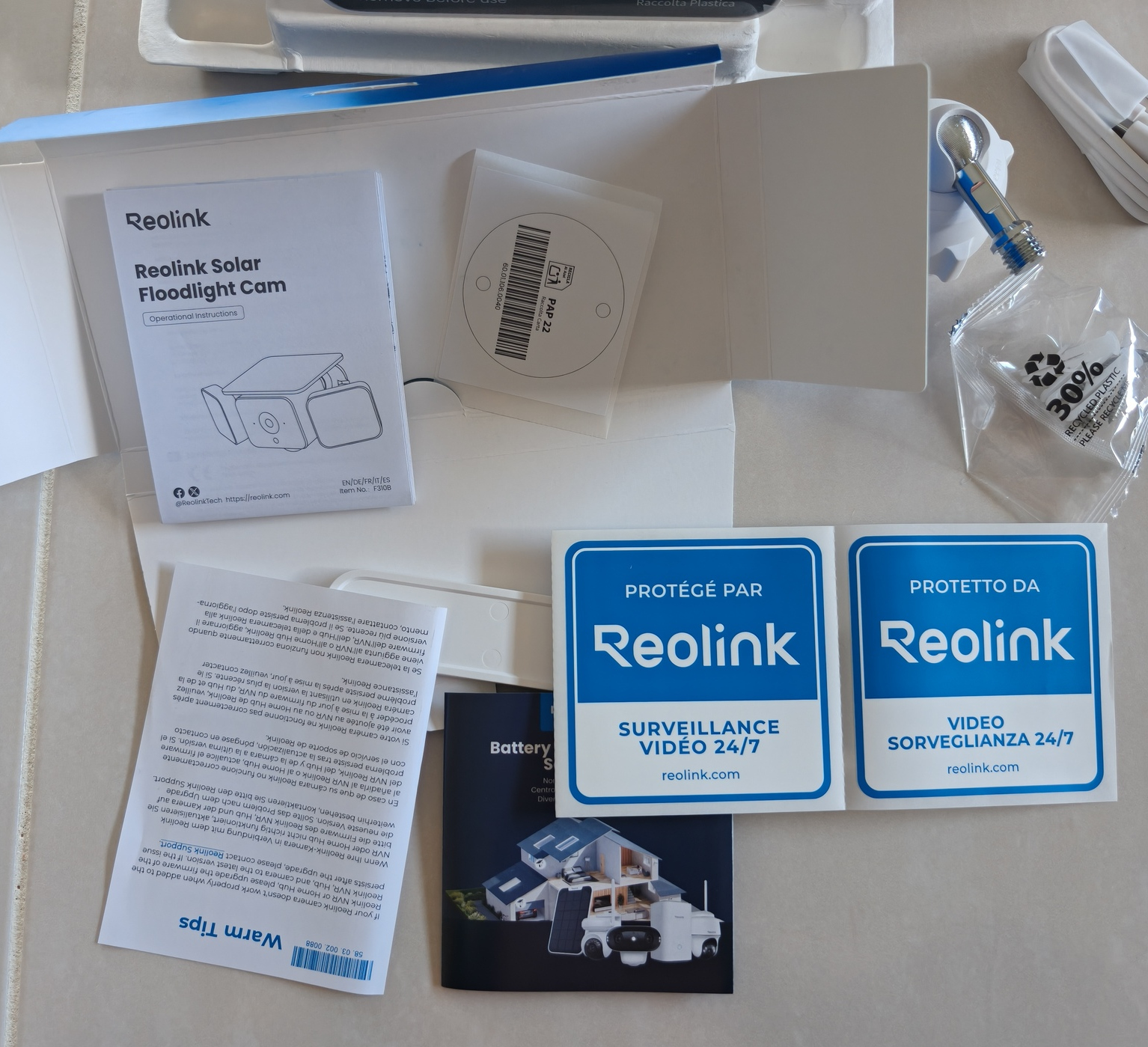
Multiple stickers with different languages to show off that the area is protected by Reolink. The instructions and mounting template are also included, along with a USB A-C cable for initial charging.
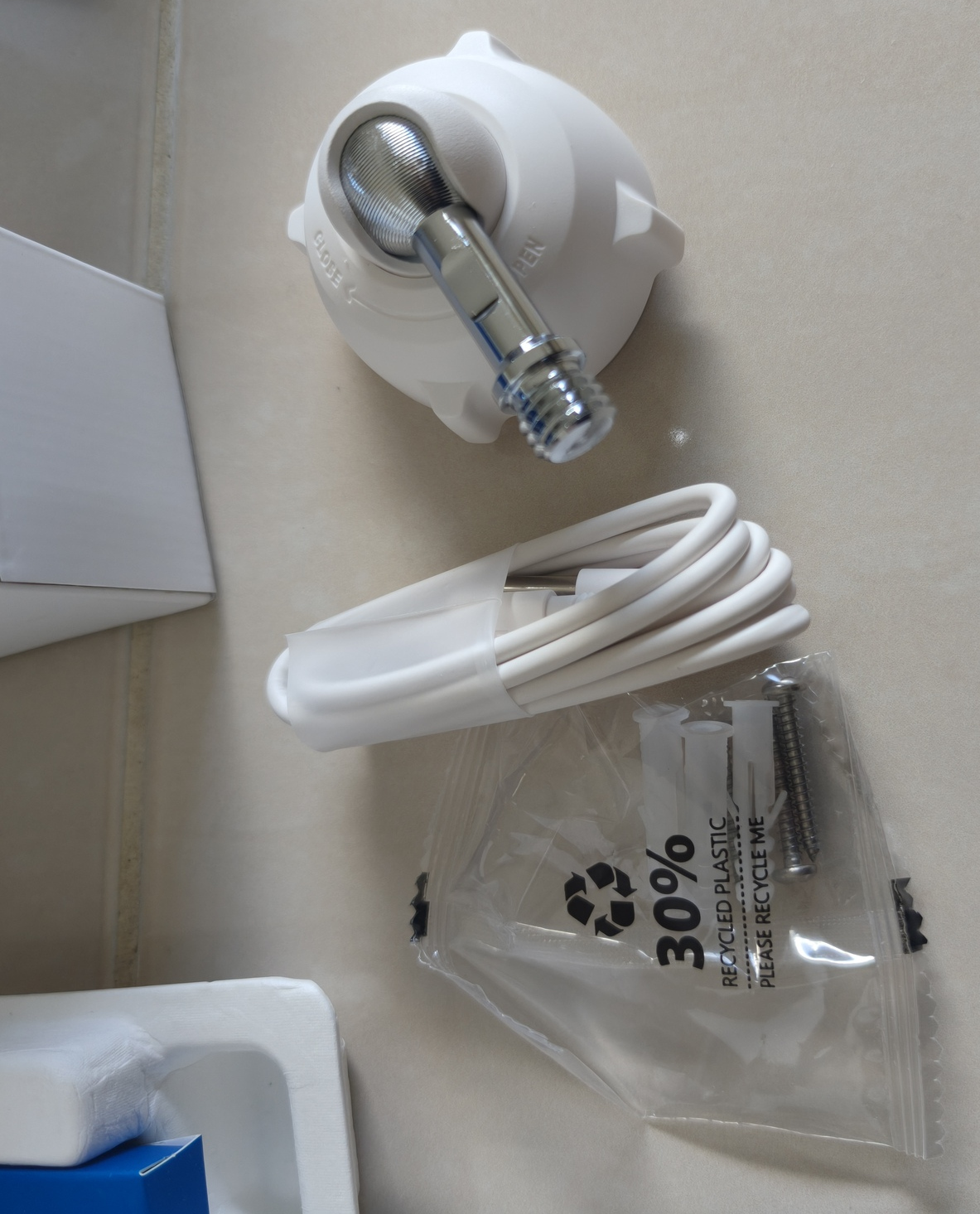
USB Cable, mounting screws and mounting bracket.
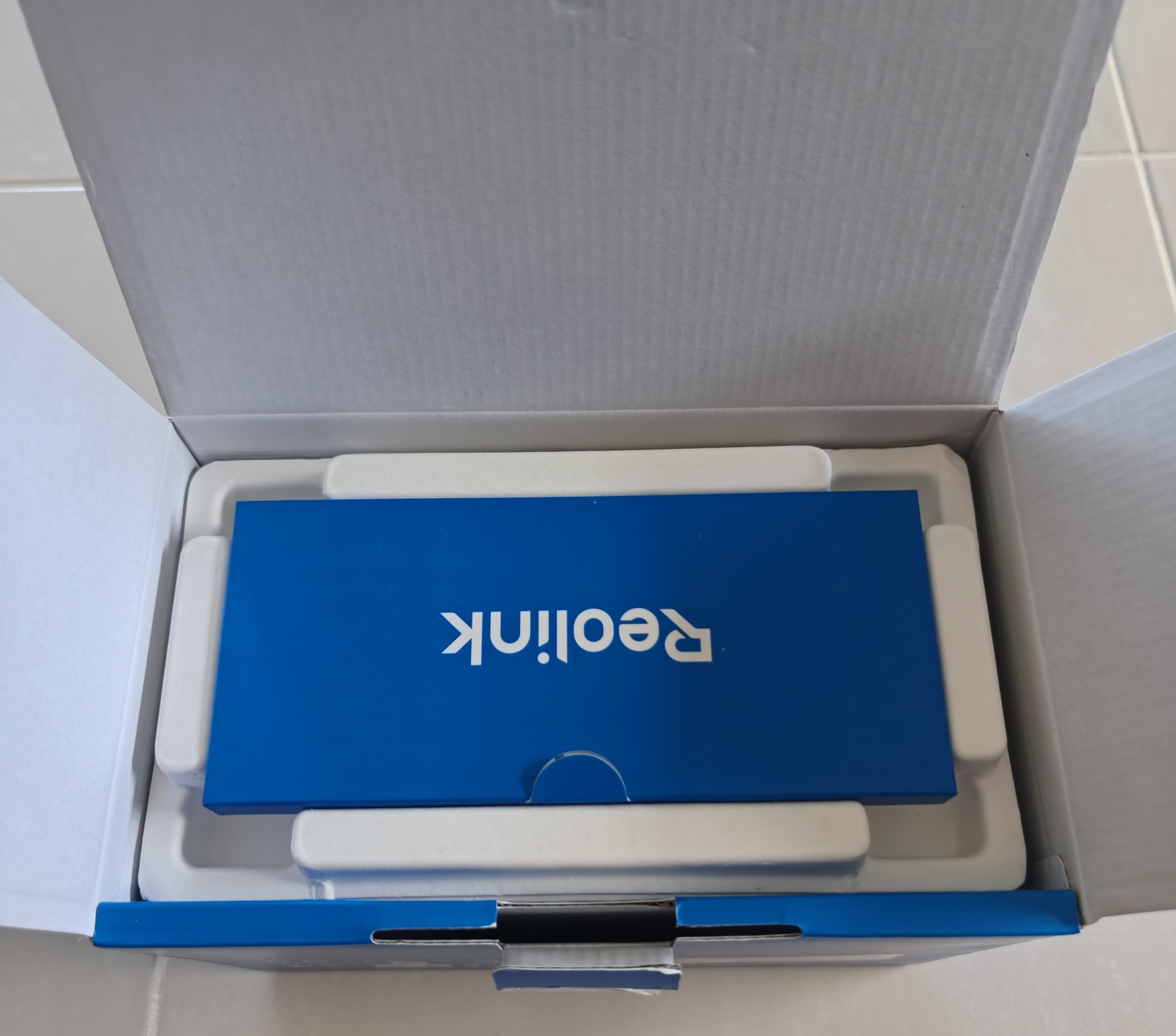
Very neat box. Was the Reolink paperwork box put in backwards? In any case, it was very well packed and all in order.


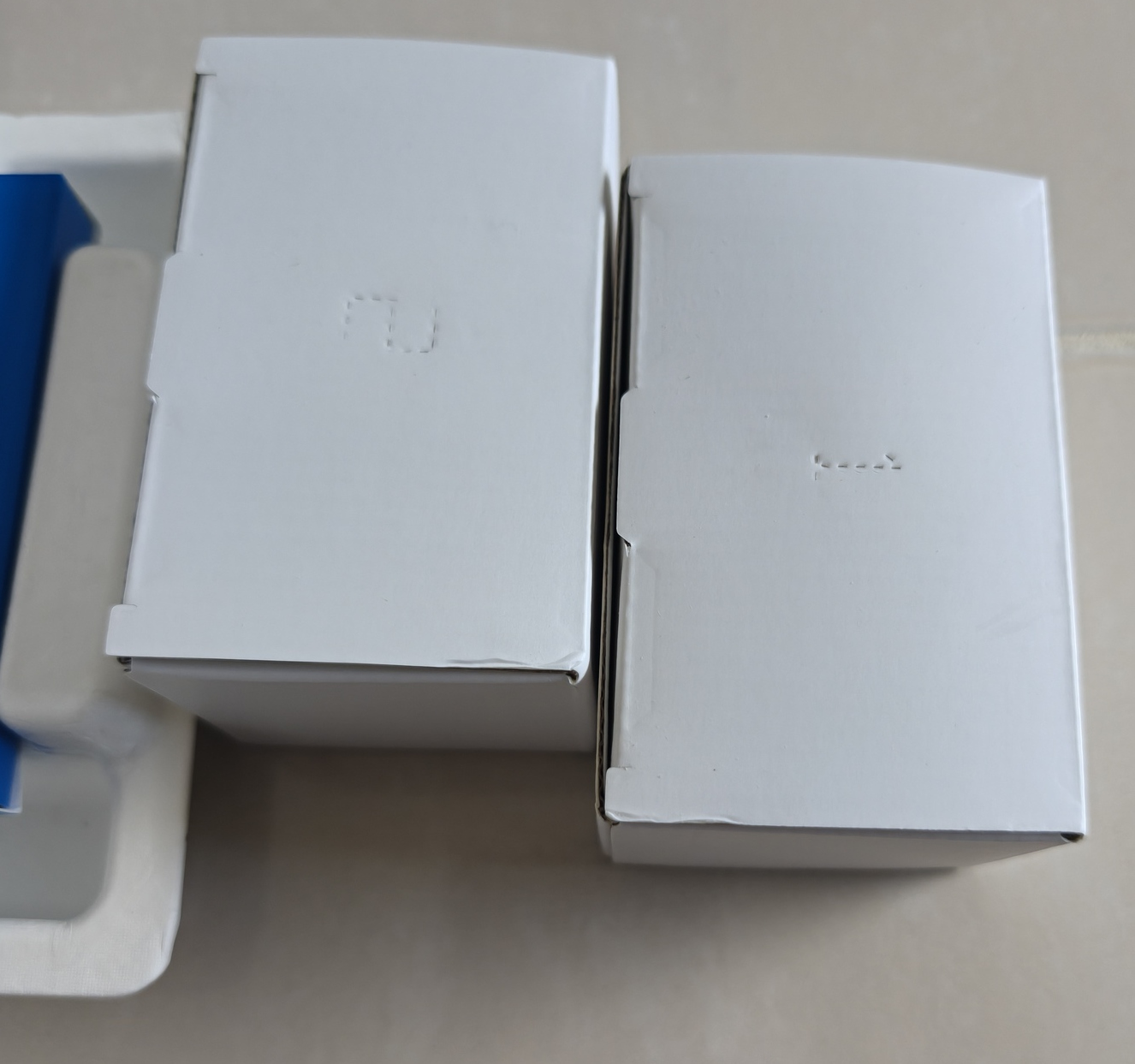
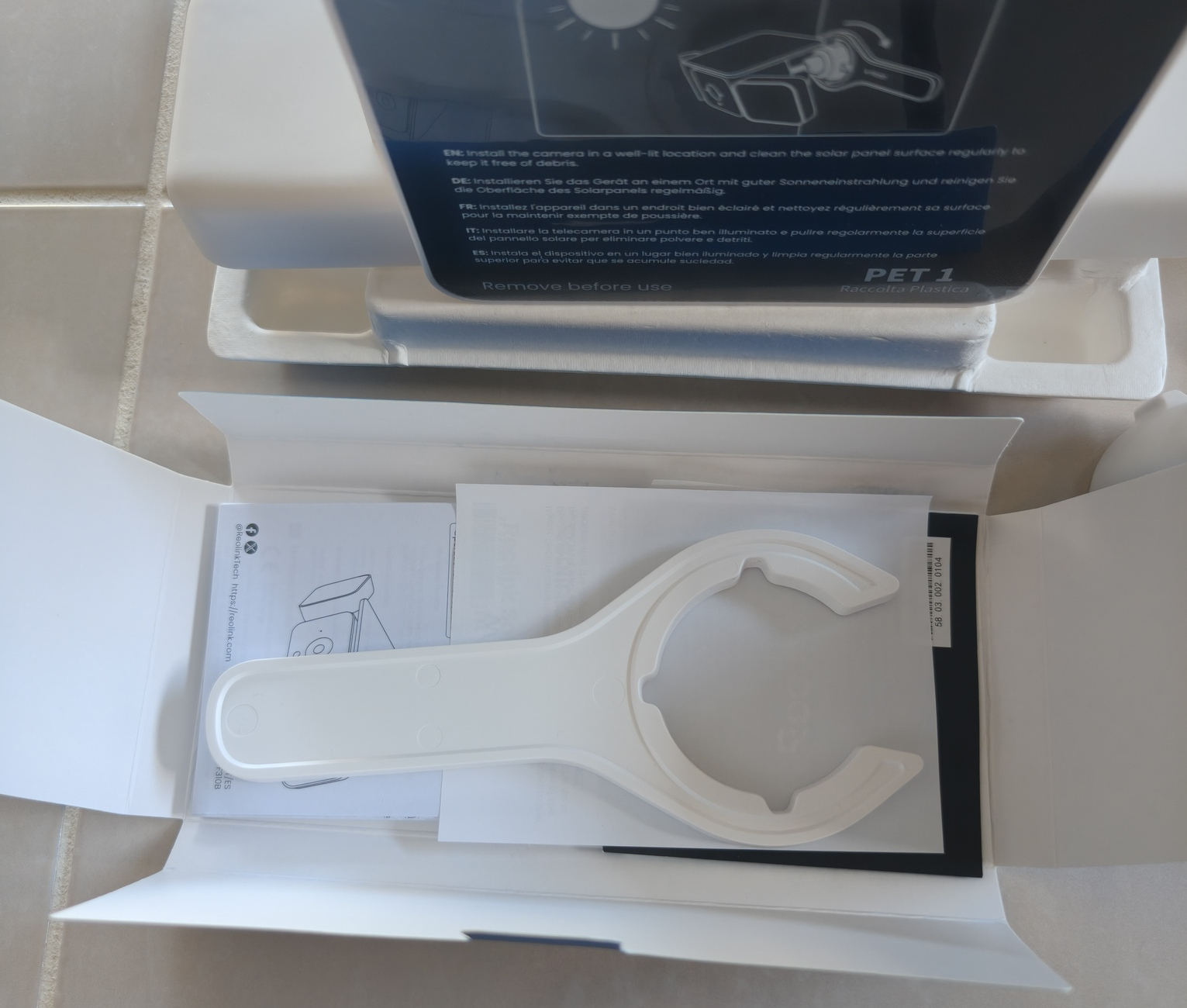
The inclusions are all neatly arranged and appropriate. Included is the multi-language guide, installation hardware and USB A-C cable.
The unit is a cube shape and made out of a strong plastic, most likely ABS. The solar panel is fixed and cannot be removed or adjusted in any way.
Both LED lights can rotate a fair distance downwards and upwards until they hit the edge of the solar panel. Likewise, the LED lights can fold to illuminate the sides entirely. From a practical sense, the LED lights will be capable of lighting up the entire intended capture range.
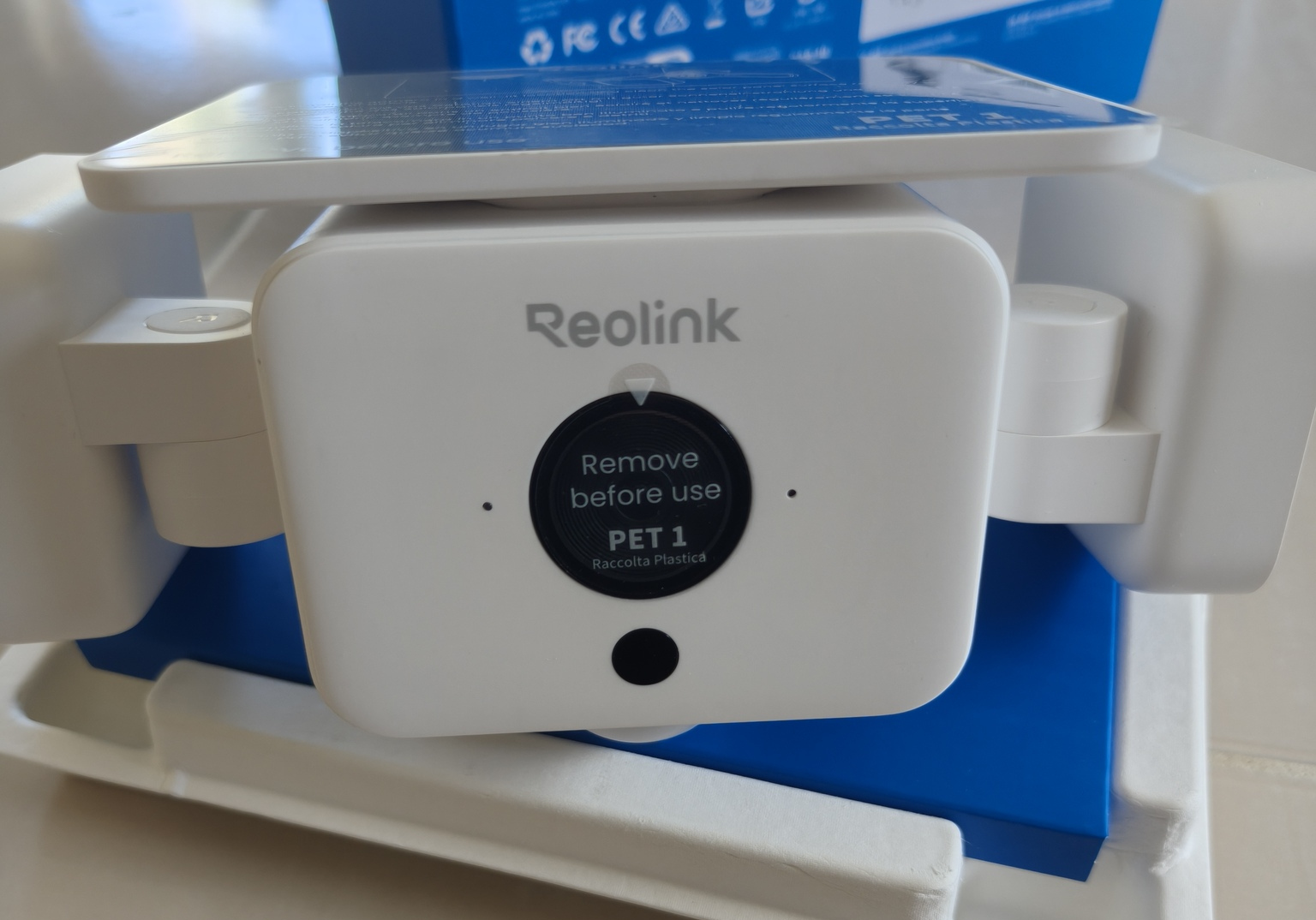
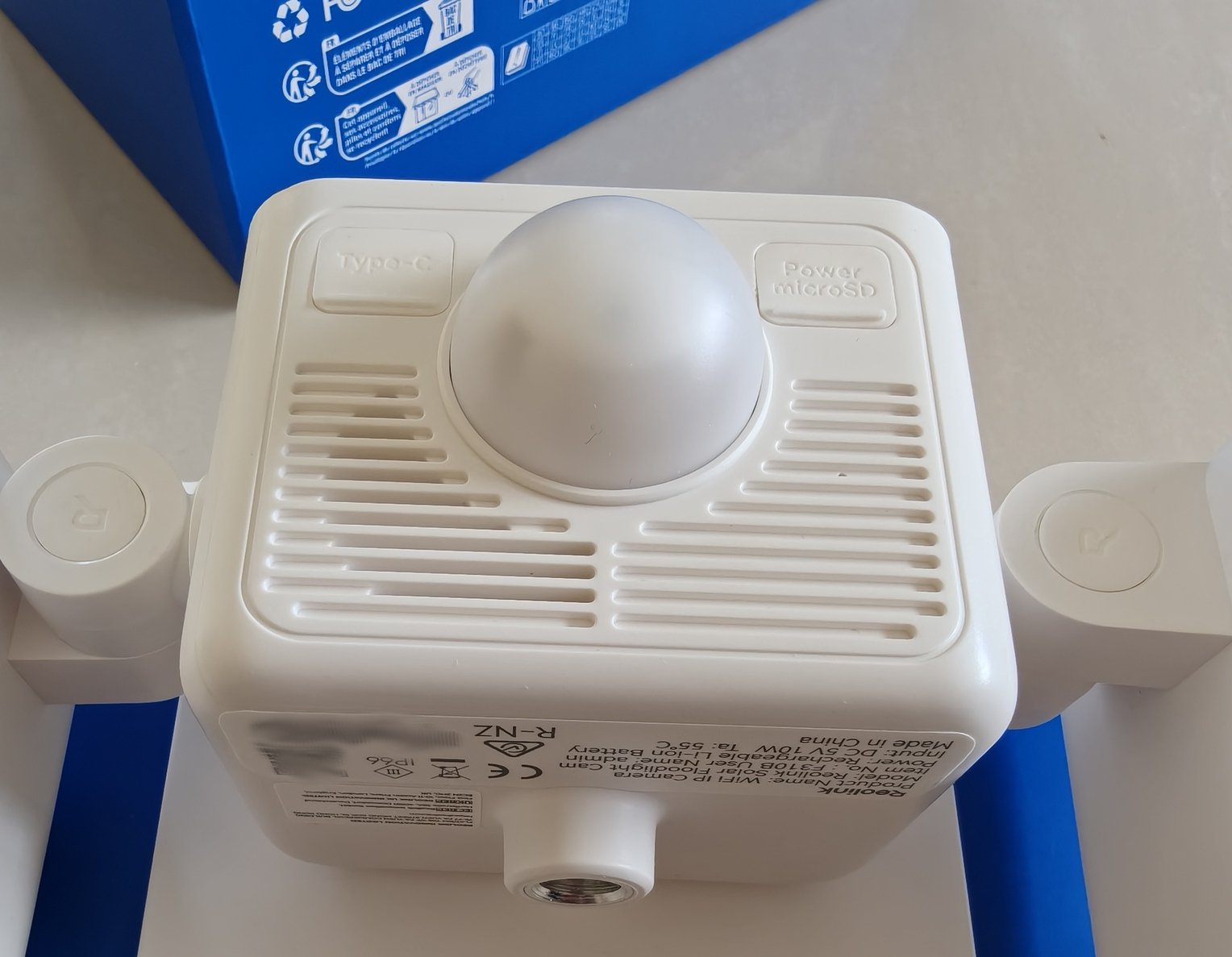
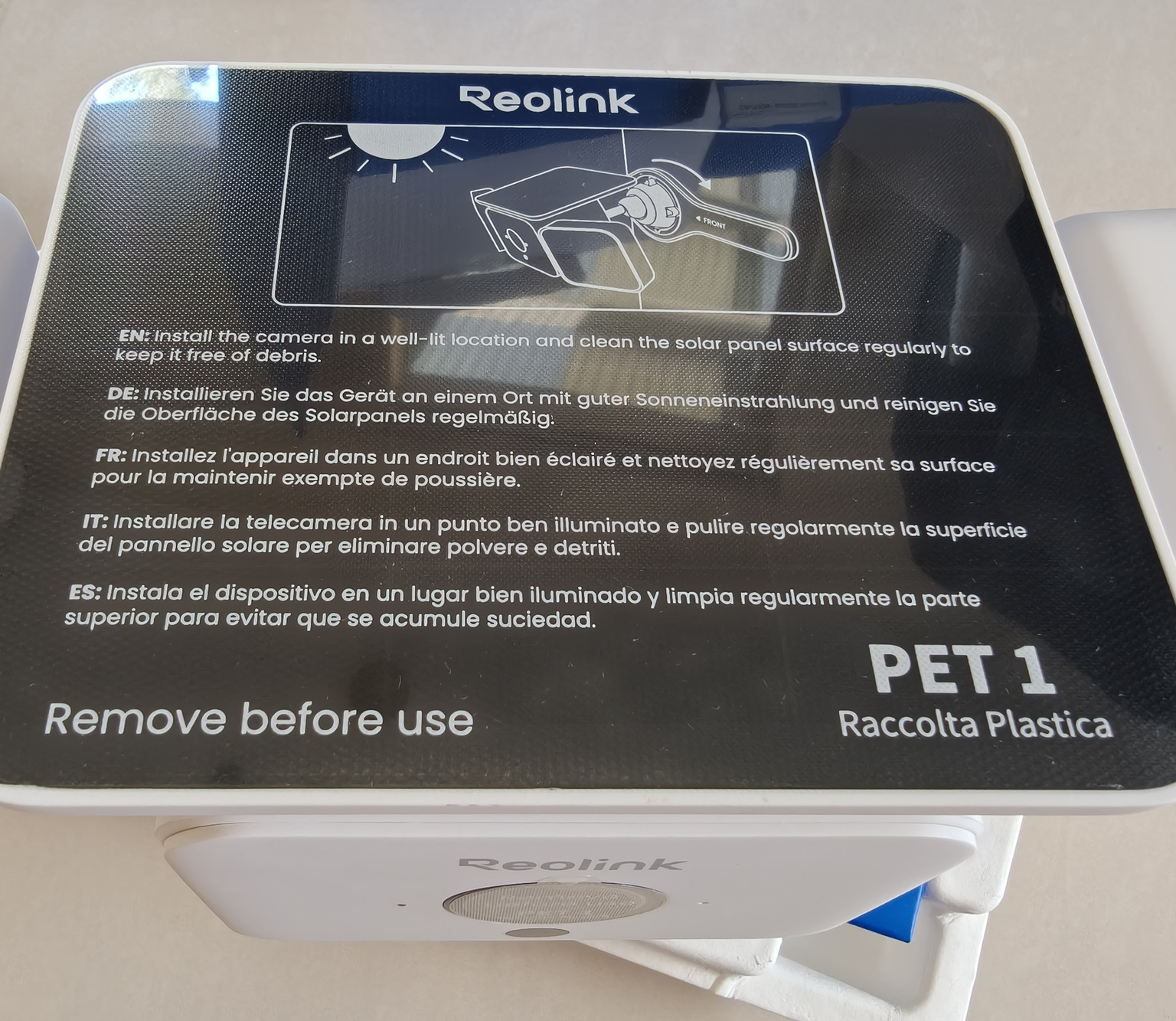
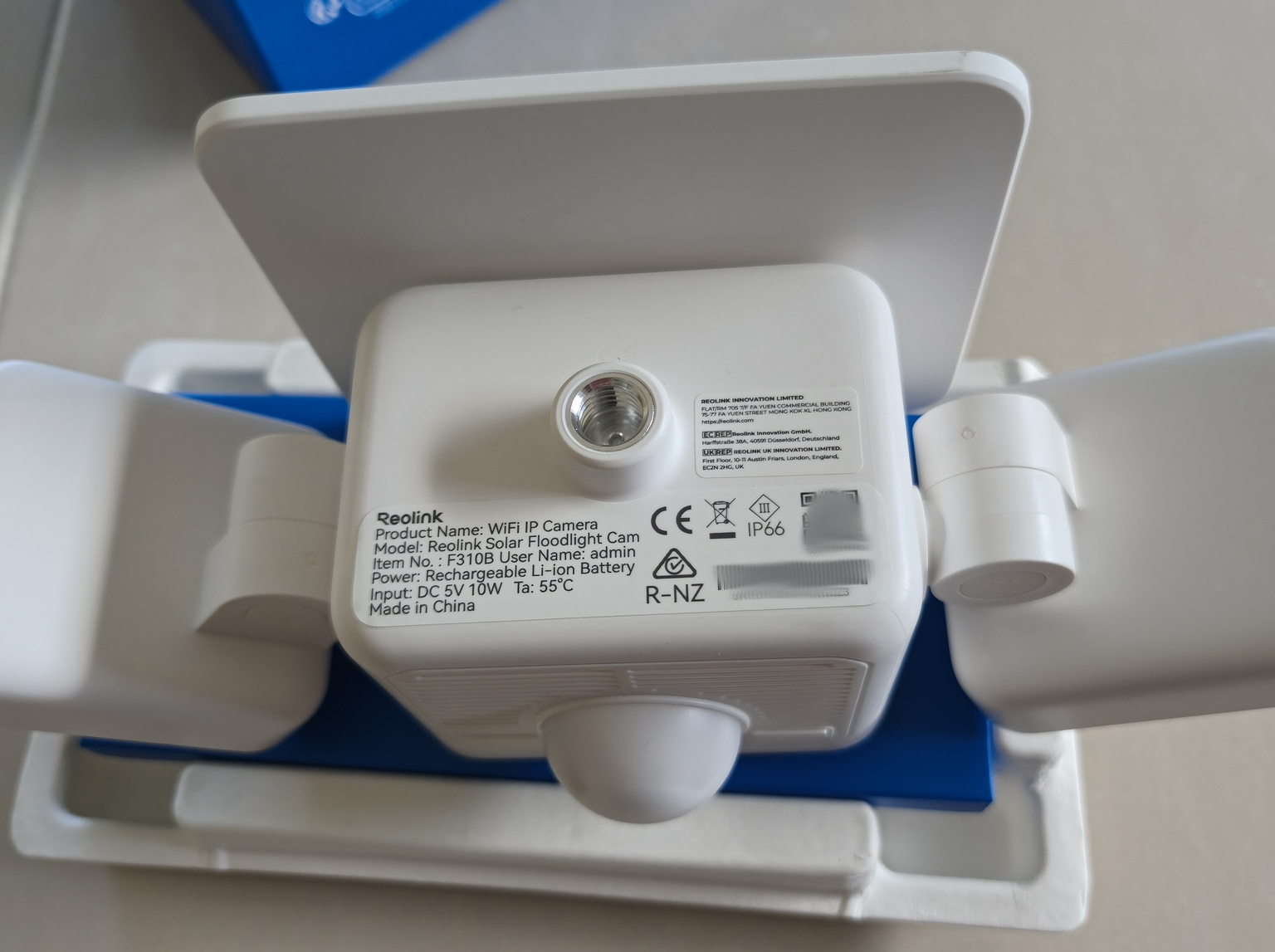
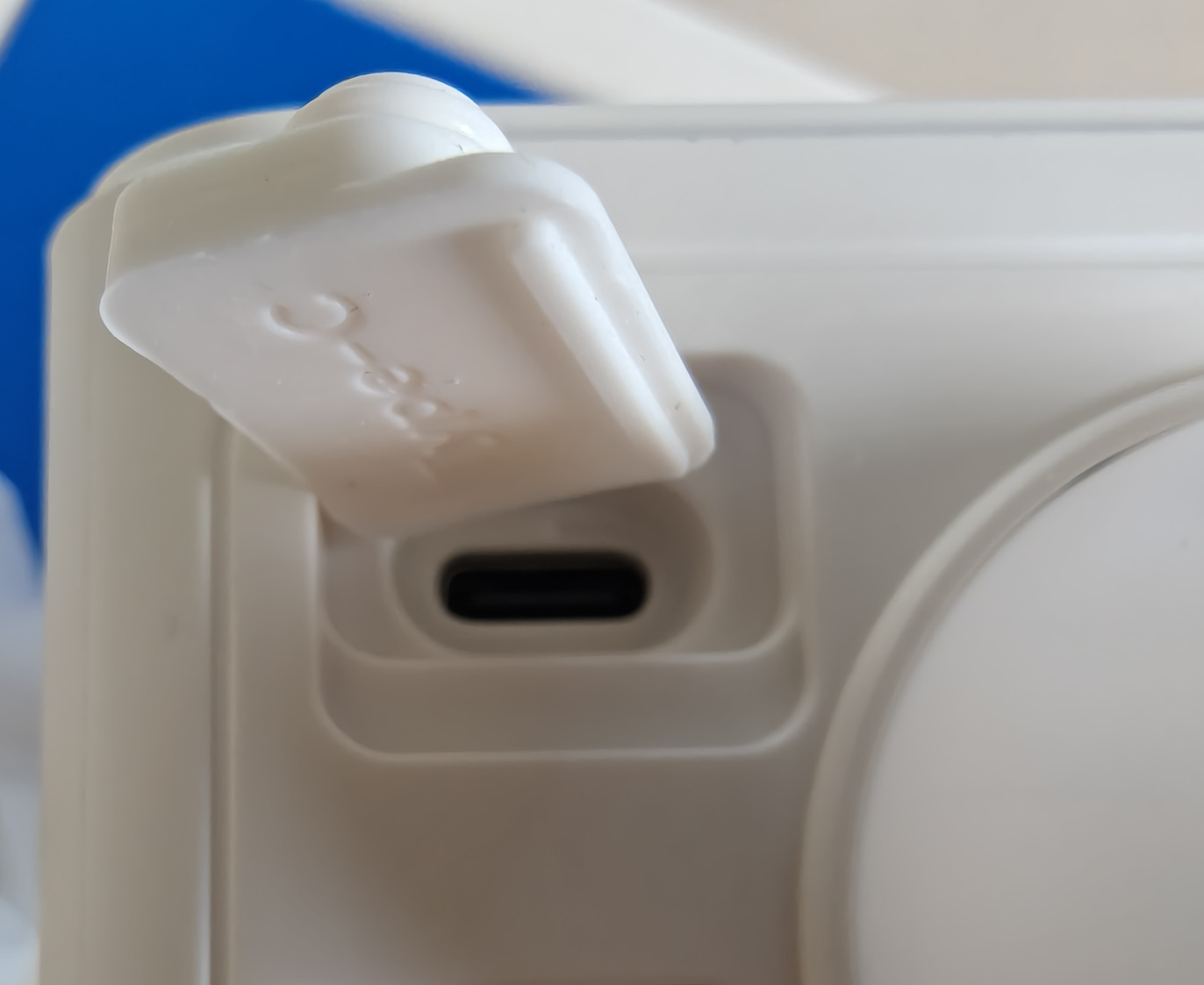
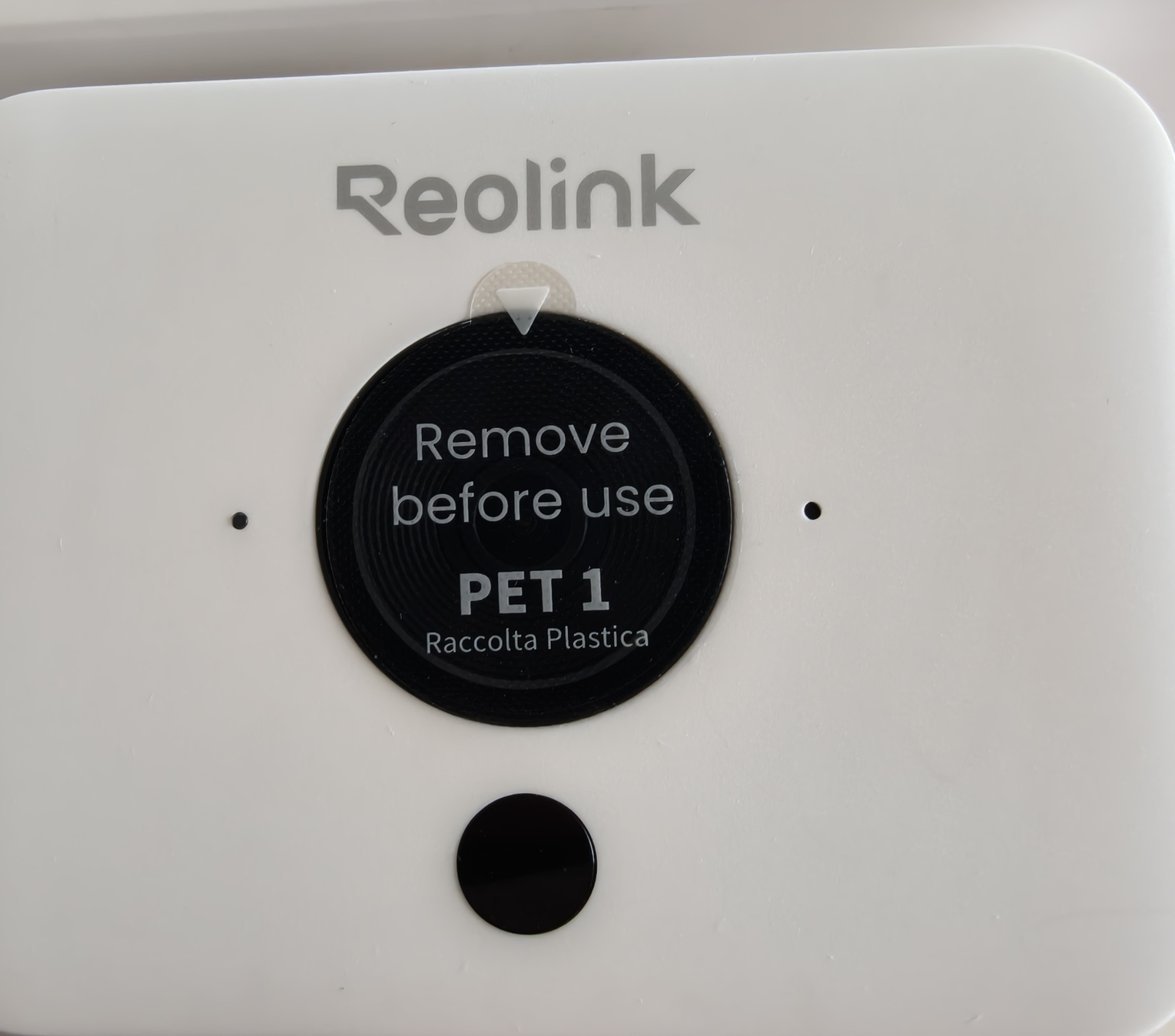
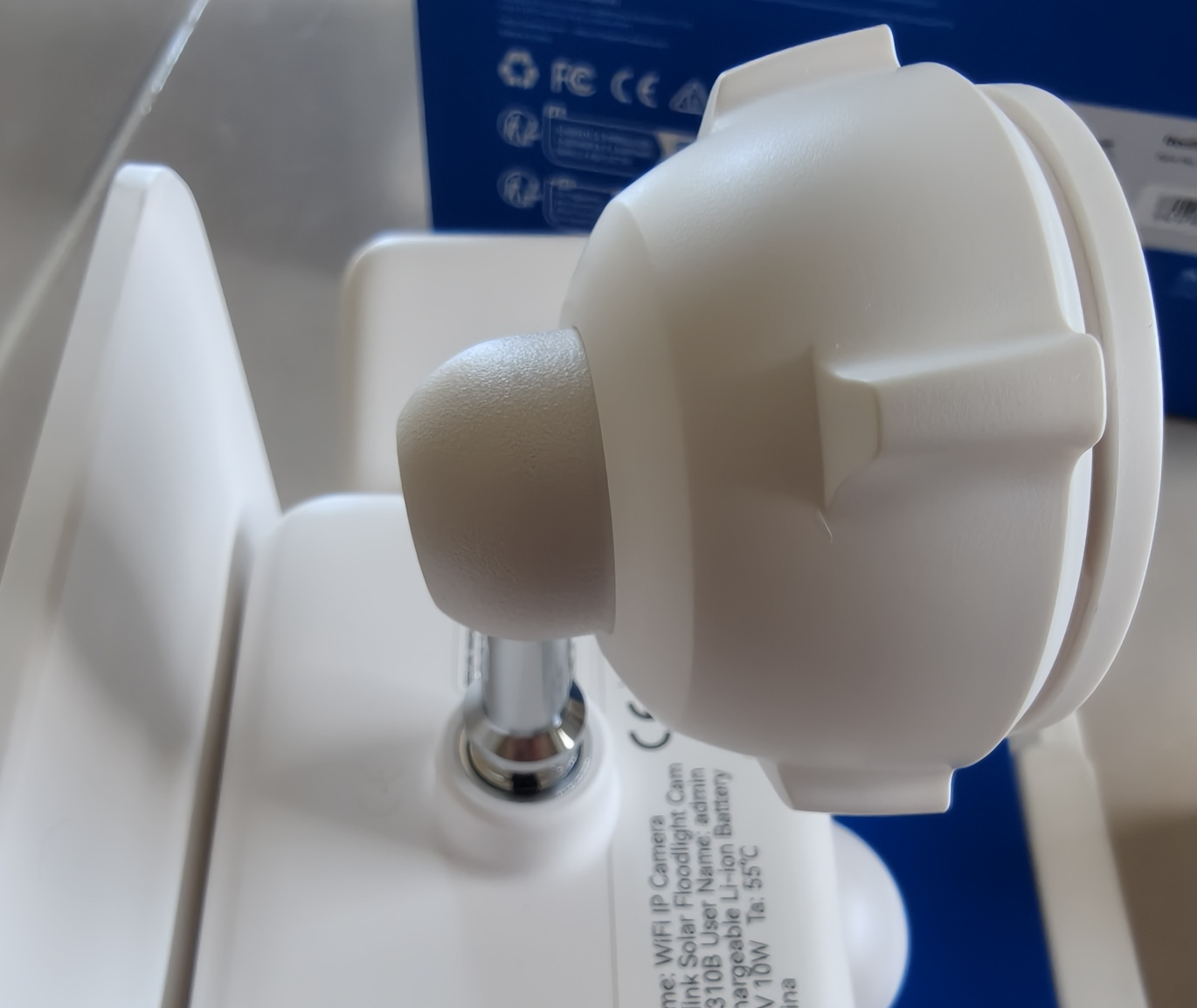
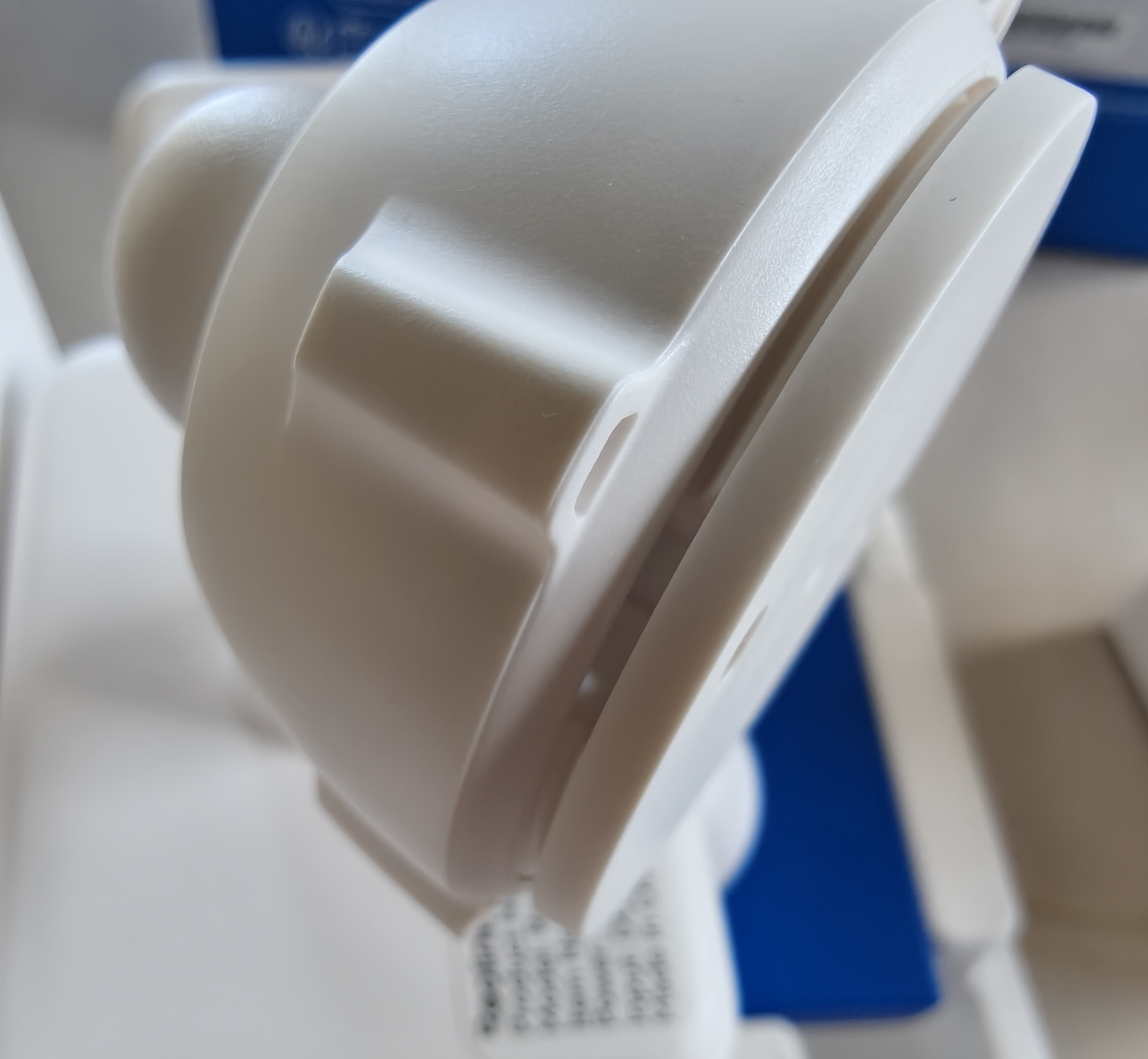
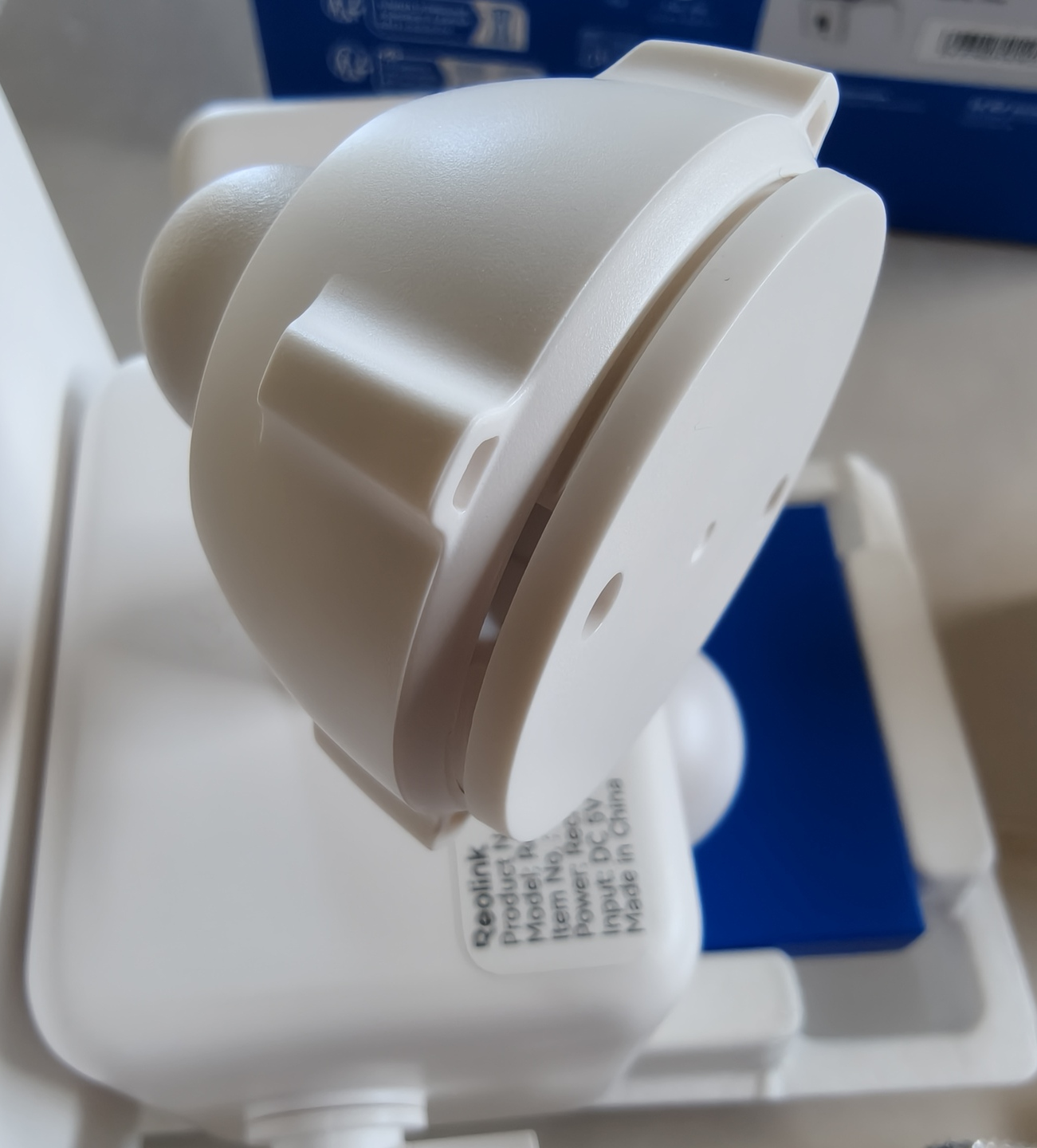
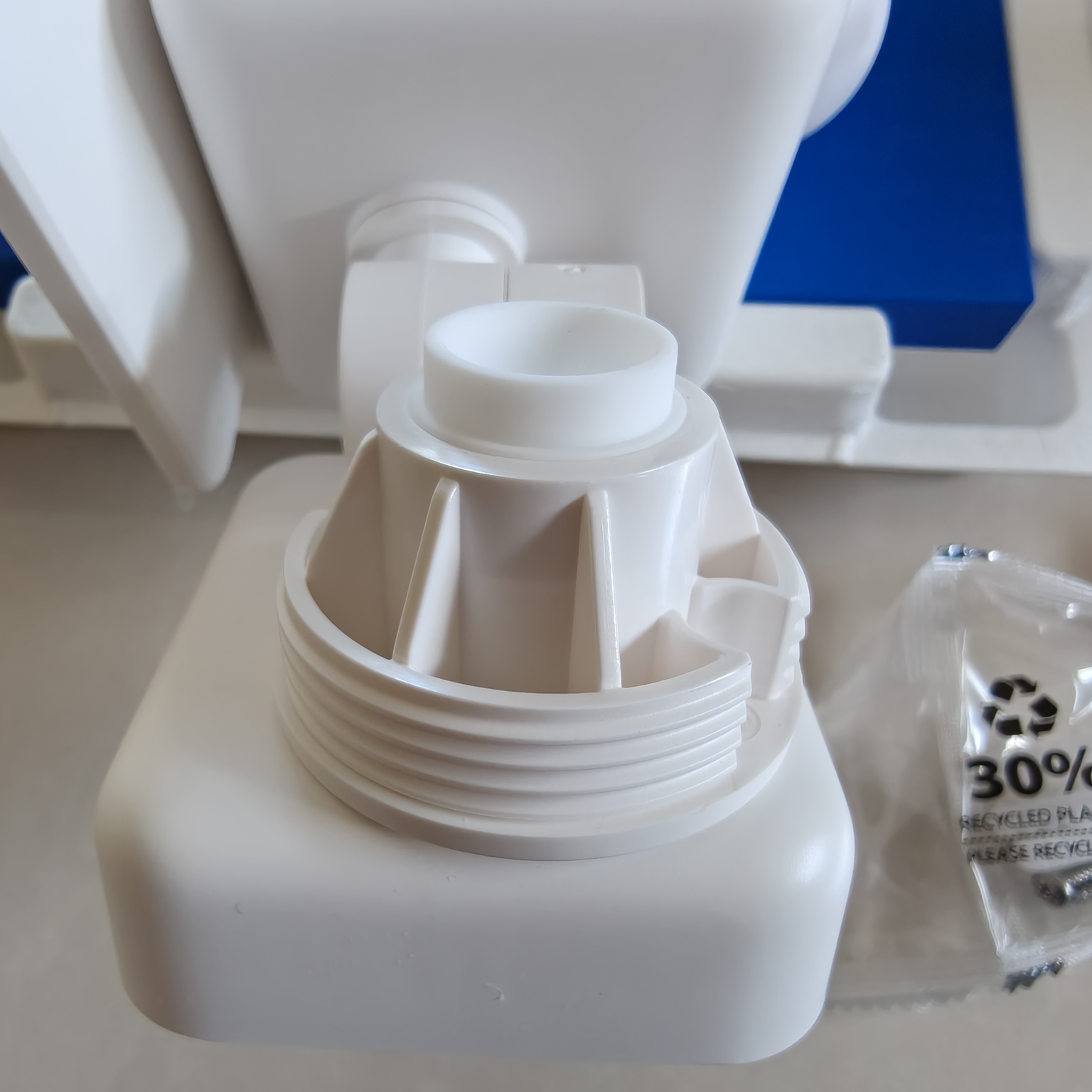
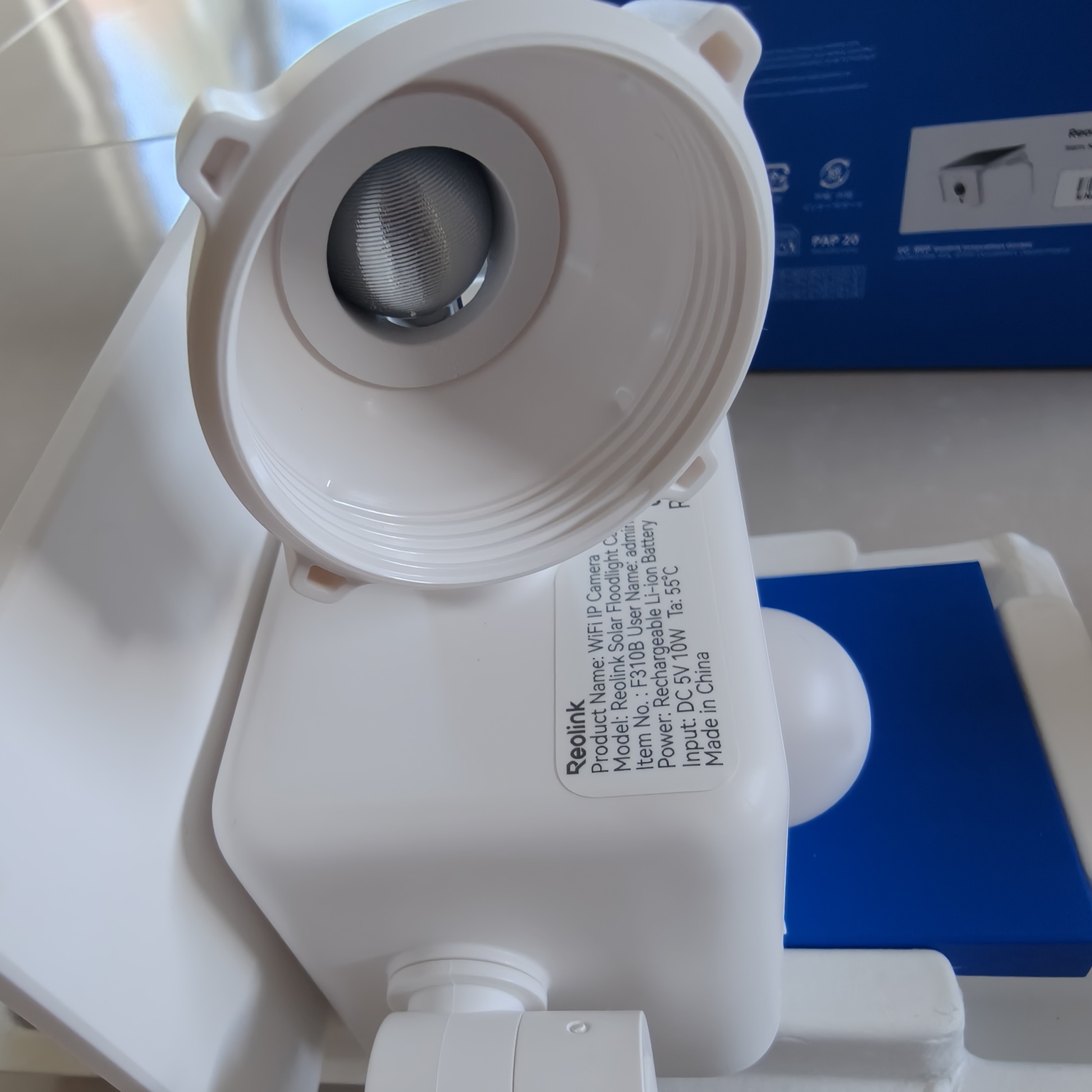
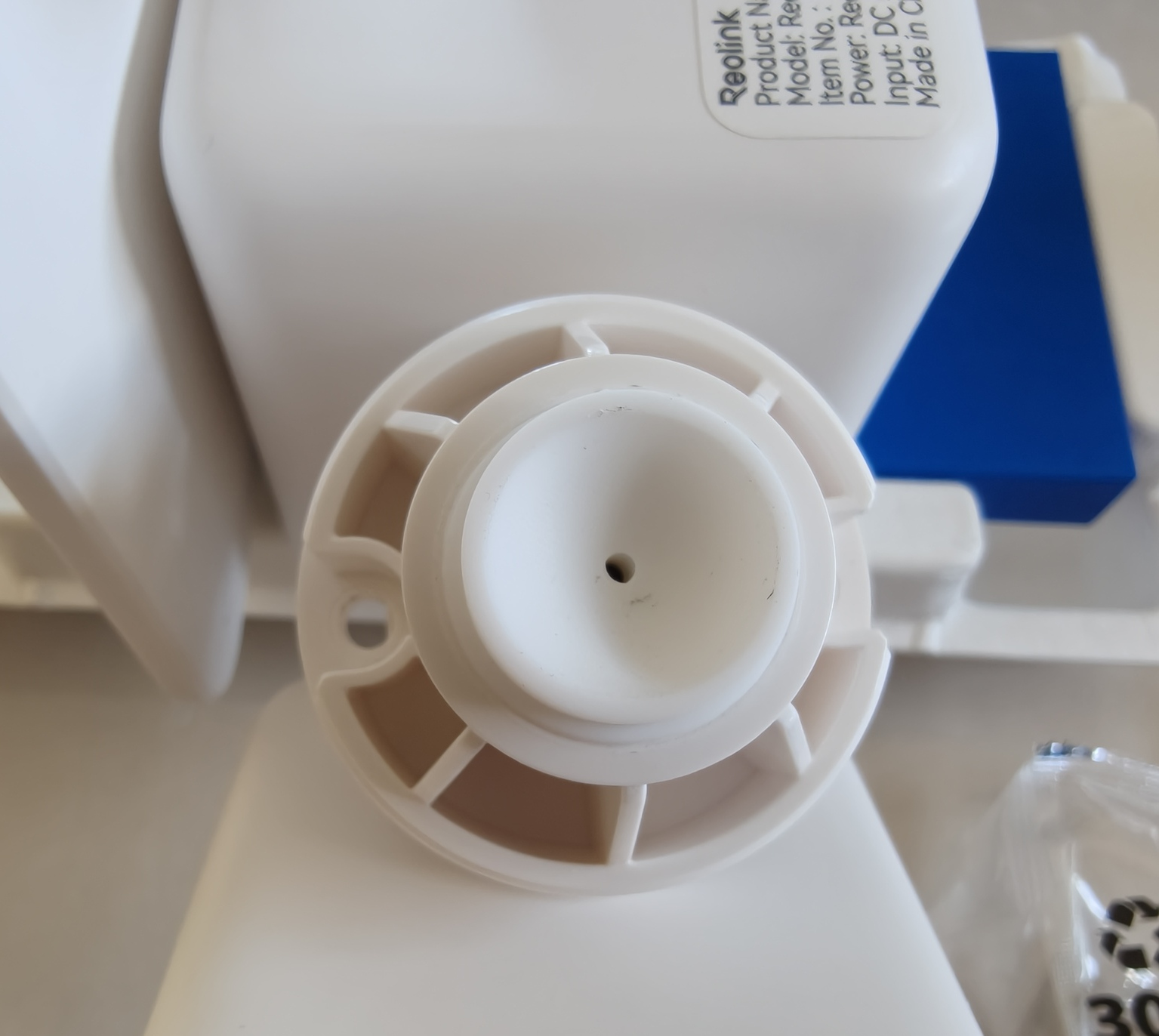
The mount point is in the back of the cube and near the centre of gravity. The metalwork unfortunately did look and feel cheaply machined, with a finger test finding roughened and sharp edges. The corresponding mounting hardware also felt the same, with plastic shavings inside the ball joint.
Upon deeper inspection of the metal insert, it appears to only be glued into the plastic well, and not actually connected to a back plate. This is evident by the visible white dot, at the bottom of the plastic.
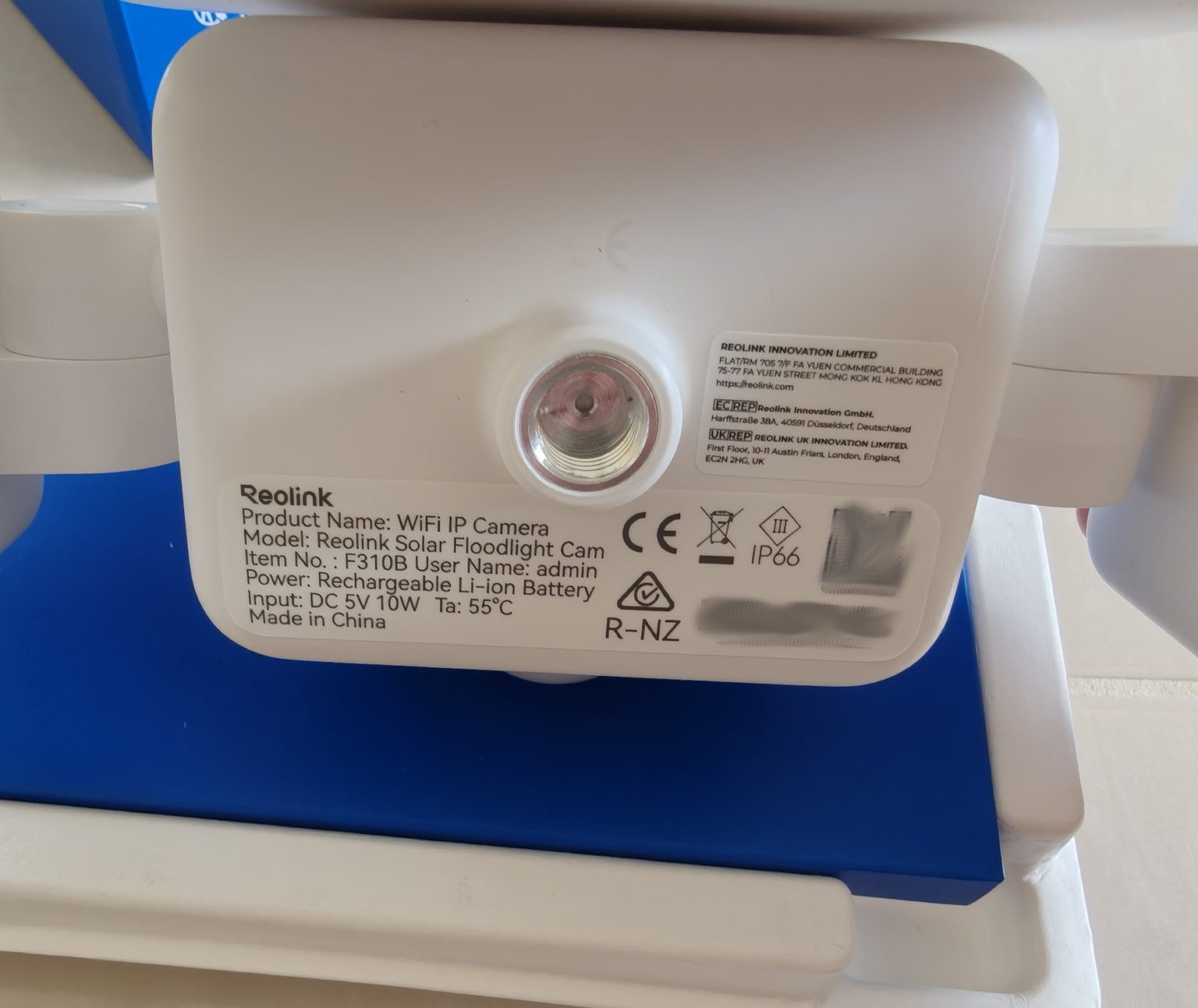
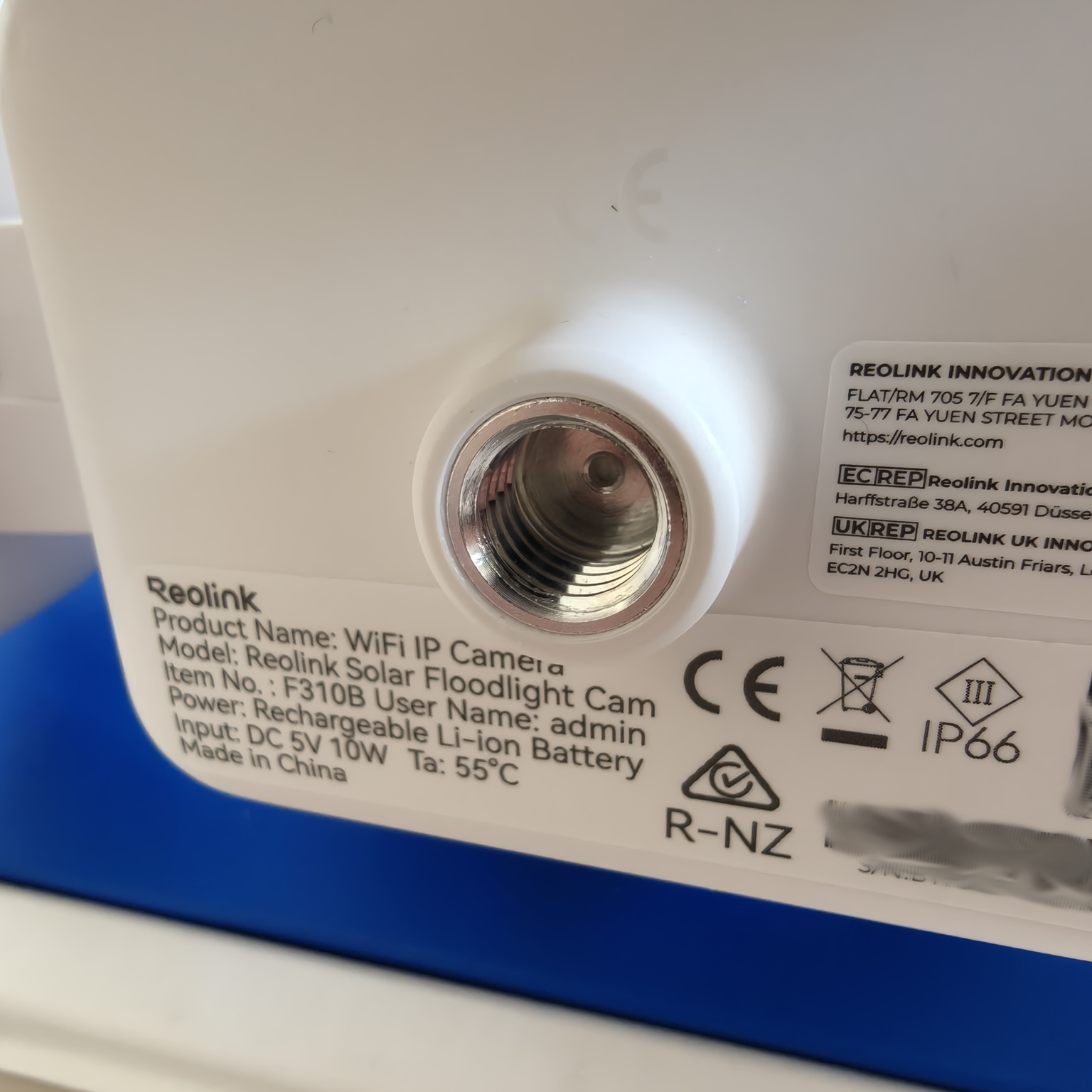
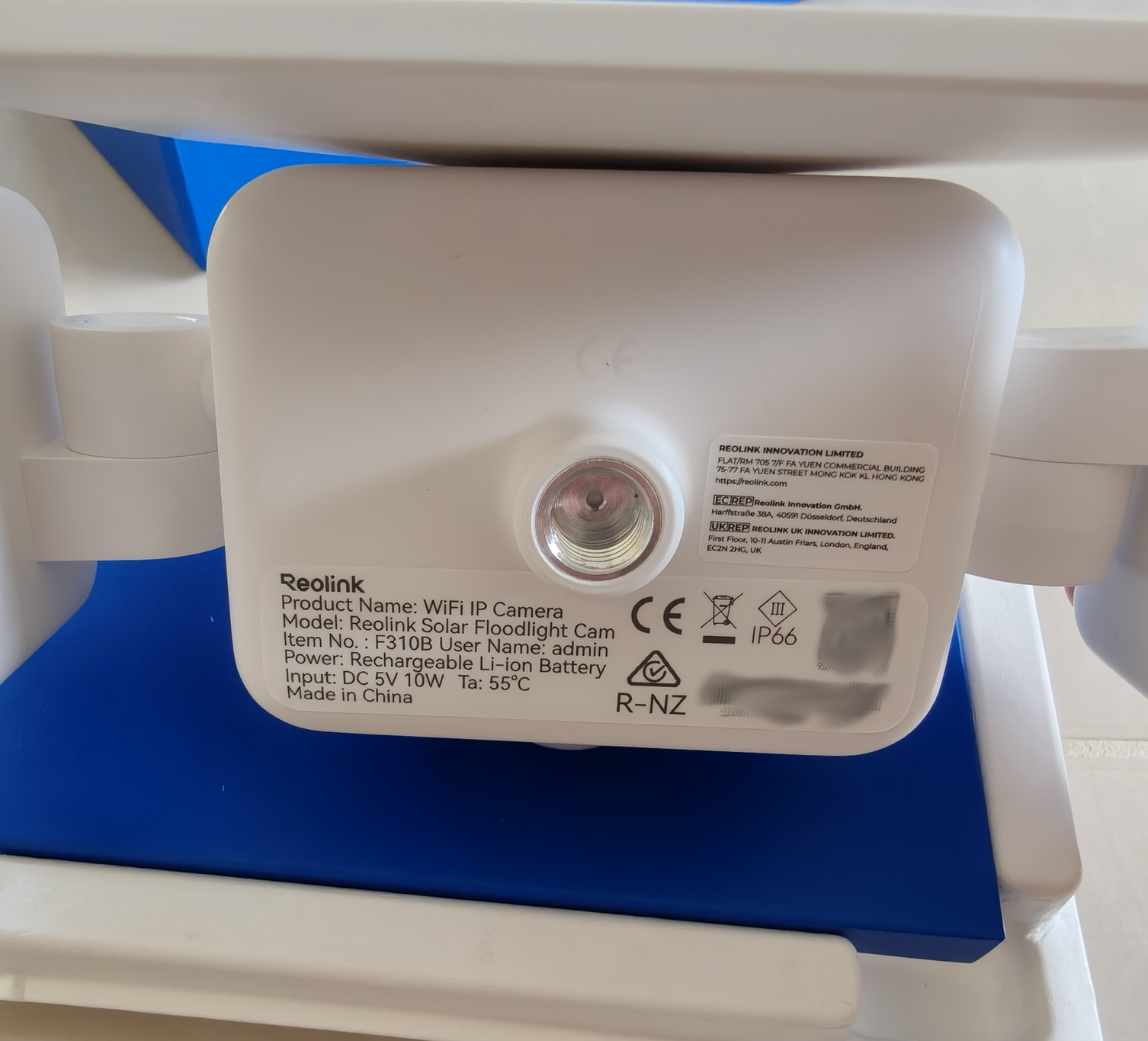
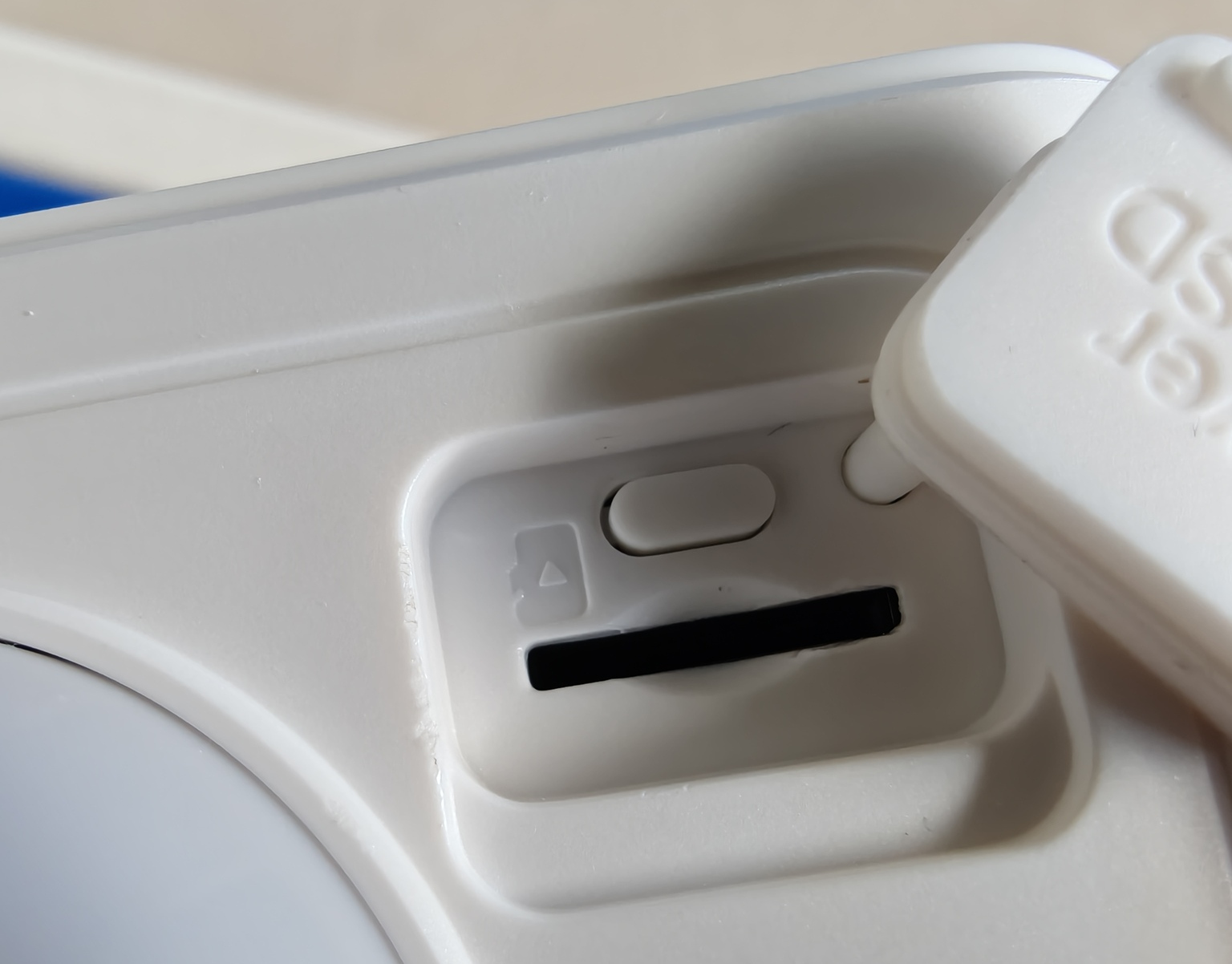
On the underside with the ‘grill’ there is a single open hole for the microphone and a speaker. The PIR/Motion sensor is in the middle with the USB-C port, power button and SD card slot respectively, covered with rubber caps.
Overall the Reolink Floodlight Cam appears to be well built, but the mounting hardware quality does look and feel cheap and that does not give a high degree of confidence for a long term outdoor mounting application.
Capabilities
Reolink has equipped the Floodlight security camera with some high‑level features, many of which are genuinely useful depending on the installation and use case.
Customising the capture area
It is often the case that you need to select the specific area that you want to monitor so that cars, pedestrians, and neighbours don’t trigger recording and alerts. Rather than be limited by placement and distance, the capture area can be drawn and set via the phone app.
This is now a common feature, and Reolink has included this as standard.
Recording length
The camera recording can be enabled or disabled with an 8 seconds to 1 minute recording time upon movement.
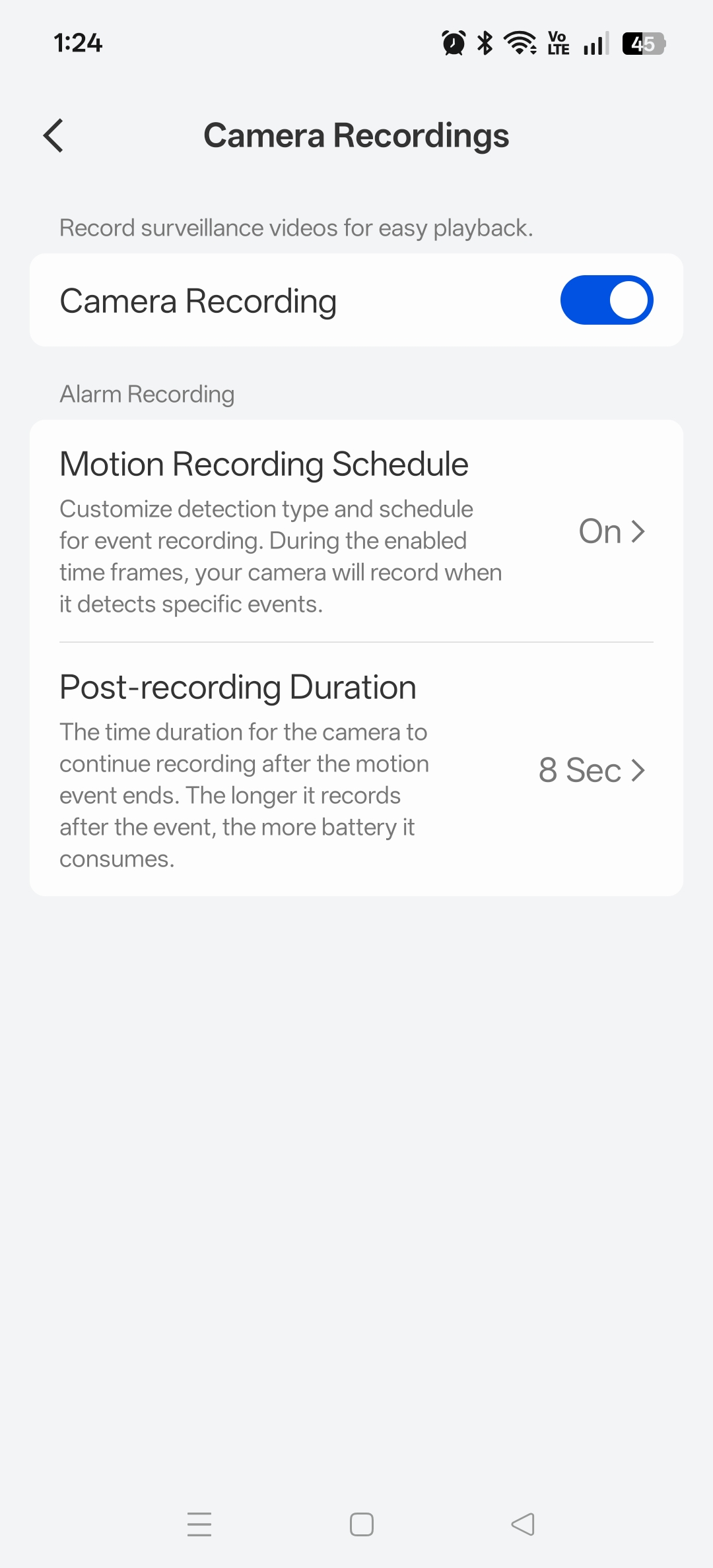
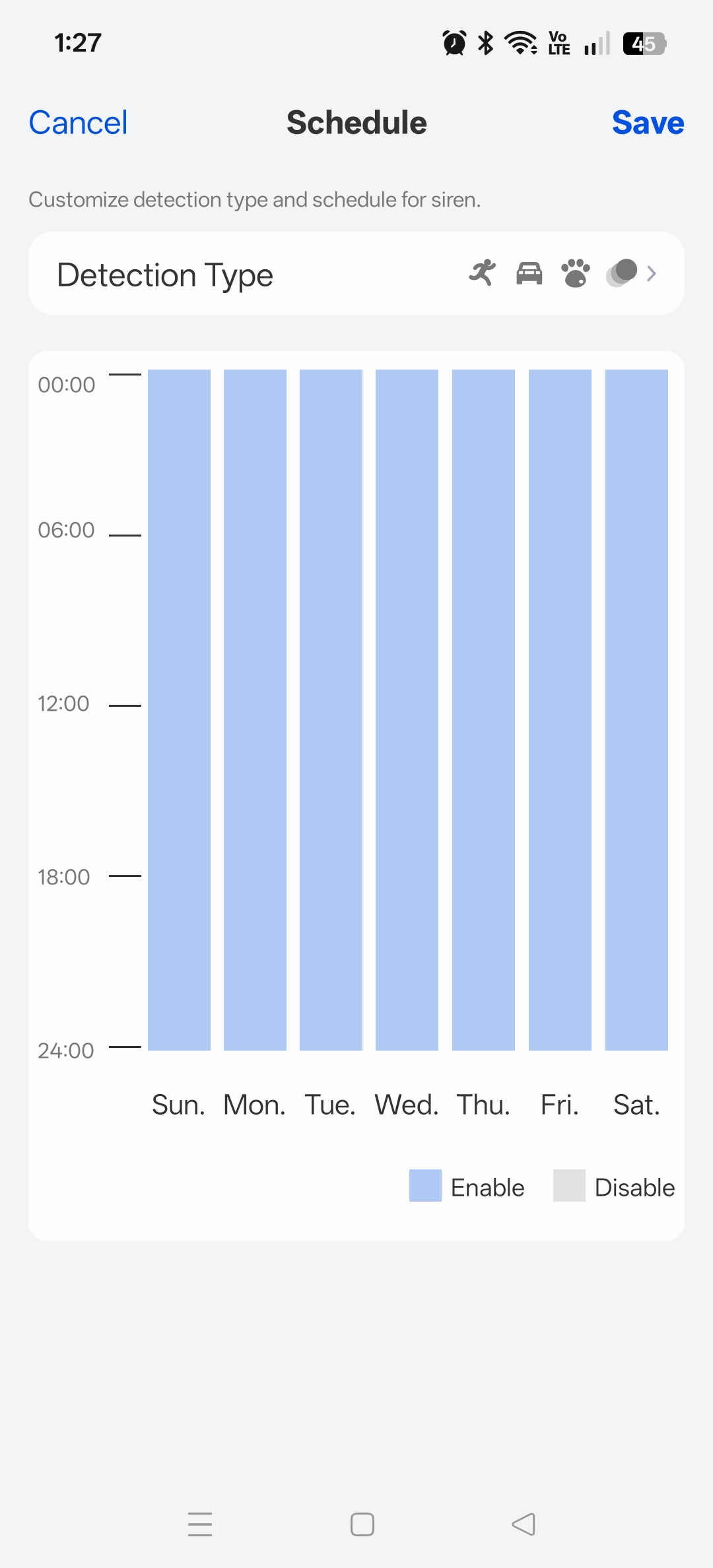
The motion detection type can be customised, for example, you can include humans but exclude animals or cars. Furthermore, the days and hours of the week can also be selected, which is perfect for protecting specific areas at night, whilst avoiding needless recording and triggering during the day.
Alarm triggers
When the PIR sensor detects movement, the floodlight camera can be configured to turn on the LED lights, sound an alarm, or simply stay quiet and notify you.
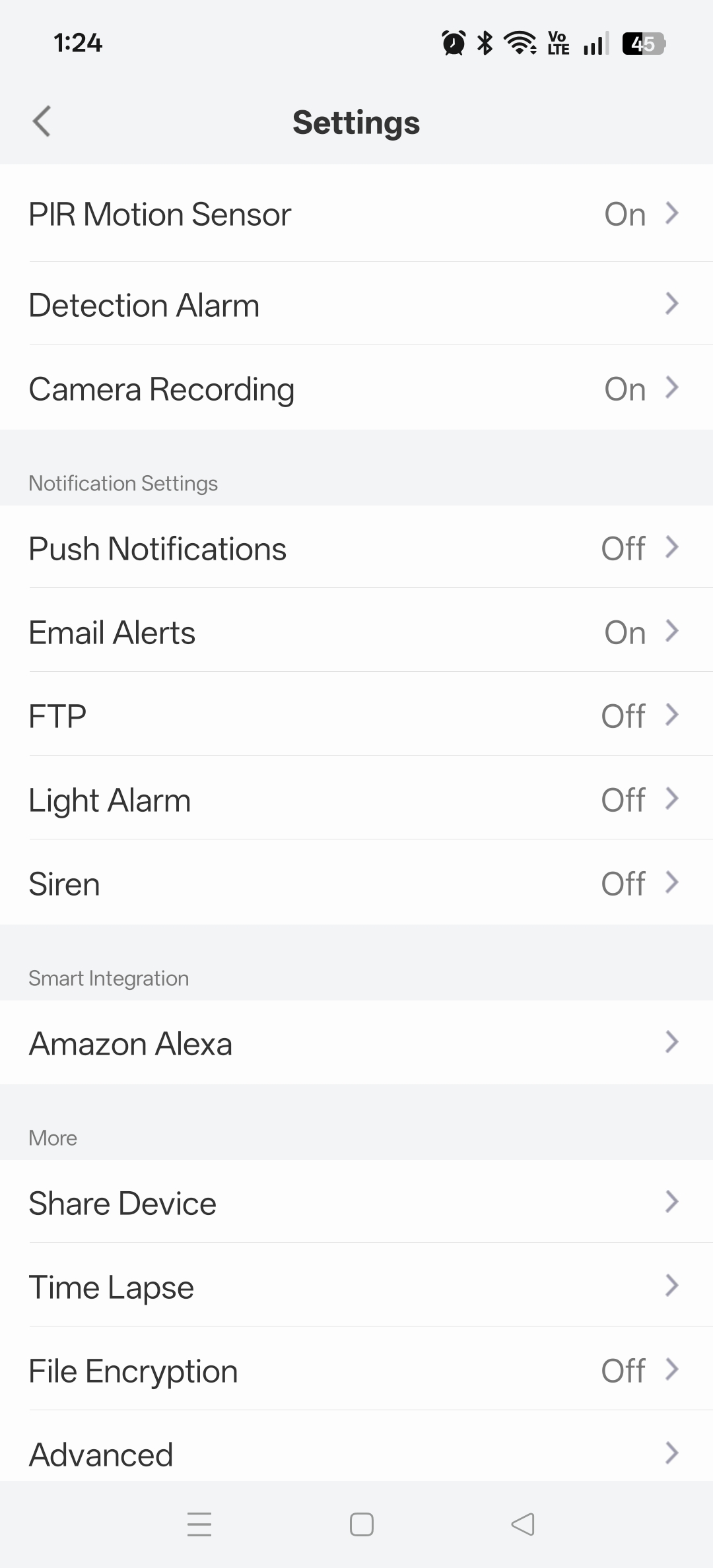
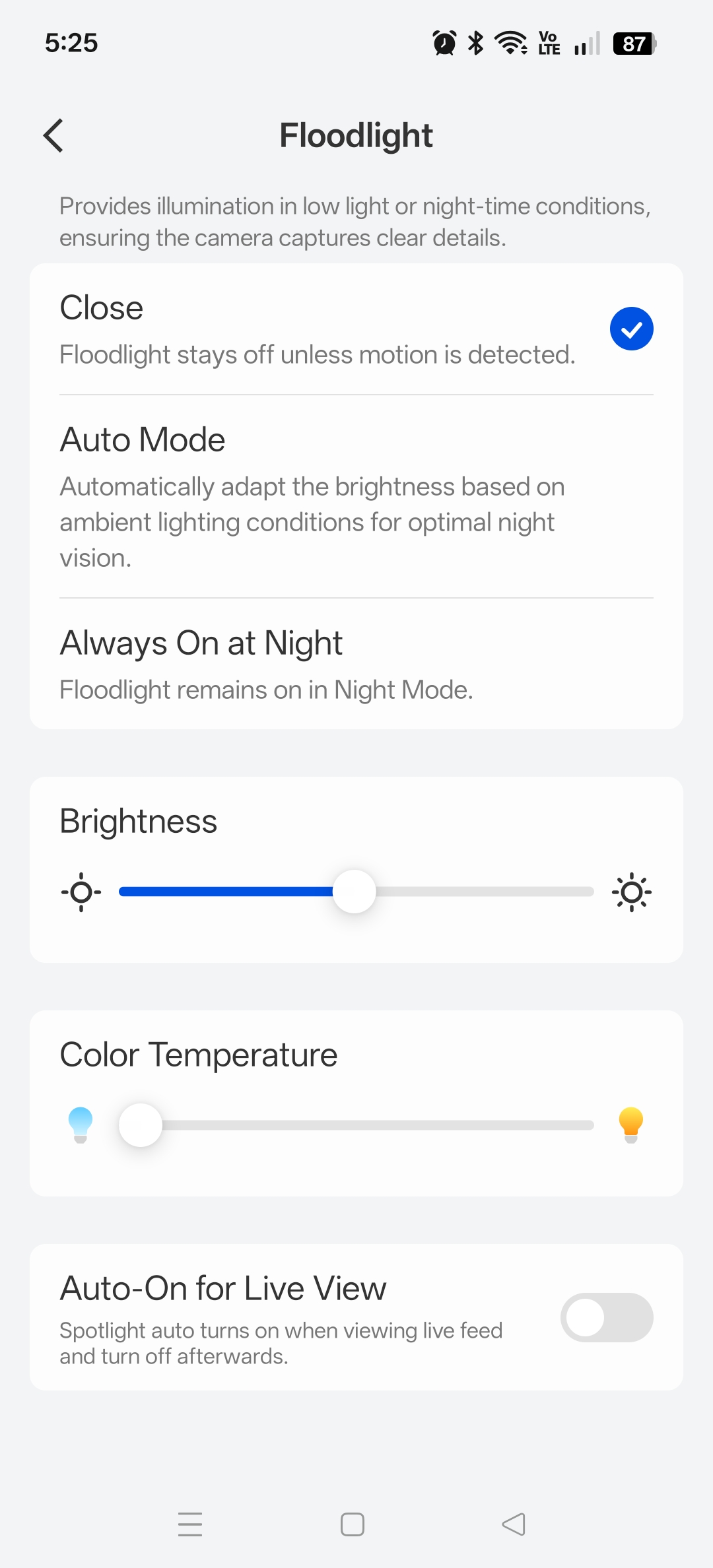
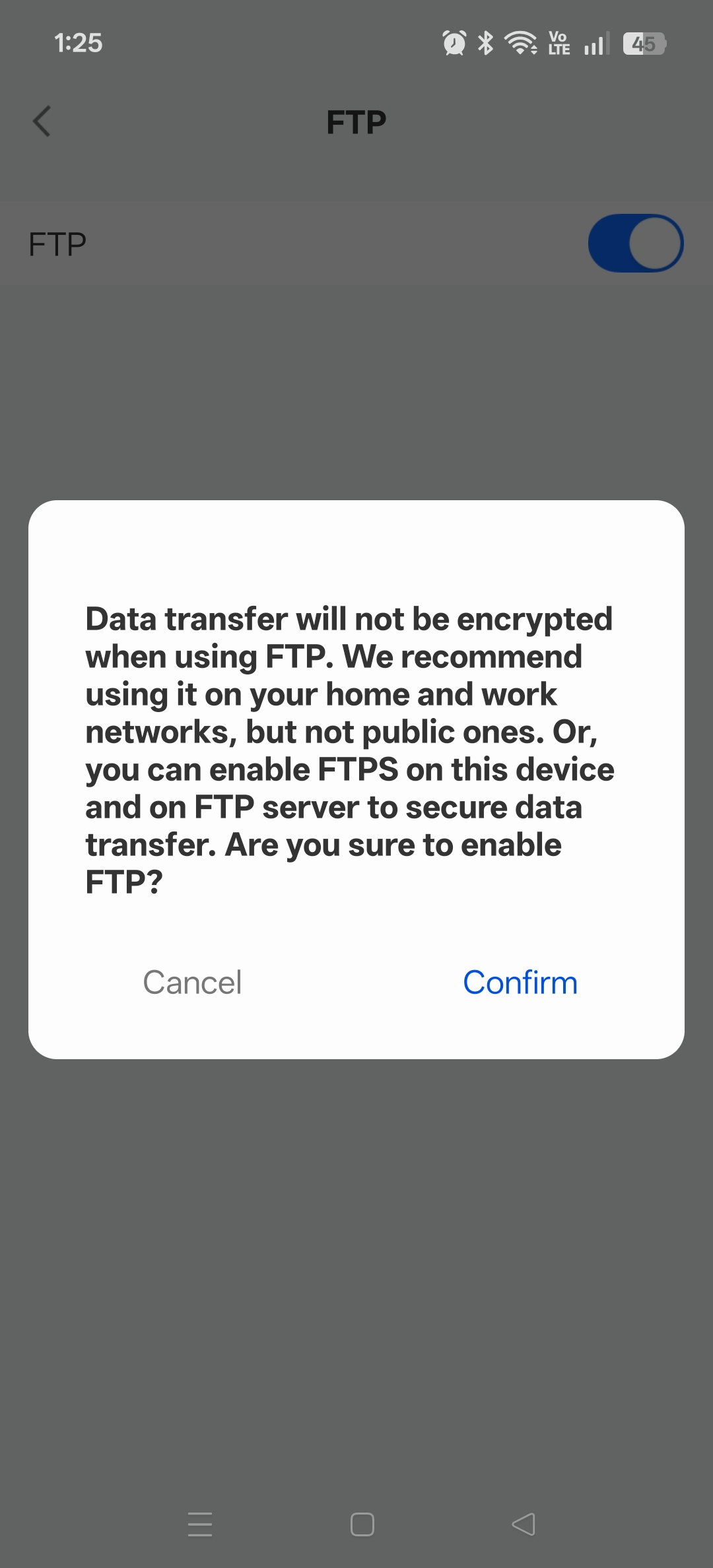
Notification can be via the cloud service with push notifications to your device, or sent via E‑Mail or FTP.
Two‑way audio (intercom)
The phone app contains a speaker and microphone button. Tapping the microphone activates the two‑way intercom, and if it is dark, the lights will also activate.
Privacy Mask
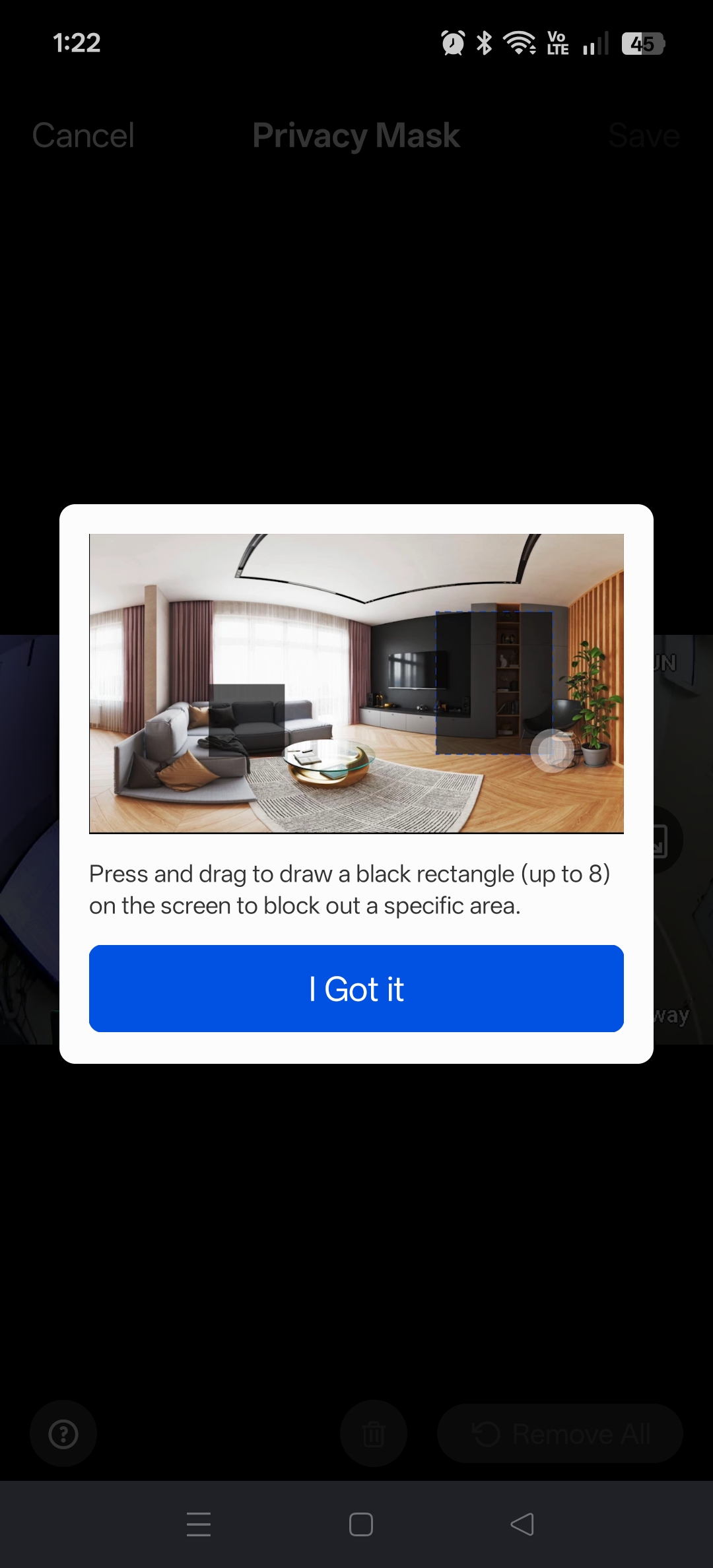
If, for example, the position of the camera would pick up the neighbour’s house where children often play, or any other area which you not only want to avoid triggering, but avoid being recorded at all, this is no problem with the Privacy Mask. You can simply draw a box over the area(s) you wish to black out on all recordings.
Amazon Alexa
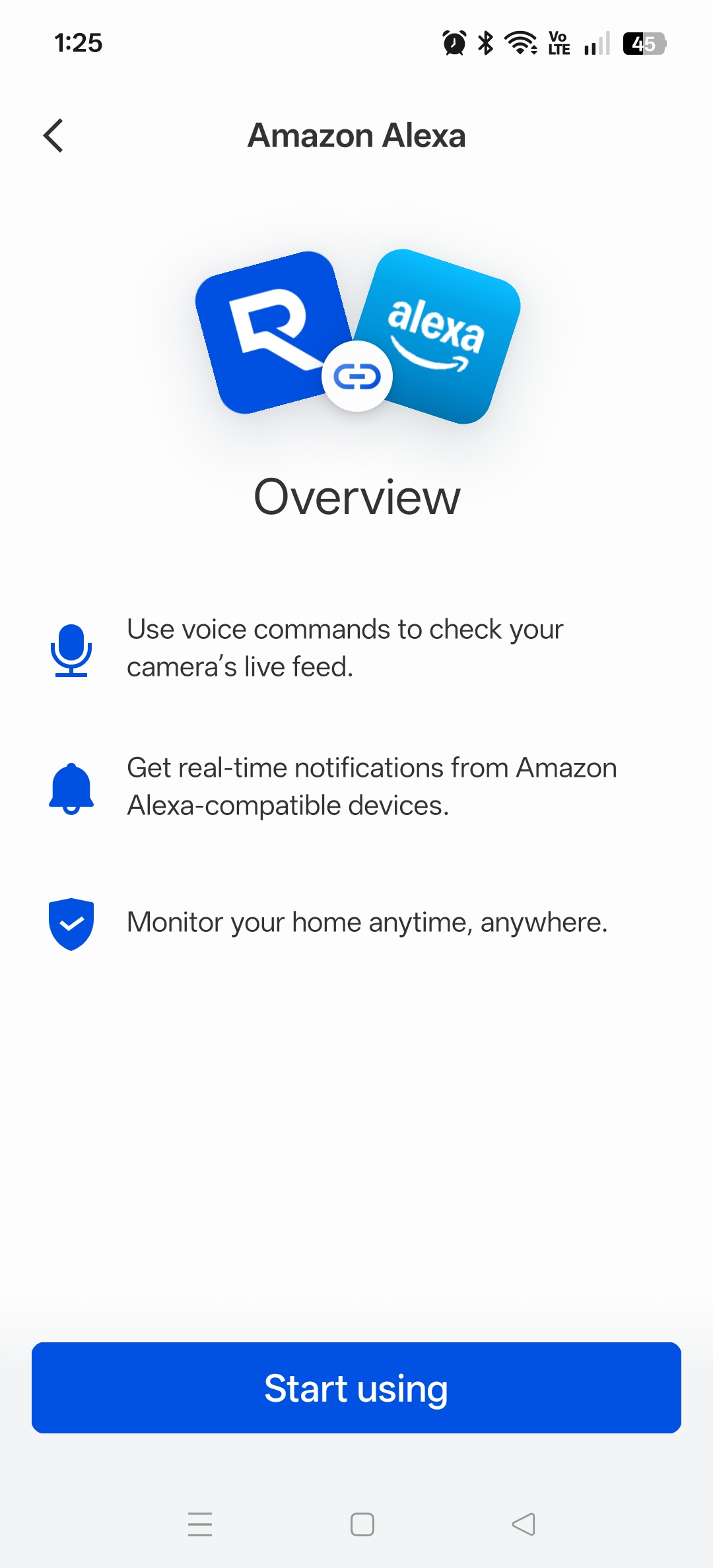
For those who use the Amazon ecosystem, the Reolink Floodcam can also be connected to Alexa and added as a skill. You will then be able to interact with the LED lights, two‑way audio, and interact with the cameras via the camera section in the Alexa app.
Use Case
Although this floodlight camera can be installed indoors, its intended use cases are
- Driveways or parking areas
- Backyards without power outlets
- Side yards or alleyways
- Areas where both lighting and security are needed
As with all cameras, too much direct sunlight ruins the lens and overexposes the image, so it should typically be installed in areas with limited sunlight, such as under eaves, near trees, or facing north‑facing walls.
Reolink have advised that solar charging remains stable even without full, direct sunlight.
Application
The Reolink application can manage multiple cameras and has a straightforward interface for viewing, using the two‑way communication feature, and activating the lights. All of the iconography is intuitive and most people will be able to use the functions without any prior knowledge or experience.
Further control and customisations are in the settings, which may feel somewhat hidden for some users, but once this is explored it is easily understood.
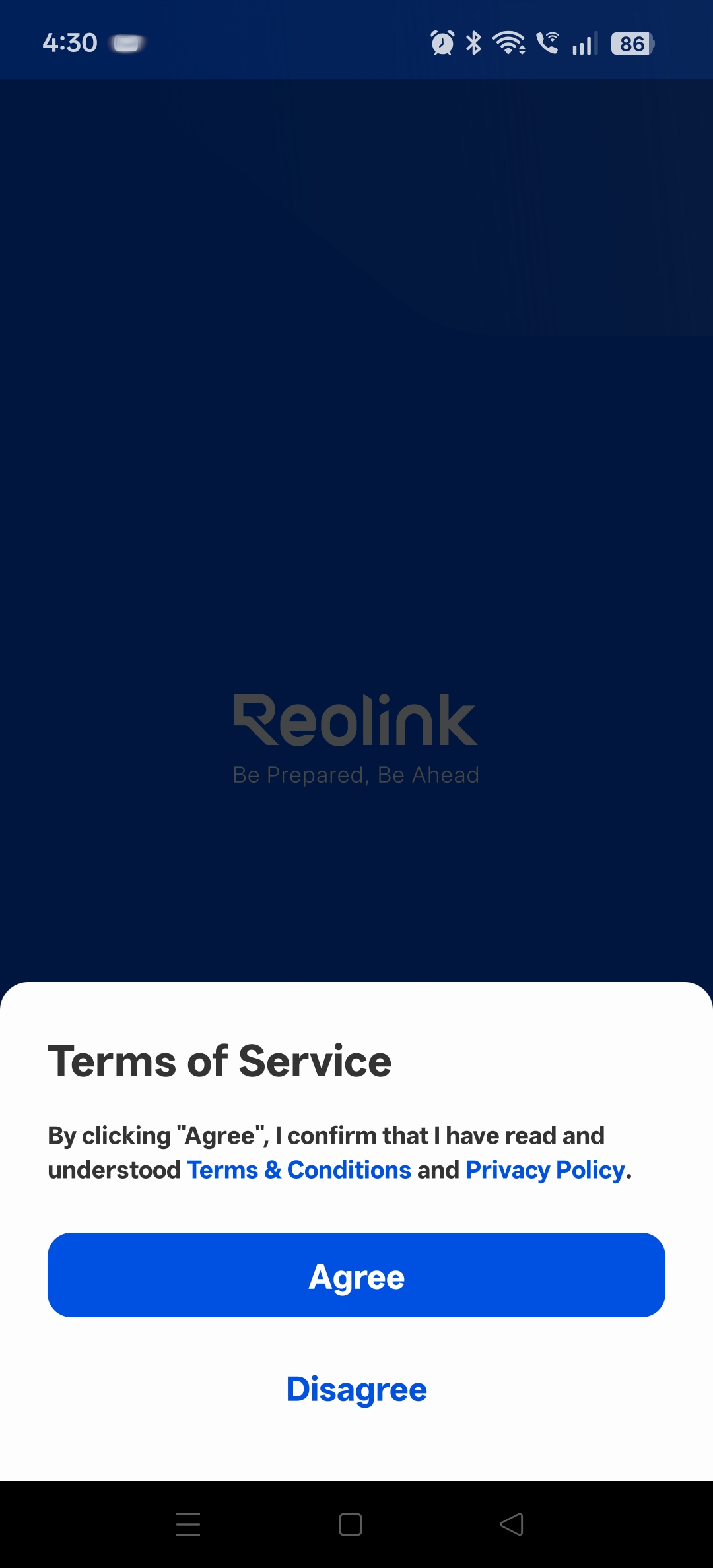
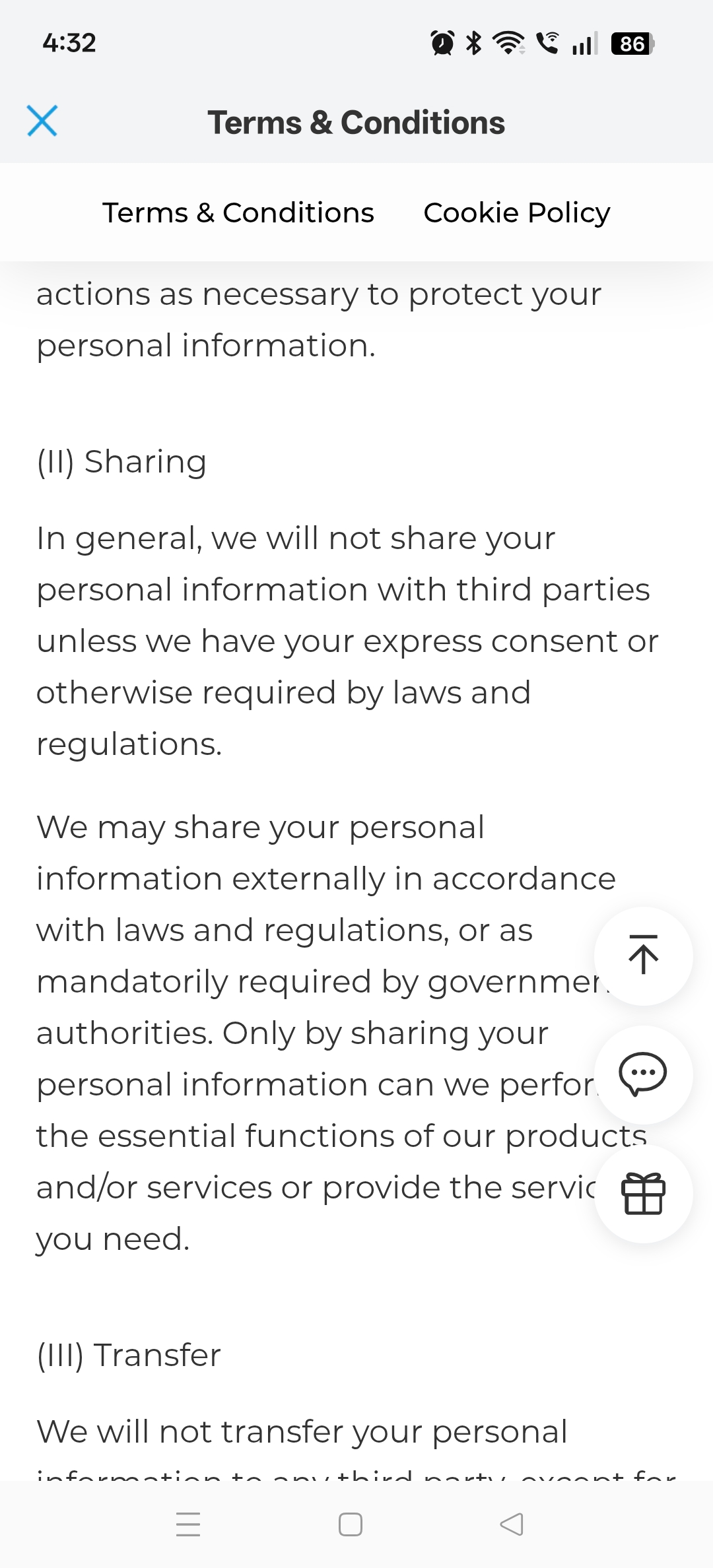
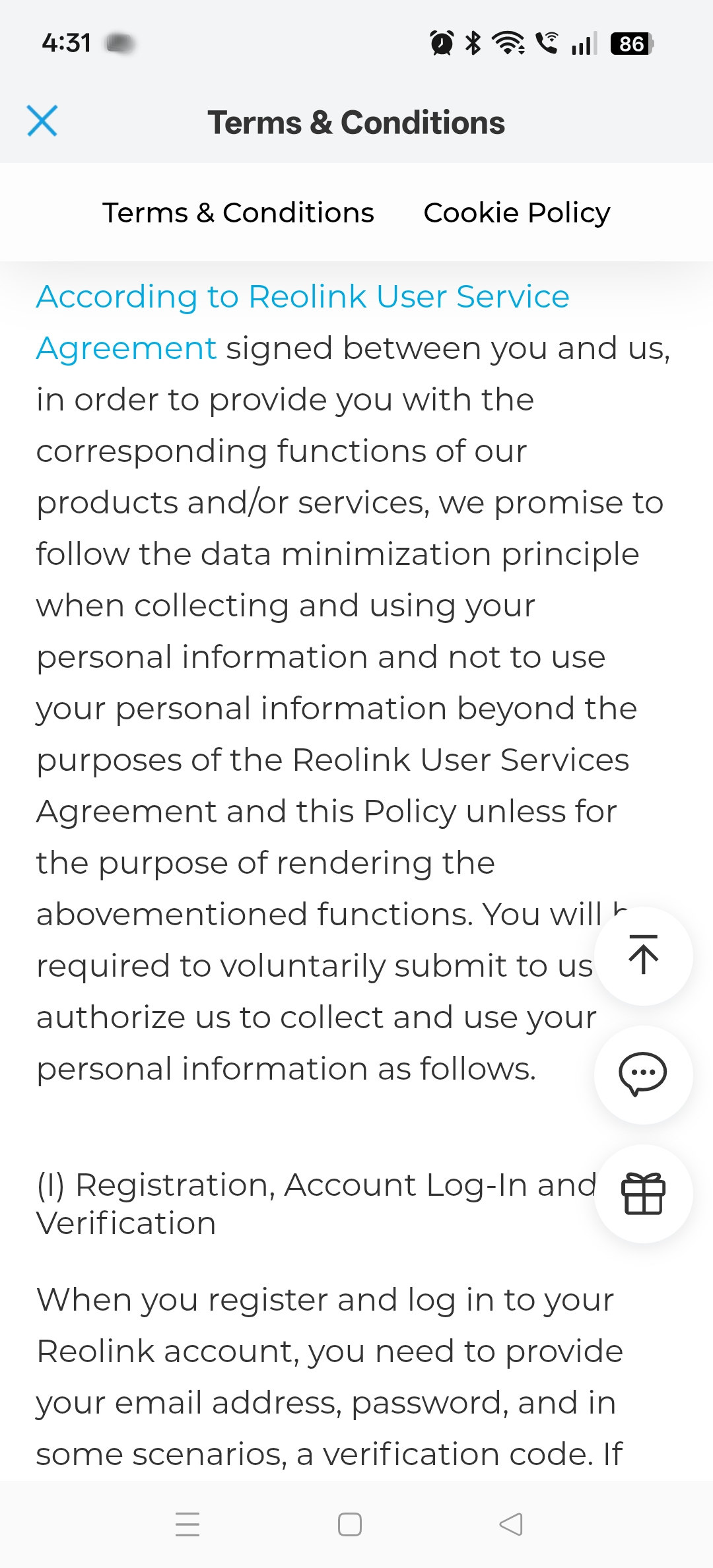
The license agreement is quite reasonable with an emphasis on privacy.
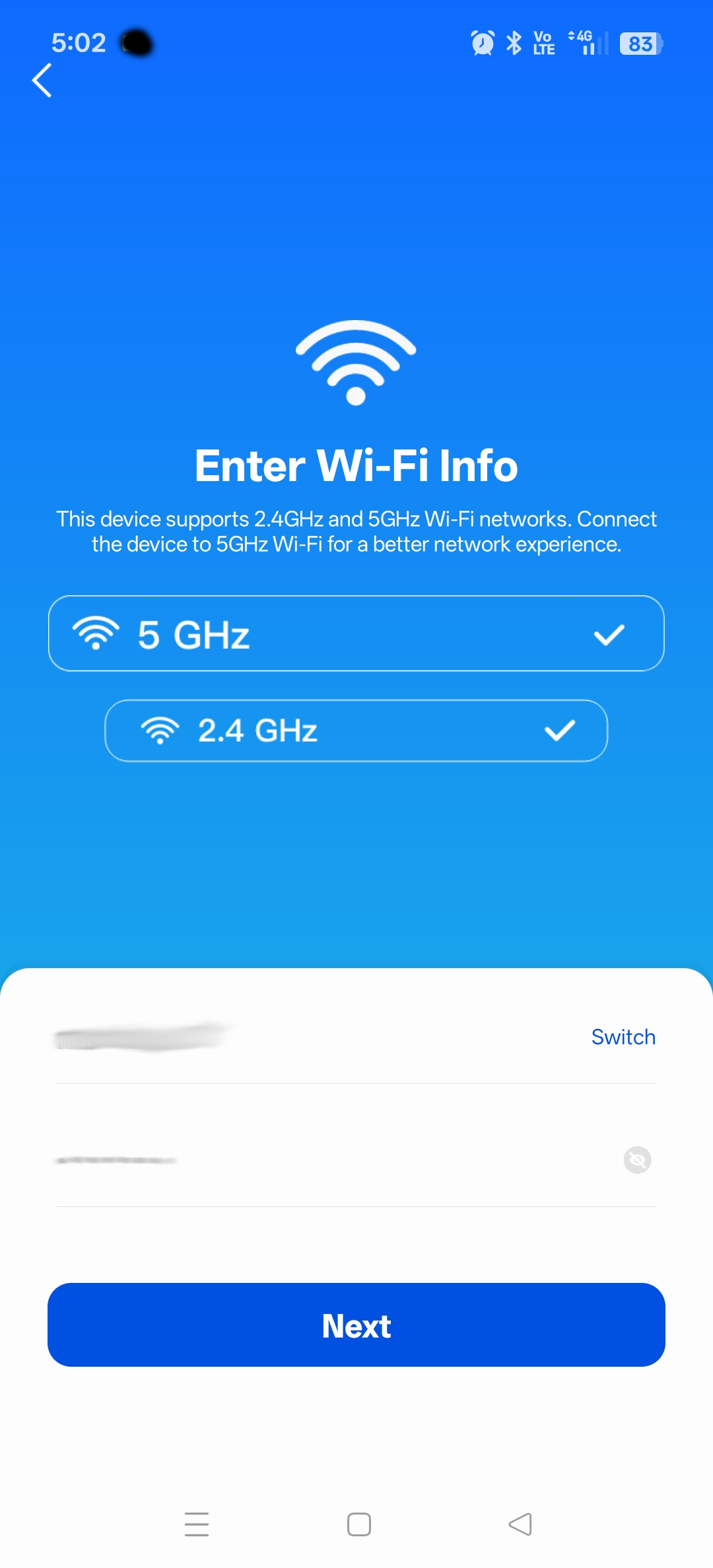
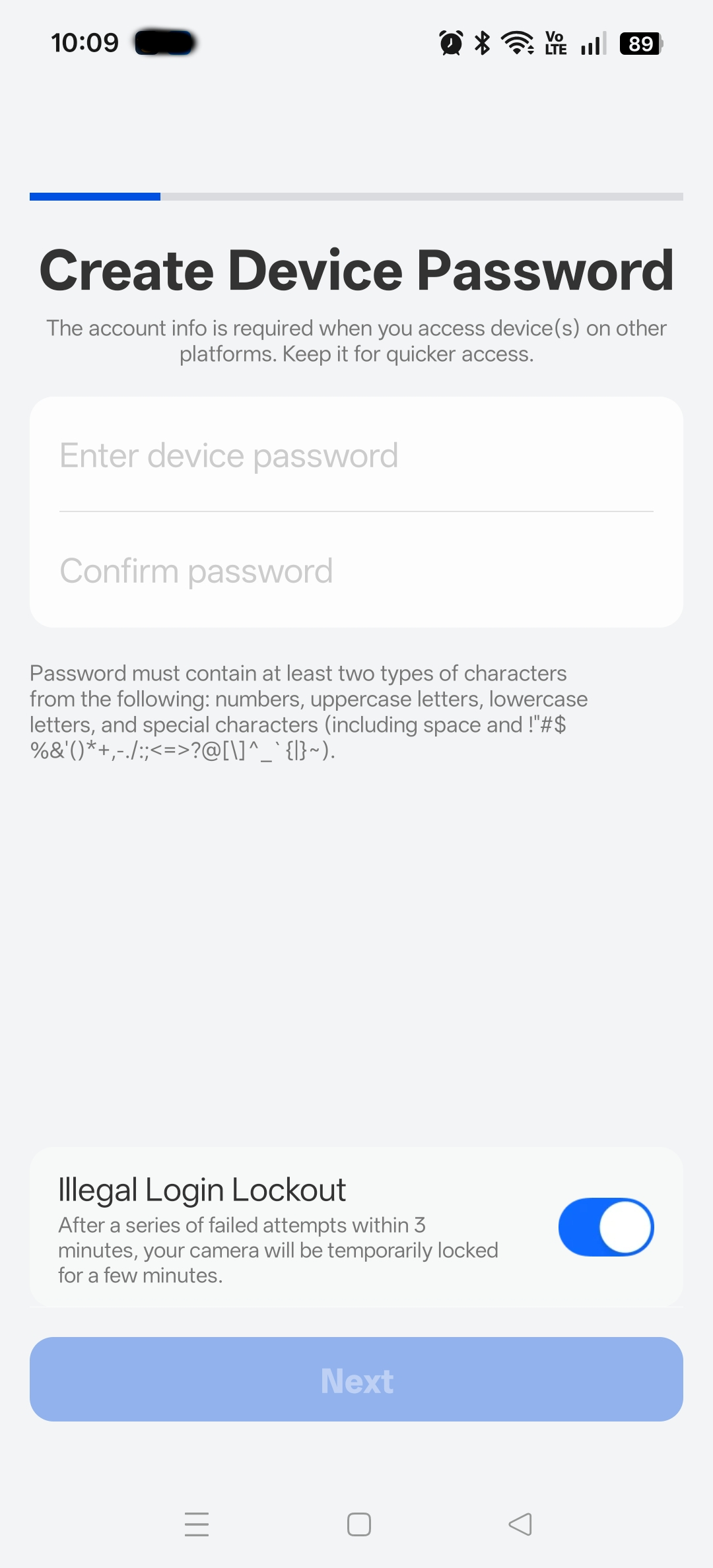
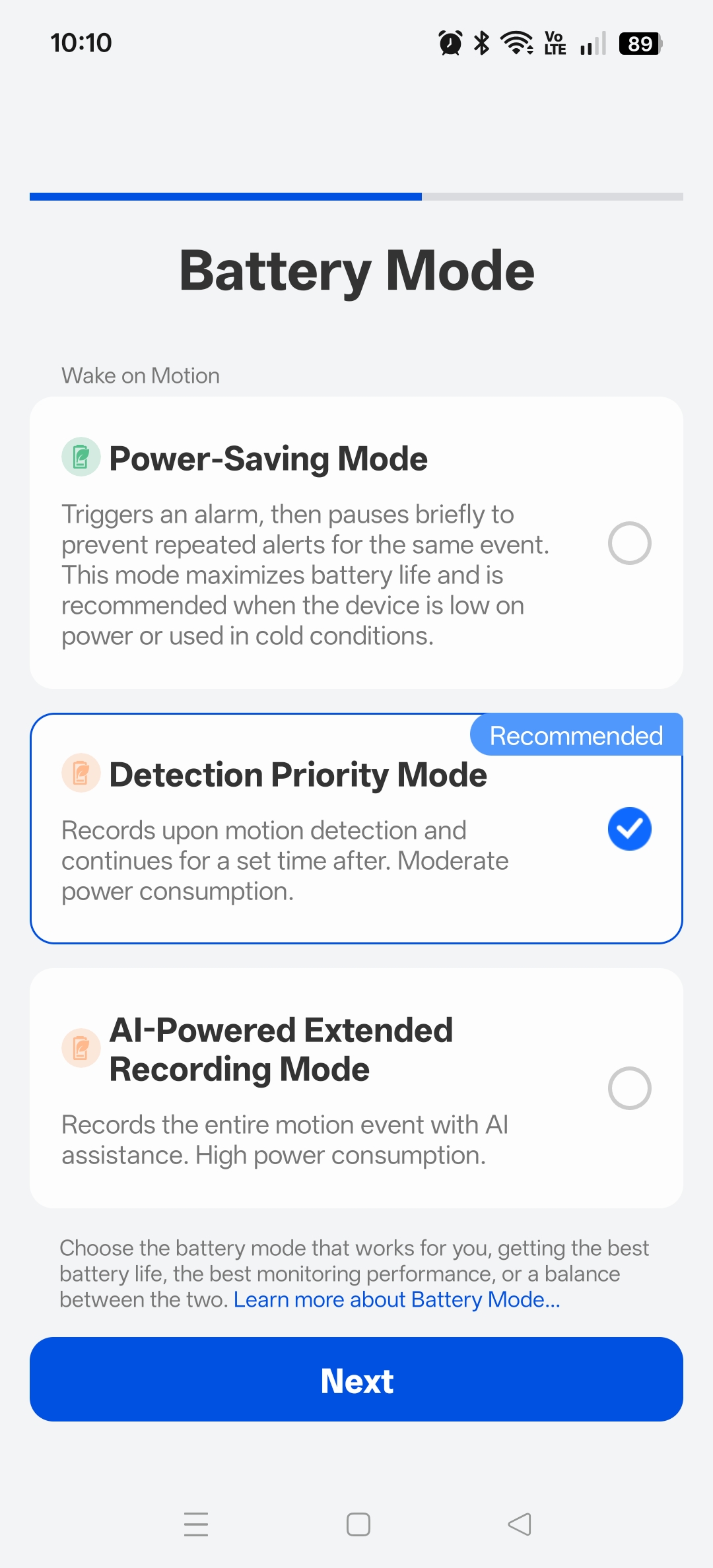
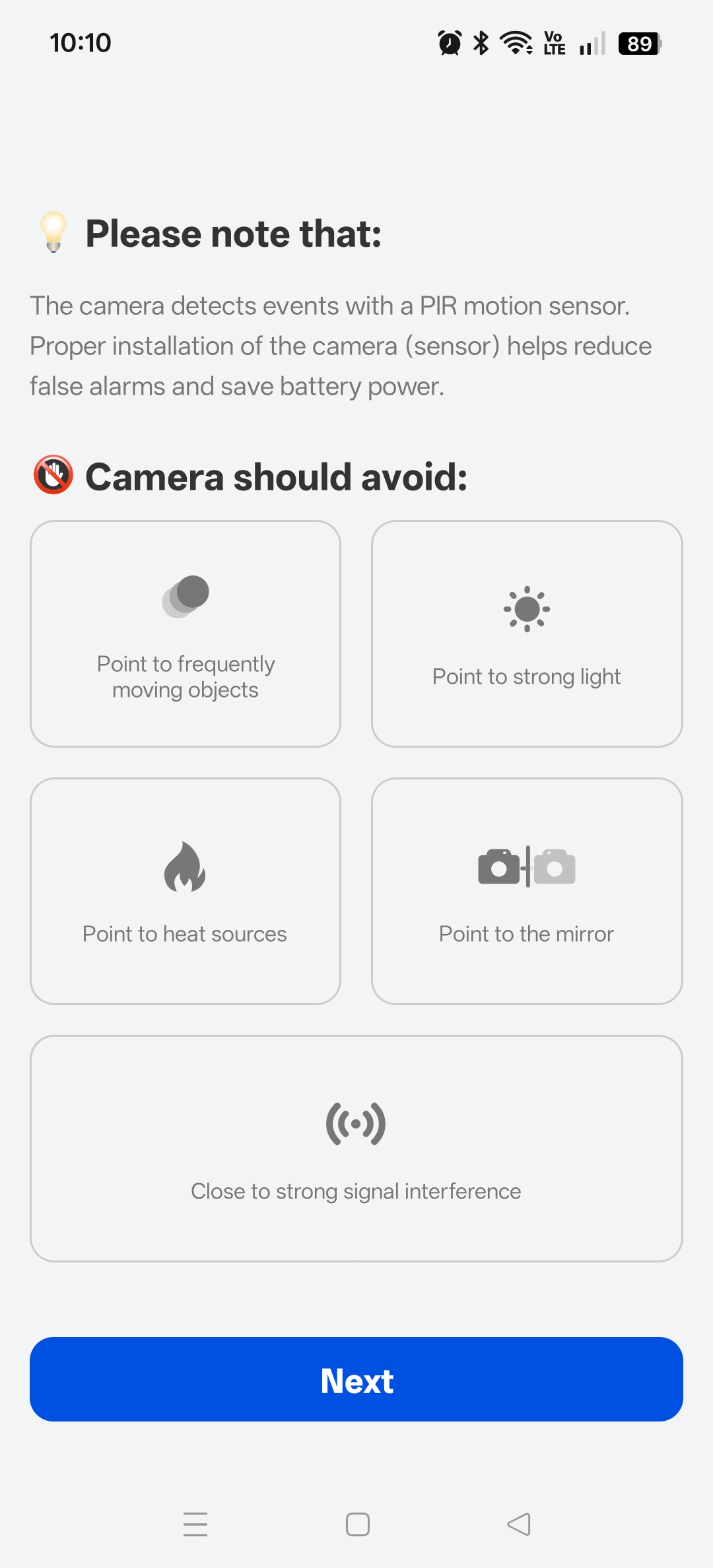
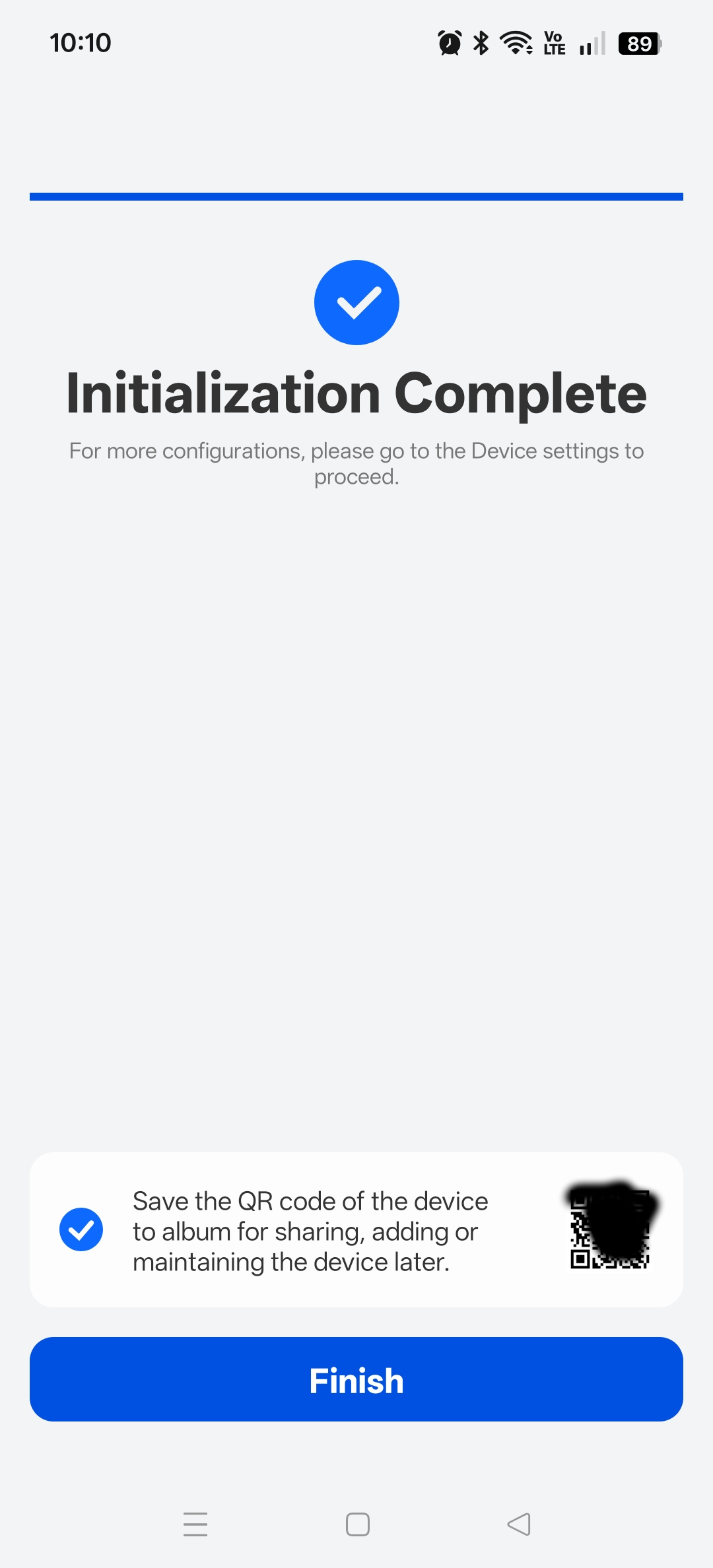
Installation screens whiz by so fast you won’t have much time to read them, but generally, you set up the Wi‑Fi and device password and step through a wizard.
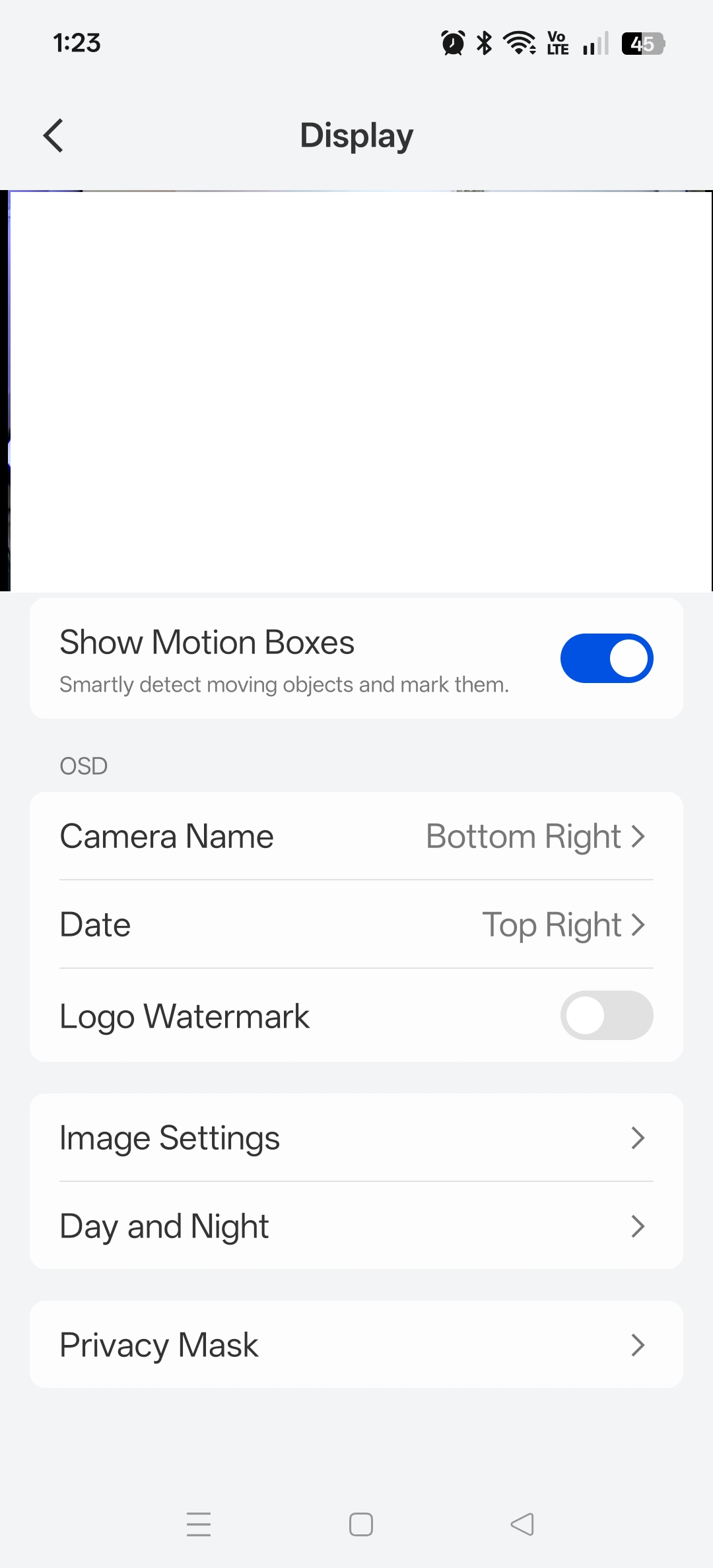
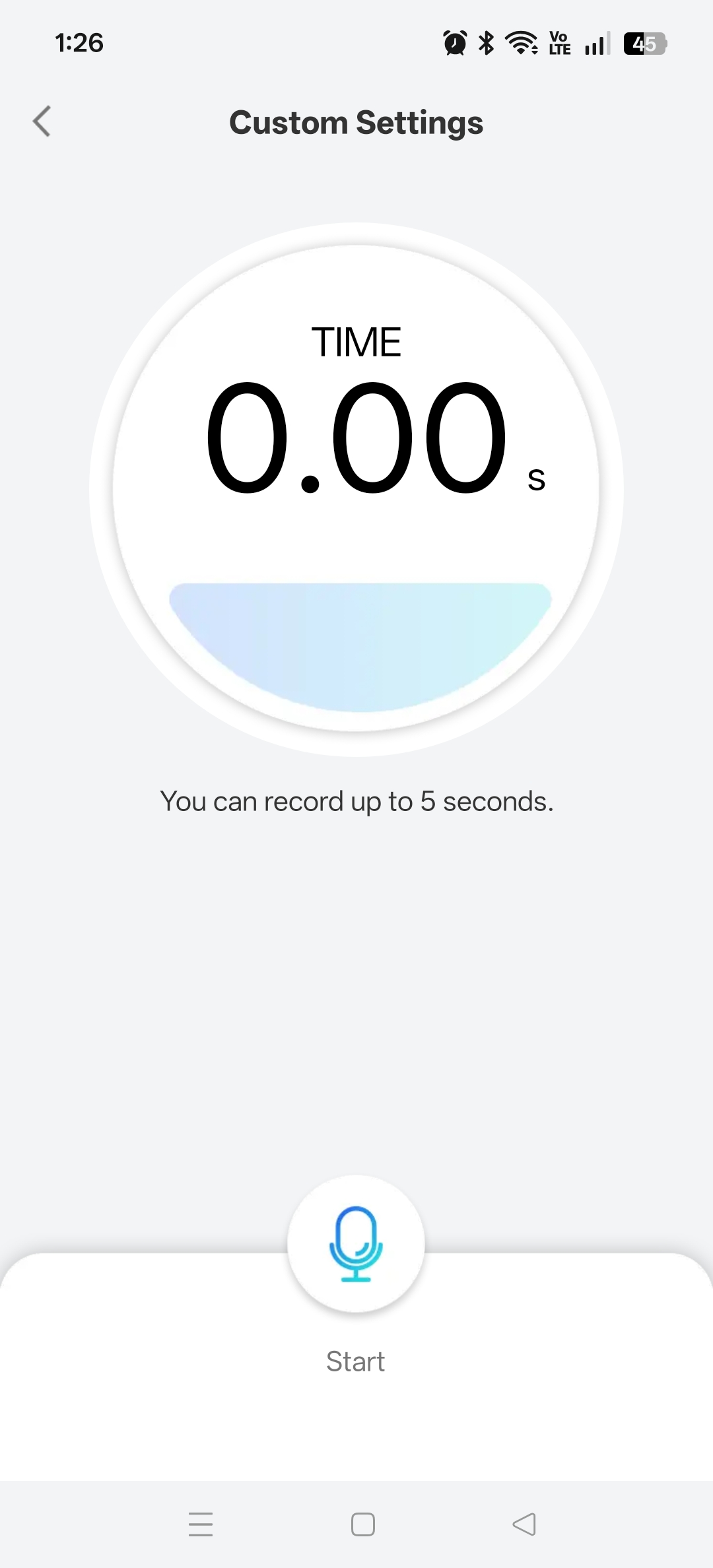
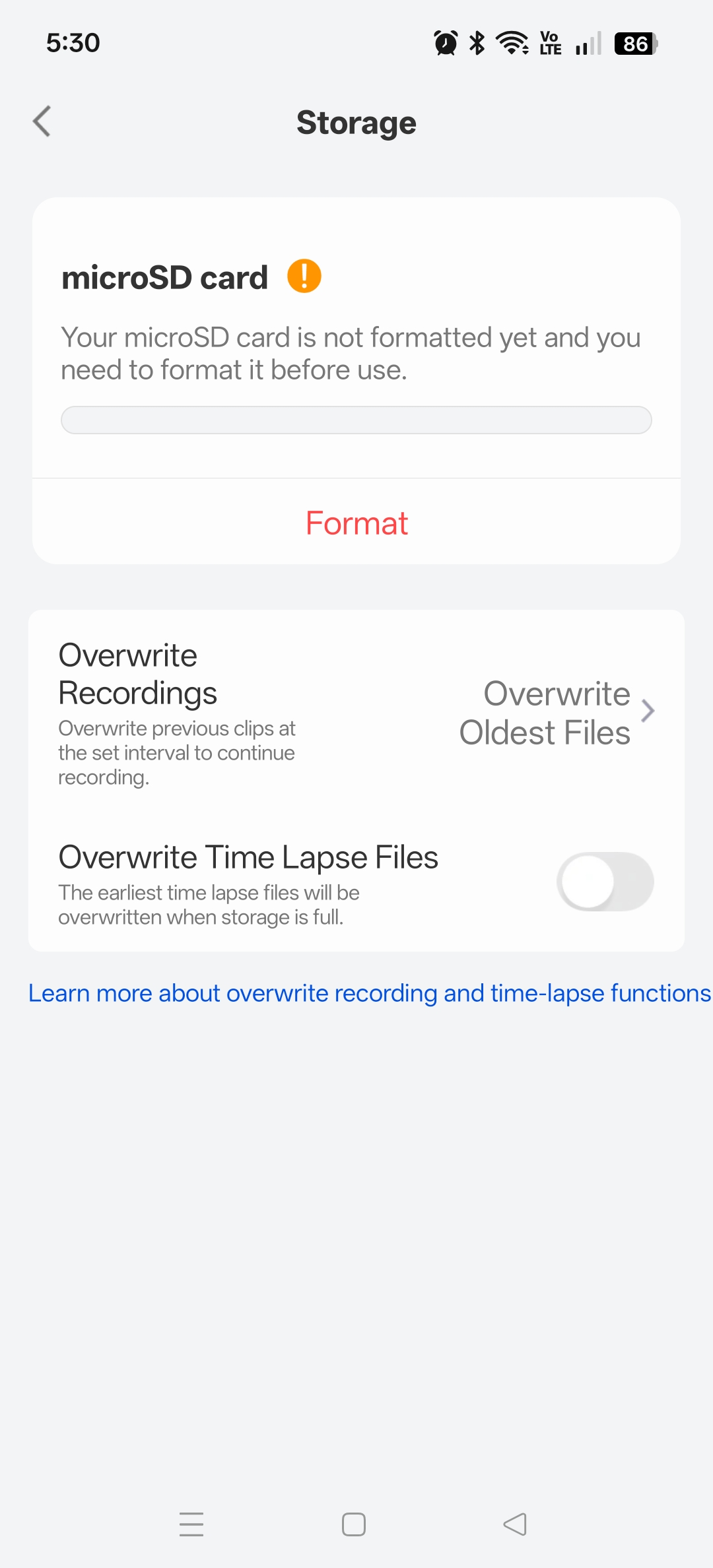
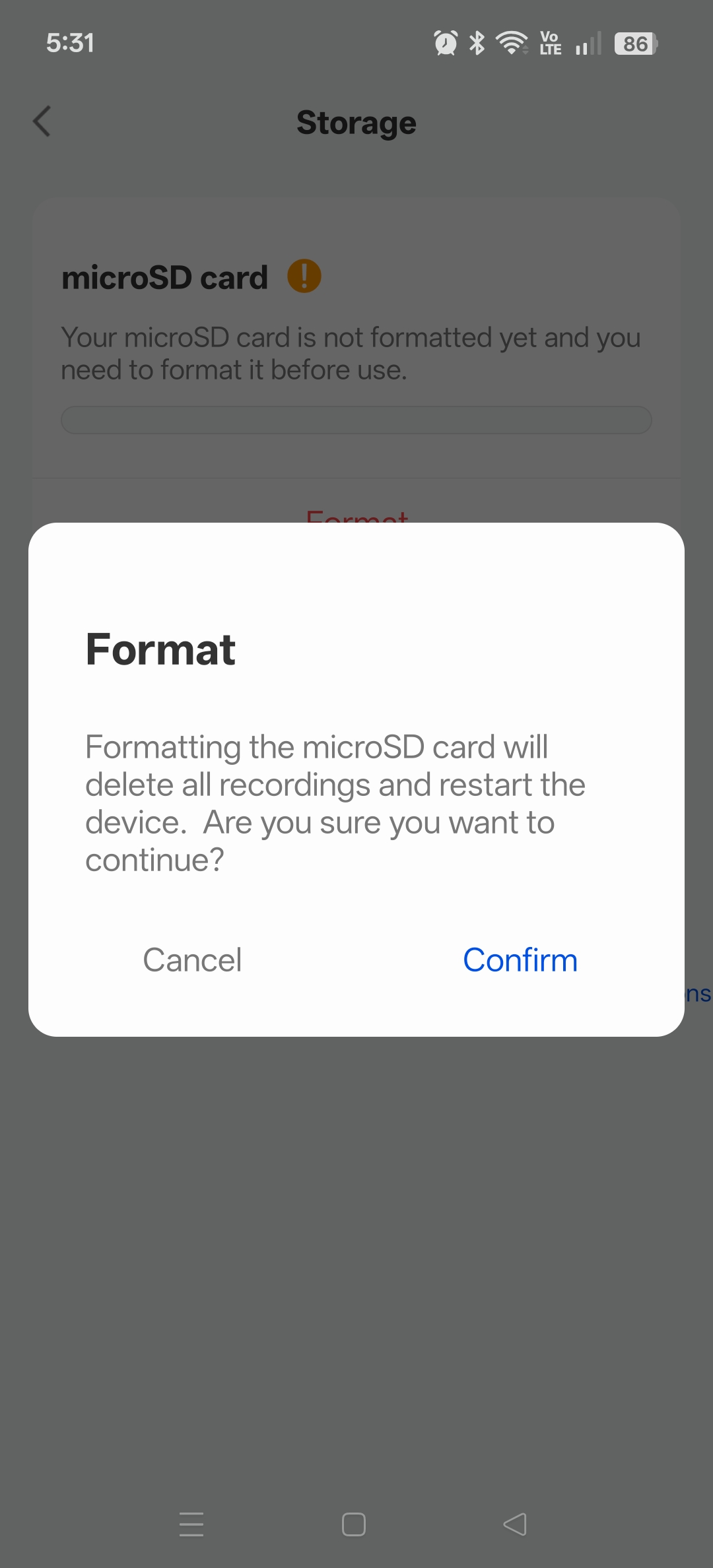
Application settings such as display, formatting the SD card, customised detection schedules and detection type, and file encryption are all available.
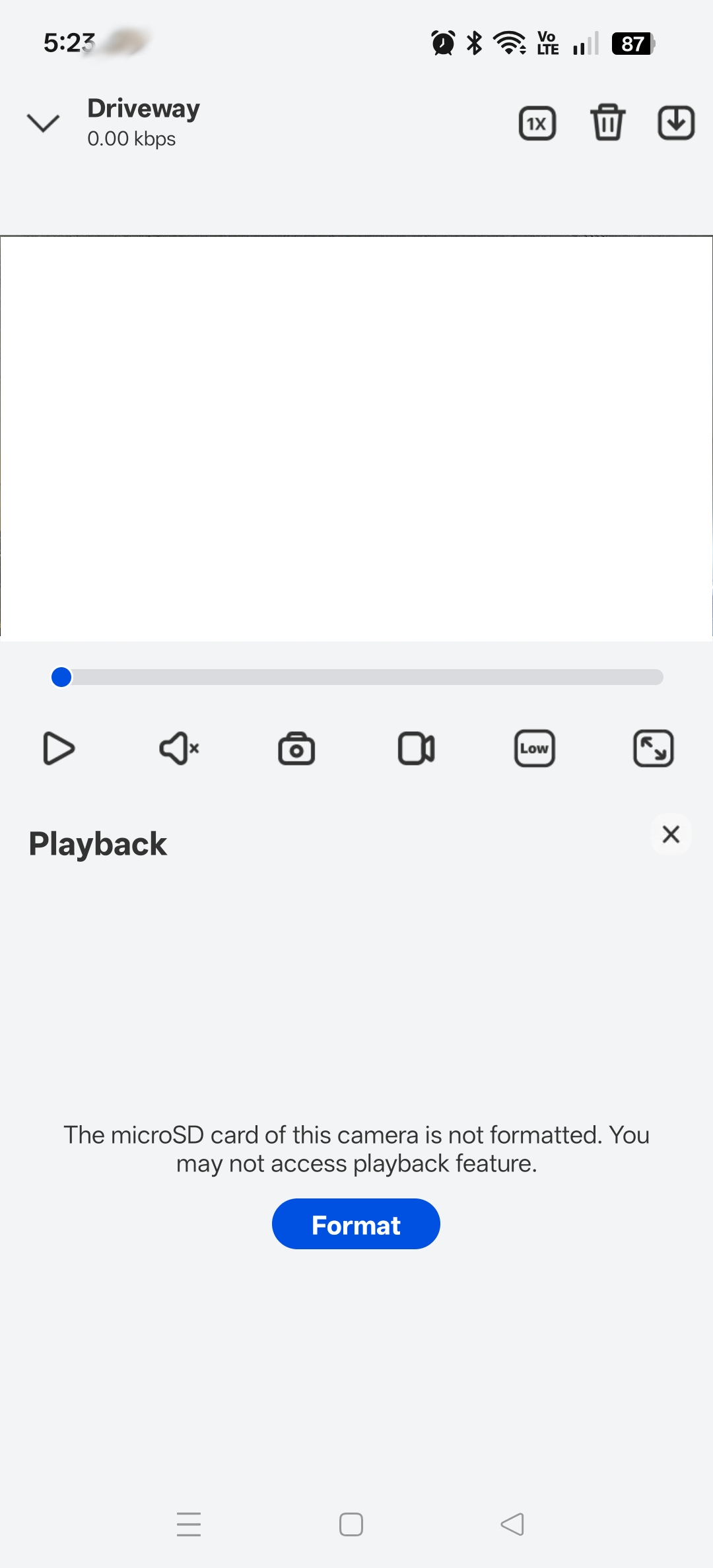
The main display screen. shown in the white box (redacted) is the live video feed. Turning the device to the side will make it full screen. Shown: Playback screen, without an formatted SD card. When formatted the videos display there and can be viewed via date and timeline.
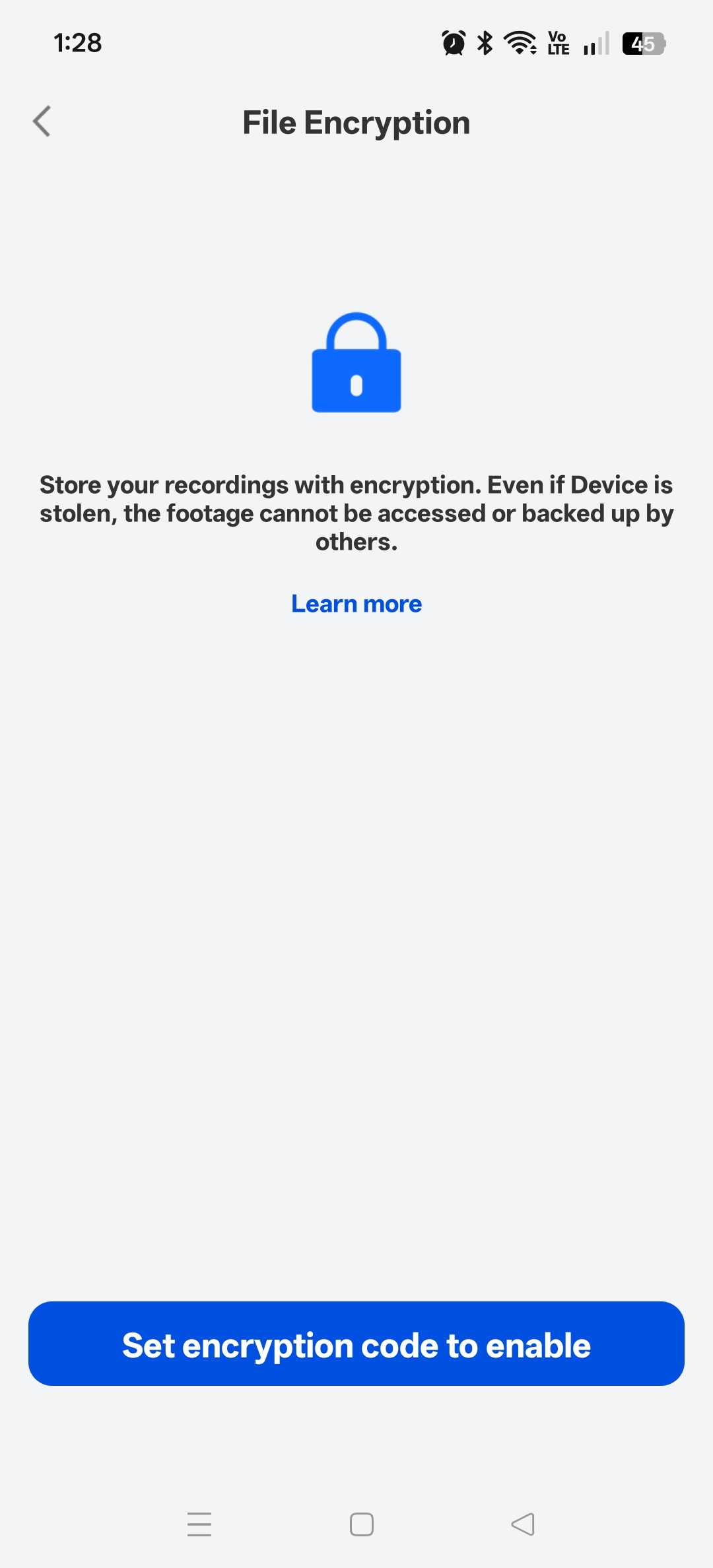
File encryption is an essential feature that protects the videos from being viewed if obtained by a 3rd party, or if the camera or SD card is stolen.
Installation & Configuration
Mounting
Included in the box is a mounting template, which is advisable to photocopy as a backup. The mounting template is a sticker and can be placed on the flat surface where the camera will be installed. This ensures that the drill holes are perfectly placed for the mounting bracket.
Unfortunately, the instructions and sticker do not include any guidance on the drill-bit size to use.
Two holes are to be drilled into wood or masonry and the inserts are installed in the holes and the base plate is screwed in. After this, the mount is then screwed on and tightened with the included wrench.
Network and Application
The Reolink application has a presumption of network topology. It assumes that the camera will be configured on the same LAN as the phone and that client isolation is not used with Wi-Fi. The application requires a direct IP connection to the camera in order to complete the setup and interface with the camera.
During the configuration steps, the application was clunky and zipped through multiple screens within the blink of an eye, which was an unnerving and weird experience. The presumption of topology made configuration to a hidden Wi‑Fi SSID with client isolation completely impossible. With some effort, the camera could be joined to a hidden network, but with client isolation, it was simply not possible.
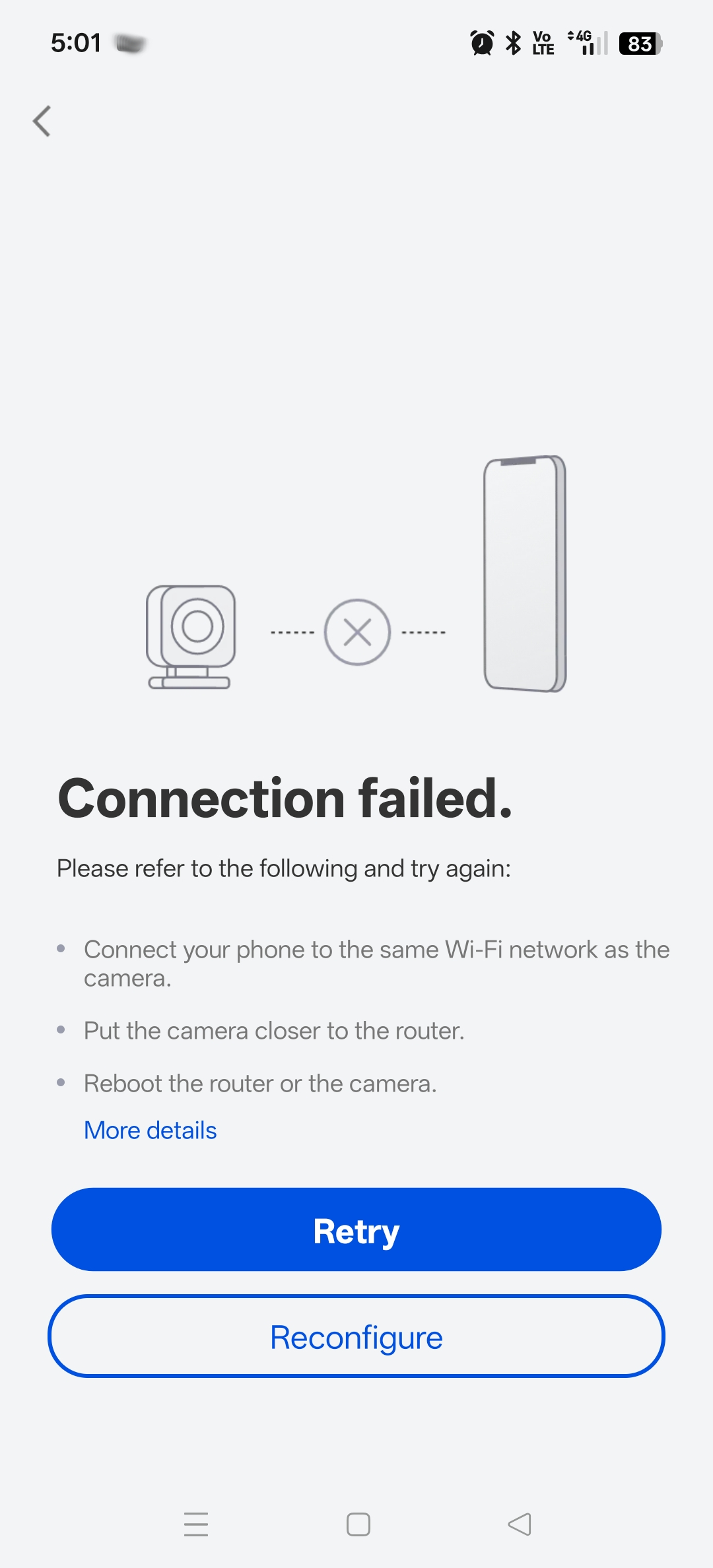
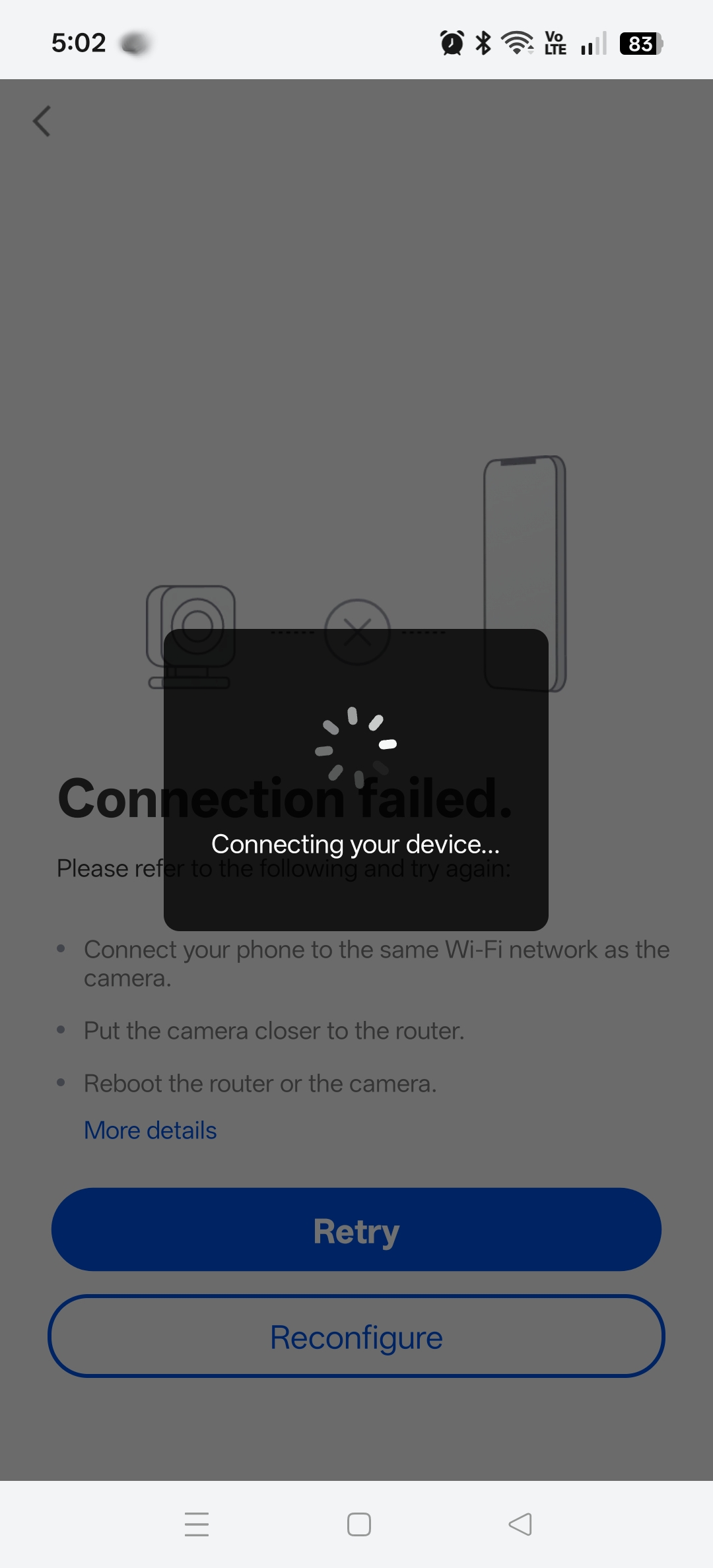
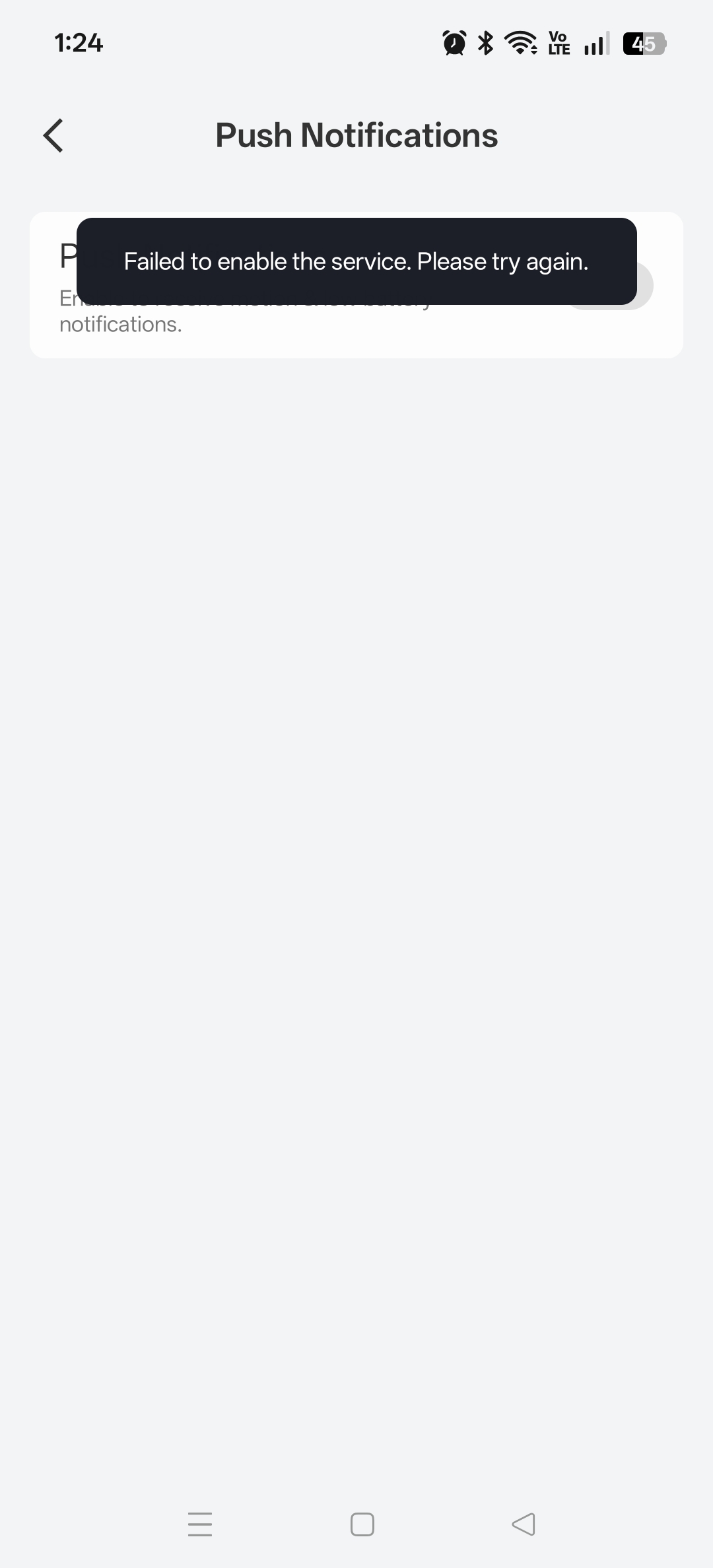
This limitation highlights a significant concern and should be noted for any person who wishes to follow best practices and maintain a separate IoT network with client isolation for standalone setups. For security In such a scenario, the Reolink NVR units would be a preferred management solution.
A new network was created and the phone was temporarily placed on the IoT network in order to complete the review.
As part of the configuration, the WiFi settings are entered into the application and a QR code is displayed on screen, whereby the camera scans it and automatically joins. This QR code can be picked up from some distance away, but the application suggests being close, so typically this would be done before mounting.
Once the camera is mounted in the right position, the settings can be set to individual preferences.
There is also the cloud service that can be utilised to extend the capabilities.
Detection alarm settings and triggering can be customised by drawing a box over the screen, alarm settings and light settings are all available. One notable feature is the ability to encrypt the recorded images and video.
Testing
PIR/Motion
Without any K9 or other useful subjects, the camera responded perfectly to human movement. There is a perceptible lag of around 1 second from the movement vs the visibility via the application, but the lighting-alarm is instant.
When defining a non-alarm area, this also responds as expected.
Siren
The Siren was tested indoors with the test feature, and the volume does not appear to be adjustable. It is somewhat disappointing. It has very little presence and almost sounds like you are hearing an alarm from a movie being played in the next room. In fact, if you did hear this at night, you could mistakenly curse your neighbour down the street because you would not be convinced it was coming from your camera mounted outside your front door. For context, a sports whistle would be 2–3× louder if standing next to it.
With that said, the sound would absolutely alarm the person underneath it and it would achieve what it needed to. It would be better if it was a bit stronger with the ability to adjust the volume.
If Reolink is reading this – try increasing the amplitude of the siren audio in the next firmware.
Microphone
The microphone was tested indoors at night, just to truly appreciate how well it picked up sound. Remarkably, the microphone was sensitive enough to pick up spoken voice through walls over 15 meters away. This was impressive and crystal clear through the phone app.
The two-way intercom is also incredible, the volume of the speaker is quite loud, it sounds like a professional PA.
AI detection
The AI detection was infallible for humans. No animals were available for testing, but by all indications, detection is highly accurate. The video recordings allow you to identify the exact moment the acquisition and detection took place with the tracking grids around the object, which are included in the recorded image.
Battery
In order to determine the true battery duration, we tested indoors with only a small amount of light through the window and indoor lighting to offer any recharge. This allowed maximum usage with movement detected several times a day to simulate a busy area. The battery was drawn down to 40% after around ten days, which suggests that the system is quite energy efficient.
NB: LED lighting was at 75% strength, and was disabled half-way through the testing period due to annoyance.
From 40% the battery does begin to drain faster. As a test, placing the camera outside in the weather drained 10% within just four hours. As expected, cold weather and low lighting will reduce the expected battery performance. However it is safe to say that from a fully charged battery, the camera should maintain ~50% or higher per night, with recharging to occur during the day. Extremely cold days with low light may reduce charge performance over time, but that is to be expected with any battery product.
Wireless Connectivity and App Connectivity
Unfortunately the Reolink app had no end of trouble connecting to the Floodlight Cam. Only rebooting the camera would seem to resolve the issue, which presented as an inability to stay connected to the Wi-Fi network. Specifically, once the DHCP issued IP lease had expired, it seemed to quickly drop from the routers lease table. Although the logs did show the camera’s DHCP DISCOVER, OFFER and REQUEST traffic and the routers responses, it would seem that the app could no longer find the camera.
When restarting the camera, the Reolink App did find and connect to the Floodlight Cam, but this was a repetitive problem and clearly only at the end of the DHCP lease. There are two likely explanations for this;
- The Floodlight Cam fails to renew/use the DHCP issued IP and drops off the network, still displaying blue LED.
- The application continuously polls the network for the Reolink Floodlight Cam, and when the Wi-Fi network changes or can no longer be reached, it no longer receives a response and loses track of the IP. Upon rebooting the Floodlight Cam with the phone/tablet device on the same network, the app receives a broadcast from the Floodlight Cam and it updates the IP address information.
However, within basic testing, including switching networks, disabling DHCP etc, we cannot reproduce this behaviour without waiting out the clock. Further advanced troubleshooting would be necessary.
Simply put, the average person using this camera may find that they have trouble with connectivity and the obvious fix would be to use a static IP address, which is best practice anyway.
Final Thoughts
This Reolink Floodlight Cam is aimed at the home consumer market, and is well suited to people who want to have an active deterrent for home invasion. It would also be great for small business owners protecting their parking spot at the back of their shop, or telling those annoying kids to get off the lawn!
The video quality is excellent, and the features and ease of use are perfectly aligned to consumers at this level – those who want to plug and play, set and forget.
There is a bit of a barrier to entry for anyone wanting to use a separate Wi‑Fi network to the one their phone is using, and as we found out, client isolation will cause difficulty. In these scenarios, you will need to have a capable firewall/router and some network knowledge to work around this. People who possess both will ultimately be better served by looking at a higher‑grade solution.
App connectivity was troublesome, and once the app was not used for 1–2 days, it simply refused to connect until it was restarted. This may be a transient behaviour that will be resolved with an app update and/or use of a static IP address; however, if this were not the case, then this drawback alone would reduce the overall value significantly.
At the time of review, we did not know the RRP, so it is difficult to conclude the overall value. But with consideration to the quality of the metalwork and glued‑in mount, a purchase decision should be carefully weighed and considered against the price, use case, mounting location, and desired features.
This review does not offer any insights into long‑term use testing and in all weather conditions. Battery life can diminish over time, software updates can change the behaviour and reliability of the device, and cloud services, features, and functionality can change or be withdrawn. If you are protecting the crown jewels, or your favourite classic car, then always consider these additional factors when considering the long‑term value of the chosen security solution.
Overall, the Reolink Floodlight Cam is a pretty good security camera for this target market.
Summary: The Reolink Floodlight camera is a highly advanced and capable security camera for the home user or small SOHO, but network connectivity will be problematic and burdensome for some users. Could be a smart purchase for a single application, but if needing multiple cameras - look for a more comprehensive solution.
4
About the Author

Scott De Lacy Scott has a professional IT background spanning over 18 years, is an hobbyist electronics designer, talented musician, holds qualifications as a trainer and experience in emergency and community services sectors. He reviews Movies, PC and XBOX One games, and hardware.
Related Posts

TEAMGROUP Launches The ACE 8K MicroSDXC Memory Card Unleash Device Performance to Capture Every Moment →
OPPO Bubble Lands in Australia as Reno16 Series Goes On Sale →

Majority of Young Australians Want Esports at the Olympics, Study Reveals →