
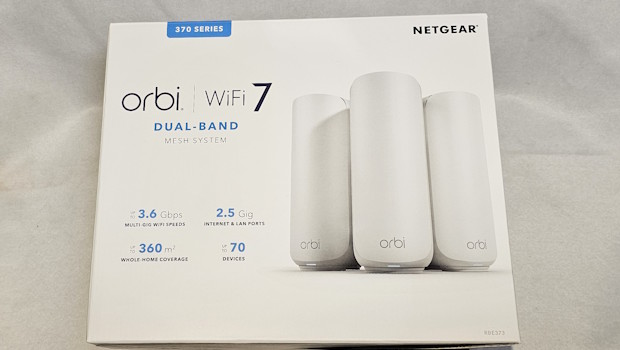
Orbi 370 Series Dual-Band WiFi 7 Mesh Review
Summary: Extend your internet and improve your signal over a greater portion of your home or office.
4.5
Wi-Fi Web
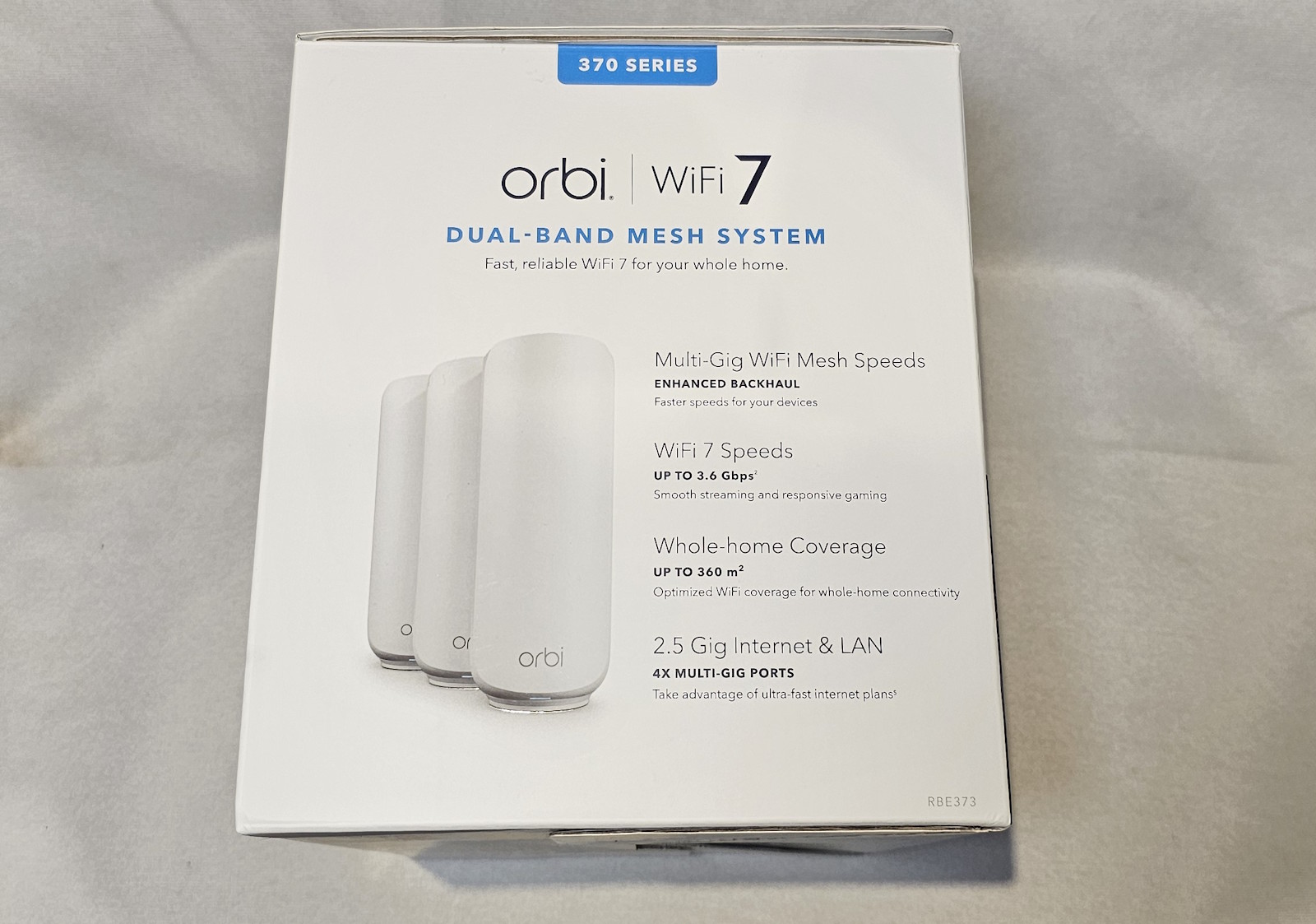
Orbi 370 Series Dual‑Band WiFi 7 Mesh aims to bring affordable, reliable home WiFi coverage to your home. With one router and two satellites, it can get you up and going reasonably quickly.
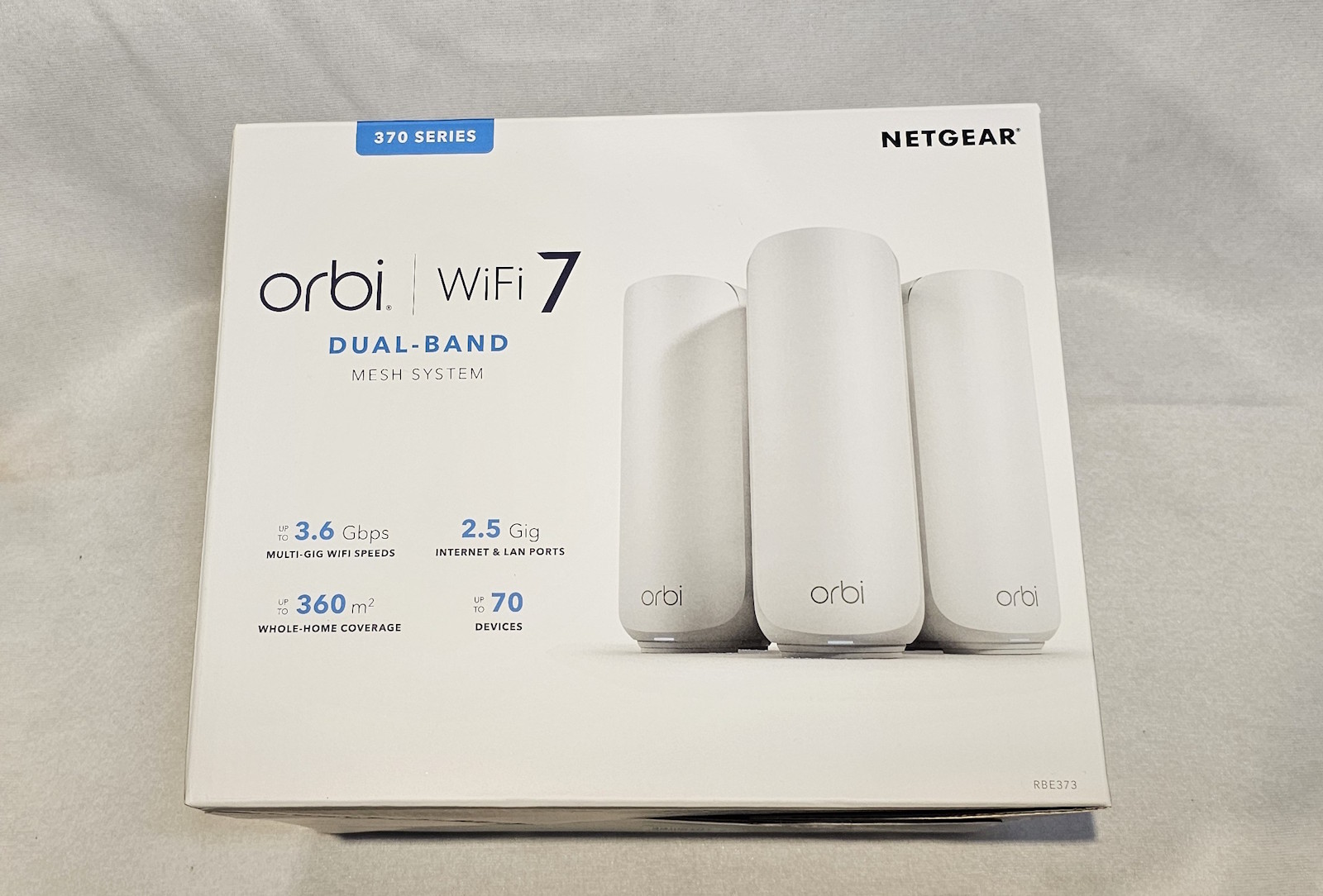
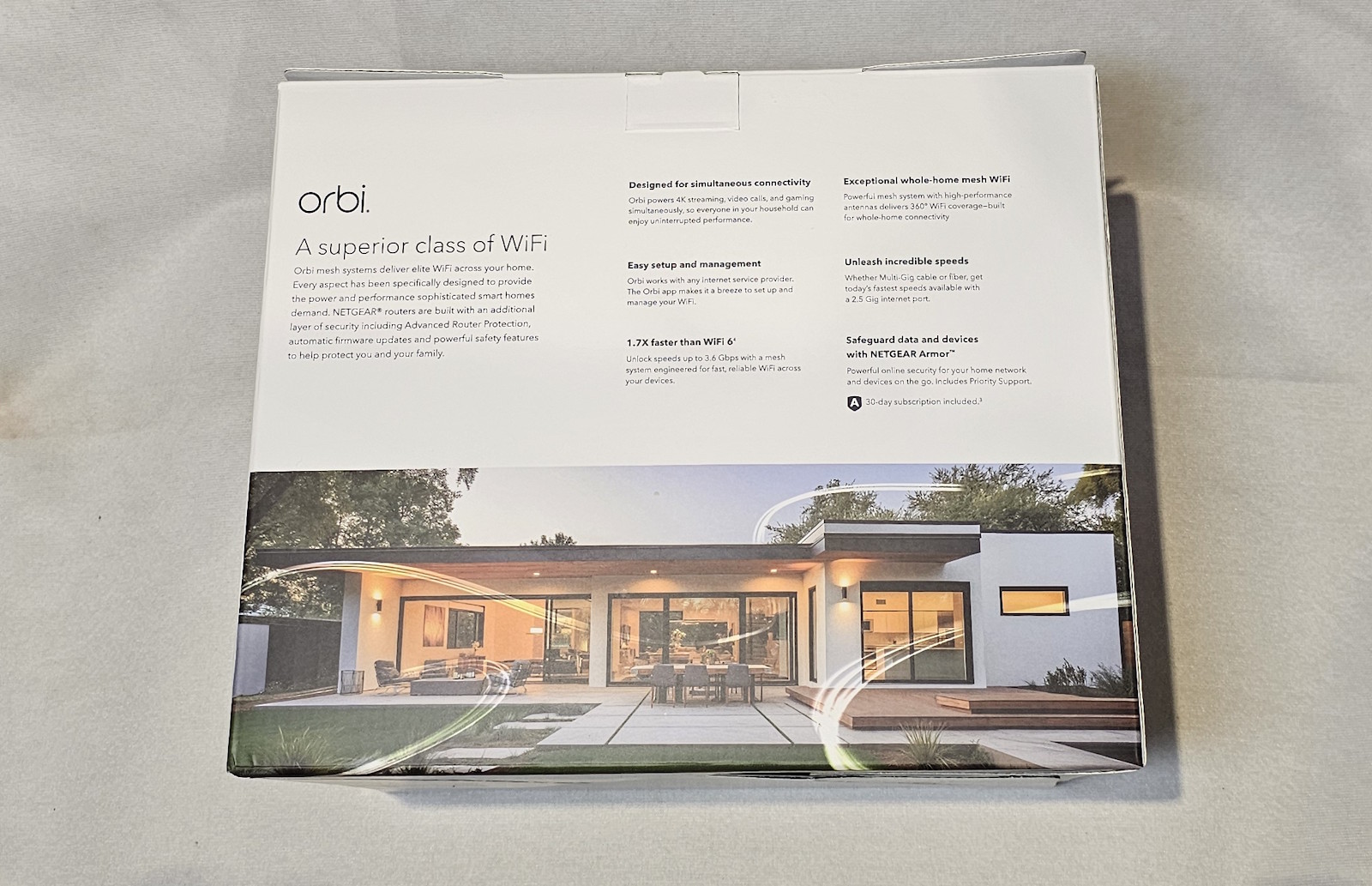
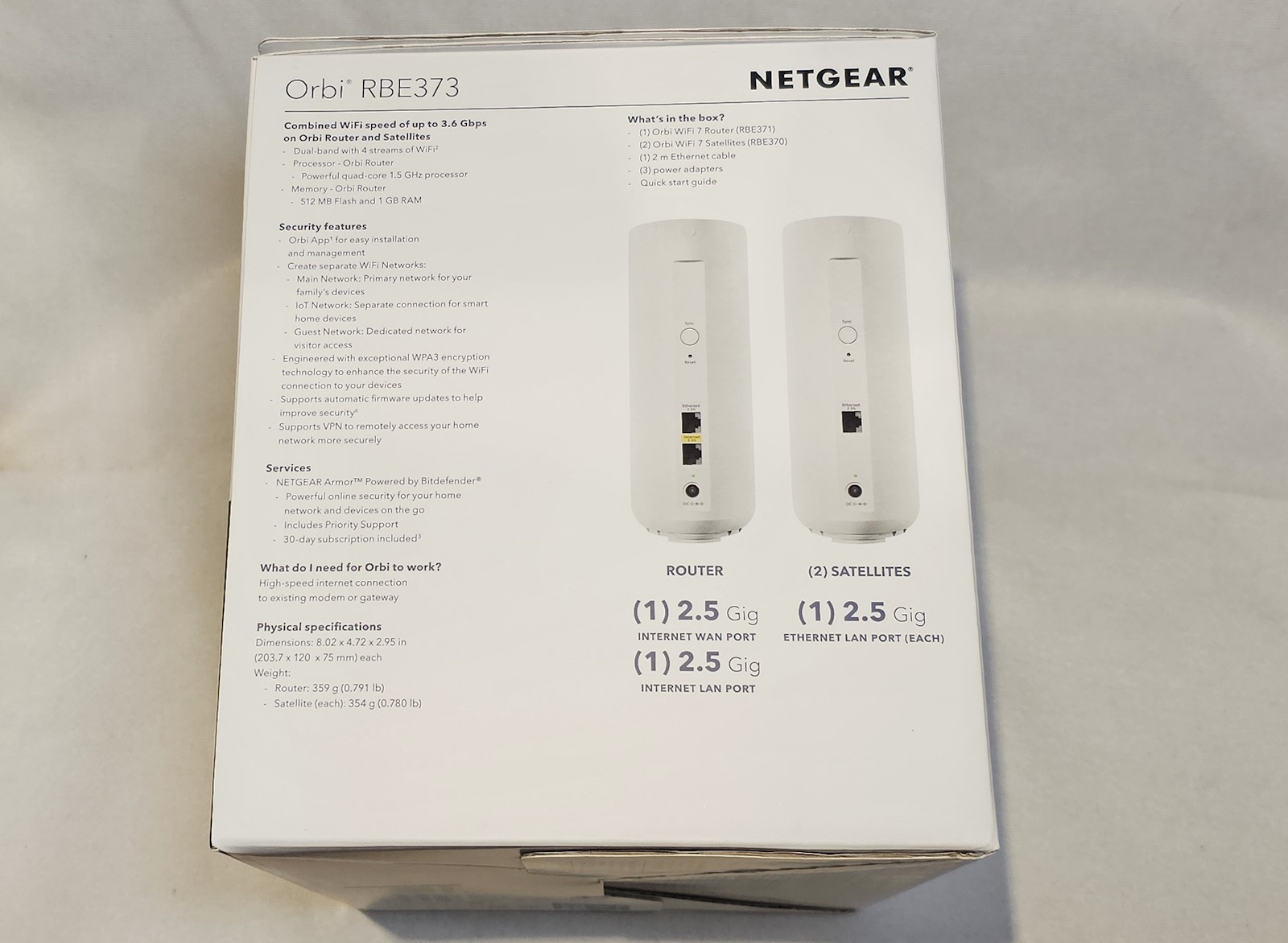
So let’s get the specs out of the way first:
- Up to 5 Gbps1 dual-band WiFi 7 speeds
- Covers up to 6,000 sq. ft.1
- Supports up to 70 connected devices
- Enhanced backhaul for stable whole-home coverage
- BE5000 WiFi 7 Performance
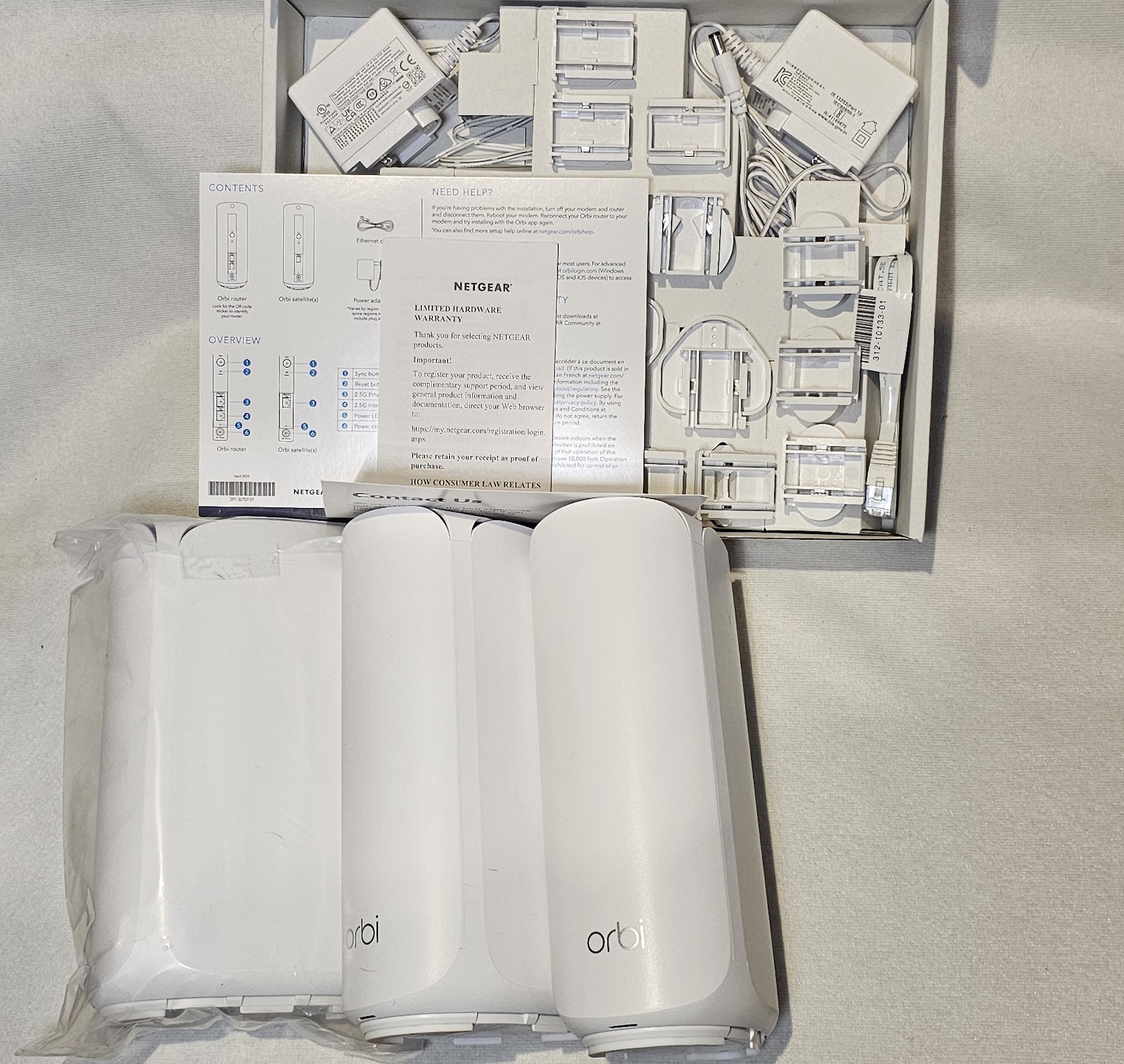
In terms of setup… it’s reasonably simple… but it doesn’t really come with documentation; these days everything seems to be QR code or similar. Having said that… it was reasonably painless (with a few moments of hesitation only because the next step didn’t have as much detail as I would have liked). Basically, you connect the router to your modem and via the app you can see when it has established its connection. At this point, if you want to connect a device directly to the router, you can use its Ethernet port to do so… otherwise you can take your satellite units and set them up.
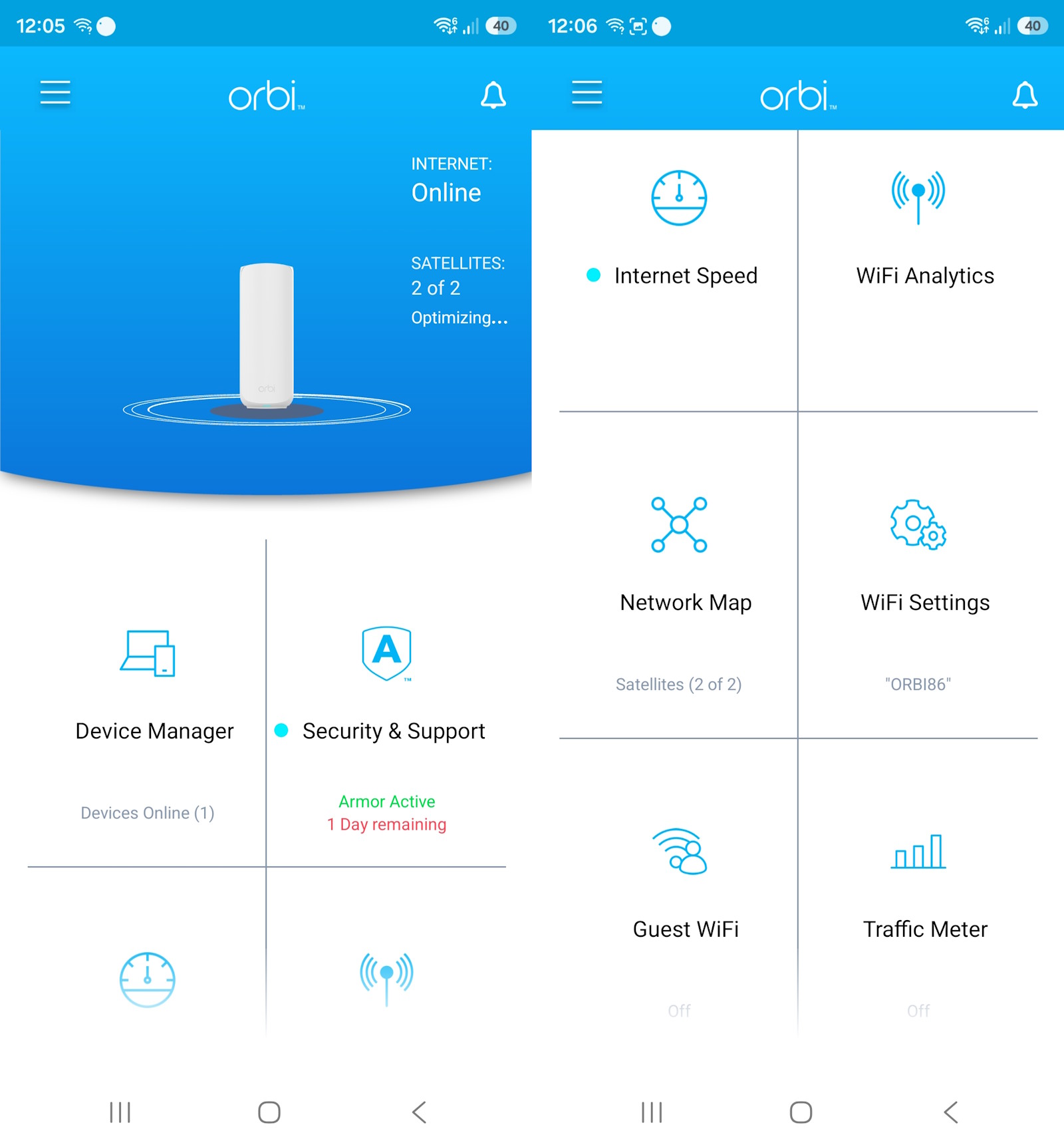
It can be a bit tricky to know where to place a satellite unit — how far/close is optimal, what sort of line of sight is best… fortunately the app does recommend a distance and a notion of how many rooms separate it from the router to place them for best coverage. I will say that I had an interesting experience with the satellites. We have a reasonably open‑plan house, and I placed the first satellite in a fairly central/forward portion of the house; the second I placed in clear line of sight of that one and quite close to my computer. I was able to achieve some very respectable speeds on the PC, but for some reason when I tried a speed test on my phone not more than about a meter from the satellite unit, it returned fairly low speeds. Turning off the second satellite actually seemed to improve the results. I don’t know if this might be because where the satellite sits it has a few different objects around it (including metal items), and perhaps it was causing a bit of interference… but it means I essentially now have a spare satellite that I could place in a different location if I find the signal lacking somewhere else around the house.
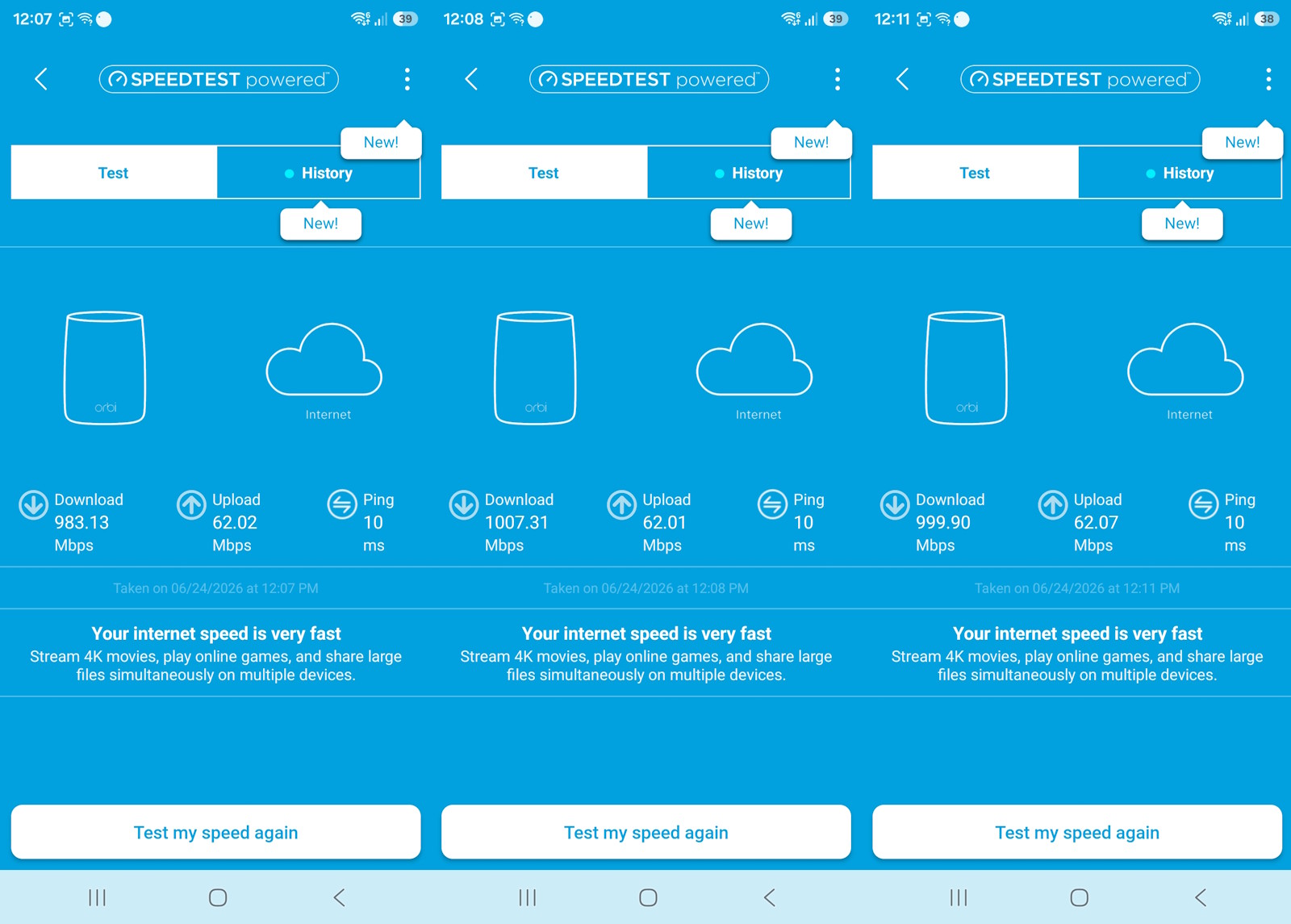
Speeds in the same room as the router were certainly satisfying.
You could probably do a fair bit of optimizing placement of satellites to maximise your signal (or even run Ethernet from each of the satellites if you want to get the best you can from them)… but considering my results went from 200–300 Mbps to 400–500 (and even up to around 600) Mbps… I’m both impressed and satisfied with my results. I should also say I didn’t do too much fiddling with the app to set different networks or refine how my network was being used by each device, but if that’s your thing… there is scope there to do so.
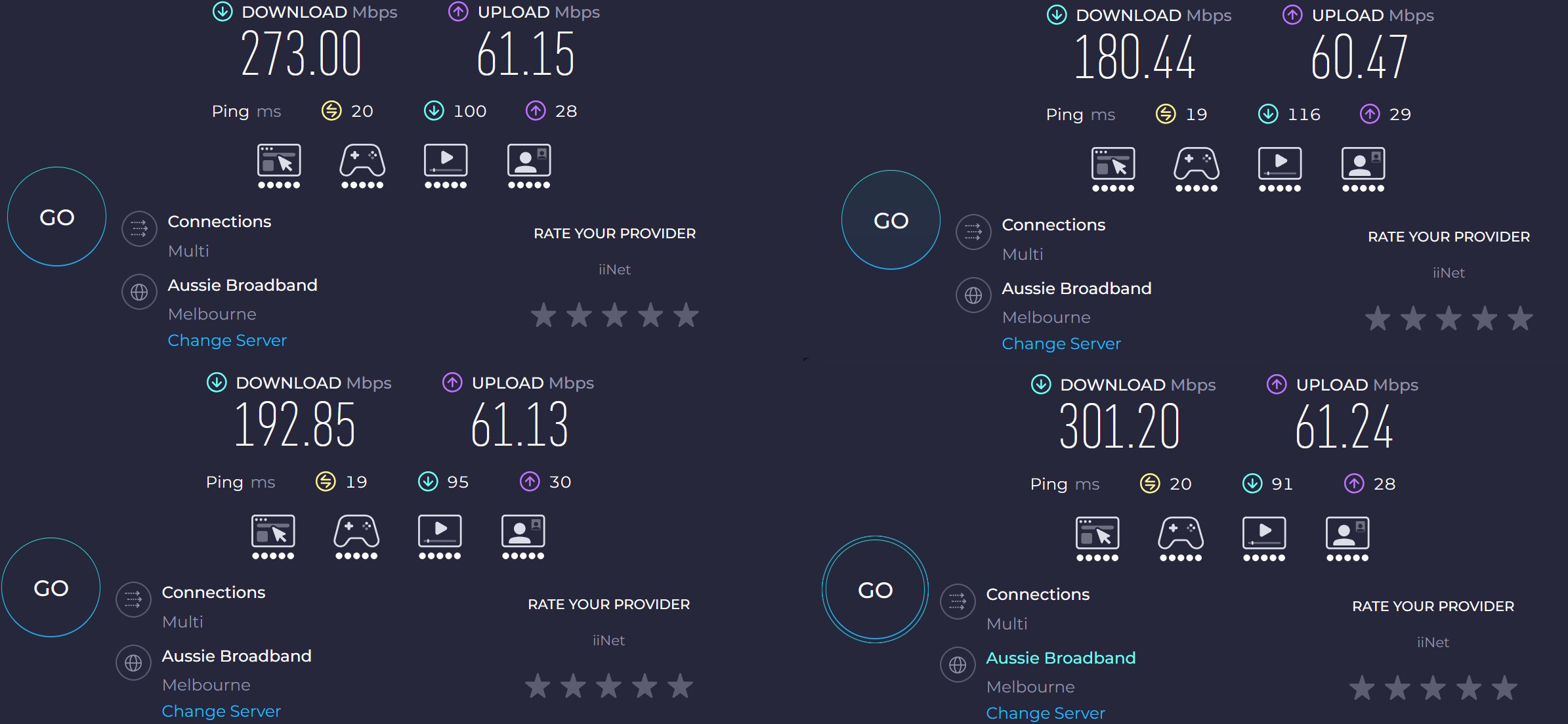
Average results with my previous router… not too bad.
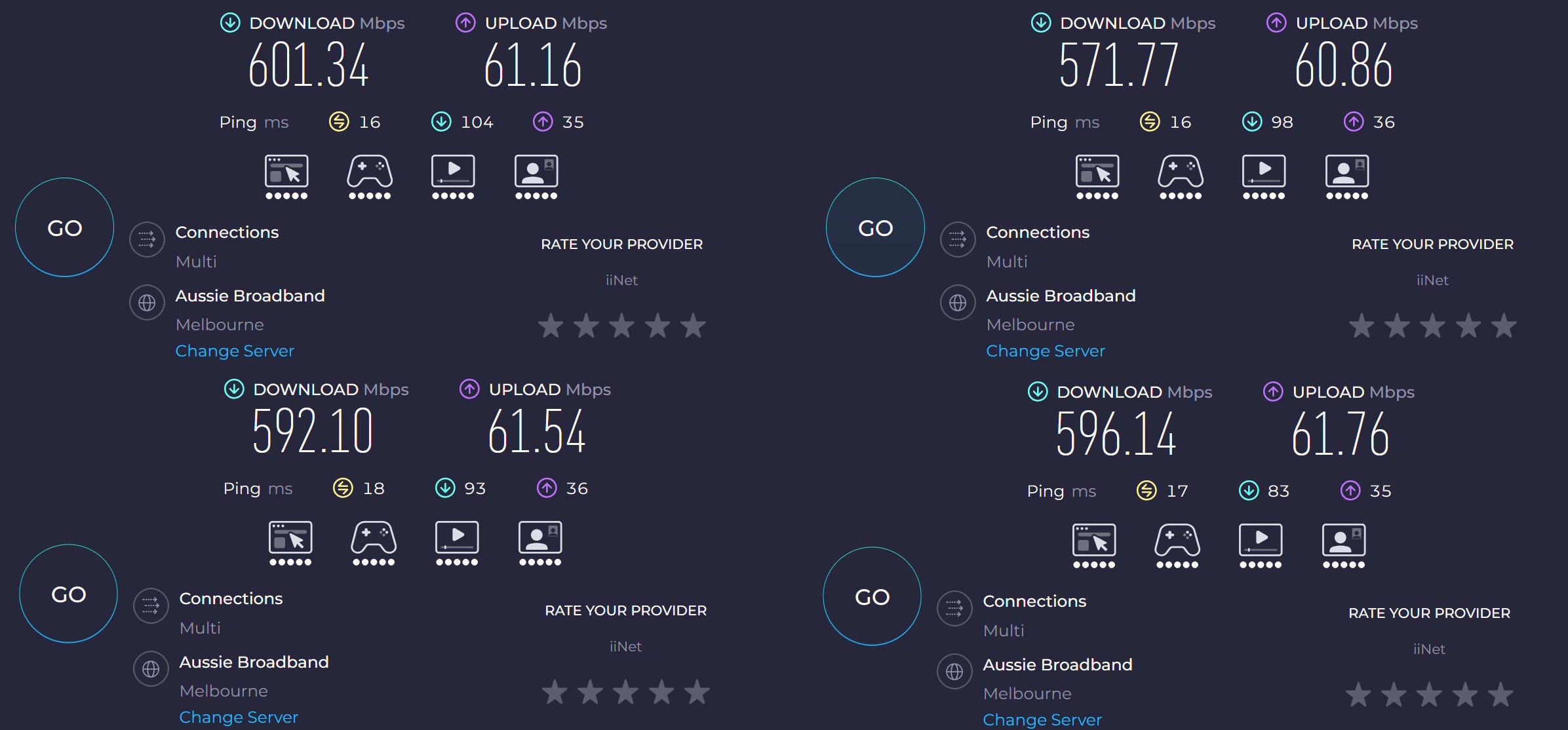
But I definitely prefer the results after setting up the Orbi 370 Series Dual-Band WiFi 7 Mesh router and satellites.
Final Thoughts
Internet services are getting faster these days and sometimes you may be receiving a better connection than you are currently able to use. If you need to make sure you are making the most of your internet service, the Orbi 370 Series Dual-Band WiFi 7 Mesh should certainly be something you consider. Setup is reasonably simple, having a router and two satellites in the one box means extending coverage throughout your house is quicker and easier in one go and if my results are anything to go by… you can potentially double your speed with this one simple addition. Definitely worth a look!
About the Author

Chris O'Connor Father of four, husband of one and all round oddity. Gaming at home since about 1982 with a Sinclair ZX Spectrum. Moving on to the more traditional PC genre in the years that followed with the classic Jump Joe and Alley Cat. CGA, EGA, VGA and beyond PC's have been central to my gaming but I've also enjoyed consoles and hand helds along the way (who remembers the Atari Lynx?). Would have been actor/film maker, jack of many trades master of none.
Related Posts

GameSir G7 Pro 8K PC Review →

Reolink Argus MagiCam Review →
Razer Rogue Backpack V4 Review (Built for Battle. Ready for the Grind ) →