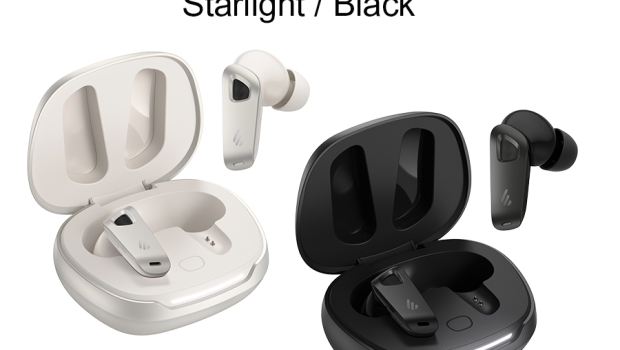
NeoBuds Pro 3 True Wireless Noise Cancelling Earbuds Review
Edifier have released the 3rd NeoBuds iteration with the NeoBuds Pro 3, which includes ANC, LHDC and LDAC codecs. We took a deeper look and road tested them for a week.
Specifications
Sourced from edifier.com.au
SOUND
Frequency Response
- 20Hz – 40kHz
Output Sound Pressure Level
- 92 ± 3dB (A)
IP Rating
- IP54
Supported Audio Coding
- LHDC 5.0
- LDAC
- SBC
POWER
Playback Time
- about 36h (ANC OFF)
- about 24h (ANC ON)
Charging Port
- USB-C
Input
- 5V ⎓ 200mA (Earbuds)
- 5V ⎓ 1A (Charging case)
Charging Time
- about 1h (Charging case)
- about 1h (Earbuds)
- (Fast charging: 15mins = 3hrs)
CONNECTIVITY
Bluetooth® Version
- V5.4
Effective Range
- about 10m
Unboxing
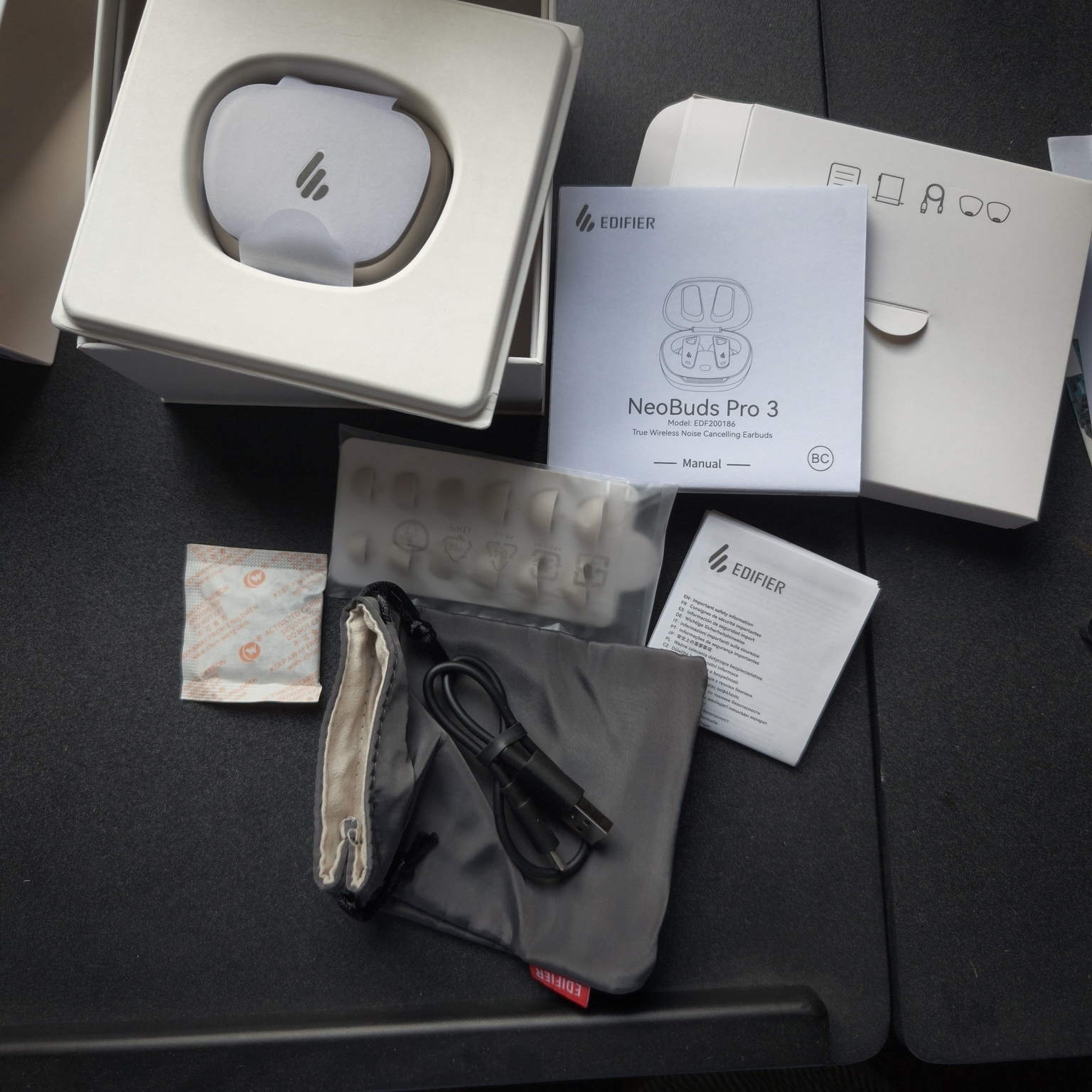
The box is perfectly appointed with clear indications of the functionality and features. It took some careful manoeuvring to pry open the inner slide out box.
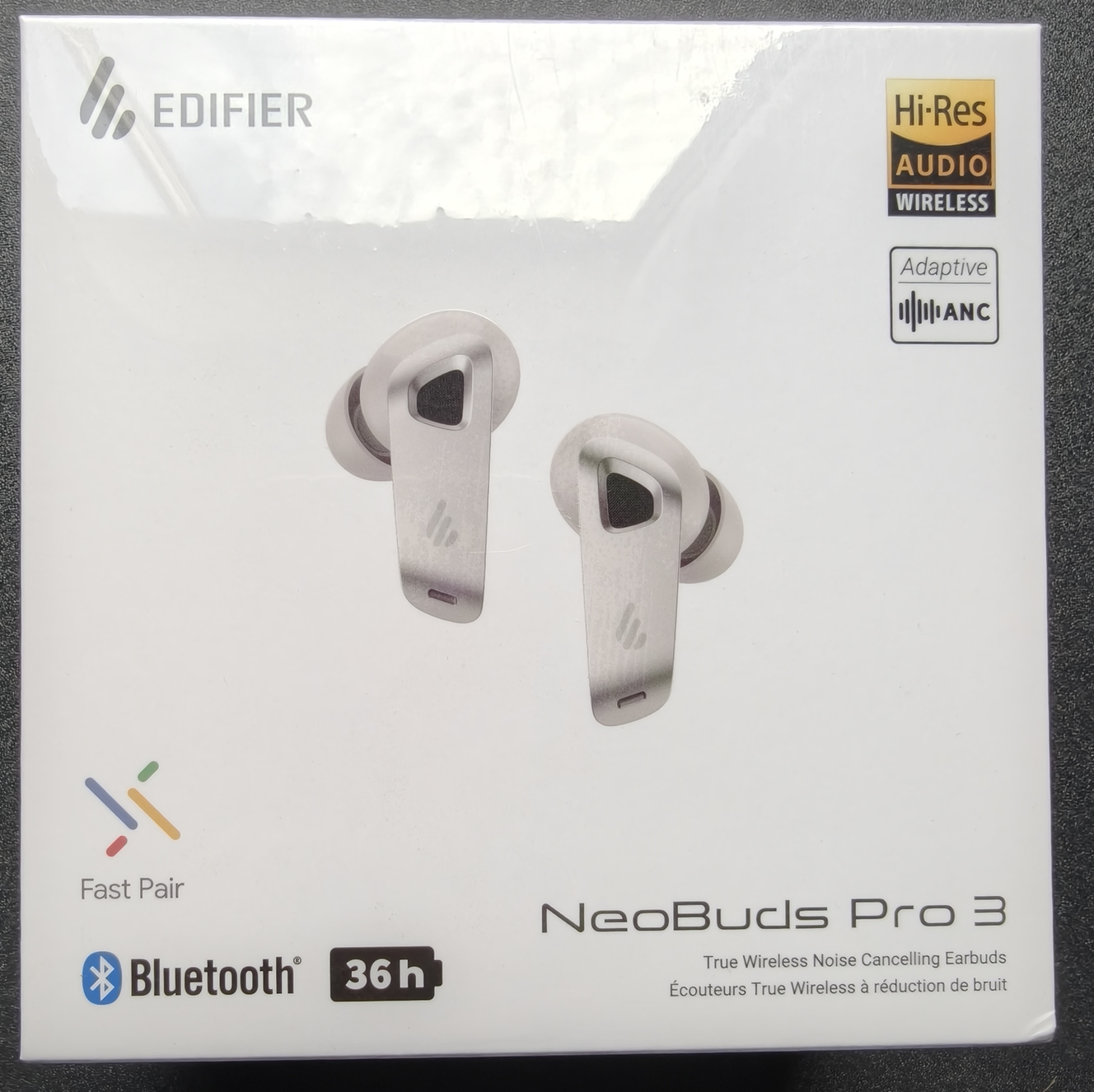
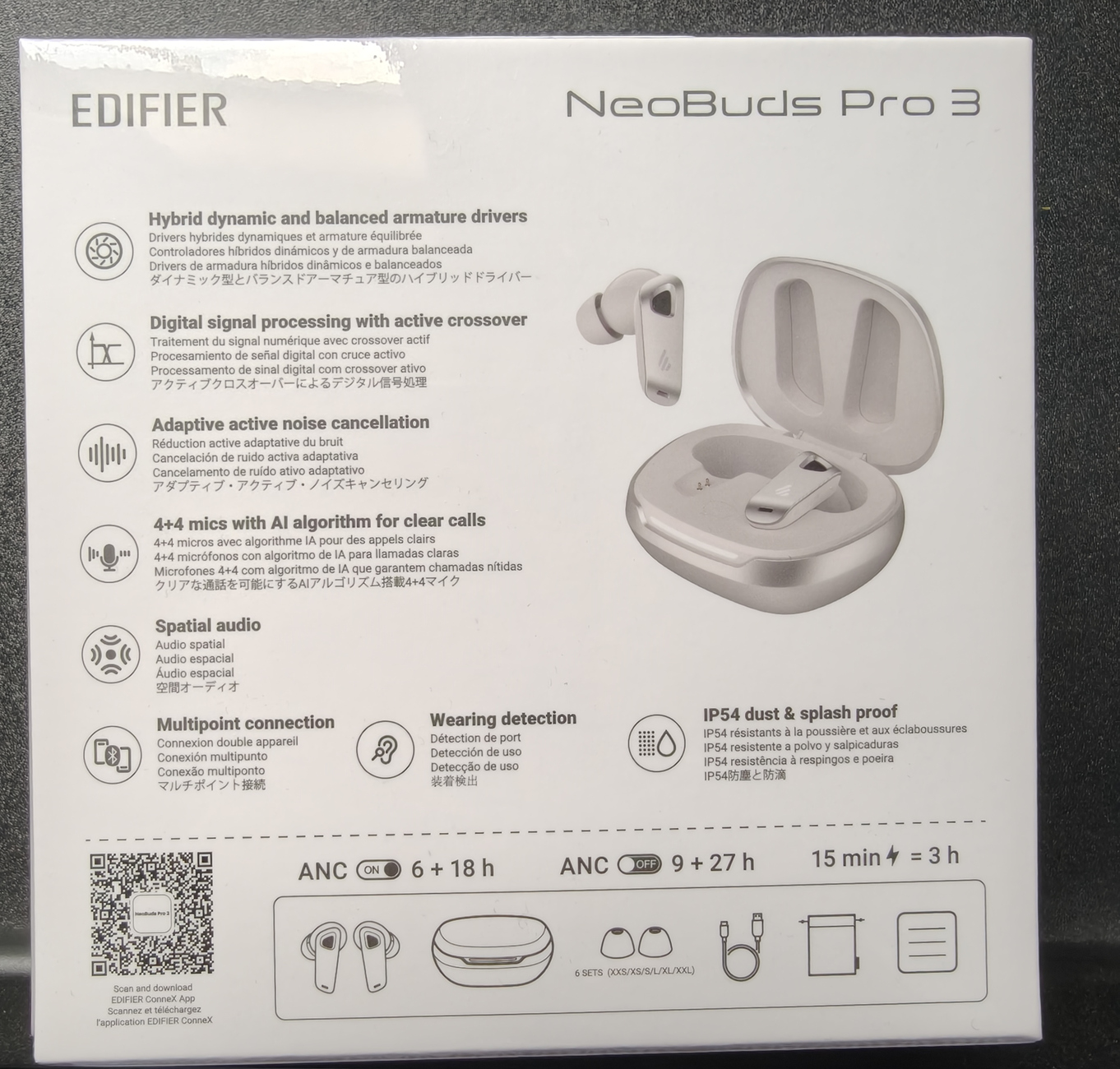
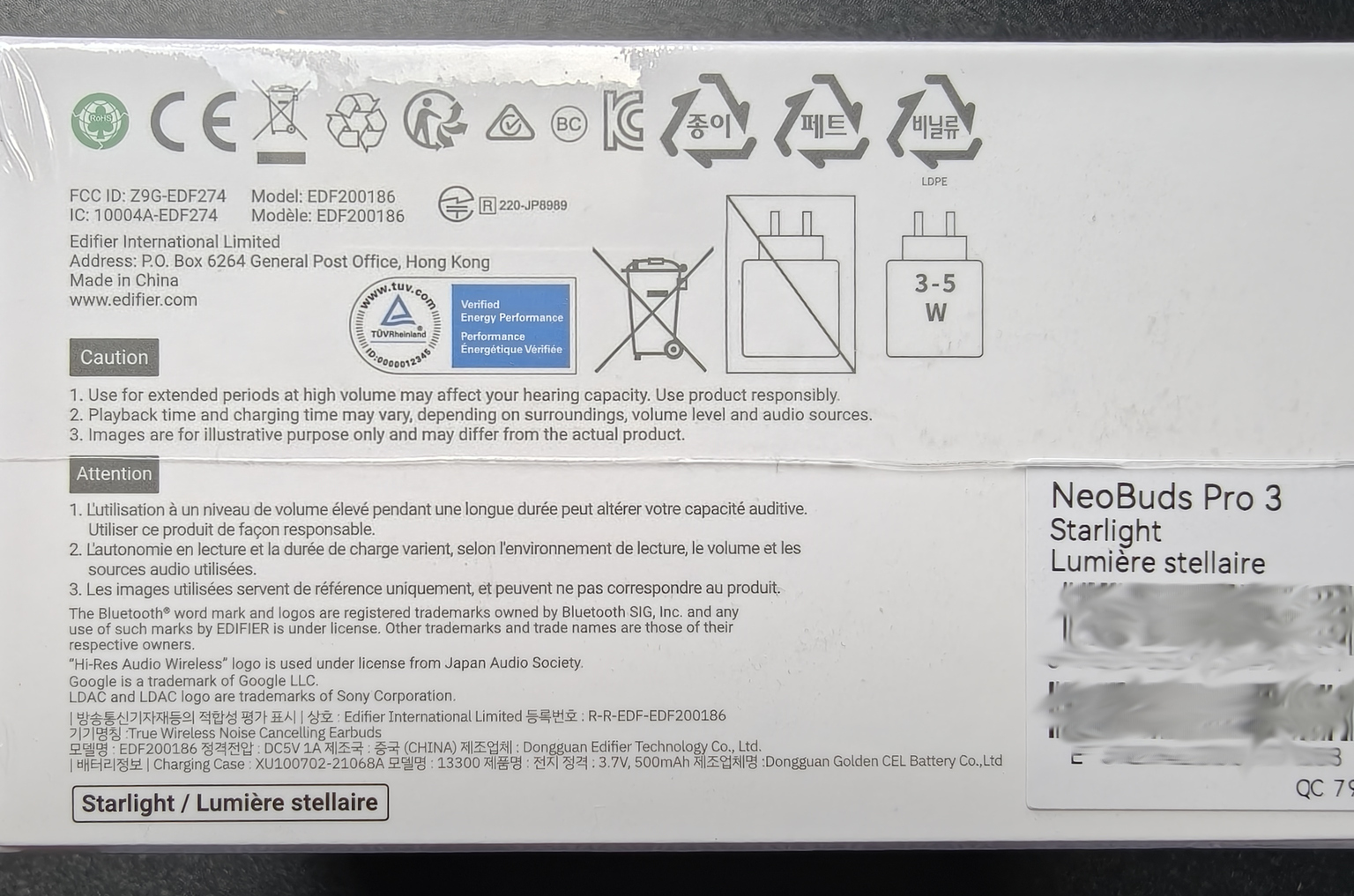
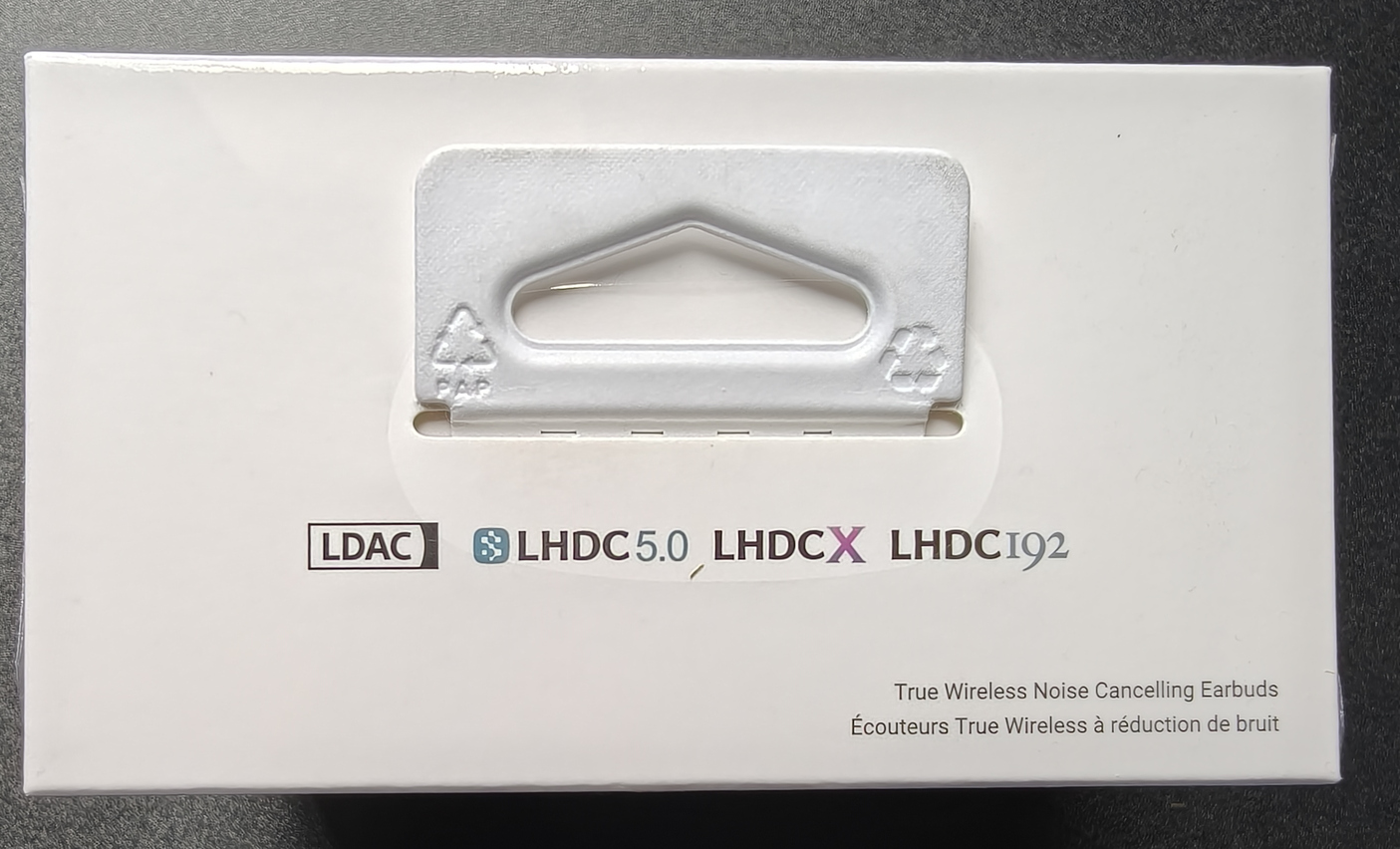
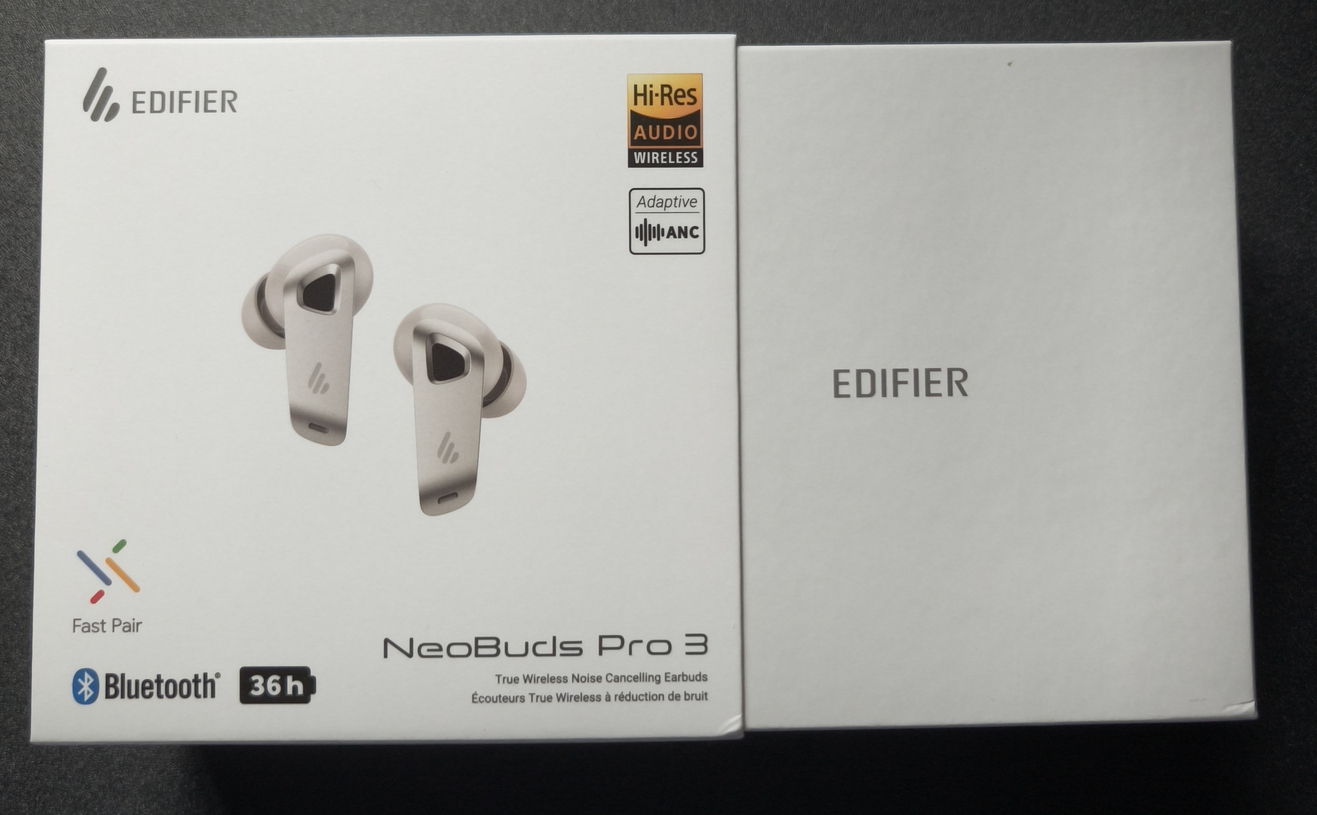
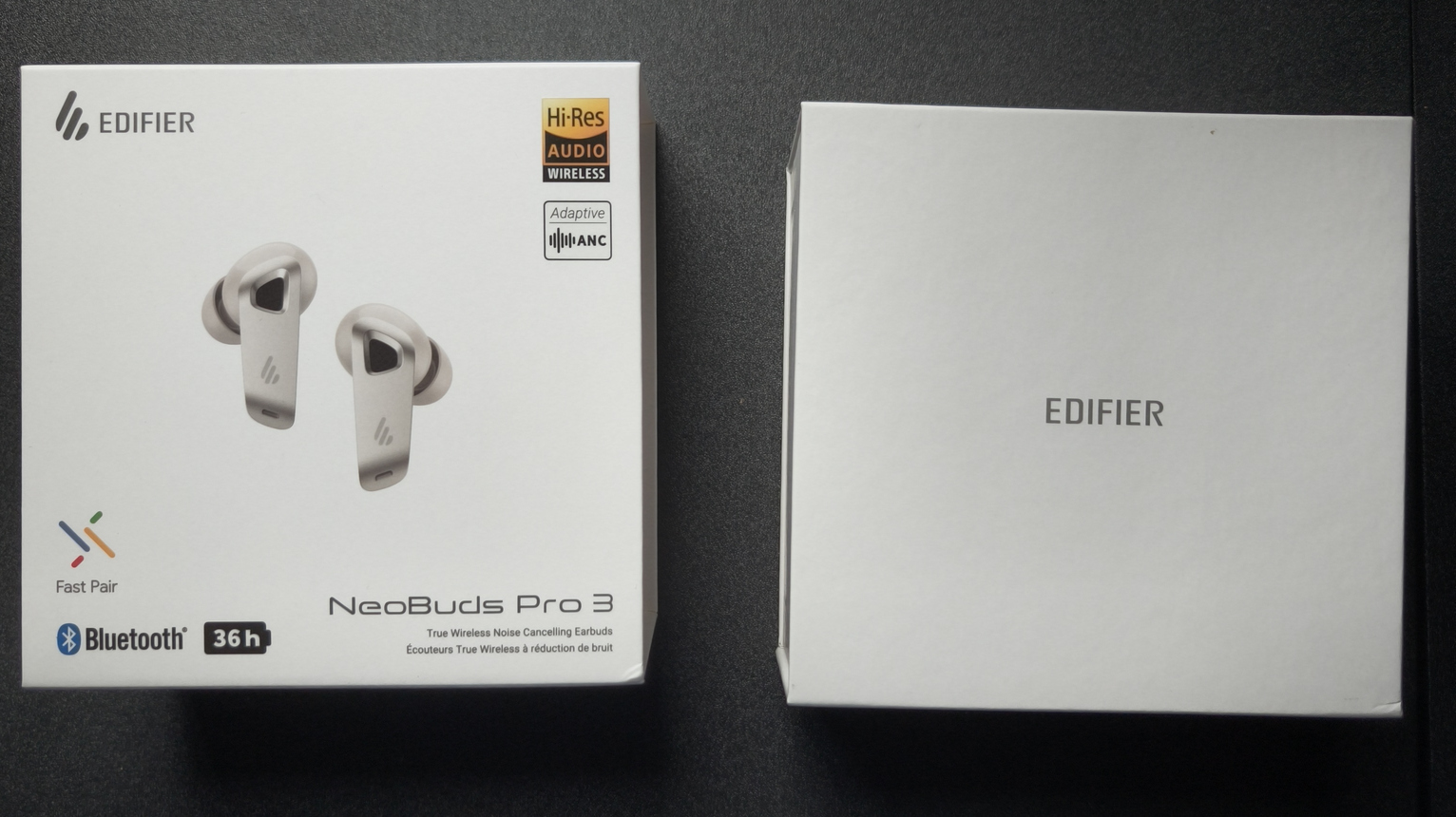
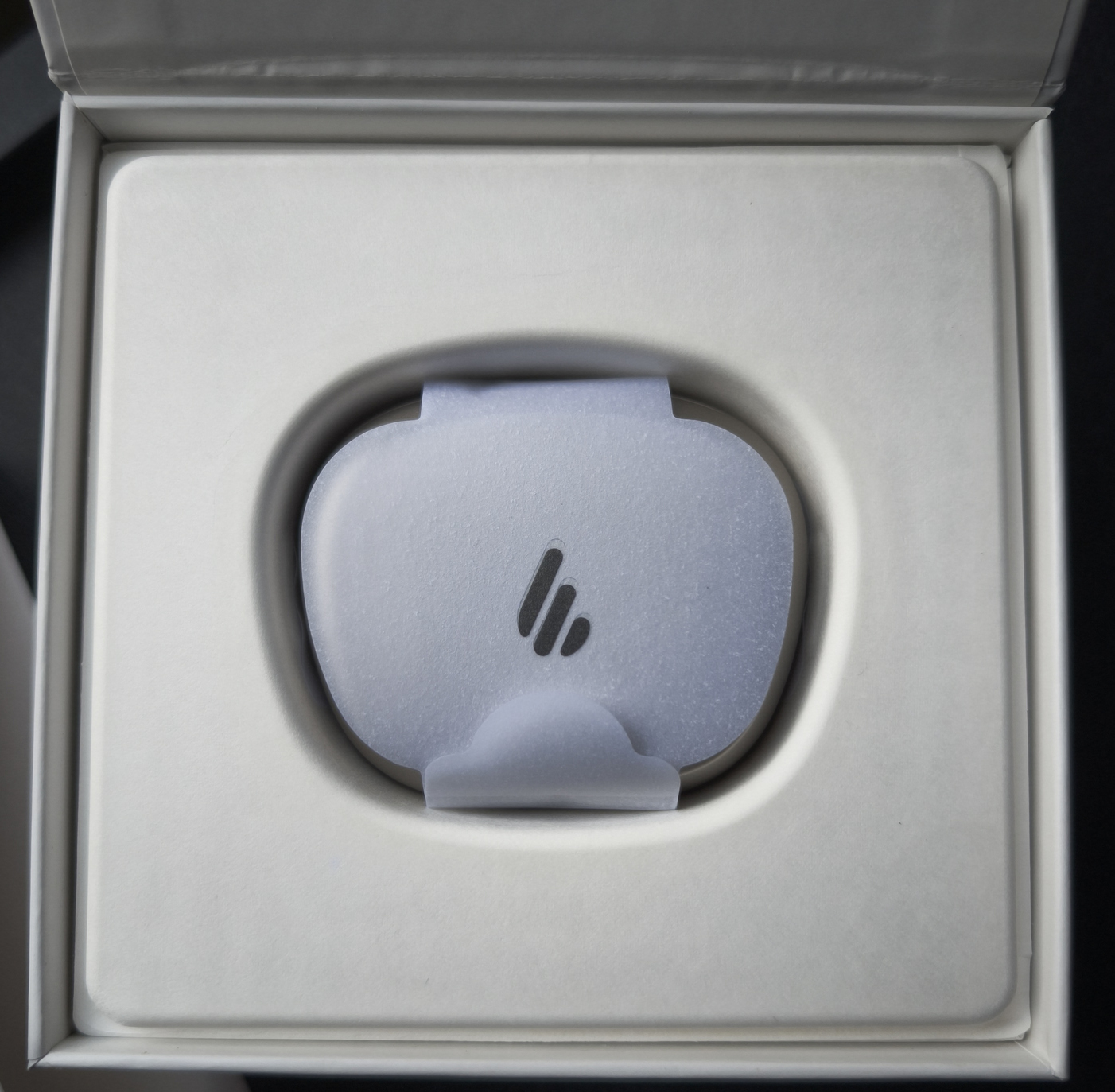
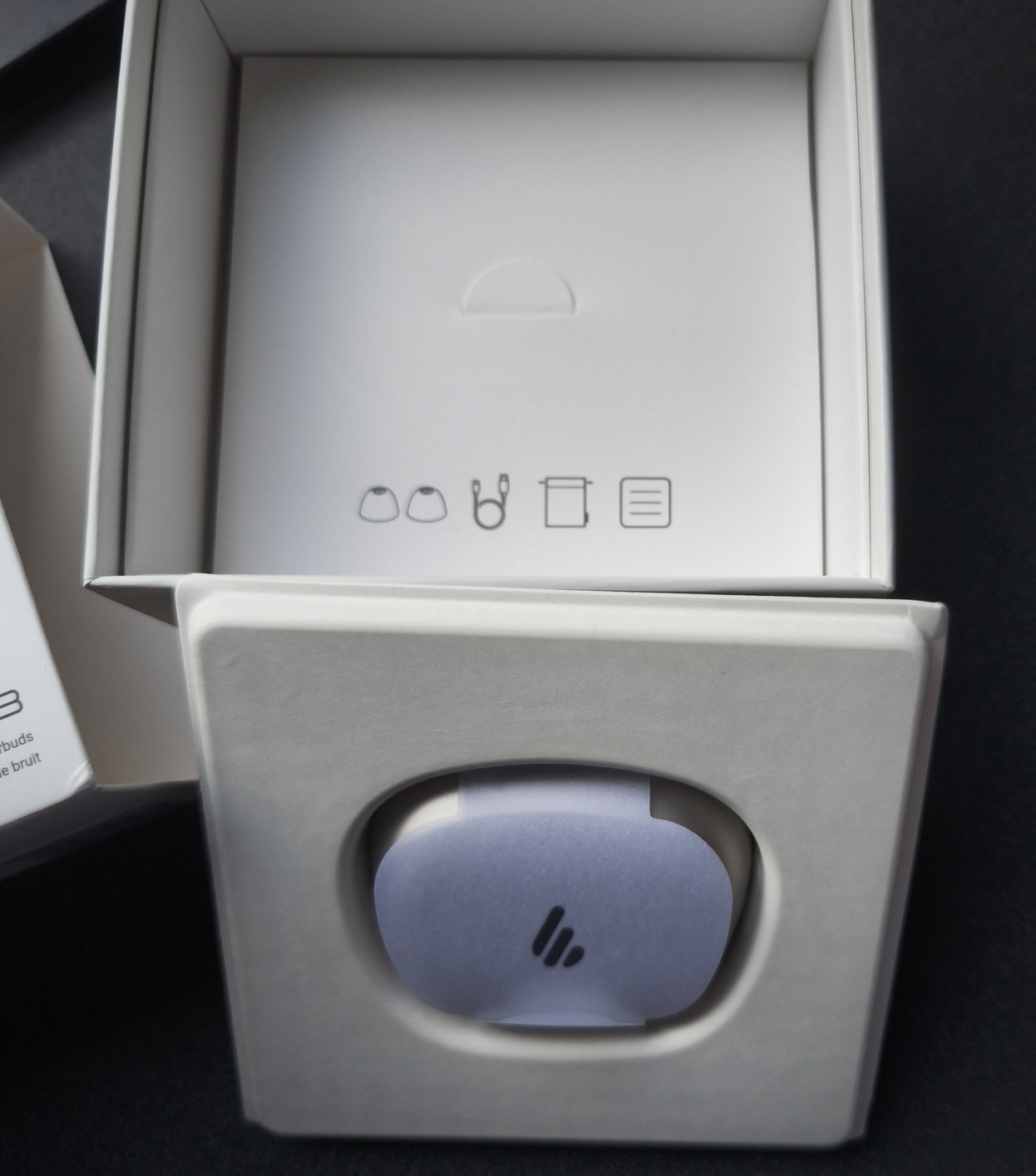
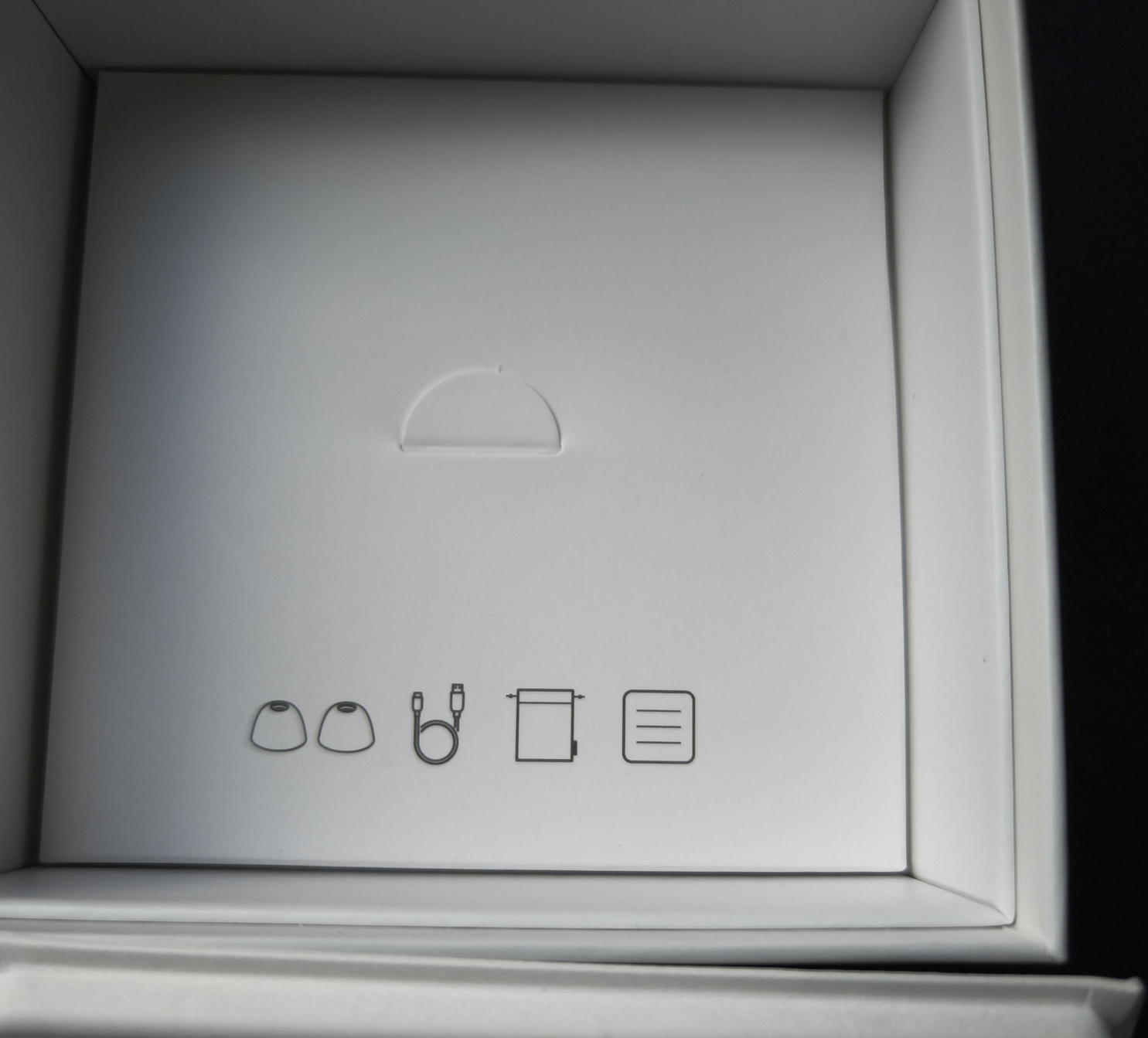
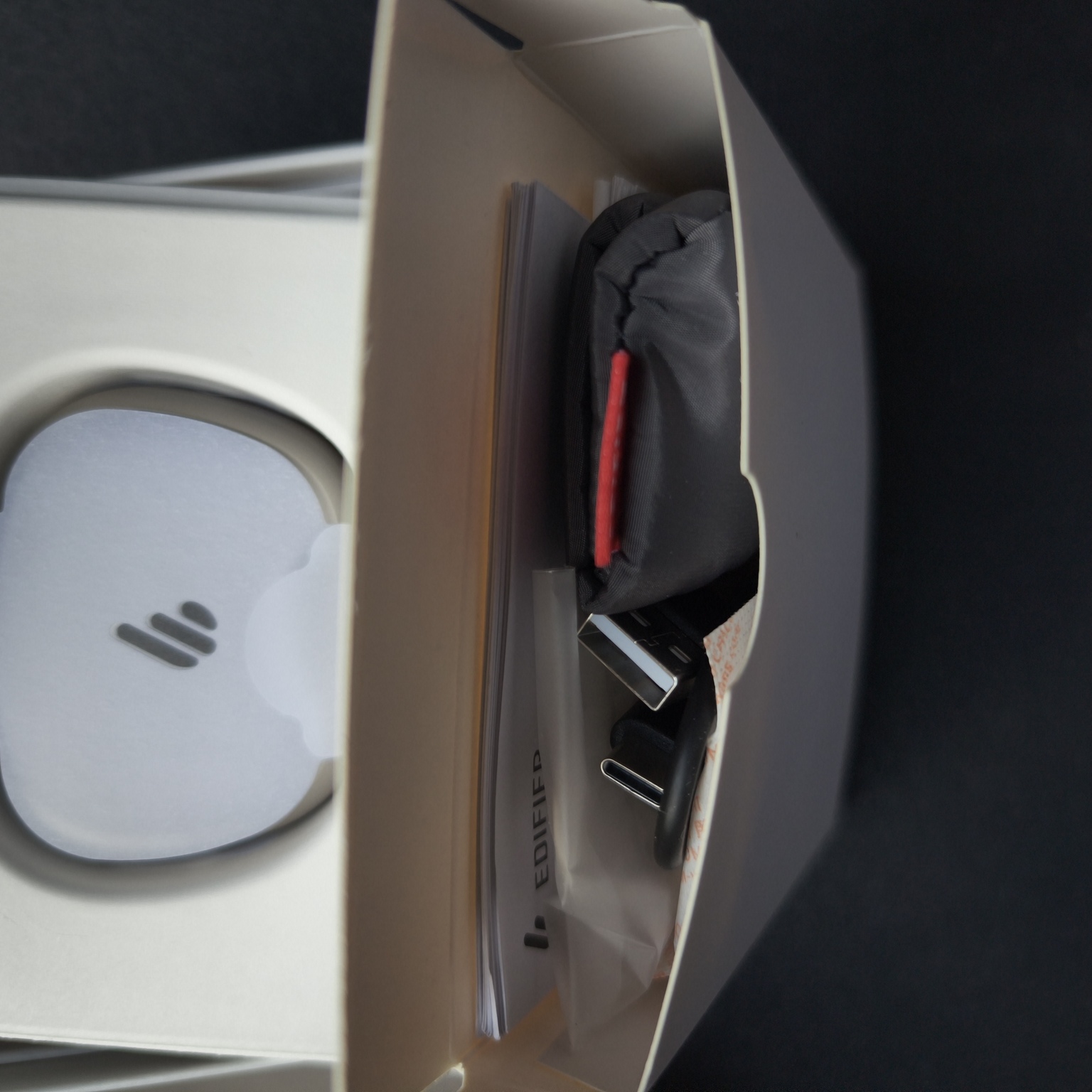
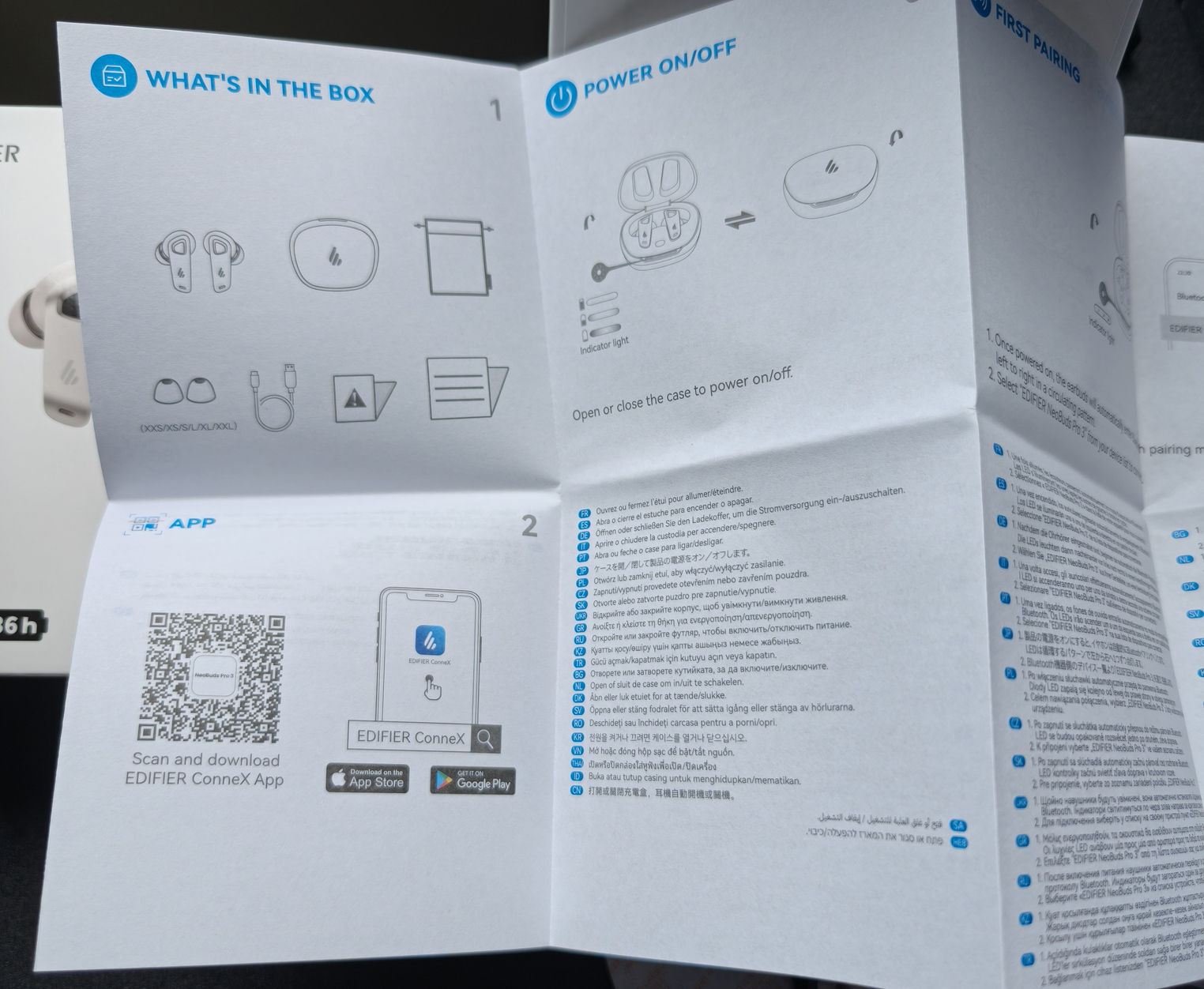
Included is a comprehensive guide, the obligatory compliance cards, an incredible set of ear gels, USB-C cord for charging and most of all, a really nice carry bag. Not many other brands would include this, and it is a nice way to keep the cord and carry case handy and protect it from scratches. Really nice inclusion there.
First Impressions
The inclusion of the carry bag was really a nice touch, not only because it was included, but because the quality, feel and touch is top rate.
The case and ear buds are very lightweight and the case is able to be palmed perfectly whilst being swiveled around, meaning a one handed open is comfortable and that is useful – although in practice, doing so without care is likely to eject an earbud.
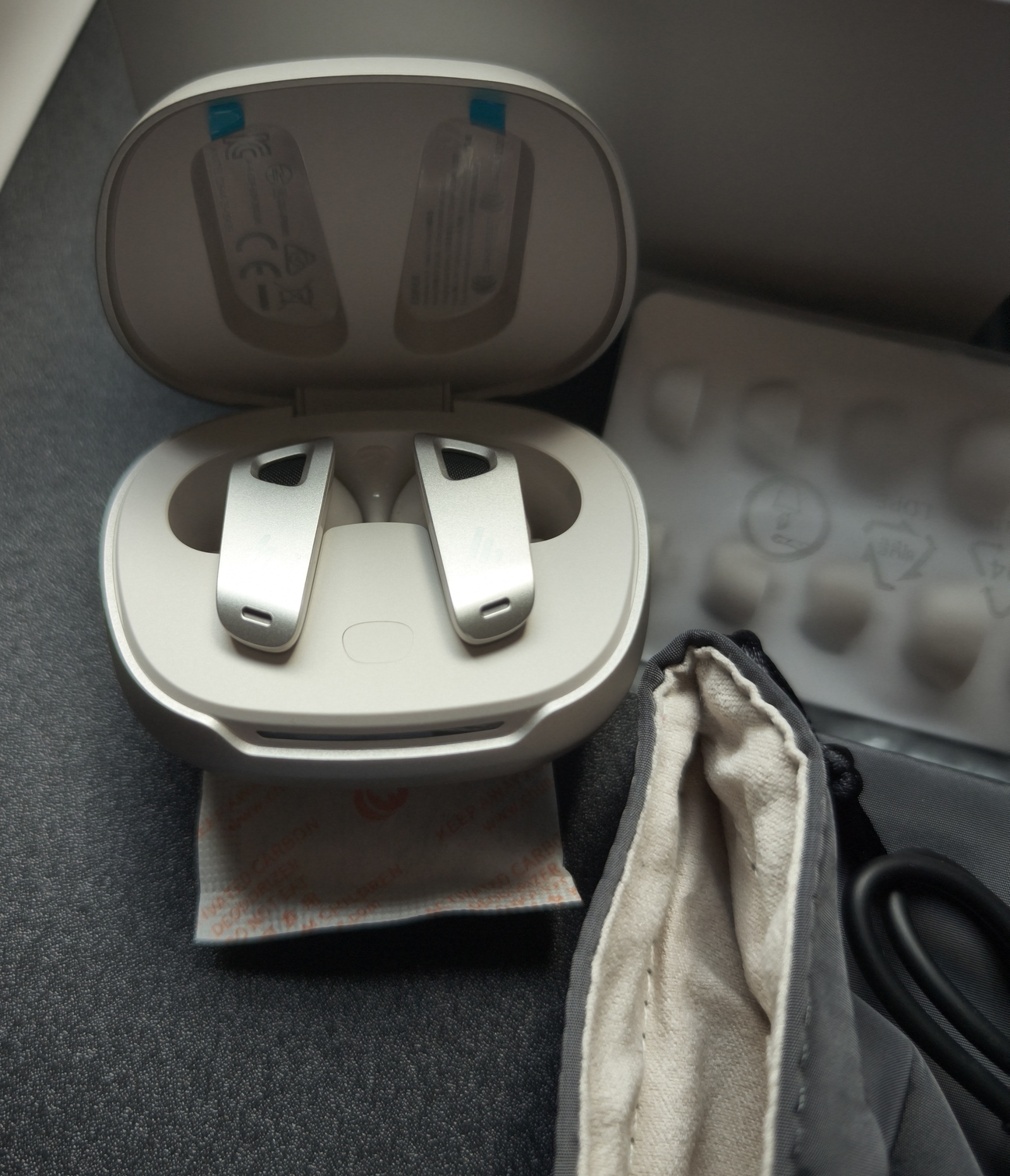
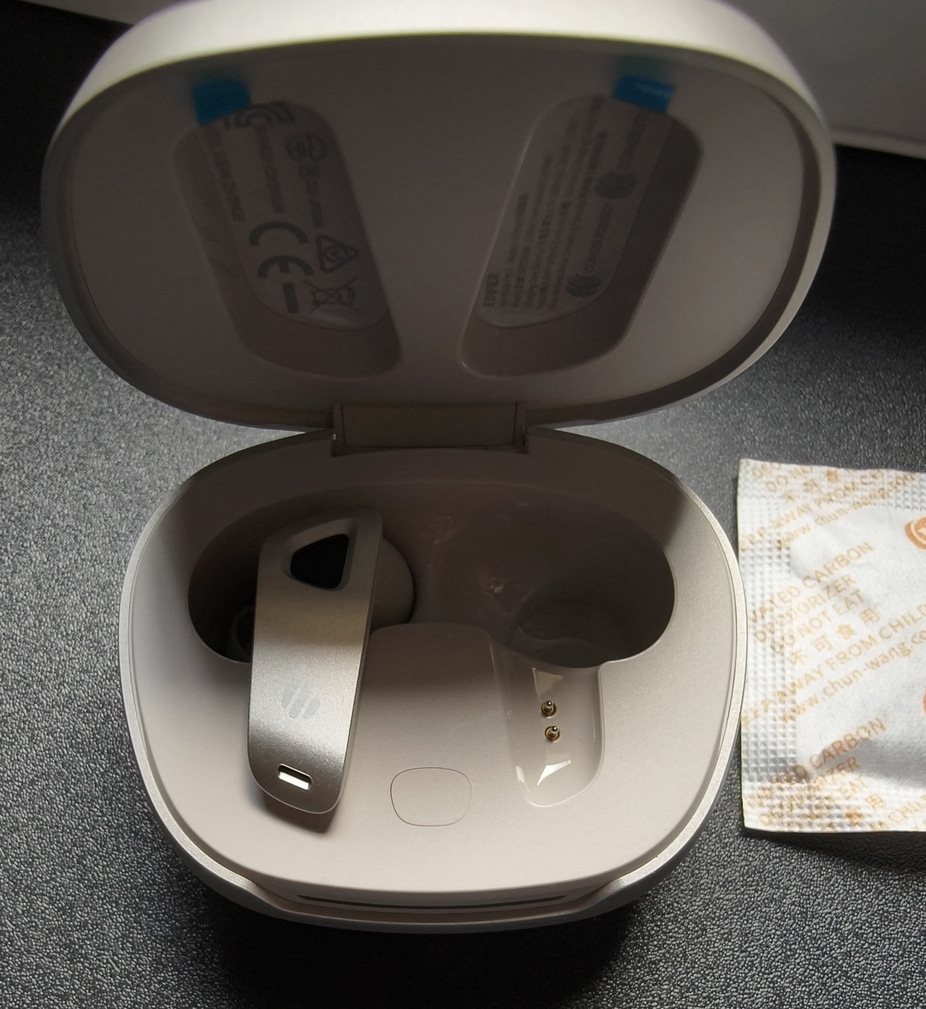
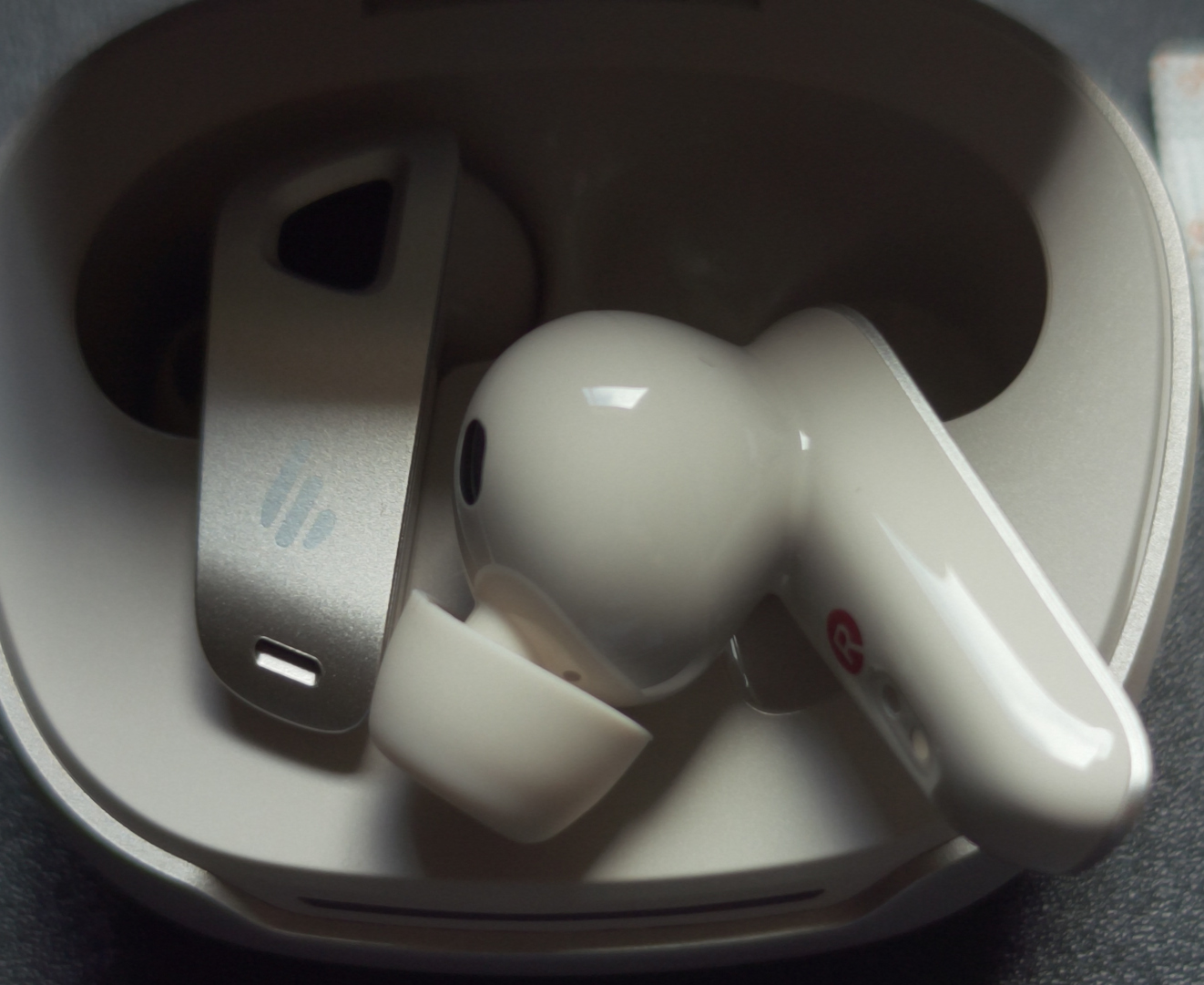
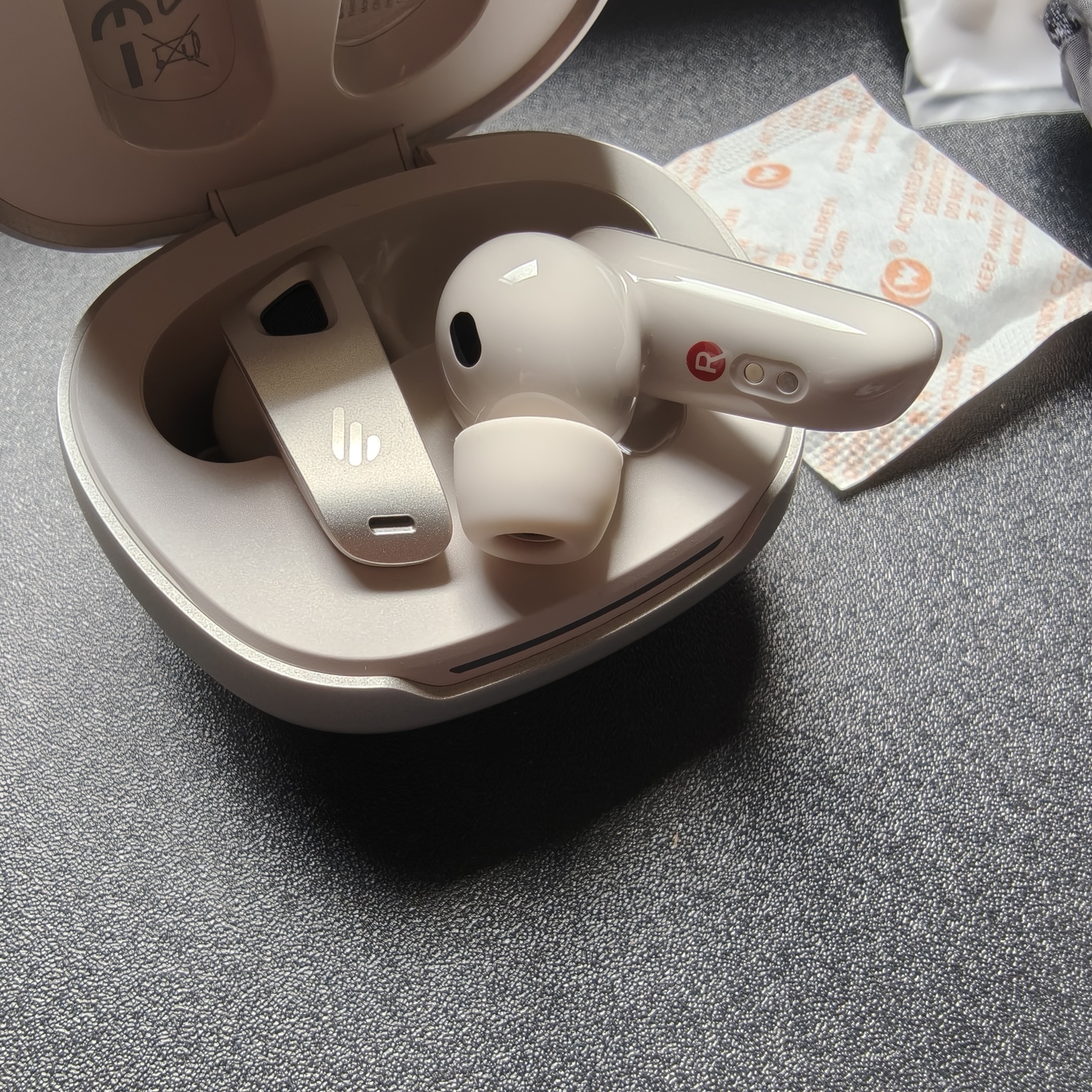
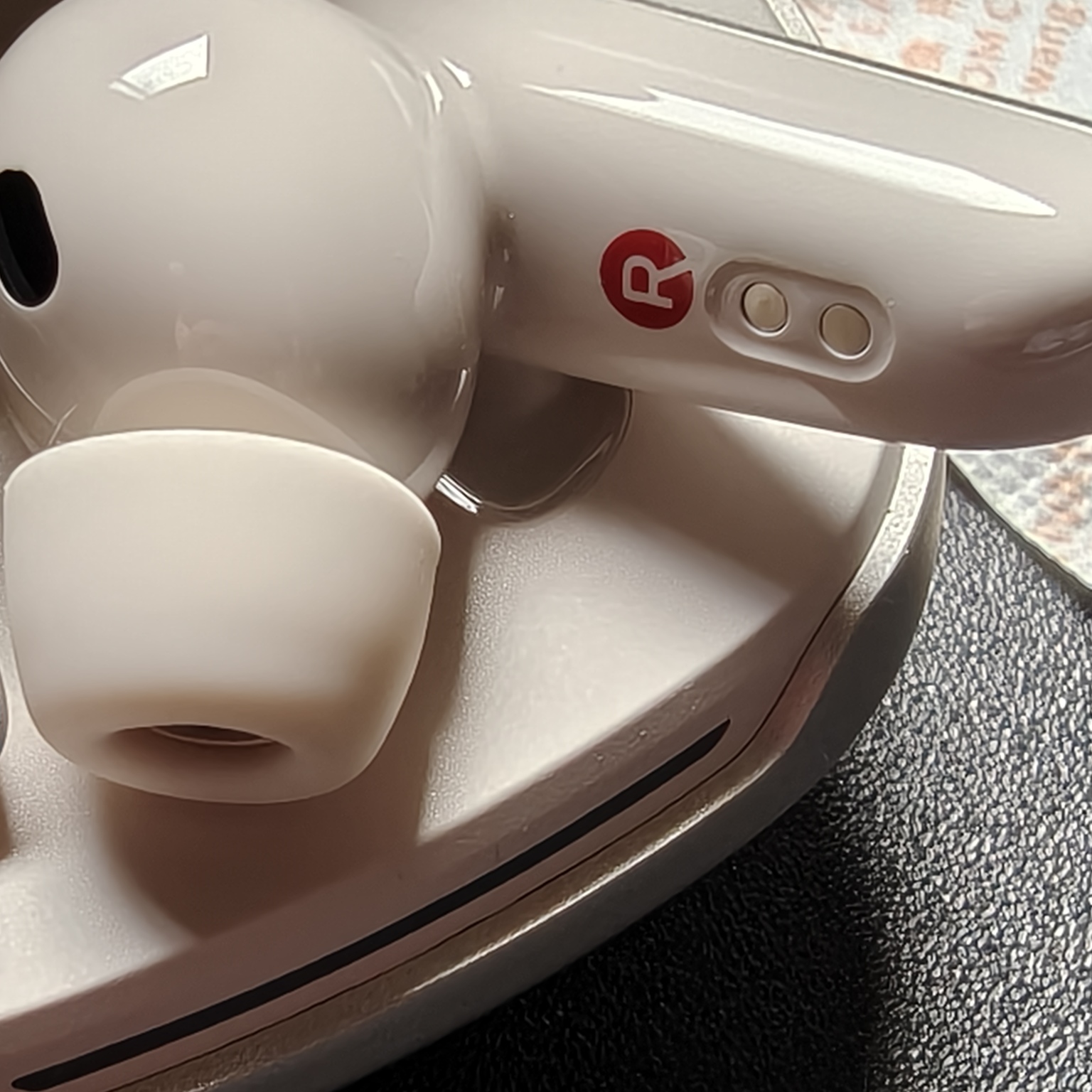
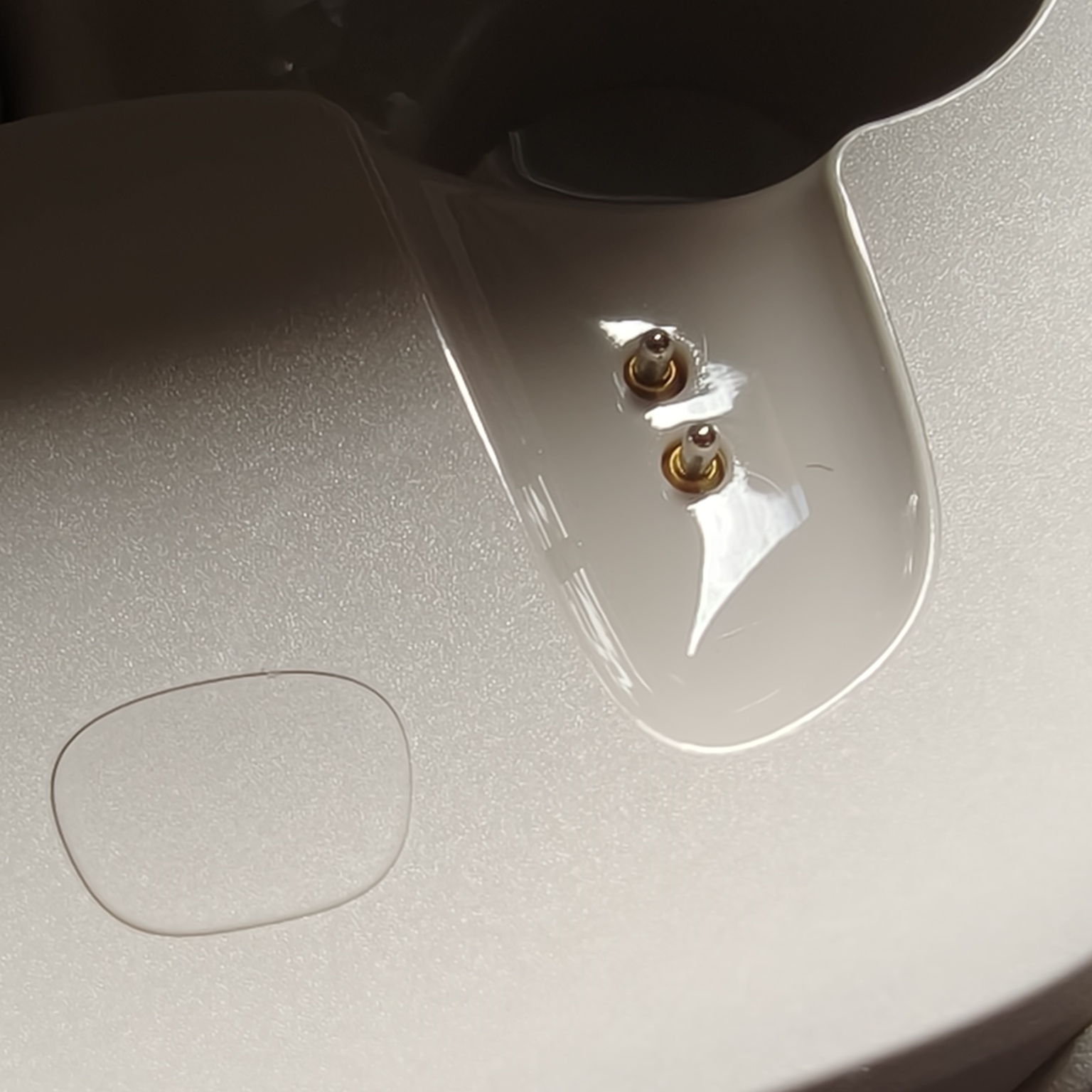
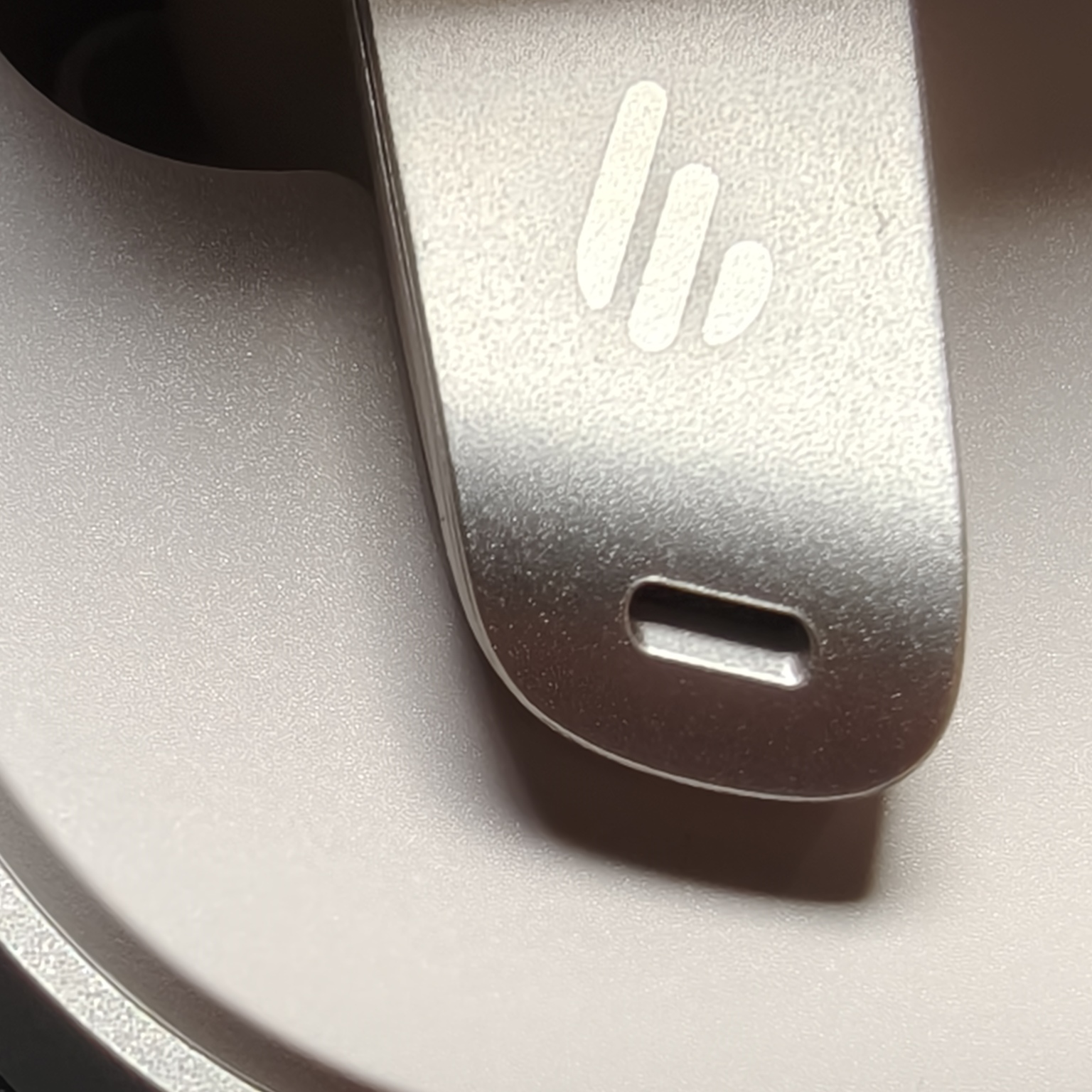
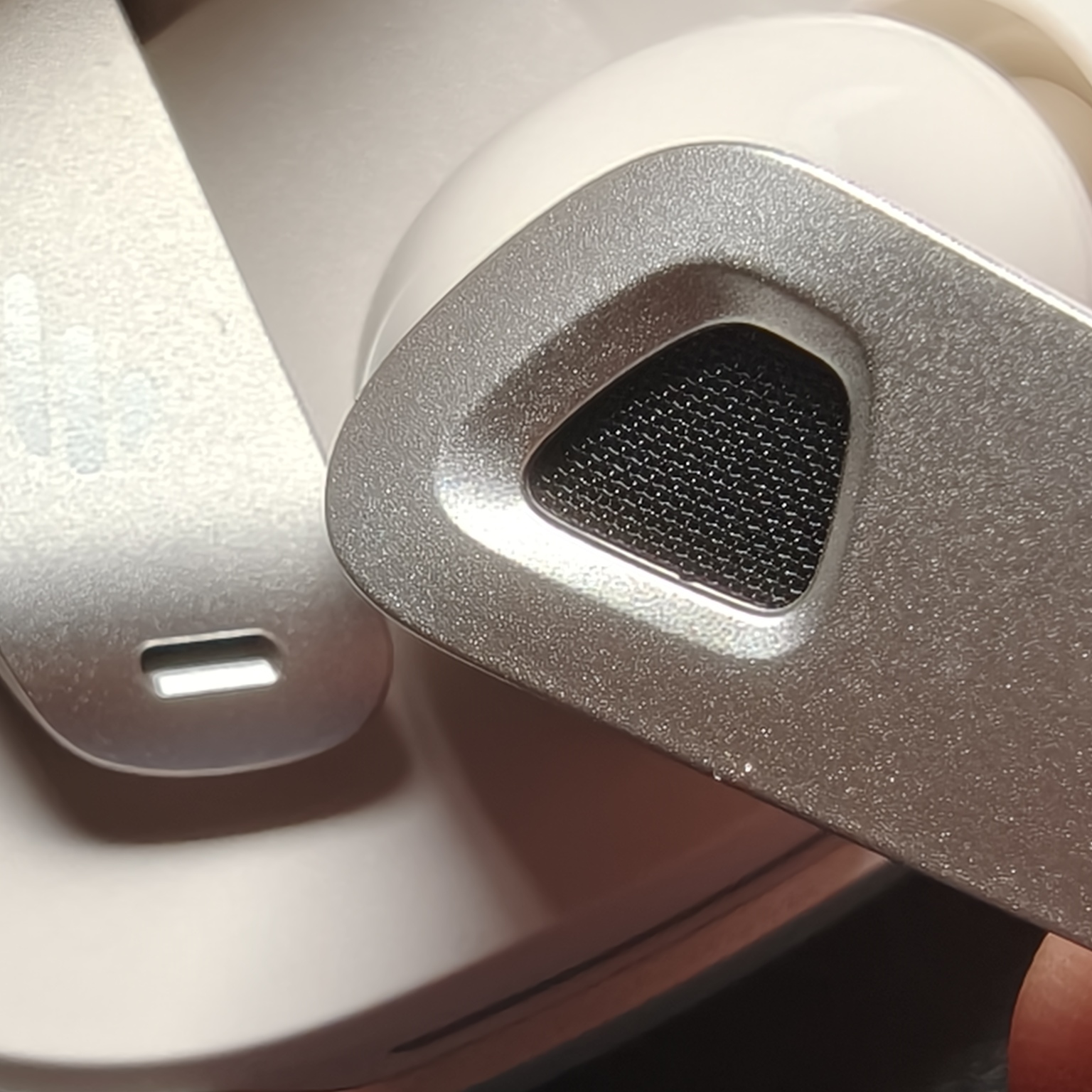
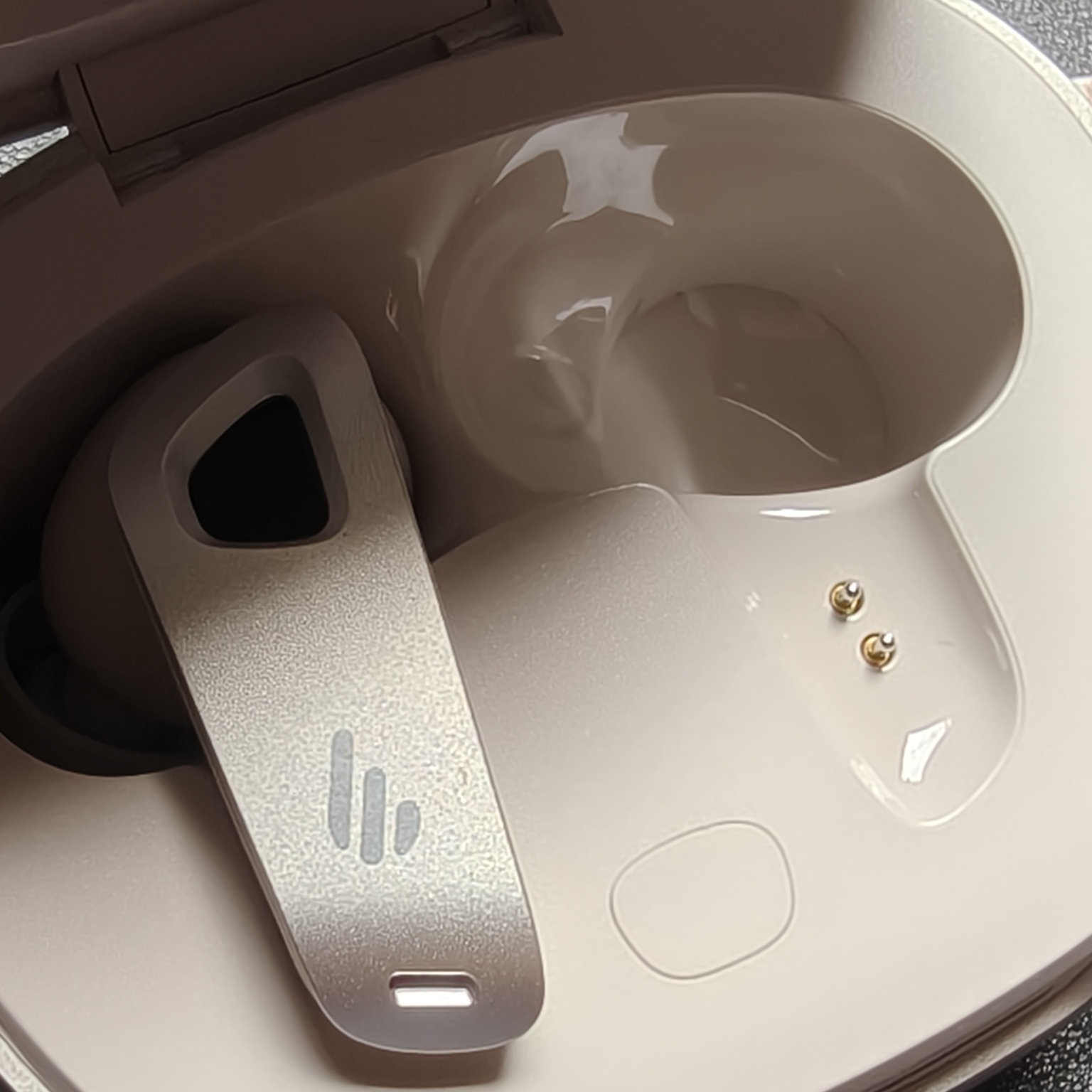
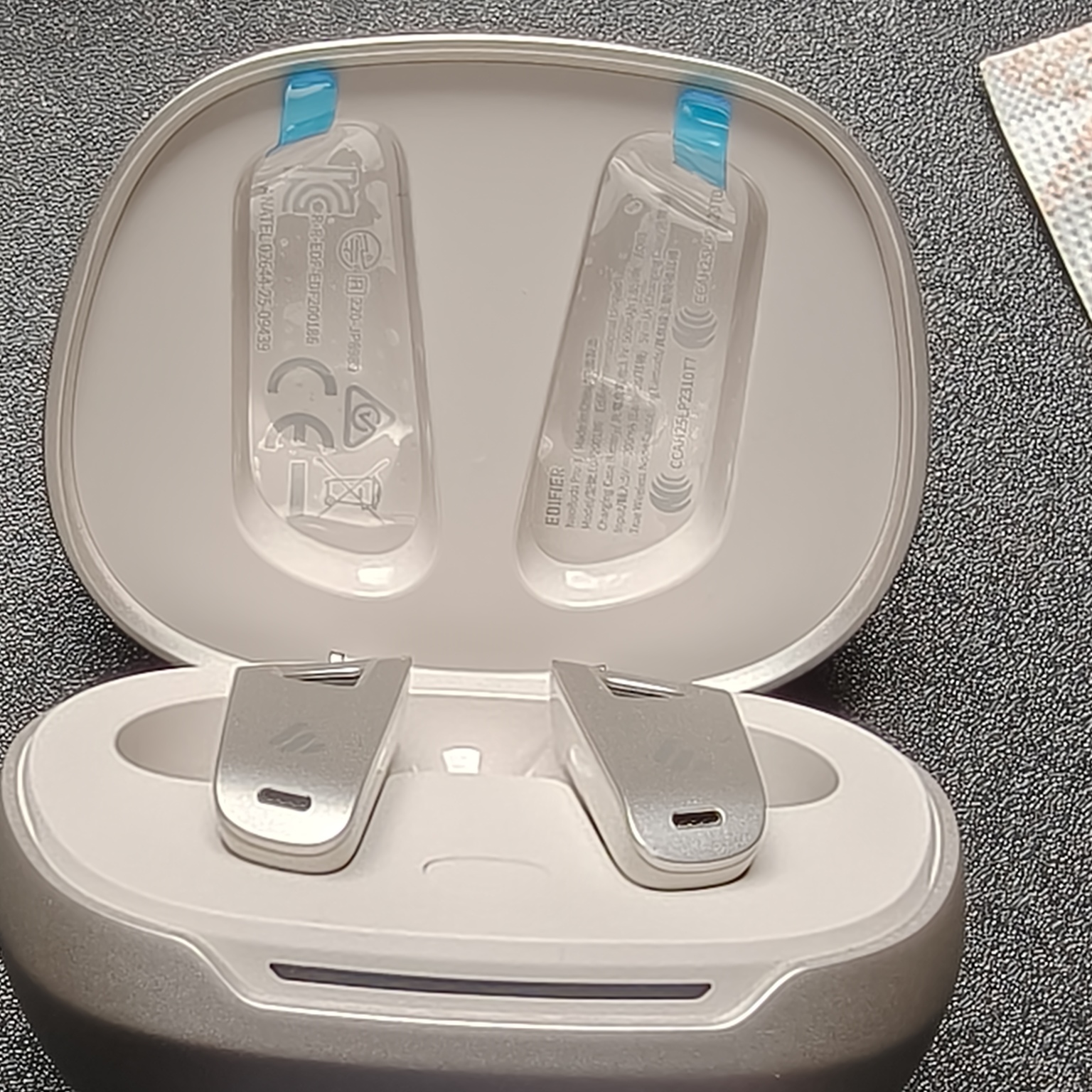
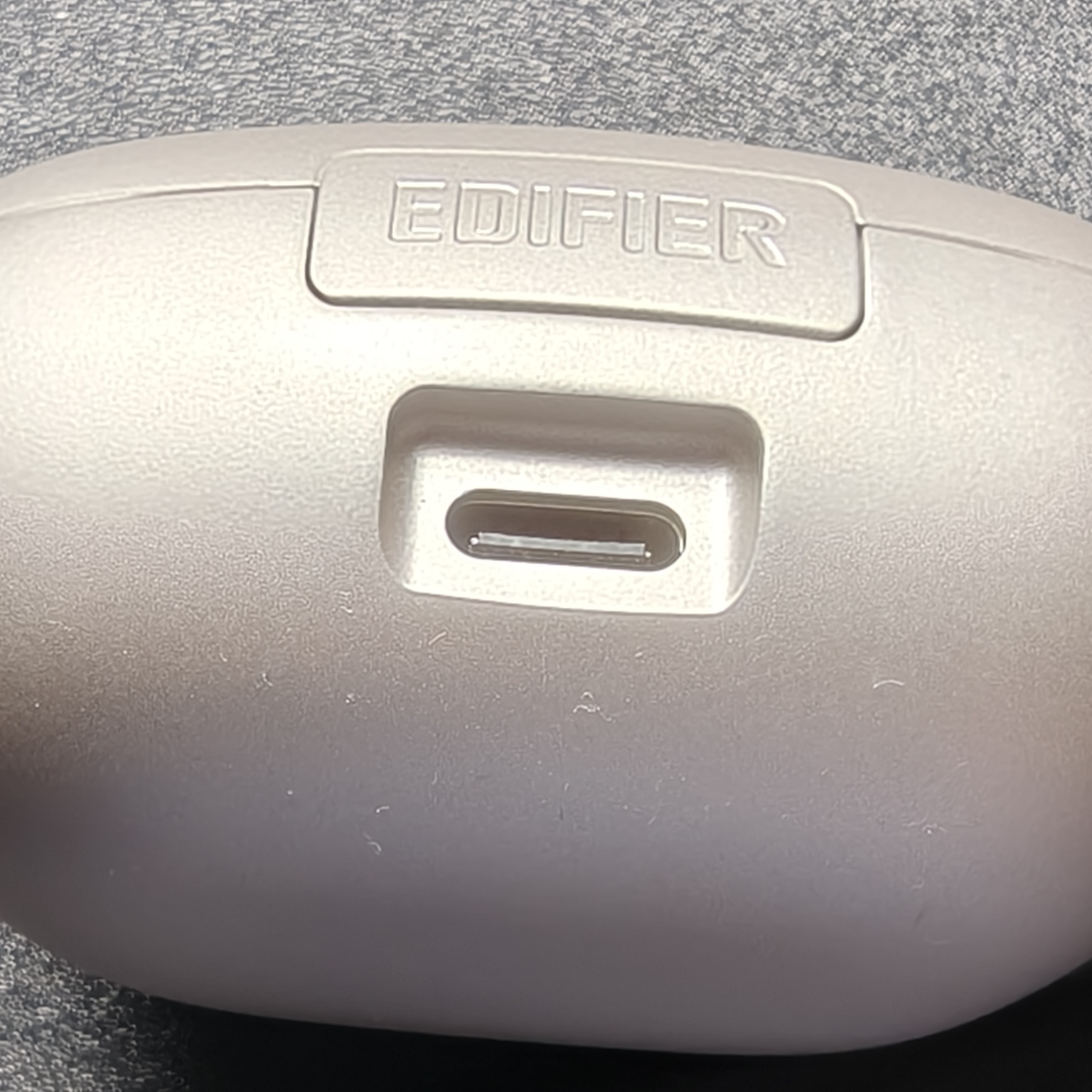
Snap force of the case lid is something that tends to be bothersome with some earbud cases – have you ever been pinched due to hard clamp force? Well the Edifier NeoBuds Pro 3 case has a perfectly tuned lid and closing/clamp force. It doesn’t pinch nor hurt.

The earbuds themselves are strikingly elegant. The right mix of straight lines with rounded edges, the pre-fixed ear gels were a perfect fit and the comfort was hands-down one the best ever experienced. This was not a negotiated, drawn out evaluation process – it was immediately apparent. From the moment the earbuds were inserted, something magical, innate, and special happened – an awakening of the body and senses and a new level of what comfort means was established. Readers, you are thinking this is hyperbole, but it is not.
As you insert the earbuds, they instantly adopt the correct position and do not seem to apply any pressure in any sensitive area. They do not require slight adjustments or movement to tease ‘the spot’ or point of comfort, instead they are already there from the beginning.
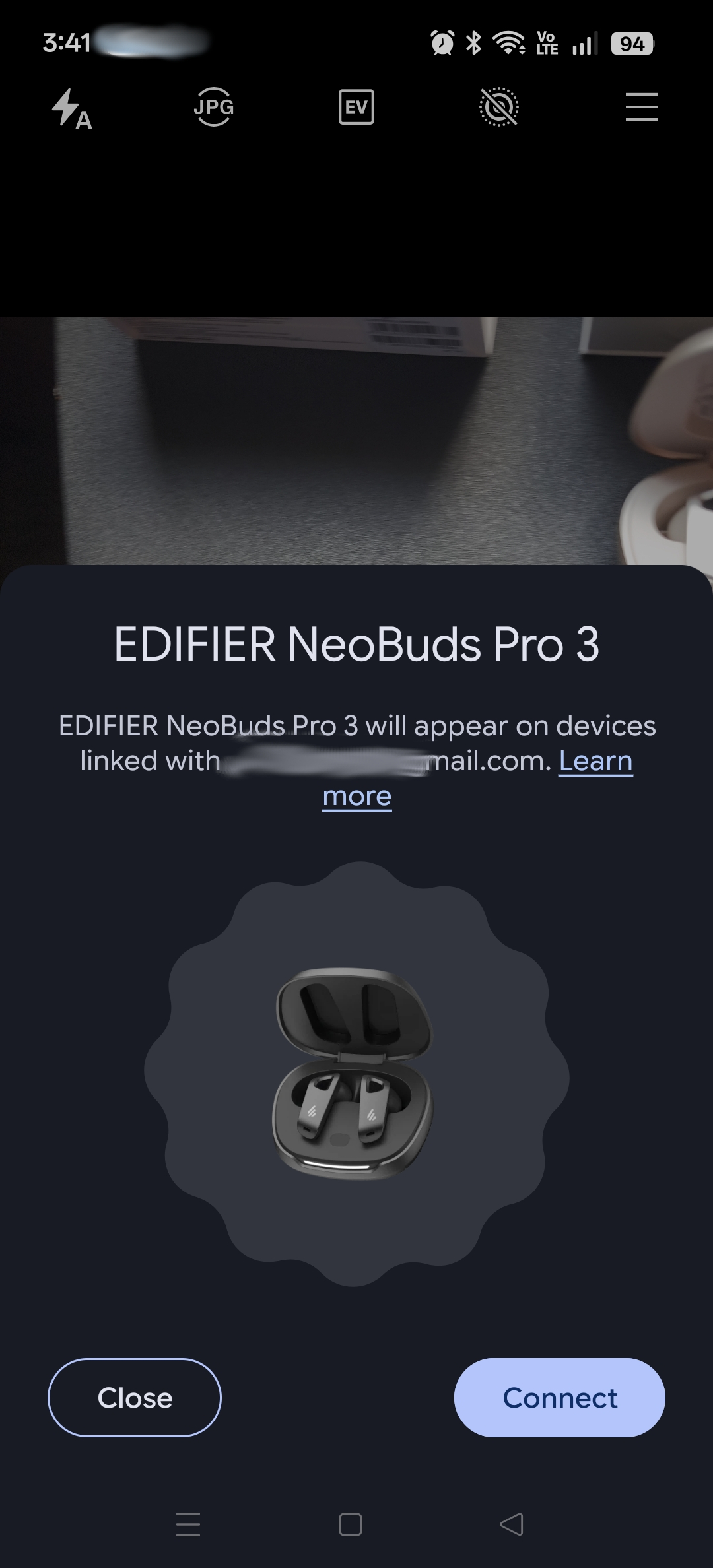
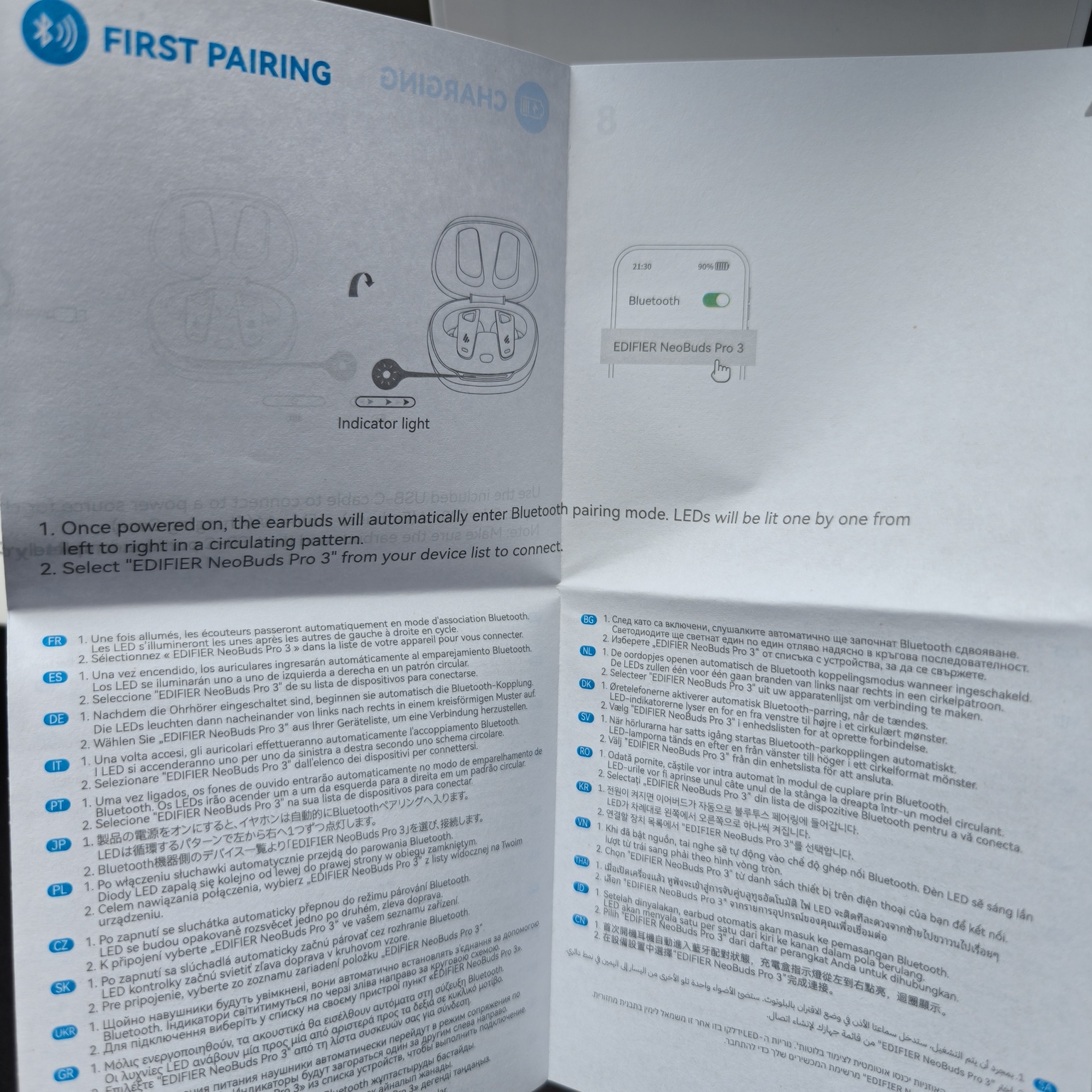
Opening the lid, instantly paired with the phone as pictures were being taken!
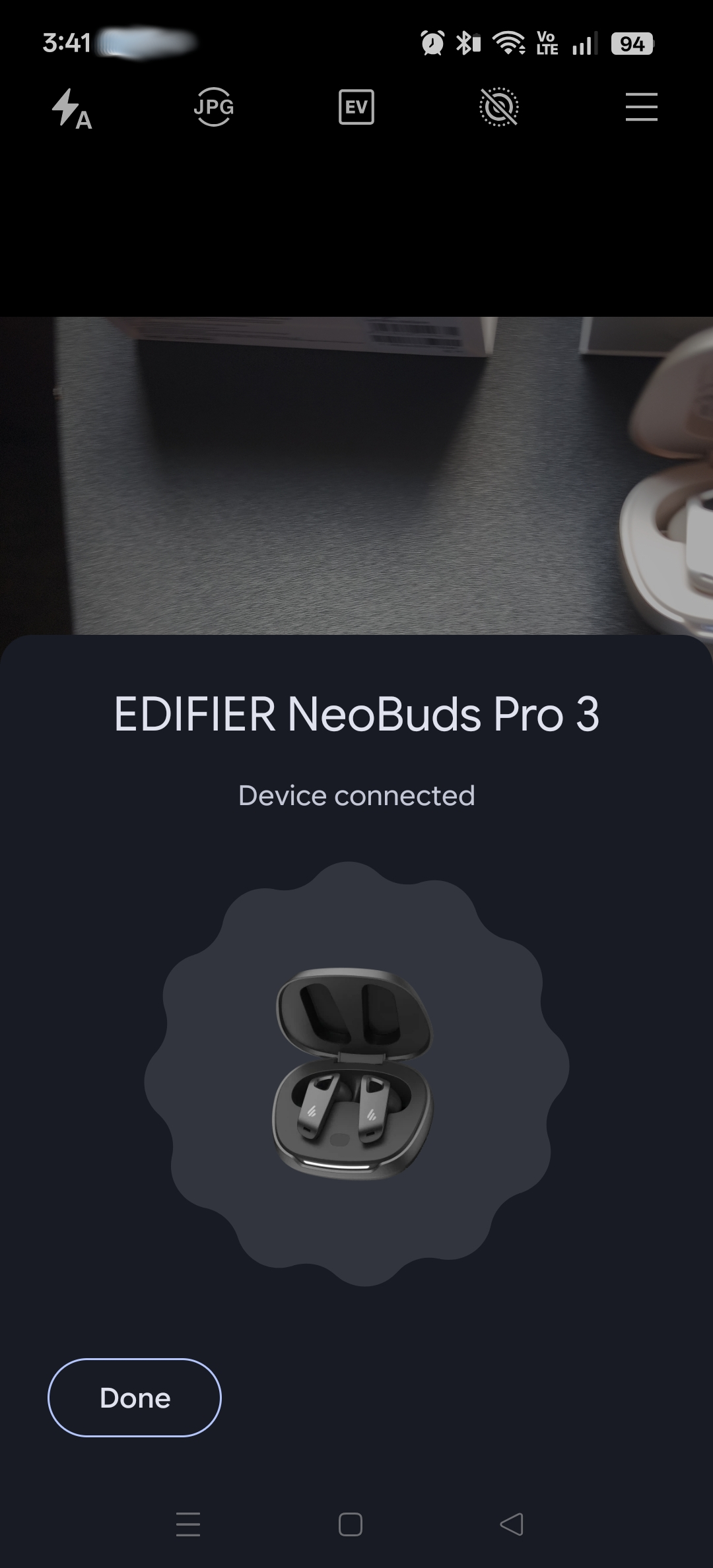
Barely a blink of an eye and the earbuds were paired.
When opening the case for the first time, the phone instantly paired with the device using the fast pair feature. This was unexpected, but quite convenient and impressive.
Comfort
As previously noted, the comfort may very well be second to none. Especially considering some other brands that are extremely comfortable.
It is difficult to know for certain why these ear buds are as comfortable as they are, but to hazard a guess, it may ‘simply’ be:
- Ear Gels: Soft subtle and capable of fluid like movement. No rigidity along the outer ‘lip’ (Is that the correct term?) allows perfect form fitting inside the ear canal, whilst applying no irritating pressure.
- Body Shape: The body of the casing, including the rounding is not perfectly circular but instead more oval-oblong shape, which seems to more closely follow a natural ear shape.
- Body Smoothness: The plastic material is buttery smooth, so it is frictionless. Insertion and removal is non-abrasive and feels more natural, instead of inserting or removing something foreign out of your ear.
- Design: The longer arms pointing forward likely helps with the weight and balance. Whilst the overall weight would help to prevent fatigue with long term wear.
Phone App
The Edifier ConneX application is quite impressive.
Using the provided QR code from the included materials or from the website will jump the user to a direct download or link through the Play Store (or Apple App Store).
This is the first bundled application in recent memory that does not enforce or require any sign up or collection of personal data for its use. Edifier, bless you.
Of course, signing up would have some privileges, which may be in the form of custom presets and the like, it is good to know that users who are more privacy conscious, can start using the ear buds immediately – literally within 60 seconds from opening the box.
This phone app and the capabilities of the ear buds have everything. The ability to..
- Change ANC profiles and sensitivity.
- Change the spatial sound profile and EQ, including selecting the frequency point (and Q-Point) for each of the 4 EQ bands.
- Change the press sensitivity of the ‘buttons’ or activation zones on the earbuds.
- Change the audio codec settings for LDAC and LHDC, including enabling/disabling and audio bitrate.
- Turn on/off wearing detection – stop playing audio when earbuds are removed.
- Find the lost earbud – plays a loud tone so you can find it.
- Adjust the audio prompt volume and low battery warning threshold
- Setup Multipoint Connection – connect to multiple devices at the same time
- Factory reset
None of this requires an account, 3rd party applications like tile, or any other nonsense. You bought the product, and it’s useable.
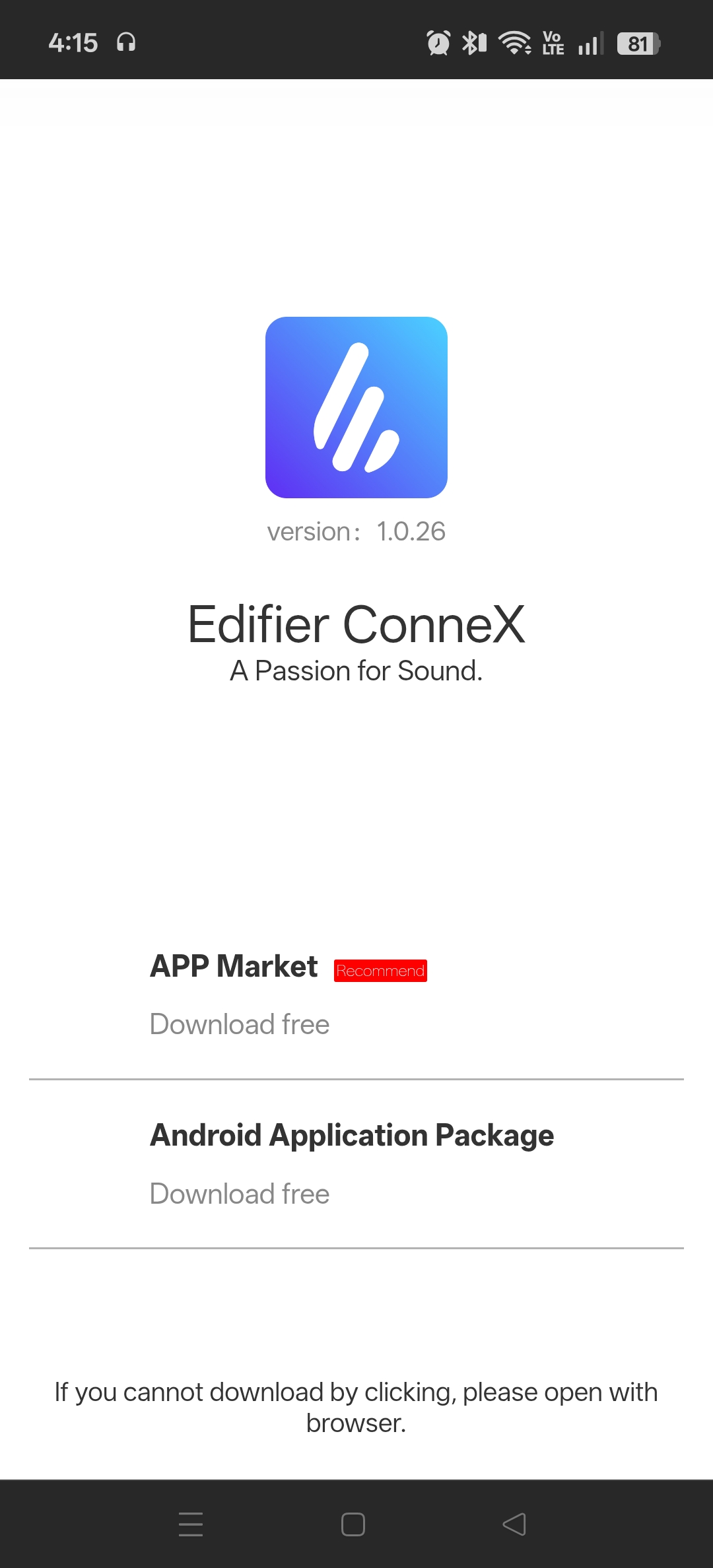
The QR code will take you to the download page, where you can link to the “App Market” (Google Play store) or directly download the package to your device.
For brevity, the direct download link.
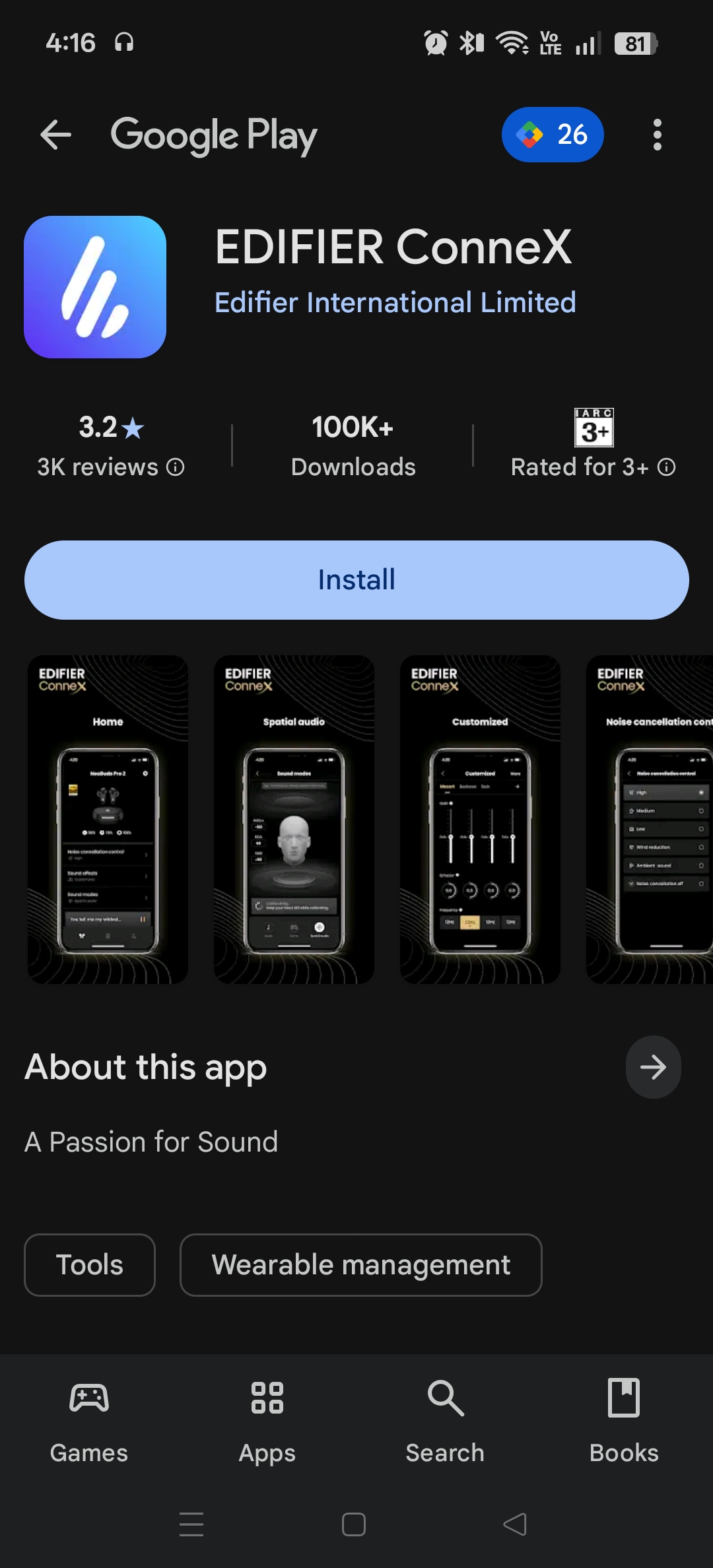
Edifier ConneX on Google Play.
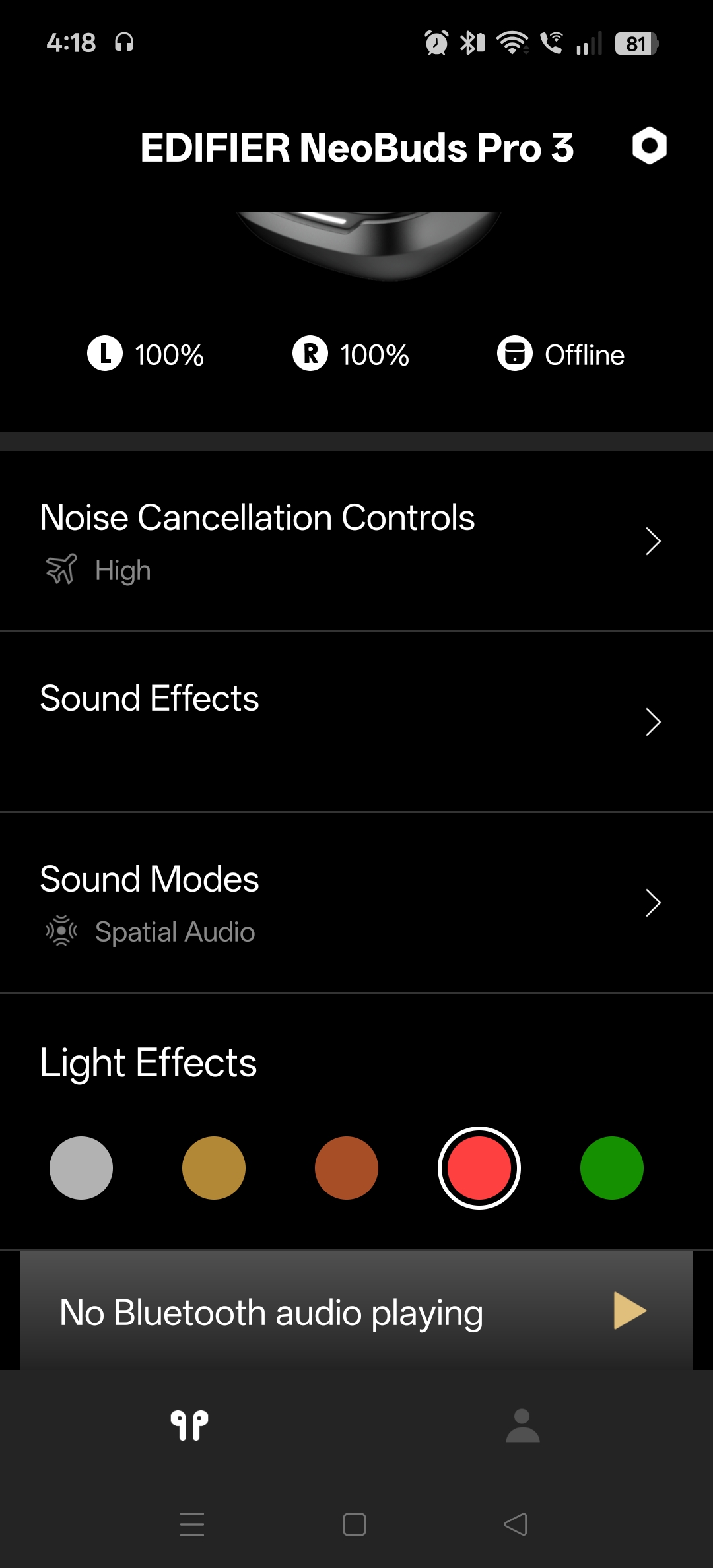
The main screen. Light effects allows the LED on the case to be changed to taste.
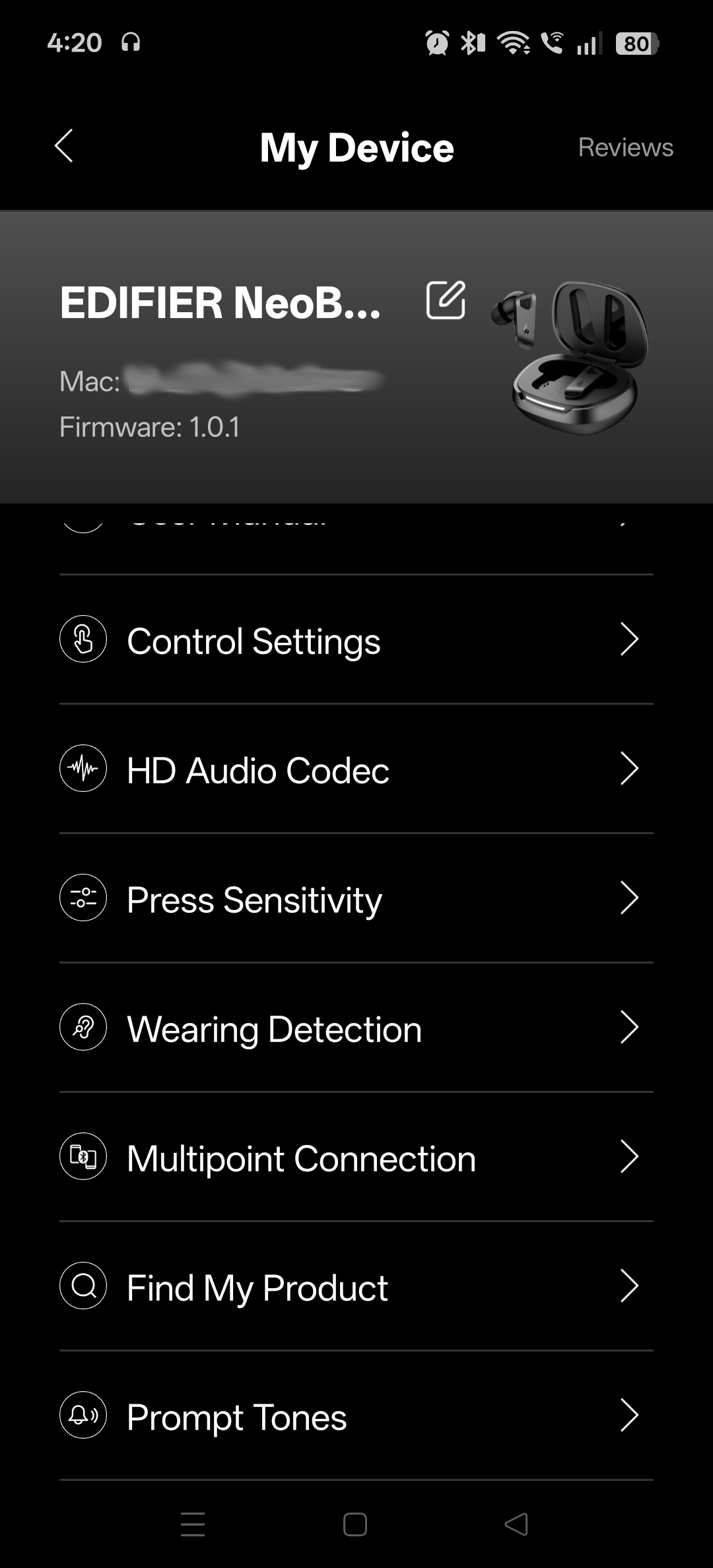
Settings 1
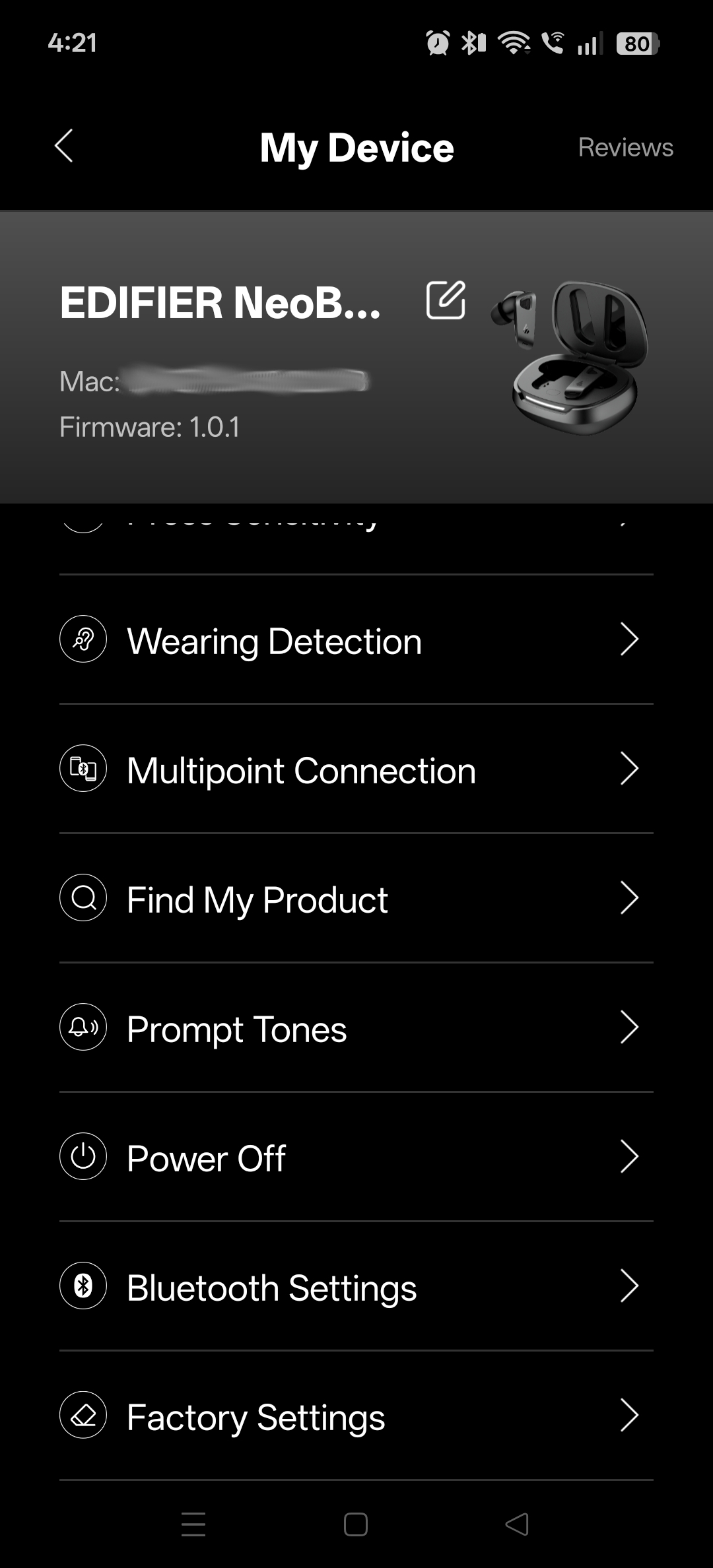
Settings 2
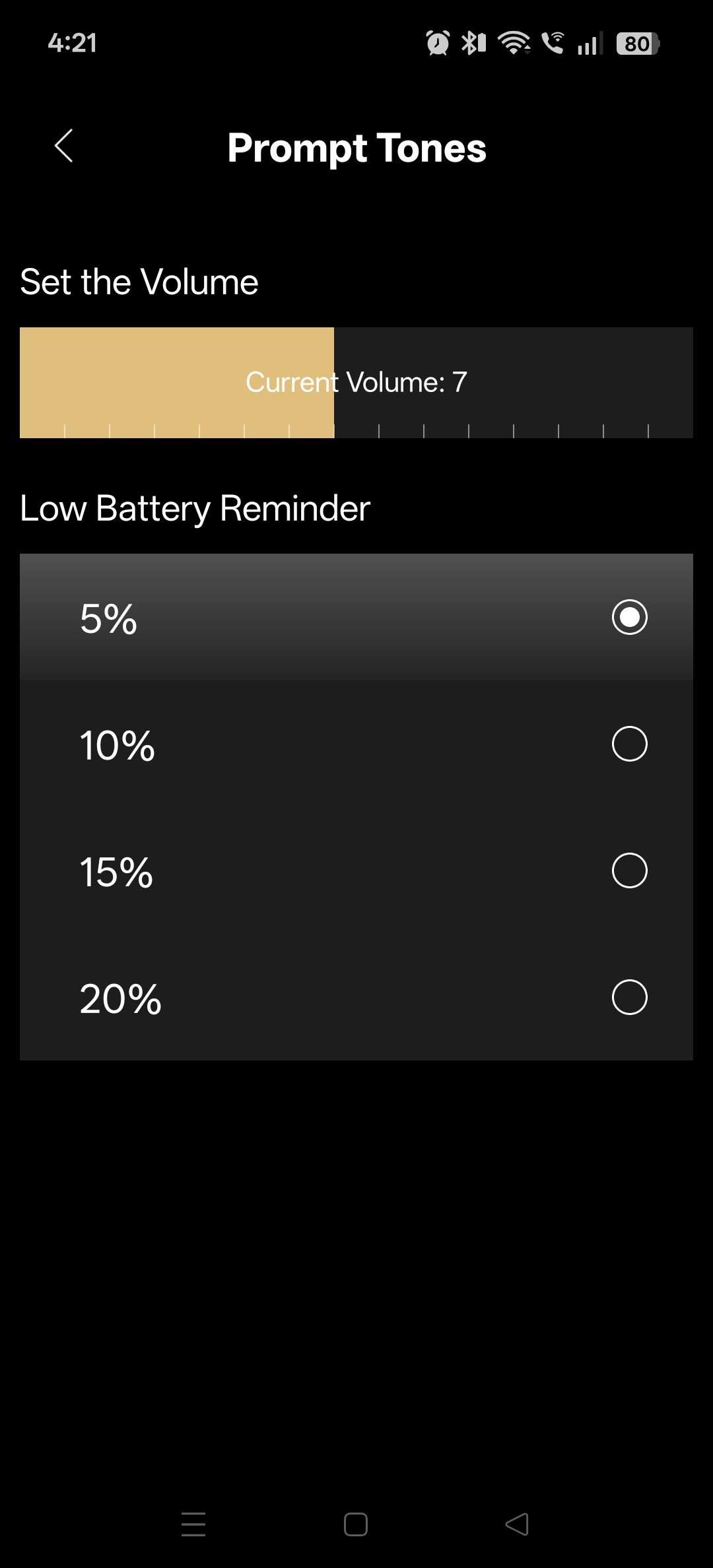
The notifications voice can be turned up, down, or even silenced entirely.
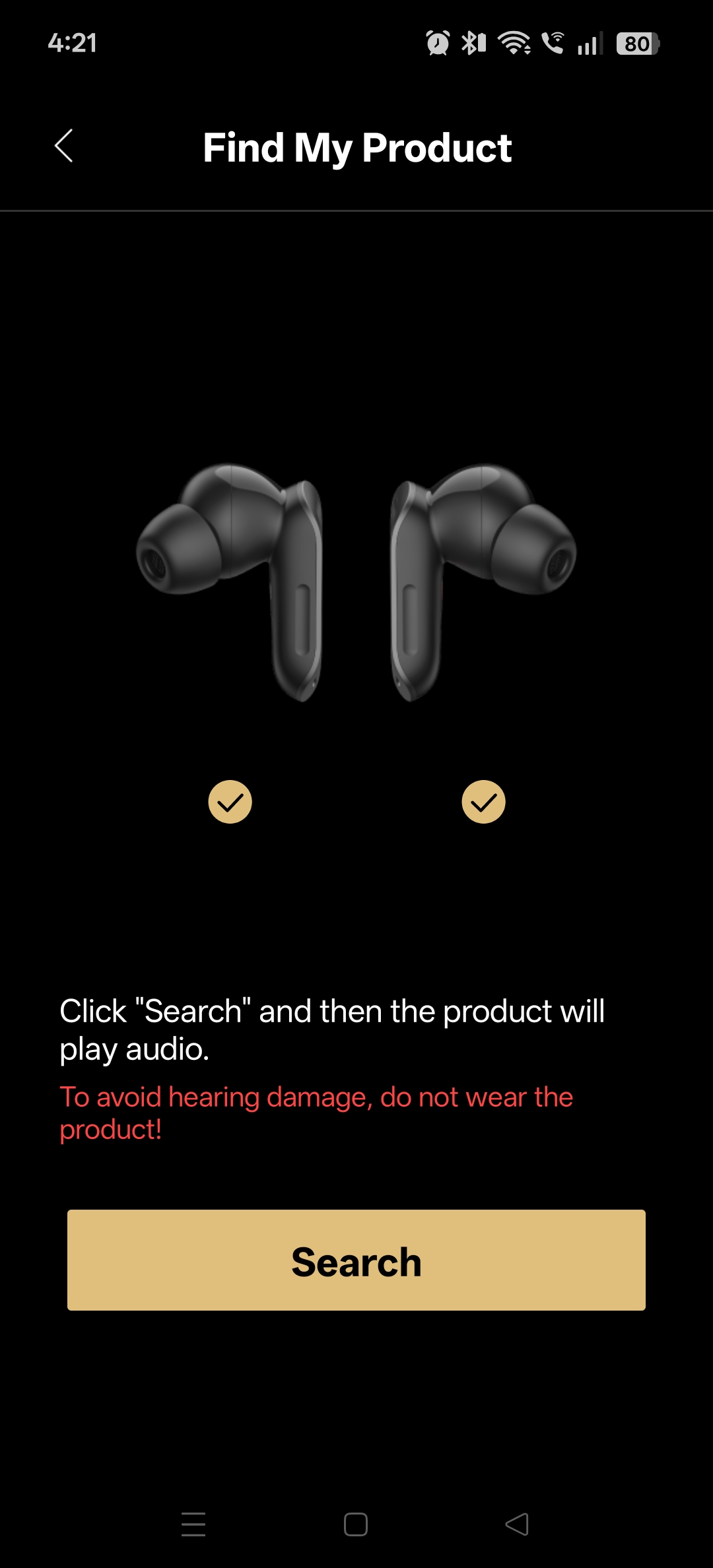
Lost buds can be found without any additional apps – as long as it is within range.
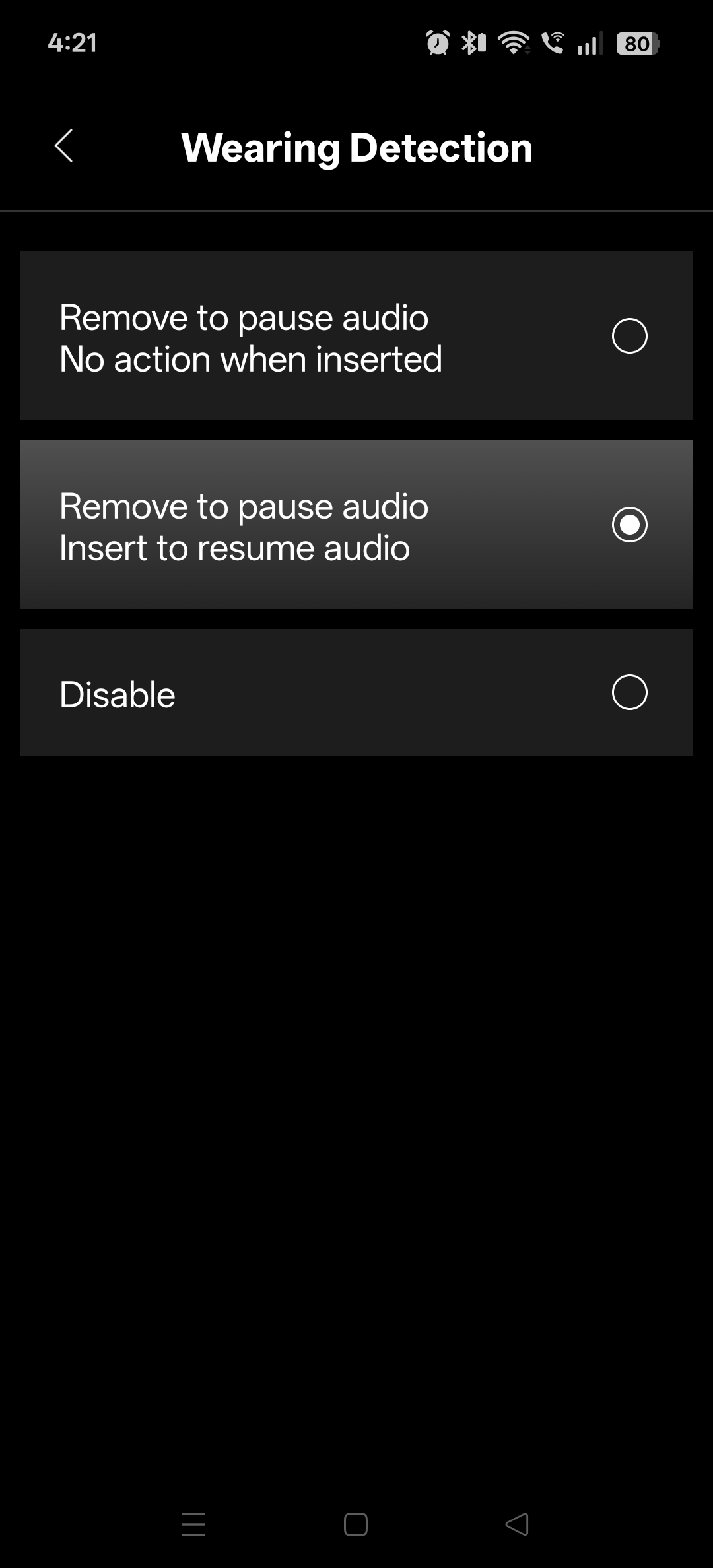
This is a standard feature now days. Very useful when somebody is talking to you and you need to pause the music.
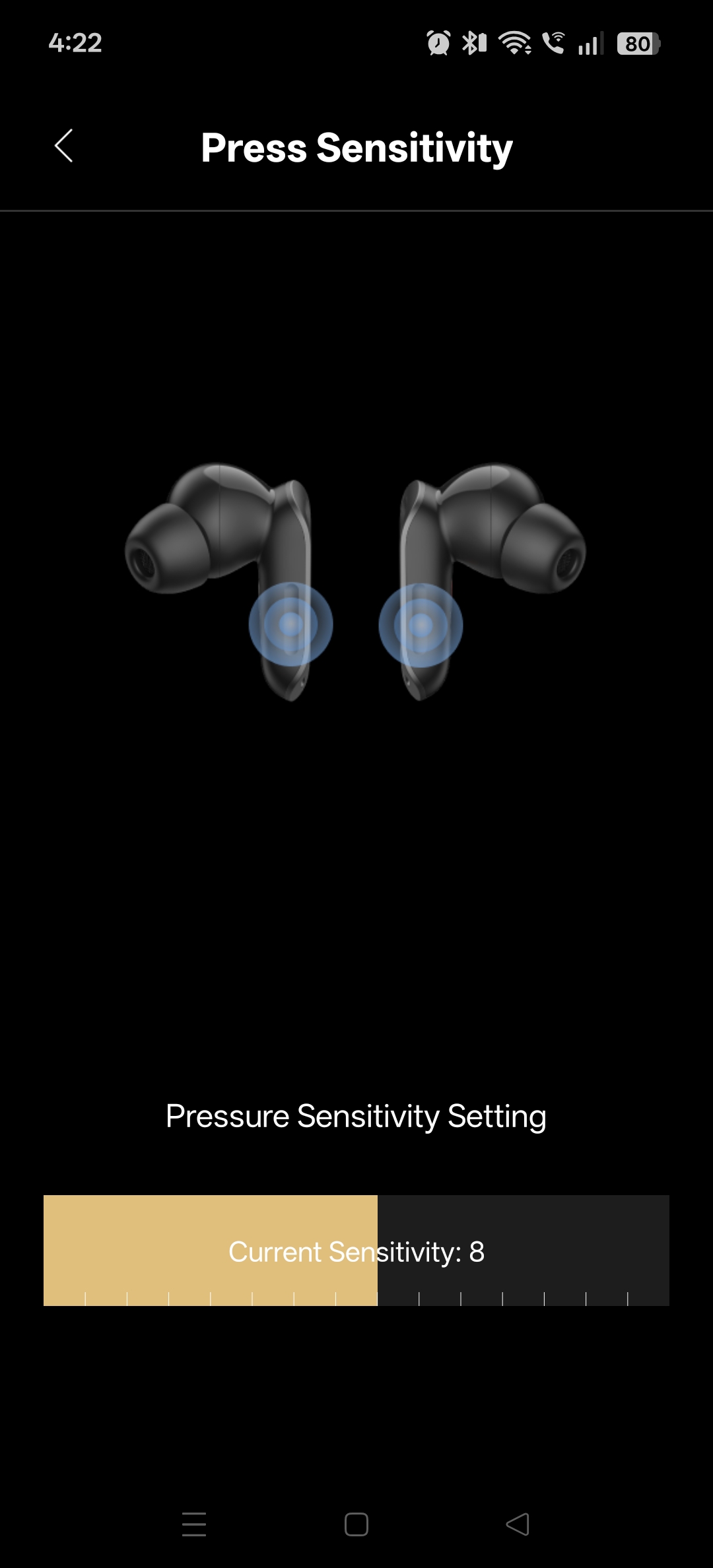
The sensitivity of the activation buttons. the default sensitivity is around 50% but likely needs to be higher.
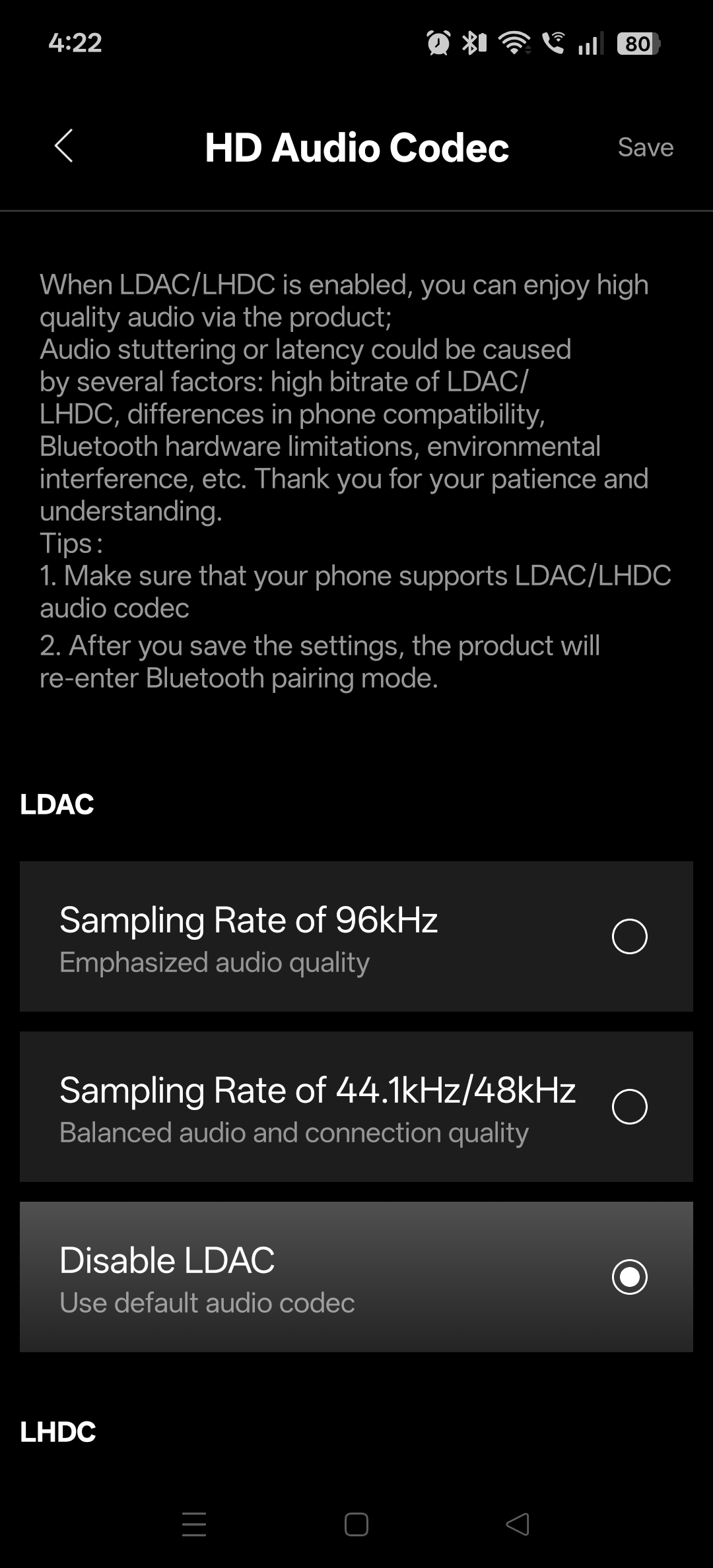
HD Audio Codec (1)
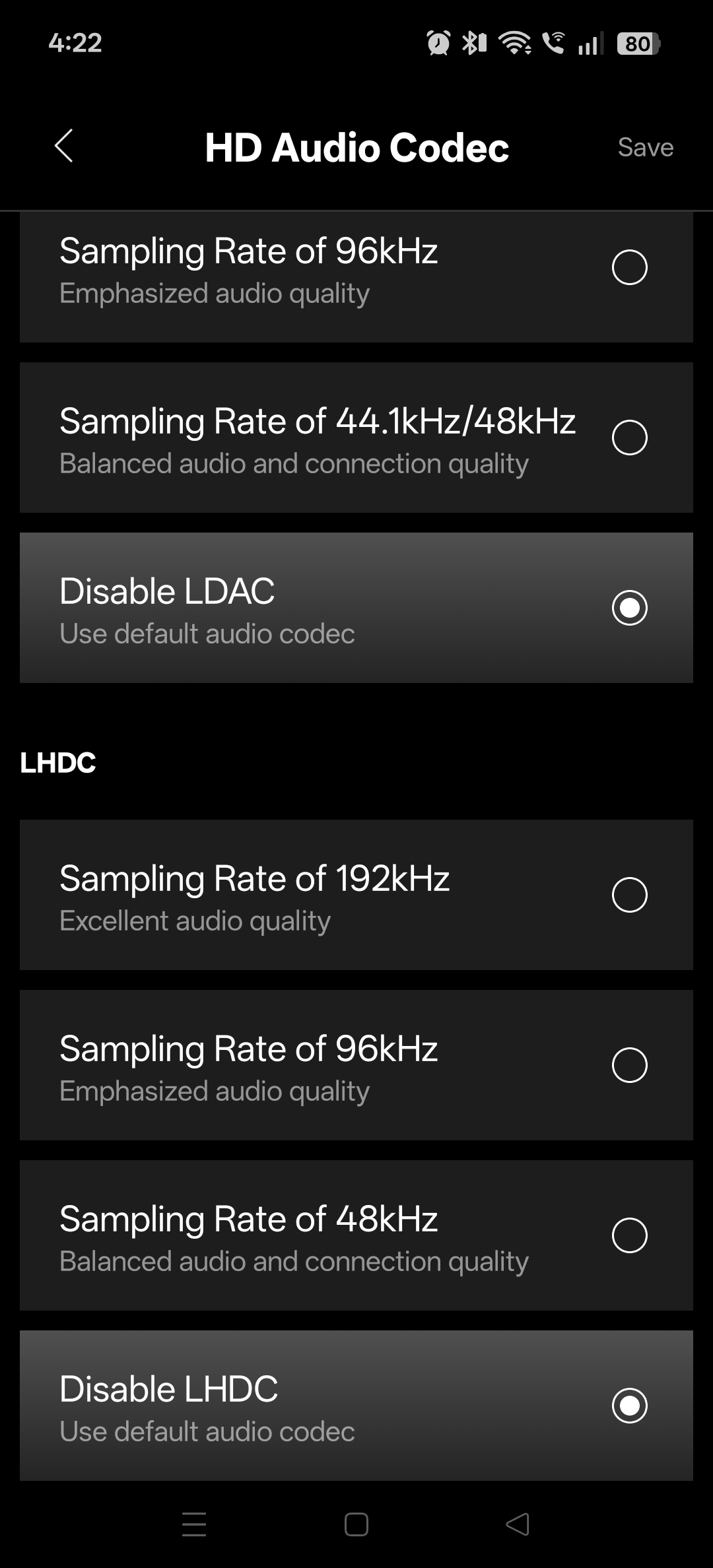
HD Audio Codec (2)
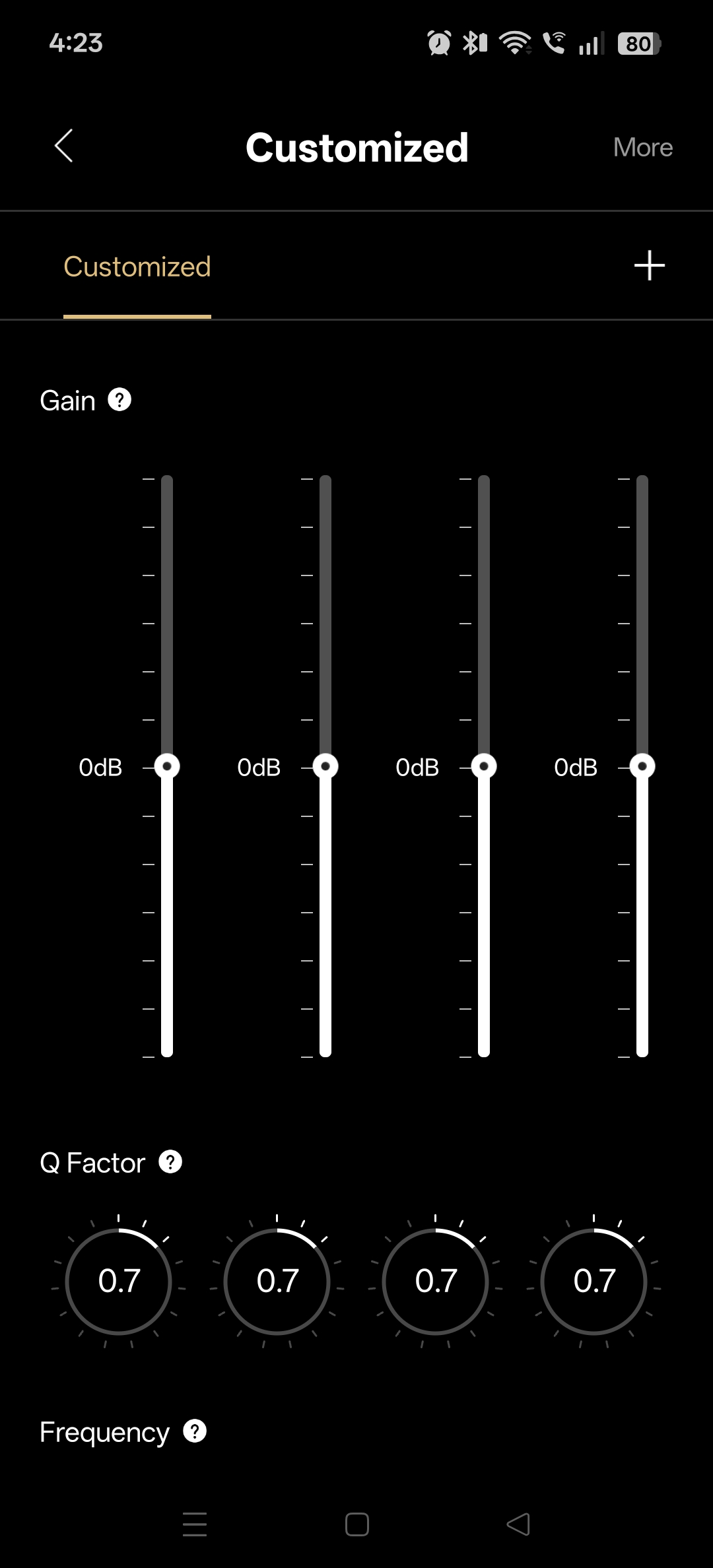
The customized EQ allows four bands to be manipulated and their Q factor. (1)
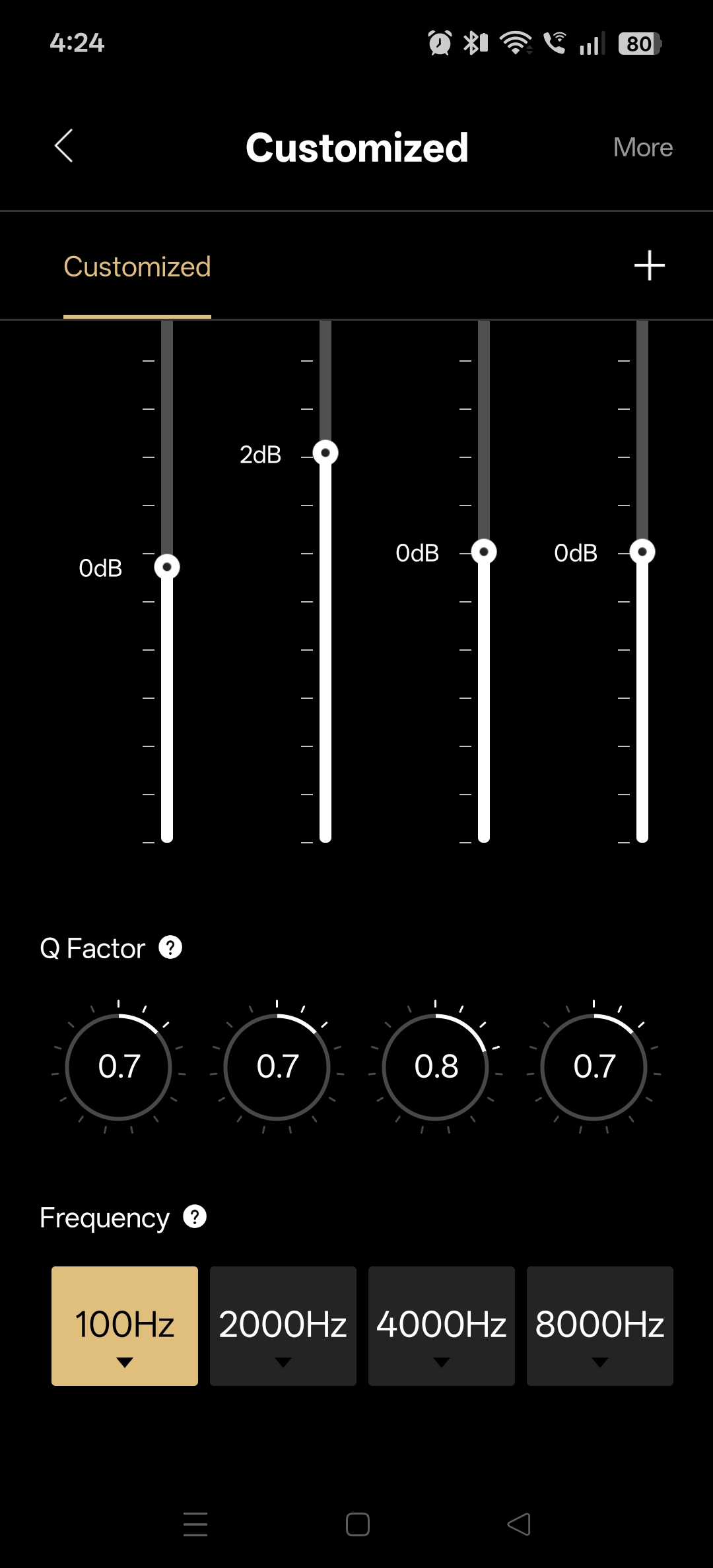
Customized EQ, towards the bottom – Allows you to change the target frequency from the drop down. Think of the filter as being the target frequency at the point of a mountain. The Q factor represents how pointy or wide that point is – which is a span of the frequencies next to it. With some manipulation you could make some pretty pointless but cool sounding effect. Most of the standard audio profiles will suit everyone regardless. But it is nice to know that you can edit your sound to this degree.
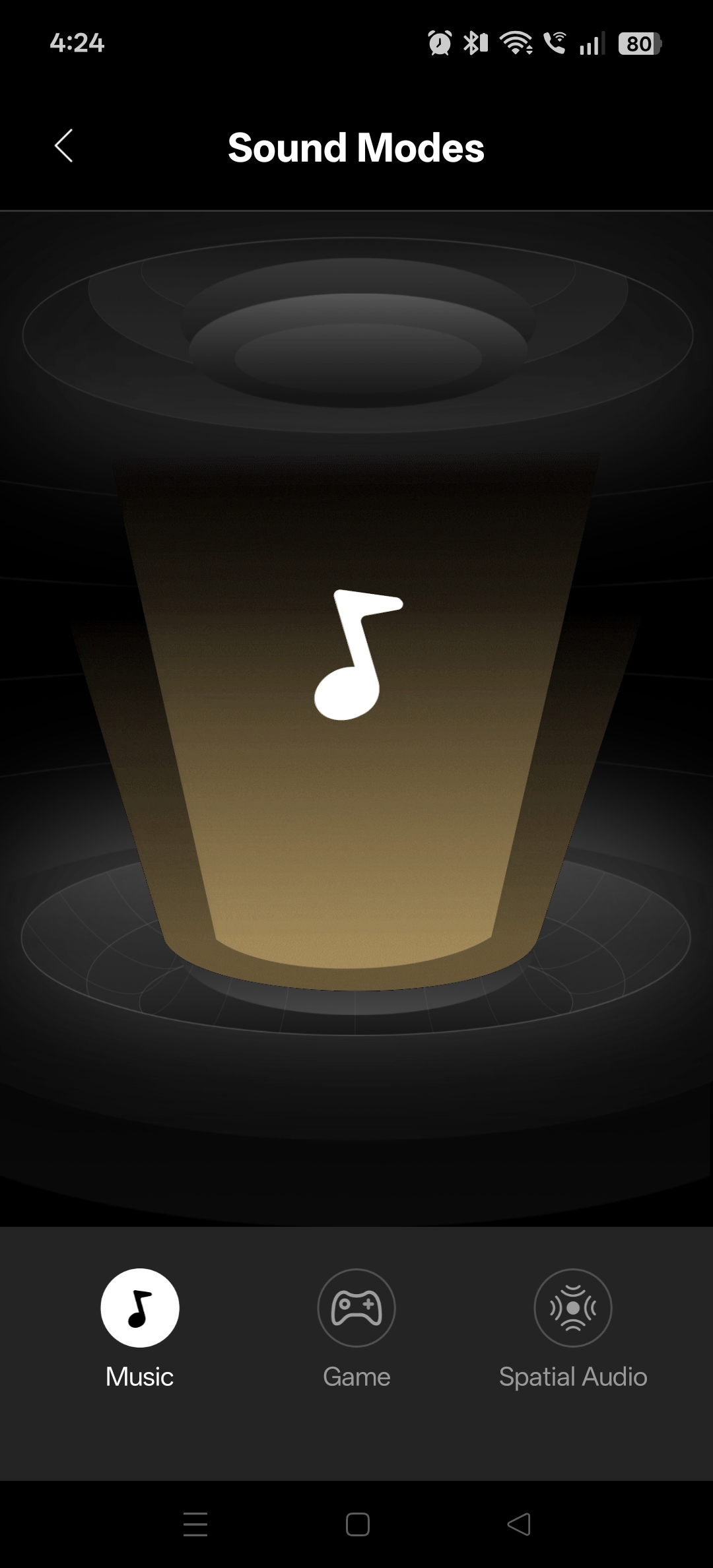
Sound mode profiles preset are Music, Game and Spatial Audio
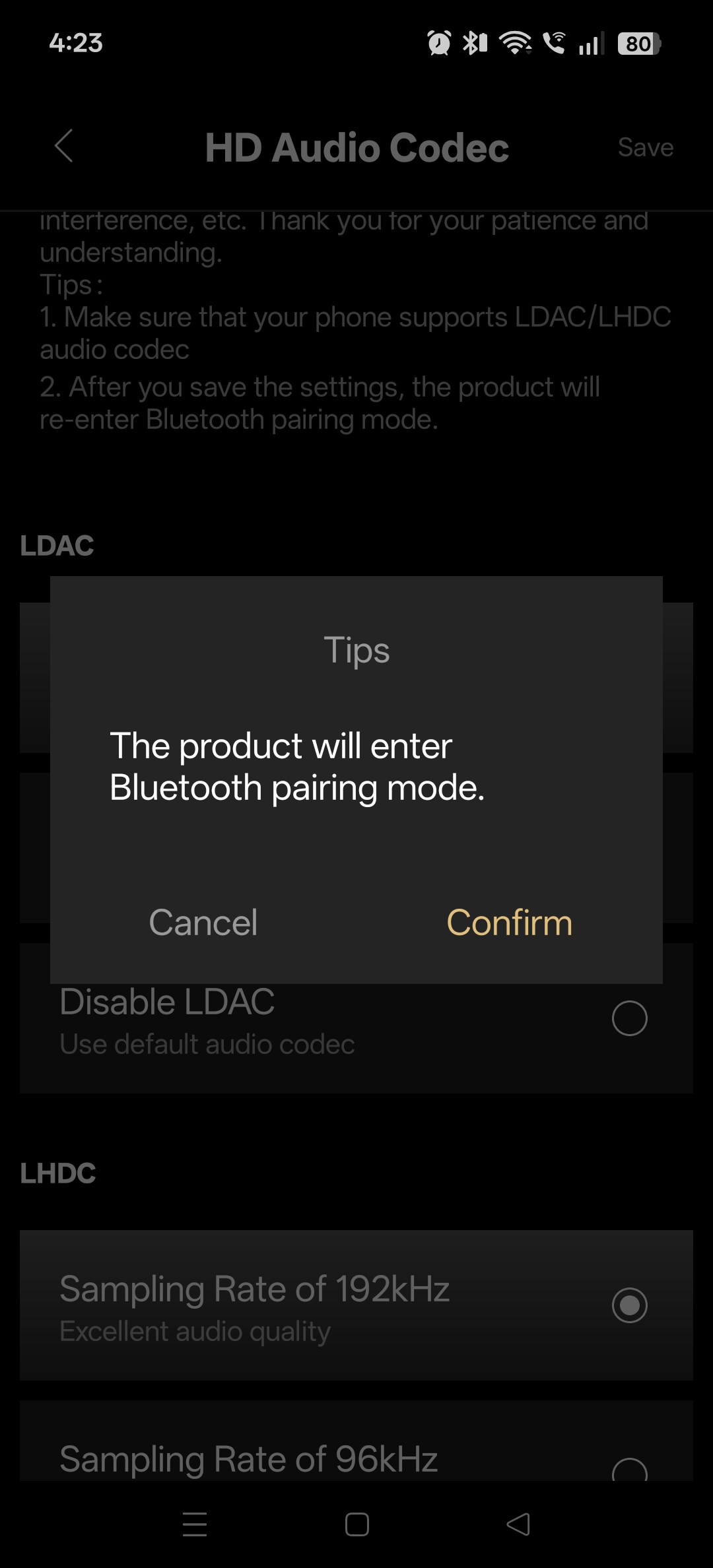
When changing the audio codec, it will re-initiate the pair
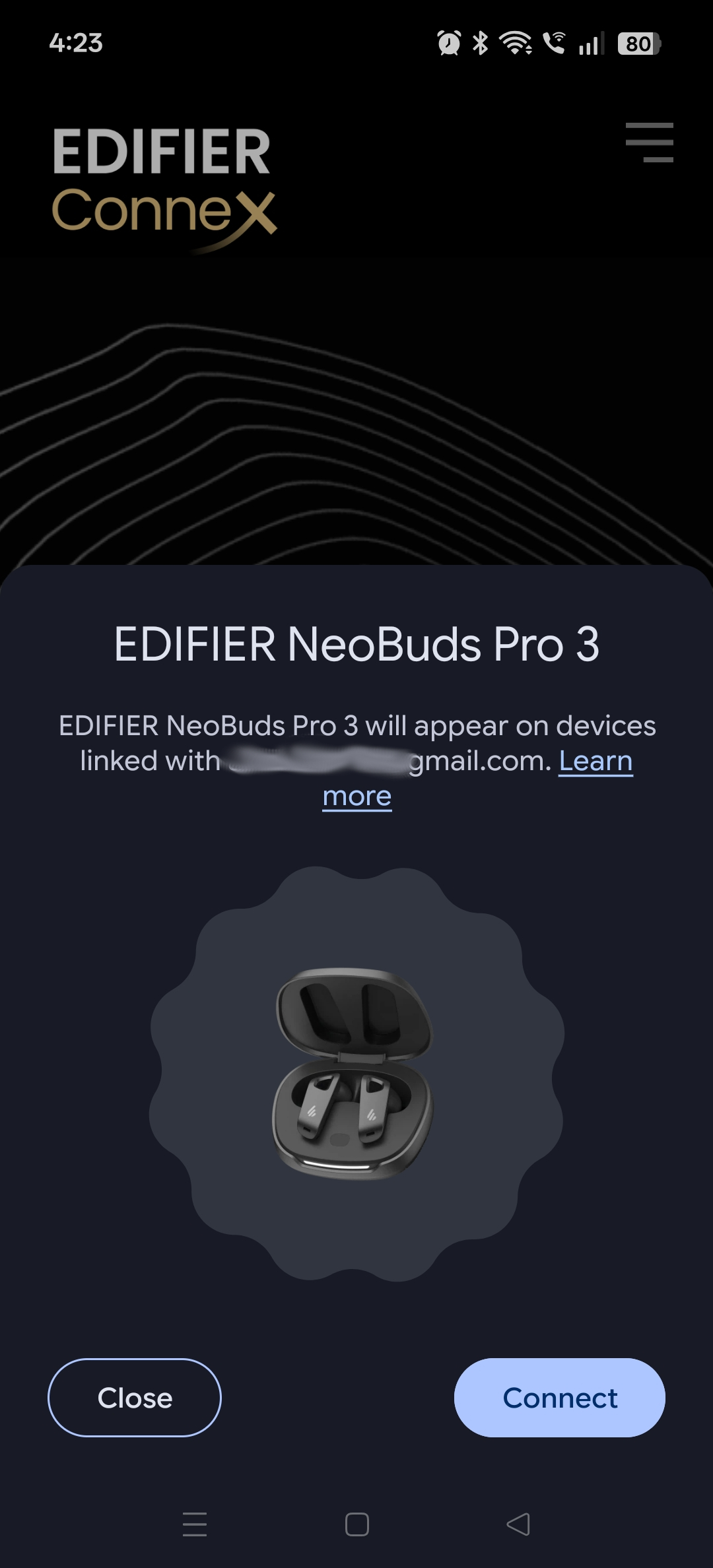
Saving a change to the HD Codec, immediately performed a Fast Pair.
The layout of the application is simple, easy to understand and no nonsense. For those who may not understand what a feature is for, there is inbuilt help with the included tooltips and reference manuals as well.
The application also has additional audio controls to pause/stop audio to complement your favourite audio player.
Sound & Testing
Sound
Edifier/Default
The default sound profile is Edifier. It seems to be a fairly good all-rounder profile that works well for podcast, YouTube, music and general listening.
It would be fair to say that it is a bit flat, or unremarkable, depending upon what is fed into it. It is not bass heavy, but there is presence. It is not top heavy or squeaky, but there are clear highs and noticeable presence. This is perhaps the sound of the default car stereo, a familiar, clean and no nonsense profile that just works well for everything. Of course the self-promoting Audiophiles will criticise and scrutinise it, it is perhaps the most comfortable ready-to-go profile offered.
Game/Music/Voice
The difference between Game, Music and Voice is subtle, but identifiable. Voice shapes the middle tones and likely the Q ratio to suit the middle frequency range without too much around 1KHz, and promotes the vocal presence – its great for podcasts and it made a vast difference to boosting the intelligible sounds of the spoken word. Testing with an Audio book between Voice and Music, it was clearly noticeable and under music, the audiobook lost the breath and clear annunciations needed to easily understand the speech.
The Music profile is likely to be closer to the classic “V” EQ, where the bass and treble frequencies are boosted slightly above the mid-range, with a bit of 1KHz punching through. It is a familiar sound that has affinity to most ears and does work well for music.
Game mode is hard to pin down, it seems to have a wider spatial sound and it was difficult to know for sure if it just boosts the EQ evenly, or whether the AI is doing ‘something’. Game mode is also meant to reduce latency, which most earbuds often achieve this by bypassing all AI and additional EQ etc. That would also seem to fit what was heard.
Switching between each mode whilst listening to music or watching a video etc, one can notice the differences, but after a while, each profile sounds – well good enough.
However; the sound overall is middle of the road, and not punchy or spectacular in any specific direction. Some earbuds are known for high frequency responses, or a deep thud for bass. The NeoBuds Pro 3, seems to just provide a balanced, natural listening profile that feels less artificial and more like home.
High Fidelity
Playback in High Fidelity codec was at times, interrupted by intermittent drop outs even in close range, especially and more so when multiple devices were connected.
From a quality perspective, there really wasn’t any discernible difference at all.
For those who must have this playback mode, the earbuds are just as good as any other at utilising these codecs, but keep in mind that the device you pair with is also the most important factor.
From a testing perspective, it would seem that it may be a good idea in practice, to use standard codecs when pairing multiple devices, especially when phone calls are used, or when pairing multiple devices and using them at the same time.
Interruptions in playback of music from a PC, when notifications from your phone are fighting for the earbuds bandwidth, can indeed be a cause of intermittent loss of audio, especially in busy areas with lots of Bluetooth traffic.
Frequency Response
With High Fidelity codec enabled, the frequency response range limits for sine wave testing were
1Hz – physical pressure felt
5Hz-15Hz – physical pressure and audible side-tone (same tone, resultant of electronics/harmonics/ANC)
~20Hz – Physical pressure, slow release decay from ANC and then 20Hz tone heard
17KHz – Physical pressure, barely audible tone
18KHz – Physical pressure, pop start/stop, tone (Felt/interpreted, but not audible)
In the lower frequencies, the AI is working hard to release/attack (turn off/on) to allow the sinewave to be audible. This mechanism is heard and felt even below 20Hz where the human ear won’t really hear it, thus resulting in some weird side tone behaviour that may be audible, which is purely the ANC and circuitry.
On a good day, 20Hz-18KHz would be the total range, but effective would be ~50Hz-15KHz where there is an appreciable sine wave heard.
There are other earbuds on the market that have more extended range even with ANC enabled, but the trade-off is the size, weight and overall bulk.
It should be pointed out that the specifications state 20Hz-40KHz response, which seem quite unrealistic for small earbud drivers and are absolutely not achievable with ANC. When testing the frequency response with ambient sound enabled (reduction of ANC), we had the same results.
Microphone
Earbud microphones are almost always given a pass, if it works and you can understand the subject, then that is about all that is expected.
The microphones capture a noise cancelling clean and narrow sound of the person speaking, but it is very thin, without much presence and well.. sounds kind of nasal.
It also seems like it might be difficult, if not impossible, to disable any AI or inherent filtering from the microphone.
When tested, the mono recording was the strongest and least lossy, but it was still sub-par to expectation. The stereo however was horrible, with very aggressive AI noise cancellation encroaching into the spoken voice. Speaking or sirening like a drama kid about to go on stage, you can very easily raise your voice slightly above speaking, as if you are announcing a sporting game or are on stage giving your opening line.. anything beyond +/-0.5dB is heavily attacked and the voice sounds closer to an old timey telephone or effect used in a pop song.
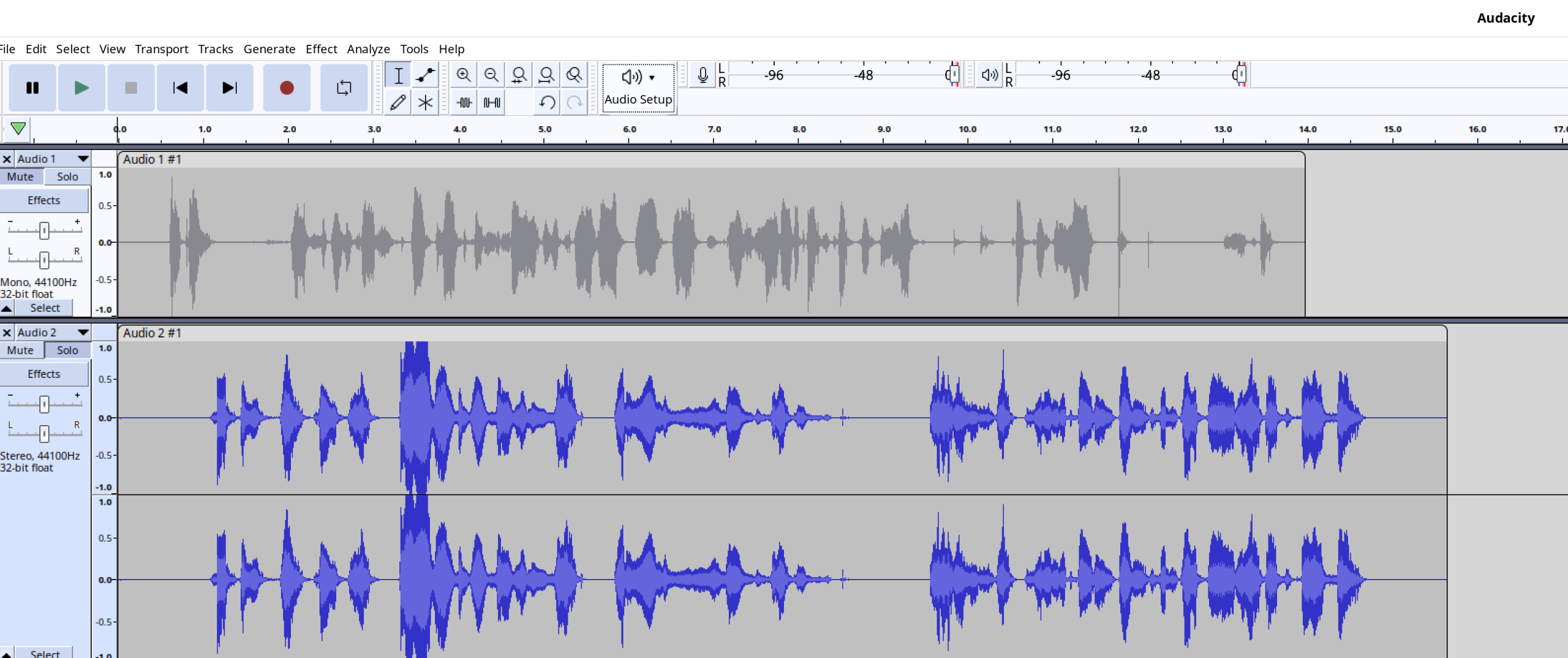
There were no complaints during a call, but if you take the call off Bluetooth, you will undoubtedly hear a “ooh that sounds better” from the other person.
Bluetooth
Pairing
The Google Fast Pair feature is exceptional here for pairing. As with this experience, simply opening the case for the first time is enough to receive the pairing prompt and it is effortless to pair on the Android device.
To pair another device, you simply leave the earbuds in the case and press and hold the pair button (located on the case) for three seconds.
Range and signal
The overall range is reasonable, but the signal starts to cut out from 8-10m indoors, especially when paired with two devices at once.
Some intermittent disruptions with 1 second cut outs were occasionally observed from 5m, which is far below the experience of other brands.
Multipoint Device Connection
Most other earbuds will not allow the multiple connections with High Fidelity playback, simply because the bandwidth requirements is usually too great.
Interestingly, the Edifier NeoBuds Pro 3 actually do allow both devices to use High Fidelity codecs. This however, may be why the connection stability is reduced and cuts off from 6-10m.
Adaptive Noise Cancellation (ANC)
The ANC allows for some serious aggressive noise cancellation. Testing this with loud air purifiers, PC fans and other buzzing and humming in the loudest room possible, all of this is instantly removed. Not reduced – removed.
The setting can be dialled down several degrees and in doing so, the AI would equally backoff on the overall frequency response reduction in playback. That said, the playback range was not significantly reduced or otherwise displeasing to the ear.
It may be fair to say that the NeoBuds Pro 3 has one of the best ANC’s in its category. It is likely going to be capable of filtering out an airplane engine, but unfortunately, nothing ever stops that crying baby.
Final Thoughts
The Edifier NeoBuds Pro 3 is set apart from others by the lightweight and superior comfort. However, at a RRP ~$250 AUD, it is a steep price when compared to more affordable offerings that can provide similar comfort and audio performance. Of course, most other brands are positioning their newer products at similar or even more outrageous prices, and at the time of writing you can pick up the NeoBuds Pro 3 at Officeworks (Australia) for $209 on sale.
The positives are the comfort, the homely and natural sound, the highly aggressive but very effective noise cancellation, and for the first time perhaps – a really well designed and intuitive app that functions without the need to disclose personal information.
The negatives are: firstly, the activation zones or ‘buttons’ can be difficult to find with the fingers and are either too sensitive or not sensitive enough (though this can be altered), meaning undesirable changes are easily made when simply adjusting or removing the buds. Secondly, the microphone quality is poor, and finally, there is less range than some other buds
These earbuds would absolutely be your mainstay and go-to buds for everything and the noise cancellation is fantastic, but when evaluating the value proposition – it just does not quite stack up, yet.
It may be worth looking at the Edifier NeoBuds Pro 2, or waiting just a little while longer for the price to come down under the $200 mark.
Summary: Great quality, well made and very comfortable. A homely sound that leans towards more middle-of-the-road in audio profiles and frequency response, but nonetheless an overall great experience.
4
Efficacious Edifiers!
About the Author

Scott De Lacy Scott has a professional IT background spanning over 18 years, is an hobbyist electronics designer, talented musician, holds qualifications as a trainer and experience in emergency and community services sectors. He reviews Movies, PC and XBOX One games, and hardware.
Related Posts
New Price Changes for PS5, PS5 Pro and PlayStation Portal remote player →
Google launches Search Live Australia-wide →
AMD unveils the Ryzen 9 9950X3D2 for Developers and Creators →