
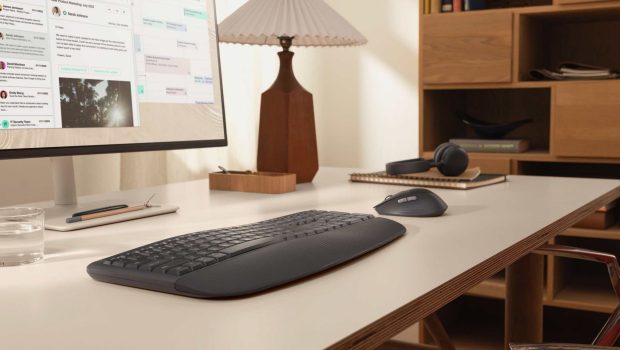
Logitech Signature Comfort Plus Combo MK880 Review
Summary: The Signature Comfort MK880 seriously positions itself as an outstanding premium accessory that prioritises long-lasting power, silence and modern efficiency for all different work spaces. With its ultra‑quiet operation, exceptional ergonomics, dedicated AI and meeting keys and multi‑device flexibility, it’s an excellent choice for professionals and home users seeking a comfortable, future‑ready desktop combo.
5
Brilliant!
If you’re looking for a wireless ultra-silent keyboard and mouse with excellent ergonomics plus unparalleled battery life, then the Logitech Signature Comfort Plus Combo MK880 knocks it out of the park. Targeting professionals, hybrid workers and home users, Logitech ensures a very straightforward setup process that effortlessly connects to your Bluetooth which was automatically detected by our Dell laptop…
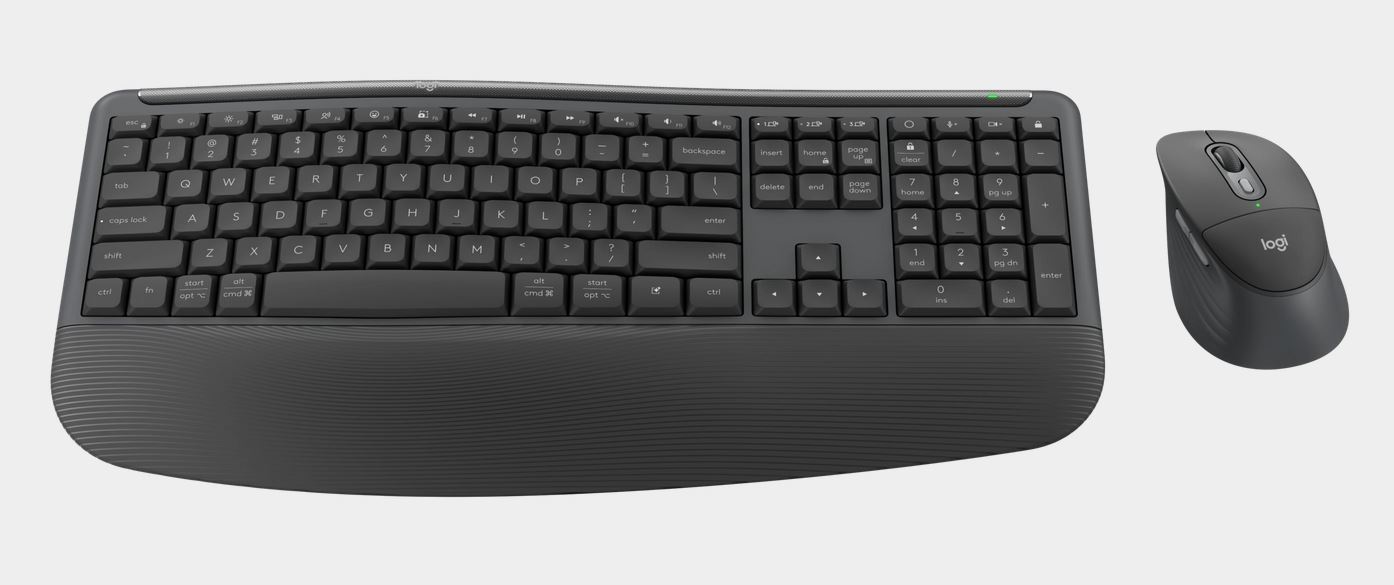
… one mouse and keyboard combo to rule them all!
Features
- Comfort that lasts all day
Enjoy hours at your desk with a keyboard and mouse designed for all day comfort. - Logitech’s first palm cushion mouse
The palm cushion on the mouse gives you a comfy spot for your hand, making long hours of work feel a little more comfortable. 93% of surveyed users felt comfortable using the mouse, even after a full workday*. - Enhanced comfort with palm rest
The curved, dual-foam palmrest feels silky-soft and keeps your hands relaxed from the first email to the last note. - Easy-Switch and Bluetooth for simple connections
Connect with Bluetooth, then swap between up to 3 devices instantly with Easy-Switch—just a tap, no dongle needed, perfect for multitasking. - Make it yours—customize your buttons
Do more than you ever dreamed with the Logi Options+ App. Personalize your experience to make it work for you. - Dedicated AI Key
Tackle new ideas faster with instant AI launch key, right at your fingertips. - Dedicated video meeting keys
Mute or unmute yourself with dedicated video keys. Stay ready and organized—no more frantic searches for call controls when you need them most. - Effortless scrolling, quiet clicks
Scroll line by line or fly through pages with SmartWheel—all with quiet clicks for a calm, focused workflow. - Works on nearly any platform
Don’t worry about your device’s operating system—connect wirelessly to Windows, macOS, ChromeOS, Linux, iPadOS, and Android. - Power that keeps going
Signature Comfort MK880 L stays powered up for up to 24 months (for mouse) and 36 months (for keyboard) —no constant battery changes needed.
*Based on a Logitech US study (2025) with 105 external participants with varying hand sizes over a 5-day usage trial
Unboxing / Setup
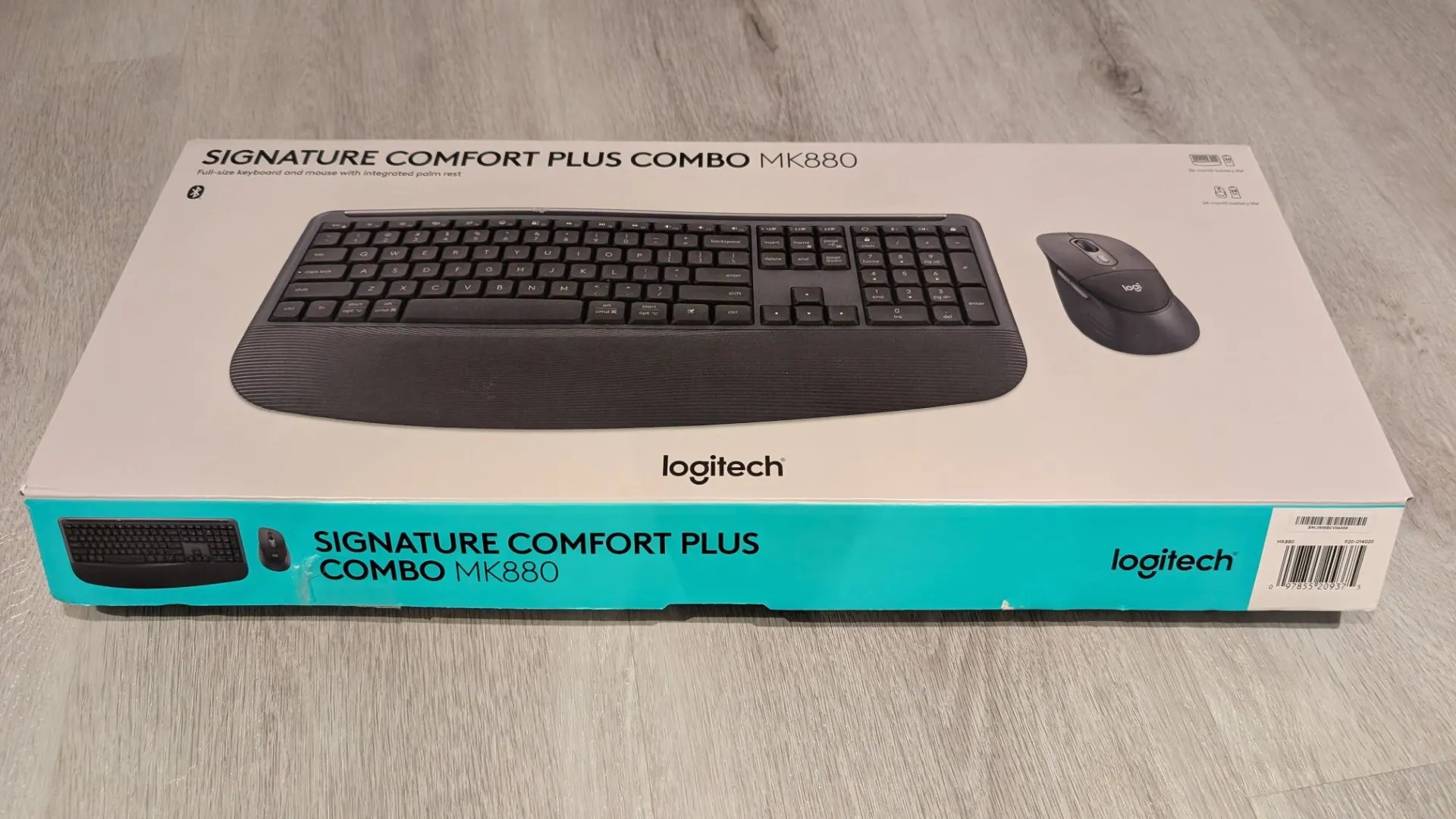
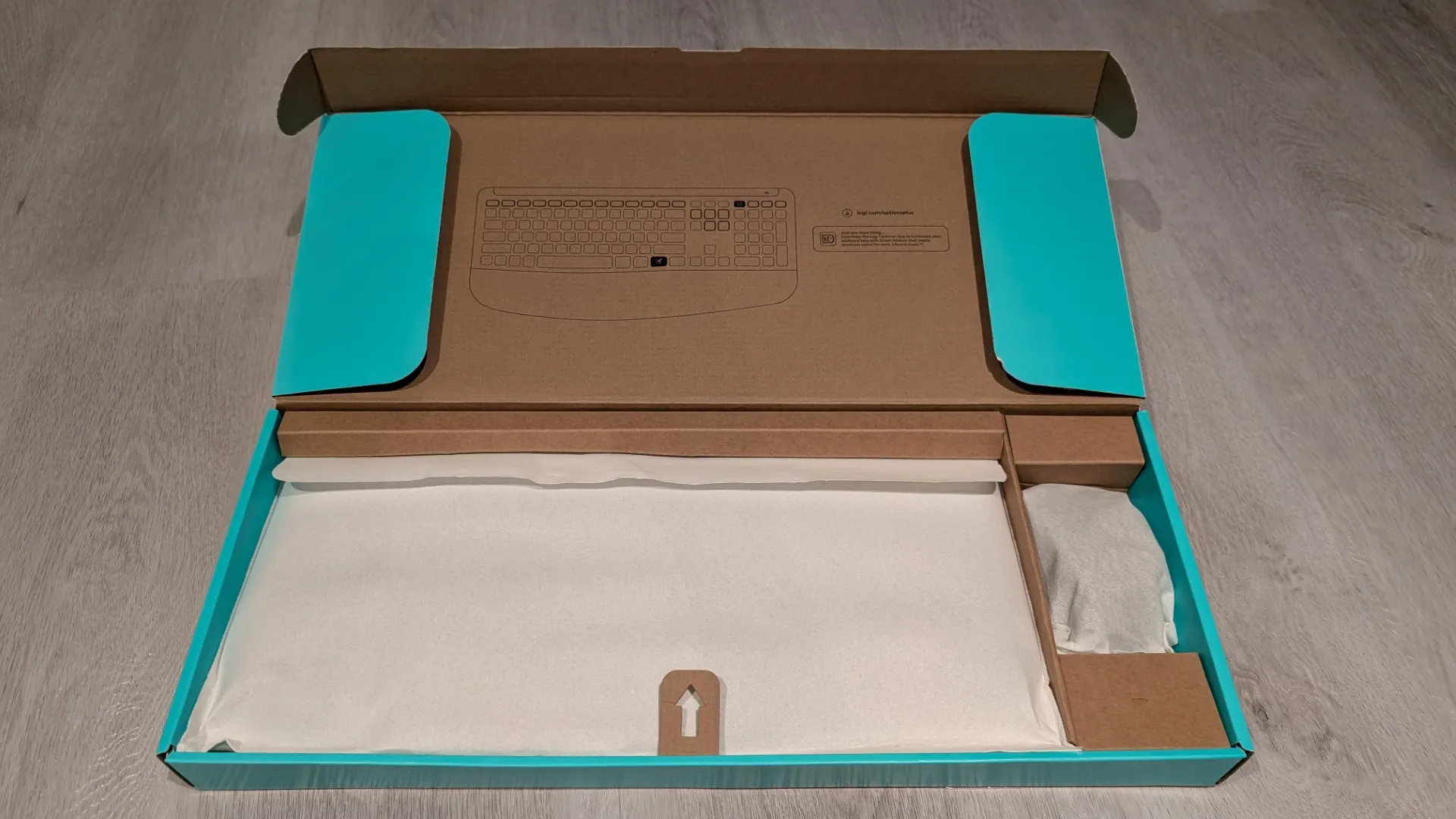
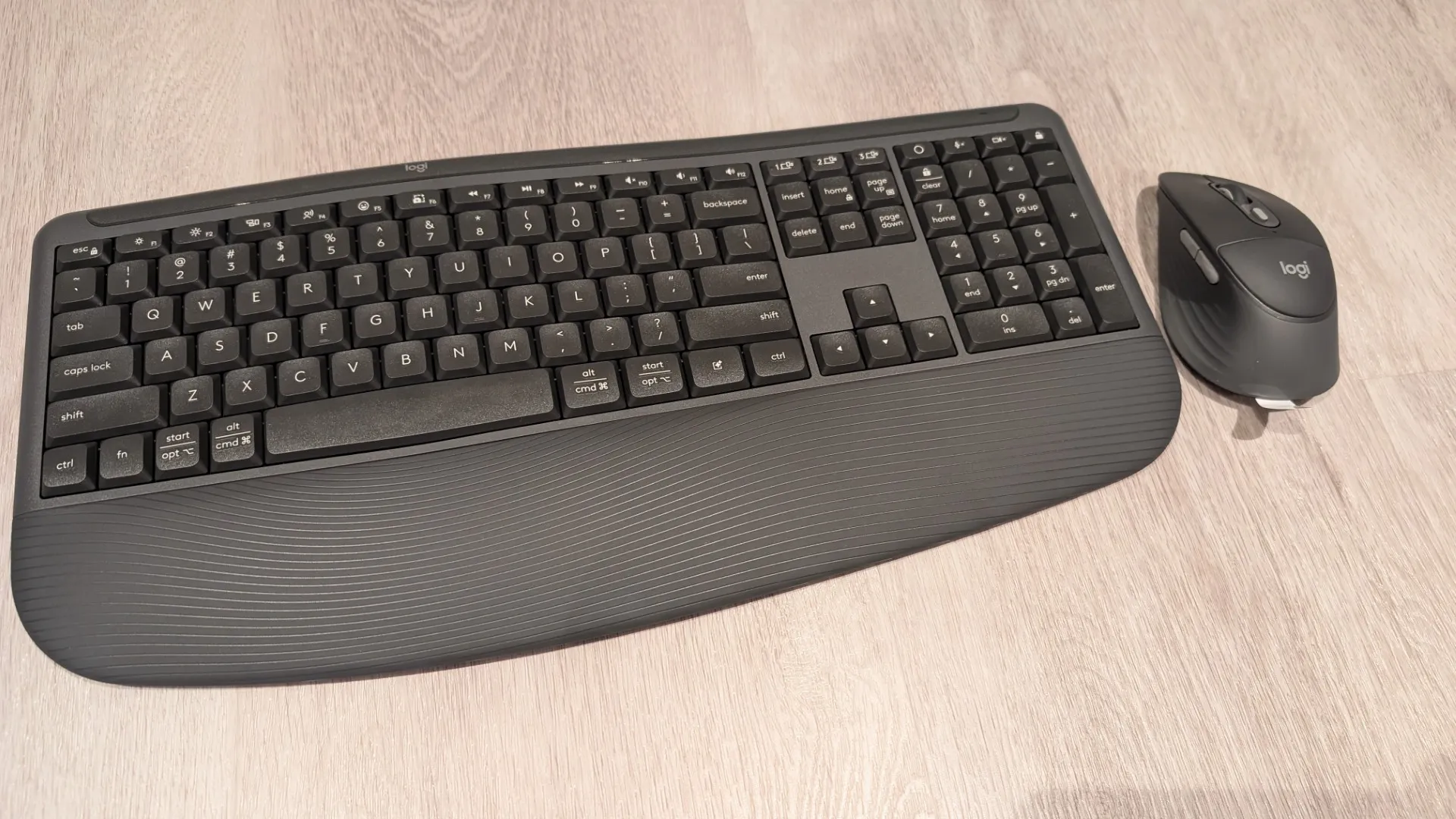
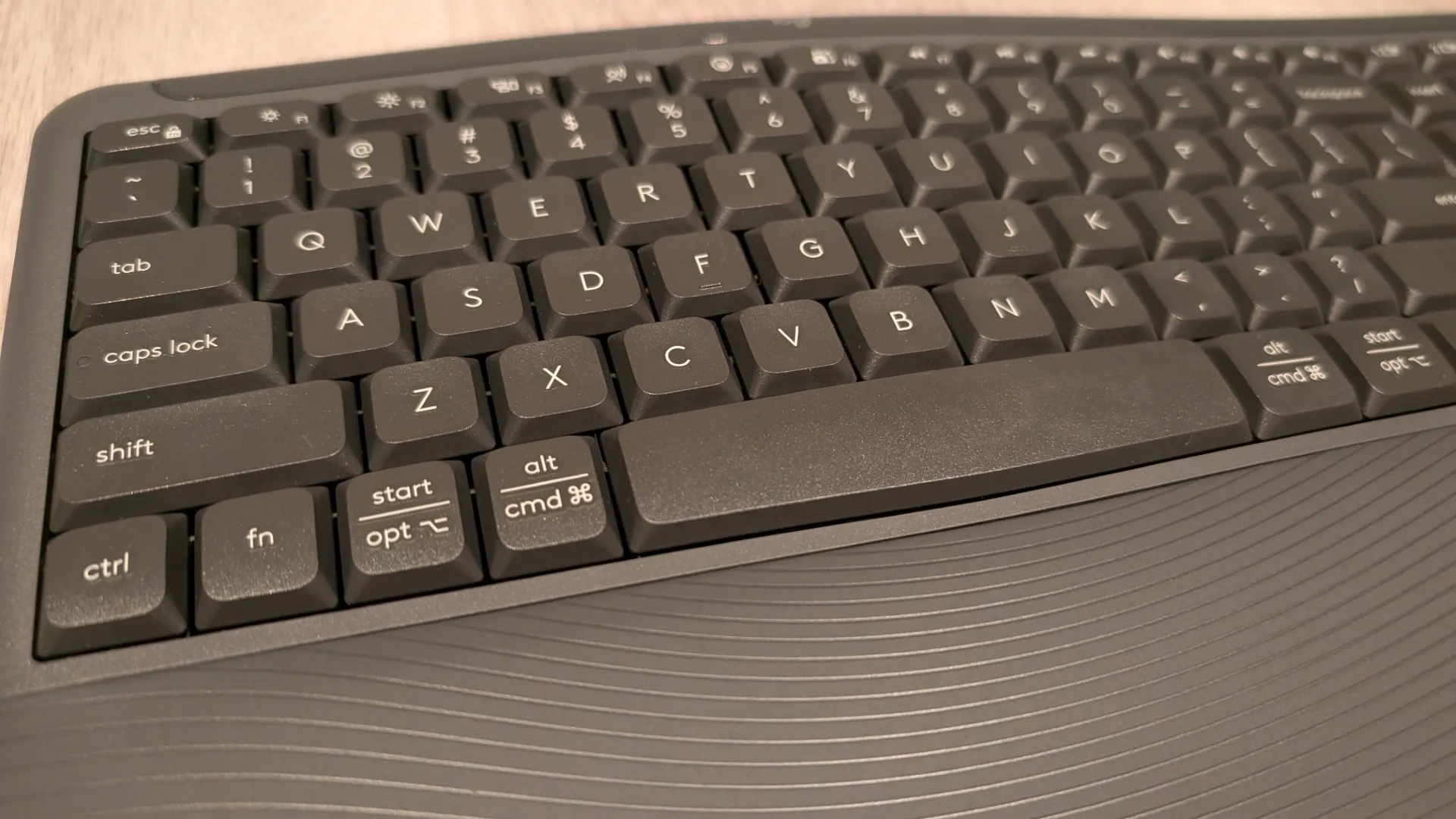
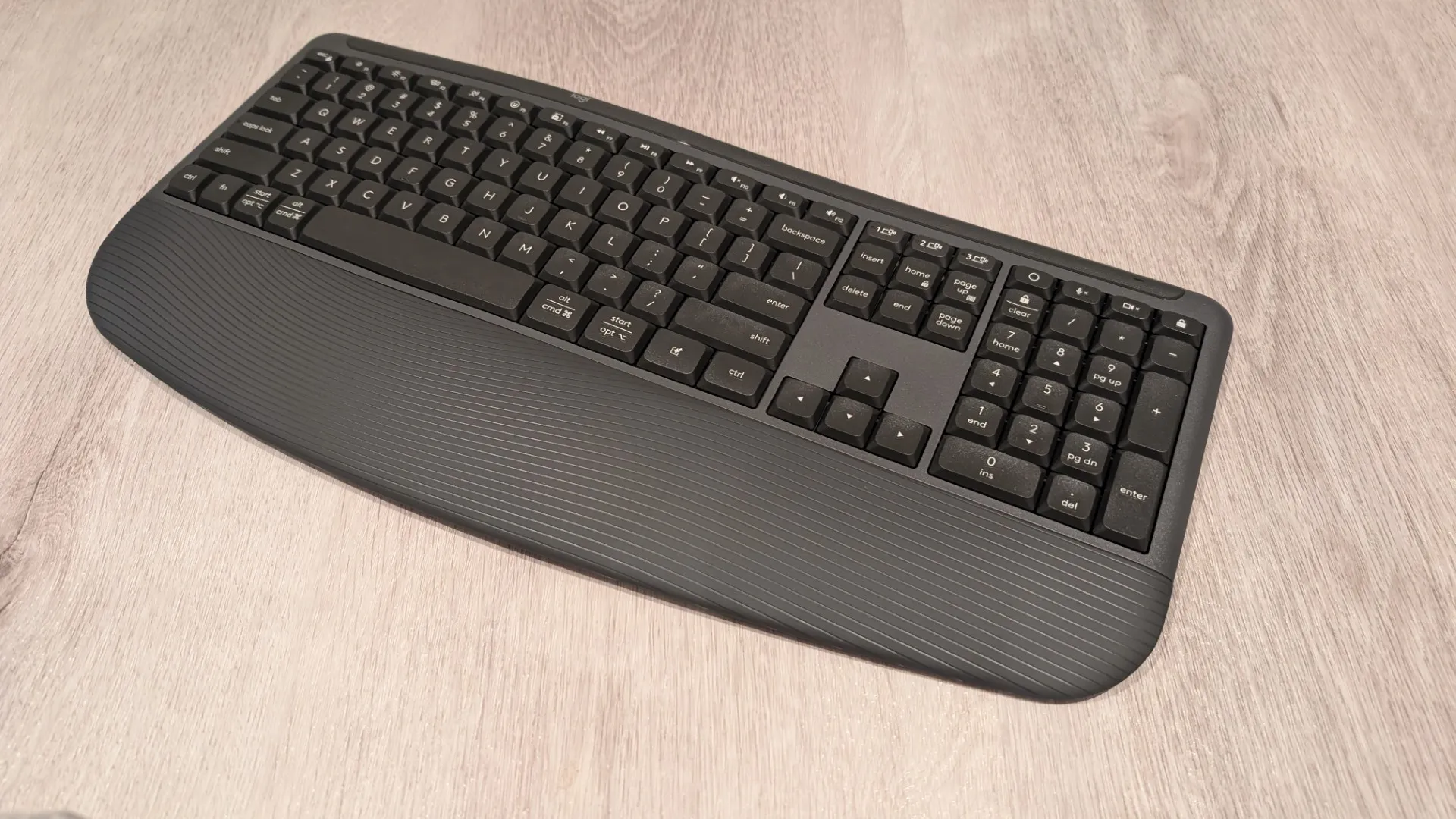
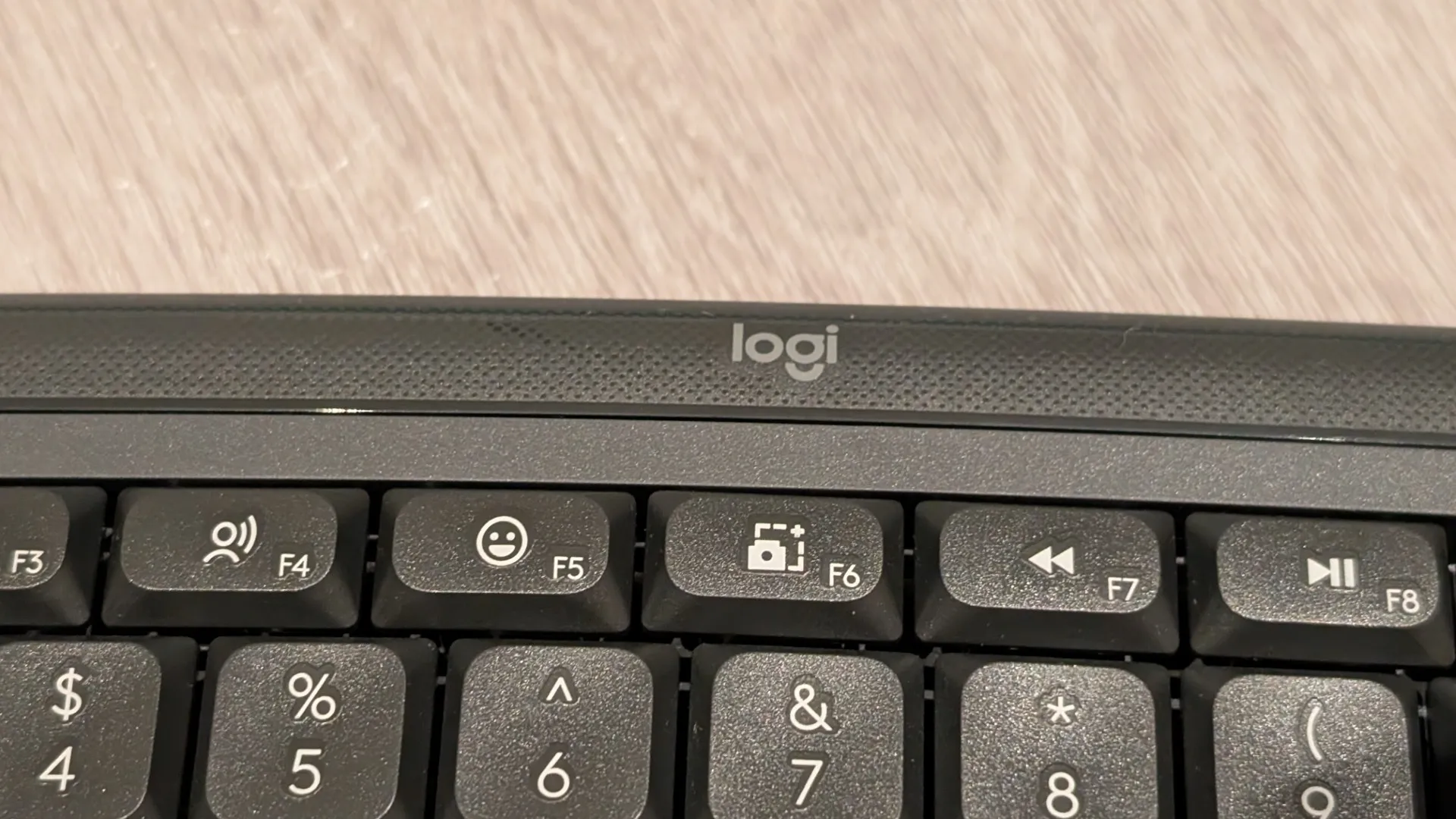
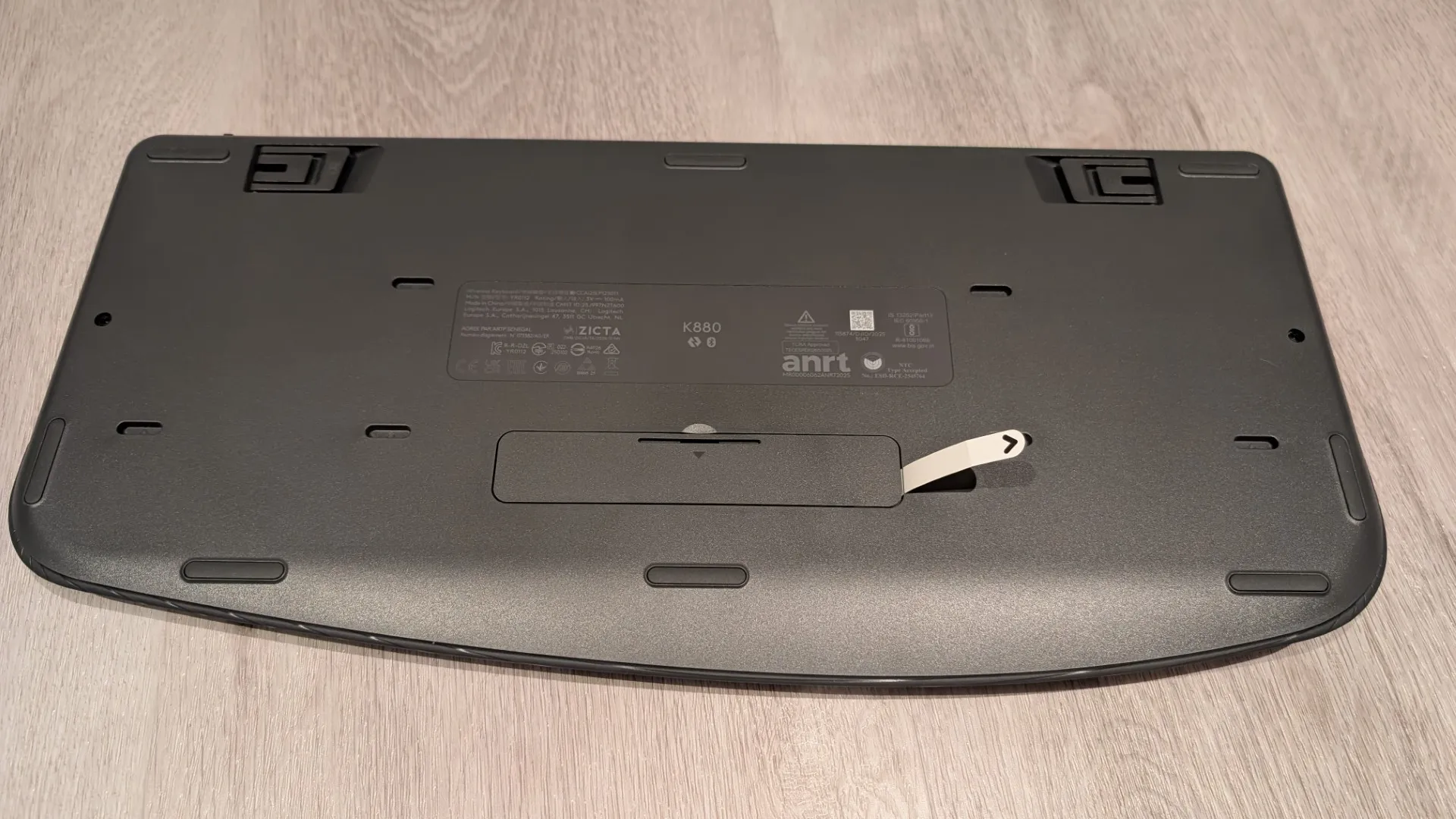
The Logitech Signature Comfort Plus Combo MK880 also comes preinstalled with batteries so you can start your new keyboard and mouse combo adventure straight away – simply remove the tabs.
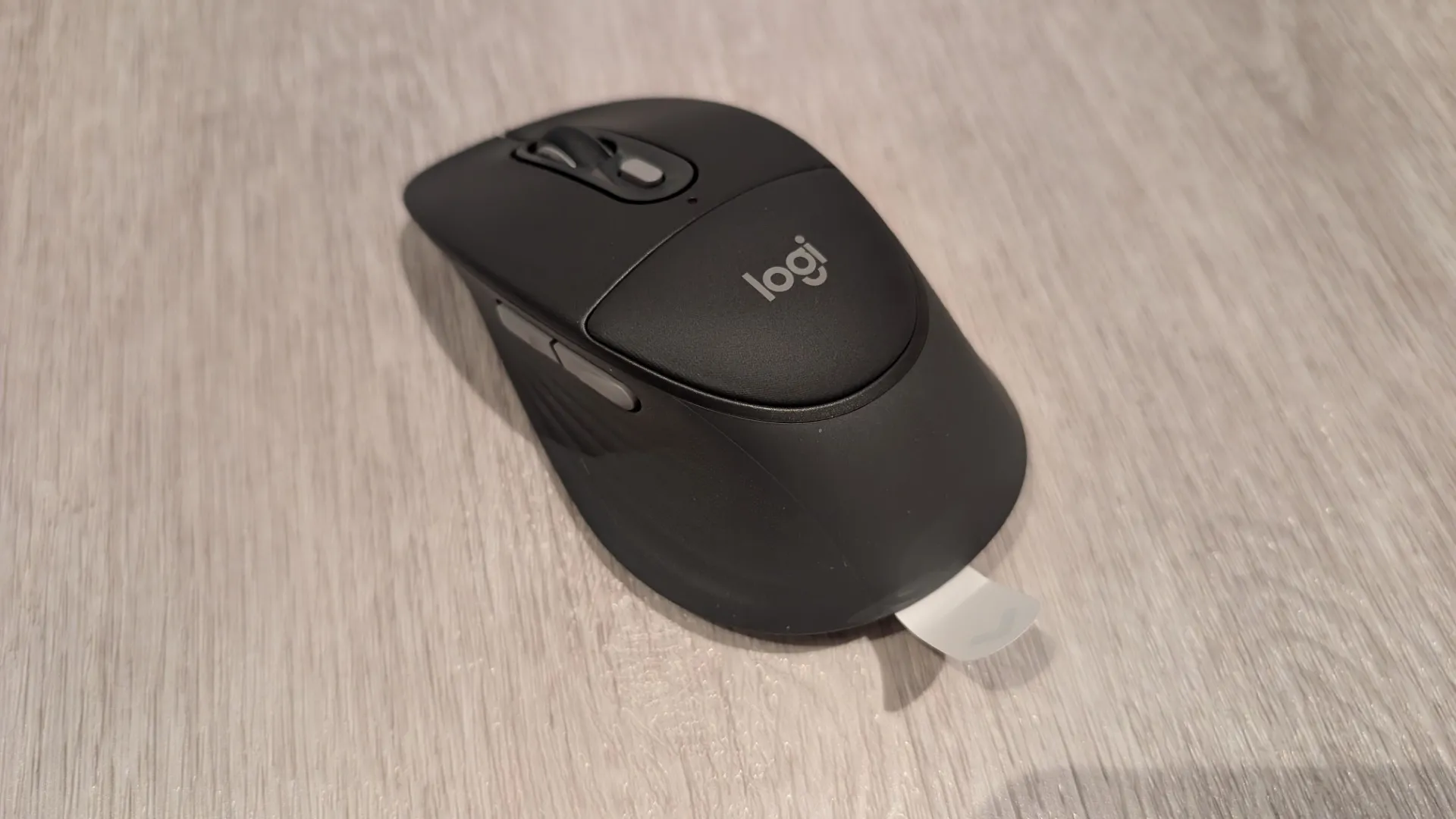
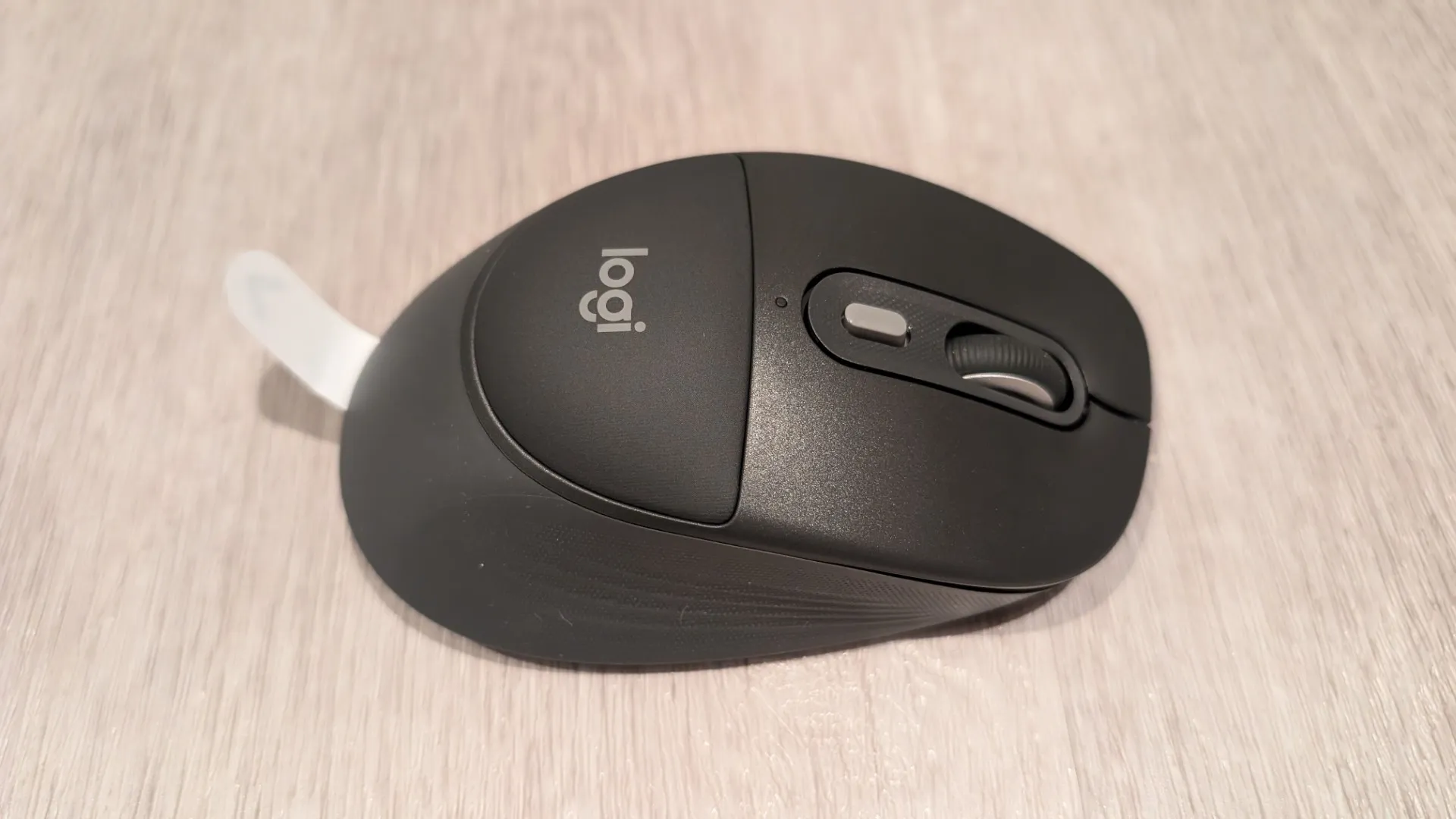
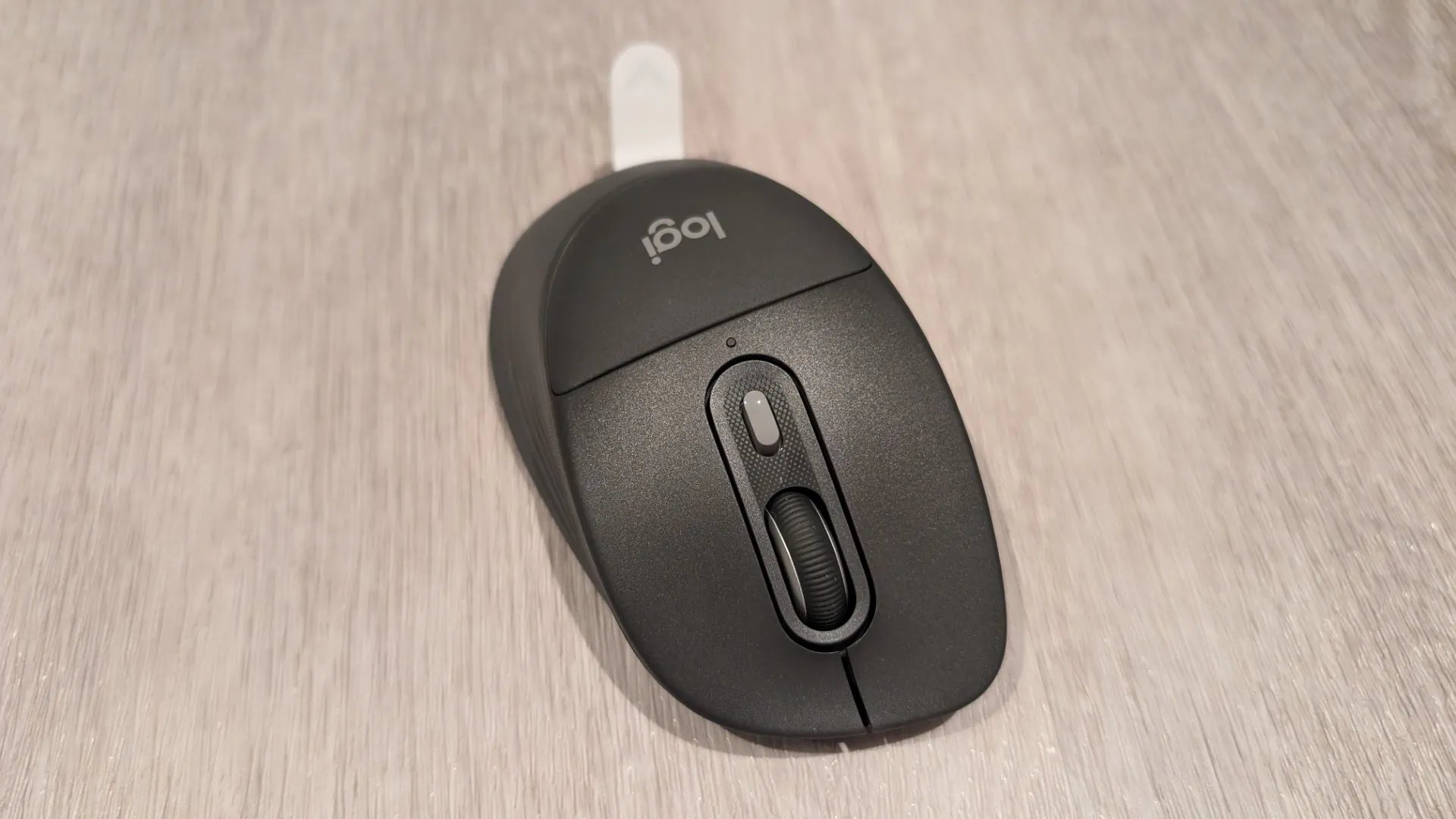
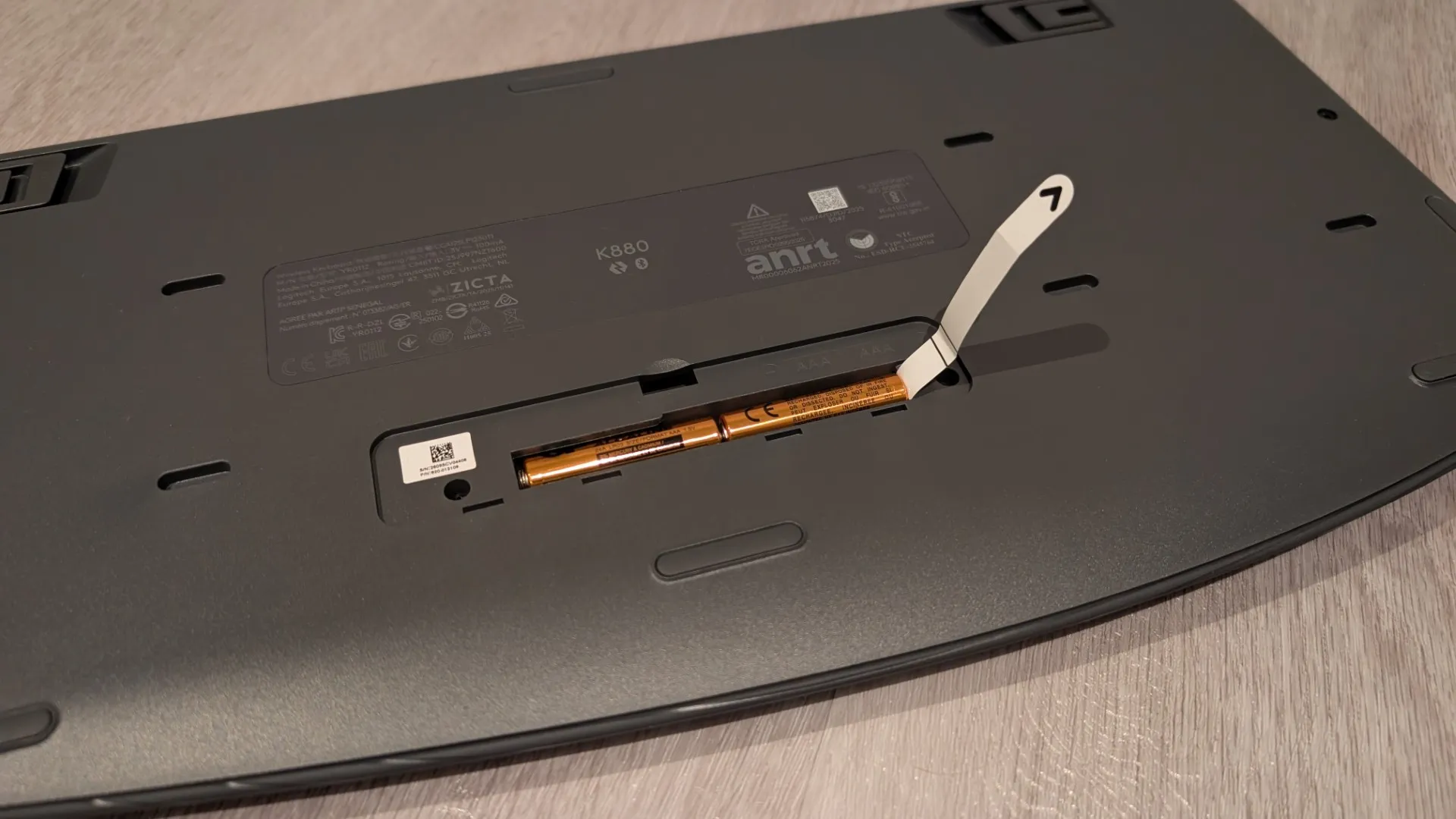
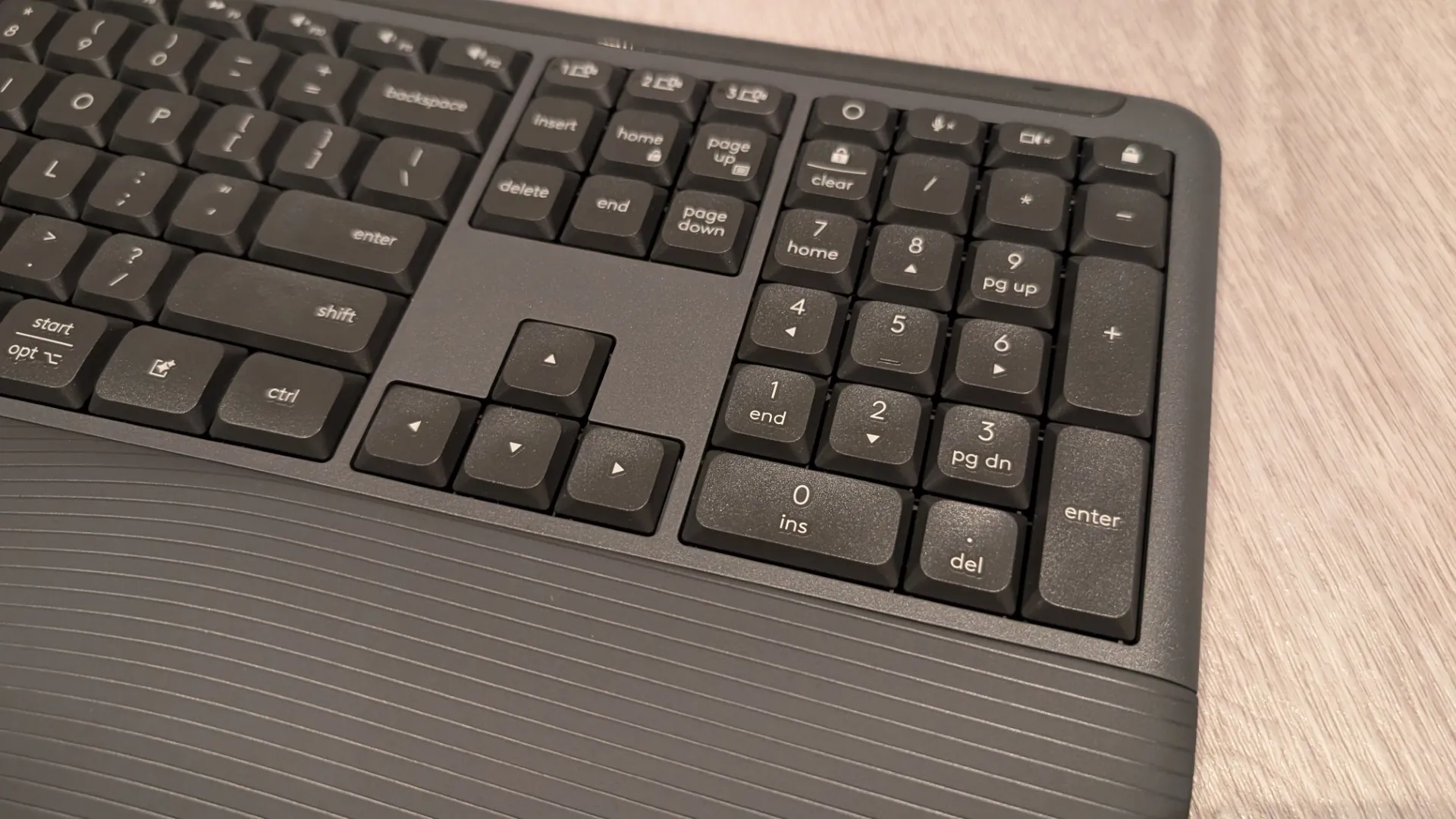
Once out of the box, the first thing that I noticed was the overall professional build of the Logitech Signature Comfort Plus Combo MK880, both the keyboard and mouse felt sturdy and more importantly nice to use. The physical dimensions have also been optimized to maximise user comfort, with the keyboard measuring 444.15 millimetres in width and weighing a solid 685 grams. Keys were well-placed and felt like you were typing on clouds with no impact whatsoever.
The accompanying mouse is equally well-proportioned, weighing a comfortable 107.9 grams which ensures substantial desktop presence whilst remaining fluid and light enough for precise navigation throughout the working day. Navigation is further enhanced by Logitech’s proprietary SmartWheel technology, which allows users to scroll meticulously line by line or fly rapidly through lengthy documents with a single flick. Furthermore, the mouse features six distinct buttons, including highly convenient side shortcuts and a dedicated dots-per-inch adjustment control, providing comprehensive customization options through the companion Logi Options+ software application.
Setup is easy, remove the battery tabs and then search for the mouse and keyboard on your computer – on our Dell laptop, the Bluetooth devices were automatically detected. Once installed and as mentioned, the most impressive aspect of this hardware is the sheer quietness of its daily operation as the keys and mouse buttons utilize specialised dampening technology to deliver near-silent clicks. This ultra-quiet workflow creates an amazingly calm environment that allows you to maintain deep focus without distracting those around you, making it an ideal choice for open-plan offices or quiet home studies. Perfect for late night typing!
Further, comfort is another great feature and Logitech has introduced its first-ever palm‑cushion mouse, giving your hand a soft, supportive resting point that genuinely improves long-session usability. According to Logitech’s 2025 US study, 93% of users reported comfort even after a full workday, which aligns with our own experience during extended testing.
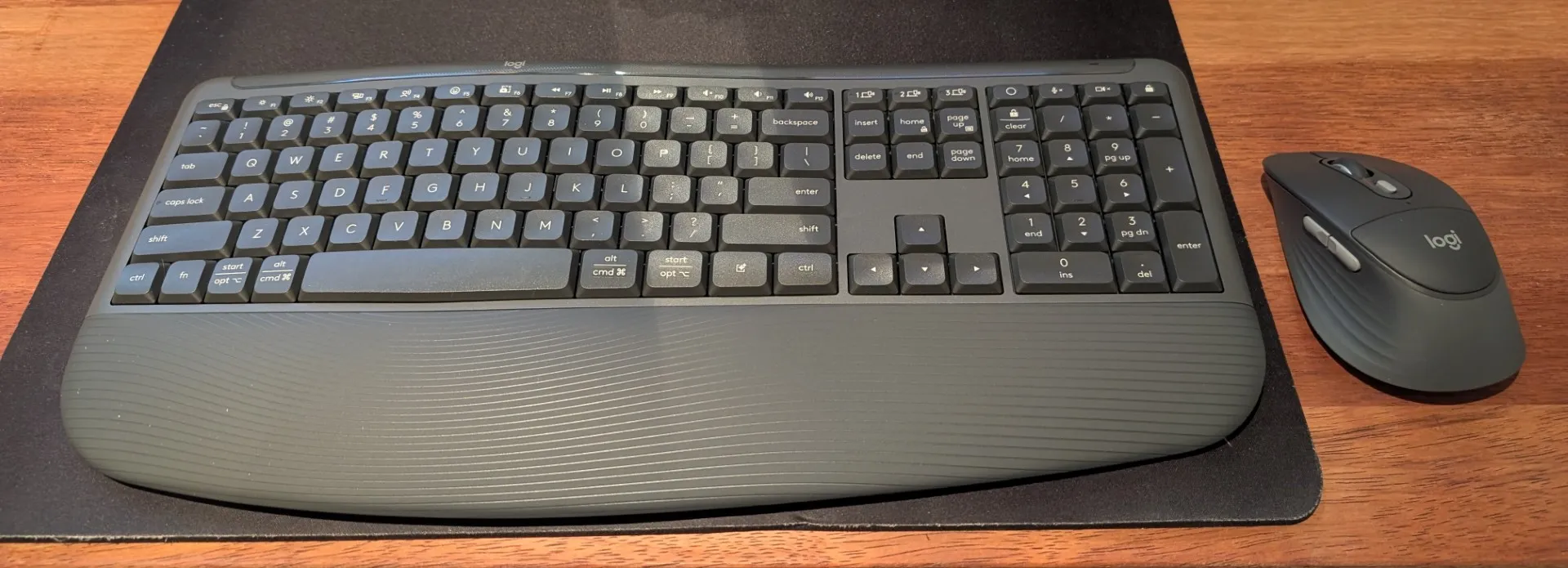
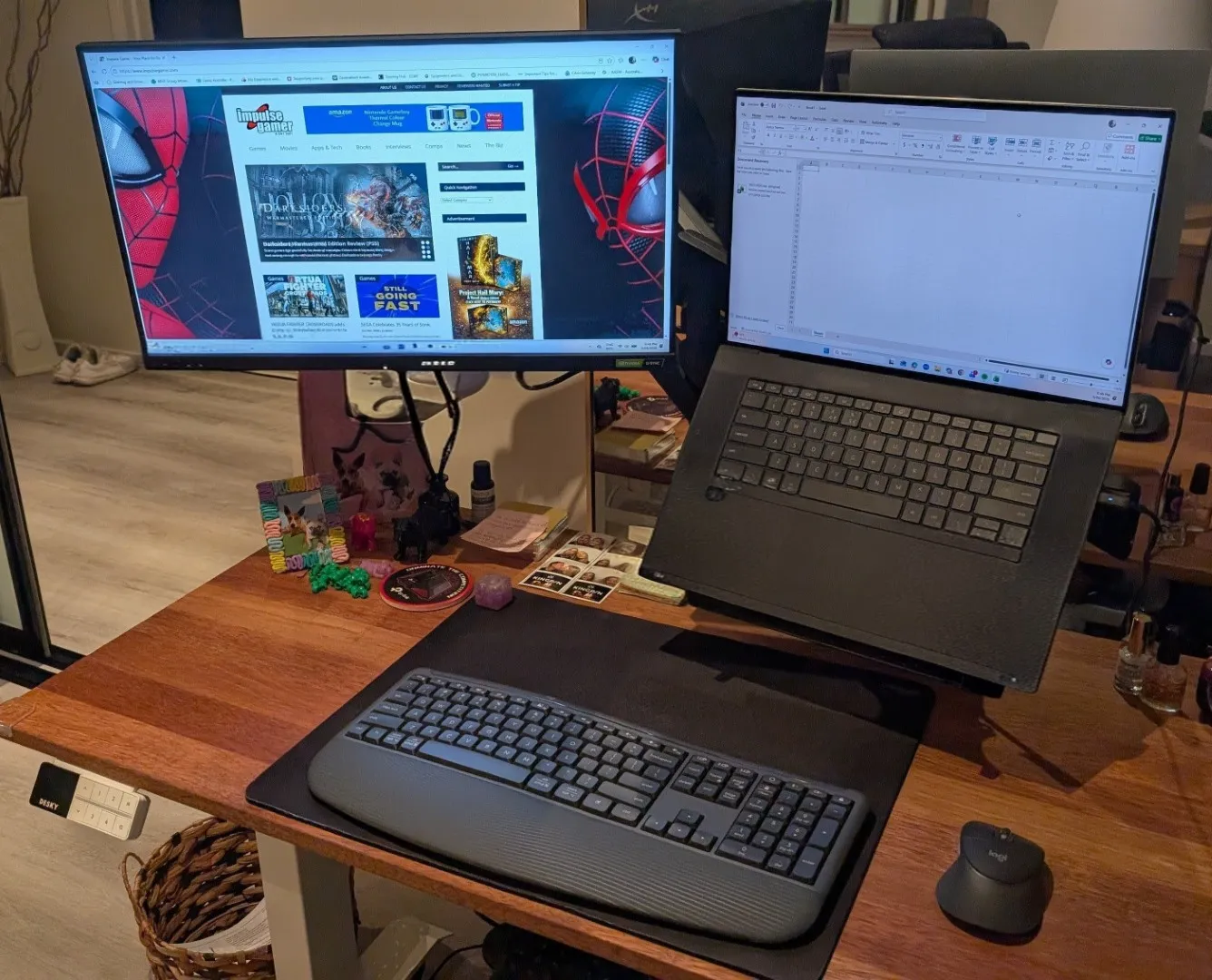
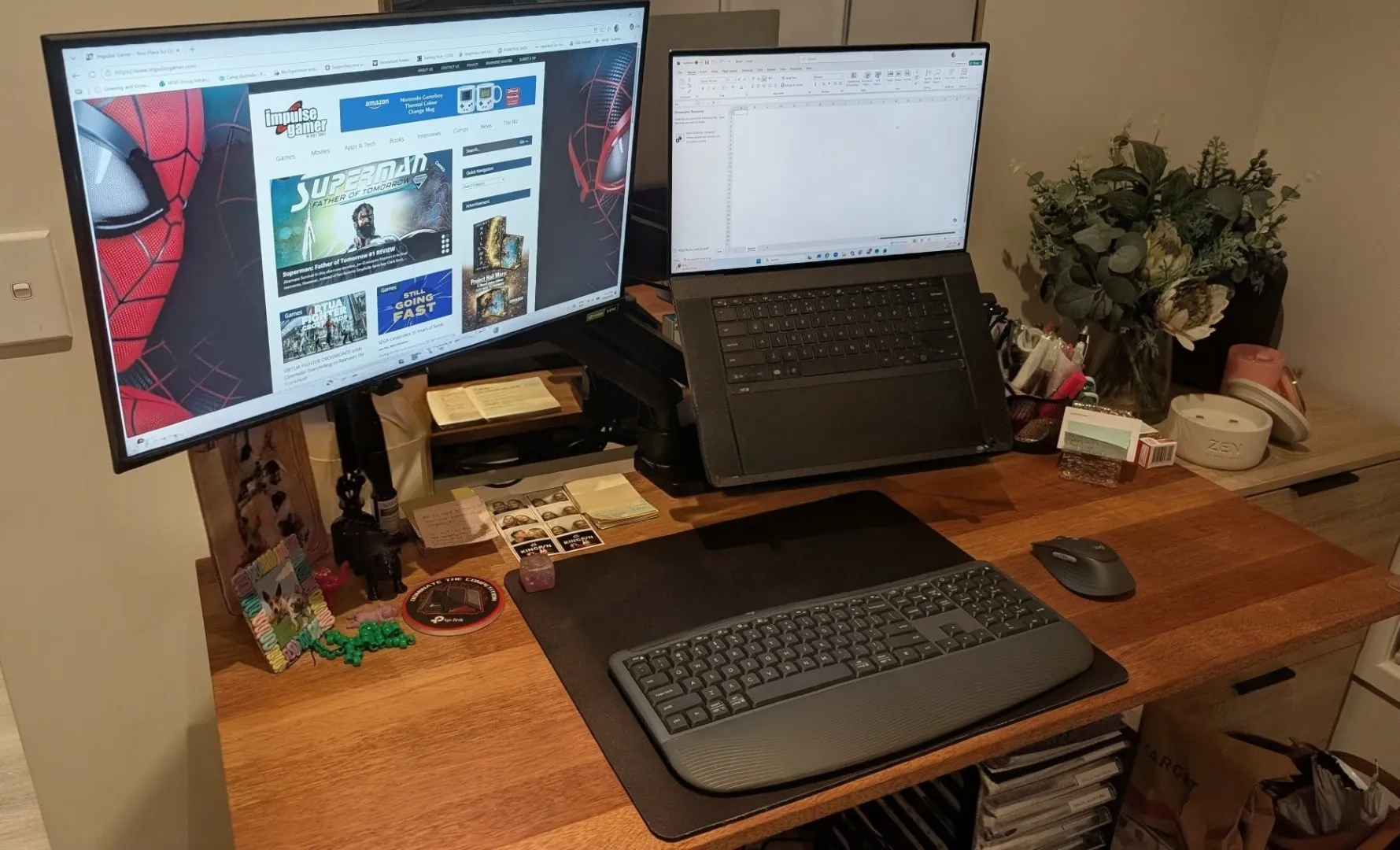
The keyboard also complements this with a curved, dual‑foam palm rest that feels silky-soft and keeps your hands relaxed from the first email to the last note. Together, the combo delivers a workstation experience that feels intentionally crafted for all‑day productivity. But using this keyboard religiously for the last couple of weeks, this design features works like a treat!
Another clever design feature is the dedicated AI launch key that provides instantaneous access to assistant tools right at your fingertips. Alongside this innovative addition are dedicated video meeting keys that allow users to instantly mute and unmute their microphones (perfect for online meetings, successfully removing the frantic search for on-screen buttons during critical corporate conference calls. Additionally, connectivity is equally effortless across multiple devices with Easy‑Switch and Bluetooth so you can pair the MK880 with up to three devices and swap between them instantly — no dongle required.
Speaking of connectivity, it’s universe as the combo transitions across a massive variety of modern platforms including Windows, macOS, Linux, ChromeOS, iPadOS and Android. This cross-platform adaptability makes it a perfectfor anyone managing a multi-device workspace where fluid shifting between different operating systems is required.
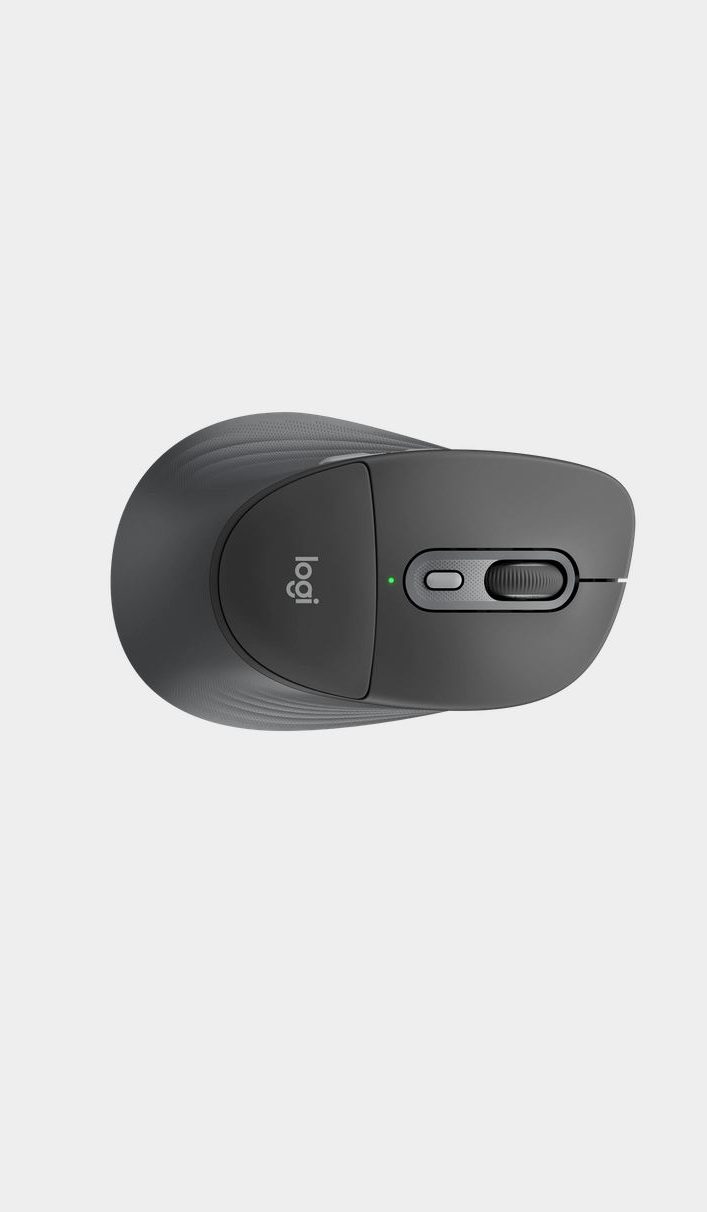
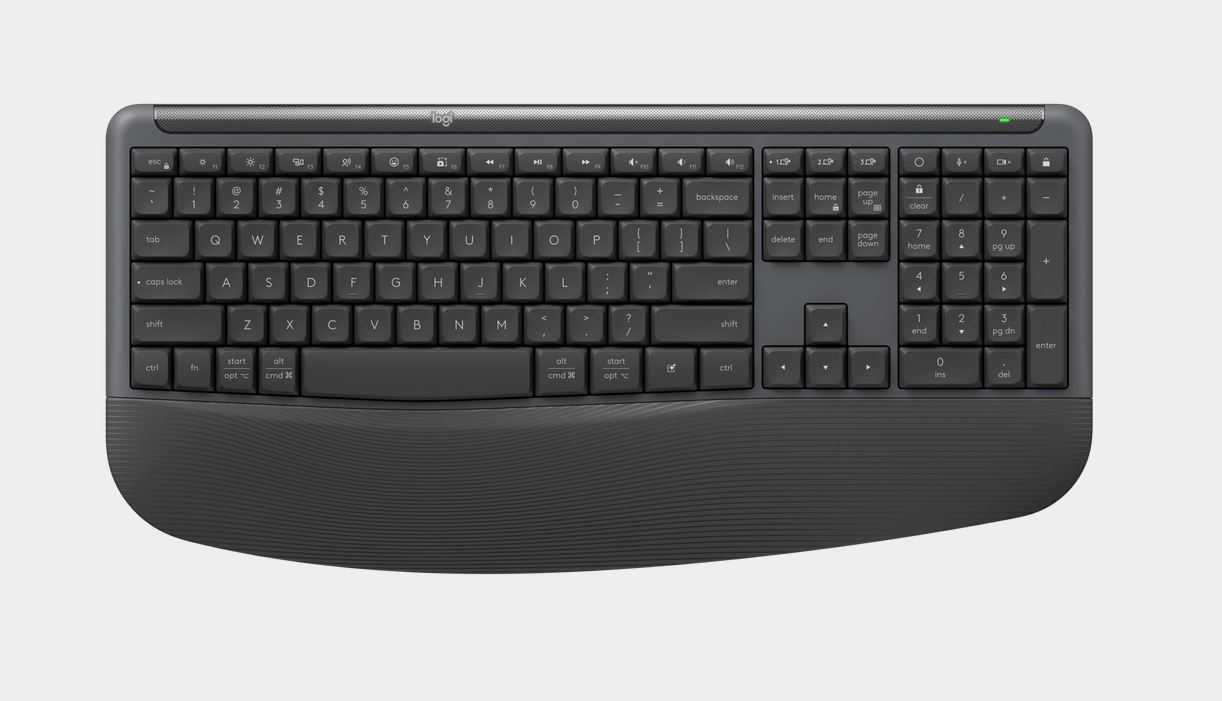
Additionally the Logi Options+ app unlocks deeper functionality, allowing you to customise button behaviour, assign shortcuts and tailor the mouse and keyboard to your workflow. Whether you’re automating repetitive tasks or fine‑tuning navigation, the software adds meaningful value without overwhelming new users. Accuracy and responsiveness is also delivered thanks to Pluto ONE sensor that is perfect for a wide range of surfaces such as a desk or even couch.
Lastly, battery life is exceptional as the keyboard provides 36 months of continuous operation, whilst its partner in productivity provides up to 24 months of service before requiring a battery replacement. When this incredible endurance is paired with the universal wireless connectivity and a highly responsive Pluto ONE mouse sensor, the bundle easily outperforms traditional desktop peripherals.
Final Thoughts
In the end, the Signature Comfort MK880 seriously positions itself as an outstanding premium accessory that prioritises long-lasting power, silence and modern efficiency for all different work spaces. With its ultra‑quiet operation, exceptional ergonomics, dedicated AI and meeting keys and multi‑device flexibility, it’s an excellent choice for professionals and home users seeking a comfortable, future‑ready desktop combo.
Brilliant!

Related Posts
Introducing the Logitech G3 Series Mouse and Keyboard for PC Gaming →

Crocs x Toy Story Collection Launches Tomorrow — Just in Time for Toy Story 5! →

ASSASSIN’S CREED SHADOWS UPDATE FEATURES A FINAL STORY CHAPTER CONNECTED TO BLACK FLAG →