
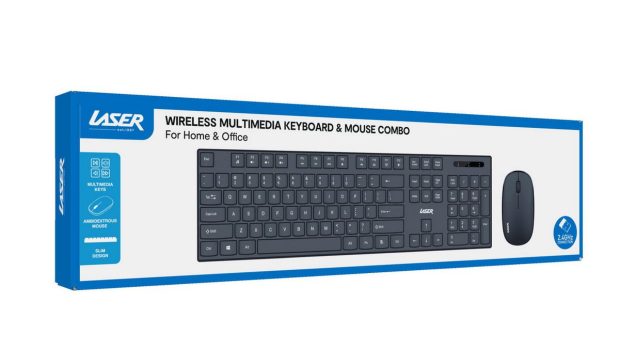
LASER Wireless Multimedia Keyboard & Mouse Combo Review
Summary: The LASER Wireless Multimedia Keyboard & Mouse Combo delivers exactly what most users want from a wireless desktop setup: simplicity, reliability, comfort, and practicality. The setup process is extremely easy, the wireless connection is stable, and both devices perform consistently well for everyday computing tasks.
4
Great Value
The LASER Wireless Multimedia Keyboard & Mouse Combo is designed as a practical everyday solution for users wanting a simple, reliable, and clutter-free workspace setup. Aimed at both home and office users, this wireless combo focuses on ease of use, comfort, and functionality without unnecessary complexity. After using the product across general office work, web browsing, media use, and extended typing sessions, it proved to be a dependable and user-friendly addition to a desktop setup.
Packaging & First Impressions
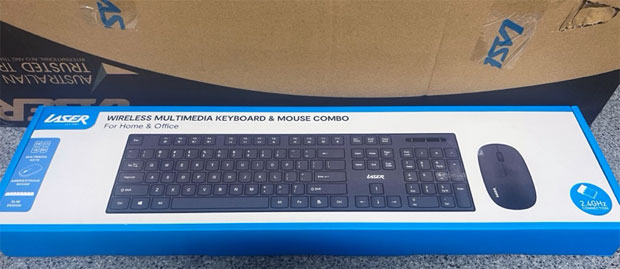
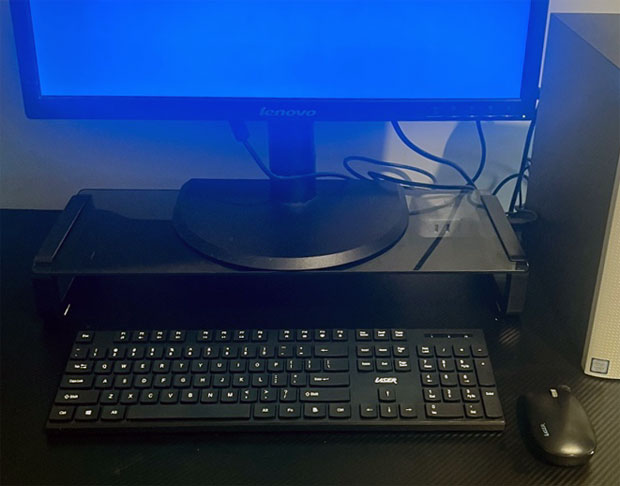
The product arrived securely packaged, with the keyboard and mouse protected well inside the box. Everything was neatly organised, and the overall presentation felt clean and professional. Included in the package were the wireless keyboard, wireless mouse, USB receiver, batteries, and a simple instruction manual.
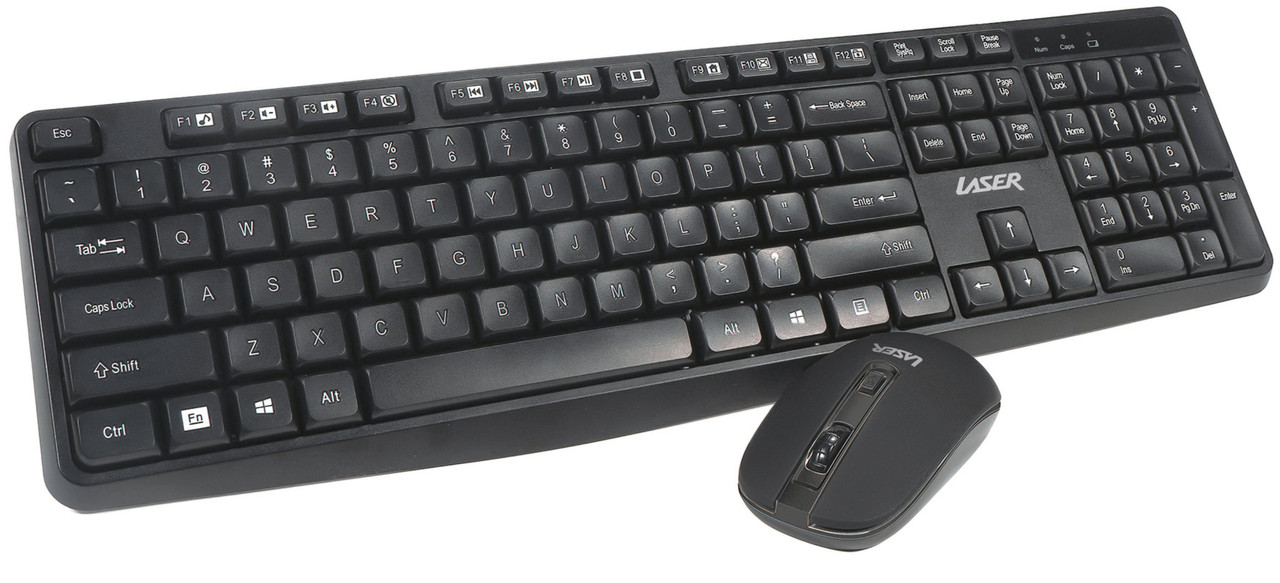
The first thing noticeable when unpacking the combo is the slim and lightweight design. The keyboard has a modern, minimalist appearance with a matte black finish that fits comfortably into most office or home environments. The mouse follows the same simple design style, giving the entire setup a consistent and tidy look.
While lightweight, neither device felt overly cheap or fragile. The build quality feels appropriate for everyday use, especially considering the affordability of the combo.
Setup & Connectivity
One of the strongest aspects of this LASER combo is how quick and straightforward the setup process is. Installation was genuinely plug-and-play. After inserting the included batteries and plugging the USB wireless receiver into the computer, both the keyboard and mouse connected almost instantly without requiring any additional drivers or software.
The wireless connection uses a 2.4GHz receiver, which provided a stable and responsive connection throughout testing. There were no noticeable delays, input lag, or connection dropouts during regular use. This makes the combo ideal for users who simply want a reliable setup that works immediately without dealing with complicated pairing procedures or software installations.
The wireless functionality also helps reduce desk clutter significantly compared to wired peripherals. Without cables running across the workspace, the desk feels cleaner, more organised, and easier to manage.
The USB receiver itself is compact and unobtrusive, meaning it can remain plugged into a laptop or desktop without getting in the way.
Keyboard Design & Typing Experience
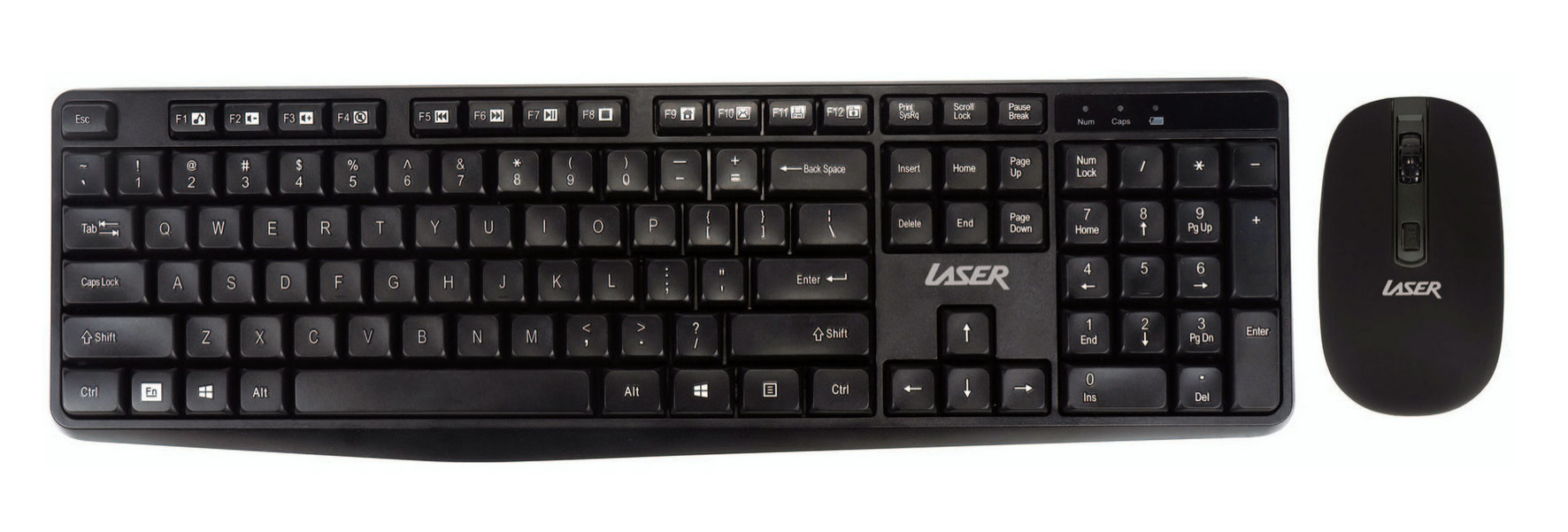
The keyboard uses a full-sized layout that includes a number pad, multimedia keys, and standard navigation controls. This makes it particularly useful for office tasks, spreadsheets, data entry, and productivity work where a full keyboard is preferred.
Typing on the keyboard feels comfortable and responsive. The keys have a soft touch with moderate travel, allowing for a pleasant typing experience during longer sessions. Key presses are relatively quiet, making the keyboard suitable for shared office environments or late-night use where loud mechanical keyboards may become distracting.
The slim design helps maintain a natural wrist position while typing, reducing strain during extended use. While it does not include a padded wrist rest, the keyboard height still feels comfortable for everyday use.
The spacing between keys is well designed, making typing feel accurate and reducing accidental presses. Transitioning from another keyboard was easy, with no unusual layout changes or awkward key positioning.
The multimedia shortcut keys located across the top add extra convenience for users who regularly control music, videos, or volume from their keyboard. Functions such as play, pause, volume adjustment, and media access worked reliably and helped streamline everyday computer use.
For productivity-focused users, the inclusion of a full number pad is particularly valuable. Many compact keyboards remove this feature, so having it included makes this combo more versatile for work and administration tasks.
Mouse Performance & Comfort
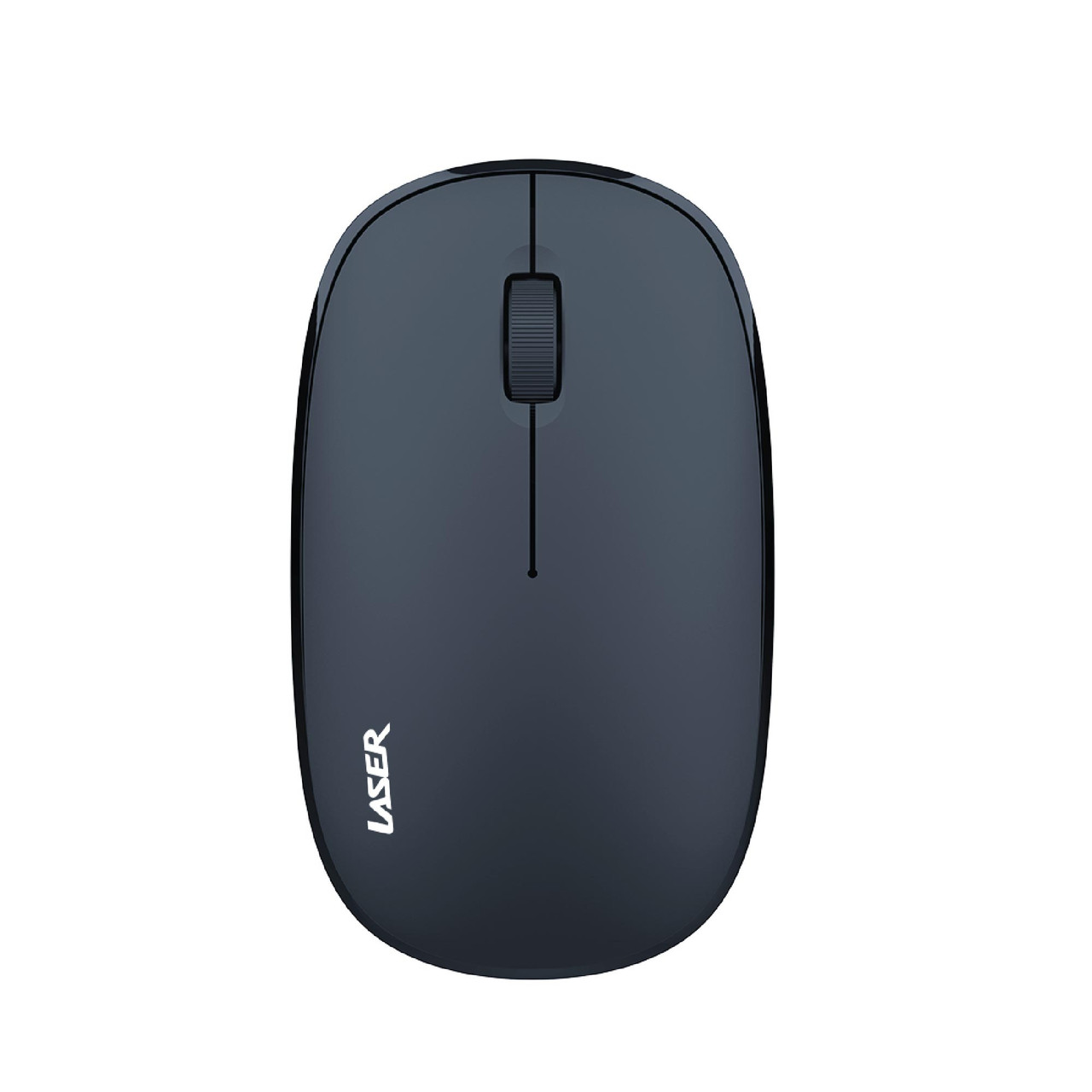
The included wireless mouse follows the same practical design philosophy as the keyboard. It is compact, lightweight, and easy to use straight away.
The mouse has an ambidextrous design, meaning it is comfortable for both left-handed and right-handed users. During use, the mouse responded accurately and consistently across different surfaces, including a desk surface without a mousepad.
Movement tracking felt smooth for general office work, internet browsing, document editing, and casual use. While this is not a gaming-focused mouse with adjustable DPI settings or advanced features, it performs well for everyday computing tasks.
The mouse buttons have a soft click that feels responsive without being overly loud. The scroll wheel also moves smoothly and accurately, making navigation through webpages and documents easy.
Its lightweight design makes it portable and convenient for users who frequently move between workspaces or use laptops in different environments.
Performance in Everyday Use
During regular daily use, the LASER Wireless Multimedia Keyboard & Mouse Combo performed reliably across multiple tasks. These included:
- Typing documents
- Web browsing
- Video streaming
- Online meetings
- Spreadsheet work
- General office administration
The wireless connection remained stable throughout use, and battery performance appeared efficient with no signs of rapid power drain.
The keyboard was particularly comfortable during extended typing sessions, while the mouse remained responsive and accurate throughout normal tasks.
One of the biggest advantages of this combo is its simplicity. Everything works immediately and efficiently without requiring technical knowledge or additional setup. This makes it especially suitable for users who value convenience and practicality over advanced customisation features.
Design & Practicality
A major strength of this combo is its clean and minimalist design. The slim keyboard profile and compact mouse help create a tidy workspace while still offering all the essential functionality needed for daily computing.
Because both devices are wireless, they are easy to reposition and help reduce cable clutter significantly. This is especially useful in smaller workspaces or home office environments where organisation matters.
The overall appearance feels modern without being overly flashy, making it suitable for professional environments, study areas, or home offices.
Final Verdict
The LASER Wireless Multimedia Keyboard & Mouse Combo delivers exactly what most users want from a wireless desktop setup: simplicity, reliability, comfort, and practicality. The setup process is extremely easy, the wireless connection is stable, and both devices perform consistently well for everyday computing tasks.
While it may not include premium features aimed at gamers or advanced users, it succeeds by focusing on functionality and ease of use. The comfortable typing experience, responsive mouse, multimedia controls, and clutter-free wireless setup make it an excellent choice for office work, study, or home use.
For users looking for an affordable and dependable wireless keyboard and mouse combination that works straight out of the box, this LASER combo is a solid option that provides good overall value.
https://www.laserco.com.au

Related Posts

HONOR Launches Magic V6: The Ultimate AI Foldable Flagship →
HONOR Launches the HONOR 600 Series →

Samsung Teases New Foldables →