Fallout 4: Anniversary Edition Switch 2 Review
Summary: Fallout 4 on Switch is an great example of a port done well. While it isn't perfect, it's a great way to play Fallout on the go.
4.1
Great!
With the release of Skyrim in late 2025, it was inevitable that Fallout 4 would be coming to Nintendo’s impressive portable machine.
Fallout 4: Anniversary Edition sees the iconic wasteland RPG series make its way to a Nintendo console for the first time (not counting Fallout Shelter).
Let’s address the elephant in the room straight away. The Switch 2 port of Skyrim wasn’t great, and Fallout getting the same treatment wasn’t entirely out of the question. High input lag, inconsistent frame rates, and some odd visual decisions made it hard to recommend at the time (much of this has been fixed now, bringing it up to a “basically okay” standard). I’m happy to report, however, that the Switch 2 port of Fallout 4 is in a much better state.
From the get-go, there are multiple presentation modes, input lag is at an acceptable level, and for the most part, the visuals have survived largely intact.
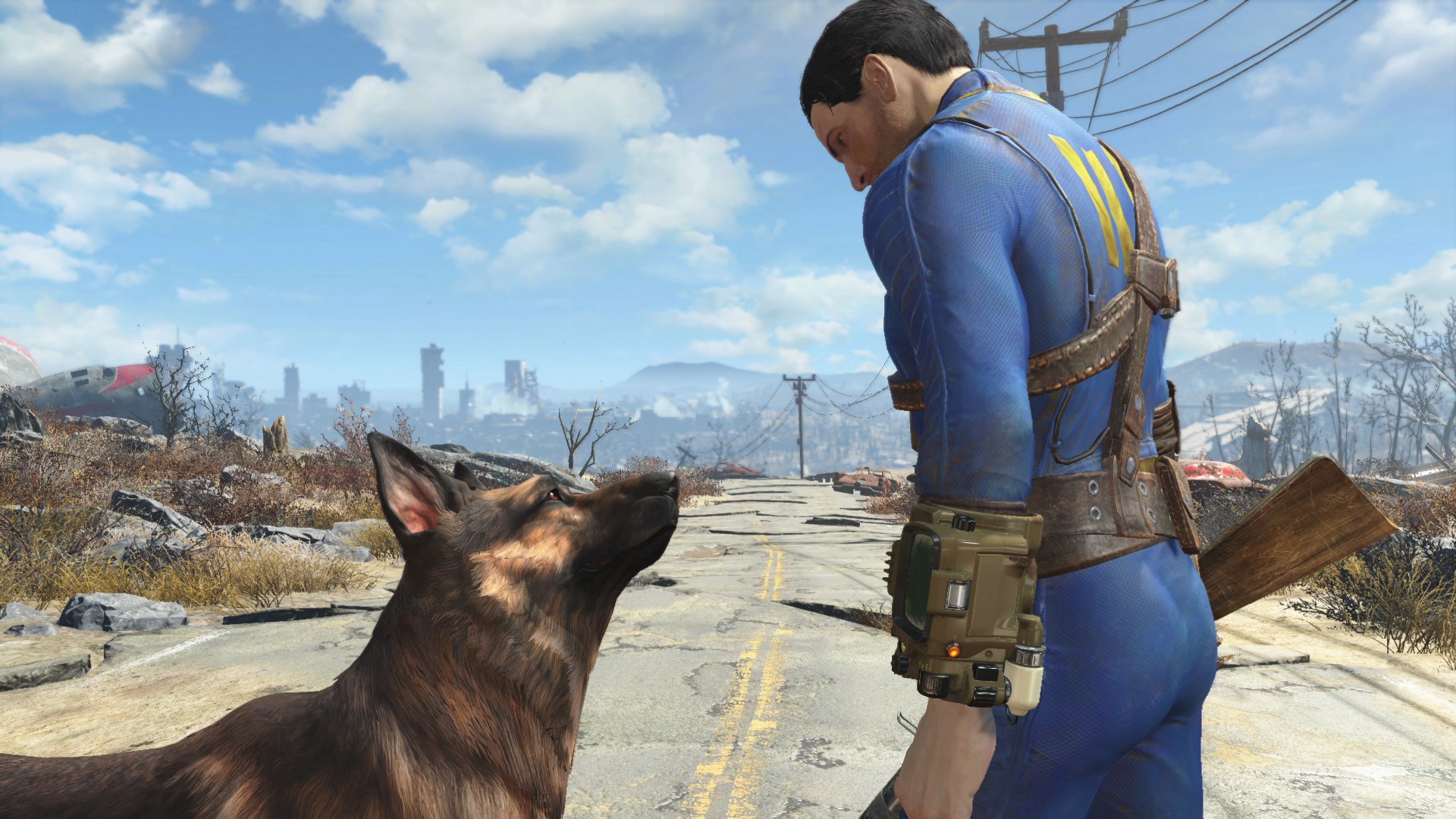
Both handheld and docked modes offer three different frame rate targets: 30fps, 40fps, and 60fps. The main difference between these, aside from the obvious frame rate target, is the resolution at which the game is presented, with each increase in frame rate resulting in a noticeable decrease in image sharpness and clarity.
Performance across the three modes varies. Currently, Fallout 4 doesn’t take advantage of DLSS, instead making heavy use of dynamic resolution scaling as it tries to hit its targets. As a result, the 60fps mode is prone to some very noticeable dips when traversing the overworld or in heavy combat encounters. The 40fps mode is far smoother, but hitches do occasionally happen, and they are noticeable. Finally, the 30fps mode looks the sharpest and has the most stable frame rate, largely sticking to its target.
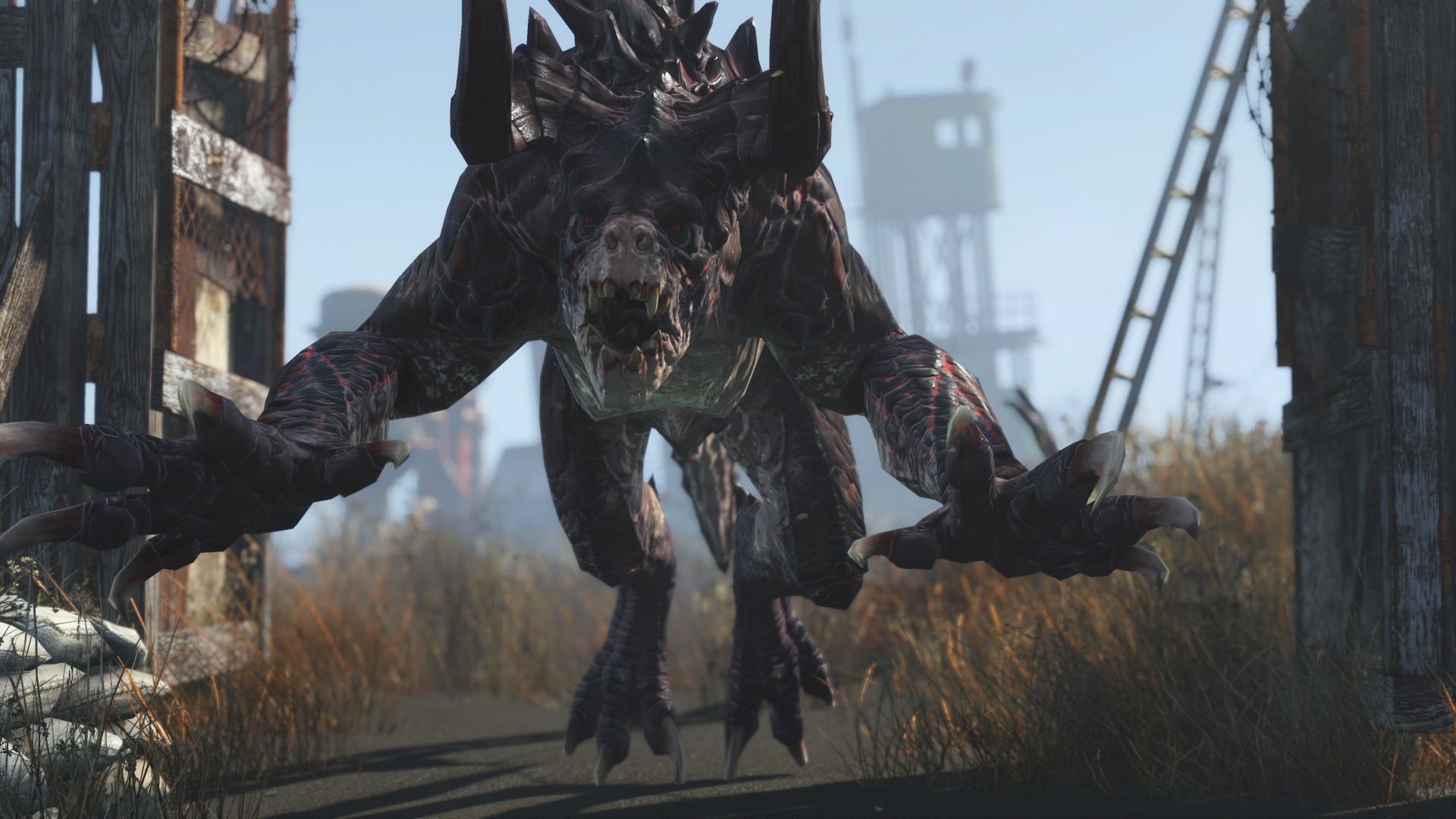
Fallout 4 makes use of the Switch 2’s variable refresh rate panel while in handheld mode, which helps hide some of the hitches when playing at higher frame rates. The trade-off, however, is a lower resolution, resulting in a softer image.
I found that most of my playtime so far has been in handheld mode; playing Fallout 4 on the Switch 2 on a TV doesn’t feel like it makes a huge amount of sense, given its availability on other platforms that are visually more consistent and offer a much more stable frame rate. It does largely excel as a handheld experience, however.
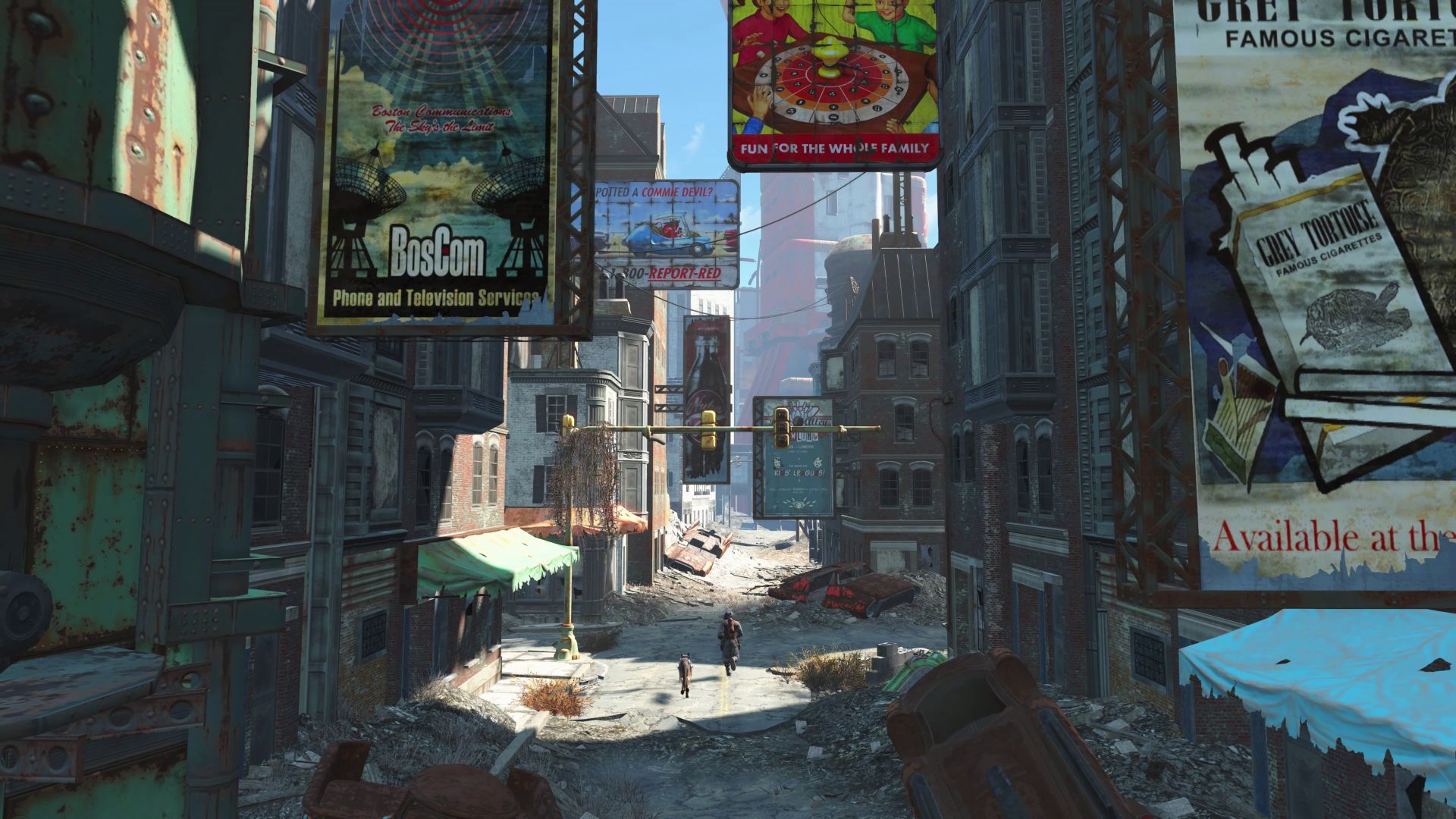
As for the game itself, well, it’s Fallout 4, and it remains entirely unchanged from the other versions that have been available for over a decade at this point, complete with the usual level of jank that typically accompanies a Bethesda RPG. Each of the six DLCs is included, along with many Creation Club items. This is as complete a Fallout 4 experience as it’s possible to get.
Final Thoughts?
All things considered, Fallout 4 on the Switch 2 has translated exceptionally well, especially when you consider how Skyrim, an older and less advanced game, translated to the platform.
It isn’t perfect by any means, especially when playing docked. Almost any of the other versions of the game that are available are at the very least on par with the Switch 2, if not outright better. It is an excellent option in handheld mode, though, and that is how I’d recommend playing the game.
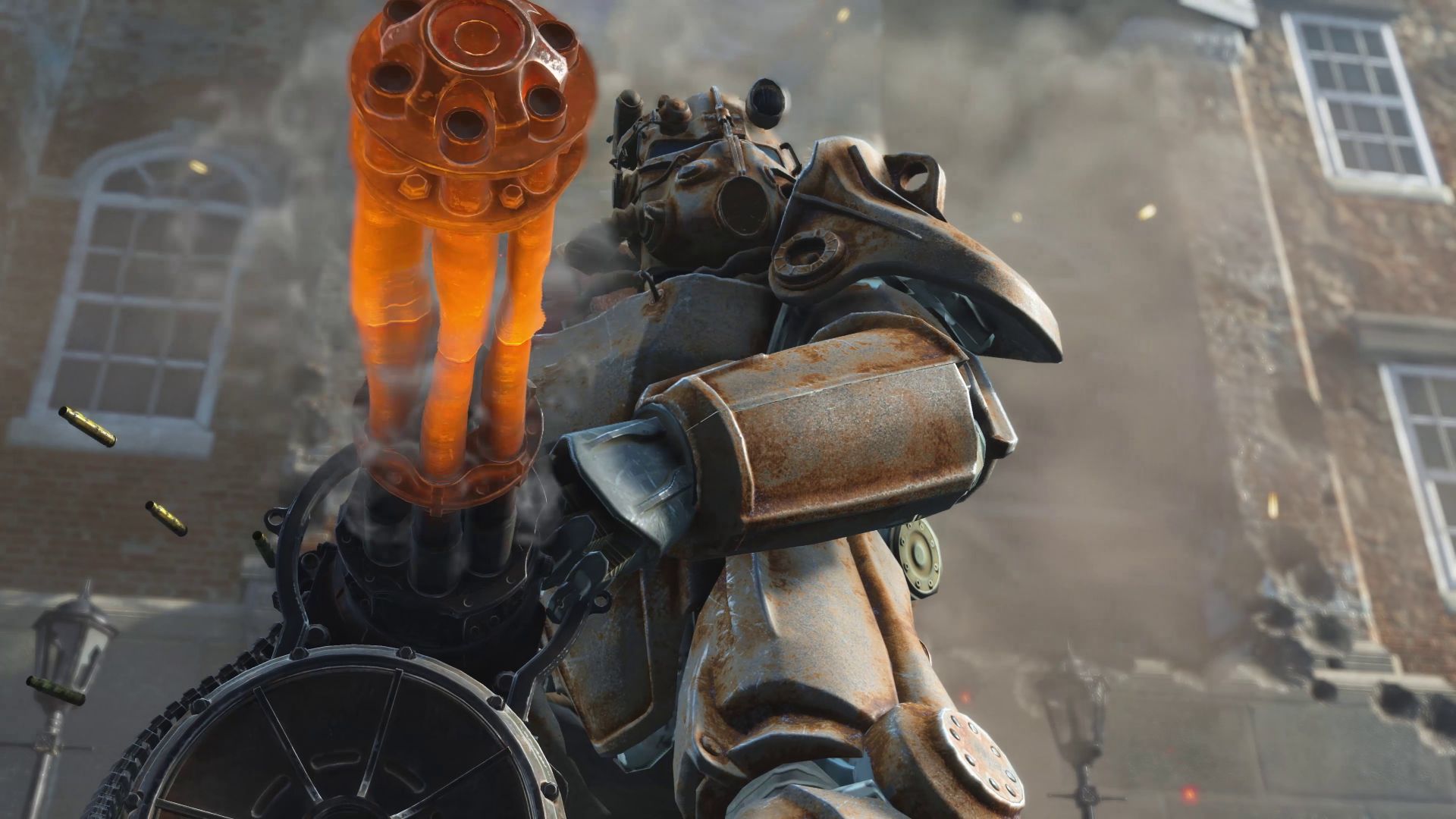
My only real sticking points with the Switch 2 port are the install size—60GB is a substantial amount for a console with limited internal storage—and the expensive options for memory expansion. The other is the price; £52.99 / $59.99USD / $89.95AUD feels a little steep for a decade-old game that is routinely on sale on other platforms for less than half that.
Still, there’s a lot of game here for the money, and if you let it, Fallout 4 will take over your life in the best way possible.

Related Posts

Two Point Museum – Zooseum DLC Switch 2 Review →
Monster Hunter Stories 3: Twisted Reflection (NS2) Review →

Virtual Boy for Nintendo Switch 2 Review (Happy MAR10 DAY) →