
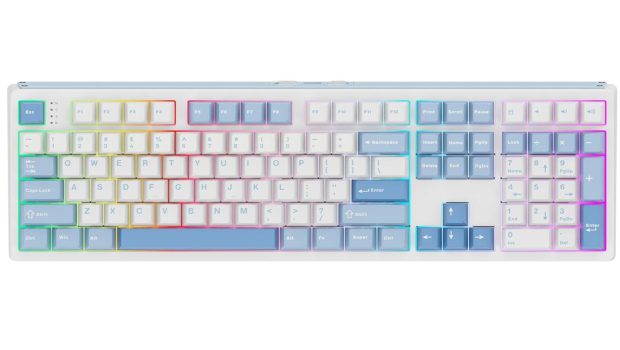
Epomaker TH108 Pro Review
Summary: A solid mechanical keyboard with some really nice features and a surprisingly very useful TFT screen.
4.5
Mechanical Mastery
There are plenty of options these days for mechanical keyboards and standing out can be quite a challenge. Epomaker’s TH108 Pro may just have found the right combination to stand out from the crowd.
I’ll be honest… the main reason I wanted to have a look at the TH108 Pro was the incorporated volume dial (which, for what it’s worth, is a lovely, solid, metal-feeling dial that does exactly what I wanted)… but I was surprised to find it wasn’t the best part of the setup… we’ll get to that in a moment.
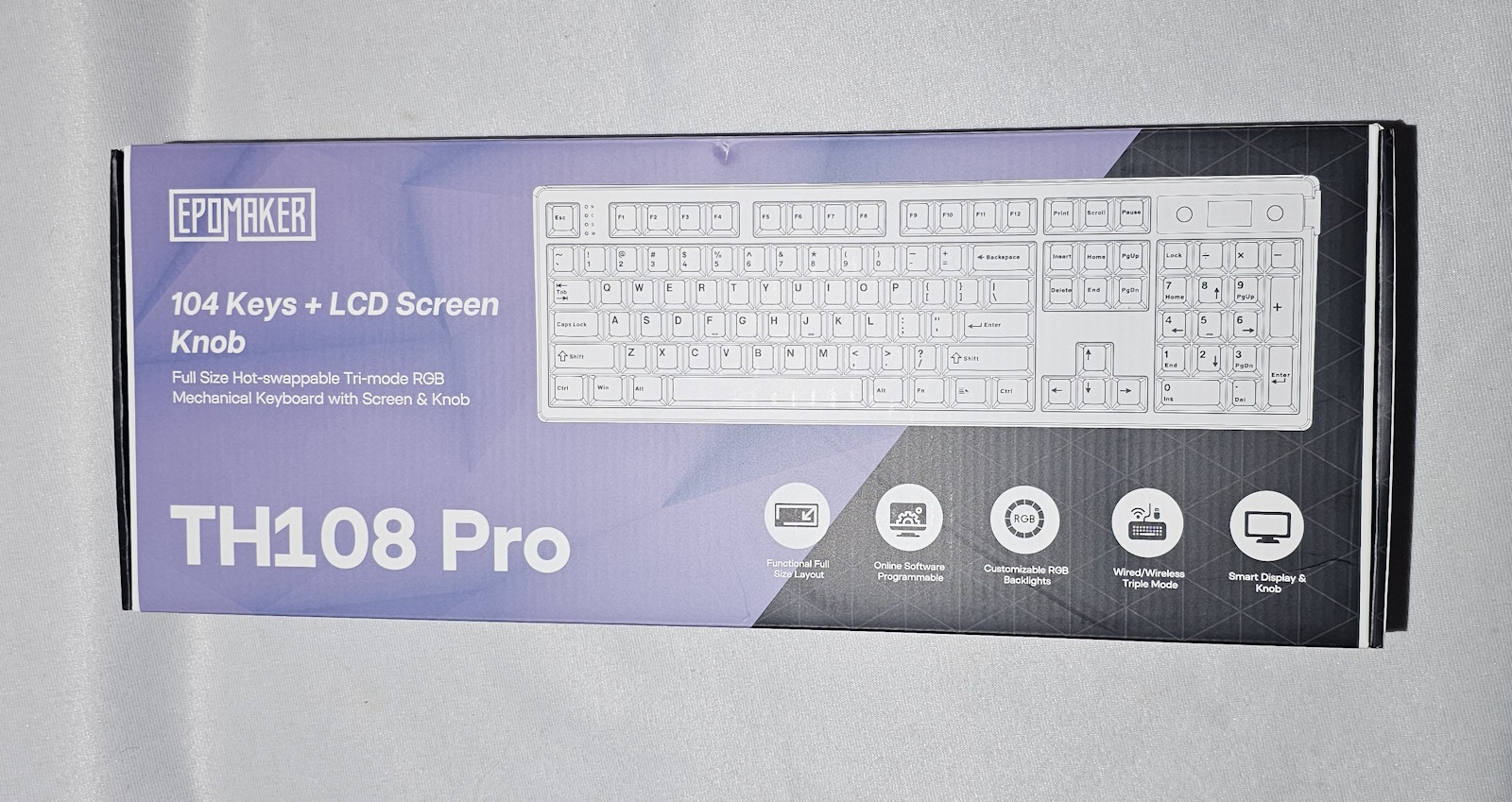
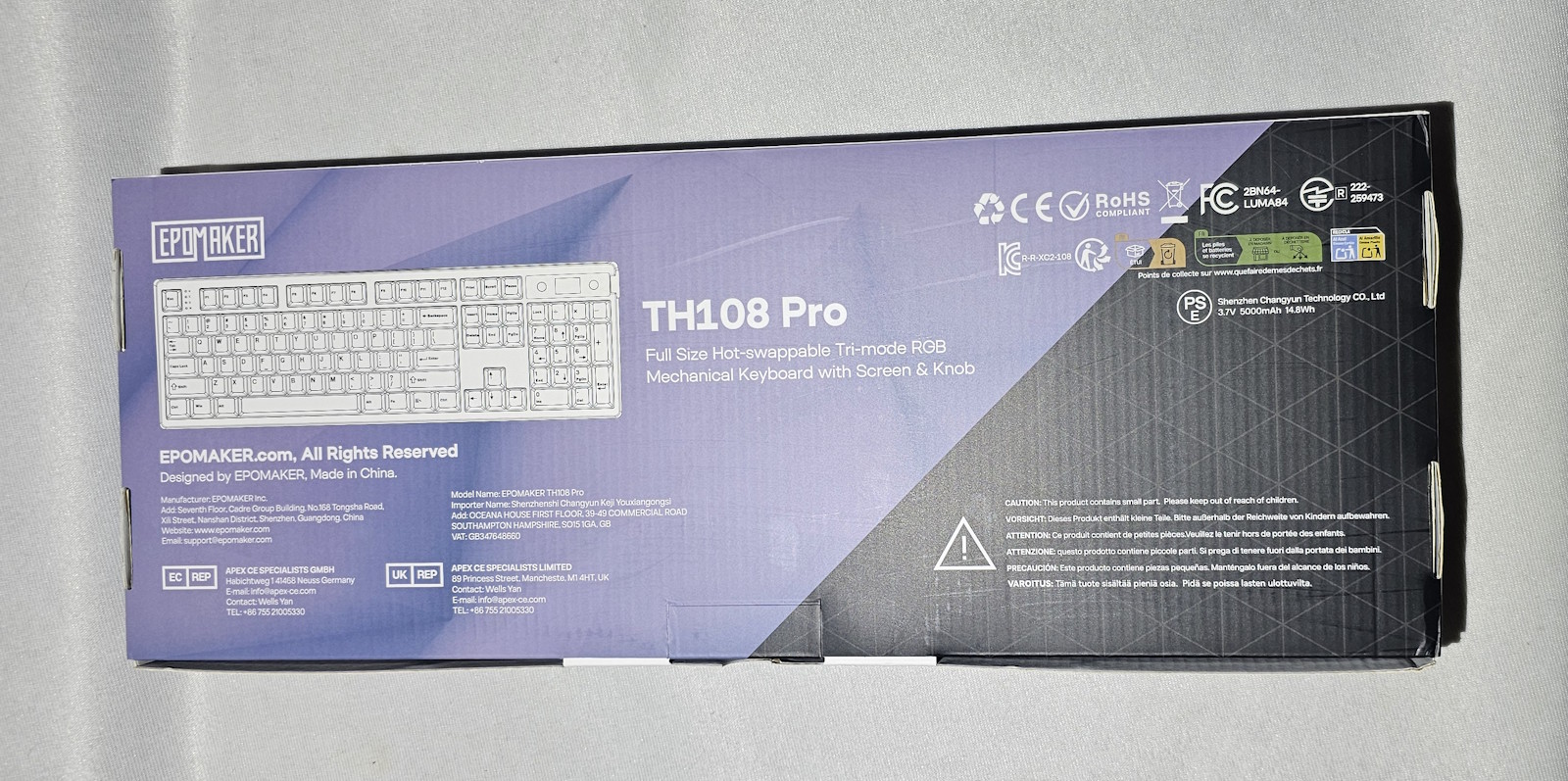
Some quick specs from the makers:
100% Full-Size Layout & TFT Smart Display and Knob
Long-Lasting 10000mAh Battery
Refined typing acoustics with Gasket Mount
Tri-mode connectivity: Bluetooth 5.0, 2.4GHz, & USB-C
Dynamic South-Facing RGB & Hot-Swappable
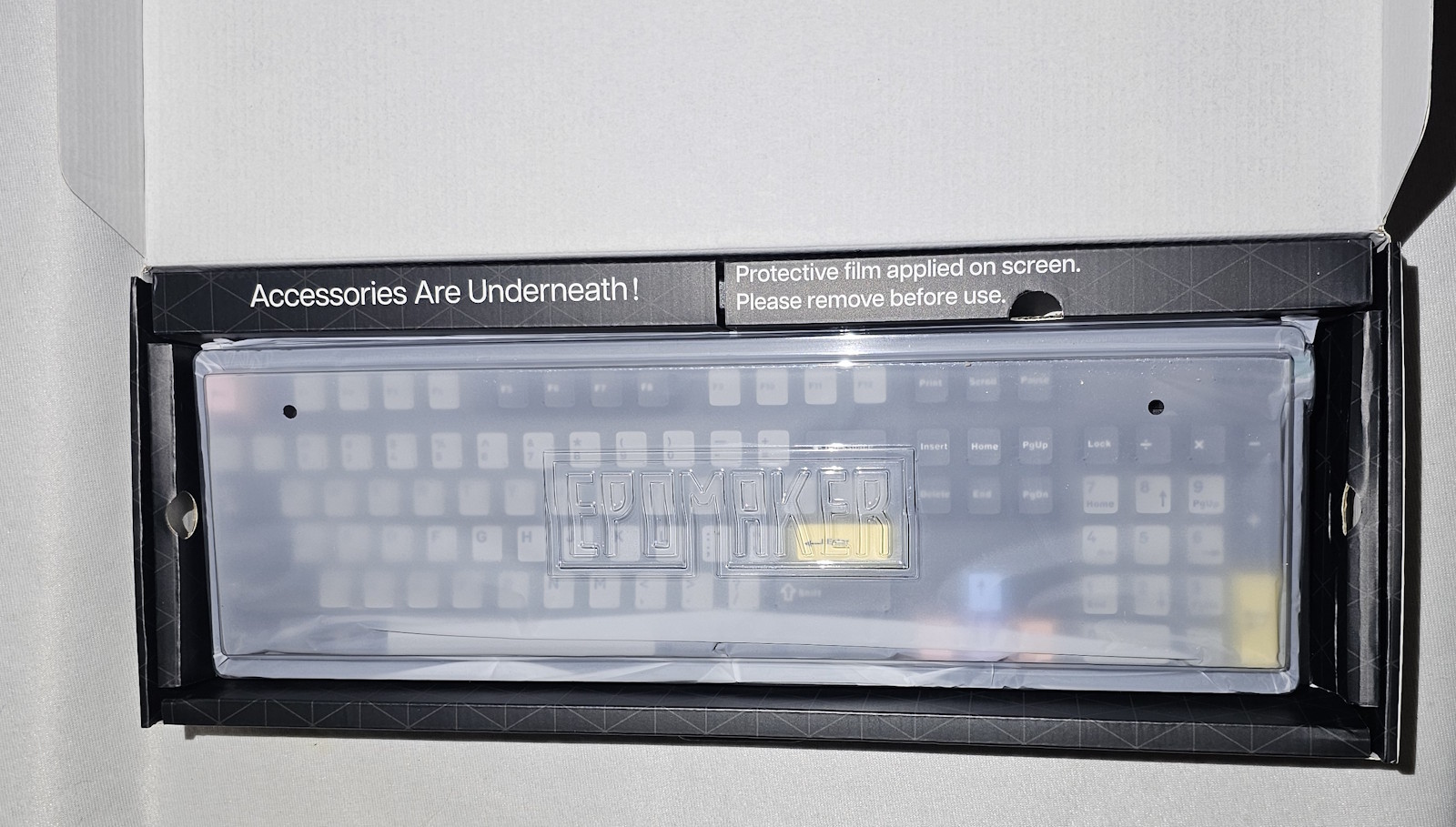
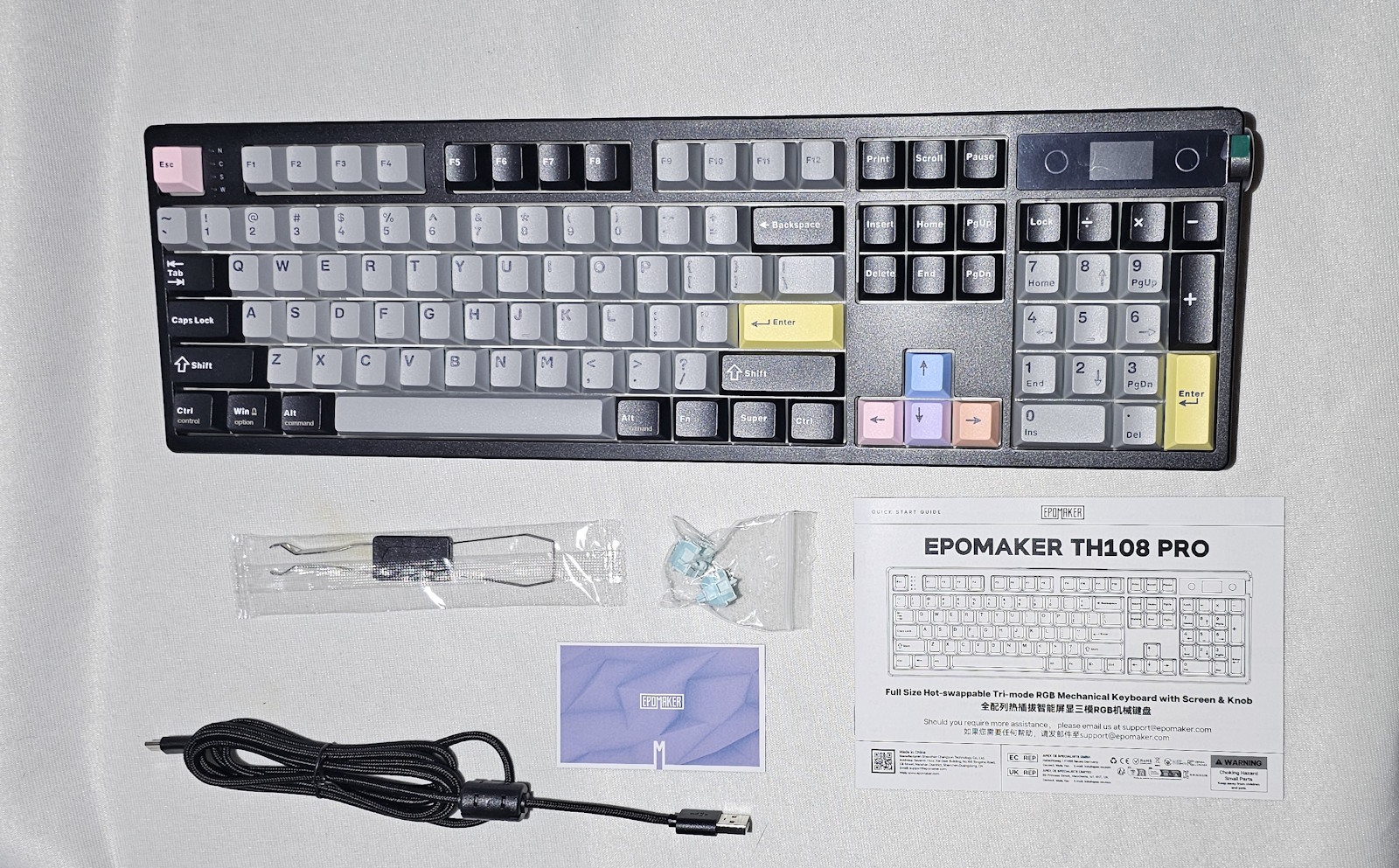
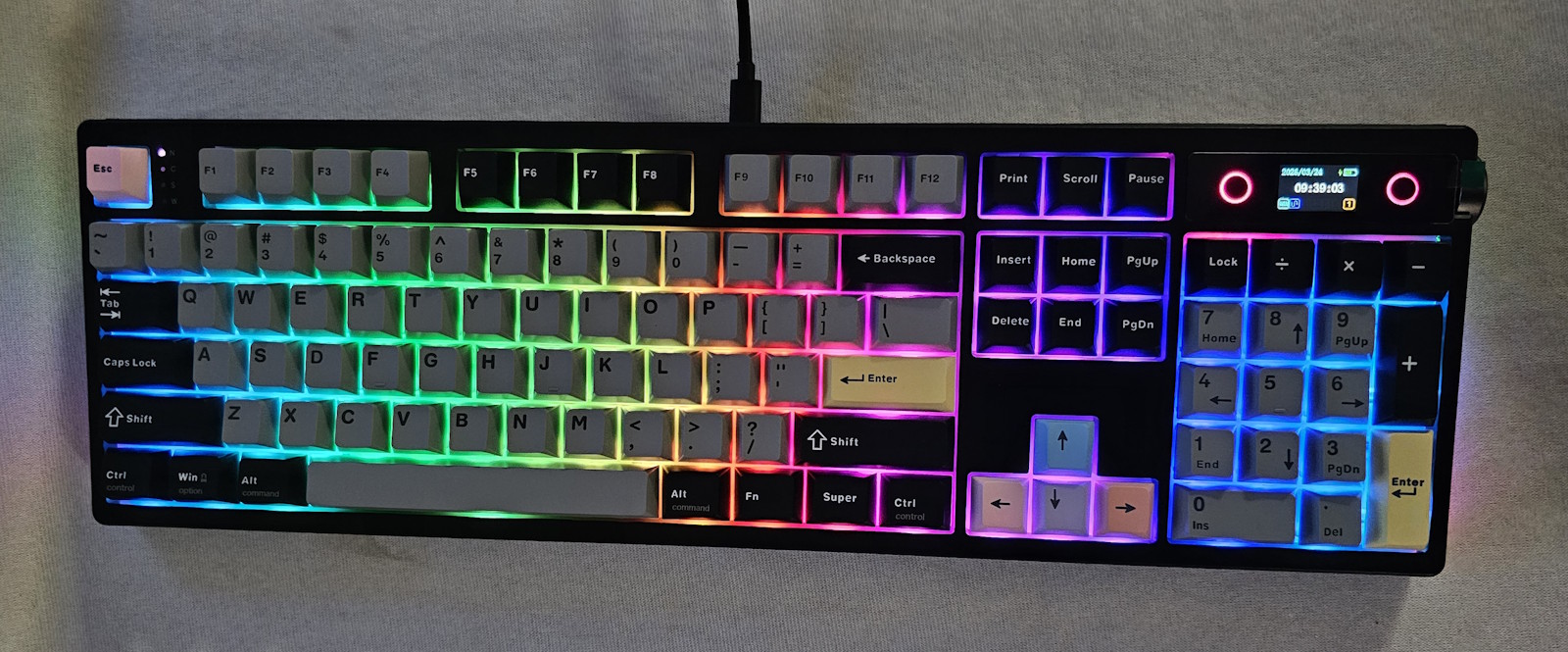
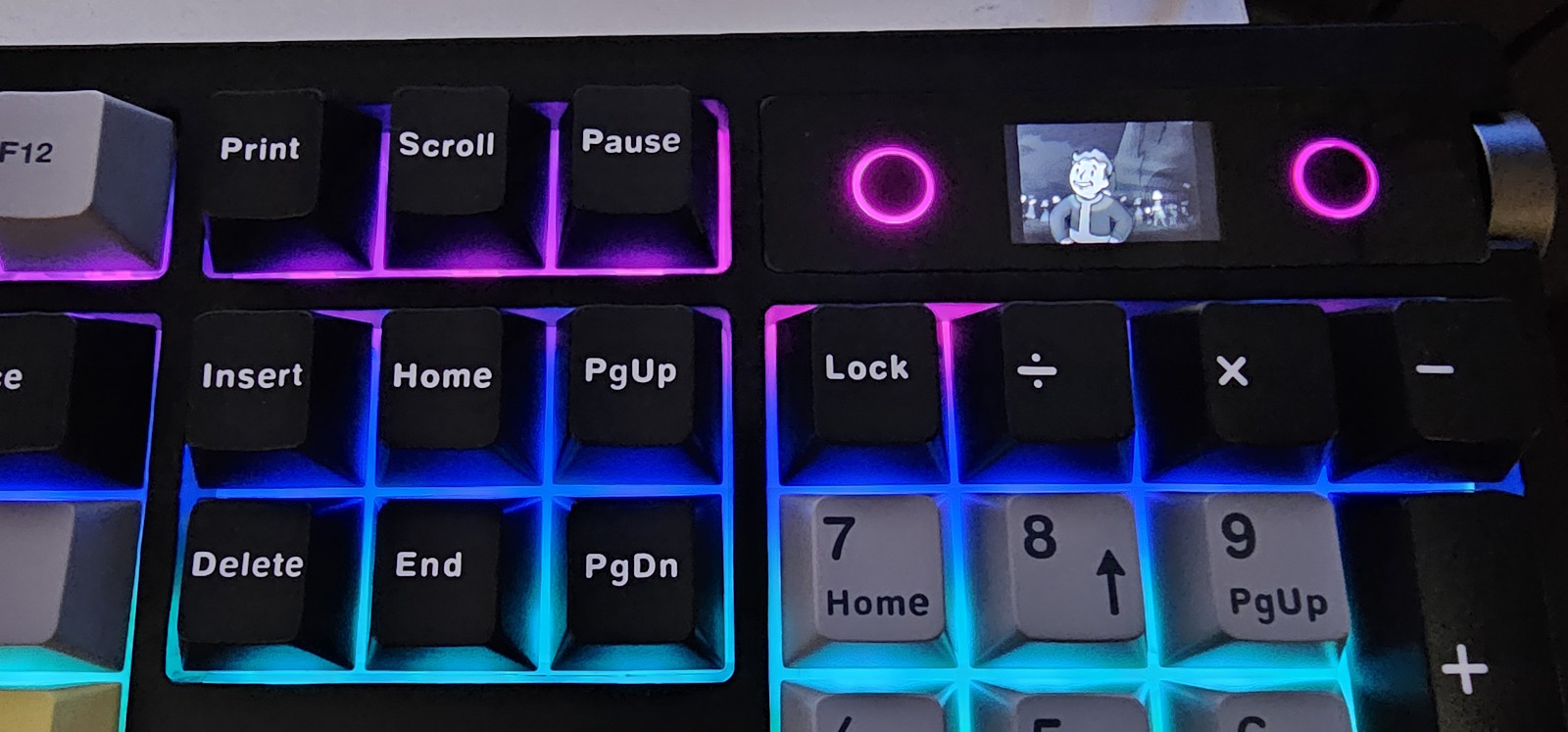
First is the fact that this is a full-sized keyboard. I’ve used 75% keyboards and while they are nice… I really do like having my numpad, so the fact that the Epomaker TH108 Pro has the full set of keys is a big starting point. I also quite like the black version’s colours—enough to create some differentiation but not so much that it looks messy. The RGB LEDs are also nice and bright and while it might have been nice to have keys with illuminated letters… technically you can, as you can swap them out. I should also say that the keys feel really nice to type on, too. I’ve used a few mechanical keyboards now and while I’m not even close to an expert on them… I am starting to notice some differences in action and overall “feel”, and I really like the “solid” feel of the Epomaker TH108 Pro’s keys. They feel sturdy, responsive and just nice to use.
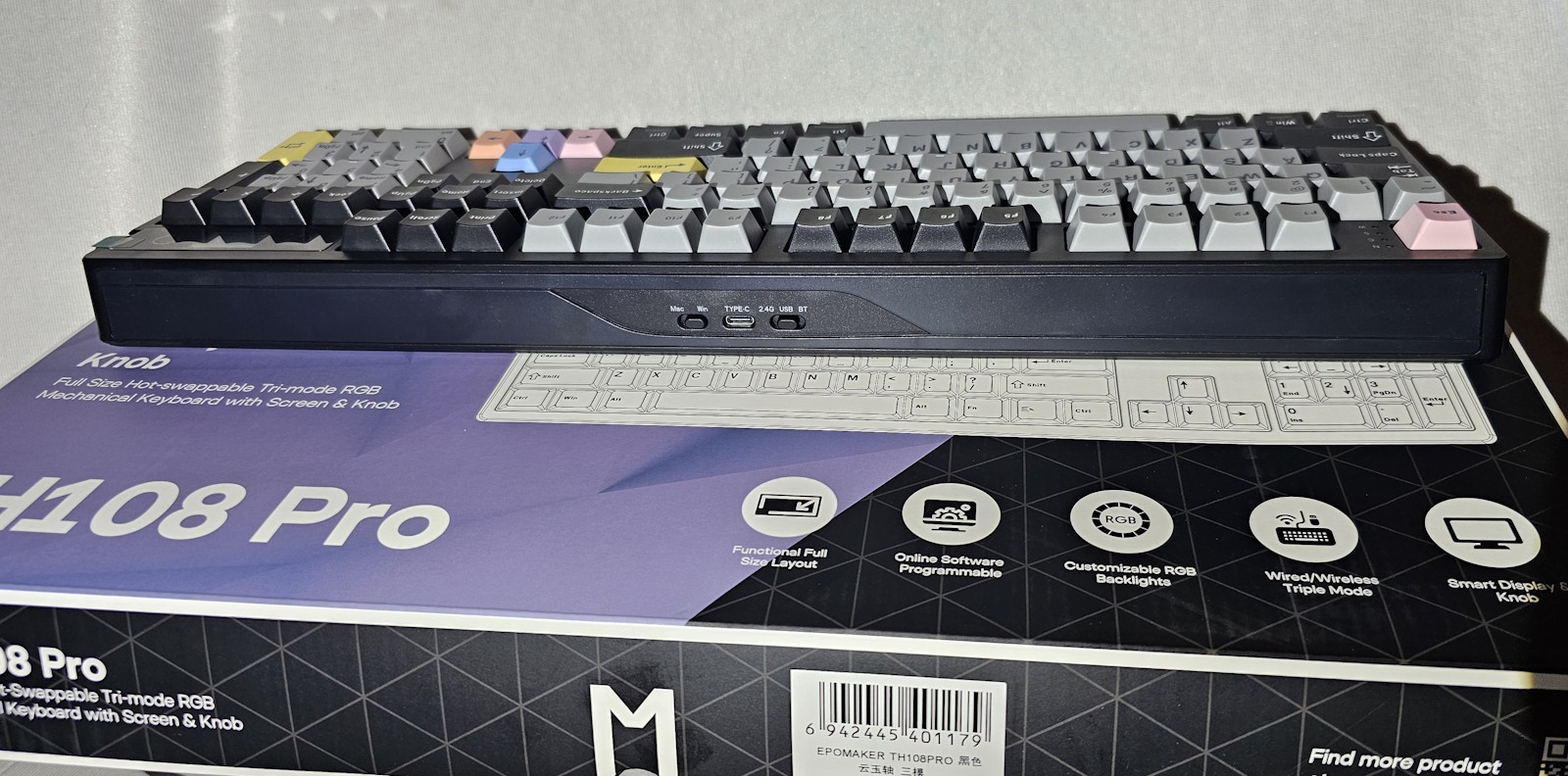
The various connection modes give you plenty of choice for how you use the keyboard. I personally use it as a USB keyboard simply because I have a stationary setup and don’t need any portability, but I appreciate that if I were to go on holiday and wanted to have a wireless keyboard option for, perhaps, my laptop… I could indeed grab the Epomaker TH108 Pro and be good to go.
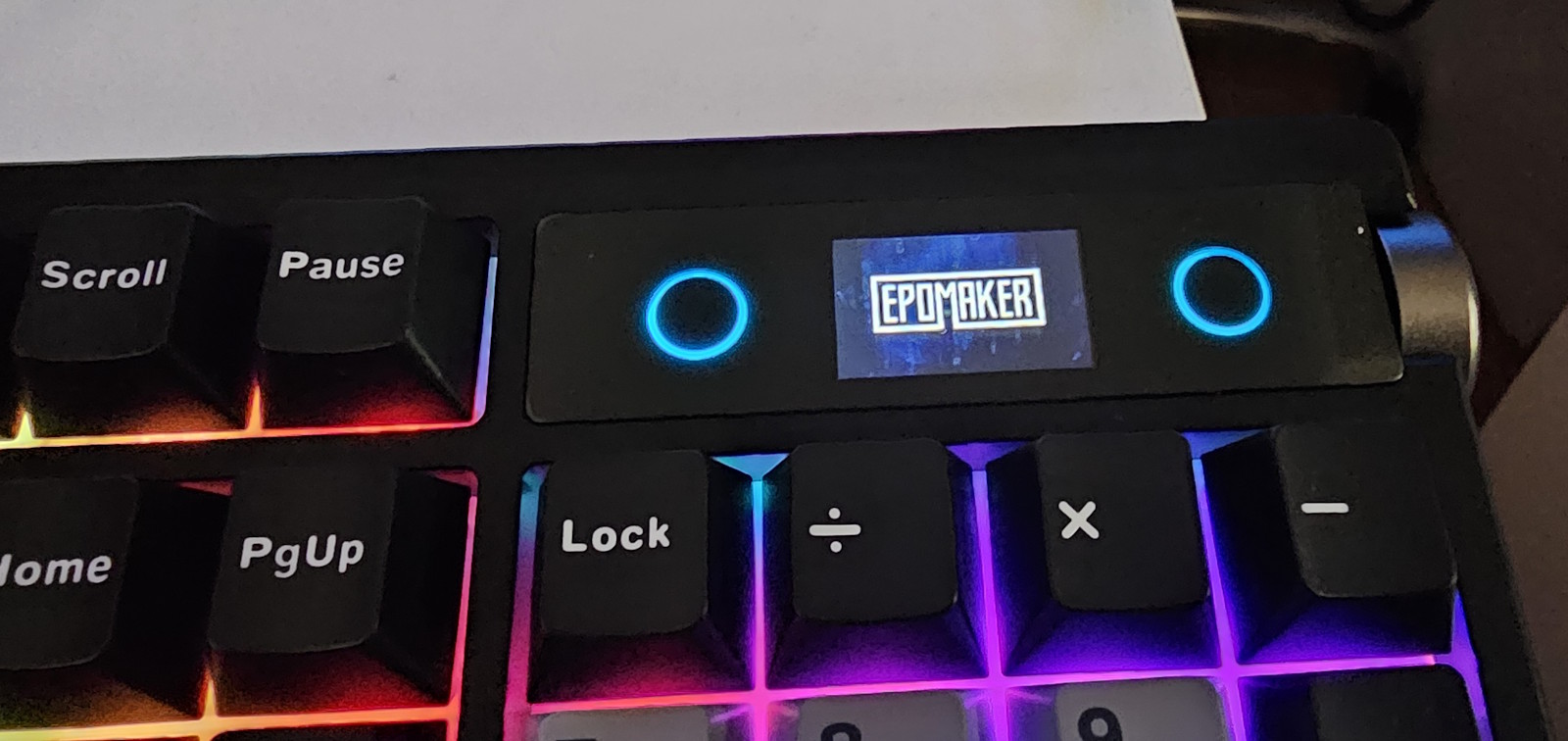
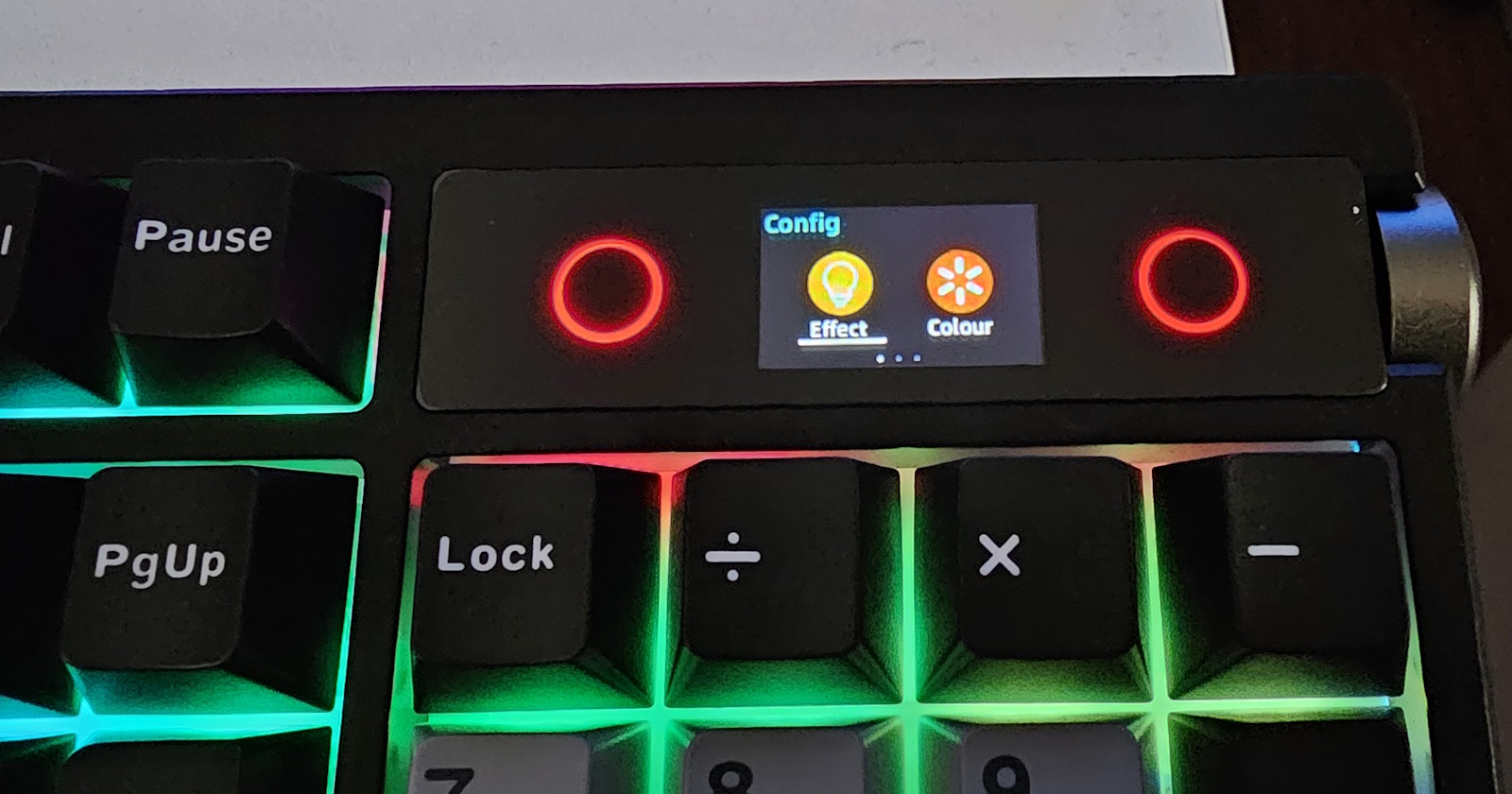
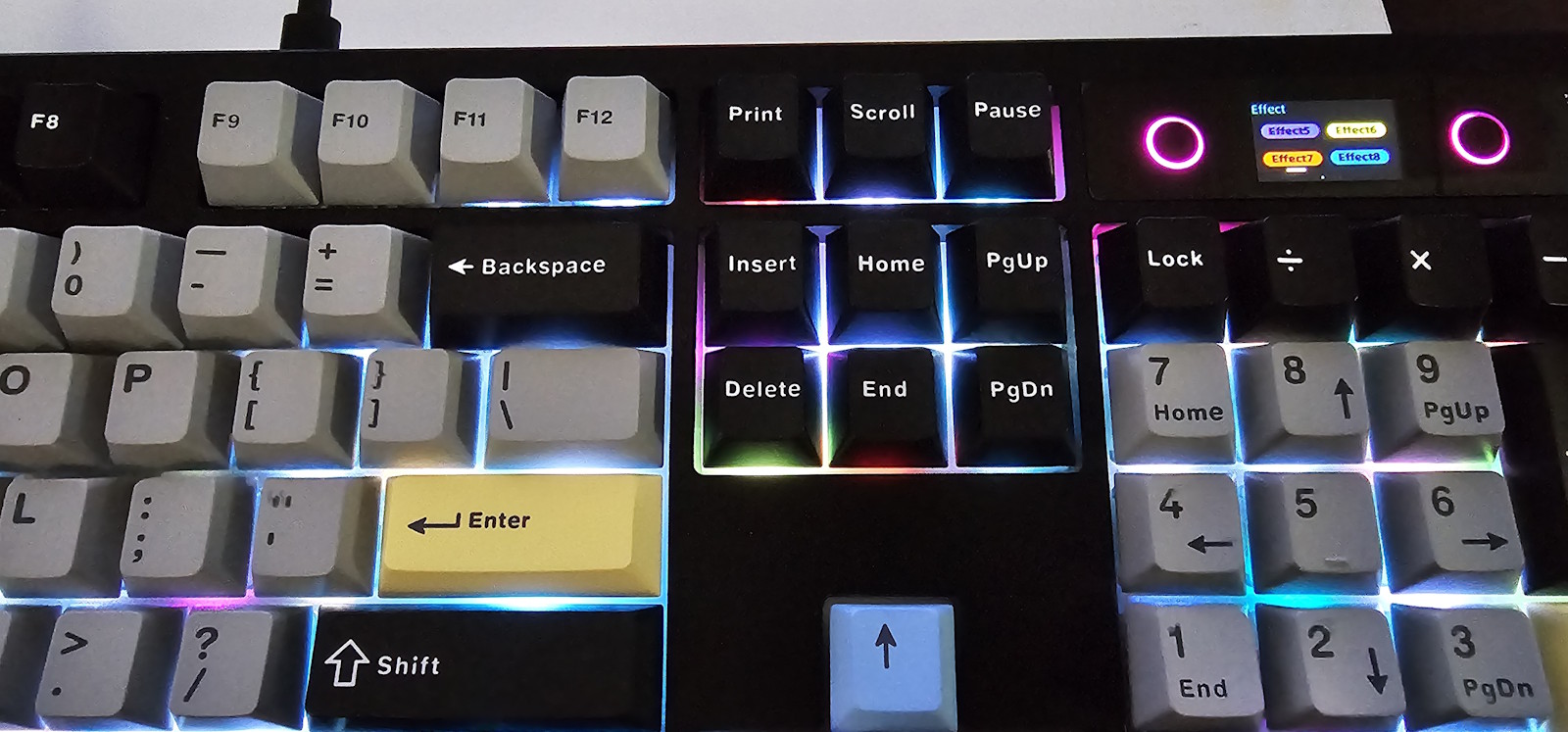
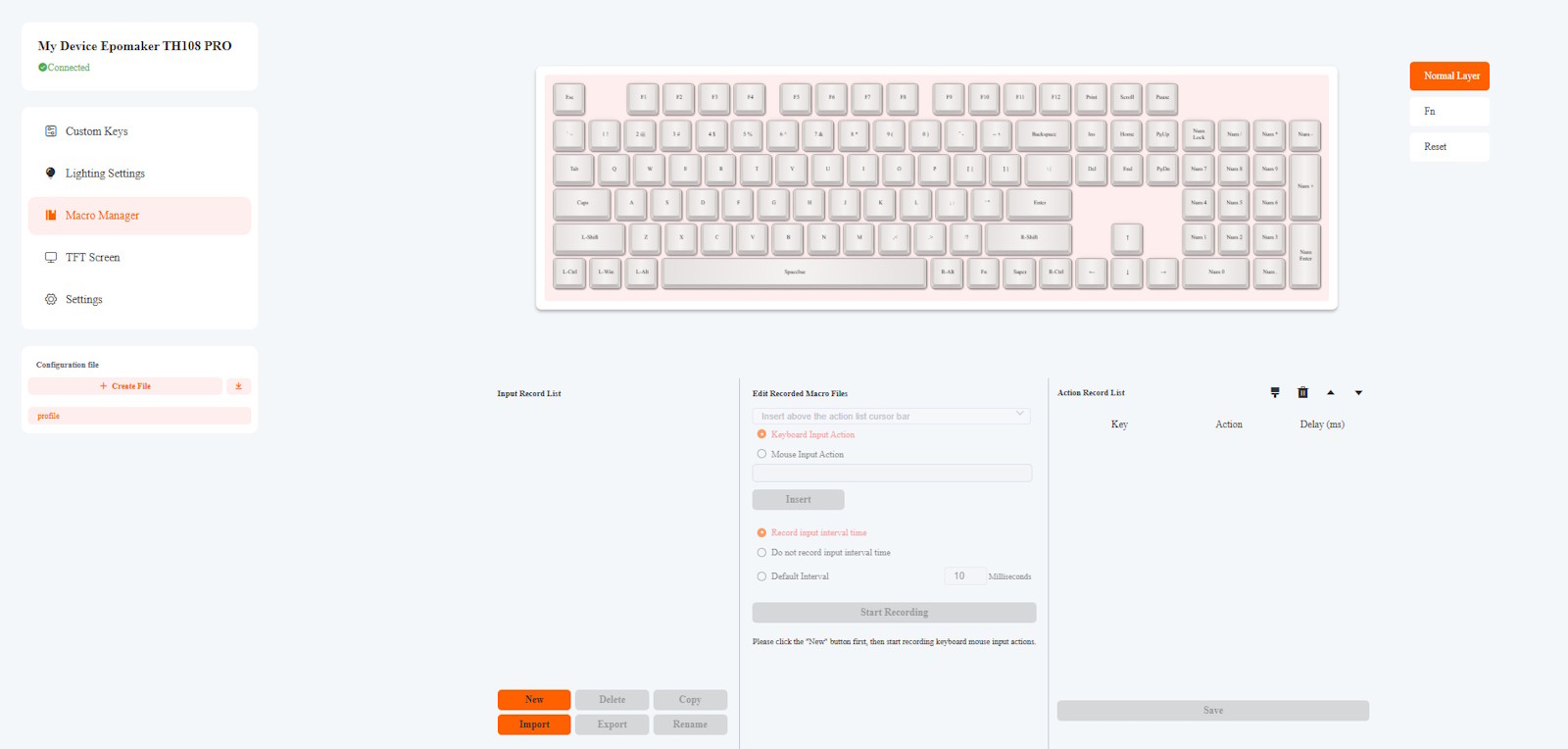
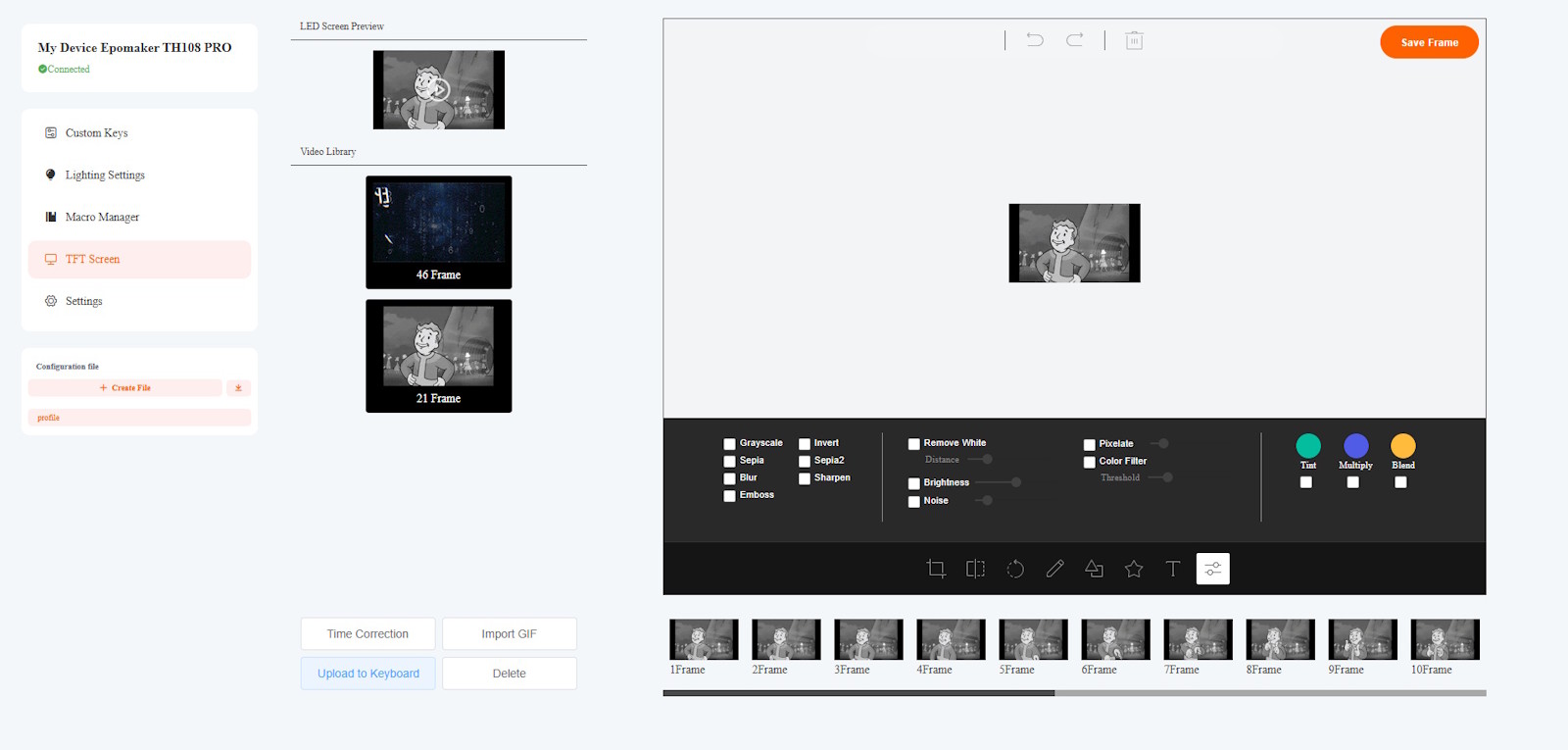
But the main thing that turned out to be my favourite aspect of the keyboard is the TFT screen. It seems like such a small thing, but it has such a big benefit. You can put your own animated GIF on it for a personalised touch. You can scroll through options for keyboard features with it… but the main thing I like about it is the simple fact that it has a clock. The reason that is so appealing to me is because when I’m engrossed in a game, I can easily lose track of time (causing me to make dinner a bit later than I should or lose track of when I need to get the washing out of the machine).
Now I can just look at the keyboard and, with barely a glance away from whatever I’m doing, I can know what the time is. Sure, I have a watch (but I have to press a button on the side for it to display the time)… sure, I’ve got a phone nearby that has the time but again, I’d have to activate the screen to see what time it is. This way, I can literally just look down at the keyboard and see the time right there. Obviously, everyone will have different needs/interests… but to me, I do love that little screen.
Final Thoughts:
It’s been a while since I have considered changing my keyboard… I’ve used a few for reviews but generally went back to one that I’d been using for quite some time now. But the Epomaker TH108 Pro has now taken the stage and it looks set to stay there for the foreseeable future. A great, solid build, nice, solid, responsive keys and bright LEDs are a great starting point. The customisable TFT screen with a clock (and the numpad) just put it over the line for me and all for quite a reasonable price. I’d highly recommend it to anyone looking at grabbing a mechanical keyboard.
About the Author

Chris O'Connor Father of four, husband of one and all round oddity. Gaming at home since about 1982 with a Sinclair ZX Spectrum. Moving on to the more traditional PC genre in the years that followed with the classic Jump Joe and Alley Cat. CGA, EGA, VGA and beyond PC's have been central to my gaming but I've also enjoyed consoles and hand helds along the way (who remembers the Atari Lynx?). Would have been actor/film maker, jack of many trades master of none.
Related Posts

Shokz to power six 2026 Abbott World Marathon Majors Races as the official headphone partner →
Razer Unveils Hammerhead V3 Hyperspeed Gaming Earbuds →
First look at the 007 First Light Limited Edition DualSense Wireless Controller – inspired by James Bond →