

Cooler Master Masterframe 360 Stage LCD Review
Summary: As Indiana Jones once eloquently said, it belongs in a museum and the Cooler Master Masterframe 360 Stage LCD is definitely of that calibre!
4.25
Belongs in museum!
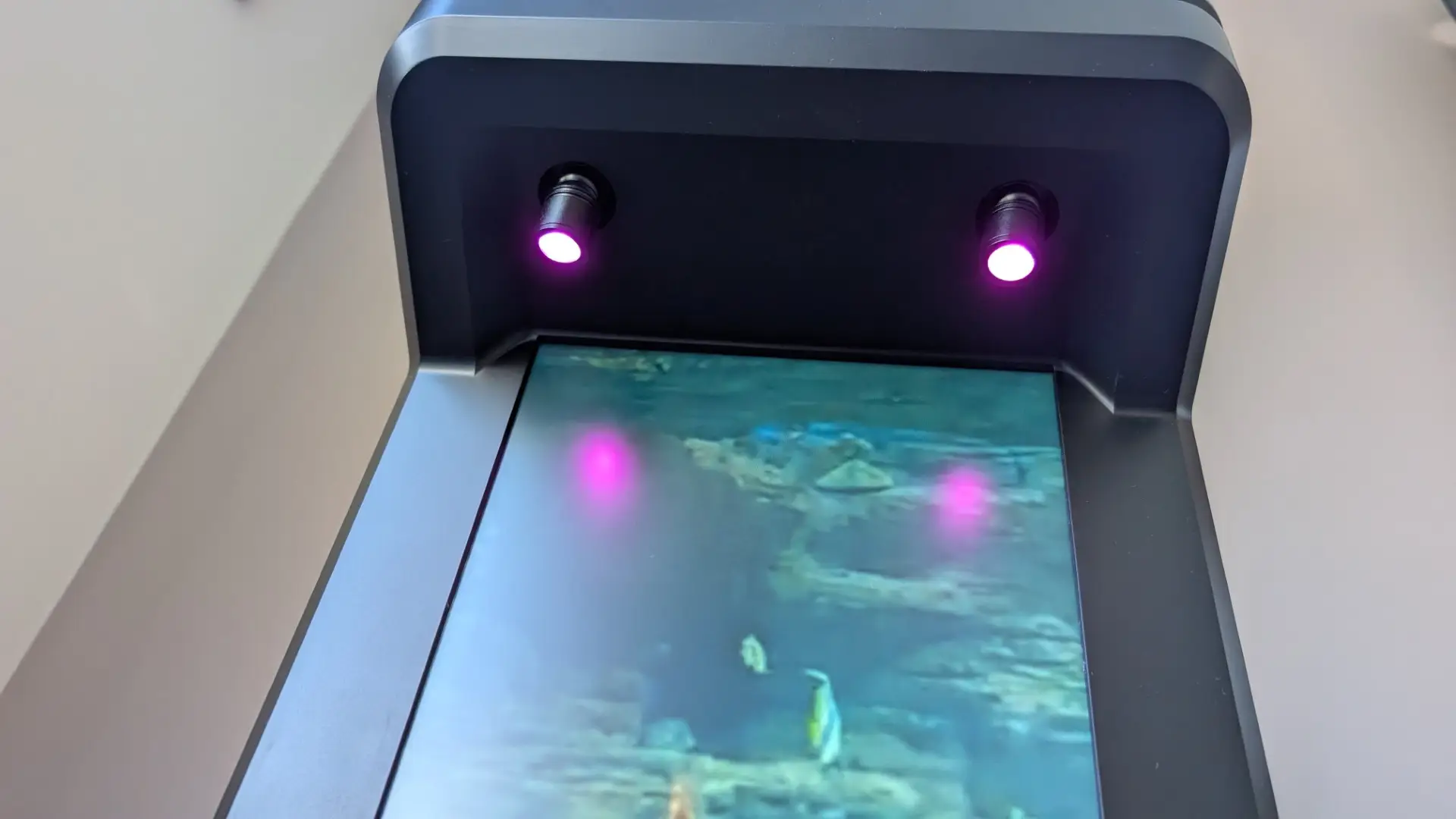
There are computer cases… and then there are computer cases. The Cooler Master MasterFrame 360 Stage LCD is firmly in the latter category. With its bold design and large 15.6-inch LCD screen, it turns this static box into a digital piece of art that is only limited by your imagination. The display can also be used as a second monitor for your computer or to monitor your PC stats such as temperatures and fan speeds. There are also two ARGB spotlights that add to the visually impressive aesthetics of the Cooler Master MasterFrame 360 Stage LCD, making it a perfect spot to display your favourite collectible, complete with a rubberised ledge to keep it secure.
Supporting the aesthetics of the Cooler Master MasterFrame 360 Stage LCD is the size of the case, which measures a whopping 549 x 291 x 581 mm. This gives you plenty of room to build your new PC with compatibility for most motherboards (Mini-ITX, MicroATX and ATX), including GPUs up to 430mm plus space for a plethora of different PSUs. Then you have the PCIe 5.0 Riser Cable (released in late 2023) that allows you to vertically mount your GPU via a brace which does not require your card to be inserted directly into your motherboard. It is an impressive piece of tech but having not built a PC for a few years, my brain briefly short‑circuited as I tried to install the GPU directly into the motherboard, something this case simply doesn’t allow. Oh… it also has excellent cable management as well!
The Cooler Master MasterFrame 360 Stage LCD also supports radiators up to 360mm with a generous 75mm clearance, alongside flexible fan configurations ranging from six 120mm units to dual 200mm intakes. This makes for a very versatile layout to accommodate everything from high-airflow builds to high-performance liquid cooling setups.
Cooler Master MasterFrame 360 Stage LCD Specifications
| Model Number | MF360‑KHNN‑S02 |
| Colour | Black |
| Materials | Exterior: SGCC Side Panels: TG / TG |
| Dimensions (L × W × H) | 549 × 291 × 581 mm (incl.) 511 × 291 × 581 mm (excl.) |
| Volume | 86 L (w/o protrusions) 93 L (with protrusions) |
| Motherboard Support | Mini‑ITX, Micro‑ATX, ATX, BTF (ATX) |
| Power Supply | ATX |
| PCI Slots | 3.5 |
| Drive Bays | 0 × 3.5” 1 × HDD or 2 × SSD |
| I/O Panel | 2 × USB 3.2 Gen1 Type‑A 1 × USB 4.0 Gen2x2 Type‑C 1 × 3.5 mm Headset Jack |
| Fan Support | Top: 6×120 / 2×140 / 2×180 / 2×200 Bottom: 6×120 / 2×140 / 2×180 / 2×200 |
| Radiator Support | Top: 120–360 mm (75 mm thick) Bottom: 120–360 mm (75 mm thick) |
| Dust Filters | Mesh only (removable) |
| Included Components | PCI‑e 5.0 Riser 2 × ARGB Spotlights |
| Collectibles Display | 328 × 290 × 110 mm |
| DIY Tank & Pump | Yes (left‑side) |
| Toolbox | Included |
| Clearances | CPU: 145 mm PSU: 210 mm GPU: 430 mm Cable Routing: 110 mm |
| Warranty | 2 years |
| Size | Mid Tower |
| Series | MasterFrame Series |
Unboxing
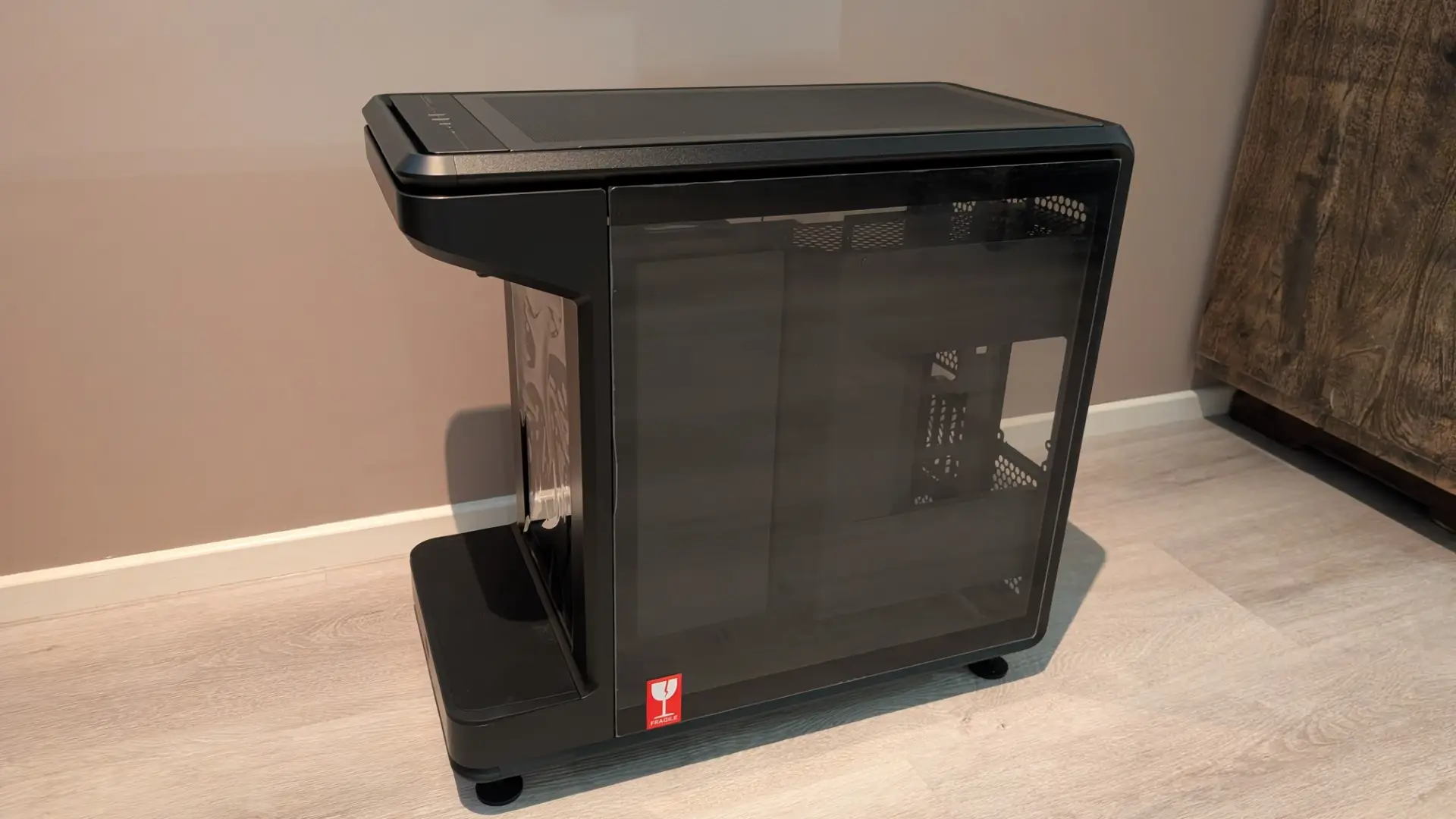
The Cooler Master MasterFrame 360 Stage LCD is very well packed and comes with everything you need to build a new PC or transfer one from your existing case. This mid-tower case is also quite heavy with the unit weighing in at 16.5kg so with the additional packaging, you may need a second person to assist.
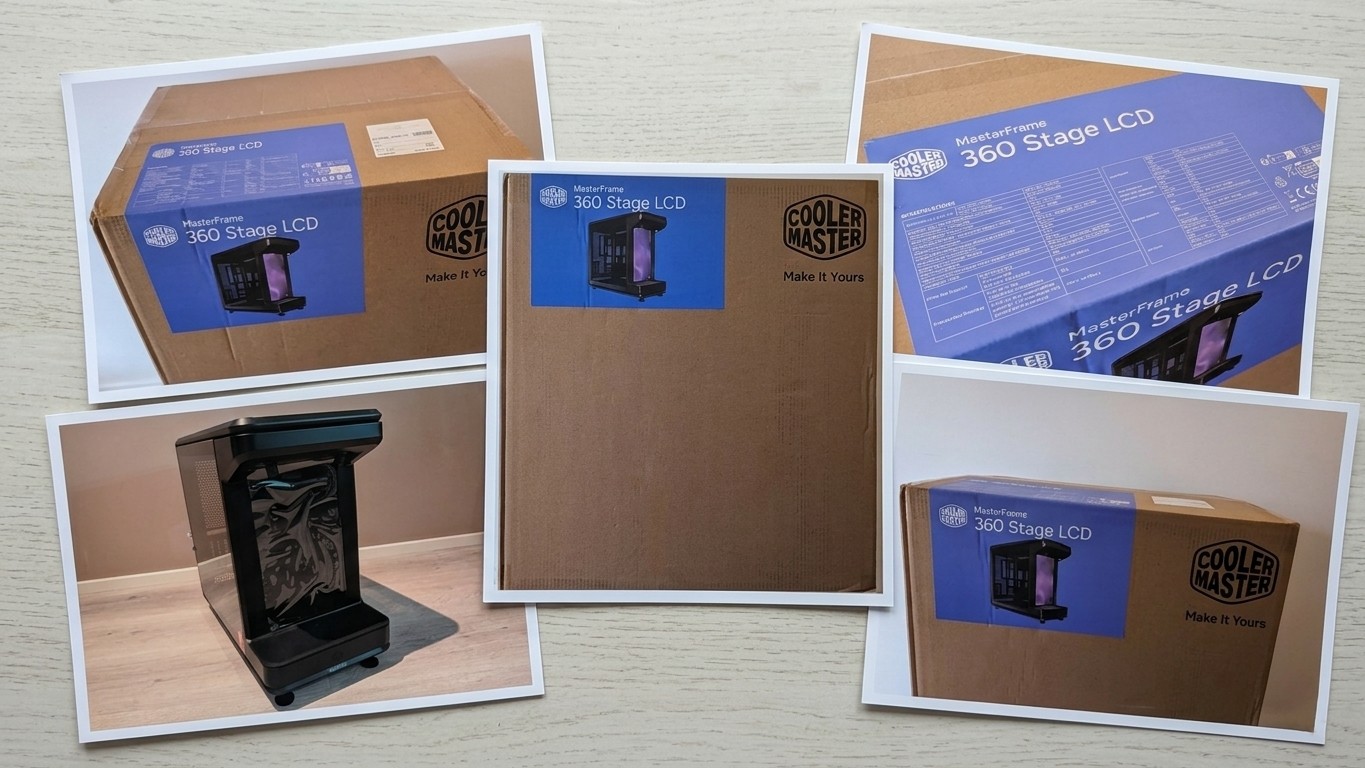
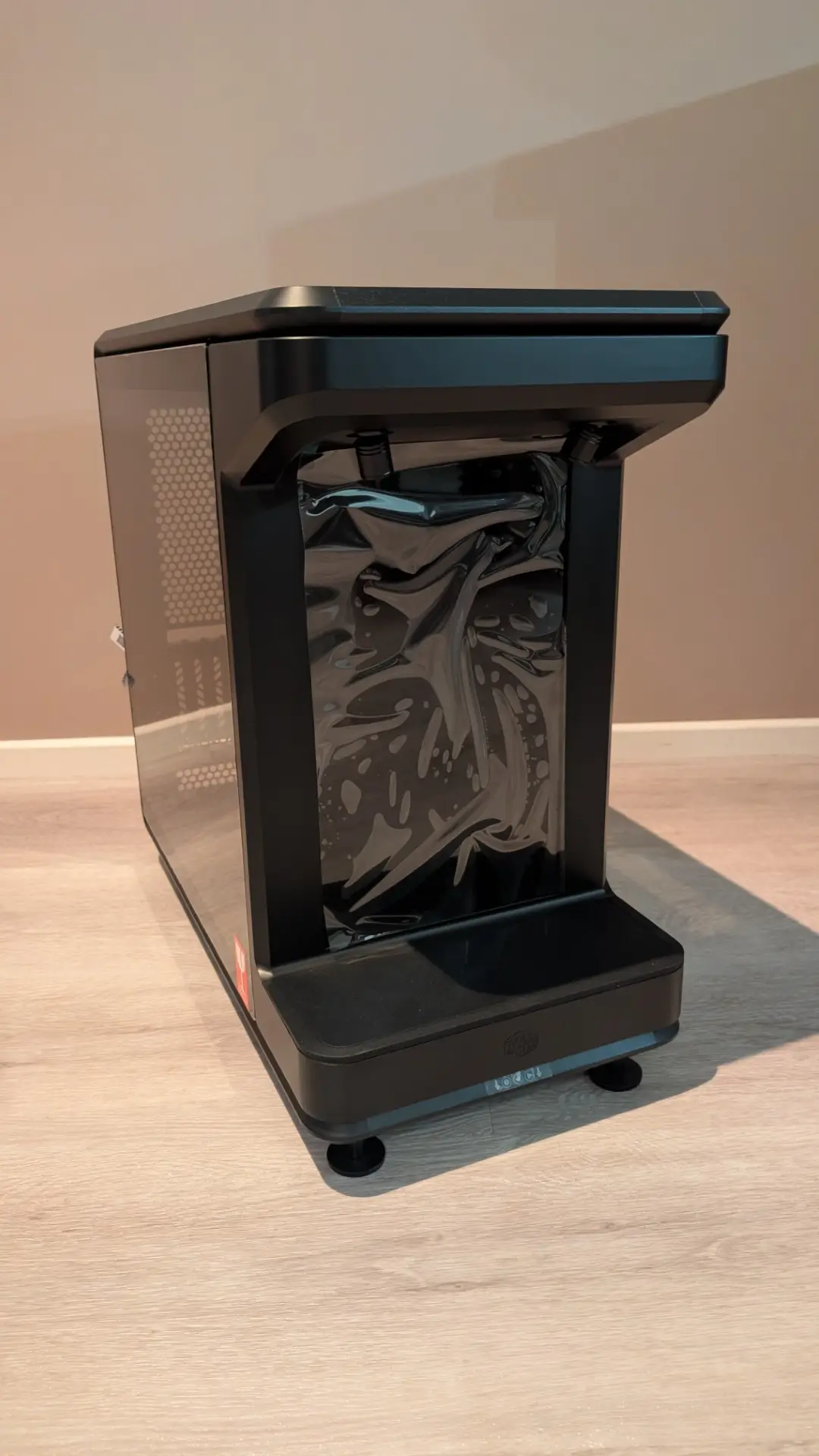
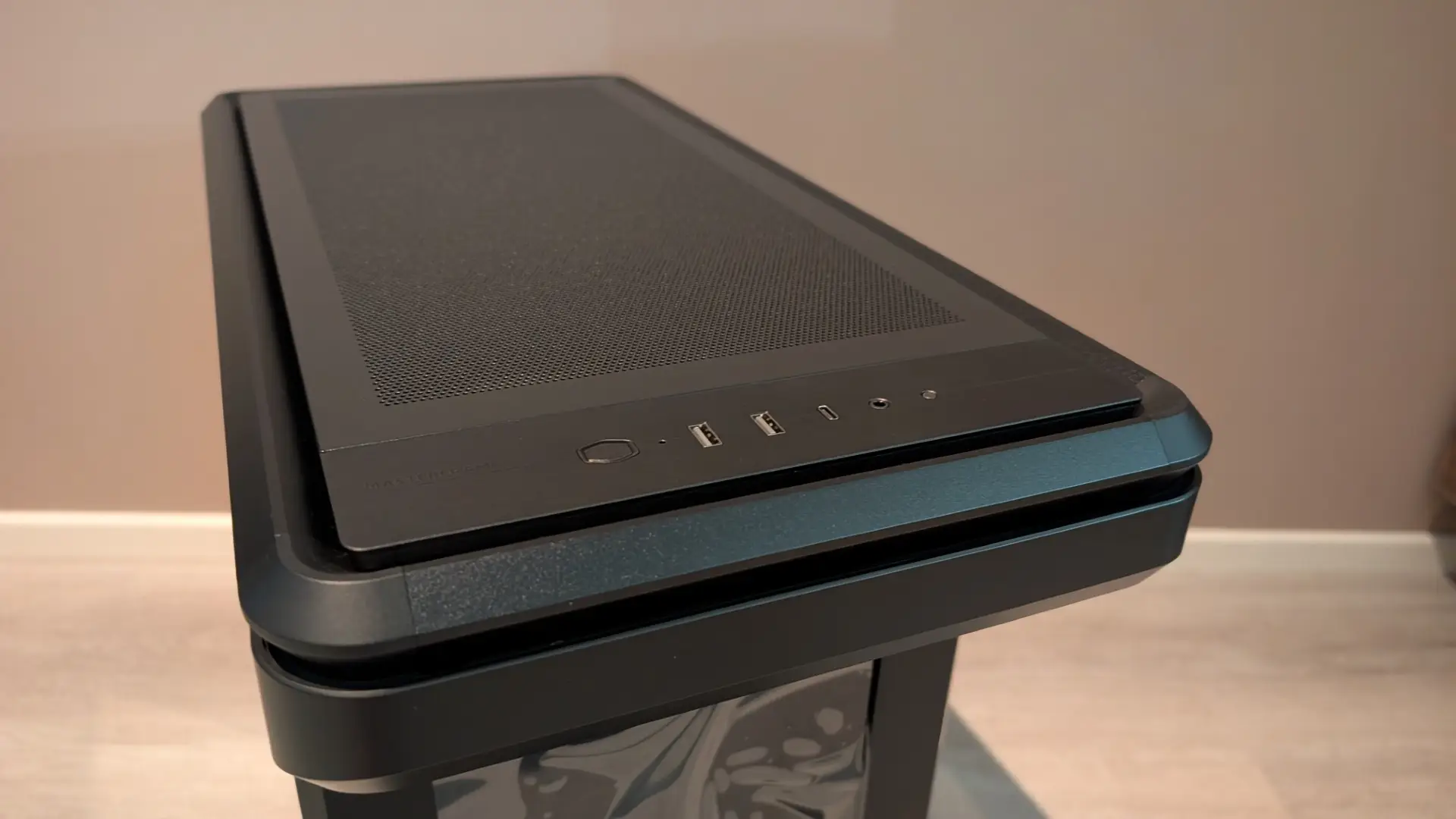
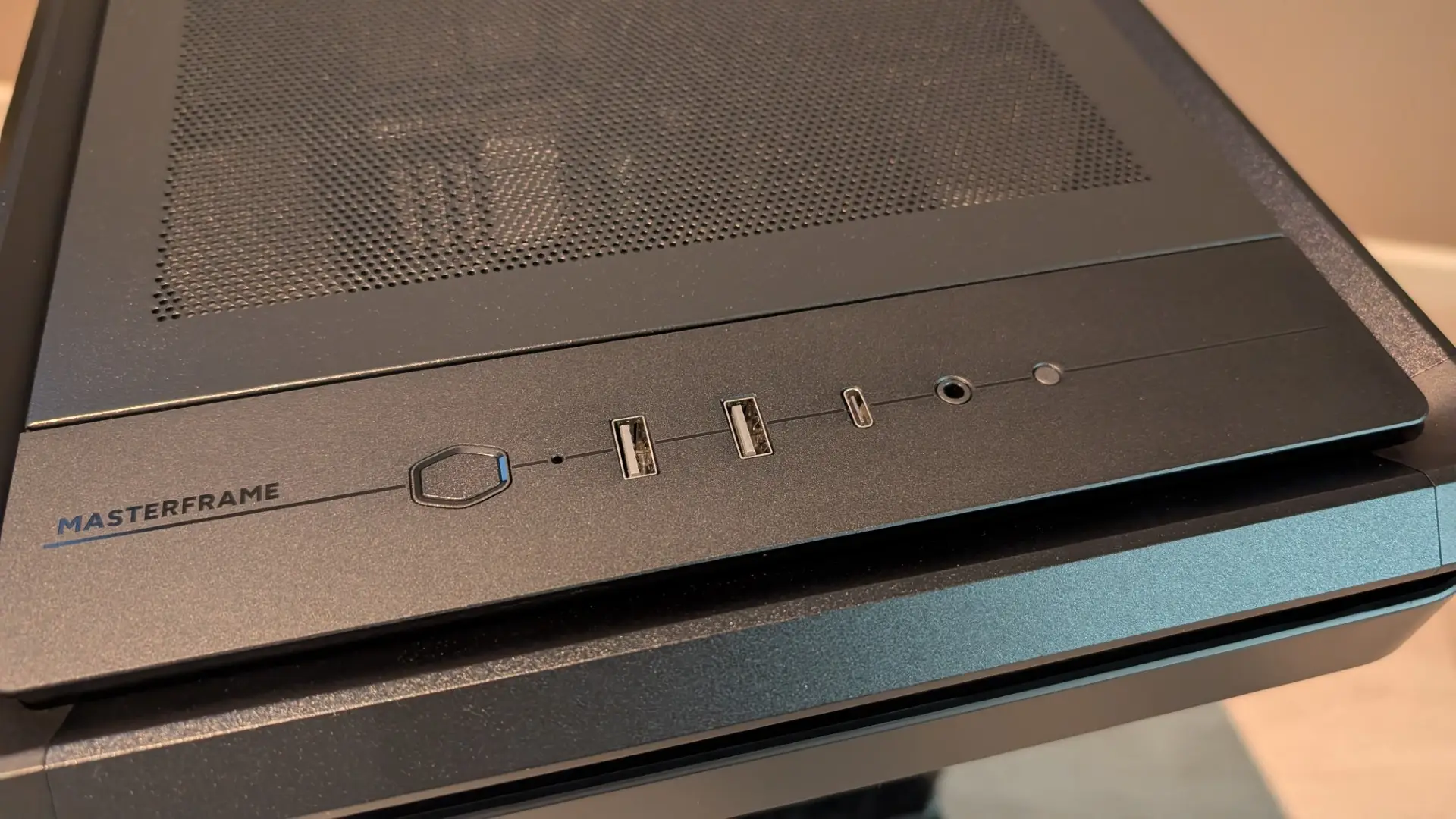
As you can see from the above and below images, the build quality is outstanding (premium in fact) with perfect button and input placement neatly at the top, including the MasterFrame branding to the left. The case also uses 1.0mm perforated steel panels and the frame is SGCC steel for additional durability.
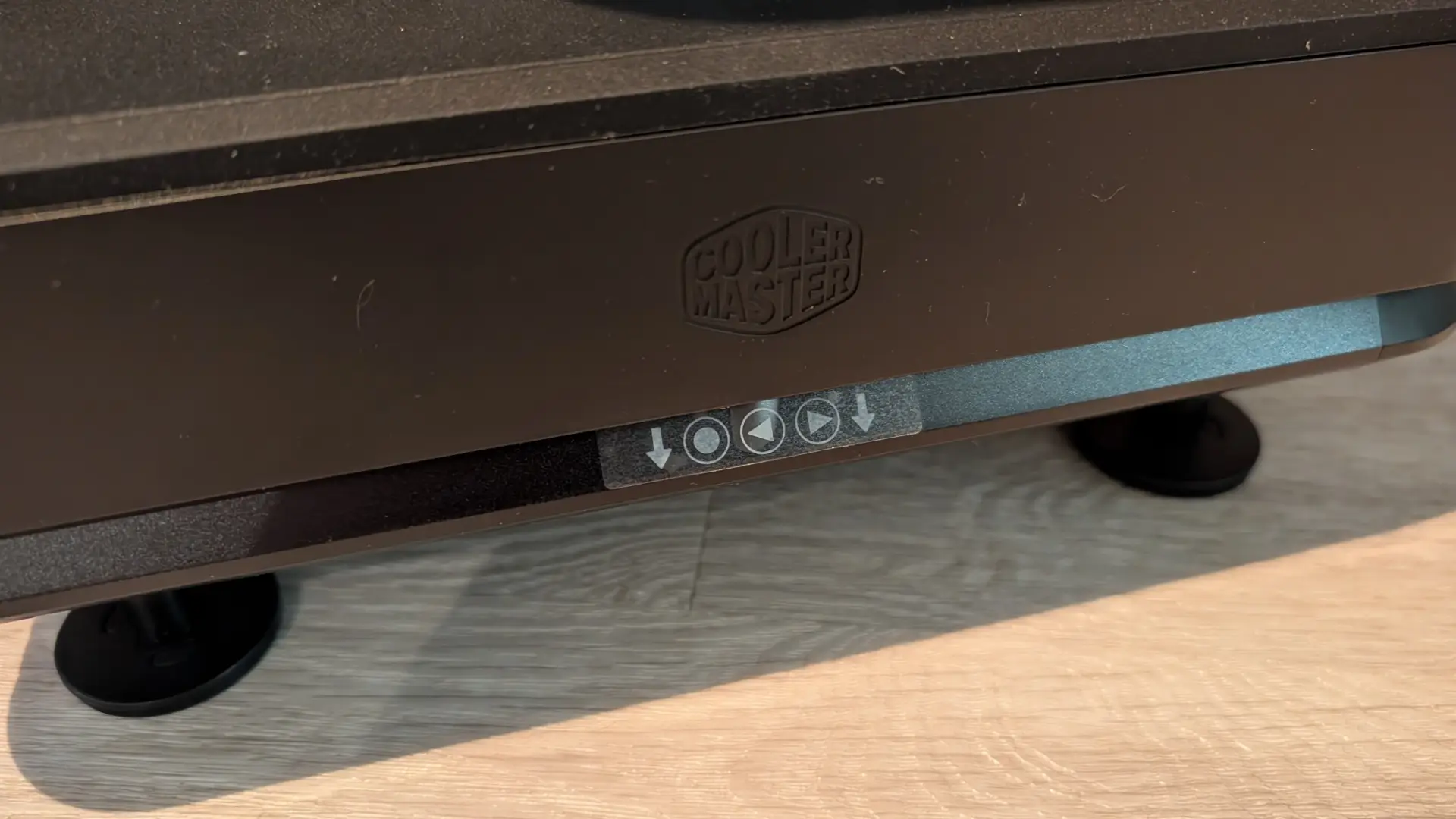
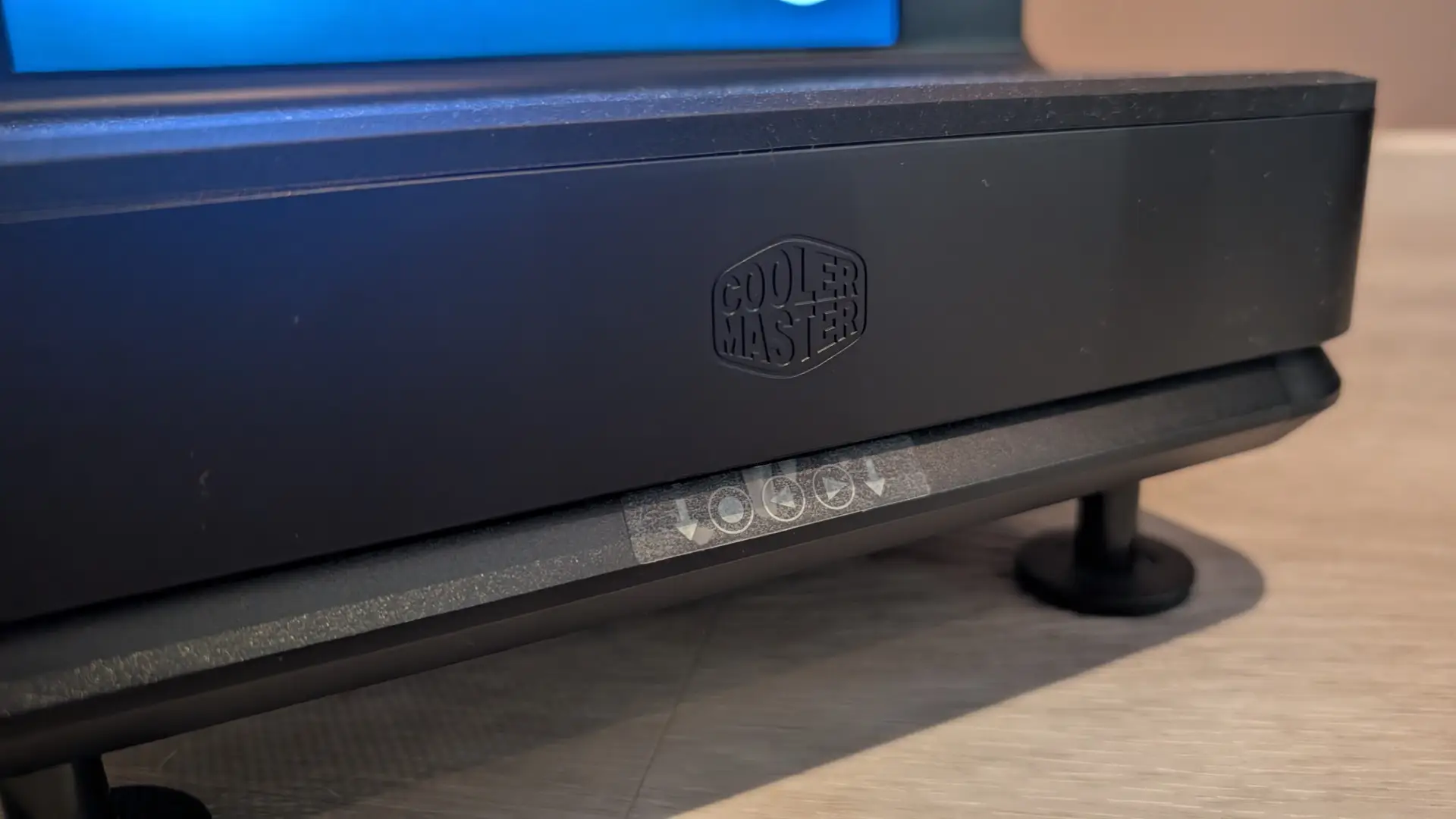
Also just under the front, underneath the case are three buttons to control the LCD.
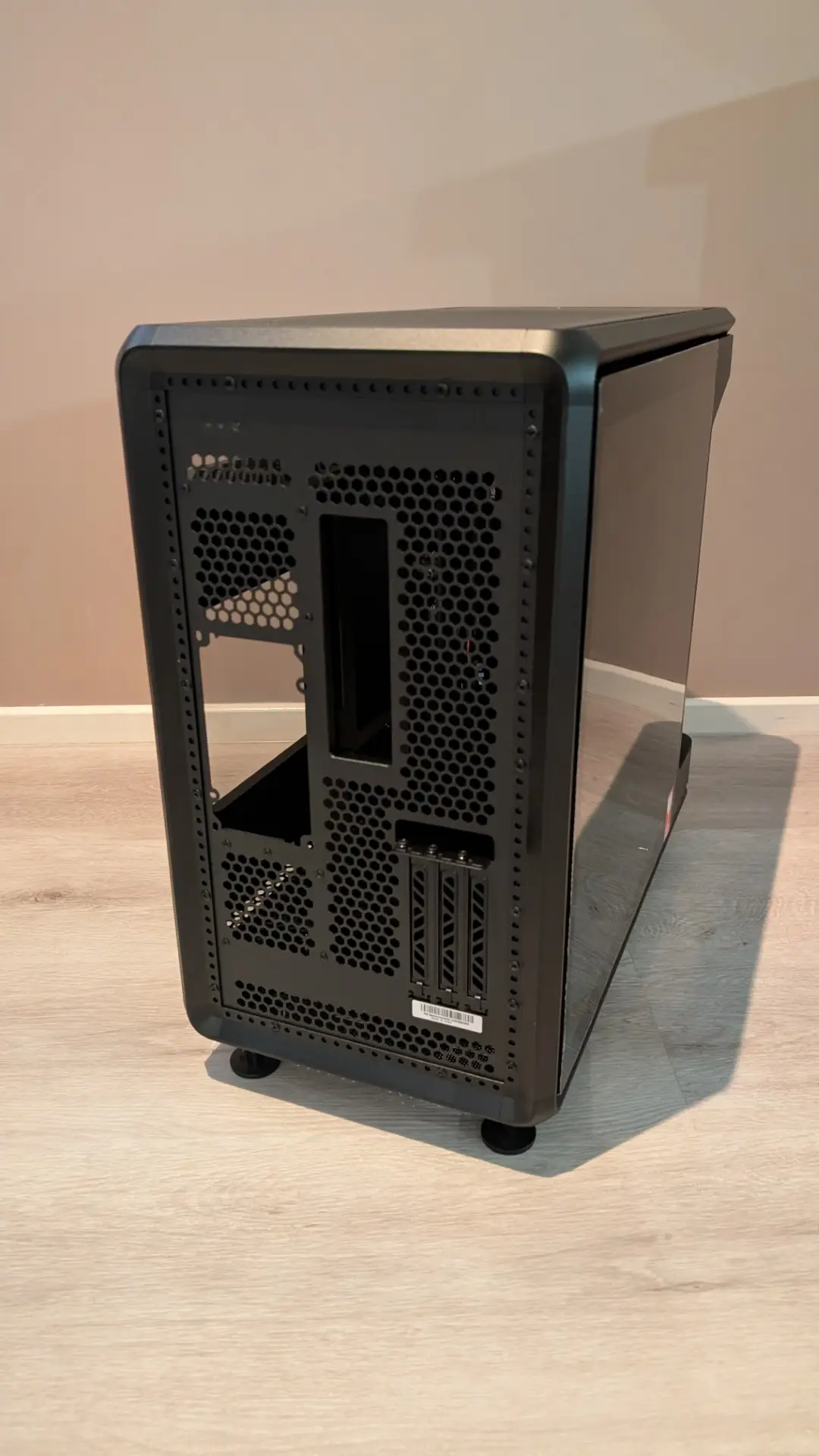
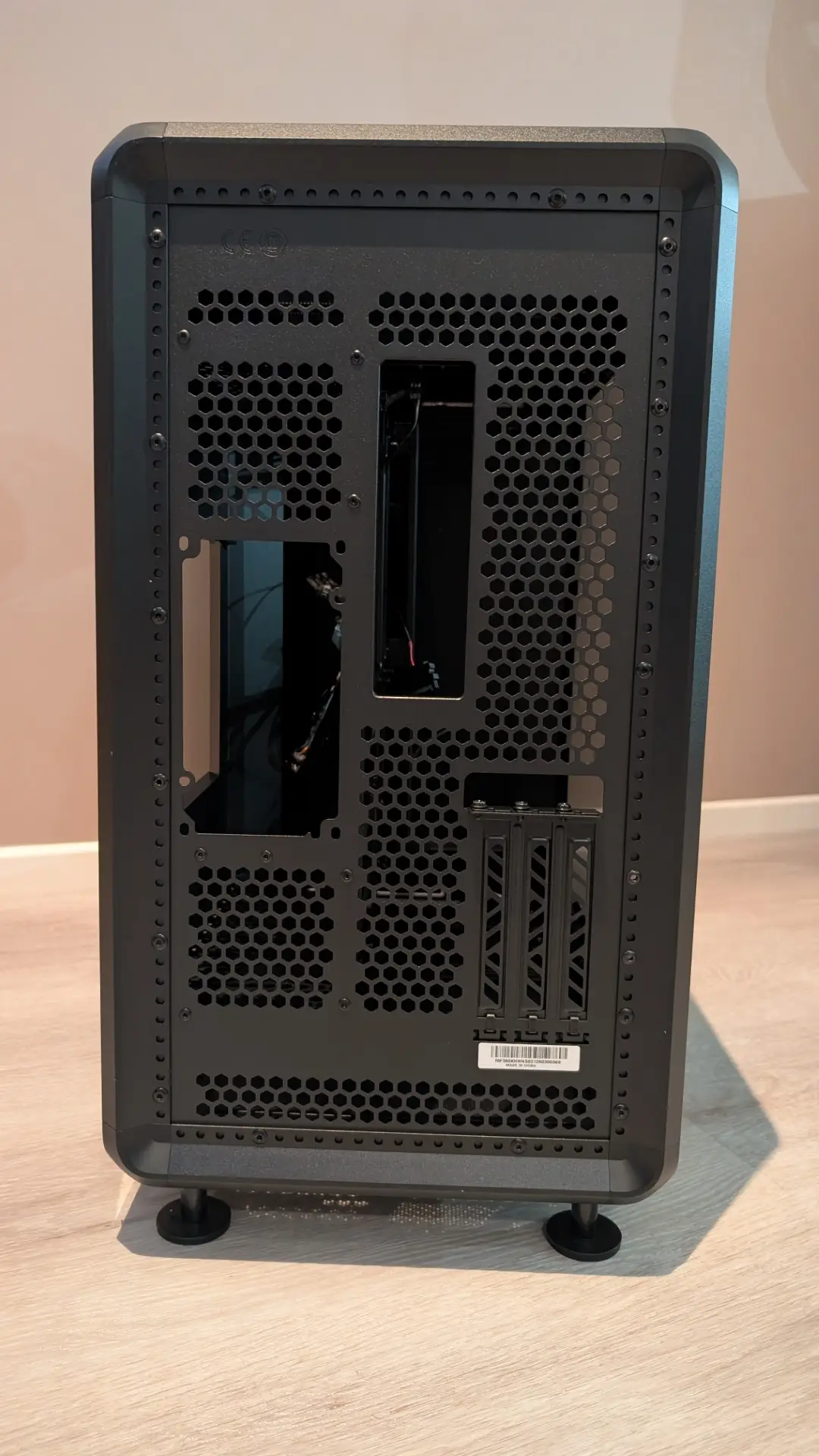
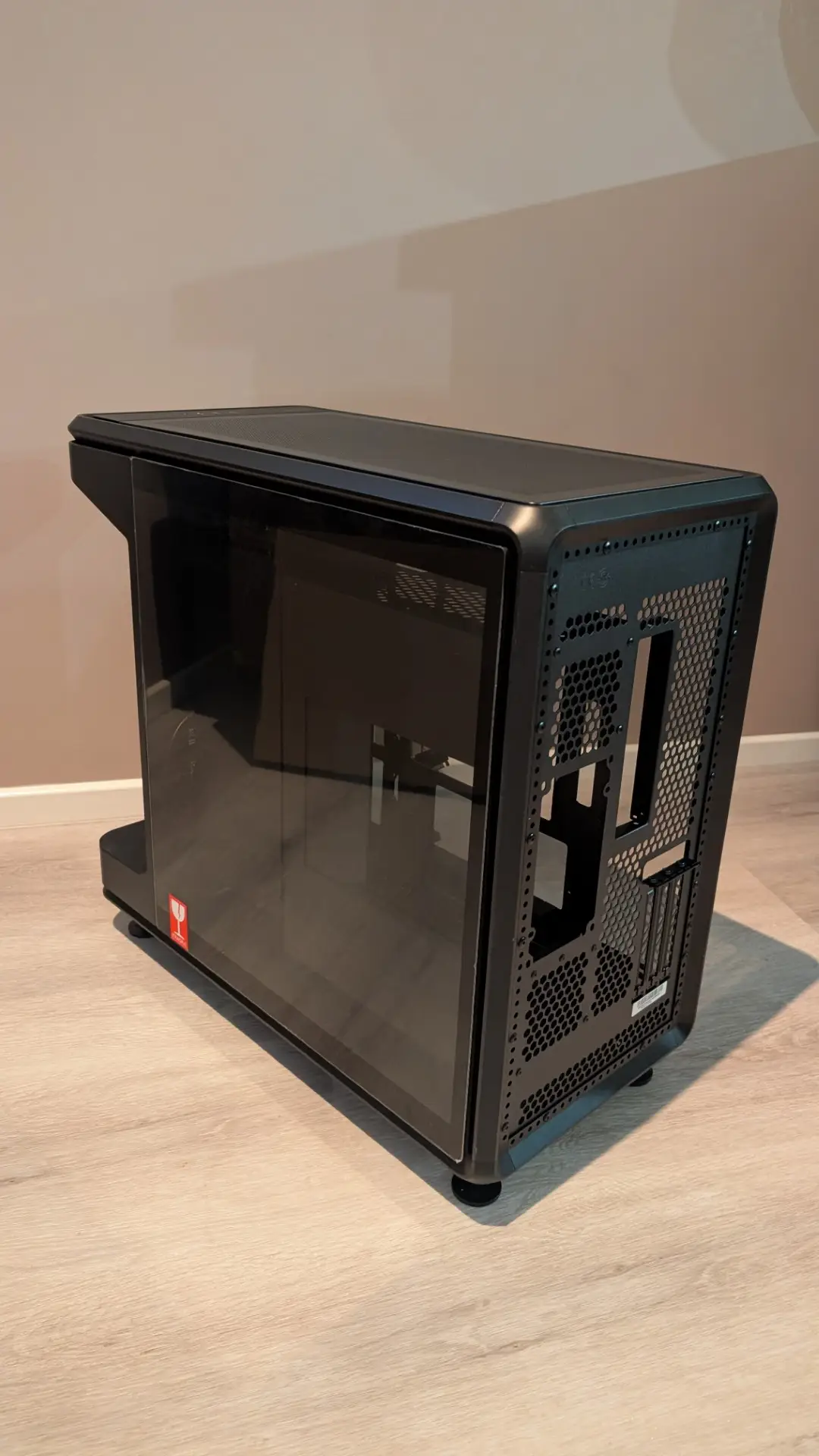
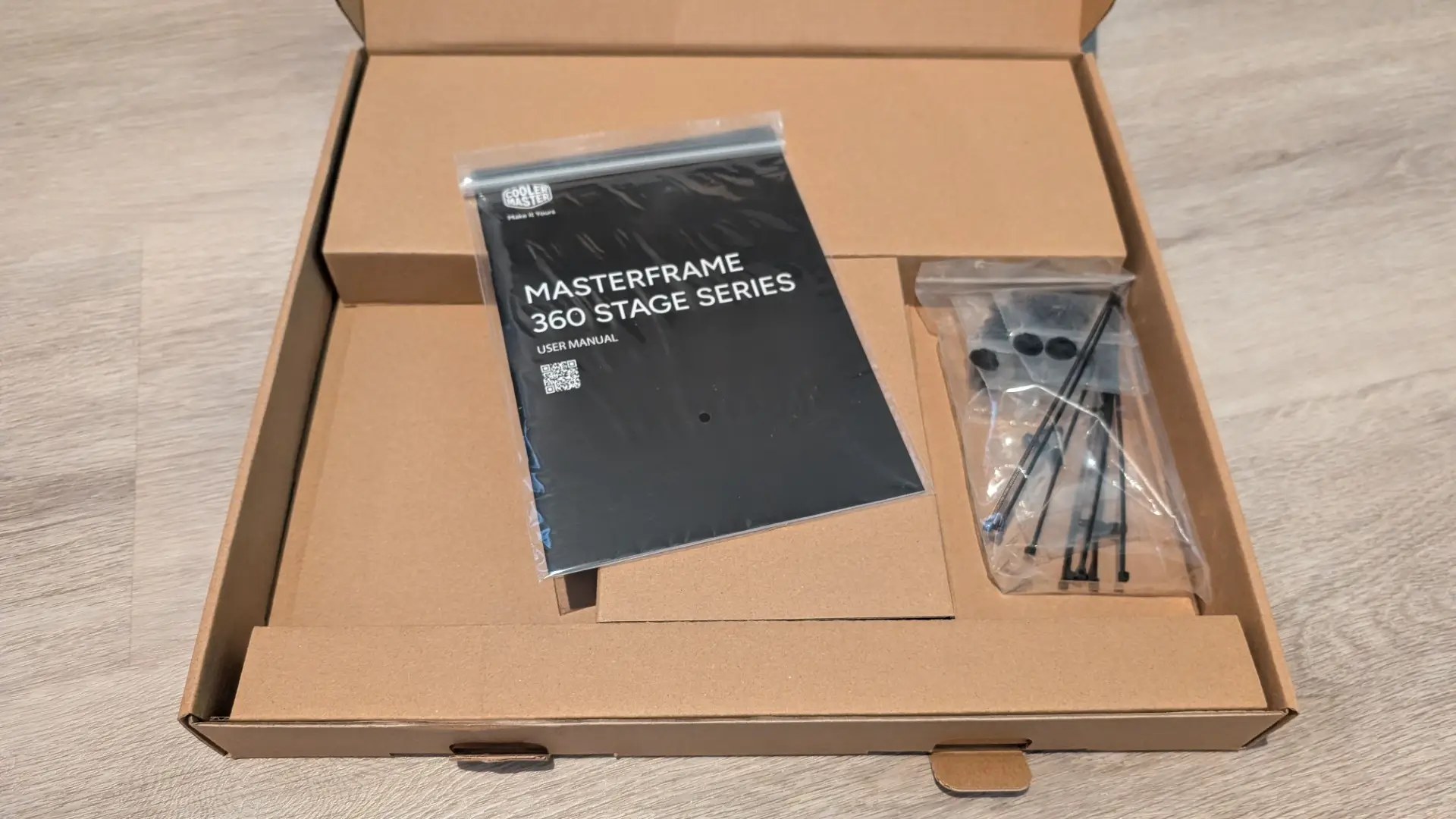
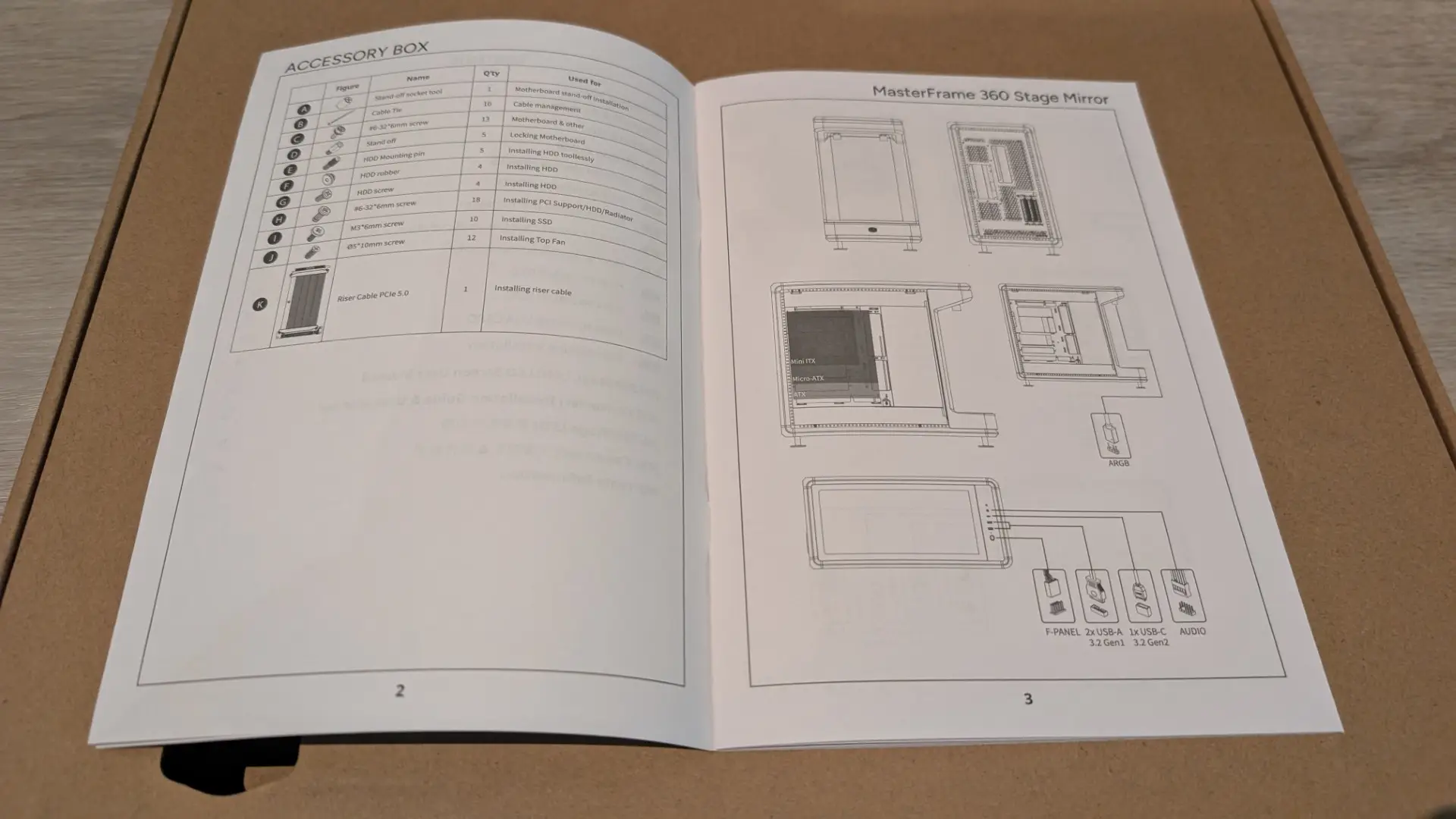
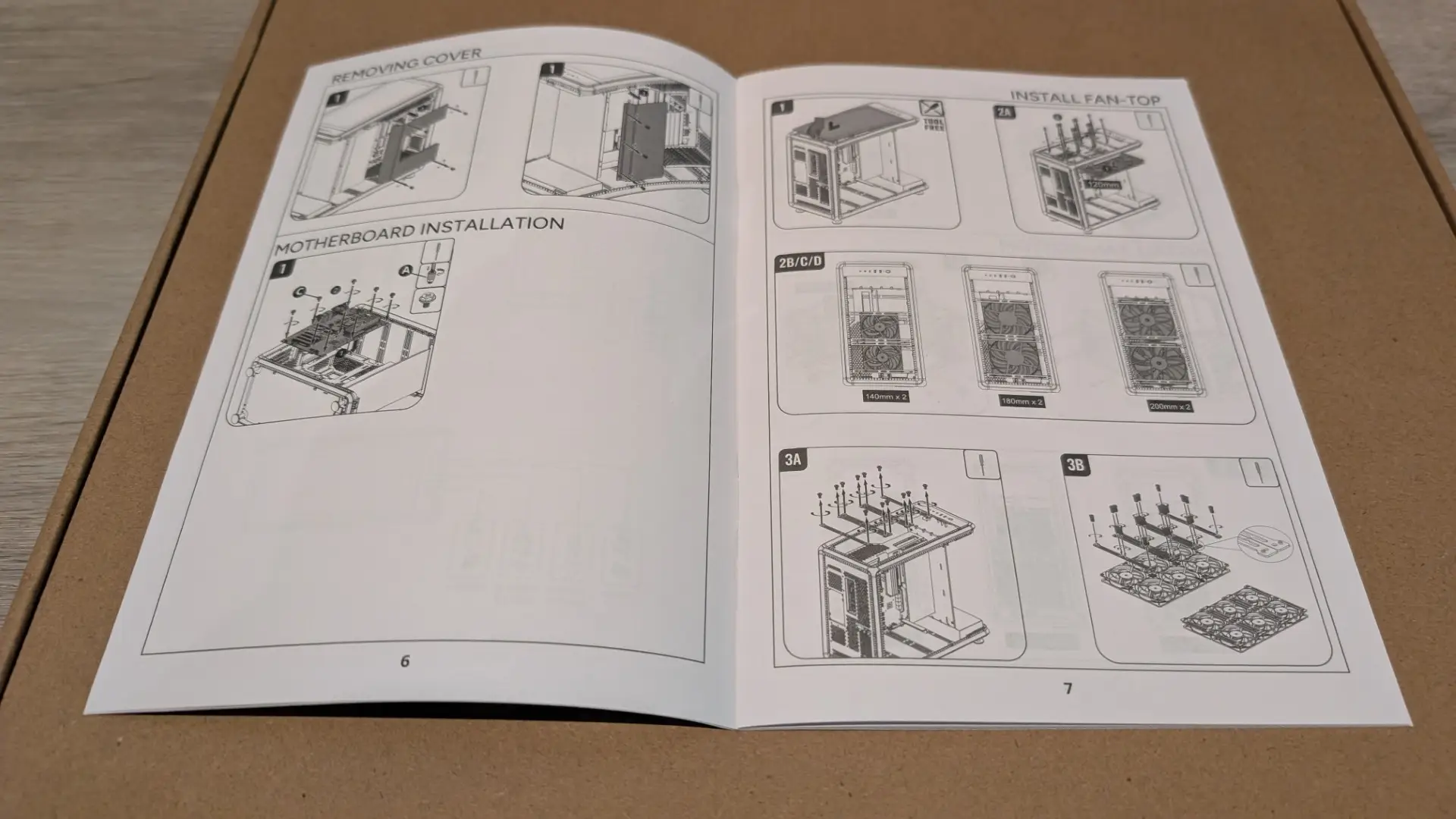
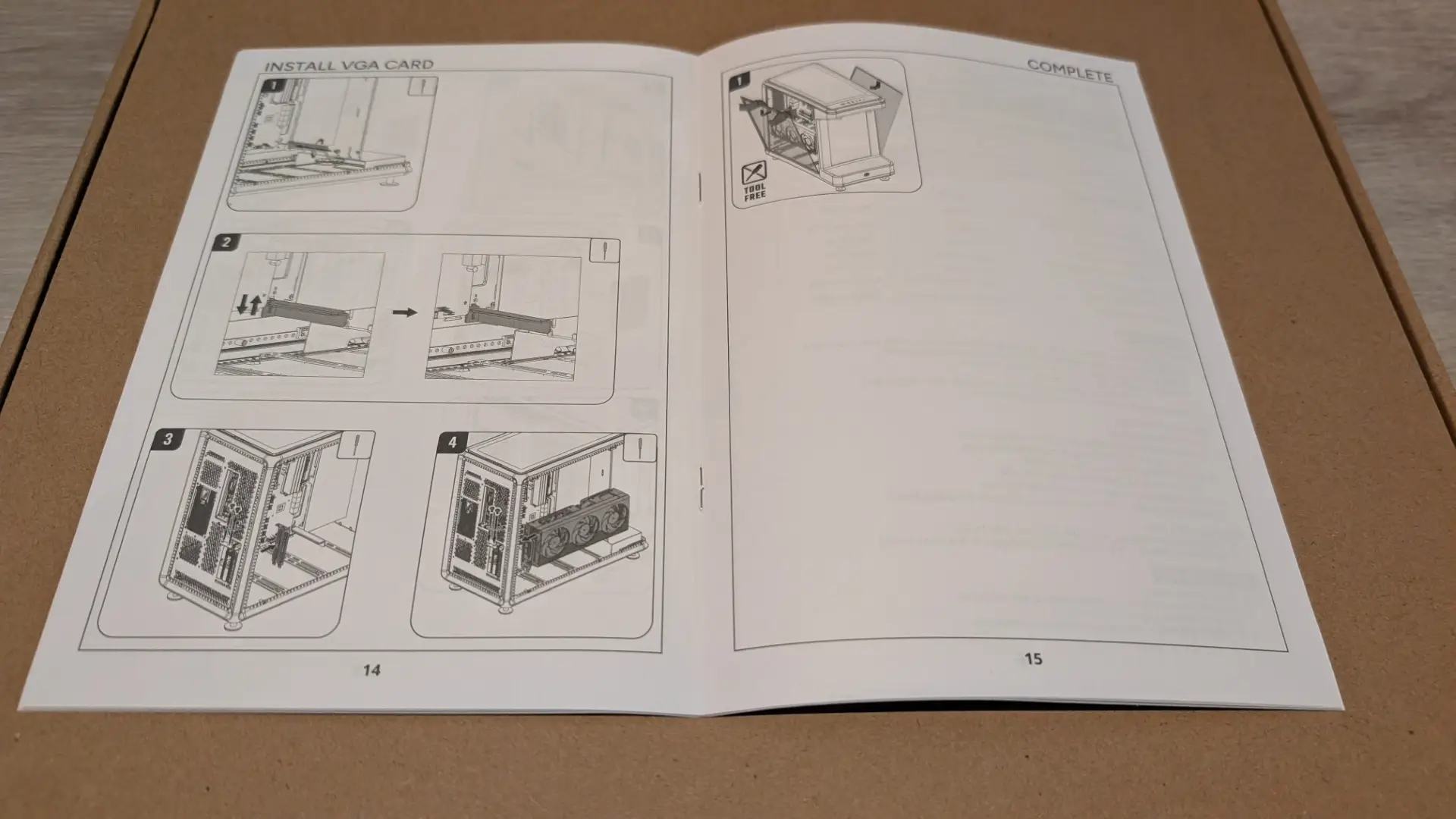
Also included is the manual (mainly pictographs) and accessories, including plenty of cable ties.



Setup
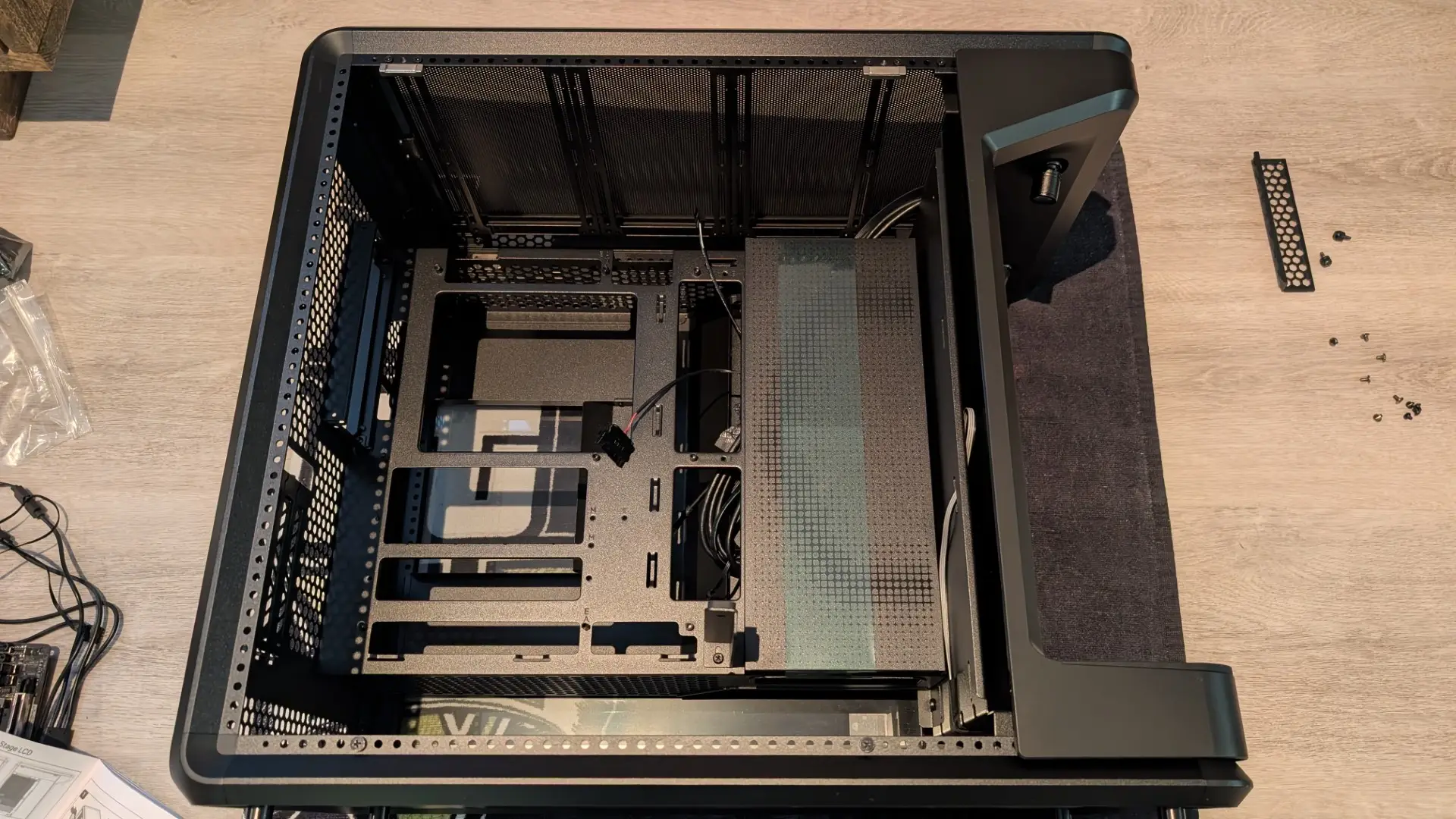
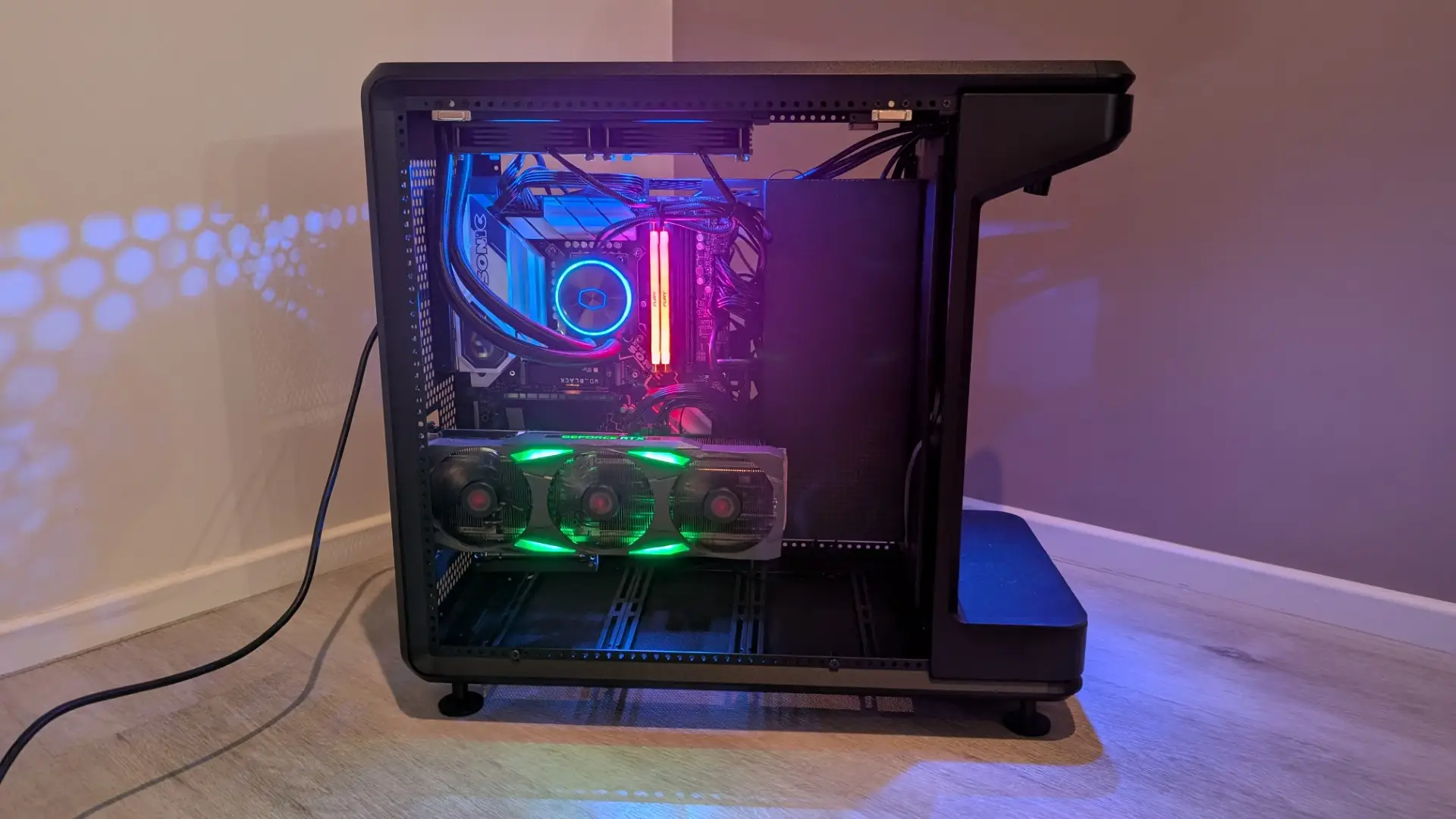
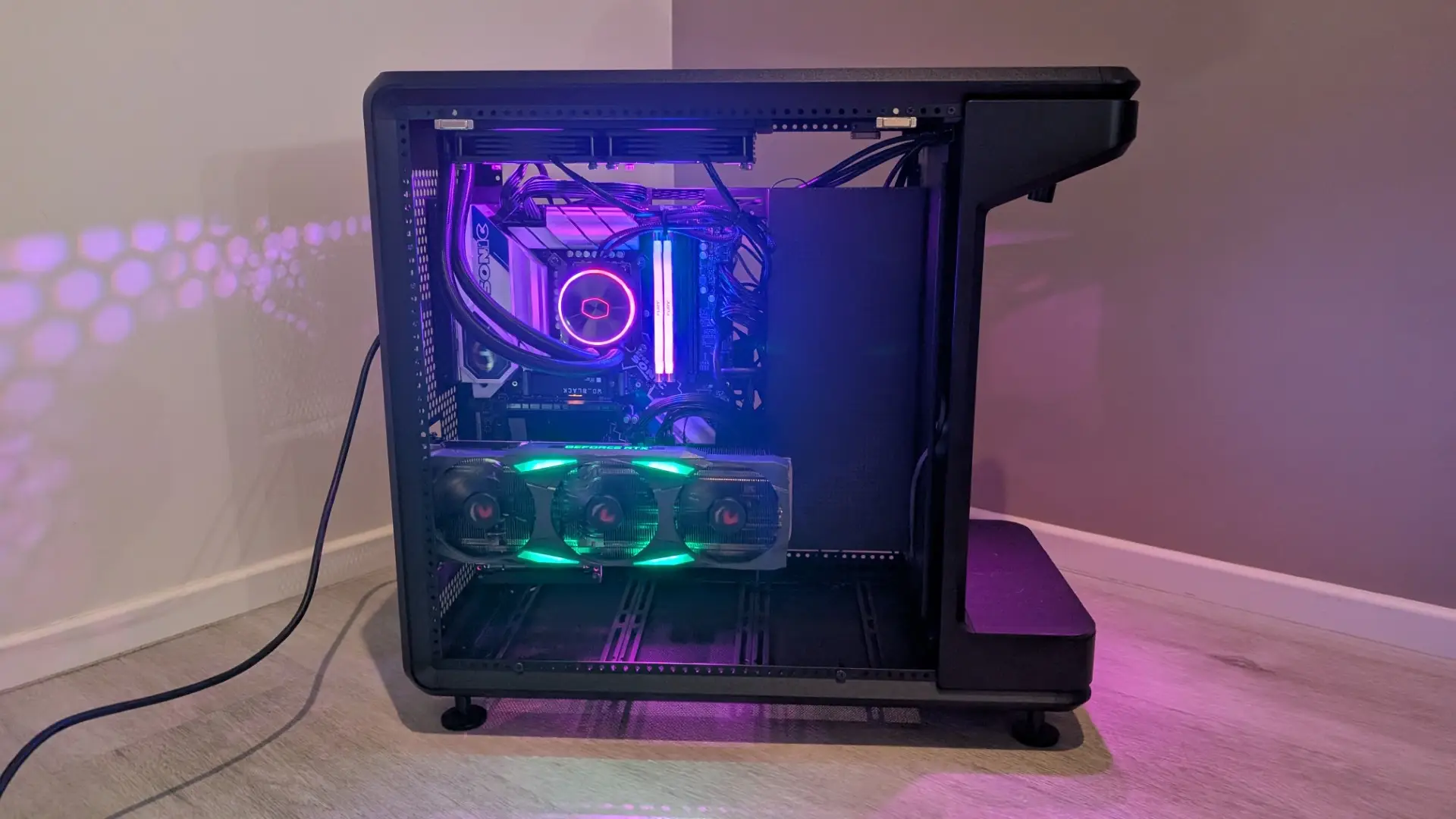
The generous space inside the Cooler Master MasterFrame 360 Stage LCD made adding the PC into the case relatively easy. The motherboard and GPU sit on one side with the PSU on the flip side.
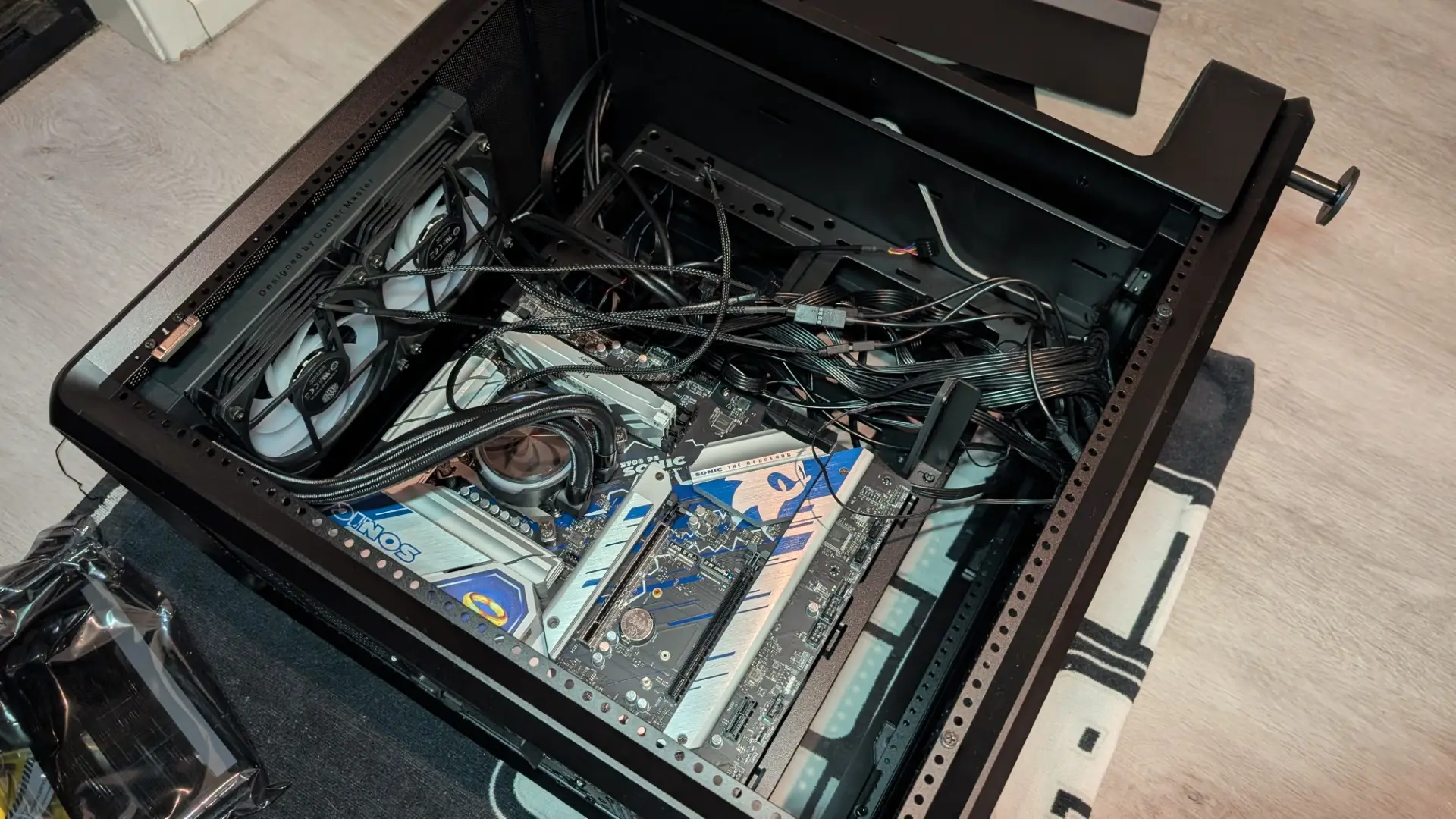
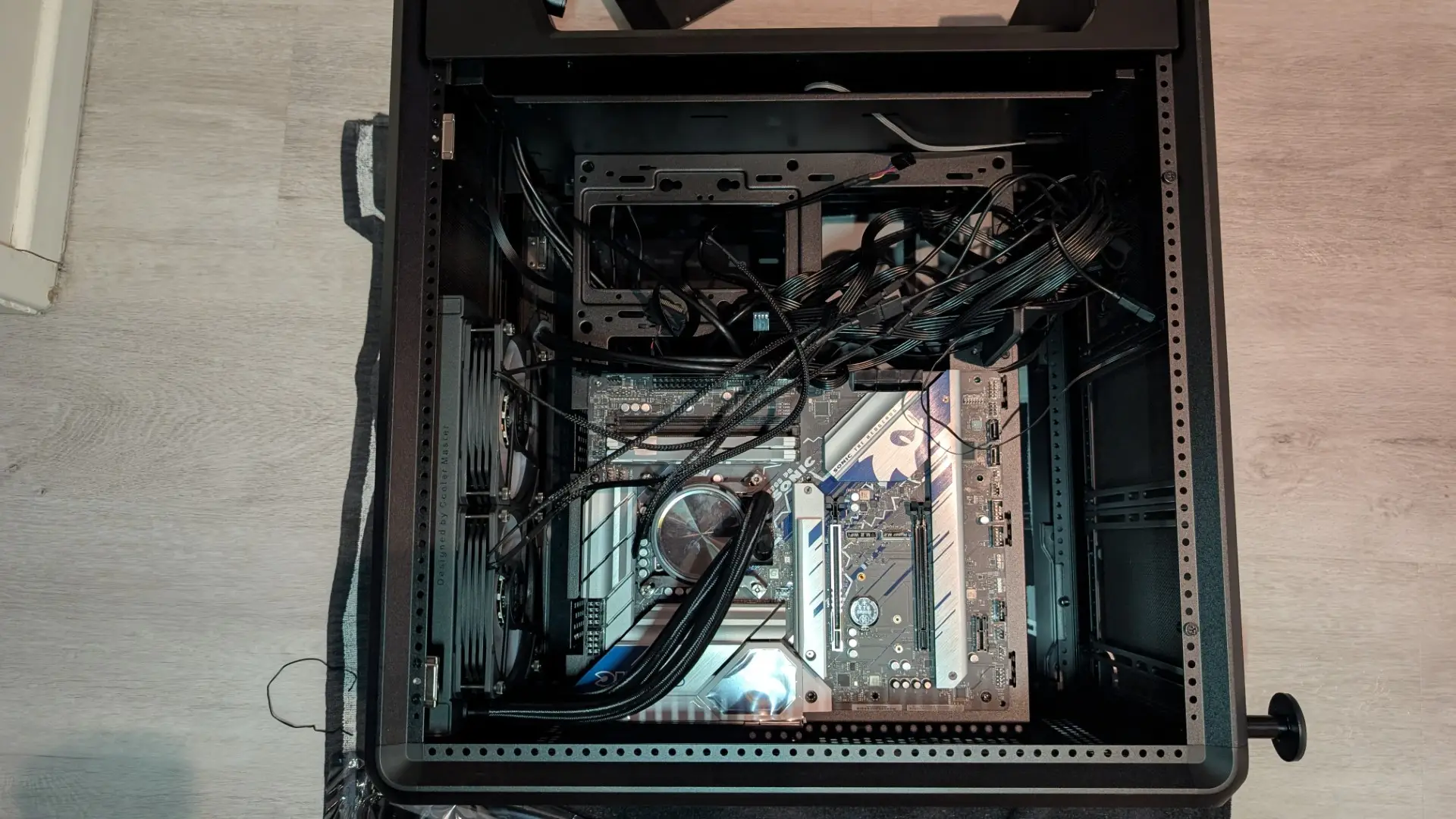
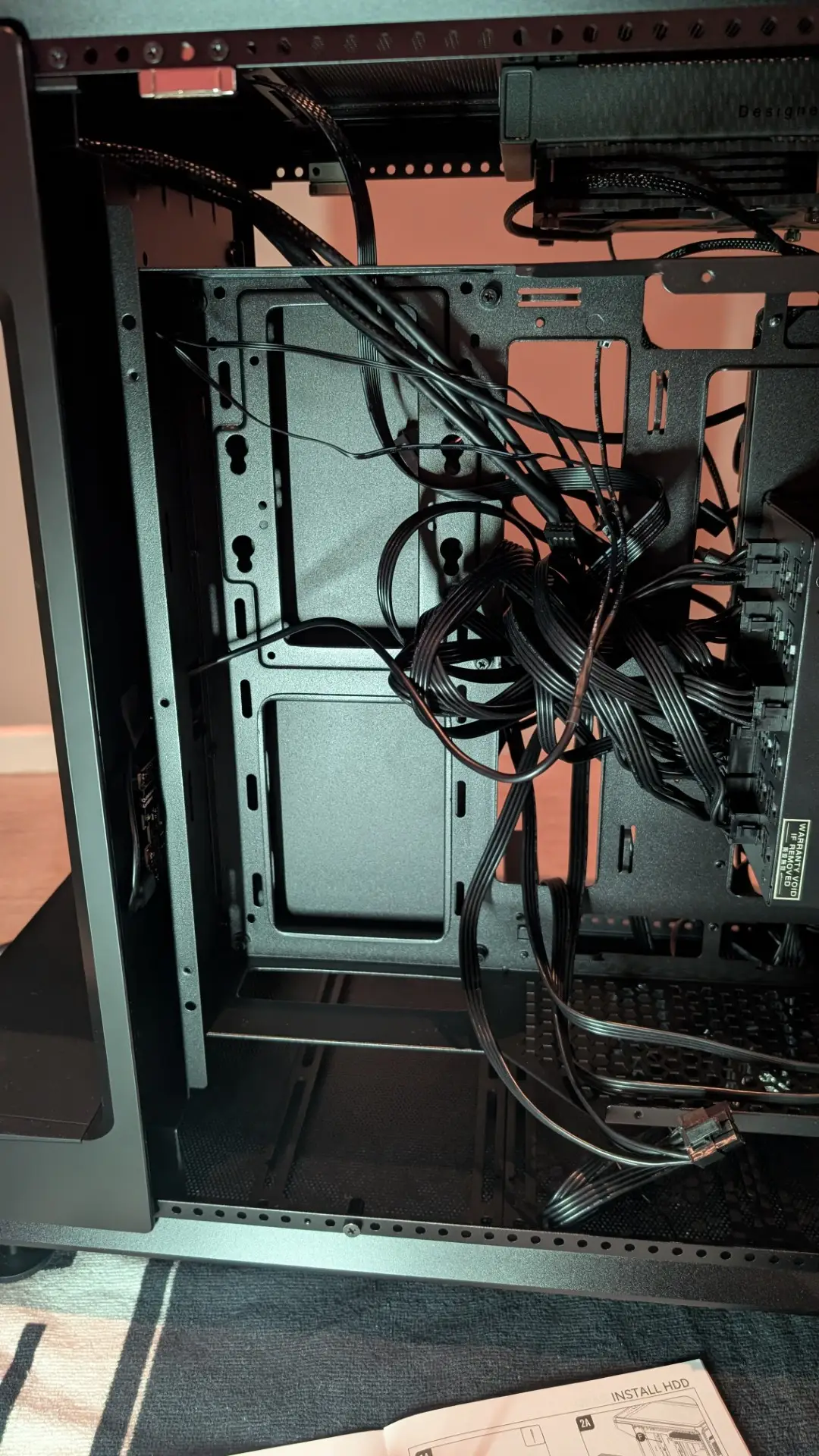
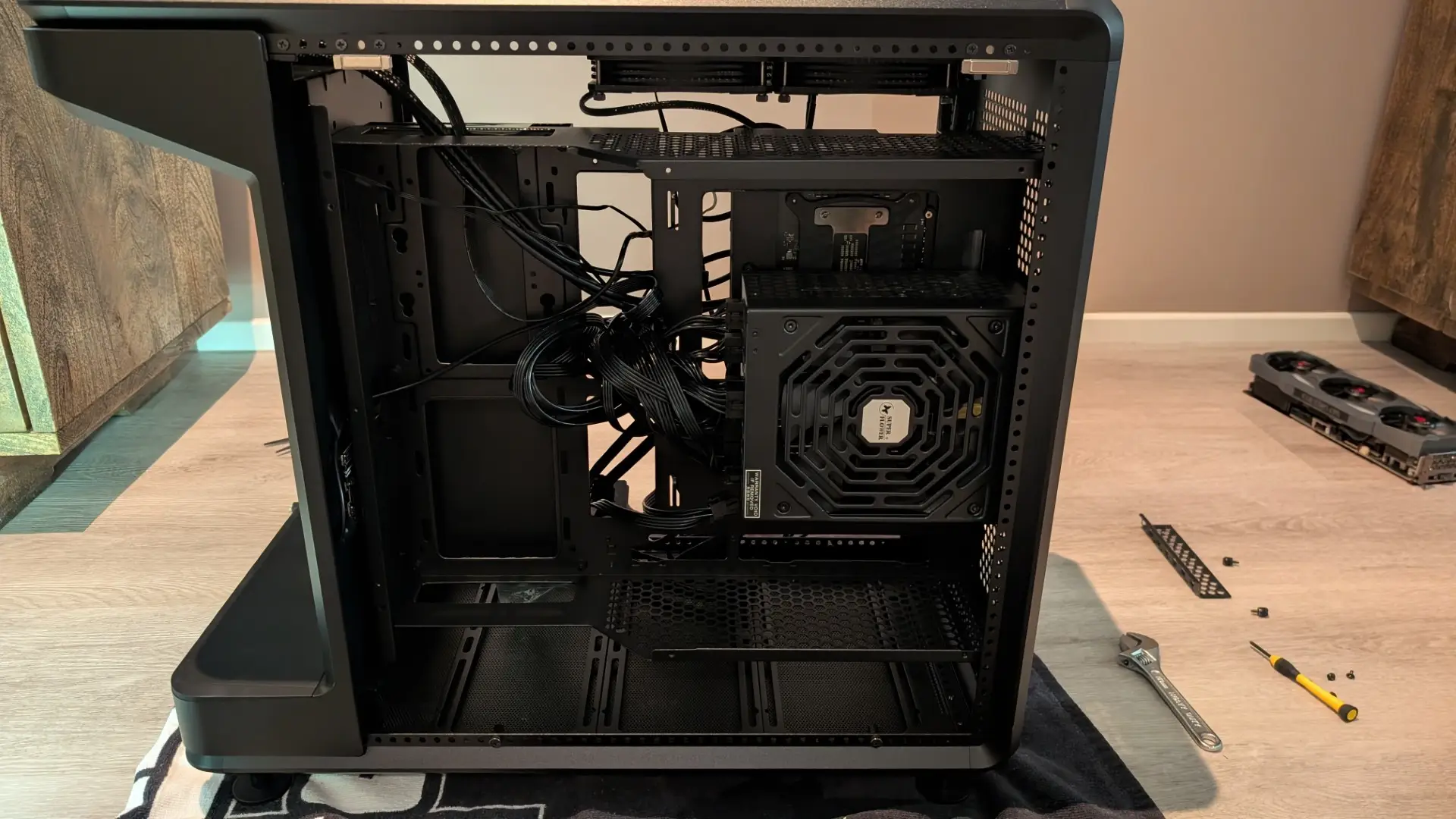
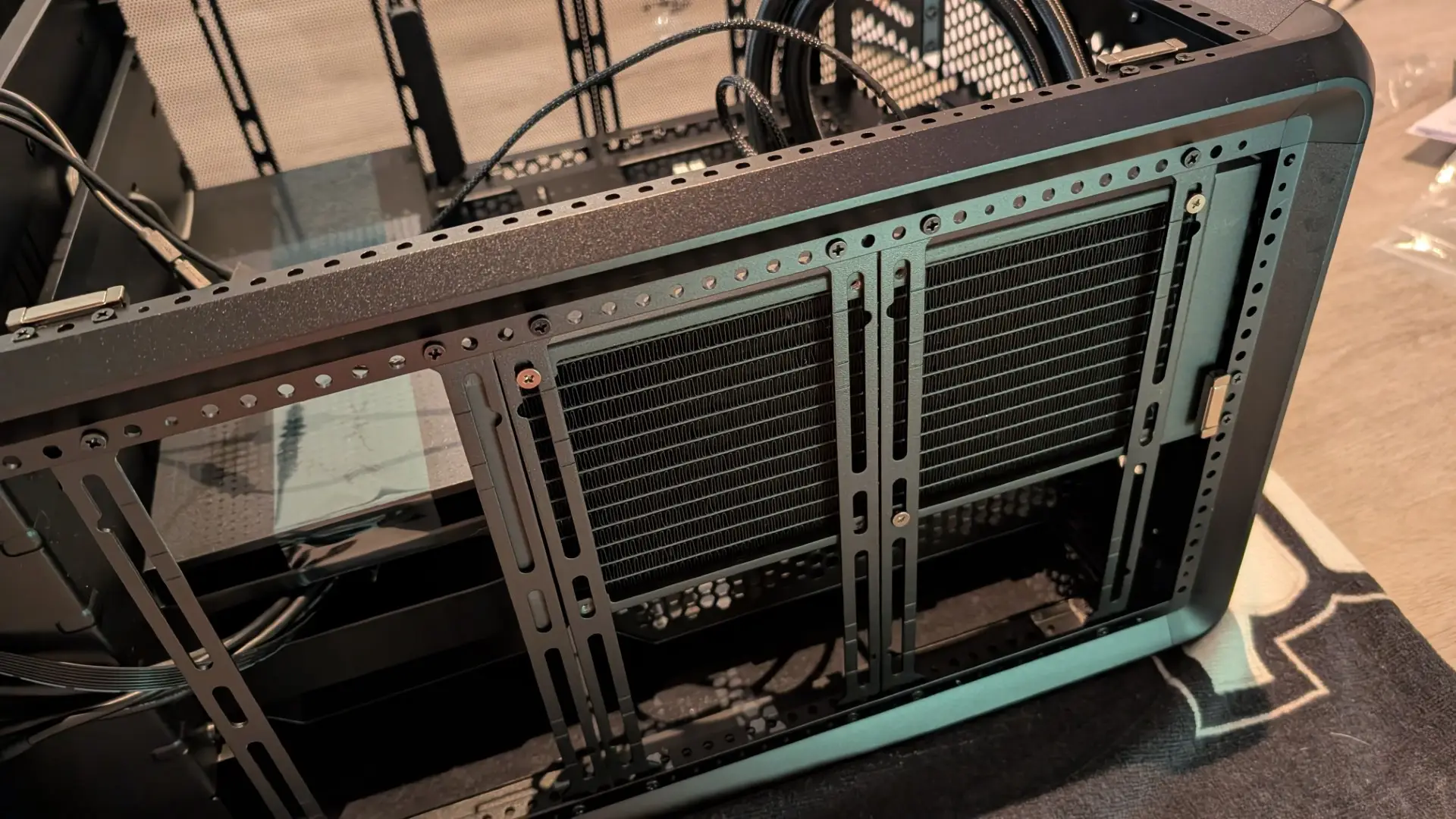
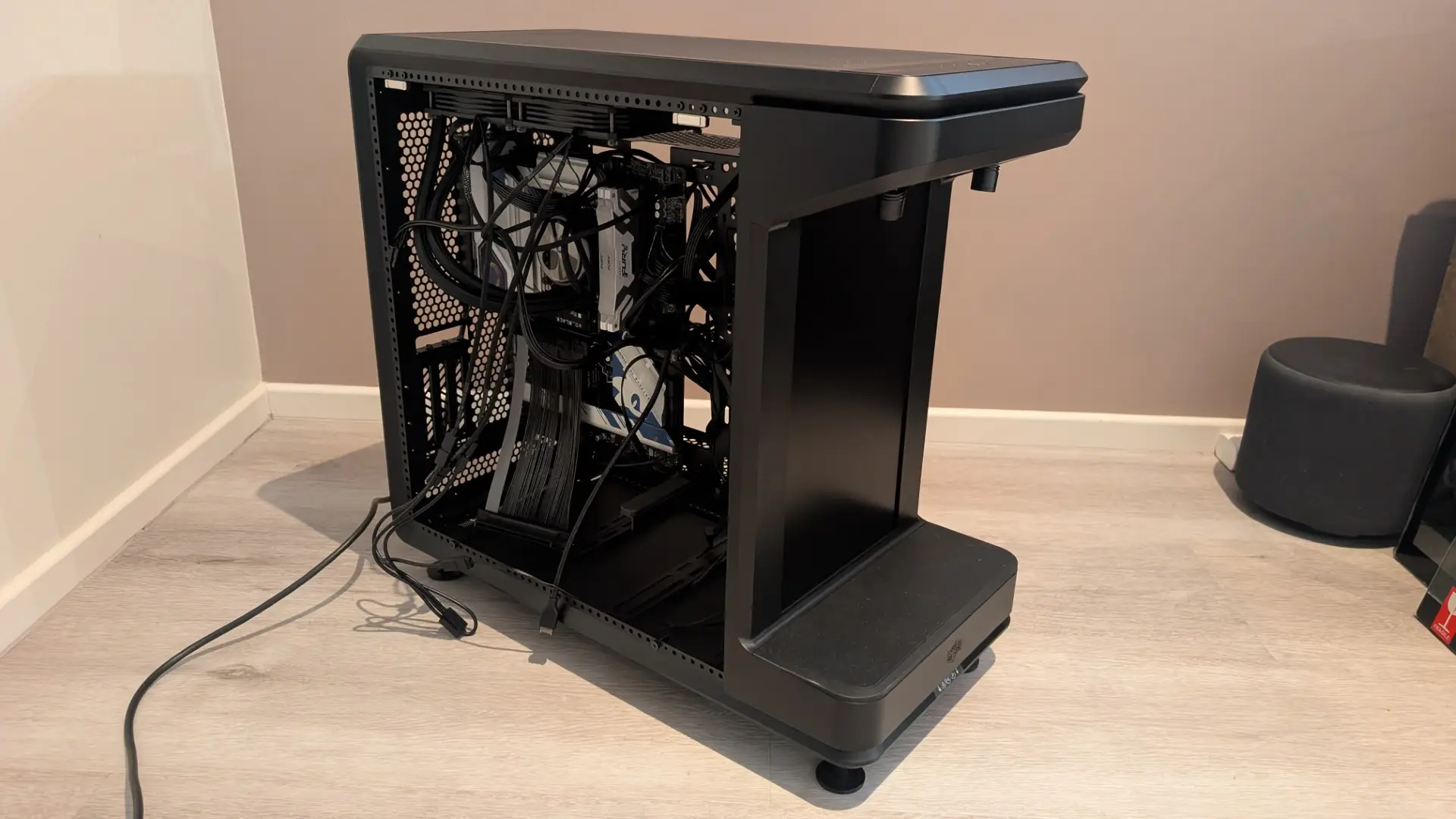
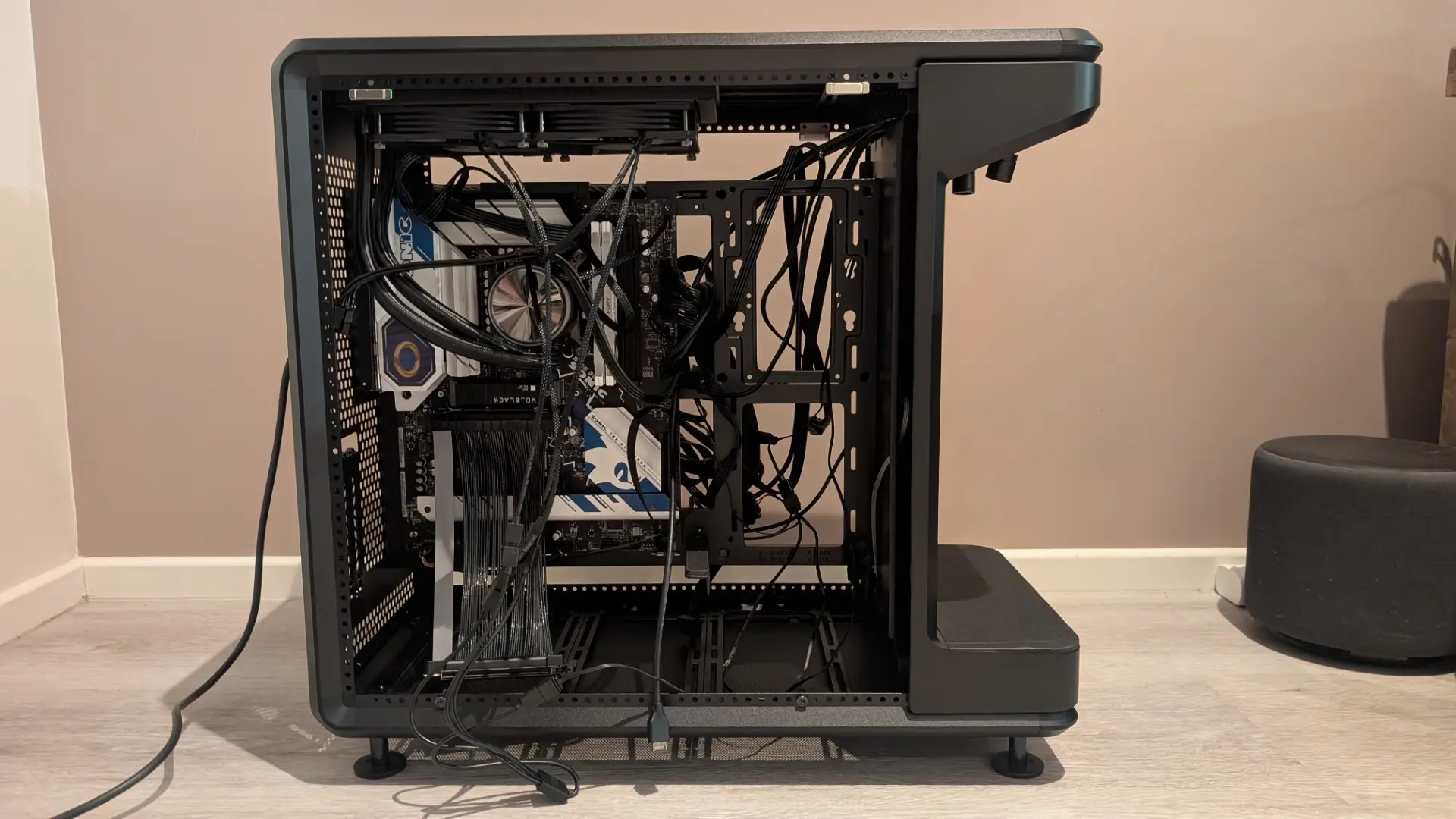
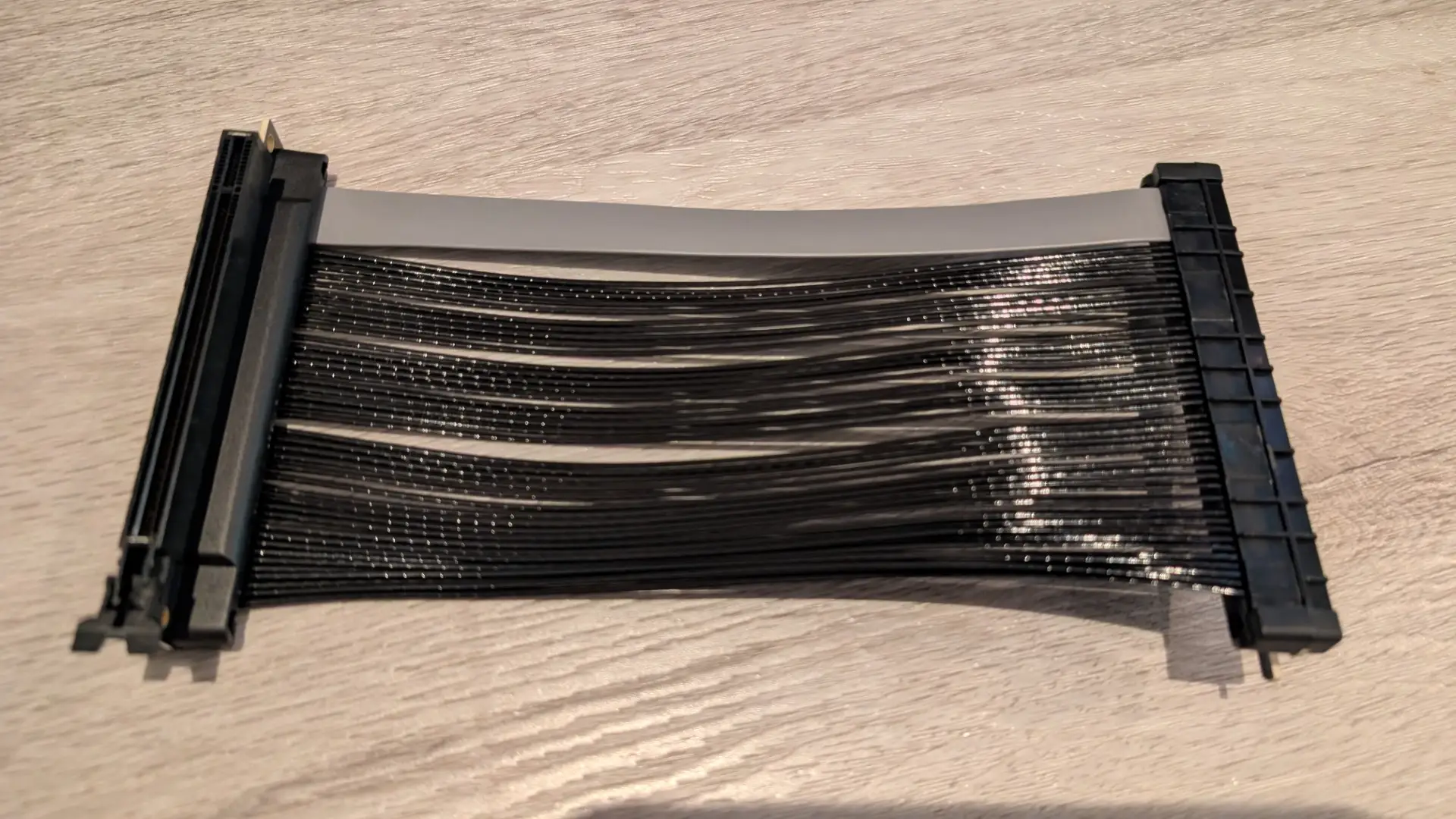
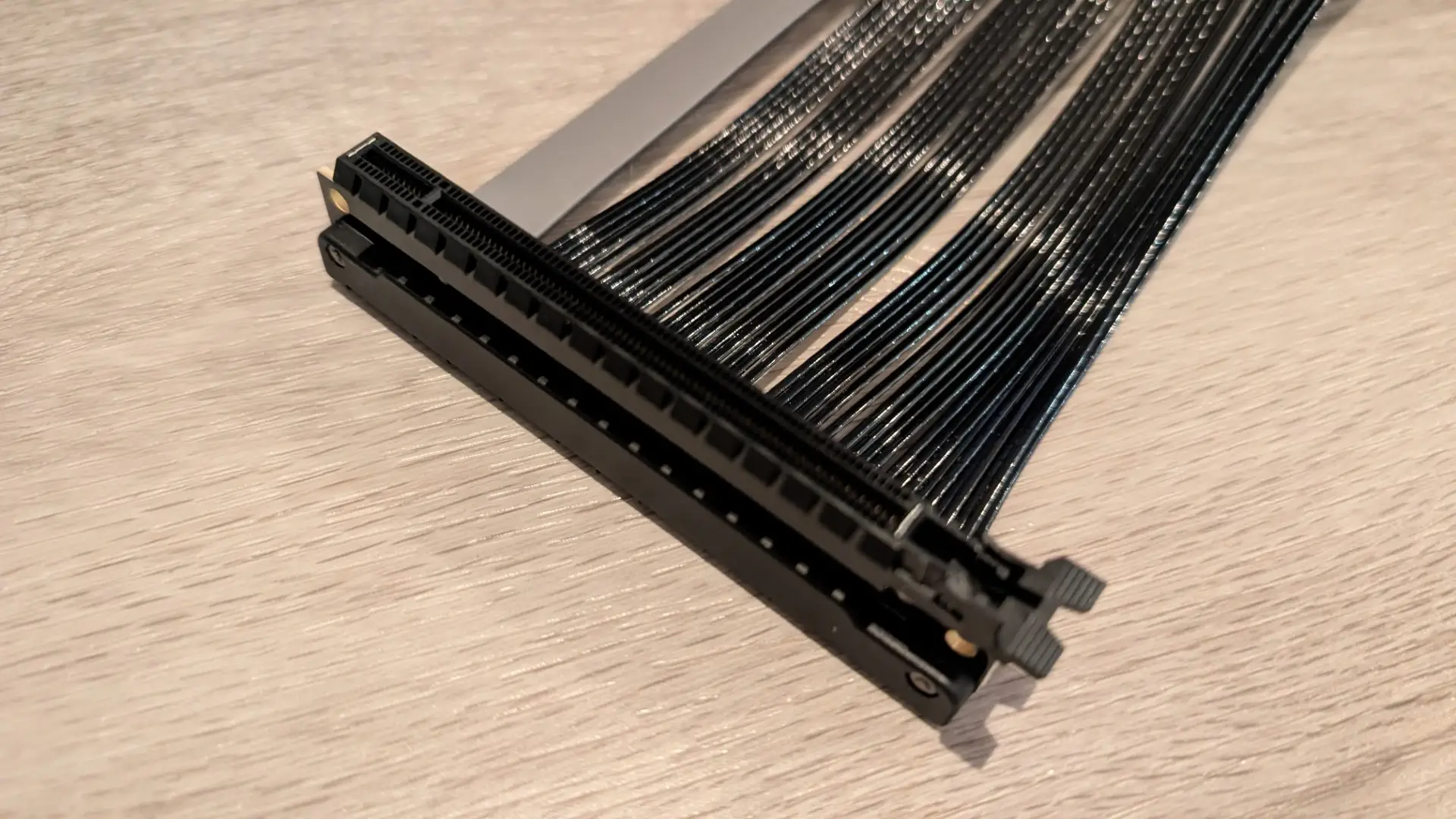
Even though the PCIe 5.0 Riser Cable initially gave me grief, it’s such a clever idea because it reduces stress on the motherboard during installation by removing the heavy weight of the GPU from the board. And yes I have broken the plastic retention clip on my old motherboard before due to the weight of an RTX 3080 Ti while using a Micro-ATX board. That is not the case (pun intended) with the Cooler Master MasterFrame 360 Stage LCD.
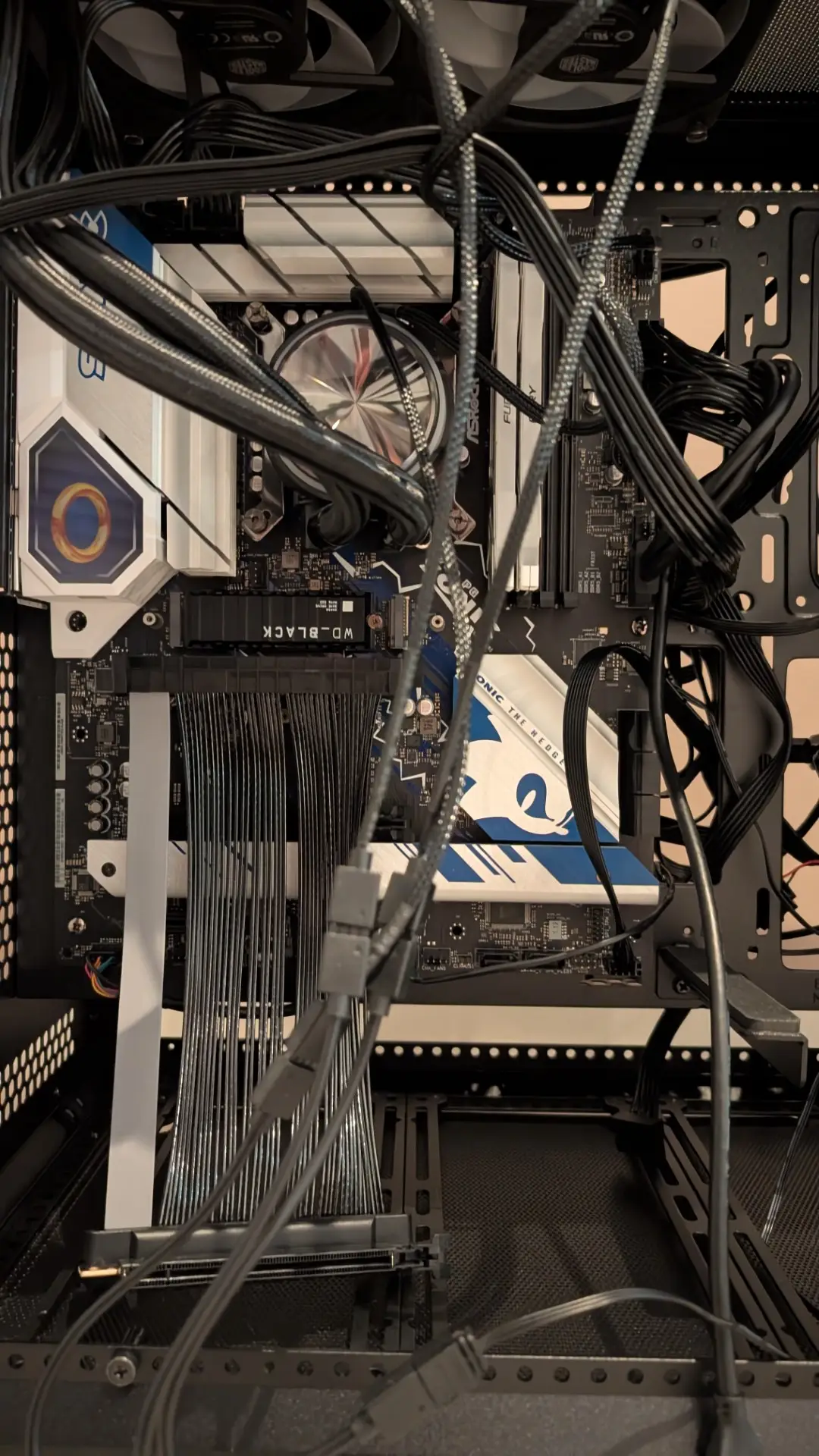
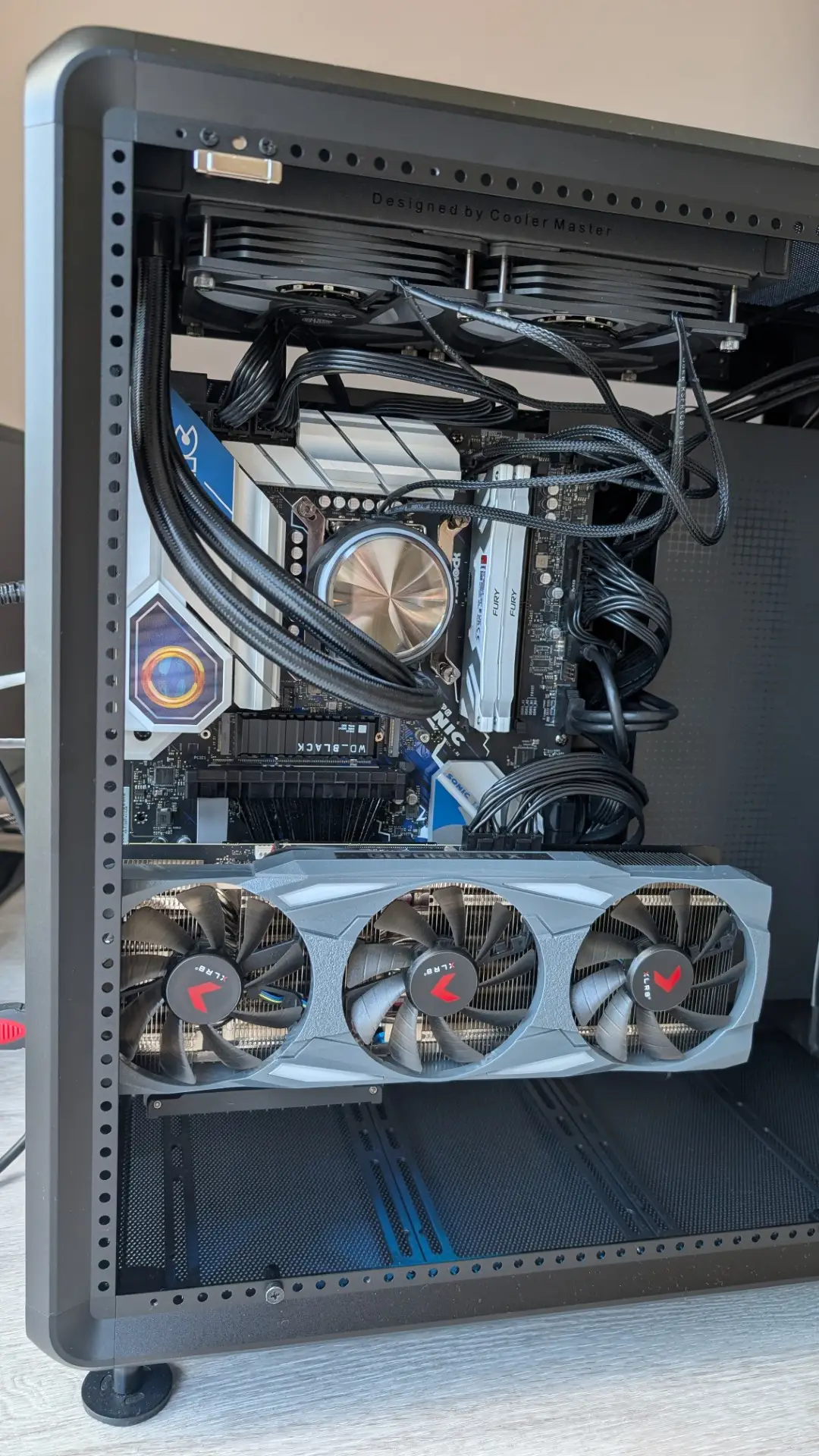
The PCIe 5.0 Riser Cable in action!
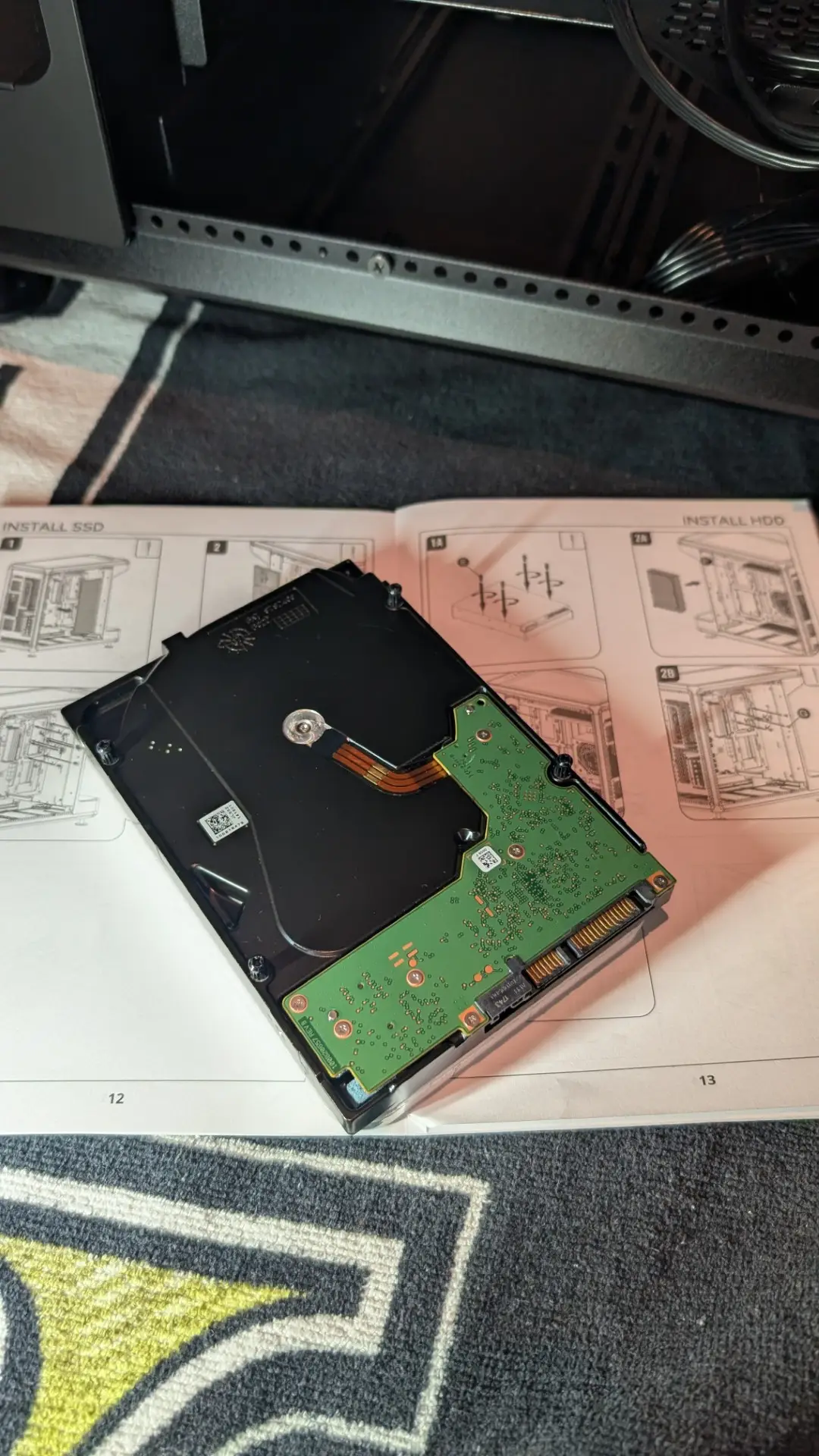
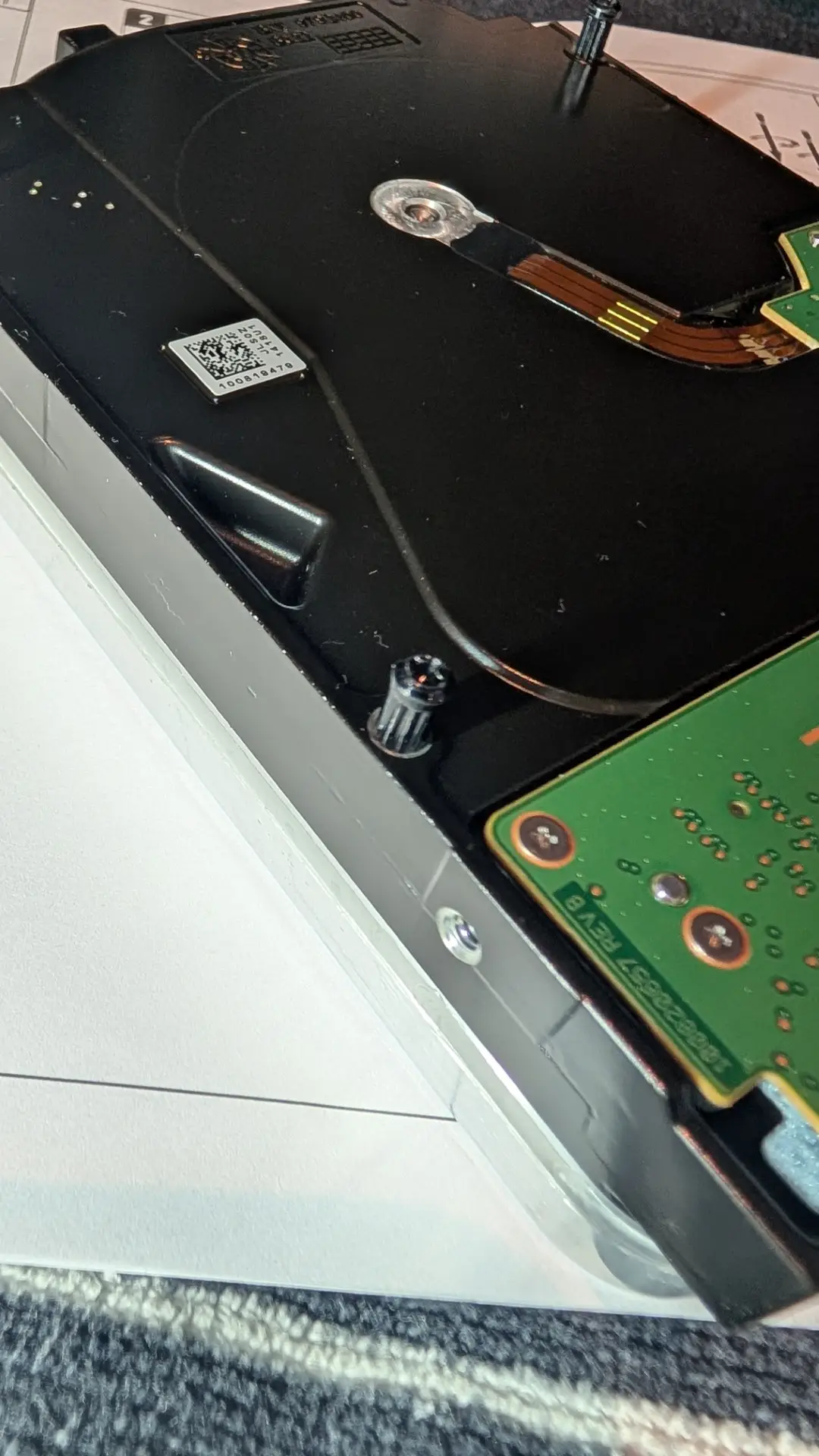
I had to jerry-rig the 3.5″ 20TB Seagate Barracuda because the instructions (for me anyway) didn’t make much sense and I believe my setup is a little more sturdy compared to the included HDD screws and rubber mounts. Nonetheless, I installed it—a little askew but nice and secure. There were no issues with my NVMe M.2 SSD as this went directly into the motherboard.
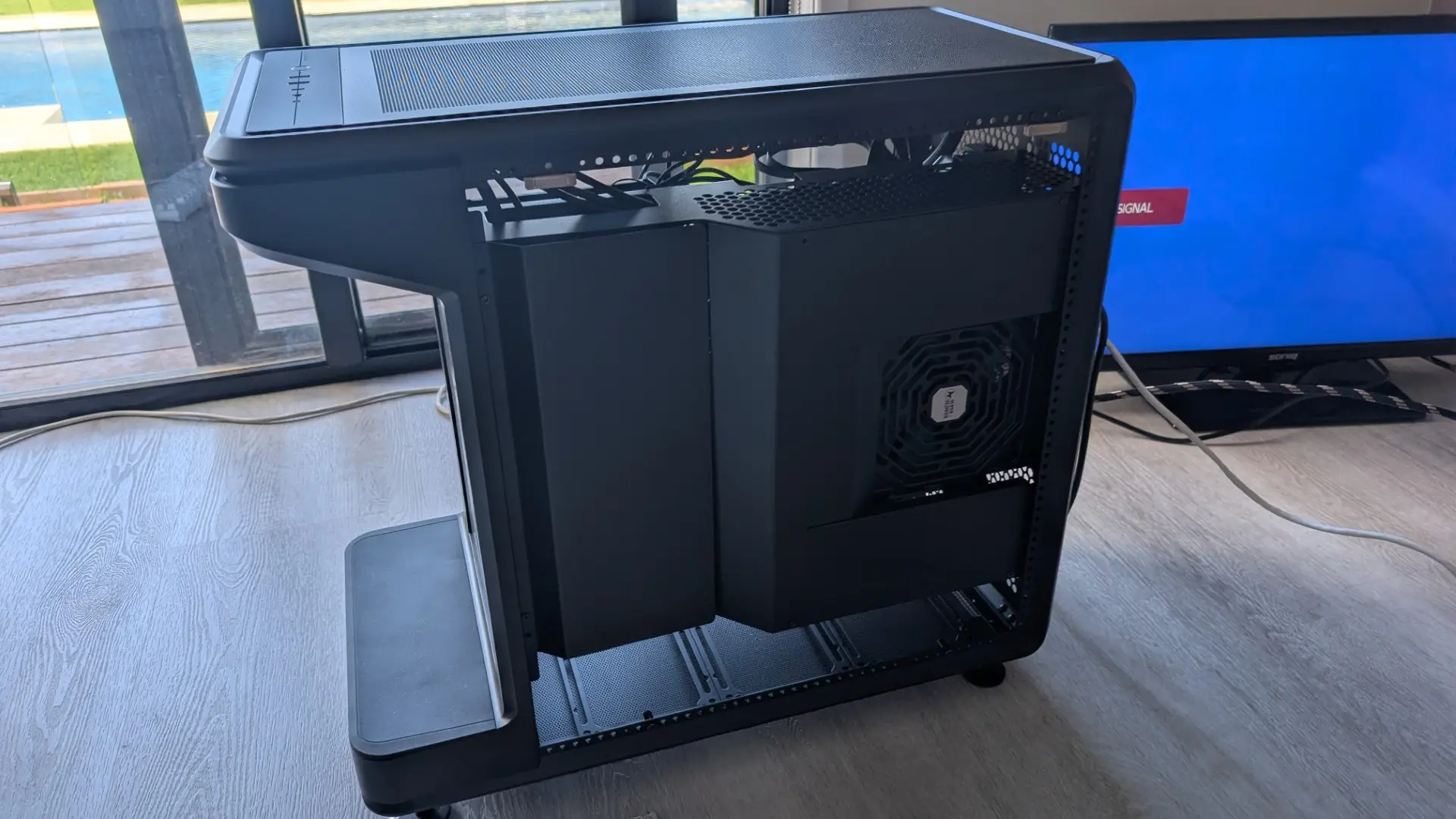
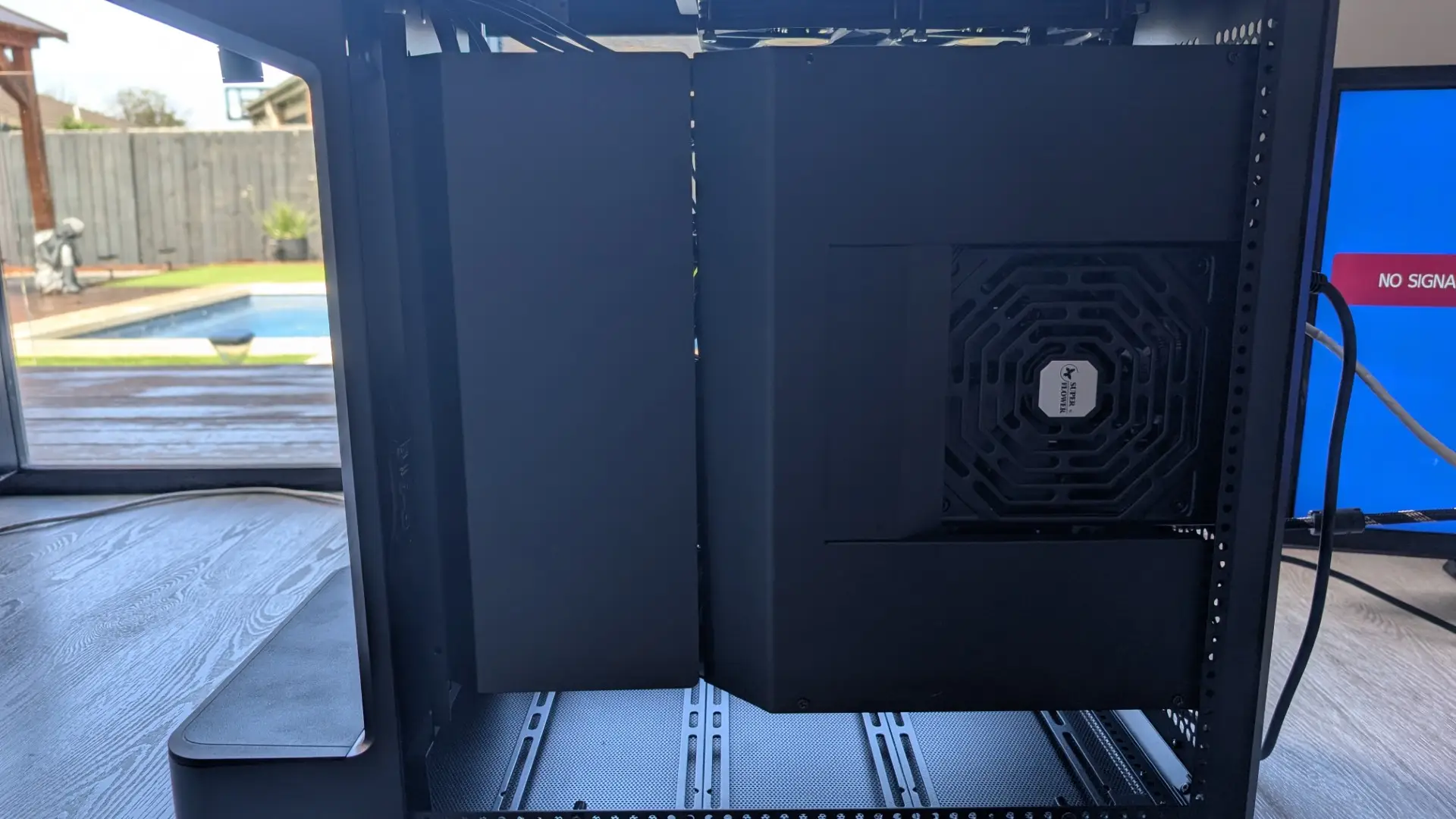
Again, the cable management of the Cooler Master MasterFrame 360 Stage LCD is brilliant, with metal plates that neatly hide the chaos beneath. Beneath those plates is my Seagate Barracuda plus all the power and motherboard cables.
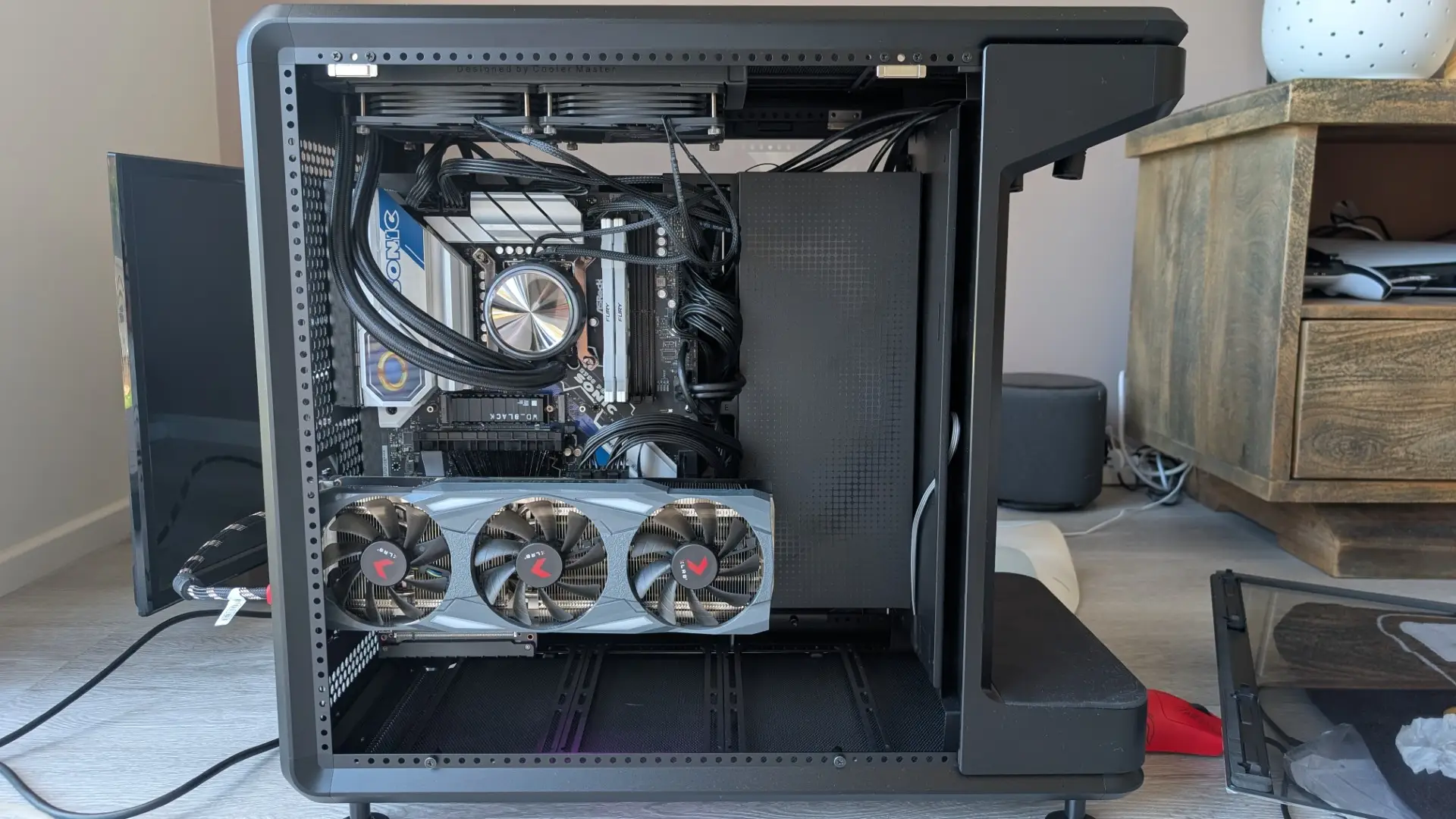
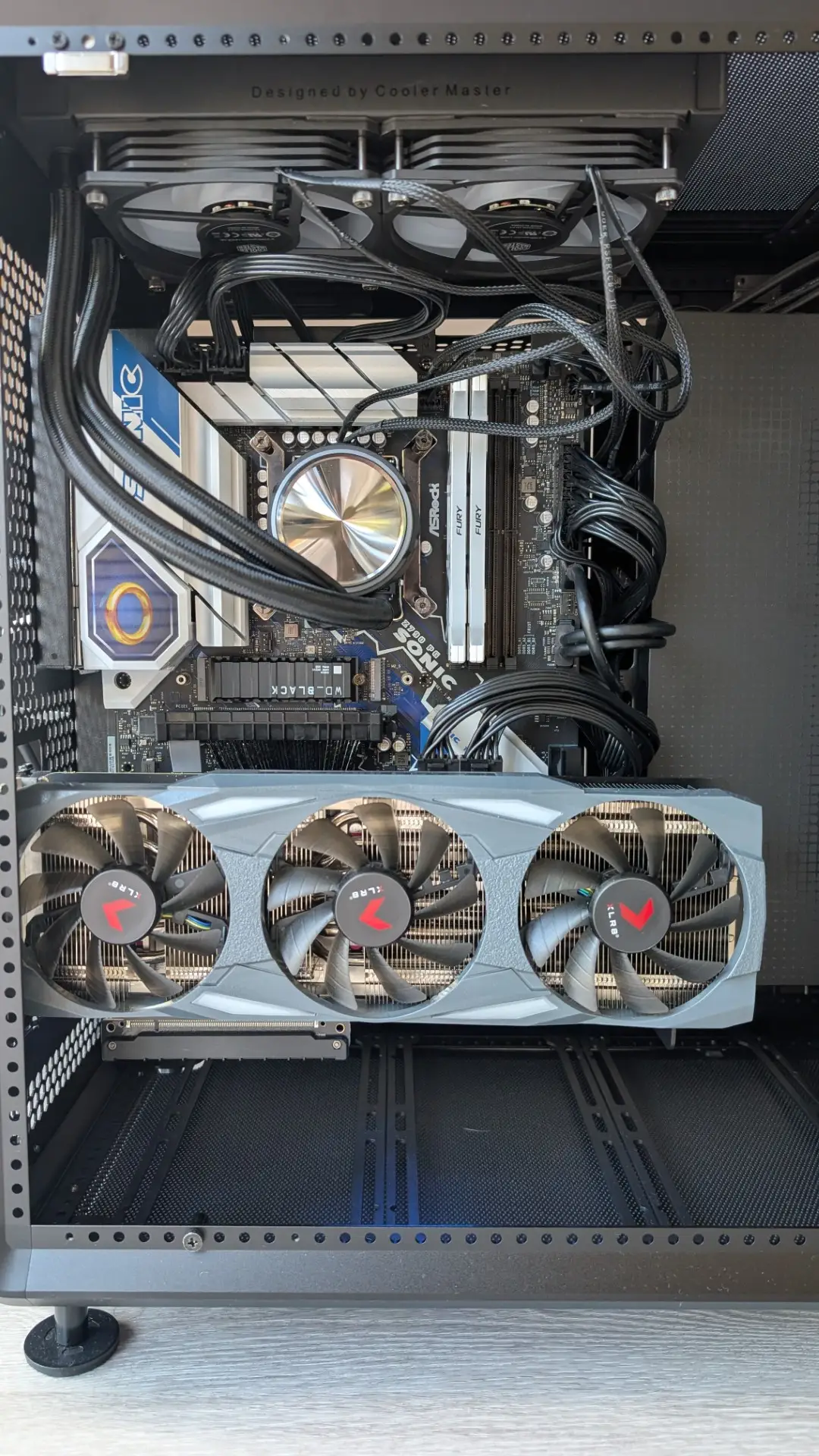
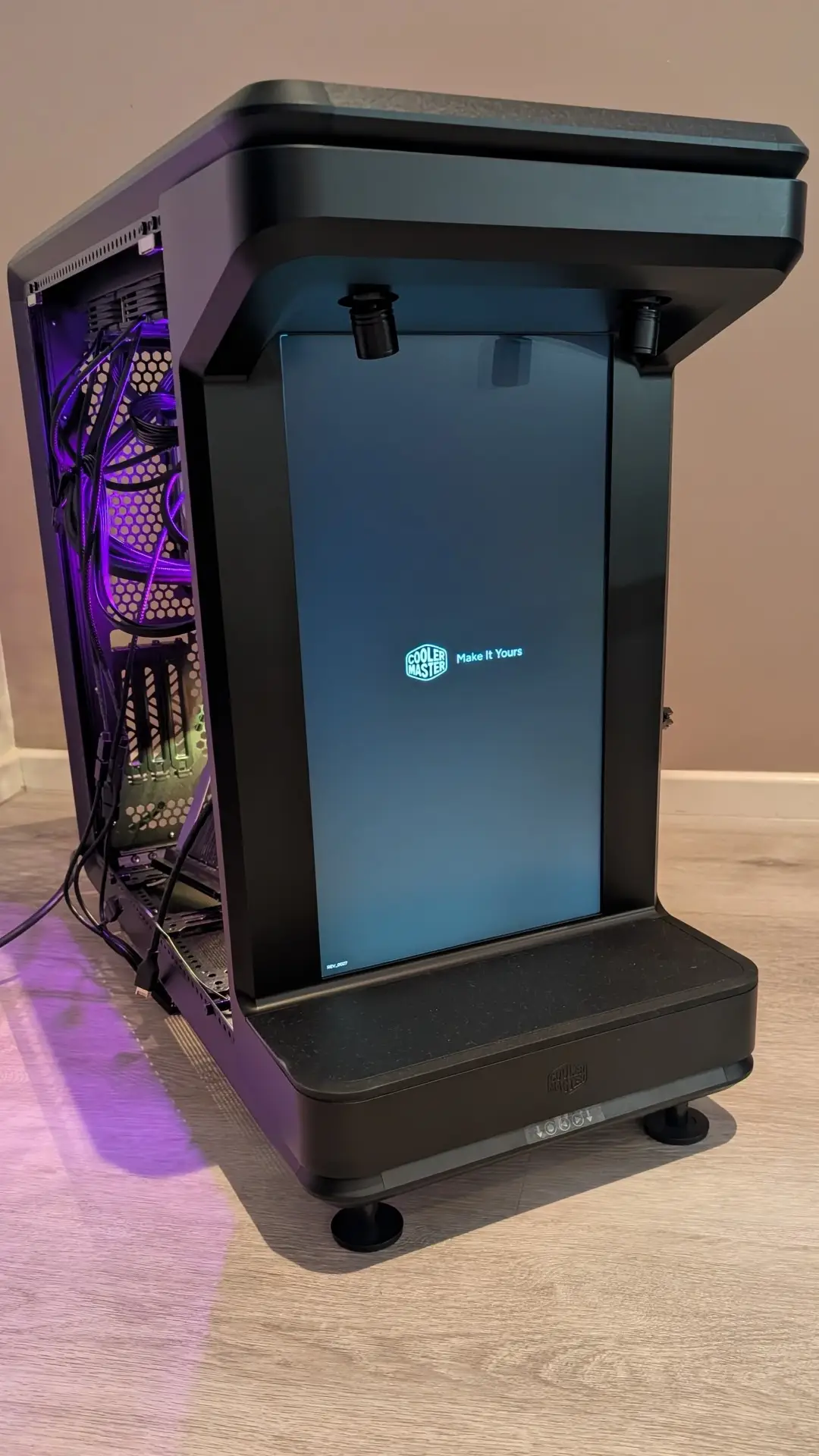
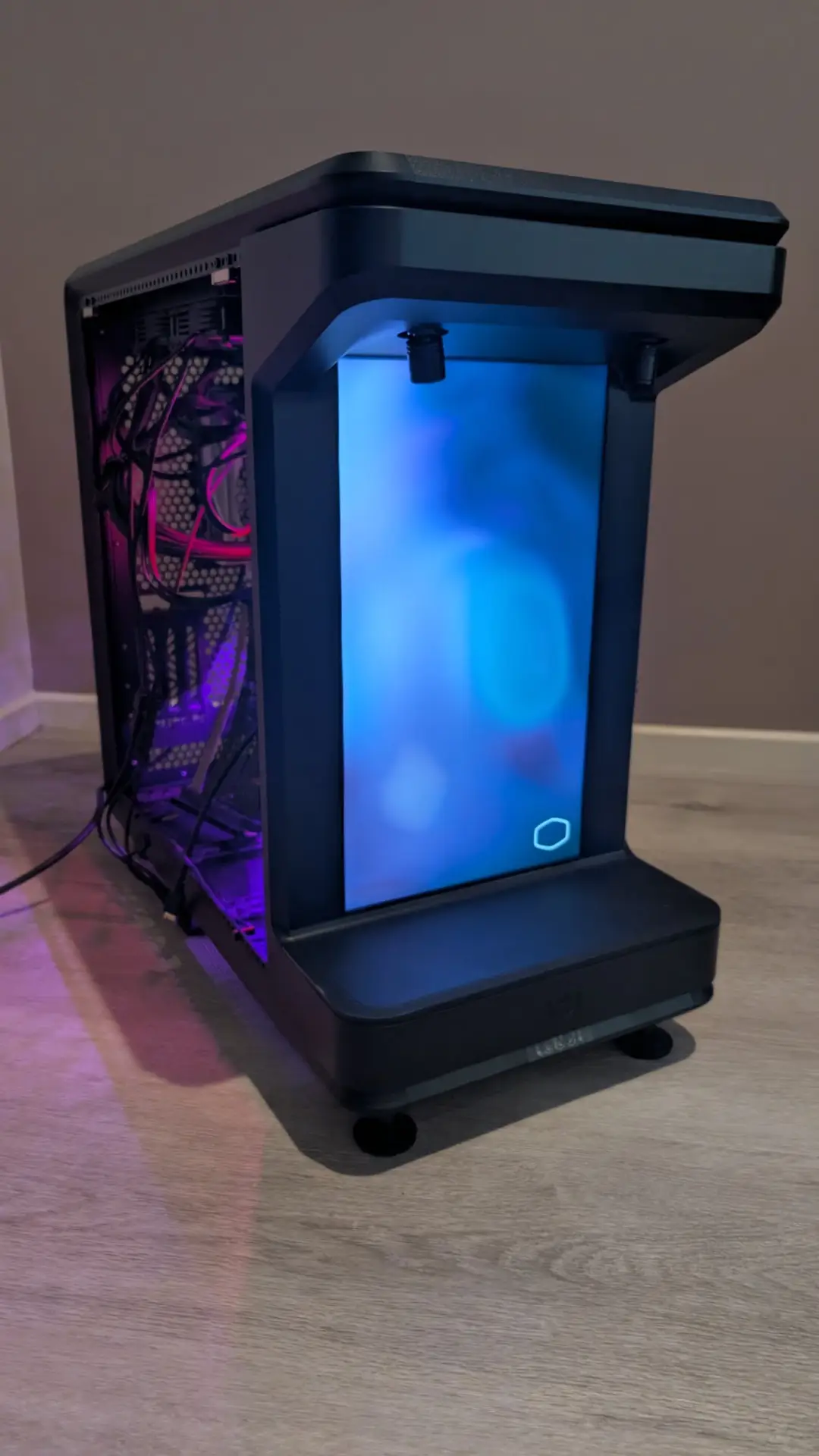
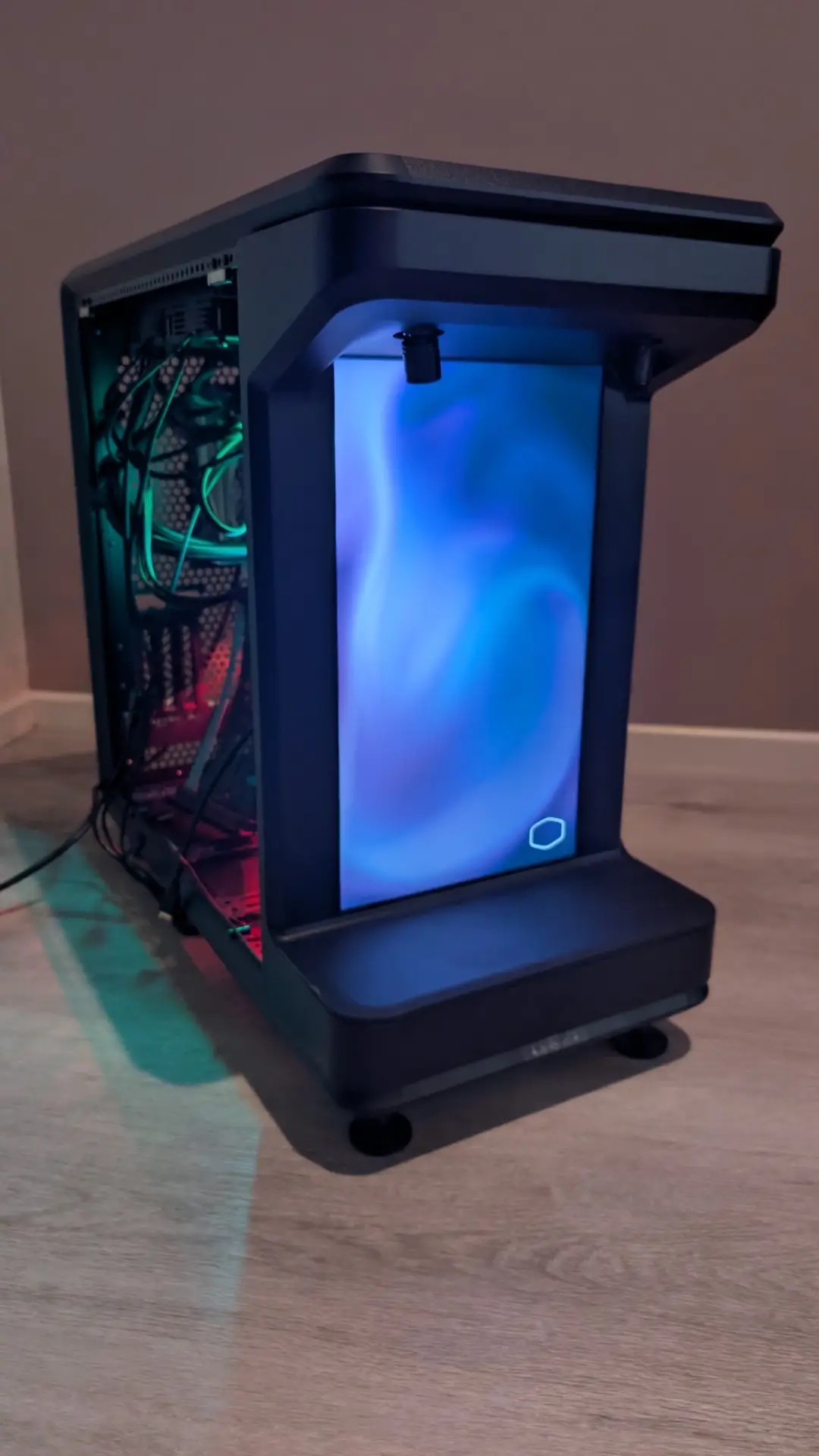
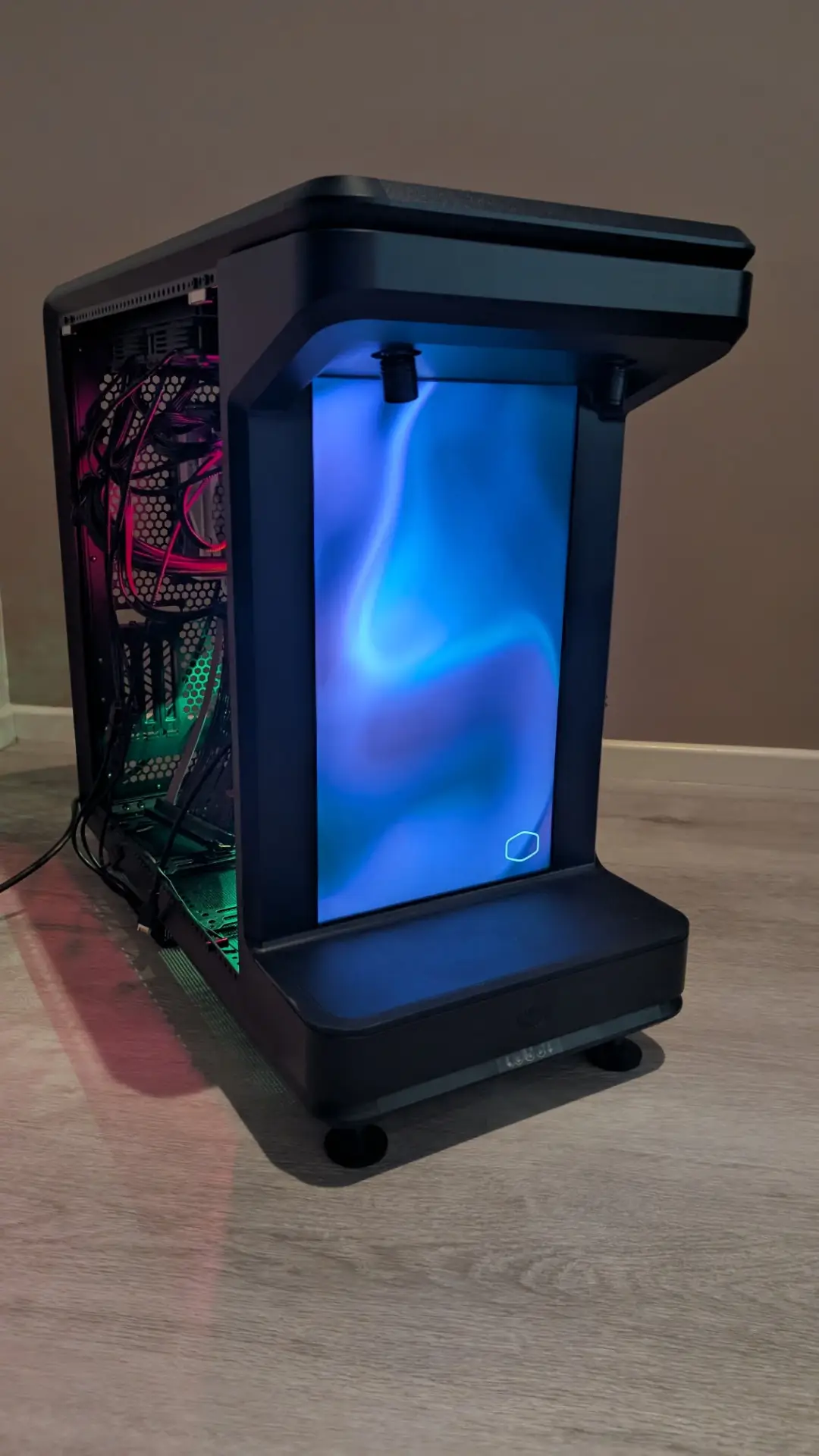
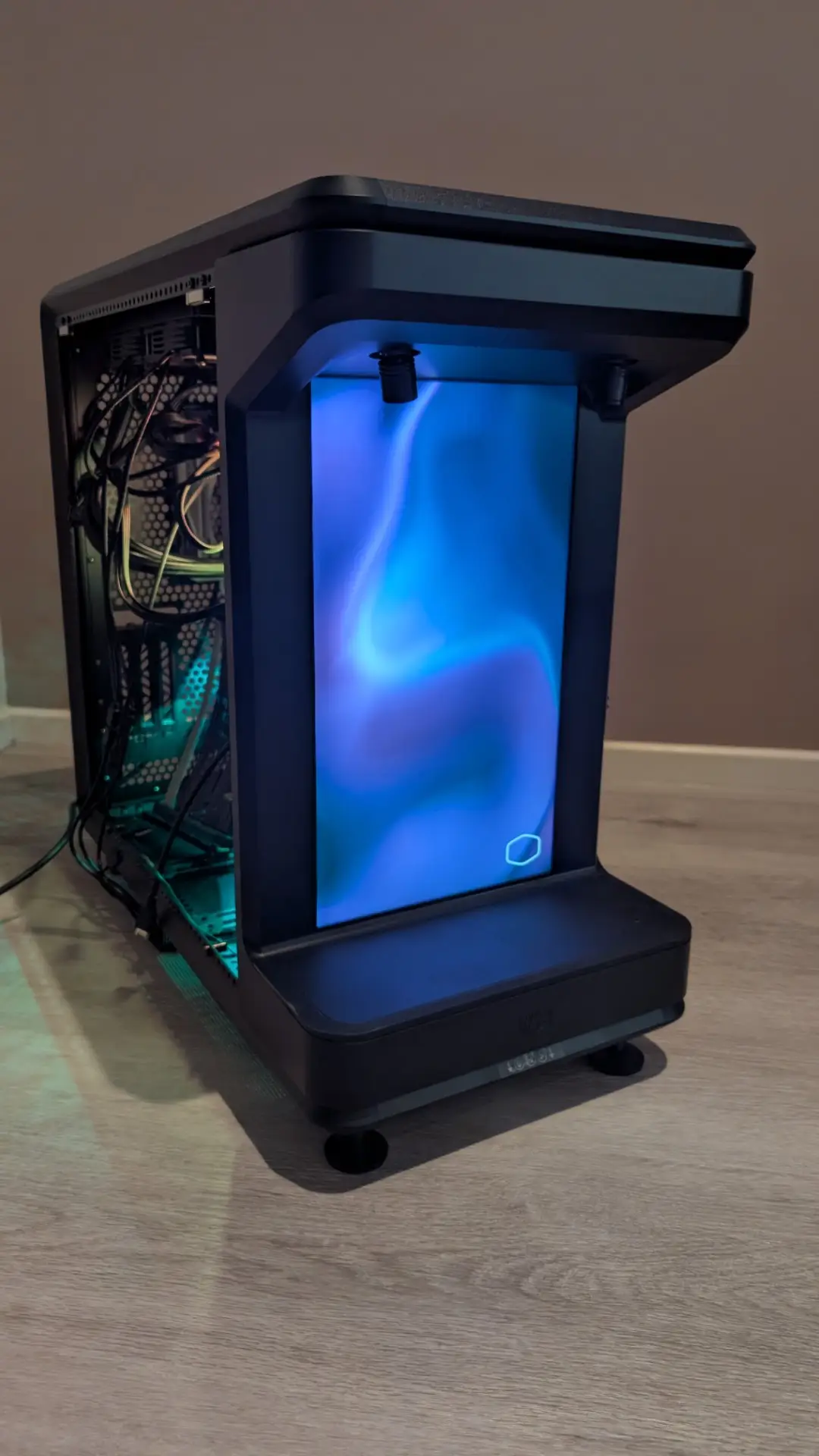
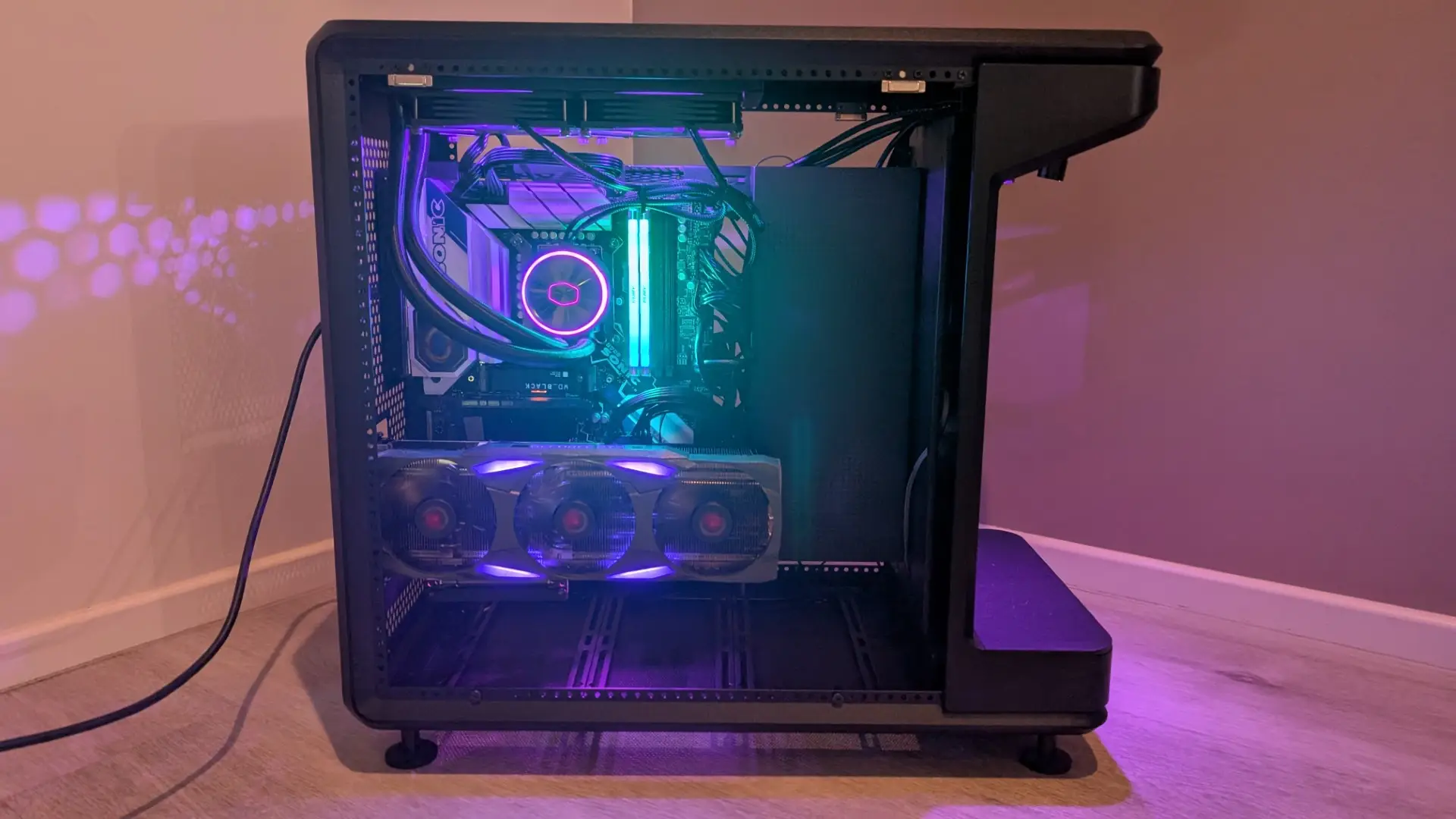
The final presentation… and as cases go, it’s a good-looking one. With the Cooler Master MasterFrame 360 Stage LCD, gone are the days of boring rectangular boxes and plenty of bruised knuckles during the setup process.
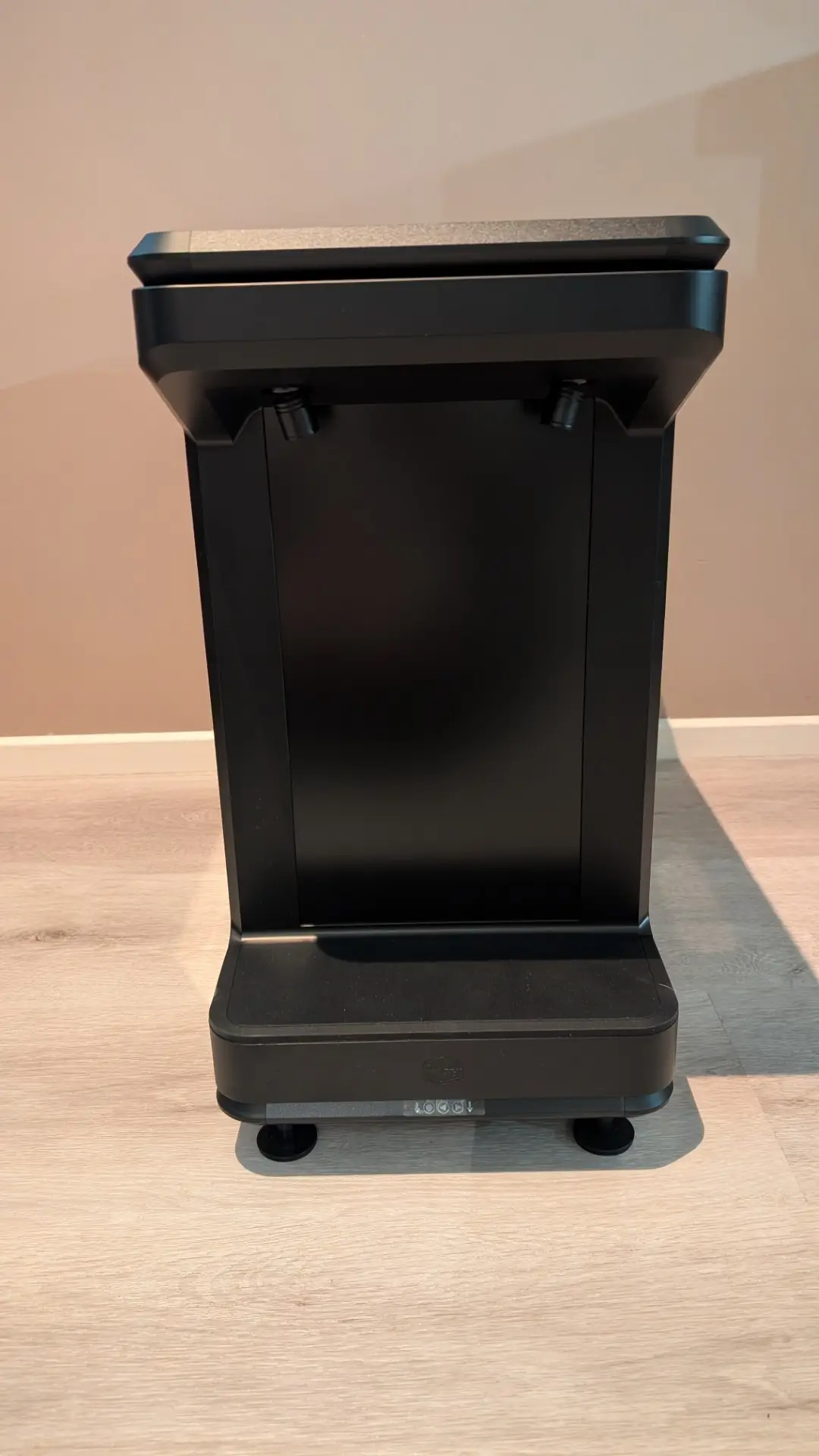
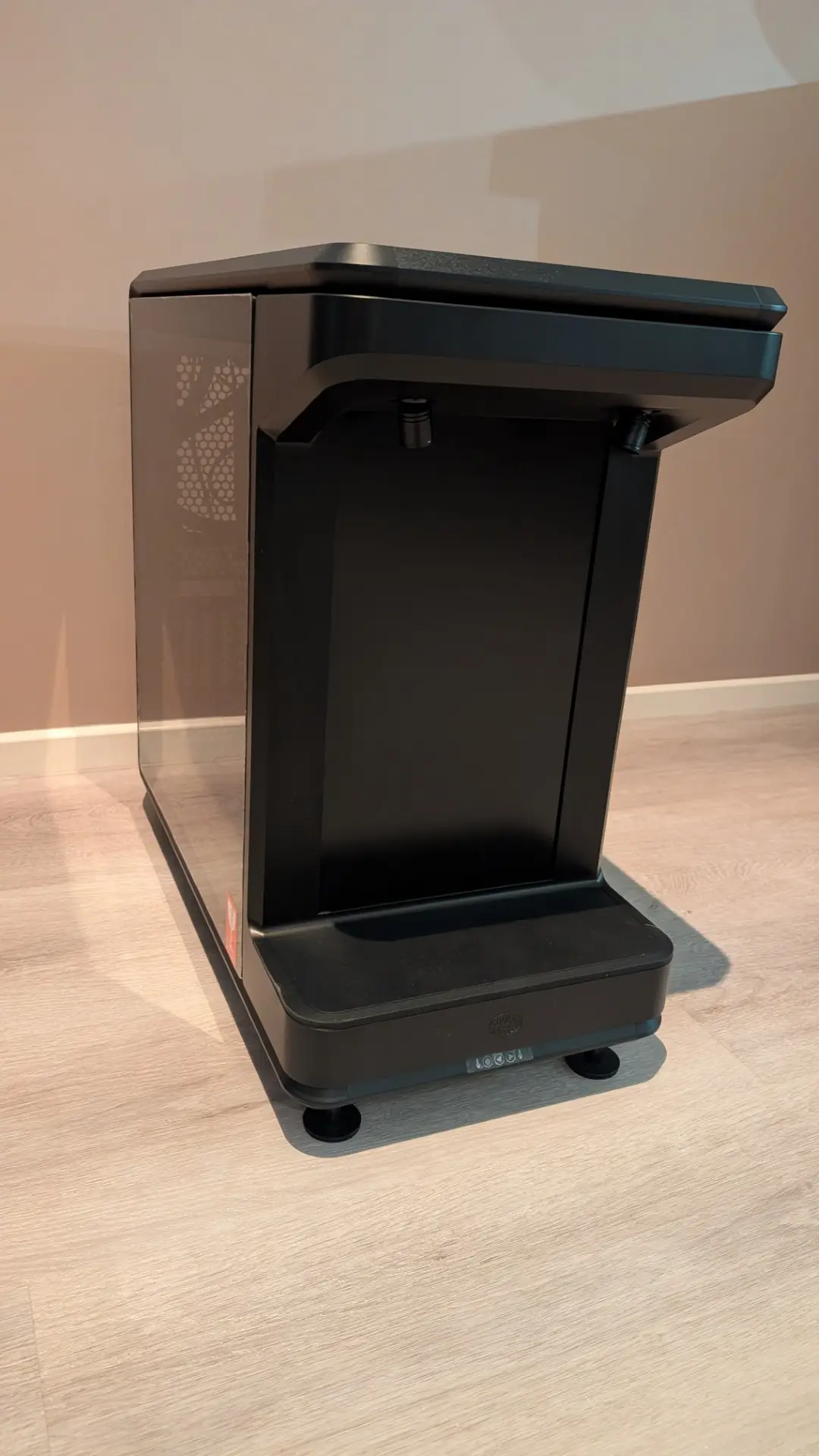
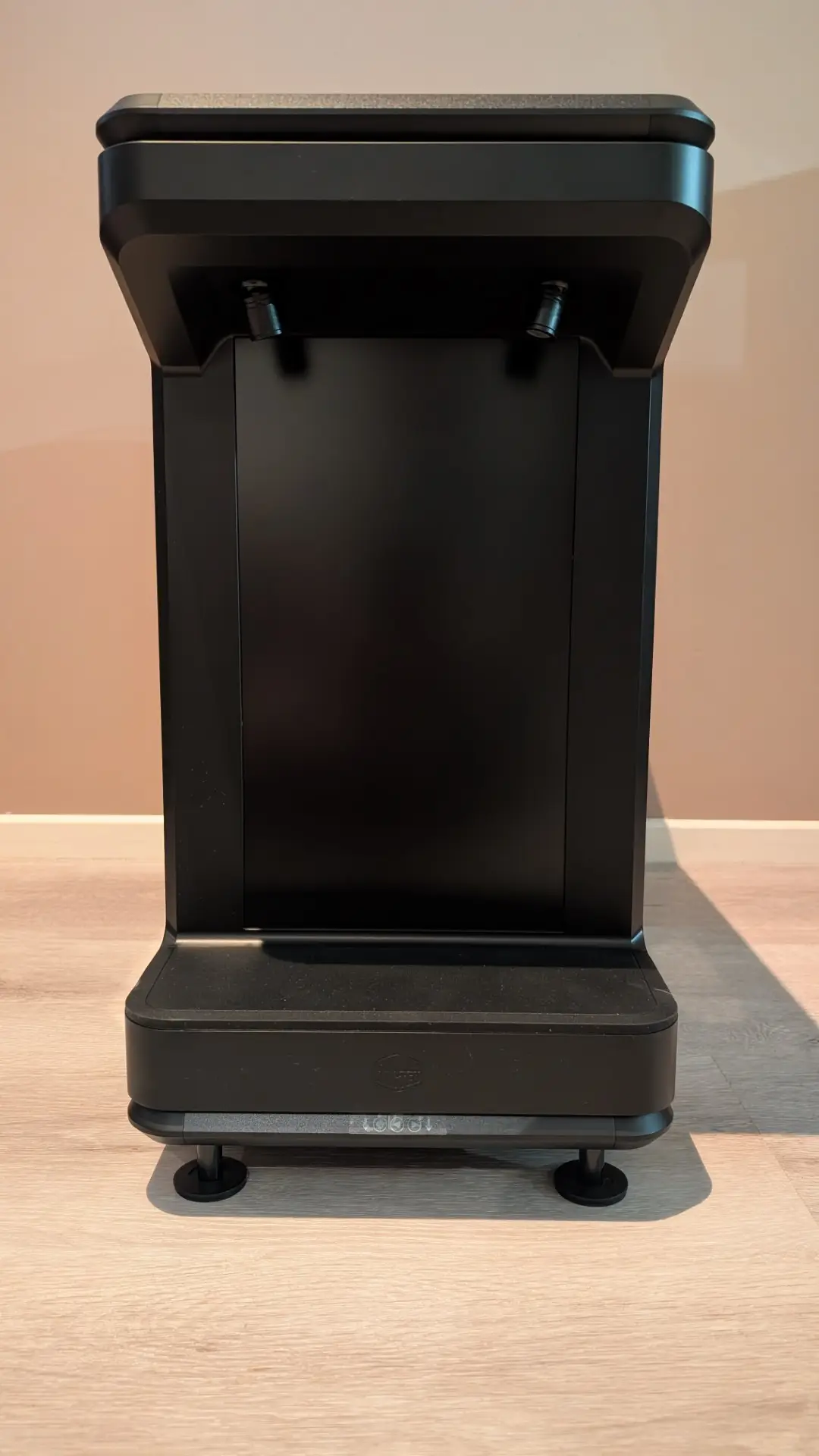
With two high-quality tempered glass panels on the sides, this gives you a good look inside your “new” beast, not to mention the impressive ARGB lighting.
And just below the LCD are the controls for the display: power, brightness and navigation buttons.
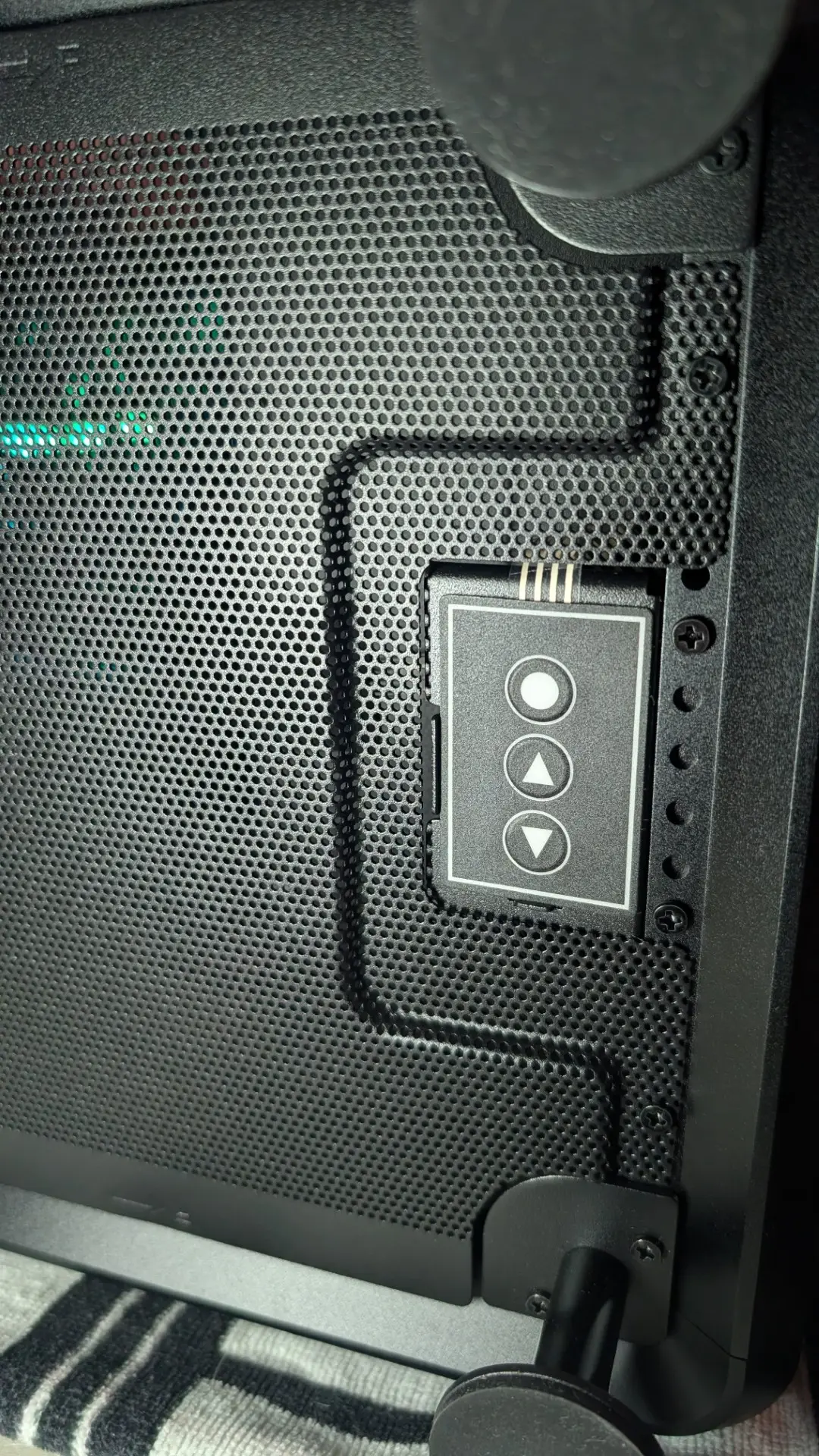

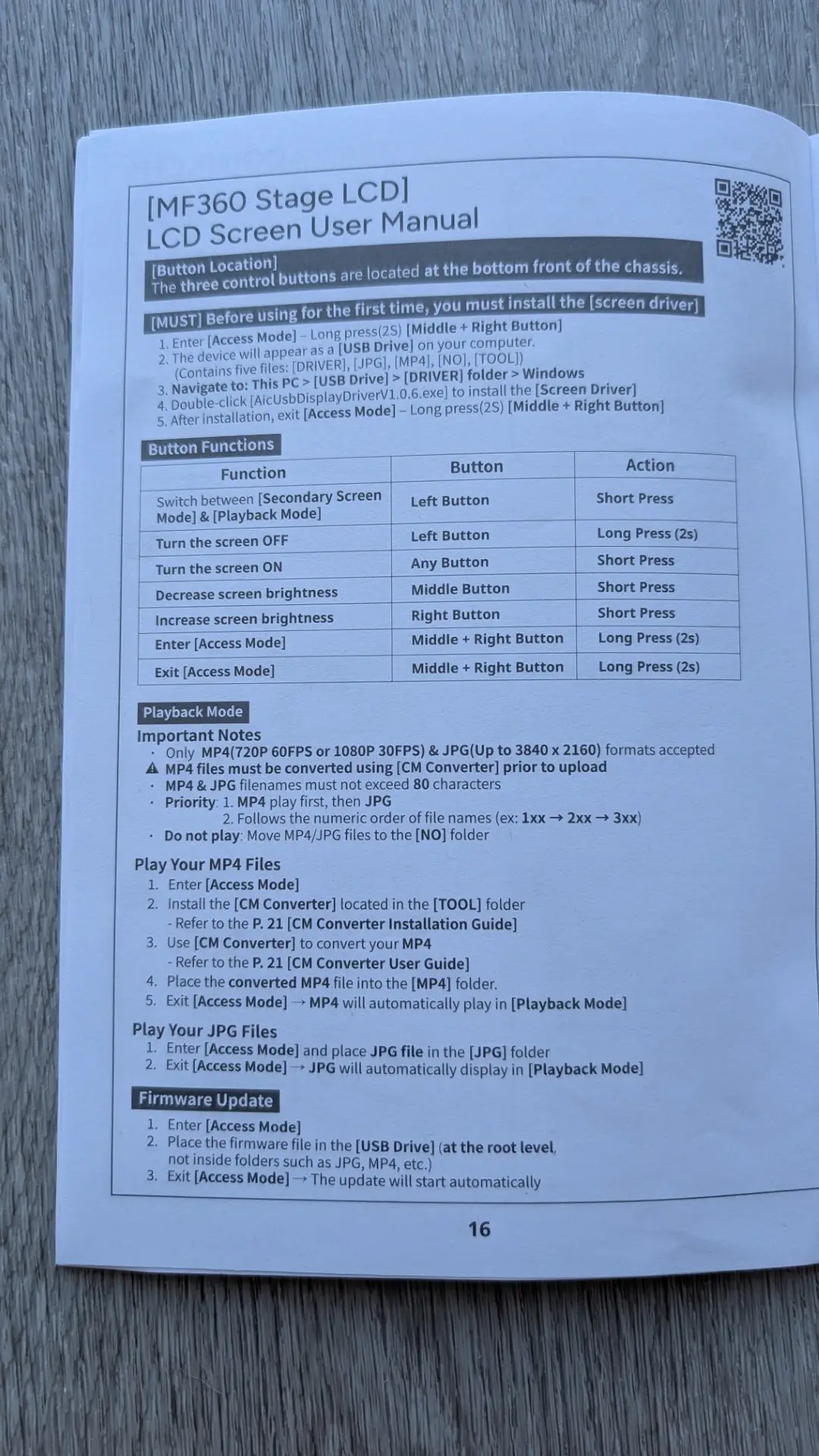
Once the case is connected to your motherboard, you need to install the display software which is done by holding the two right buttons together for a few seconds. This will then bring up an icon on the LCD that turns the internal 16GB microSD card of the case into accessible storage in order to install the software and copy your images across.
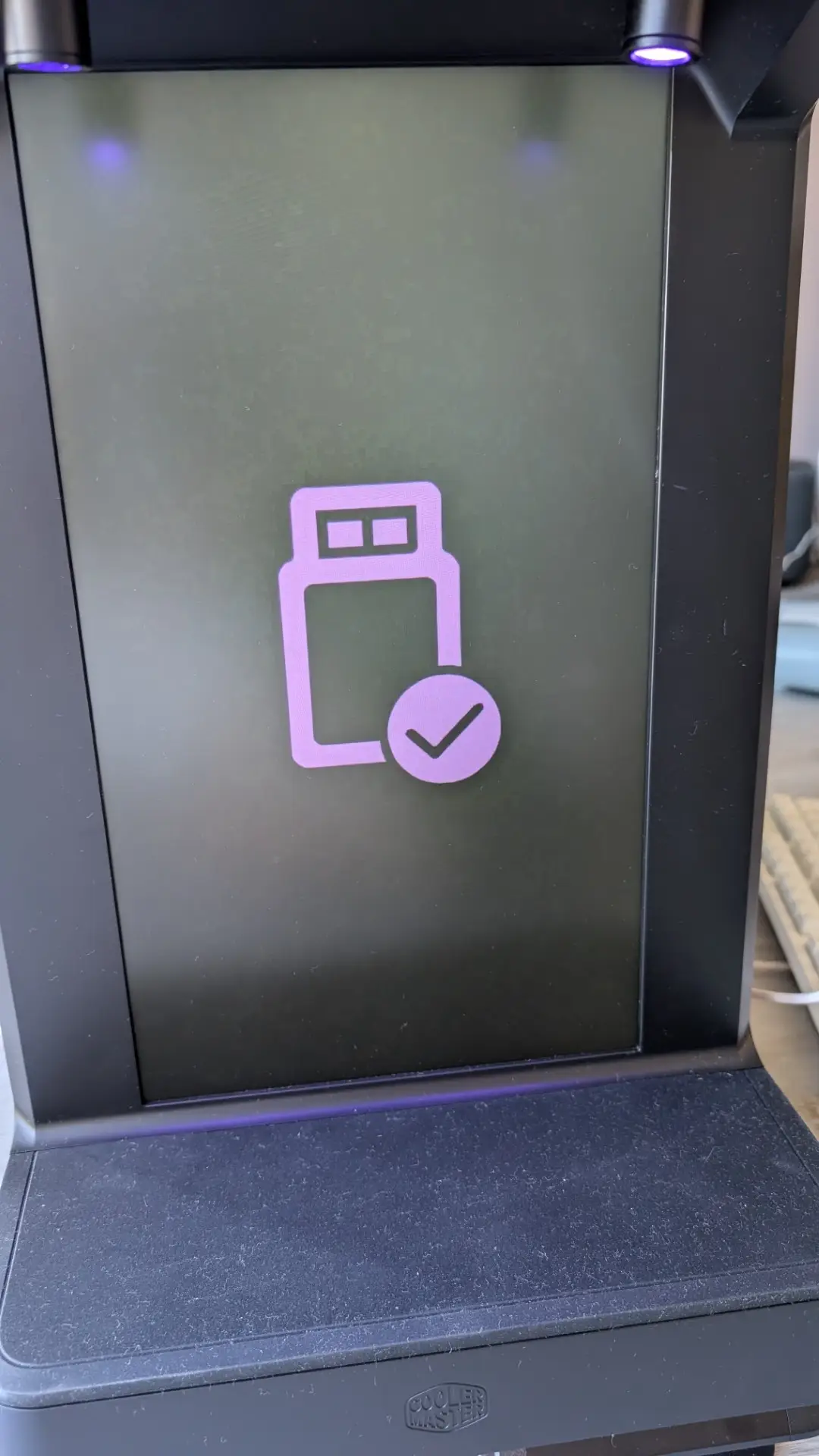
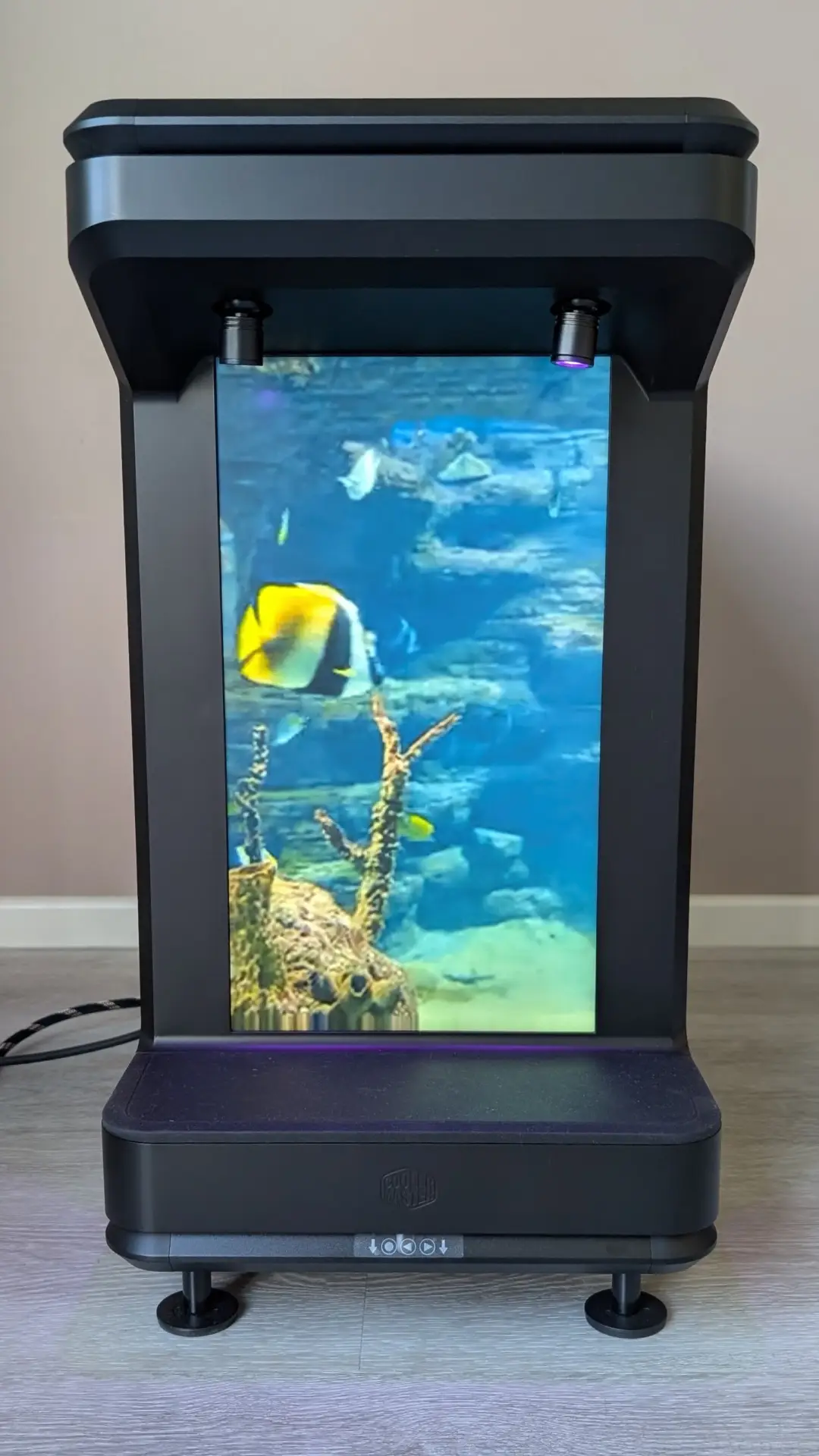
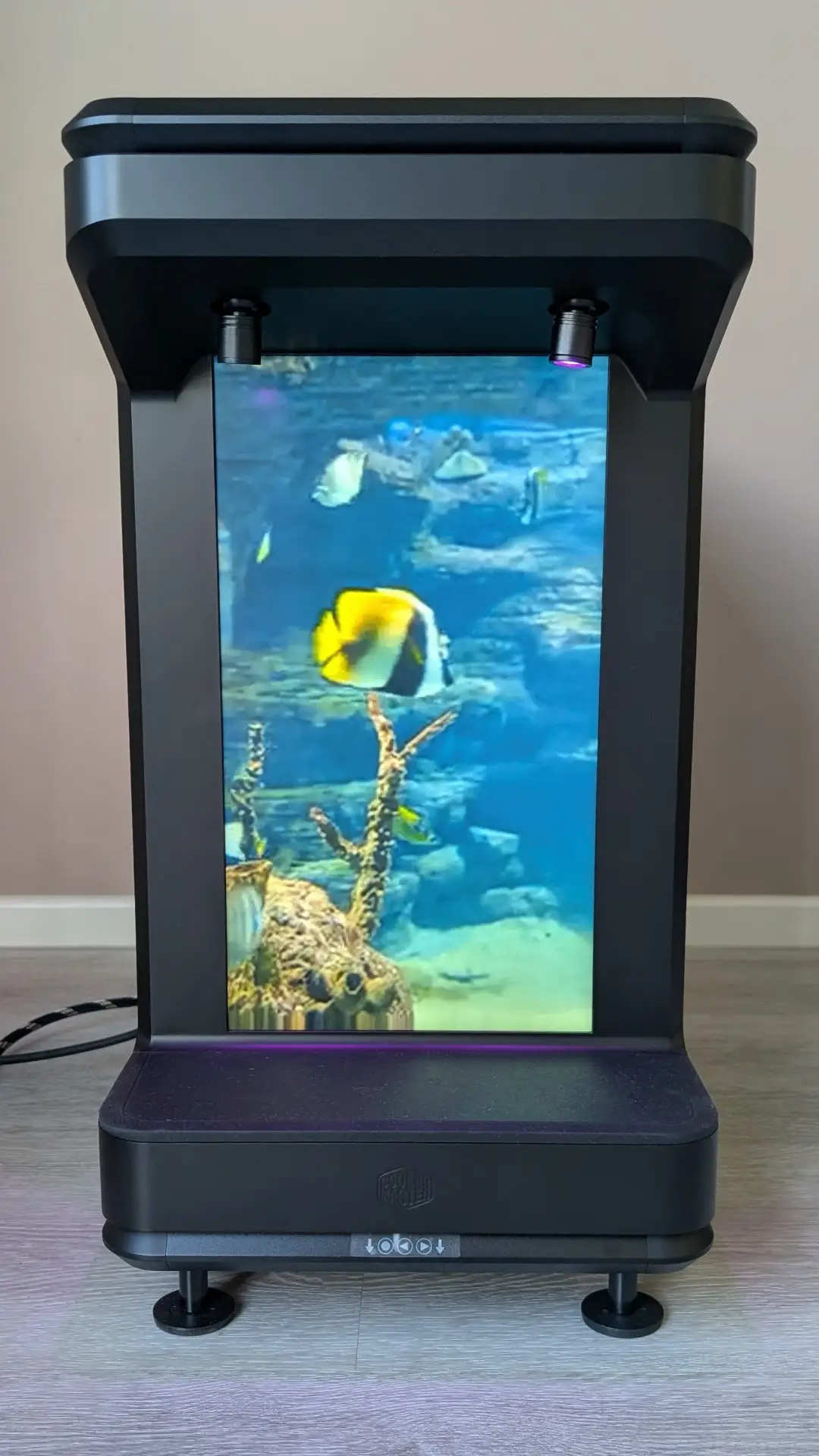
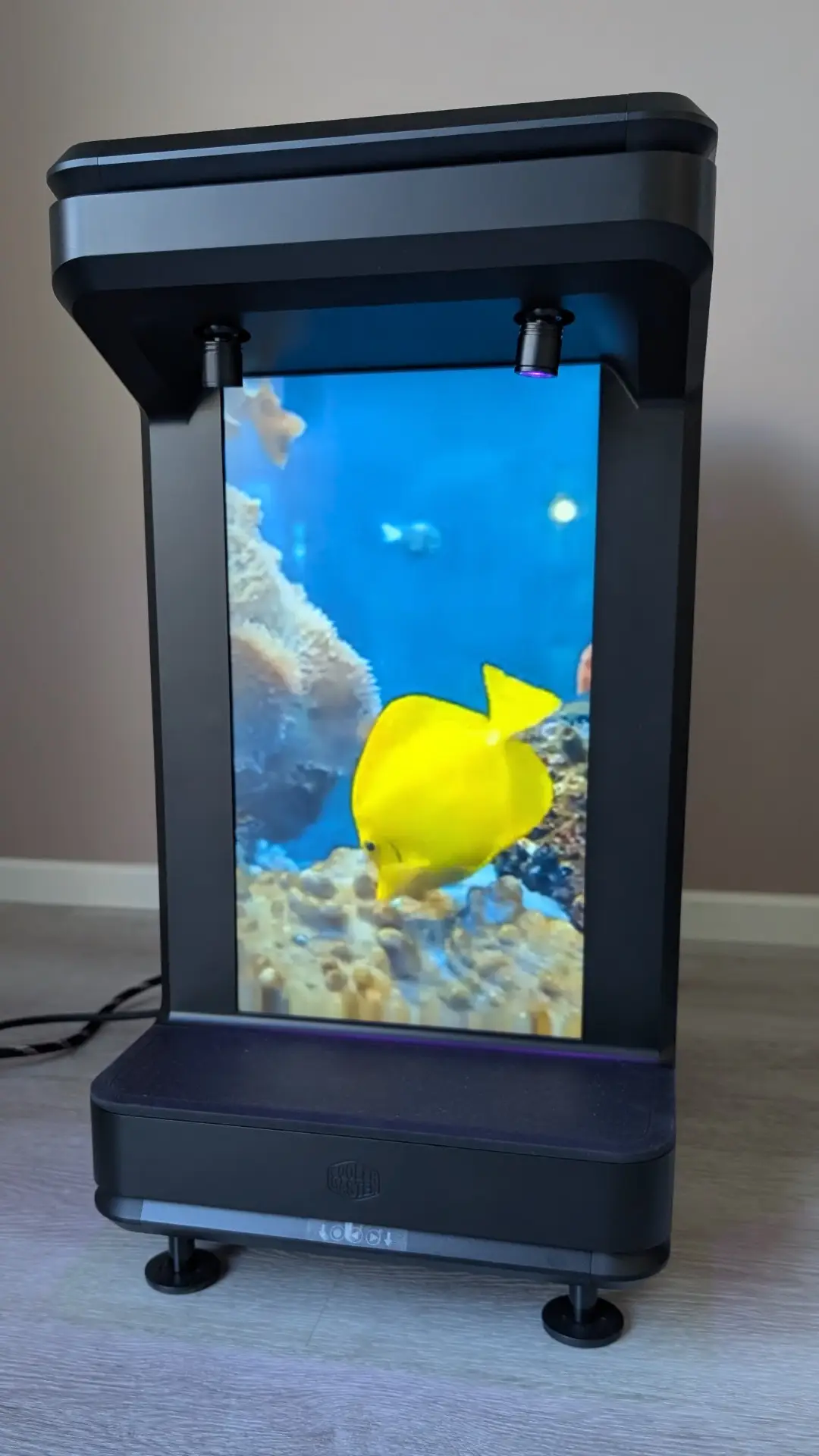
Besides the installation folder on the Cooler Master MasterFrame 360 Stage LCD drive, there are also JPG and MP4 folders where you can copy your files. The LCD is compatible with MP4 files in either 720p 60FPS or 1080p 30FPS with JPEGs up to 3840 x 2160. For the secondary screen mode, you need to push the left button which is great if you want to access vital system information or just Windows 11.
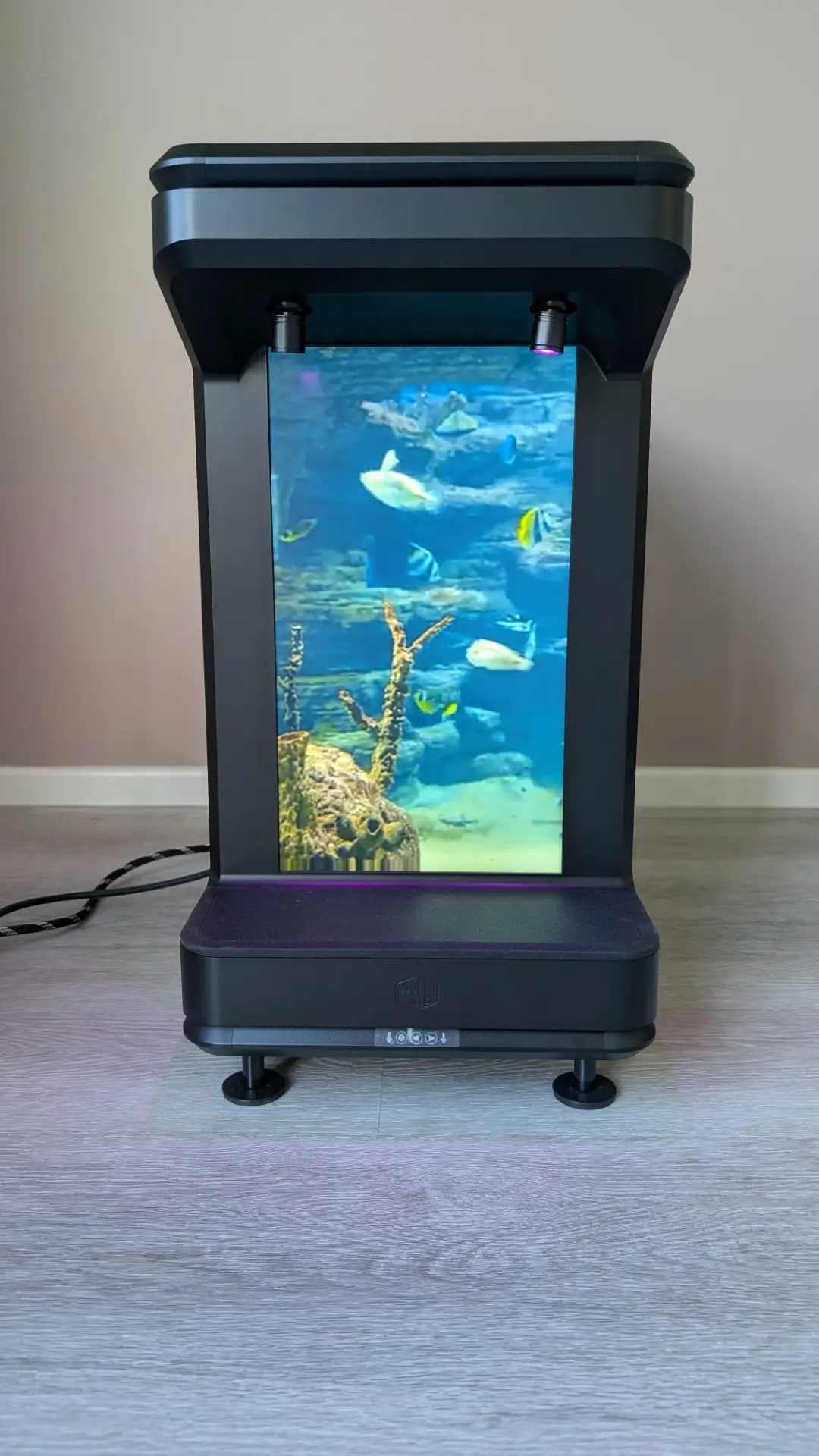
Want an aquarium on your Cooler Master MasterFrame 360 Stage LCD? You got it!
Want to display a spinning planet Earth inspired by the Artemis 2 launch with your Yuna collectible from the Final Fantasy series? Easily done!
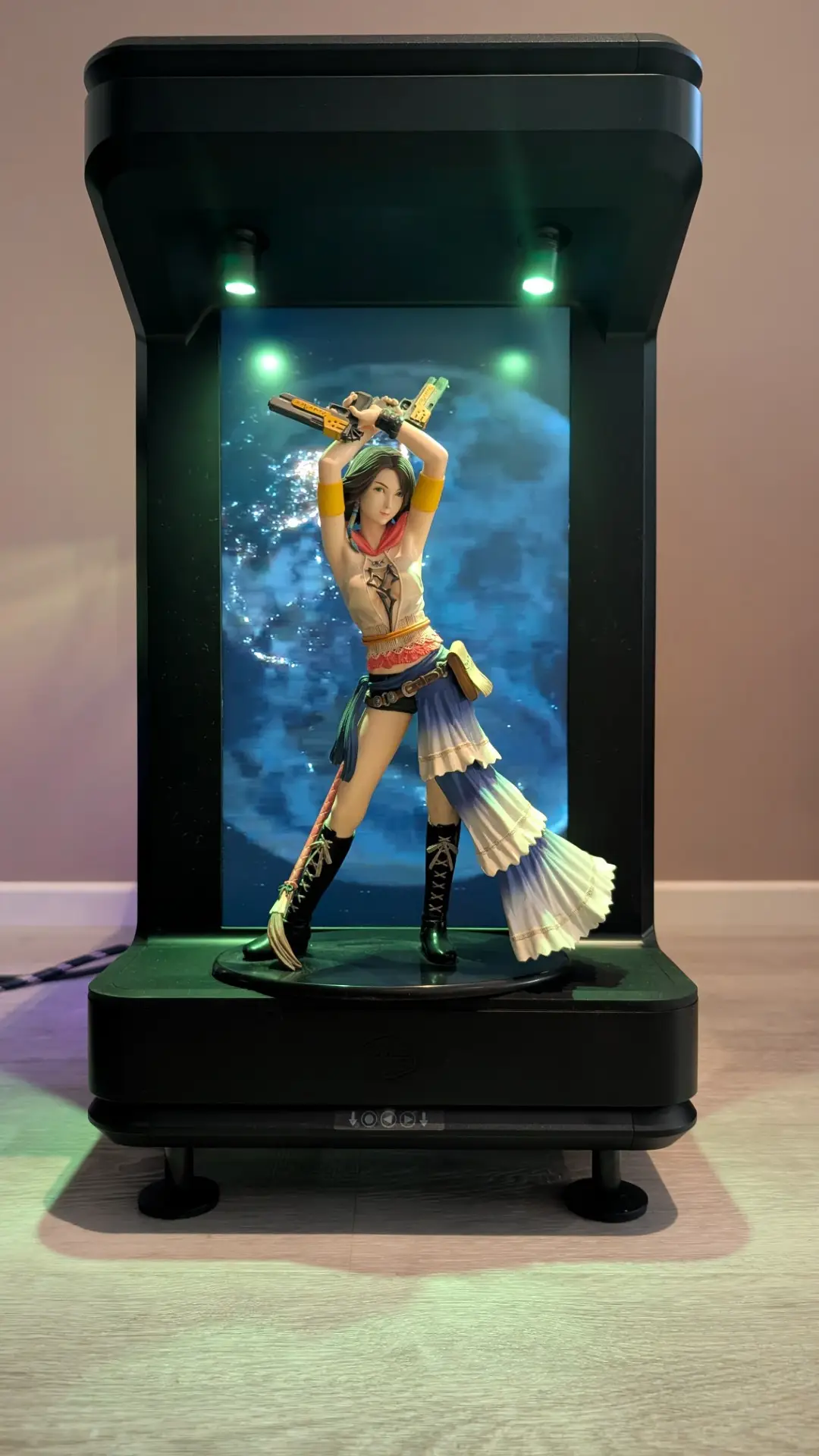
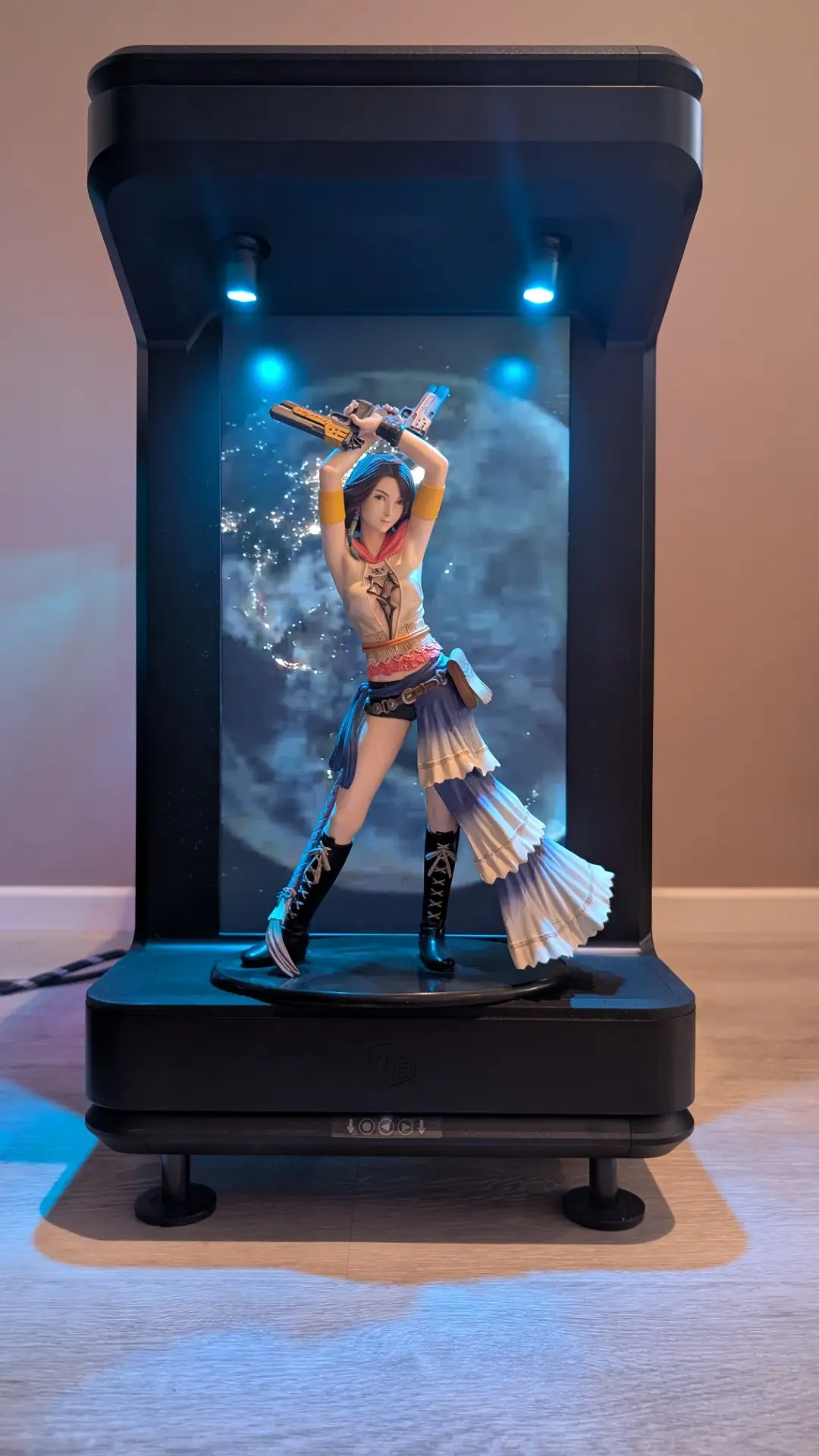
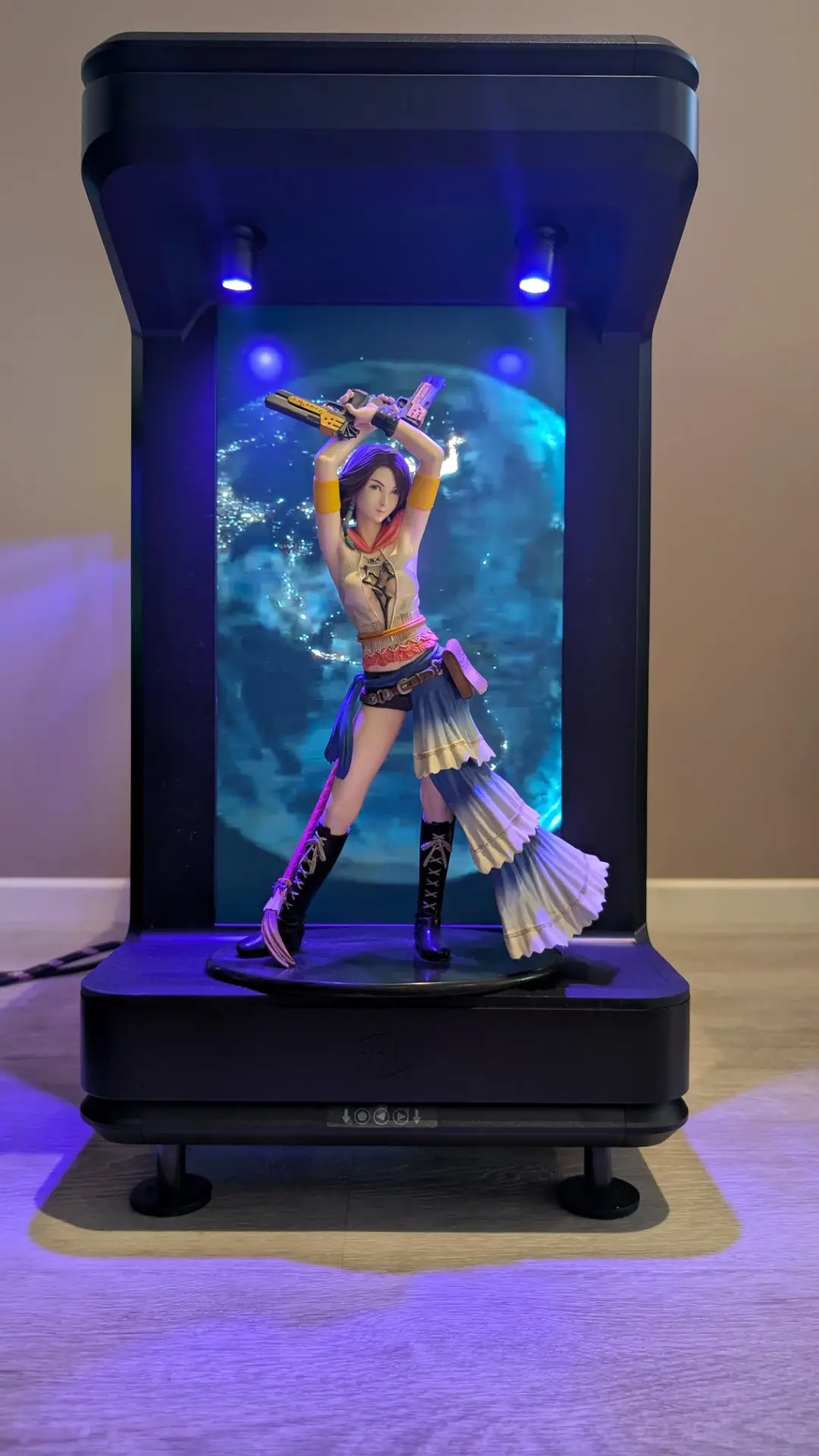
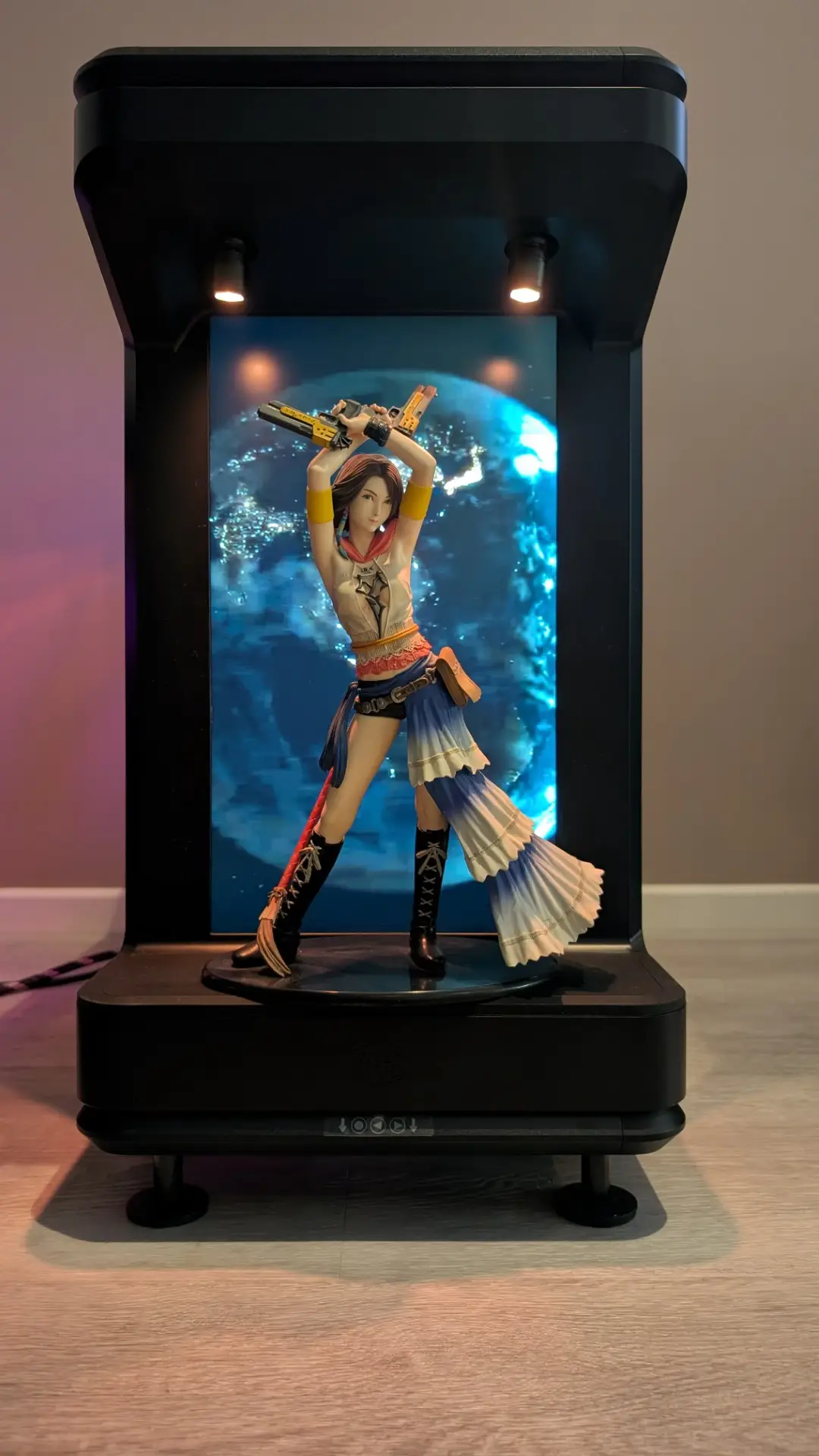
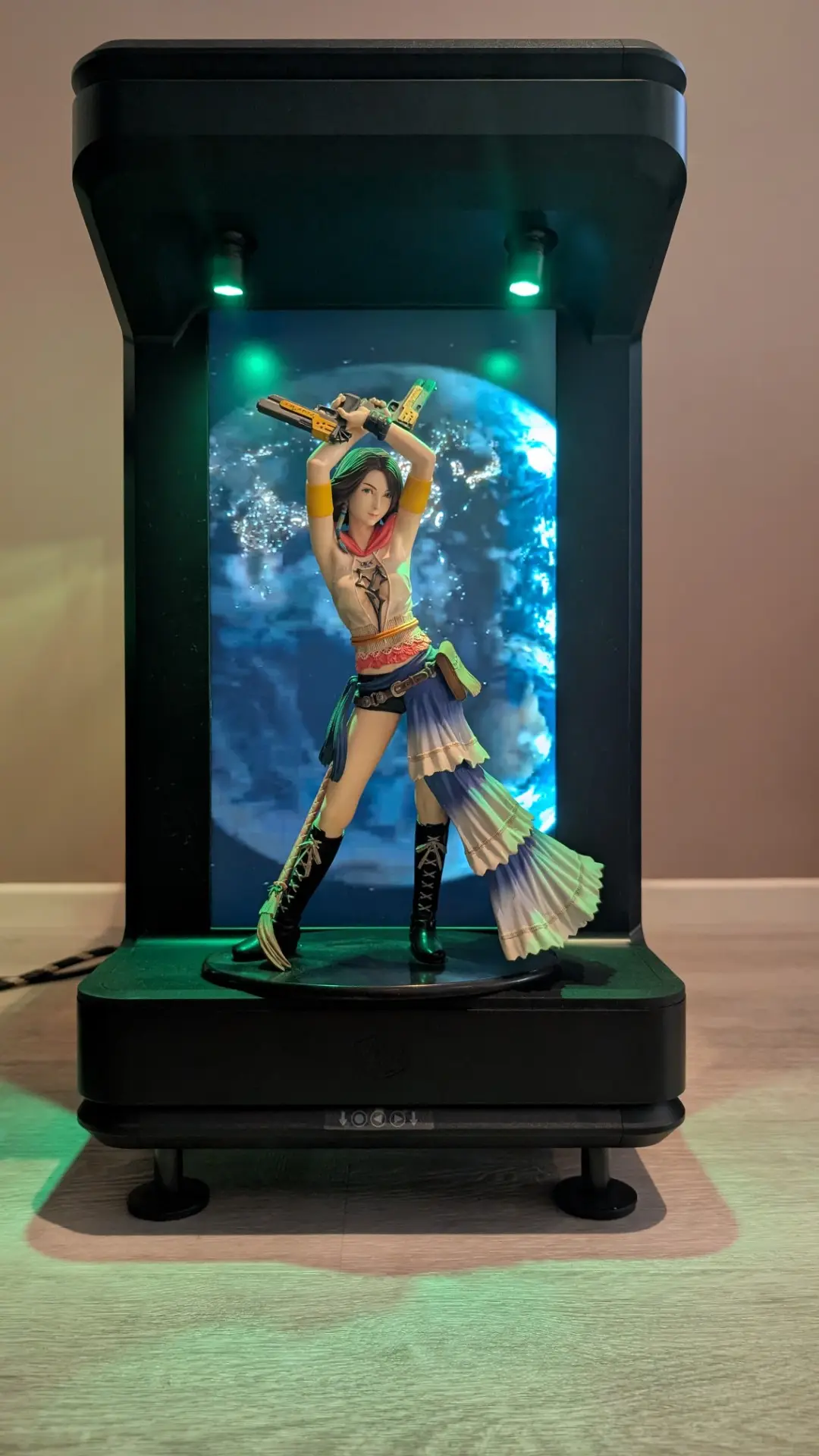
What about case noise? Although the Cooler Master MasterFrame 360 Stage LCD is shipped with no fans, with my current system, it was surprisingly very quiet which is fantastic. Even when games such as Doom Eternal, Star Wars Outlaws or Diablo IV were performing at their peak, the case kept the roar of the fans to a much quieter experience than my previous case. What’s missing? One thing that is missing from this case are dust filters which will require some upkeep to ensure your case stays relatively dust-free but DIY options are available.
Final Thoughts
The Cooler Master MasterFrame 360 Stage LCD is an amazing PC case that offers plenty of room for even the most ambitious of PC builds. From an aesthetic point of view, its contours, tempered glass sides and ARGB spotlights—combined with the LCD—really make the case come to life. My only gripes were the instructions which needed a bit more detail for certain parts of the installation such as the PCIe 5.0 Riser Cable and the installation of a 3.5″ hard drive but once completed, the Cooler Master MasterFrame 360 Stage LCD is a work of tech art! Being able to display PC temps and speeds is a gamechanger (pun intended) as is using it as a second screen but the best part is displaying JPGs and more importantly, videos! I love the spinning high-resolution Earth; it is a worthy distraction.
For more information please visit https://www.coolermaster.com/en-au/products/masterframe-360-series/
About the Author

Andrew Bistak When he's not trying to save the world, Andrew enjoys travel (although loathes turbulence), going to the movies, reading and being a dad to his two dogs (and now twins) with his wife.
Related Posts

Epomaker TH108 Pro Review →

Shokz to power six 2026 Abbott World Marathon Majors Races as the official headphone partner →
Razer Unveils Hammerhead V3 Hyperspeed Gaming Earbuds →