

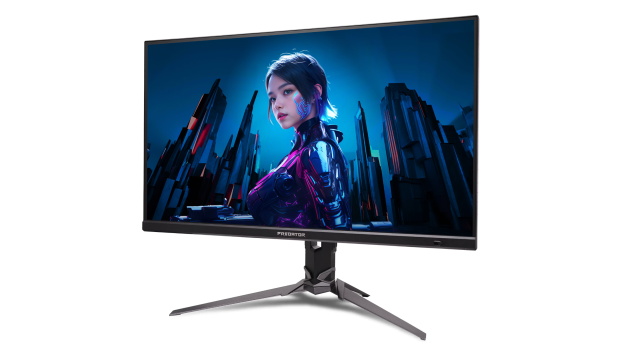
Acer Predator XB273K V5 27″ 4k Gaming Monitor Review
Summary: The Acer Predator XB273K V5 is a visual powerhouse that fundamentally changes how games look — and how they play!
4.5
Amazing Visuals
PC gamers obsess over avoiding CPU bottlenecks, selecting the right GPU, balancing the CPU with the RAM, and spending hours trying to find the perfect case. Trust me, I’m one of those people. But for years, I overlooked one crucial component: the display.
After upgrading to the Acer Predator XB273K V5, paired with my RX 9070 XT, I finally understand what my hardware is truly capable of producing. A powerful GPU can render stunning 4K assets, but unless your monitor can display that detail with clarity and precision, you’re never seeing the full picture.
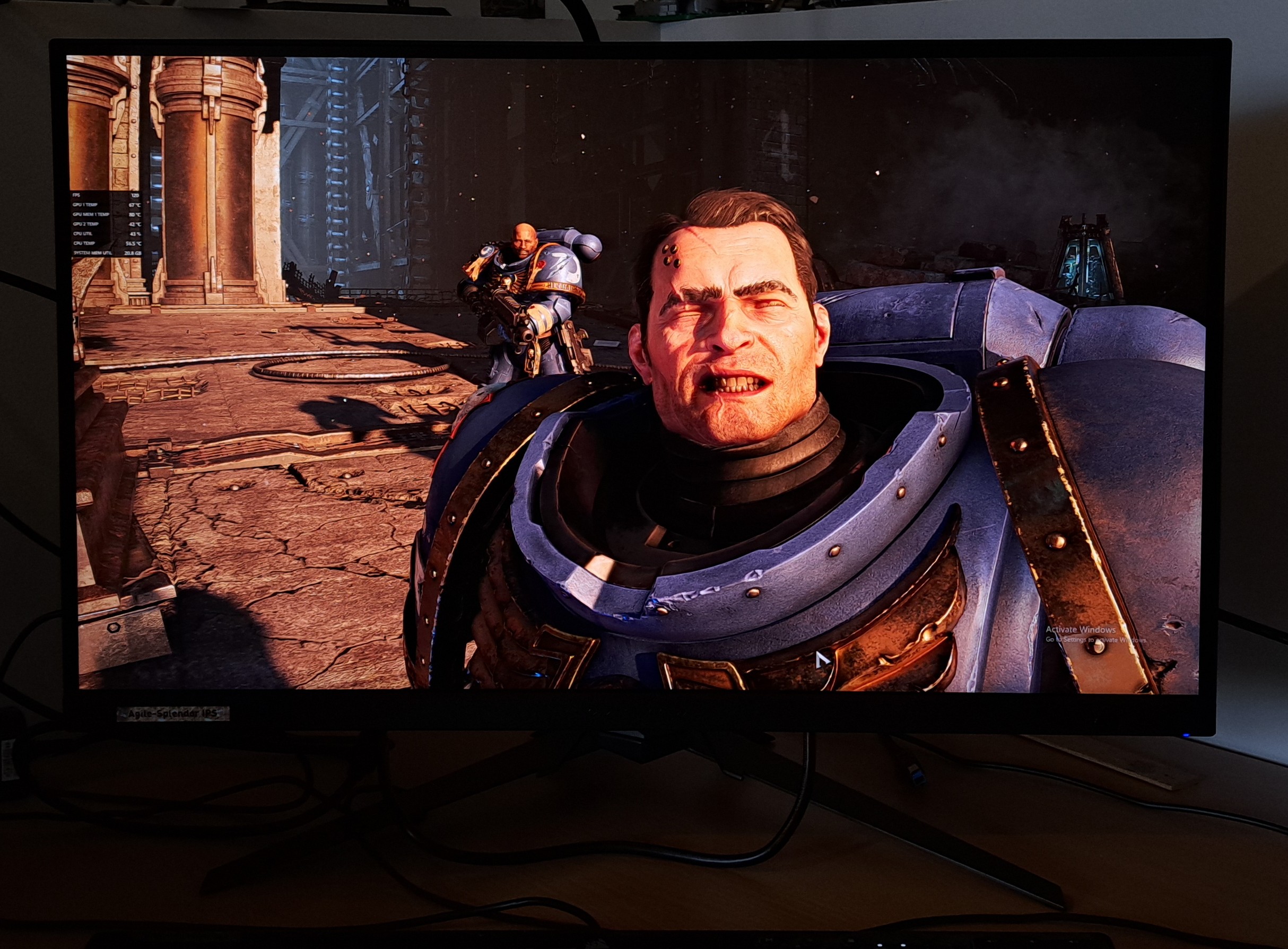
At 3840 x 2160 resolution on a 27-inch panel, this display delivers a pixel density of roughly 163 PPI. That density is where 4K truly shines. Text is razor sharp. Edges are clean. Fine environmental detail becomes immediately visible. From spotting distant sniper glint in Battlefield 6 to appreciating the armor textures and lighting effects in Warhammer 40,000: Space Marine 2, the difference is dramatic.
This isn’t just a monitor upgrade. It’s a clarity upgrade.
4K at 27 Inches: Why It Matters
The jump from a 1080p 23-inch display (and even a 36-inch TV) to a 27-inch 4K monitor is overwhelmingly transformative from every angle. On a larger TV, pixel density drops significantly, which softens detail at a distance, especially when rendering graphics at long distances, particularly in open-world games such as Sniper Elite. On this panel, the tighter pixel pitch means long-range objects remain defined rather than blurred.
Playing Battlefield 6 on the Xbox Series X while using the Predator XB273K V5 highlighted this immediately. Enemy sniper glint was no longer a vague shimmer — it became a distinct, sharp flicker of light. That increased clarity translated directly into better reaction time and accuracy, including a personal record 410-meter headshot and 23 headshots in a single match. Having a higher resolution doesn’t just make games prettier; it makes competitive gameplay more precise and can mean the difference between winning and flat-out domination.
Panel Performance & Colour Reproduction
The XB273K V5’s UHD LED panel delivers strong colour reproduction and excellent sharpness. In Space Marine 2 running at max settings on PC, the colour depth stood out immediately, and I began to see colours that I didn’t even think were possible. Subtle gradients in blue armour plating showed tonal variation I simply hadn’t noticed before, and even the reflections and lighting effects feel layered and dimensional rather than flat.
With VESA DisplayHDR 400 certification, the monitor supports HDR content, though it’s important to set expectations correctly. DisplayHDR 400 improves brightness range and highlight detail compared to standard SDR, but it doesn’t offer the deep local dimming zones found in higher-tier HDR implementations. For most gamers, it adds extra vibrancy and contrast without dramatically altering the image profile.
However, for PC users willing to calibrate, spending time adjusting brightness, contrast, and sharpness makes a very noticeable difference. Out of the box, it looks good — but fine-tuning brings out the panel’s full potential.
Refresh Rate, Adaptive Sync & Smoothness
When it comes to 4K gaming, resolution is only part of the equation, smooth frame delivery matters just as much.
The Predator XB273K V5 supports AMD FreeSync Premium, which dynamically matches the display refresh rate to your GPU’s output. For AMD users especially, this eliminates screen tearing and reduces stutter during frame rate fluctuations. When pushing demanding 4K titles, frame pacing can vary, adaptive sync keeps motion fluid.
For enthusiasts building high-end systems capable of stable 4K frame rates, this ensures your GPU’s output is presented cleanly and consistently. Competitive shooters benefit from smoother tracking, while cinematic games gain fluid camera movement without tearing artifacts. However, its important to keep in mind that connectivity also plays a critical role here. With DisplayPort 1.4 and dual HDMI 2.1 ports, the monitor supports high-bandwidth 4K signals across both PC and console platforms. HDMI 2.1 is particularly important for modern consoles, allowing 4K at higher refresh rates without compression compromises. For multi-device setups (PC, console, streaming box) this connectivity flexibility is a major advantage.
The Remote: Surprisingly Useful for Power Users
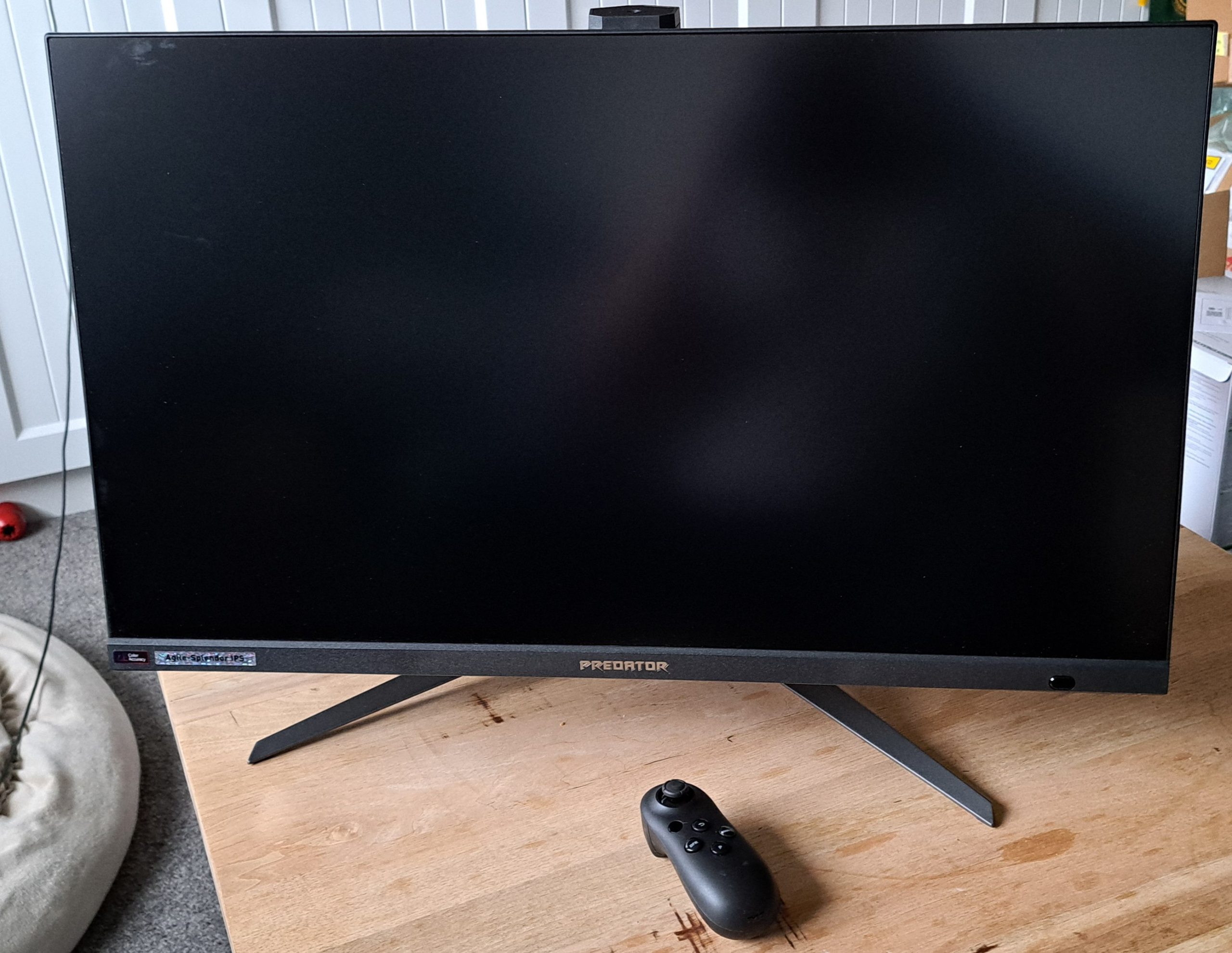
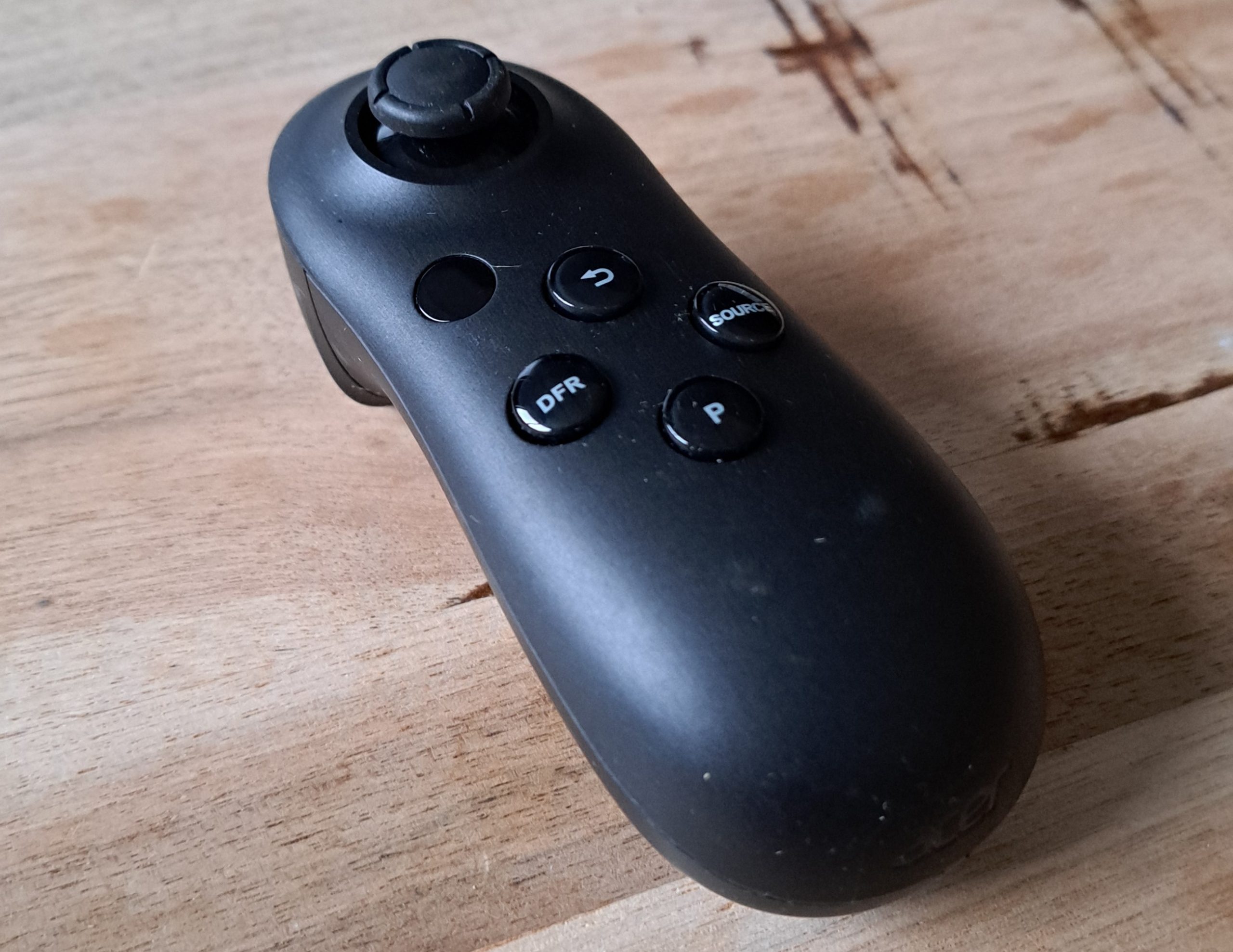
One of the most distinctive features of the Predator XB273K V5 is its handheld control remote. Roughly comparable in size to a Nintendo Switch Joy-Con, it features an ergonomic grip, responsive joystick navigation, and programmable hotkeys. Initially, I assumed it would sit unused. Instead, it’s become part of my routine.
Switching between PC and console inputs takes seconds. Adjusting brightness for day versus night gaming is effortless. Navigating the on-screen display feels natural, particularly for console gamers accustomed to joystick-driven menus. I will mention, however, there is a slight learning curve when programming hotkeys, and understanding some of the advanced options requires a little bit of technical knowledge and some patience. But once configured, the remote streamlines what would otherwise be awkward button presses hidden behind the panel. That said, for single-input users, it may feel unnecessary, yet multi-device enthusiasts will find it’s genuinely practical.
Built-In Audio: Better Than Expected
Monitor speakers are rarely impressive, but the integrated 2W speakers here deliver surprising clarity. Dialogue remains crisp, and audio carries well across a room without sounding tinny or muffled. While they won’t replace a dedicated speaker system or high-end headset, they’re more than sufficient for any type of gaming, YouTube, or streaming services. Console users especially, like myself, will highly value having respectable, built-in audio that also reduces cable clutter. The only minor drawback is that volume adjustment requires menu navigation rather than a dedicated physical button.
Ergonomics & Build Quality
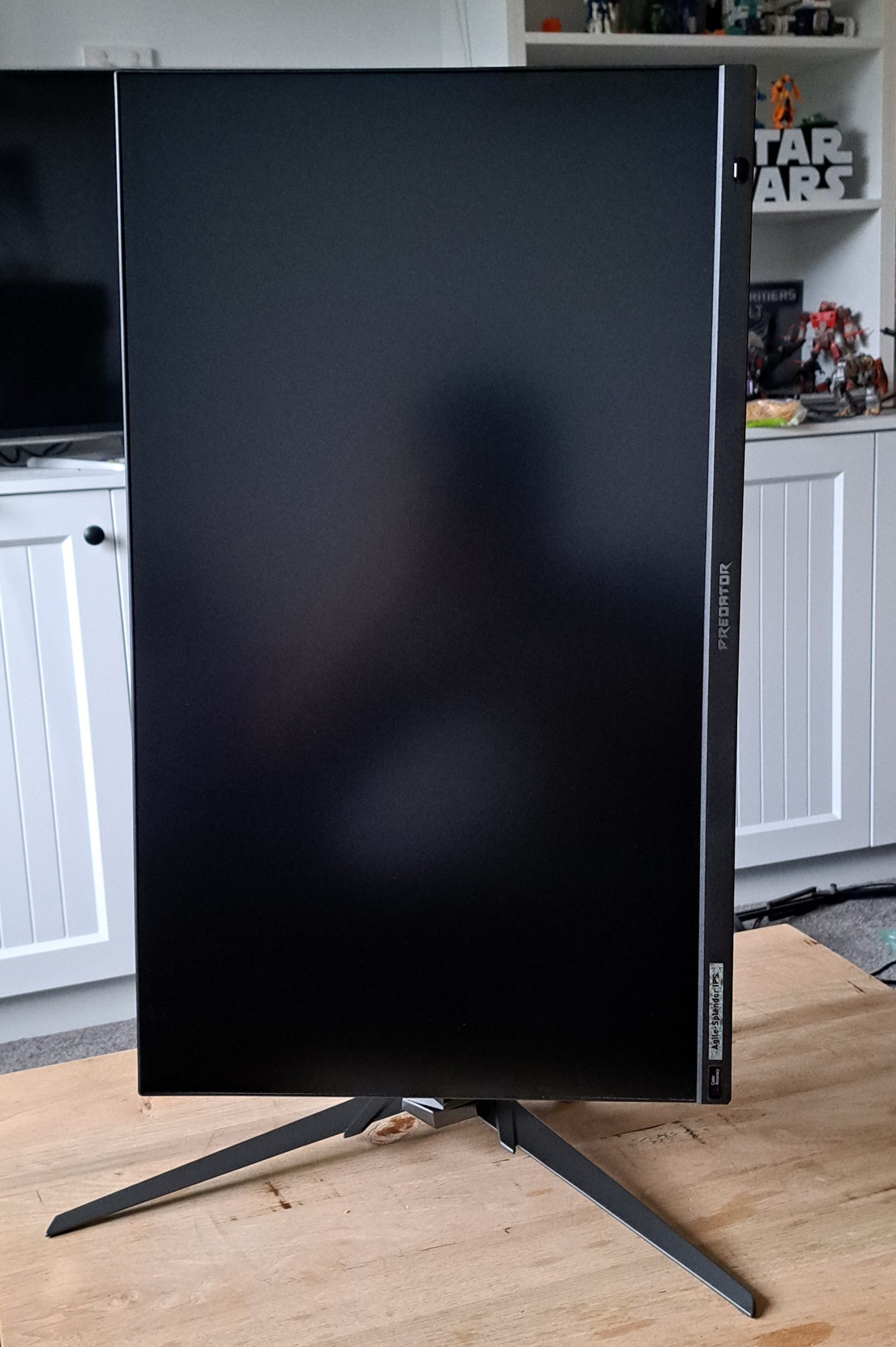
The stand offers height adjustment, tilt, swivel, and full 90-degree rotation in both directions. This flexibility allows precise positioning for long gaming sessions and supports portrait orientation for productivity tasks. Content creators, coders, and designers, will definitely appreciate the ability to rotate a 4K panel into portrait mode without sacrificing resolution by using a 1440p or 1080p screen with the same feature. Even for gamers, having ergonomic adjustment reduces neck strain and improves overall comfort.
The build feels sturdy and premium without being overly flashy. It balances gaming aesthetics with a clean design that suits both a dedicated battlestation and a more professional workspace.
Who Is This Monitor For?
The Acer Predator XB273K V5 is aimed squarely at enthusiasts who have already invested in capable hardware. If you’re running a mid-tier GPU designed for 1080p or 1440p, this monitor may be overkill. But if you’ve built a system specifically for 4K (carefully balancing CPU, GPU, memory, and cooling), then pairing it with a 4K display of this caliber makes sense.
Too often, I’ve seen PC builders spend thousands on internal components and connect them to a display that can’t showcase their full potential. The Predator XB273K V5 removes that bottleneck and provides you with visual clarity worthy of your hard effort.
Final Thoughts
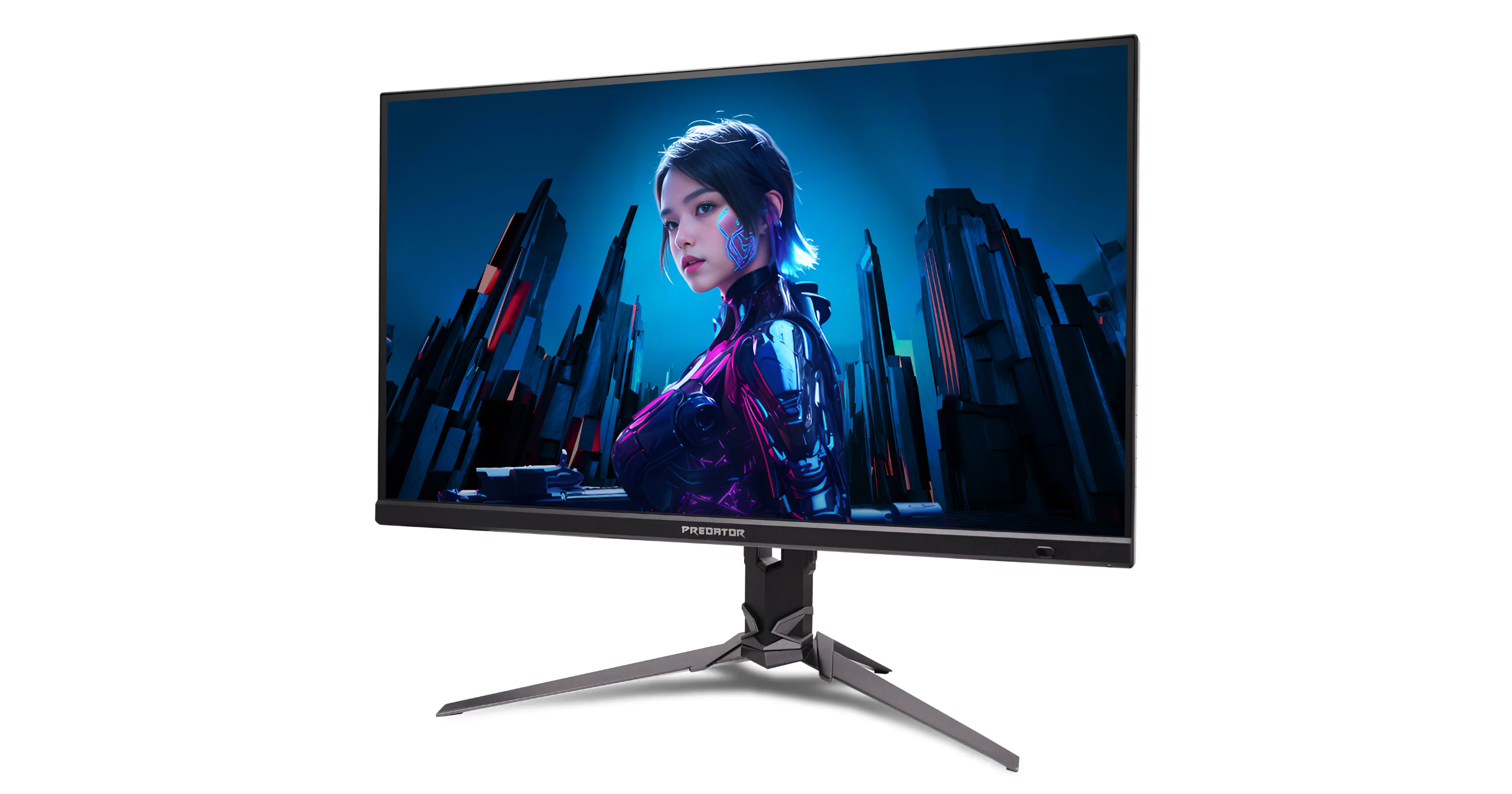
The Acer Predator XB273K V5 is a visual powerhouse that fundamentally changes how games look — and how they play. Its 163 PPI pixel density delivers exceptional sharpness. FreeSync Premium ensures smooth motion. HDMI 2.1 and DisplayPort 1.4 provide the bandwidth needed for modern 4K gaming. Colour reproduction is vibrant, and even the built-in speakers exceed expectations.
Yes, it benefits from manual calibration, and yes, understanding the remote takes time. But once configured, the experience is immersive, precise, and rewarding. After years of focusing purely on internal hardware performance, this upgrade reinforced something important: your GPU renders the frames — but your monitor determines how clearly you experience them.
This is a screen for serious 4K PC gamers, where pixel distinction matters.
About the Author

John Werner Web Designer by day, Gamer by every other hour. No game is too big or too indie for this gamer. I review from the heart and an open mind. Every game is worth giving a go!
Related Posts
ASUS Republic of Gamers Announces New Strix OLED XG27ACDMS, and XG27AQDMES Monitors →

Taya Necklace Reimagines AI Wearables; Public Preorders Open →

Chery invites Aussies to name its new world-first ute – and win one off the line →


