
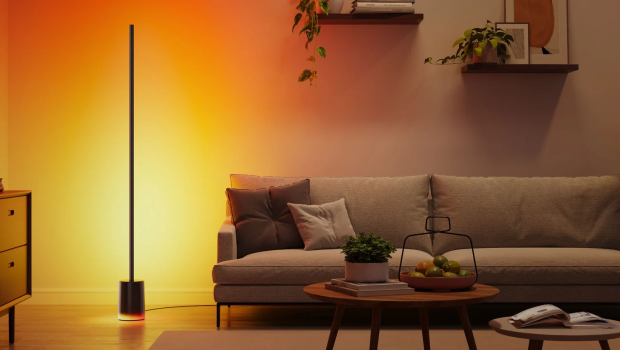
Govee Floor Lamp 2 Review
Summary: A decent mid-range smart lamp with a wide feature set that can be easily integrated into any smart home set up.
4
I love lamp
The Govee Floor Lamp 2 is a solid smart lamp at a reasonable price. Although it might not have quite as many features as some higher-end lamps on the market. However, crucially, it has Matter support, which allows it to be easily integrated into practically any existing smart home setup, including Apple Home.
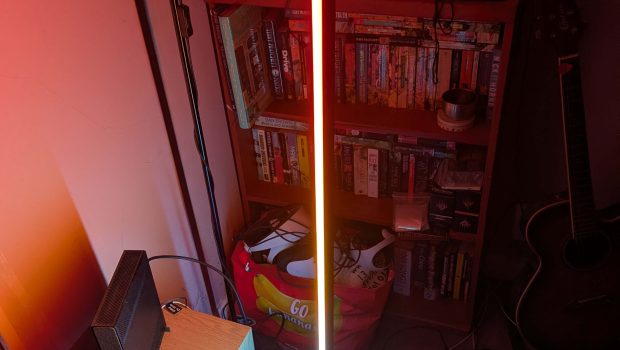
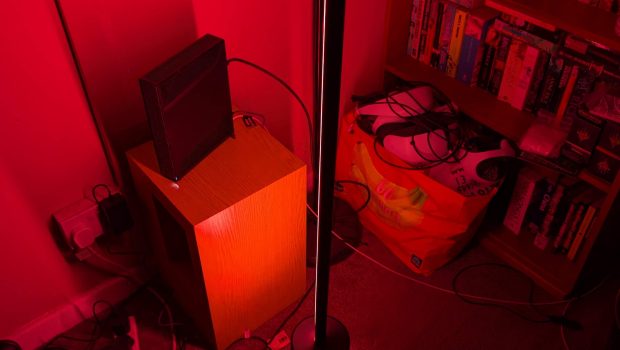
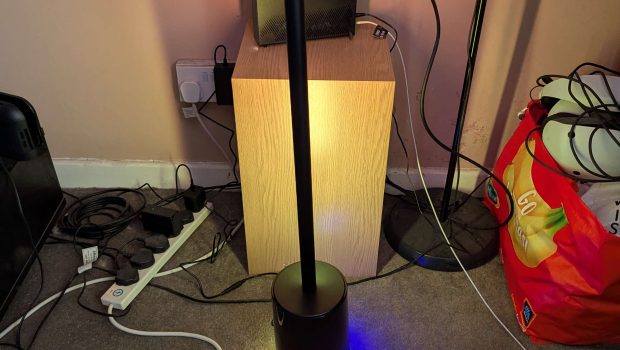
It comprises a round base and a long light strip designed to be placed in a corner slightly away from the wall to create a soft ambient glow. Although it doesn’t provide direct light, it is ideal for creating ambience and atmosphere.
That said, with the brightness turned up, it can effectively light most small to mid-size spaces. Just don’t expect to work under it.
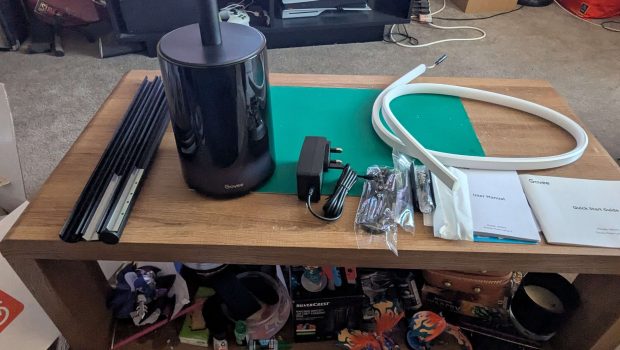
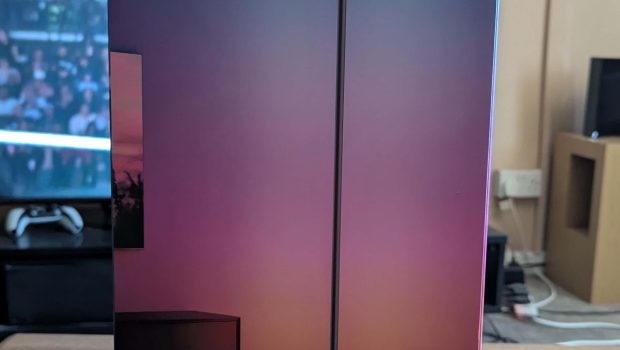

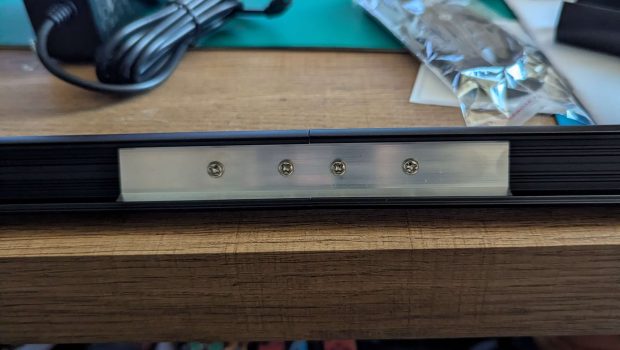

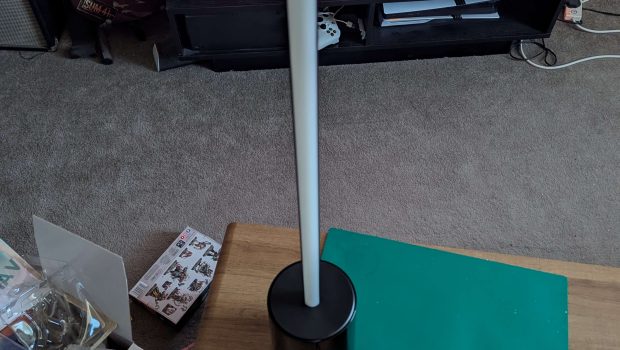
Out of the box, it was apparent that the lamp is made of high-quality, durable materials, and the base felt sturdy, even if it is a little shiny. The other thing to note is that you have to assemble the lamp yourself.
This requires you to use the supplied metal brackets, tiny screws, and screwdriver to fix the metal stem together, then carefully plug in and manipulate the light strip into place along the stem.
Thankfully, this process is fairly straightforward, aside from a little trouble attaching the stem to the base of the lamp. (I would recommend laying the base on its side to make this final connection) It was mostly plain sailing, and lining up the screws with the holes on the pole was no trouble at all.
The Govee Floor Lamp 2 also comes with a remote that controls basic functions like changing the colour and tone, as well as music mode that has the colours change in time with audio from nearby devices using the lamp’s built-in microphone.
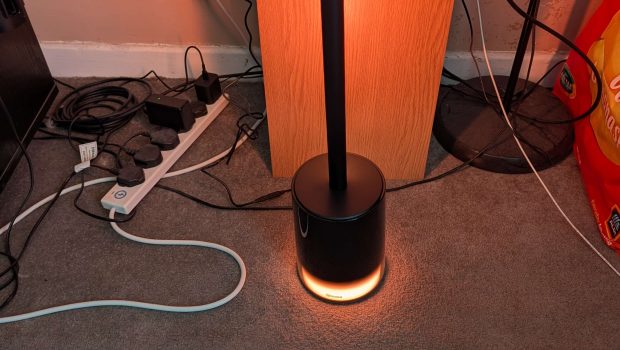
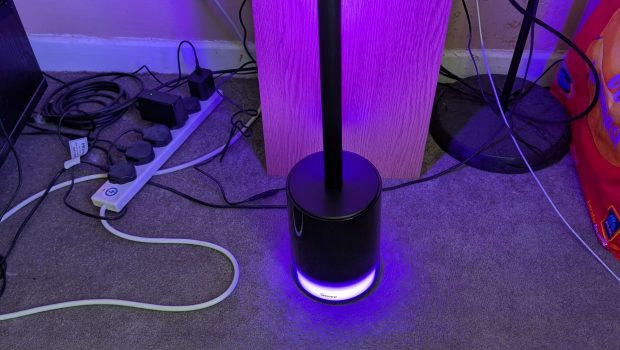
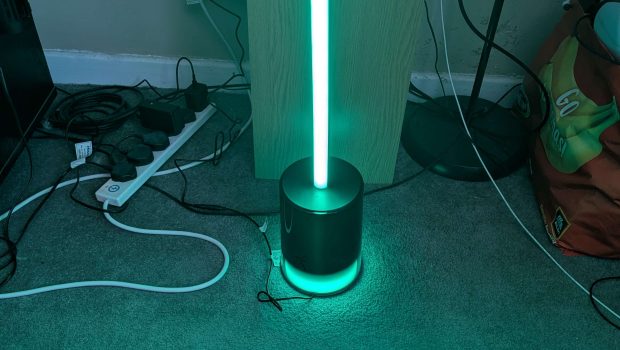
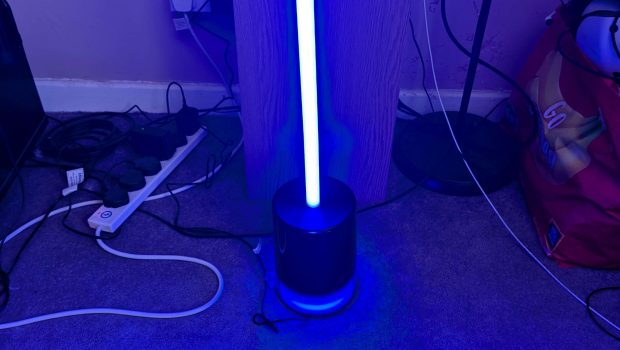
However, if you want to see the full range of what it’s capable of, you’ll want to hook it up to the Govee Home app that’s available on Android and Apple devices. The first thing the app lets you do is connect the lamp up to your Wi-Fi (2.4GHz only) so you can control it from practically anywhere in your flat.
More importantly though, it also has a fairly large suite of options that lets you control the lamp in a myriad of ways including, setting a timer so it comes on at certain times or automatically when it begins to get dark, the ability to control the base and stem separately, choosing from one of 16 million potential colours, the brightness and tone of the lamp, there’s 20 preset scene settings which present different moody colour combinations that attempt to emulate everything from fireflies and chery blossom, to lava and sunsets. You can also create your own displays using the finger tracing function
One of the Govee Floor Lamp 2’s best features, at least for smart home aficionados, is its Matter support. This means in theory it can be added to practically any smart home ecosystem, including Apple Home.
However, in practice, this isn’t quite as seamless as I would have liked. Govee gives you 15 minutes from first powering the lamp to connect to Matter; otherwise, you have to reset the lamp using the remote and try again. It took me several attempts to get the Govee Floor Lamp 2 added to my Apple Home network, but we got there in the end.
Once it was finally connected, though, it worked like any other HomeKit smart light, and can be hooked up to motion sensors or controlled using Siri, which lets you issue commands to turn it on and off and adjust the brightness and color.
Final Thoughts
The Govee Floor Lamp 2 is a decent mid-range smart lamp that can be integrated into any smart home setup. Its sleek design, solid construction, and strong light coverage, paired with a robust but simple-to-use app and handy Matter support, make it an easy recommendation for those looking to add a little extra ambiance to their living room or home office.
For more information please visit https://www.currys.co.uk/products/govee-rgbicww-smart-cylinder-floor-lamp-black-10268171.html and https://www.argos.co.uk/product/7579895

Related Posts

Epson Win Best of the Best Award in the Product Design Category at the 2026 Red Dot Design Awards →

Introducing Circular Ring 2 →
Epson EcoTank ET-2911 Review →