
Brick Review
Summary: The Brick is a novel way to an NFC-enabled physical device paired with parental control software to kickstart your phone hygiene - so long as you make the effort in parallel with the usual habit formation strategies.
3.5
Brick by brick
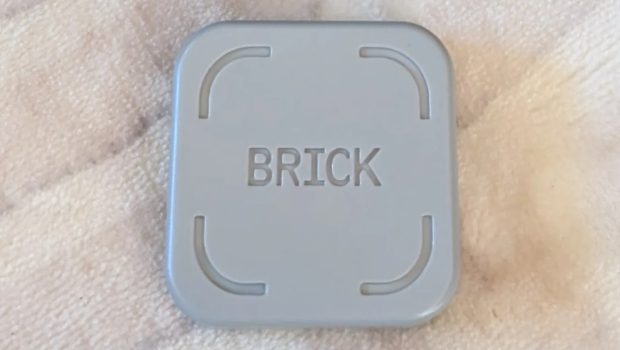
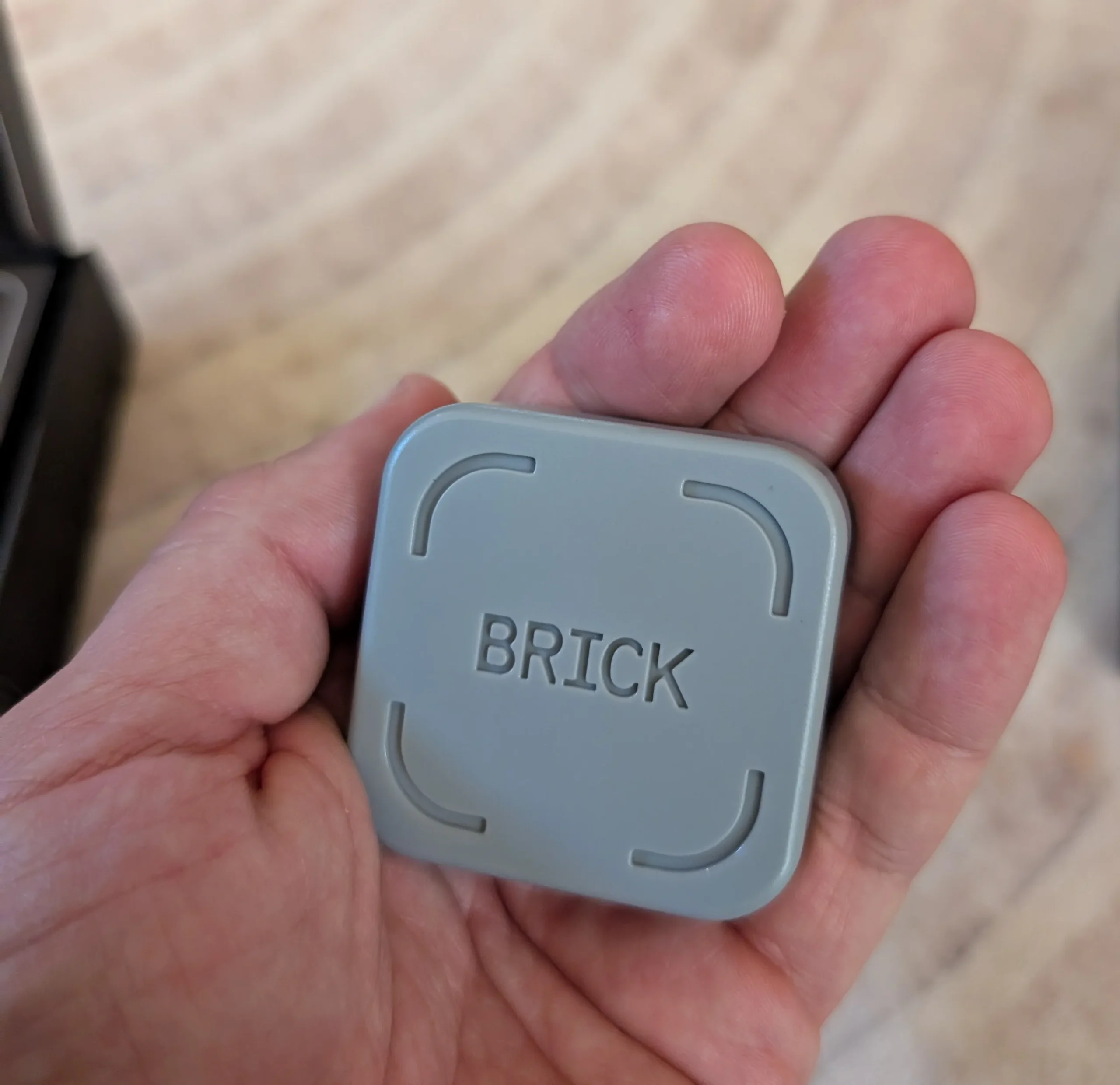
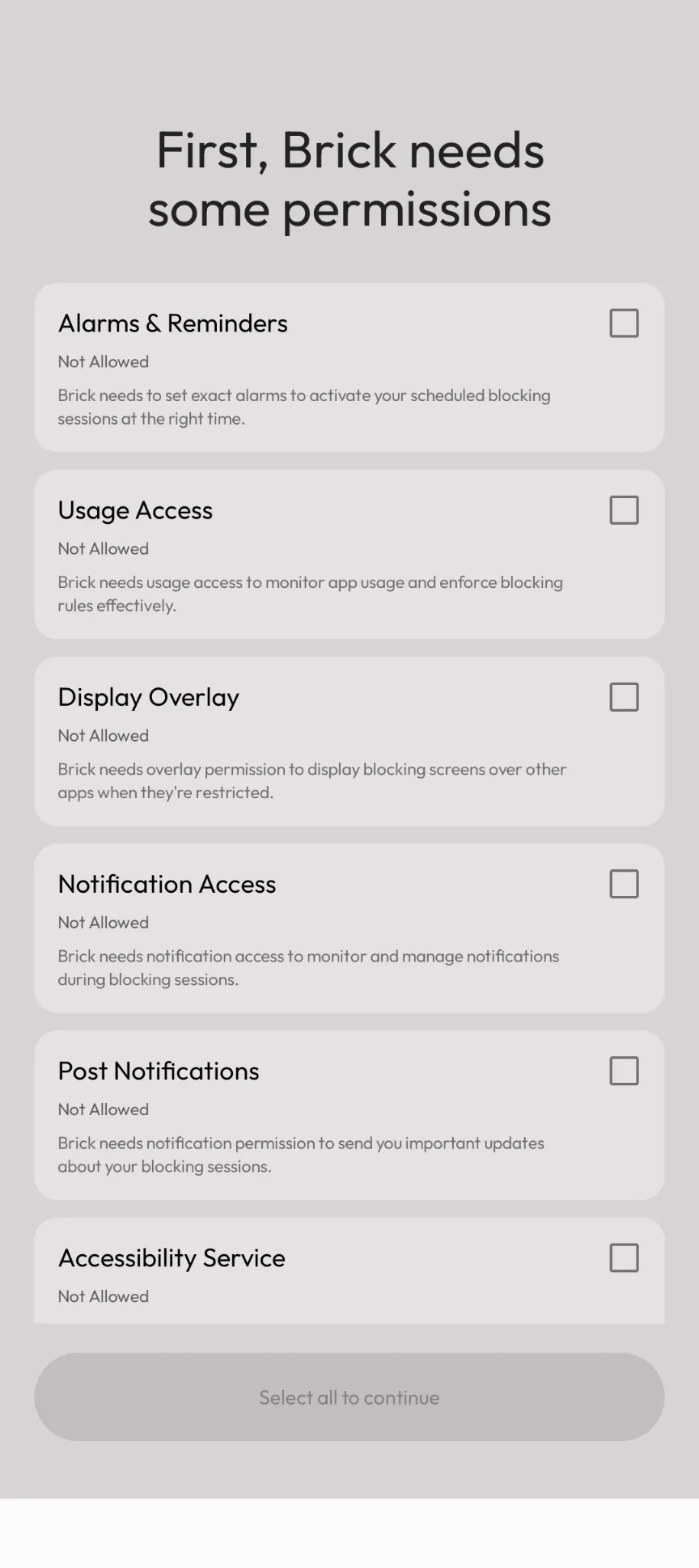
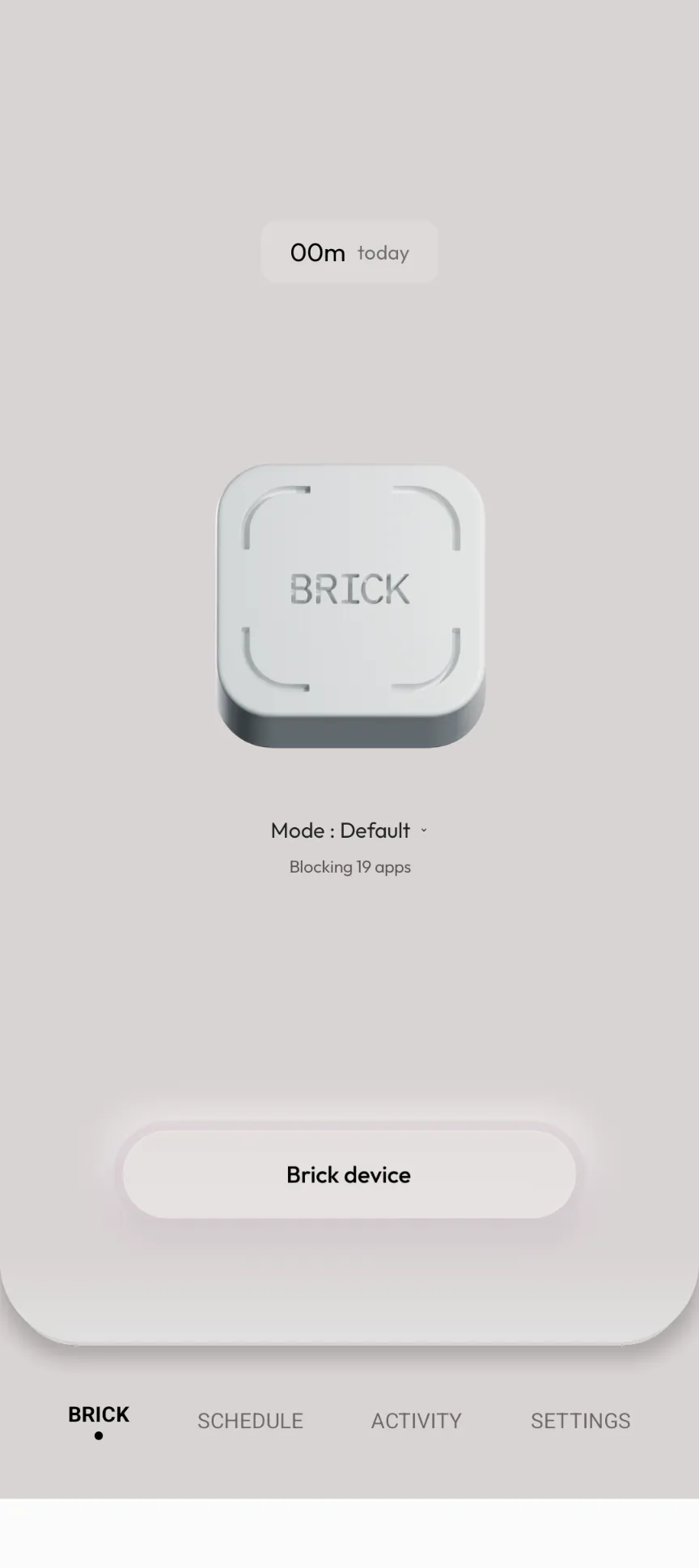
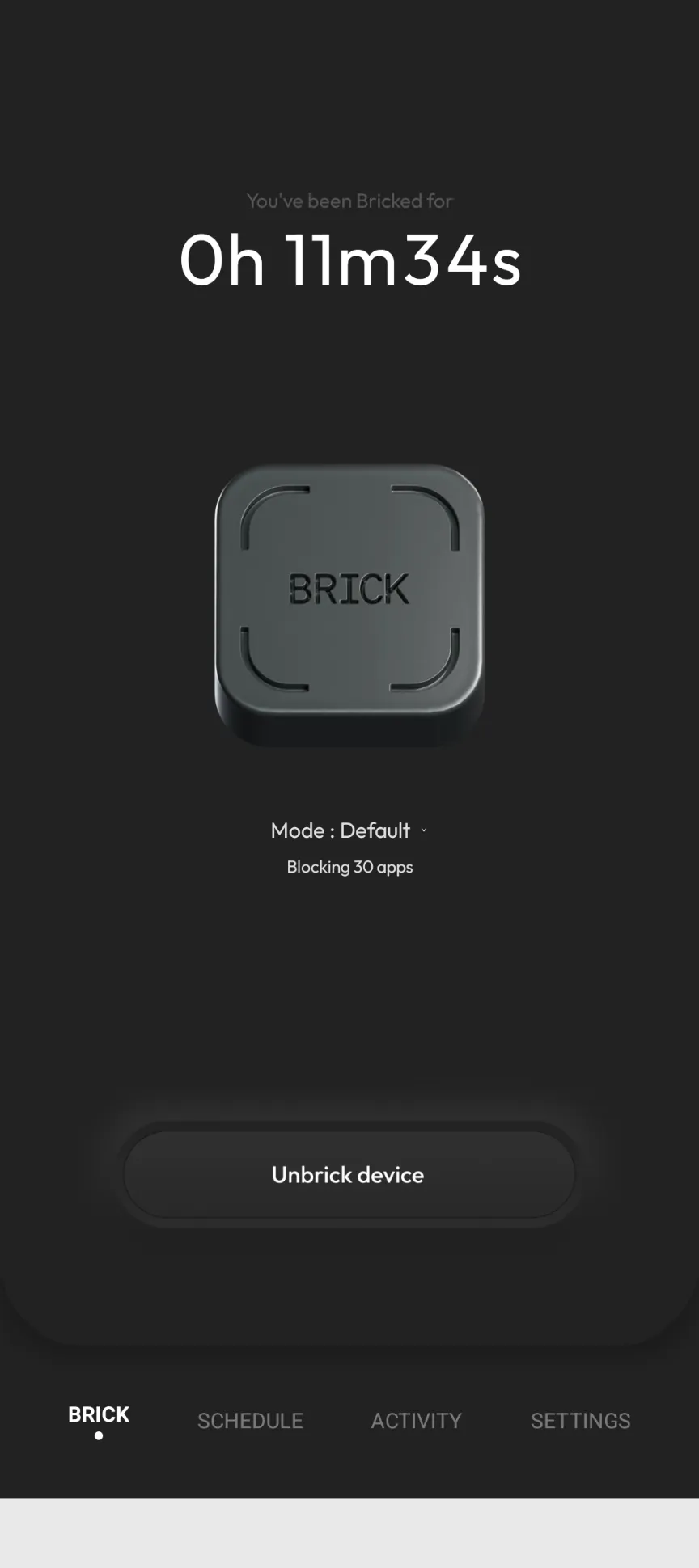
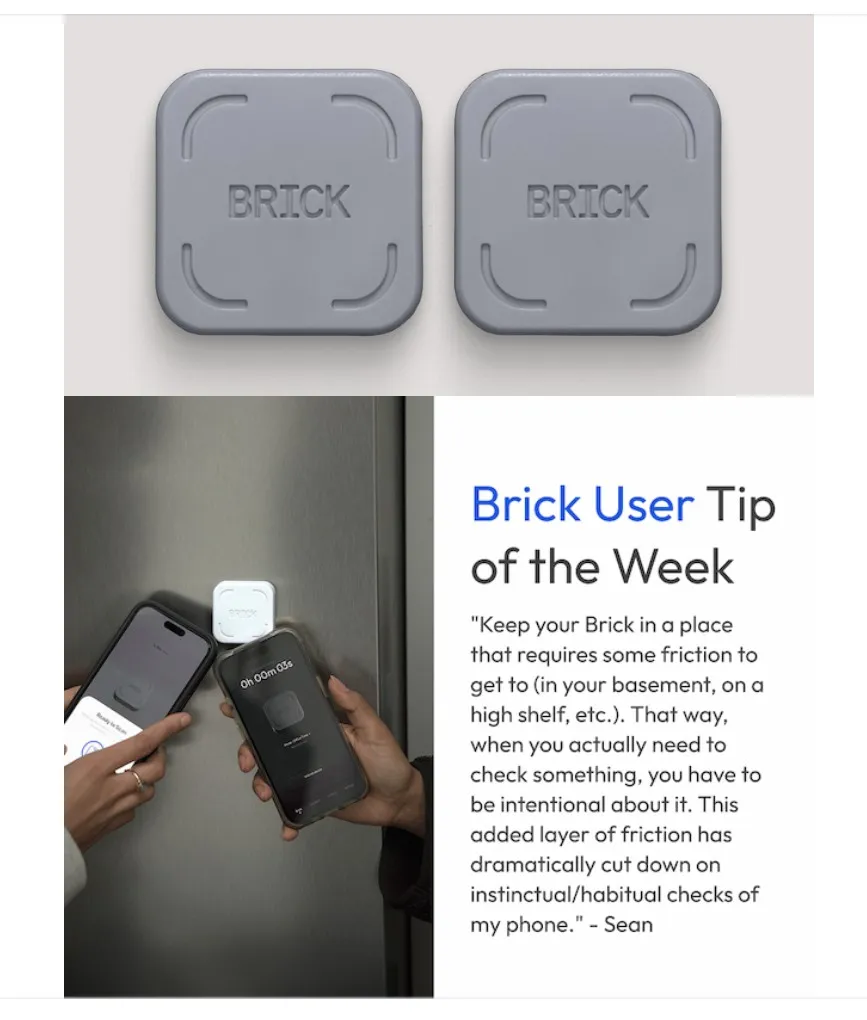
The ‘Brick’ started strong, but it certainly hasn’t turned my phone into a ‘brick’ just yet. I enjoyed the novelty when setting it up and trying the challenges to assist with habit forming – but once I realised that the physical device was more about introducing friction than anything else, I struggled to see the Brick as any more or less useful than having my phone in a different room. For those unfamiliar with the Brick – which would surprise me given the breadth of social media advertising for both the Brick and its mimetic competitors – it is essentially an NFC-enabled plastic block that pairs with the Brick app, and currently retails at $95 AUD. It is the application that does the technical heavy lifting – the app is essentially parental control software similar to what Google Family and others offer.
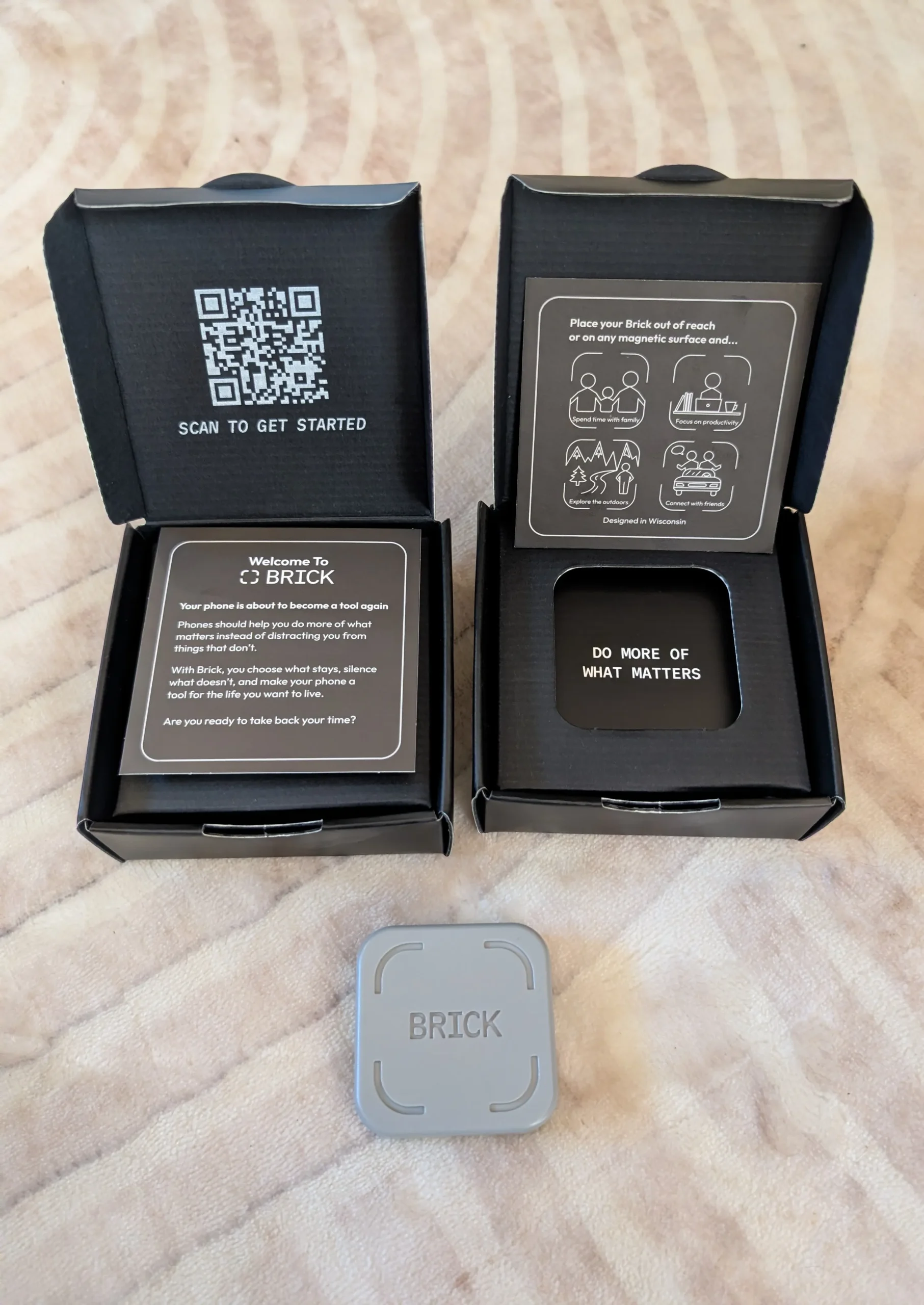
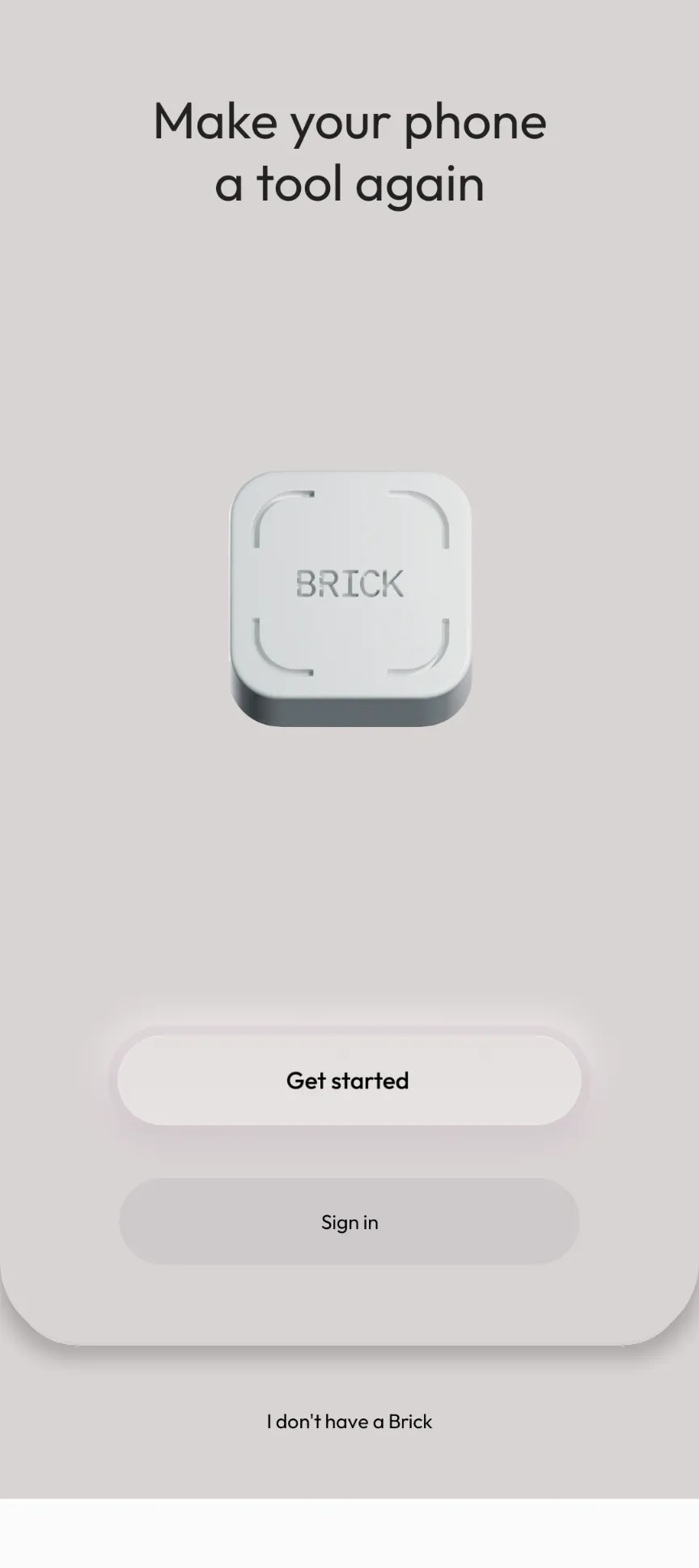
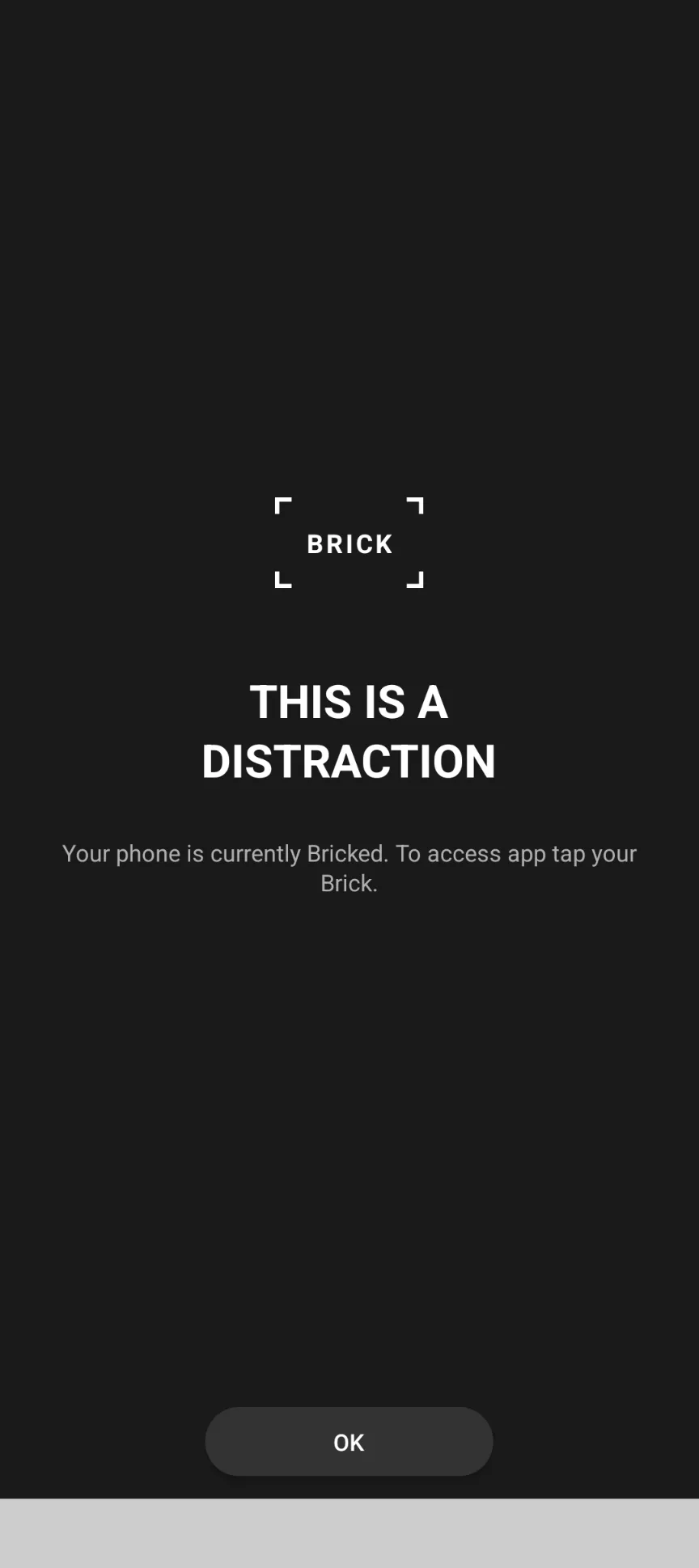
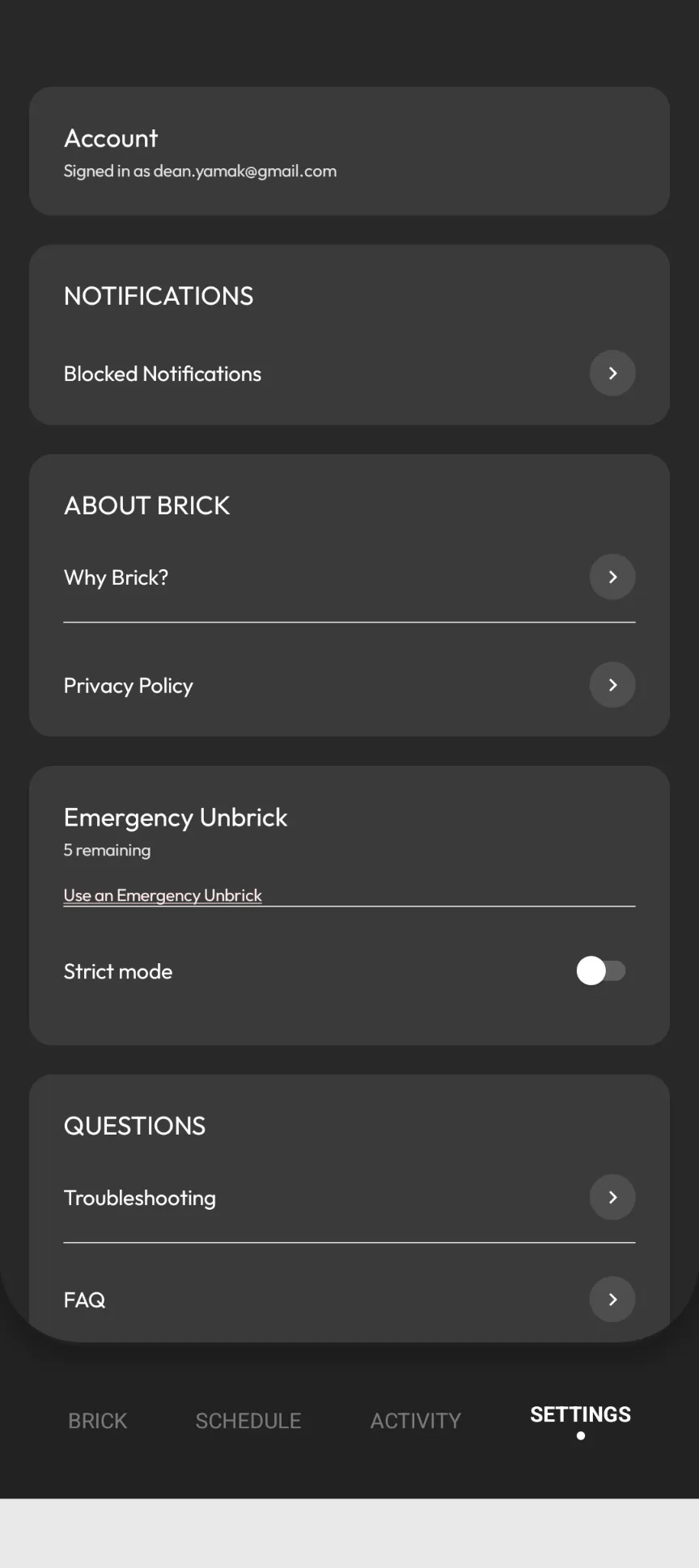
I didn’t make the connection between the two until it asked me to provide permission for literally everything on my phone, and that’s when I realised the Brick experience comes in two parts: one part software and one part physical friction. This is where the Brick itself comes in – once you elect to ‘brick’ your phone in the application using the NFC-enabled block, you lose access to everything you have walled away behind the Brick app, and will remain unbothered by notifications, etc. The only way to re-enable access to this content is to ‘unbrick’ with the block again (or use one of the 5 “emergency” unbricks).
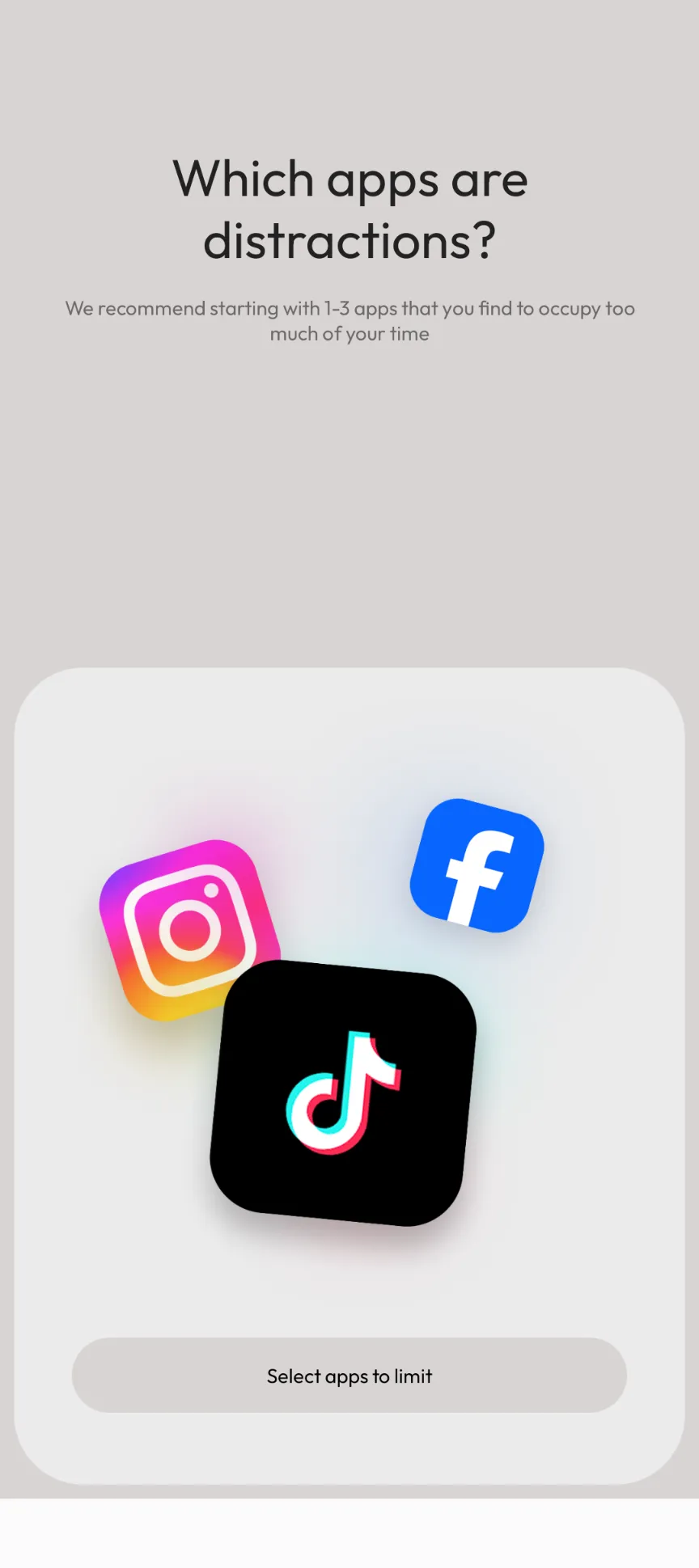
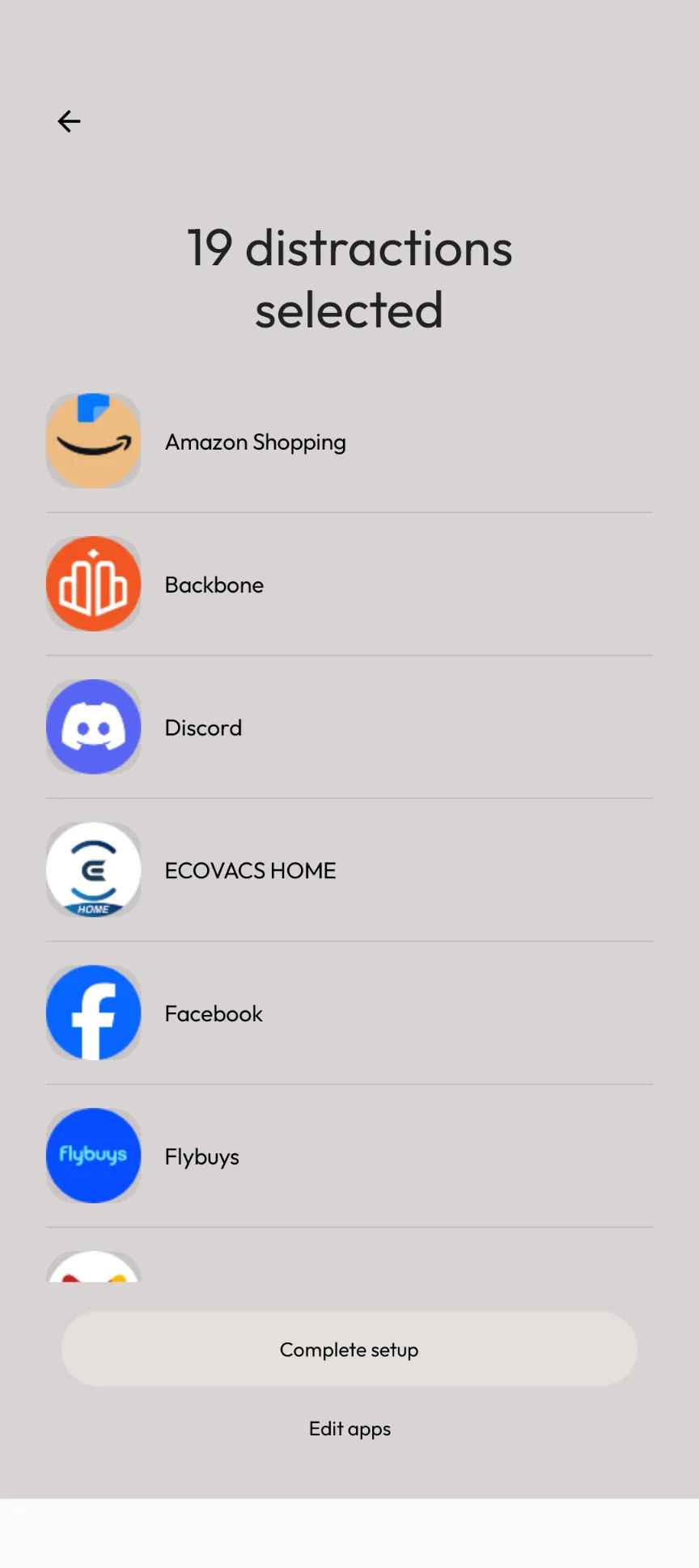
The specificity of how and what content you can block is great; it is important to me that even if my phone is reduced to ‘just a phone’, I still need to be able to access the childcare apps, receive messages from family, be notified of bushfires, etc. The initial setup for the Brick made that task simple, albeit tedious, having to scroll through every app you have installed. It was clever to offer the ability to customise different Brick modes. I generally used a ‘default’ setting that blocked almost everything, but having a ‘work’ mode and an ‘evening’ mode was brilliant for being able to switch between a less distractible mode and a less doom‑scrolling but still fun mode. And the timer is a nice touch – whilst it is pretty standard nowadays for similar software-only apps to have timers (screen time monitoring, etc.), the UI is clean and a good prompt for trying to get a ‘high score’.
Overall, the greatest utility I found with the Brick was physical inconvenience. Having the Brick in the kitchen was a great way to stop me from unlocking my phone at night. But I confess I have reverted back to ‘bedtime mode’ for this anyway. Having the Brick in my work bag (which I leave in the office whilst I’m out and about, or in the wardrobe once I’m home) was again a great way to raise a sufficiently high inconvenience hurdle… but again, I have reverted to simply putting my phone in the bedroom once I get home and leaving it there until the kids go to bed.
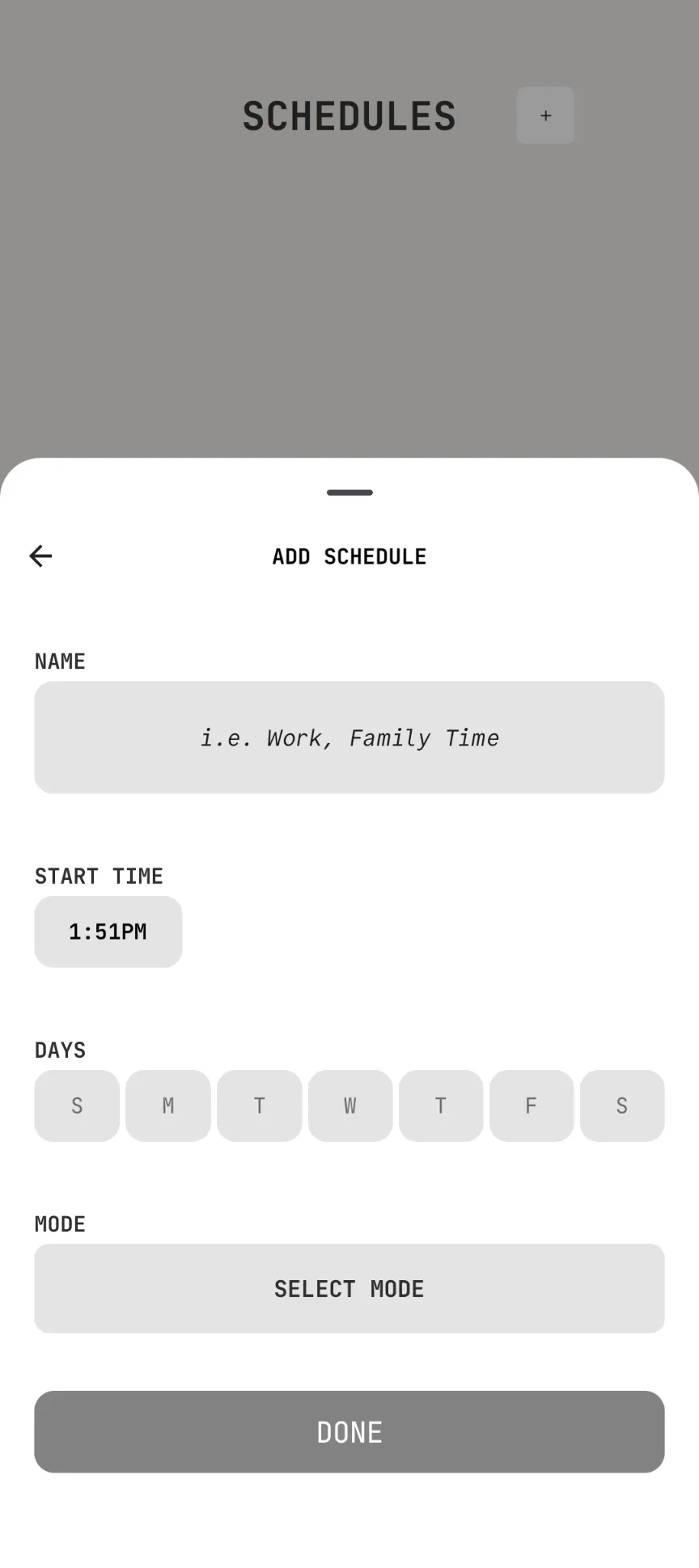
The Brick strikes me as a clever way to complement your own efforts at forming ‘better’ phone habits. For those of us who are ‘always online’, it might be a wonderful way to start off for the first few weeks or months, with the physical inconvenience adding enough friction to help you get over the initial withdrawal. But it also strikes me as an expensive way to institute routine phone hygiene, particularly given the software is so basic. If the Brick app came with more depth, maybe I would have felt differently – broader gamification elements, maybe? Leaderboards? Daily or weekly tips and analysis to assist with habit formation?
It’s difficult, because it has occurred to me that if the Brick works as I intended it to, I will no longer need it… but even though I enjoyed the initial physical friction as a complement to my habit formation, I didn’t connect with the software. It was a great way to kickstart my old efforts at phone and sleep hygiene for the new year, but I wasn’t particularly impressed by the app despite how simplistically clever the Brick itself might be, especially for almost $100.
3.5/5 stars.

Related Posts

TerraMaster Launches F4 425 Pro →

Rokid Glasses Review →

iGulu Sparkling White Wine Fermentation Kit Review →