
Bambu Lab P2S 3D Printer Review
Summary: Bambu Labs P2S 3D printer is an amazingly beginner friendly filament 3D printer, with enough supportive features and software to guide an total amateur to novice rapidly - and enough depth to let an expert dance with filament designs. Strongly recommend.
5
Plug and Print
The Bambu Lab P2S is more than I could have asked for. I came into this experience as a complete novice to filament 3D printing, and an amateur with 3D resin printing from my Uni days. I had high expectations given the relative price tag – and after a steep but short learning curve, the P2S well exceeded them. It’s essentially plug-and-print, the free printing software and mobile app were intuitive and do most of the heavy lifting. I strongly recommend the Bambu Lab P2S for anyone even considering dabbling in 3D printing.
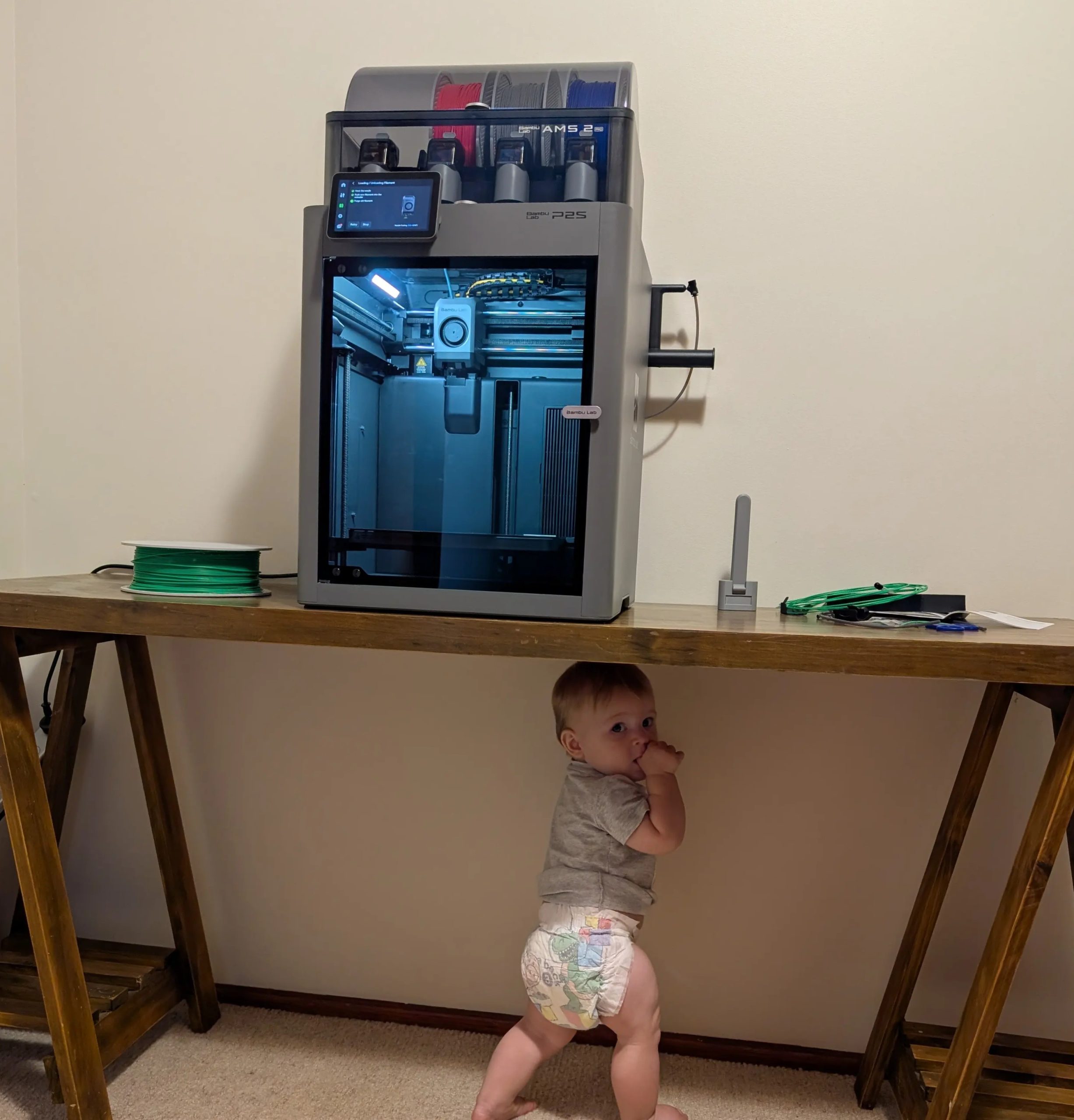
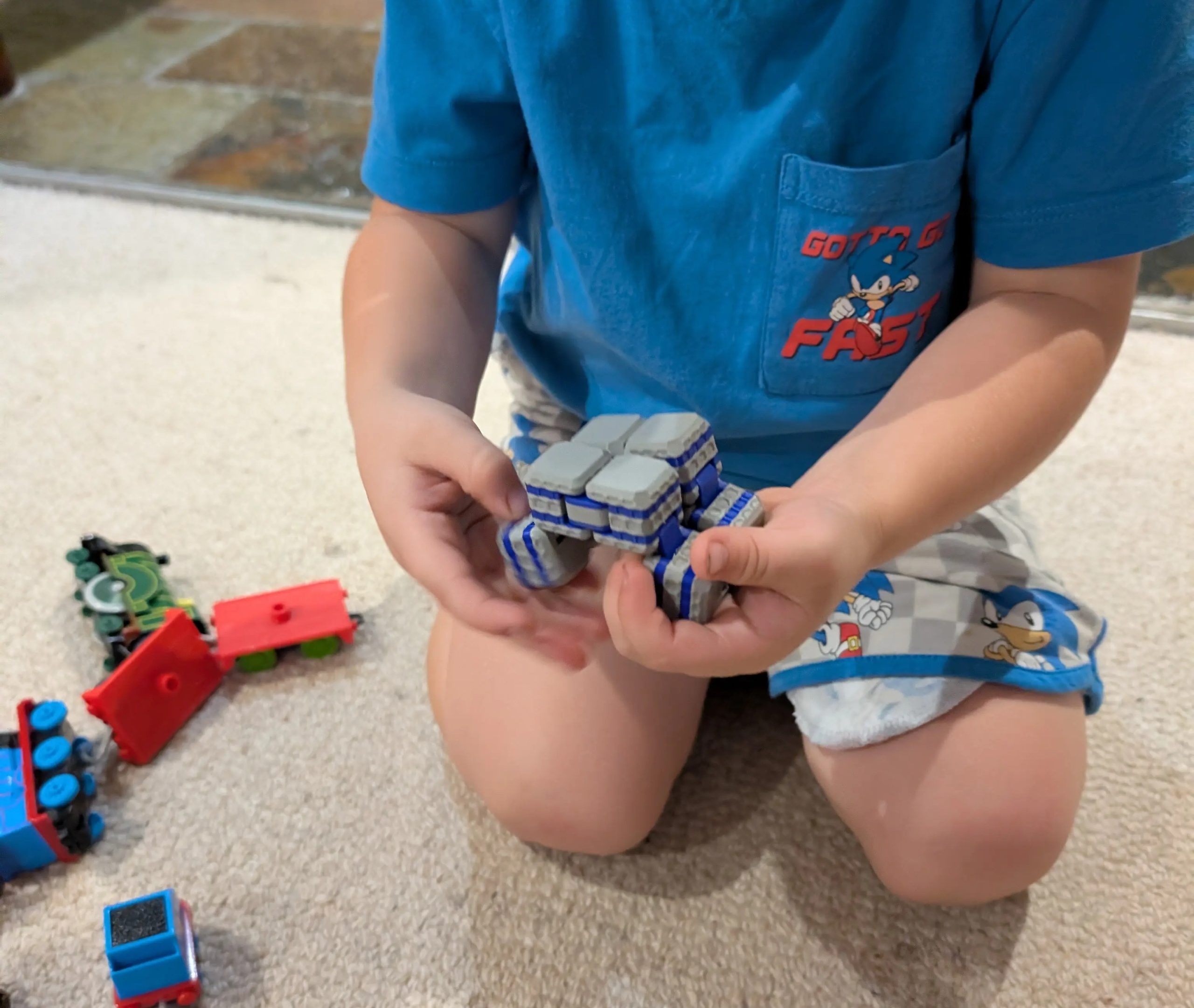
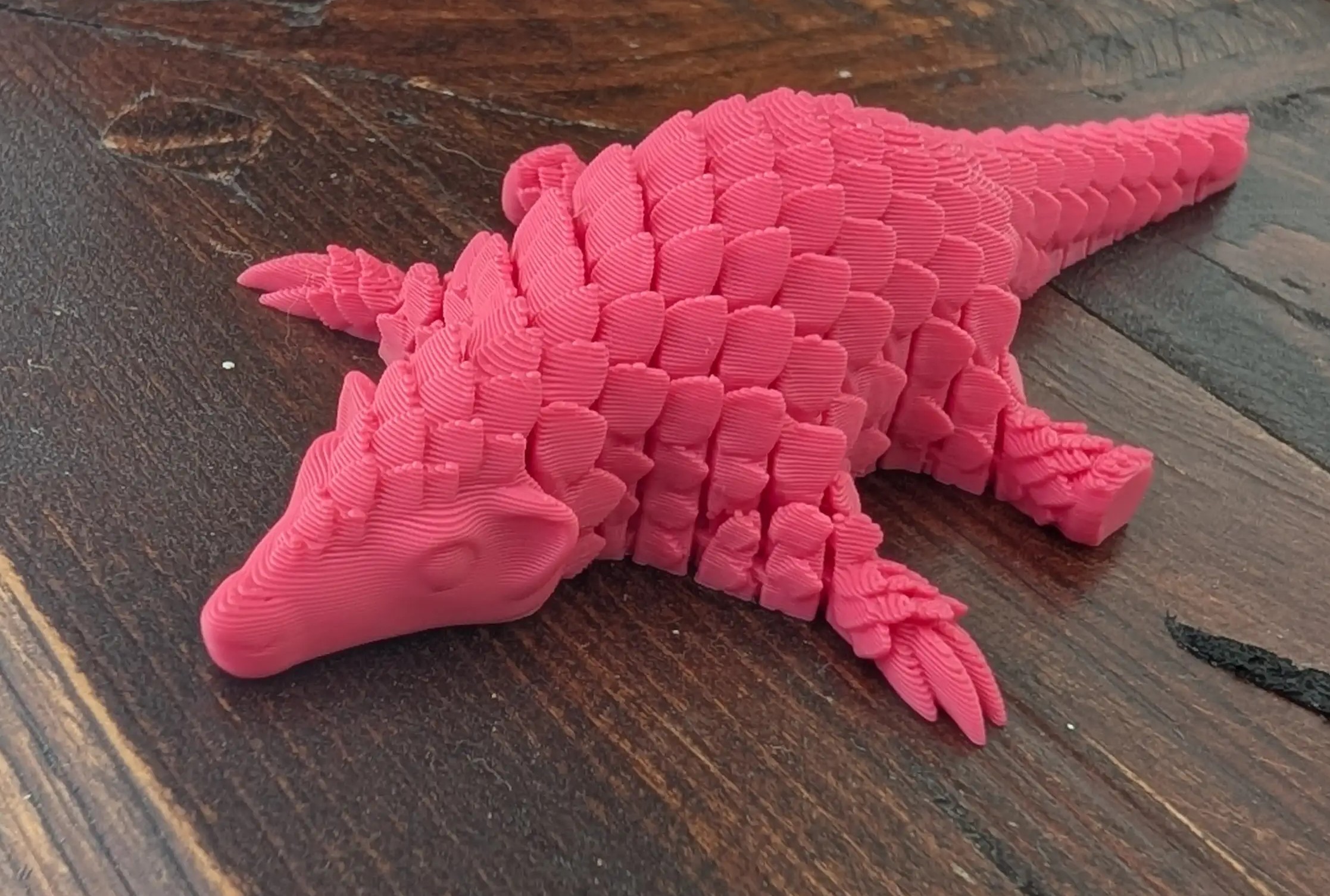
I’ll cover the basics first – the Bambu Lab P2S is a desktop filament 3D printer. For total newbies – there is a spool of material that is fed into a thin tube, heated to an appropriate temperature to allow the very thin nozzle and motor to extrude an incredibly small amount onto a heated printing pad (‘bed’) – and whatever you are printing is built, layer by incredibly thin layer, with the layers fusing together (search ‘FDM’ printing if you need more detail). The printer is about the size of two and a half PS5’s if stood upright – the volume it occupies, with the AMS perched above, is relatively inobtrusive (inconspicuous or unobtrusive would be the correct spelling) – as opposed to the noise, heat and vibration of the printer as it operates. It’s sufficiently loud to be reassuring of how robust it is – but you definitely wouldn’t want it in your workspace. I think the size is ‘just right’ – I had a chance to check out some alternatives at a local retailer, and I wouldn’t even consider going smaller than the P2S after having tried it. The size of the printer became especially relevant once I began printing multiple plate prints – it was such a time saver to be able to stack multiple files on a single plate, or multiple prototypes of a novel design.
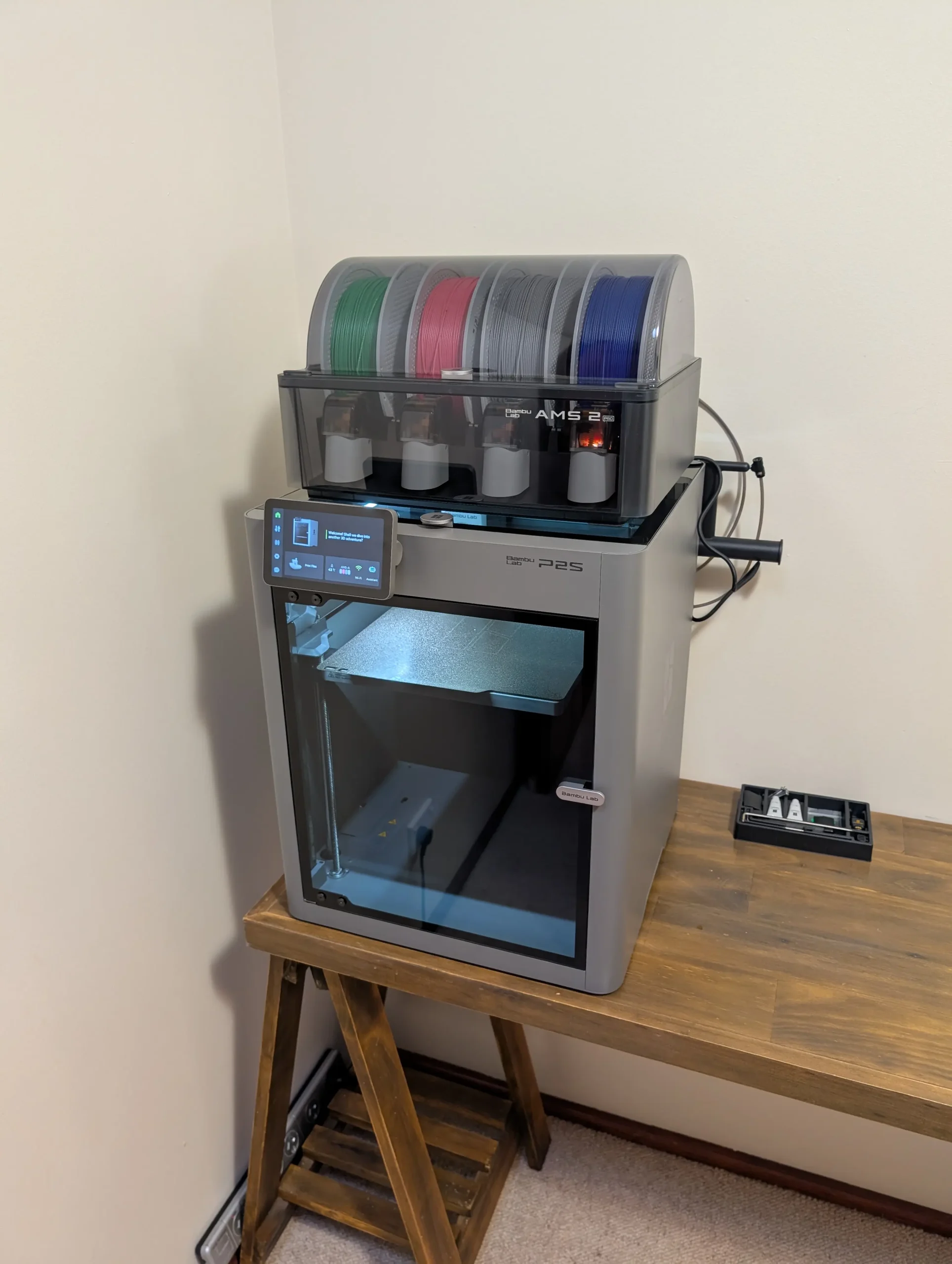
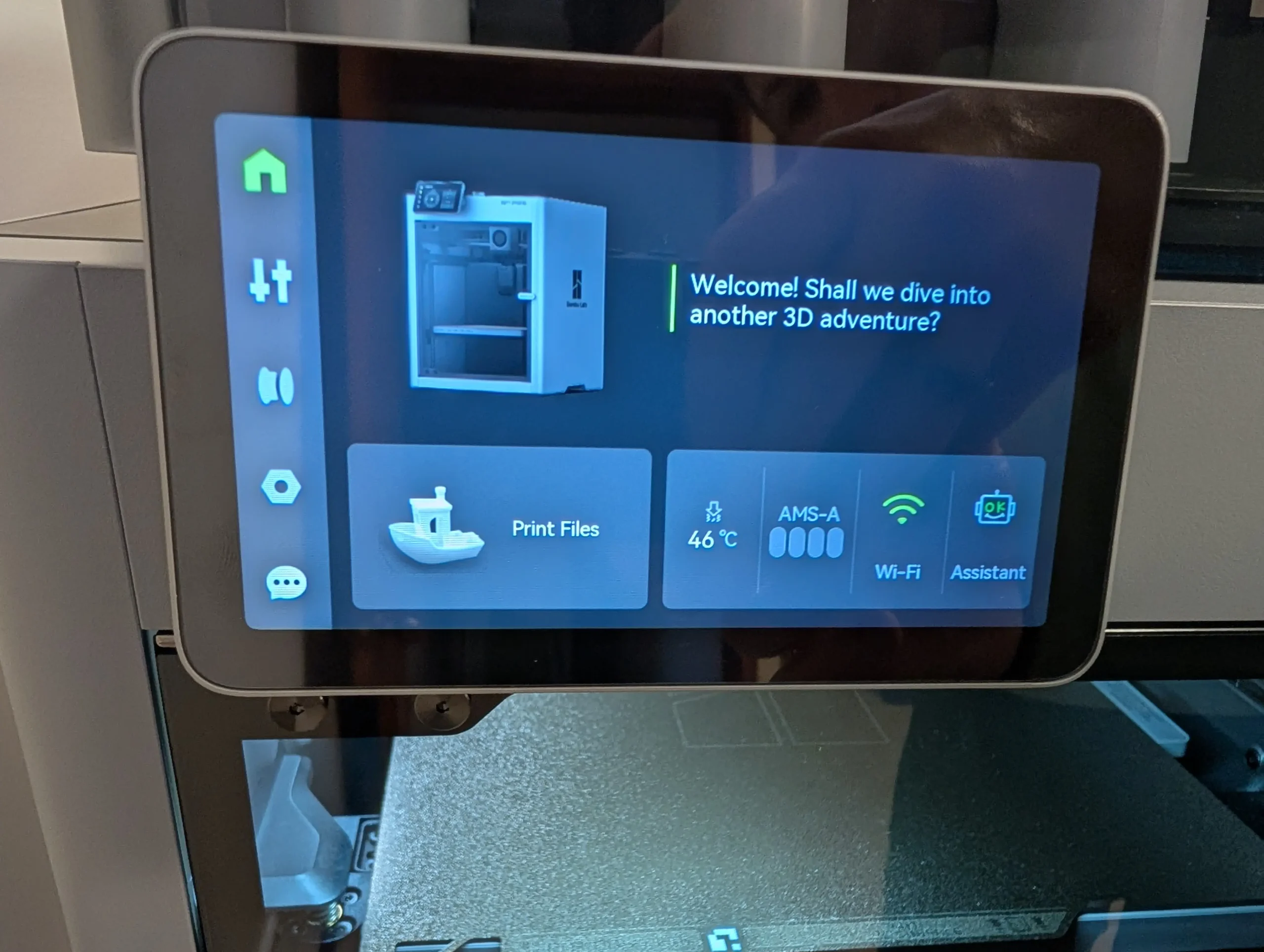
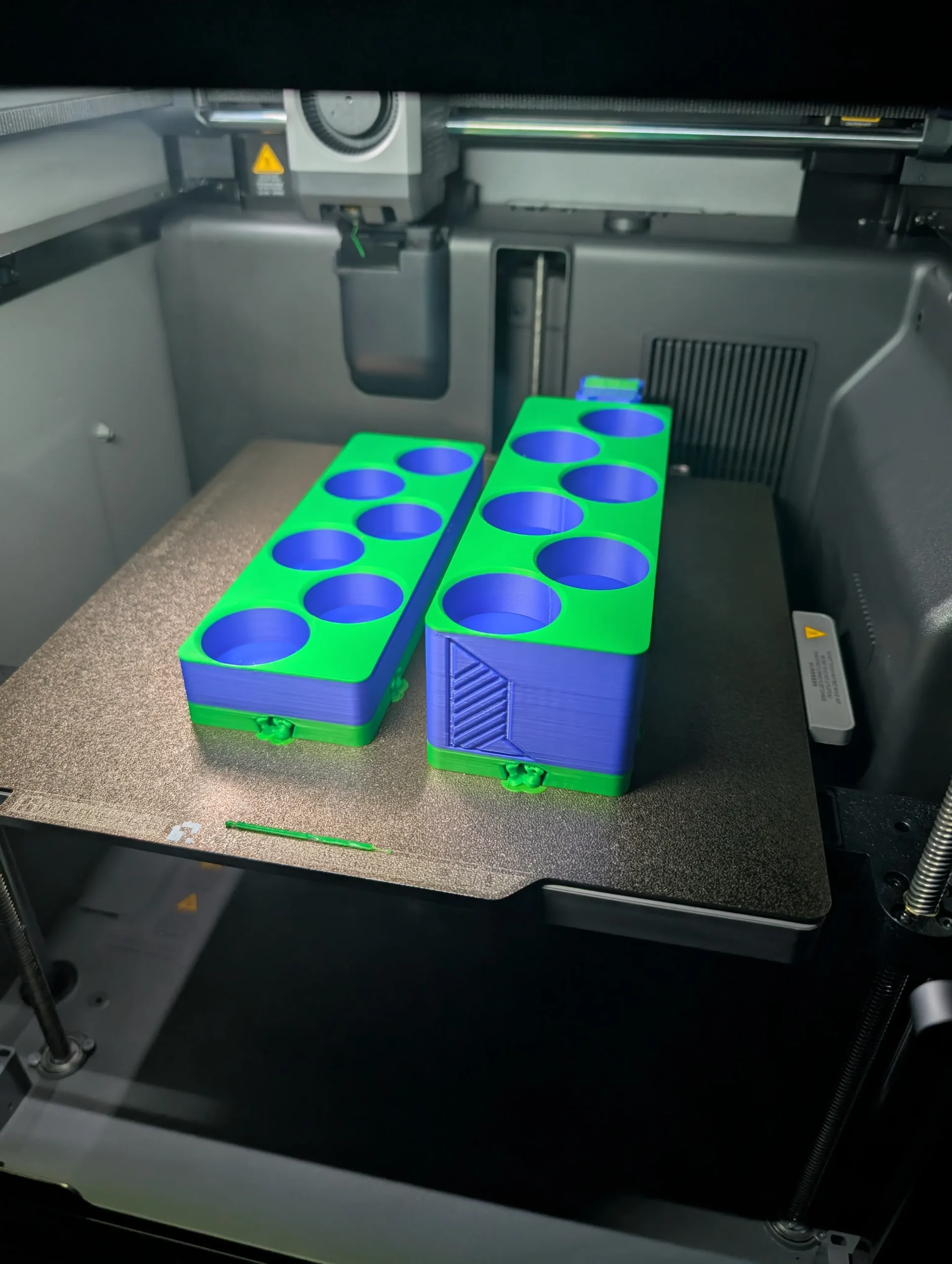
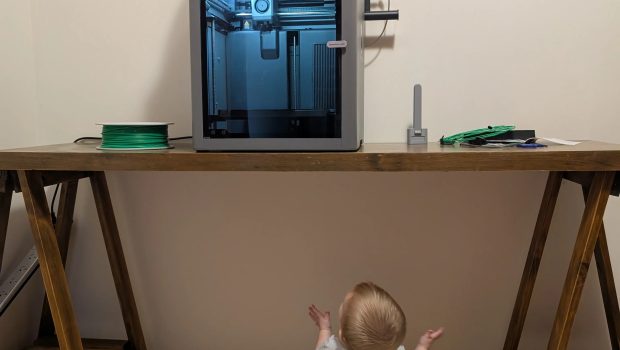
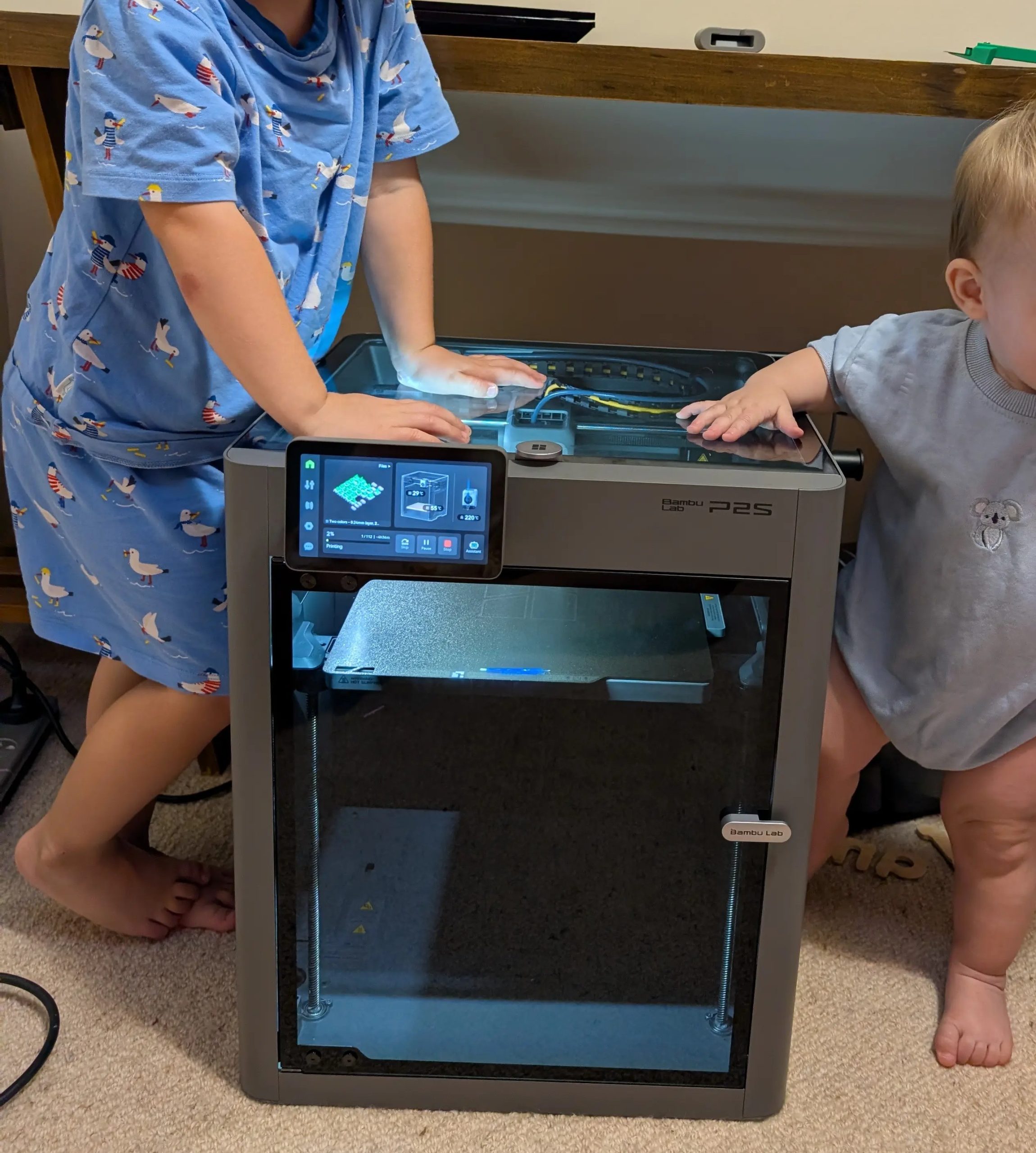
Bambu Lab were gracious enough to supply the P2S as a bundle with the ‘AMS’ and 4 spools of filament – AMS stands for ‘automatic material system’. I was tempted to make fun of Bambu for such a pretentious name for a box that holds 4 filament spools and feeds into the printer – but it works so damn well that I’ve got to give it to them, it lives up to the ‘techy’ abbreviation as it automatically swaps between spool colours to allow for easy multi-colour printing on autopilot, leaving me to sleep whilst it finishes 7‑hour prints. It has printed perfectly and managed to swap and supply filament even whilst an 8‑month‑old tried to use it as a step ladder, and a toddler pretended it was a crane – pretty robust and reliable.
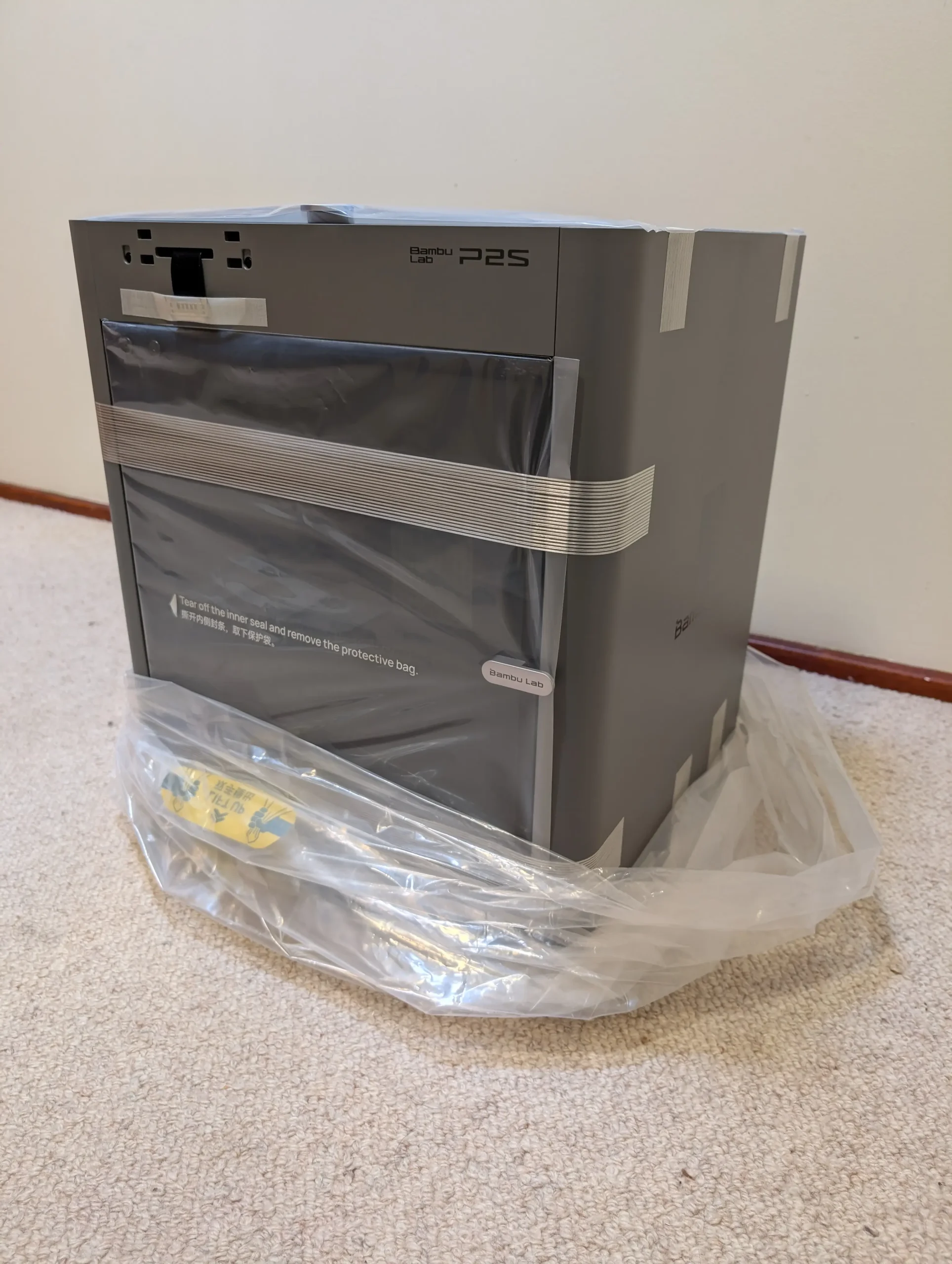
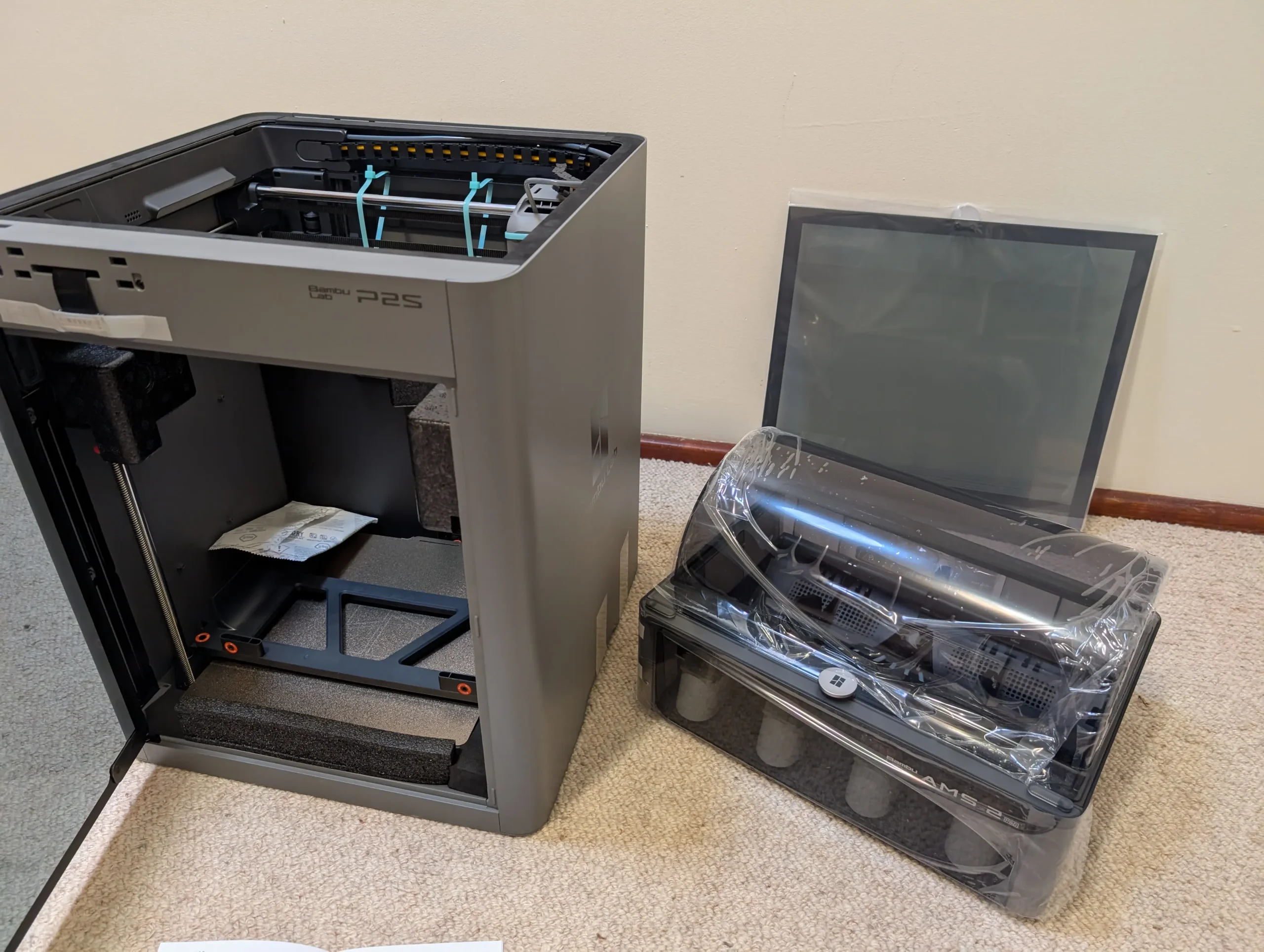
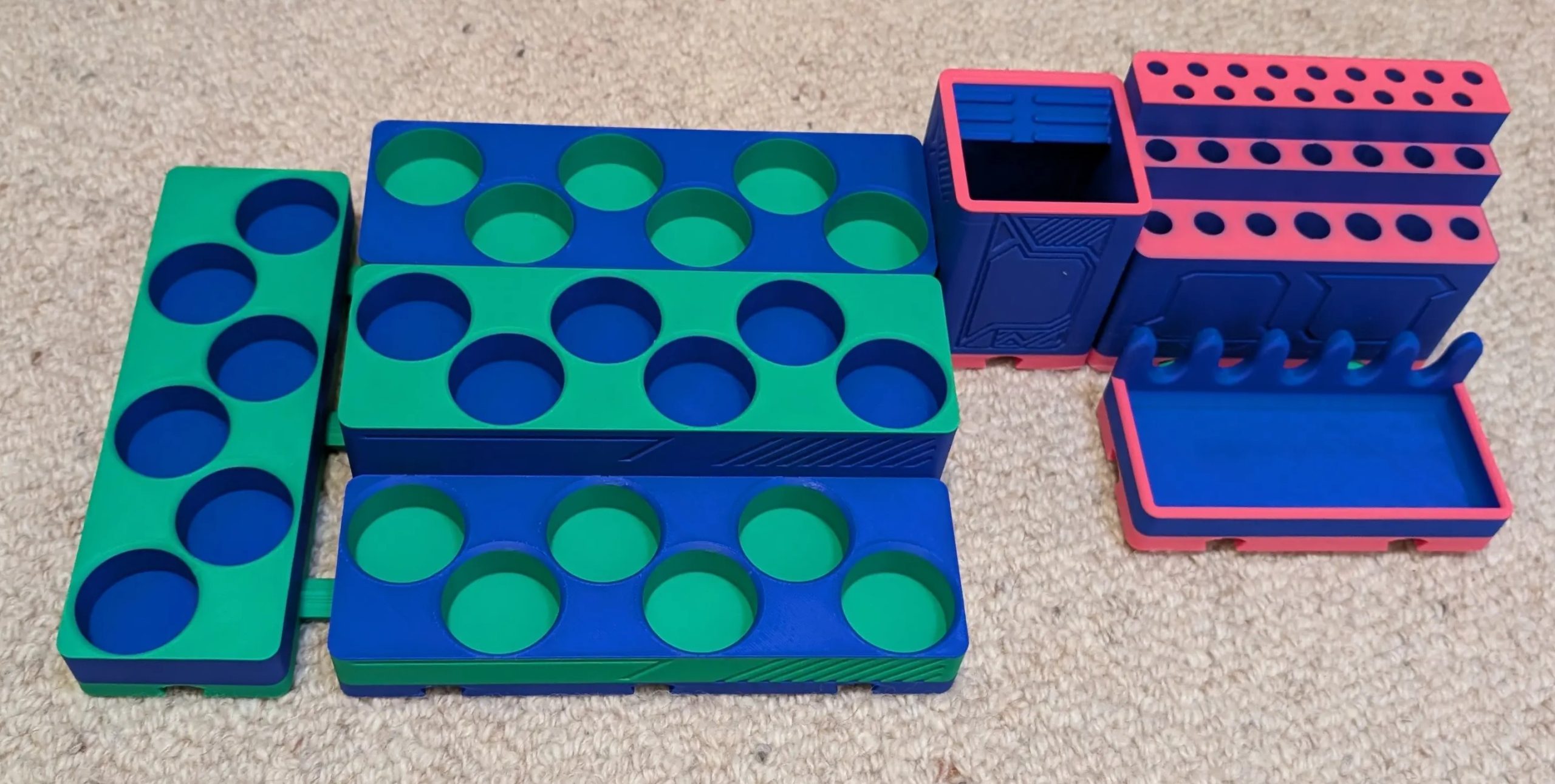
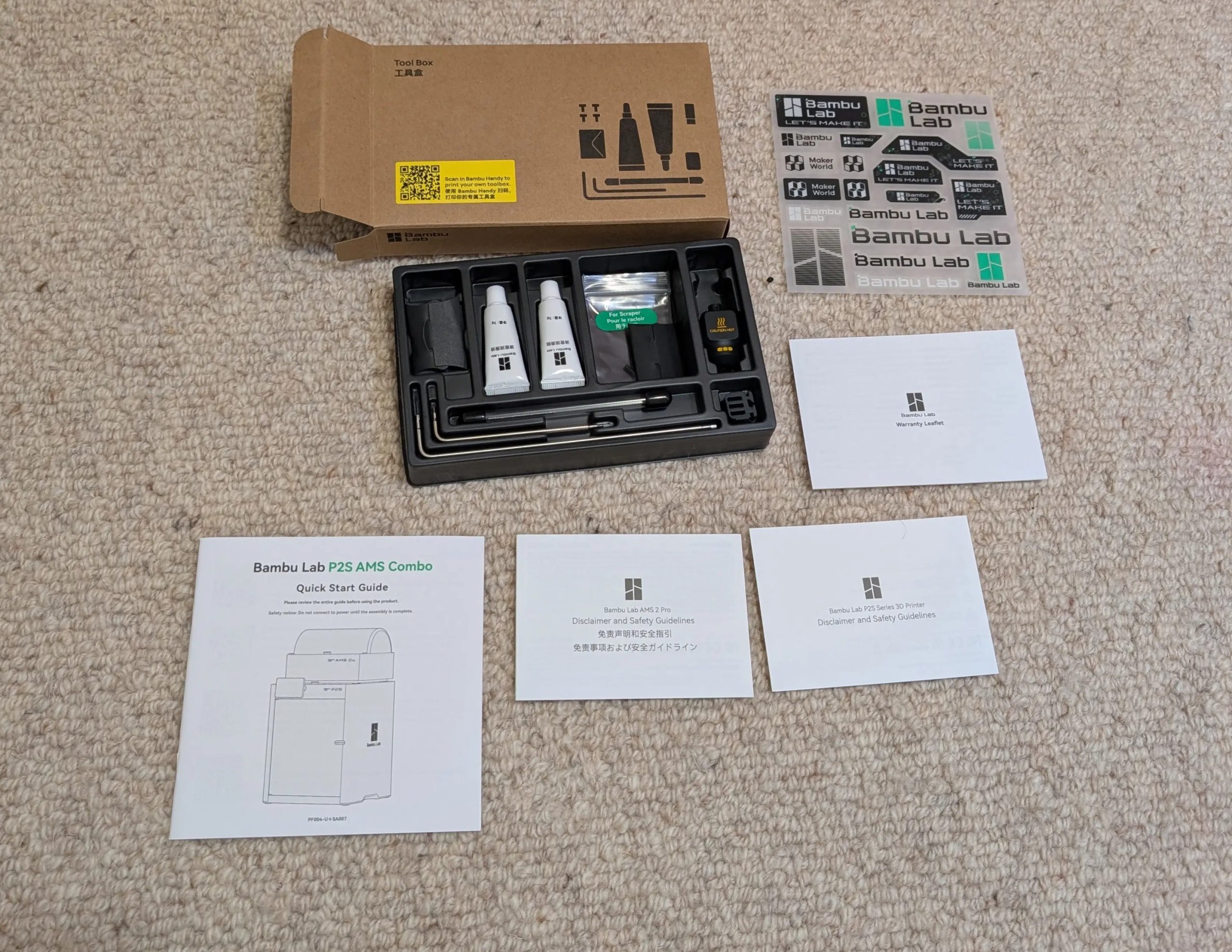
The unboxing was a little intimidating, but Bambu Lab have an unboxing video on YouTube (conveniently linked with a QR code on the box) along with the written instructions. For reference, 30 minutes later I had the printer set up and calibrating, and I managed it whilst getting a bottle of formula prepped for my 8‑month‑old. So it will probably seem simpler for those of you who can give it your full attention – but it’s a credit to the instructions that Bambu coached me through it without errors. It came with a set of basic tools and maintenance goods – and a handy tip to 3D print your toolbox and scraper handle for the blade.
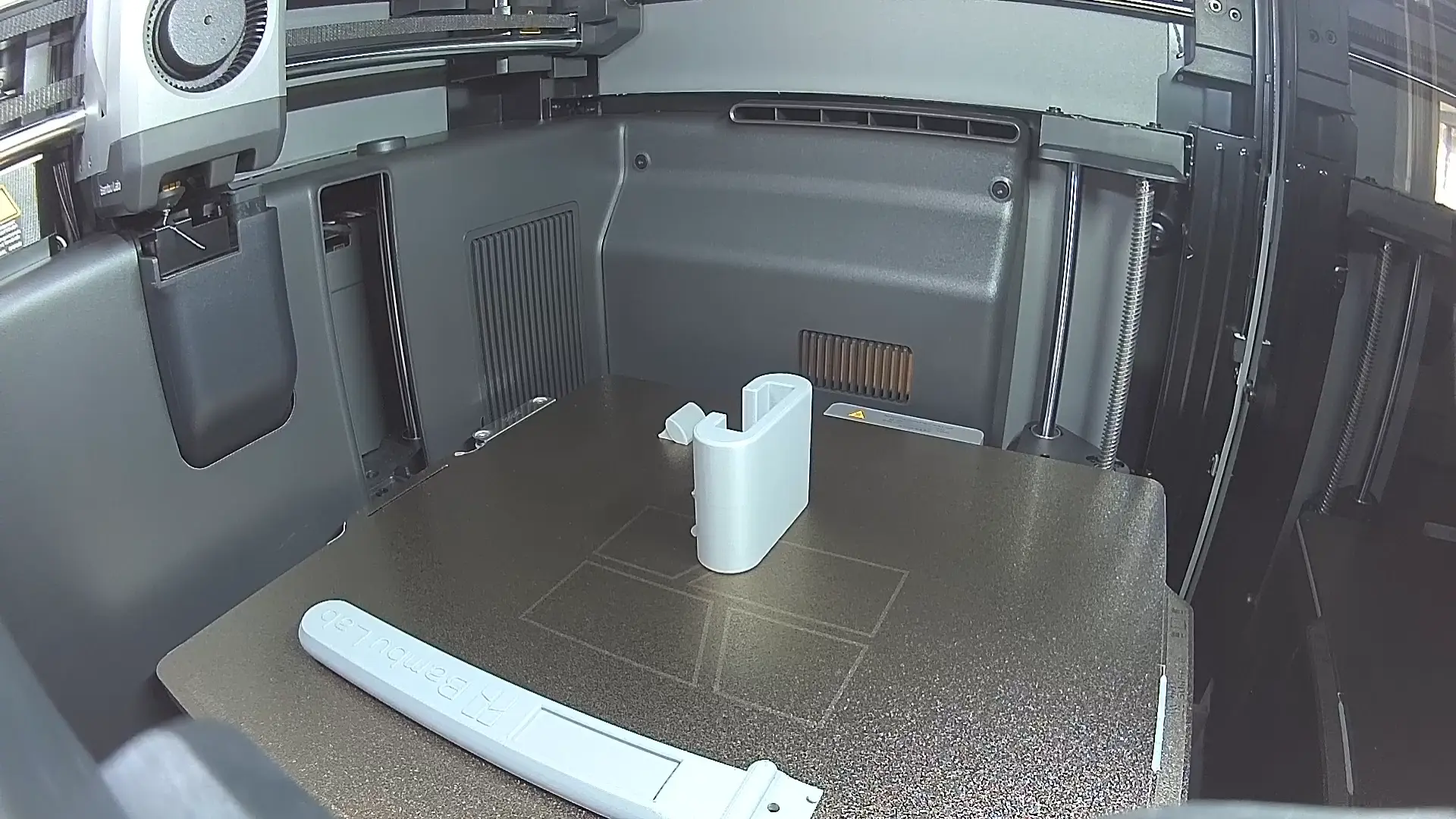
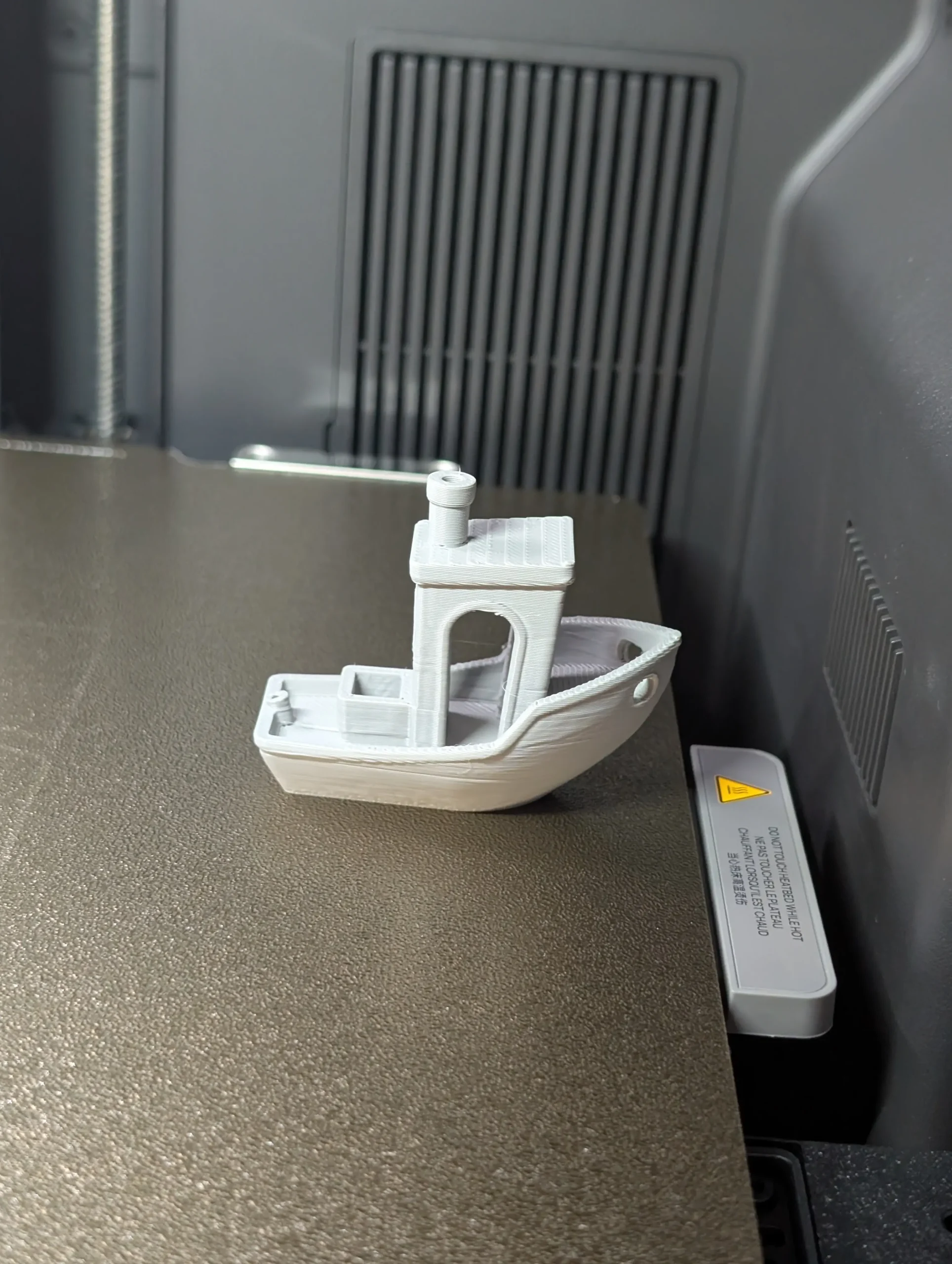
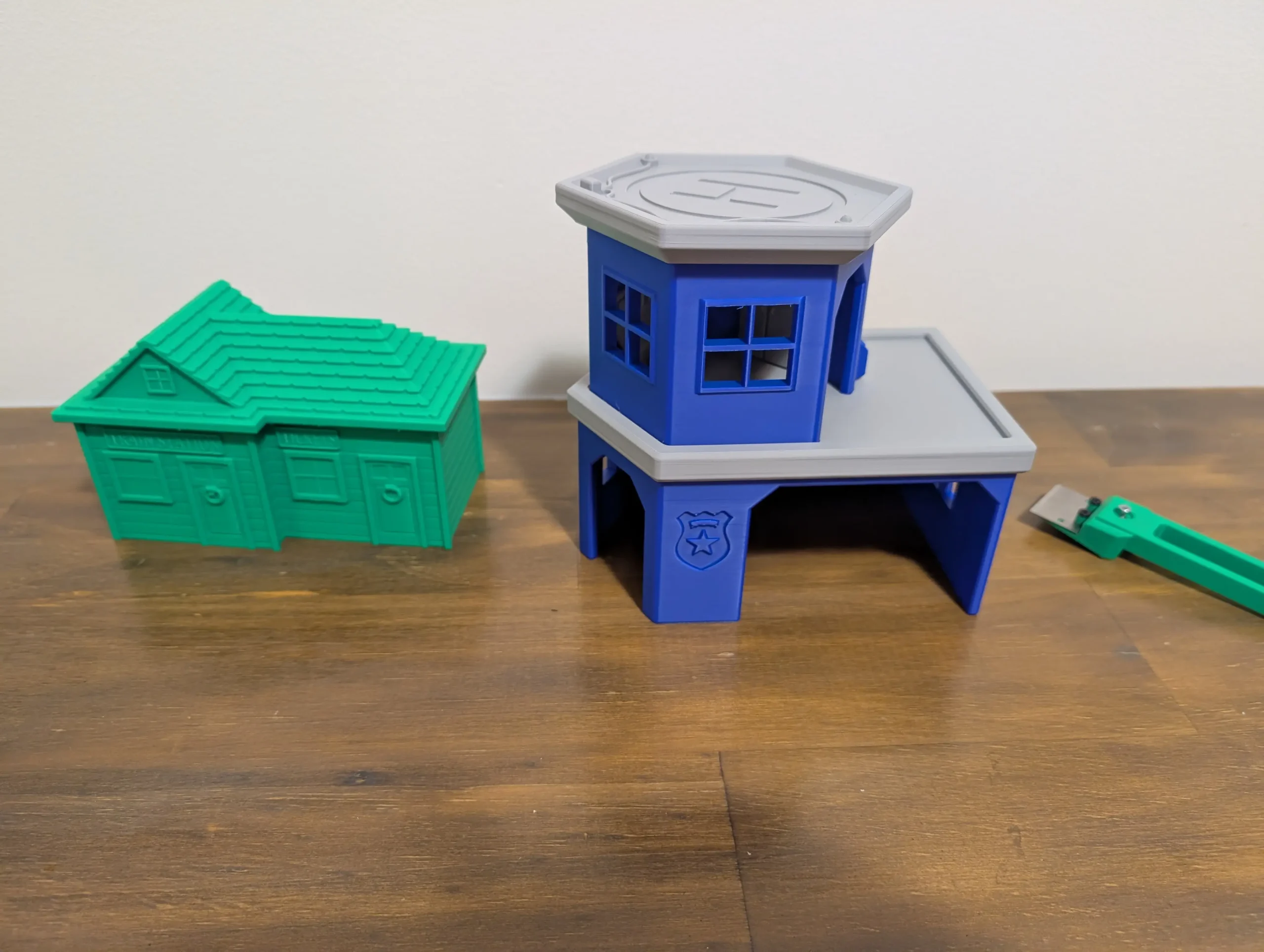
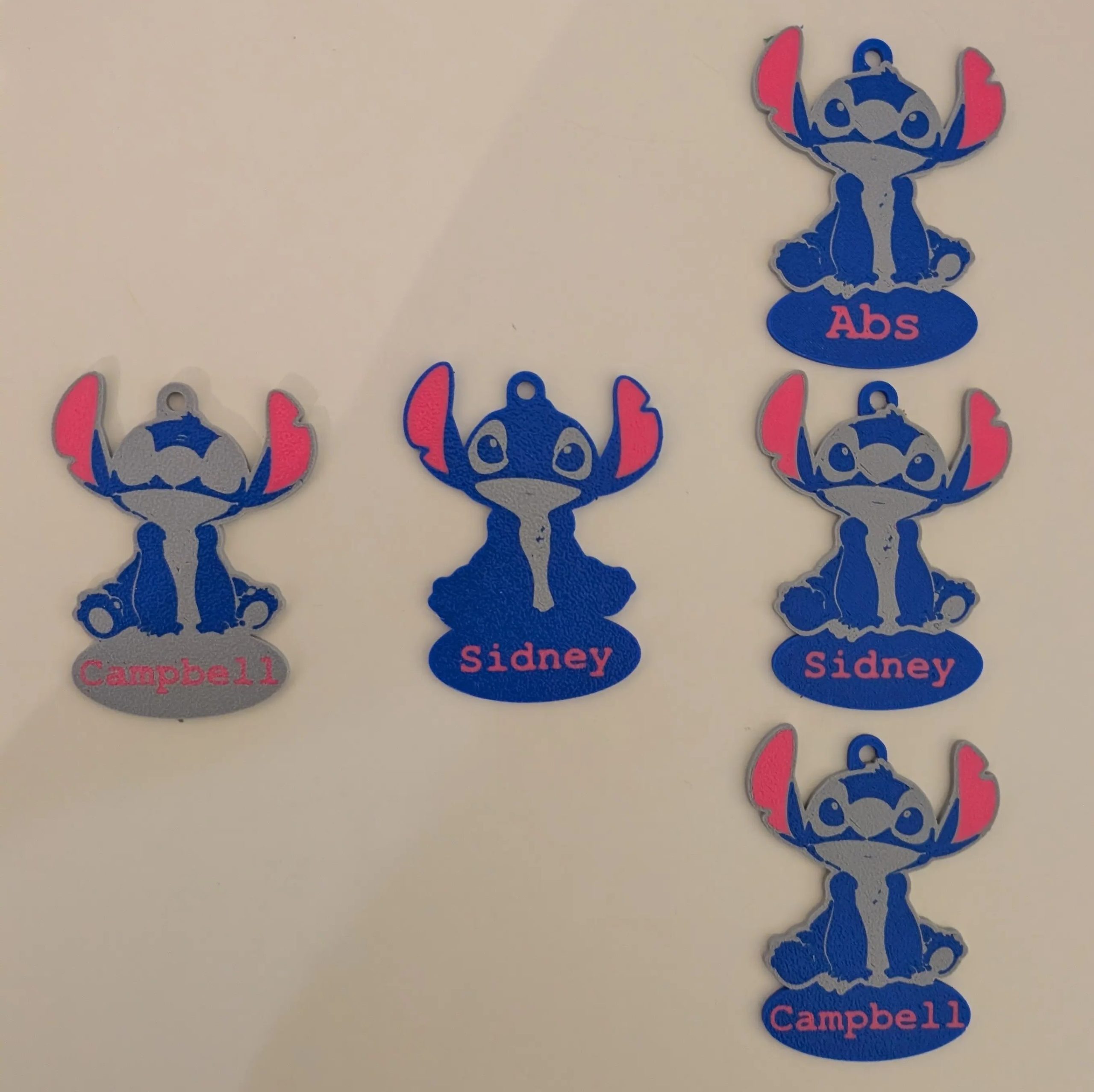
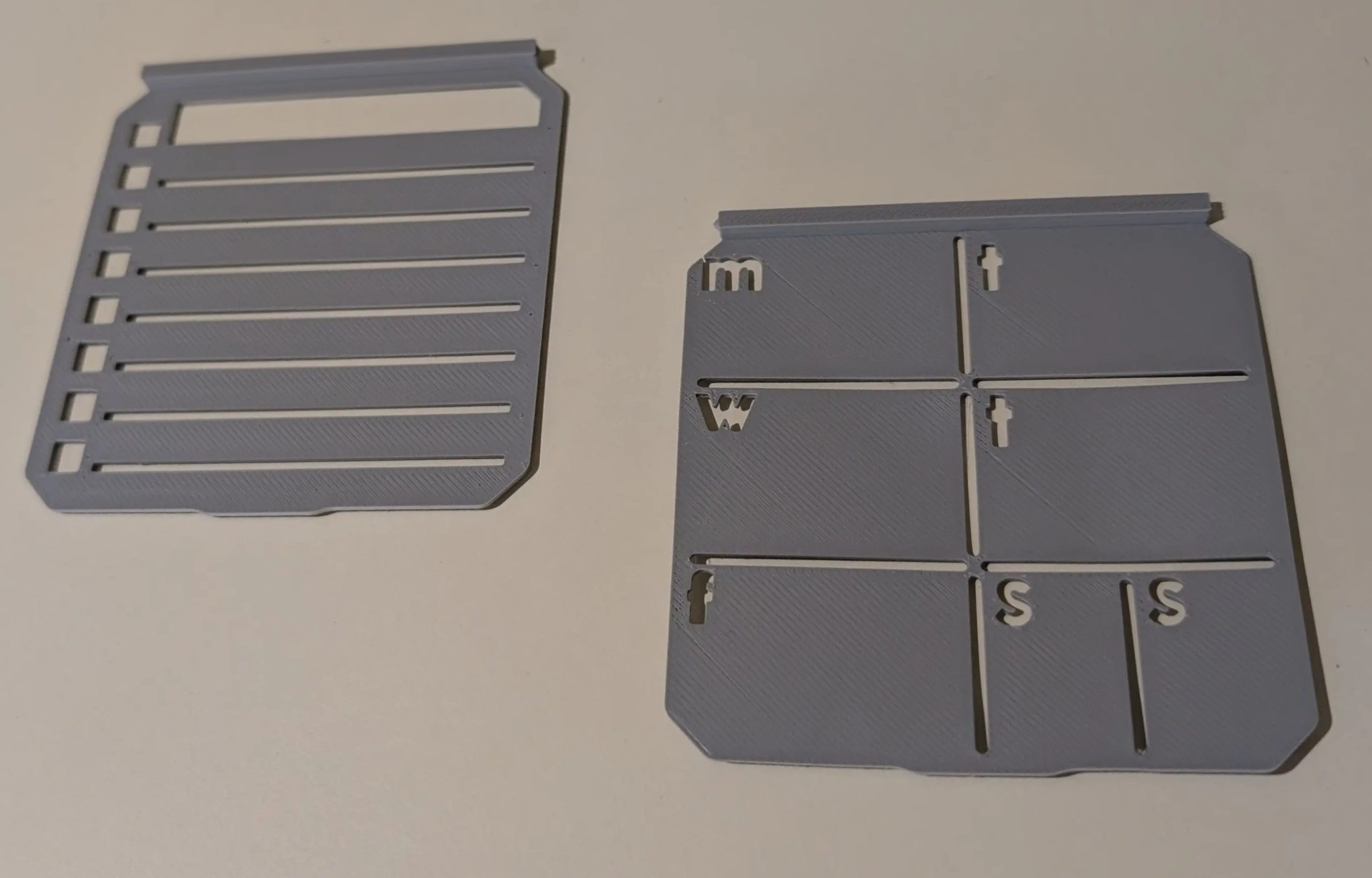
The next problem was where to start… if I thought unboxing was intimidating, trying to design something in 3D modelling software? As a first print? Get stuffed. But Bambu Lab again had my back – they have printing software (Bambu Studio) that holds your hand through the printing process in the beginning. And they have MakerWorld, with more designs than I can count, with more categories than I knew I needed, along with ratings for successful prints. Five minutes later I decided to be boring and print the benchmark 3DBenchy boat. But then I was printing a Yoto case… then miniatures from OnePageRules… then Lilo and Stitch keyrings… then train pieces… then a heliport for Harold the Helicopter; a flexible Onix, miniature spaceships, borderline NSFW sponge holders, clickable letters, snail teabag holders, modular painting tools….
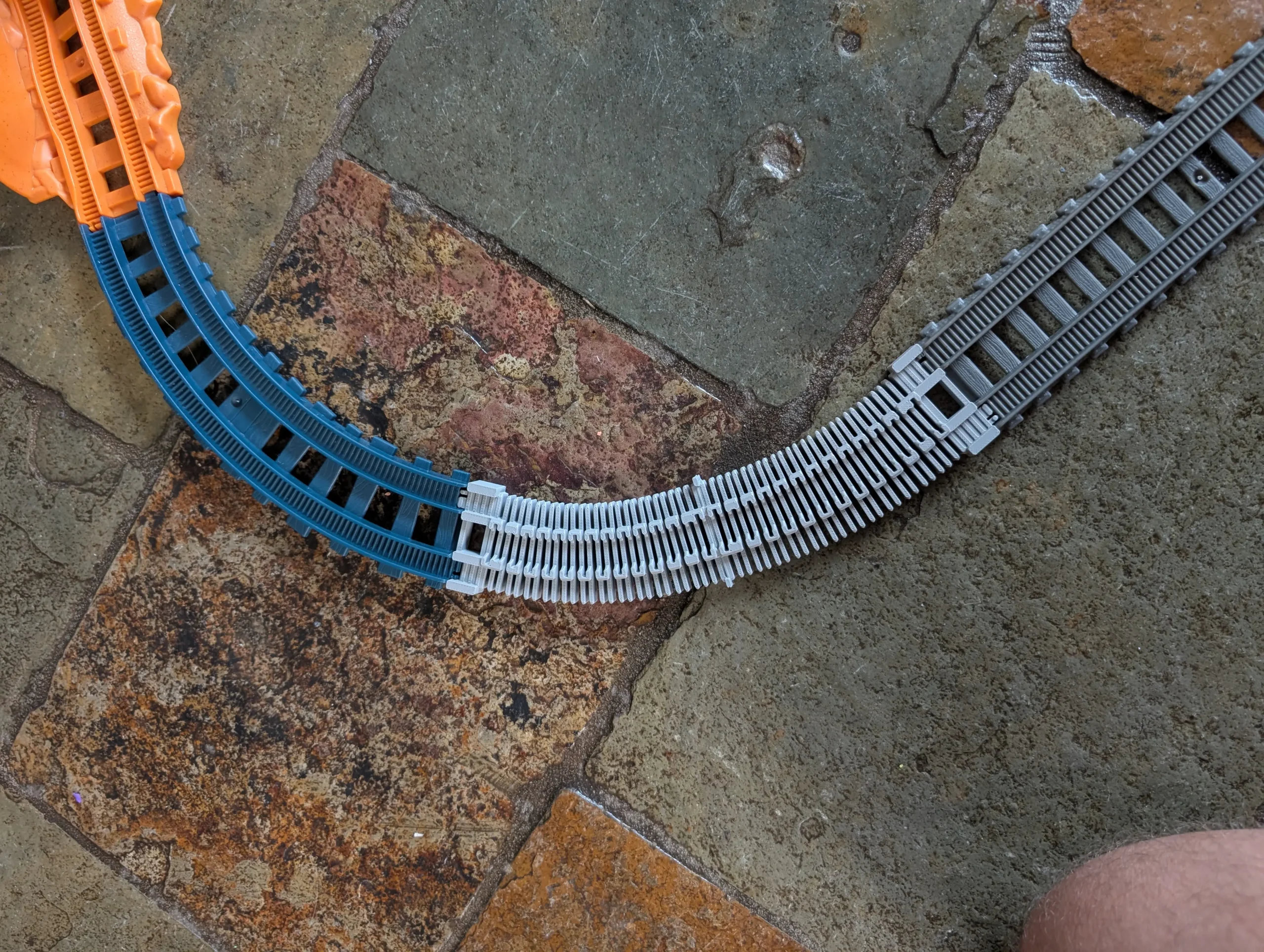
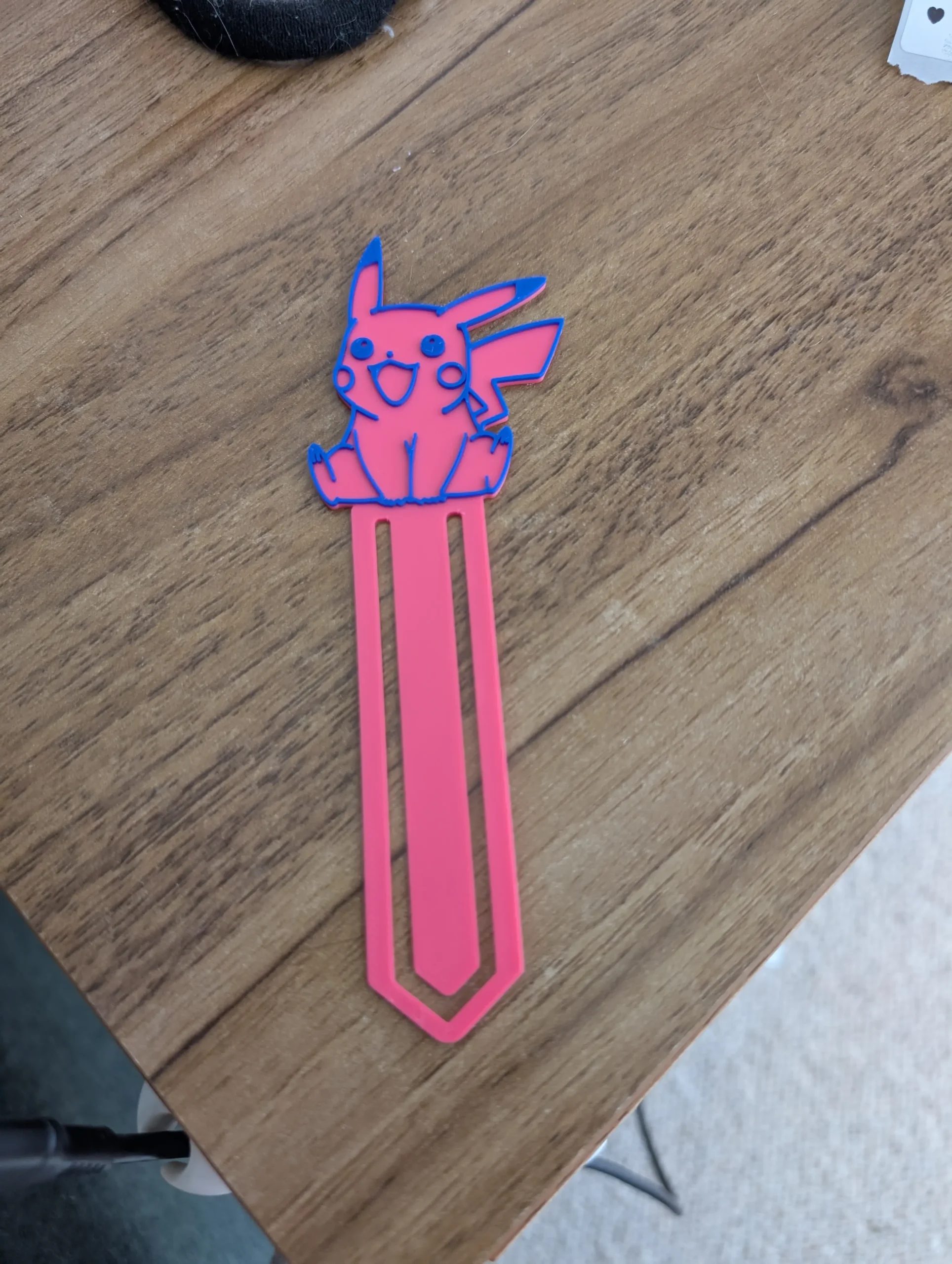
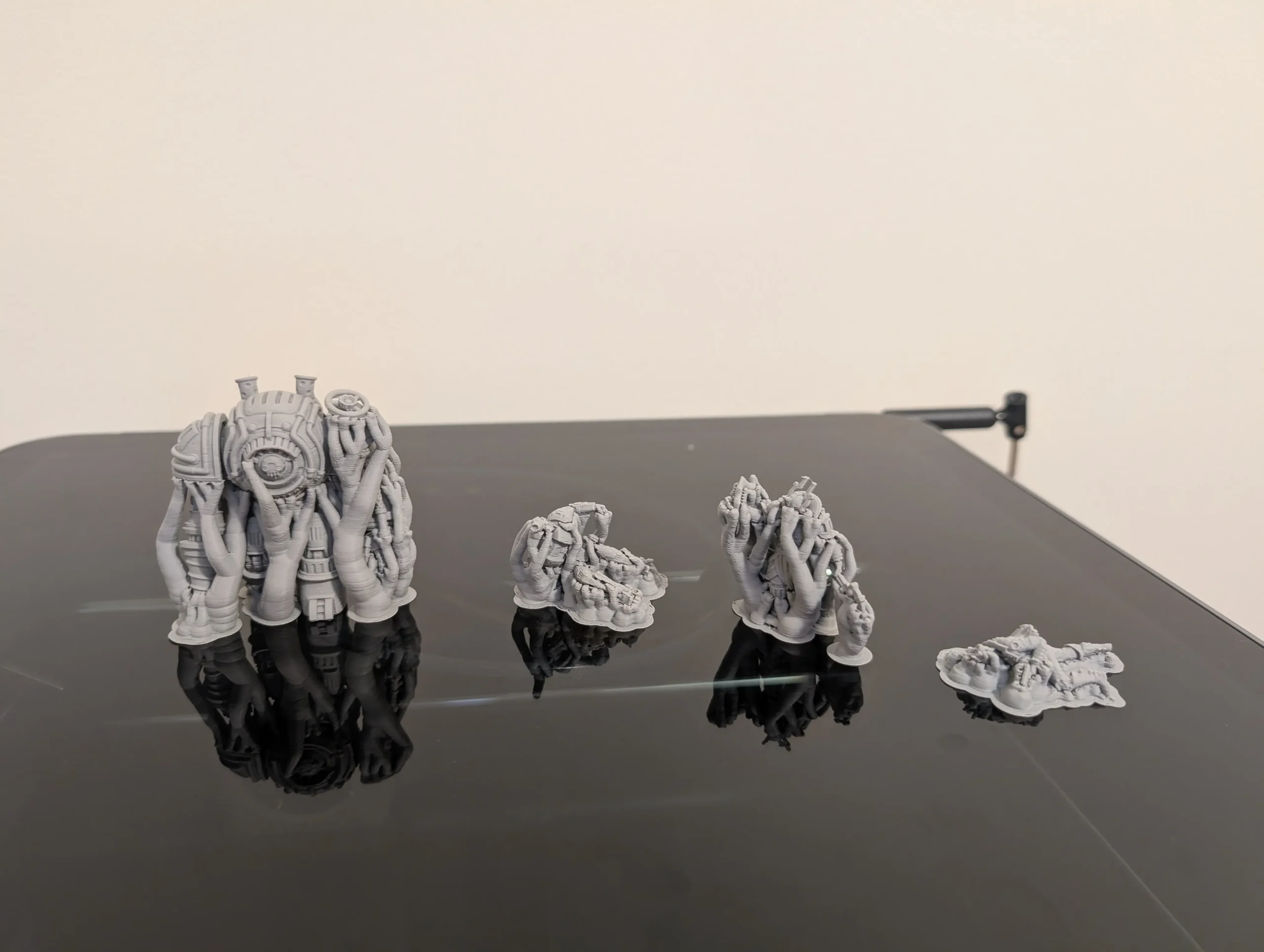
I think I have 3D printed most nights and most days since for almost three weeks. I had a couple of failures in the beginning, which taught me I had loaded the spools wrong – learning overnight was a rough start. I had a couple of 32mm miniatures that were clearly too finely detailed for filament printing, probably designed for resin printing in general, and I was still learning to rely on Bambu Studio’s ‘AI’ support software. But if you consider the actual time I have spent at my laptop in Bambu Studio, fiddling with settings and experimenting with designs – after maybe 6‑8 hours, 9/10 of my prints are exactly as I hoped – usually better. And when they fail I’m never puzzled as to why – the spaghetti ‘AI’ detection alerts me early so that I don’t wake up disappointed. Or I elected to substitute PLA for a different material than it had originally been designed for, or I was too ambitious and had too many different models on the same plate, etc.
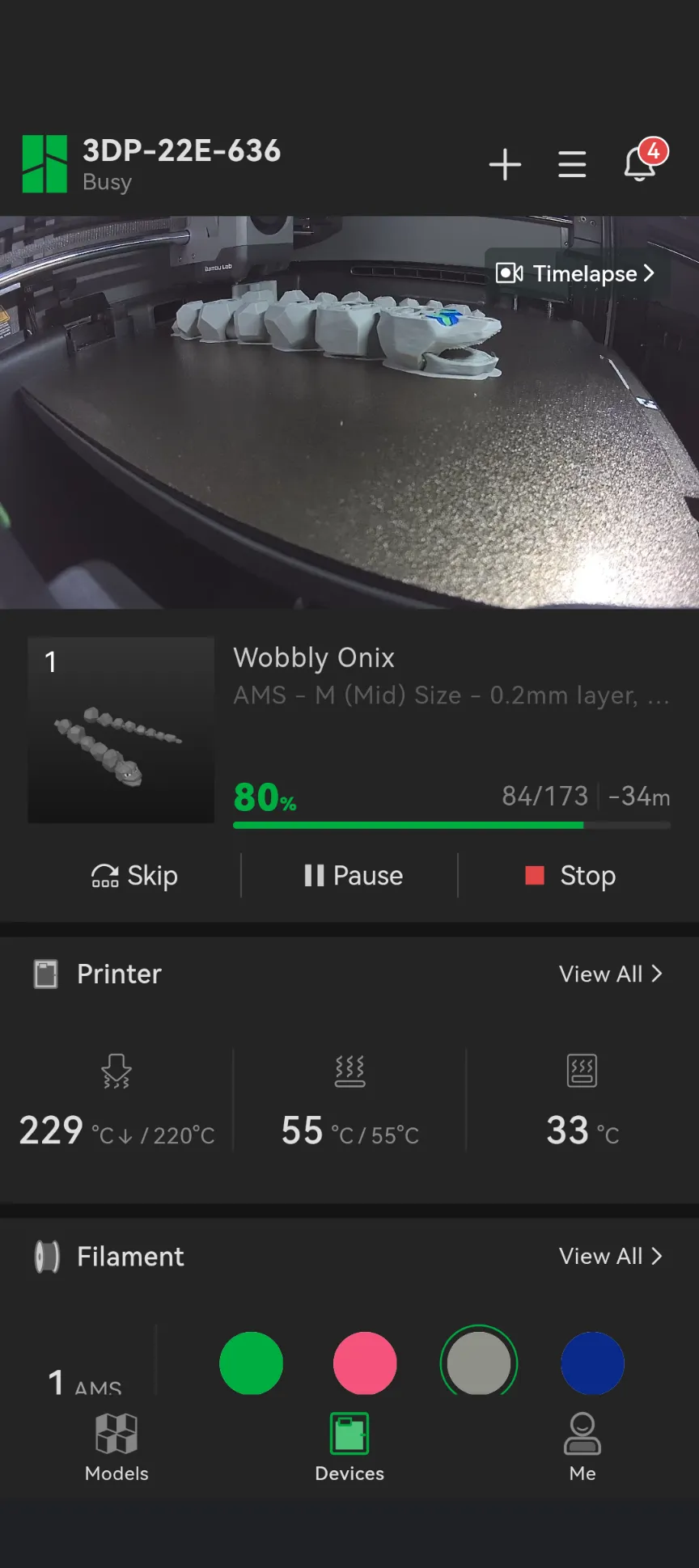
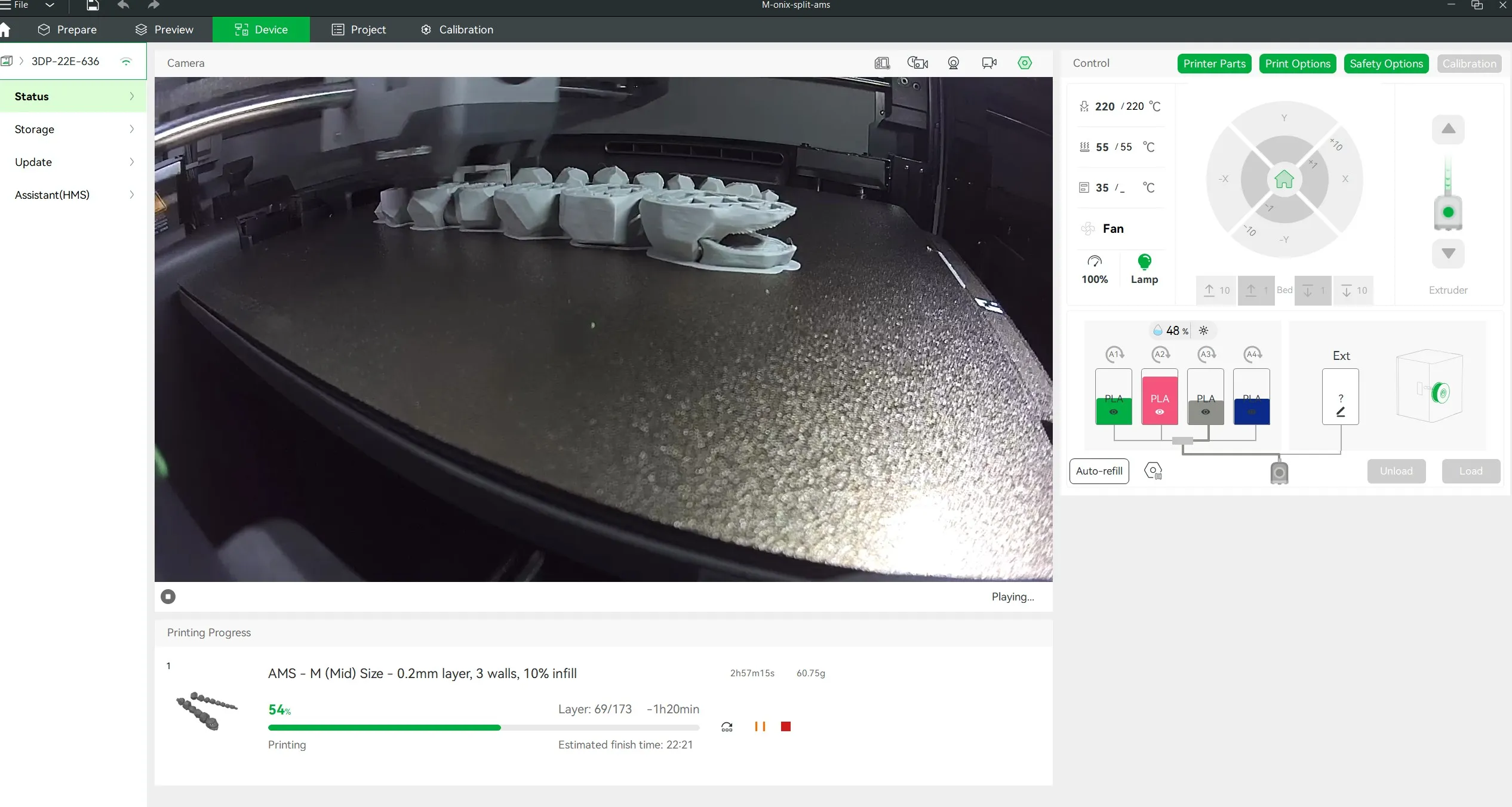
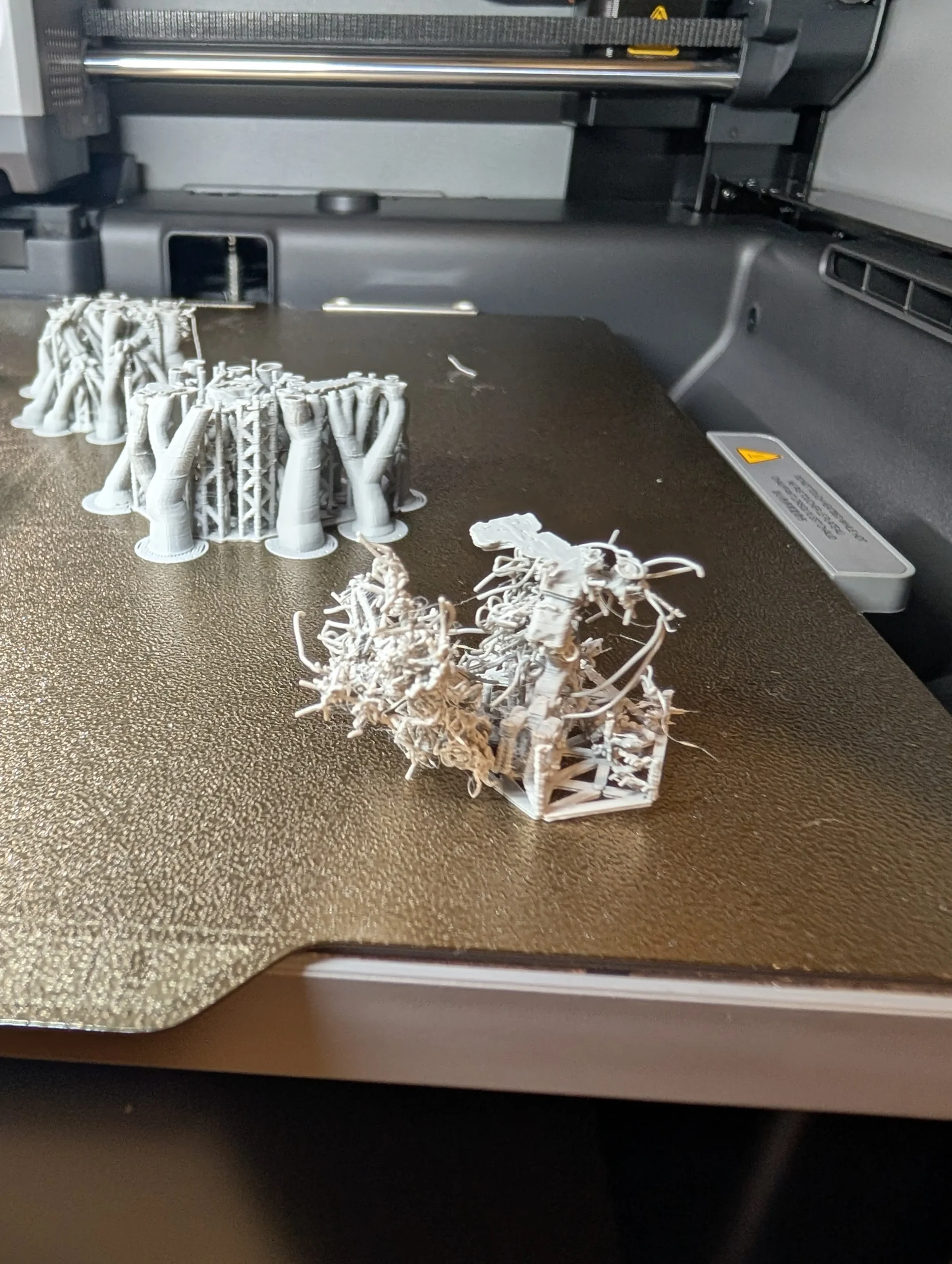
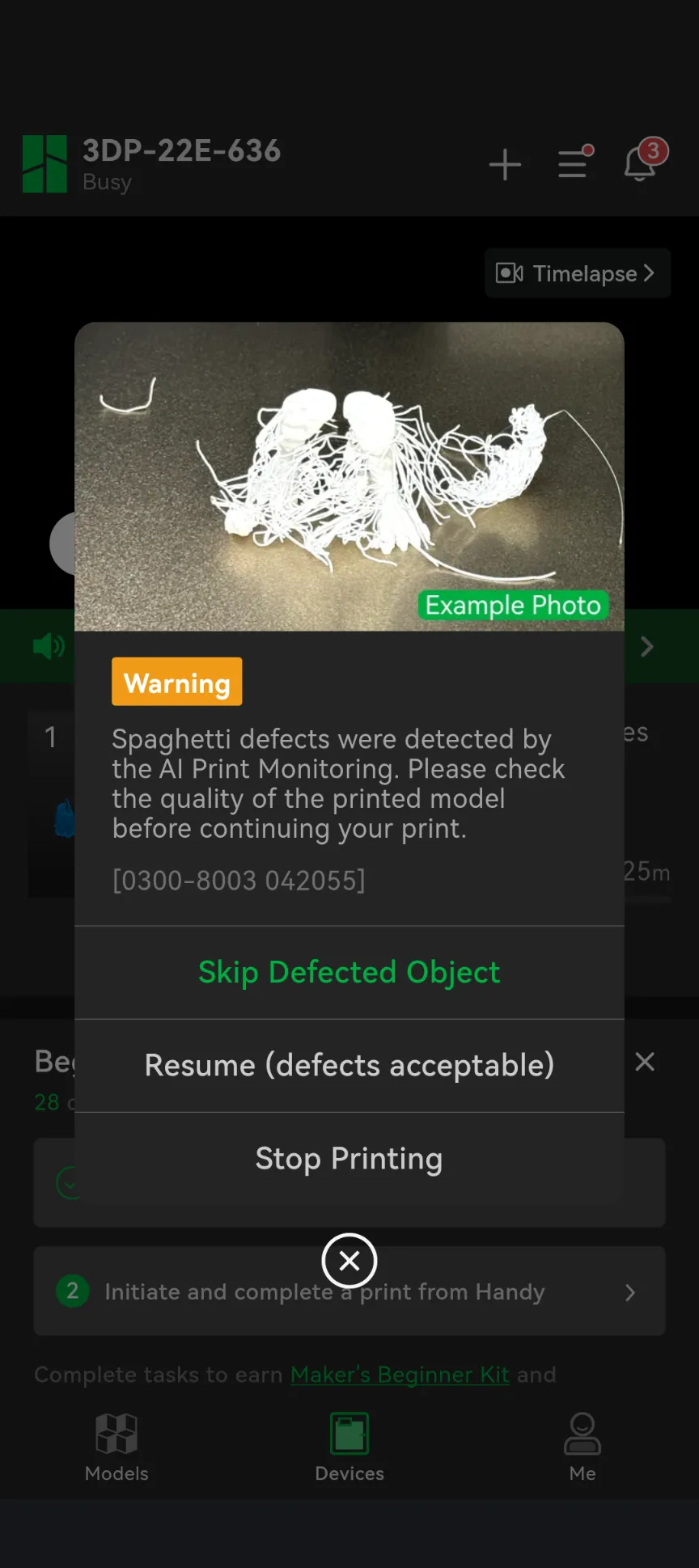
So far it feels like an experience, like learning a new hobby tool that has the potential to completely revolutionise how I engage with the hobbies I already have… Do I need new Joy Con covers with improved triggers? Does my son need new Thomas the Tank Engine train couplers? Does my sister‑in‑law want cute fidget thingies? Does my mother‑in‑law want card holders because my sister‑in‑law cheats at Uno? I’ve got it covered – and now there’s a creative element to indulging in these interests. When a friend mentioned their very expensive pram didn’t come with a cup holder and didn’t fit an off‑the‑shelf variety, it took me less than a minute to find a design on MakerWorld to help them out.
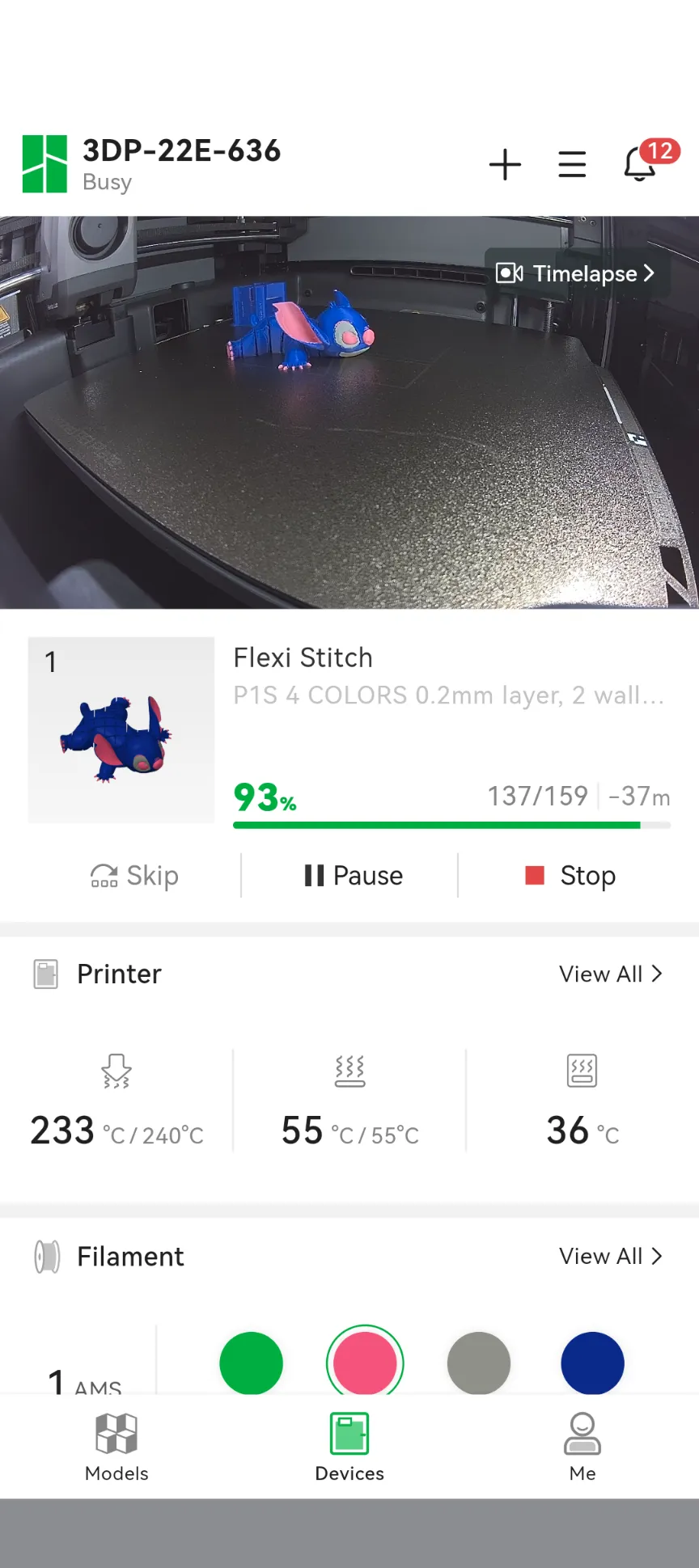
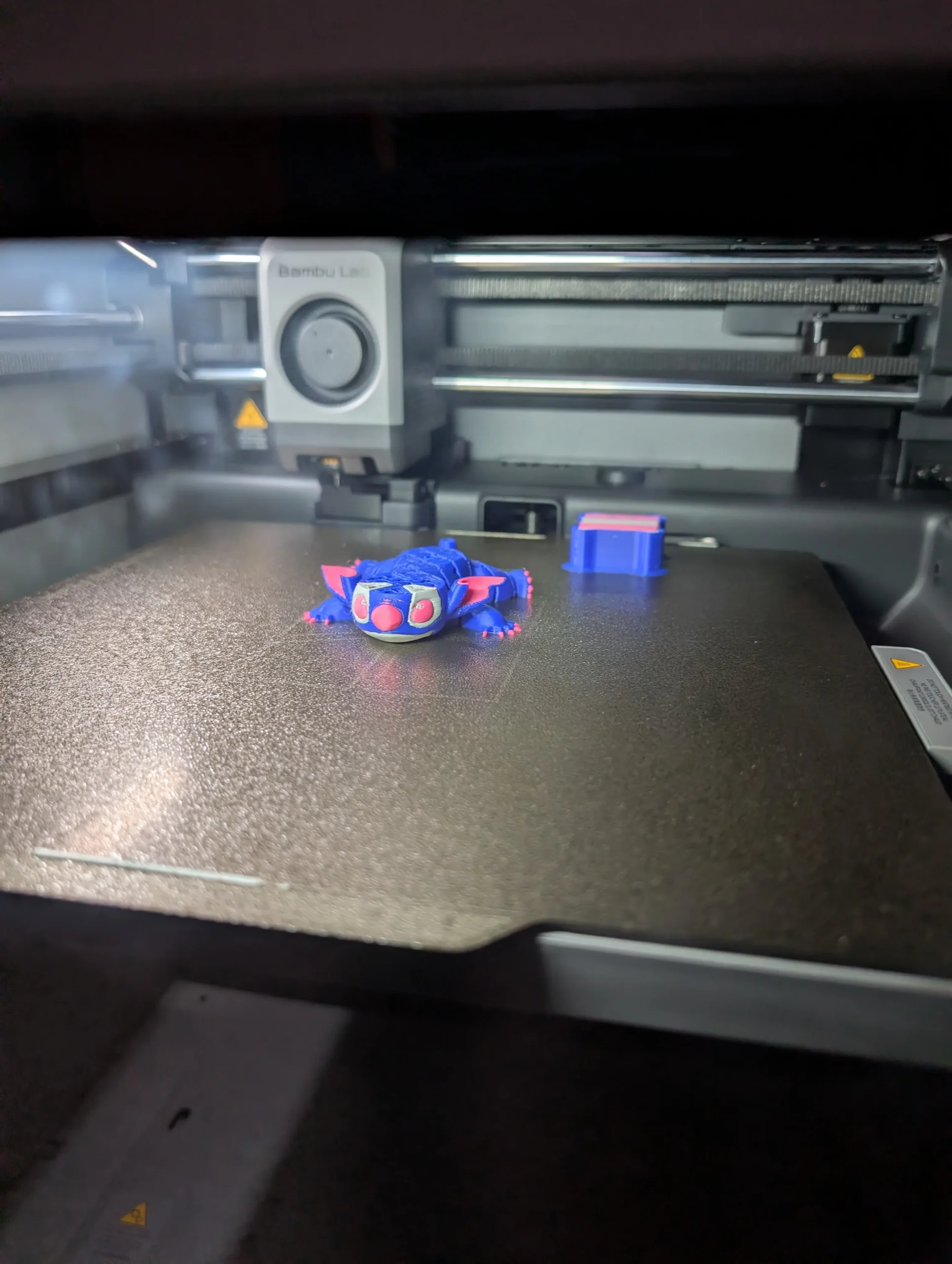
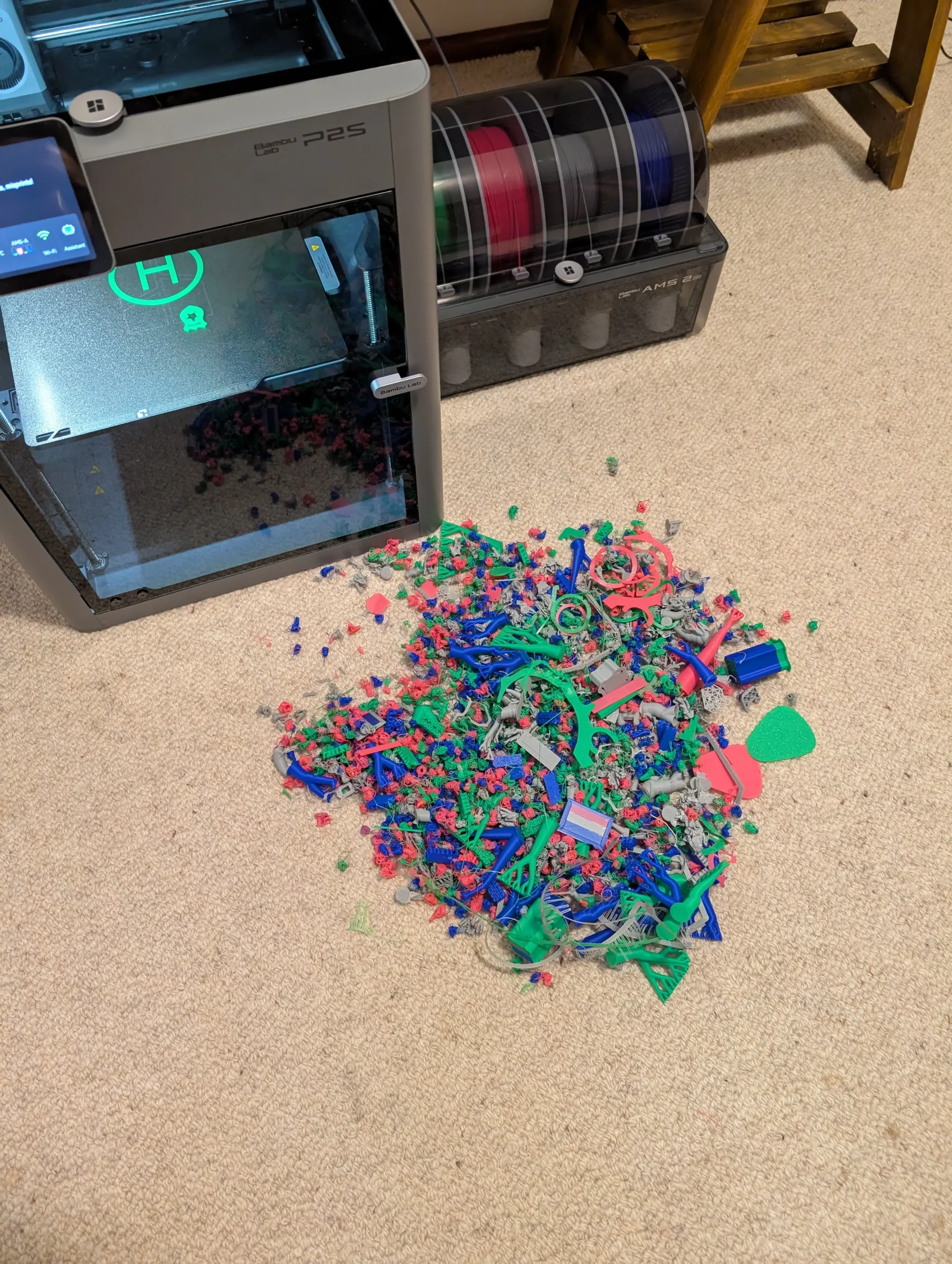
I’m obviously enjoying the novelty… but the P2S has challenged my preconceptions about 3D printing. Until now, I was always going to buy a resin printer “one day”, it was just a matter of time, but I was going to wait until the kids were older and I could be more confident with securing the dangerous chemicals and protecting us all from the fumes. That is where the filament printing Bambu Lab P2S shines. I’ve been printing at least 8 hours a day in the room next to my older son with a single window – it’s so quiet that he has slept through it all, there’s been no heat leakage that I can detect on the baby monitor. There are no dangerous fumes for me to worry about needing an exhaust fan, no dangerous chemicals for me to store, just spools of plant‑based plastic, and a tupperware container full of printing spaghetti waste and supports. The greatest danger has been my little one trying to crawl inside the printer, and I’m not confident enough to predict who would have won that battle.
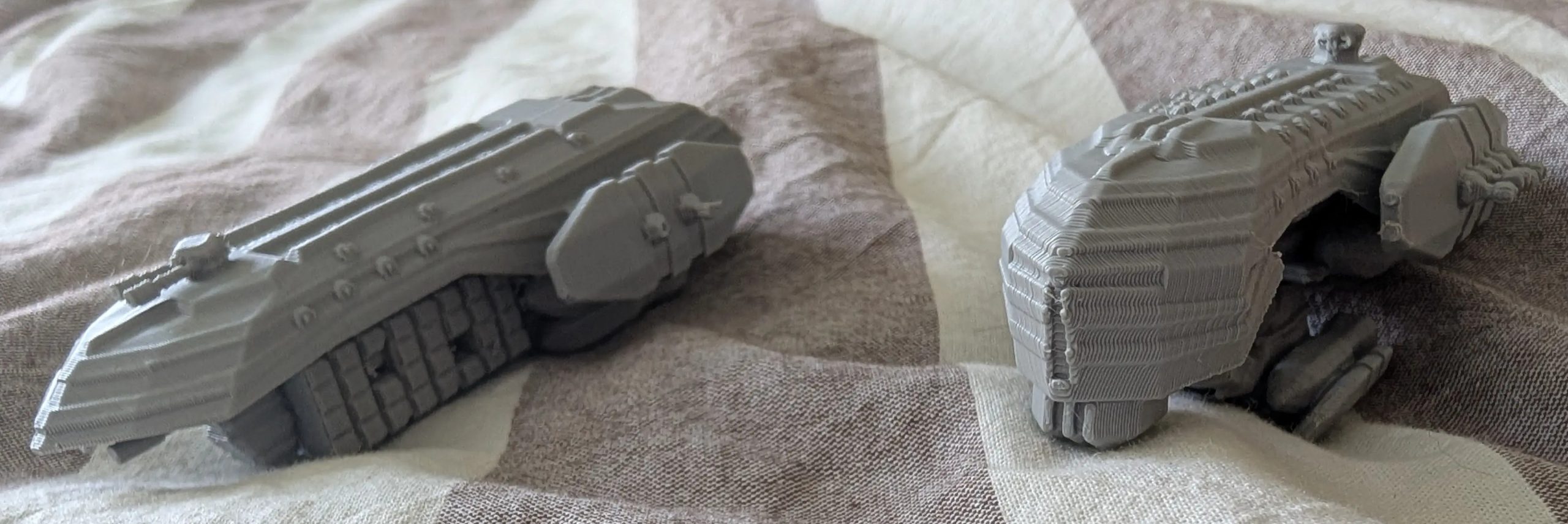
Yes, I confess, I have always snootily looked down my nose at filament printing compared to resin. I have always been drawn to the detailed dynamically posed miniature models that resin printing is well‑known for. And whilst my experience with the P2S still suggests resin is ideal for 28‑32mm miniatures with significant detail and display painting – god damn, the P2S makes filament printing miniatures seem like a reasonable alternative. I don’t want to gloss the learning curve too much – for reasons I can’t explain, the P2S seems to hate feet on 28‑32mm models. It didn’t seem to matter how I rotated or arranged them, or what supports I used (maybe using a smaller nozzle diameter could have helped) – part of the learning curve was figuring out how to choose models that the P2S would allow to have legs and feet. No fine skeletons, no nimble rogues… but mechs, cloaks or heavily armoured and (definitely not copyrighted) space soldiers and orks? Hell yeah!
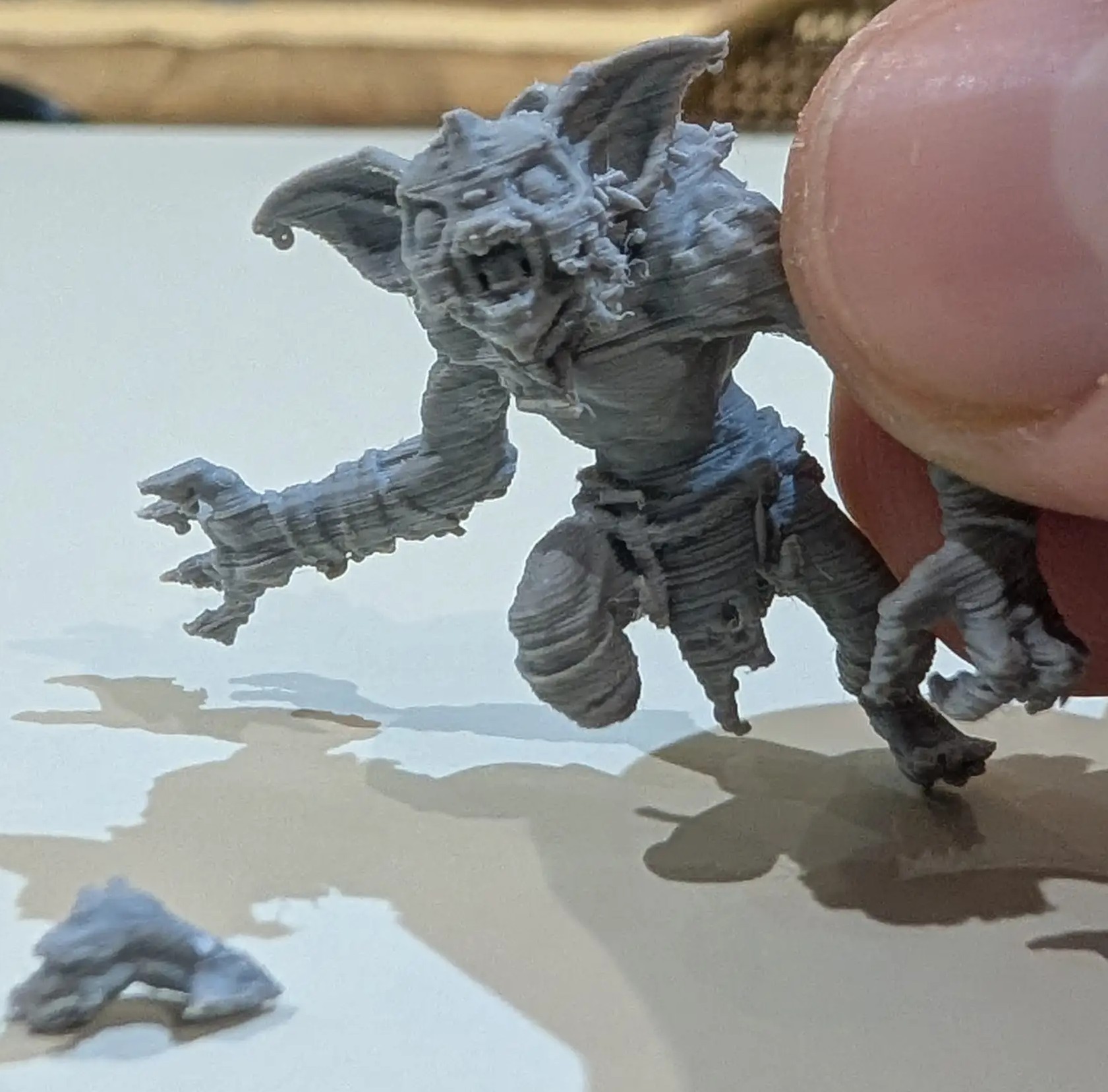
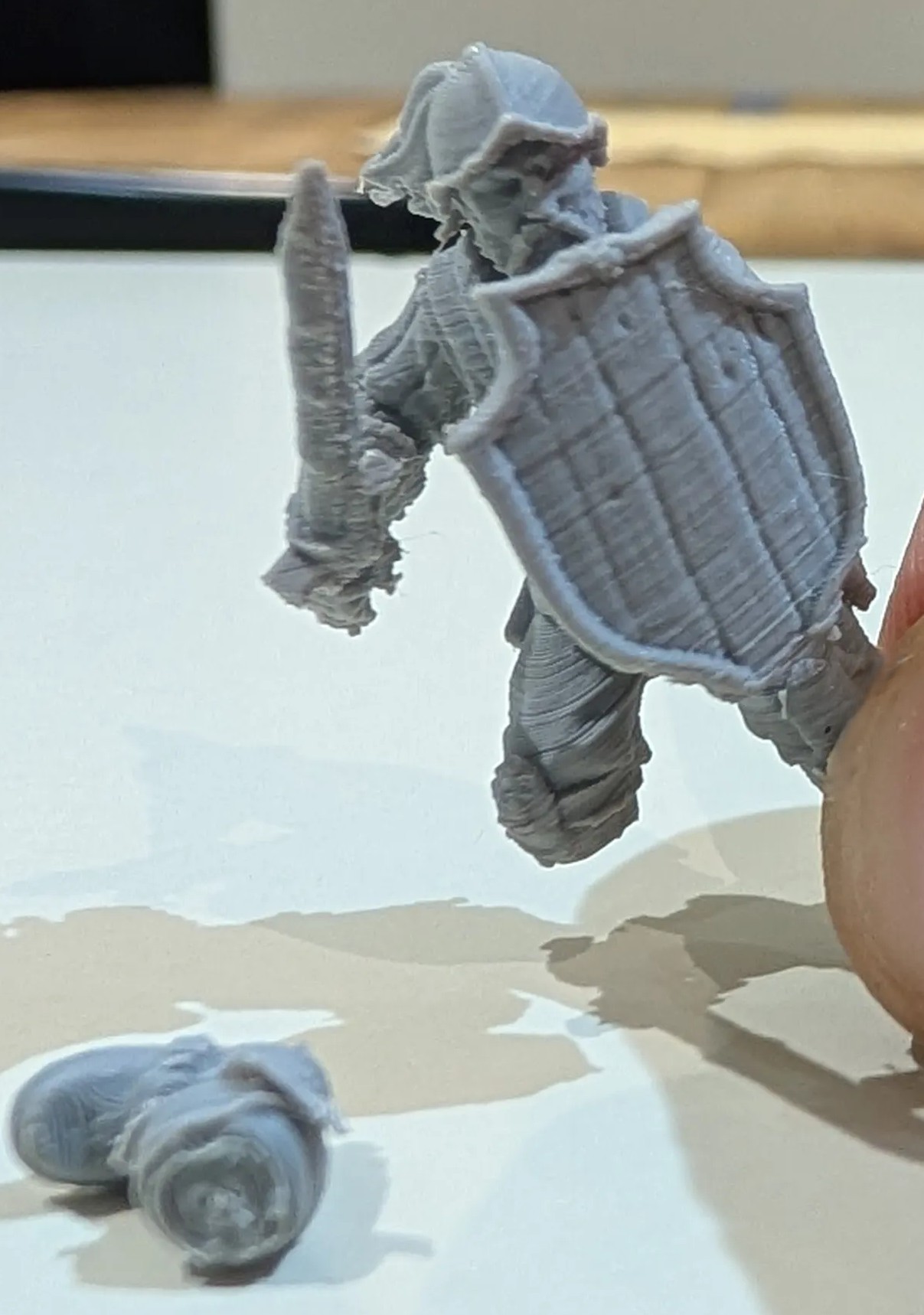
Overall I am impressed, the P2S exceeded my expectations – both in terms of how simple it was to learn to use the printer and software, and how deep the printing rabbit hole can go. Priced at $1249 AUD (with the AMS combo) my initial impression was the cost was a significant hurdle, and that’s not including spools of filament. Two weeks later… it seems pretty cheap for how well it works, how accessible and amateur‑friendly Bambu have built their printer and software, and how deep into printing and designing we can go generally, let alone on Bambu’s MakerWorld. As far as hobbies go, $1300‑1400 a year is probably less than most mini‑hobby collectors spend on Warhammer, let alone paints and tools. And the P2S offers a lot more than just miniatures (or toys for your kids).
Final Thoughts
My experience with Bambu’s P2S has totally changed my mind about filament printing. If any of you have considered entering the hobby, or considered FDM printing as a starting point, I strongly recommend you consider the P2S. I’m not sure how my experience could have been improved given how little knowledge of FDM printing I started with – and I’m sure that the more I learn about the intricacies of printing and designing, the more I will be able to appreciate the P2S’s strengths. I strongly encourage you to learn from my mistake – don’t prejudge filament printing and assume resin is for you – give the P2S a go, it’s easier, safer and simpler than you think.
5/5 stars.

Related Posts

Spotify brings Fitness →

VITURE Beast XR Glasses Review →
Tapo Video Doorbell Camera D235 Review →