
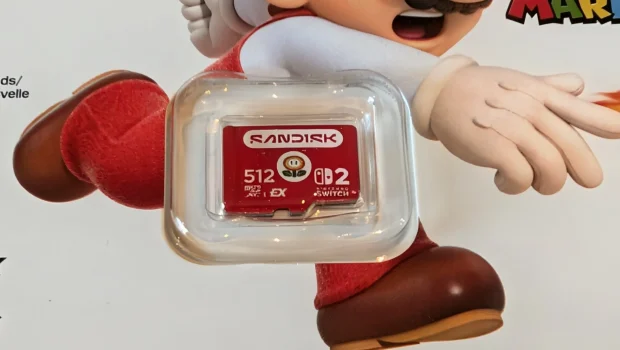
SanDisk microSD Express Card for Nintendo Switch 2 Review (512GB)
Summary: Level up your storage with the new SanDisk microSD Express Card for Nintendo Switch 2
5
Level Up!
Undeniably the new Nintendo Switch 2 is a next-gen console hit, however it is limited to 256GB of storage that is more likely around 249GB which does reduce the number of games you can store. However if you’re a gamer that loves to play multiple games or have a larger library of titles available to you, then additional storage for this new console (*) is an imperative and this is where the SanDisk microSD Express Card for Nintendo Switch 2 comes into play.
(*) Storage is not just an issue on the Nintendo Switch 2, the PlayStation 5 and XBox Series also have storage limitations unless you purchase additional storage
As to why the Nintendo Switch 2 moved to microSD Express cards?
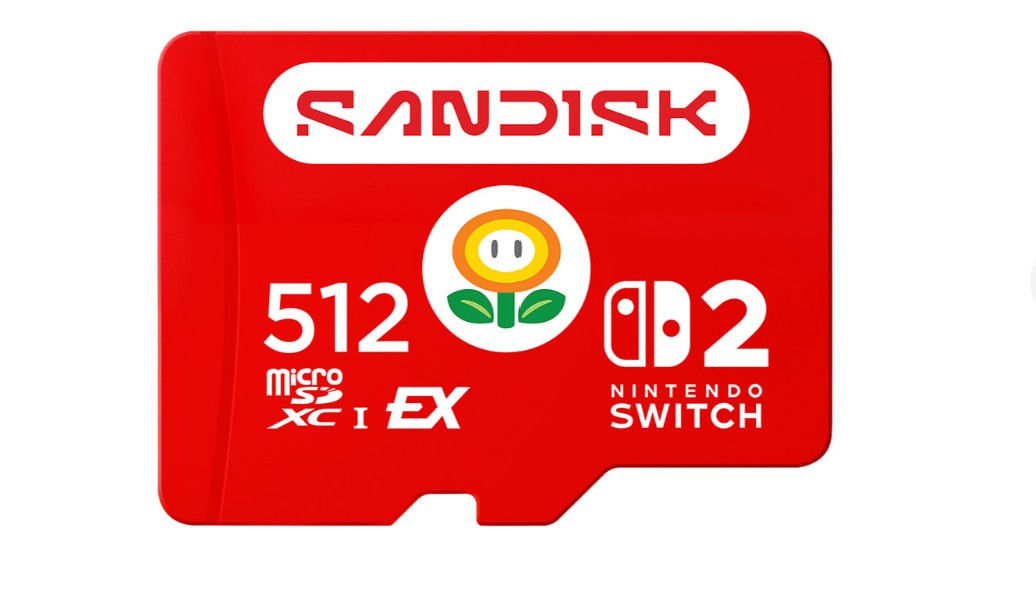
As the Switch 2 is a significantly more powerful console than its predecessor, this means it needs faster data access to ensure modern games such as Cyberpunk 2077 or Donkey Kong Bonanza run as smoothly as possible, particularly with the more powerful graphical worlds it is displaying. These cards are also capable of read speeds of up to 880MB/s which is significantly faster than the older UHS-I microsSD cards of 100MB/s. This card as stated by SanDisk has a read speed of up to 880MB/s and a write speed of up to 650MB/s, making it perfect for those latest Nintendo Switch 2 titles. Oh… and each card has a cool Nintendo themed motif on it!
Gallery
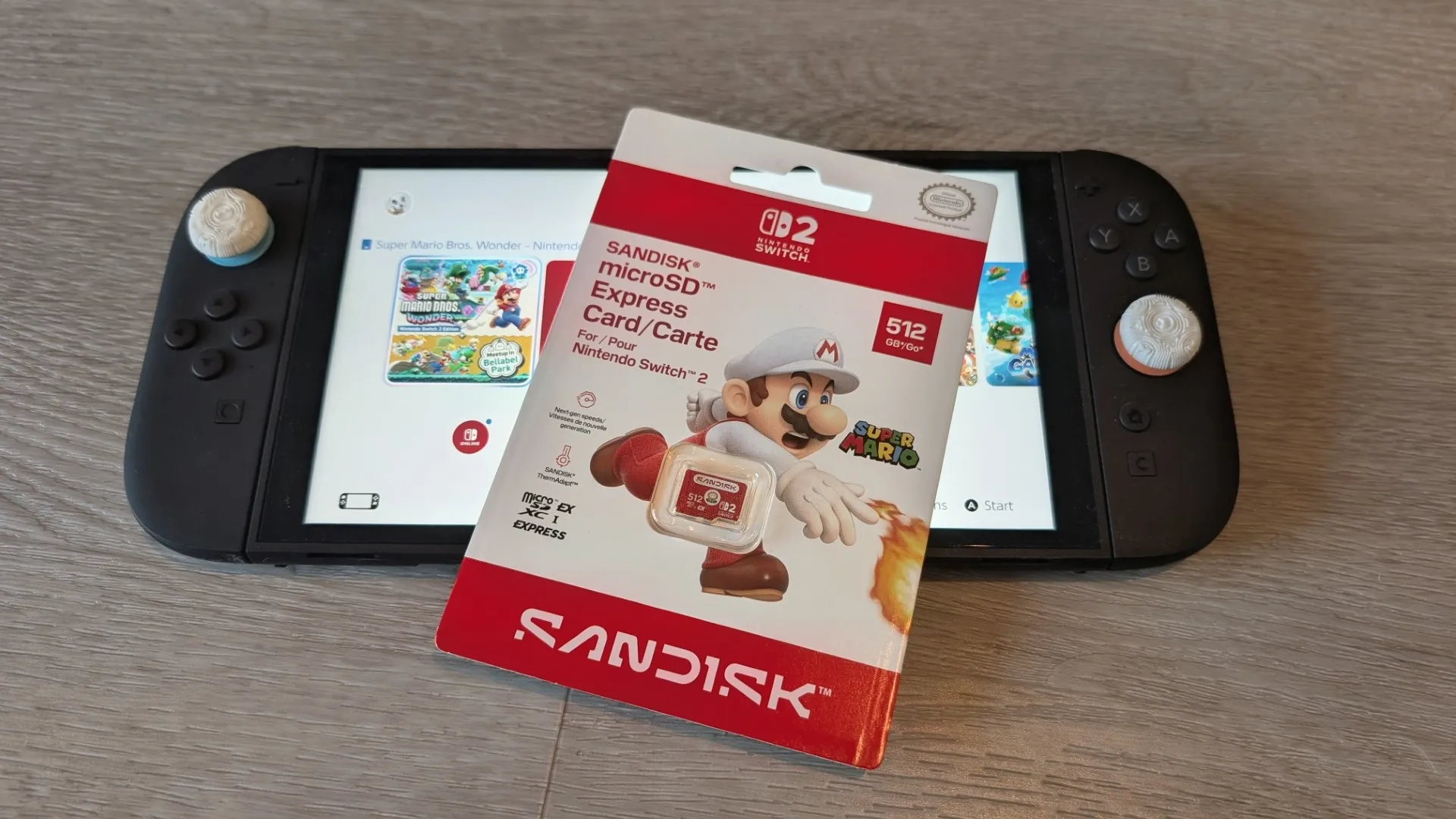
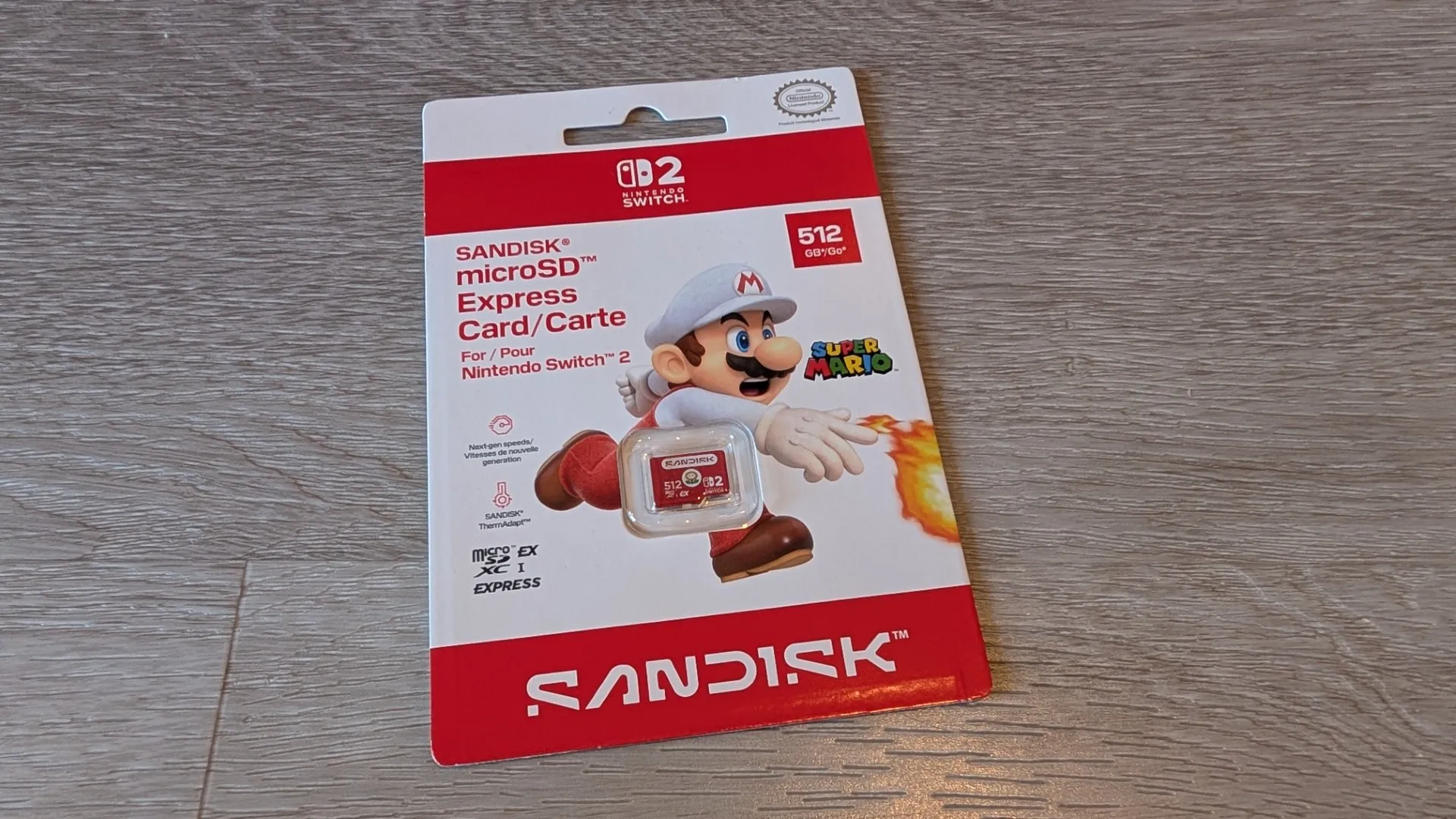
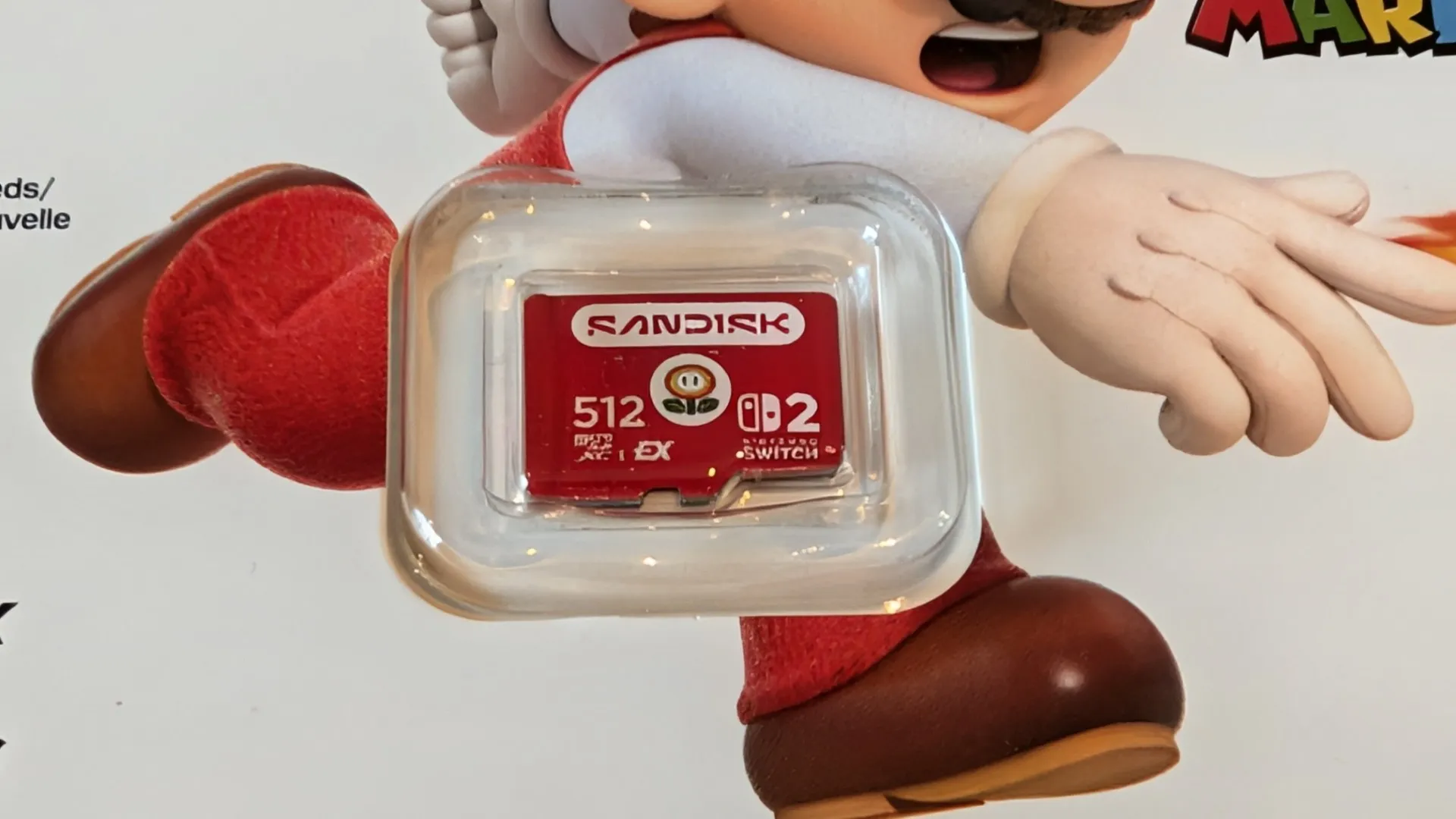
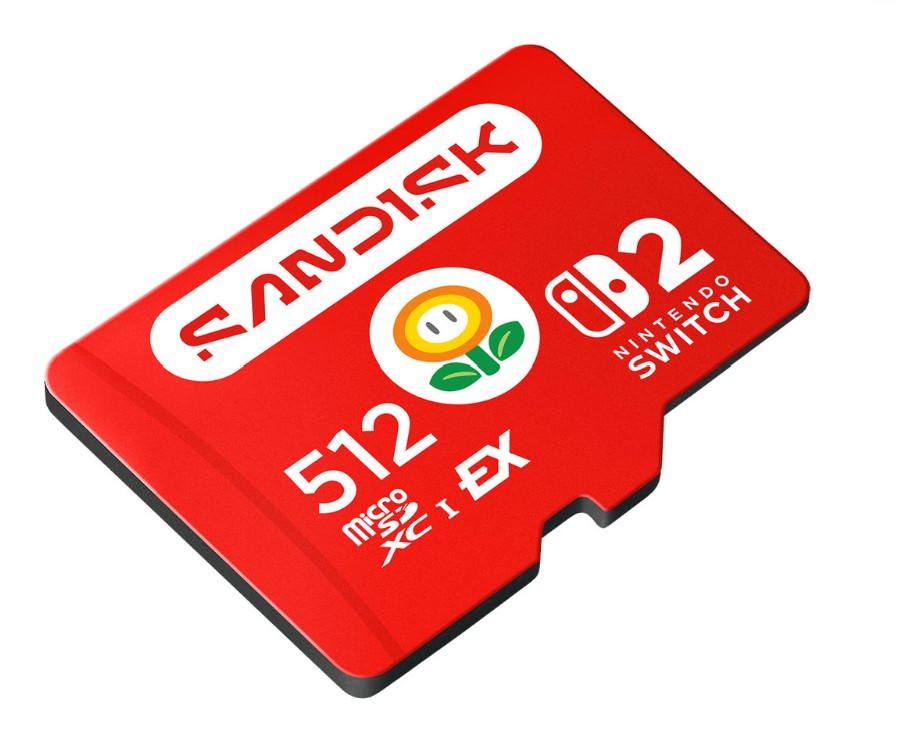
The SanDisk microSD Express Card for Nintendo Switch 2 also come in three sizes that include 128GB, 256GB and 512GB (reviewed) which greatly expand on the console’s 256GB of internal storage.
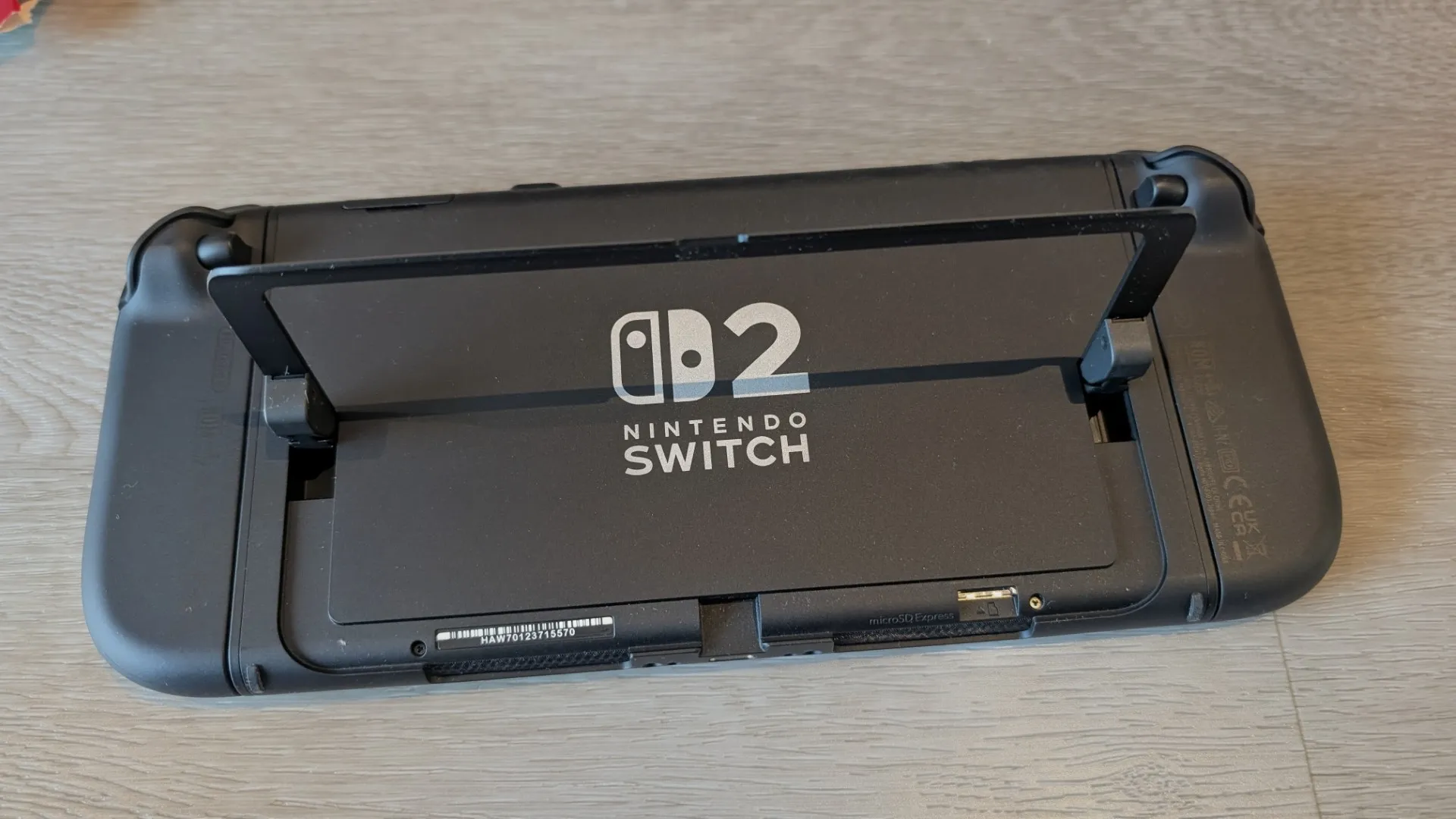
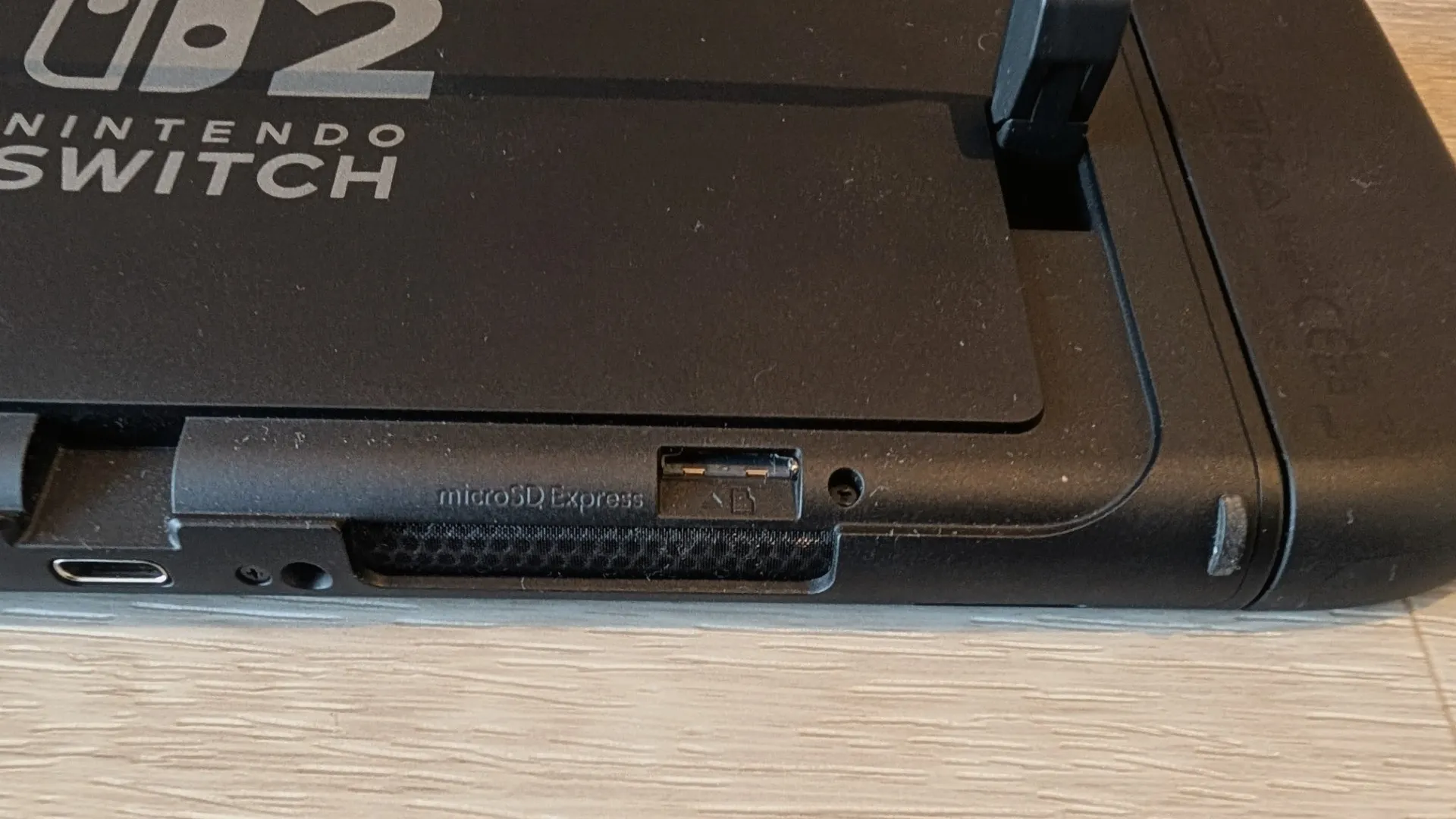
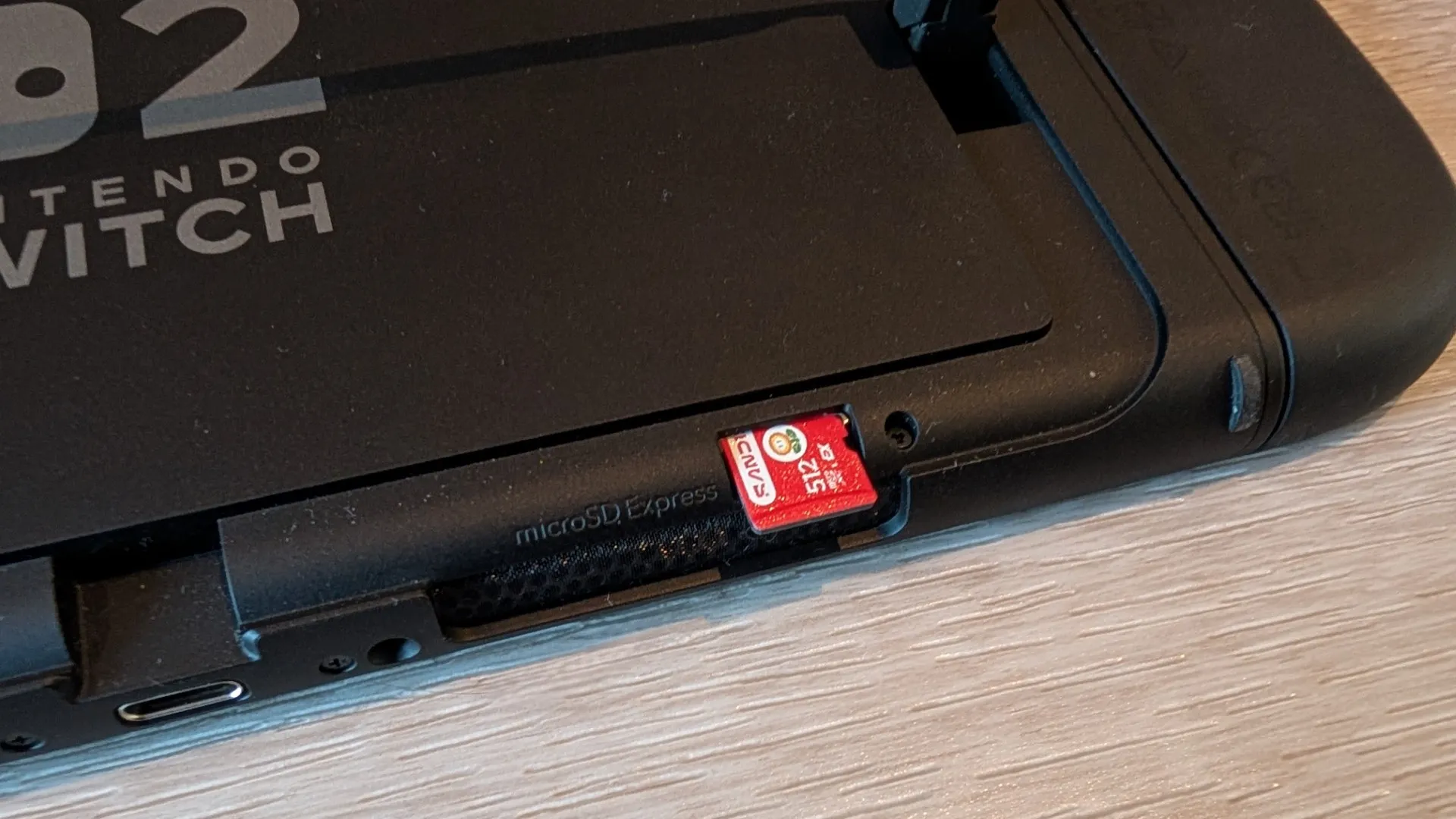
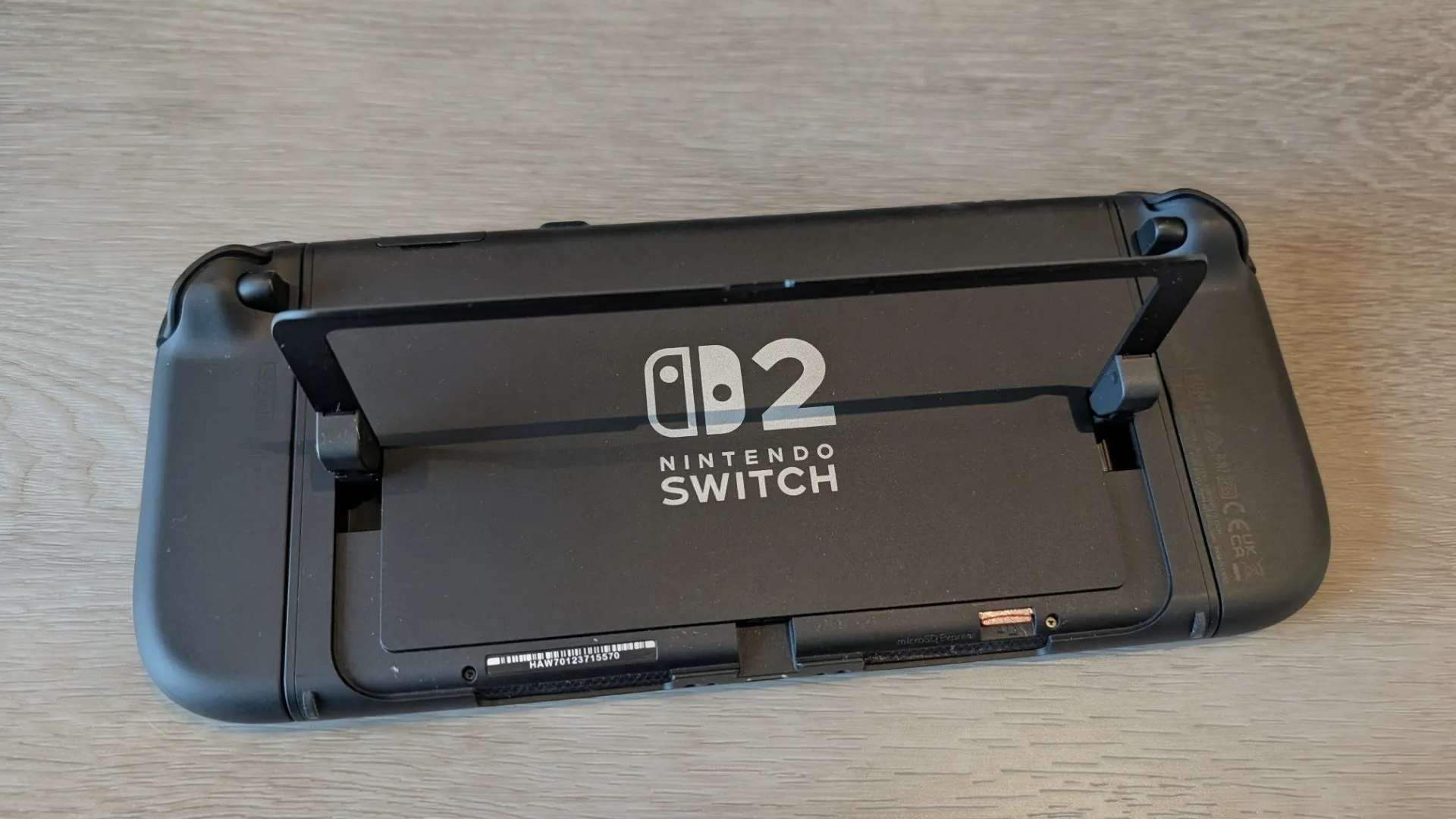
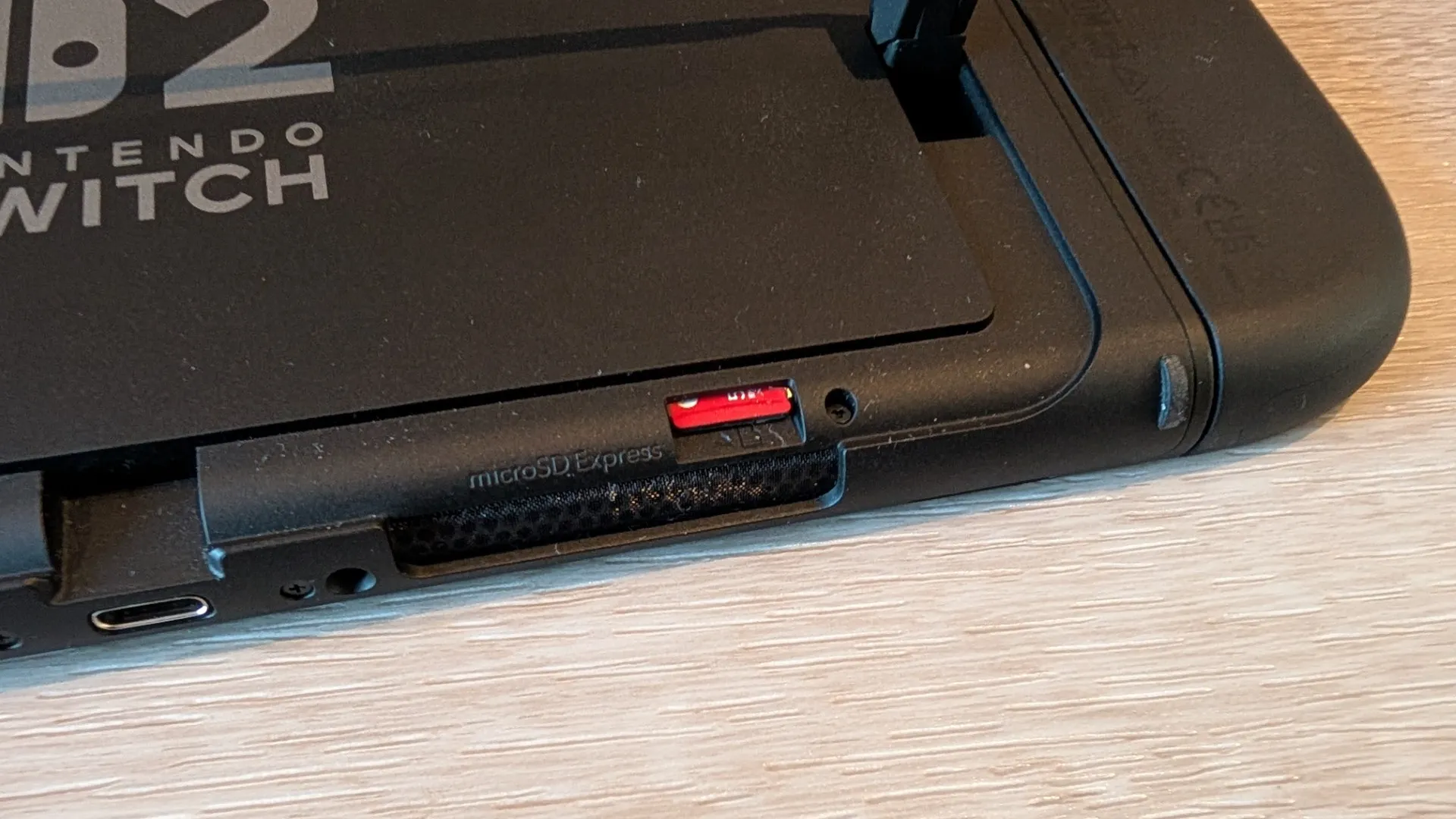
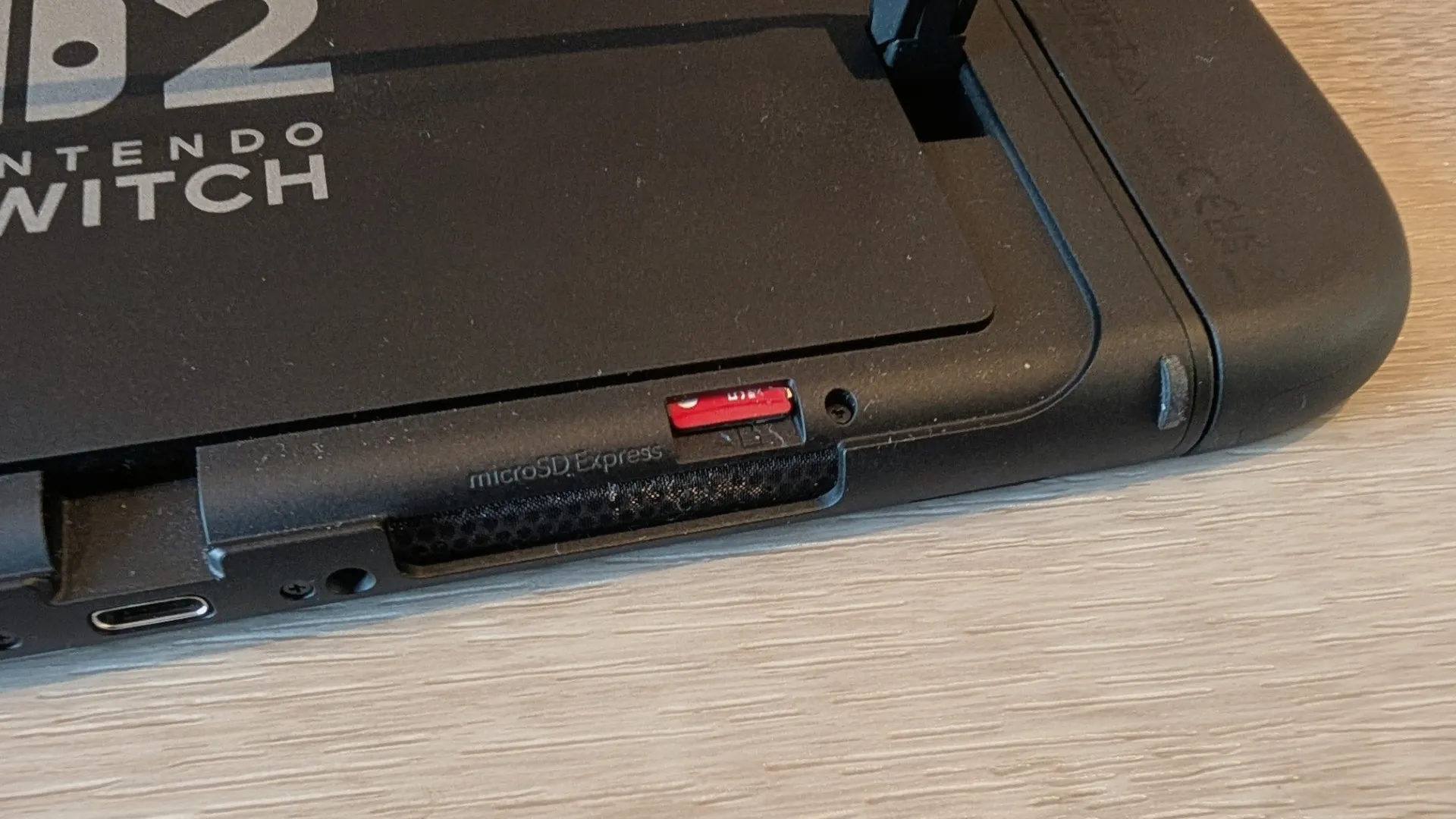
To install a microSD Express card into your Nintendo Switch 2, you first need power off the console completely and once done, flip open the kickstand on the back to reveal the microSD Express slot, then gently insert the card until it clicks into place.
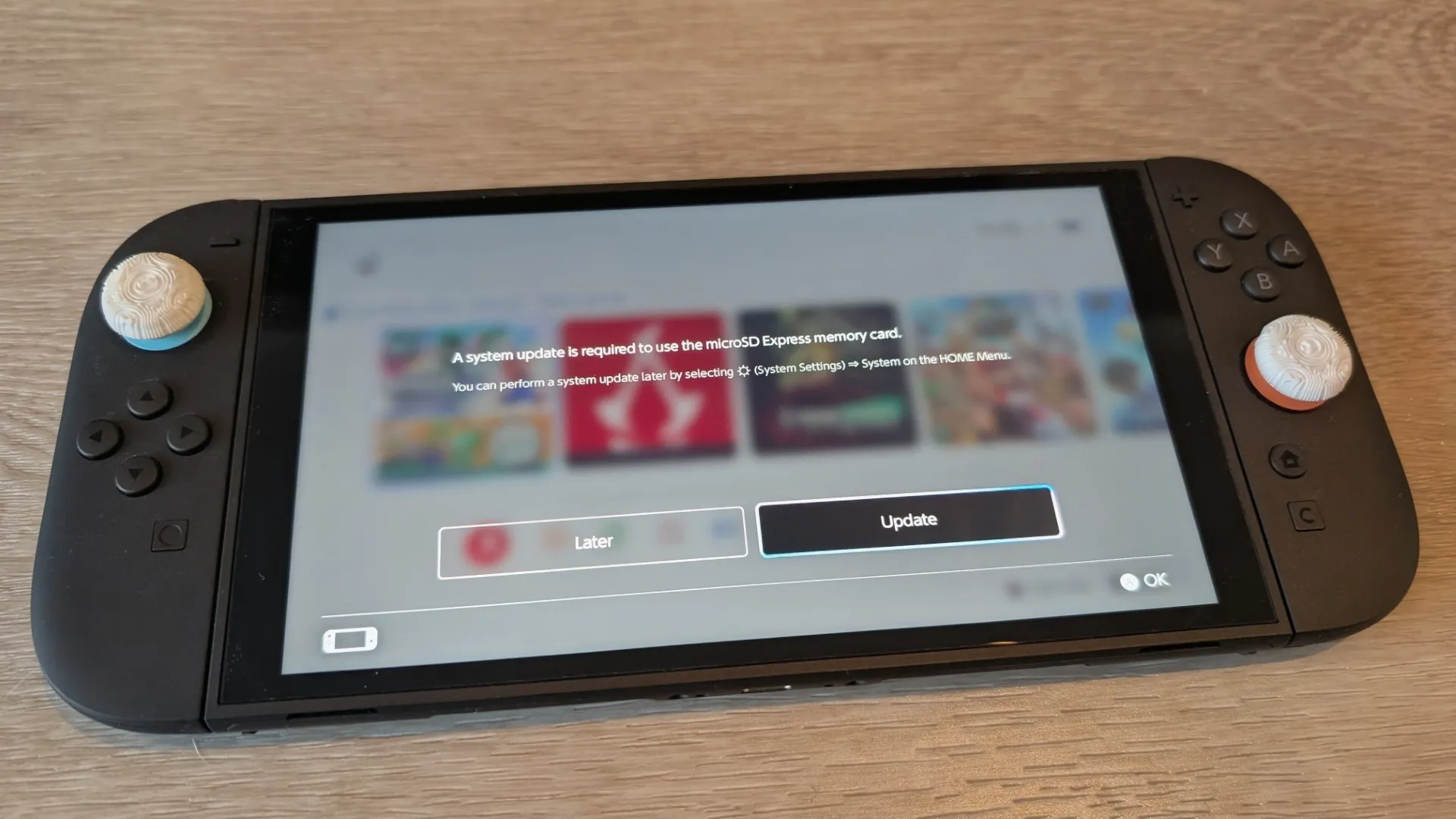
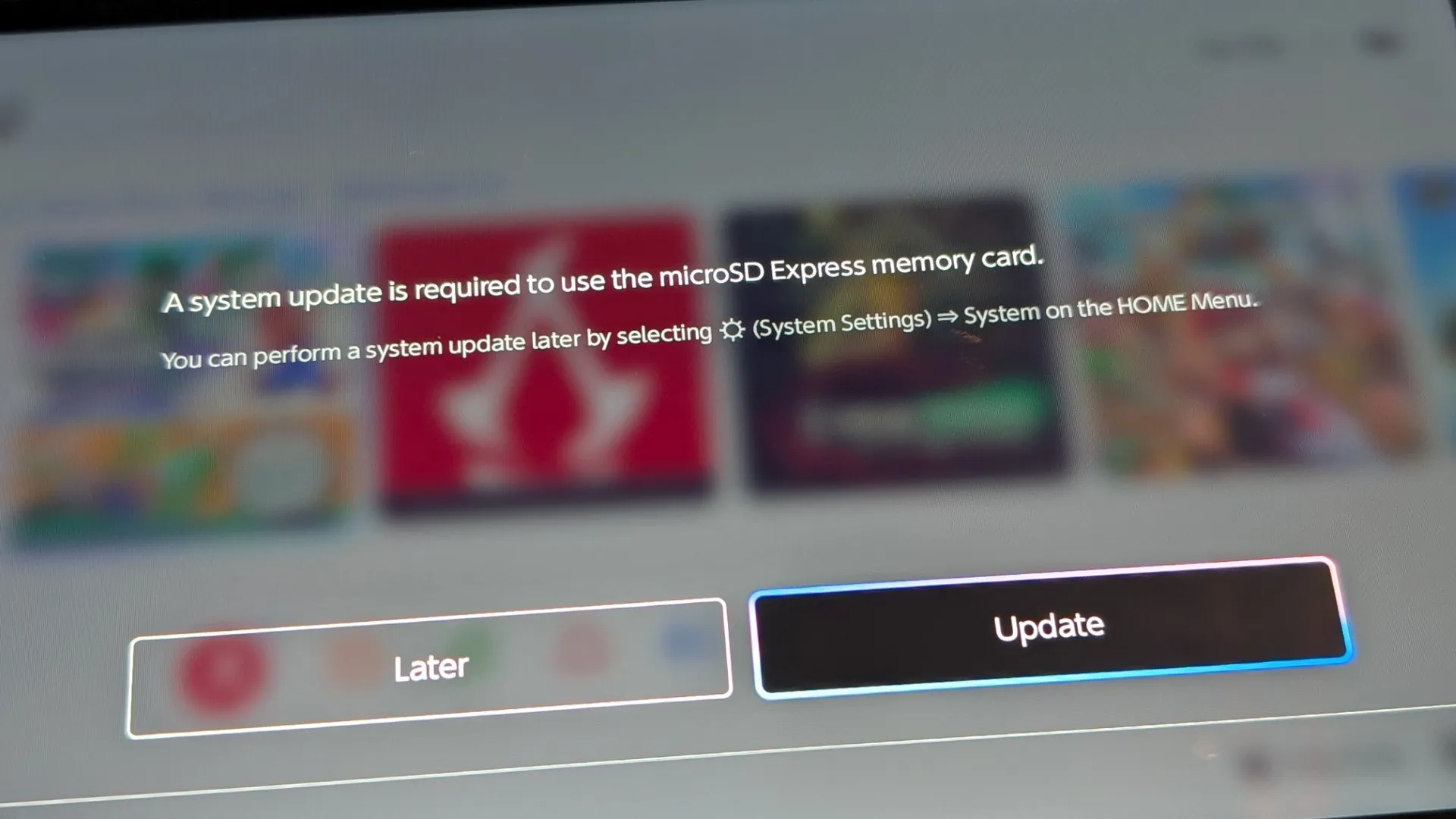
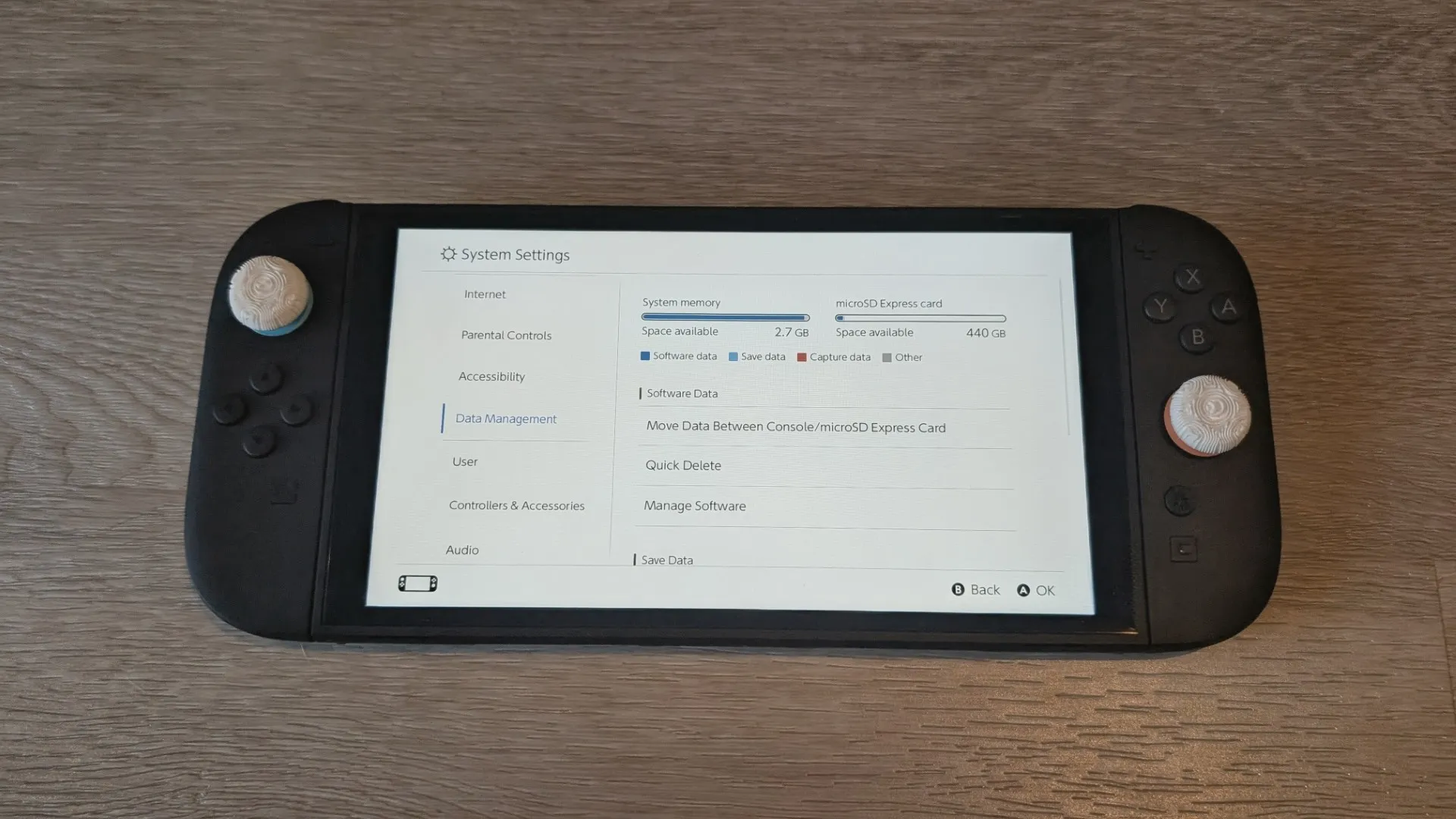
Power the console back on, and if prompted, format the card through System Settings to prepare it for use. Once installed, the Switch 2 will automatically use the card for storing games and downloads (though save data remains on the console’s internal memory), giving you a seamless expansion of your storage capacity.
It’s that easy!
Final Thoughts?
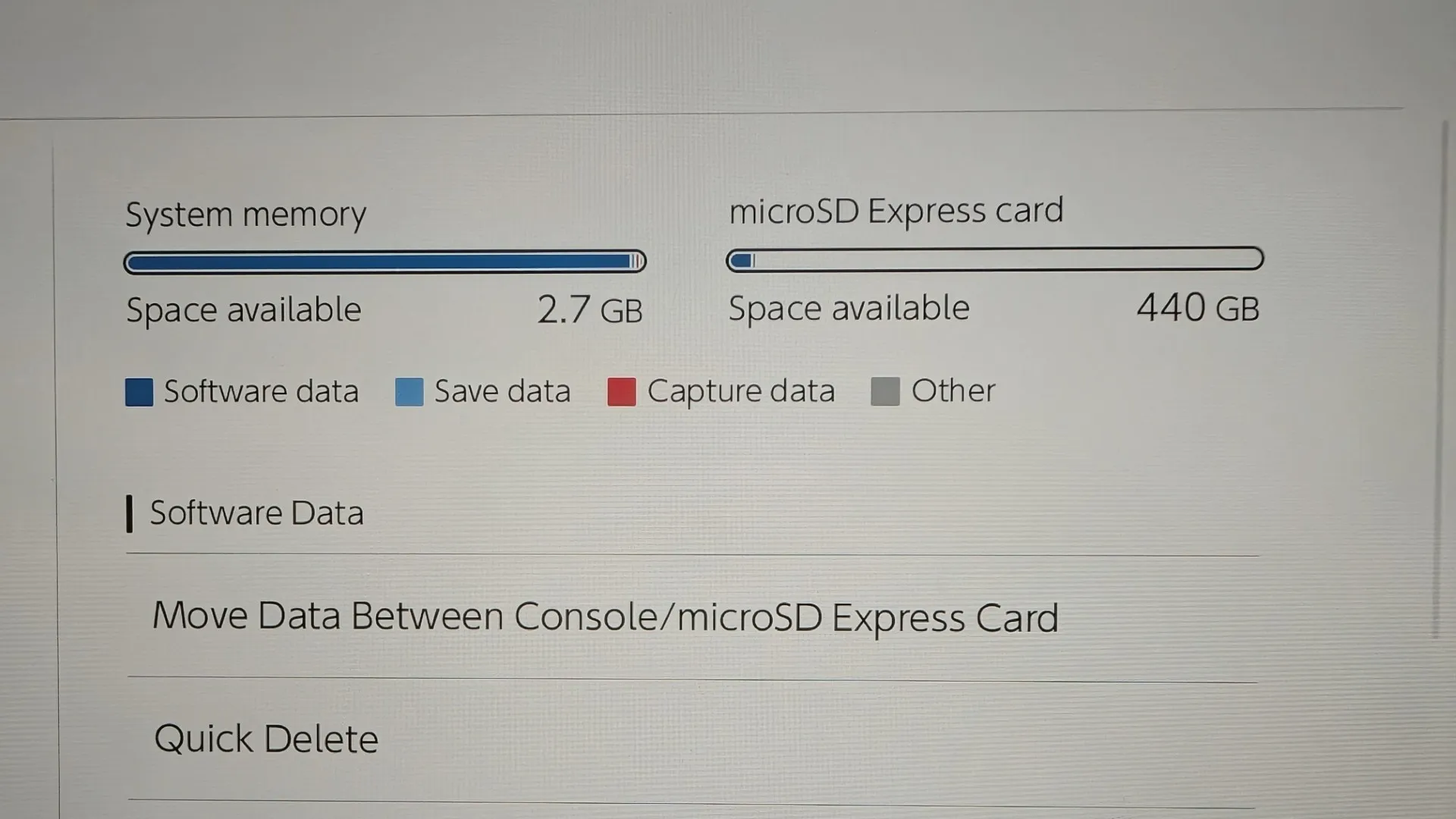
Once the SanDisk microSD Express Card for Nintendo Switch 2 was installed in the console, it was like it was part of the system itself. There were no slowdowns or issues whatsoever, just an extra 512GB of storage available for games, updates and screenshots.
All in all, the SanDisk microSD Express Card for Nintendo Switch 2 is a must have storage accessory.
Specifications

Related Posts

DJI FPV Part 3: Immersive Flight with the Goggles N3 & RC Motion 3 →
Resonance In Hand: The Razer | Wuthering Waves Collection Arrives →
Final VR3000 + Condenser Mic for Gaming Review →