Online backup
software is becoming quite popular across the globe and the latest
software to become available to Australians is Carbonite. With that
said, backups are an integral part of computing which many users
fail to notice or comprehend the importance of regular backups.
For instance, if a
doomsday scenario occurred (e.g. a computer virus corrupted your
files on your hard drive or if a backup CD gets accidentally
cracked), your precious business files or family photos may forever
be lost. However, as the internet becomes more prevalent in
Australia, this is where online backup software becomes an almost
viable solution to around 50% of users, based on the files that they
are backing up and their internet connection. One option is
Carbonite which makes online backup simple and frustration free.
Features
Carbonite: A Small application on
your PC
Carbonite installs a small application on your computer that
works quietly in the background looking for new and changed files
that need to be backed up. It looks and feels just like part of your
computer, and is integrated with your desktop — there's no new
interface for you to learn.
Completely Automatic
When your computer is idle, Carbonite automatically backs up
your new and changed files. You don't have to do anything! When
you're using your computer, Carbonite goes to sleep so it will never
slow you down or interfere with your Internet connection.
Secure and encrypted to protect your
privacy
Carbonite takes data privacy and security very seriously. All
your files are encrypted twice before leaving your PC. Files remain
encrypted at our secure data centers, so only you can see your
files.
Get
your files back with a few clicks
If you accidentally delete or otherwise lose files, it takes
just a few clicks on your desktop to get them back. If your computer
is damaged, stolen or “just dies” and you lose all your files, just
visit Carbonite’s website from a new computer. Within minutes you'll
be able to begin restoring all your files.
The installation of Carbonite was a
breeze and it simply auto-installed once the product was downloaded.
A free trial of this program can be found at
http://www.carbonite.com/
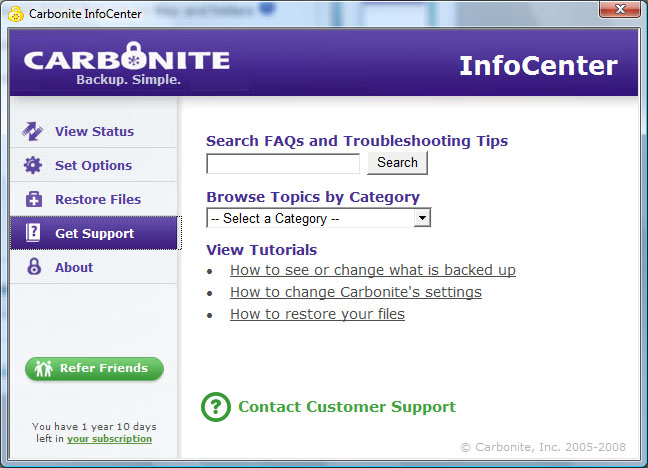
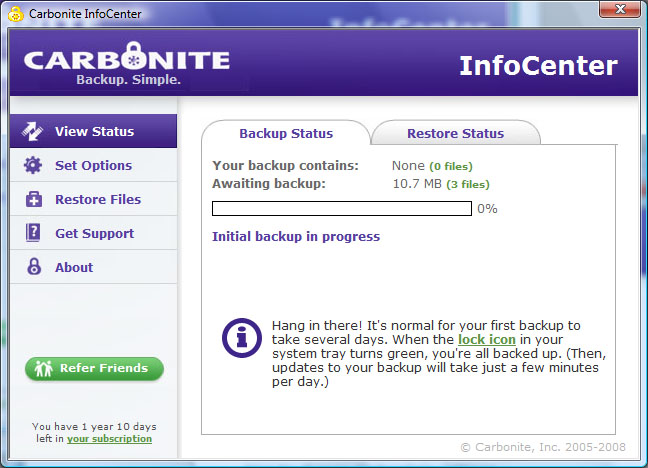
and no credit card is needed. As you can see from the screenshots,
the program is quite simple to use and is neatly divided into two
panes, a navigation pane and a workspace pane. The first backup does
take some time but once you have figured the software, it is
generally smooth selling. You can also see how your backup is
performing and with one click, you can easily restore your files.
For the more computer savvy user, the program has some in-depth
options which allow you to tweak your backups.
Carbonite is indeed
an affordable solution to online backups with secured servers and
the like, although there is one problem in Australia that we foresee
at the moment. The problem in Australia is that many internet
service providers have fixed bandwidth such as 2GB per month or 70GB
month and depending on how much you upload or download, this may
interfere with heavy internet users download quotas.
There are some ISP's
who do provide unlimited uploads but this again is dependent on your
service provider. The other issue that I see is that uploading your
files through the internet depending on what kind of internet
connection you are using does slow down your internet connection
considerably.
In conclusion,
Carbonite would benefit some users, especially those who do not need
to backup gigabytes of information as certain documents are
invaluable. The program is extremely easy to use and a trial version
can be downloaded which will show you just how good this program is
but at the end of the day, it is reliant on your internet
connection.